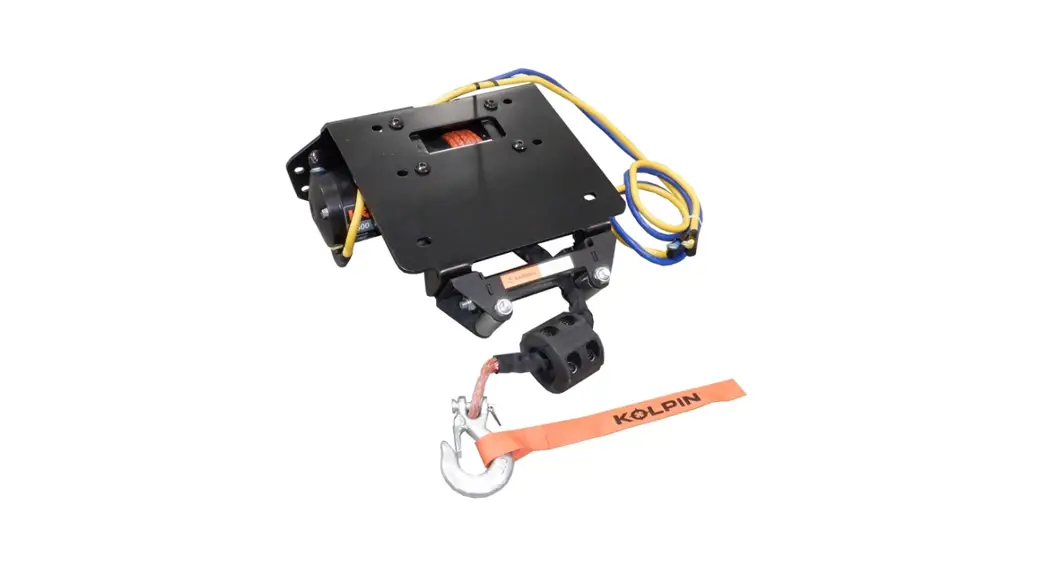
102040 Winch Mount
Honda Talon – Winch Mount
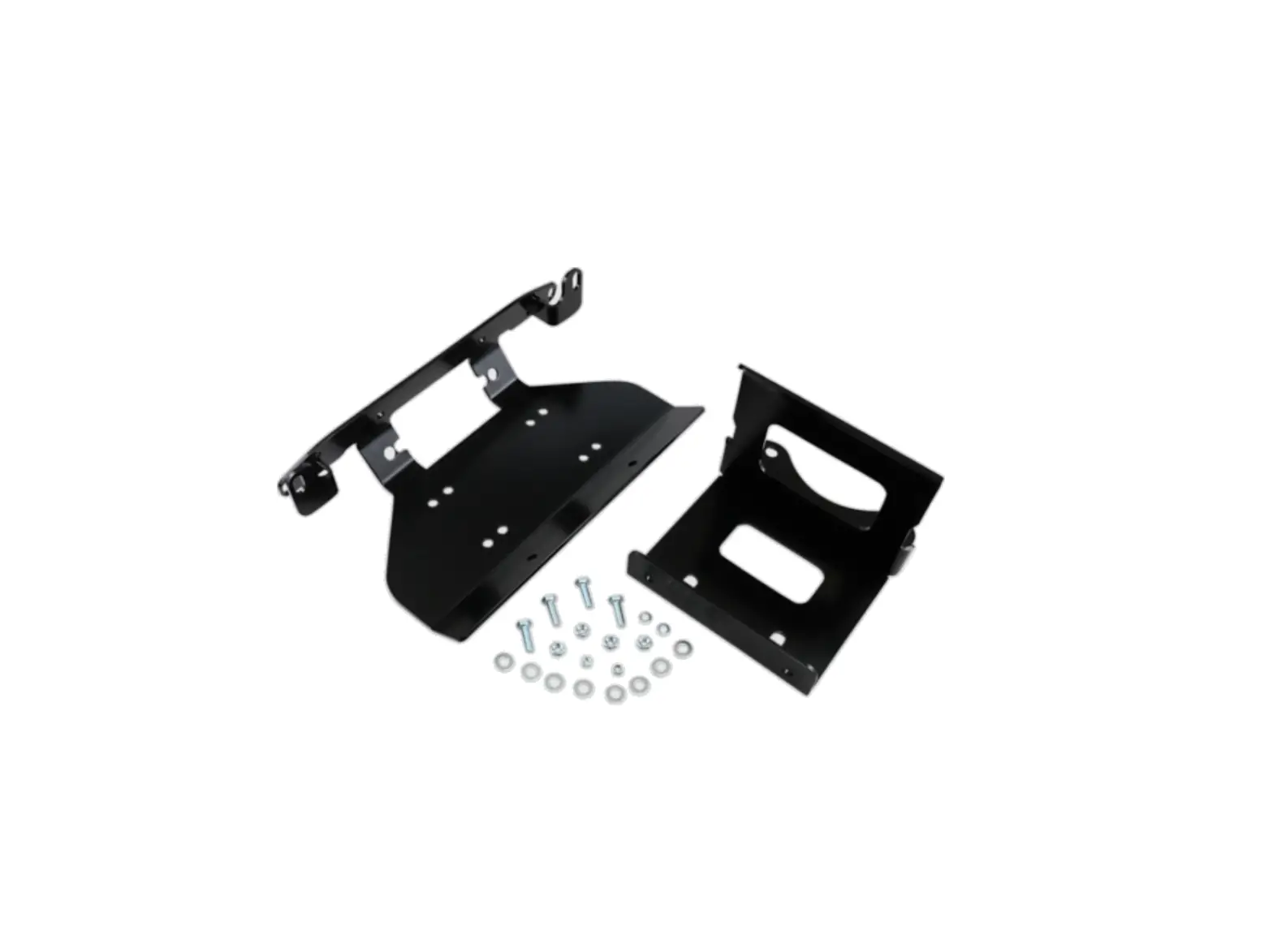
| Item | Quantity | Description |
|---|---|---|
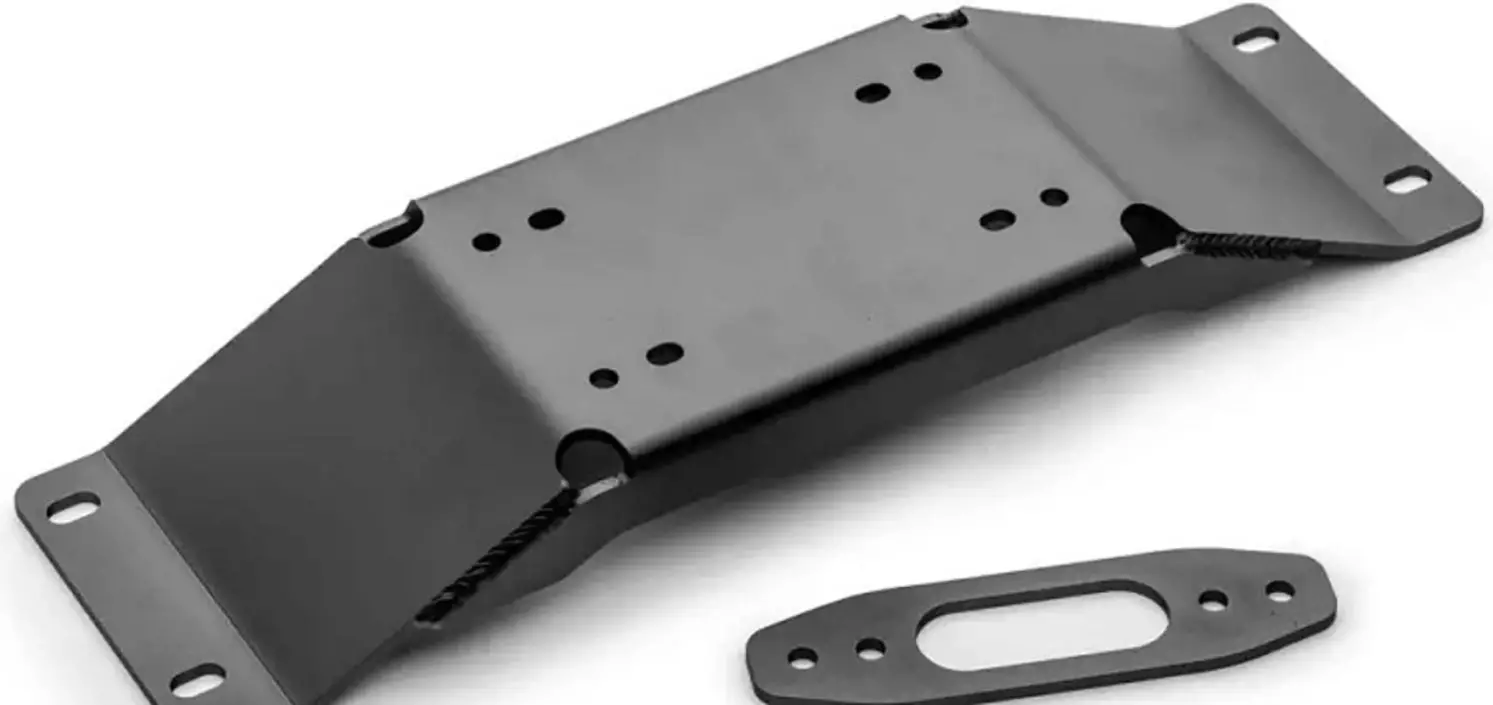
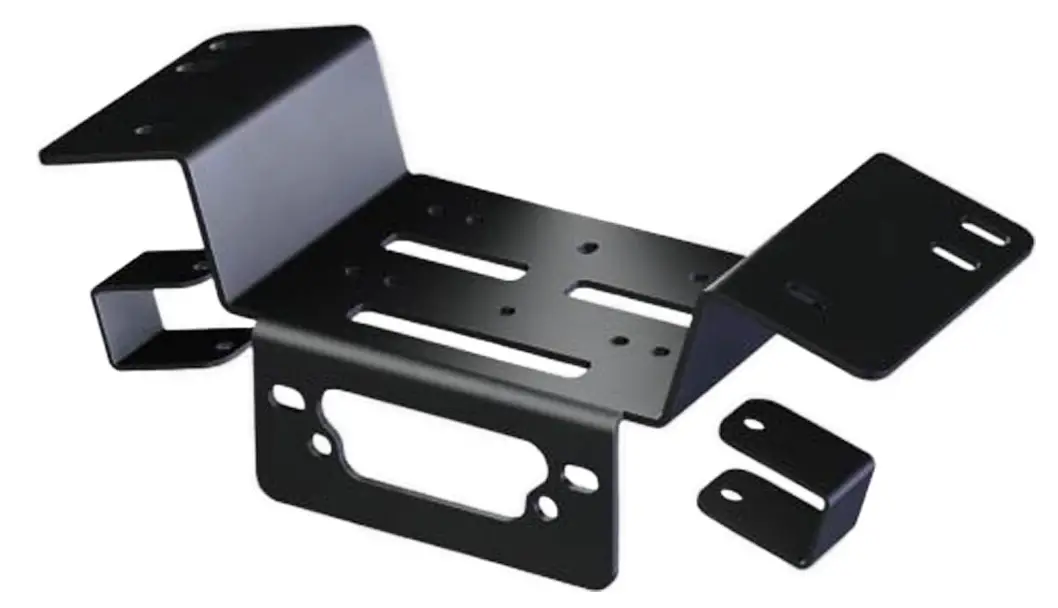
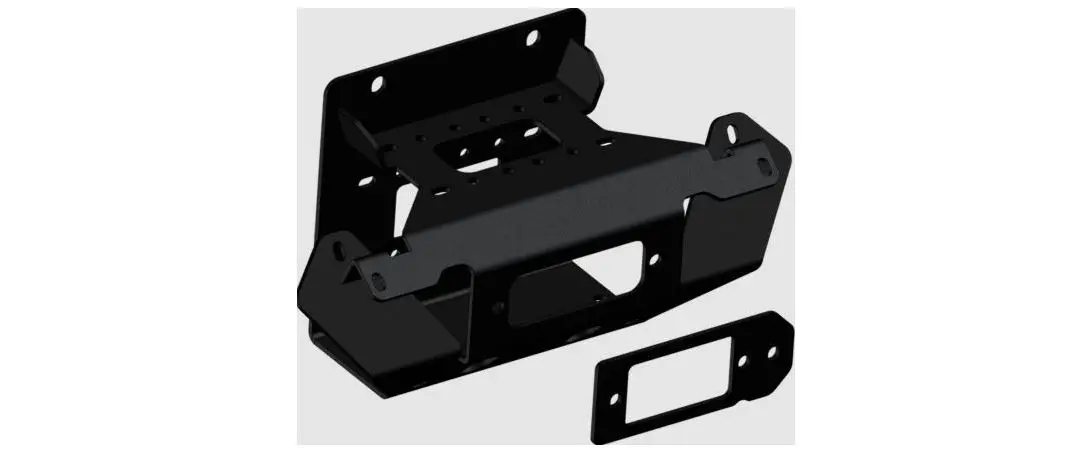
| 1 | 1 | Winch Mount |
| 2 | 1 | Fairlead Mount |
| 3 | 2 | Bumper Tube Bracket |
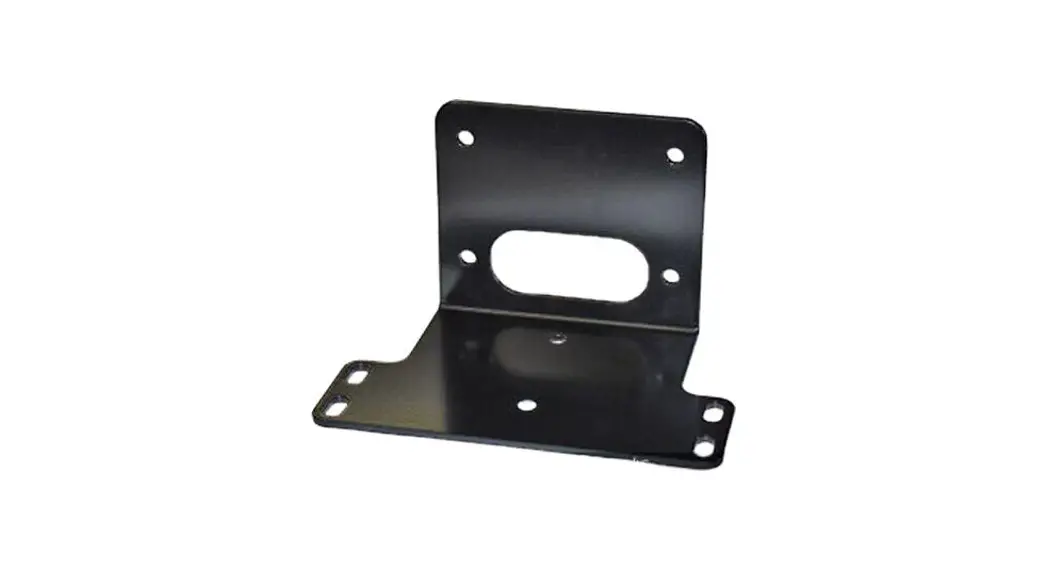
| 4 | 1 | Contactor Mount |
| 5 | 1 | Mini-Rocker Hardware Kit (HK-031) |
| 6.1 | 2 | M6 – 1.00 x 20 Hex Flange Bolt |
| 6.2 | 2 | M6 – 1.00 Hex Flange Nylock Nut |
| 6.3 | 2 | M8 – 1.25 x 60 Hex Flange Bolt (black) |
| 6.4 | 6 | M8 – 1.25 x 20 Hex Flange Bolt |
| 6.5 | 8 | M8 – 1.25 Hex Flange Nylock Nut |
Installation Instructions:
Note: Make sure all of the hardware needed to complete this
mount is in the package. Read through and understand the
instructions before installing.
Step 1:
Remove the front bumper by removing hardware (A) and (B) on both
the passenger and driver side.
Step 2:
Set the winch mount plate (1) into place and insert one of the
top OEM bolts (A) removed in step one through the bumper and the
mount to hold the mount in place. Bolt the bottom of the mount to
the bumper fascia using bolt (6.4) and nut (6.5).
Step 3:
Set the fairlead mount (2) into the bumper and insert the two
bumper tube brackets (3) over the square tube frame on the bumper
and into the fairlead bracket. Loosely fasten using bolts (6.3) and
nut (6.5).
Step 4:
Fasten the winch mount (1) to the fairlead mount (2) using bolts
(6.4) and nuts (6.5). Make sure the winch mount (1) is centered
with the square frame tube of the bumper before tightening.
Step 5:
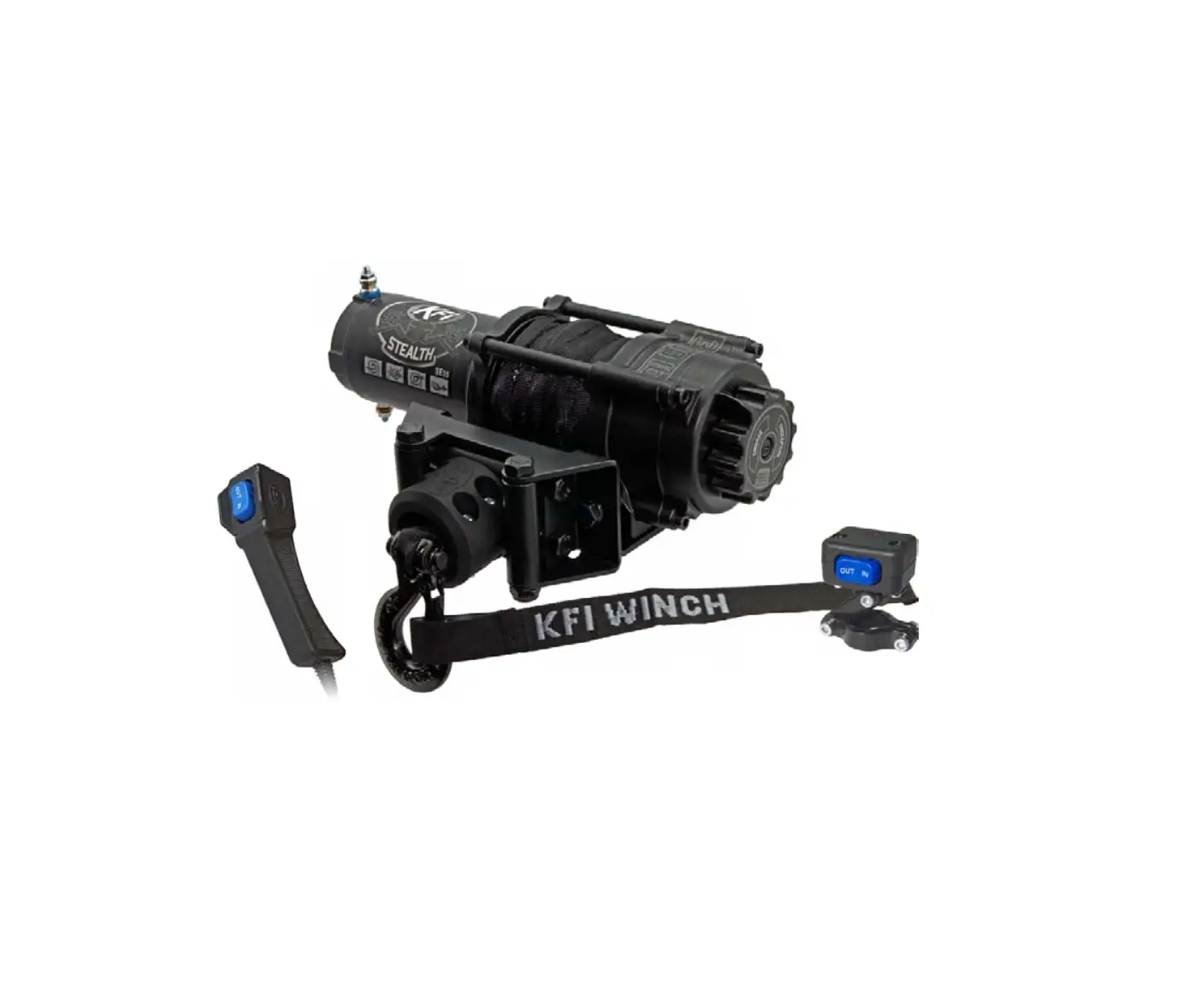
Mount your winch upside down with the winch motor on the driver
side of the vehicle and the clutch on the passenger side using
hardware supplied with the winch.
Step 6:
Reinstall the bumper using the OEM hardware (A) and (B) removed
from step one. Tighten all hardware evenly.
Wiring Instructions:
Step 1:
Remove the hood and the top plastic cover by removing the
plastic push rivets and bolts labeled (C).
Step 2:
Bolt the contactor bracket (4) provided with your winch mount to
the OEM contactor location. Bolt the contactor supplied with your
winch to the contactor bracket (4).
Step 3:
Using the pre-ran OEM positive (+) and negative (-) battery
cables, wire your contactor and switches per your wiring
instructions provided in the winch manual. Connect the red positive
(+) battery cable to the battery located under the rear driver’s
side fender. The black negative (-) battery cable is already
grounded.
HONDA TALON
Winch Mount
PART #102040
3 2
4
6.3
6.1
6.2
1
6.4 6.5
6.4 6.5
ITEM 1 2 3 4 5
QTY
DESCRIPTION
1 Winch Mount
1 Fairlead Mount
2 Bumper Tube Bracket
1 Contactor Mount
1 Mini-Rocker Hardware Kit (HK-031)
ITEM QTY
DESCRIPTION
6
1 Hardware Kit (HK-198)
6.1 2 M6 – 1.00 x 20 Hex Flange Bolt
6.2 2 M6 – 1.00 Hex Flange Nylock Nut
6.3
2
M8 – 1.25 x 60 Hex Flange Bolt (black)
6.4 6 M8 – 1.25 x 20 Hex Flange Bolt
6.5 8 M8 – 1.25 Hex Flange Nylock Nut
©2022 Copyright Kappers Fabricating, Inc. All rights reserved
10/17/2022
INSTALLATION INSTRUCTIONS
Note: Make sure all of the hardware needed to complete this mount is in the package. Read through and understand the instructions before installing.
Figure 1
1. Remove front bumper by removing hardware (A) and (B) on both the passenger and driver side shown in Figure 1. Note: do not discard hardware as it will be reused in a later step. Note: some later models will only have two plastic push pins on the inside of the front bumper to remove the plastics.
B
A
1
A
2. Set winch mount plate (1) into place
and insert one of the top OEM bolts
(A) removed in step one through the
bumper and the mount to hold the
6.4
mount in place as shown in Figure
6.5
2. Bolt bottom of mount to the
bumper fascia using bolt (6.4) and
nut (6.5) as shown in Figure 2.
3. Set fairlead mount (2) into the
bumper and insert the two bumper
tube brackets (3) over the square tube frame on the bumper and into
2
the fairlead bracket as shown in
3
Figure 3. Loosely fasten using bolts
(6.3) and nut (6.5)
4. Fasten the winch mount (1) to the fairlead mount (2) using bolts (6.4) 6.3
and nuts (6.5) as shown in Figure 2. Note: be sure that the winch mount (1) is centered with the square
frame tube of the bumper before
tightening.
6.5
Figure 2
6.4 6.5
Figure 3
1
Page 2
INSTALLATION INSTRUCTIONS
5. Mount your winch upside down with the winch motor on the driver side of the vehicle and the clutch on the passenger side using hardware supplied with the winch as shown in Figure 4. Note: see Figure 5 for winch bolt hole locations for standard and wide winches.
Figure 4
6. Reinstall the bumper using the OEM hardware (A) and (B) removed from step one as shown in Figure 6. Note: some bolts may need to be loosened to fit the winch mount and bumper back on to the machine, then tightened once bumper is installed.
Winch Hardware
Winch Cable
Figure 5
7. Tighten all hardware evenly.
Figure 6
B A
6.2 6.3
Page 3
WIRING INSTRUCTIONS
1. Remove the hood and the top plastic cover by removing the plastic push rivets and bolts labeled (C) as shown in Figure 1.
2. Bolt the contactor bracket (4) provided with your winch mount to the OEM contactor location as shown in Figure 2 & 3 using two of the contactor bolts supplied with your winch. Note: the holes in the OEM contactor location may need to be drilled out to fit the bolts through. Bolt the contactor supplied with your winch to the contactor bracket (4) as shown in Figure 3.
3. Using the pre-ran OEM positive (+) and negative (-) battery cables shown in Figure 2 wire your contactor and switches per your wiring instructions provided in the winch manual. Note: you will need to connect the red positive (+) battery cable to the battery located under the rear driver’s side fender as shown in Figure 4. The black negative (-) battery cable is already grounded.
Figure 1
C
Figure 2 Contactor Location
Accessory Plug
Figure 3
4
Figure 4
Keyed 12V Accessory Wire: Located near the OEM contactor location is a blue plug attached to the frame tube of the machine with a green and a white/black wire as shown in Figure 2 & 5.
Figure 5
-Connect the red positive (+) wire from your rocker switch and/or hand remote to the white/black wire on the OEM plug.
Keyed (+) White/Black
Page 4
C
Battery (+) Battery (-)
Battery (+) Ground (-) Green