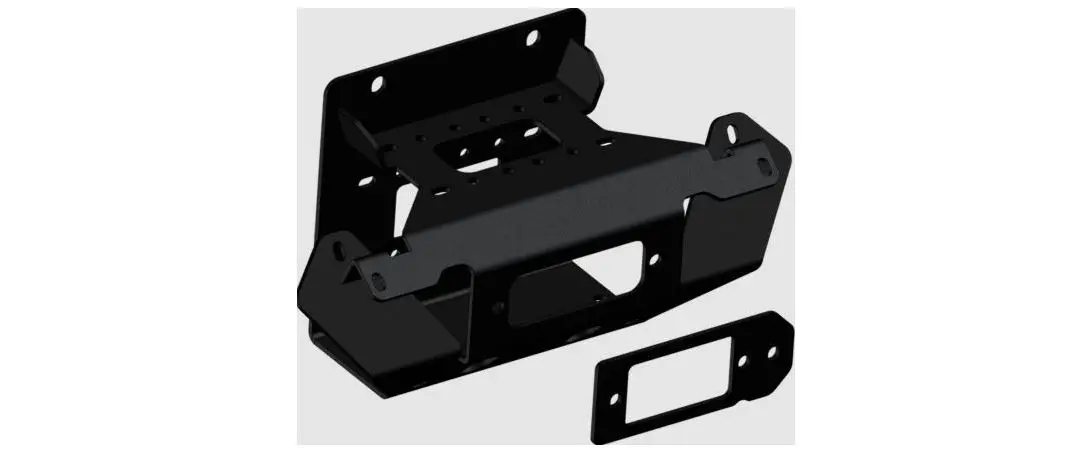
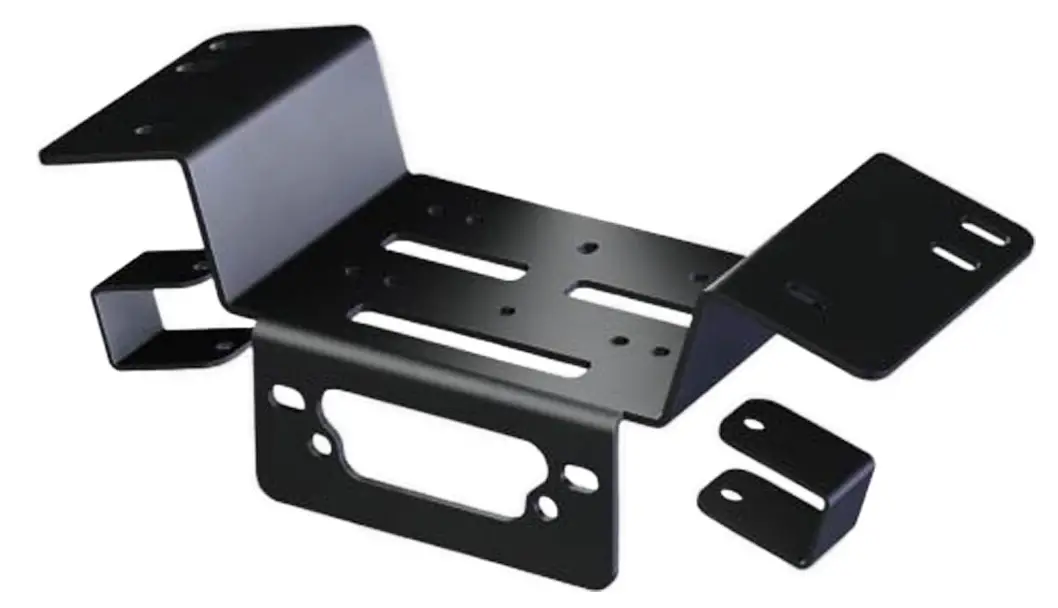
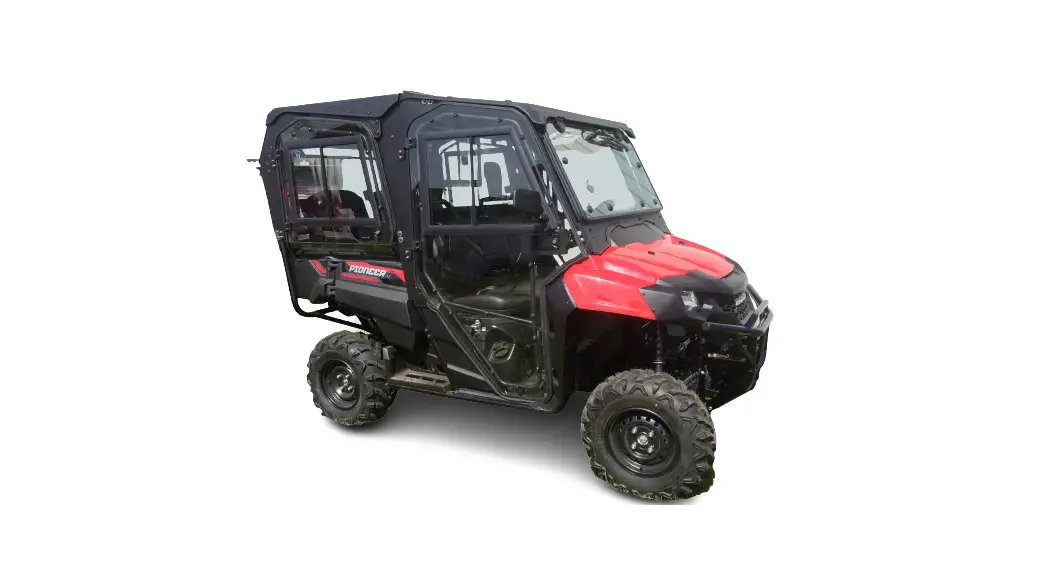
Honda Pioneer 1000 Winch Mount
Honda Pioneer 1000 Winch Mount
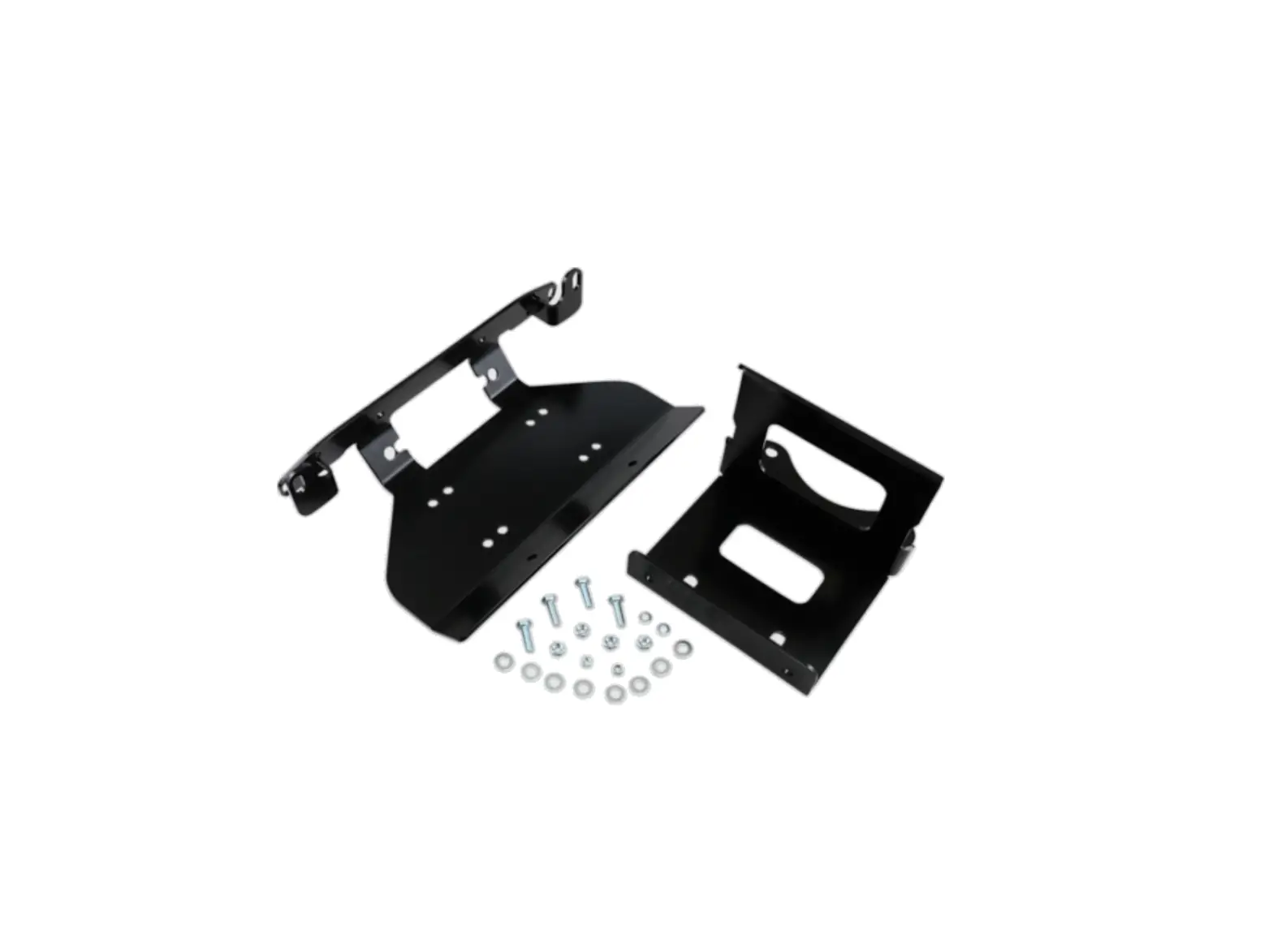
| Part # | Qty. | Description |
|---|---|---|
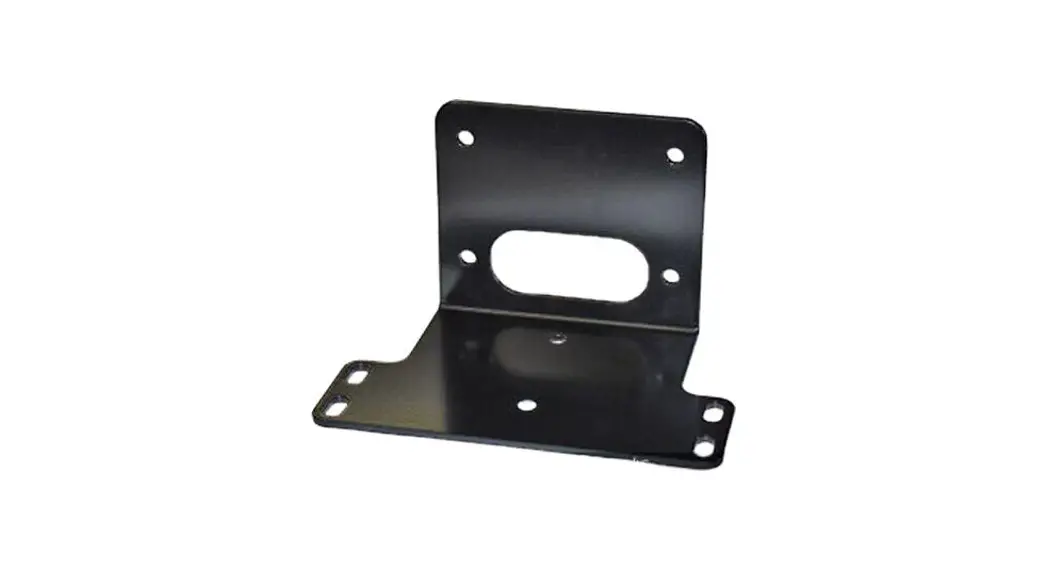
| 1 | 1 | Winch Mount |
| 2 | 1 | Fairlead Adapter Mount |
| 3 | 1 | HK-031 |
| 4 | 1 | HK-403 |
| 4.1 | 1 | 3/8-16 x 1.00 Hex Flange Bolt |
| 4.2 | 1 | 3/8-16 Hex Flange Nylock Nut |
Installation Instructions:
- Remove the two cap screws (A) holding the plastic to the bumper
and the two bottom bolts (B) as shown in Figure 1 & 2. Remove
bolts (C) holding the bumper tube supports to the frame as show in
Figure 2 and remove bumper. - Remove differential bracket bolts (D) as shown in Figure
3. - Set winch mount (1) in place and secure to the differential
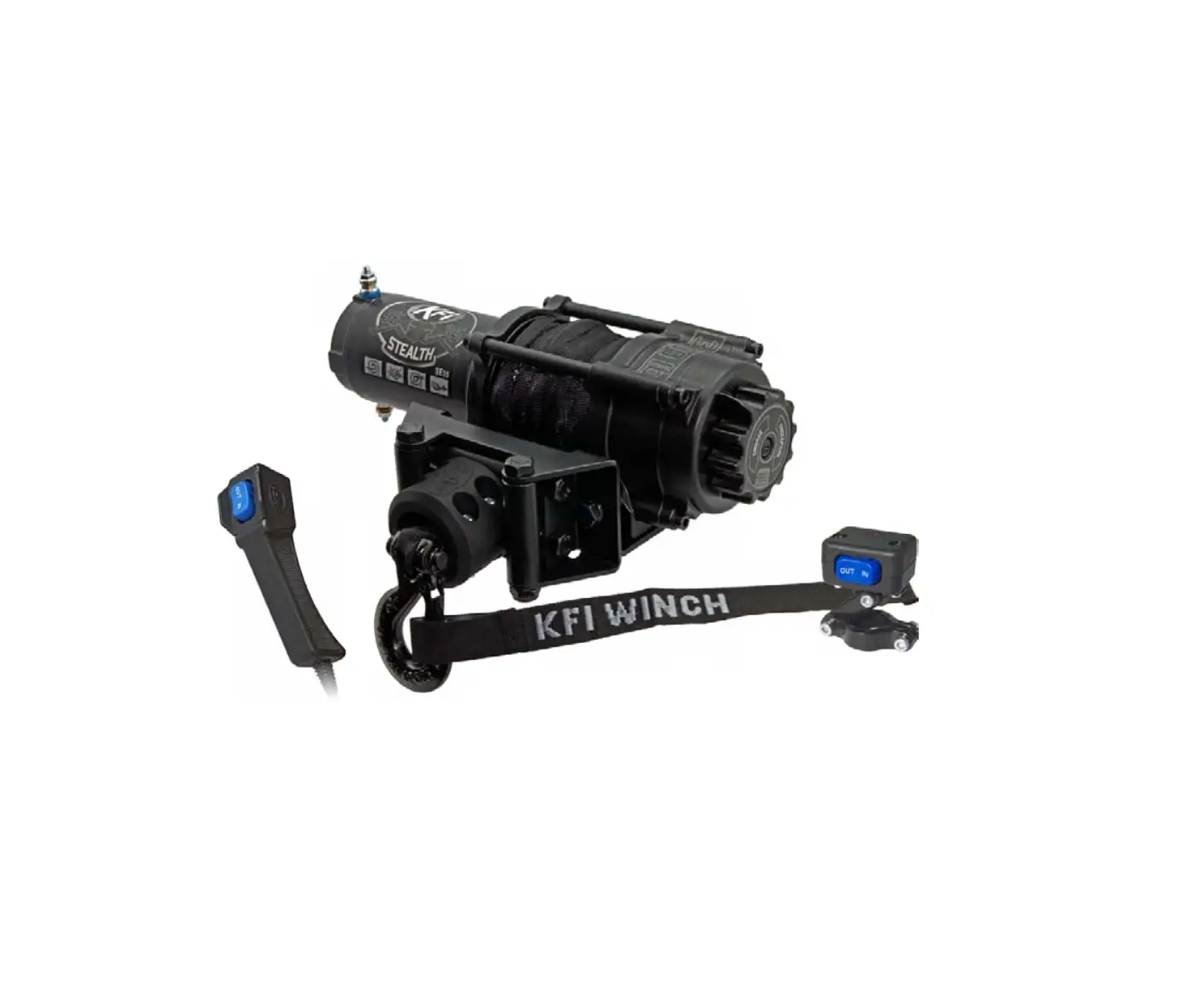
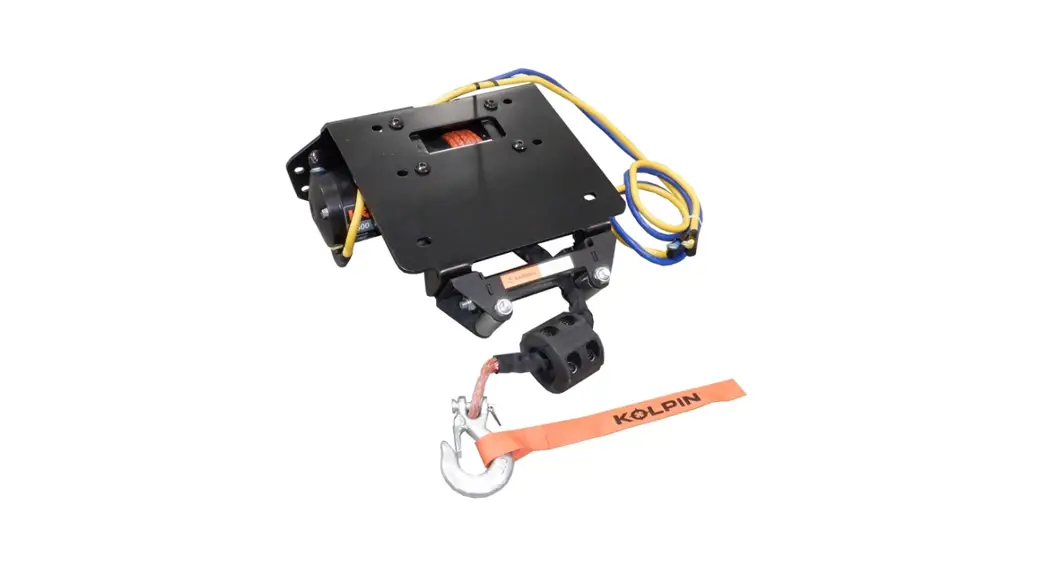
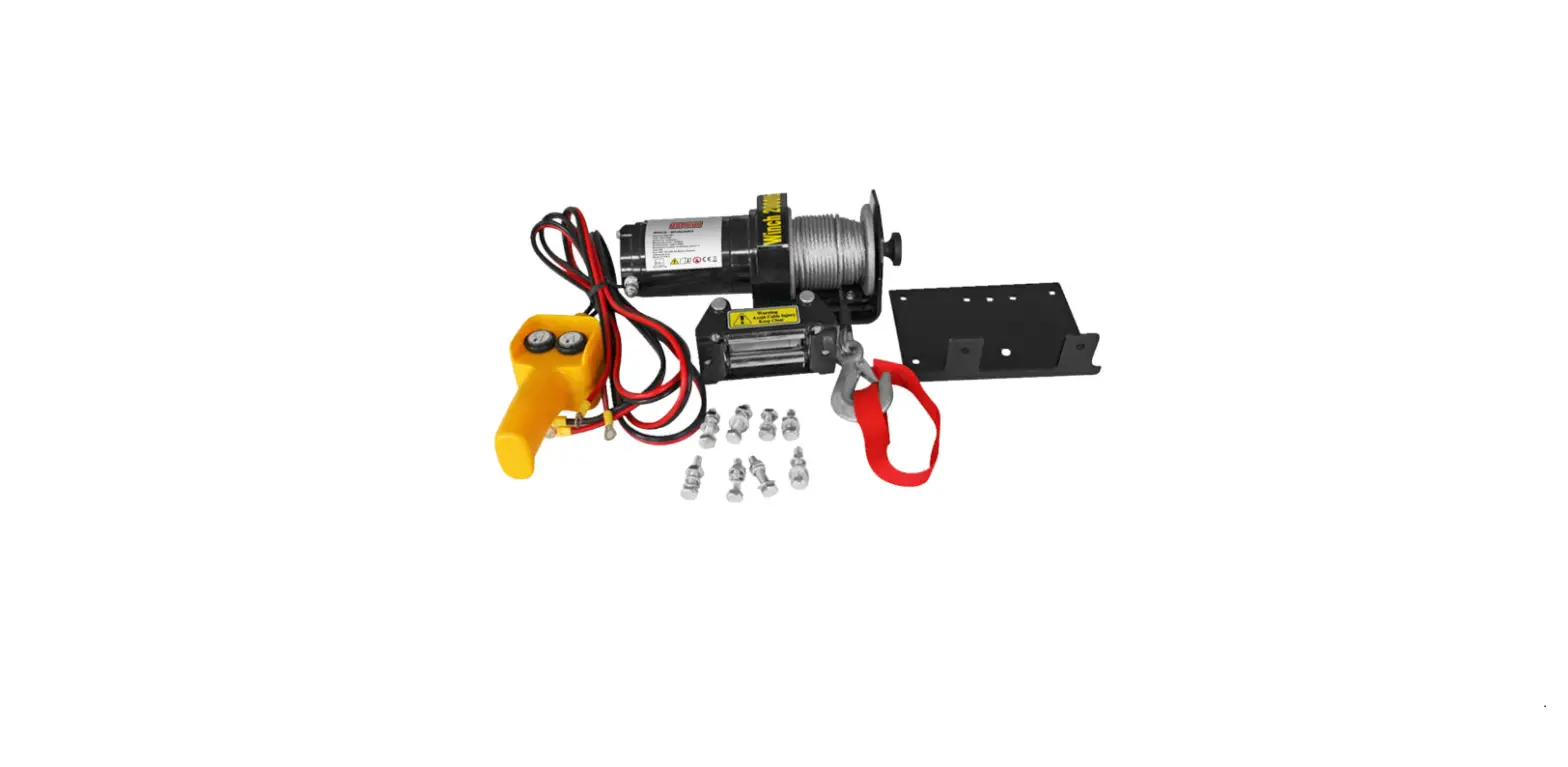
brackets using OEM bolts (D) as shown in Figure 4. - Install winch into winch mount (1) using hardware supplied with
winch and routing winch cable as shown in Figure 5. Note: Winch
will be installed upside down on the winch mount. Winch cable will
need to come out between the winch mount and the spool of the drum
(Bottom Of The Winch) as shown in Figure 5. Note: See Figure 6 for
winch mounting locations. - Attach Fairlead to the front bumper.
- Rotate the clutch cap on the winch to the Free Spool position
and pull 2-3 feet of cable out. Feed the cable through the fairlead
mounted to your bumper. - Re-install the front bumper using bolts (A, B, and C) removed
in steps 1 and 2. - Tighten all hardware evenly.
Wiring Instructions:
- To make routing wires and installing the contactor easier,
temporarily reposition the coolant overflow tank by lifting/pulling
it up to pop it out of its bracket shown in Figure 10. - Mount the contactor in the suggested location as shown in
Figure 11. Mark holes, drill, and attach contactor using hardware
supplied with the winch. - Rocker Switch – red/power wire: NOTE: Verify the wire is
ignition controlled by using a test light. Test light should only
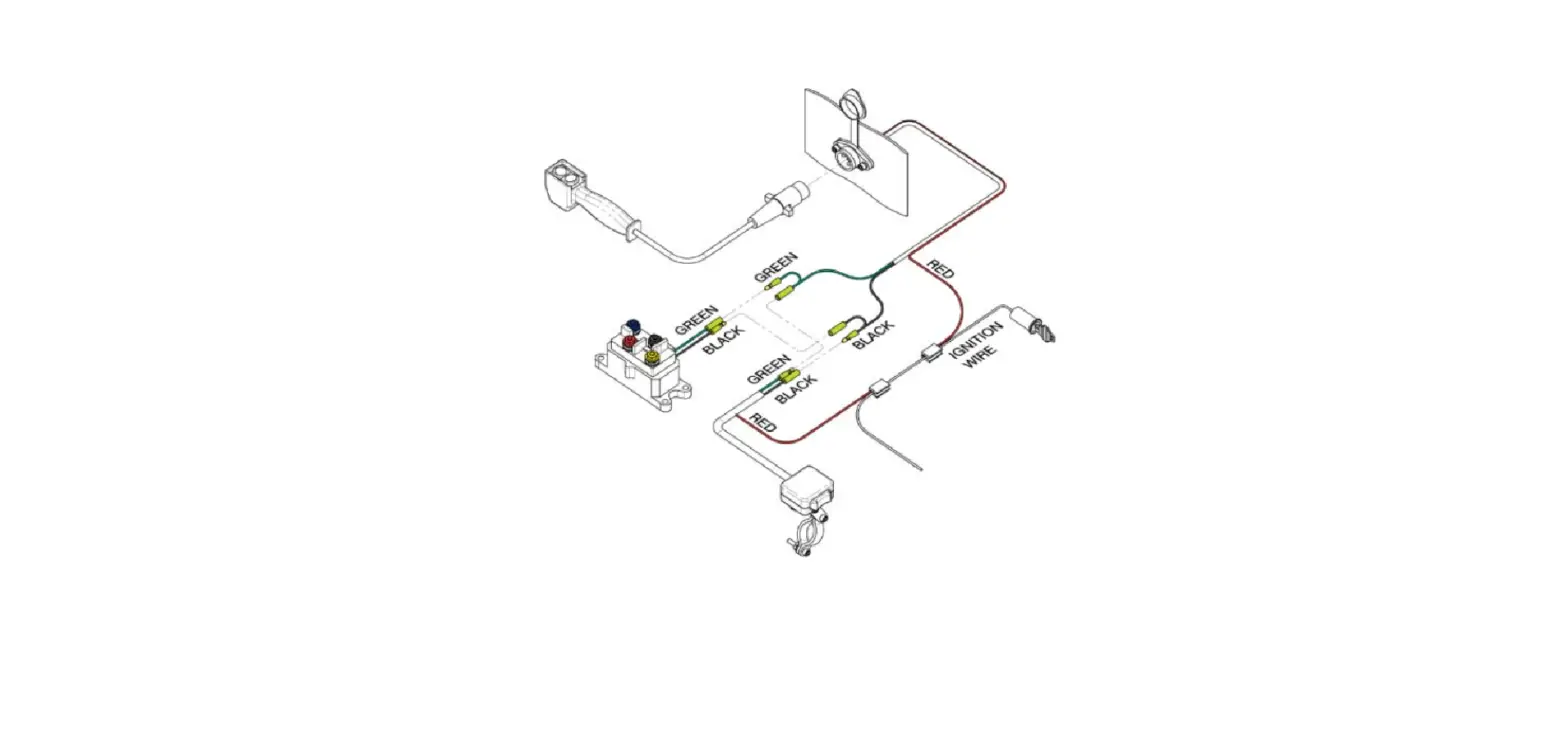
illuminate when key is on. - Wire accordingly using the wiring instructions supplied with
the winch. - Note: For 2017 – Current Pioneers, discard the battery ground
(-) cable supplied with the winch, remove the blue tape on the
pre-ran OEM ground (-) cable shown in Figure 14 and connect to the
contactor.
HONDA PIONEER 1000
Winch Mount
PART #101965
Kit Components:
Item # Qty. Description
1
1 Winch Mount
2
1 Fairlead Adapter Mount
3
1 HK-031
4
1 HK-403
4.1 1 3/8″-16 x 1.00 Hex Flange Bolt
4.2 1 3/8″-16 Hex Flange Nylock Nut
1
2
4.2
4.1
©2023 Copyright Kappers Fabricating, Inc. All rights reserved
Page 1
INSTALLATION INSTRUCTIONS
Note: Make sure all hardware needed to complete this mount is in the package. Thoroughly read through and understand the instructions before installing.
1. Remove the two cap screws (A) holding the plastic to the bumper and the two bottom bolts (B) as shown in Figure 1 & 2. Remove bolts (C) holding the bumper tube supports to the frame as show in Figure 2 and remove bumper.
B
2. Remove differential bracket bolts (D) as shown in Figure 3.
3. Set winch mount (1) in place and secure to the differential brackets using OEM bolts (D) as shown in Figure 4.
A C
4. Install winch into winch mount (1) using hardware supplied with winch and routing winch cable as shown in Figure 5. Note: Winch will be installed upside down on the winch mount. Winch cable will need to come out between the winch mount and the spool of the drum (Bottom Of The Winch) as shown in Figure 5. Note: See Figure 6 for winch mounting locations.
D
Figure 5
B
Figure 3
D
Figure 1
B
Figure 2
B
Motor
Figure 4
D
1
D
Clutch
1
Winch
Cable
©2023 Copyright Kappers Fabricating, Inc. All rights reserved
Page 2
INSTALLATION INSTRUCTIONS
5. Attach Fairlead to the front bumper.
· Standard Fairlead (4.875″) bolt pattern Attach the fairlead adapter mount (2) to the passenger side of the front bumper using bolt (4.1) and nut (4.2) as shown in Figure 7 & 8.
· Wide Fairlead (6.00″) bolt pattern Attach the fairlead directly to the bumper as shown in Figure 9 using the hardware supplied with the winch.
6. Rotate the clutch cap on the winch to the “Free Spool” position and pull 2-3 feet of cable out. Feed the cable through the fairlead mounted to your bumper.
Figure 6 Figure 7
WIDE 2-HOLE
STANDARD
2
7. Re-install the front bumper using bolts (A, B, and C) removed in steps 1 and 2.
8. Tighten all hardware evenly
Figure 8 Standard Fairlead
Figure 9
Wide Fairlead
Wiring Instructions
9. To make routing wires and installing the contactor easier, temporarily reposition the coolant overflow tank by lifting/pulling it up to pop it out of its bracket shown in Figure 10.
Figure 10
Fuse Panel
©2023 Copyright Kappers Fabricating, Inc. All rights reserved
Coolant Overflow Tank
Page 3
WIRING INSTRUCTIONS
10. Mount the contactor in the suggested location as shown in Figure 11. Mark holes, drill, and attach contactor using hardware supplied with the winch.
11. Rocker Switch -red/power wire:
· On newer machines, there will be a pink, ignition controlled power source that can be used to power the rocker switch for your winch. It is located in the front of the machine behind the battery. See the magnified portion of Figure 14.
· On older machines, unclip the fuse panel from the body as shown in Figure 10 & 12. Locate the white wire with black stripe next to the heavy red power wire as shown in Figure 12. Note: On some machines, the keyed power wire may be red with a black stripe on some machines.
· Fuse 5 is controlled by the ignition and could be used as a signal source for the rocker switch. One of the other methods should be used before this method is attempted.
NOTE: Verify the wire is ignition controlled by using a test light. Test light should only illuminate when key is on.
12. Wire accordingly using the wiring instructions supplied with the winch.
Note: For 2017 – Current Pioneers, discard the battery ground (-) cable supplied with the winch, remove the blue tape on the pre-ran OEM ground (-) cable shown in Figure 14 and connect to the contactor.
Figure 14
Fuse Panel
Figure 11
Access Hole
Figure 12
Red Wire
Figure 13
White / Black wire Red / Black wire
Wire Route Ignition Controlled Source
Battery
OEM pre-ran ground (-) cable
©2023 Copyright Kappers Fabricating, Inc. All rights reserved
Page 4