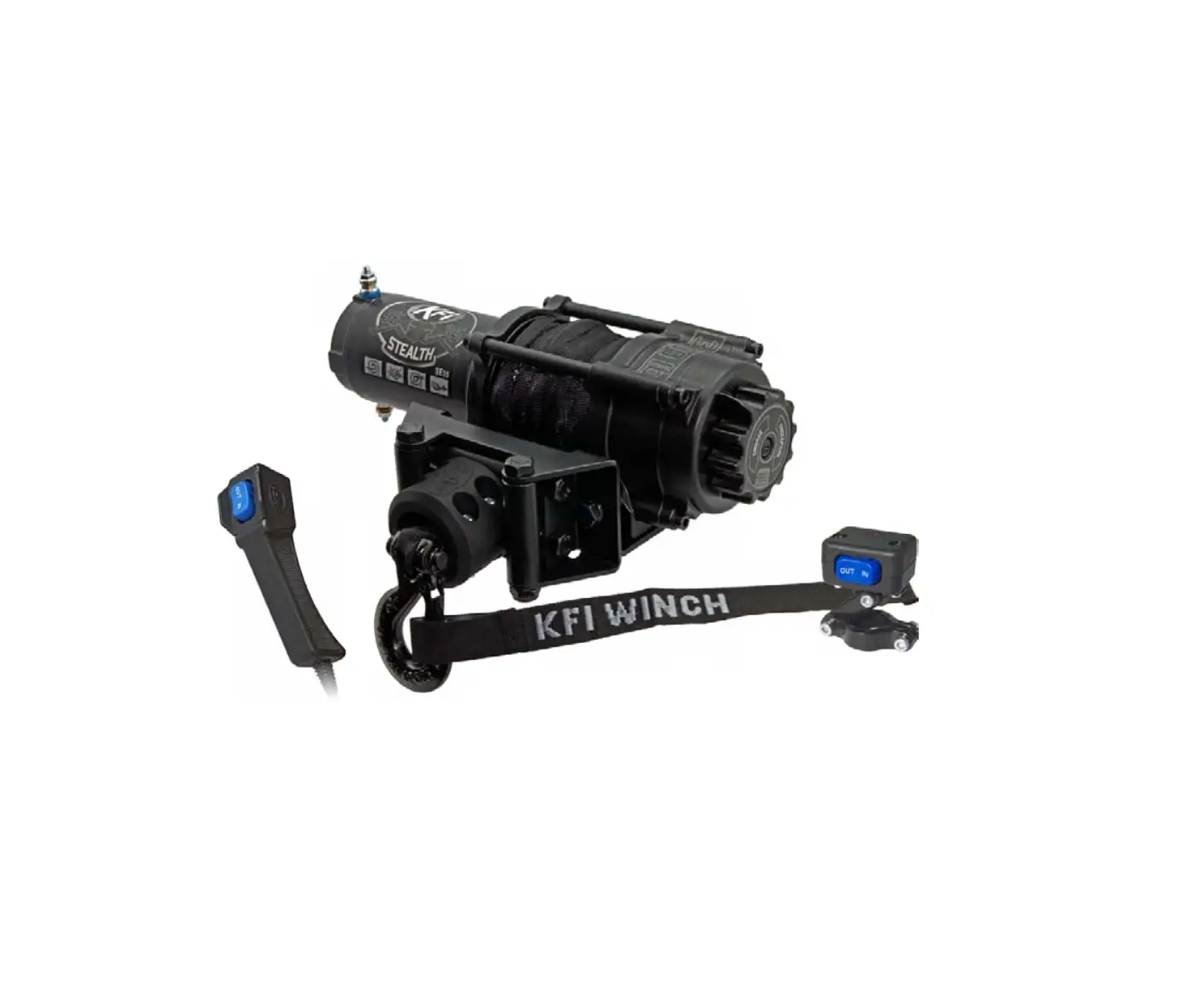
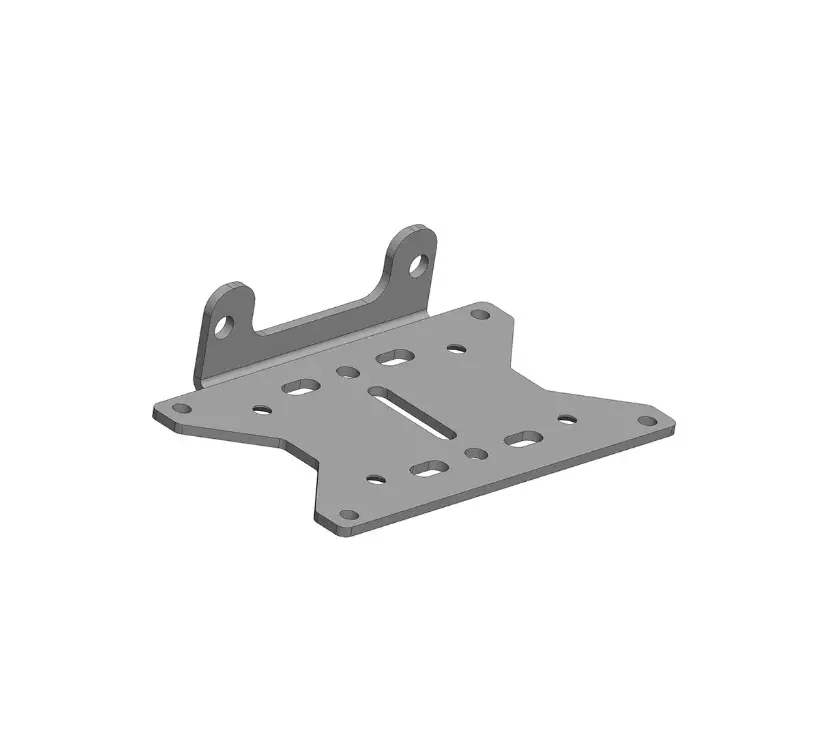
SP 570 Winch Mount
Product Information
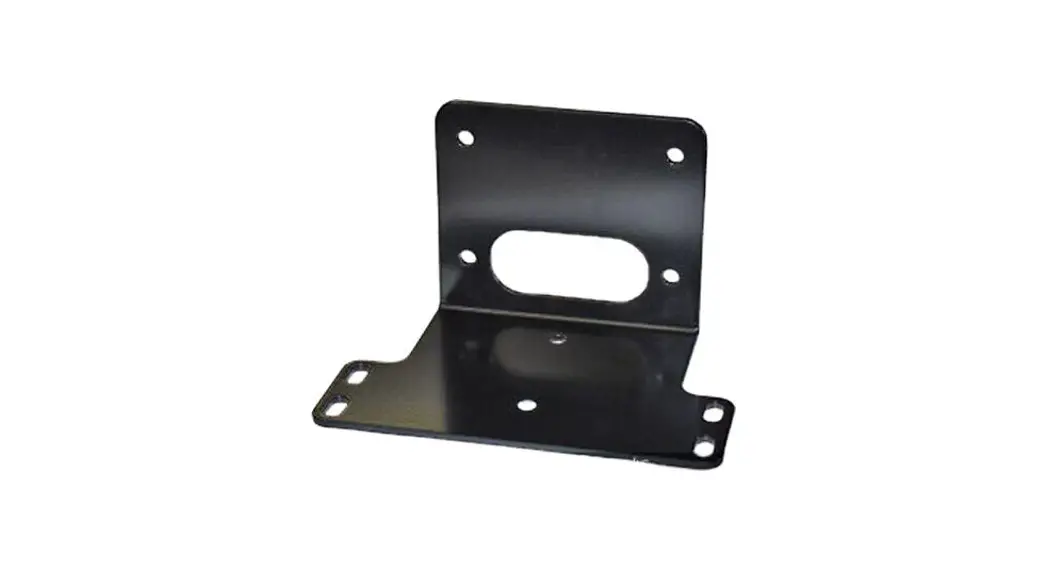
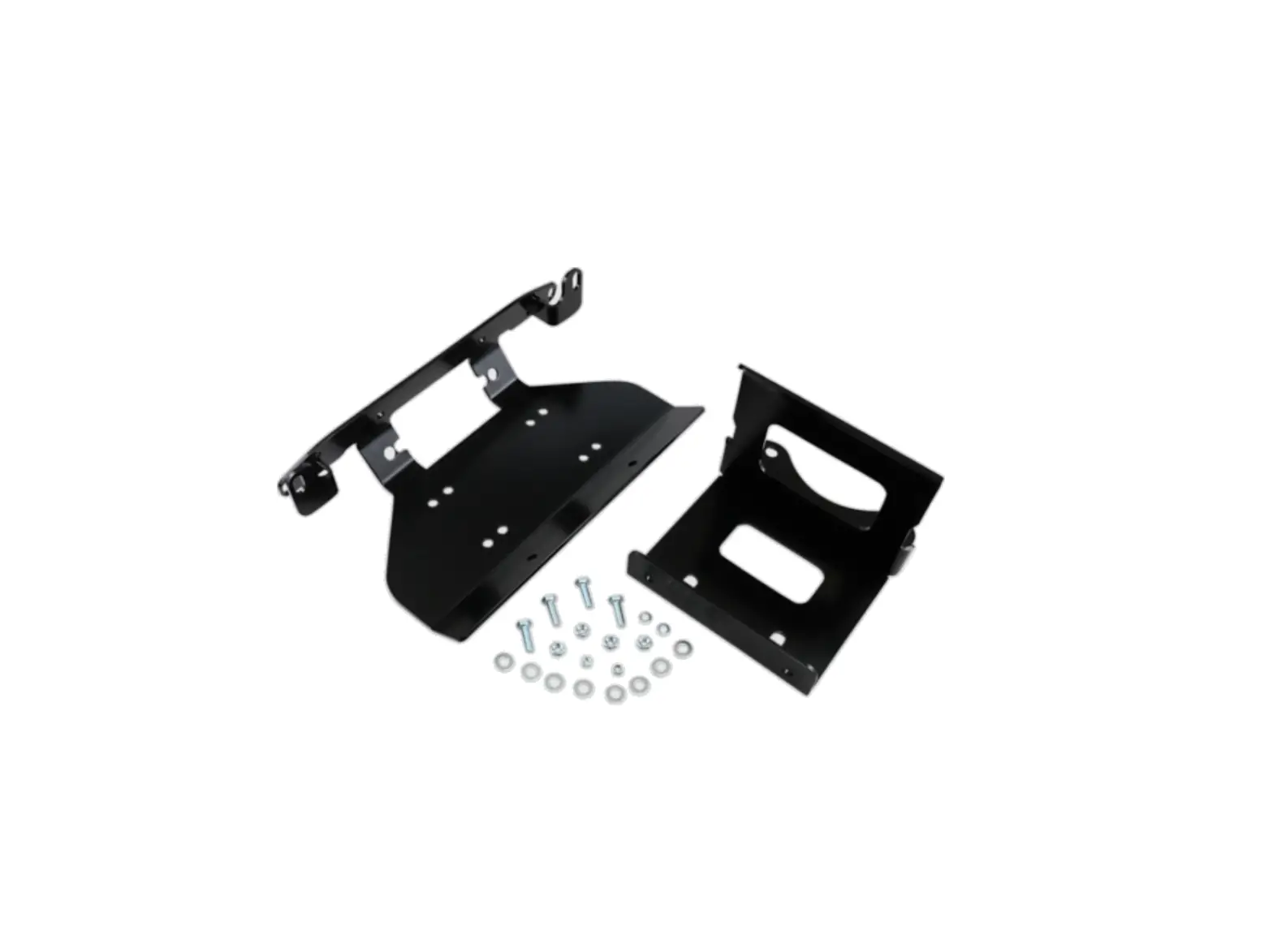
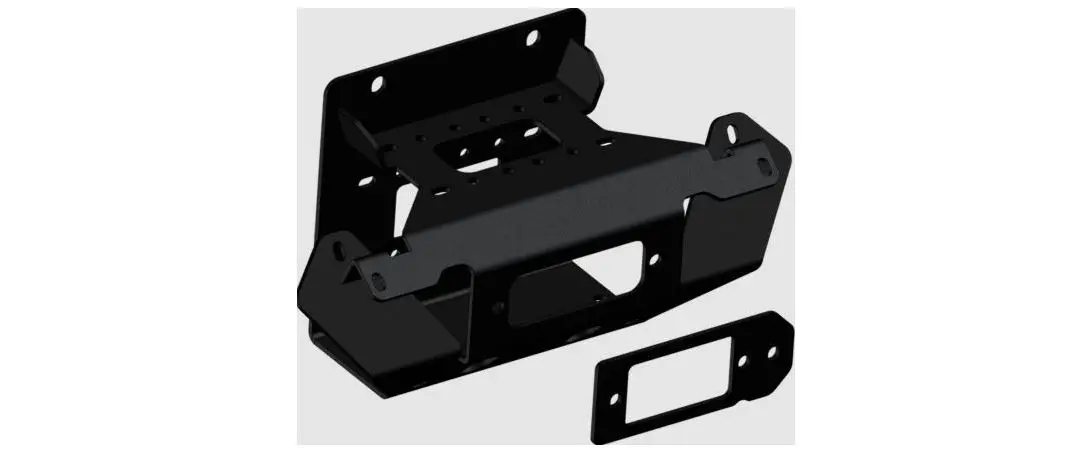
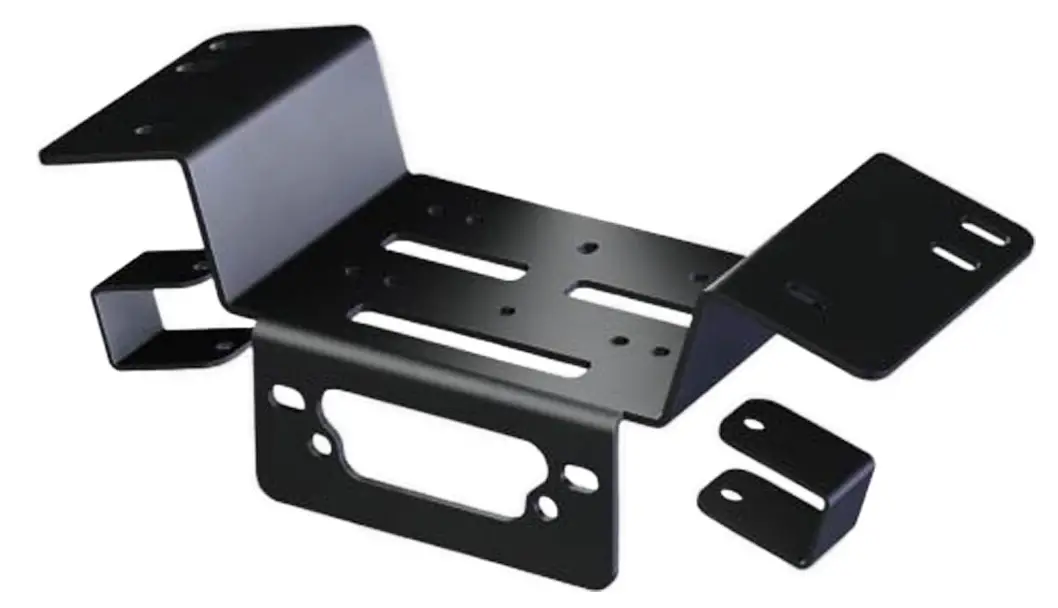
The Polaris Ranger SP 570 Winch Mount (Part #101980) is a kit
that includes various components necessary for mounting a winch on
your Polaris Ranger SP 570. The kit includes a Winch Mount Hardware
Kit (HK-031), a Hardware Kit (HK-391), 3/8-16 x 1.00 Hex Flange
Bolt, 3/8-16 Hex Flange Nylock Nut, and a 3/8-16 Square Nut (not
used).
Product Usage Instructions
Installation Instructions
- Remove the front bumper by unscrewing the OEM bolts (A) located
on the back side of the front bumper. Refer to Figure 1 for visual
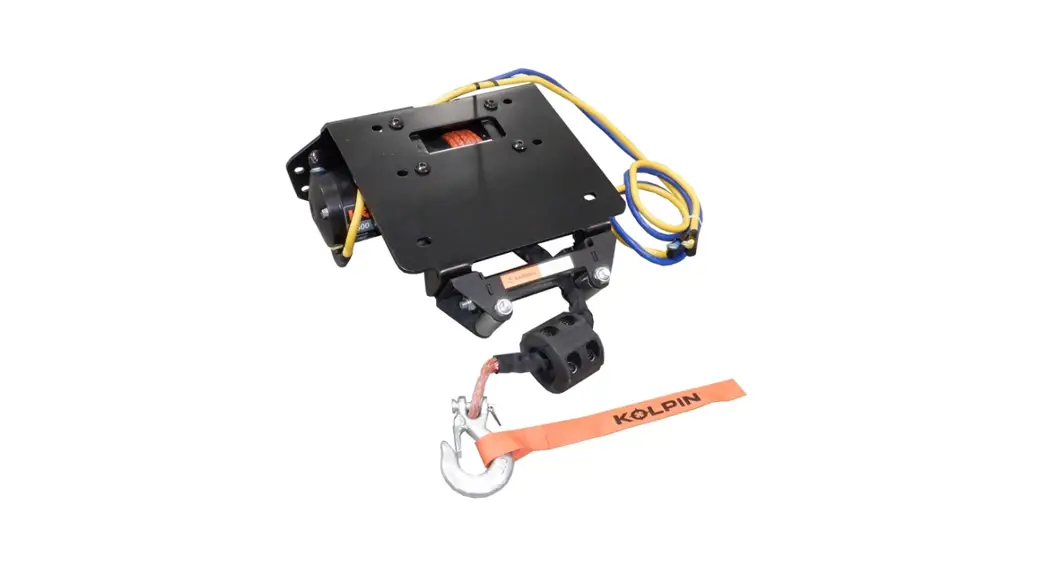
guidance. - Assemble the winch and contactor to the winch mount (1) using
the hardware provided with the winch. Refer to Figure 2 for visual
guidance. Make sure the winch cable is spooling out between the
winch drum and winch mount (1). - Attach the winch fairlead to the front bumper using the
hardware provided with the winch. Refer to Figure 4 for visual
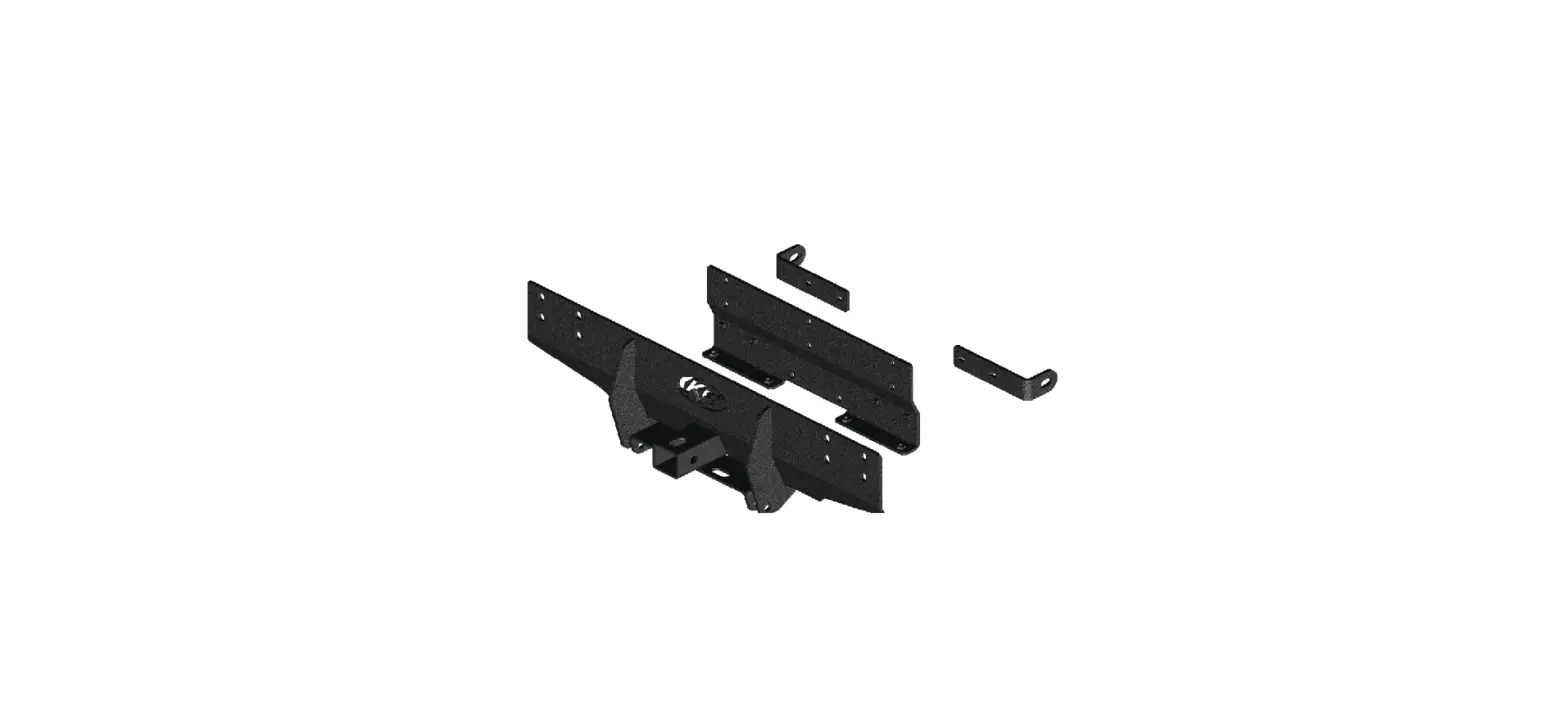
guidance. - Securely attach the winch mount (1) to the front bumper
supports using bolts (3.1) and nuts (3.2). Refer to Figure 5 for
visual guidance. - Reattach the front bumper to the machine using the OEM bolts
(A) removed in step 1.
Wiring Instructions
- Run the red positive (+) battery wire from the contactor to the
positive (+) post on the pulse bar. Run the black ground wire (-)
from the contactor to the ground (-) post on the pulse bar. Refer
to Figures 6 & 7 for visual guidance. - In the center console of the Ranger, there are pre-notched
holes for the dash rocker switch to mount. If your winch only comes
with a handlebar mounted rocker switch and you wish to install it
in the dash, refer to Figure 10 for assembly instructions using
hardware kit HK-031 (3). - If the Polaris 3-pin wire harness for the pulse bar is not
being used, attach the ignition fed (red) wire from the switch to
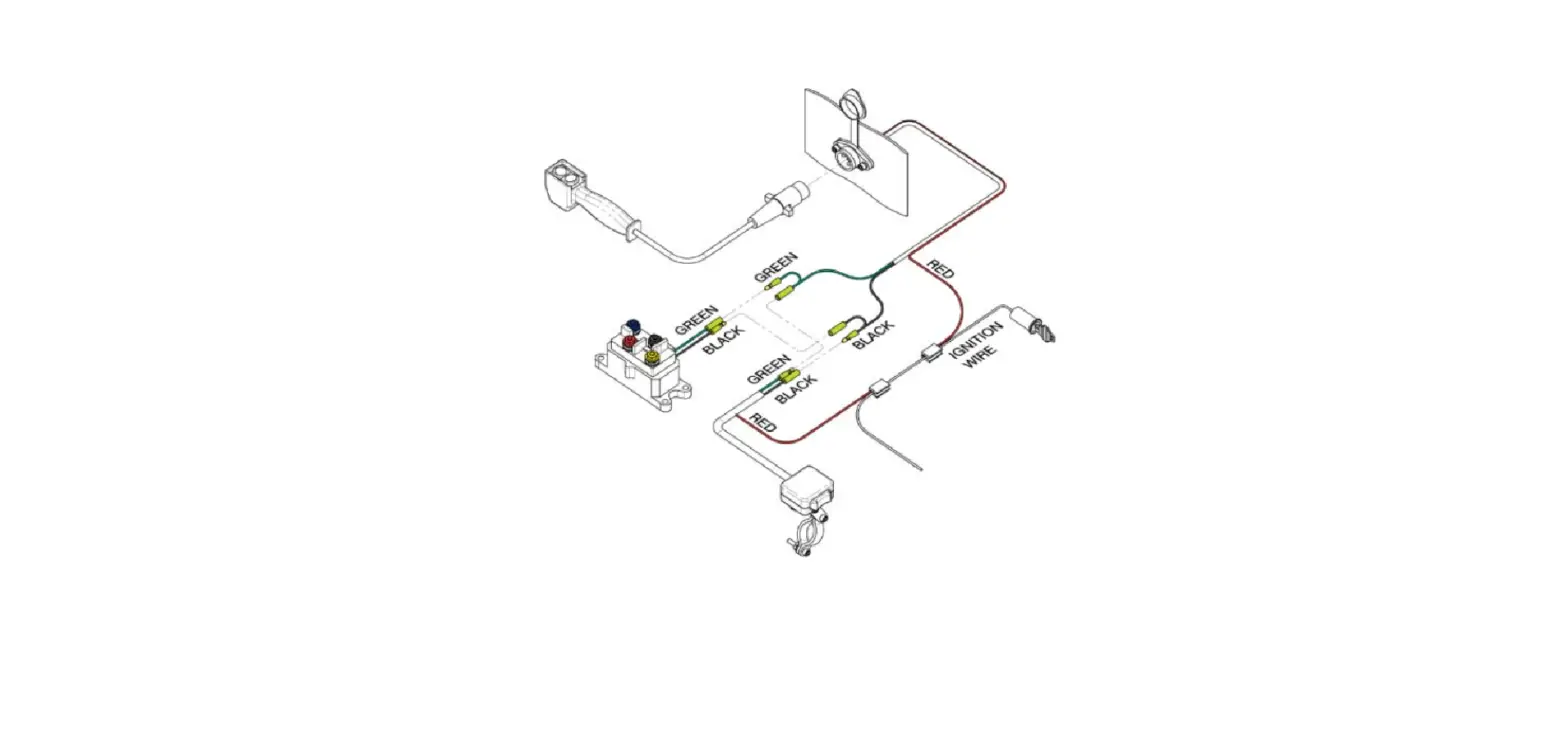
the orange wire (B). Refer to Figure 7 for visual guidance. - Follow the wiring instructions provided in the winch manual to
complete the wiring process.
POLARIS RANGER SP 570
Winch Mount
PART #101980
Item # Qty.
1
1
2
1
3
1
3.1 4
3.2 4
3.3 4
Kit Components:
Description
Winch Mount Hardware Kit (HK-031) Hardware Kit (HK-391) 3/8″-16 x 1.00 Hex Flange Bolt 3/8″-16 Hex Flange Nylock Nut 3/8″-16 Square Nut (not used)
3.1
1
3.2
©2023 Copyright Kappers Fabricating, Inc. All rights reserved
Page 1
INSTALLATION INSTRUCTIONS
Note: Make sure all hardware needed to complete this mount is in the package. Thoroughly read through and understand the instructions before installing.
Figure 1
1. Remove front bumper by removing OEM bolts (A) found on the back side of the front bumper as shown in Figure 1.
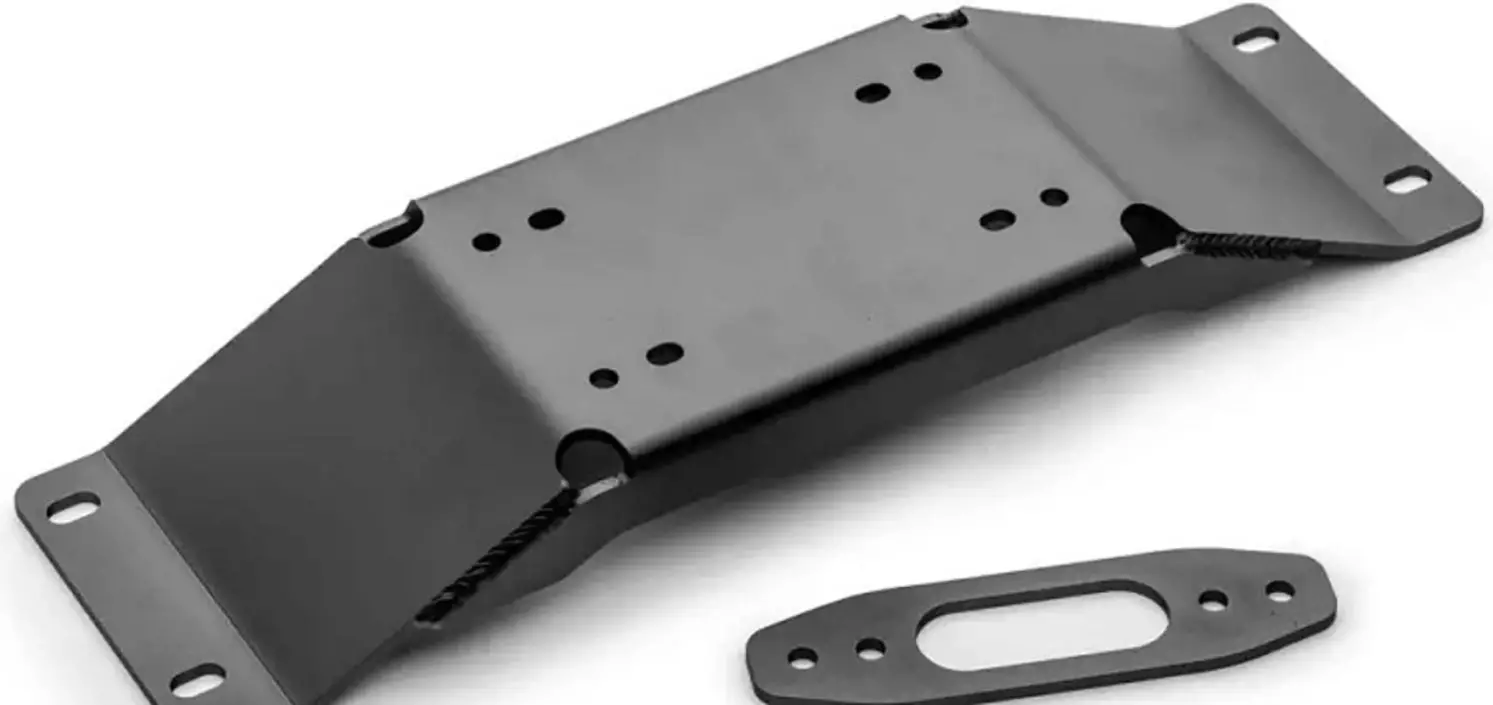
2. Assemble winch and contactor to winch mount (1) using hardware supplied with the winch as shown in Figure 2. See Figure 3 for wide, standard, and 2-hole winch mounting patterns. NOTE: Make sure winch cable is spooling out between the winch drum and winch mount (1) as shown in Figure 2.
3. Assemble winch fairlead to front bumper using
Figure 2
1
hardware supplied with the winch as shown in
Figure 4.
A
contactor
4. Assemble winch mount (1) to front bumper supports using bolts (3.1) and nuts (3.2) as shown in Figure clutch end 5.
5. Reattach front bumper to the machine using OEM bolts (A) removed in step 1.
Front
motor end
Figure 5
3.1
1
Figure 3
Figure 4
3.2
fairlead
©2023 Copyright Kappers Fabricating, Inc. All rights reserved
Page 2
WIRING INSTRUCTIONS
1. Run the red positive (+) battery wire from the contactor to the positive (+) post on the pulse bar. Run the black ground wire (-) from the contactor to the ground (-) post on the pulse bar as shown in Figures 6 & 7.
Figure 6
2. In the center console of the ranger, there are prenotched holes for the dash rocker switch to mount as shown in Figure 8 & 9.
NOTE: If the winch only comes with a handlebar mounted rocker switch you and wish to install it in the dash, assemble per Figure 10 using hardware kit HK-031 (3).
Figure 7
3. If the Polaris 3-pin wire harness for the pulse bar is not being used, attach the ignition fed (red) wire from the switch to the orange wire (B) as shown in Figure 7.
4. Using the wiring instructions provided in the winch manual, wire accordingly.
Pulse Bar
Pulse Bar
B
+
Figure 8
Figure 10
Dash Switch
Figure 9
©2023 Copyright Kappers Fabricating, Inc. All rights reserved
Dash Switch
Page 3