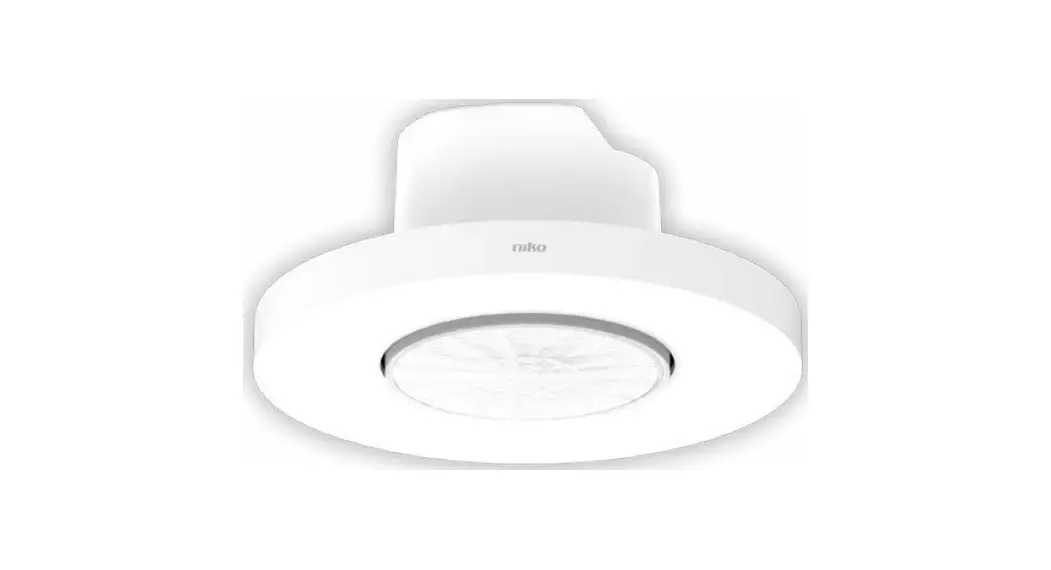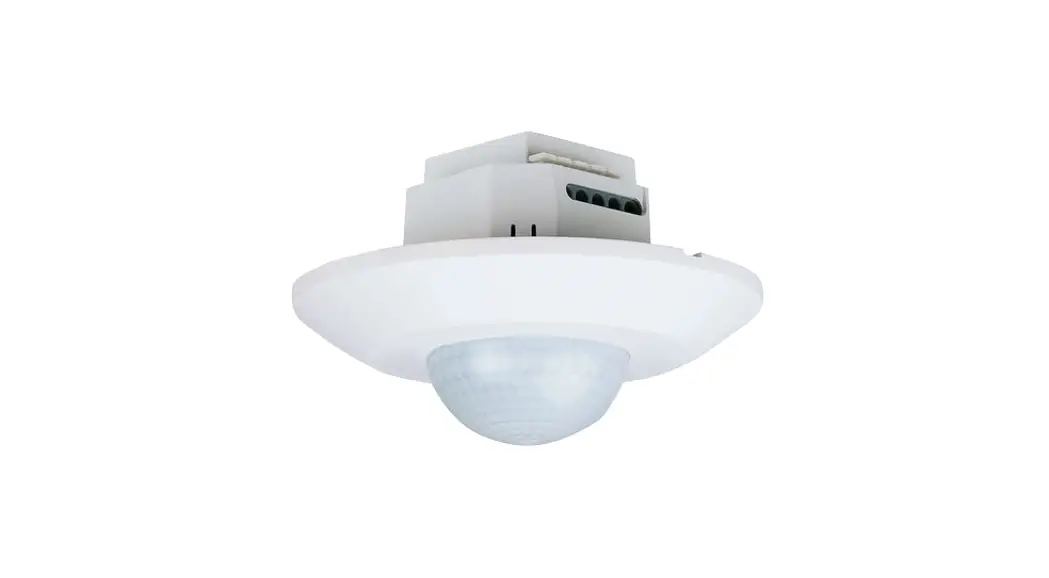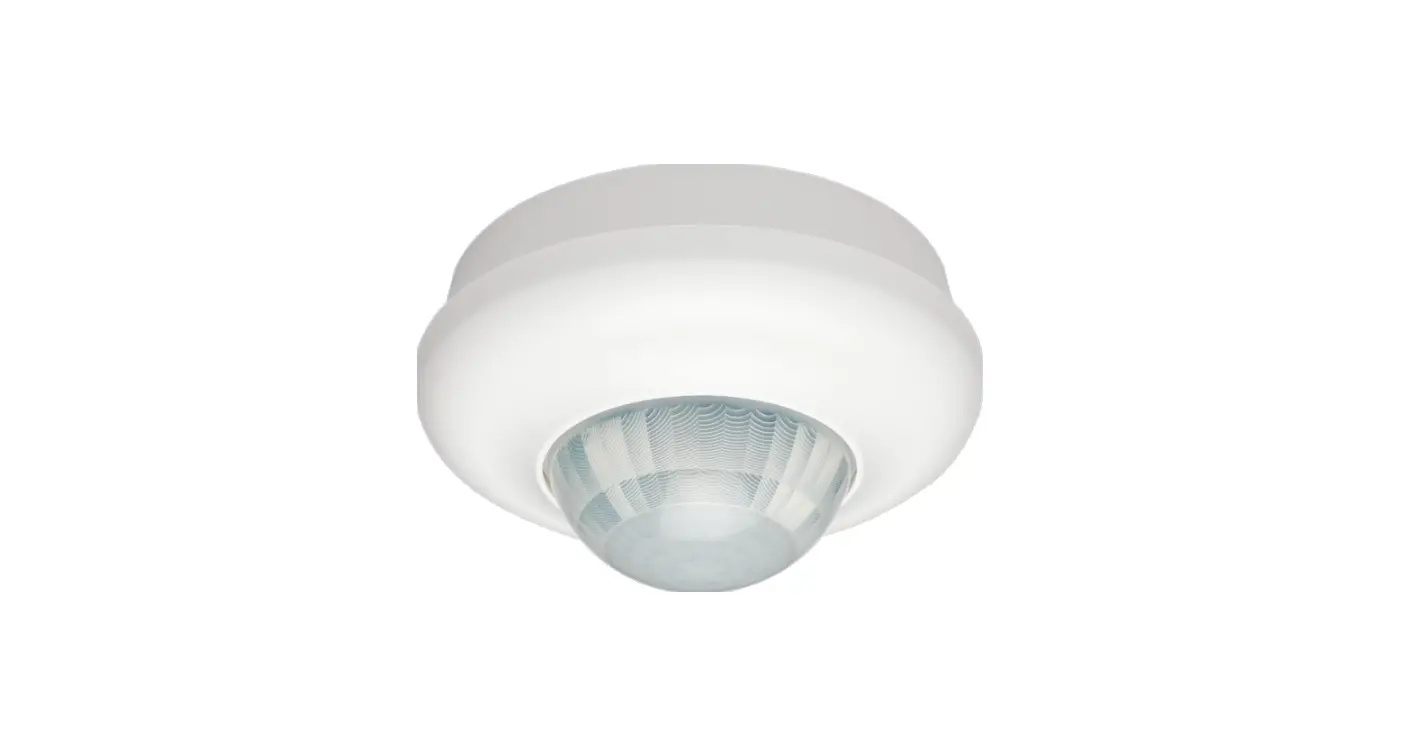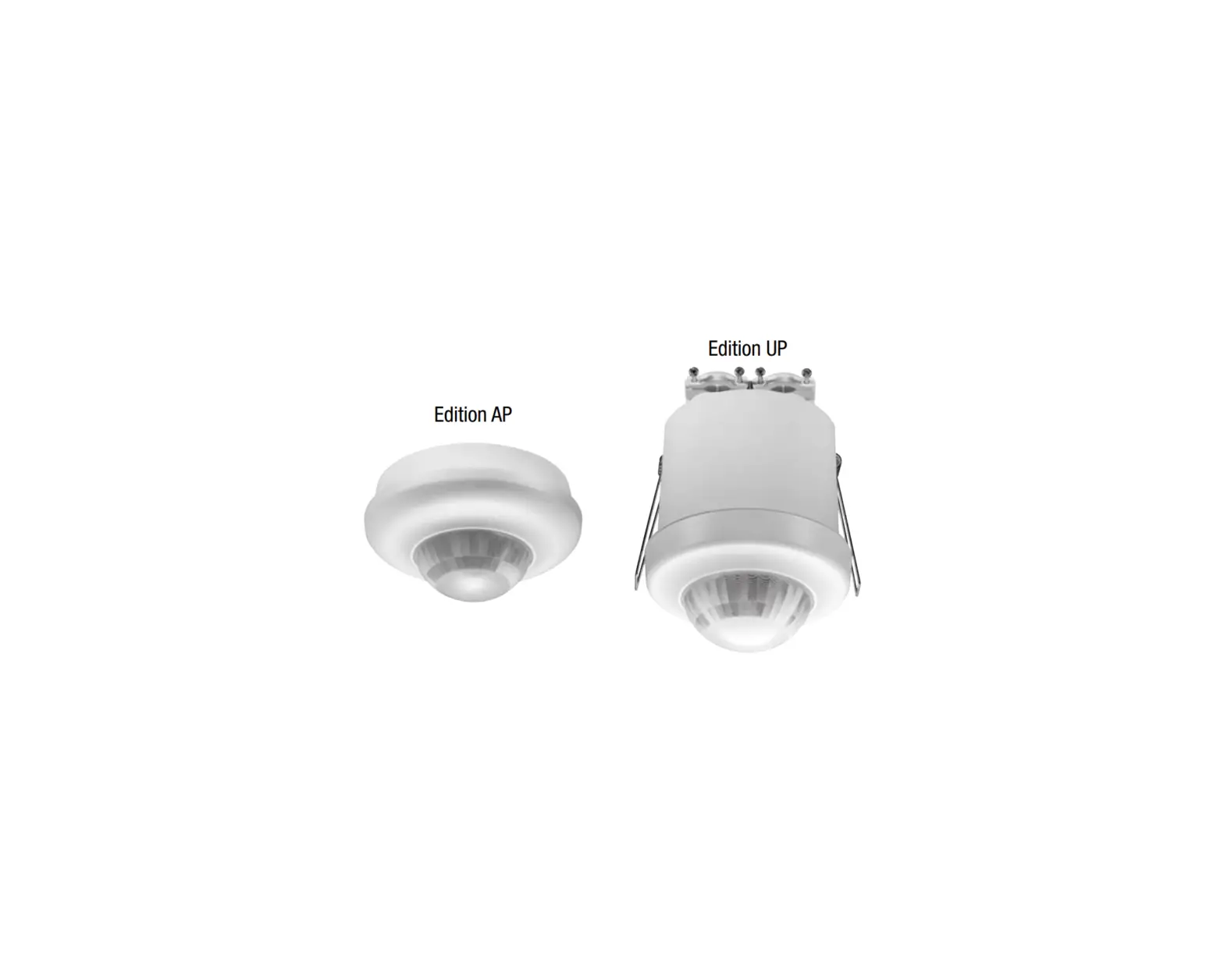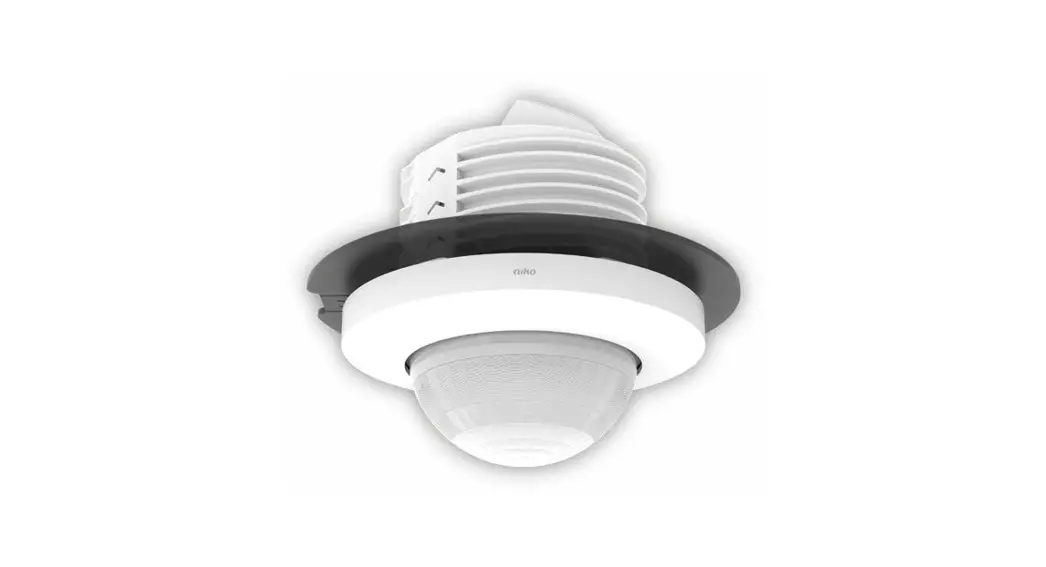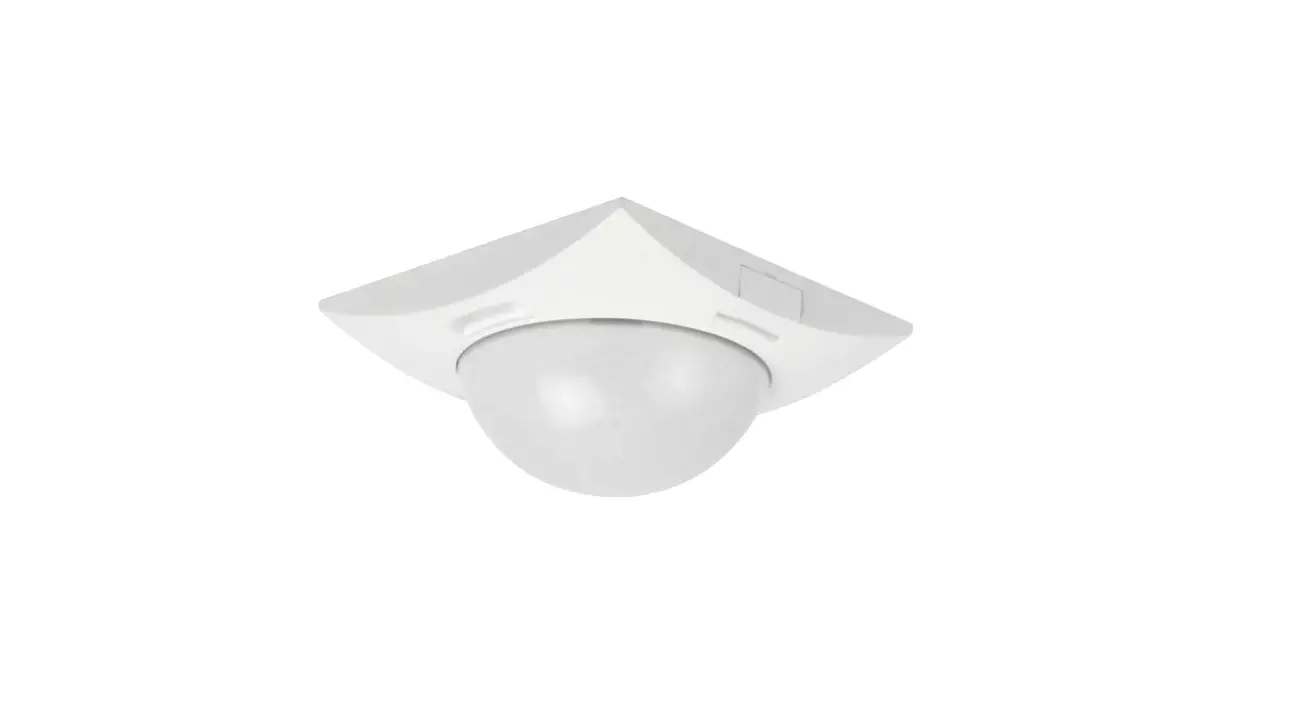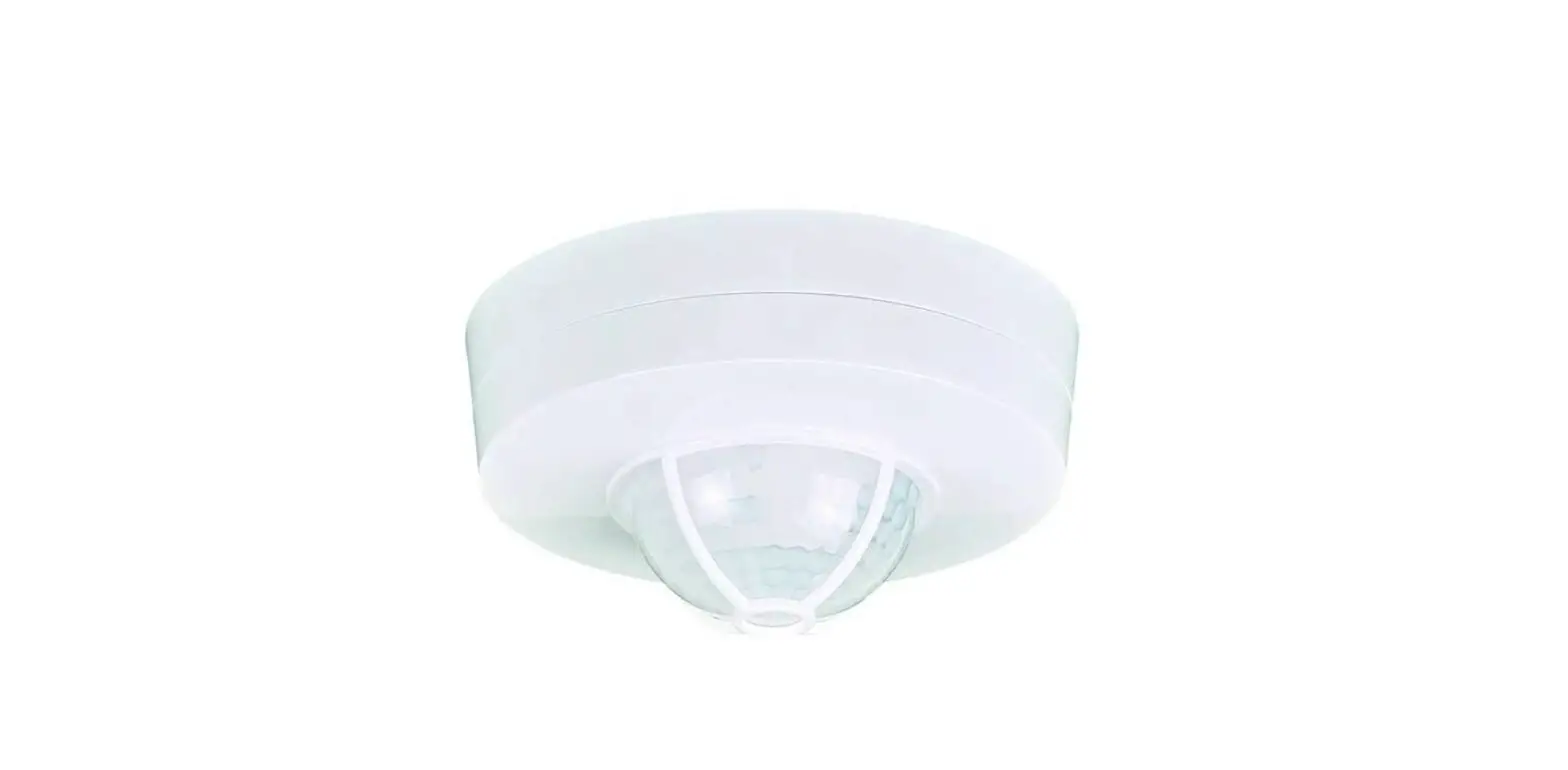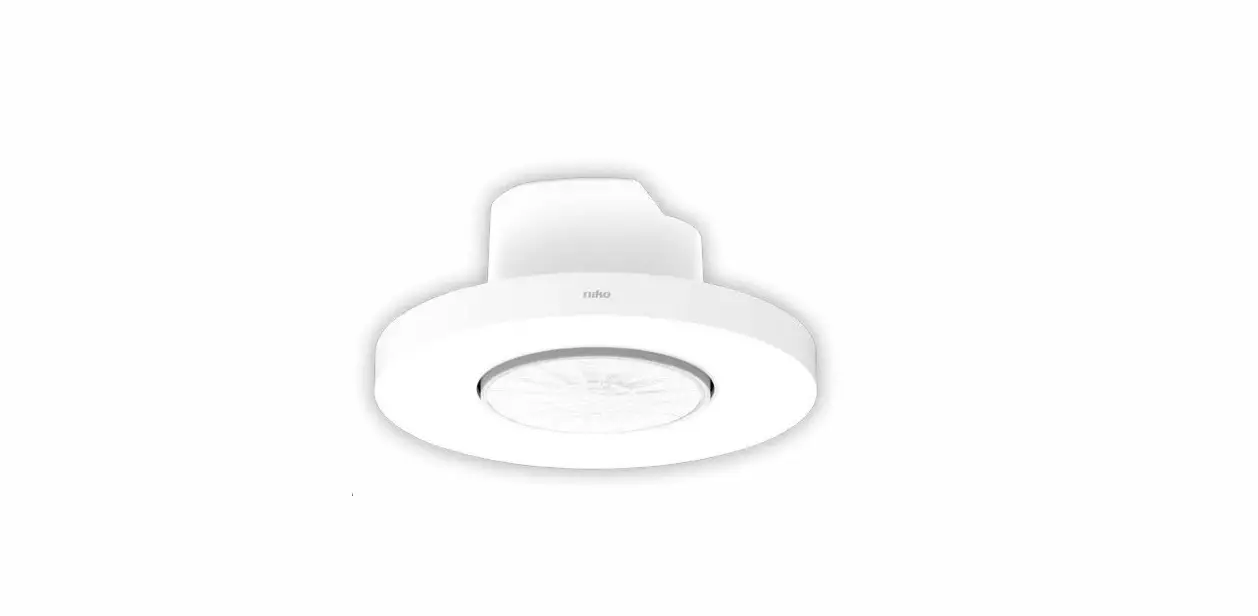

niko P46LR Presence Detector 
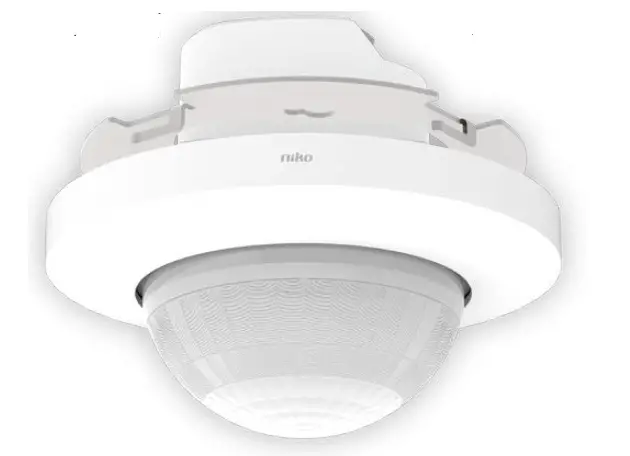
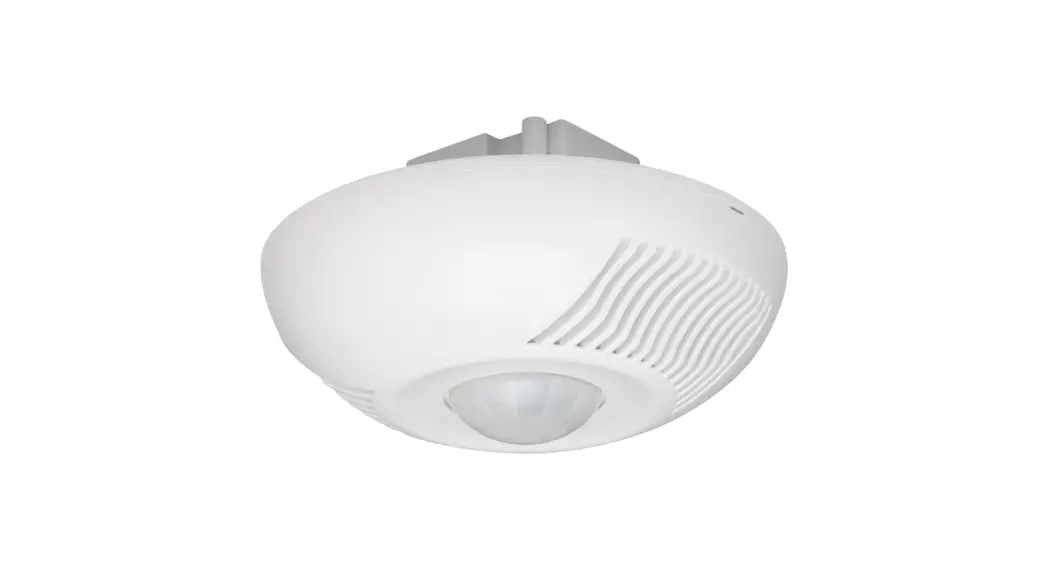
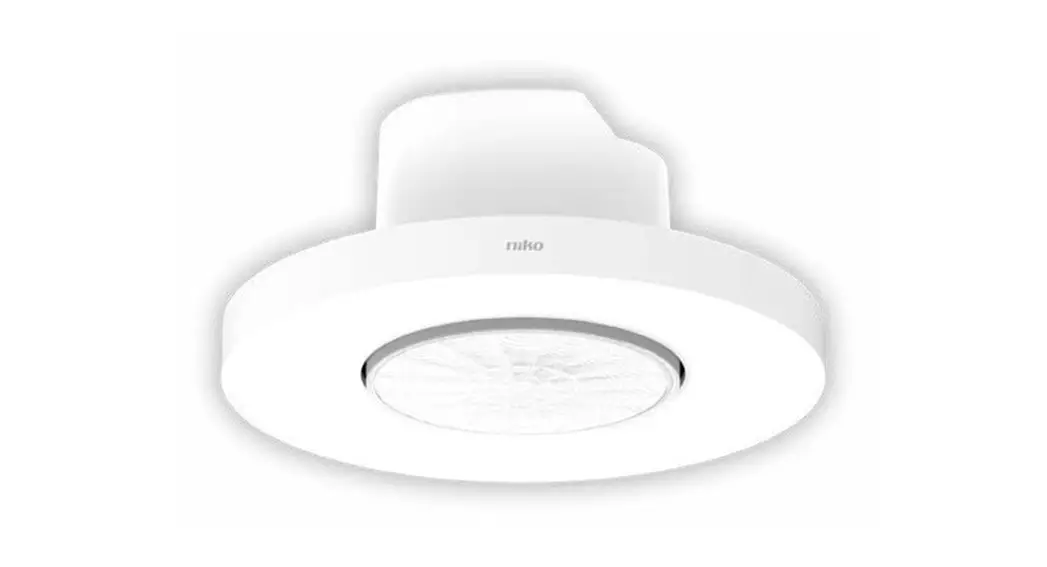
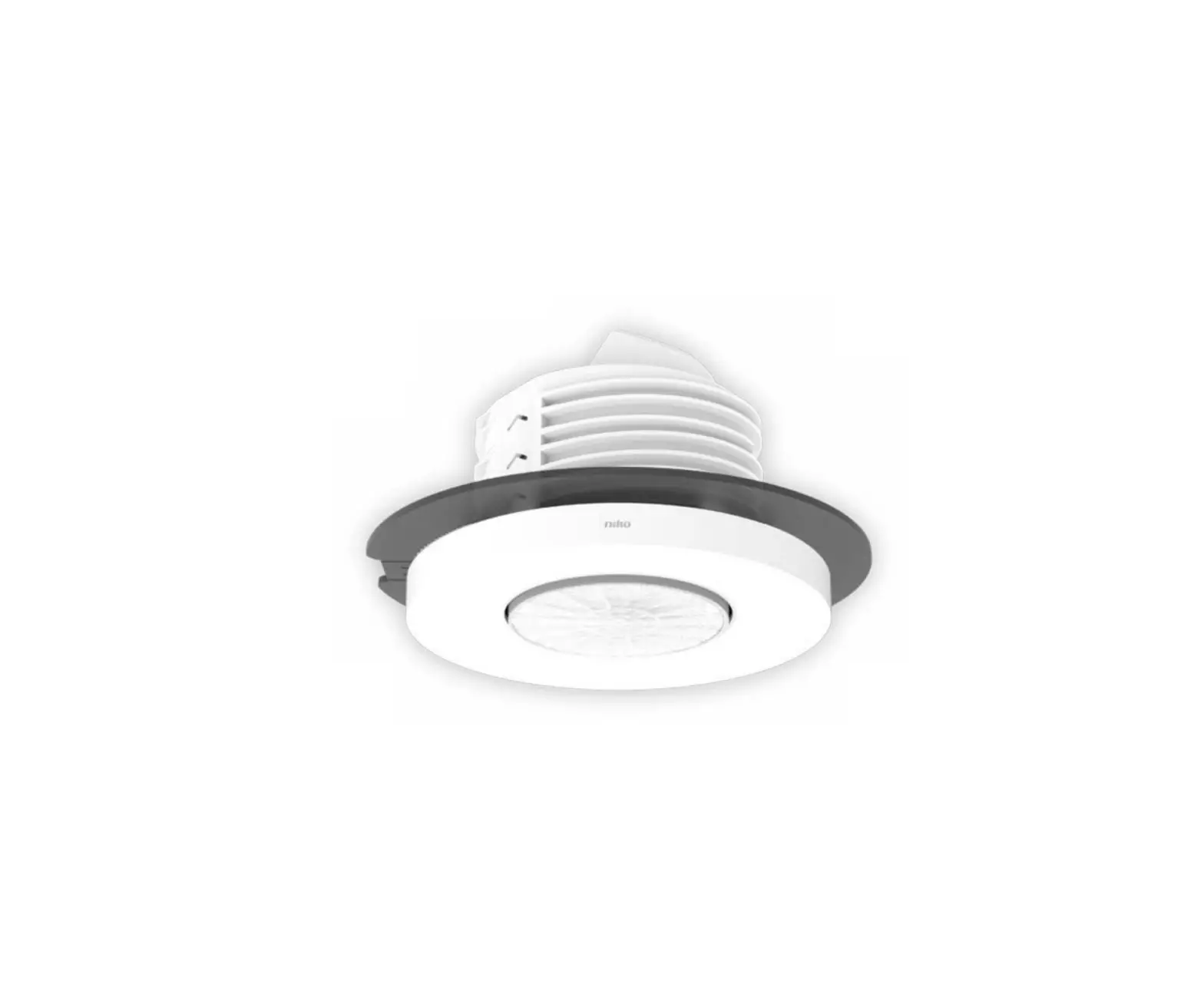
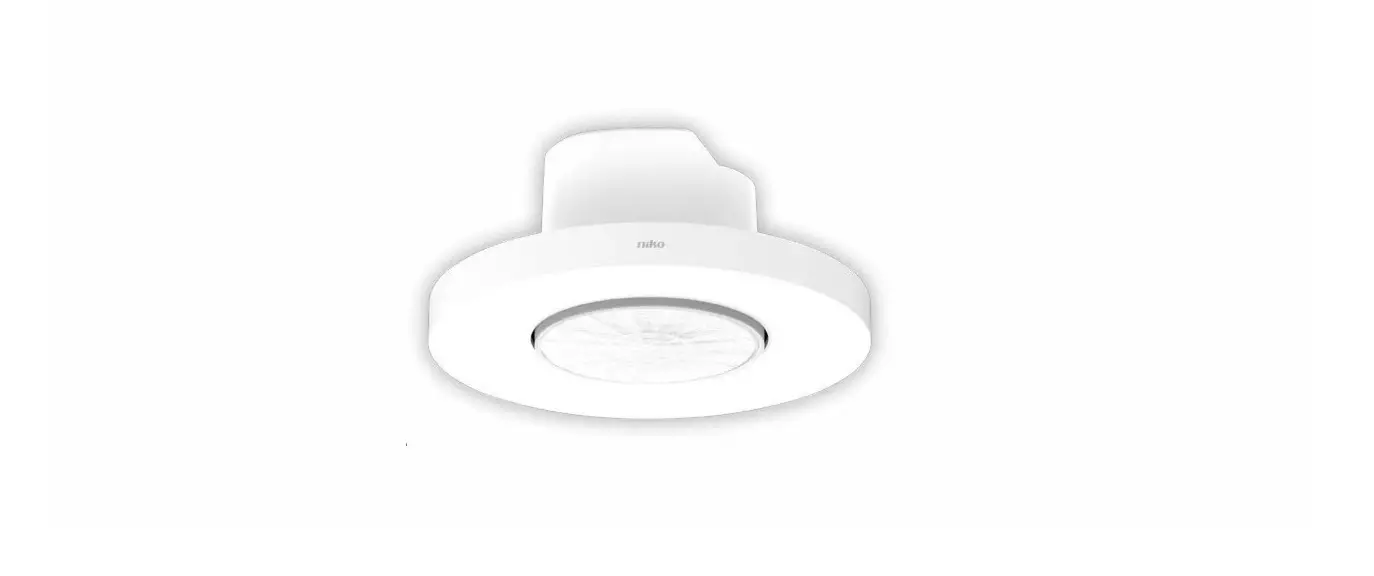
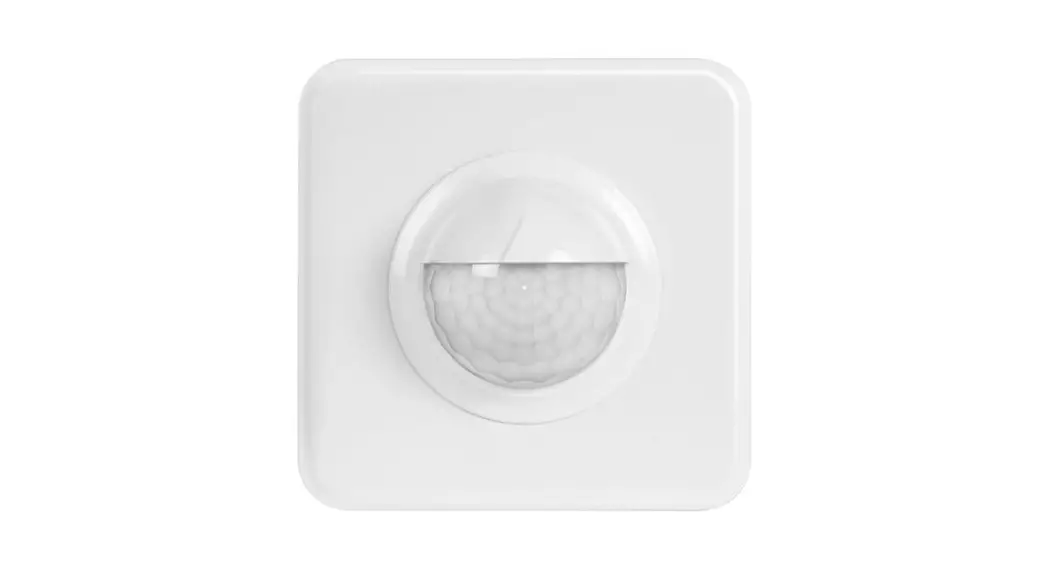
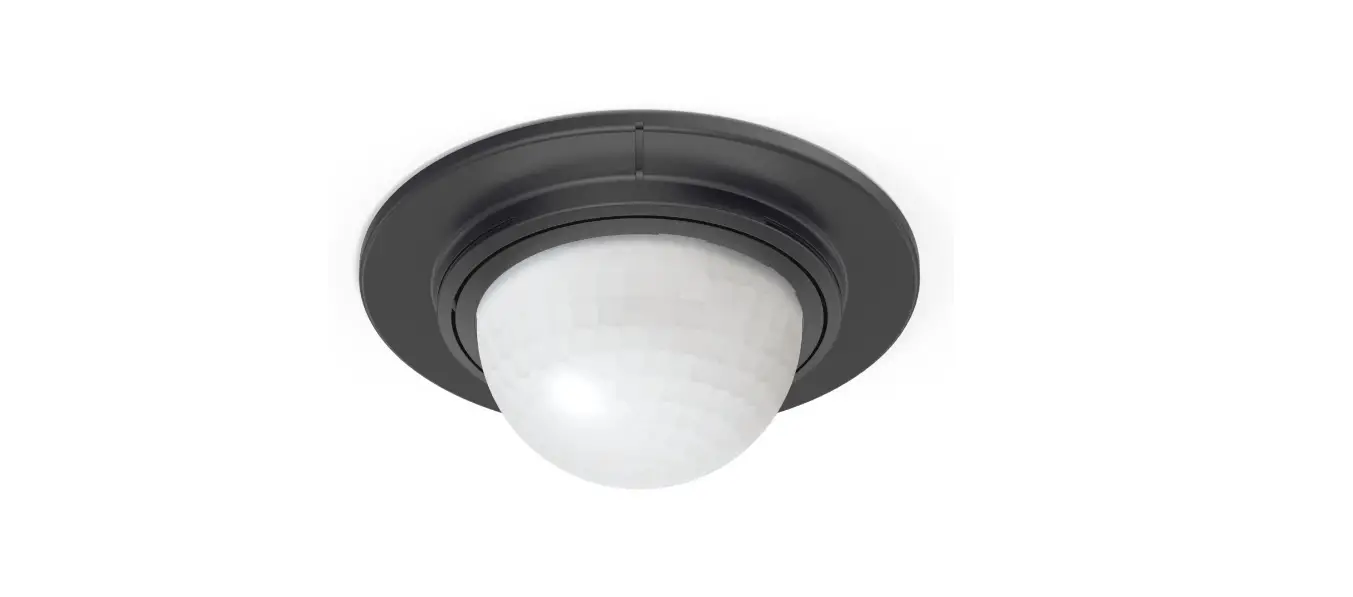
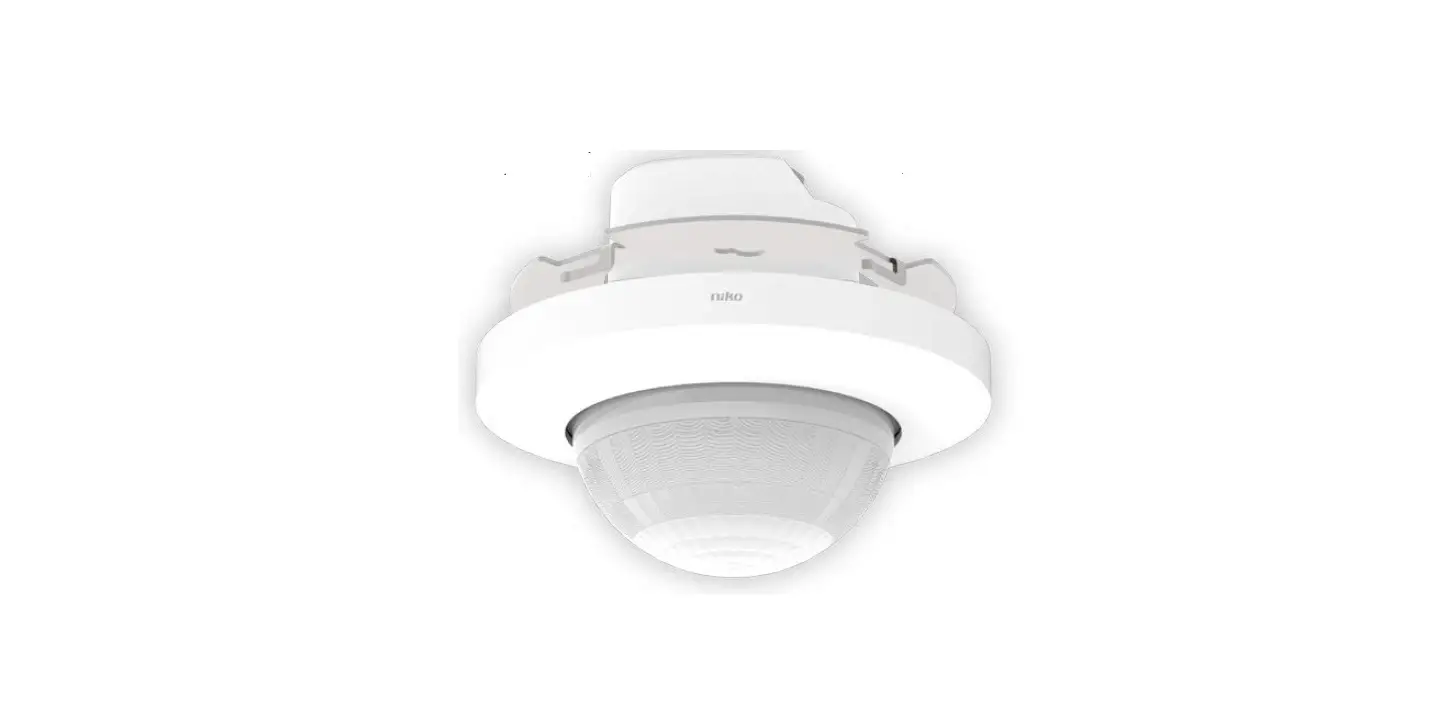
Presence detector P46LR, DALI-2, secondary and BMS, 32-37 m, 360°, for flush-mounting box
Wiring
Secondary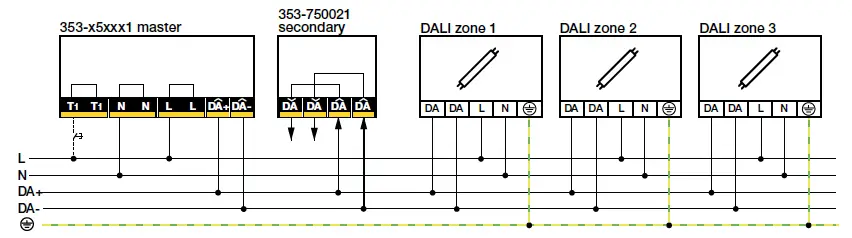
BMS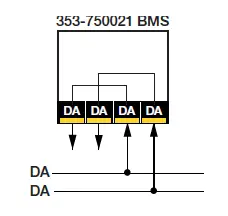
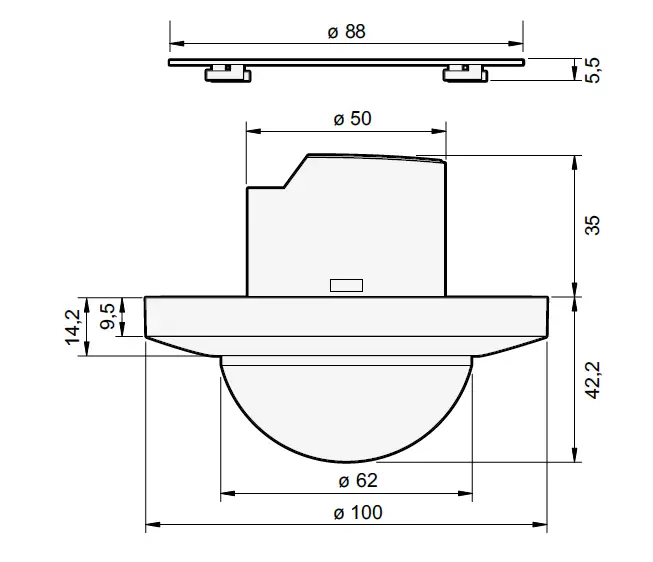
Dimensions
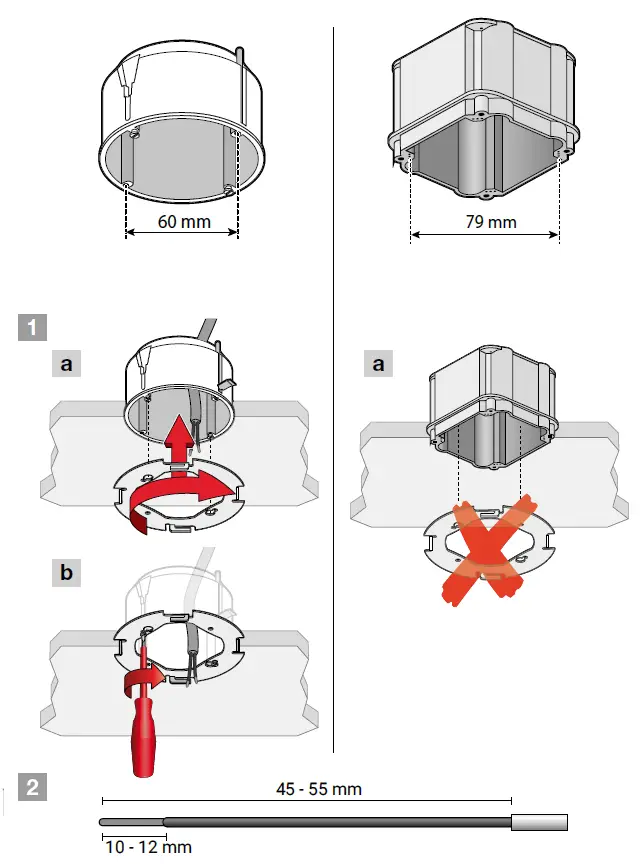
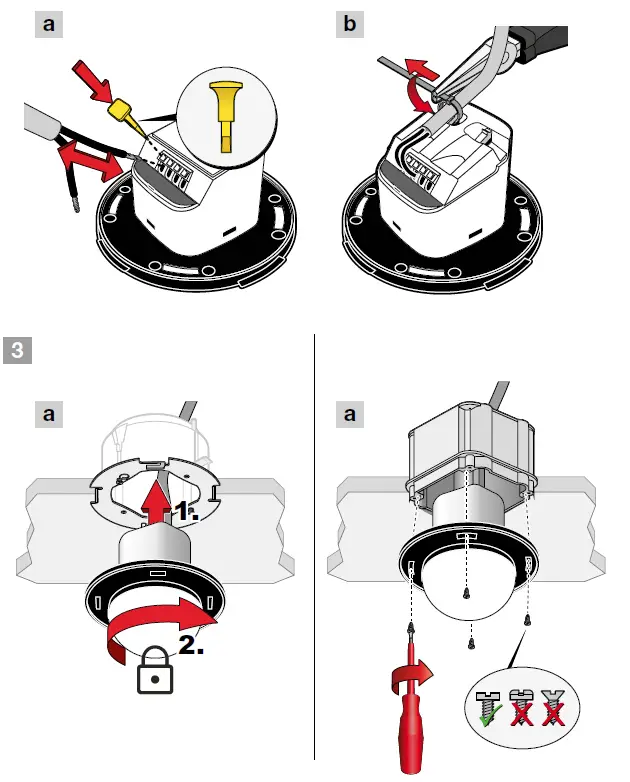
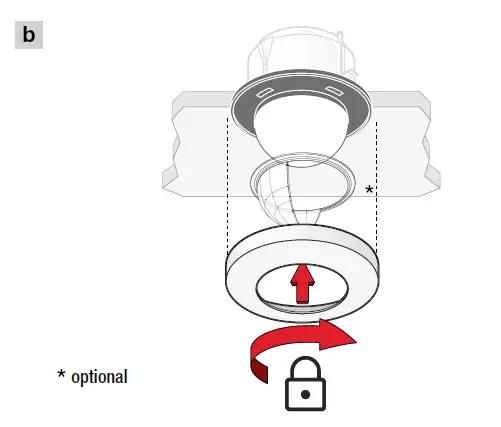
Installation


App settings
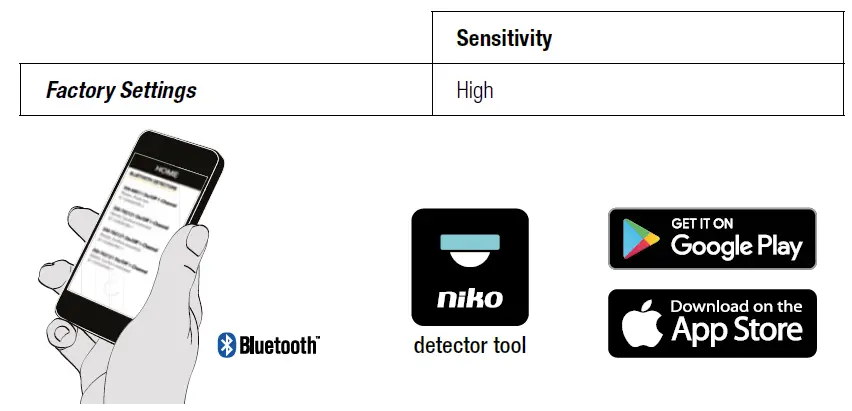
Settings by BMS software
| Table memory bank 2 | |||
| Address | Description | Default value | Memory type |
| 0x00 | Address and last accessible memory location | 0x03 | ROM |
| 0x01 | Indicator byte (manufacture definable) | 0x00 | any |
| 0x02 | Memory bank lock byte (◇0x55 = Read Only else Read/ Write) | 0xFF | RAM |
| 0x03 | PIR sensitivity segment A (MR, LR and HC detectors) 4 = MAX 3 = HIGH 2 = LOW 1 = MIN 0 = OFF | 0x03 | NVM |
| 0x04 | PIR sensitivity segment B (LR and HC detectors) 4 = MAX 3 = HIGH 2 = LOW 1 = MIN 0 = OFF | 0x03 | NVM |
| 0x05 | PIR sensitivity segment C (LR and HC detectors) 4 = MAX 3 = HIGH 2 = LOW 1 = MIN 0 = OFF | 0x03 | NVM |
| 0x06 | LUX range 0 = NORMAL 0 – 1023 lux, 10-bit 1 = HIGH 0 – 10360 lux, 14 bit | 0x00 | NVM |
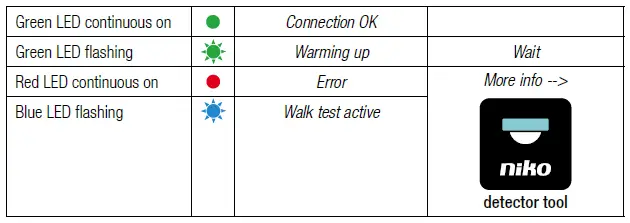
LED behavior
Specifications
- Article number 353-750021
- Configuration DALI-2 secondary/BMS
- Input voltage via the DALI bus
- Maximum current consumption 28.1 mA
- Nominal current consumption (12 V, 25°C) 8.1 mA
- Maximum startup time DALI < 1200 ms
- Maximum PIR detection startup time 70 s
- Light intensity range 0 – 10360 lux (see DALI BMS settings)
- Detection angle 360°
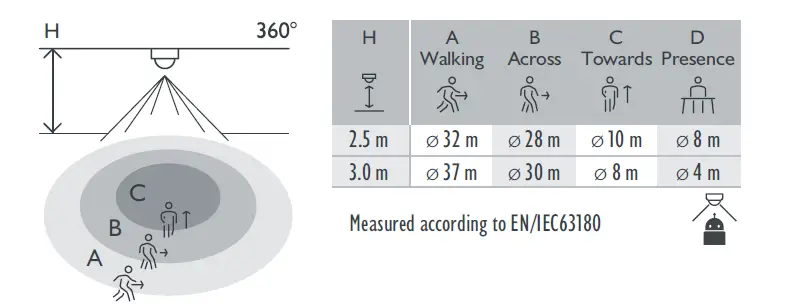
- Detection range (PIR) ø 37 m from a height of 3 m
- Ambient temperature -25 – +40 °C
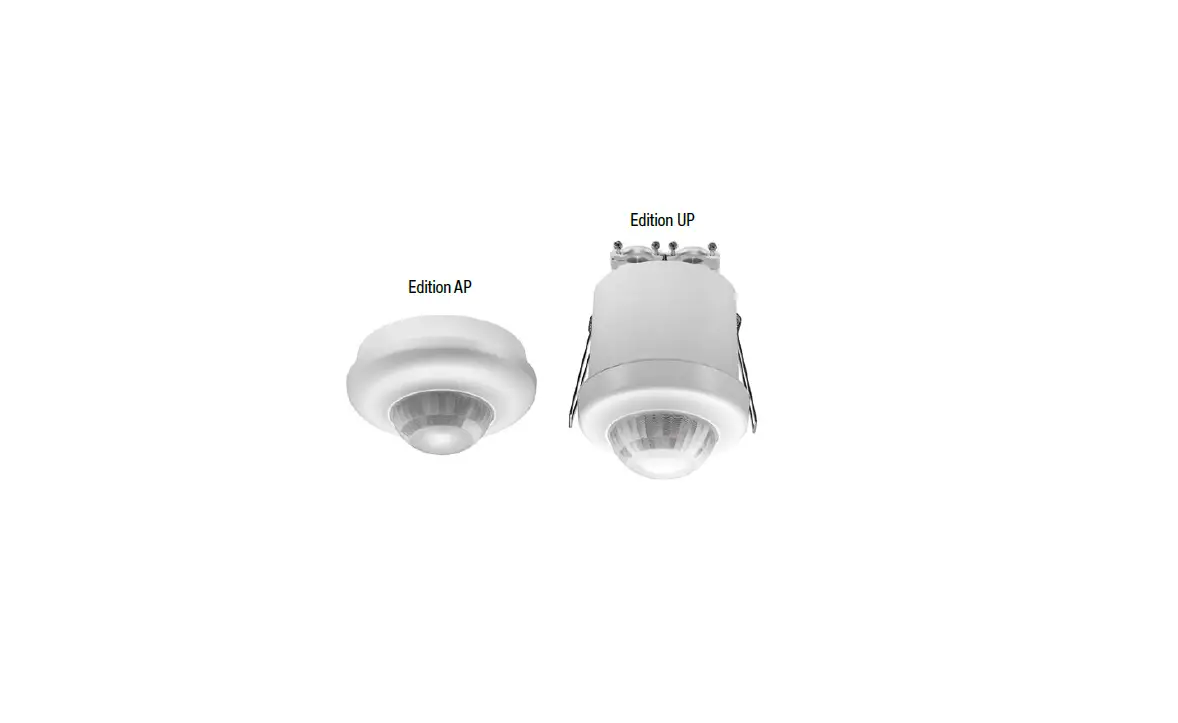
- Mounting method flush-mounting box
- Mounting height 2 – 3.5 m
- Colour white (RAL 9010)
- Dimensions visible (HxWxD) 100 x 100 x 42.2 mm
- Dimensions (HxWxD) 100 x 100 x 77.2 mm
- Wire capacity 1.5/2.5 mm²
- Protection degree IP20
- Impact resistance IK04
- Modification of settings app (iOS/Android) and 2-way Bluetooth® communication/BMS software
- Maximum range Bluetooth® (free field, depending on the device) 50 m
- Operating frequency 2.4 GHz
- Maximum radio frequency power -2 dBm
- Halogen-free yes
- Marking CE
Detection area
Troubleshooting
| Problem | Possible cause | Proposed solution |
| Load does not turn on | The wiring is not correct | Check the wiring scheme |
| Load does not turn off | The detector receives | Check for any objects that may cause |
| false triggers | false triggering and remove them | |
| from the detection range or lower the | ||
| sensitivity | ||
| App cannot connect to | Bluetooth® has been | Enable Bluetooth® on your mobile |
| the detector | disabled on your mobile | device |
| device |
Support & contact
nv Niko sa
Industriepark West 40
9100 Sint-Niklaas, Belgium
www.niko.eu
EN +32 3 778 90 80 [email protected]
Niko prepares its manuals with the greatest care and strives to make them as complete, correct and up to date as possible. Nevertheless, some deficiencies may subsist. Niko cannot be held responsible for this, other than within the legal limits. Please inform us of any deficiencies in the manuals by contacting Niko customer services at [email protected].
 Niko - home automation, switches, socket outlets and detector