carmanah MX Series Integrated Beacon Mount Kit Installation Guide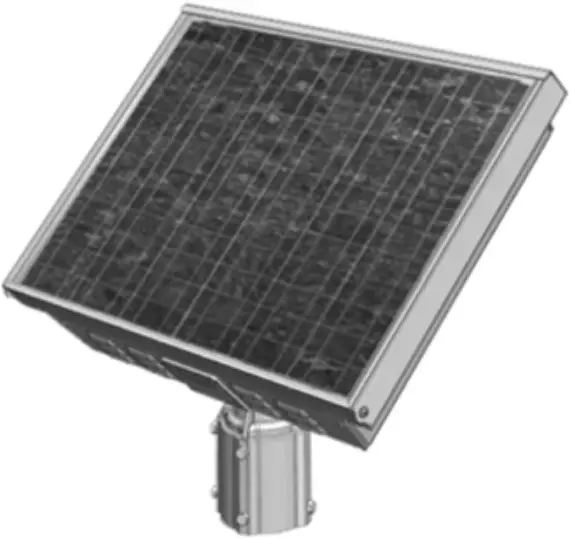
Installation Guide
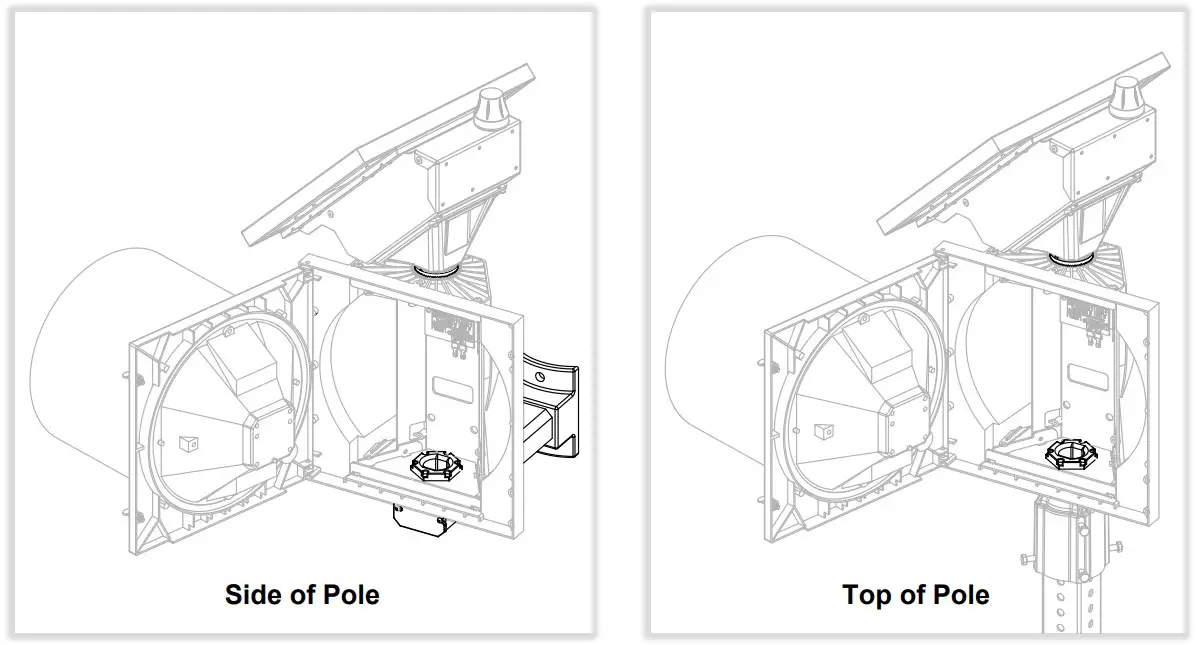
Note:
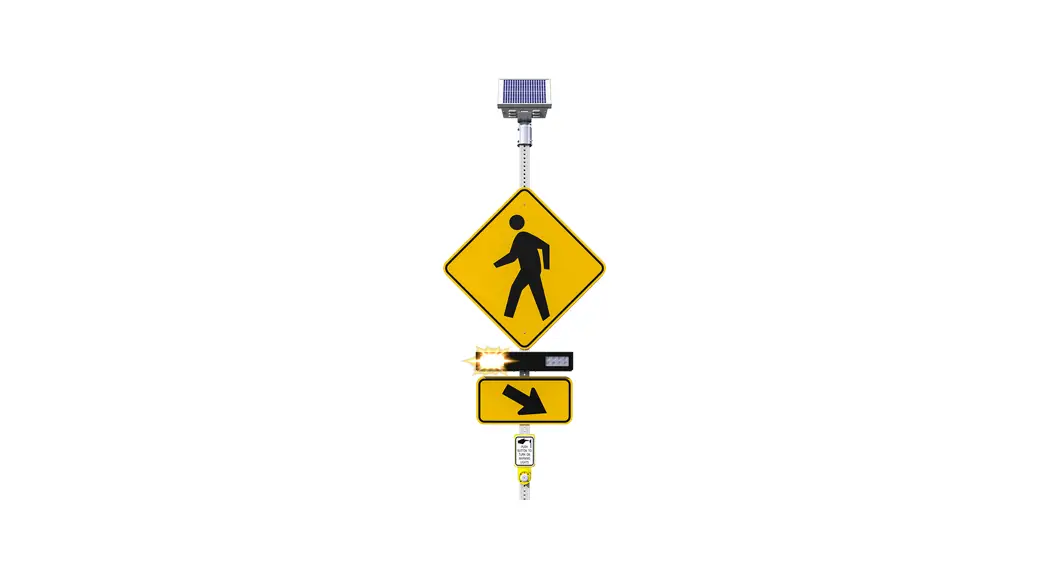
Assembly order depicted may be modified to suit preference and does not include cable routing steps.
Note:
Top of pole mount and beacon may differ from those shown.
- Side of pole only: drill holes if through-bolting and/or cable hole required. Install mount onto pole with suitable fasteners or banding (not included). Remove mount cap and insert nut into channel.

- Install lock ring (top of pole) or gasket (side of pole) onto mount.
- Orient and fasten beacon onto mount with nipple and load spreader plate (12″ only, comes with beacon).
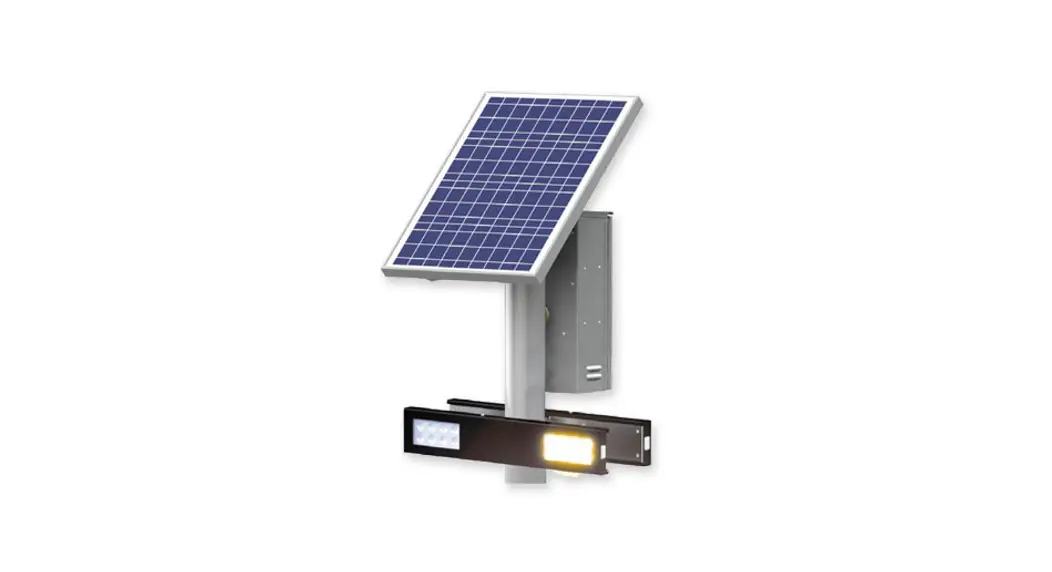
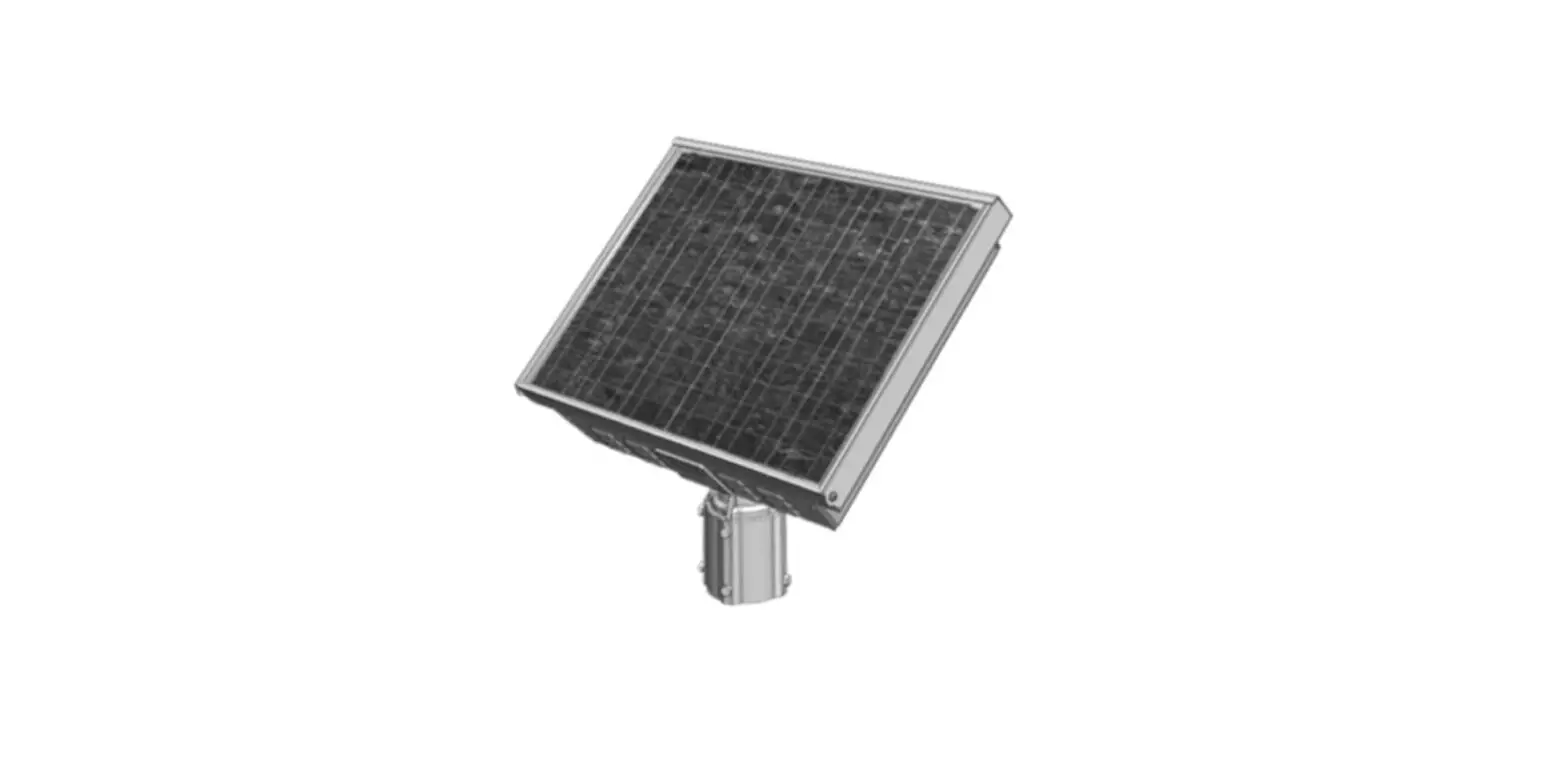
- Assemble power module loosely with lock ring, gasket and nut as shown.
- Orient solar panel to face south (in North America) and tighten nut.
- Side of pole only: replace end cover.

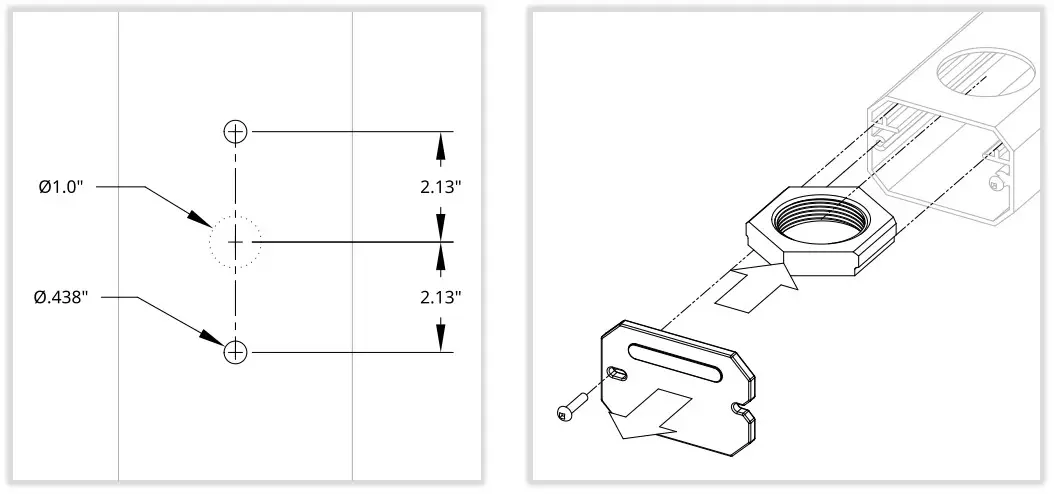
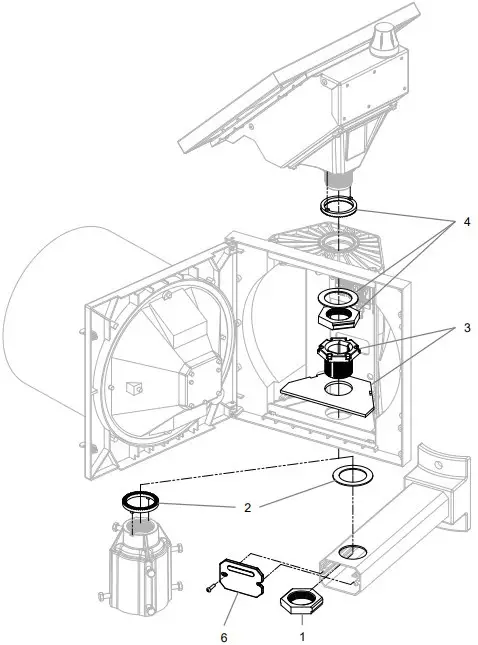
 Failure to install gasket could result in water entry and product damage.
NOTE: READ ALL INCLUDED INSTALL GUIDES BEFORE SYSTEM INSTALLATION
Carmanah Technologies Corp.
250 Bay St, Victoria, BC V9A 3K5, Canada
1.250.380.0052
[email protected]
carmanah.com

 Systems for Traffic Beacons and Signs | Solar LED Beacons | Carmanah