Product Information:
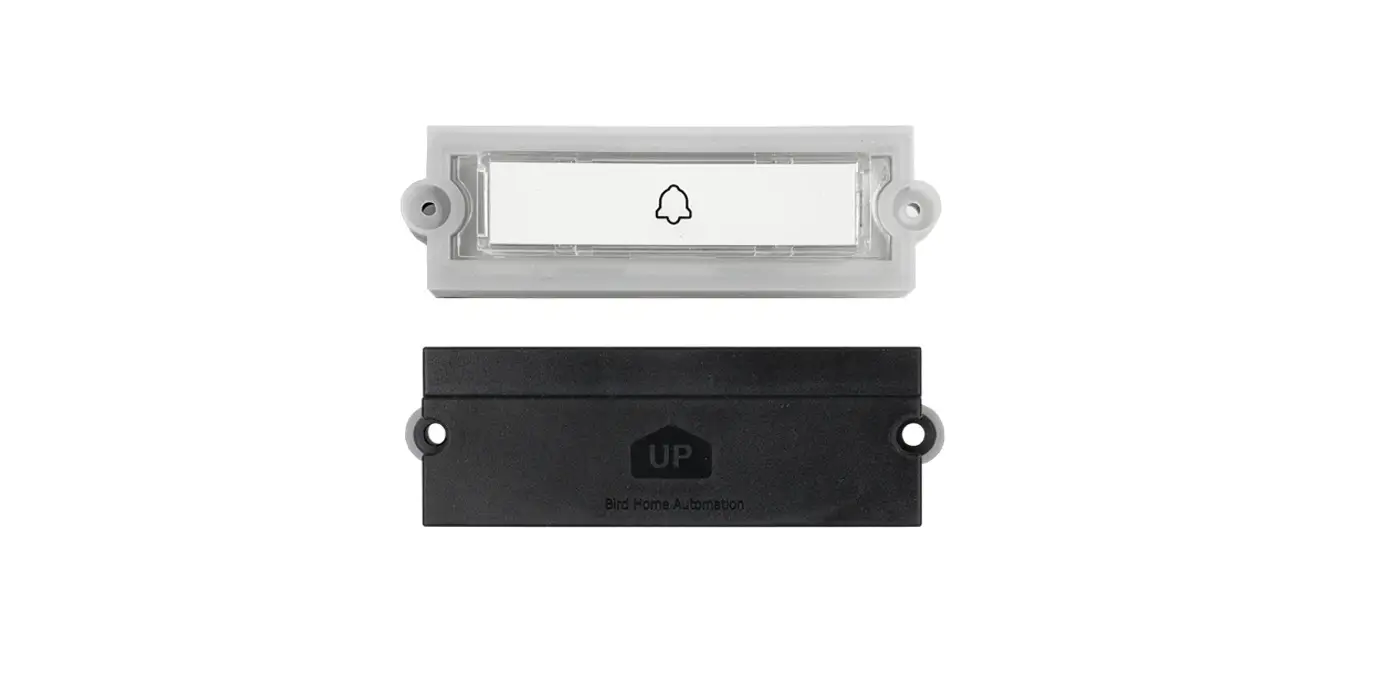
Product: MX Series Push Button Kit
Installation Guide: Level 4
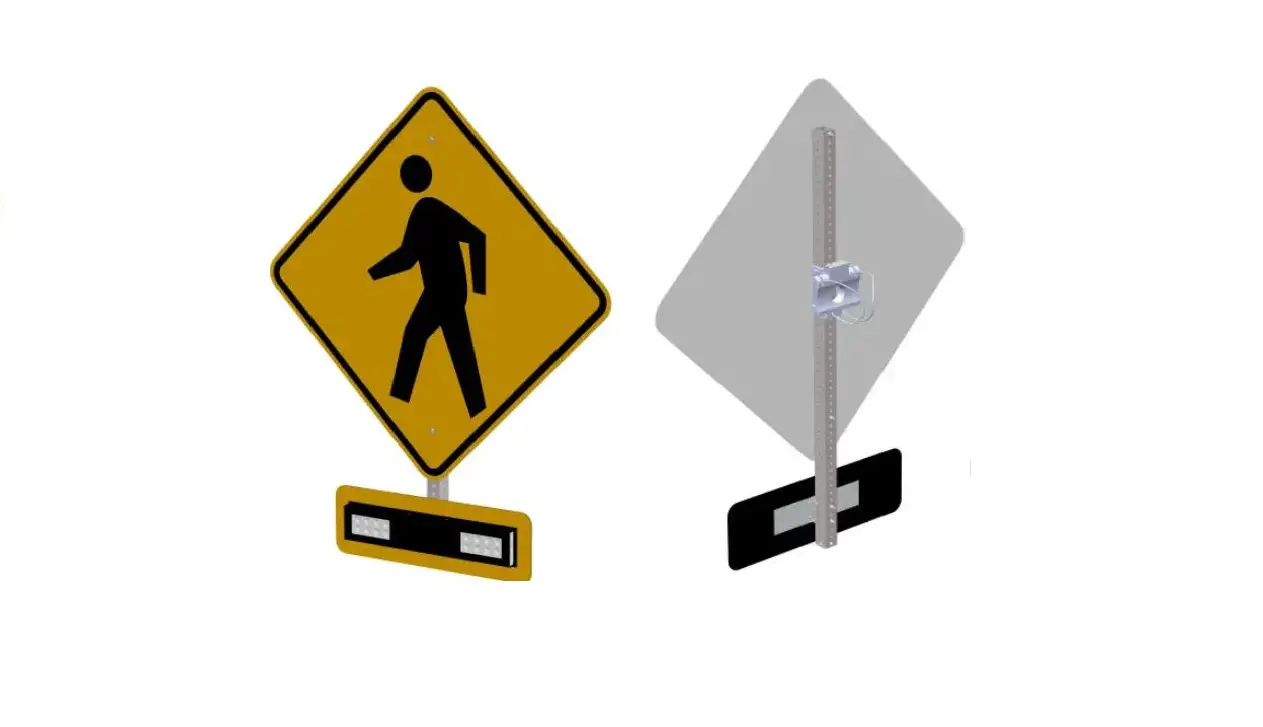
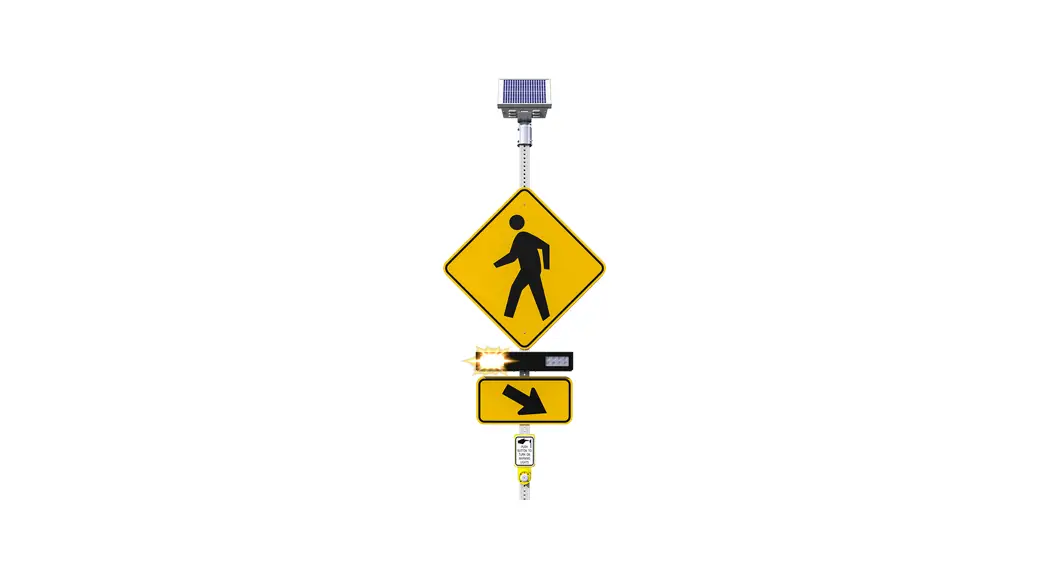
Mount Type: Compact Pole Mount with Integrated Sign Frame
Manufacturer: Carmanah Technologies Corp.
Address: 250 Bay St, Victoria, BC V9A 3K5, Canada
Contact: 1.250.380.0052, [email protected]
Website: carmanah.com
Product Usage Instructions:
- Prepare the pole and install the button base according to the
button manufacturer’s instructions. - Ensure that the cable entry hole is deburred and the button
base sits flush against the pole. - Fish the cable through the pole and button base, and slip the
gasket over the cable. - Connect one wire to each button terminal. The button is not
polarized. - Install the button using the supplied hardware. Make sure the
gasket is in place and the cable forms a drip loop inside the
pole. - Connect the other end of the cable to the trigger input
terminals A and B of any power or flasher module. - Secure the cable with a cable tie, following the instructions
provided for the power or flasher module.
Note: It is important to read all included install guides before
system installation.
MX Series
PUSH BUTTON KIT INSTALL GUIDE
LEVEL 4
Mount with Integrated Sign Frame
Compact Pole Mount
ADA regulations specify that the button should be 42″ from the ground. Push button can be connected in either polarity. Two or fewer parallel-connected buttons recommended per module trigger input.
1. Prepare pole and install button base per button manufacturer’s instructions. 2. Ensure cable entry hole is deburred and button base sits flush against pole. 3. Fish cable through pole and button base and slip gasket over cable.
3
3
90707REVA
Carmanah Technologies Corp. | 250 Bay St, Victoria, BC V9A 3K5, Canada | 1.250.380.0052 | [email protected] | carmanah.com
PUSH BUTTON KIT INSTALL GUIDE
LEVEL 4 4. Connect one wire to each button terminal (button is not polarized). 5. Install button with its supplied hardware, ensuring gasket is in place and cable forms a drip loop inside
pole. 4
5 6. Connect other end of cable to trigger input terminals A and B of any power or flasher module. 7. Secure cable with cable tie following power or flasher module instructions.
6
NOTE: READ ALL INCLUDED INSTALL GUIDES BEFORE SYSTEM INSTALLATION
Carmanah Technologies Corp. | 250 Bay St, Victoria, BC V9A 3K5, Canada | 1.250.380.0052 | [email protected] | carmanah.com
2
 Systems for Traffic Beacons and Signs | Solar LED Beacons | Carmanah