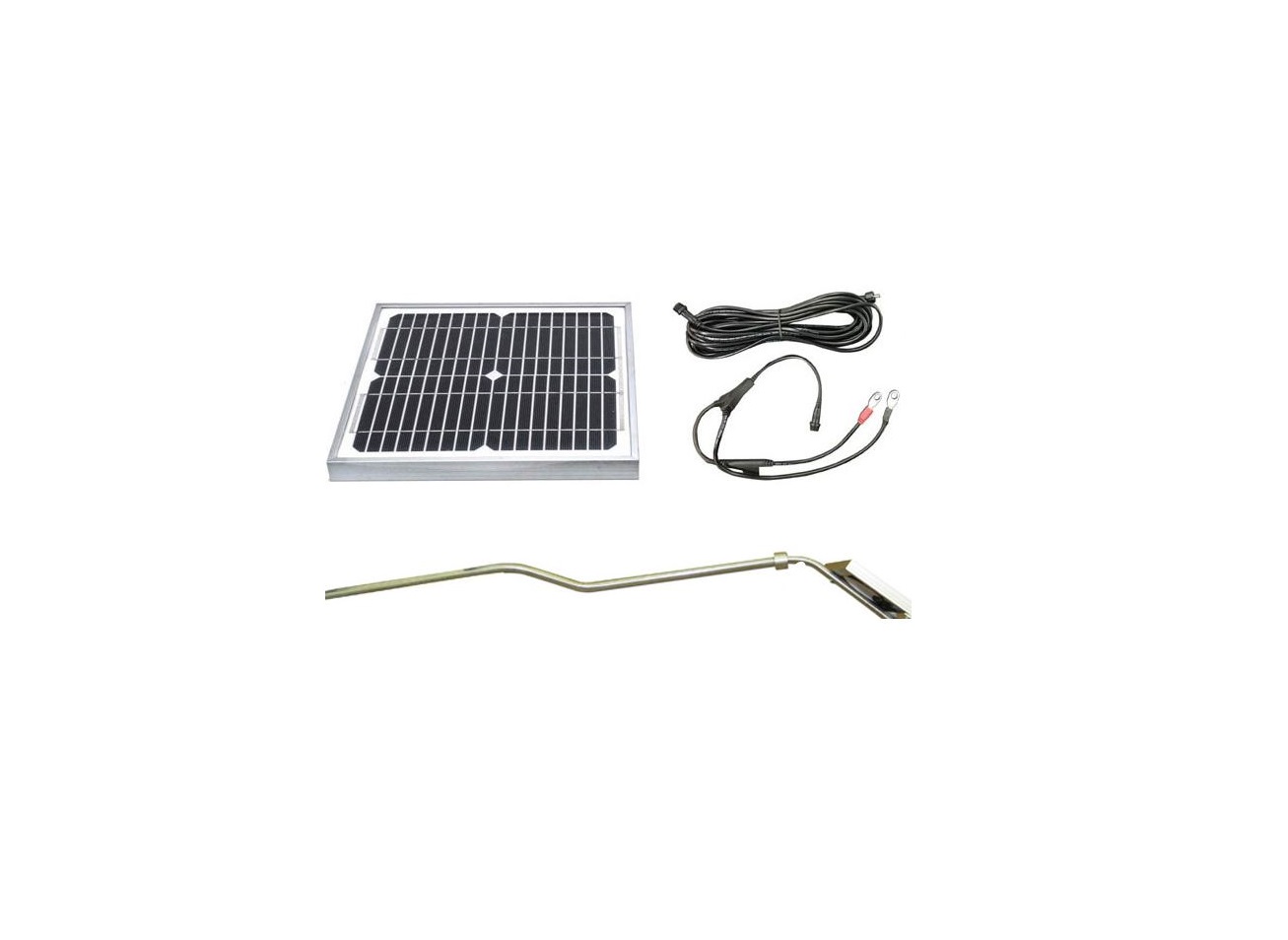
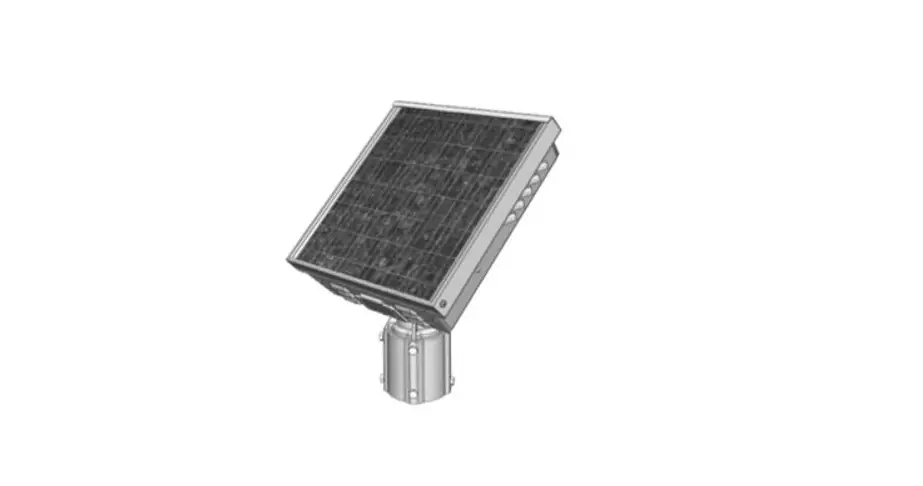
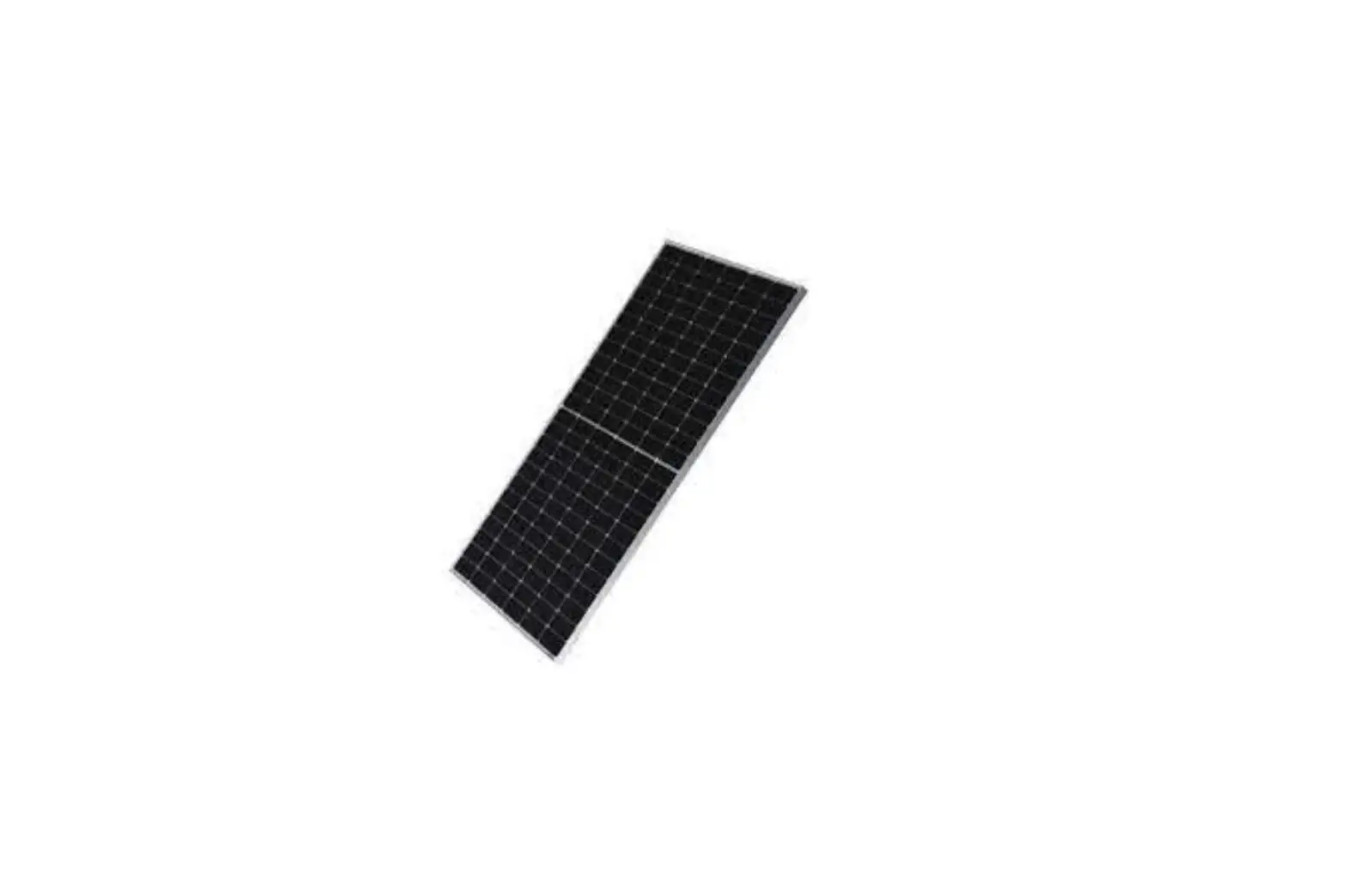
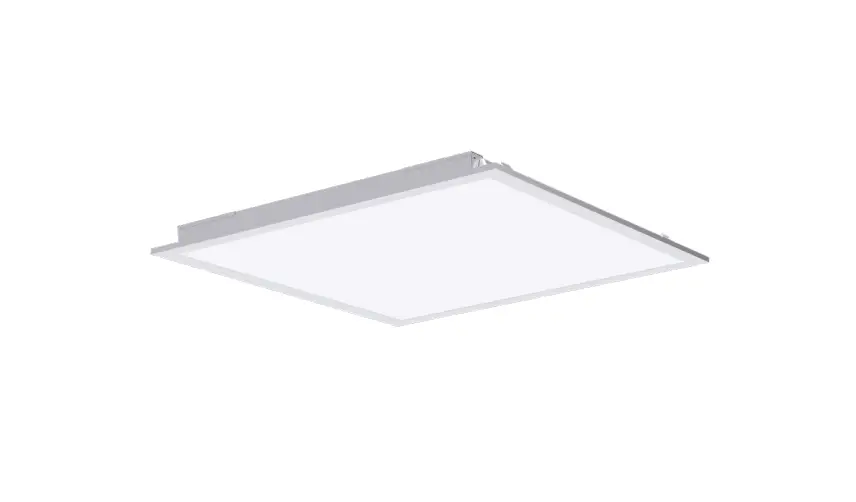
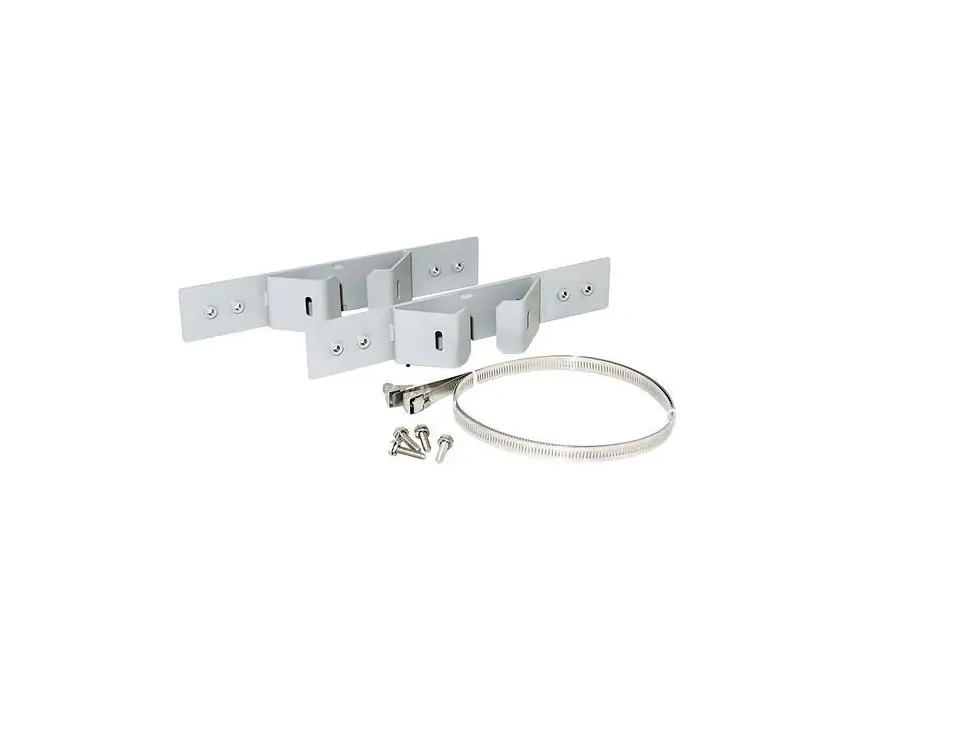
MX Series Solar Panel Top of Pole Mount Kit
Product Information: MX Series Solar Panel Top of Pole Mount
Kit
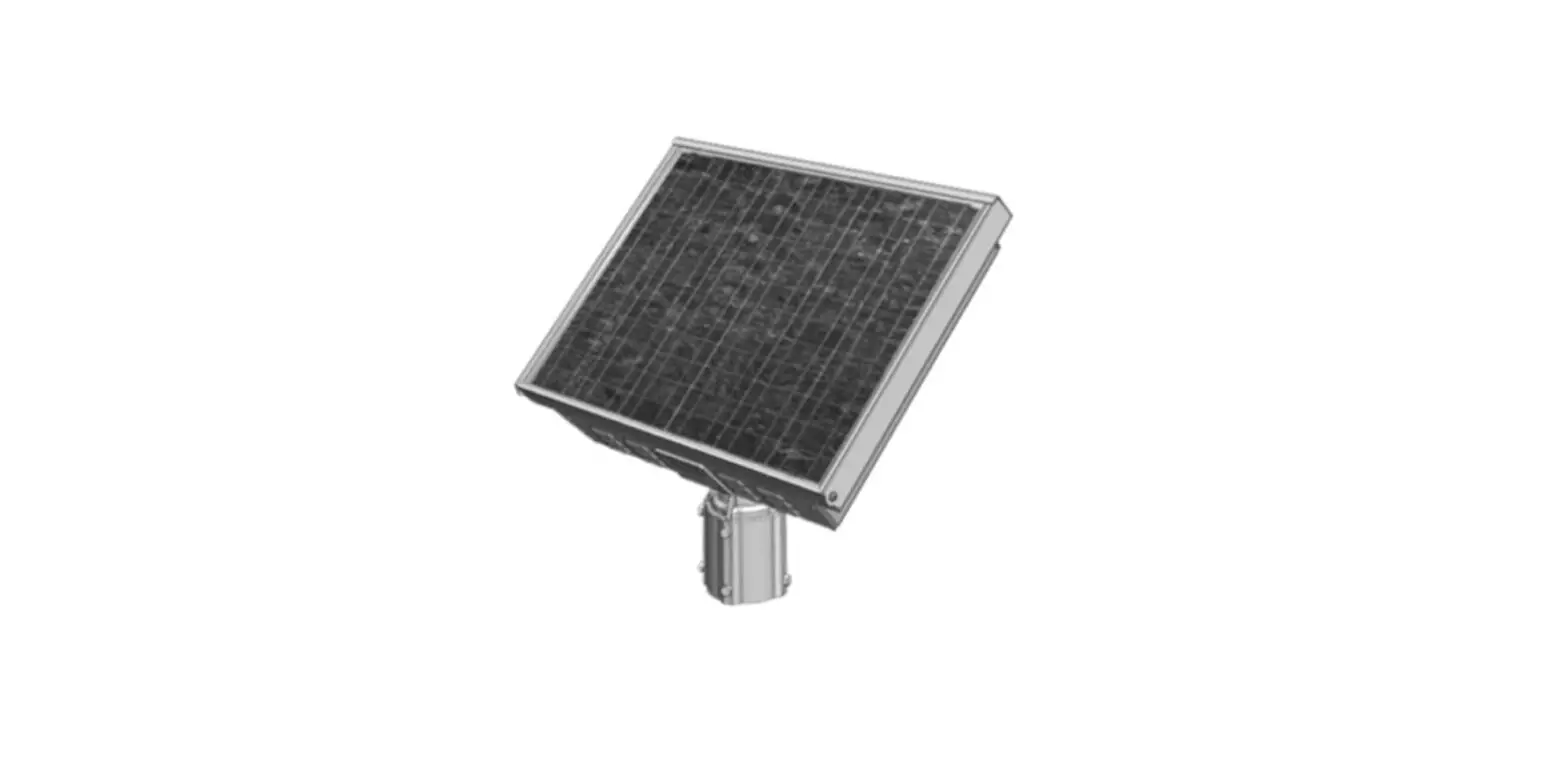
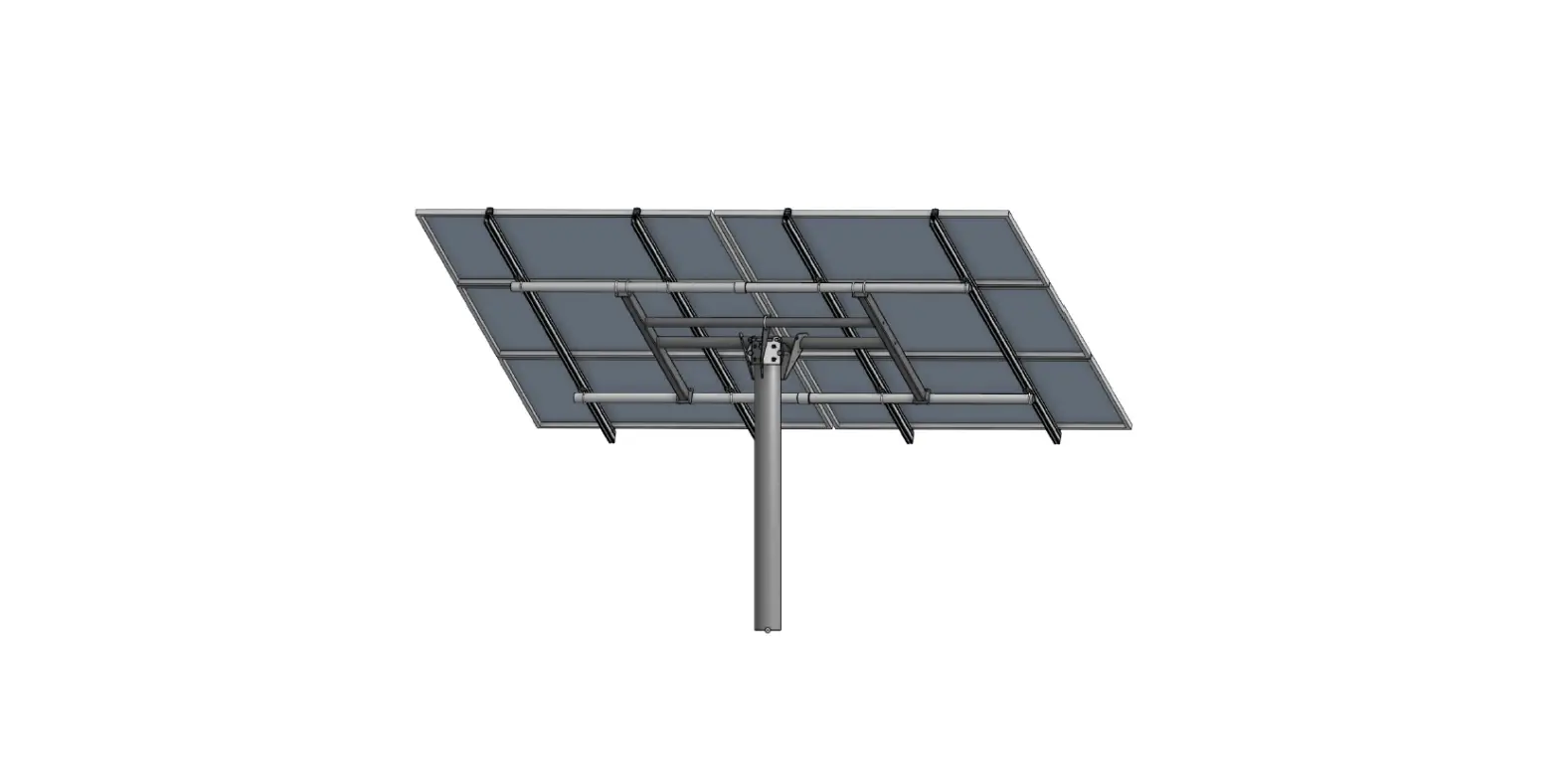
The MX Series Solar Panel Top of Pole Mount Kit is a mounting
system designed to securely install solar panels on top of a pole.
It is manufactured by Carmanah Technologies Corp., a company based
in Victoria, BC, Canada.
Product Features:
- Sturdy construction for durability and stability
- Includes grommet, bolts, sheet metal brackets, flat washers,
lock nuts, and hardware - Compatible with solar panels and poles
- Allows for easy orientation of the solar panel towards the
south (in North America) - Provides secure mounting for solar panels
- Includes provisions for routing solar cables and flexible
conduit
Product Usage Instructions:
- Begin by installing the included grommet and six bolts into the
casting. Discard the single longer bolt. Only thread in a few turns
so that the bolts do not protrude inside. - Fasten the sheet metal brackets to the casting using four bolts
and flat washers. - Place the casting/bracket assembly on the back surface of the
solar panel. Align the bracket holes with the solar panel frame
holes. Fasten them together using the included hardware: four
bolts, four lock nuts, and eight flat washers. Note: To ensure
safety during installation, fully cover the front surface of the
solar panel with an opaque material to prevent electric shock or
burns. - Slide the casting over the top of the pole and orient it so
that the solar panel faces south (in North America). Tighten the
six casting bolts to secure the casting to the pole. - Route the solar cable provided with the cabinet down the pole.
Make the cabinet connections before mating the connectors from the
solar panel. Refer to the LEVEL 2 MX 300/400 Solar Cabinet Module
Install Guide for detailed instructions. - If using the 3/4 flexible conduit mount kit, route the conduit
as shown and fasten the conduit clamps with the supplied bolts and
nuts.
Note: It is important to read all included install guides before
system installation for complete understanding and proper
setup.
For further assistance or inquiries, please contact Carmanah
Technologies Corp. at 1.250.380.0052 or via email at
[email protected]. You can also visit their website at
carmanah.com.
MX Series
SOLAR PANEL TOP OF POLE MOUNT KIT INSTALL GUIDE
LEVEL 4
1. Install included grommet and six bolts into casting. Discard single longer bolt. Only thread in a few turns so bolts do not protrude inside.
2. Fasten sheet metal brackets to casting with four bolts and flat washers.
90820REVA
Carmanah Technologies Corp. | 250 Bay St, Victoria, BC V9A 3K5, Canada | 1.250.380.0052 | [email protected] | carmanah.com
SOLAR PANEL TOP OF POLE MOUNT KIT INSTALL GUIDE
LEVEL 4
3. Place casting/bracket assembly on back surface of solar panel. Align bracket holes with solar panel frame holes and fasten as shown with included hardware: four bolts, four lock nuts and eight flat washers.
When exposed to light, solar panels generate electricity that can produce a shock or burn. To render them safe during installation, fully cover their front surface with an opaque material.
4. Slide casting over top of pole and orient so panel faces south (in North America). Tighten six casting bolts to secure casting to pole.
5. Route solar cable provided with cabinet down pole. Make cabinet connections before mating connectors from solar panel. See LEVEL 2 MX 300/400 Solar Cabinet Module Install Guide for details.
6. If using 3/4″ flexible conduit mount kit, route conduit as shown and fasten conduit clamps with supplied bolts and nuts.
NOTE: READ ALL INCLUDED INSTALL GUIDES BEFORE SYSTEM INSTALLATION
Carmanah Technologies Corp. | 250 Bay St, Victoria, BC V9A 3K5, Canada | 1.250.380.0052 | [email protected] | carmanah.com
2
 Systems for Traffic Beacons and Signs | Solar LED Beacons | Carmanah