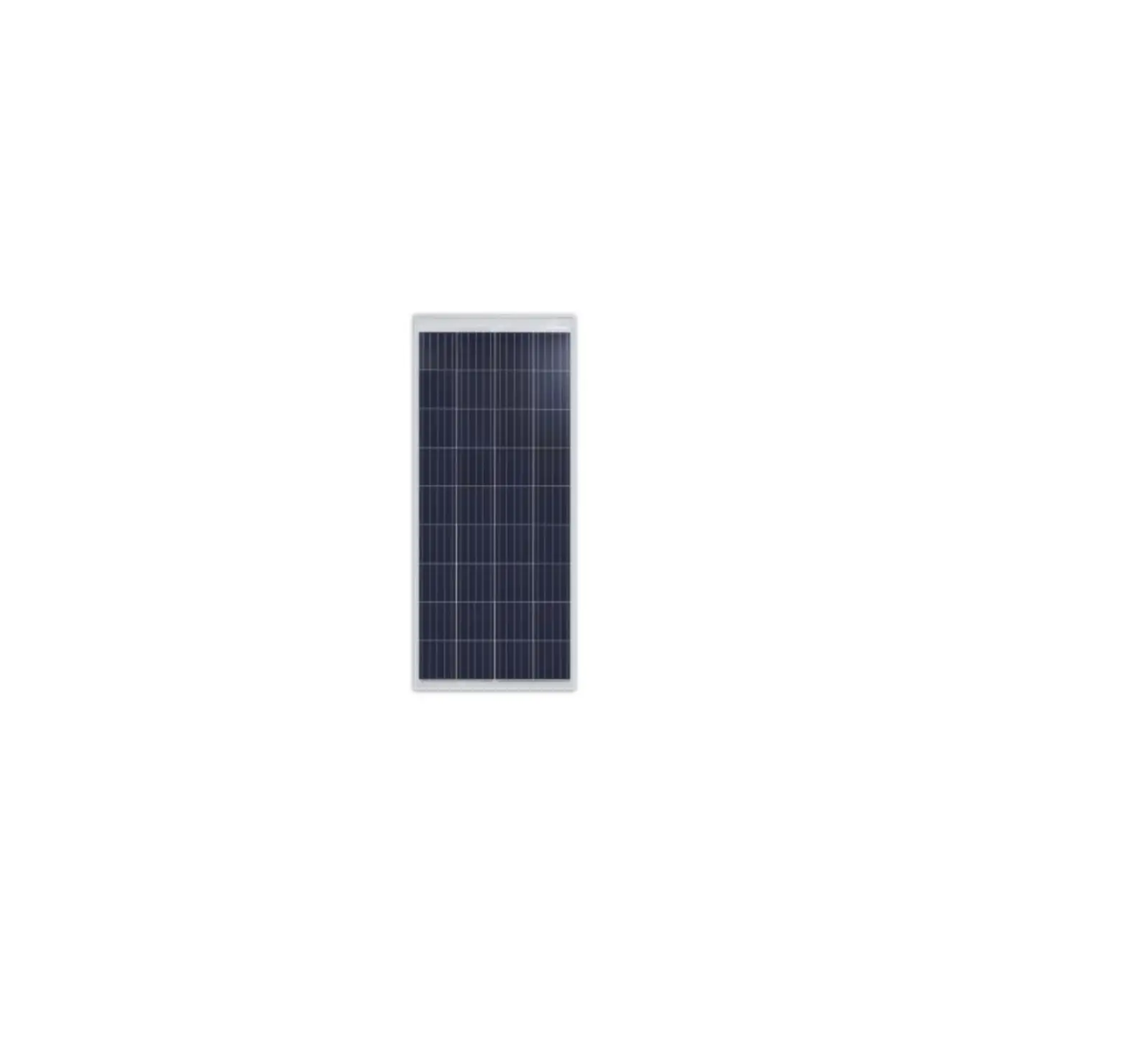
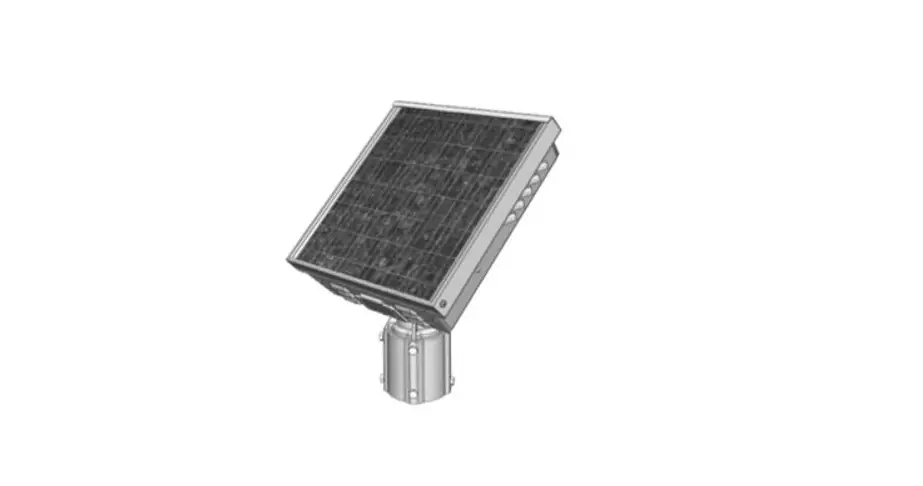
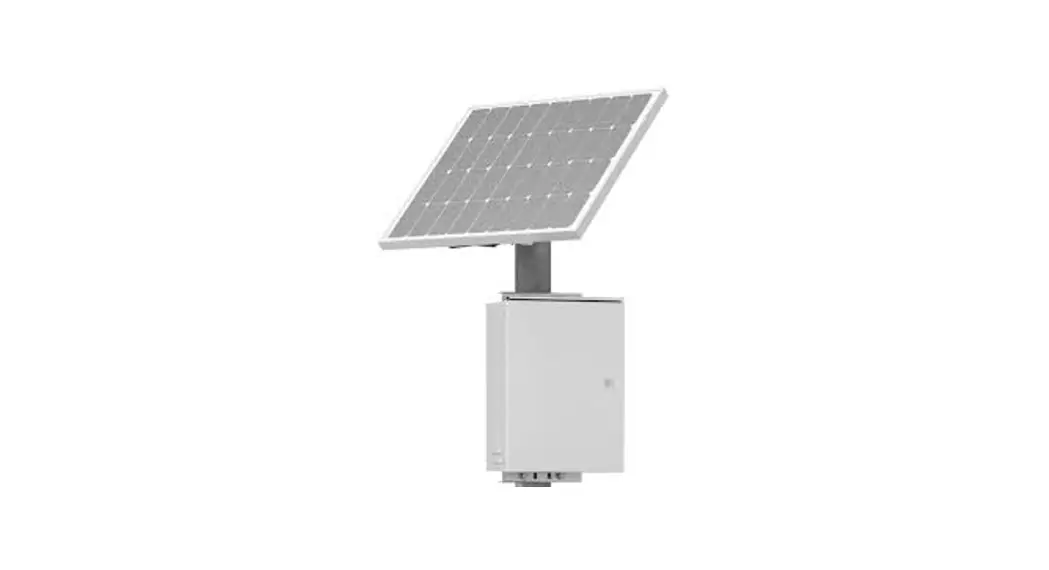
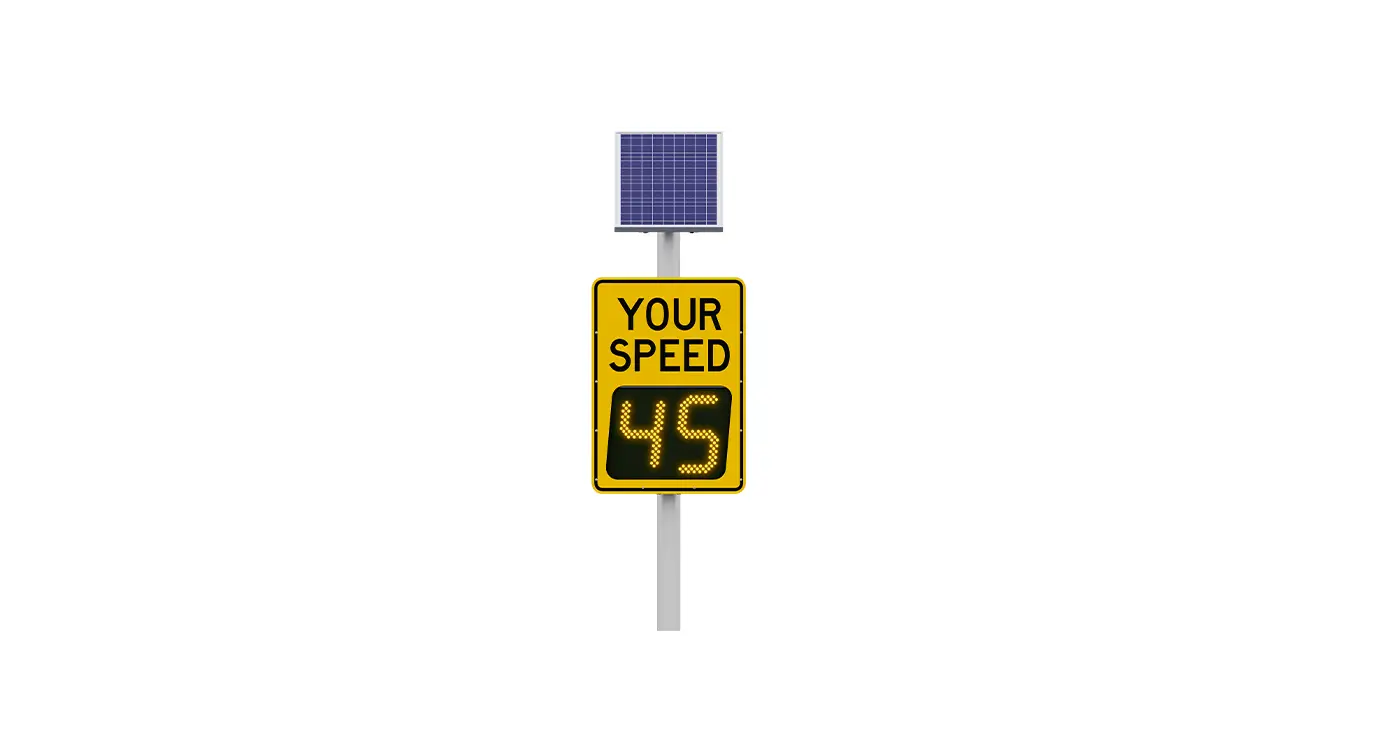
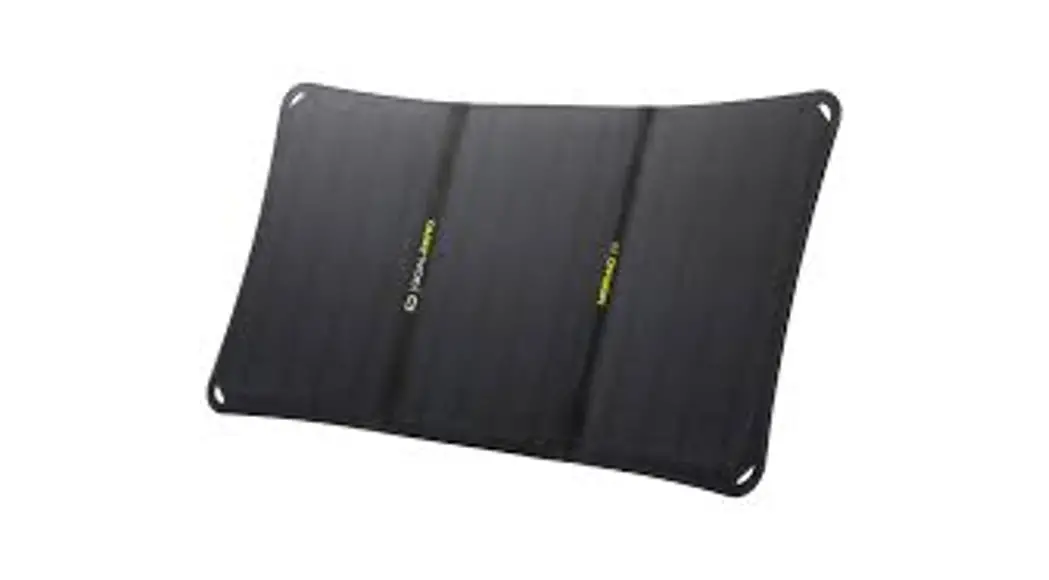
MX 100 Solar Panel
Product Information: MX 100 Solar Panel
The MX 100 Solar Panel is a component of the MX Series,
manufactured by Carmanah Technologies Corp. It is designed to
provide renewable energy to power the MX 100 device. The solar
panel assembly is responsible for converting solar energy into
electrical energy, which charges the device’s battery and enables
its functionality.
Product Usage Instructions: MX 100 Solar Panel Replacement
Guide
- Before starting the replacement process, disconnect both the
solar connector and the battery connector(s) to ensure safety. - Using a 0.161 drill bit, drill out the four rivets that secure
the existing solar panel assembly to the MX 100 chassis. - Make sure all rivets have been cleared from the mounting holes
and remove any metal debris from the MX 100 chassis. - Fit the replacement MX 100 solar panel assembly in the same
manner as the previous one, using the included rivets. - Ensure that the rivets protrude completely through the MX 100
chassis before riveting. - When riveting, ensure that the housing flange is positioned
between the lid flange and hinge. - Reconnect the battery connector(s) once the replacement solar
panel assembly is securely installed. - Ensure there is enough slack with the solar harness and
reconnect it to the circuit board. - Close, latch, and lock the MX 100 device to secure it.
- Check the MX Field App to verify that the new solar panel is
producing a suitable voltage.
If you require further assistance or have any questions
regarding the MX Series or the MX 100 Solar Panel, you can contact
Carmanah Technologies Corp. at:
Phone: 1.250.380.0052
Email: [email protected]
Website: carmanah.com
MX Series
MX 100 SOLAR PANEL REPLACEMENT GUIDE
LEVEL 4
1. Disconnect solar connector and then battery connector(s).
Carmanah Technologies Corp. | 250 Bay St, Victoria, BC V9A 3K5, Canada | 1.250.380.0052 | [email protected] | carmanah.com
90831REVA
1
MX 100 SOLAR PANEL REPLACEMENT GUIDE
LEVEL 4
2. Drill out four rivets securing solar panel assembly to MX 100 chassis, using a 0.161″ drill bit. 3. Ensure all rivets have been cleared from mounting holes and all metal debris has been removed from MX
100 chassis. 4. Fit replacement MX 100 solar panel assembly in the same manner using included rivets. 5. Ensure rivets protrude completely through MX 100 chassis before riveting. 6. Ensure housing flange is between lid flange and hinge.
Ensure housing flange is between hinge leaf and lid flange before riveting.
7. Reconnect battery connector(s). 8. Ensure you have enough slack with solar harness and reconnect to circuit board. 9. Close, latch and lock MX 100.
Check MX Field App to ensure solar panel is producing suitable voltage.
Carmanah Technologies Corp. | 250 Bay St, Victoria, BC V9A 3K5, Canada | 1.250.380.0052 | [email protected] | carmanah.com
2
 Systems for Traffic Beacons and Signs | Solar LED Beacons | Carmanah