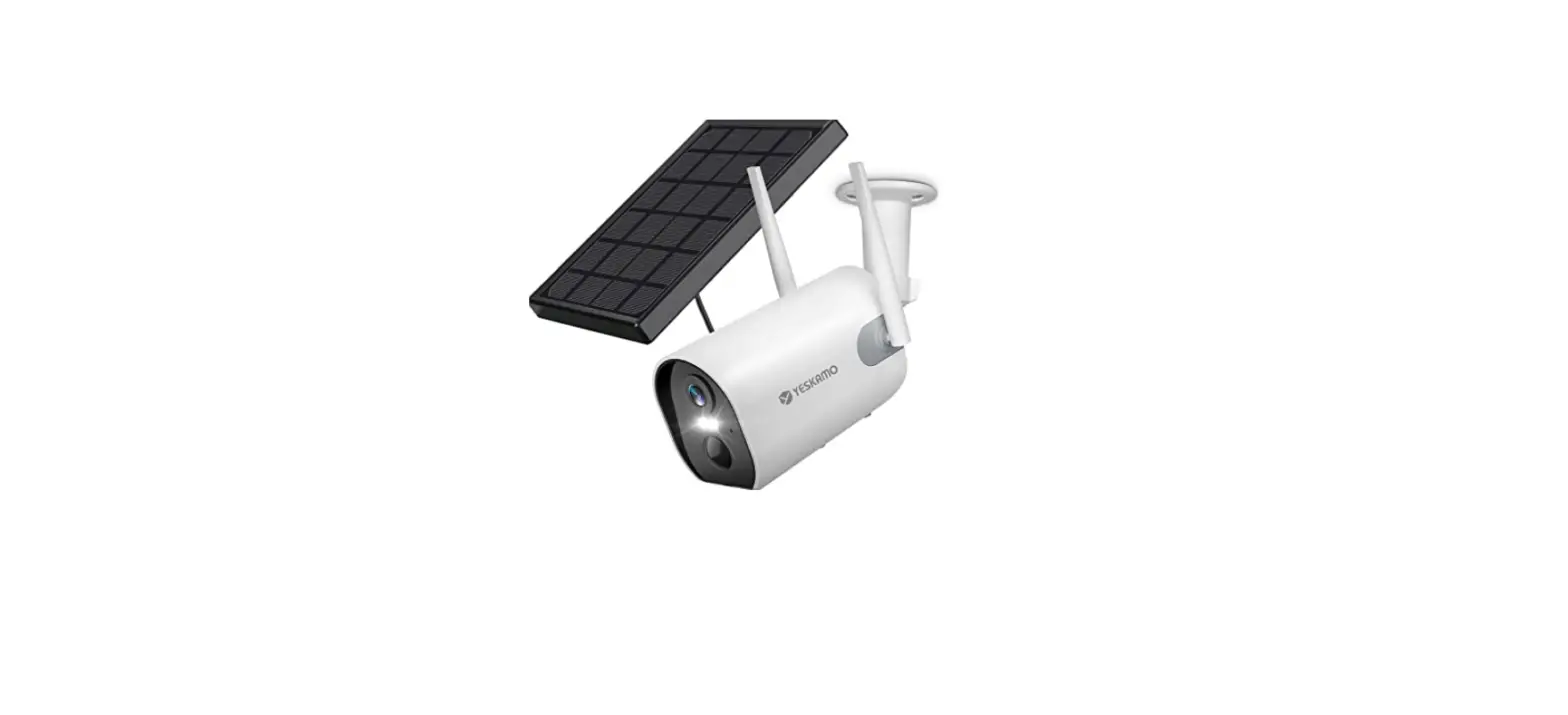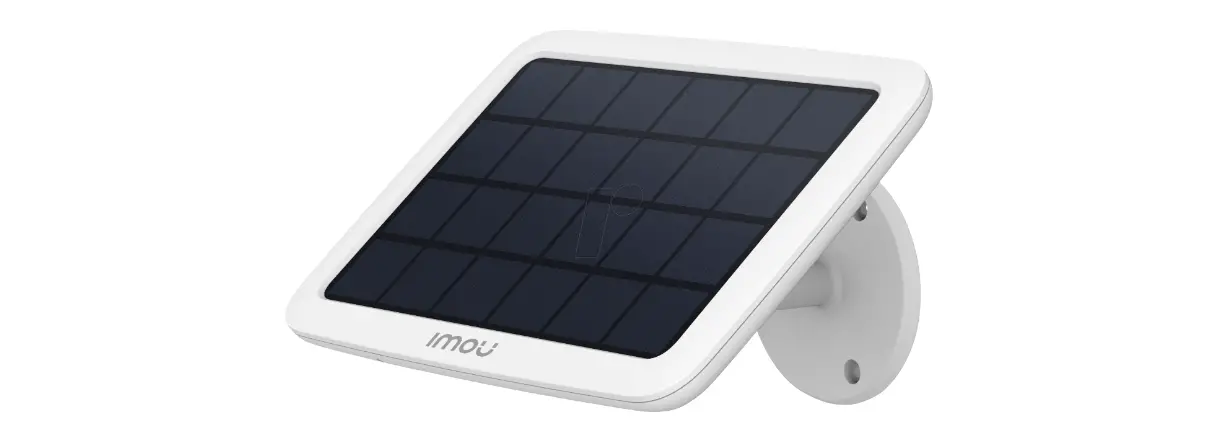

IMOU QSG Solar Panel
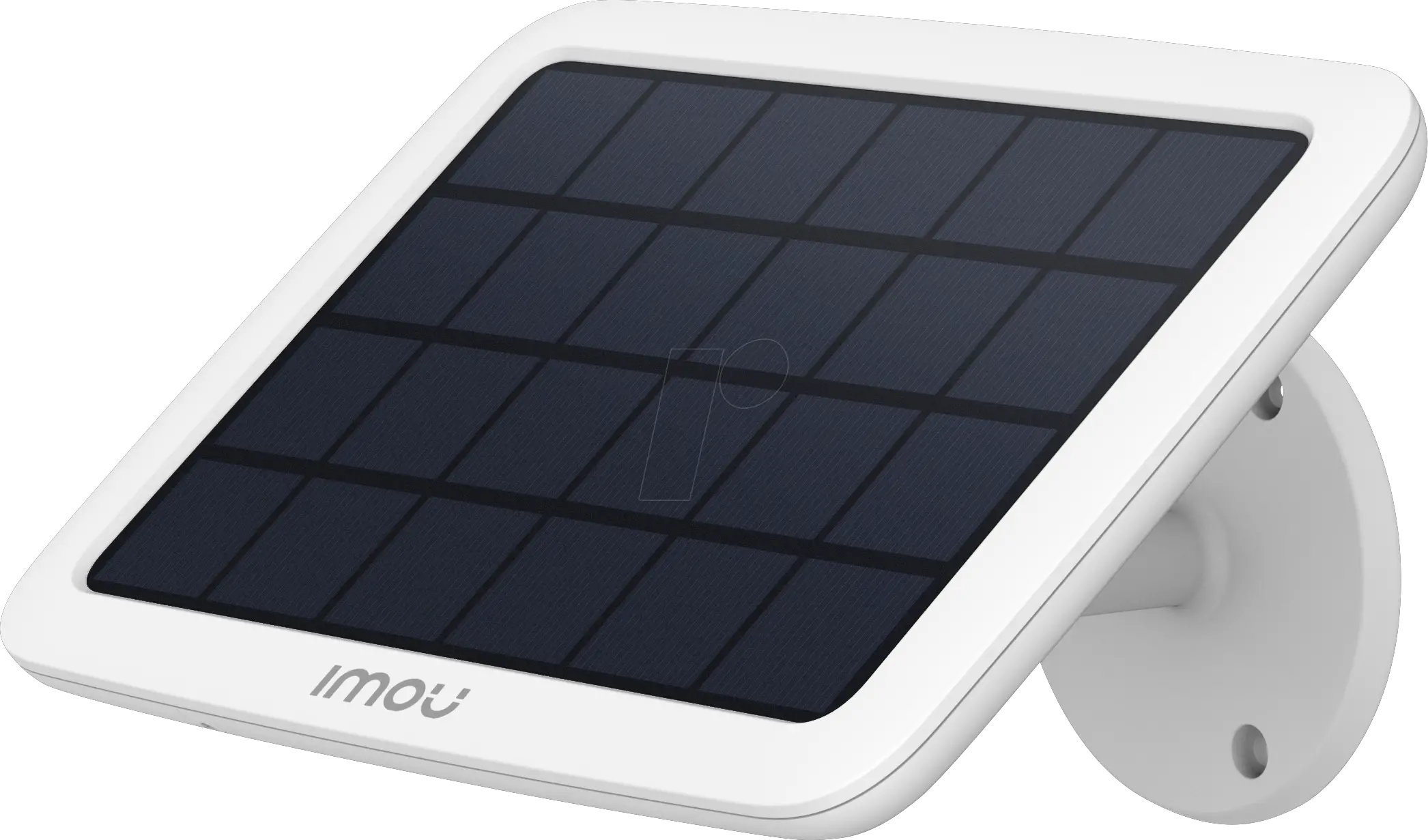
Safety Instructions
- Transport, use and store the device under the allowed humidity and temperature.
- Do not use the solar panel when the battery is not in the camera.
- Keep the panel away from any liquid to avoid damage to the internal components.
- Do not place the device in a damp, dusty, extremely hot or cold environment, and avoid places with strong electromagnetic radiation.
- Do not heat the solar panel or put it into fire.
- Do not puncture, hit, or put heavy load on the solar panel.
- Avoid severe physical shock on the solar panel.
- Do not disassemble or bend the solar panel in any way.
- Do not contact the solar panel with strong corrosive objects.
About the Guide
- This quick start guide is for reference only.
- All the design and software here are subject to change without prior wrtten notice.
- All tr ademarks and registered trademarks mentioned are the properties of the respective owners.
- Please visit our website, contact the supplie or customer service if there is any problem occurring when using the device.
- If there is any uncertai nty or controversy, we reserve the right of final explanation
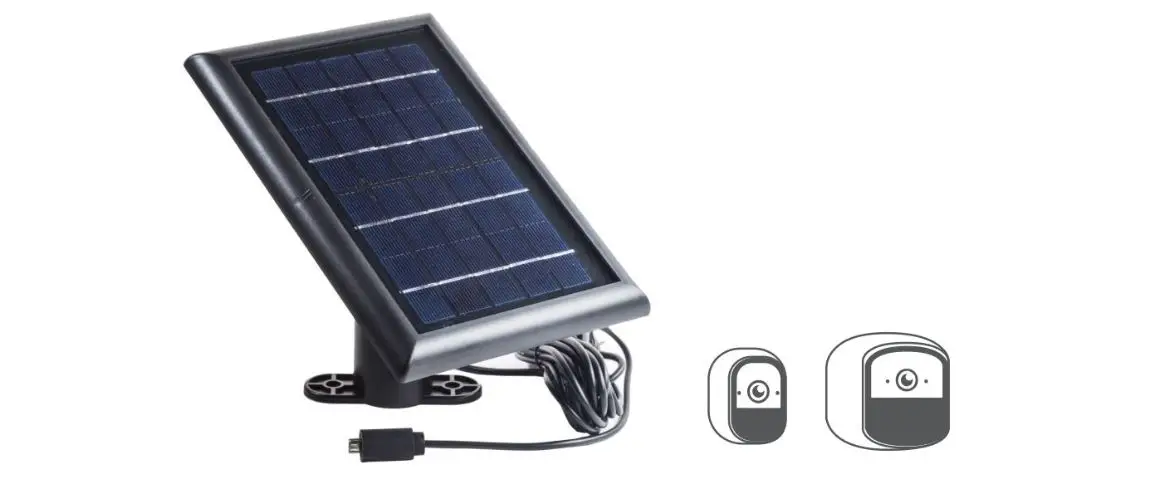
Application 
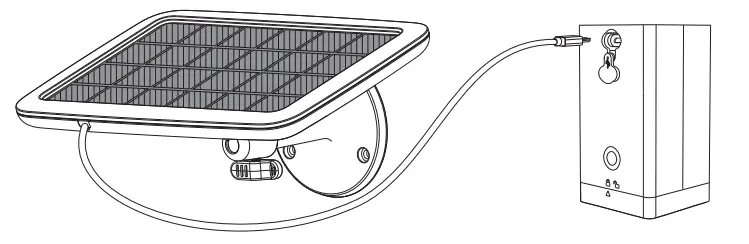
Note: The camera needs to be purchased separately.
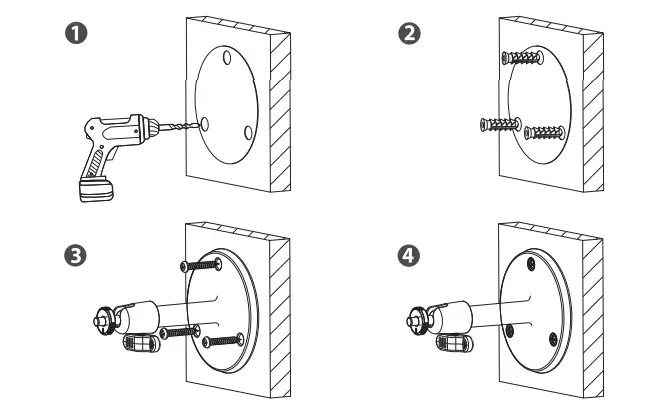
Install Bracket 
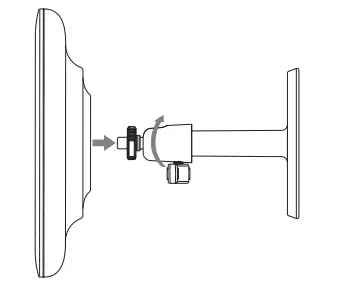
Attach Solar Panel
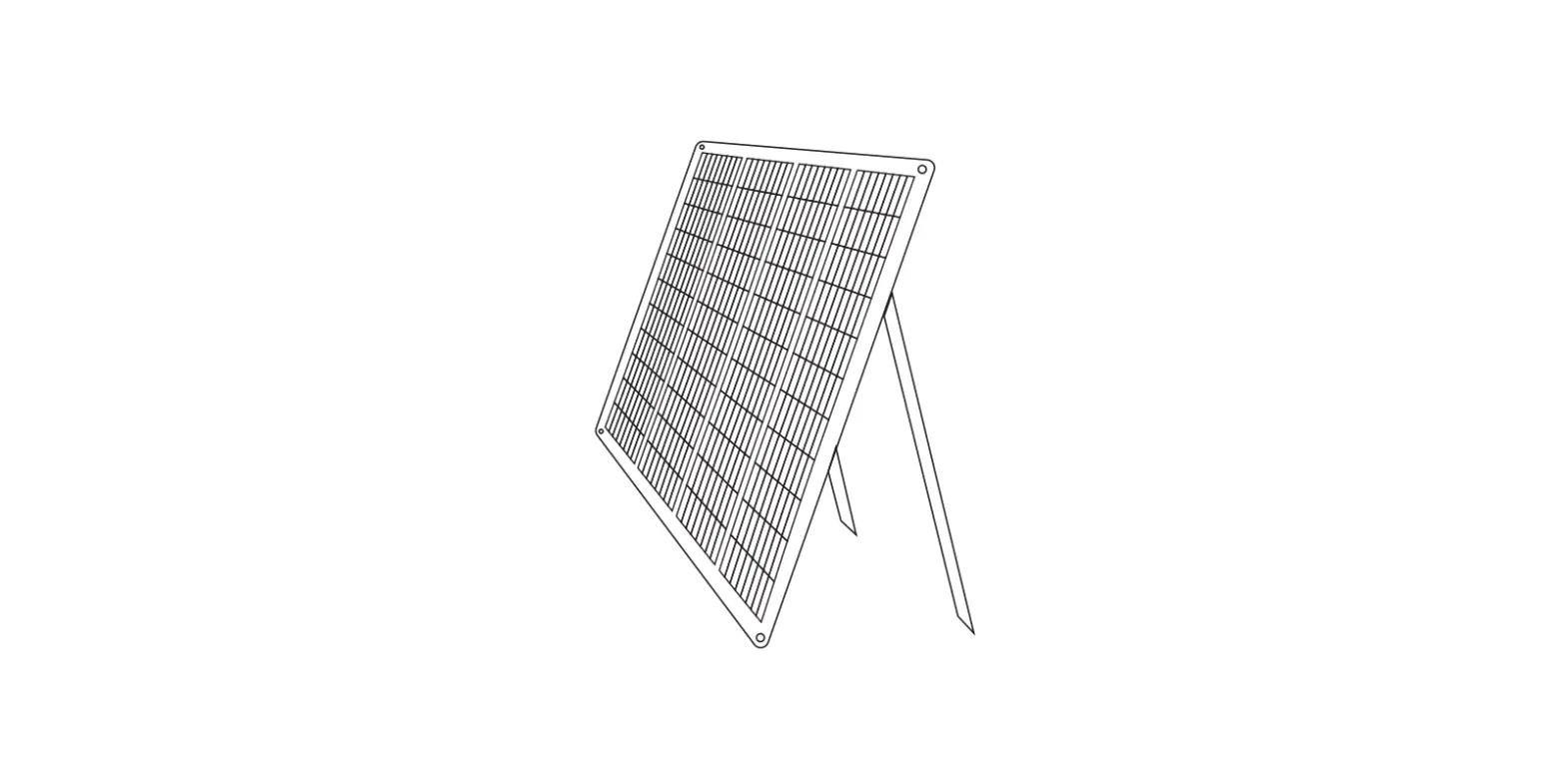
Adjust Panel Angle
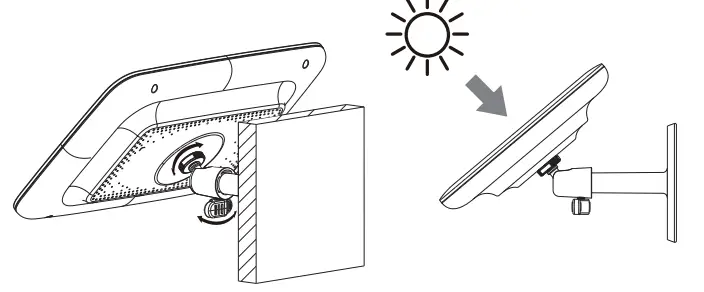
Note: Adjust the panel angle to make it face the sun as much as possible. Clean the dust or debris on the panel regularly to ensure best performance.