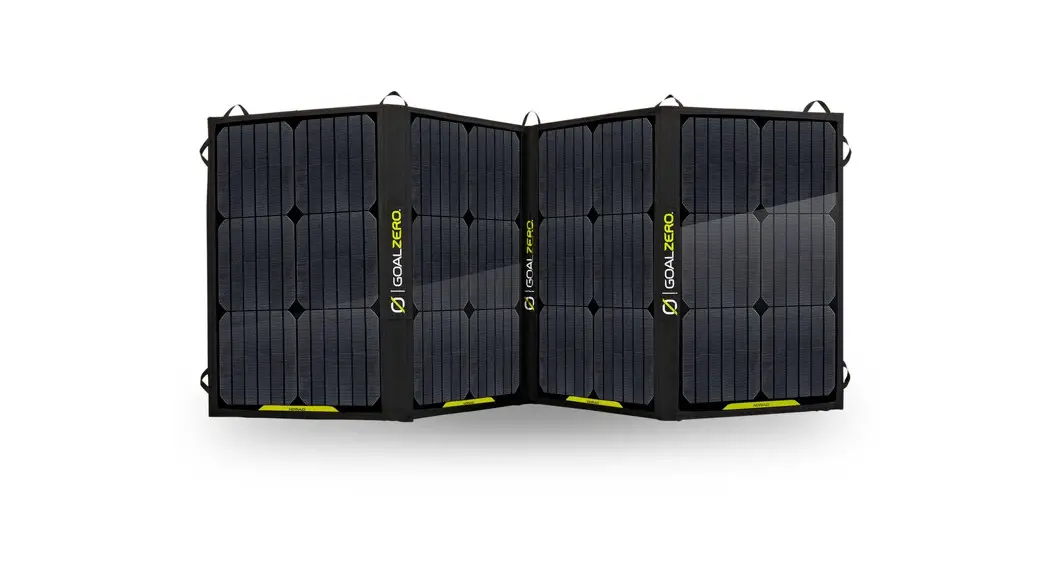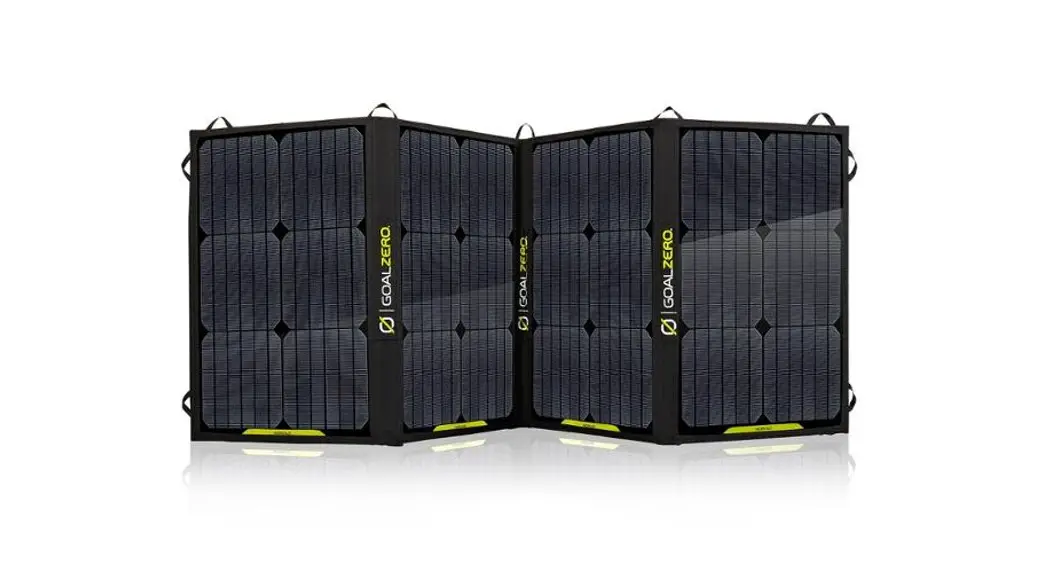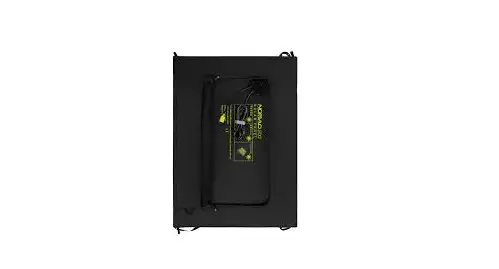
NOMAD® 200 SOLAR PANELUSER GUIDE
 SOLAR PANEL
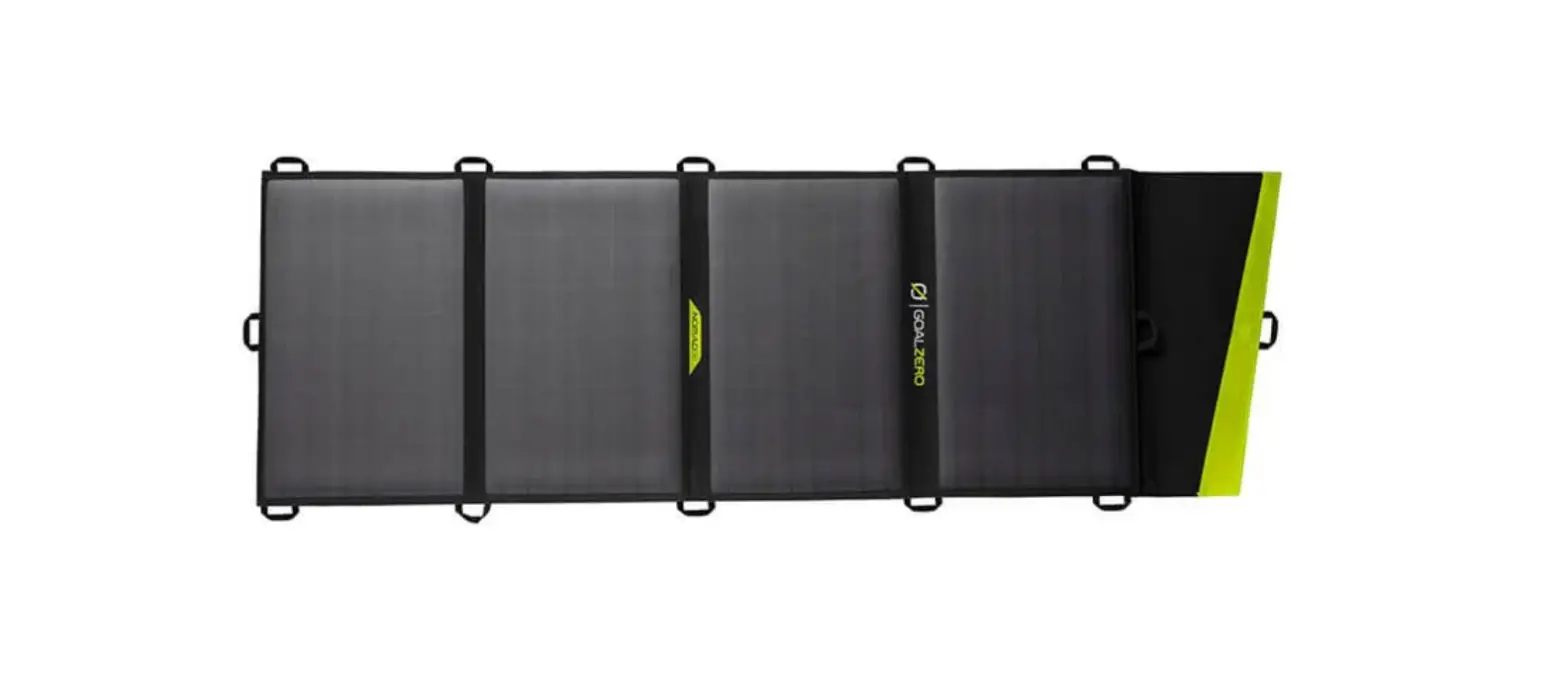
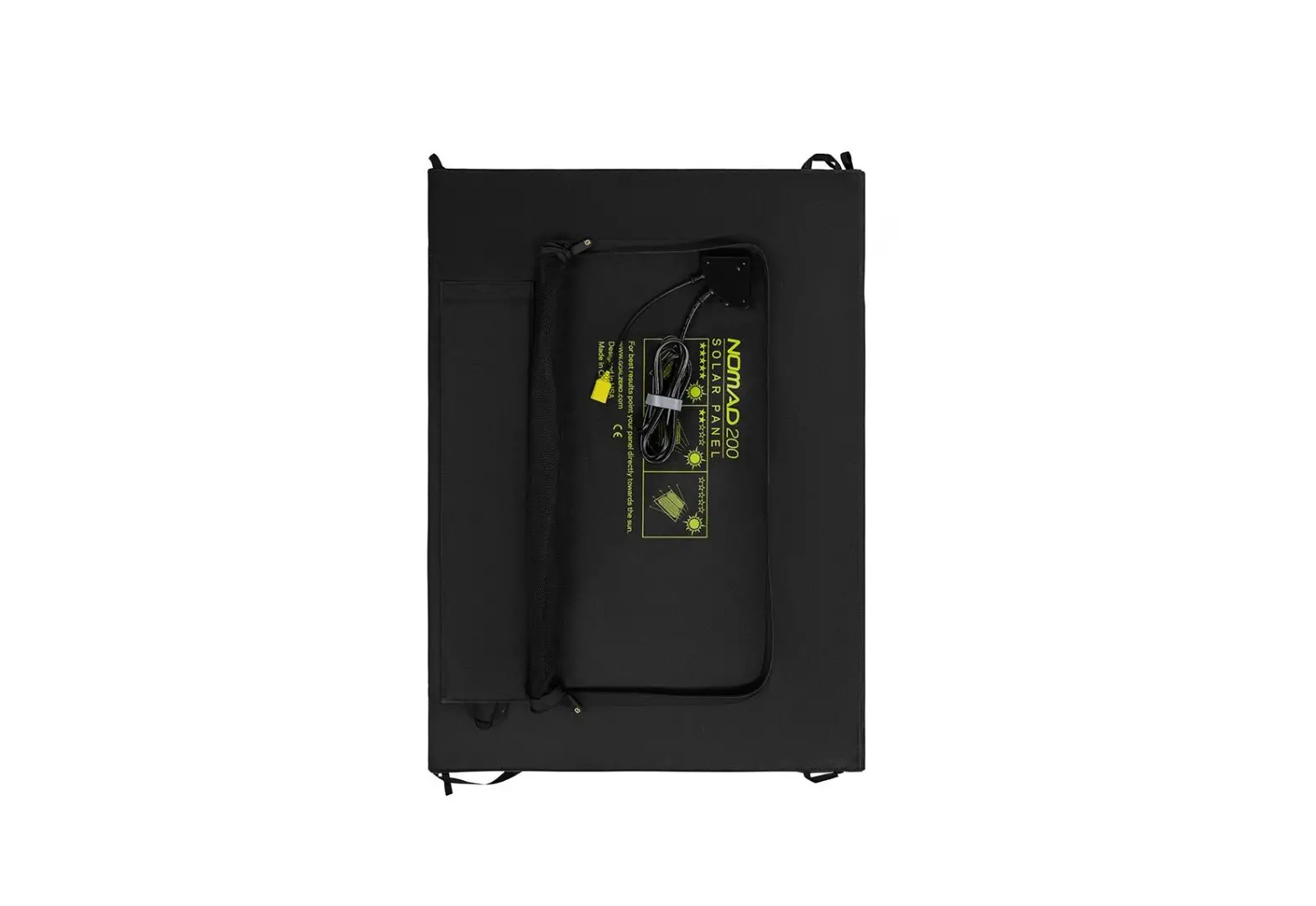
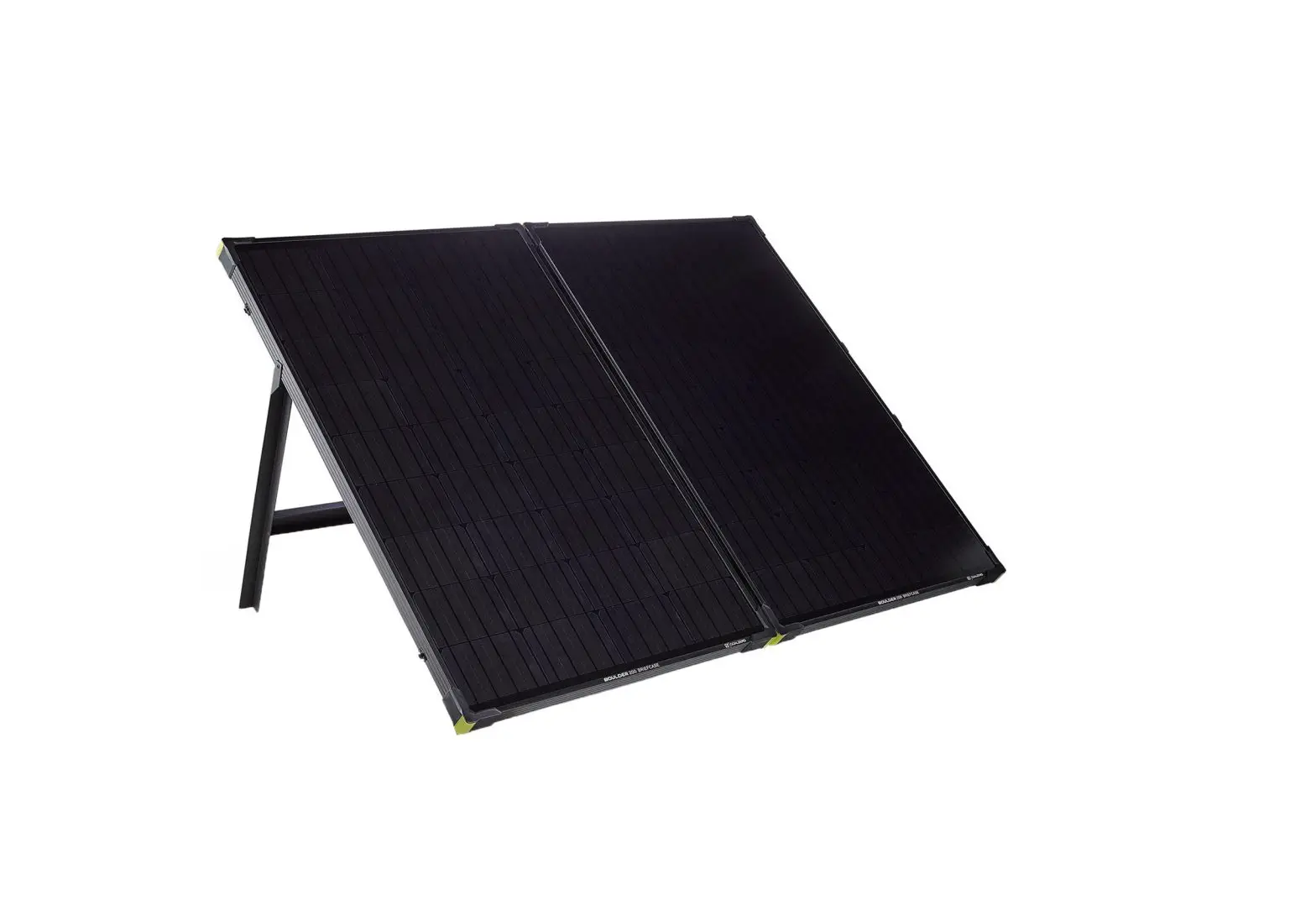
GET TO KNOW YOUR GEAR
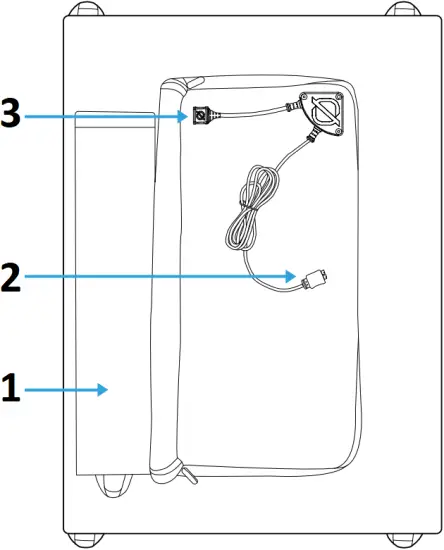
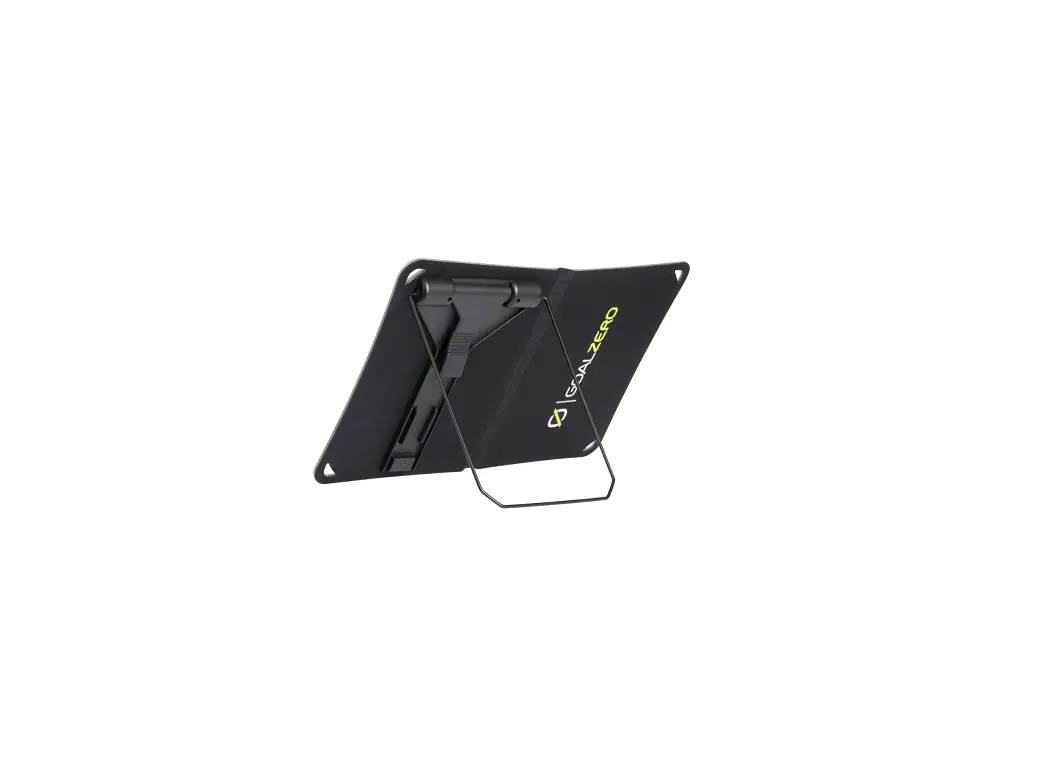
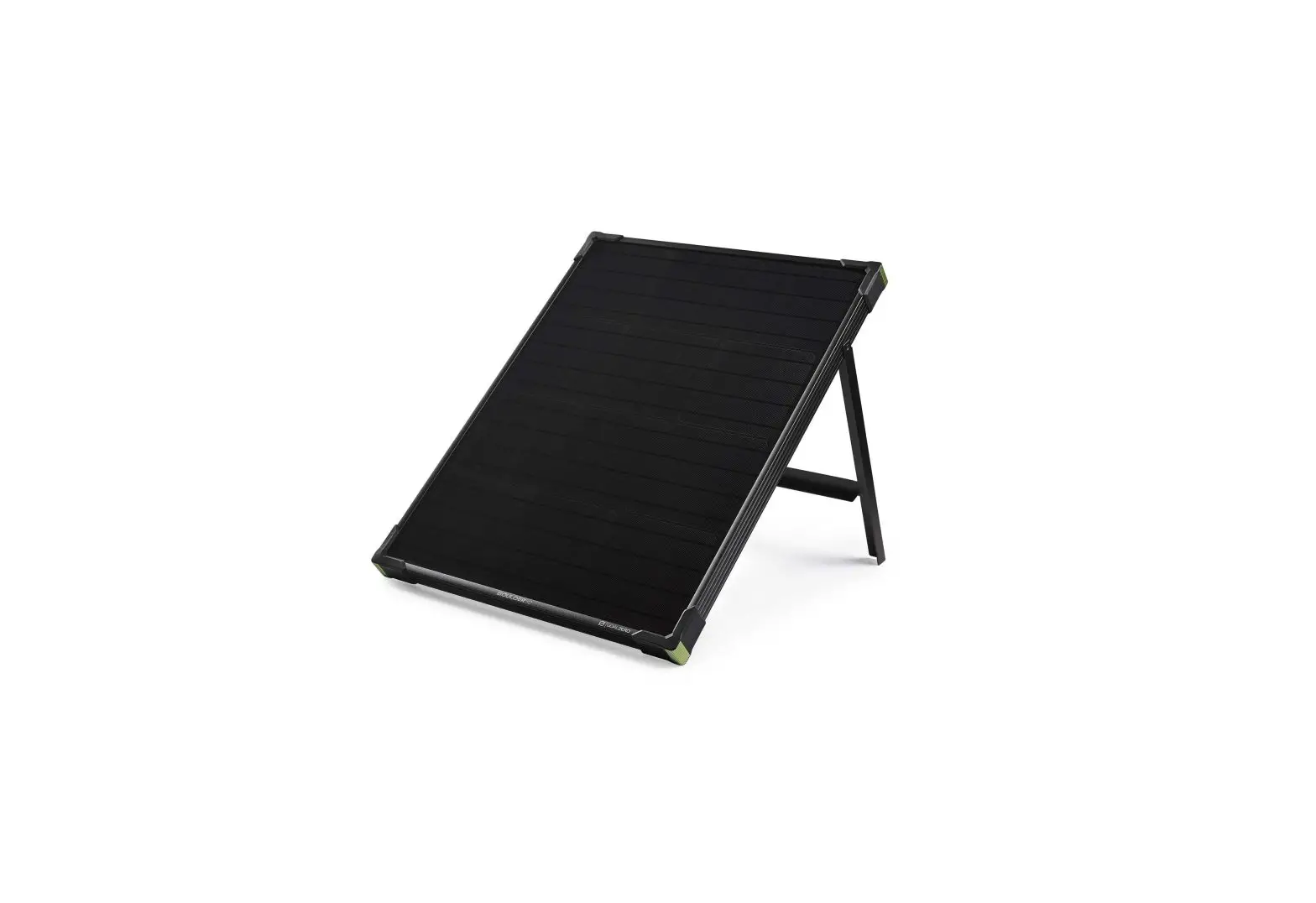
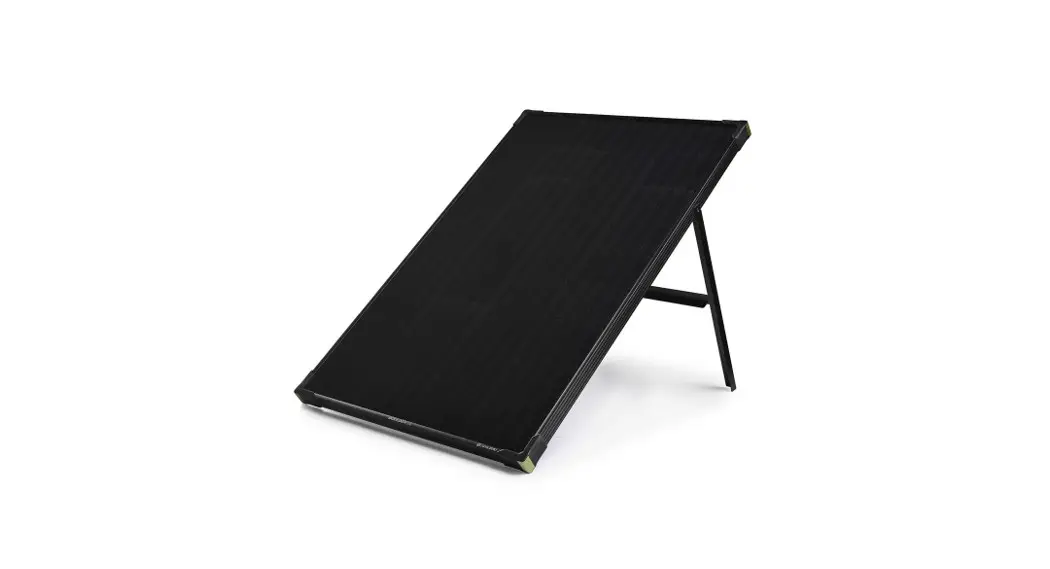
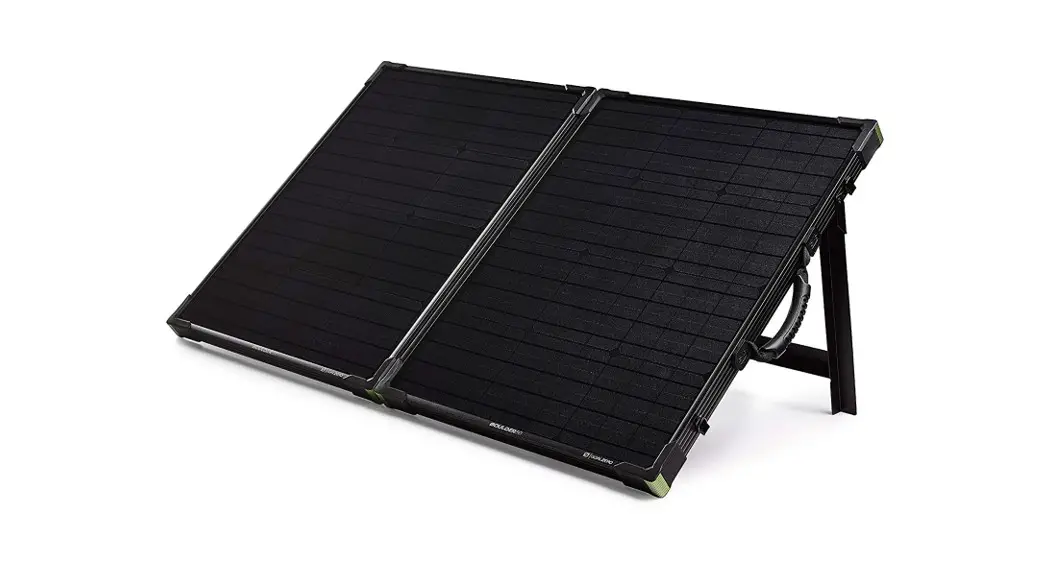
- Kickstand
- Anderson Powerpole Output Connector (6 FT.)
- 2.4A USB-A Output Port
HOW TO CONNECT
Plug the APP connector into the input port on the Goal Zero Yeti. You’ll get the best solar charging experience if you continue to reposition the solar panel throughout the day. Make sure to reference the specs of what you’re plugging the Nomad 200 into. On Yeti Portable Power Stations, you’ll be checking the input specs.

- HOW IT WORKS
- Nomad 200 Solar Panel
- Goal ZeroYeti Portable Power Station
- Phones, Tablets, and Laptops
HOW TO CHAIN
To chain multiple Nomad 200 Solar Panels together, you’ll need to purchase the 4x Anderson Combiner Cable (SKU 98061) from Goal Zero.
TECHNICAL SPECIFCATIONS
| Charge Times | |
| Goal Zero Yeti 1000X | 6-12 hrs |
| Goal Zero Yeti 1500X | 9-18 hrs |
| Goal Zero Yeti 3000X | 18-36 hrs |
| Solar Panel | |
| Rated Power | 200W |
| Open Circuit Voltage Voc | 23.0V |
| Cell Type | Monocrystalline |
| Ports | |
| Anderson Powerpole | 14-23V, up to 14A (200W max) |
| USB-A (output) | 5V, 2.4A(12W max) |
| General | |
| Weight | 22 lbs (10.0 kg) |
| Dimensions (unfolded) | 28.2 x 100.7 x 1.0 in (71.6 x 255.8 x 2.5 cm) |
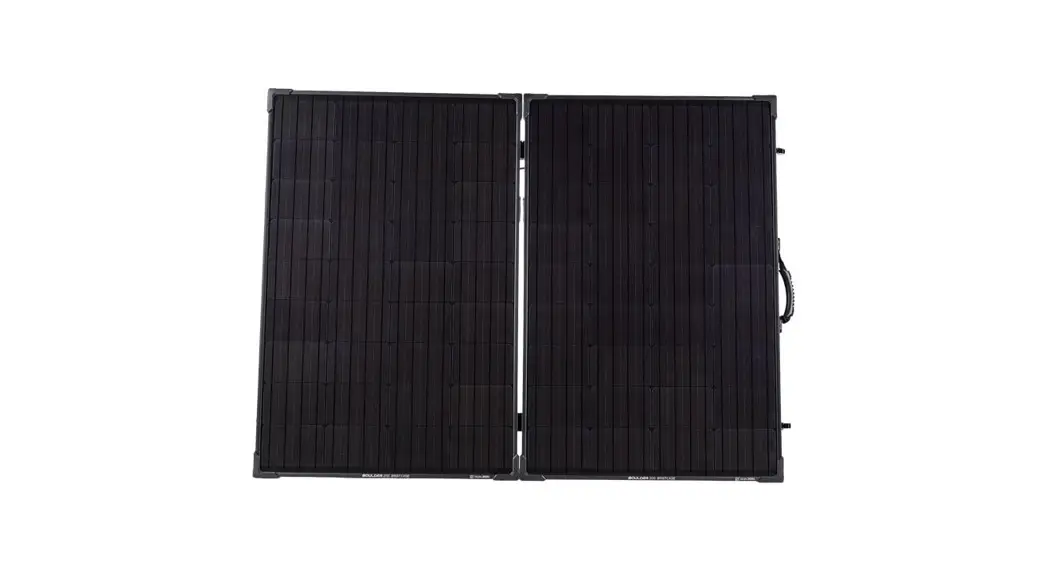
| Dimensions (folded) | 28.2 x 22.3 x 2.0 in (71.6 x 56.6 x 5.0 cm) |
| Certs |    |
| Warranty | 12 months |
Be sure to activate your warranty at goalzero.com/warranty
GOAL ZERO HEADQUARTERS
675 West 14600 South
Bluffdale, UT 84065
1-888-794-6250
Designed in the U.S.A.
Made in China
Nomad is a trademark of Goal Zero.
This equipment has been tested and found to comply with the limits for a Class B digital device, pursuant to part 15 of the FCC Rules. These limits are designed to provide reasonable protection against harmful interference in a residential installation. This equipment generates, uses and can radiate radio frequency energy and, if not installed and used in accordance with the instructions, may cause harmful interference to radio communications. However, there is no guarantee that interference will not occur in a particular installation. If this equipment does cause harmful interference to radio or television reception, which can be determined by turning the equipment off and on, the user is encouraged to try to correct the interference by one or more of the following measures:
—Reorient or relocate the receiving antenna.
—Increase the separation between the equipment and receiver.
—Connect the equipment into an outlet on a circuit different from that to which the receiver is connected.
—Consult the dealer or an experienced radio/TV technician for help.
This device complies with part 15 of the FCC Rules. Operation is subject to the following two conditions: (1) This device may not cause harmful interference, and (2) this device must accept any interference received, including interference that may cause undesired operation.
JG071720V2