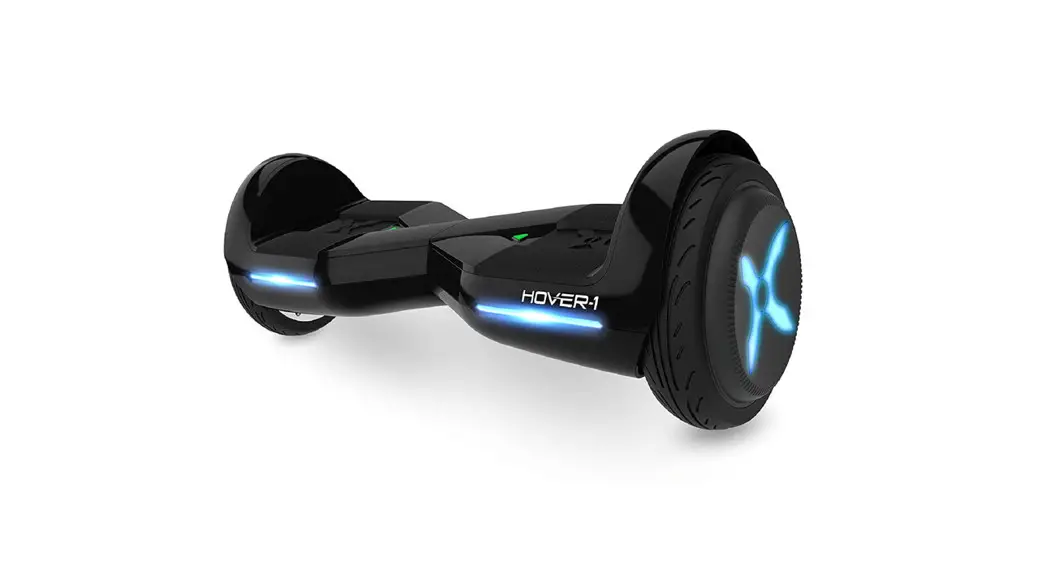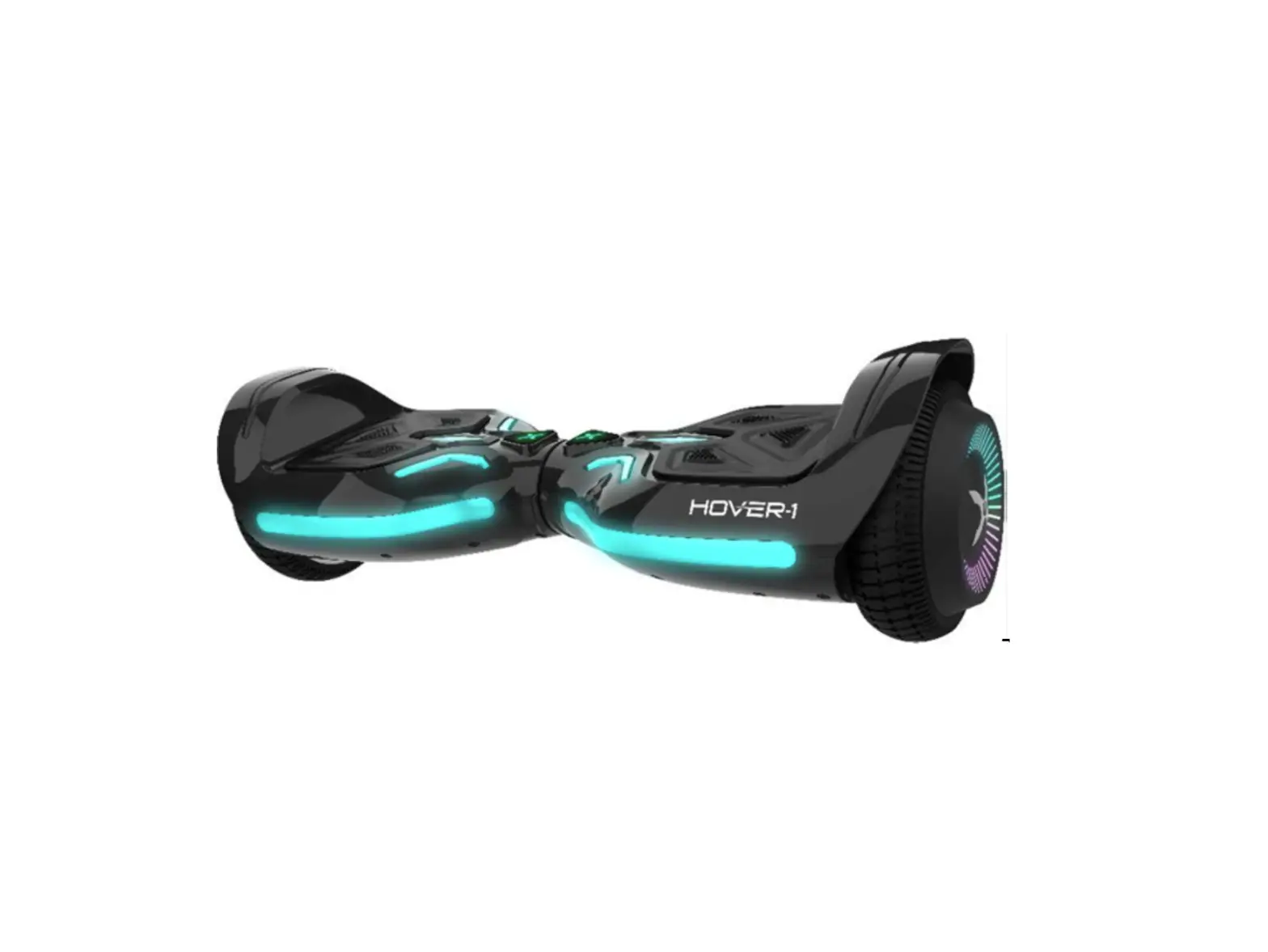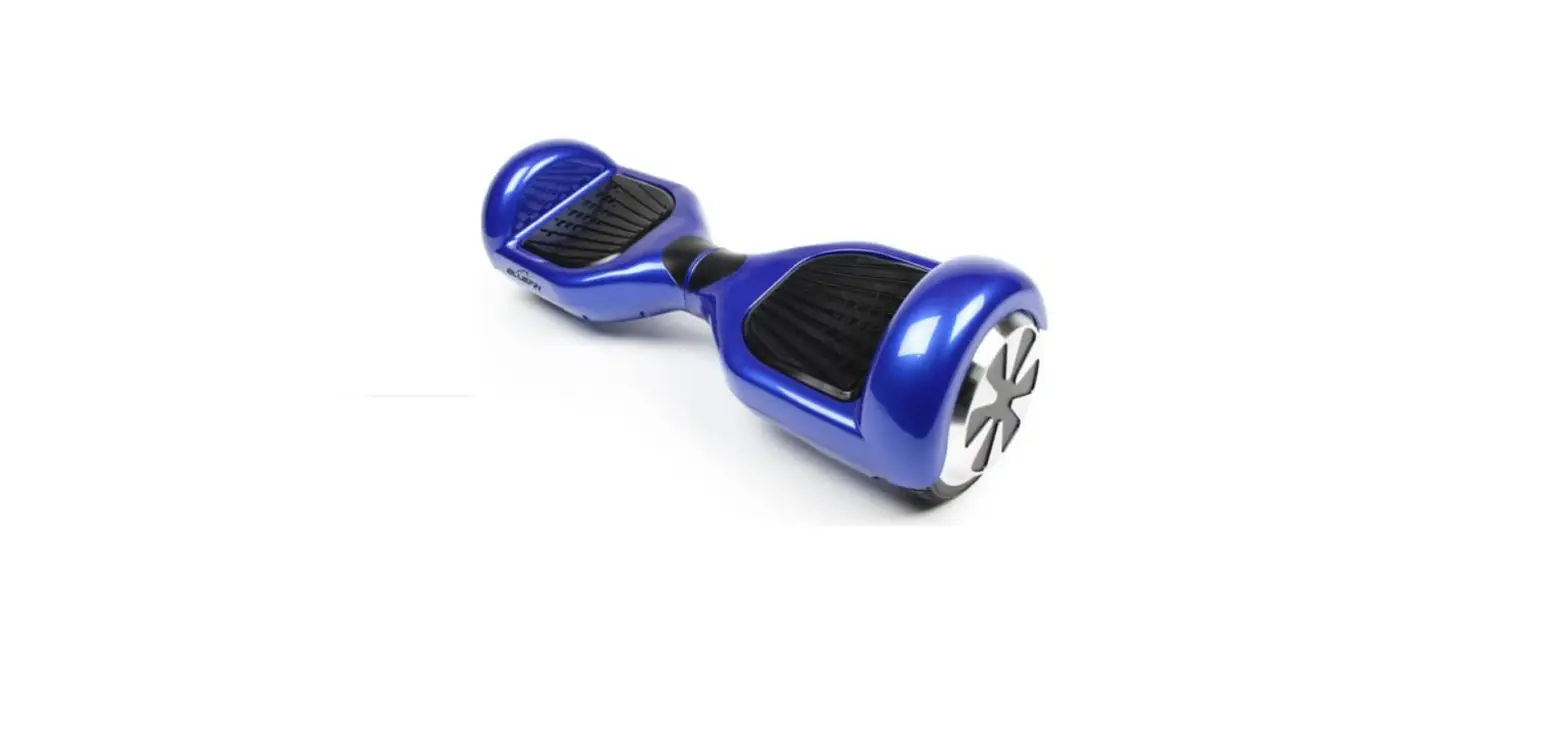

bluefin N30 hoverboard
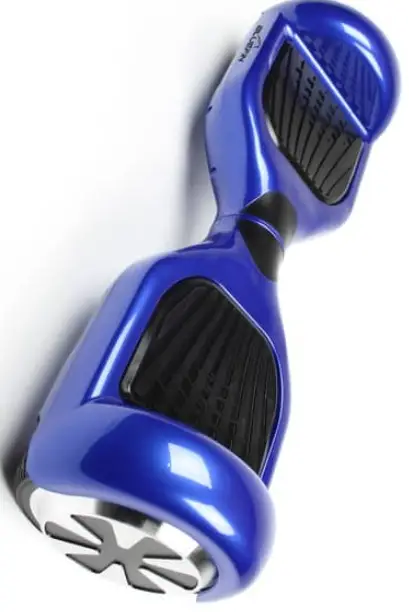
INSTRUCTION
Step 1: Getting Set Up
So, your brand new hoverboard has arrived! The first thing you need to do is charge it, although some boards to come with charged batteries, we recommend that you fully charge the board before riding it. For tips on how to charge have a look here. Ok so now your board is charged you can get started! First, you need to make sure your hoverboard is on flat ground. Then turn on the power by pressing and holding the silver button. You will hear a beeping noise and the middle console light will turn green. The LED lights should be facing forward and light up when you step on the sensor pads.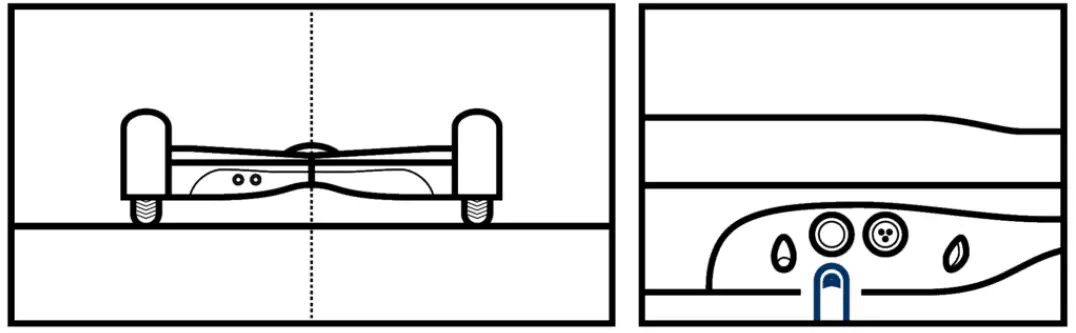
Step 2: Getting on
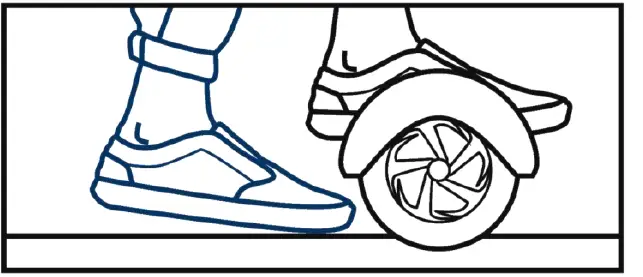
To get on to your hoverboard begin by putting one foot (preferably your dominant foot) onto the sensor pad. Use this foot to move the board into an upright, flat, rideable position. When you feel comfortable, step up on to the hoverboard with your other foot. The movement should be like you are walking up stairs. Our hoverboards have a self-balance feature that will balance you once both of your feet are on the board. We recommend that beginners steady themselves using a wall, table or holding someone’s hands when stepping up.
Step 3: Moving on your hoverboard
Once you have perfected your balance, you can start riding your hoverboard! I mean you don’t just want to stand around on it looking pretty! Before you start moving, make sure you are comfortable standing upright on the board looking forwards, and not down at your feet! Now for the movement, riding a hoverboard is easy, you simply shift your weight forwards or backwards to move forwards…or backwards! The sensor pads detect where you shift your weight and moves in the direction you lean your weight towards. You may not be the smoothest rider at first, but everyone is wobbly at first. It takes time to perfect your riding, but practice first indoors until you get the hang of it!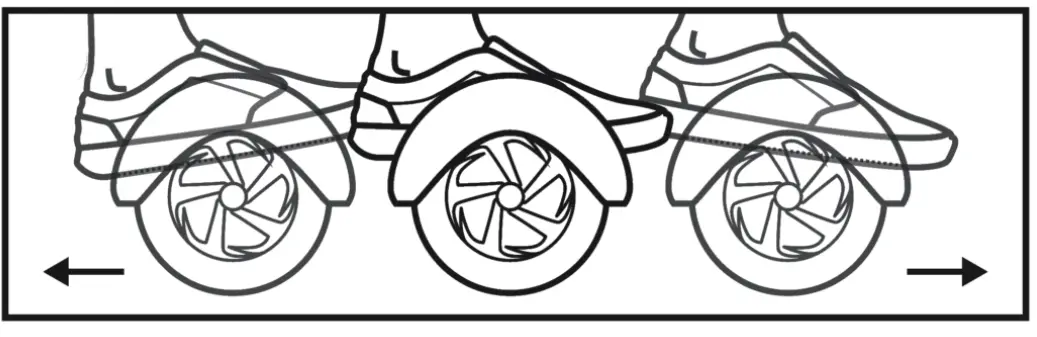
Step 4: Turning on your hoverboard
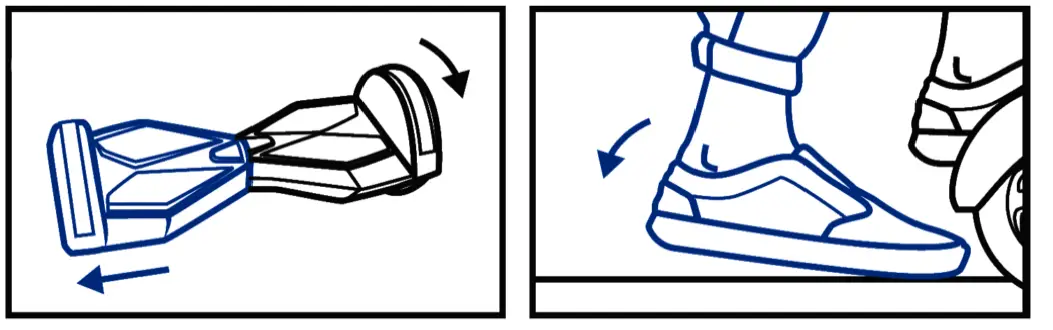
Once you have mastered moving forwards and backwards, you need to learn how to turn on your board. Otherwise, you will just glide straight into a wall! Turning is really easy, it is done by “push-steering”. You simply put weight on to your left foot to turn left and put weight on your right foot to turn right! The amount of pressure you put on will determine how fast the turn is. Practice with slow controlled turns first. Once you have mastered those and moving forwards and backwards whilst turning, you can try quick spins. Make sure you keep your head up when you spin, don’t look at your feet or you’ll get super dizzy! When dismounting your board make sure you come to a complete stop and step off backwards one foot at a time.
How To: Ride and Use your hoverboard safely
Hoverboards are classed as vehicles. This means that like with a car, there is a certain amount of responsibility when owning and riding a board! We have put together a lift of Do’s and Don’ts in order for you to enjoy your board safely!
DO
- Make sure your board is fully charged before riding We recommend charging for around 2 hours.

- Ensure your board is on flat ground before you step on.Always get on and off the board one foot at a time.

- Watch out for pedestrians, obstacles and uneven ground. Before you take your board out in congested areas, ensure you have practiced and feel comfortable on your board

- When learning to ride make sure you are in a safe place away from obstacles. We recommend you practice indoors or in an enclosed garden area, to begin with. Children should be under supervision.

- When riding the hoverboard make sure it is in a responsible manner, be aware of your surroundings

- Make sure that you keep your board clean, dry and free from debris. And most of all, be safe, and have fun!





DON’T
- Watch out for puddles and mud! Unless you’re on our All-Terrain board which is Semi-submersible (IP56 Waterproof Certified) Avoid riding sand with your Bluefin boards, they are not built for these types of terrain.

- Don’t ride your board irresponsibly, you could injure yourself, and potentially break your board! Don’t ride your hoverboard on public roads or pavements. Find out more about the legality of hoverboards here.

- Don’t remove the boards casing or attempt any repairs as this will invalidate your warranty. We offer a one year warranty with all new boards – and will still repair after the warranty ends!

- Don’t use a third-party power supply!

- Don’t ride on extreme gradients or extreme terrain, extreme gradients and terrain can cause injury to the user and damage to your board.

- Watch out for puddles and mud! Unless you’re on our All-Terrain board which is Semi-submersible (IP56 Waterproof Certified) Avoid riding sand with your Bluefin boards, they are not built for these types of terrain.



How to Use your Bluetooth Speaker
We are often asked; where is my Bluetooth speaker, it is not in the box!? Often customers assume that you receive a separate Bluetooth speaker along with you Bluefin Hoverboard! The speaker is in fact incorporated into you hoverboard, meaning you can ride and play music at the same time, with ease!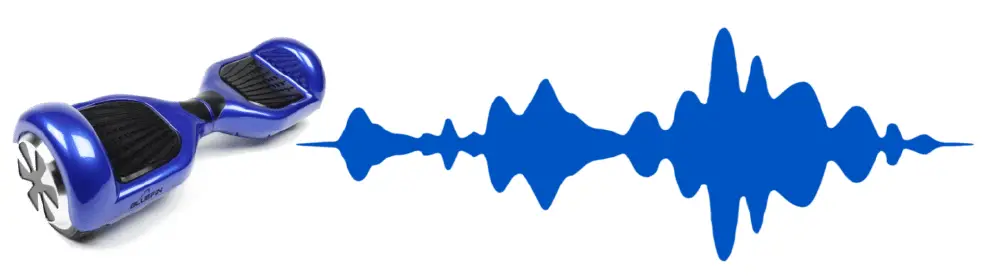
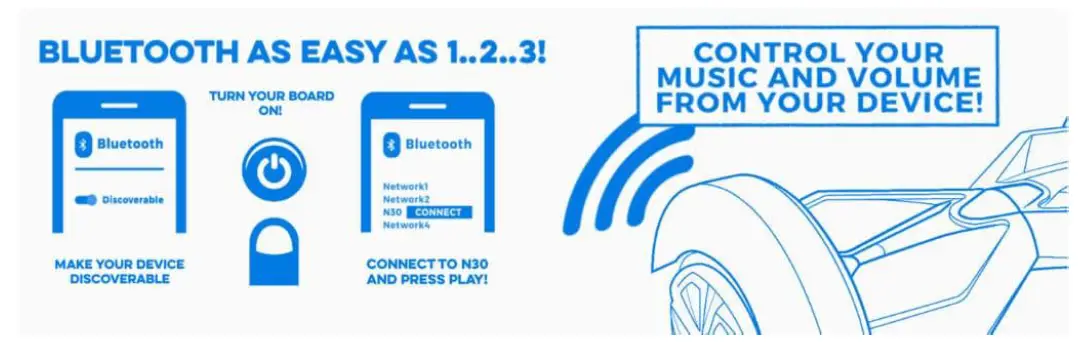
It is super easy to connect your device to your hoverboard, in order to play your tunes!
Here is our handy guide:
- Firstly, ensure your device (whether it be a phone or music device) has Bluetooth turned on and the device is “discoverable”

- Then turn your Bluefin Hoverboard ON. Do this by pressing and holding the silver button on the back of the board. The Bluetooth module simply turns on automatically once your board is powered up
- Finally, from the settings on your phone or device connect to “N30”- this is the name of your hoverboard. Your phone or device will now be connected to the board and you are ready to go! Simply press play and enjoy your tunes whilst you ride.
How to: Recalibrate your Swegway
Recalibration
Occasionally your Bluefin swegway may need to be manually re-set, this takes it back to the original factory settings and enables you to reset the balancing sensors. Your board may need recalibrating every few weeks if you use it continuously. Over time the sensors may get out of sync, recalibrating your board means that you will get the best out of your hoverboard!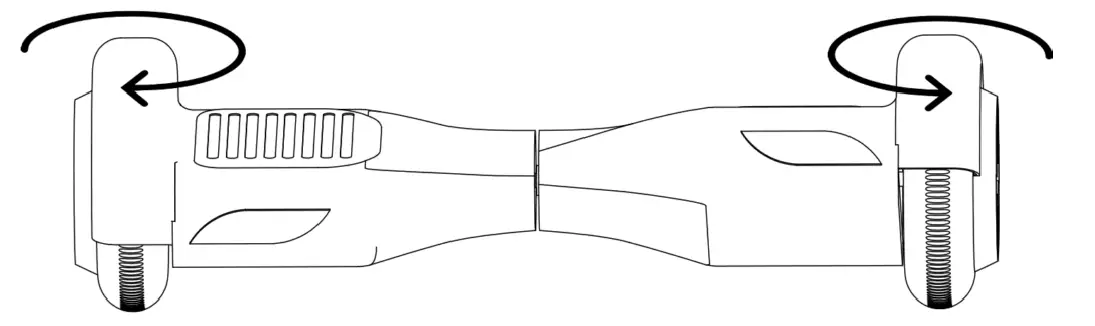
We have put together a handy guide to help you recalibrate your Bluefin Swegway:
Firstly, make sure your Bluefin board is fully charged before recalibration – to ensure this the light on your charger will have gone from red to green. Then turn your board off. Your segway needs to be turned off by the silver power button, not put into sleep mode by the remote. Do this by pressing and holding down the silver power button until the board is powered down.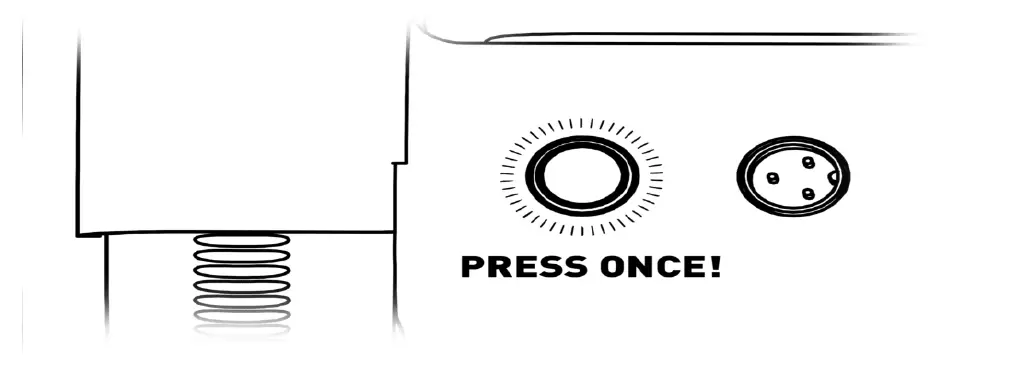
Now for the most important part! You need to ensure that your board is level, as the level you set it at is the level that it will be when it is recalibrated. To make sure it is level check that the grooves on the side of the board line up. Some people even use a spirit level to make sure their board is completely flat!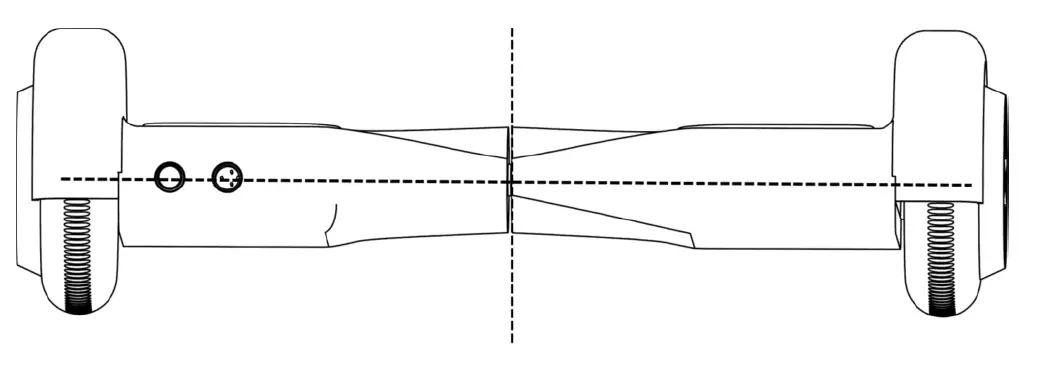
After you have done that, hold down the power button for 30 seconds. A blue light should begin flashing under your board, let this continue for 30 seconds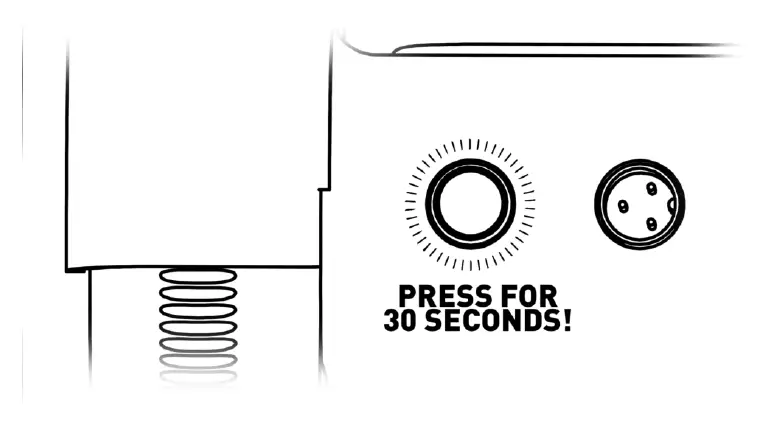
Finally, turn off your board and then complete the recalibration reset by switching your hoverboard back on. You will now be ready to go!