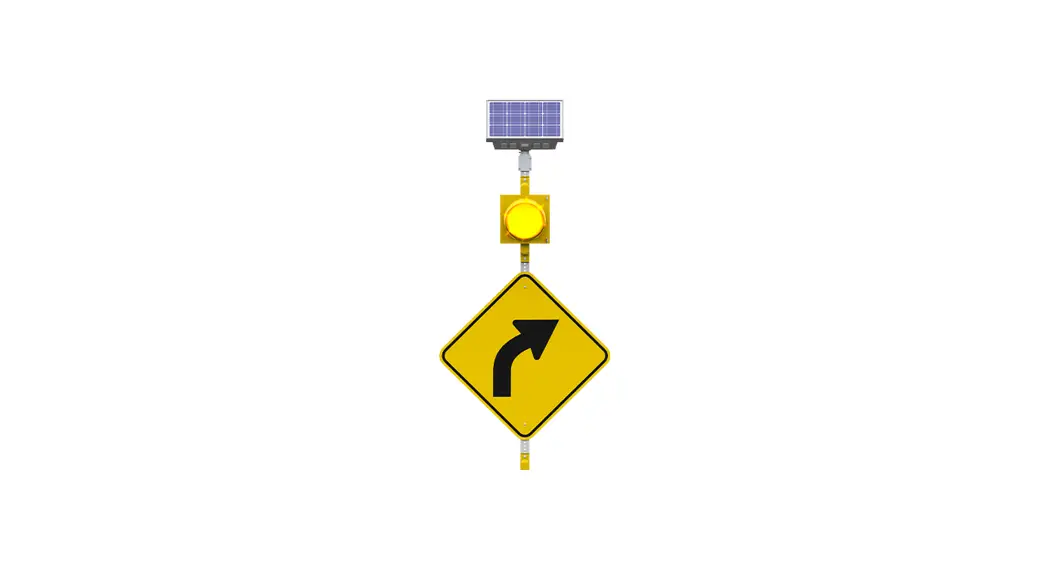
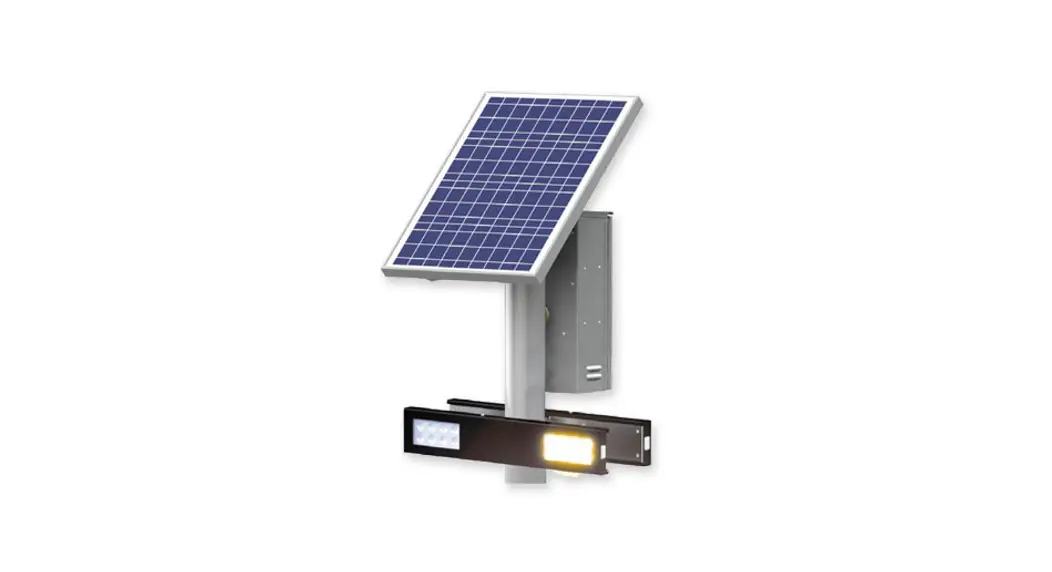
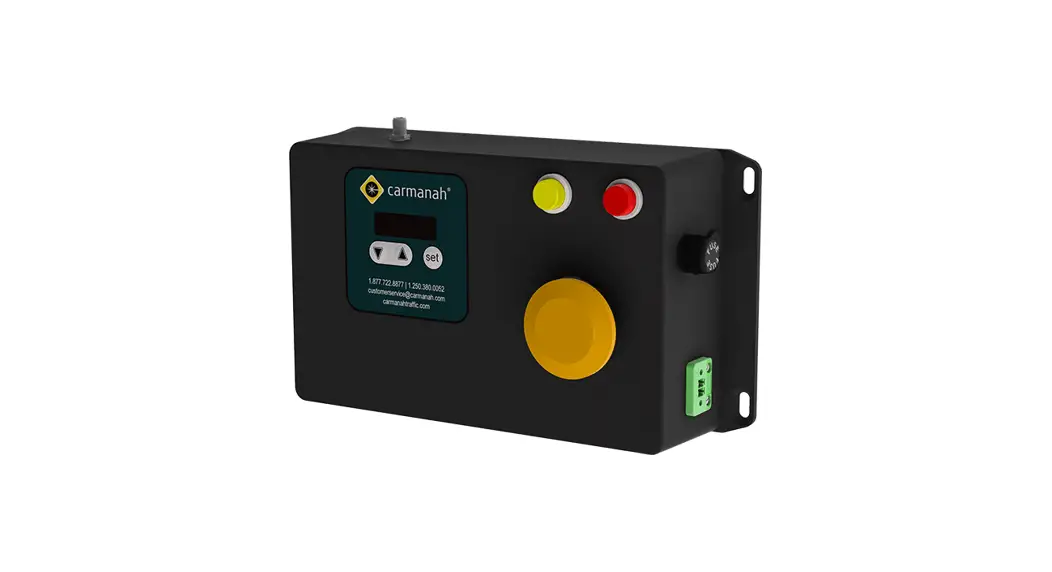
G Series Solar Crosswalk Beacon
G Series AC to Solar Retrofit Guide
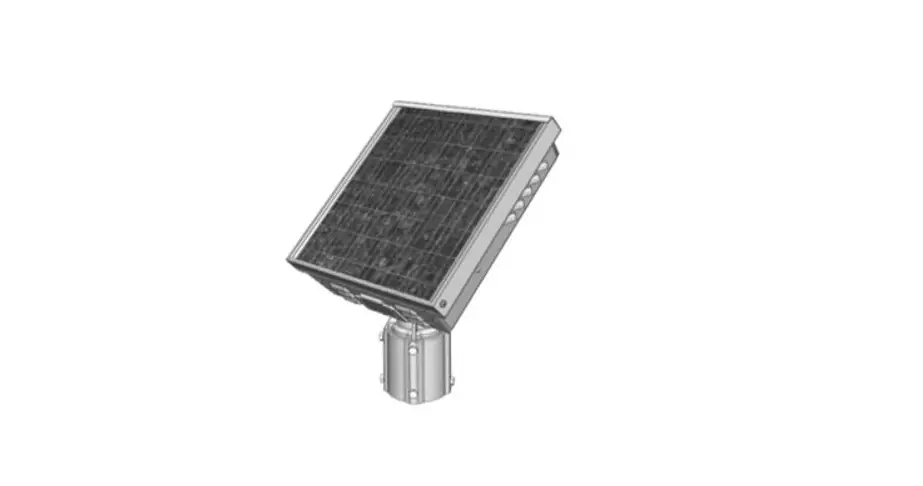
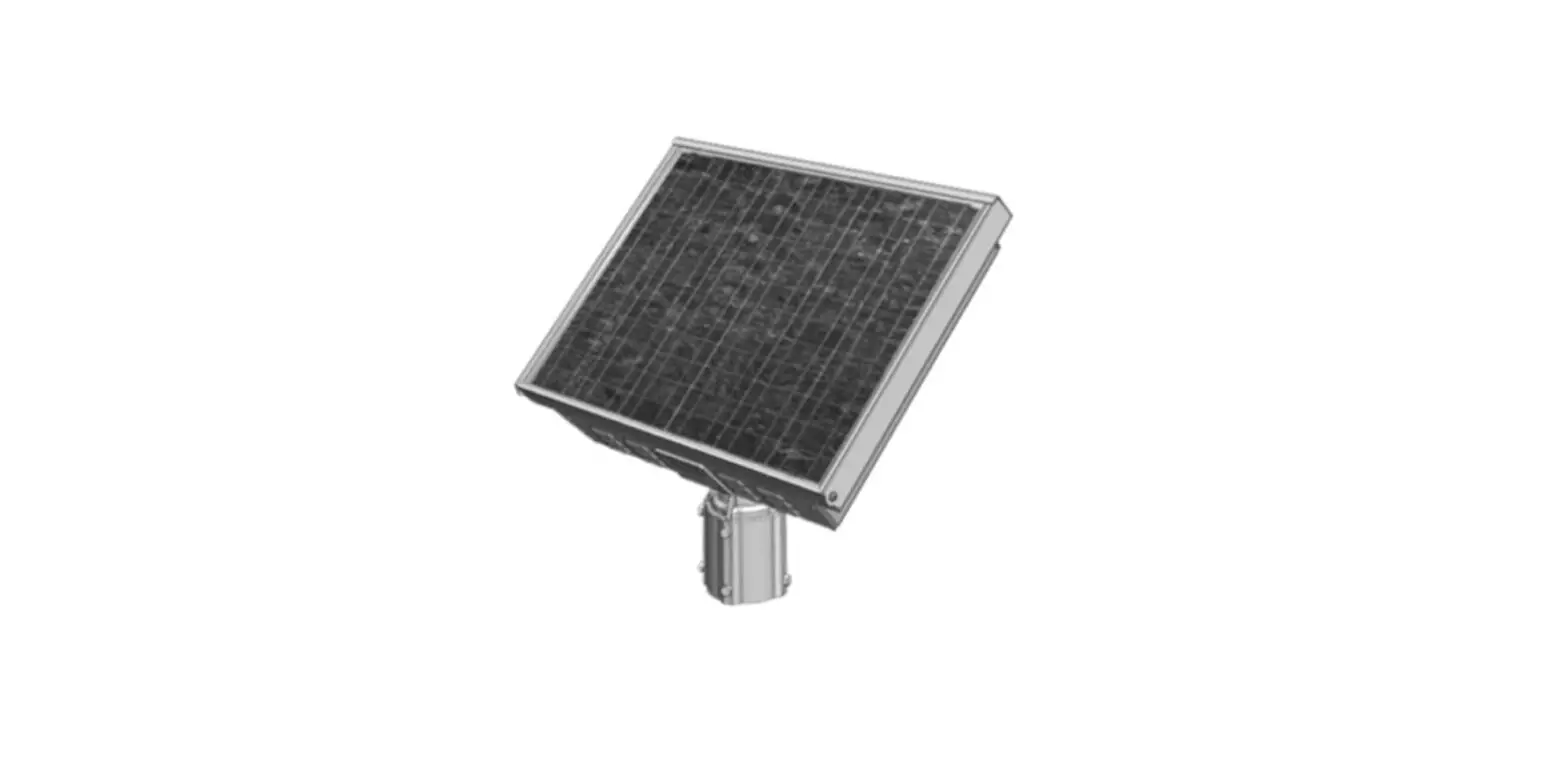
The G Series is a solar-powered system from Carmanah
Technologies Corp. that can be retrofitted from an AC-powered
system using the AC to Solar Retrofit Kit.
Warnings and Precautions
The following symbols are used throughout this guide:
- WARNING: Indicates that failure to adhere to
the precautions may result in serious bodily harm or death. - CAUTION: Indicates that failure to follow
instructions may result in equipment damage. - NOTE: Suggests optimal conditions and provides
additional information.
Warranty Disclaimer
The use, storage, maintenance, installation, or placement of the
AC to solar retrofit kit must comply with the instructions provided
in this guide. Failure to do so could void the warranty.
Standards
All installation, wiring, grounding, and maintenance should
conform to local building and electrical codes. Compliance with the
National Electrical Code (NEC) is mandatory for certification
markings. Non-adherence to code may void the warranty.
Safety and Usage Precautions
When handling batteries, use extreme caution as they can
generate hazardous short-circuit currents. Remove all jewelry, such
as bracelets and metal-strap watches, before entering the
cabinet.
AC to Solar Retrofit Kit
The AC to solar retrofit kit includes everything needed to
convert an AC-powered G Series system to a solar-powered
system.
Installation Procedure
The installation procedure consists of four main steps:
1. Removing AC Components
Disconnect the AC power source and remove all AC components such
as the inverter, battery charger, and transfer switch.
2. Installing Battery Bumpers
Install the battery bumpers to secure the batteries in place
during transportation and operation.
3. Installing Solar Panel, Mount, and Harness
Install the solar panel, mount, and harness according to the
instructions provided in the kit.
4. Installing Battery and Final Connections
Install the batteries and make final connections according to
the instructions provided in the kit.
G Series
AC TO SOLAR RETROFIT GUIDE
For all AC-powered G Series systems
89321_RETROFIT-GUIDE_AC-to-Solar-G-Series_RevD
Carmanah Technologies Corp. | 250 Bay St, Victoria, BC V9A 3K5, Canada | 1.250.380.0052 | [email protected] | carmanah.com
AC TO SOLAR RETROFIT GUIDE
Table of Contents
1.0 Warnings and Precautions ………………………………………………………………………………………………………………..3
1.1
Warranty Disclaimer …………………………………………………………………………………………………………………..3
1.2
Standards …………………………………………………………………………………………………………………………………3
1.3
Safety and Usage Precautions …………………………………………………………………………………………………….3
2.0 AC to Solar Retrofit Kit ……………………………………………………………………………………………………………………..5
3.0 Installation Procedure ……………………………………………………………………………………………………………………….5
3.1
Removing AC Components …………………………………………………………………………………………………………6
3.2
Installing Battery Bumpers…………………………………………………………………………………………………………..8
3.3
Installing Solar Panel, Mount, and Harness …………………………………………………………………………………..8
3.4
Installing Battery and Final Connections ……………………………………………………………………………………….8
Carmanah Technologies Corp. | 250 Bay St, Victoria, BC V9A 3K5, Canada | 1.250.380.0052 | [email protected] | carmanah.com
2
AC TO SOLAR RETROFIT GUIDE
1.0 Warnings and Precautions
The following symbols indicate important safety warnings and precautions throughout this guide:
WARNING indicates that serious bodily harm or death may result from failure to adhere to the precautions.
CAUTION indicates that damage to equipment may result if the instructions are not followed.
NOTE suggests optimal conditions and provides additional information.
1.1 Warranty Disclaimer
This guide will familiarize you with the features and installation of the Carmanah AC to solar retrofit kit. Failure to comply with the use, storage, maintenance, installation or placement instructions detailed in this guide could void the warranty.
1.2 Standards
Perform all installation, wiring, grounding and maintenance in conformance with local building and electrical codes. Adherence to the National Electrical Code (NEC) is mandatory to comply with any certification markings. Non-adherence to code may void the warranty.
1.3 Safety and Usage Precautions
Use extreme caution when handling the batteries as they can generate hazardous short-circuit currents. Remove all jewelry (bracelets, metal-strap watches, etc.) before entering the cabinet.
Before lifting any heavy or bulky equipment, ensure the load is secured so moving parts do not shift, and that it can be lifted as far as needed without back strain or loss of grip. Installation may require more than one person.
Ensure the equipment is not powered during installation and wiring of the system.
Recheck all completed wiring for proper polarity prior to energizing the system.
Carmanah Technologies Corp. | 250 Bay St, Victoria, BC V9A 3K5, Canada | 1.250.380.0052 | [email protected] | carmanah.com
3
AC TO SOLAR RETROFIT GUIDE
Changes or modifications to Carmanah equipment not expressly approved by Carmanah could void both the user’s authority to operate the equipment and the warranty.
All Carmanah traffic products use a constant-current LED output circuit. Not all traffic beacons are compatible with this output. Please contact Carmanah for additional information and guidance when adding or replacing beacons or other hardware.
Product can have sharp edges. Accidental movement of hinged components can cause injury.
This guide is specific to retrofitting the G Series cabinet from AC to solar power and is not a replacement for the complete G Series product user manual. Visit support.carmanah.com to download the complete product user manual.
Carmanah Technologies Corp. | 250 Bay St, Victoria, BC V9A 3K5, Canada | 1.250.380.0052 | [email protected] | carmanah.com
4
AC TO SOLAR RETROFIT GUIDE
2.0 AC to Solar Retrofit Kit
The retrofit kit includes: · Cable ties (2) · Battery harness (1) · Rubber bumpers (6) · Fuses (2) · Ratings label (1)
Additional items necessary for installation are: · Solar panel – various sizes (1) · Solar panel mount – various sizes and types (1) · Solar panel harness – various lengths (1) · Battery various sizes (1)
3.0 Installation Procedure
This guide is for installing the AC to solar retrofit kit into one of the following compatible Carmanah systems:
· G Series: SC315-G, R820-G, R829-G, R247-G
Refer to the full product user manual for more details at support.carmanah.com. There are various options available for the G Series cabinet so your product may differ from what is depicted throughout this guide.
G Series AC Cabinet Example
Carmanah Technologies Corp. | 250 Bay St, Victoria, BC V9A 3K5, Canada | 1.250.380.0052 | [email protected] | carmanah.com
5
AC TO SOLAR RETROFIT GUIDE
3.1 Removing AC Components
Live AC power may be present. Only qualified personnel should carry out the following retrofit. 1. Access the inside of the power cabinet and switch the circuit breaker to the off position. Isolate the AC
power at the source so it is no longer feeding the cabinet. 2. Remove Solar (spare fuse) and DC Power fuses from the fuse holders on right side of cabinet.
2. Remove the DC power wires (red and black) on the right side of the cabinet. Install the solar product label above the previous label(s) on the user interface plate and on the outside of the cabinet. Ensure the surface is cleaned with isopropyl alcohol and is dried before applying the labels. Cross out the AC power ratings information on the label with a permanent marker.
Carmanah Technologies Corp. | 250 Bay St, Victoria, BC V9A 3K5, Canada | 1.250.380.0052 | [email protected] | carmanah.com
6
AC TO SOLAR RETROFIT GUIDE
3. Ensure the AC feed is not energized before proceeding. Remove the AC input wires from the terminal blocks (line, neutral, and ground). Cap them off with wire nuts one at a time.
4. Remove the four screws securing the AC backplane and remove from the cabinet.
5. Remove ground wire from the bus bar: a. If you have the optional Polara XAV push button controller installed on the left side of the cabinet, the longer section of ground wire can be removed between the bus bar and XAV cover. b. If you do not have the optional Polara XAV push button, remove the ground wire from the system. There will be a ground wire that remains from the cabinet door to the inner cabinet.
Carmanah Technologies Corp. | 250 Bay St, Victoria, BC V9A 3K5, Canada | 1.250.380.0052 | [email protected] | carmanah.com
7
AC TO SOLAR RETROFIT GUIDE
3.2 Installing Battery Bumpers
1. Prep the surface of the inner cabinet with isopropyl alcohol and mount the six (6) battery bumpers in the locations outlined below:
3.3 Installing Solar Panel, Mount, and Harness
1. Refer to the G Series manual for solar panel and mount installation details. The G Series manual can be found on the Carmanah website: support.carmanah.com. a. Top of pole solar panel mounts will include a plastic pole cap. Systems located in Miami-Dade County will require a metal cap for the top of pole mount. Please contact Carmanah for more information on Miami-Dade County specific installation details.
2. Connect the solar harness to the Solar portion of the DC Input Power terminals (red wire with yellow heat shrink to YL +, black wire with brown heat shrink to BN -).
3. Secure the solar harness to the mounting plate using cable ties to ensure adequate strain relief.
3.4 Installing Battery and Final Connections
Battery installation should not be carried out in windy conditions. In all cases, the area at the base of the post must be roped off for safety.
1. Refer to the G Series manual for battery installation. The G Series manual can be found on the Carmanah website: support.carmanah.com.
2. Install the battery harness the fork terminals onto the DC input power battery terminals (red wire to RD +, black wire to BK -).
Carmanah Technologies Corp. | 250 Bay St, Victoria, BC V9A 3K5, Canada | 1.250.380.0052 | [email protected] | carmanah.com
8
AC TO SOLAR RETROFIT GUIDE
3. Secure the battery harness to the same location previously used for the solar panel harness. 4. Install the battery into the cabinet with terminals toward you. 5. Install ring terminals onto the battery terminals (red wire to battery positive +, black wire to battery
negative – battery terminal). 6. Insert Solar and Battery/DC Power fuses into fuse holders on right side of cabinet. 7. Ensure the EMS (Energy Management System) powers up and the OBUI (on board user interface) visibly
lights up. If the EMS does not power up, verify the battery fuse is not blown and the solar polarity is not backwards. 8. Test system and ensure it is operating as prior to the retrofit:
a. Ensure the solar panel voltage (solr) is between 15 to 20V when it is exposed to sunlight. b. Run the BIST (built-in self-test) and verify there are no errors, in particular the charging error
(4000). c. Let the system charge for a few minutes and monitor with a DC voltmeter across the battery (or
view the battery voltage on the OBUI) to confirm battery voltage rises under the battery (batt) status menu. For 24/7 beacon systems you may need to temporarily change the input (inpt) type to NO (normally open) or disconnect the LED loads, so the system isn’t under a constant power draw. d. Visit support.carmanah.com for a list of BIST error codes.
Carmanah Technologies Corp. | 250 Bay St, Victoria, BC V9A 3K5, Canada | 1.250.380.0052 | [email protected] | carmanah.com
9
AC TO SOLAR RETROFIT GUIDE
© 2022 Carmanah Technologies Corporation
Technical Support:
Email:
Toll Free: 1.877.722.8877 (US & Canada)
Worldwide: 1.250.380.0052
Fax:
1.250.380.0062
Web:
carmanah.com
Carmanah Technologies Corp. | 250 Bay St, Victoria, BC V9A 3K5, Canada | 1.250.380.0052 | [email protected] | carmanah.com
10
 Systems for Traffic Beacons and Signs | Solar LED Beacons | Carmanah
 Product Support Center