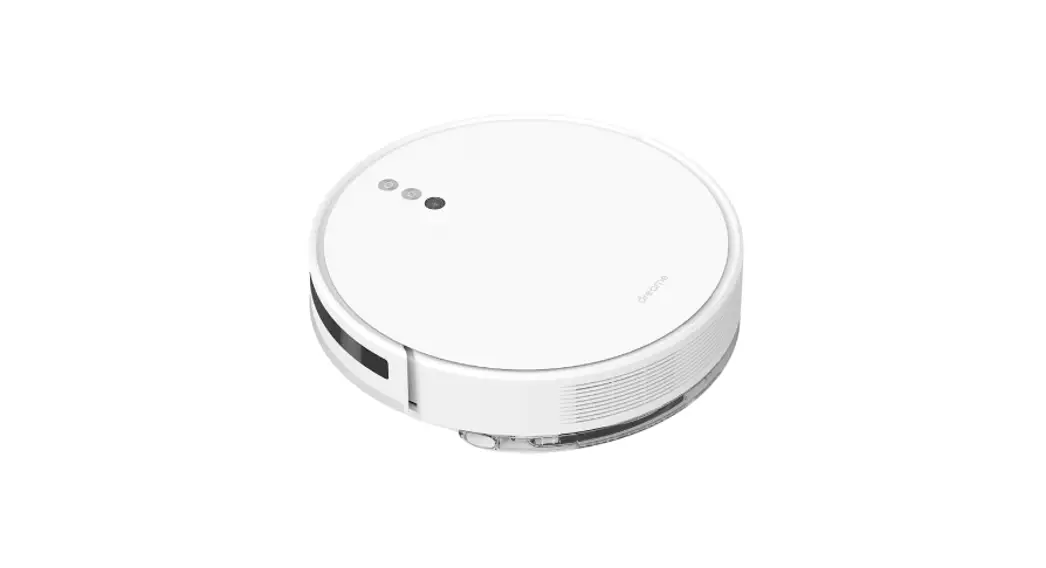
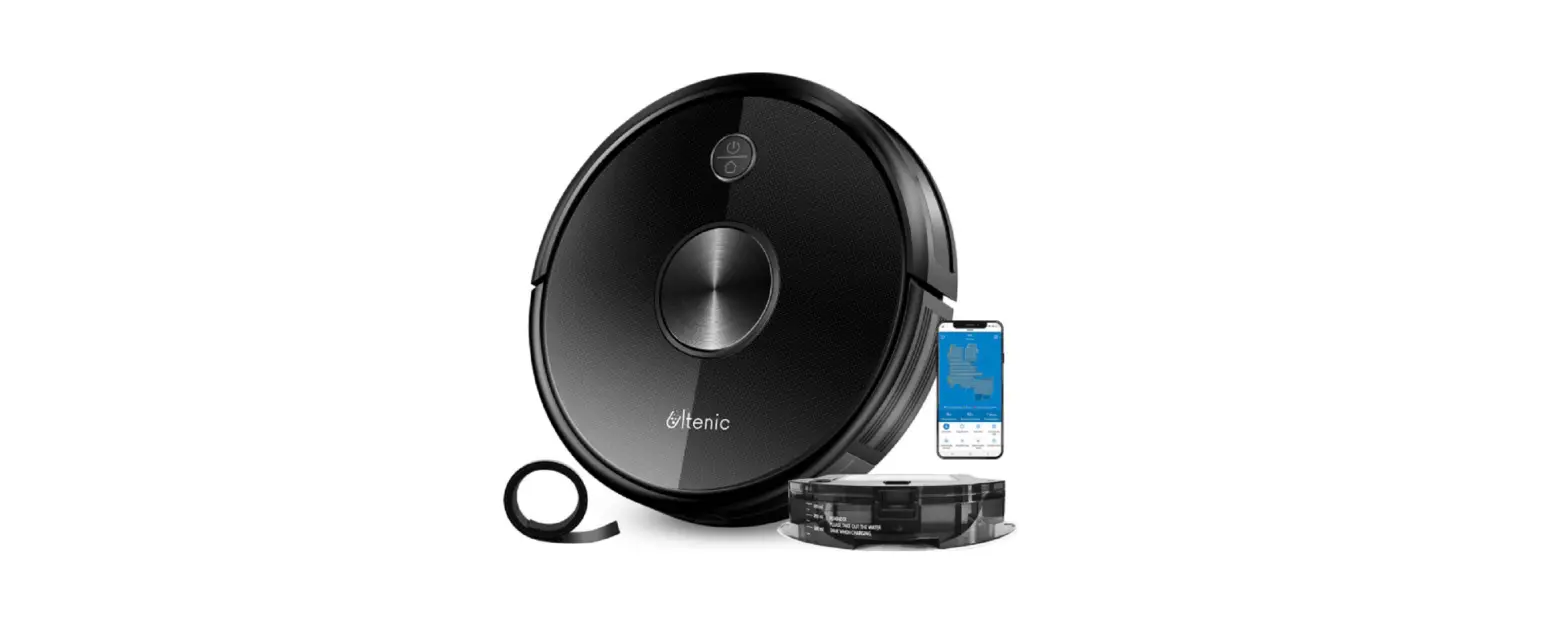
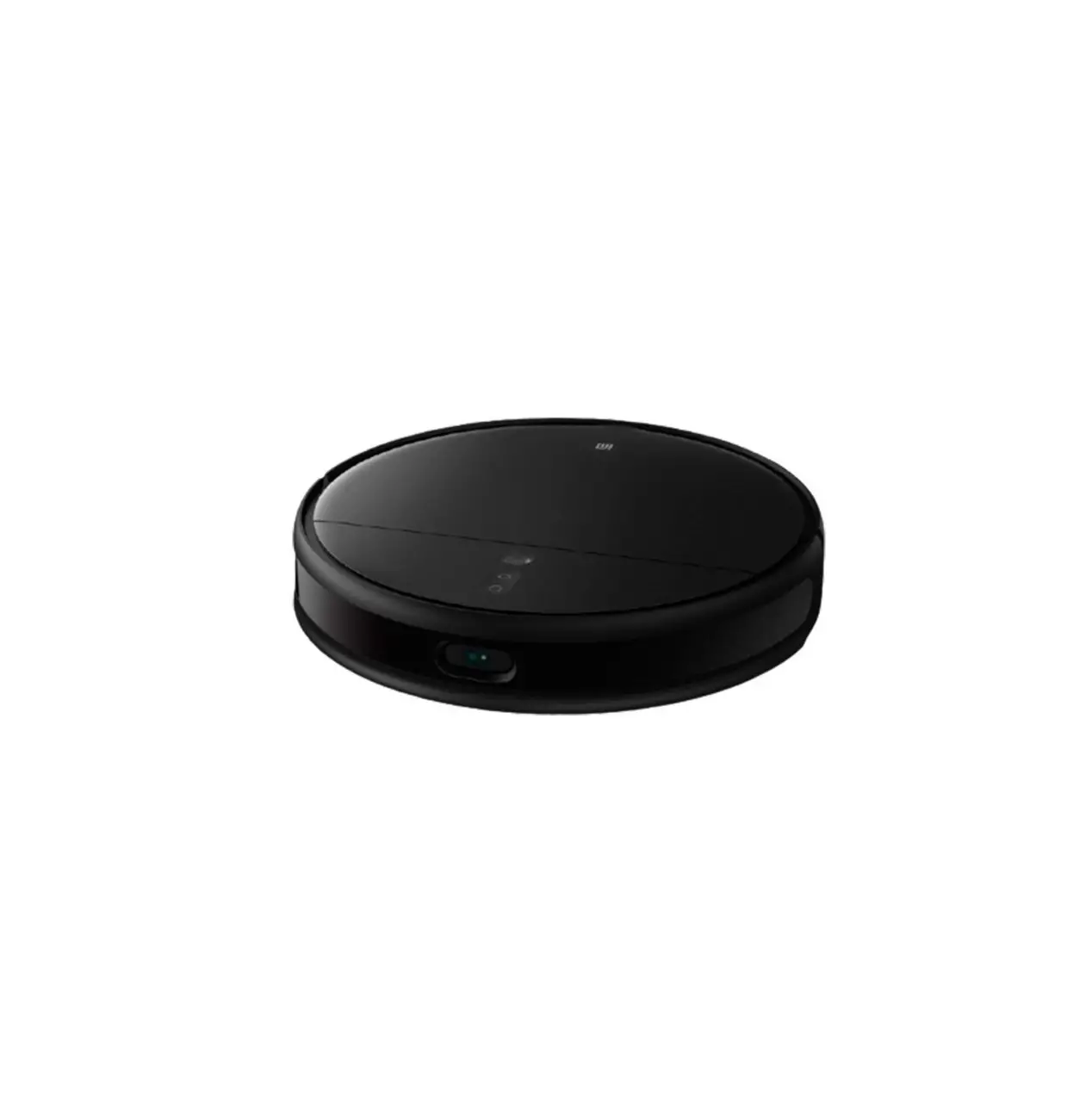
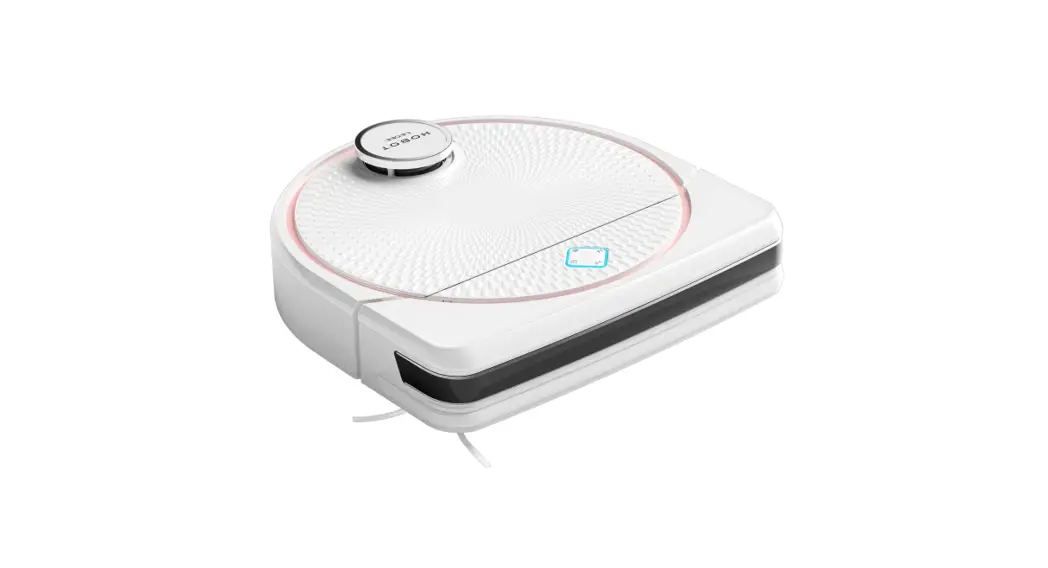
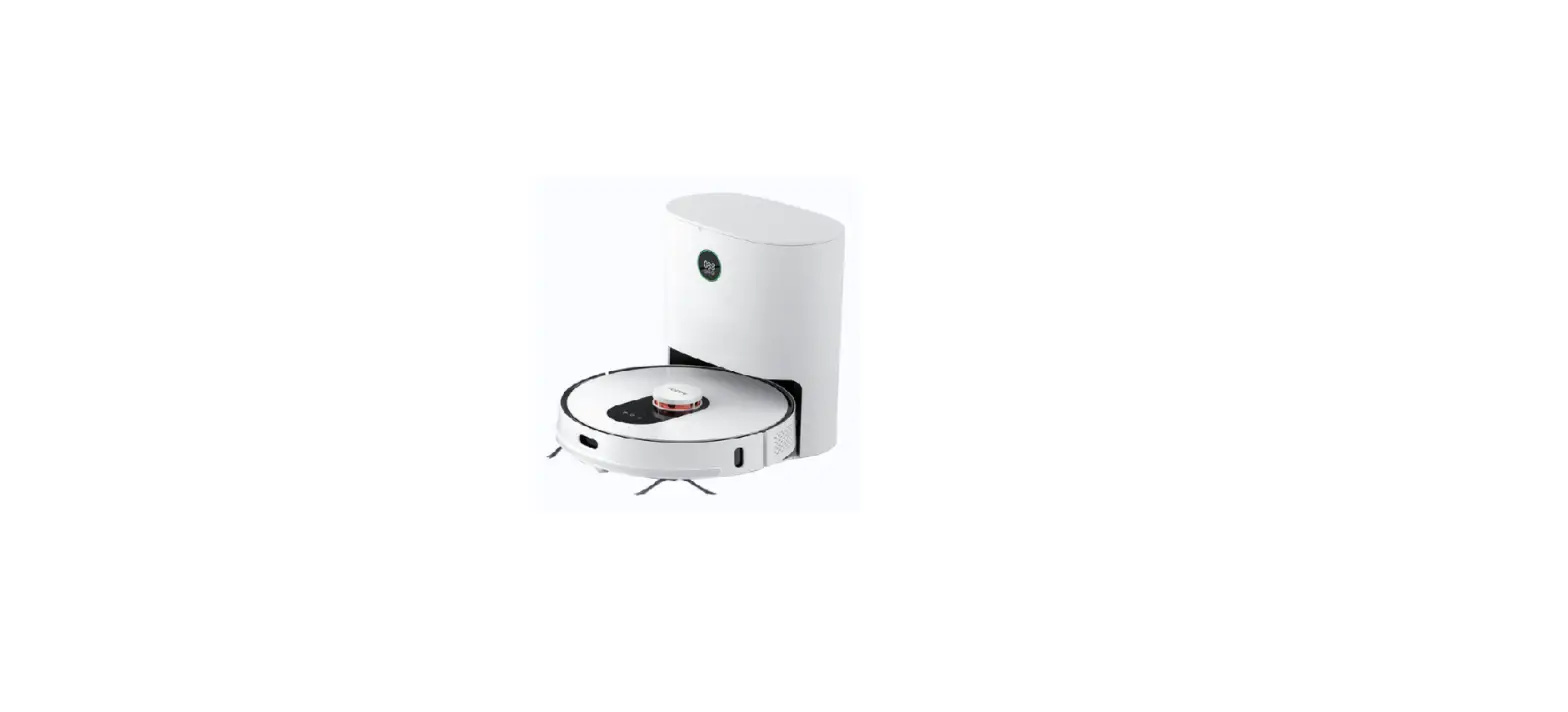
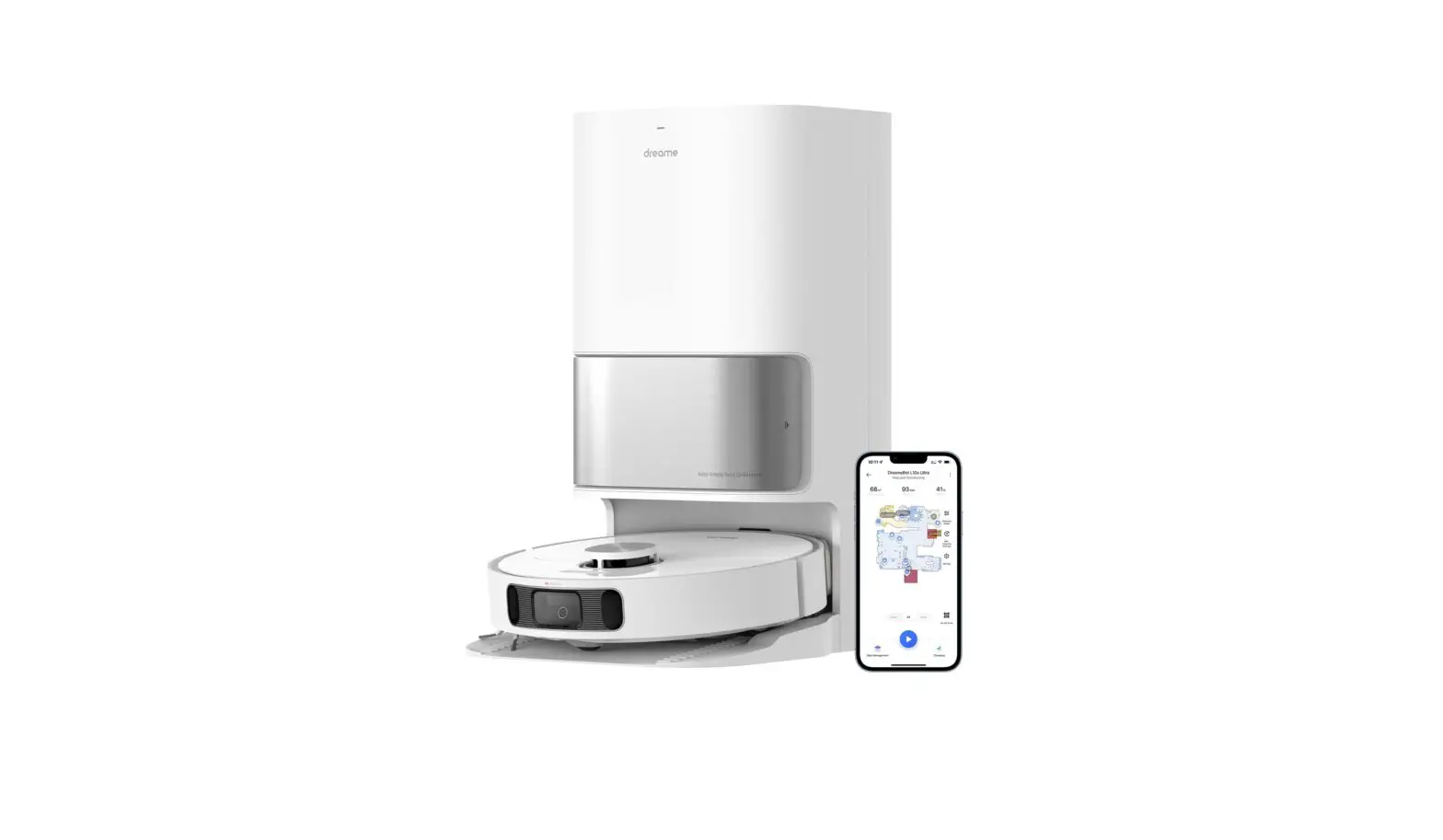
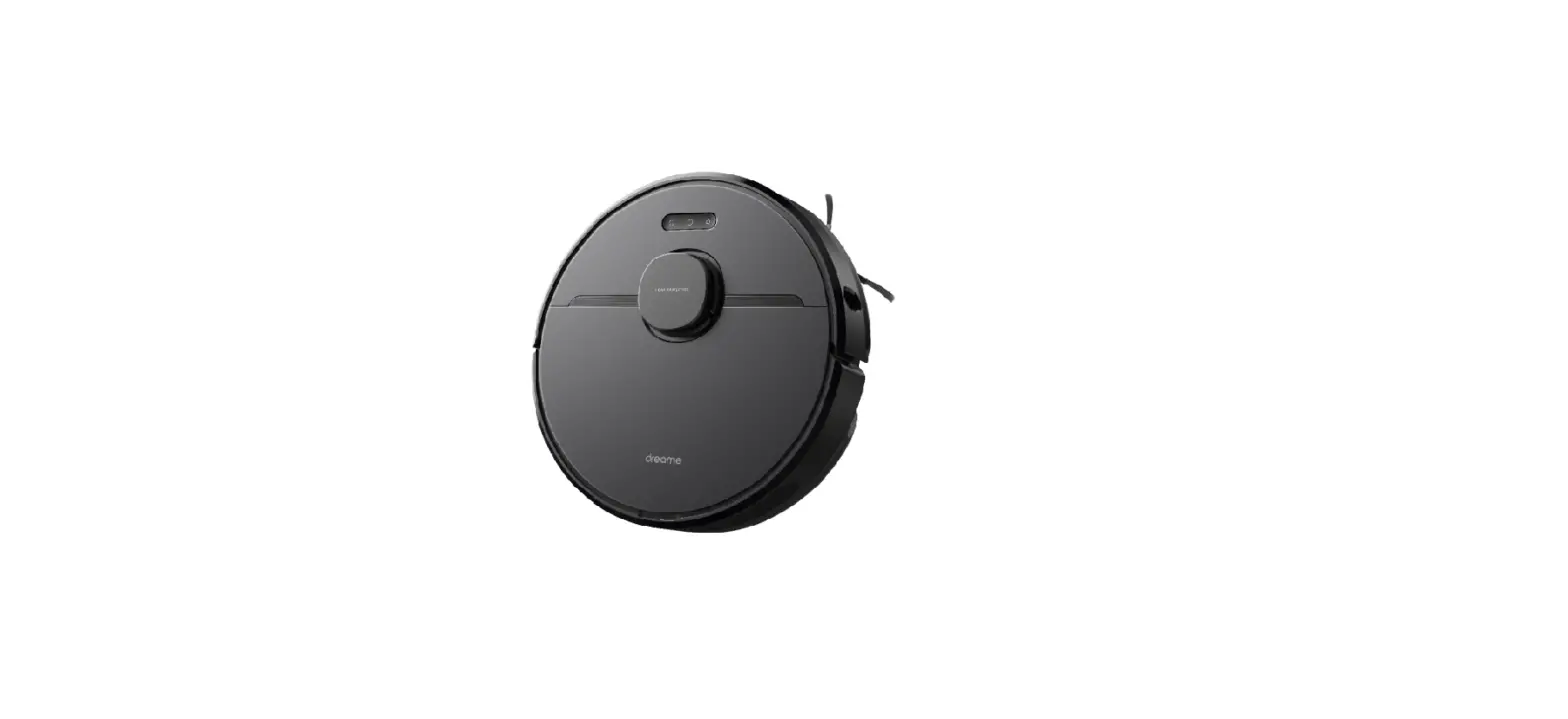
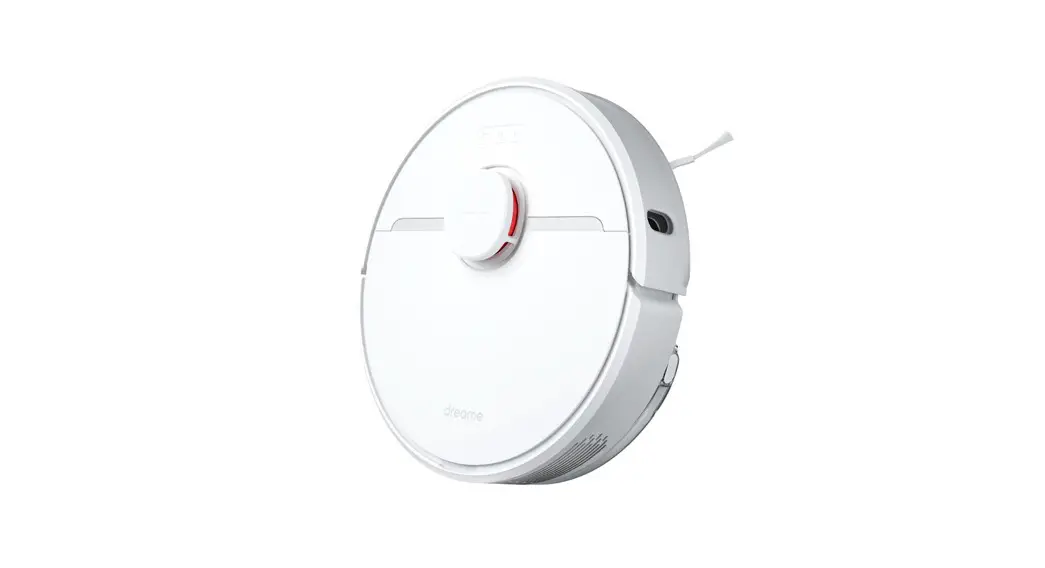
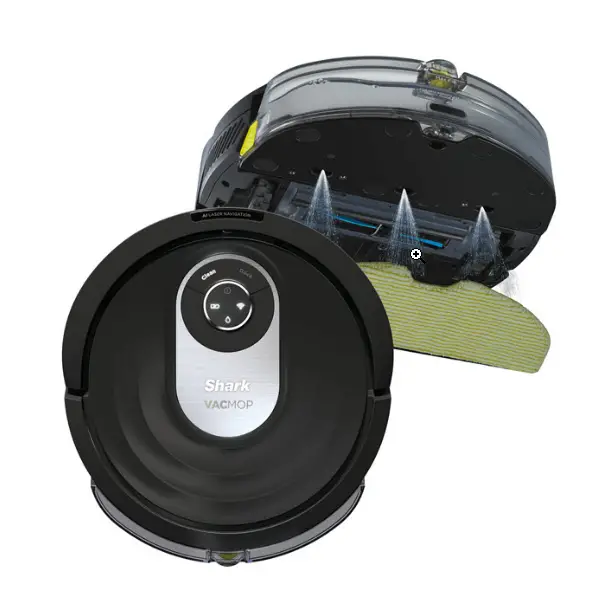
SL60D 2 in 1 Robot Vacuum and Mop Combo Cleaner
Product Information:
This product is a robotic vacuum cleaner designed to clean
floors efficiently and effectively. It comes with side brushes and
a charging base for easy maintenance and charging. The vacuum
cleaner can be controlled using an app for added convenience.
Product Usage Instructions:
- Remove the protective strips from the vacuum cleaner.
- Install the side brushes by pressing the left brush (L) and the
right brush (R) into their corresponding holes until a click sound
is heard. - Connect the adapter to the charging base and arrange the power
cable properly. - Place the charging base in a proper position and power it on
for charging. - Make sure not to move the charging base arbitrarily and keep it
away from direct sunlight. - To power on the vacuum cleaner, press and hold the power
button. When the indicator light is illuminated, place the robot on
the charging base for charging. A voice prompt will indicate
successful charging. - If you want to connect the vacuum cleaner to the app, please
follow the steps provided in the app’s instructions (steps
7-13).
Quick Installation Guide
1
2
3
1. Remove the protective strips. 4
2. Install the side brushes.
Press the left brush (L) and the right brush (R) respectively into corresponding holes until the “click” sound is heard.
5
3. Connect the adapter to the charging base and arrange the power cable properly.
6
4. Place the charging base in proper position and power on for charging.
5. Do not move the charging base arbitrarily and keep it away from direct sunlight.
6. Power-On and Charging
Press and hold to power on. When the indicator is illuminated, place the robot to the base for charging. The voice prompt of “Start Charging” indicates successful charging.
Connect to the APP
7
8
9
10
11
12
13