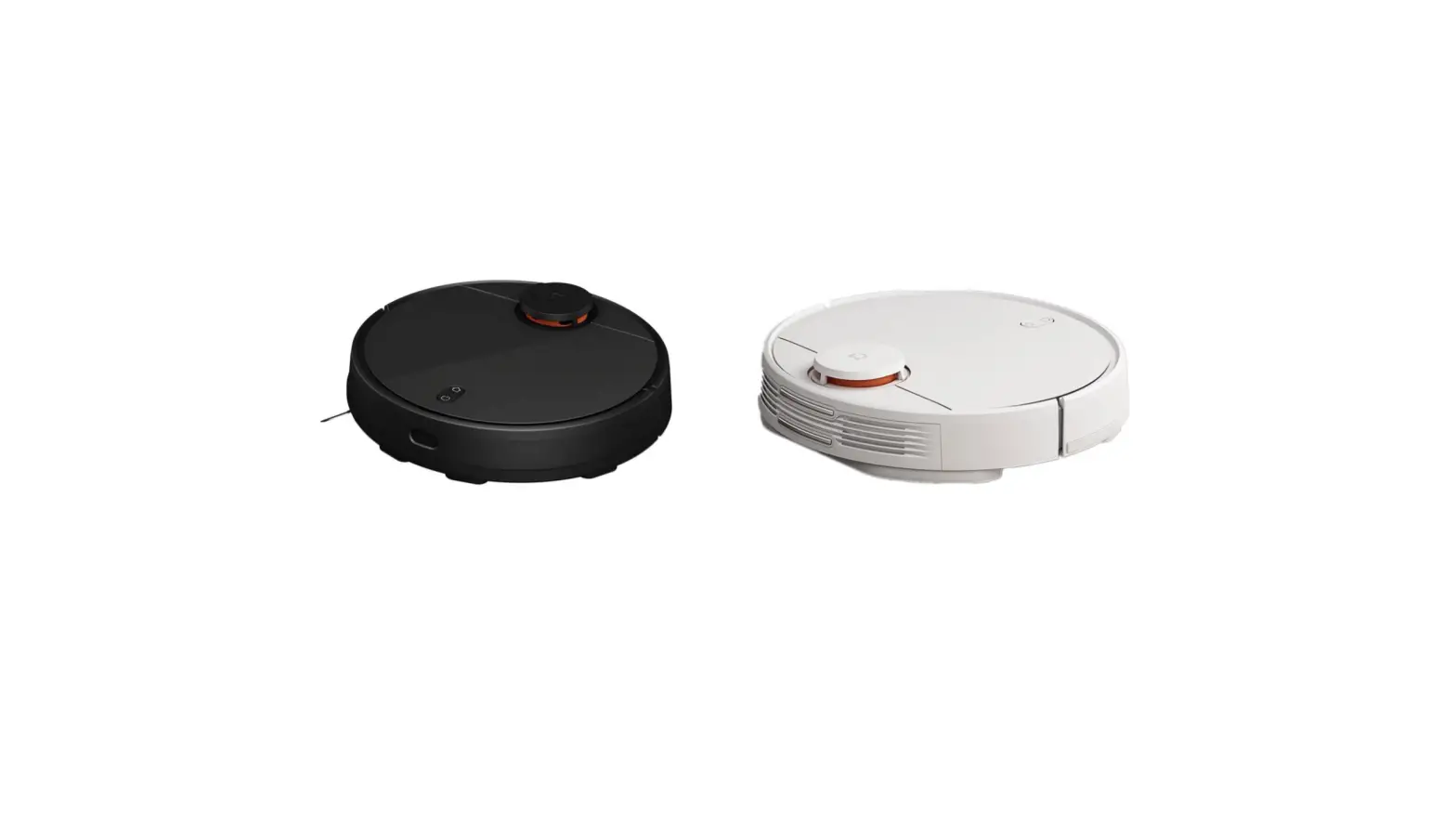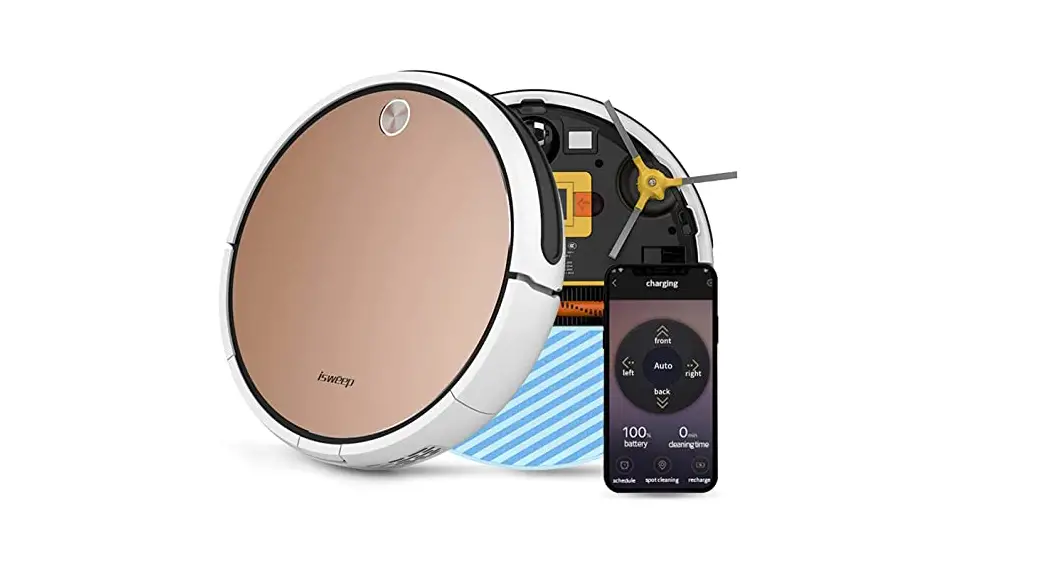

HOW TO CONNECT WITH YOUR PHONE
APP download link:
Android
https://drive.google.com/open?id=1ufanp6YMvwaAYRjzayx98JWx2cIN_TPj
IOS
Search “KV8” at APP store
Connect with your phone (IOS for example)
- Registration
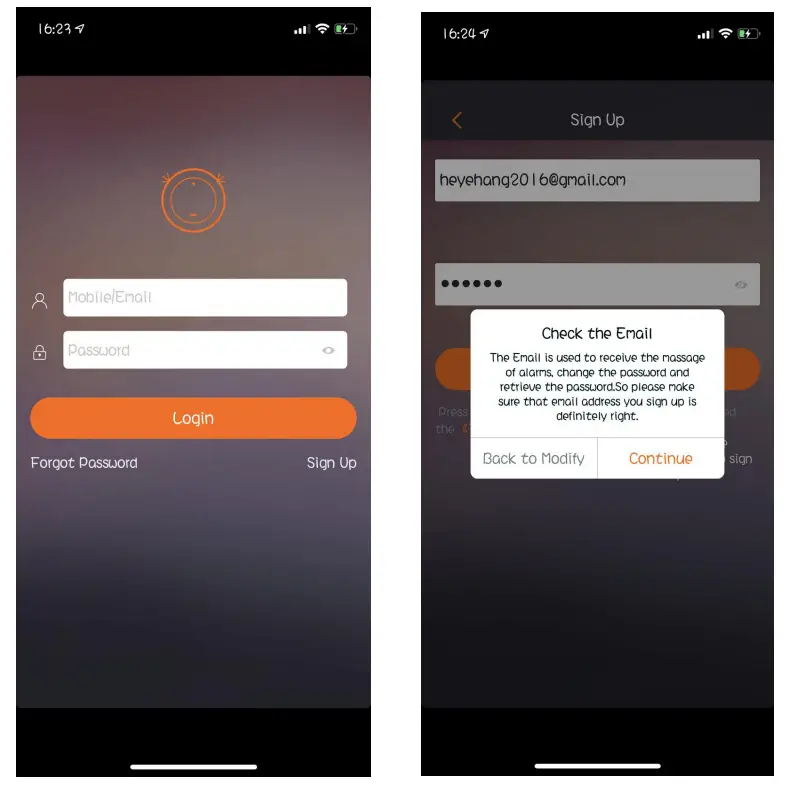
Open the APP.In this interface ,click “sign up” .and input your e-mail and password to registered .Then click “continue”.
- Connected
You can see this interface after clicking continue. Now click “add device”.
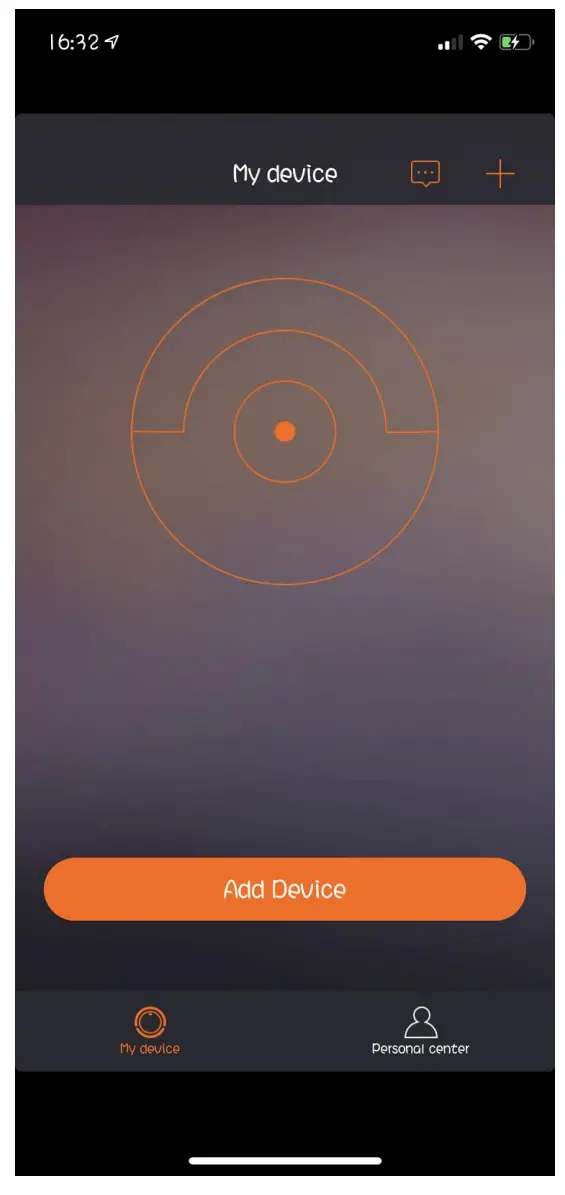 Open the vacuum cleaner and long-press the button for 6 seconds until the WIFI indicator flashes. Then “Next”.
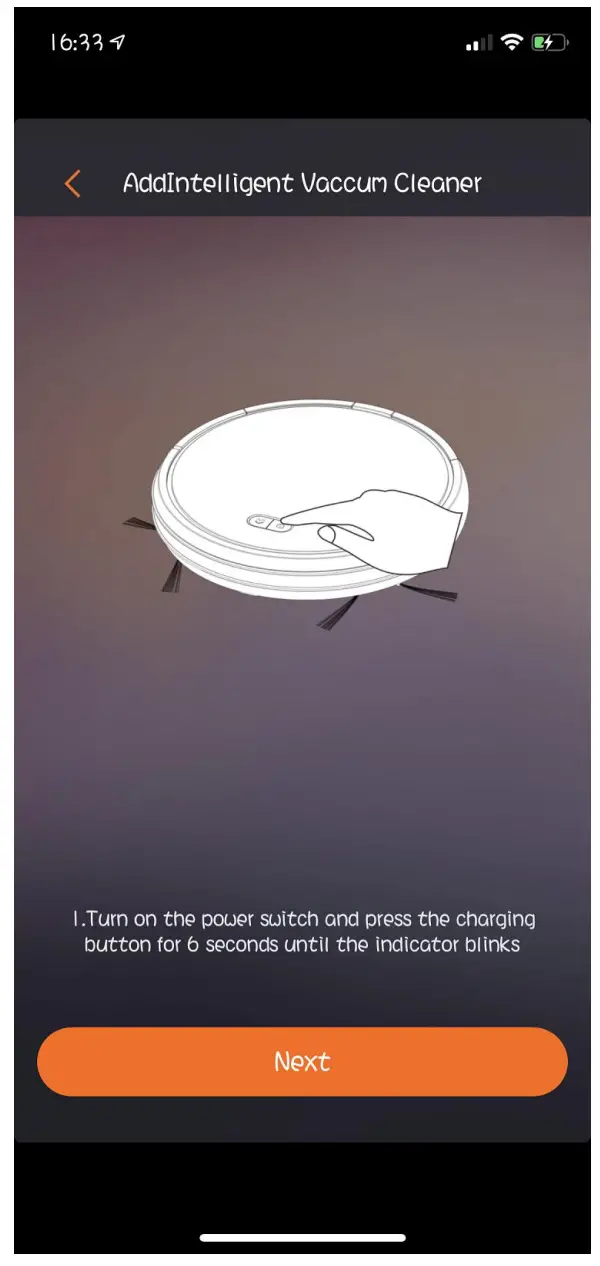
- The system prompts you to connect the wifi to the vacuum cleaner.
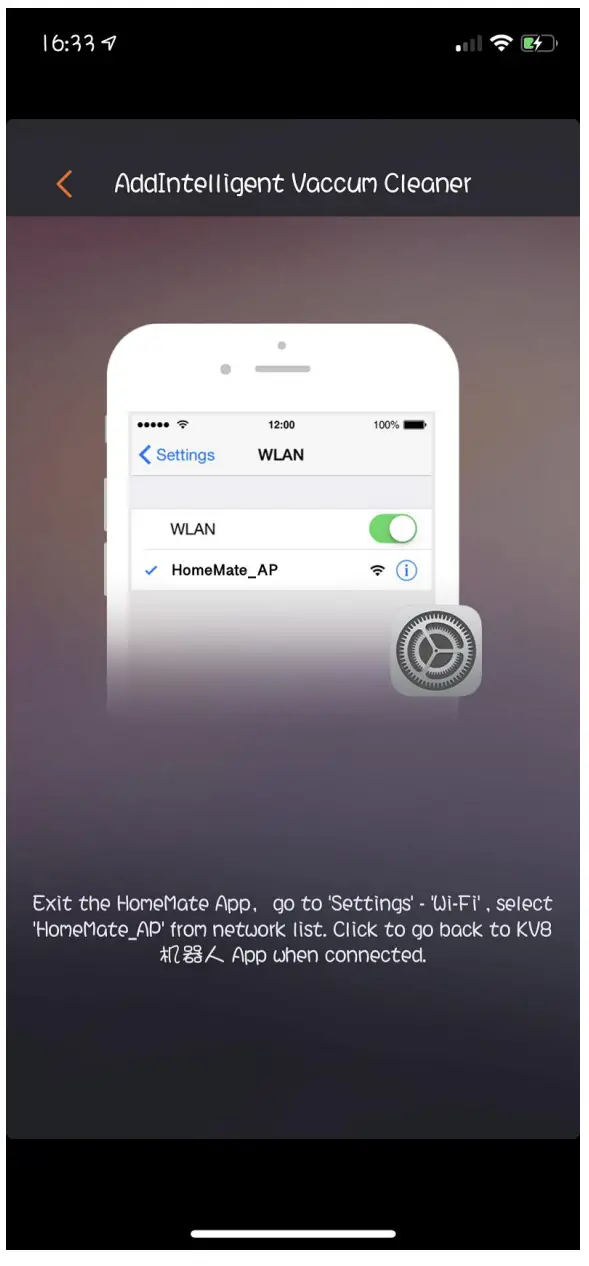
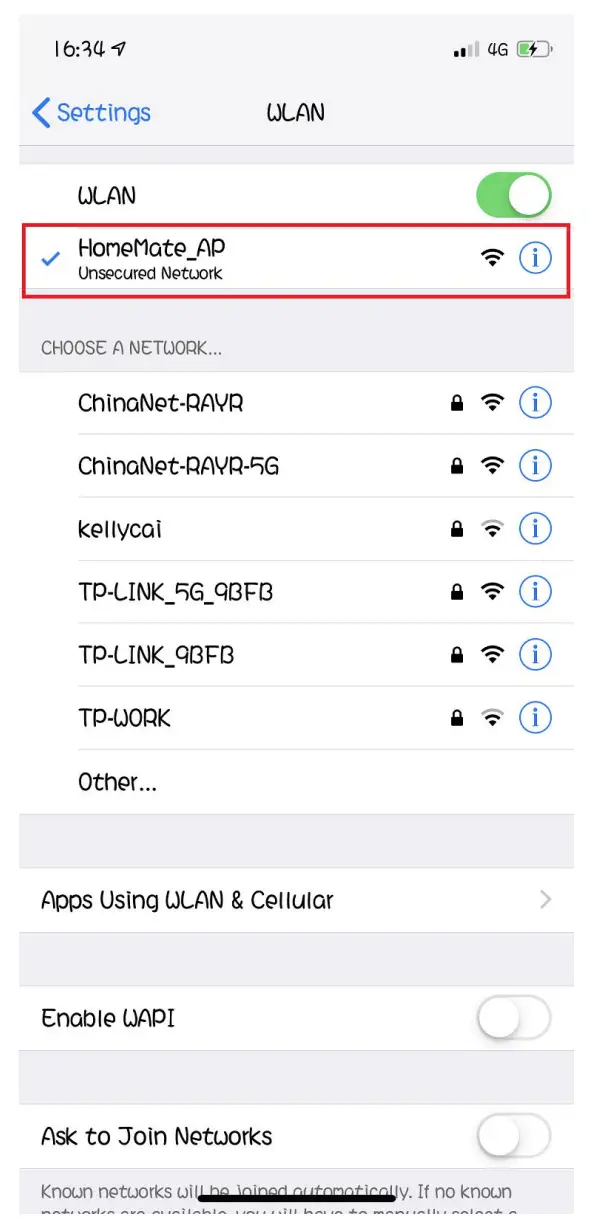
- Open your WIFI setting, connect “HomeMate_AP”
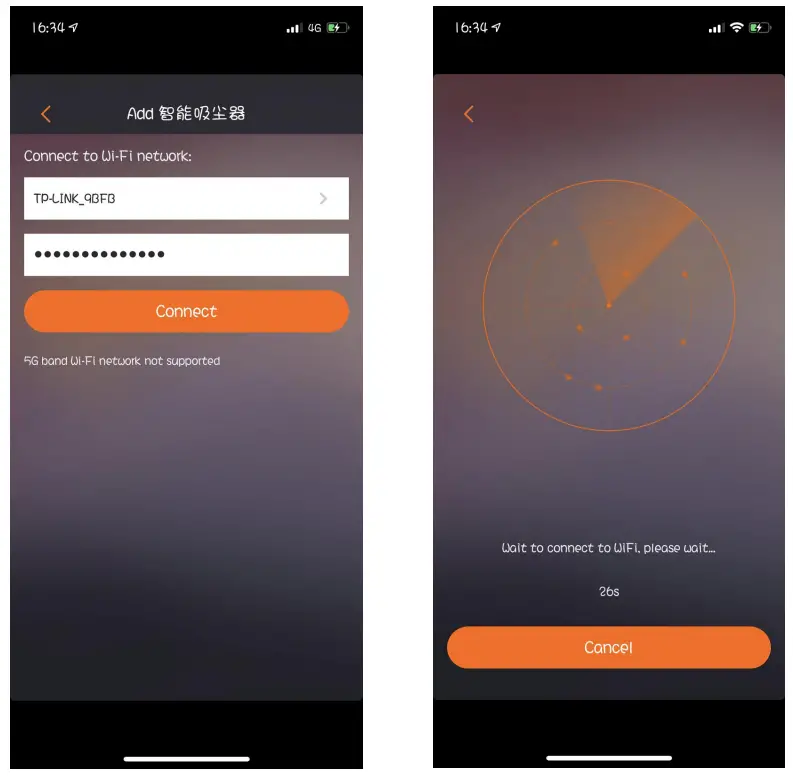
- Back to the KV8 interface, you can see this “Connect to WIFI network”
- Choose your home WIFI (if you don’t have wifi home, you can’t control by your phone)
- Inter password. Let your vacuum cleaner connect with your home WIFI.
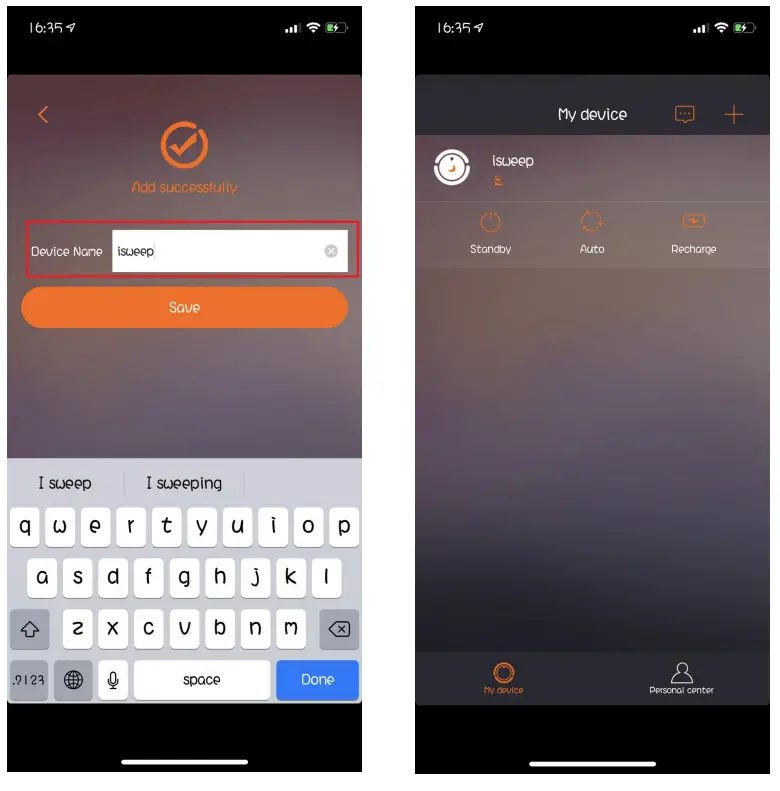
- Success! You can name your vacuum cleaner.