Product Information
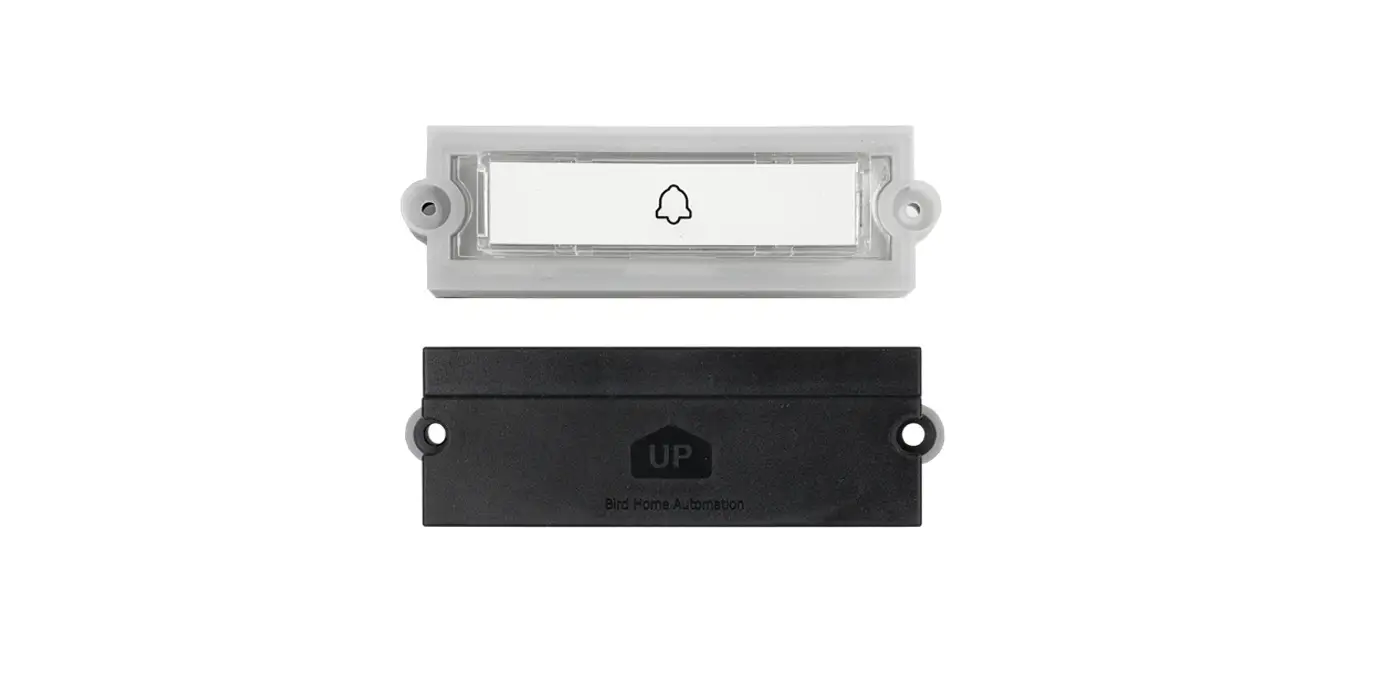
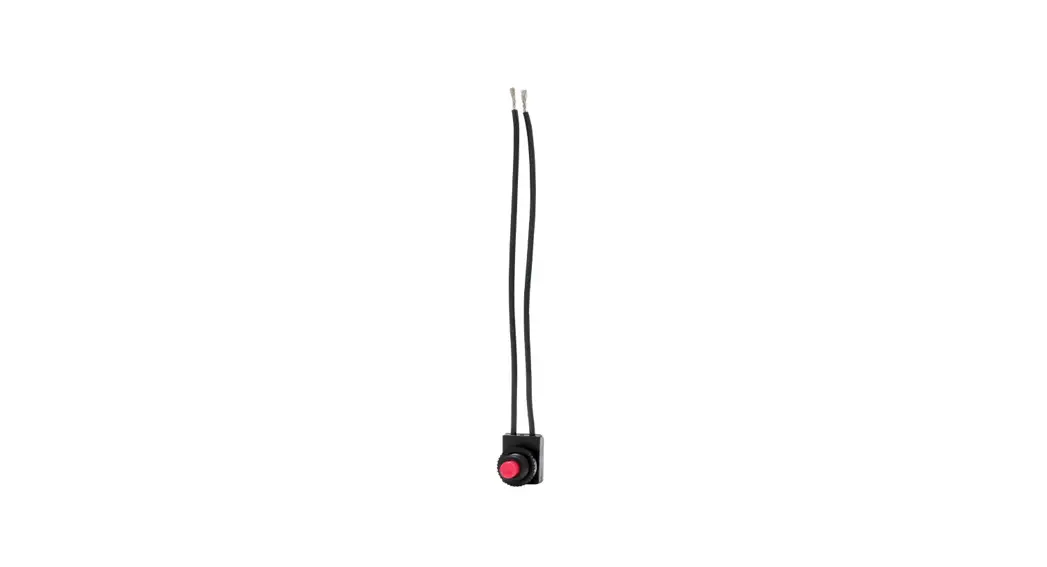
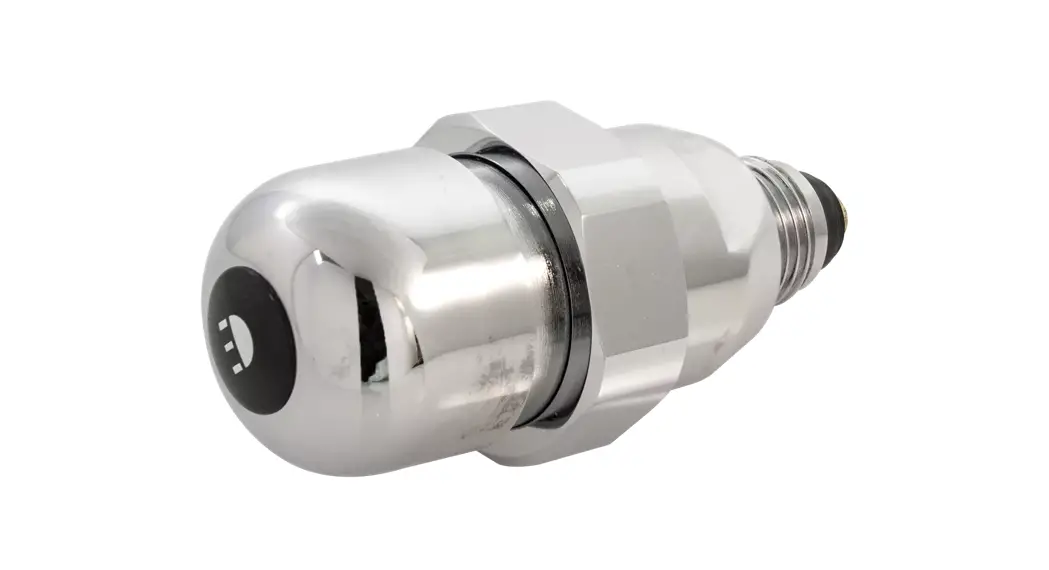
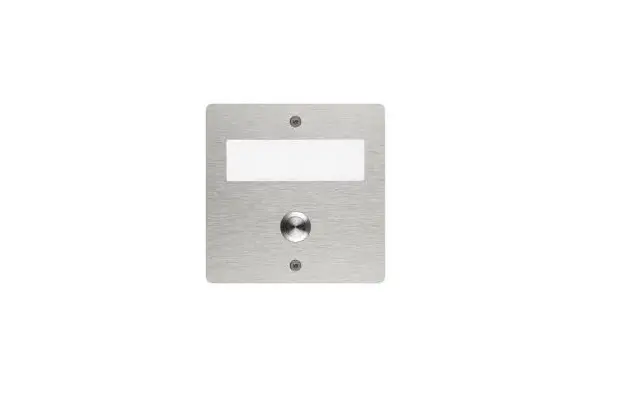
The MX Series Audible Push Button Kit is designed for
installation according to ADA regulations. It is compatible with
the Polara iNX or iDX, Campbell Guardian Mini, and Campbell
Guardian or Guardian Wave push buttons. The kit allows for audible
signaling at pedestrian crosswalks.
Product Usage Instructions
- Prepare the pole and install the button base following the
instructions provided by the button manufacturer. - Ensure that the cable entry hole is deburred and that the
button base sits flush against the pole. - Fish the cable through the pole and button base.
- If using Campbell buttons, fold and tape the unused brown wire
at both ends of the cable. Alternatively, cut the brown wire at the
end of the jacket if permitted by local regulations. - Connect the wires to the button terminal as shown in the table
below:
| Terminal Reference | A | B | C | D | E | F |
|---|---|---|---|---|---|---|
| Wire Color | White | Green | Red | Black | Blue | Brown |
| Polara iNX / iDX | PW | R | GND | Not used | W (Walk) | -GND |
| Campbell Guardian / Guardian Wave | +12VDC (FT) | – Field Terminal (not polarized) | (FT) – Field Terminal (not polarized) | +12VDC | -GND | W (Walk) |
| Campbell Mini | Not used | W (Walk) | -GND | +12VDC (FT) | – Field Terminal (not polarized) | (FT) – Field Terminal (not polarized) |
- Install the button or cover with its supplied hardware,
ensuring that any gaskets are in place and that the cable forms a
drip loop inside the pole. - Connect the other end of the cable to trigger input terminals A
through F of any power or flasher module according to the table
above. - Strain relieve the cable following the instructions provided by
the power or flasher module. - Ensure that the tactile arrow on the button is aligned with the
crossing direction. - Read all included install guides before system
installation.
If you need assistance installing audible push buttons not
listed in this guide, please contact Carmanah for guidance.
For further support, you can reach Carmanah Technologies Corp.
at 250 Bay St, Victoria, BC V9A 3K5, Canada. Call 1.250.380.0052 or
email [email protected]. You can also visit their
website at carmanah.com.
MX Series
AUDIBLE PUSH BUTTON KIT INSTALL GUIDE
LEVEL 4
Polara iNX or iDX
Campbell Guardian Mini
Campbell Guardian or Guardian Wave
ADA regulations specify that button should be 42″ from the ground. Refer to button manufacturer’s documentation for additional setup and configuration information. Two or fewer parallel-connected buttons recommended per module trigger input.
Contact Carmanah for guidance on installing audible push buttons not listed in this guide.
1. Prepare pole and install button base per button manufacturer’s instructions. 2. Ensure cable entry hole is deburred and button base sits flush against pole. 3. Fish cable through pole and button base.
90708REVA
Carmanah Technologies Corp. | 250 Bay St, Victoria, BC V9A 3K5, Canada | 1.250.380.0052 | [email protected] | carmanah.com
AUDIBLE PUSH BUTTON KIT INSTALL GUIDE
LEVEL 4
4. Campbell buttons only: fold and tape (or cut at end of jacket if permitted by local regulations) unused brown wire at both end of cable.
5. Connect wires to button terminal as shown in table below. 4
Terminal Reference
A B C D E F
Power or Flasher Module Terminal Function Input + Input – 12V OUT + 12V OUT –
CONFIRM + CONFIRM –
Wire Color White Green Red Black Blue Brown
Polara iNX / iDX
Campbell Guardian / Guardian Wave
Campbell Mini
Button Terminal Function LIGHTS (not polarized) BUTTON (not polarized)
PW R GND Not used W (Walk) -GND +12VDC (FT) – Field Terminal (not polarized) (FT) – Field Terminal (not polarized) +12VDC -GND W (Walk) Not used
Term. Ref.
E
F A B C D
–
E D C B A A B C D E
–
6. Install button or cover with its supplied hardware, ensuring any gaskets are in place and cable forms drip loop inside pole.
7. Connect other end of cable to trigger input terminals A through F of any power or flasher module according to table above.
8. Strain relieve cable per power or flasher module instructions.
6 Ensure tactile arrow on button is aligned with crossing direction.
NOTE: READ ALL INCLUDED INSTALL GUIDES BEFORE SYSTEM INSTALLATION
Carmanah Technologies Corp. | 250 Bay St, Victoria, BC V9A 3K5, Canada | 1.250.380.0052 | [email protected] | carmanah.com
2
 Systems for Traffic Beacons and Signs | Solar LED Beacons | Carmanah