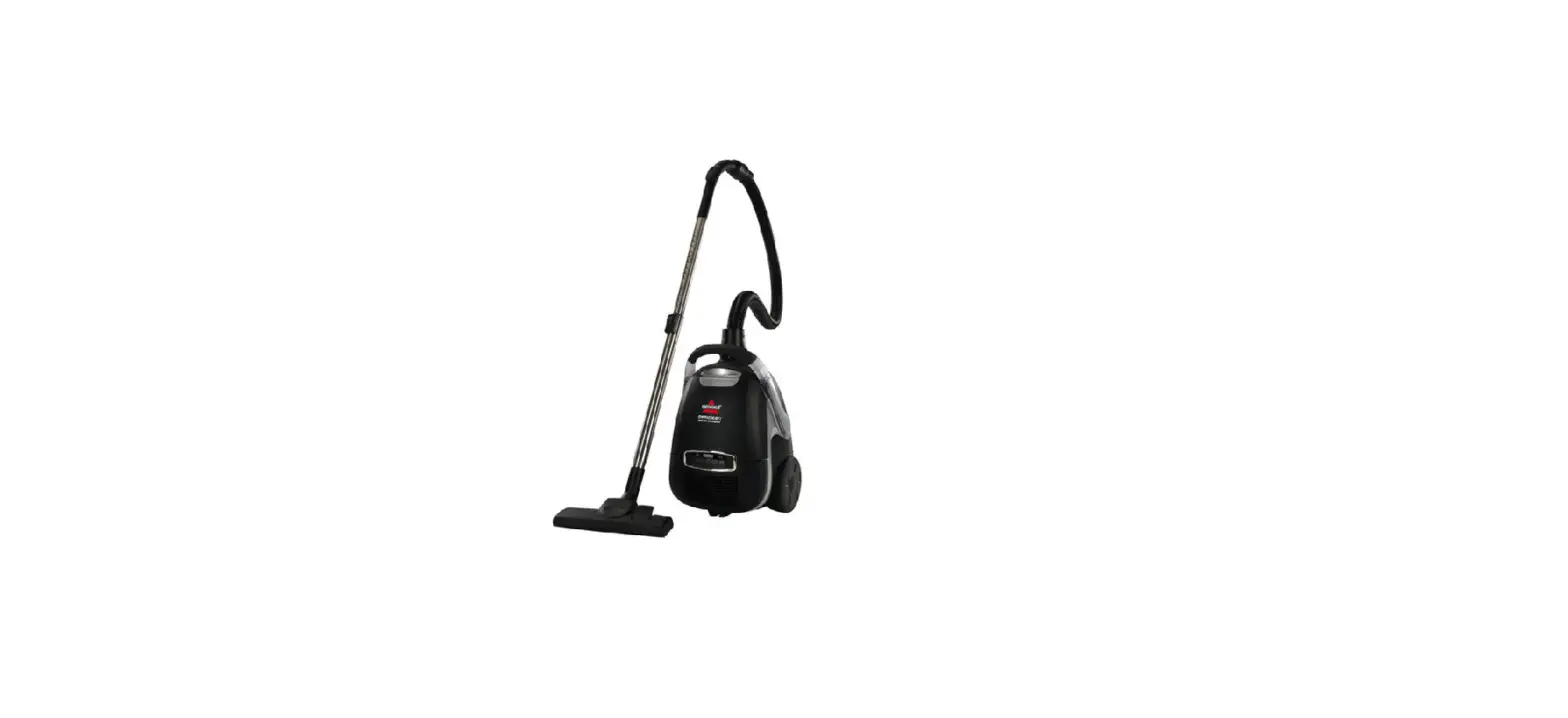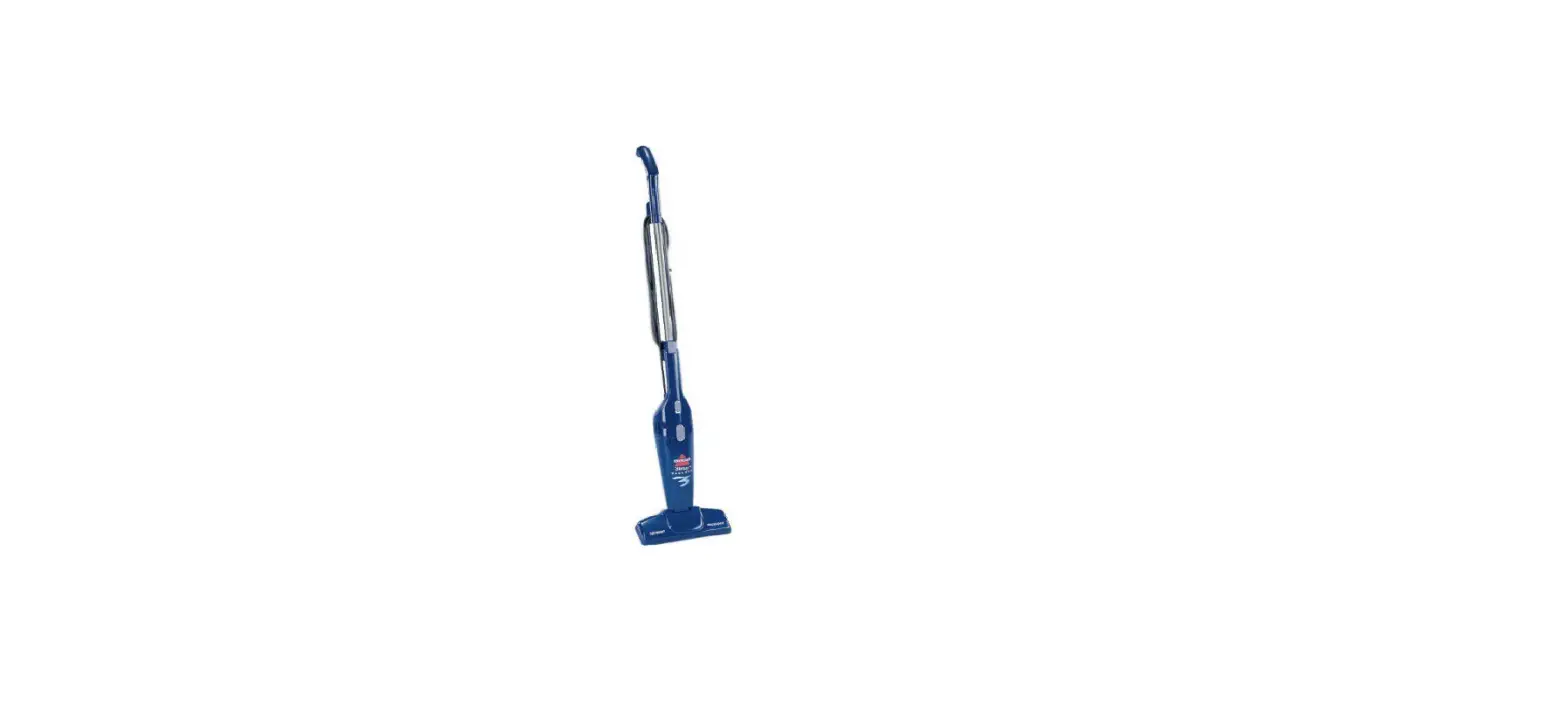
- Unplug machine
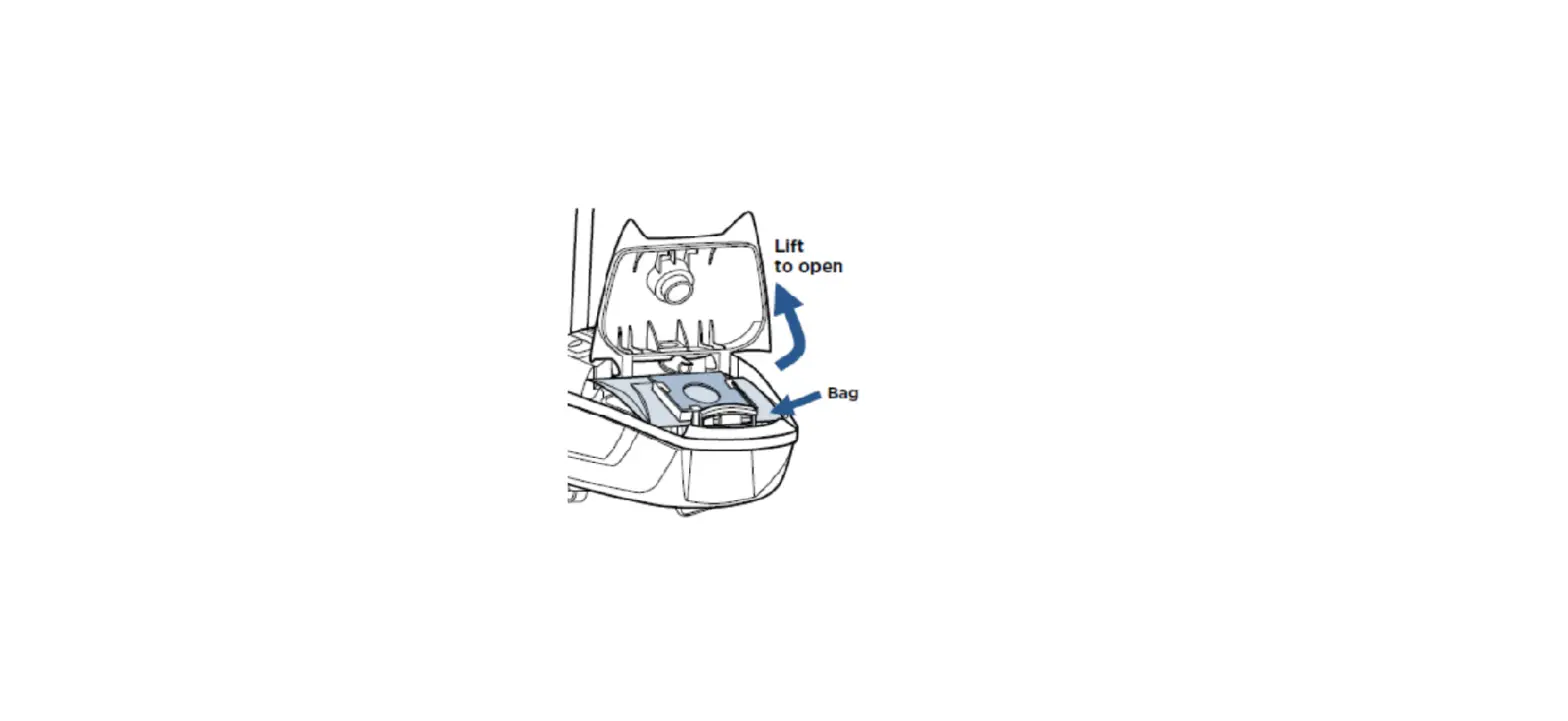
- Check bag, replace if full
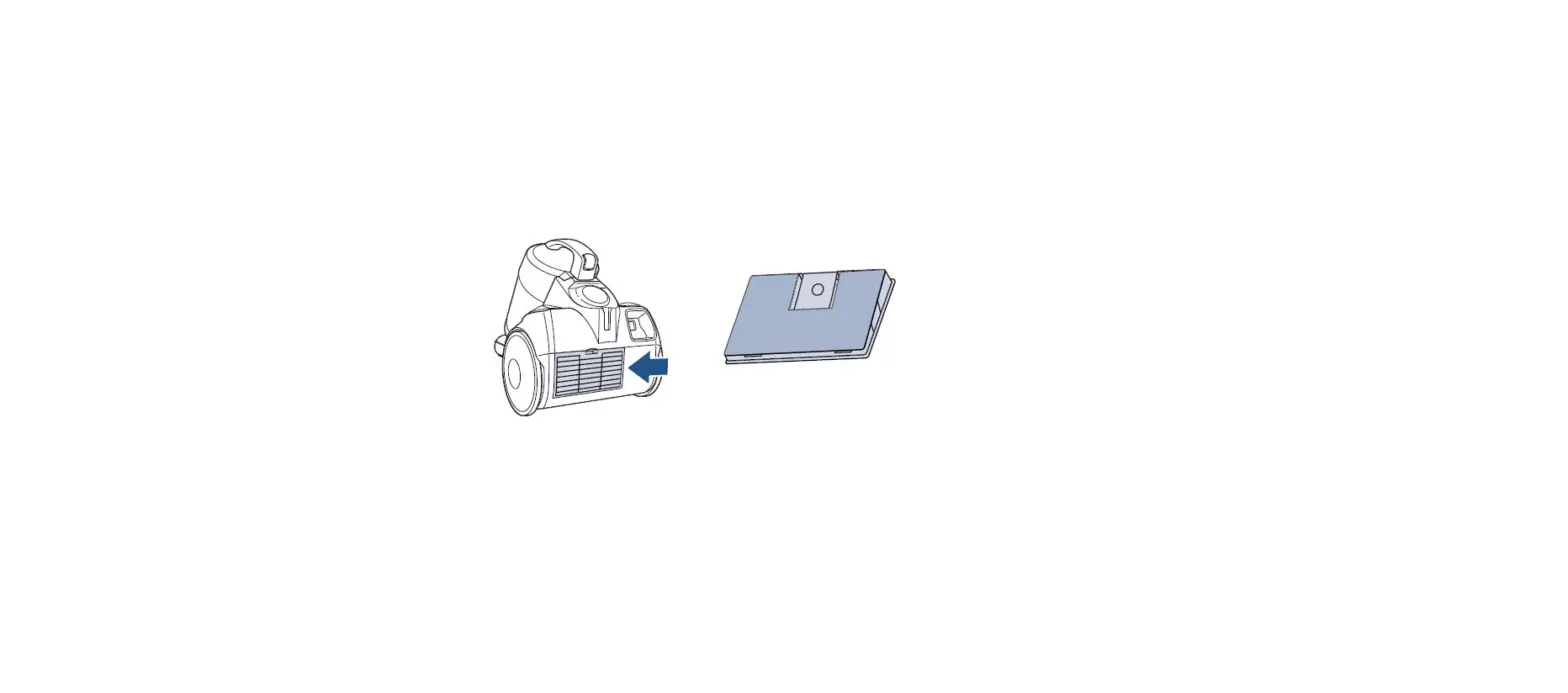
- Check pre and post-motor filters for debris
- Pre-motor filter is washable, use warm water with mild detergent
- Dry completely before replacing in machine
- Post-motor HEPA filter is NOT washable
- Check motor duct (hose intake) for suction
- If no suction at the motor duct, please visit a BISSELL Authorized Service Center or Contact Us
- Remove hose and check for a clog in suction opening
- Make sure the door is latched shut
- Door will not latch without the bag being in place
- Re-attach the hose (make sure it is securely attached to the suction opening)
- Check for suction at the end of the hose with attachments and foot off
- Check the variable suction control
- If it is set all the way to “min”, may simply need to set it to a higher setting
- Inspect the hose for cracks or holes
- Push a broomstick handle through the hose to clear clog
- If there is suction at end of hose with attachments off, but not with them on, attachment may be clogged
- Foot can be cleared by removing access plate and brush
- Check extension wand for clogs
- Push a broom stick handle through the wand to clear
- Check post-motor filter for clogs
- Post-motor HEPA filter is not washable and may need to be replaced
- If there is still no suction, please visit a BISSELL Authorized Service Center or Contact Us
- Post-motor HEPA filter is not washable and may need to be replaced