- Unplug machine
- Check bag, replace if full
- Check pre and post-motor filters for debris
- Pre-motor filter is washable, use warm water with mild detergent
- Dry completely before replacing in machine
- Post-motor HEPA filter is NOT washable
- Remove hose
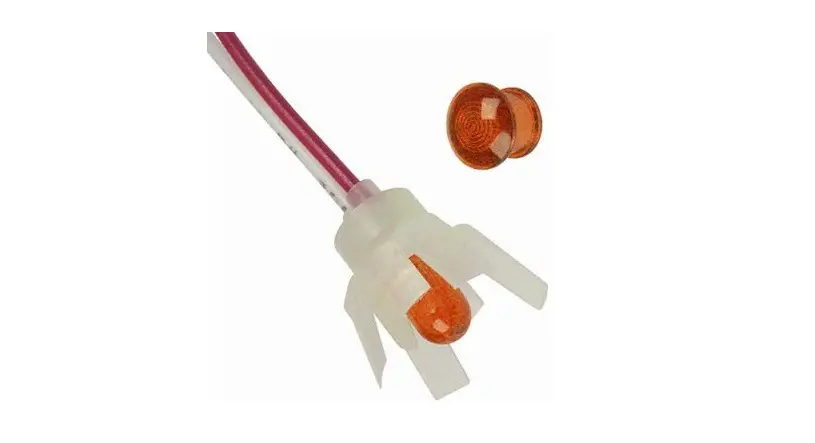
- If change bag indicator is orange with hose attached, but turns off when hose is removed, hose may have a clog
- Push a broomstick handle through the hose to clear clog
- If the change bag indicator remains lit, please visit a BISSELL Authorized Service Center or Contact Us