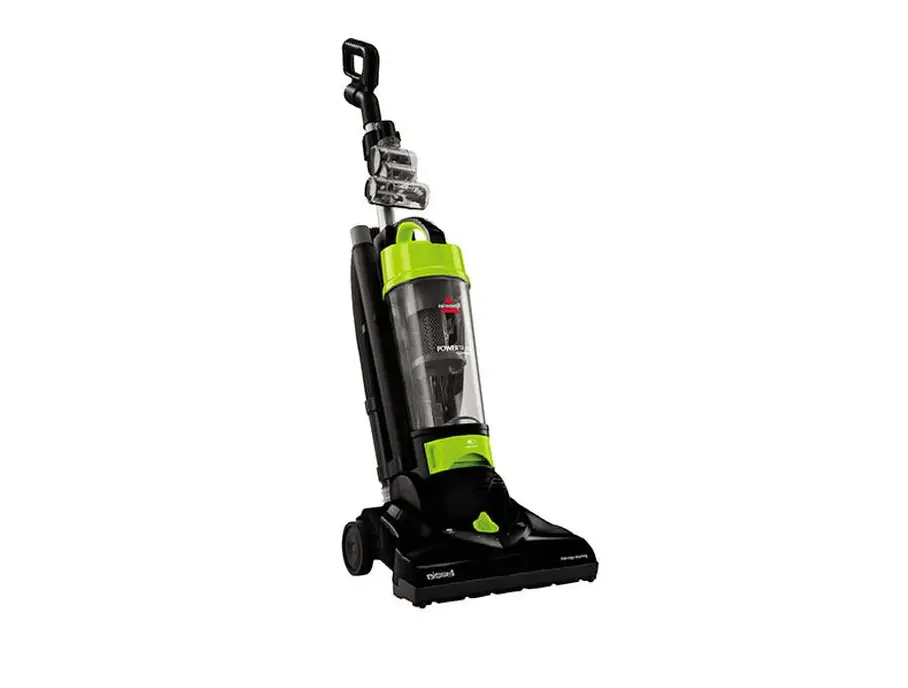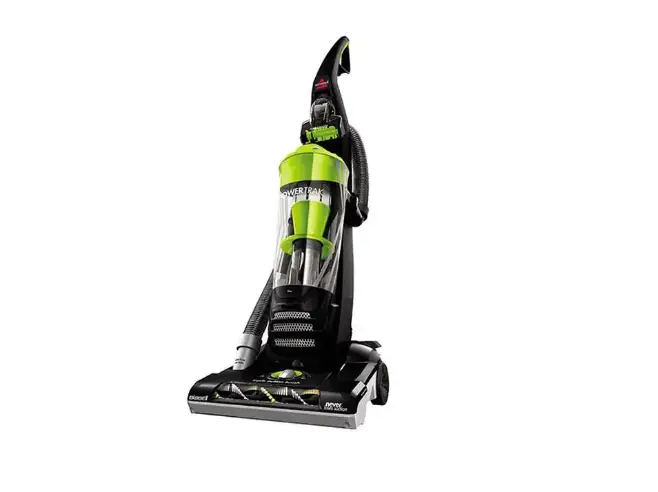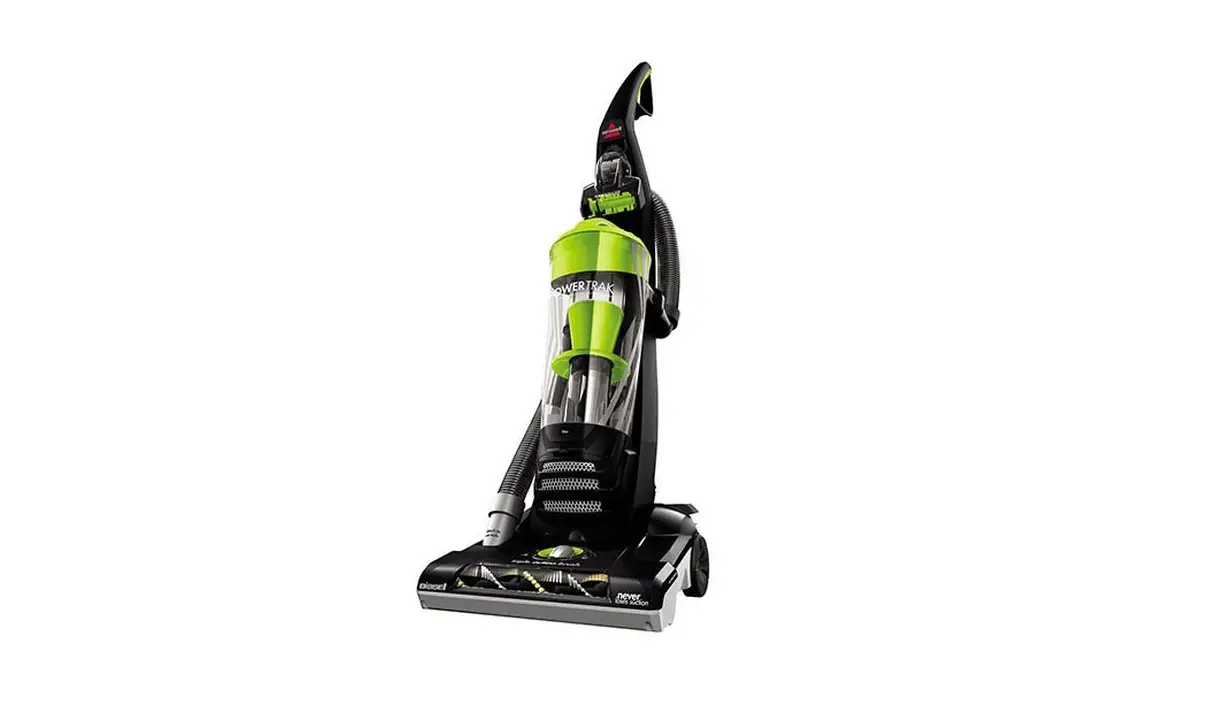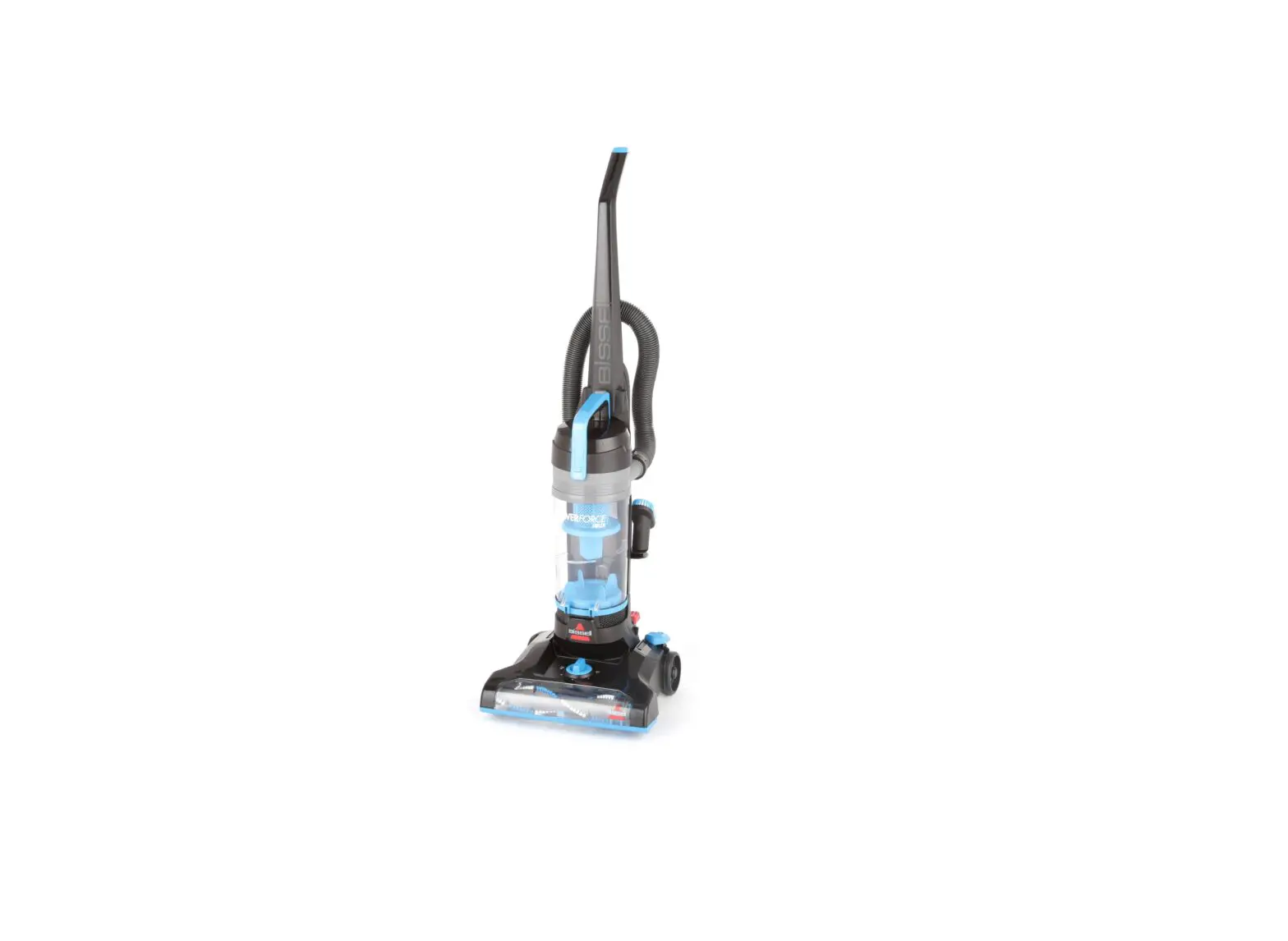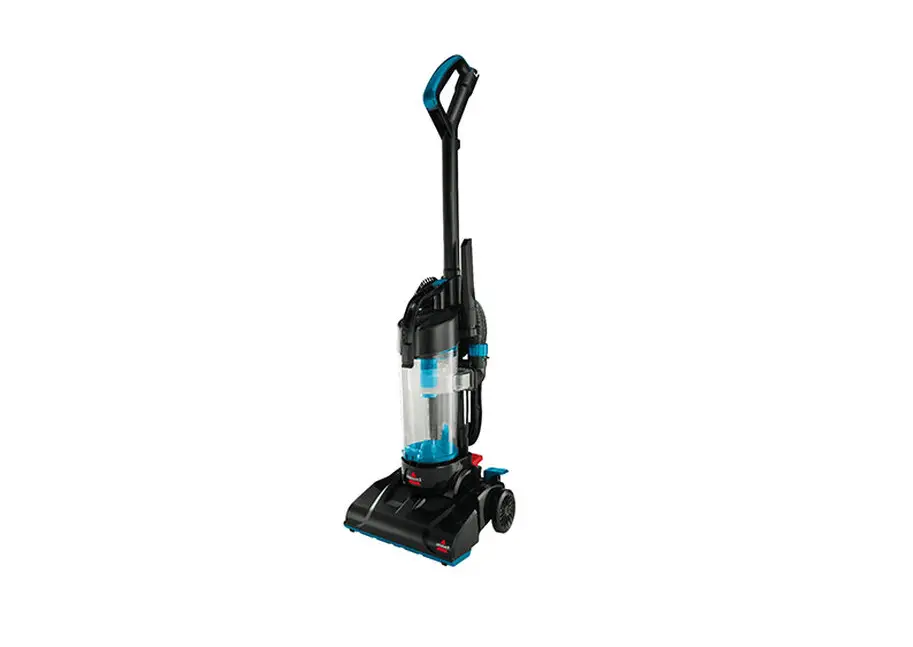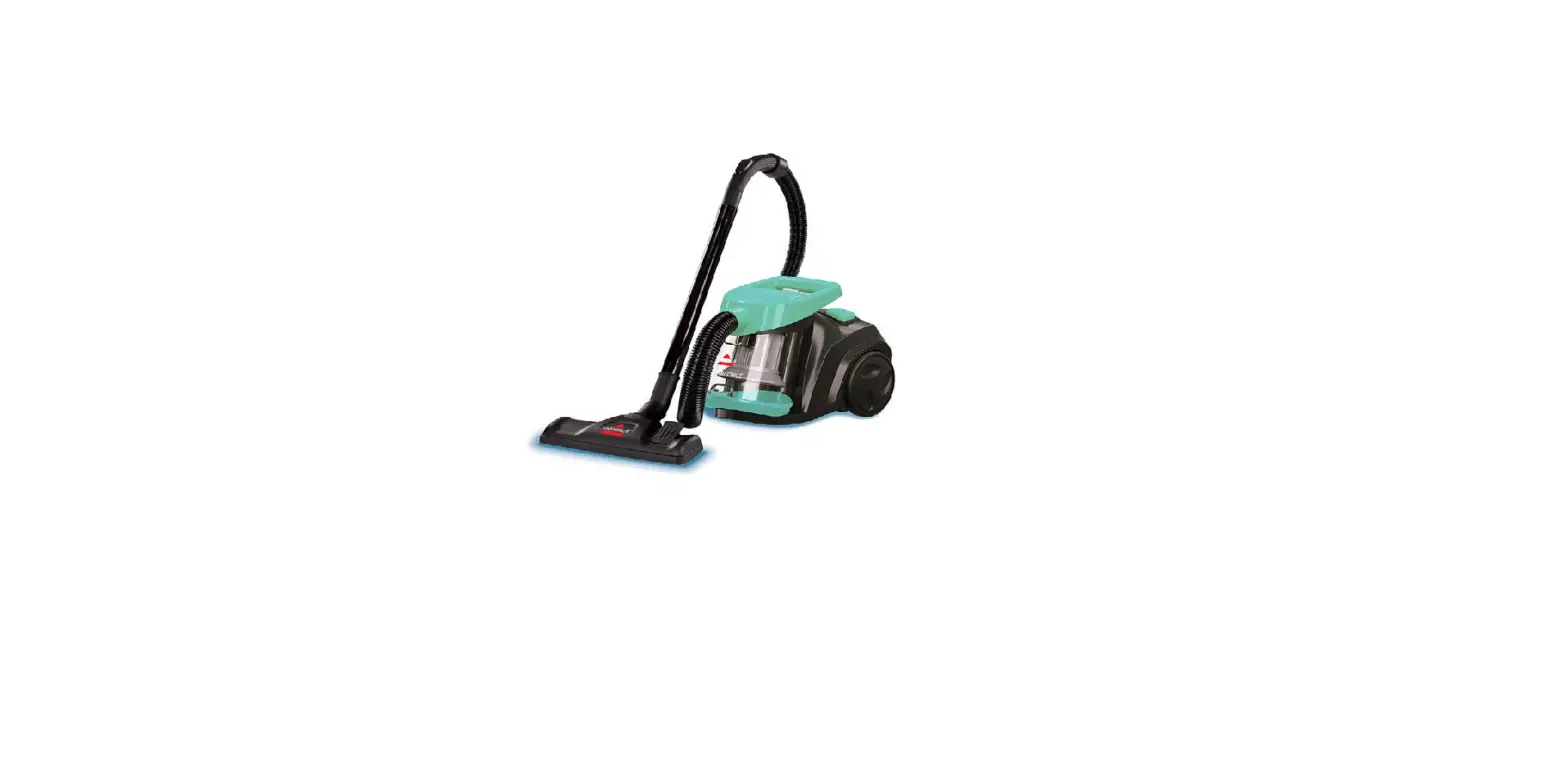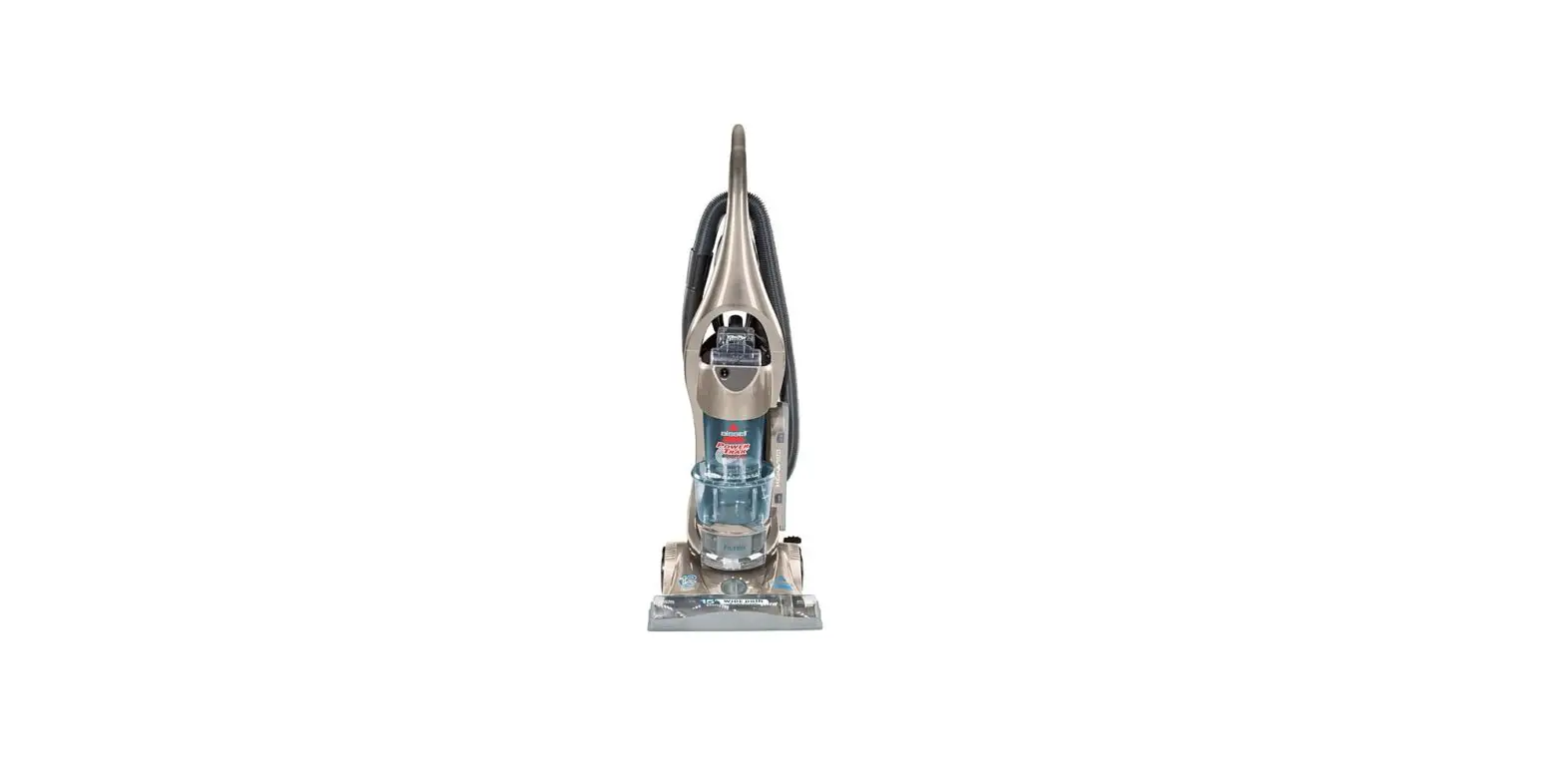
- Plug machine in and remove hose
- Check for suction where hose attaches to back of the vacuum
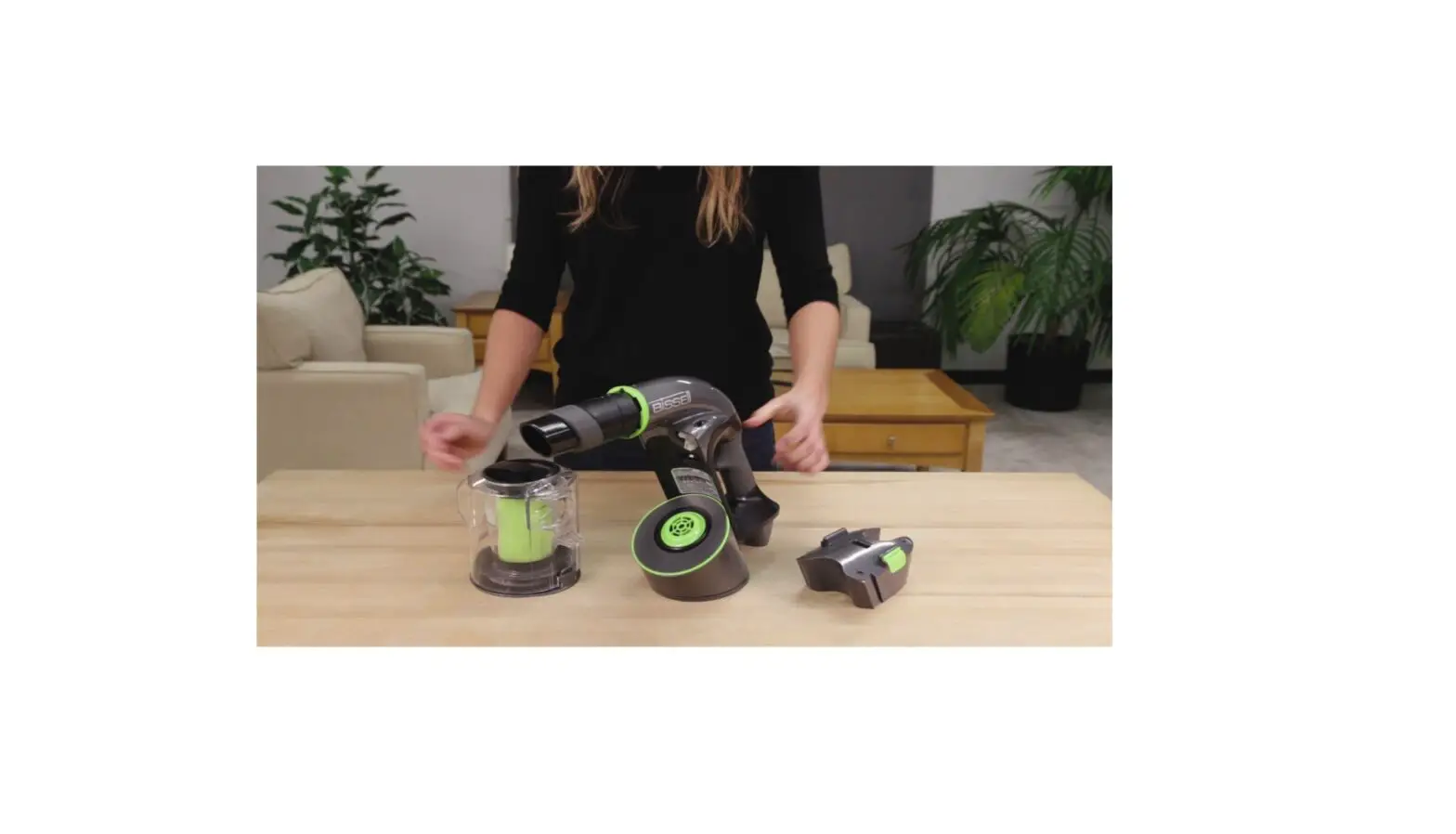
- Unplug machine and empty dirt cup
- Remove pre-motor filters from tray under dirt container and wash with warm water
- Let them completely air dry (24-48 hrs.) before replacing in machine
- Clear tray of any debris
- Remove post-motor filter behind door on side of vacuum
- Clear any debris from filter
- The pleated post-motor filter is NOT washable and will need to be replaced when dirty
- Check the upper tank for clogs
- Twist the inner cyclone to the left and pull down
- Wipe the inside of the upper tank and separator plate with a damp cloth
- Once the inner cyclone is dry, replace into the machine by pushing up and turning to the right
- If there is still no suction, please visit a BISSELL Authorized Service Center or Contact Us
- If clean filter indicator is always black, it may be a clogged hose
- Detach upper hose from the machine and insert broomstick into the hose to clear any clogs
- Remove screw from left side of the lower hose on back of the machine
- Straighten this section of the hose by laying the machine out flat (the handle release pedal will need to be pushed twice)
- Remove hard plastic hose wand base to expose lower hose – push a broomstick through to unclog
- If clog is now cleared but indicator is still black, turn machine off and back on – this should reset the indicator and resolve the issue
- If still black, please visit a BISSELL Authorized Service Center or Contact Us
- If clean filter indicator is always red, clean filters and upper tank area (see above for instructions)
- Dirty filters can restrict airflow, turning the indicator red