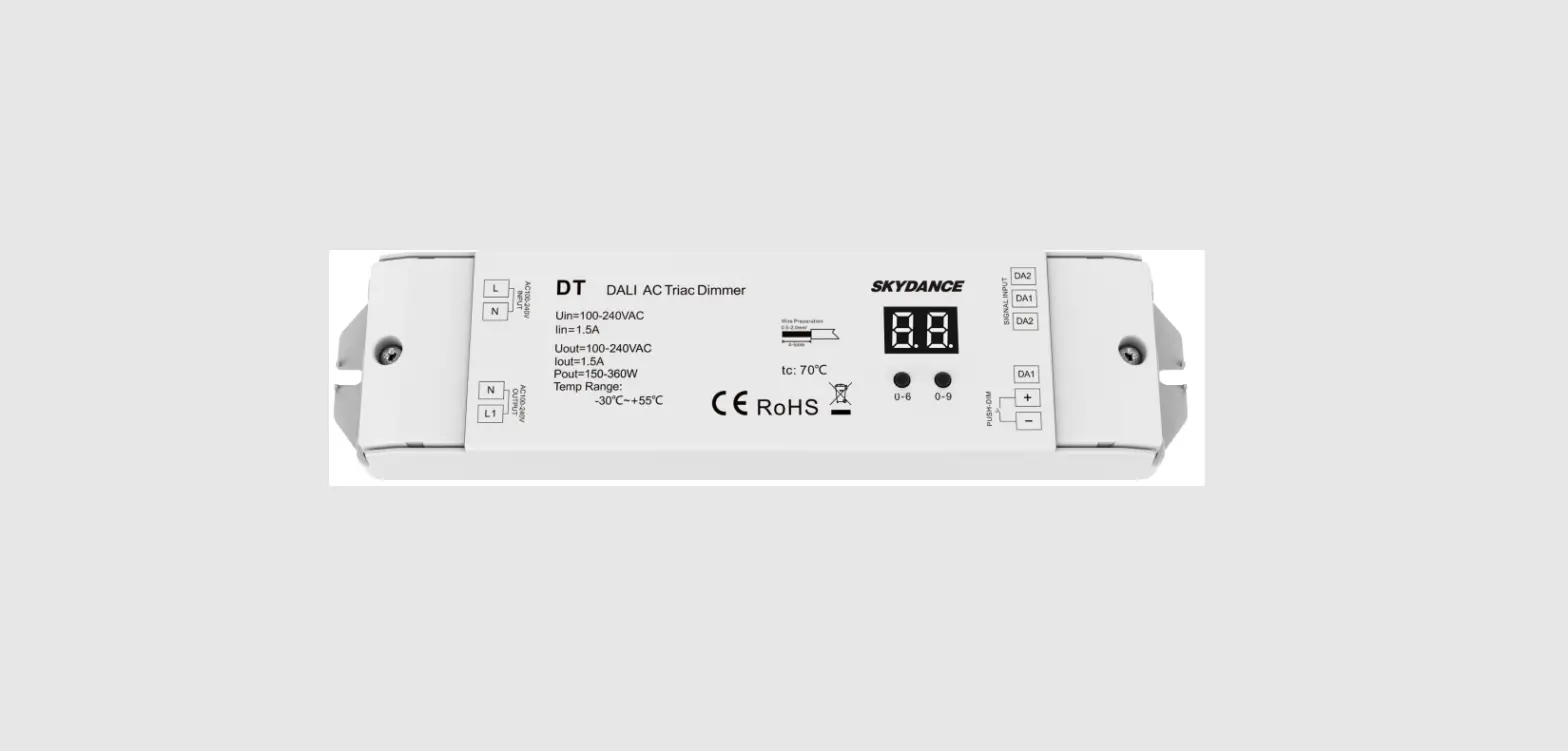

OPTONICA SKU-6389 AC Triac Dimmer
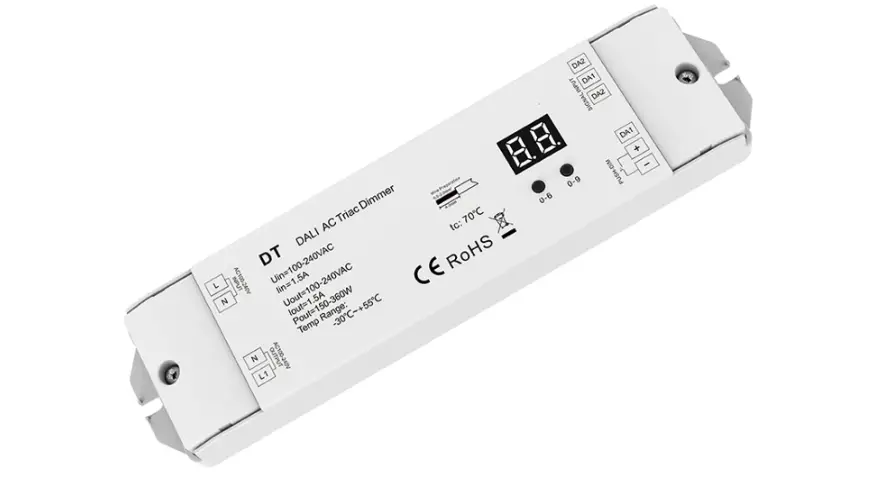
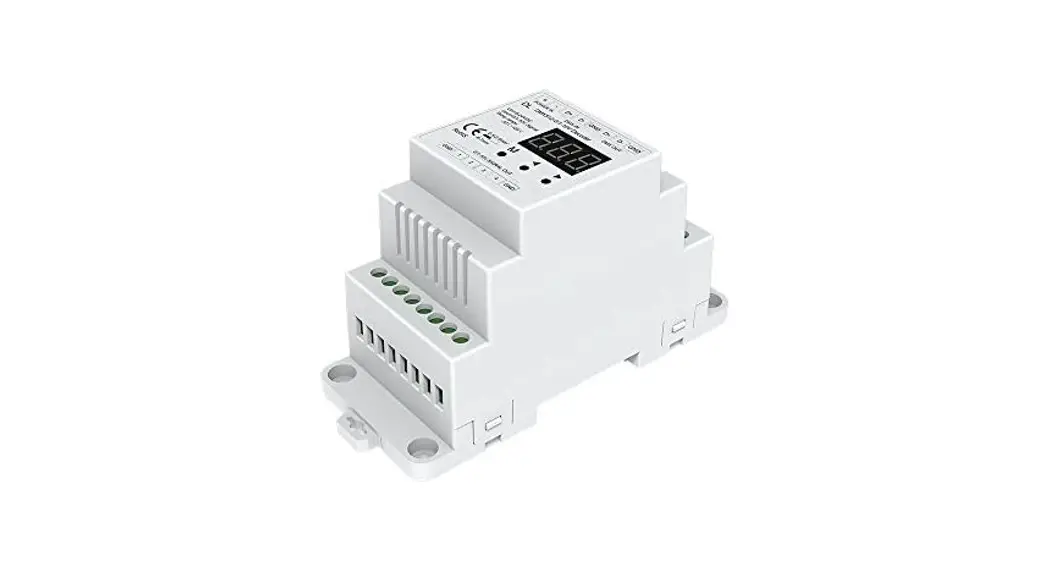
1 Channel/RDM/Stand-alone function/Leading edge or trailing edge/Numeric display/Din rail
Features
- AC phase-cut mosfet dimmer with DMX512 function, one channel output.
- Comply with the DMX512 standard protocols.
- Digital numeric display, set DMX decode star t address by bottons.
- RDM function can realize intercommunication between DMX master and decoder .
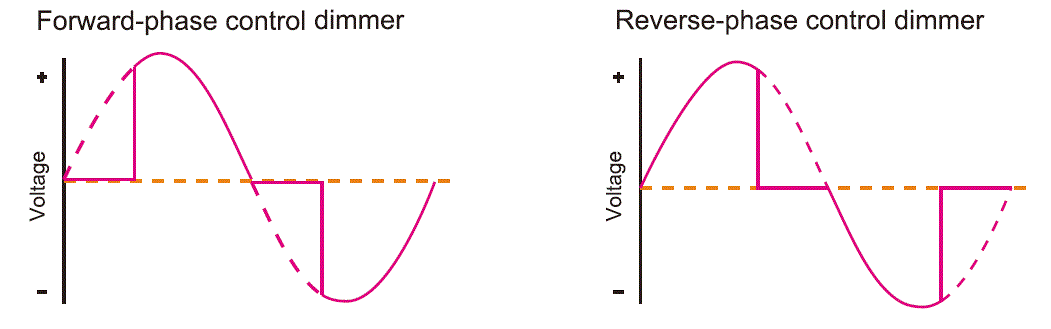
- Reverse-phase dimming or forward-phase dimming selectable.
- Minimum brightness set from 1% to 40%.
- Stand-alone dynamic mode and dimmer mode selectable,
which be controlled by buttons with built-in programs, instead of DMX signal. - To dim and switch single color dimmable LED lamps, traditional incandescent and halogen lights.
- Over-heat protection, recover automatically .
Technical Parameters
| Input and Output | |
| Input volta g e | 100-240V AC |
| Output voltage | 100-240V AC |
| O utput curre nt | 1CH, 6A |
| Output power | 600-1440W |
| Safety and EMC | |
| EN 55015:2013 | |
| EMC standard (EMC) | EN 61547:2009 EN 61000-3-2:2014 |
| EN 61000-3-3:2013 | |
| Safety standard(LVD) | EN 61347-2-11:2002 EN 61347-1:2015 |
| EN 62493:2015 | |
| Certification | CE,EMC,LVD |
| Dimming data | |
| Input signal | DMX512 |
| Dimminglevel | 256 levels |
| Dimmingrange | 0 -100 % |
| Environment | |
| Operation temperature | Ta : -3 0 O C ~ + 5 5 O C |
| Case temperature (Max. ) | Tc: +8 5 O C |
| IPrating | IP20 |
| Warranty and Protection | |
| Warra nty | 3 years |
| Protection | Over-heat |
Compatible Load Types
| Load Type | Maximum Load | Remarks |
| Dimmable LED lamps | 1000W @ 220V 500W @ 110V | Due to variety of LED lamp designs, maximum number of LED lamps is further dependent on power factor result when connected to dimmer . |
| Triac Dimmable LED drivers | 1000W @ 220V 500W @ 110V | Maximum permitted number of drivers is 1000W divided by driver nameplate power rating, and make sure the surge current is no more than 2 times 65A. |
| Incandescent lighting, HV Halogen lamps | 1500W @ 220V 750W @ 110V |
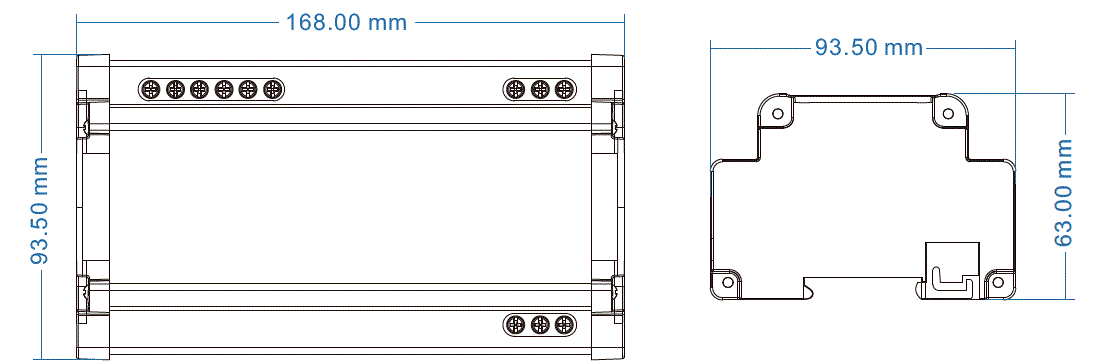
Mechanical Structures and Installations
Wiring Diagram
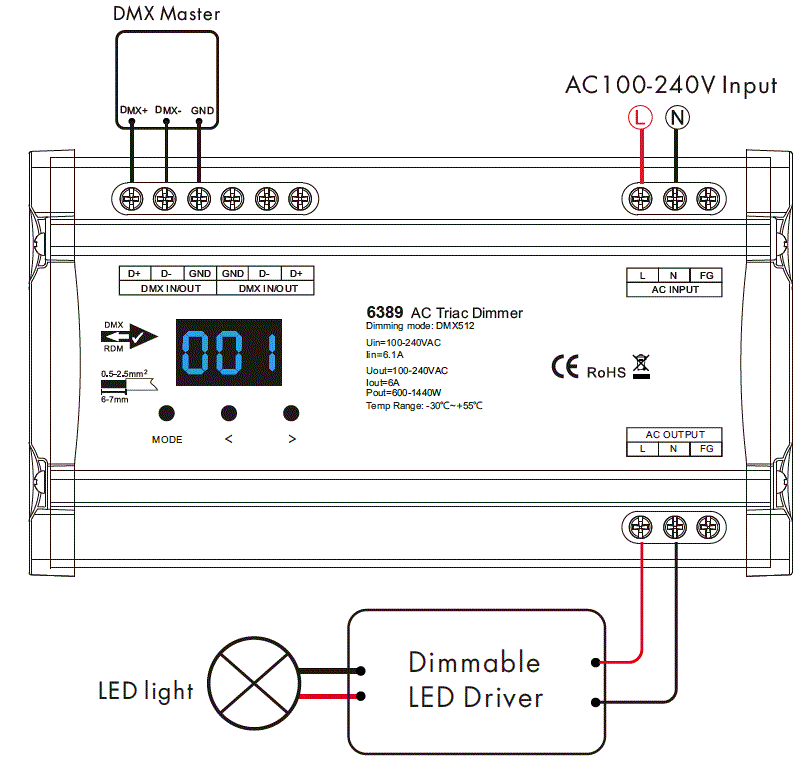
Note:
- When calculating the maximum number of load lamps or drivers, the input power or input current parameters of a single lamp or driver must be used, the output power parameters can not be used.
In addition, the maximum surge current of the dimmer is 65A, the sum of surge current of multiple dimmable LED drivers should not exceed 2 times. other wise, the product will be overloaded and damaged. - An DMX signal amplifier is needed when more than 32 decoders are connected, or use overlong signal line, signal amplification should not be more than 5 times continuously .
- If the recoil ef fect occurs because of longer signal line or bad line quality , please tr y to connect 0.25W 90- 120Ω terminal resistor at the end of each DMX signal line.
Caution: Please carefully ensure all wire connections and polarities are correct and secure before applying power , otherwise this controller will be damaged.
Operation
System parameter setting
- Long press M and ◀ key for 2s, prepare for setup system parameter: control method, minimum brightness cur ve, automatic blank screen. shor t press M key to switch three item.
- Control method: short press ◀ or ▶ key to switch for ward-phase(“C-F”) or reverse-phase(“C-R”).

- Minimum brightness: short press ◀ or ▶ key to set minimum brightness, from 1% to 40%( “b01 ” to”b40 “). You need set suitable minimum brightness to avoid flick.
- Automatic blank screen: shor t press ◀ or ▶ key to switch enable( “bon”) or disable(“boF”) automatic blank screen.
- Long press M key for 2s or timeout 10s, quit system parameter setting.
DMX mode
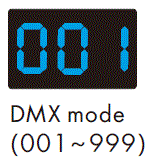
- Short press M key , when display 001~999, enter DMX mode.
- Press ◀ or ▶ key to change DMX decode star t address(001~999), long press for fast adjustment.
- If there is a DMX signal input, will enter DMX mode automatically.
- DMX Dimming: Each SK2 DMX decoder occupy 1 DMX address when connecting the DMX console.
Stand-alone dimmer mode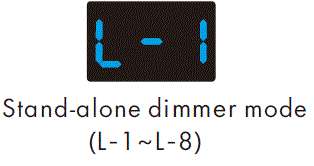
- Short press M key, when display L-1~L-8, enter stand-alone dimmer mode.
- Press ◀ or ▶ key to change dimmer mode number(L-1~L-8).
- Each dimmer mode can adjust brightness independently.
Long press M key for 2s, prepare for setup brightness.
Press ◀ or ▶ key to setup brightness value(100-1FF).
Long press M key for 2s, or timeout 10s, quit setting. - Enter stand-alone dimmer mode only when DMX signal is disconnected or lost.
Stand-alone dynamic mode
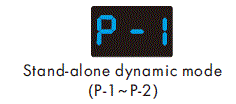
- Short press M key, when display P-1~P-2, enter stand-alone dynamic mode .
- Press ◀ or ▶ key to change dynamic mode number(P-1~P-2).

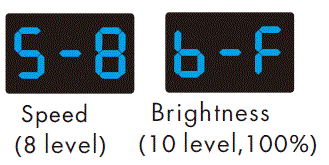
- Each mode can adjust speed and brightness.
Long press M key for 2s, prepare for setup mode speed, brightness.
Short press M key to switch two item.
Press ◀ or ▶ key to setup value of each item.
Mode speed: 1-10 level speed (S-1, S-9, S-F).
Mode brightness: 1-10 level brightness(b-1, b-9, b-F ).
Long press M key for 2s, or timeout 10s, quit setting. - Enter stand-alone dynamic mode only when DMX signal is disconnected or lost.

Dynamic mode list
| No. | Name |
| P-1 | 0 %, 5 0 %, 1 0 0 % light change in sequence |
| P-2 | light fade in and fade out |
Restore factory default parameter
- Long p re ss ◀ and ▶ key for 2 s, r e store factory d e fa ult parameter, display”RES “.
- Factory d e fa ult pa ra me te r: D MX decode mode, D MX de code s ta rt a ddre ss is 1 , r e rve rse -pha se c ontrol, 1 0 % minimum brig htne ss, d imme r mode n umbe r is 1 , d yna mic mode number is 1 , d isa ble a utoma tic b la nk scre e n.
IMPORTER: Prima Group 2004 LTD, Bulgaria, 1784 Sofia, Mladost 1, bl. 144, Ground Floor; Phone: +359 2 988 45 72;