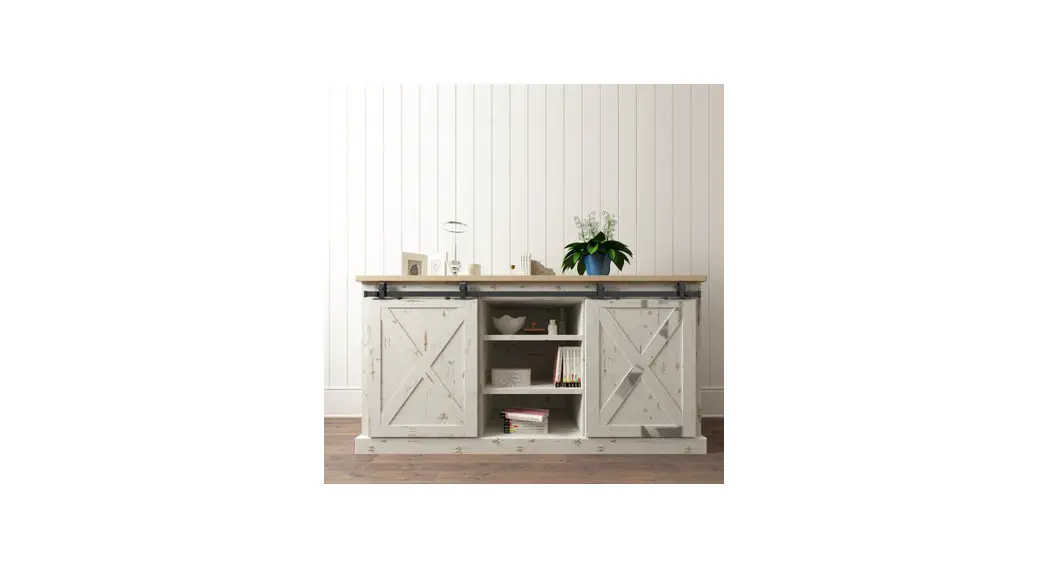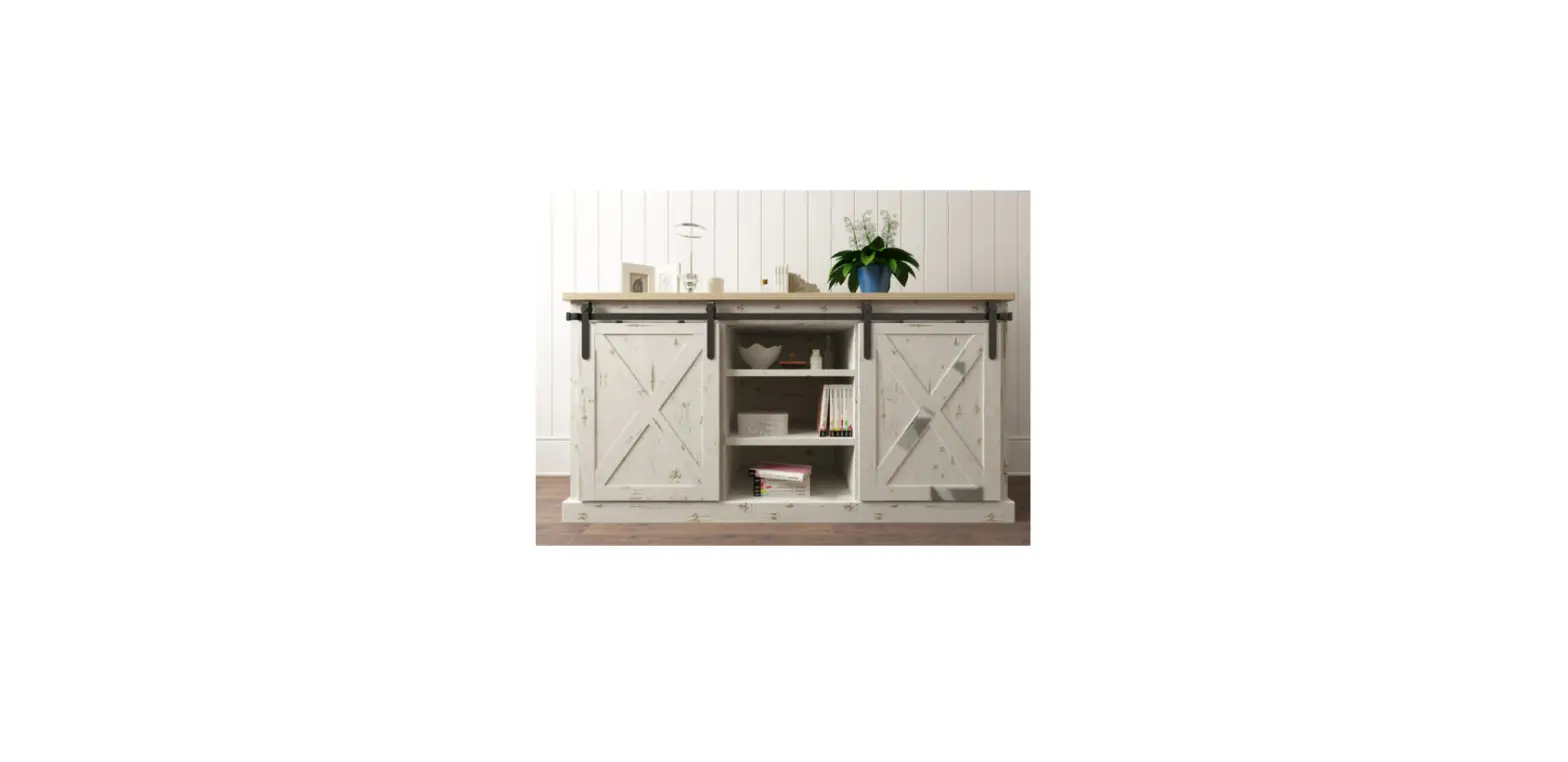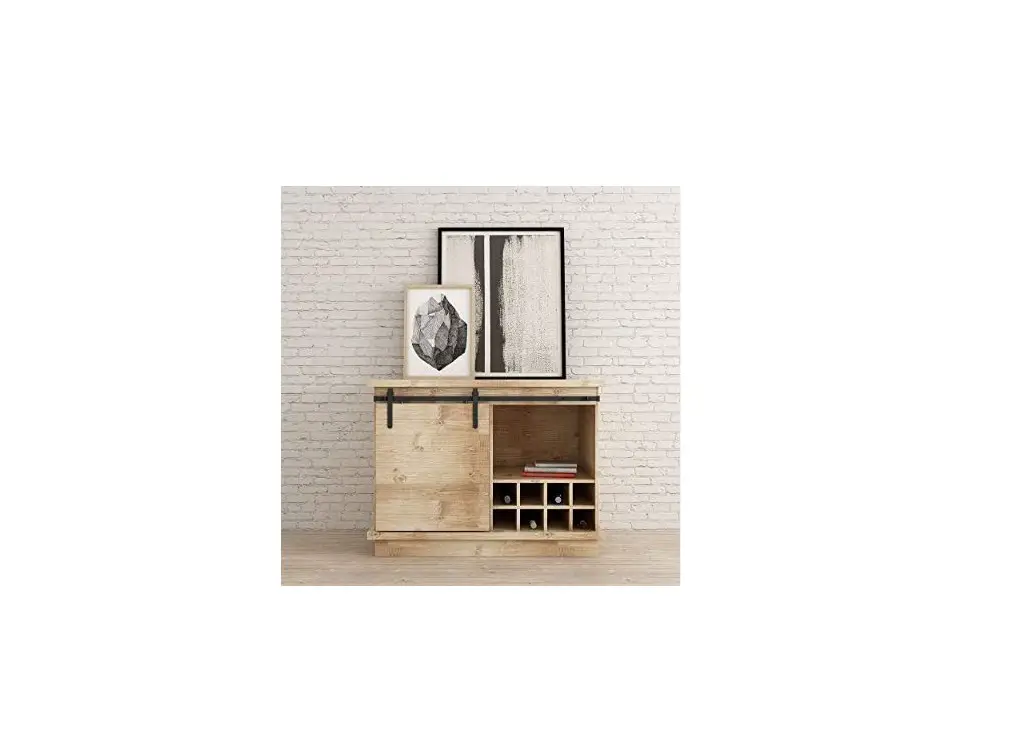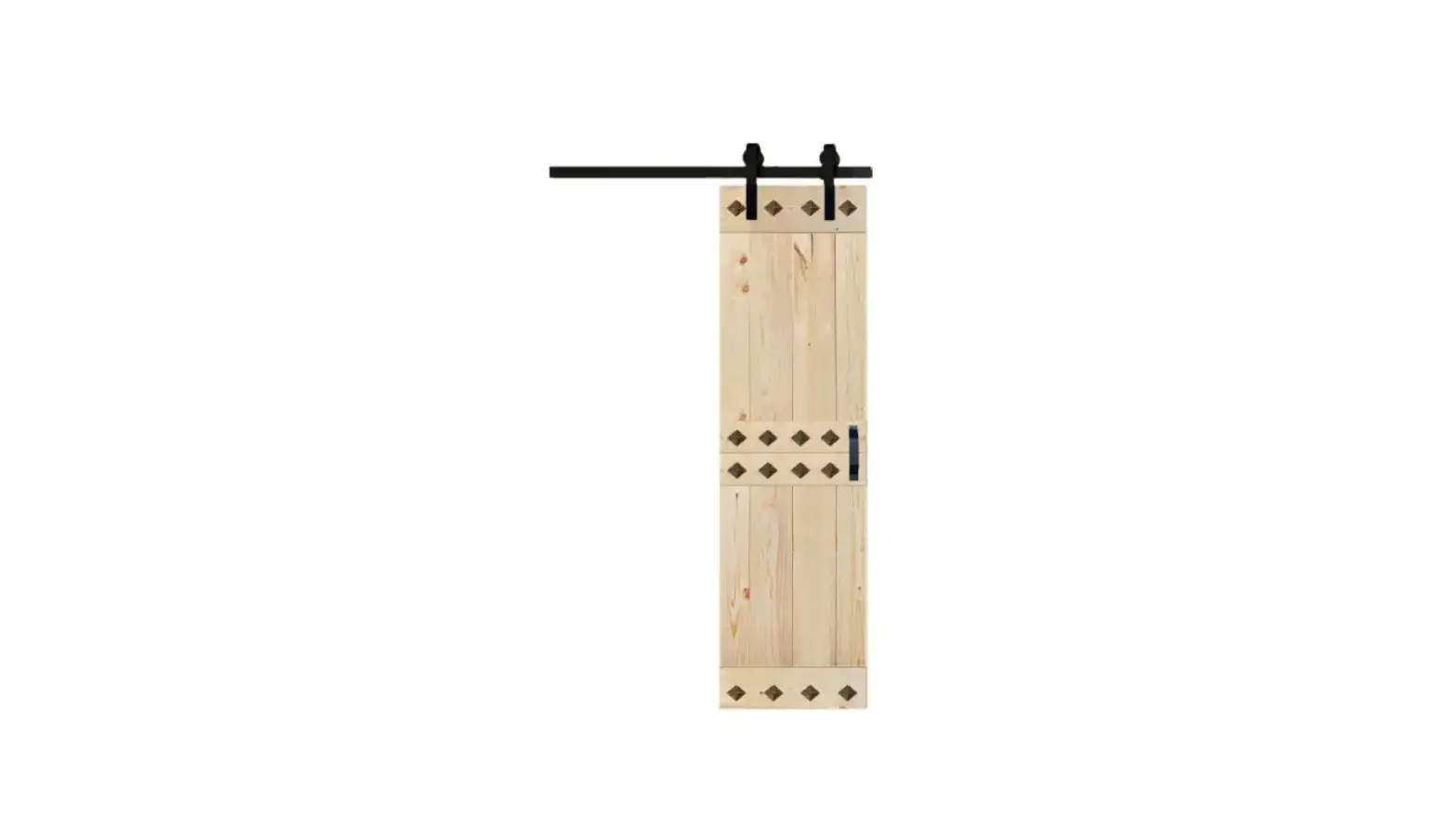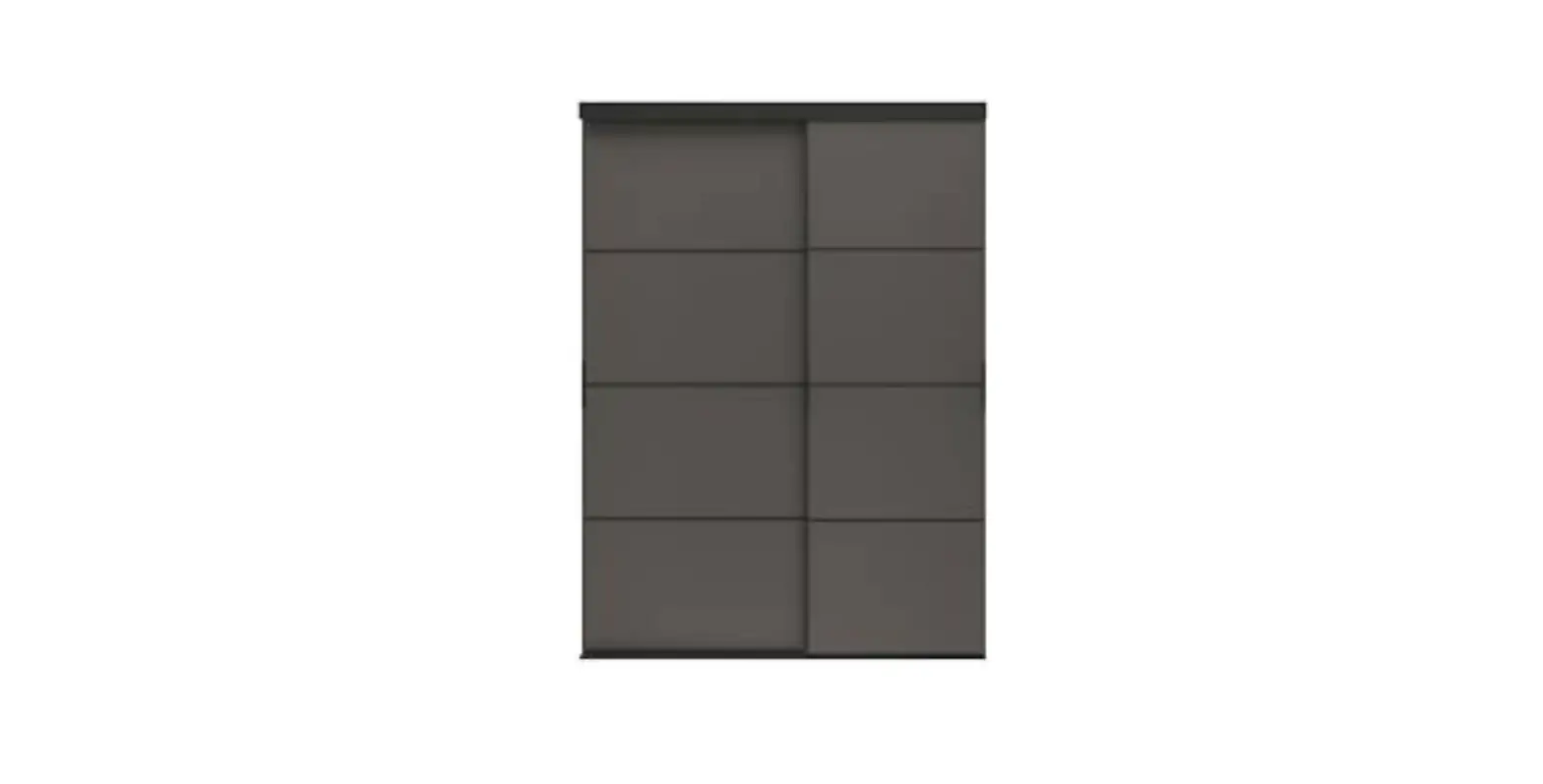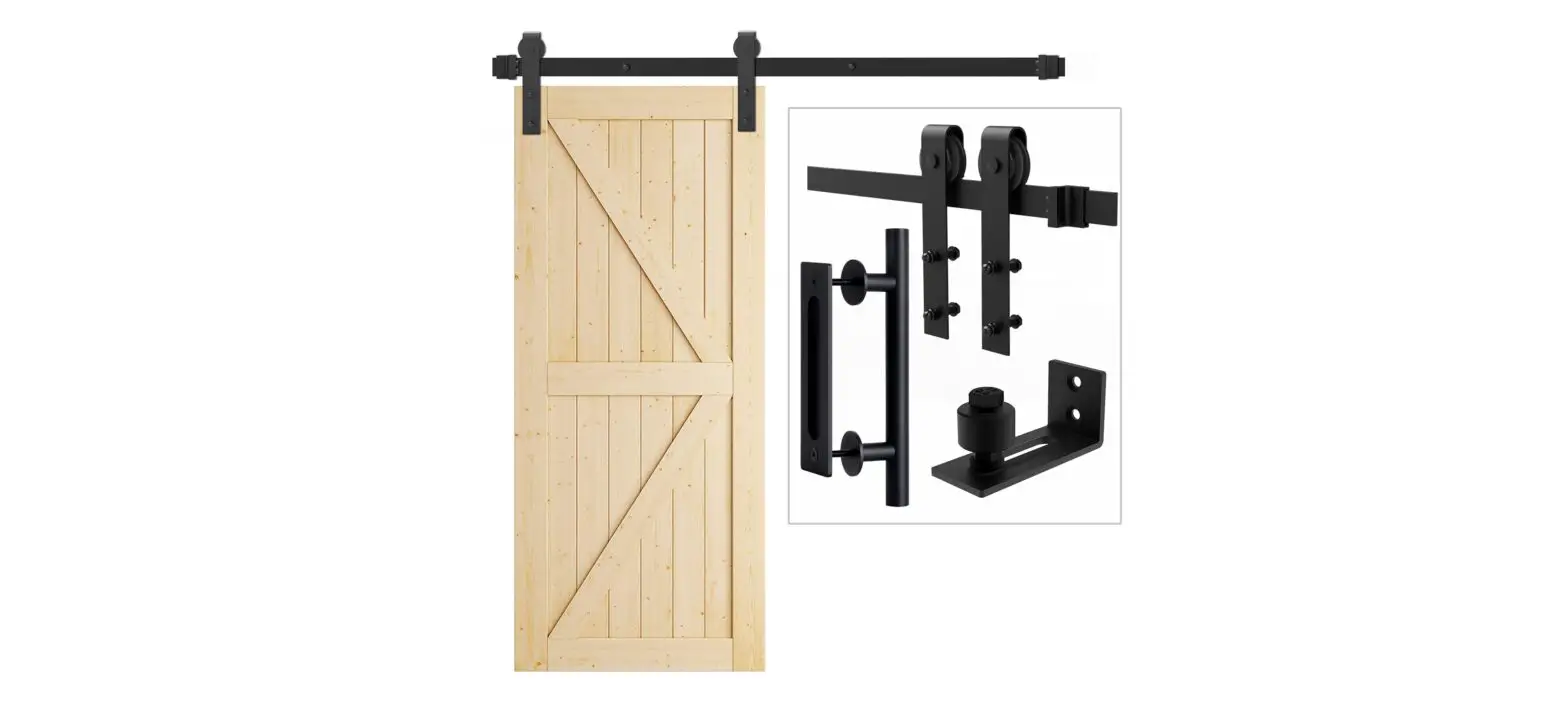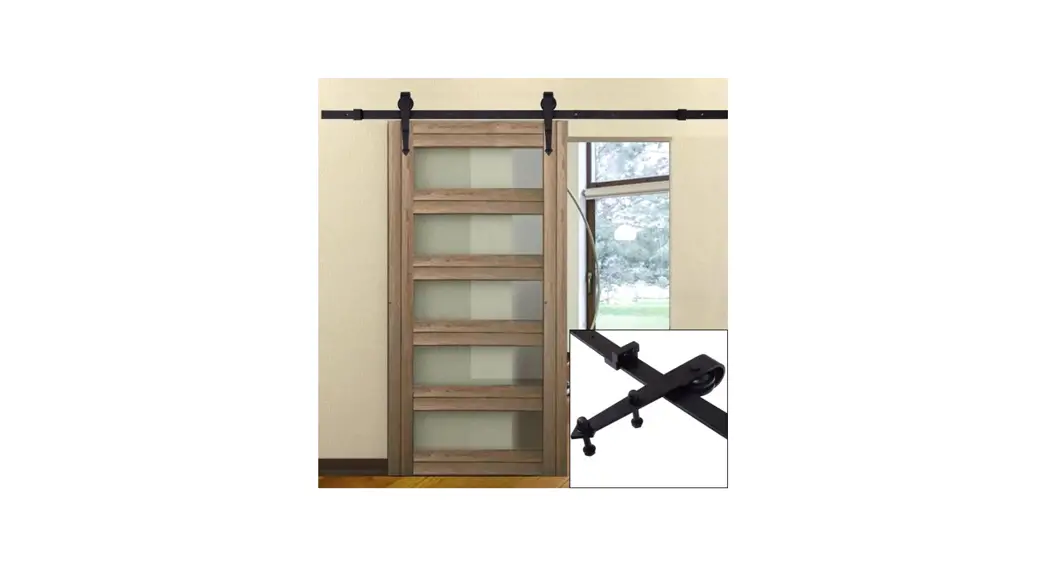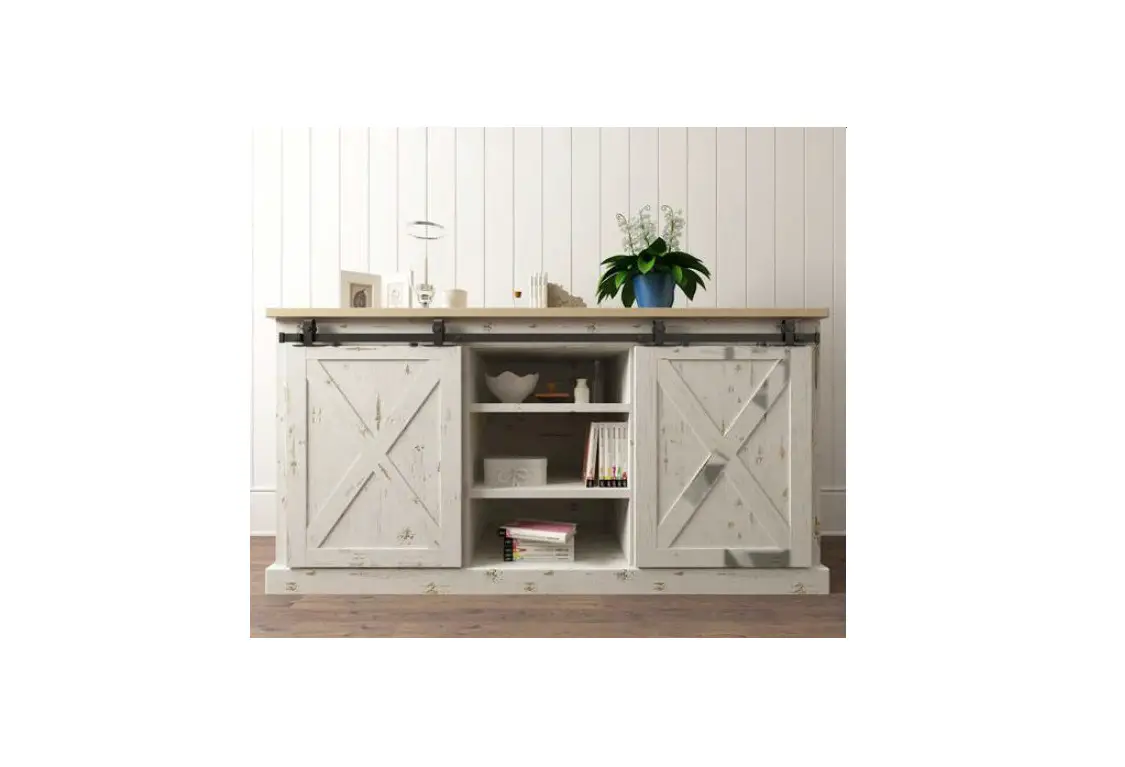

FURNITURE SLIDING DOOR HARDWARE FSDH-TOPKT-5-DD Mini Barn Door Style Sliding System
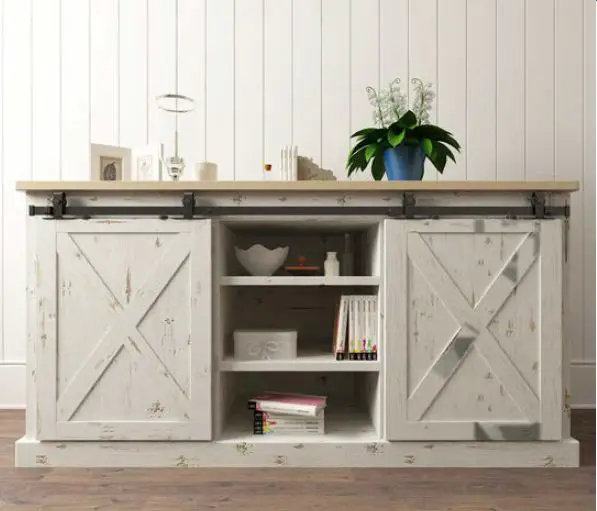
INSTALLATION MANUAL
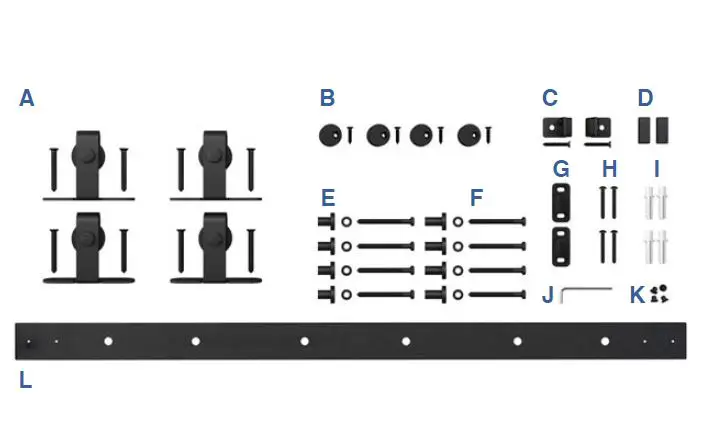
TOOLS REQUIRED
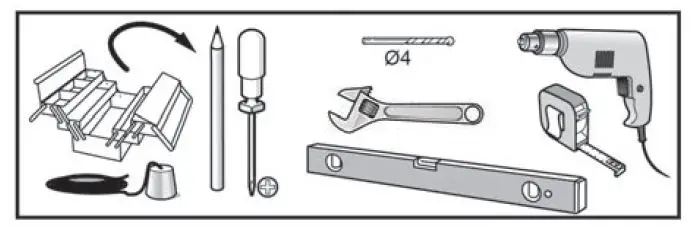
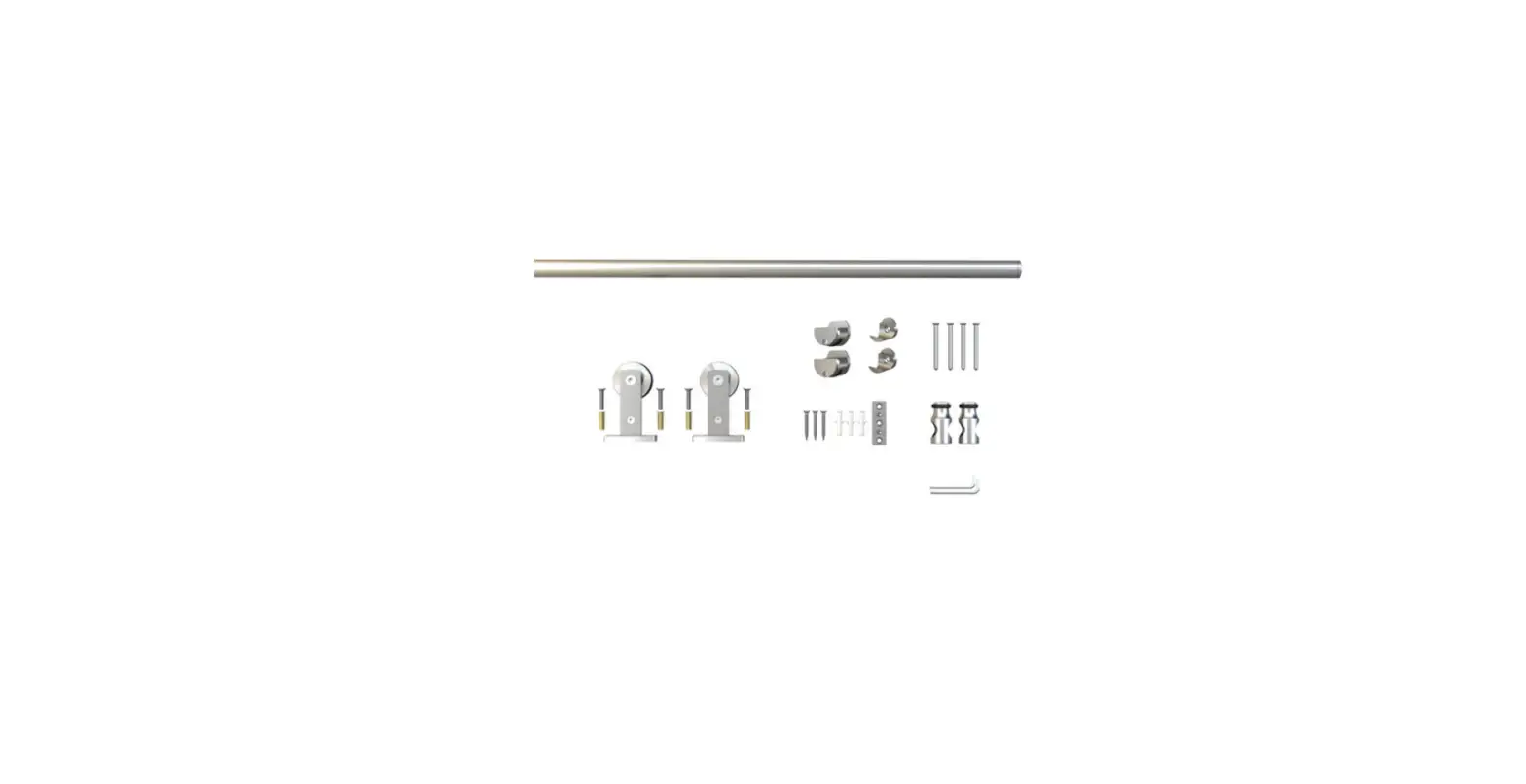
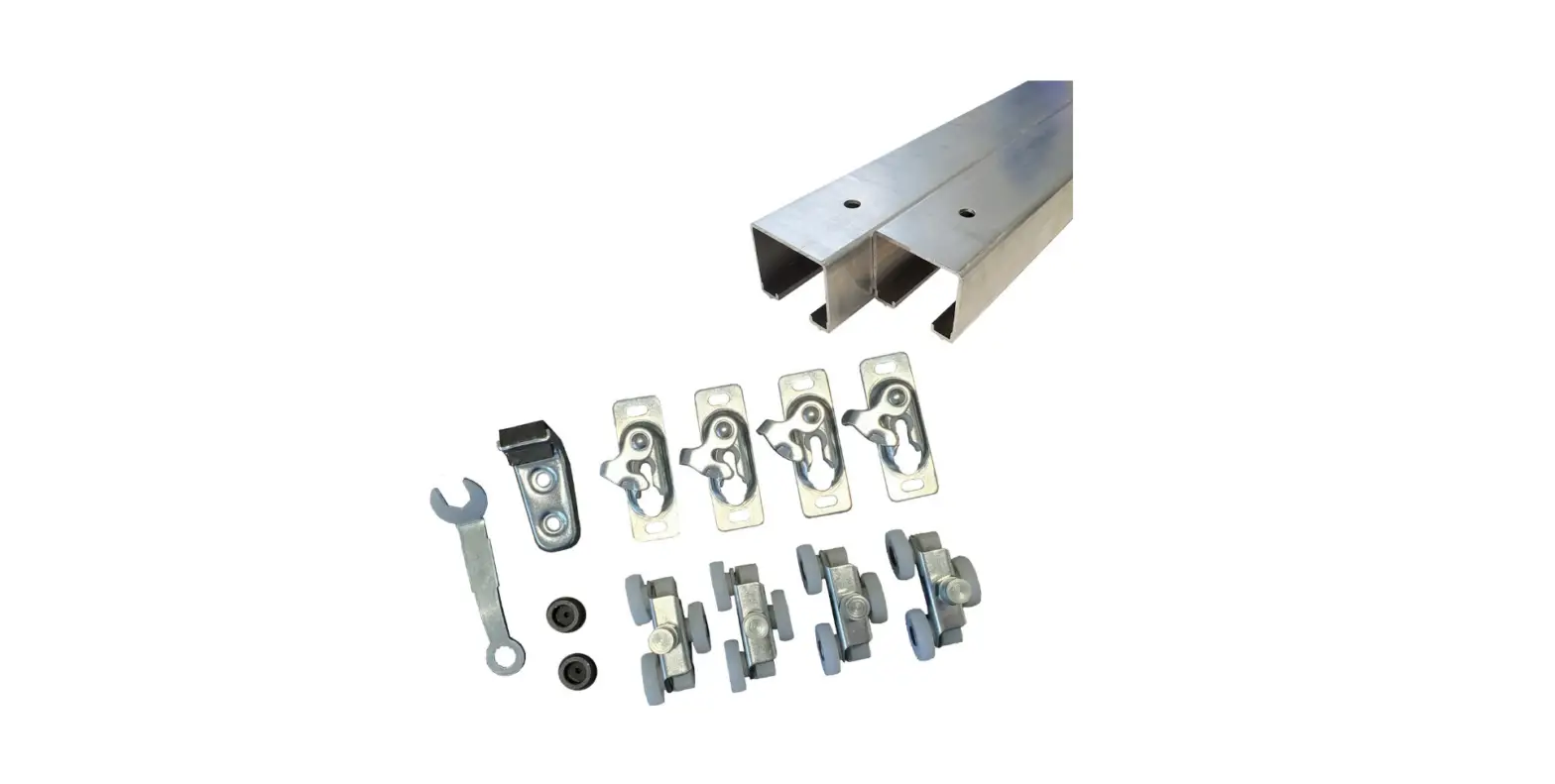
INCLUDED IN KIT
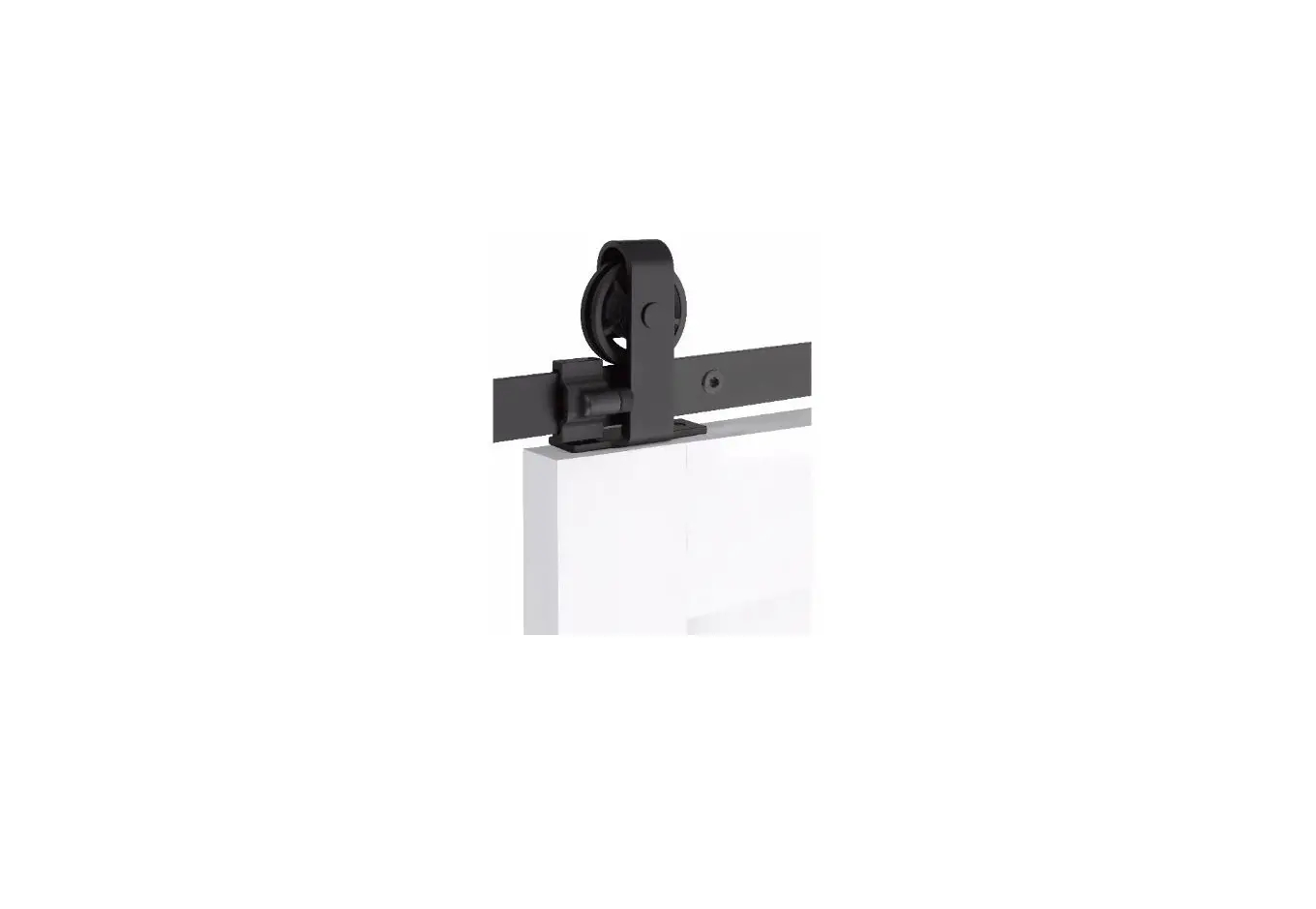
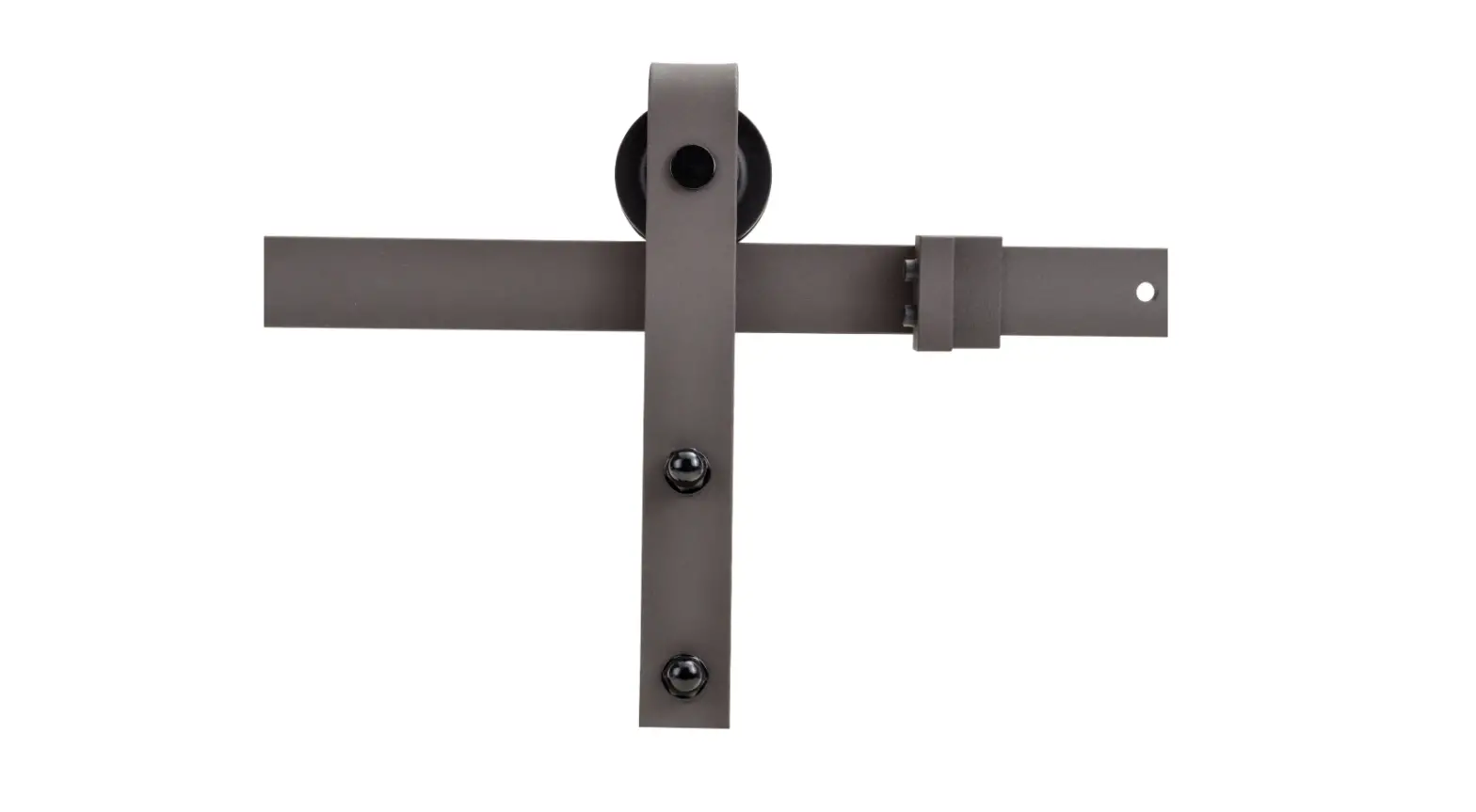
| A | Door Roller Hardware | x4 |
| B | Anti-Jump Disk | x4 |
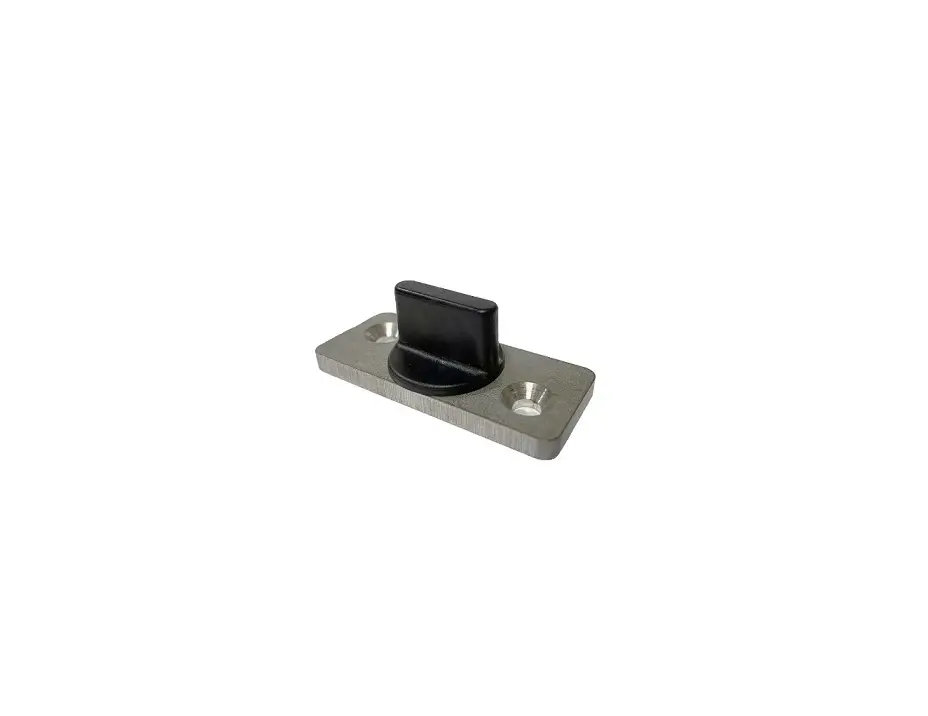
| C | Door Stop Hardware | x2 |
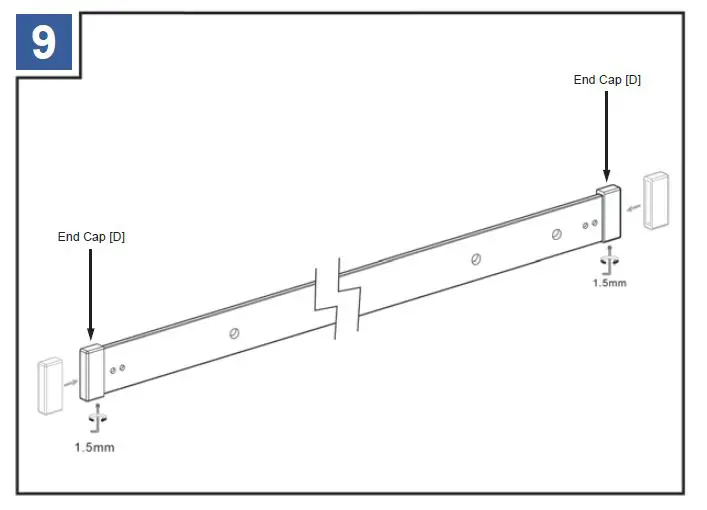
| D | End Cap | x2 |
| E | Mounting Bracket for ¾” and 1″ Doors | x4 ea. |
| F | M6x60 Bolt + Washer | x8 |
| G | Routed Door Guide | x2 |
| H | ST4.2×35 Screw | x4 |
| I | Anchor | x4 |
| J | 1.5mm Allen Key | x1 |
| K | Hole Cover | x4 |
| L | 60″ Rail | x1 |
- PLEASE NOTE: The installation manual is a suggested guideline. Adjustments may need to be made based on your specific application.
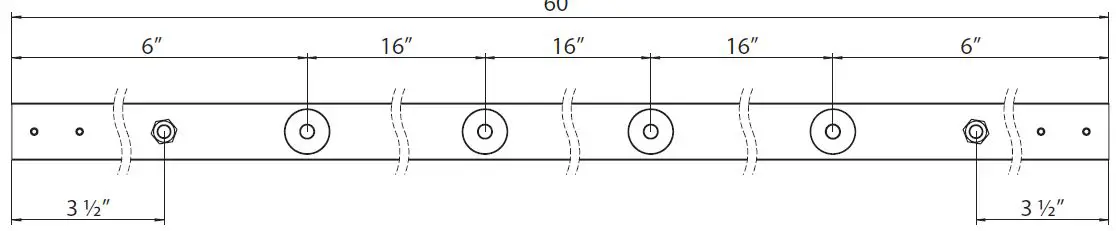
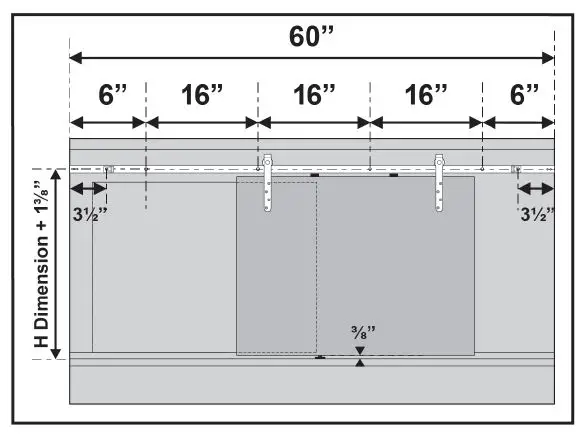
UNDERSTANDING YOUR RAIL
INSTALLATION
- Using a pencil, mark the locations where you will drill holes as indicated.
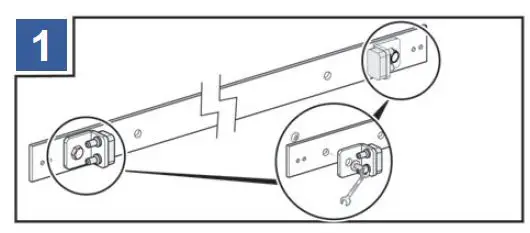
- Before beginning installation, attach the door stops [C] to the rail [L].
- Using a pencil, mark the locations where you will drill holes as indicated.
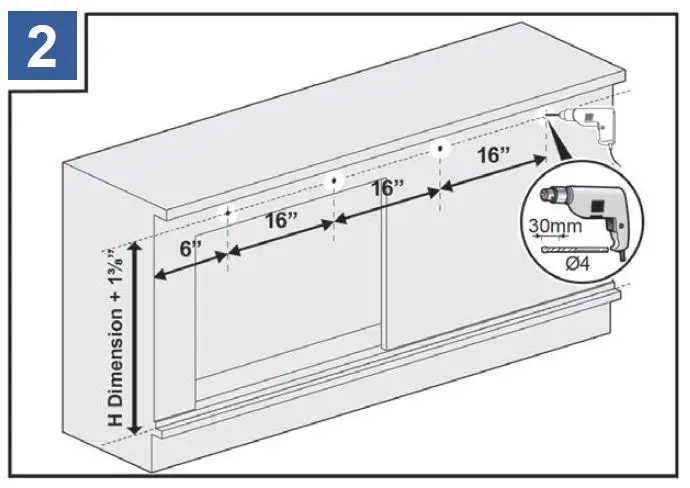
- Using a power drill with a 4mm drill bit, drill holes as indicated.
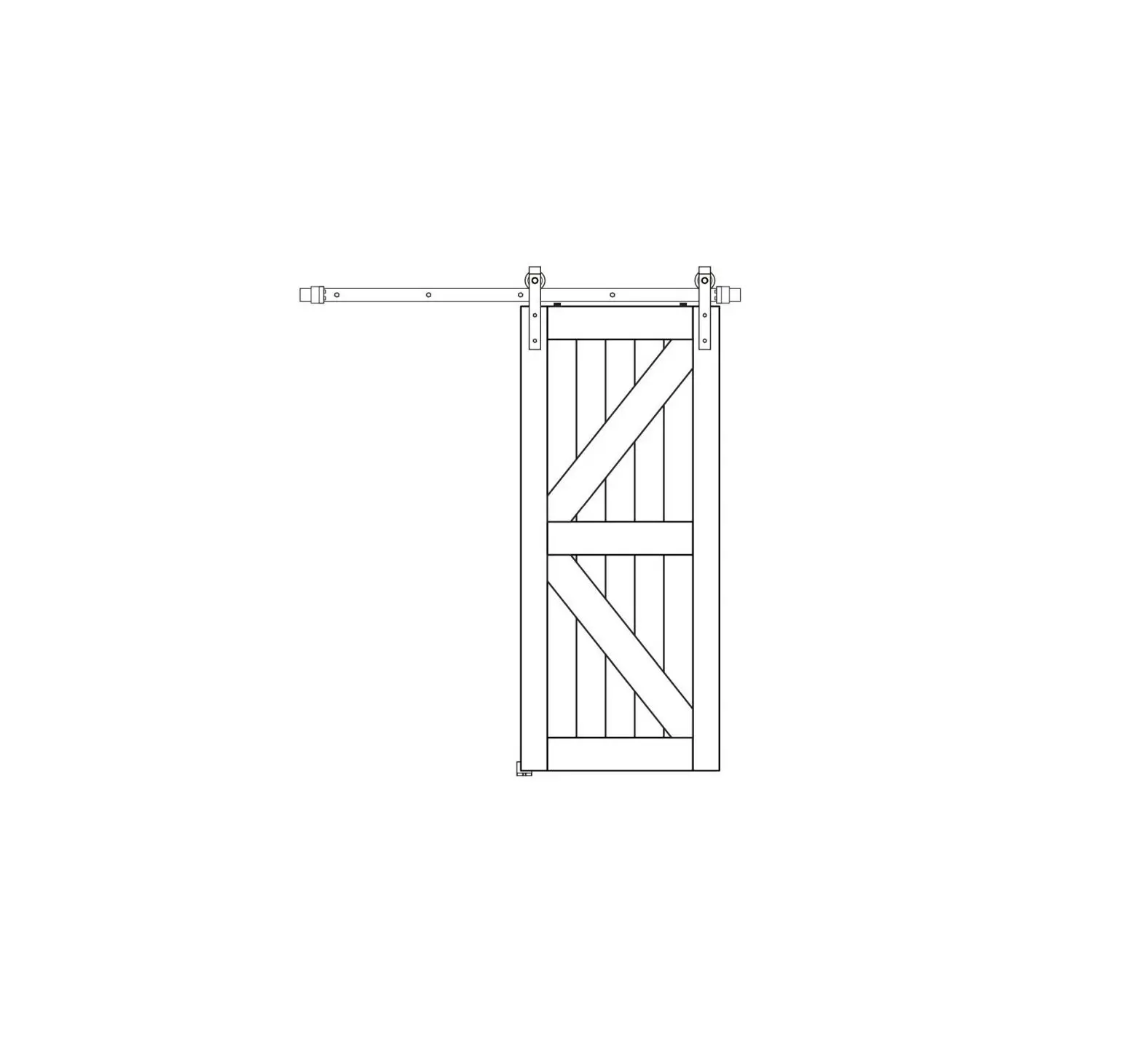
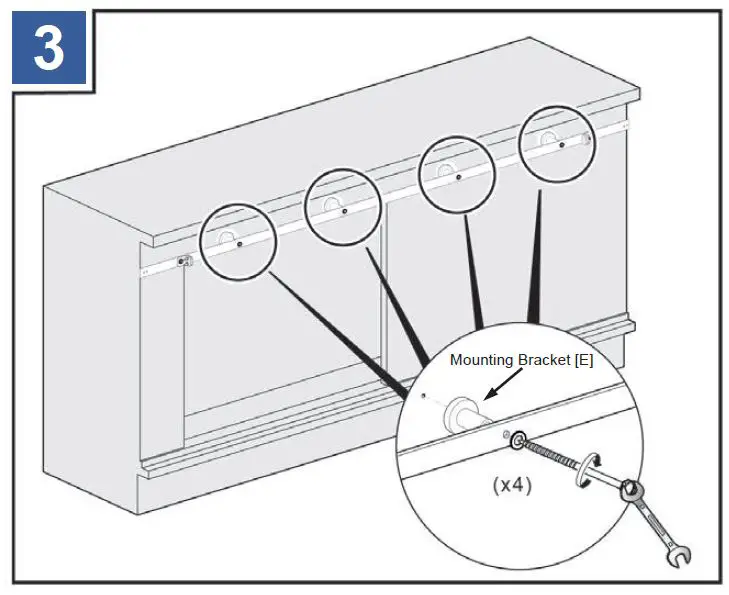
- Install the rail, and mounting brackets [E].
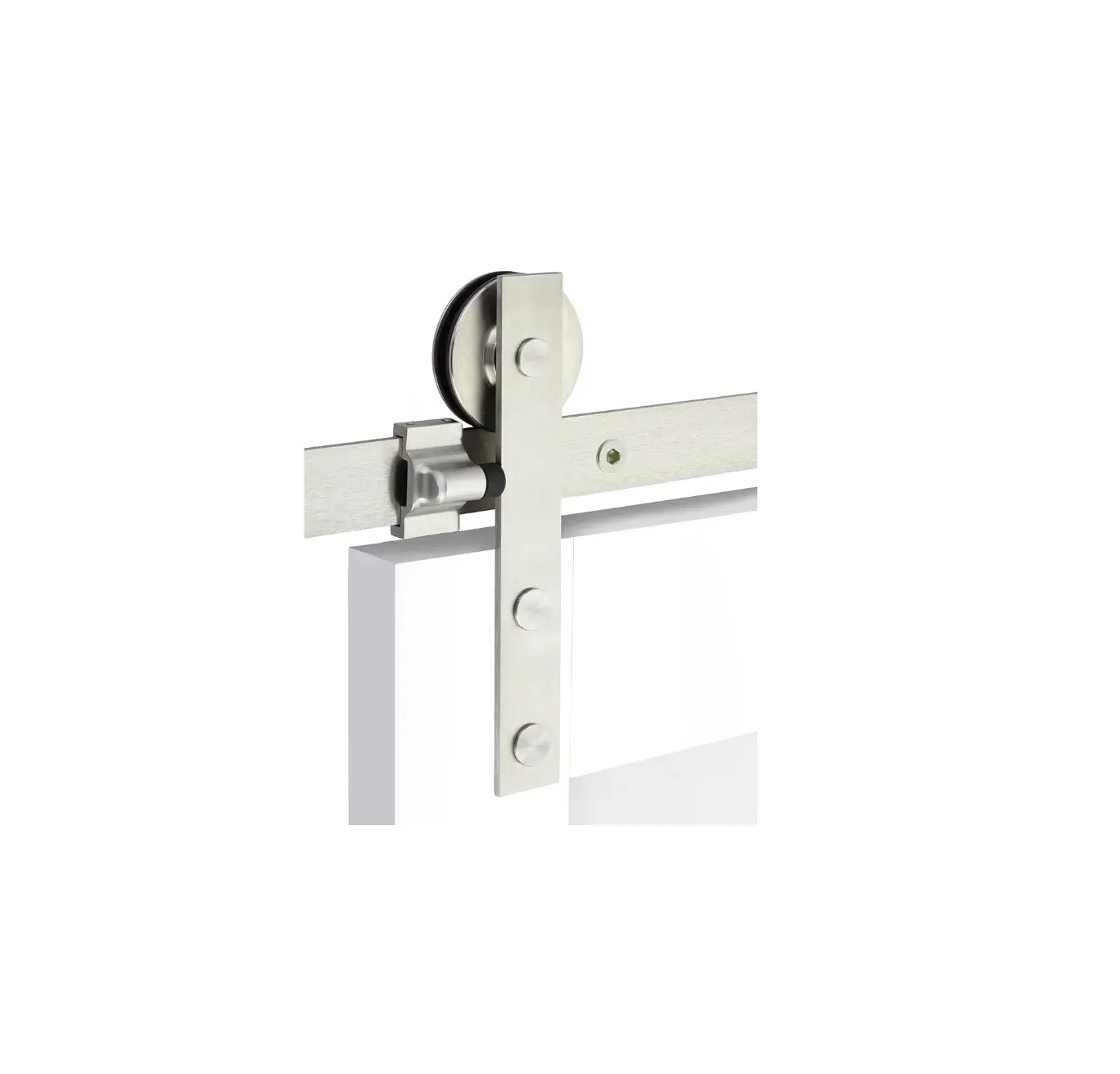
- Drill holes into the doors as indicated. Attach the door rollers [A].
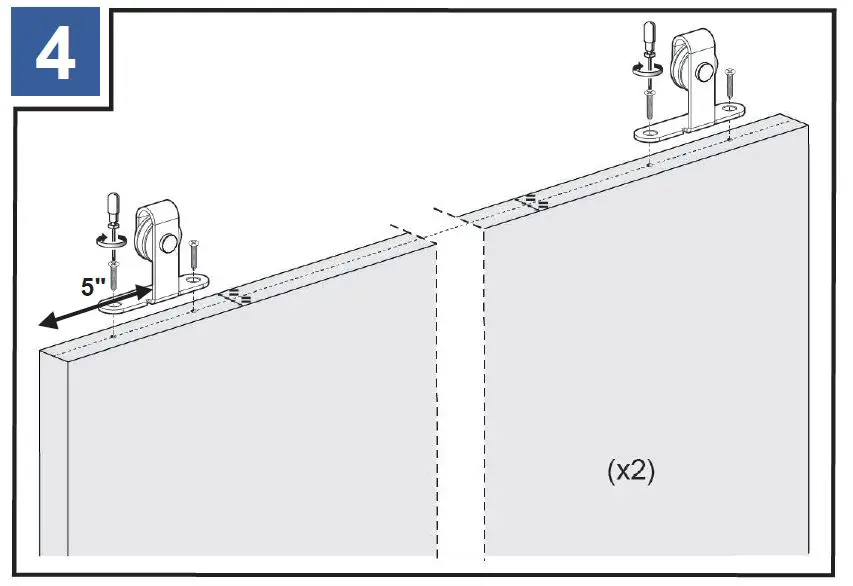
- It is suggested that the door rollers [A] be mounted 5″ from the edge of the doors to the neck of the rollers.
NOTE: Trimming the rail will alter the position of the roller hardware. Adjust accordingly.
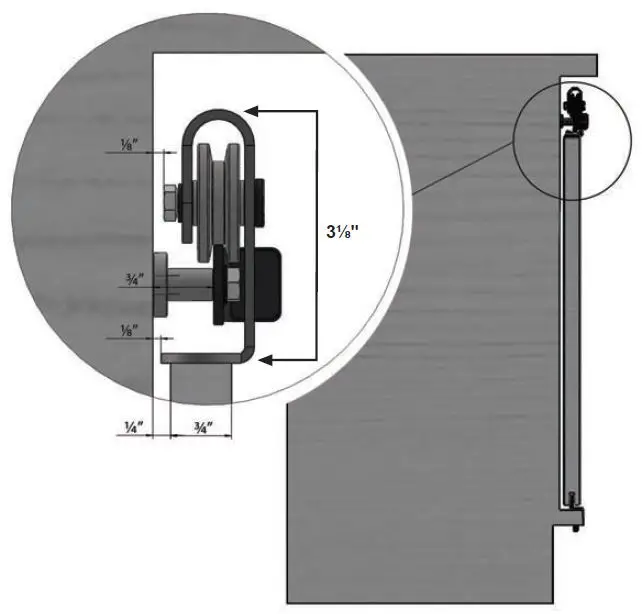
FOR ¾” DOORS
FOR 1″ DOORS
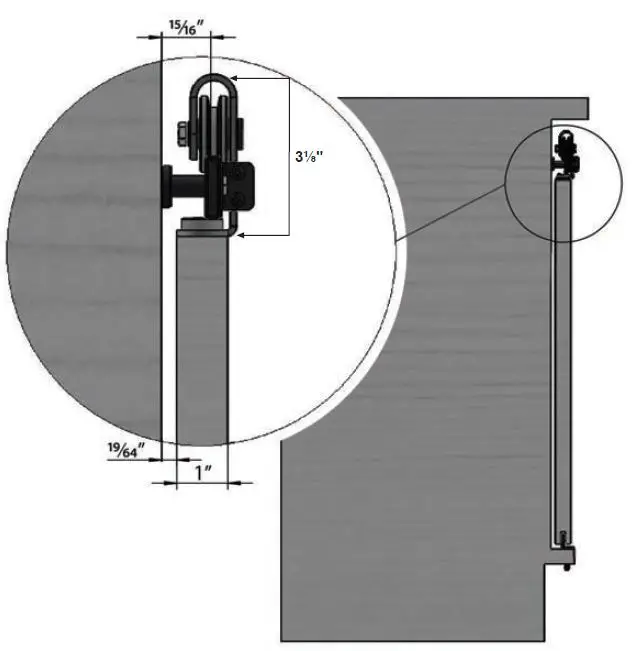
- Allow a minimum 3-1/8″ clearance above the doors.
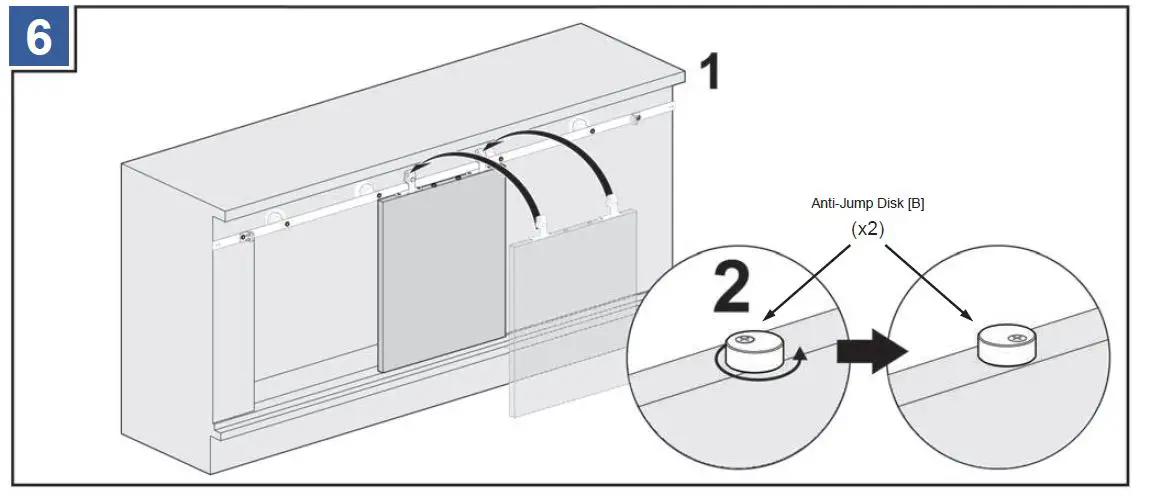
- Attach the anti-jump disks [B] to the doors.
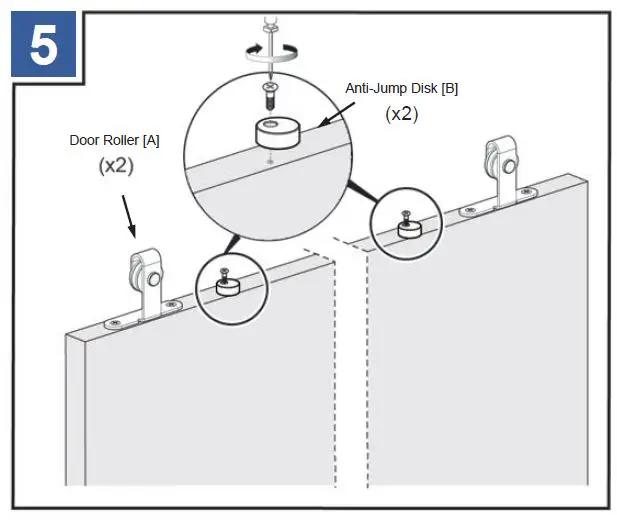
- Attach the doors to the rail [L] and lock the anti-jump disks [B] into position. Doors should be routed beforehand if using the routed door guides [G].
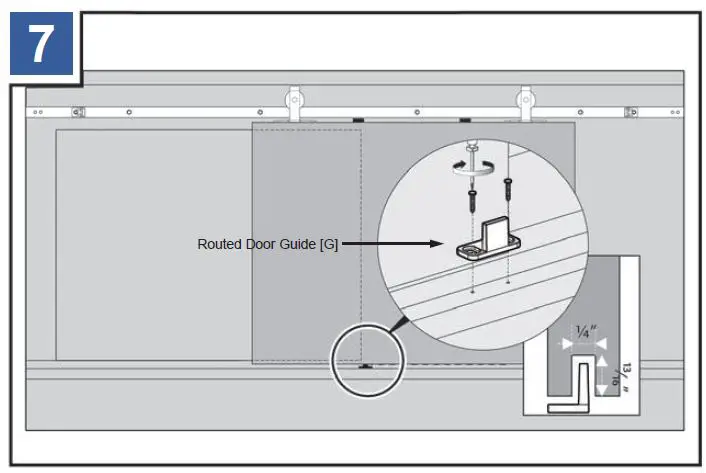
- If using the routed door guides [G], install them at this time. Repeat steps 4-7 for additional door.
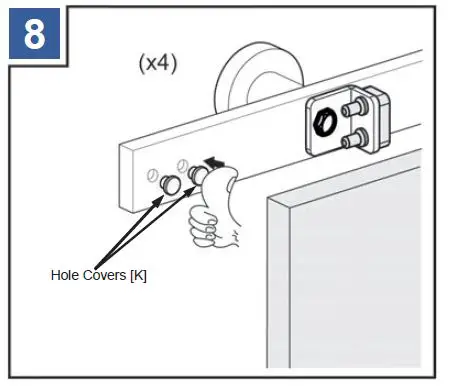
- Use the hole covers [K] to give the rail a finished look.
- The rail can be trimmed if necessary using a band saw or hacksaw. Use blades suitable for iron or stainless steel depending on your rail.
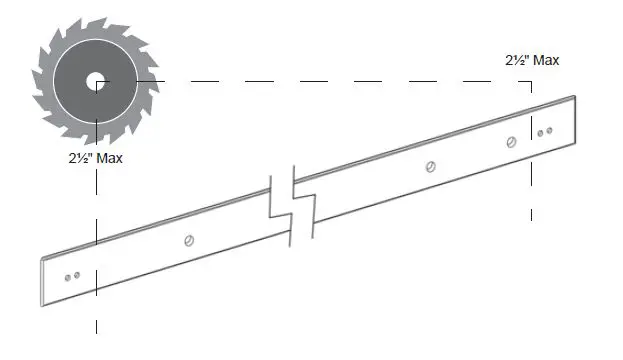
NOTE: If you are trimming the rail, do so equally. Each rail can be trimmed equally up to 2½” on both sides. However; trimming will alter the position of the roller hardware. Adjust accordingly.
- Once cut, add the end caps [D] to the ends of the rail and secure with a set screw.