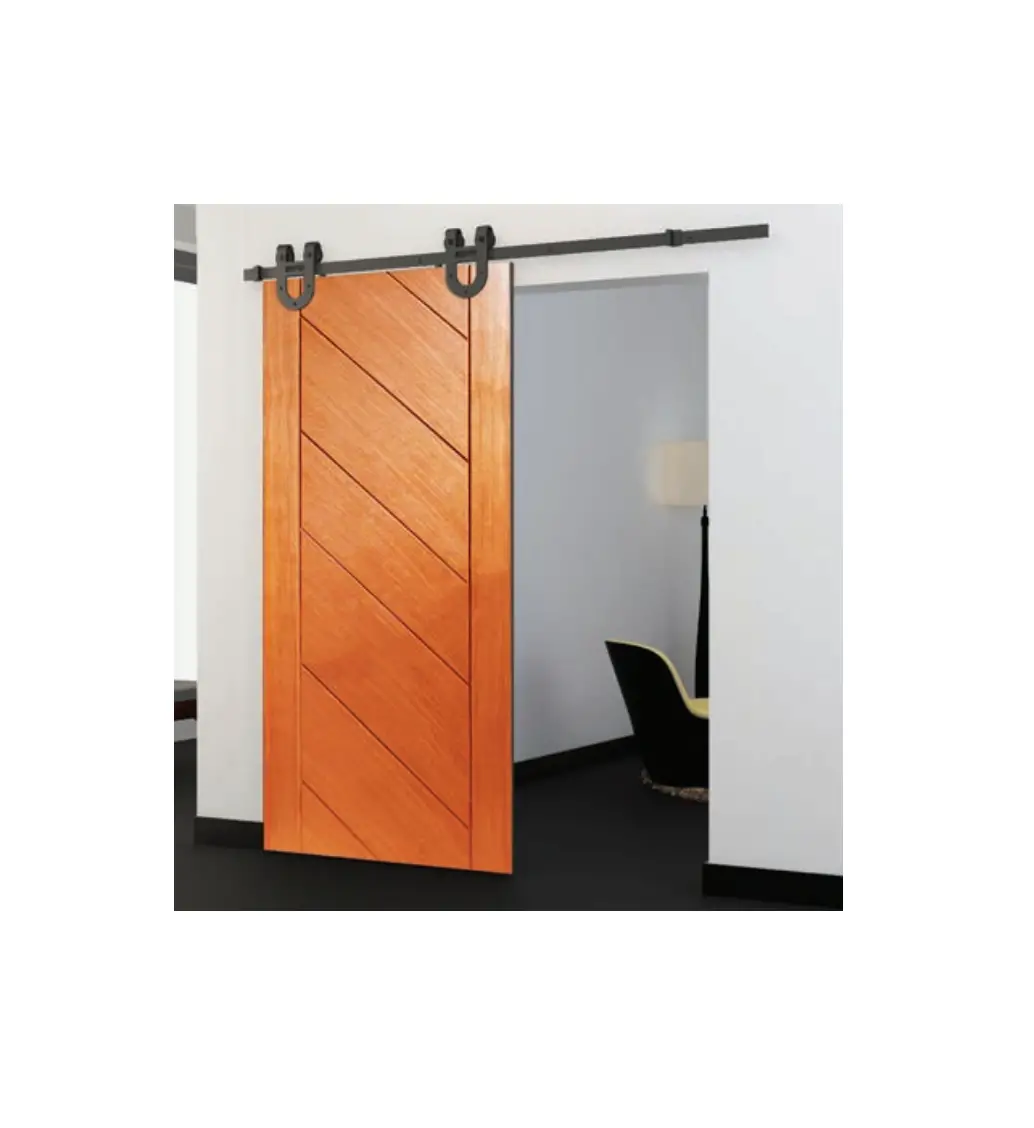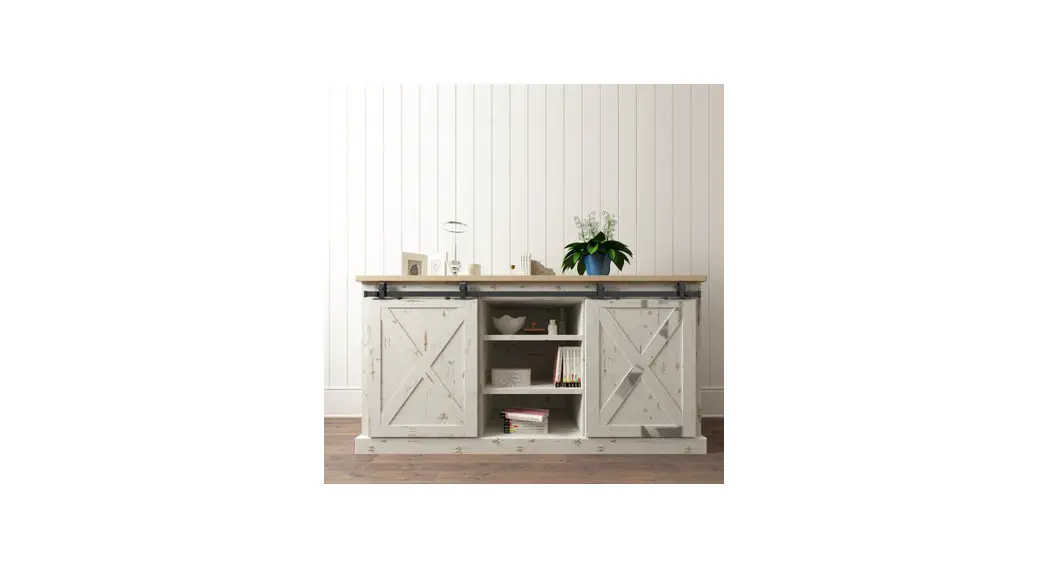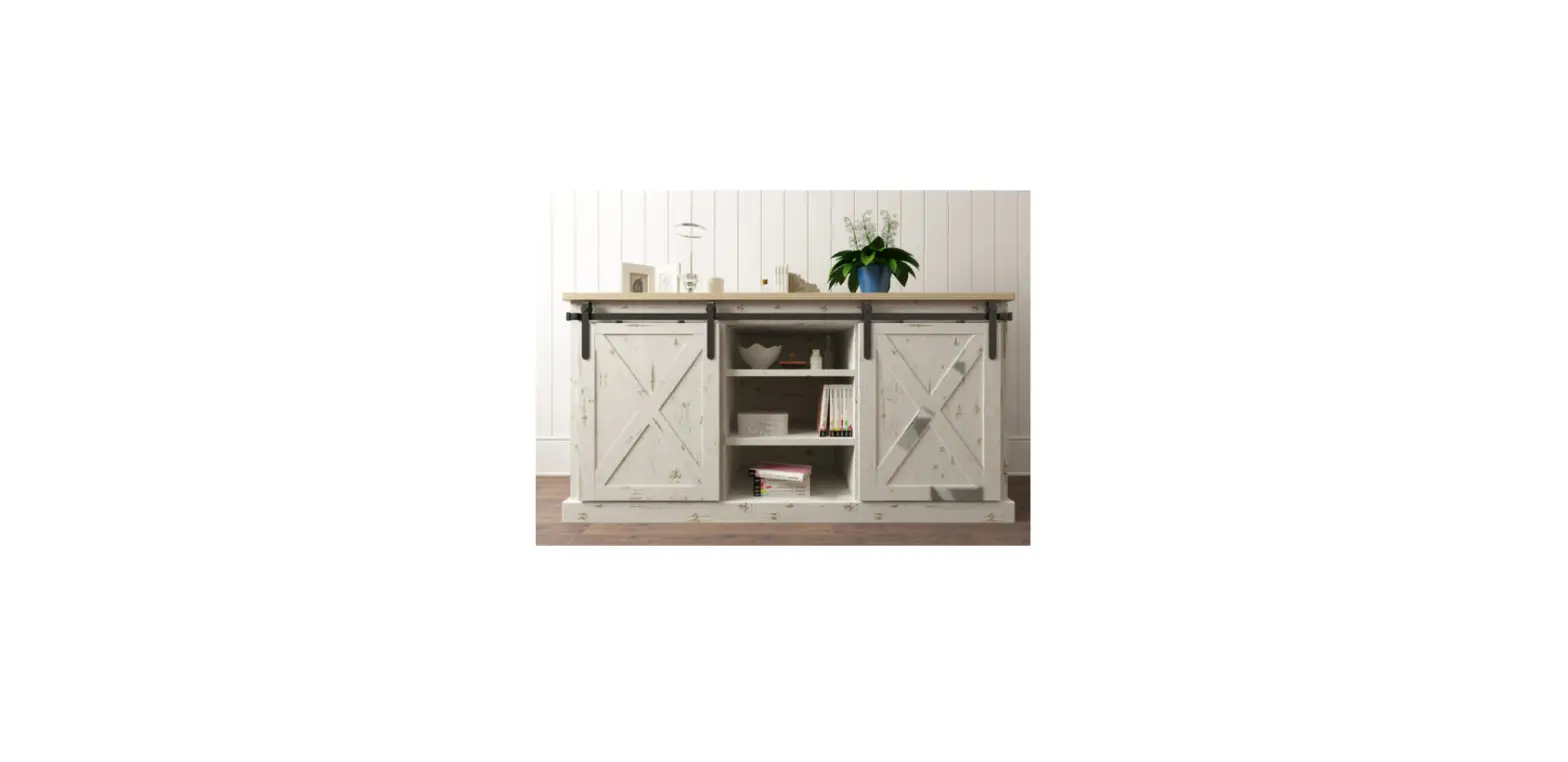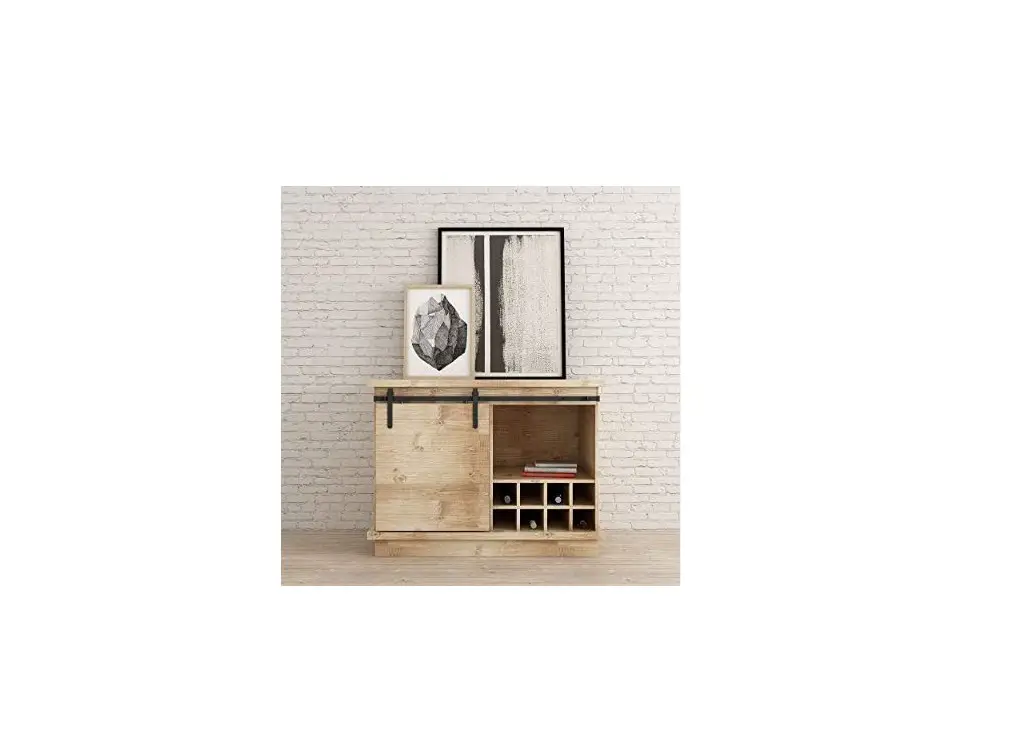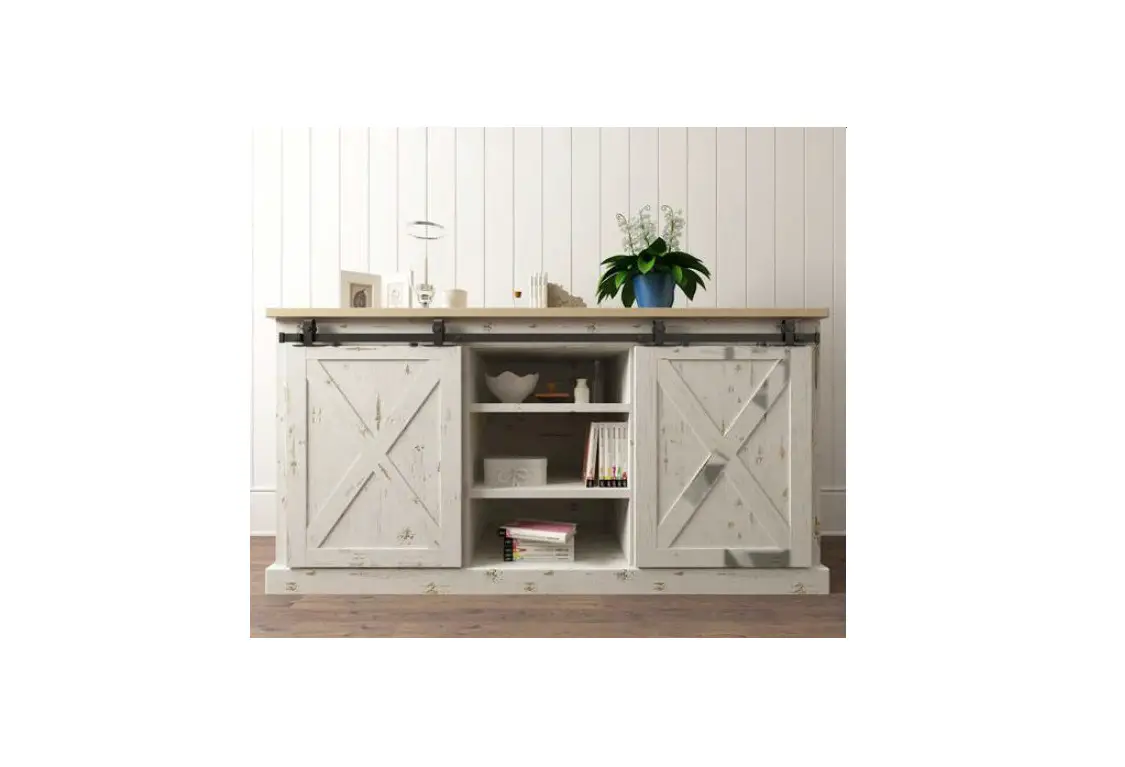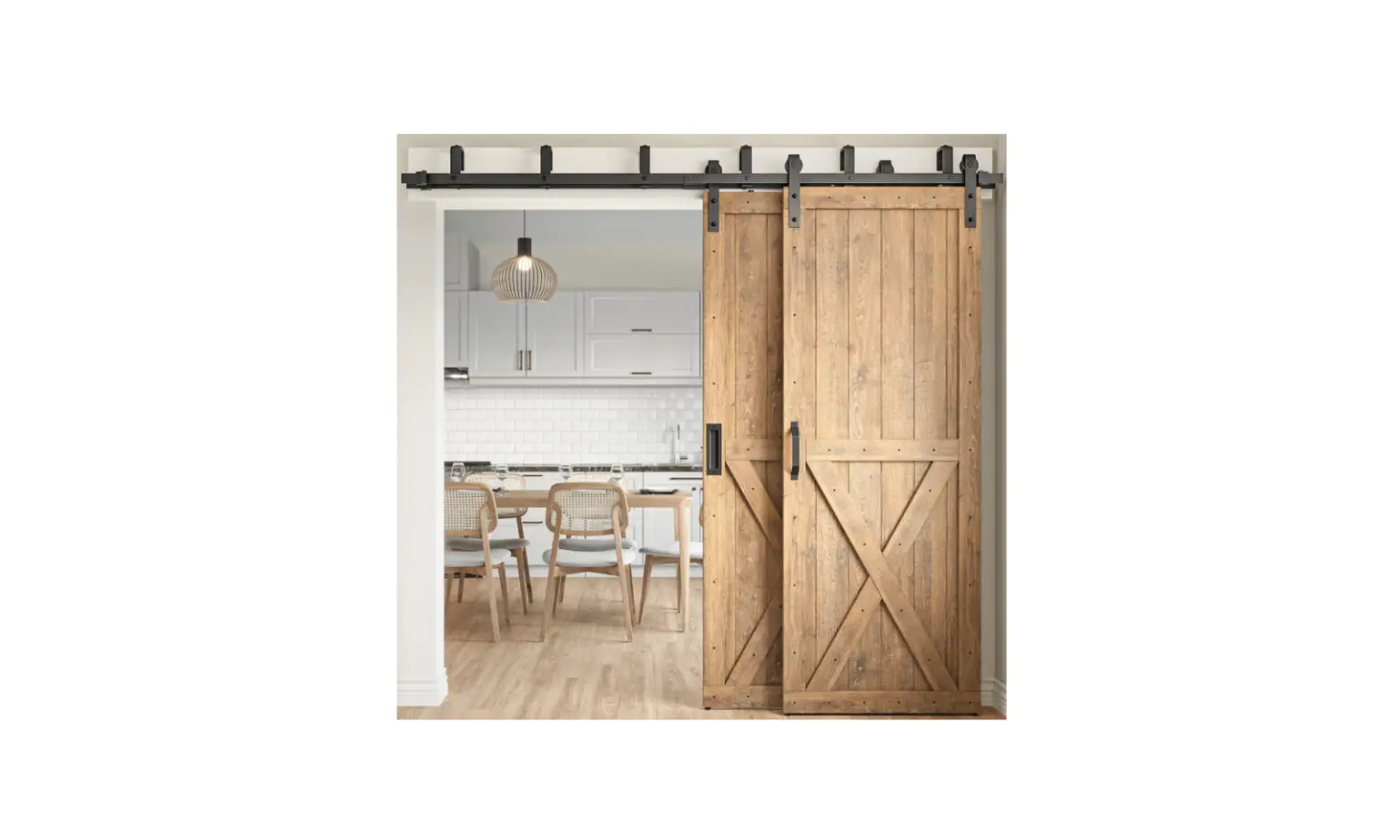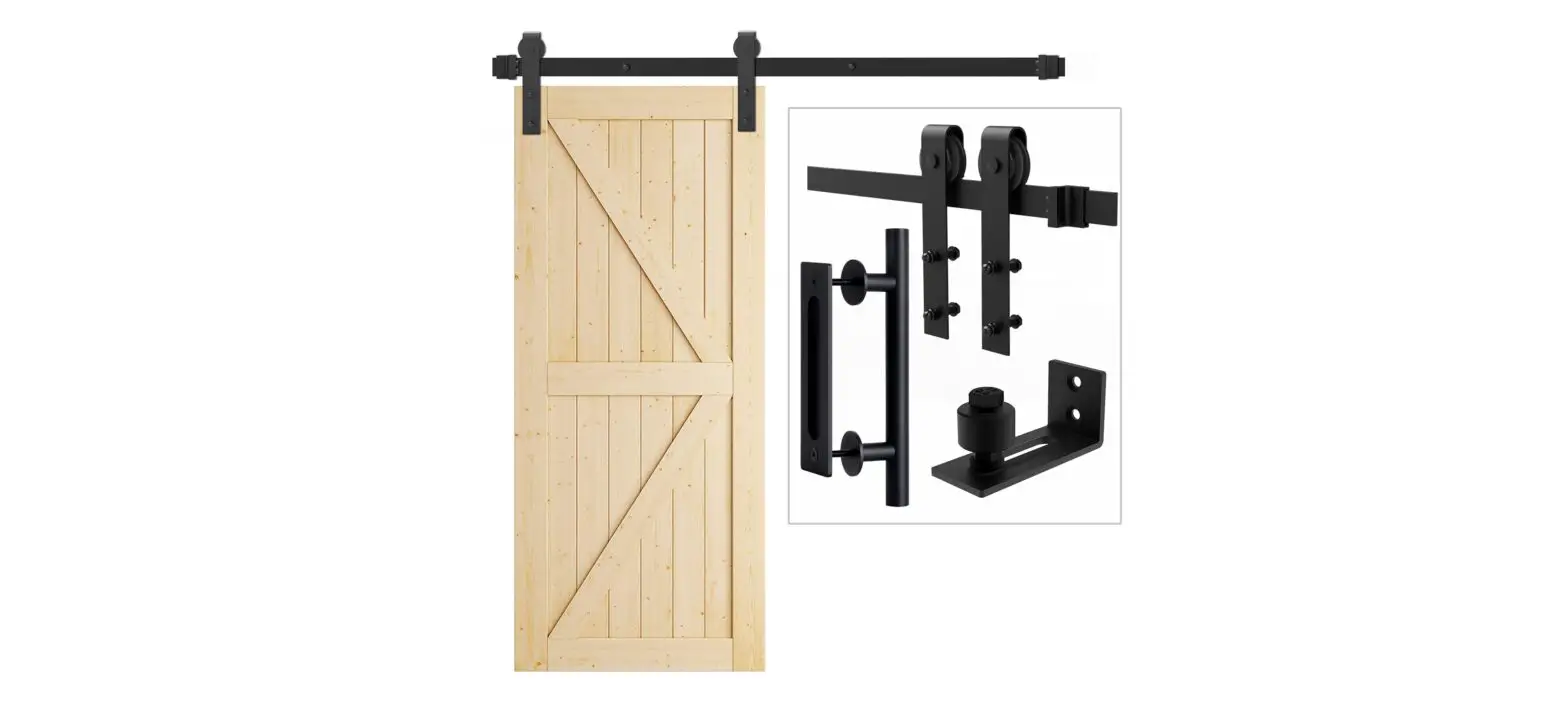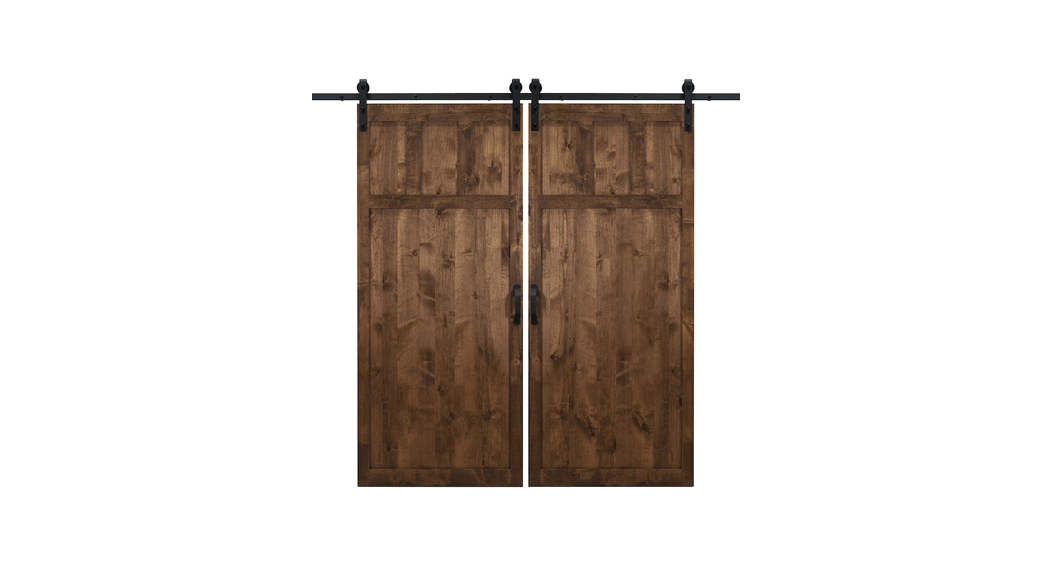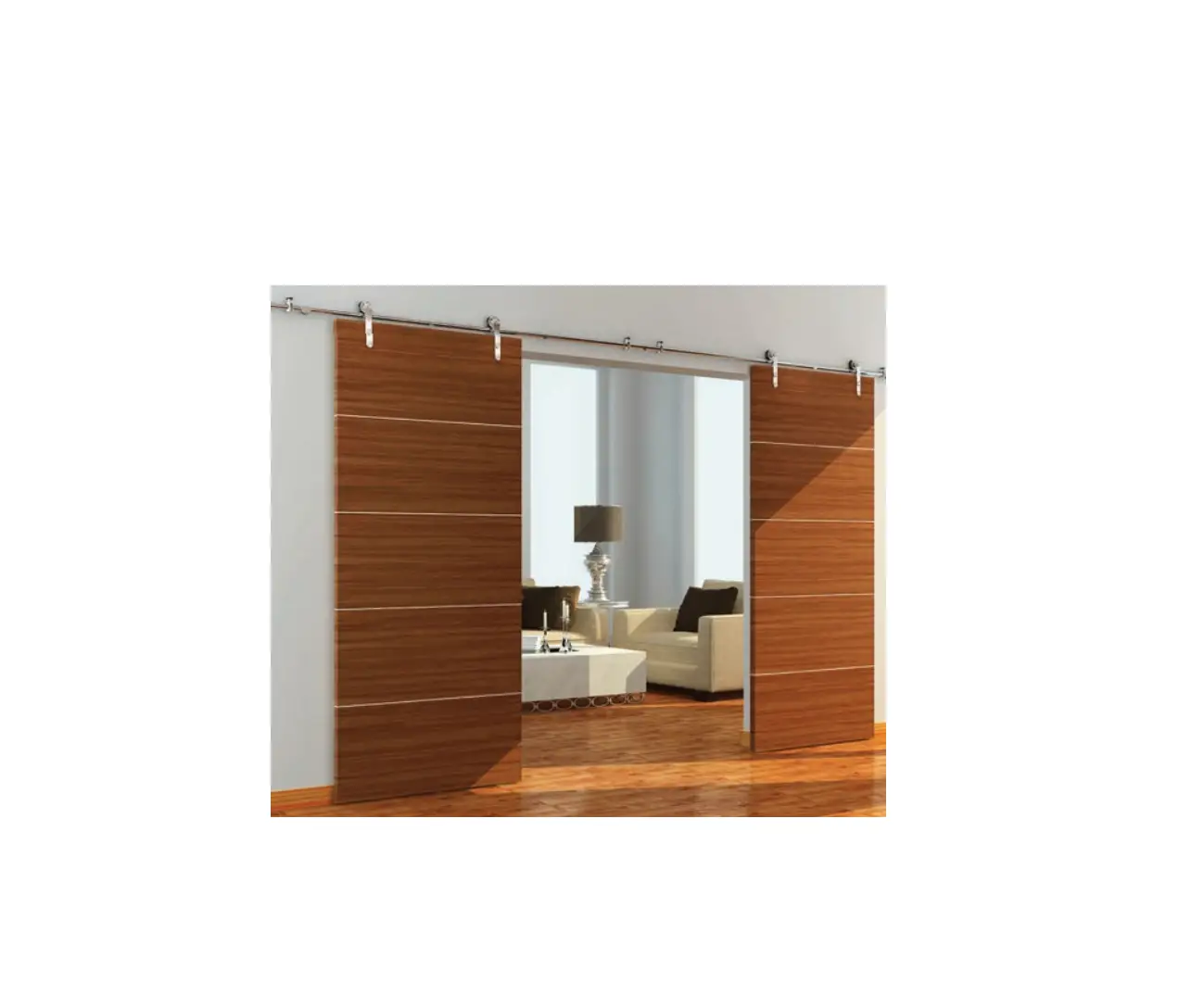
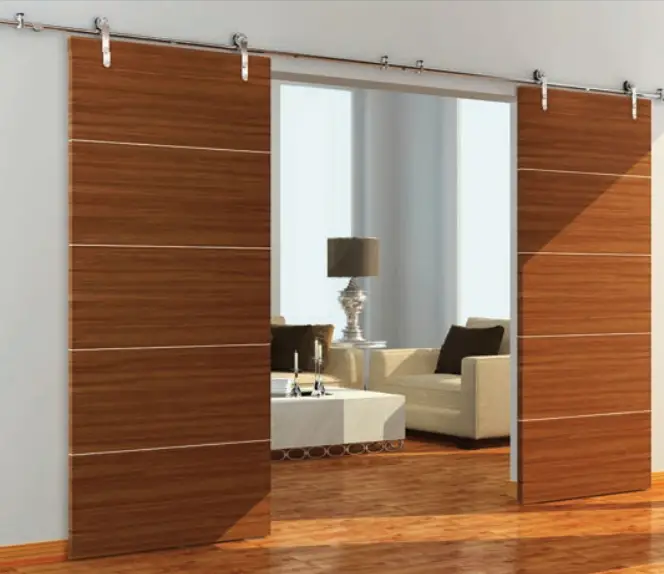
BARN DOOR HARDWARE SDH-DW12-SS Loft II Hardware Kit for Sliding Double Wood Doors
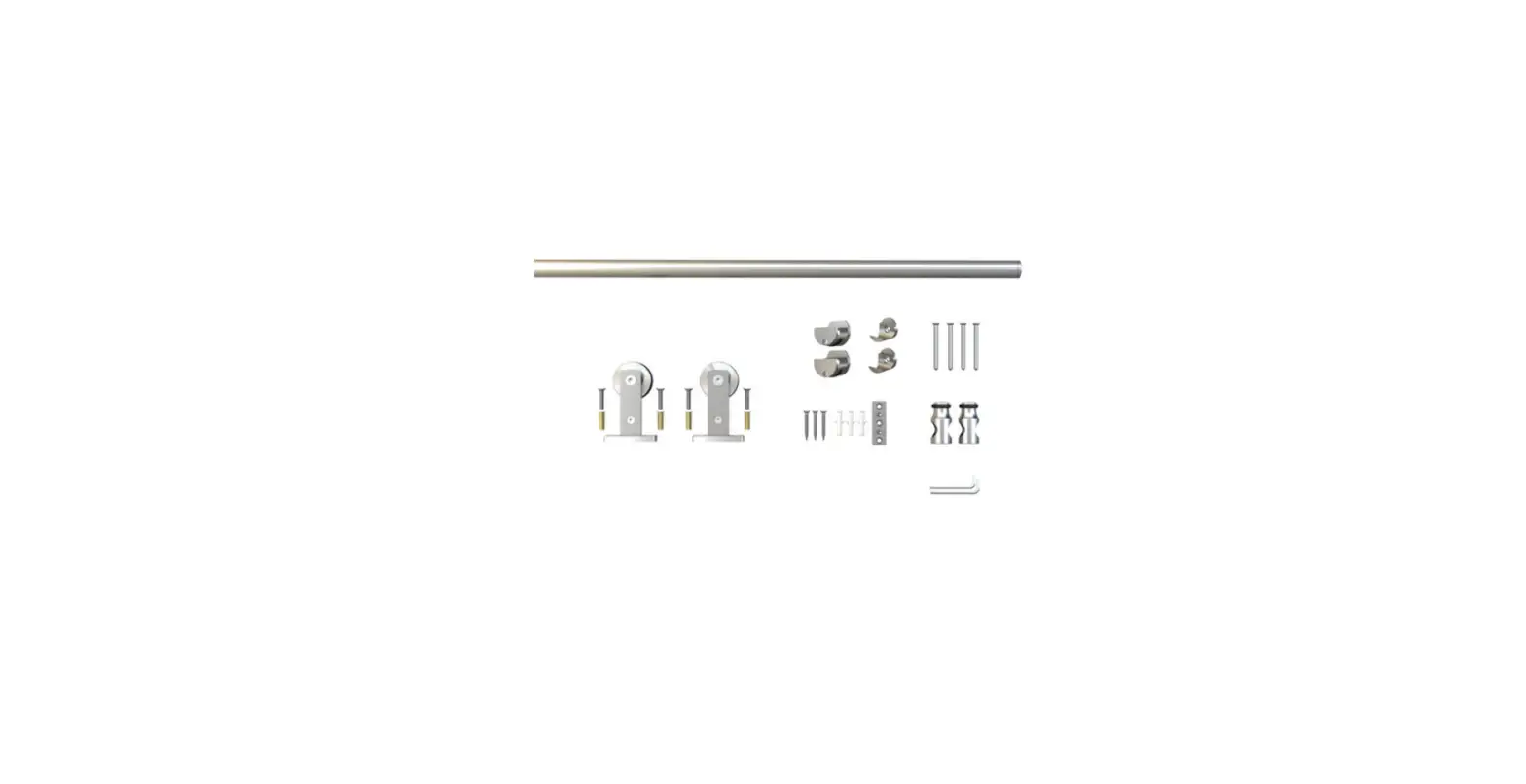
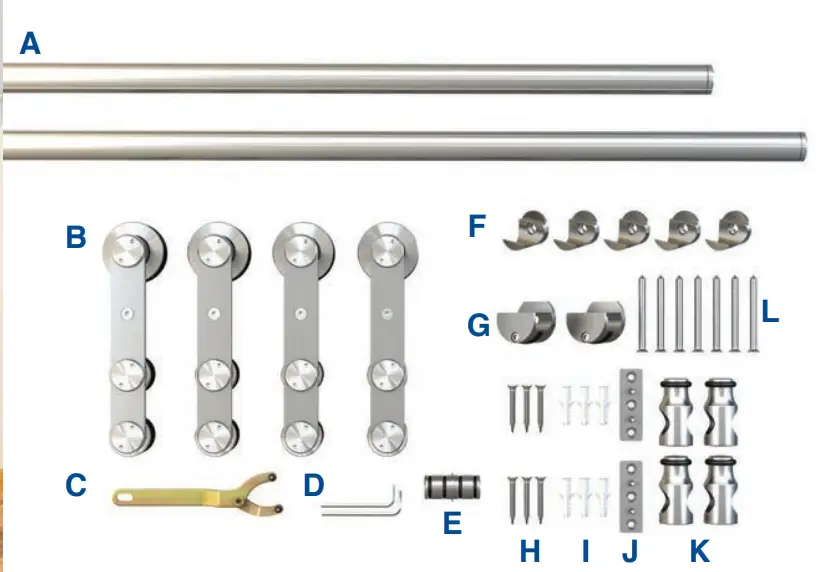
INCLUDED IN KIT
TOOLS REQUIRED
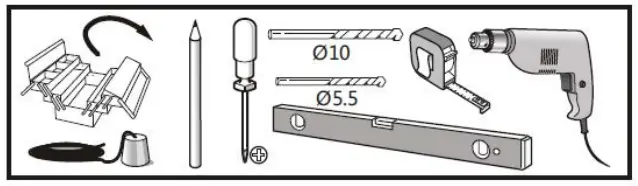
- Plumb Line
- Pencil
- Phillips Head Screwdriver
- 10mm Drill Bit
- 5.5mm Drill Bit
- Level
- Tape Measure
- Power Drill
| A | 67-7/8″ Rail | x2 |
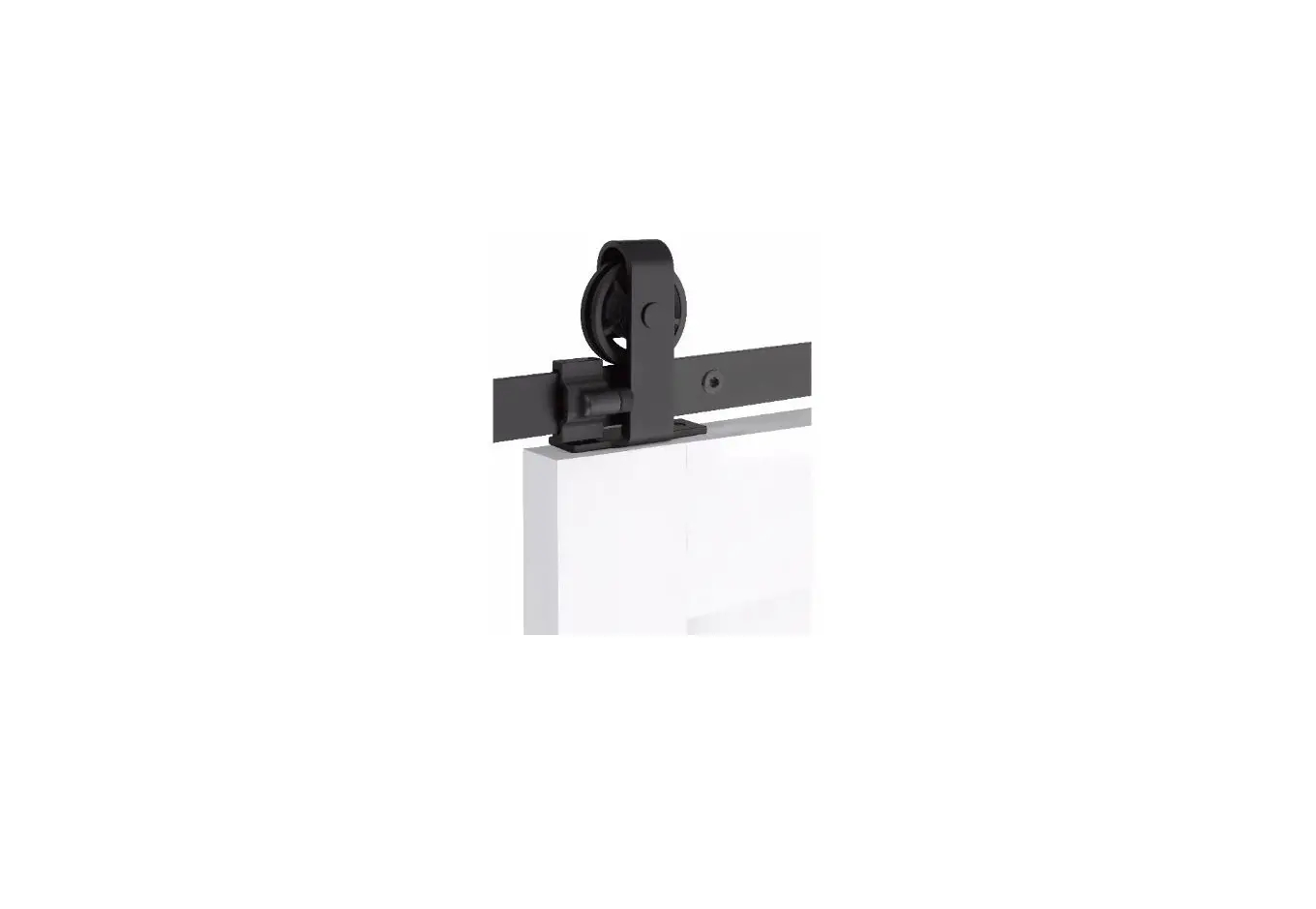
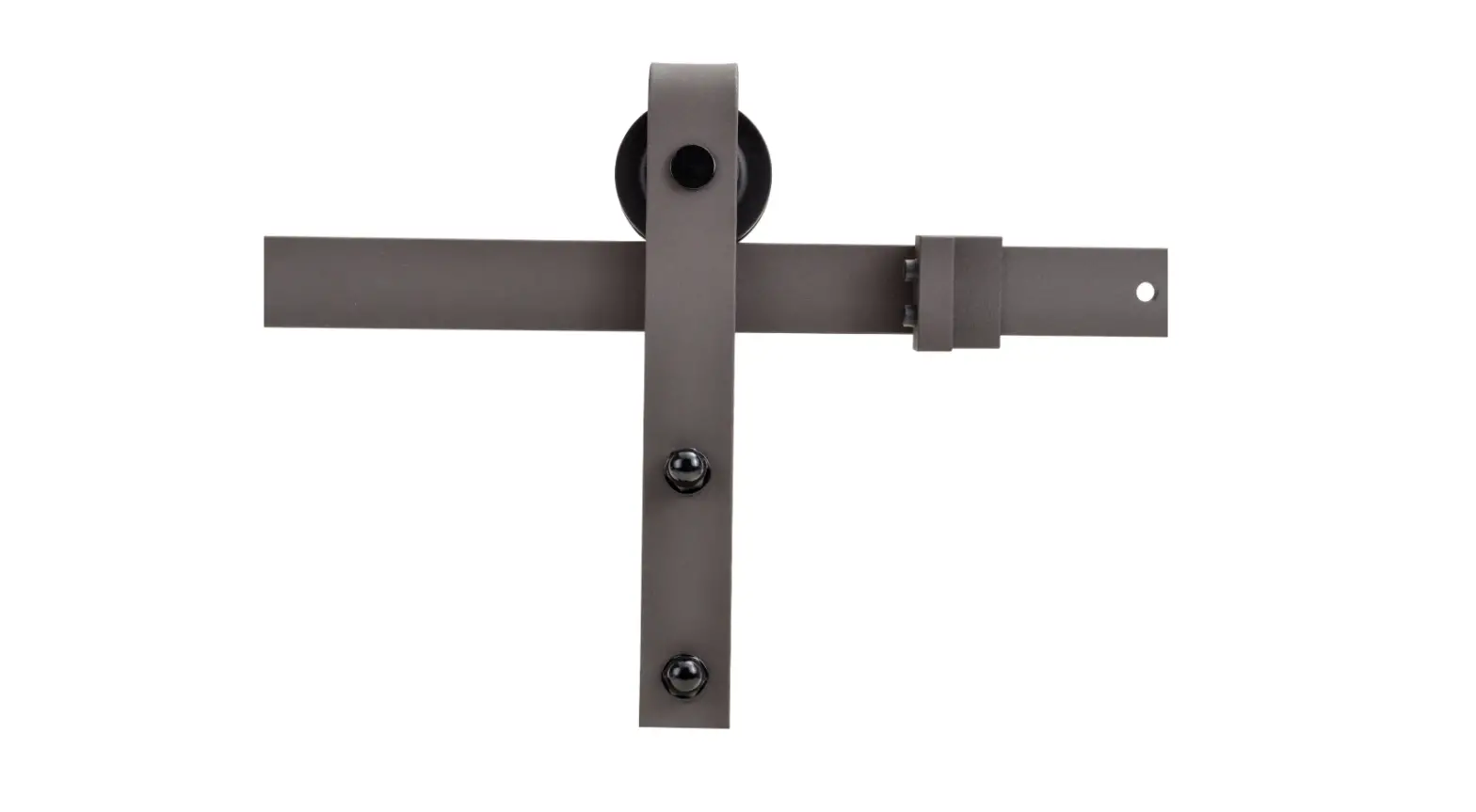
| B | Door Roller Hardware | x4 |
| C | Adjustable Installation Wrench | x1 |
| D | 4mm/8mm Allen Keys | x1 |
| E | Splicer | x1 |
| F | Center Bracket | x5 |
| G | End Bracket | x2 |
| H | ST5.5×32 Screw | x6 |
| I | Floor Anchor | x6 |
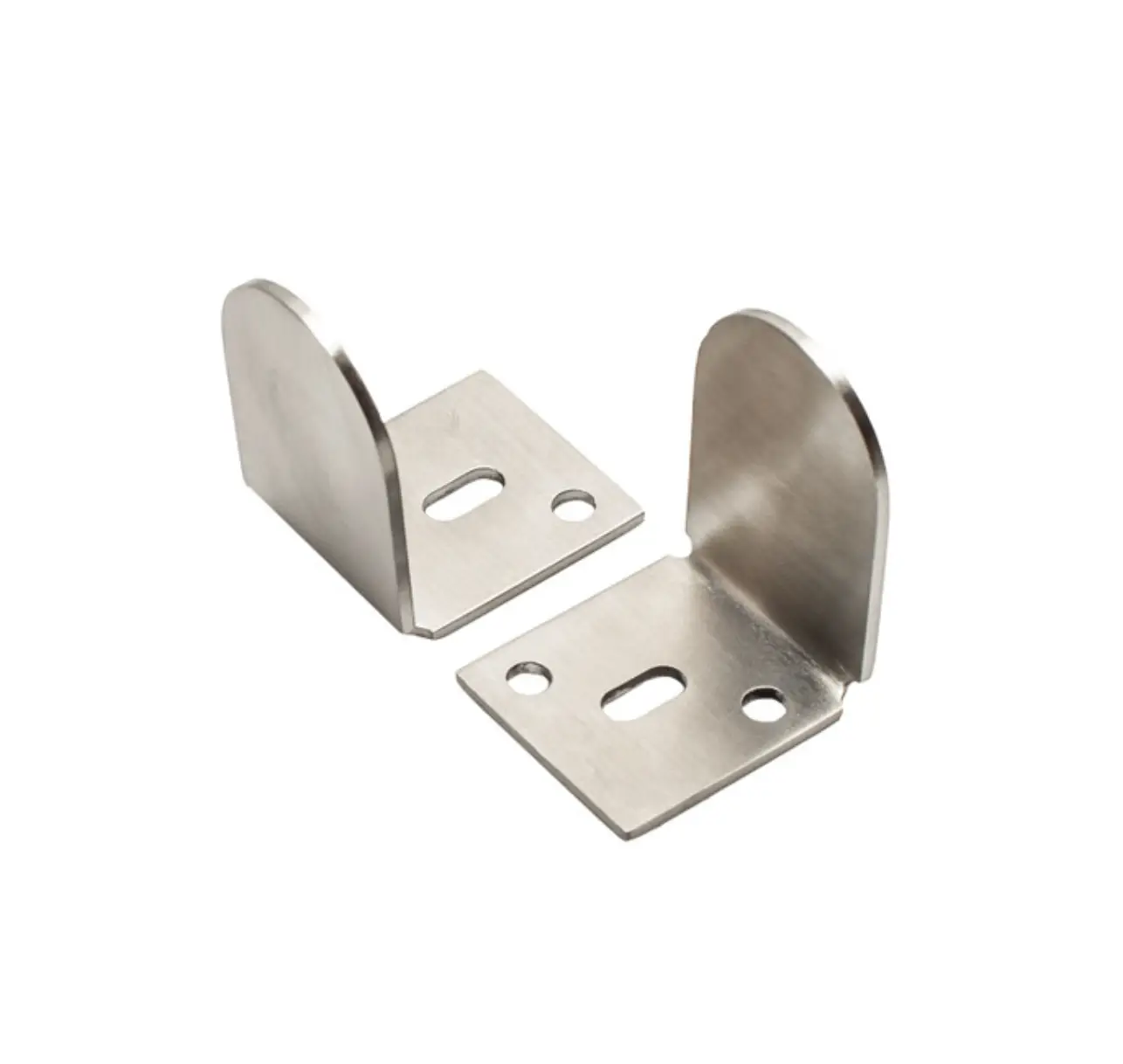
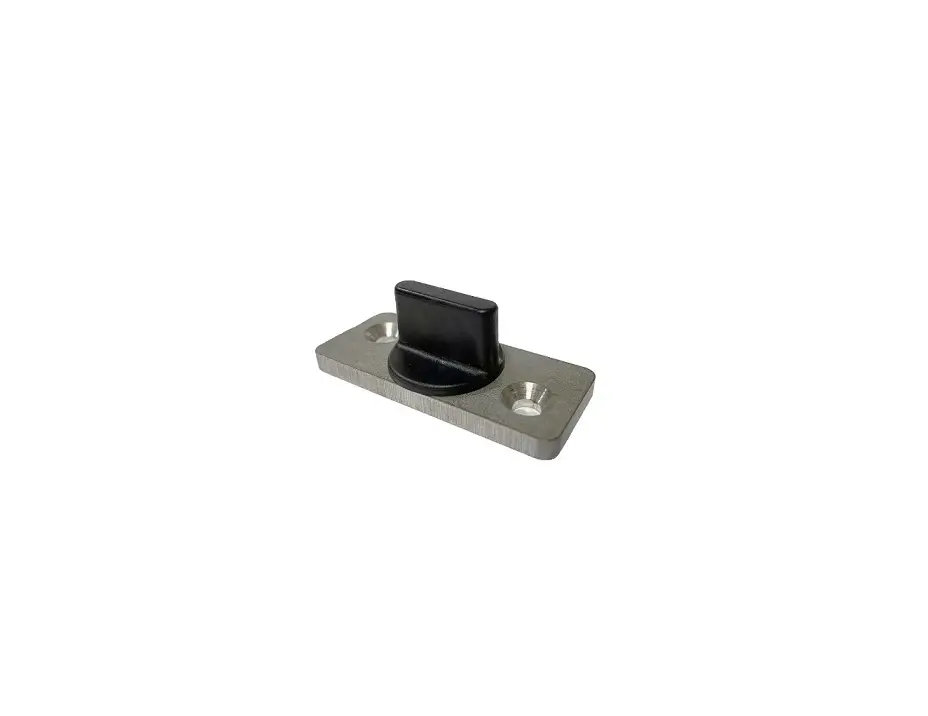
| J | Routed Floor Guide | x2 |
| K | Door Stop | x4 |
| L | ST4.8×50 Bolt | x7 |
DIMENSIONS
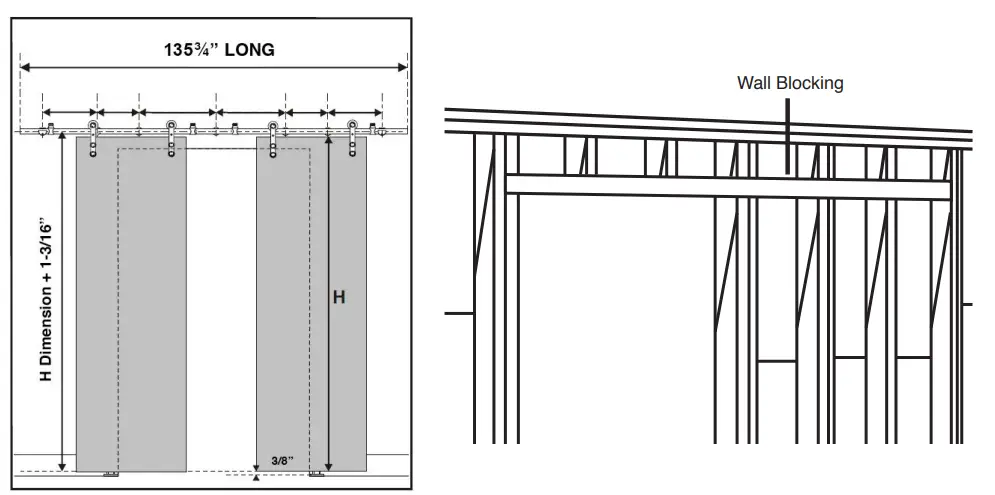
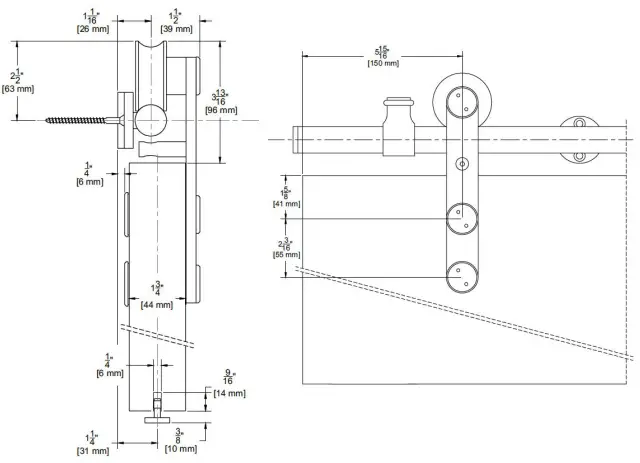
- To obtain maximum weight capacity, all fasteners must be mounted into solid wood studs or wall blocking or mounted to a header board.
- Adjustable mounting brackets allow for standard 16″ U.S. stud spacing, or any variation.
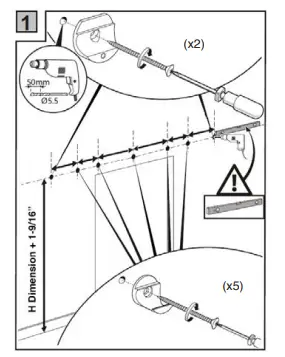
Find the centerline of the track. Using a level, mark a horizontal line twice the door width long. Mark the bracket screw locations into the wall blocking.
Attach the wall portion of the brackets as shown. Consult a structural engineer if you have questions about what type of wall blocking is required.
INSTALLATION INSRUCTIONS
Suggested wall bracket spacing. Brackets must be secured into wall blocking.
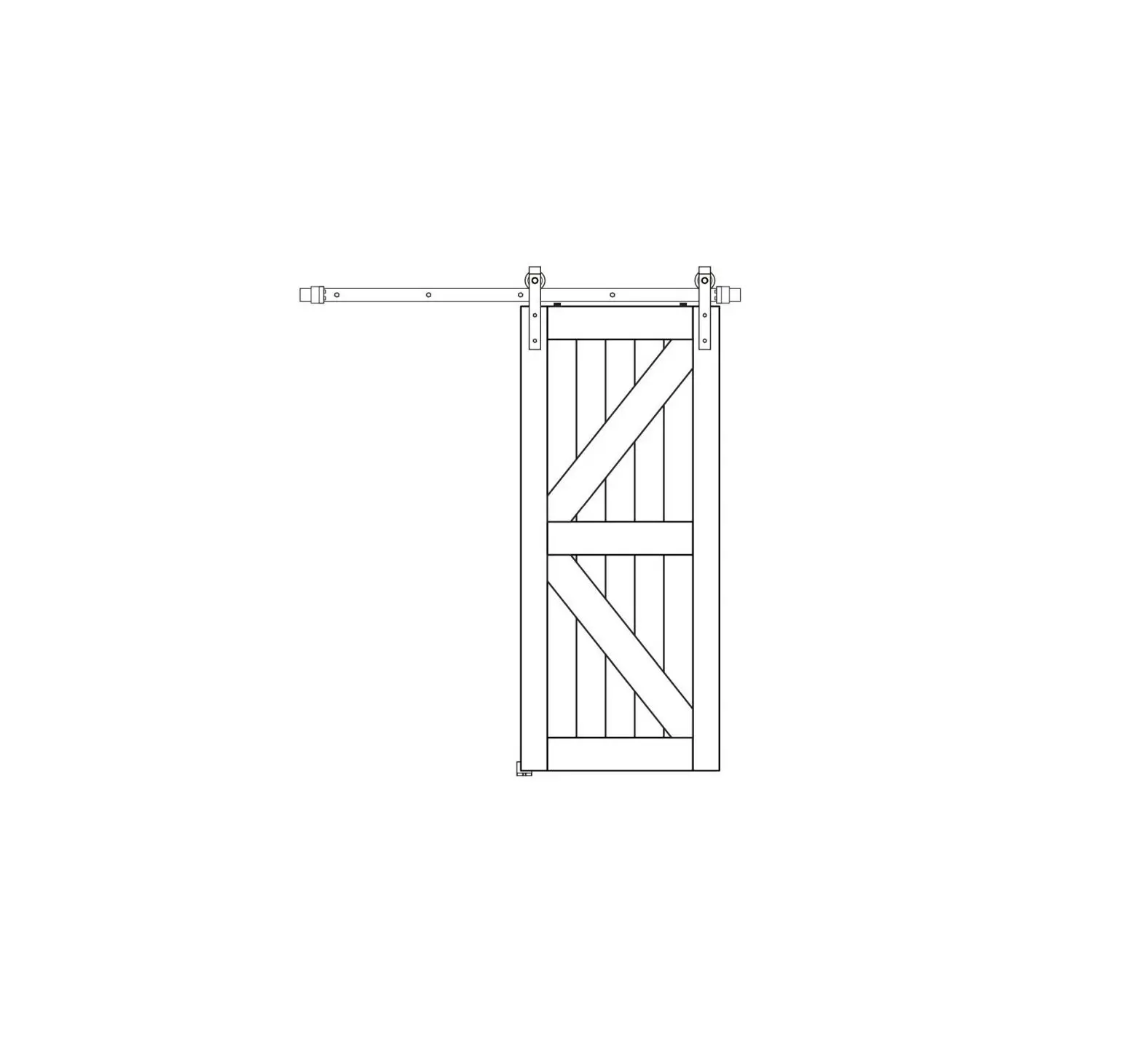
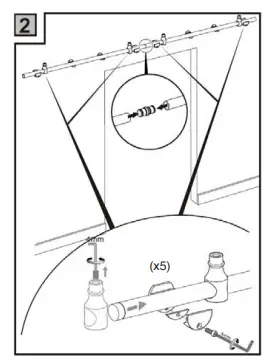
Attach track to wall as shown.
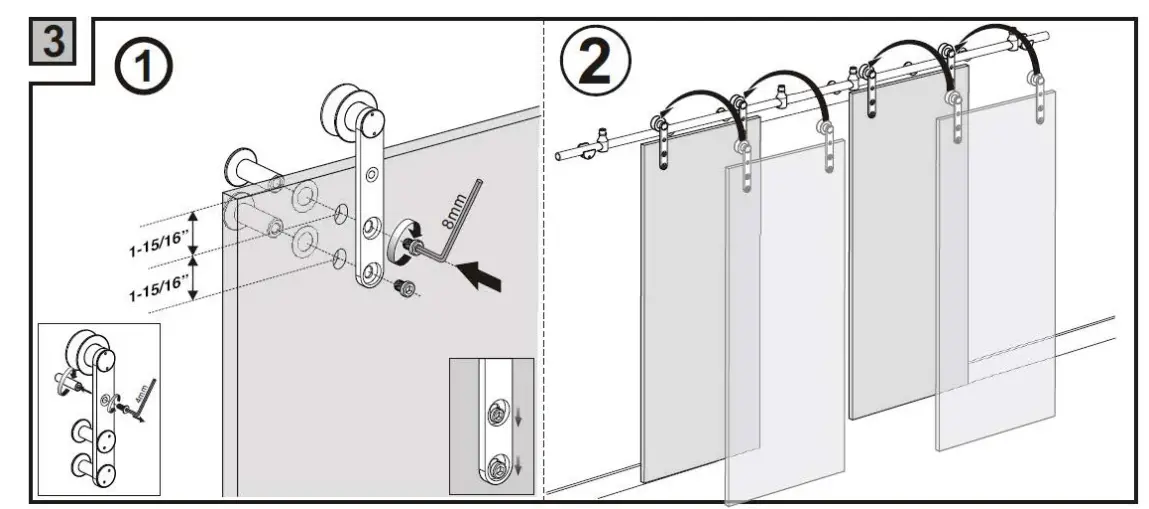
- Remove the anti-rise pin and drill holes centered in door thickness. The doors should be routed at this time.
- Mount the rolling straps to the door. Position the doors on the rail.

Adjust the stops accordingly. Tighten the set screw with sufficient force to drive the set screw into the bar after making the final adjustment.
Plumb the door and mark the positions of the floor guides. Mount the floor guides to the floor.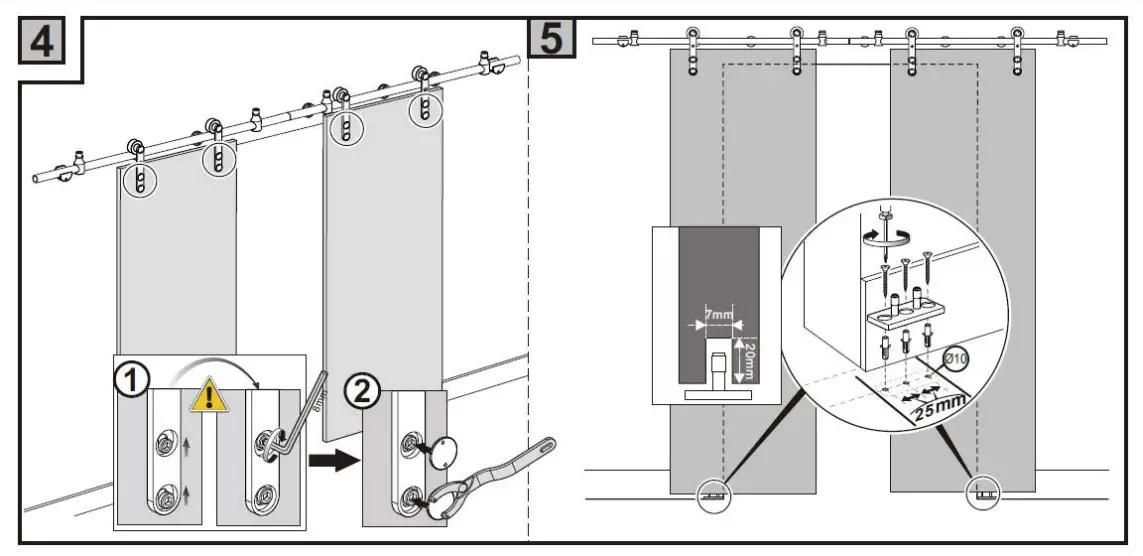
Adjust the door stops accordingly. Tighten the set screw with sufficient force to drive the set screw into the bar after making the final adjustment.
Reattach the anti-rise pin to the door rollers.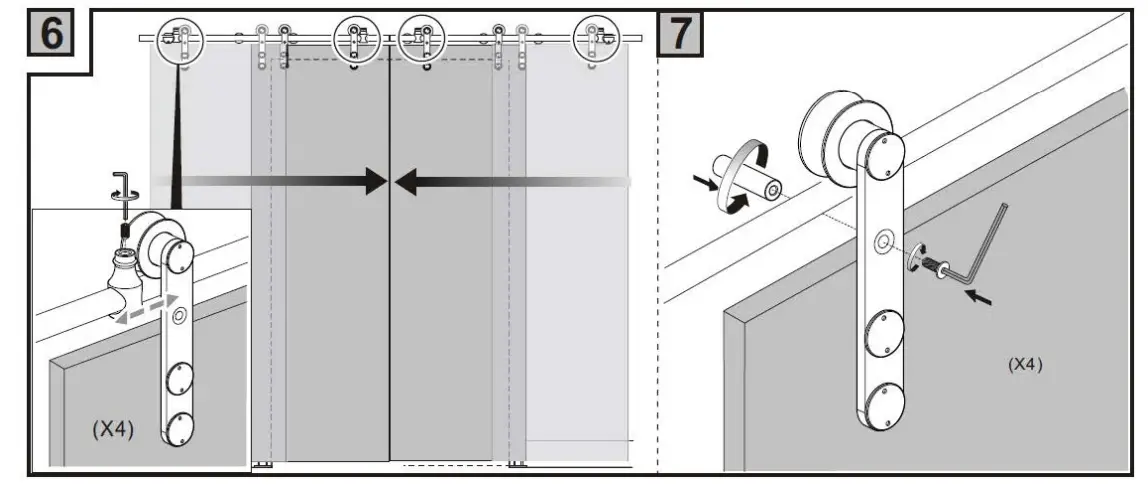
Architectural Products by Outwater assumes no liability for improper installation.