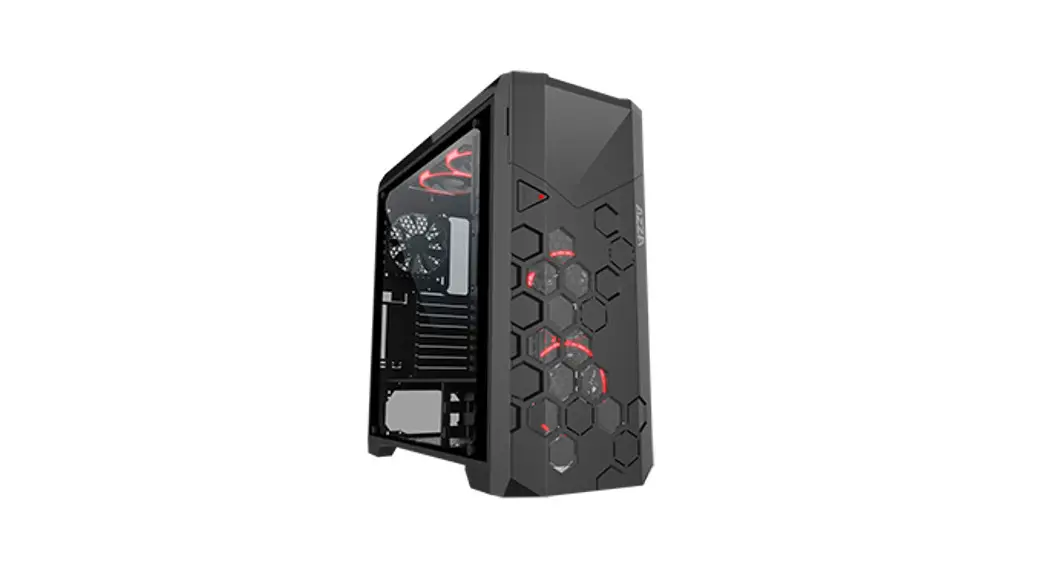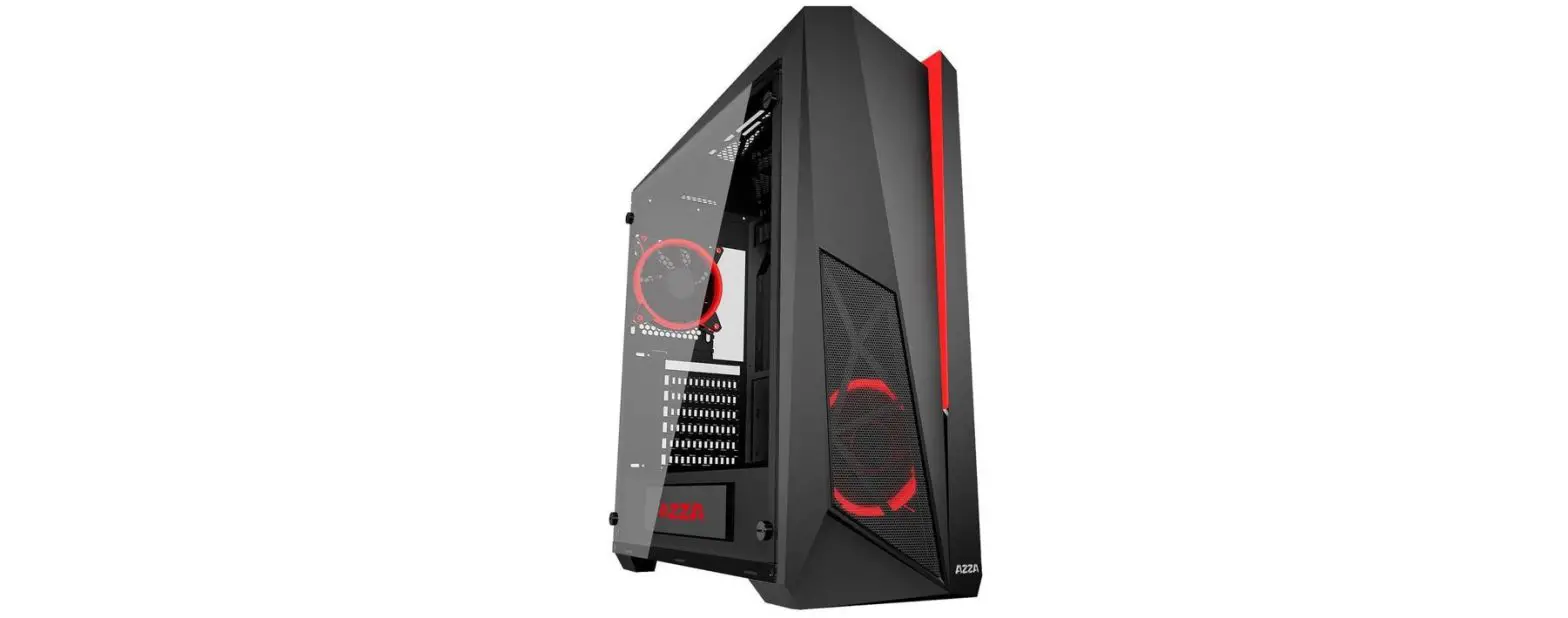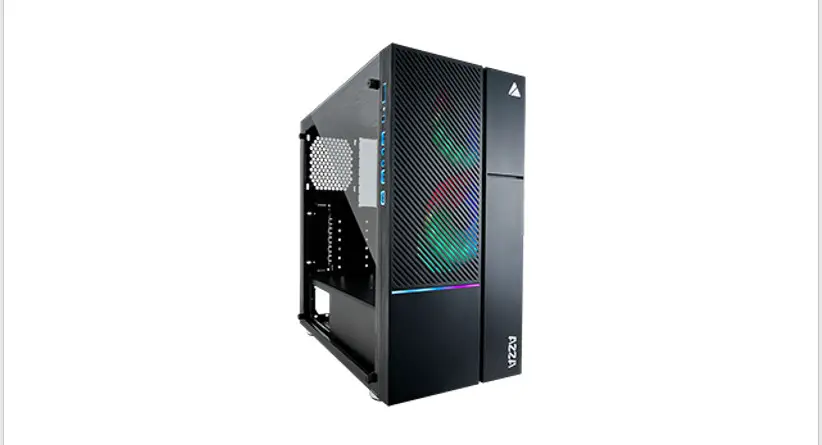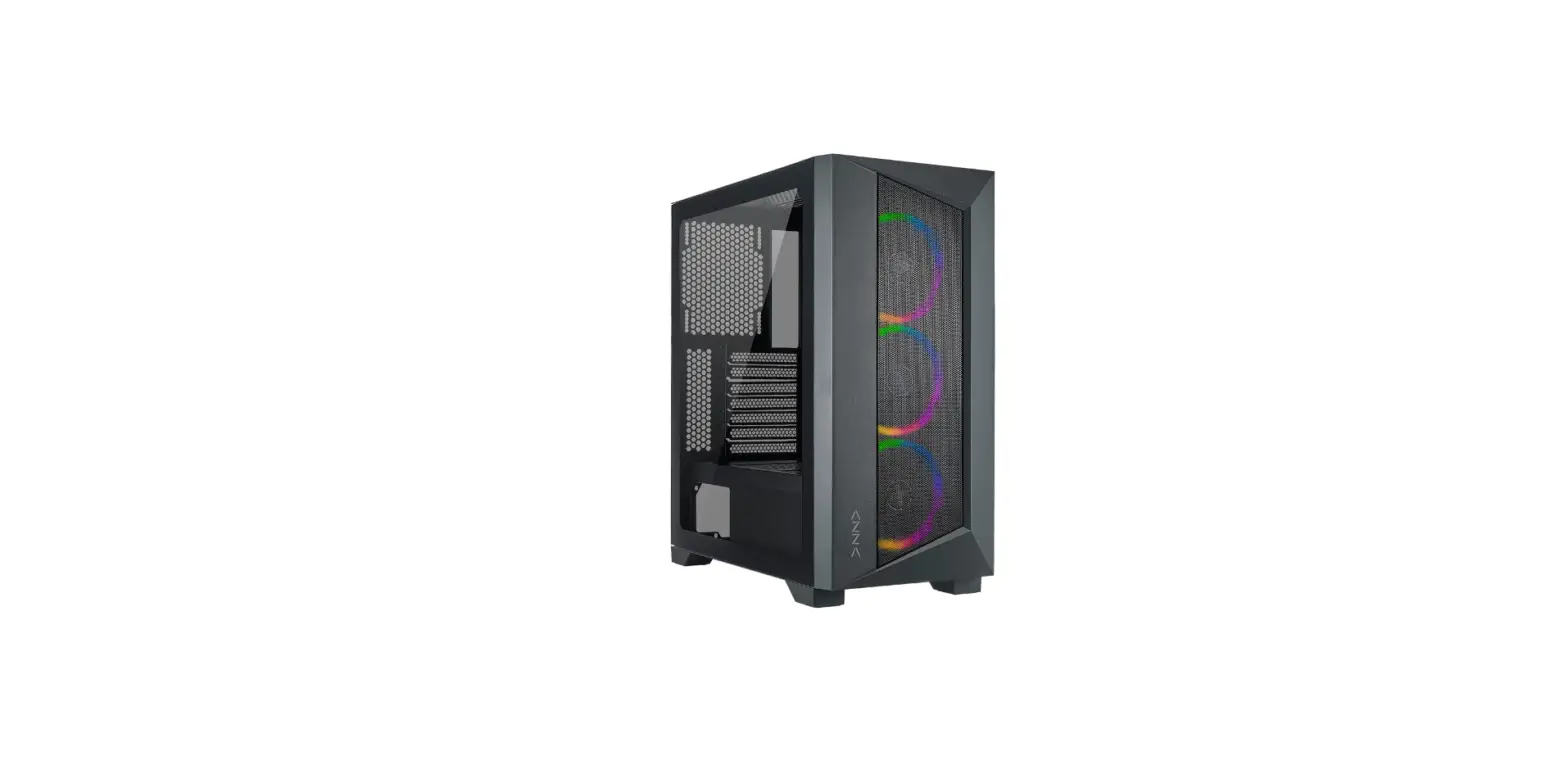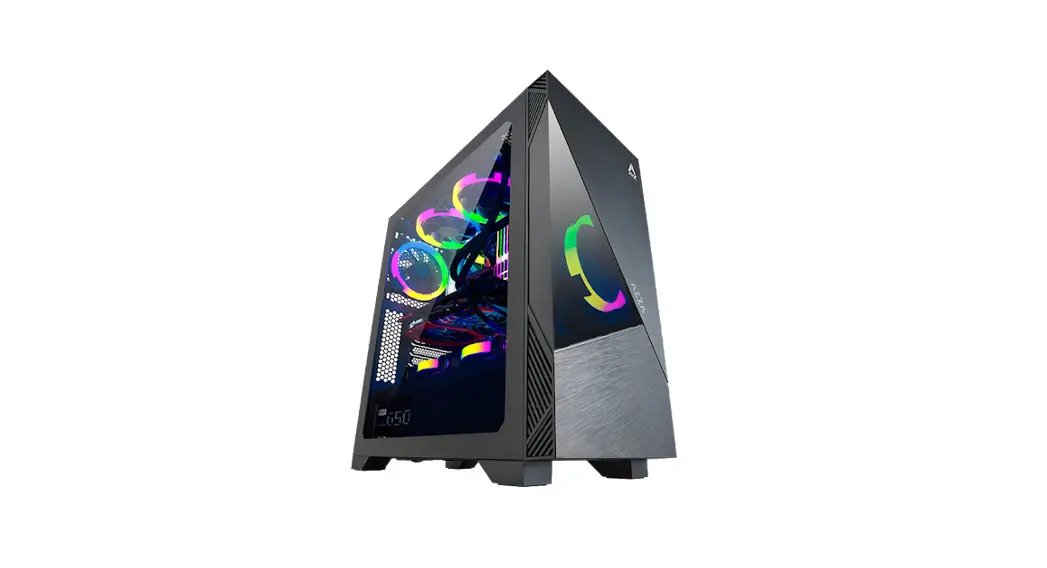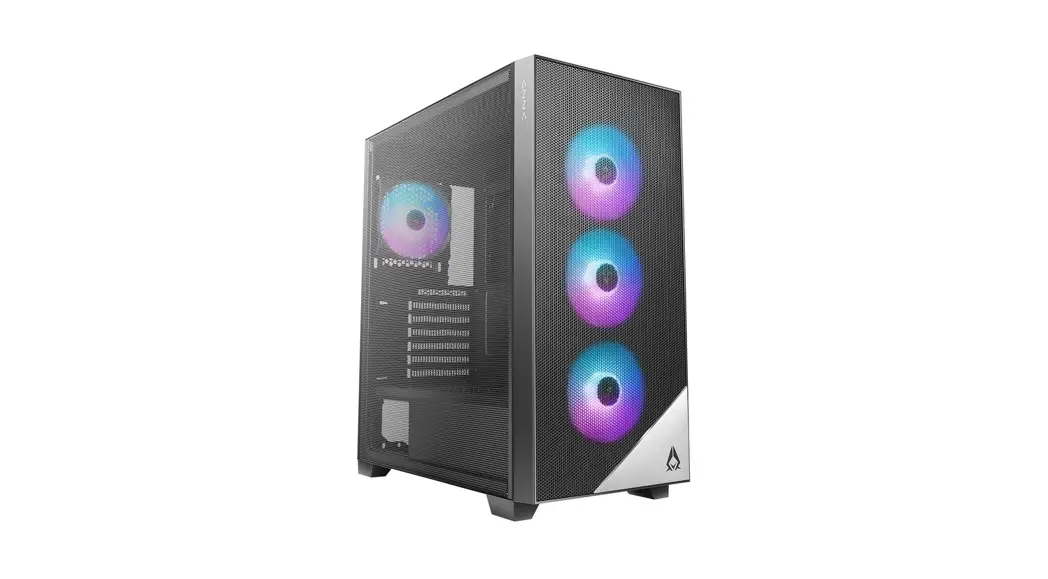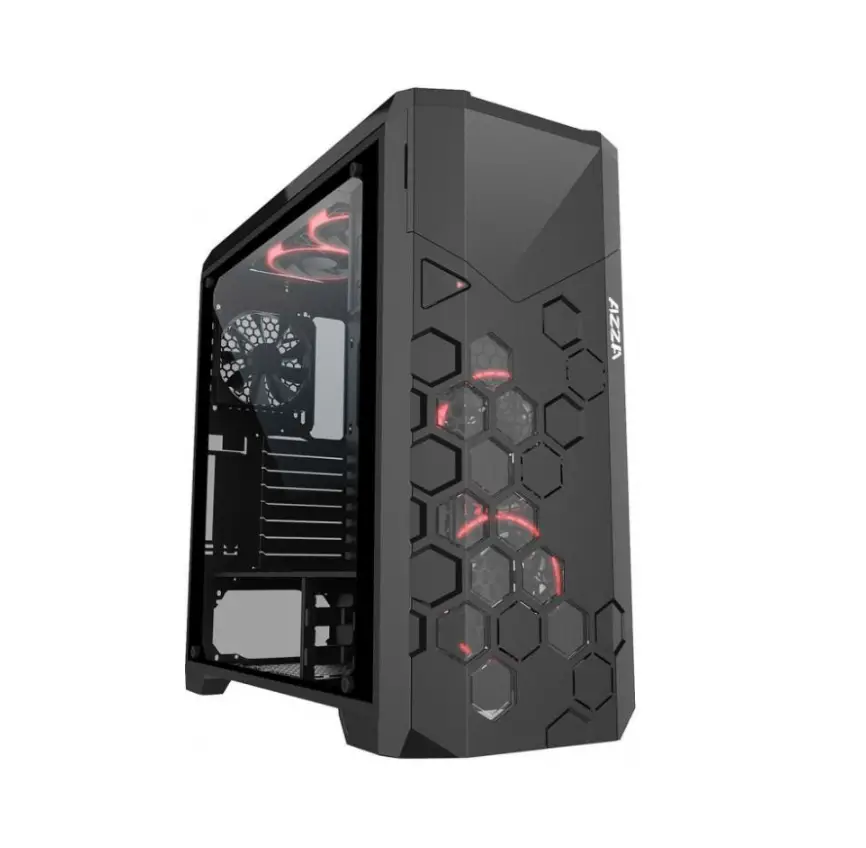
AZZA Storm 6000-ARGB Full PC Tower User Manual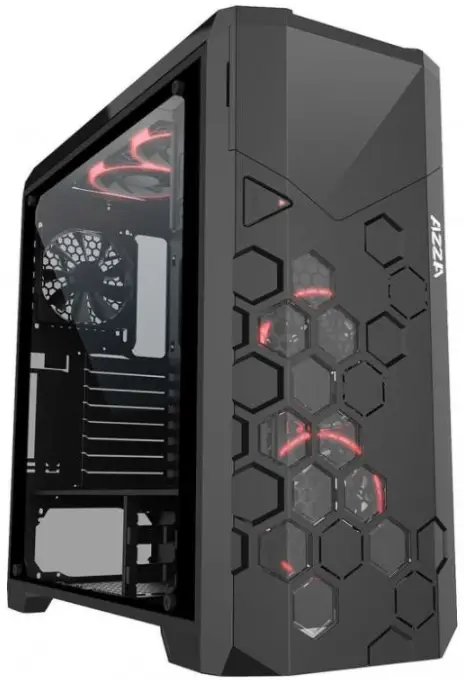
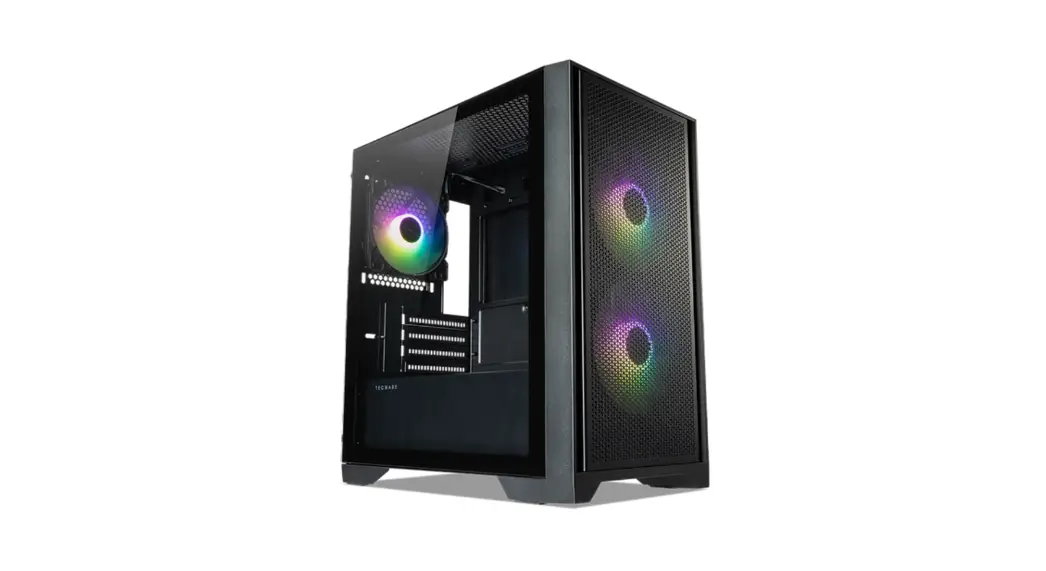
Specification
| Model | |
| Model Name: | Storm 6000 -ARGB |
| Model Number: | CSAZ-6000ARGB/B |
| Specifications | |
| Type: | ATX Full Tower |
| Color: | Black/Black(interior) |
| Side Panel Window: | Tempered glass side panel with EVA anti-vibration pad |
| Max CPU Cooler Height: | UP to 175mm |
| Max Video Card Length: | Up to 420 mm long video card |
| Power Supply: | Not included |
| Motherboard Compatibility: | E-ATX(<272mm), ATX, Micro-ATX |
| Expansion | |
| External 5.25″ Drive Bays: | 1 |
| Internal 2.5″ Drive Bays: | Up to 6 |
| Internal 3.5″ Drive Bays: | Up to 4 |
| Expansion Slots: | 10 |
| Top Ports: | Power button, LED button, HD Audio, USB 2.0 x 2,USB 3.0×2 |
| Physical Specifications | |
| Physical Dimension (HxWxD) | 537.7 x225x 525 mm/21.17×8.86×20.67 inches |
| Weight: | 11.1Kg /24.4lbs |
| Features | |
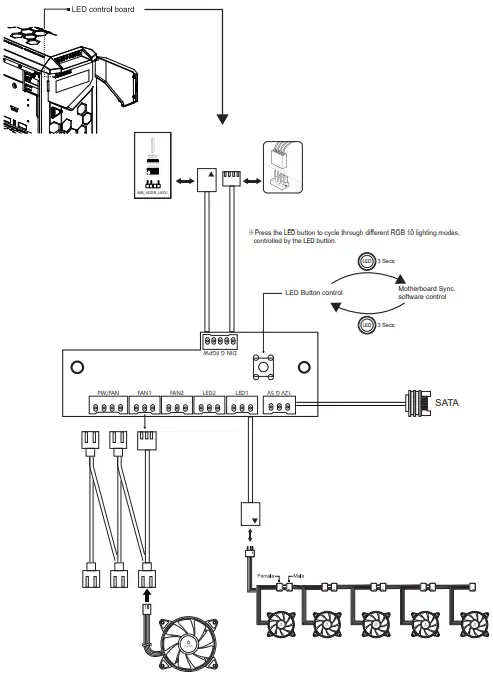
| Addressable RGB Light Effects: | ARGB fans are controlled using the LED button. All addressable RGB devices can sync with the motherboard, allowing the motherboard software to control lighting directly. |
| Available Fan Ports: | 2x120mm or 2x140mm fan ports in the front (2x120mm LFO-4112D addressable ARGB fan included) 3x120mm or 2x140mm fan ports on the top (2x120mm LFO-4112D addressable ARGB fan included) 1x120mm or 1x140mm fan port in the rear (1x120mm LFO-4112D addressable ARGB fan included) |
| Water Cooling: | Supports radiators up to 280mm in the front Supports radiators up to 360mm in the top |
| Dust Filters: | Removable (magnetic) dust filter on bottom of chassis. |
| Power Supply Support: | Bottom mounted ATX Power Supply |
Chassis Parts
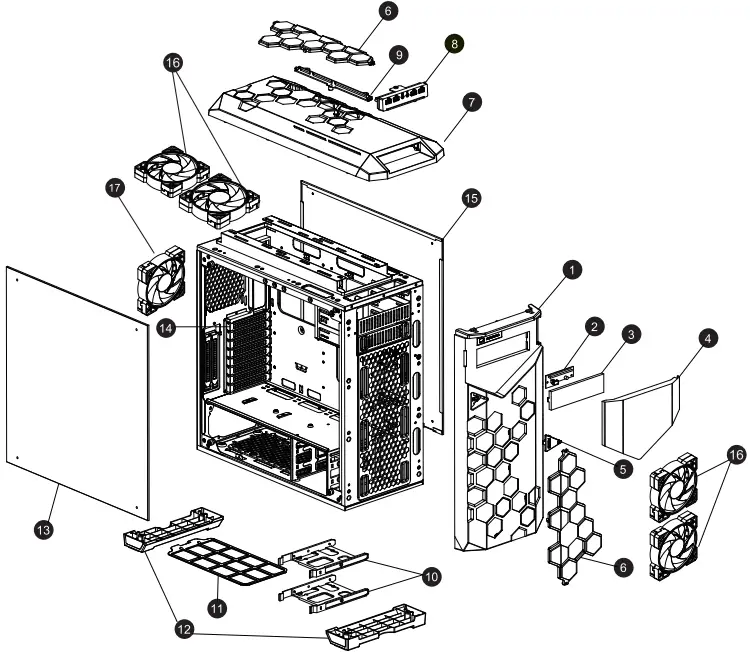
| 1 | Front bezel |
| 2 | Addressable RGB control board |
| 3 | 5.25″ Device cover X1 |
| 4 | Door |
| 5 | Power switch |
| 6 | Acrylic cover |
| 7 | Top cover |
| 8 | USB & Audio port |
| 9 | LED lens |
| 10 | HDD/SSD tray |
| 11 | Dust filter |
| 12 | Stand X2 |
| 13 | Tempered Glass Side Panel |
| 14 | PCI slot cover |
| 15 | Right side panel |
| 16 | Addressable RGB fan x4 |
| 17 | Addressable RGB fan x1 |
Control Panel Function
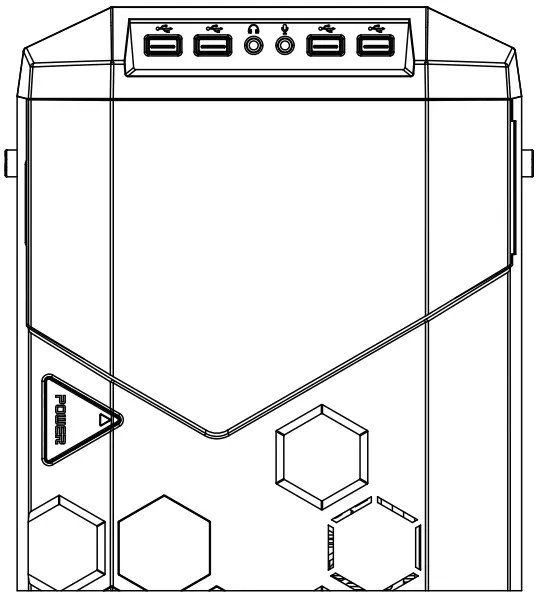
 | Power |
 | USB 3.0 (Blue) |
| USB 2.0 (Black) |
 | Mic |
 | Audio |
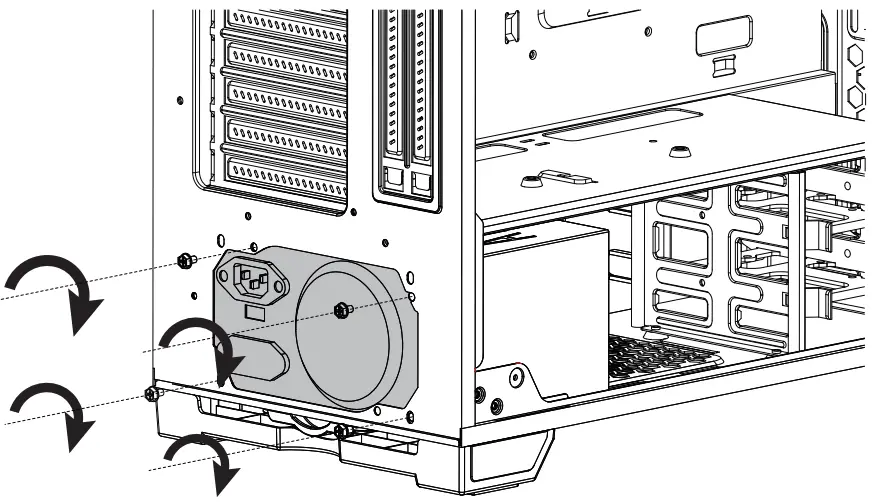
PSU Installation
ODD Installation
- Remove 5.25″ metal cover.
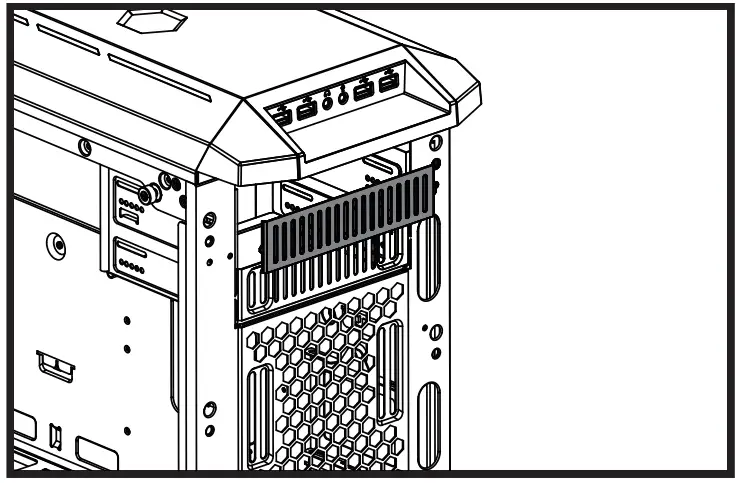
- Take out drive cover.

- Insert ODD drive.
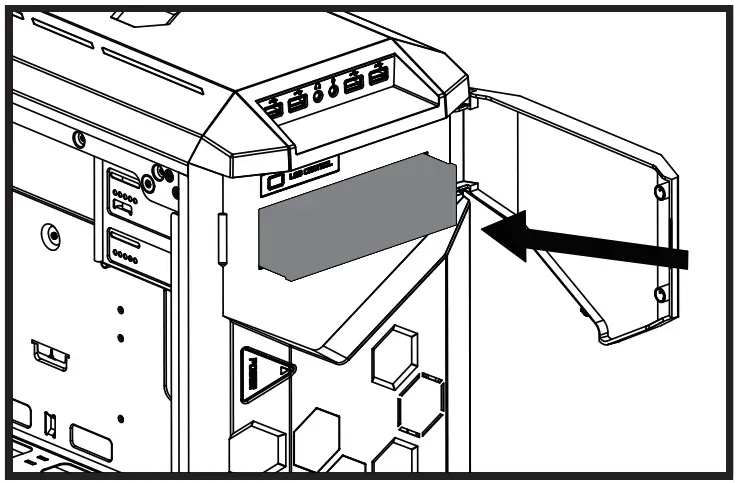
- Secure ODD drive.
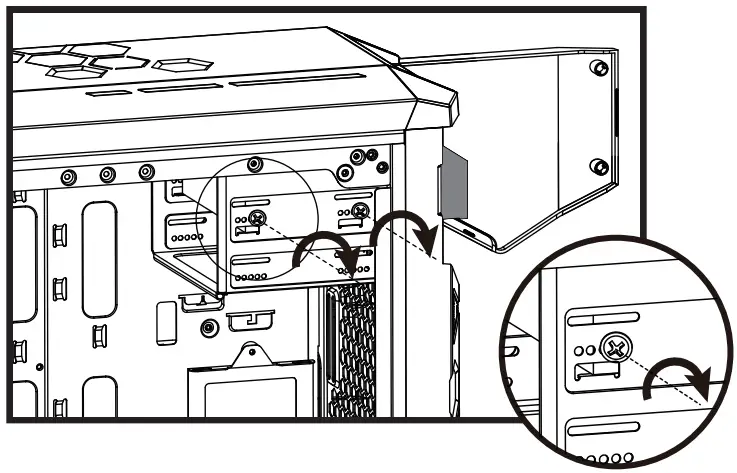
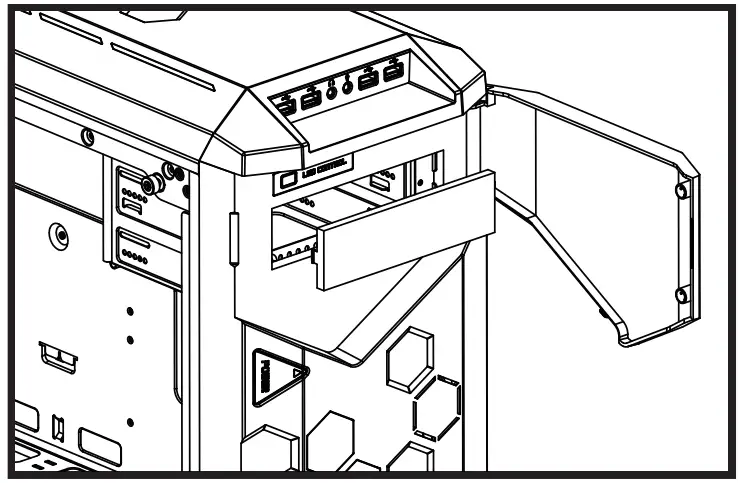
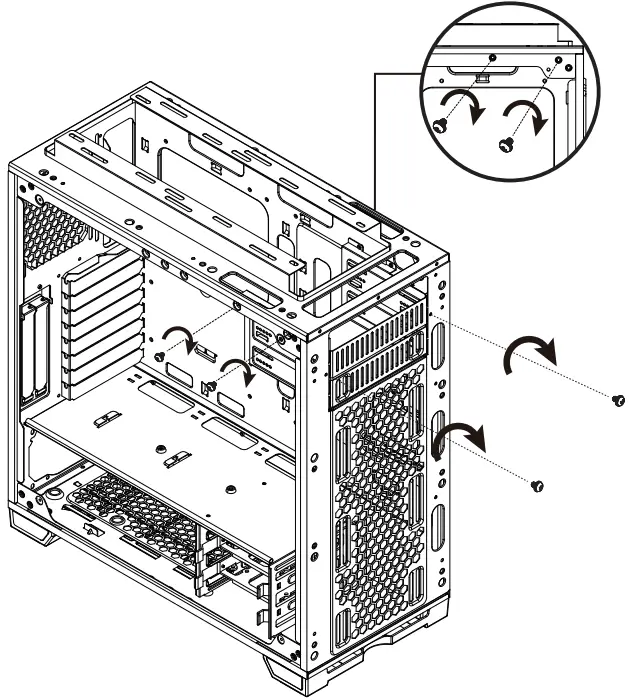
ODD Cage Removal
Cooling System Installation
Front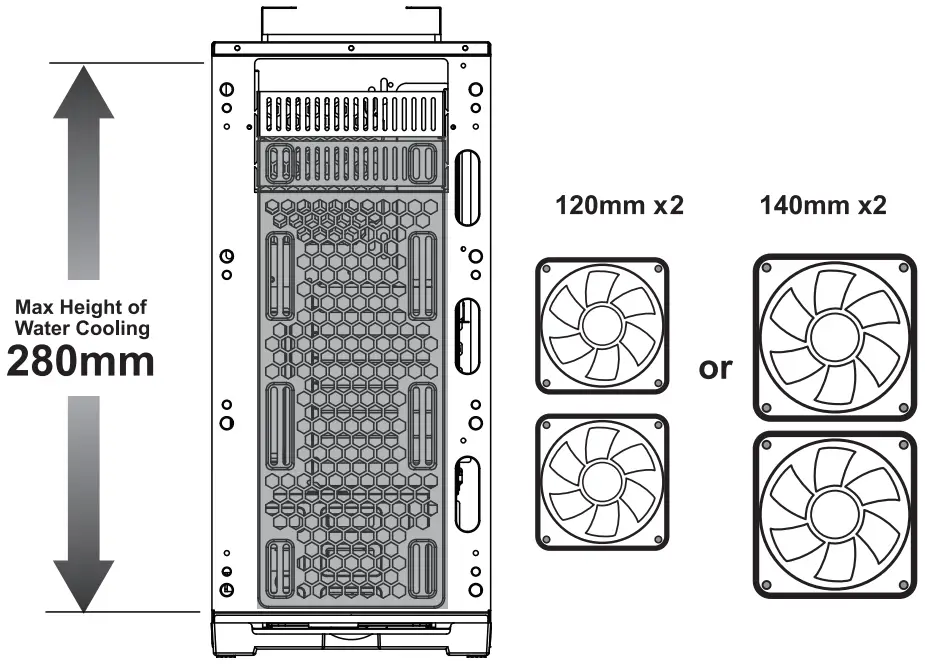
Top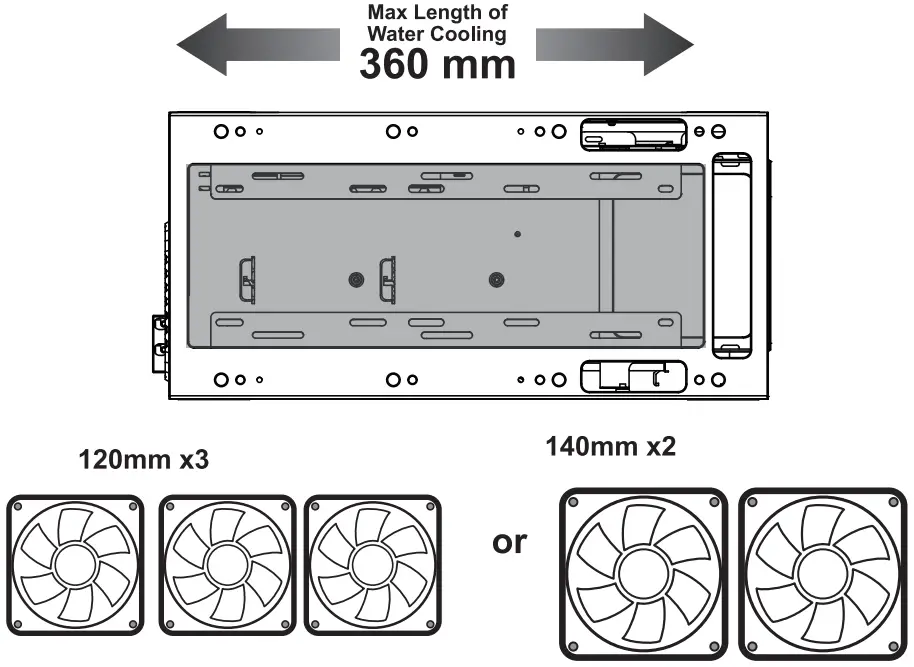
Rear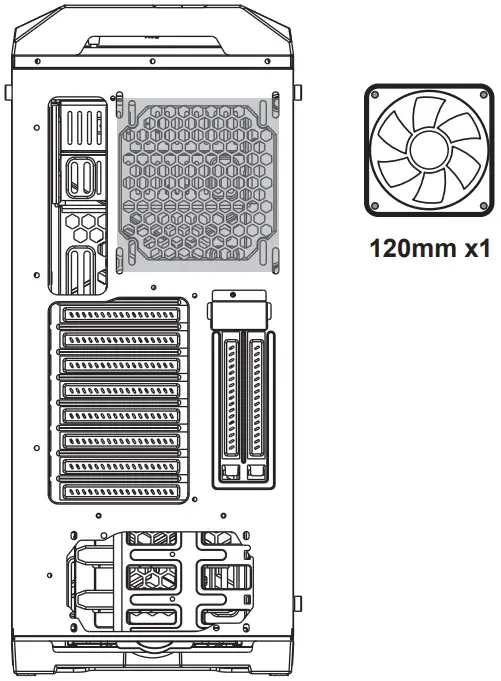
3.5 ”/ 2.5” HDD Installation
- Supports video cards up to 420mm in length
- Supports PSUs up to 250mm in length.
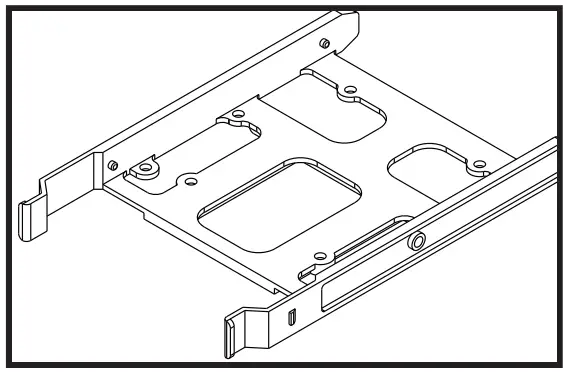
- Four multifunctional brackets support 3.5” HDD or 2.5” SSD. ( A B C D )
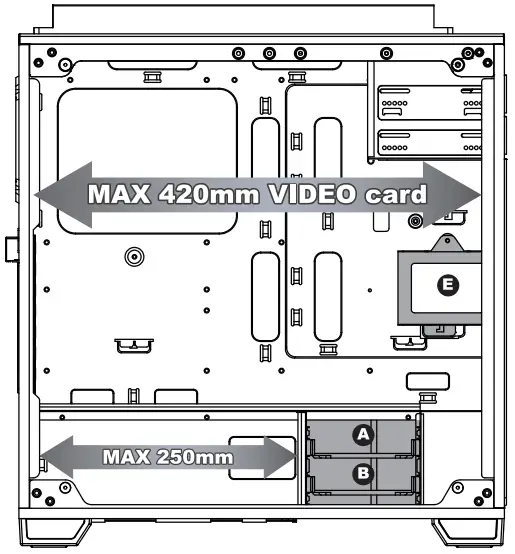
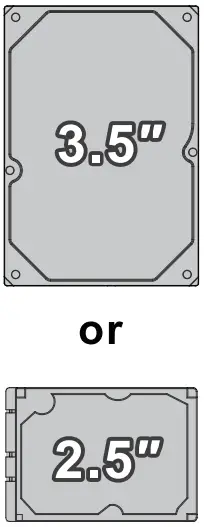
- Two brackets support 2.5” Devices.
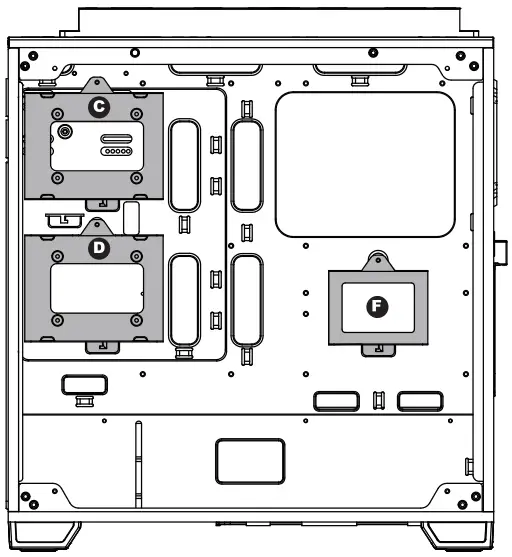
- Multifunctional Bracket.

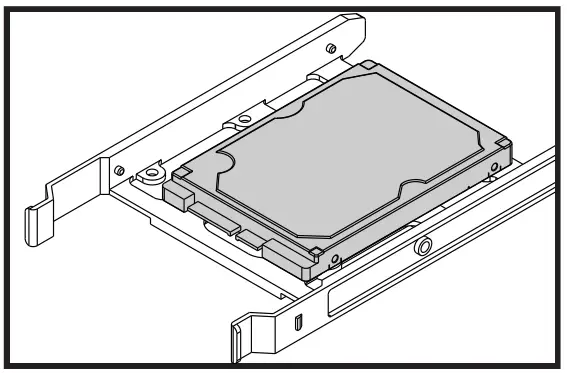
- Secure 2.5” SSD/HDD with screws
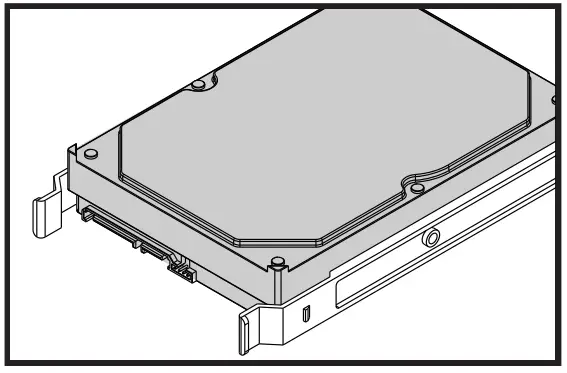
- Secure 3.5″ HDD with screws.
Addressable RGB Fan Installation