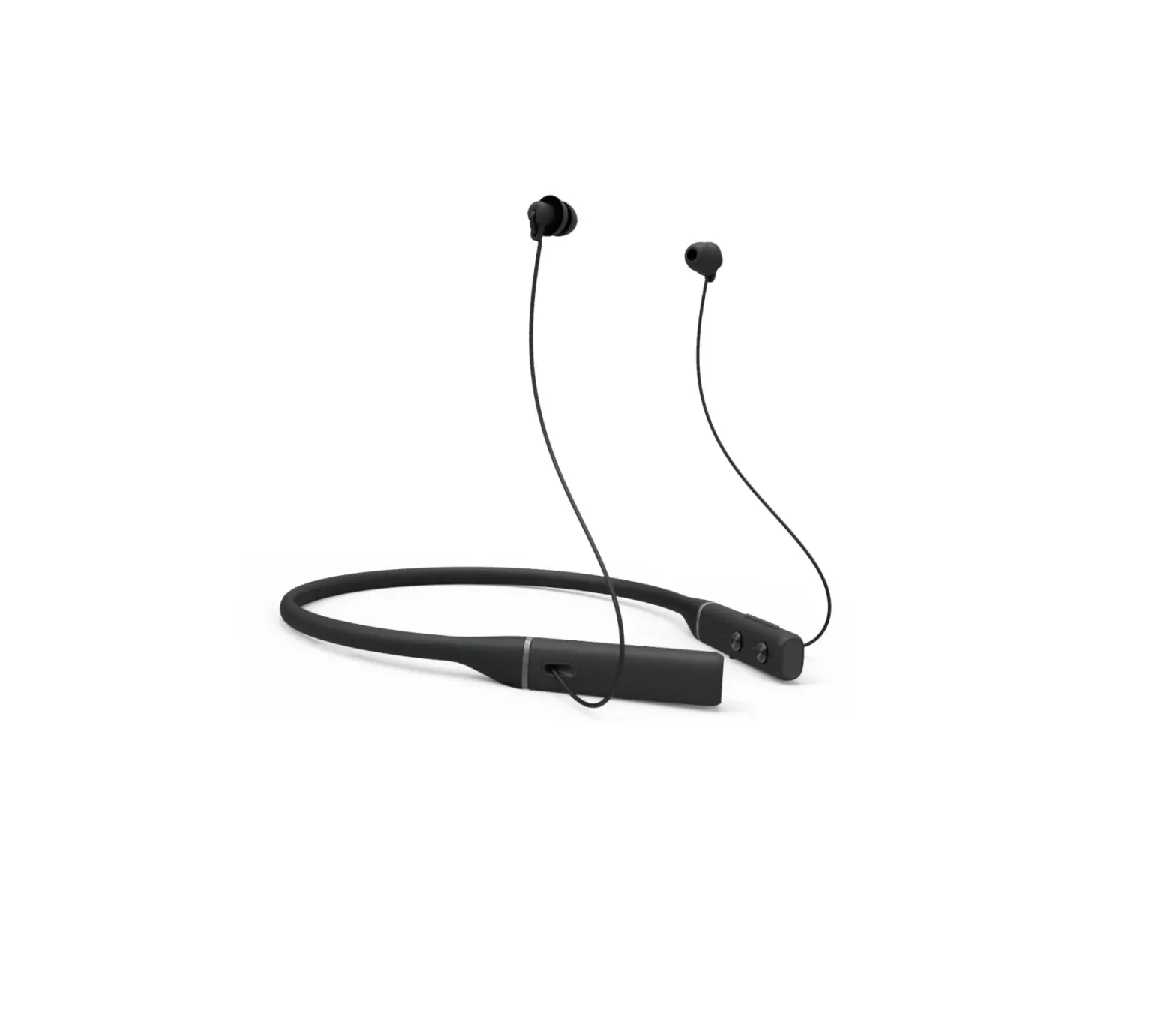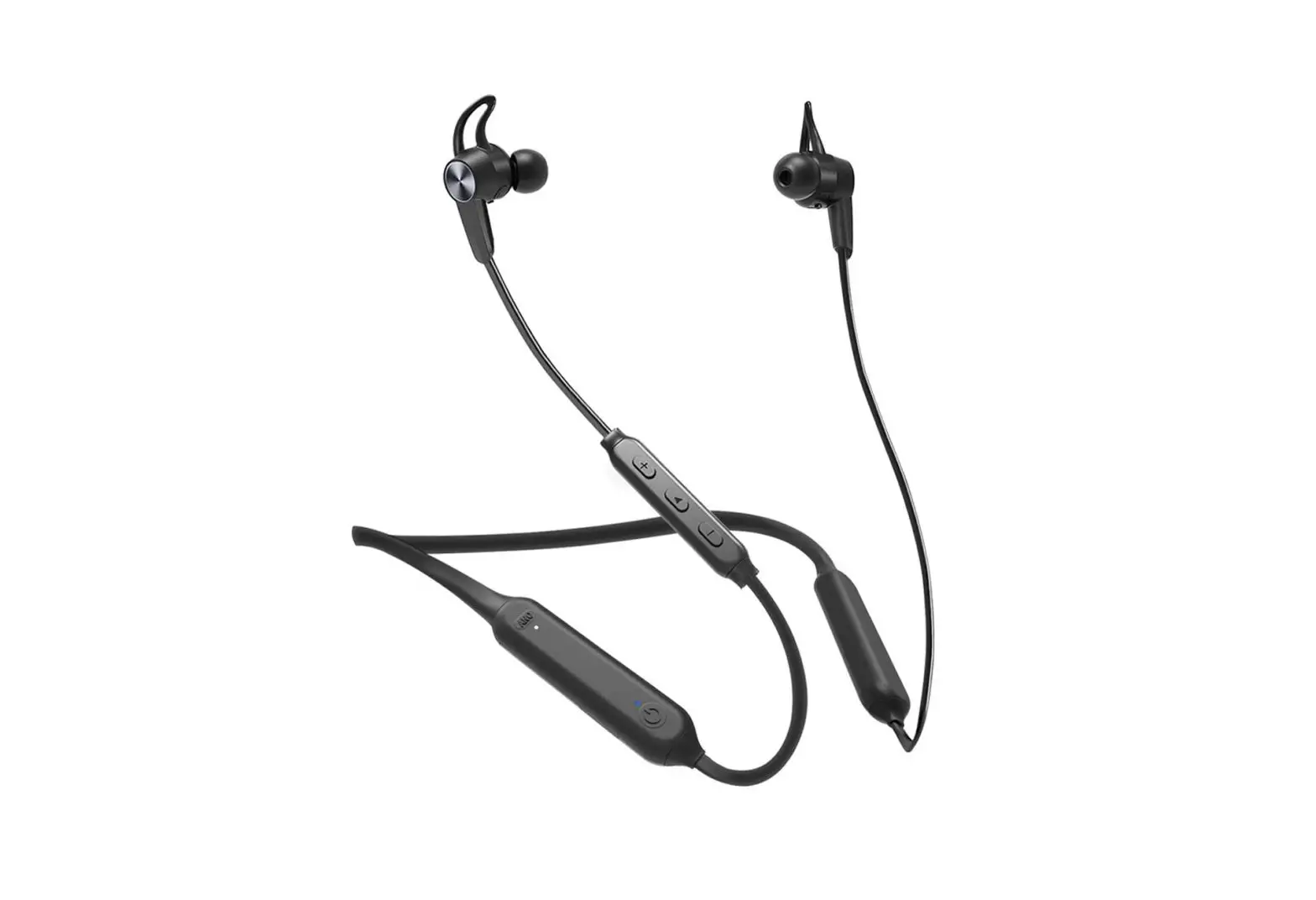
Avantree BTHS-NB17 Wireless ANC Neckband Earphones User Manual
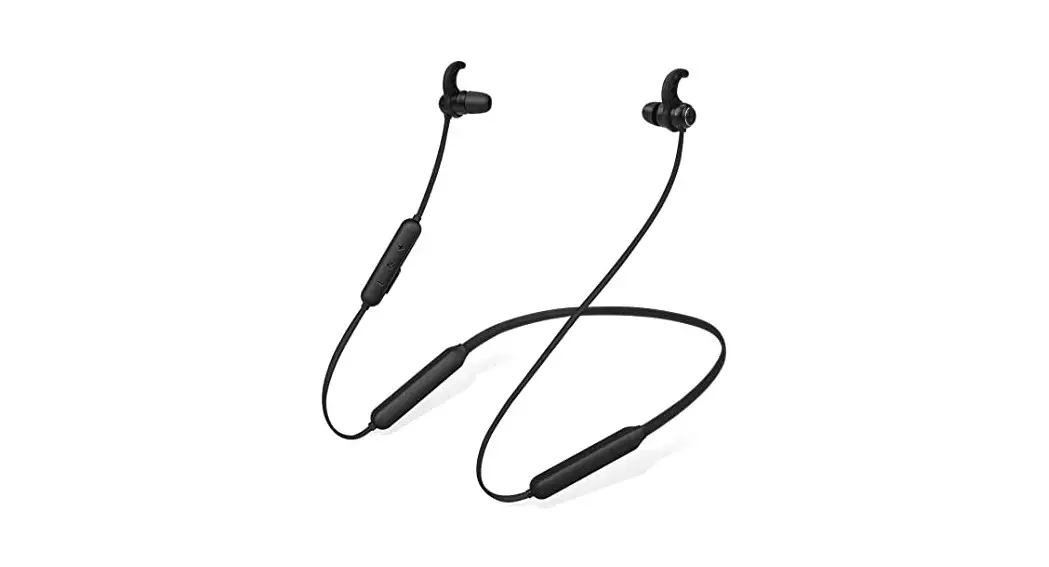
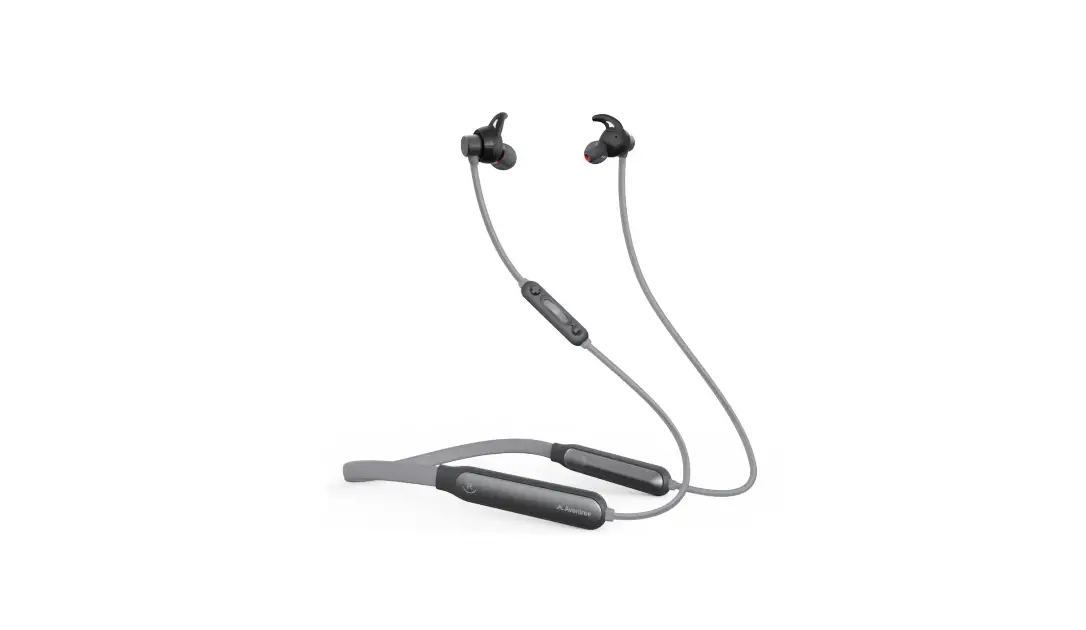
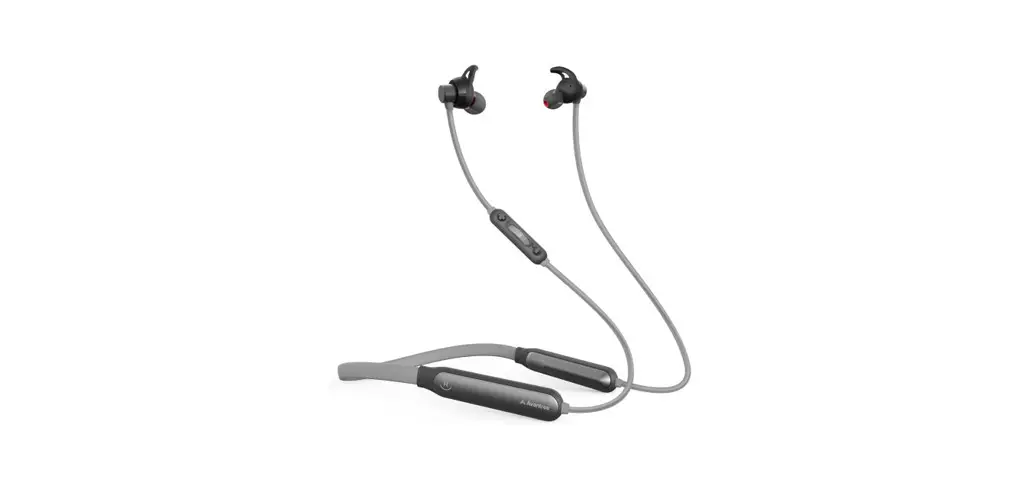
Product Overview
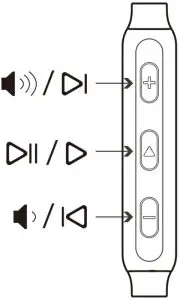
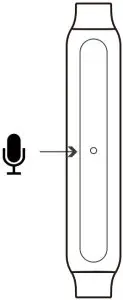
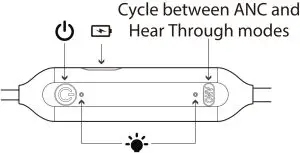
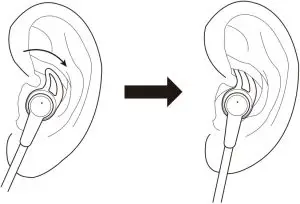
Ear Fin Fitting
Specifcations:
- BT Version: 5.0
- Profles Supported: HSP, HFP, A2DP, AVRCP
- Operation Range: Up to 10 meters, Class II
- Charge Voltage: DC 5V / 0.5-2A
- Charging Time: About 1.5 hours
- Playtime: 9 hours with ANC on, 13 hours with ANC o
- Standby Time: Up to 160 hours
- Battery Capacity: 220mAh
- Noise Canceling: 28dB
- Frequency Range: 20Hz~20KHz
- Headphone Size: 27x15x430mm
- Net Weight: 38g
Basic Operations
Function | Operation |
General | |
Power ON/OFF | Press and hold  for 2S for 2S |
| Enter Pairing mode | From off, hold |
Manually re-connect | Click  once once |
Music control | |
Play/Pause | Click once |
| Volume up/down | Click |
Previous/Next Track | Press and hold  / /  for 1S for 1S |
Call control | |
Answer/End a call | Click once |
| Reject a call | Press and hold |
Voice Control(Phone feature: Siri, Google assistant) | Double Click |
ANC control | |
| Cycle between ANC and Hear Through modes | Click |
LED Indicators
Working Status | LED Indicator | Voice Prompts |
| Power ON | BLUE LED on 1S | “Power ON” |
Power OFF | RED LED on 1S | “Power OFF” |
| Pairing in progress | RED and BLUE LED flashes alternately | “Pairing” |
Connected | BLUE LED flash twice every 5S | “Connected” |
| Disconnected | BLUE LED flash once every 1S | “Disconnected” |
Low battery | RED LED flashes twice every 5S | “Battery Low” |
| Charging | RED LED steady on | |
Fully charged | RED LED off | |
| ANC ON | WHITE flashes once | ANC ON |
ANC OFF | WHITE flashes once | ANC OFF |
| HearThrough | WHITE flashes once | HearThrough |
Pair and connect
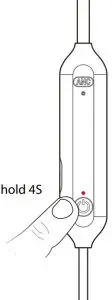
- Get NB17 into PAIRING MODE – From of, press and hold for 4S until LED fashes BLUE and RED alternately. (Fig.1) (First-time use: it will automatically enter pairing mode once powered on).


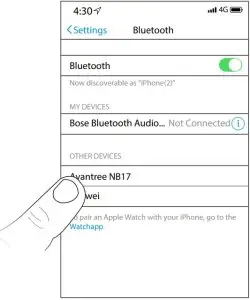
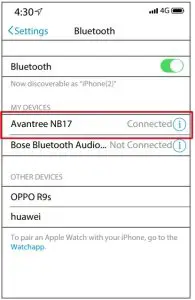
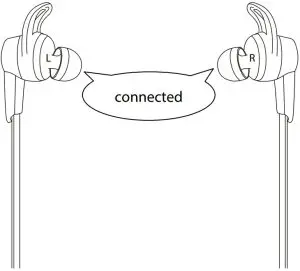
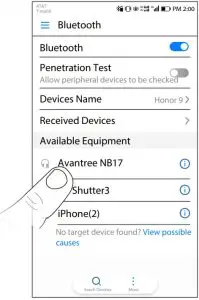
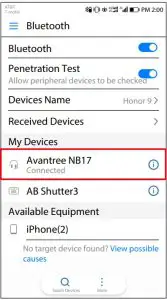
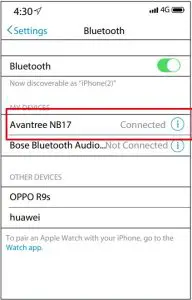
Fig.1 - Activate Bluetooth on your device, search and select “Avantree NB17” to connect. Once connected, LED will fash BLUE twice every 5s, you will hear a voice prompt “Connected” (Fig.2-4)

Fig.2
Fig.3
Fig.4
To add another device
- Connect the frst device as above.
- Set NB17 into PAIRING MODE again and repeat steps 1&2 above to connect the 2nd device.(Fig.5-7)
Fig.5
Fig.6
Fig.7 - Turn on the Bluetooth of frst device, it will automatically reconnect. Otherwise, please connect it on the phone manually. (Fig.8-9)
Fig.8
Fig.9
Note: This feature only works for two mobile devices, such as cellphones and tablets. We do not recommend using this feature with PCs or Bluetooth transmitters.
Reconnect
Normally, when turning headset on, it will automatically reconnect to the most recently paired device. Otherwise, please try to manually reconnectby clicking once.(Fig.10-11)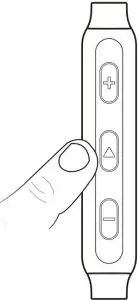
Fig.10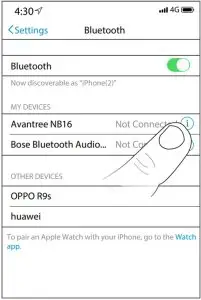
ANC and Hear Through Functions
Click  once to cycle between ANC and HearThrough modes(Fig.12)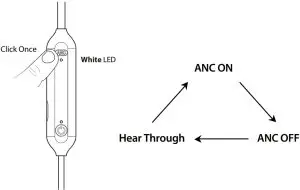
Fig.12
Clear the headphone pairing history
Make sure NB17 is powered on. Press and hold and together for about 5S until RED and BLUE LED fash simultaneously for about 2S(looks pink). It will then automatically power of to indicate a successful reset. For next use, please manually turn it on and it will automatically enter pairing mode. (Fig.13-14)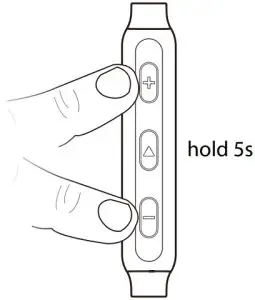
Fig.13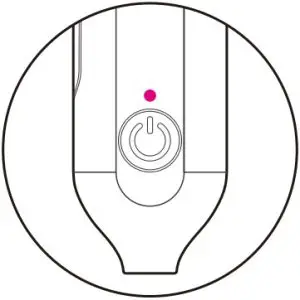
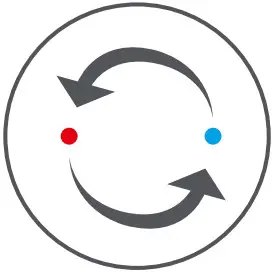
Fig.14
Charging
When the LED fashes RED every 5S and you hear a voice prompt “Battery Low”, you should fully recharge the device for about 1.5 hours. The LED will remain RED while charging and turn of when charging is complete. You can plug it into a USB wall charger/car charger (DC 5V / 0.5-2A) or computer USB port that is powered on. (Fig.15-16).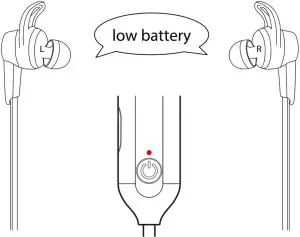
Fig.15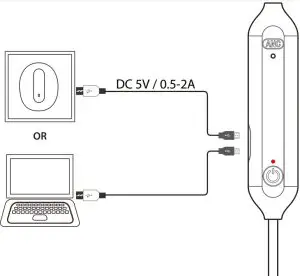
Fig.16
Troubleshooting
Headphones do not pair with Bluetooth device
- Ensure NB17 is in pairing mode correctly – LED will fash BLUE and RED alternately.
- For Smart phone, tablet and PC
- Turn the Bluetooth feature of and then on.
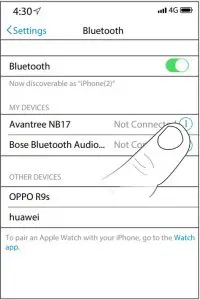
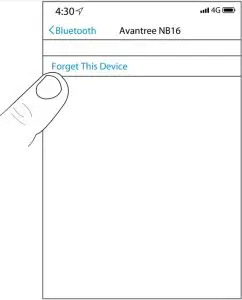
- Delete your Avantree NB17 headphones from the Bluetooth list on your device. Try to pair it again.(Fig.17-18)
- Clear the headphones pairing history.

Fig.17
Fig.18 - No sound with PC?
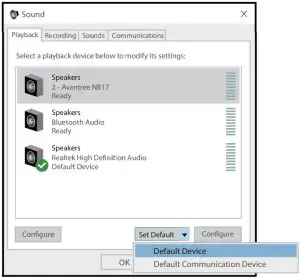
- Set Avantree NB17 as the default device or output device on the PC. (Fig.19)

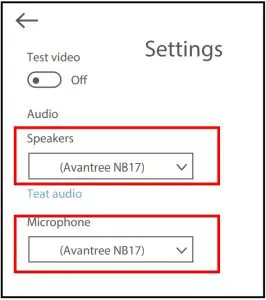
Fig.19 - When using NB17 to make voice calls through apps, please set NB17 Hands-Free as Microphone and Speakers device.(Fig.20)

Fig.20 - ANC LED steady on even when the headphones are of
- Pay attention that ANC function is controlled independently by button. ANC function will not turn of even if the earphones are powered of. When ANC function is on, white LED will stay white. You need to manually turn ANC of if you don’t want to use it, or the playtime will not last as long as described.