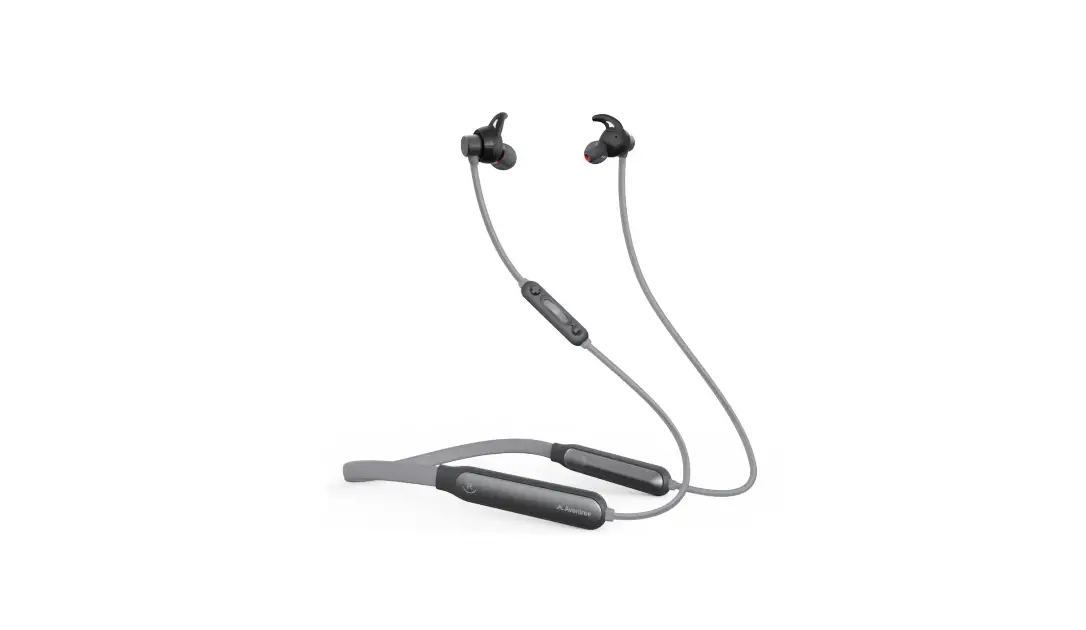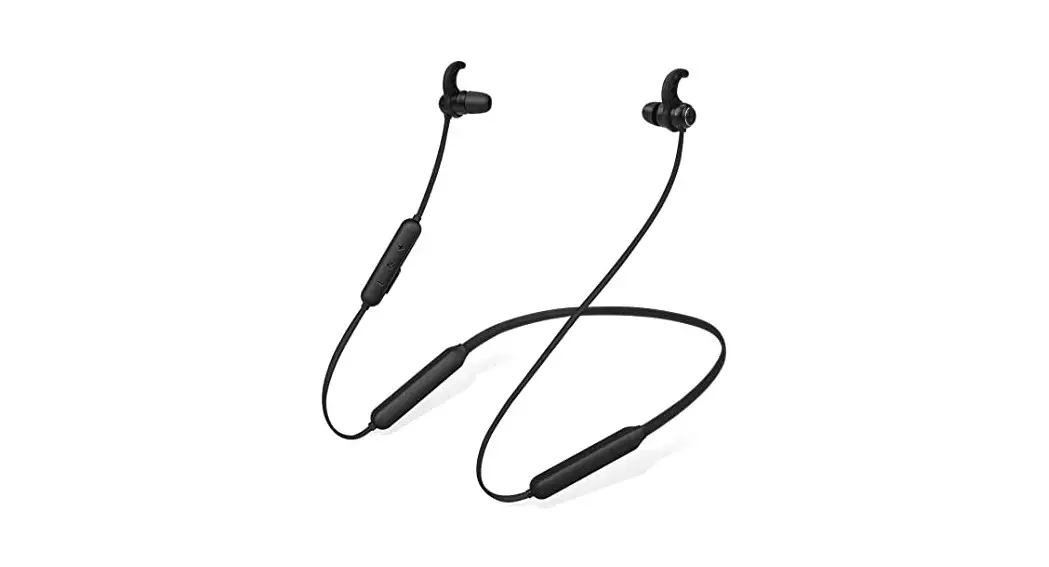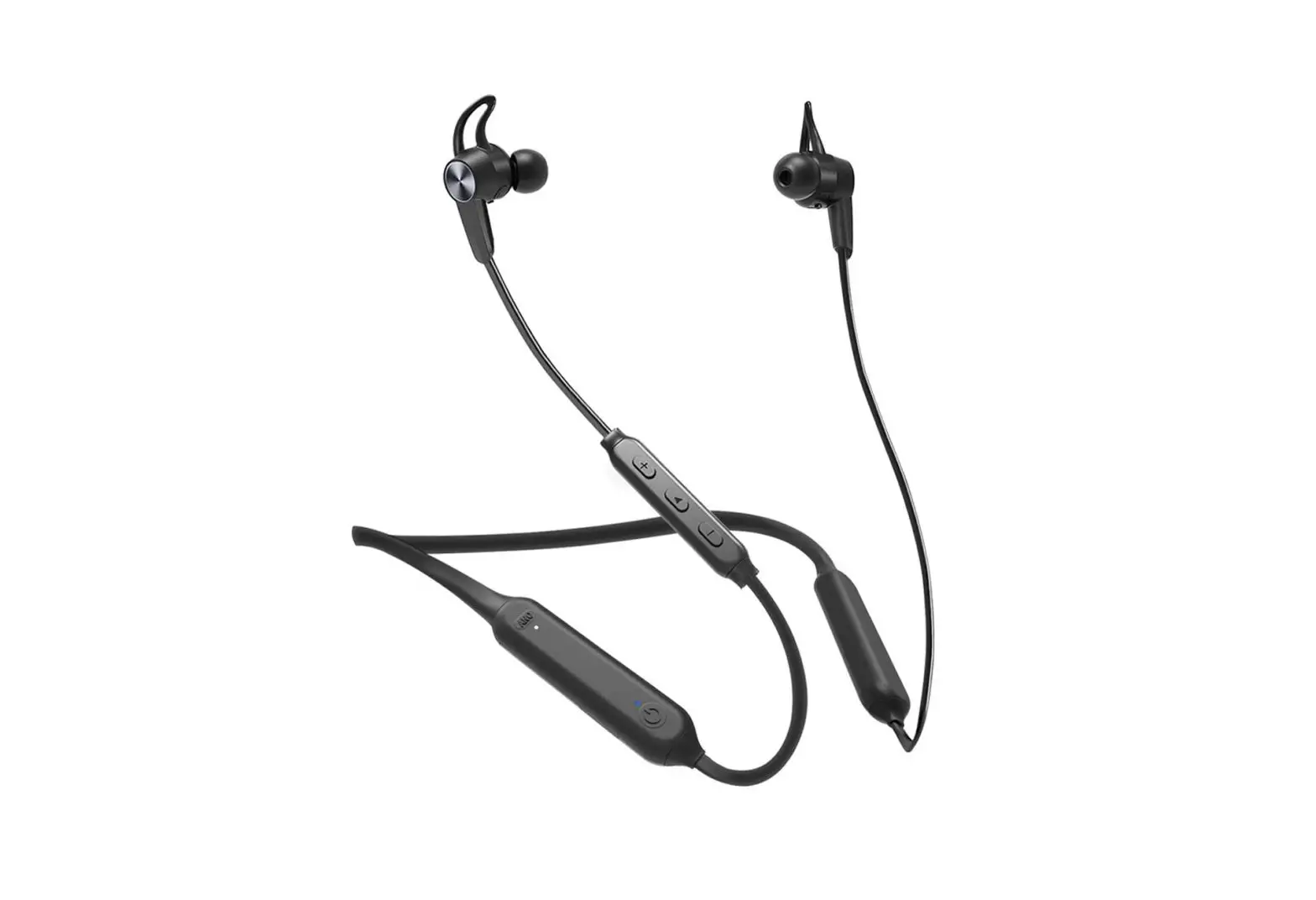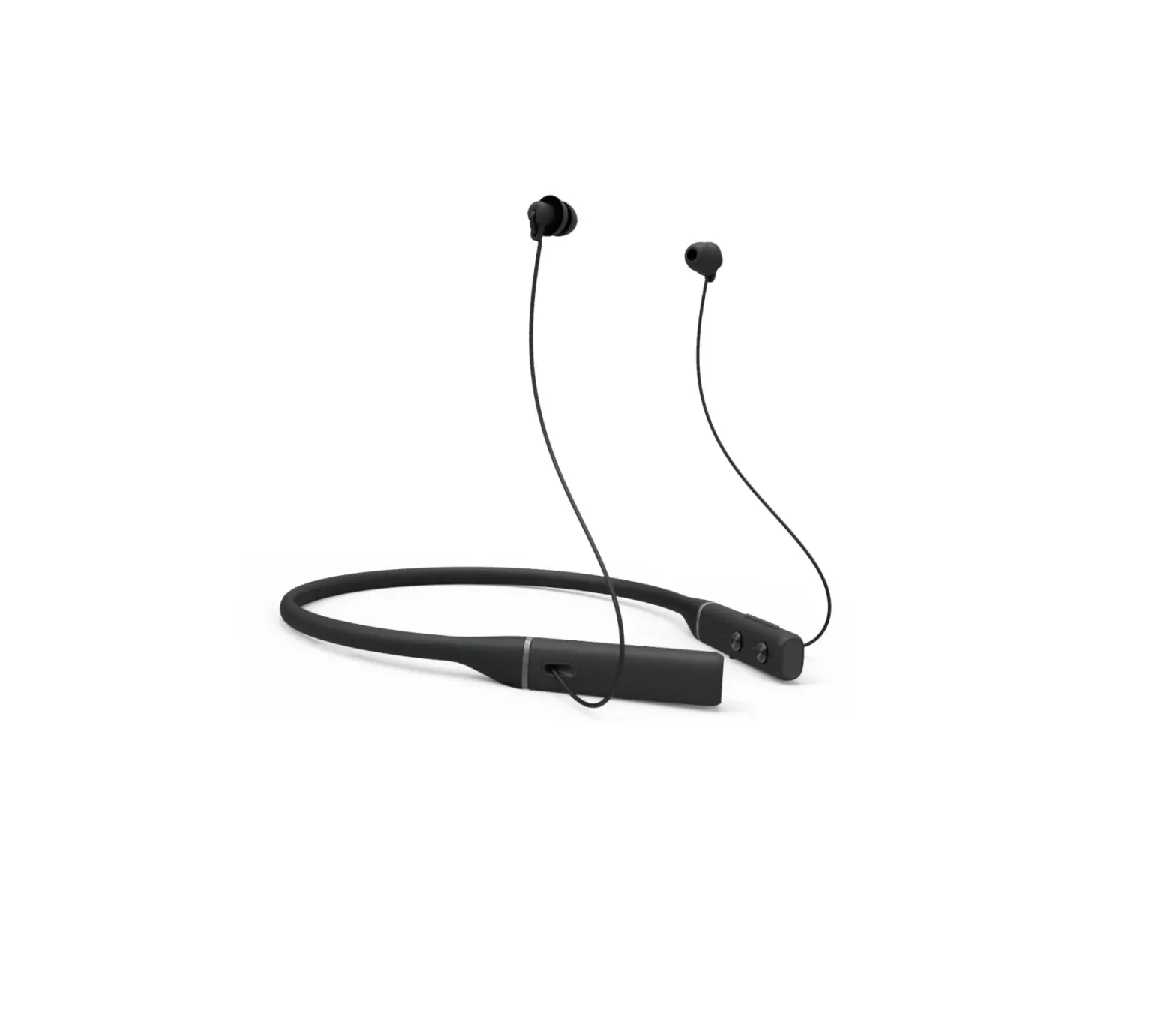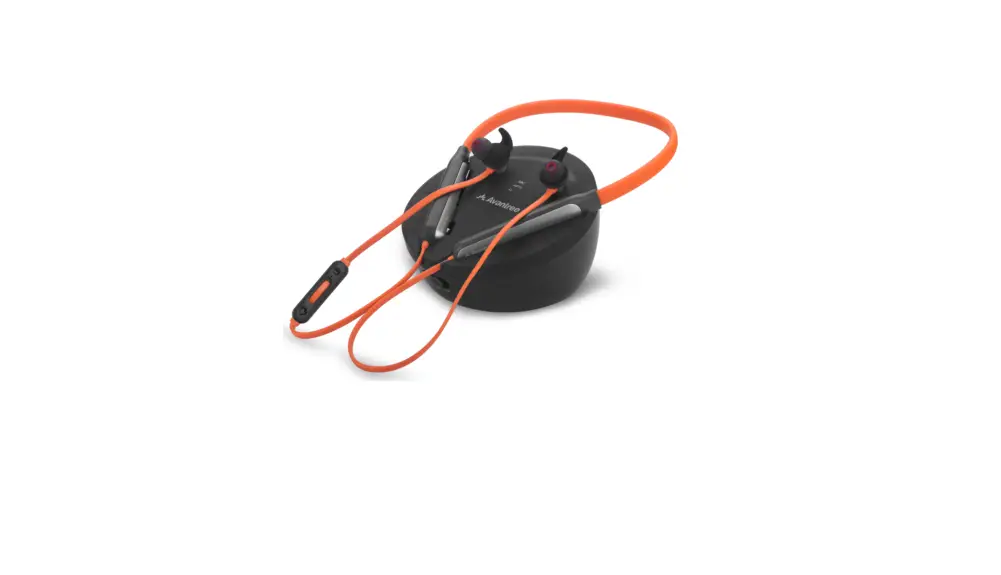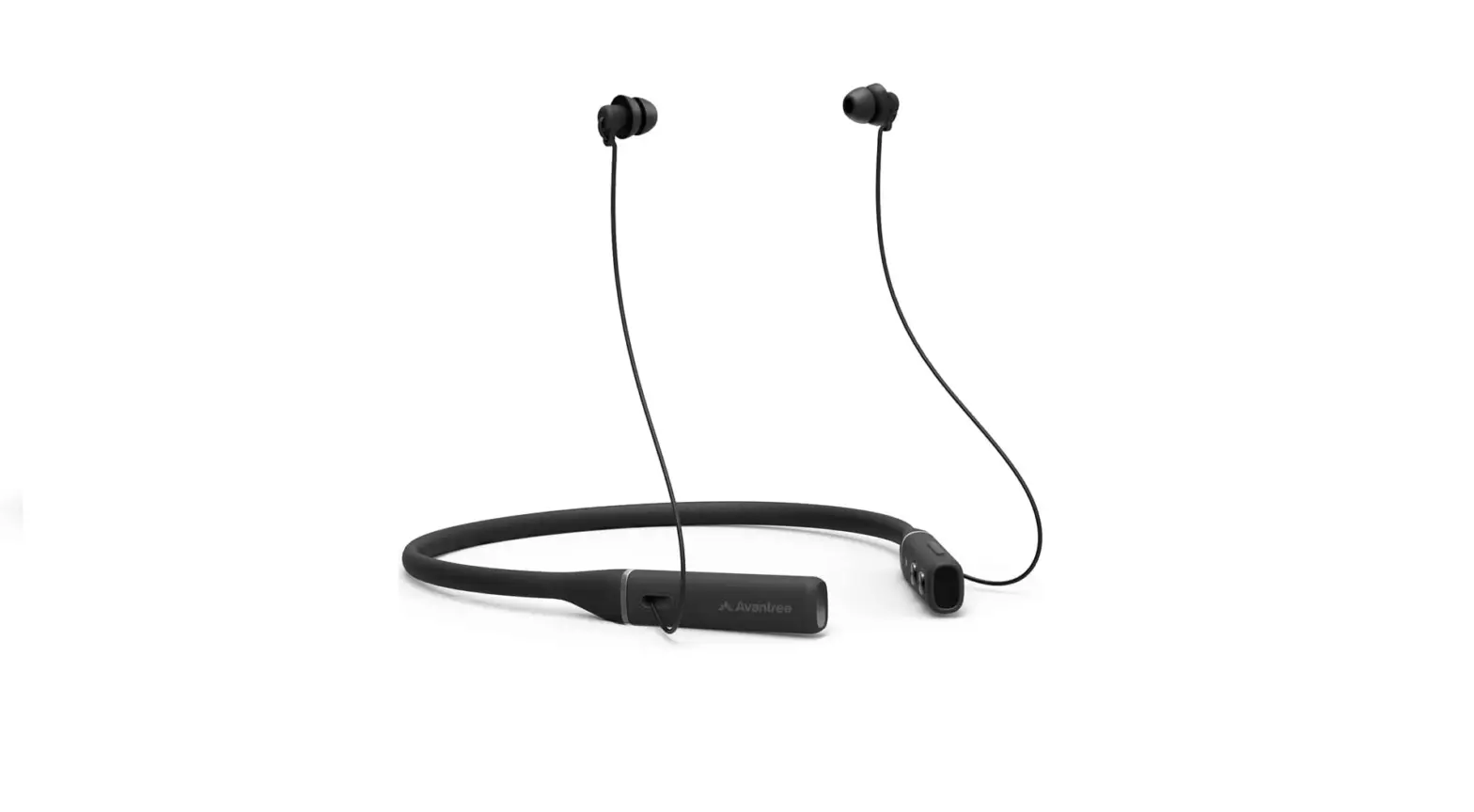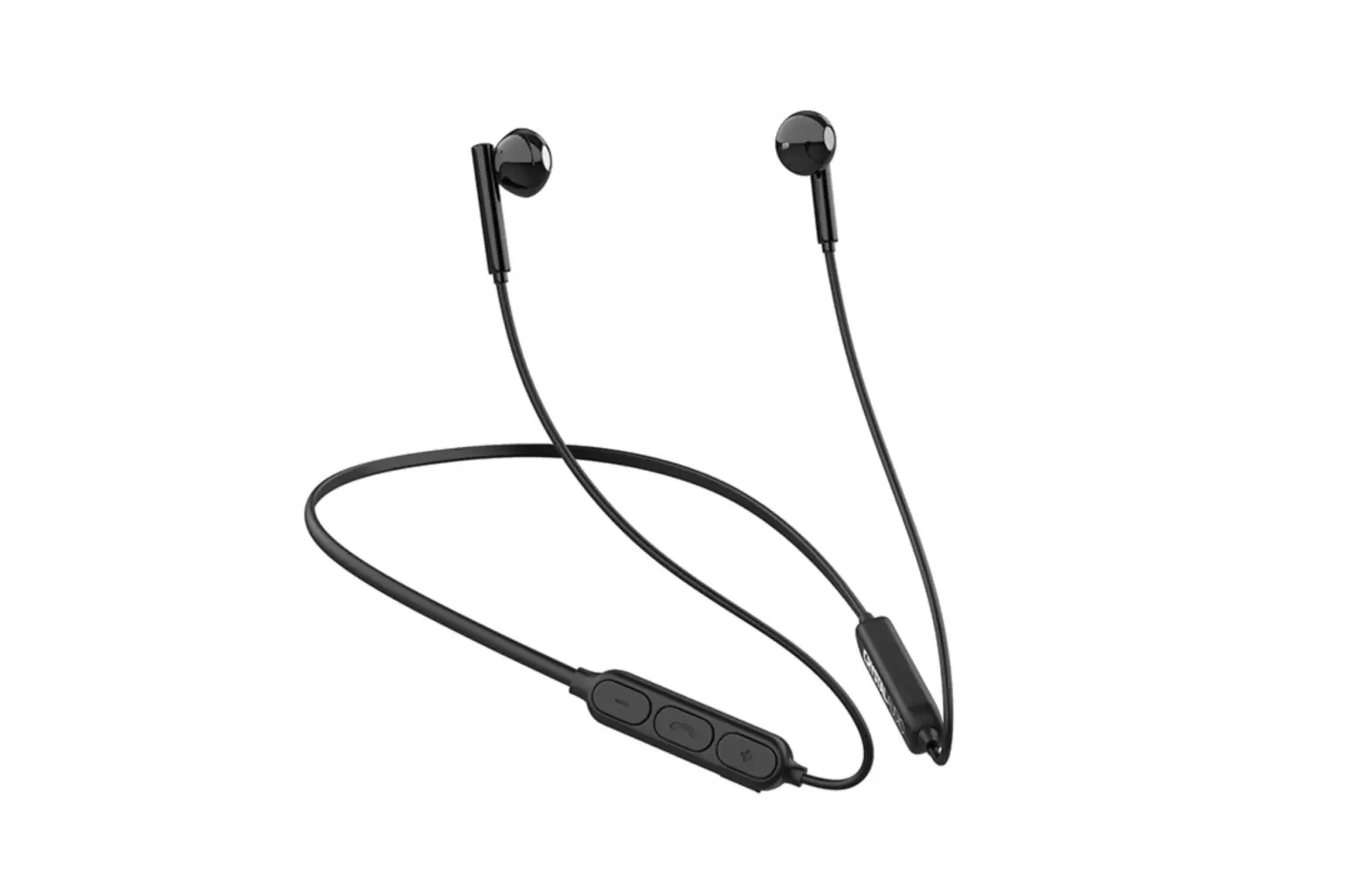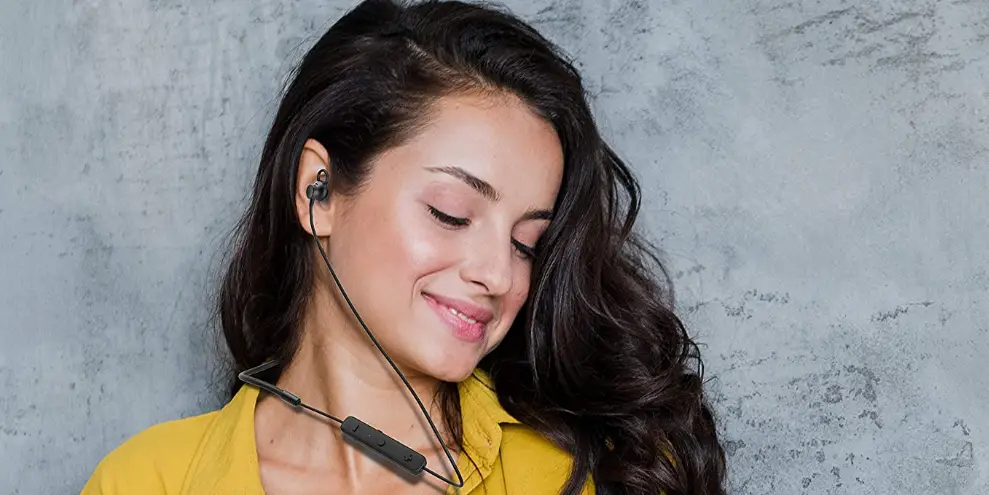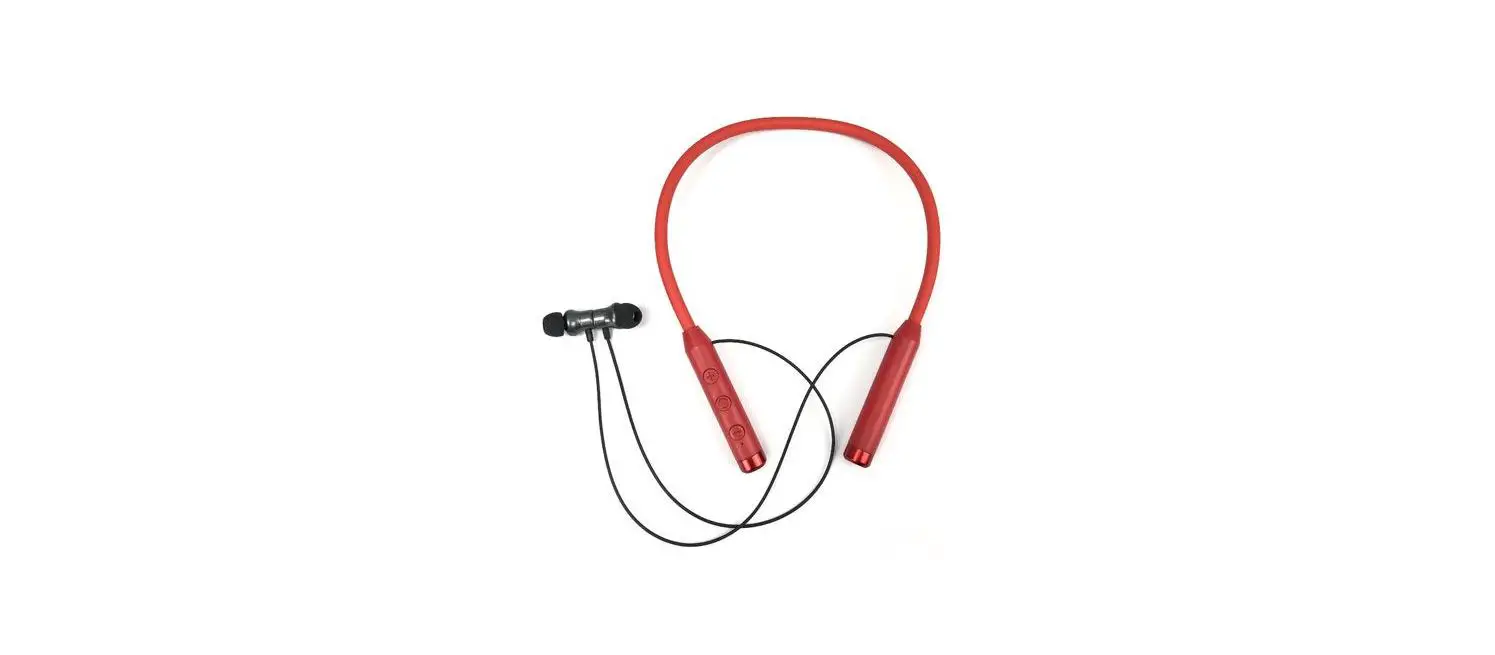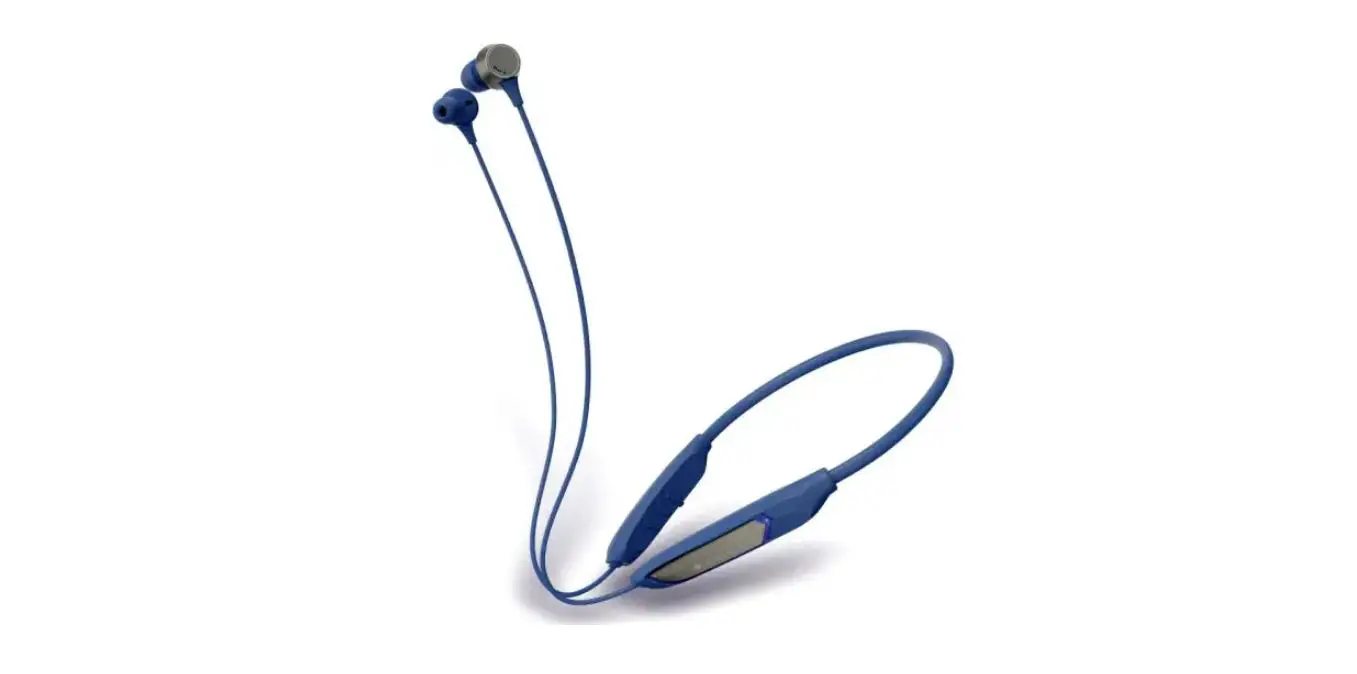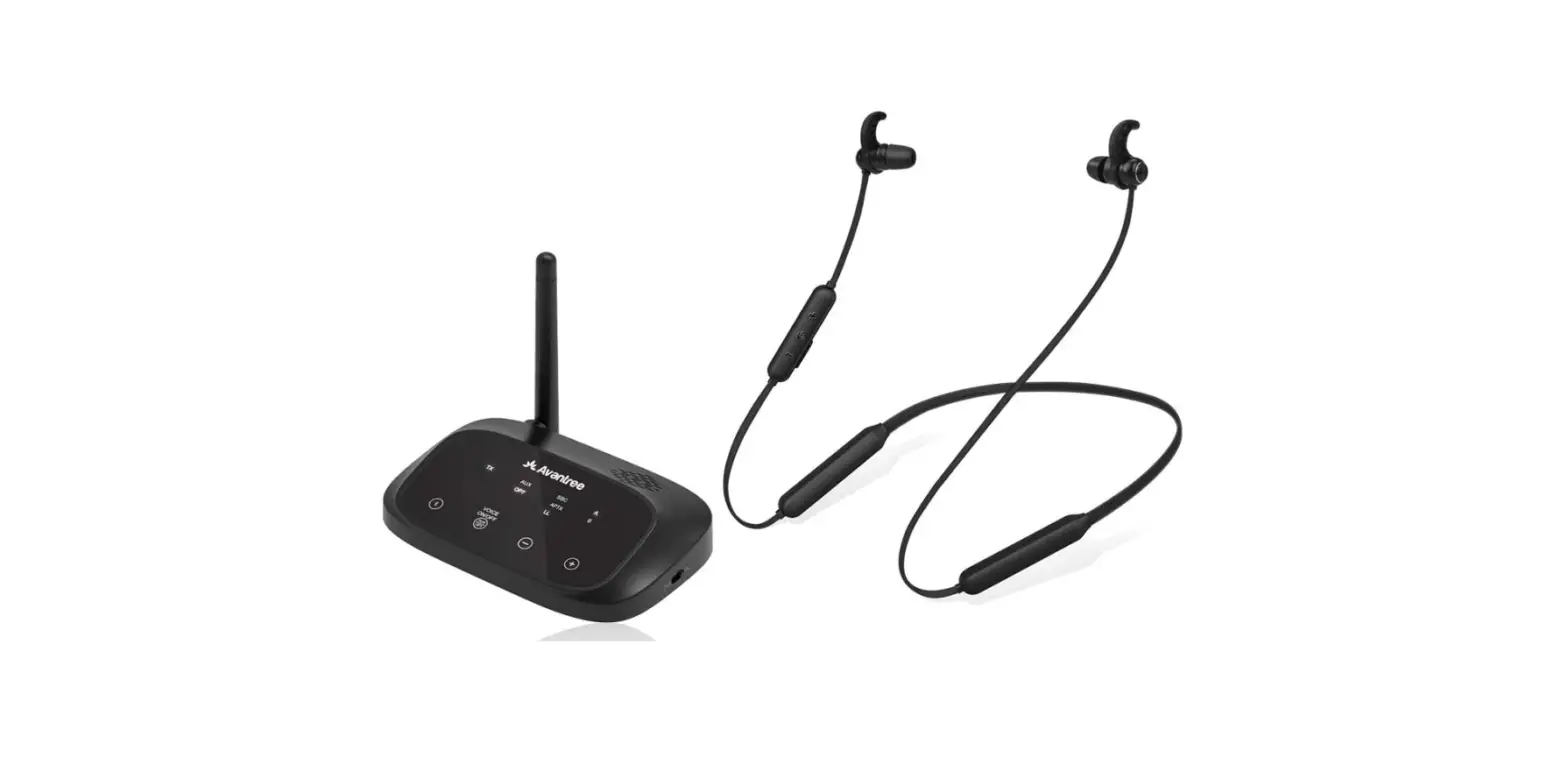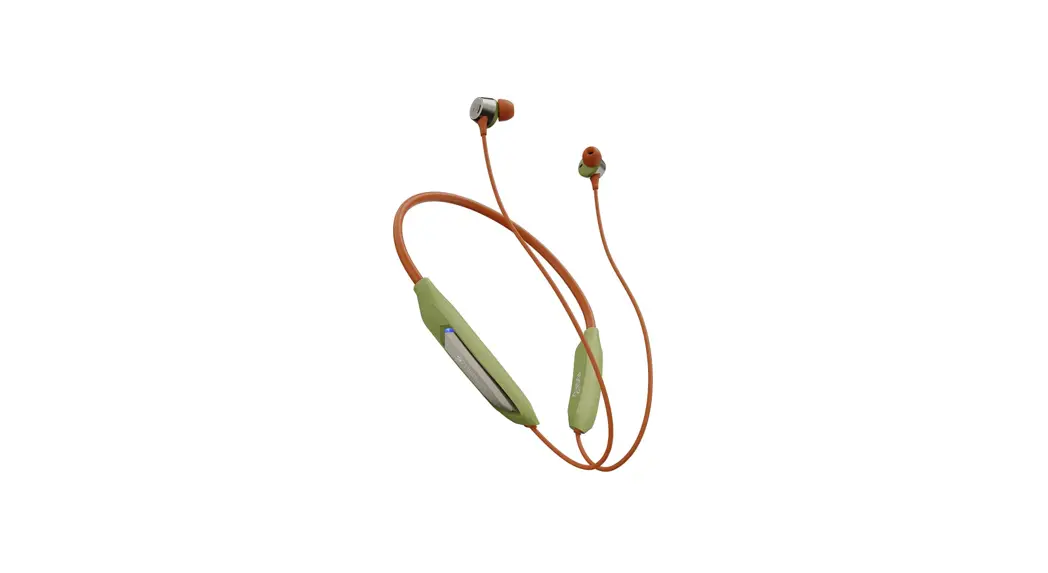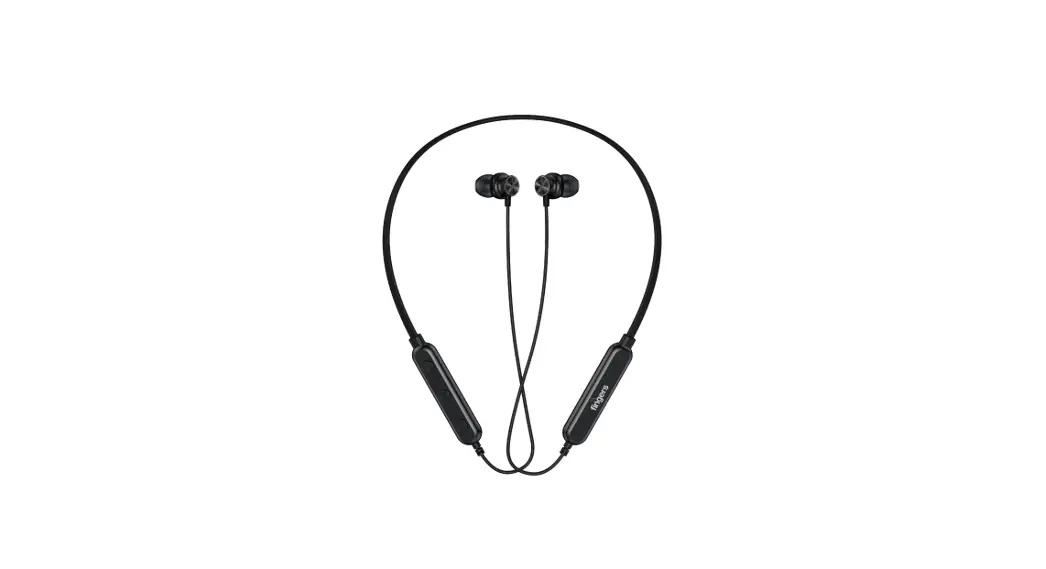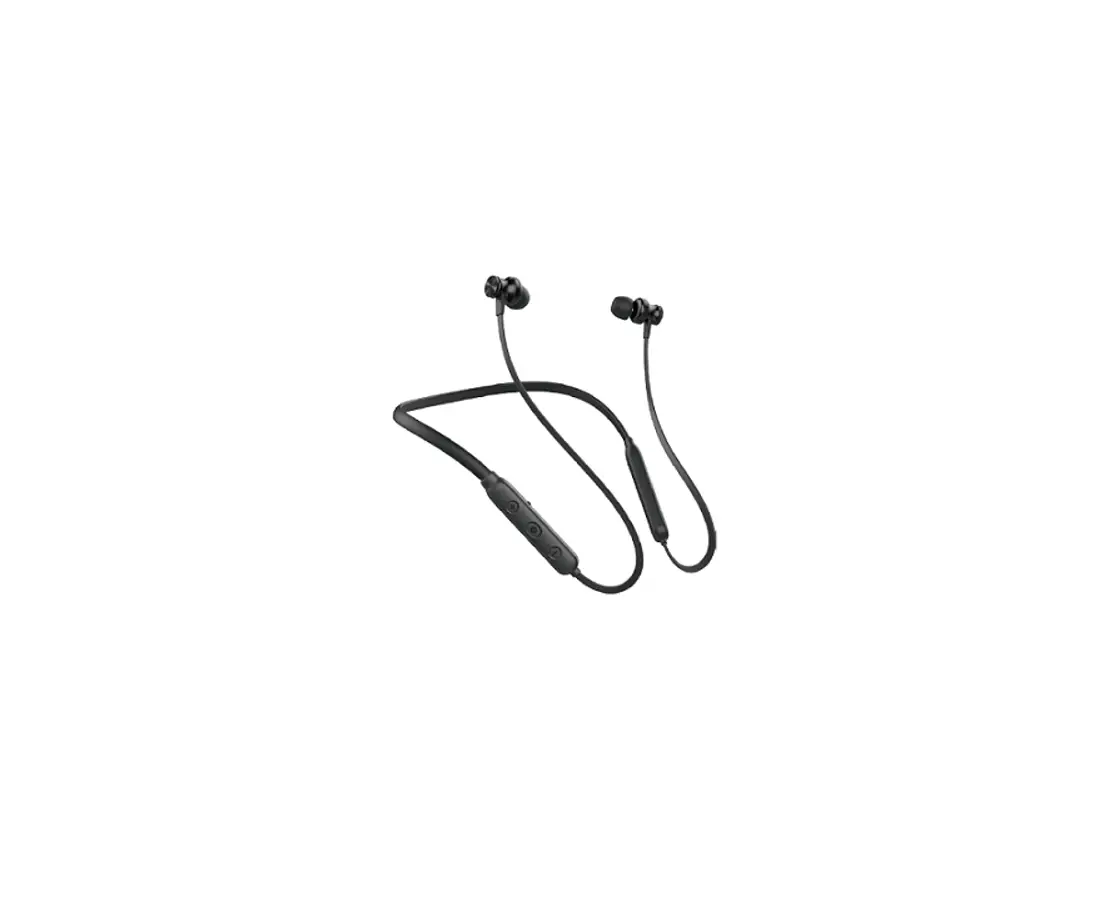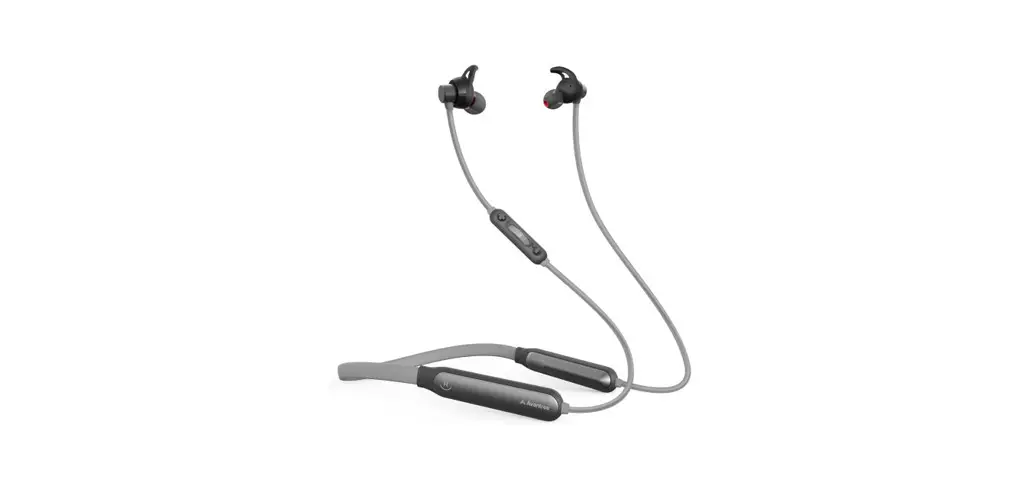

NB18 Wireless Neckband Earphones
User Guide
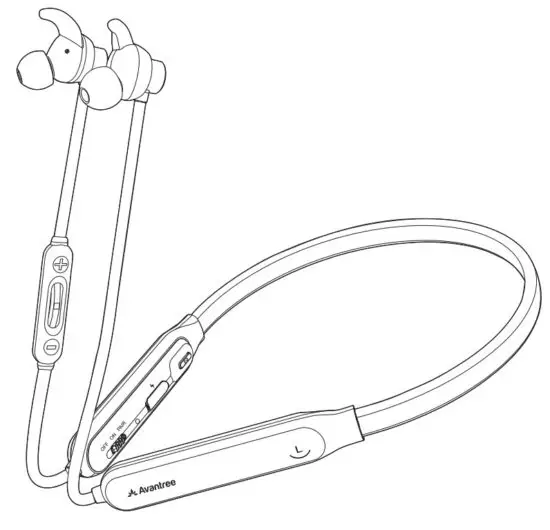
Please visit
https://avantree.com/product-support/nb18
for detailed step-by-step setup guide
https://avantree.com/product-support/nb18
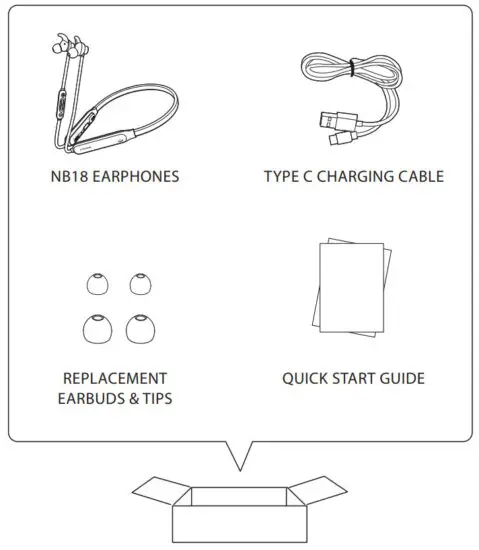
Box Content
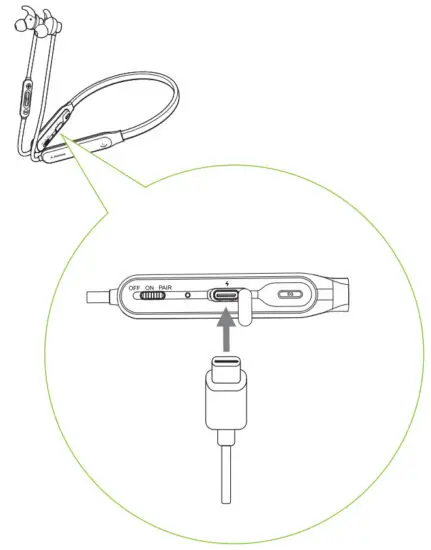
Charging
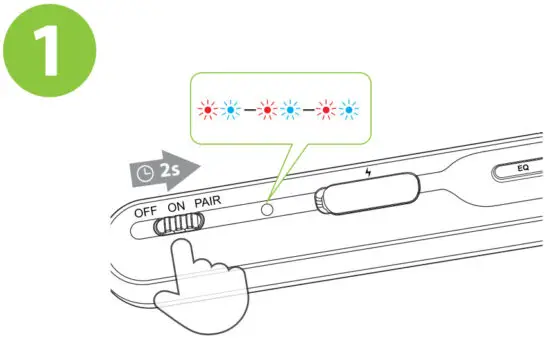
Slide the power switch to the “PAIR” position and hold It there until Status Indicator starts flashing BLUE & RED. You’ll hear “Pairing” in the earphones.
(Note: For first-time use, it will enter pairing mode automatically after power on.)
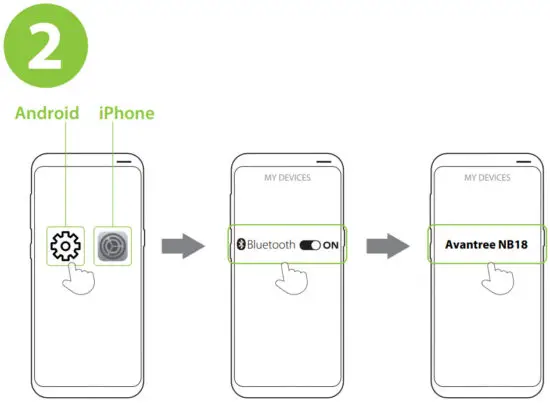
In your device’s Bluetooth menu, search & select “Avantree NB18” to connect.
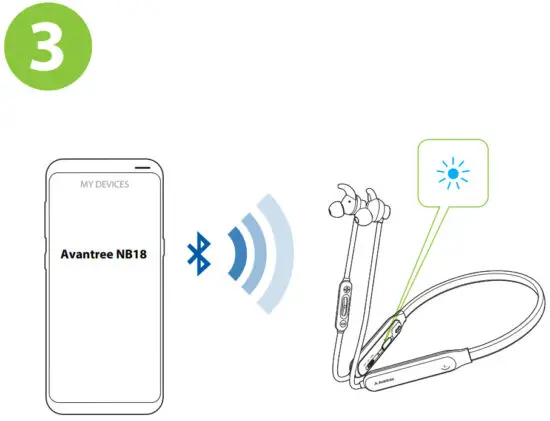
Once connected, the earphone LED will be solid blue. You’ll hear “Connected” in the earphones.
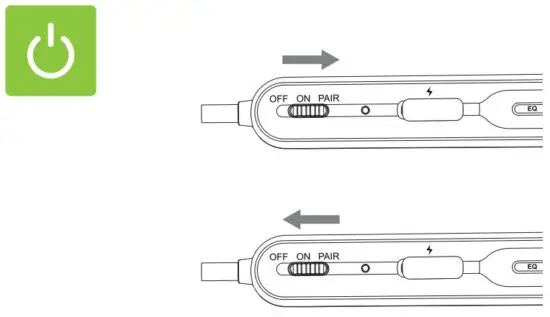
To power ON/OFF, slide the switch to the “ON”/”OFF” position.
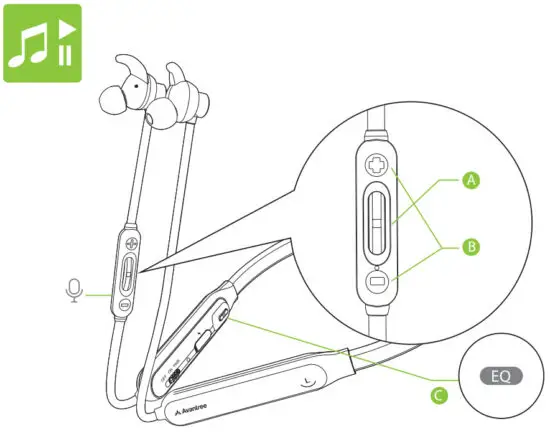
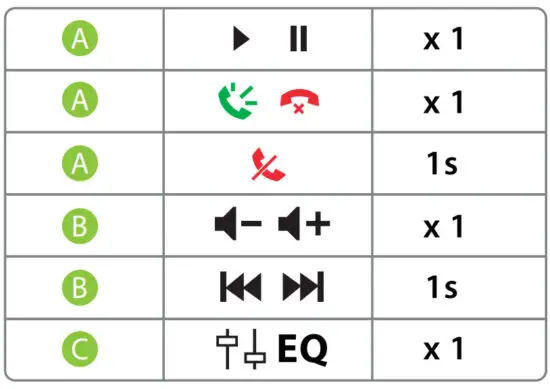
Online Support
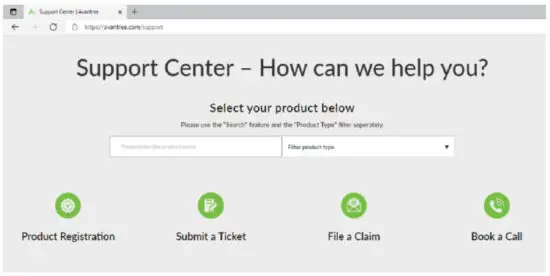
Troubleshooting & FAQ
- How to connect to 2nd device?
- Lip-Sync / Audio Lag when watching TV
- How to factory reset/clear the paring history of NB18?
- NB18 Function Table & LED indicators
……More FAQs and User tips are available online.
Contact Us
 avantree.com/submit-a-ticket
 [email protected]
 USA / Canada: +1800 232 2078
(US Toll-Free, 9 am-6 pm PST, Mon-Fri )
UK: +44 20 8068 2023
(9am-6pm, GMT, Mon-Sat)
 Register for your extended 24 Months warranty at avantree.com/product-registration
Products & Accessories
| Avantree Medley 6018 | 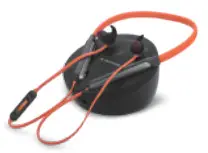 |
| Avantree DG80 | 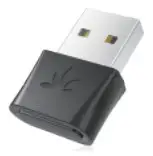 |
| Avantree Audikast Plus | 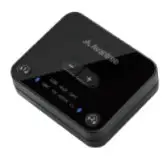 |
| A | 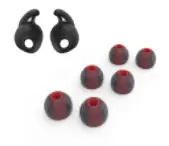 |
| Avantree 910 | 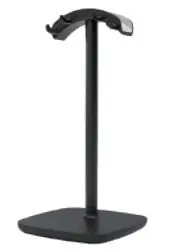 |
| Avantree Type C Charging Cable | 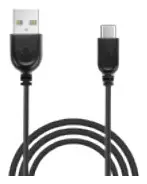 |
| Avantree 5V/1A USB charger | 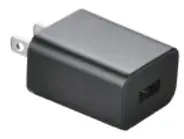 |
Note: Contact us at [email protected] for a FREE USB wall charger (for US / UK / EU) if you need one.