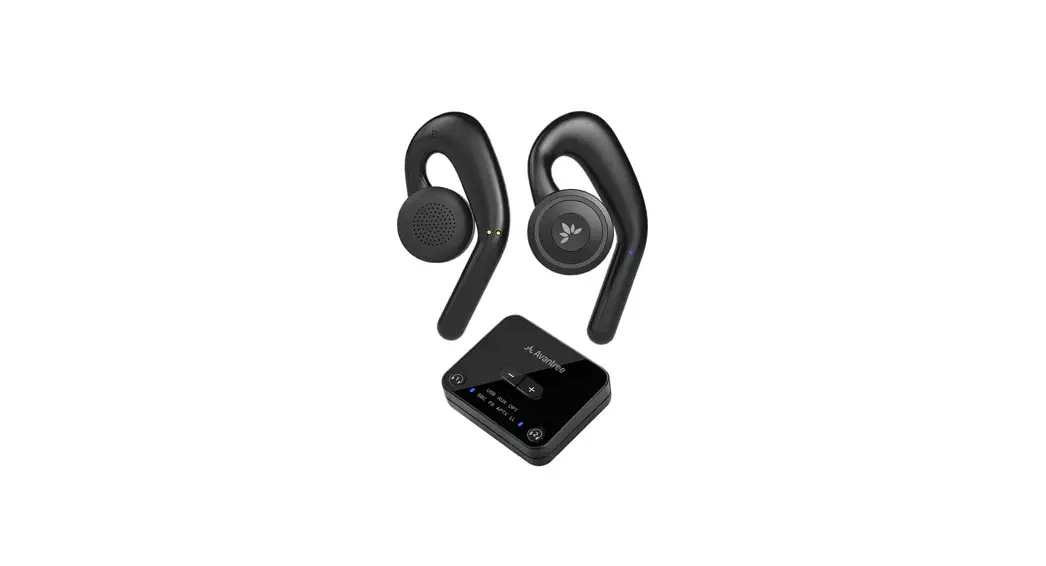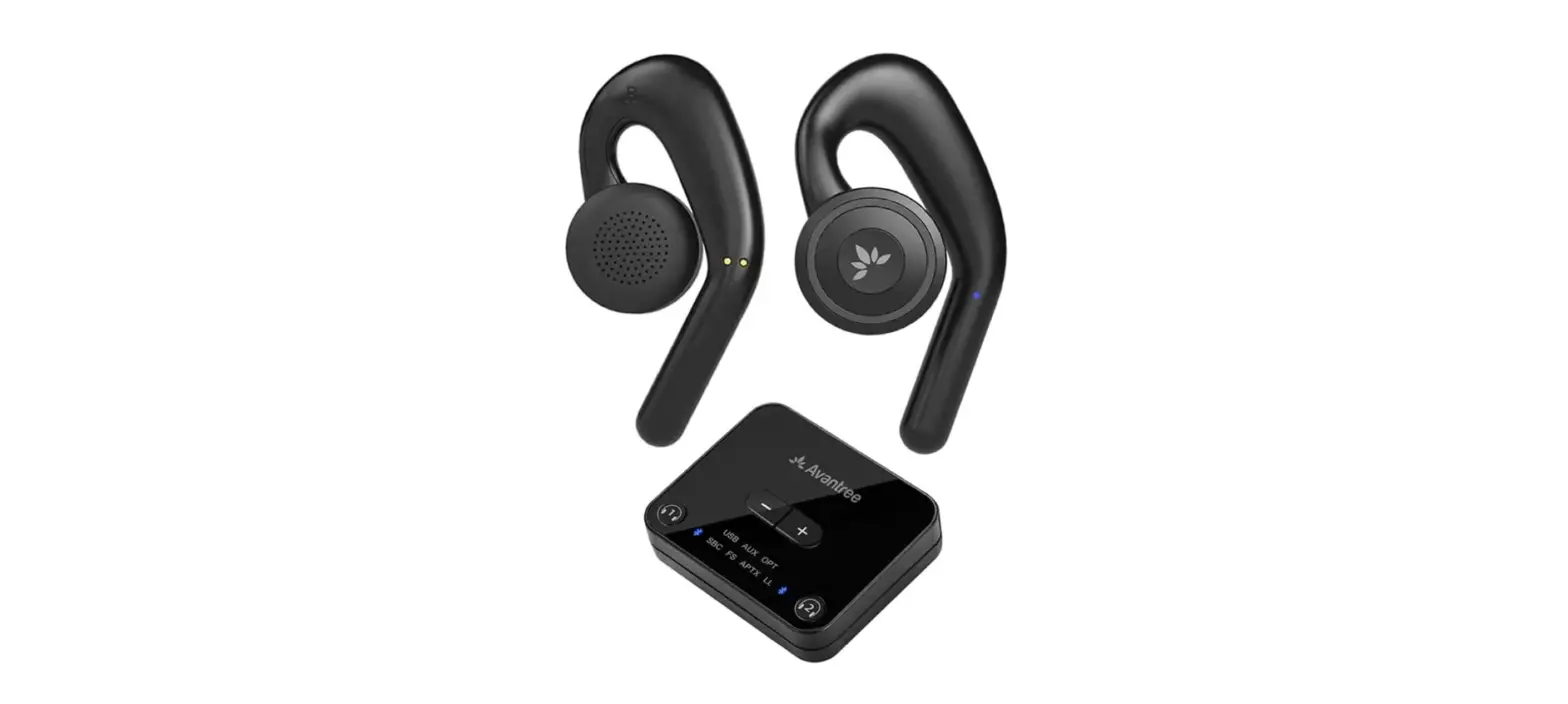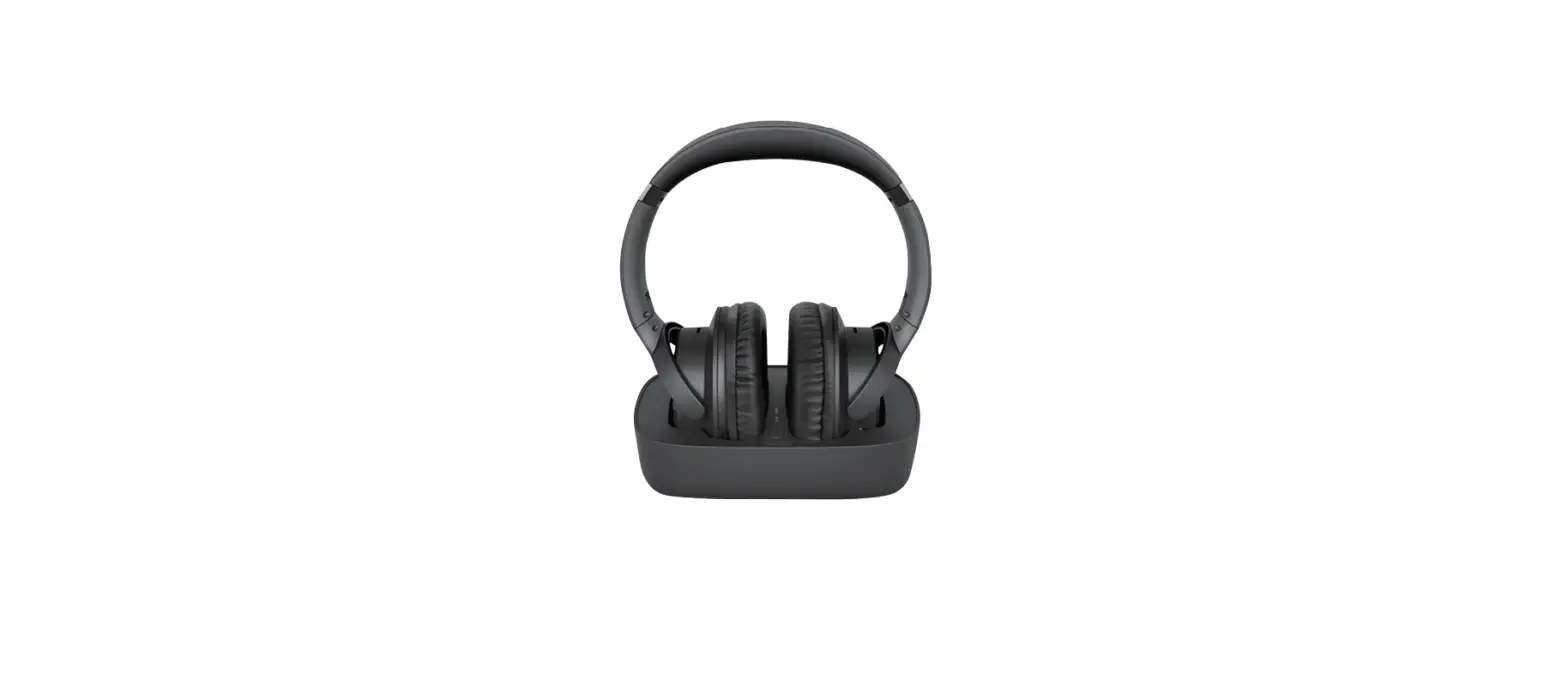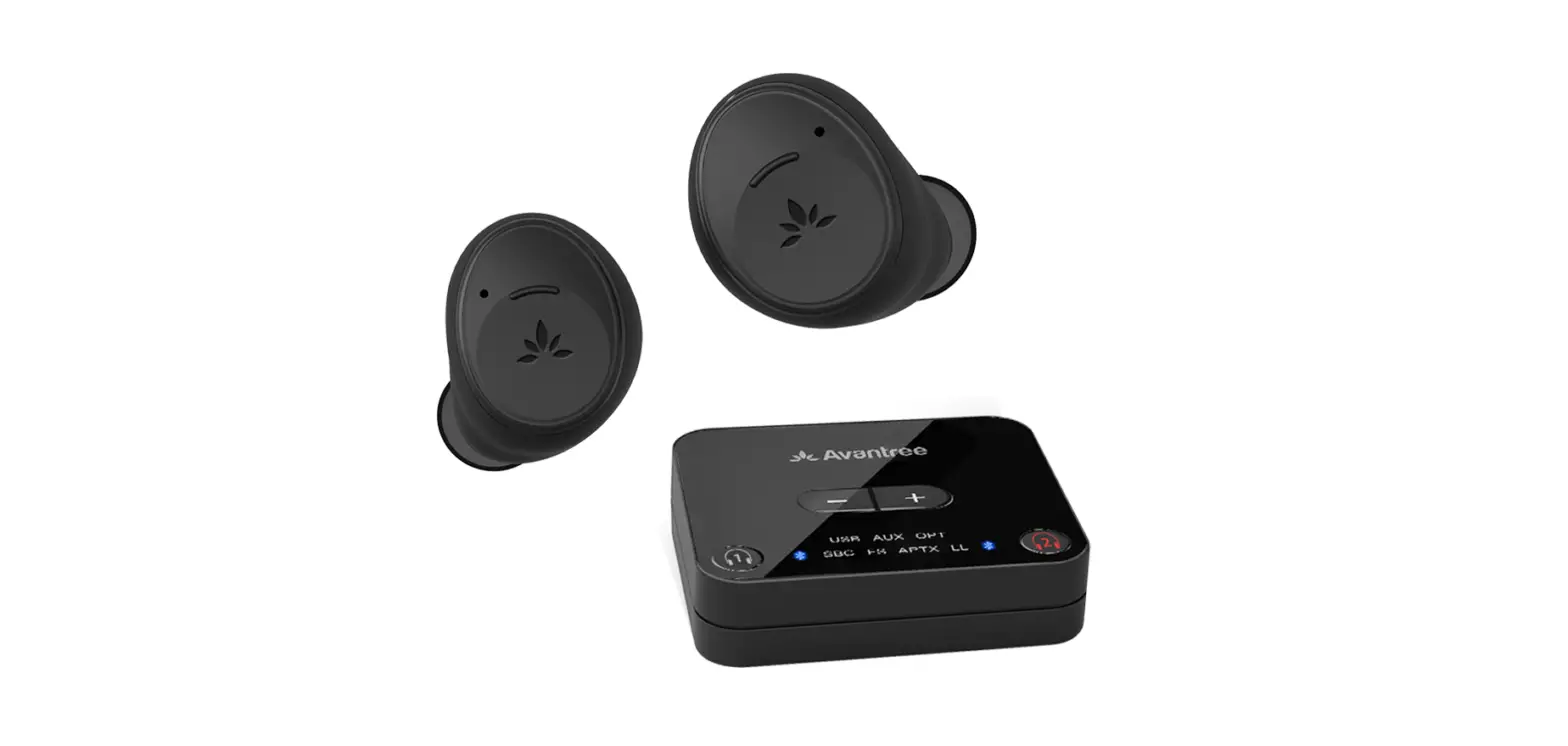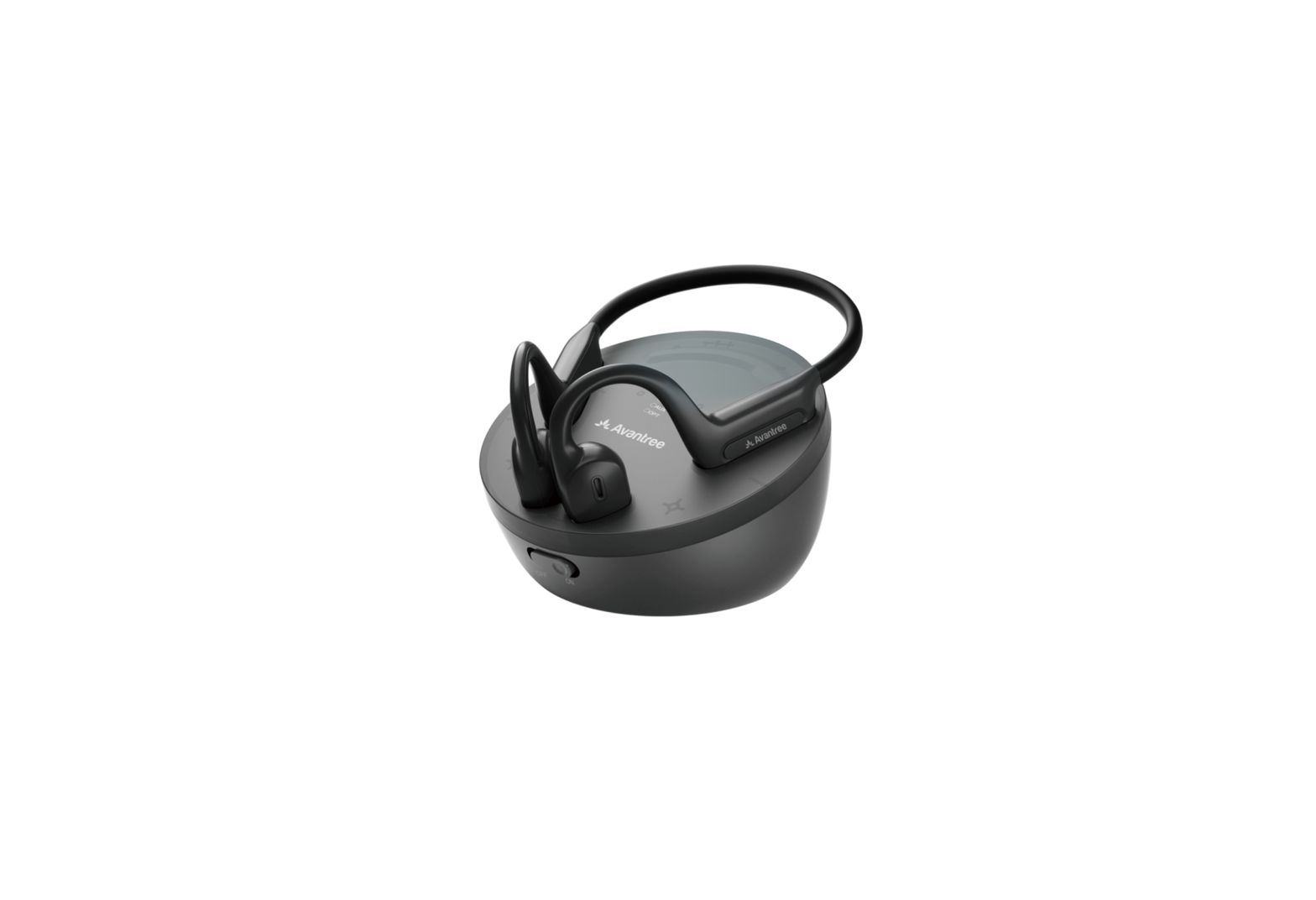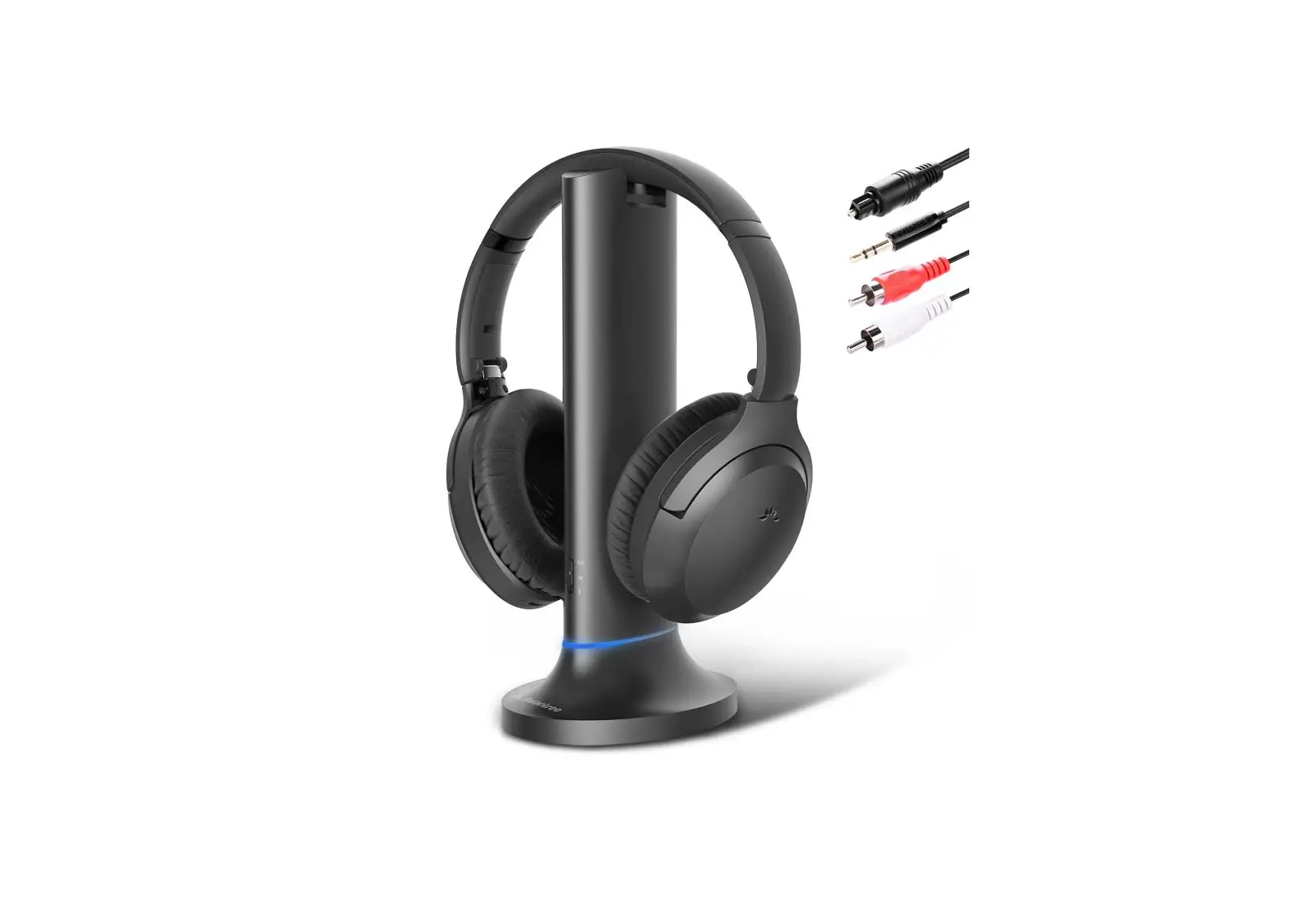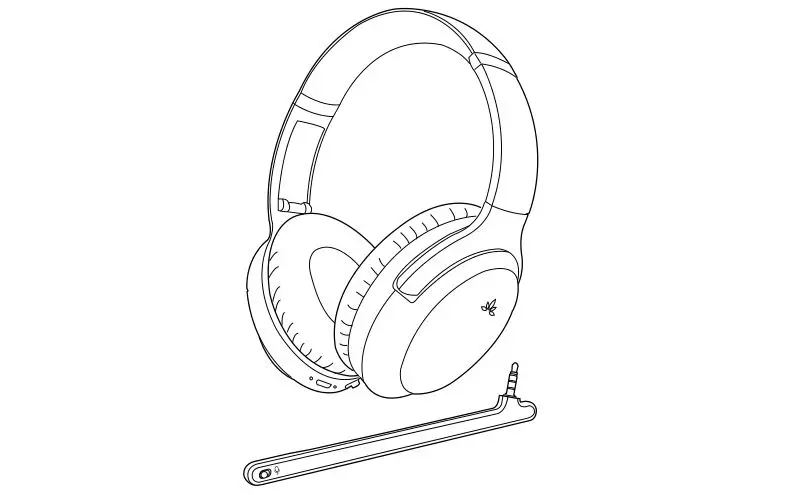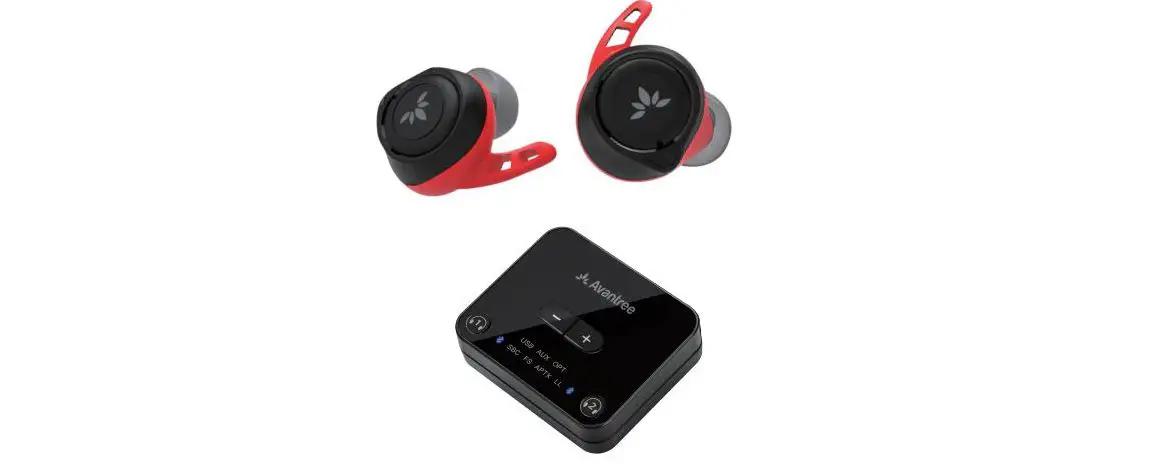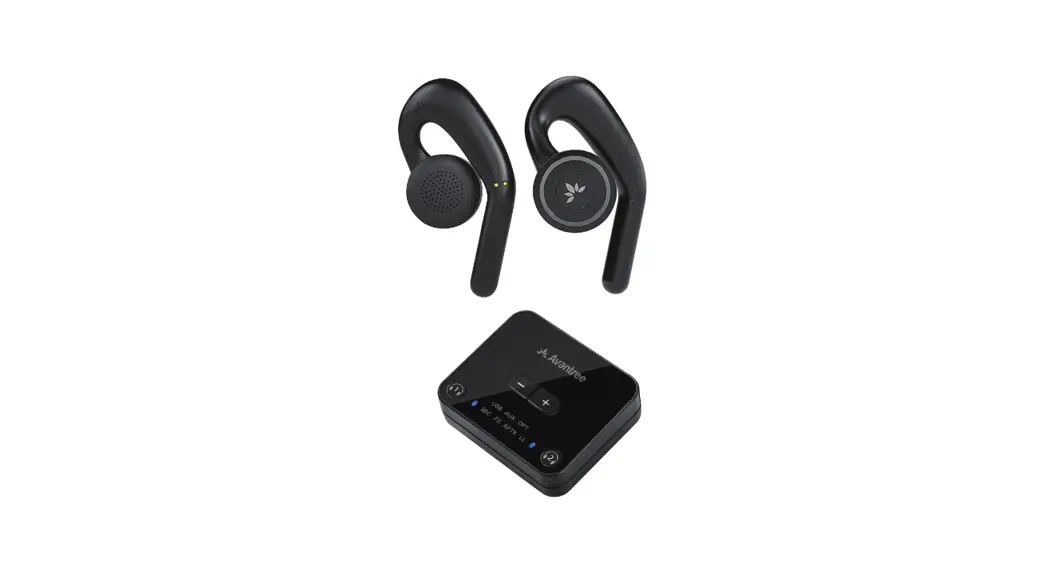
 BTHT-4116 Open-Ear Wireless Headphones
User Guide
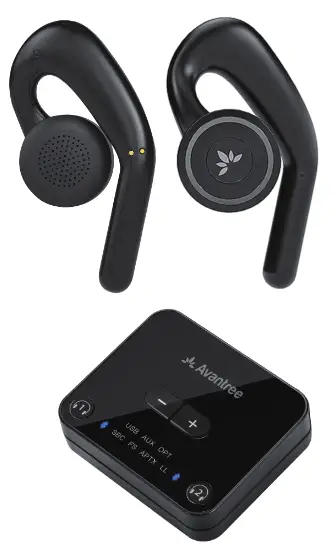
Contents
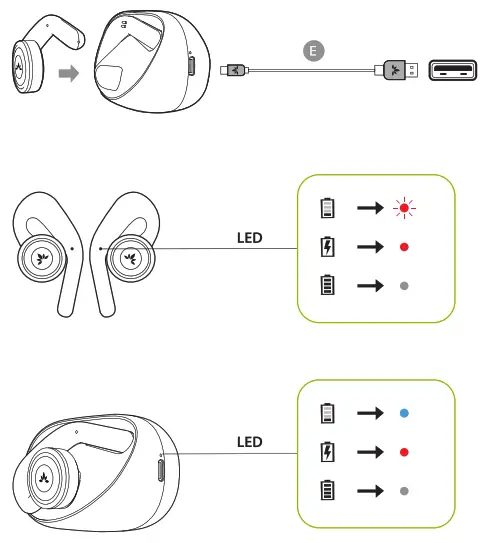
Charging
Input DC 5V/ 0.5A -2A
Overview
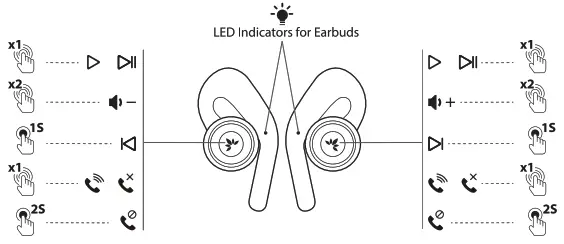
Double click and hold to power off without charging dock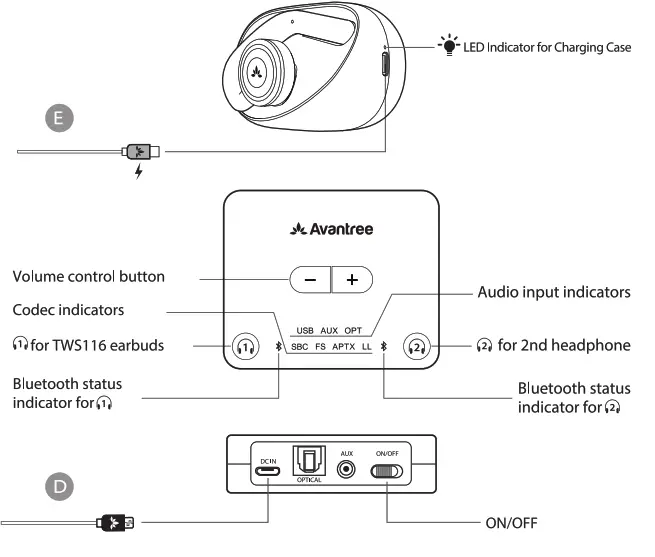
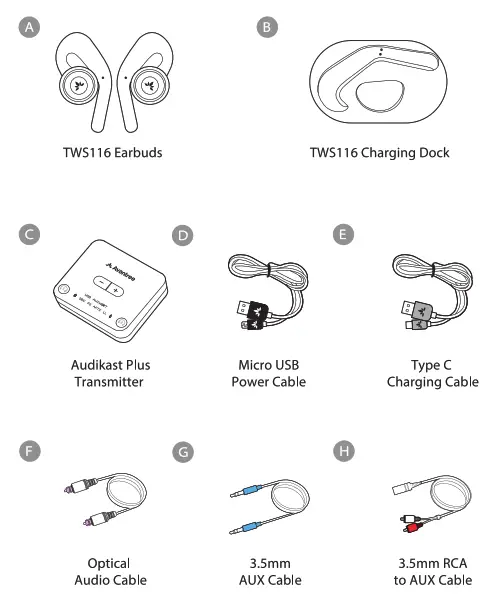
Accessories
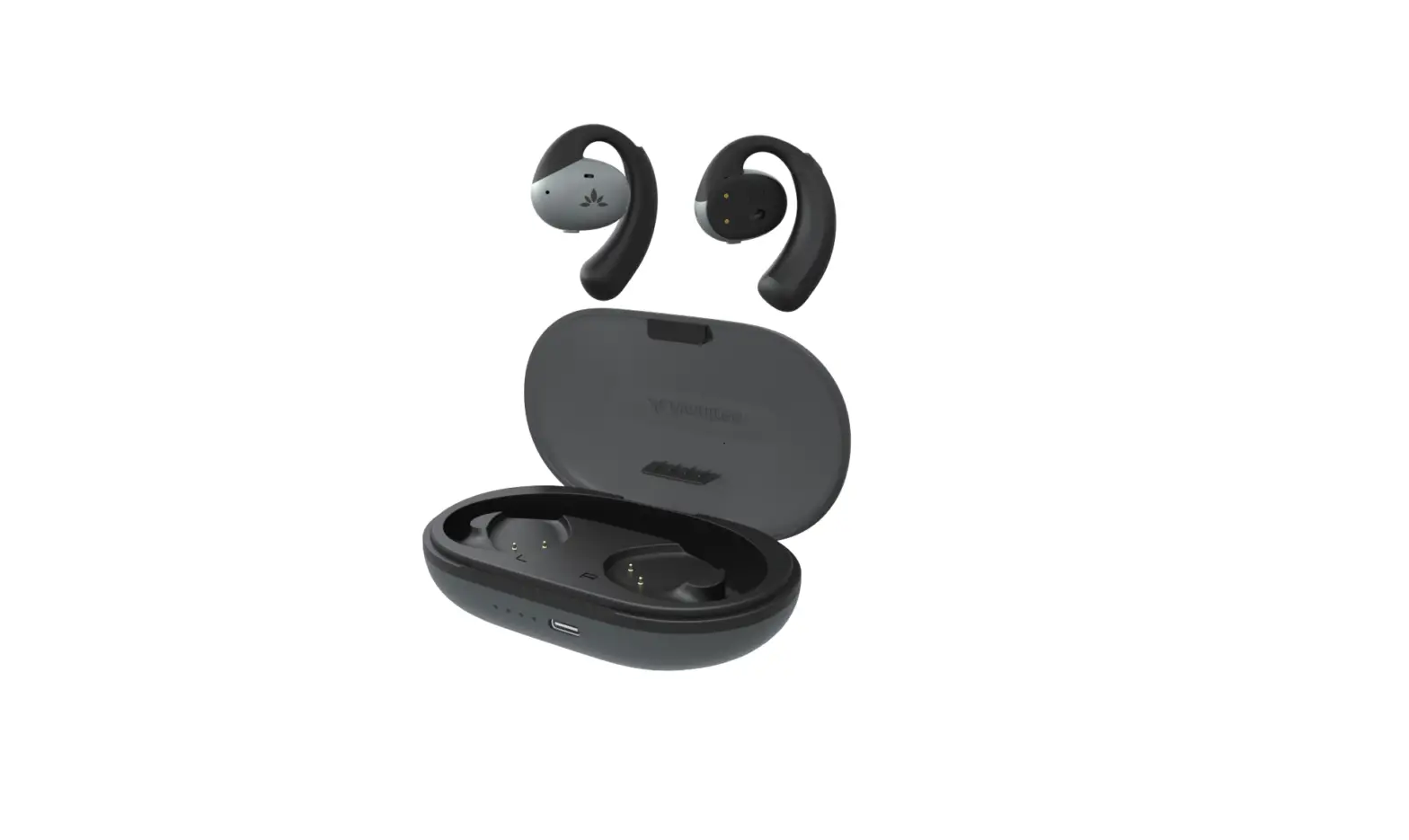
TA/S116 Charging Dock
Earbuds charging dock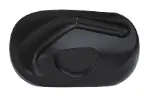 TWS1 16 Right/Left Earbud
Separate right/left earbud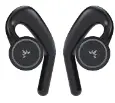 Micro USB Cable
Micro USB power cable for transmitter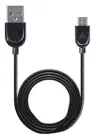 Type C Cable
Type C sync & charge cable
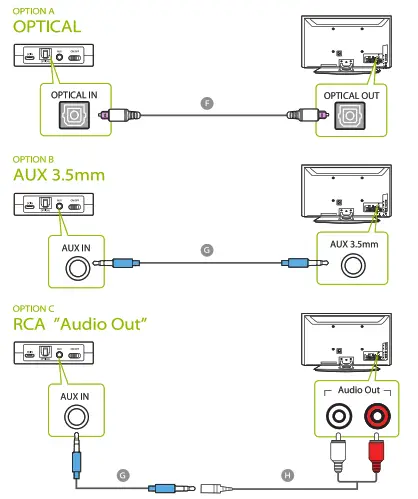
TV Connection
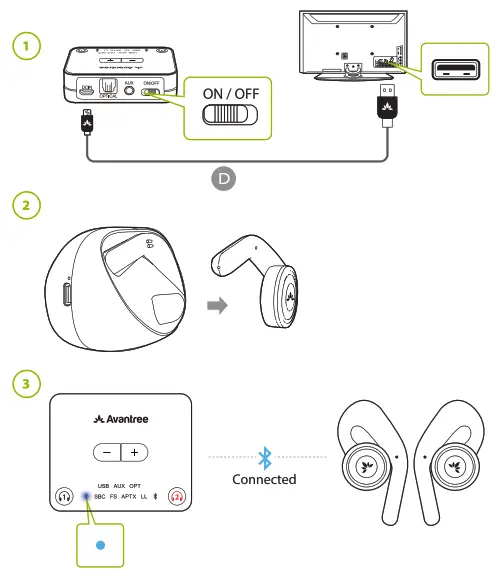
Headphones Connection
TV Set Up
REMOTE CONTROL
Go to SETTINGS > AUDIO Select Optical Out / External Speaker REMOTE CONTROL
Go to SETTINGS > AUDIO Put ON PCM/STEREO Put OFF DolbyAUDIO SETTING GUIDE
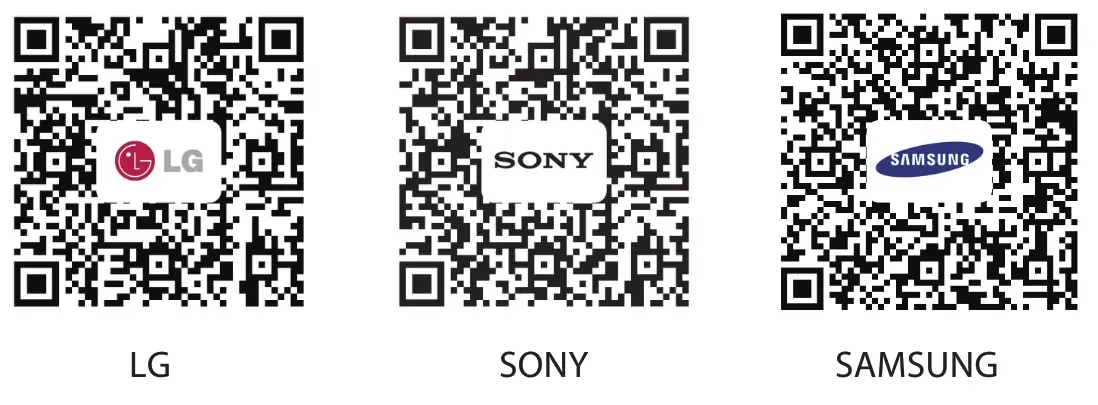 | ||
| https://avantree.com/product-support/BTHT-4116#general-lg-tv | https://avantree.com/product-support/BTHT-4116#general-sony-tv | https://avantree.com/product-support/BTHT-4116#general-samsung-tv |
Online Support
Troubleshooting & FAQ
- No sound? Not working?
- How to use the earbuds with my cell phone?
 Need further assistance?
Visit avantree.com/support/candid
Use with Phone
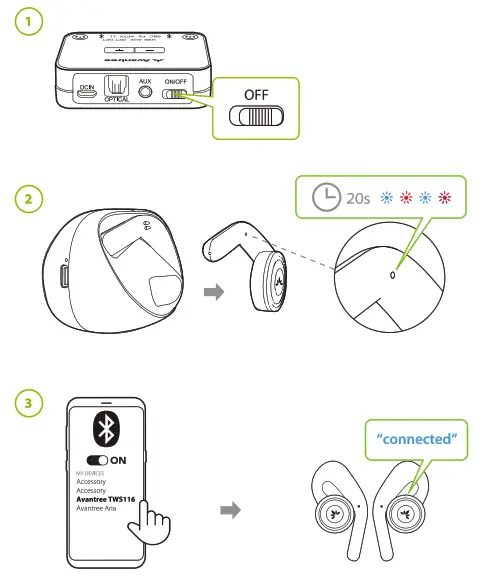
First, turn OFF the transmitter. Second, remove both earbuds from the charging dock and wait for about 20 seconds until you see the indicator flashing BLUE and RED indicating paring mode. Select “Avantree TWS116” on your phone.
Contact Us Support Tickets avantree.com/submit-a-ticket
 Support Email [email protected]
 USA / CA +1 800 232 2078 (9am-6pm PST, Mon-Fri )
 FAQ avantree.com/support/candid
 Product Registration avantree.com/product-registration
 Model No: BTHT-4116
Dispose of the packaging and this product in accordance with the latest provisions.
Z-PKOG-HT4116-V1
Visit avantree.com/candid/accessories to check out additional accessories