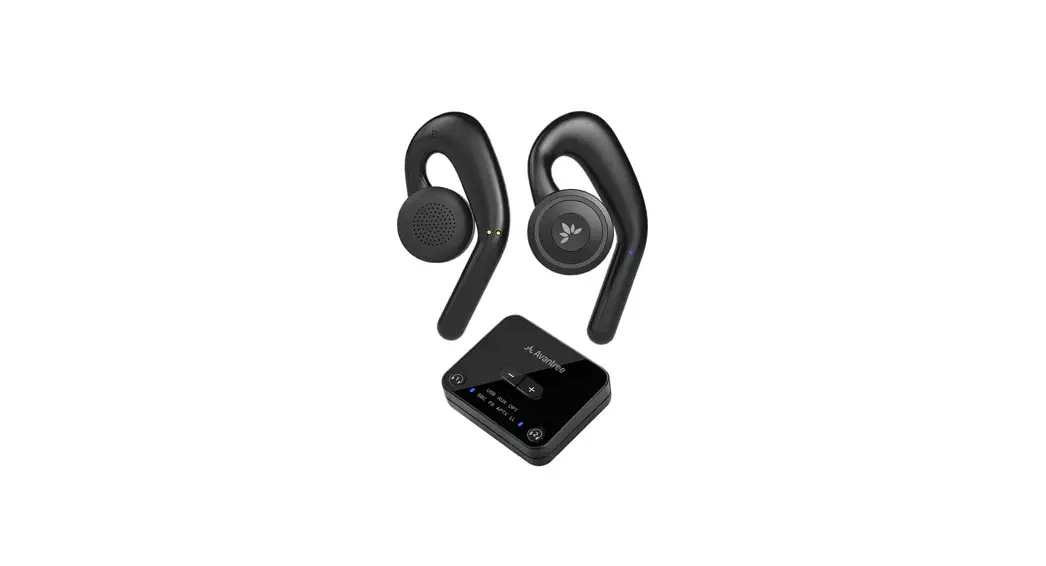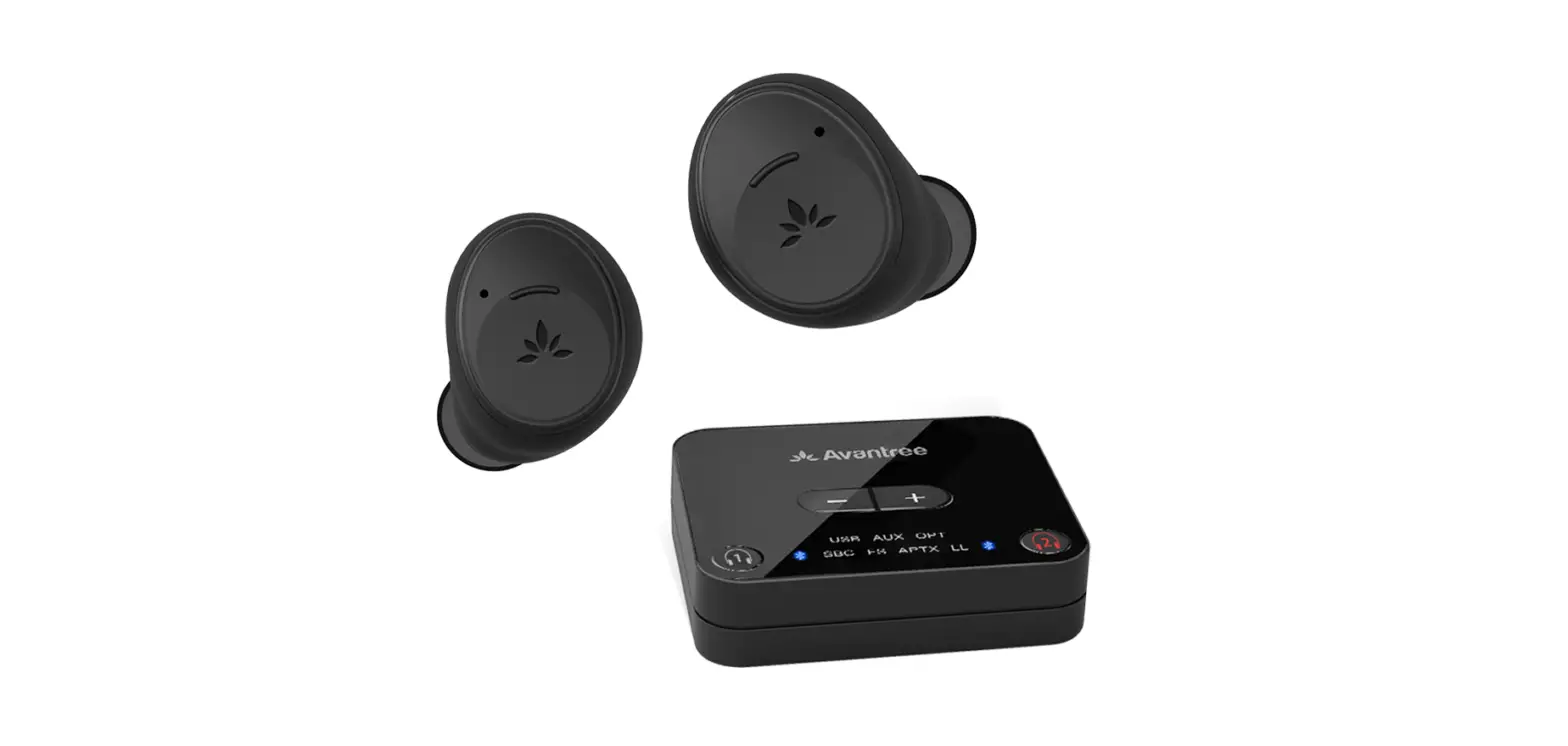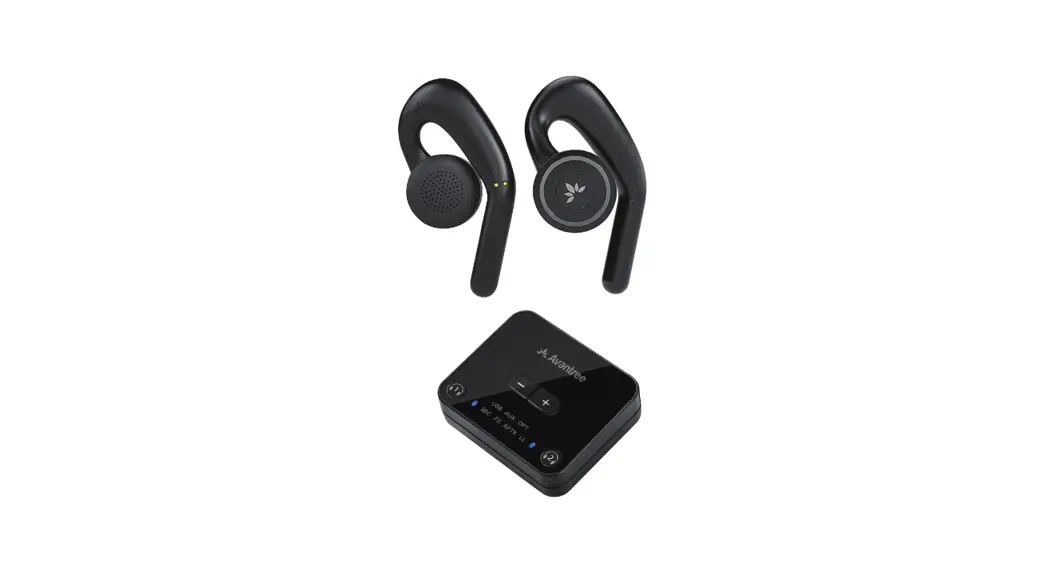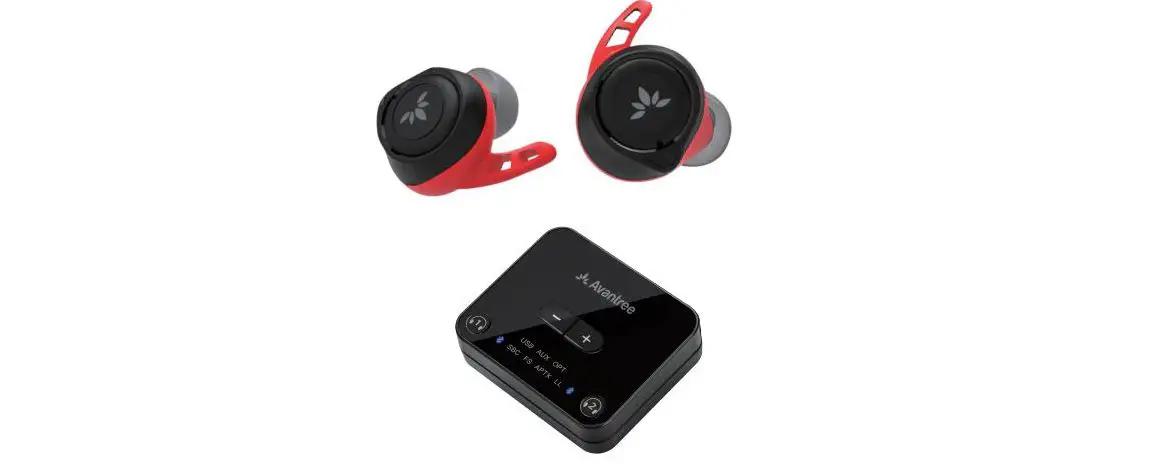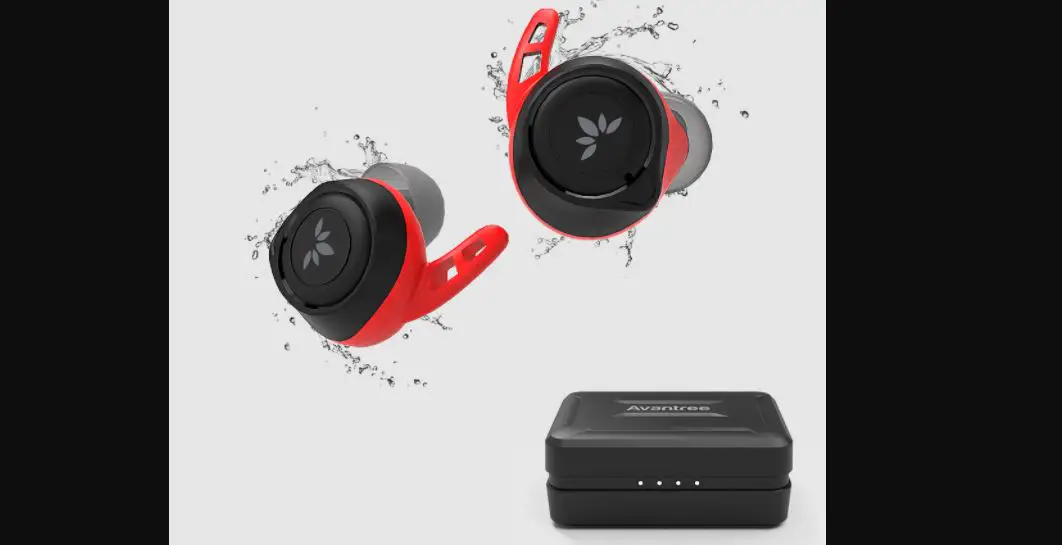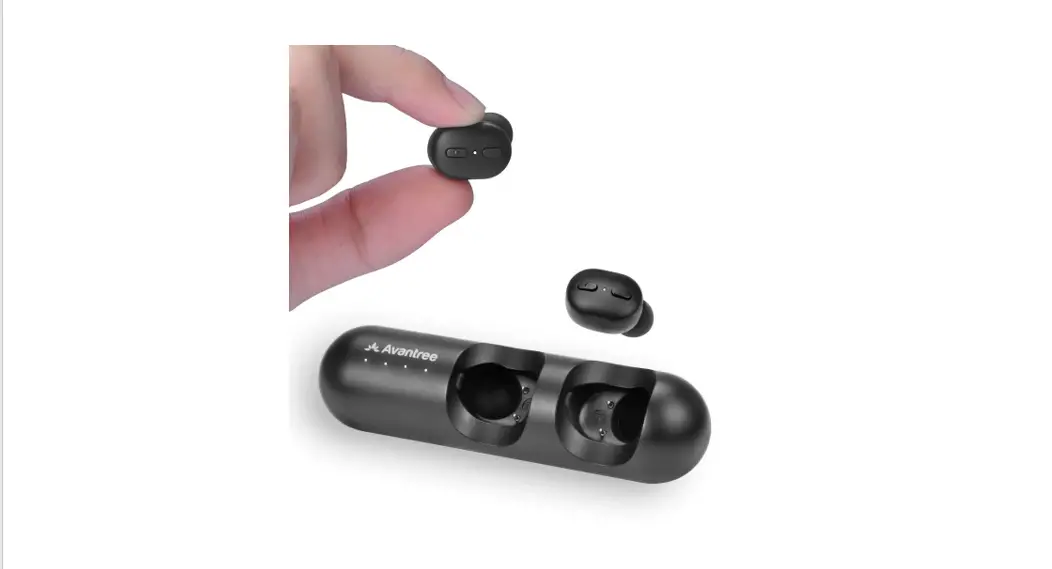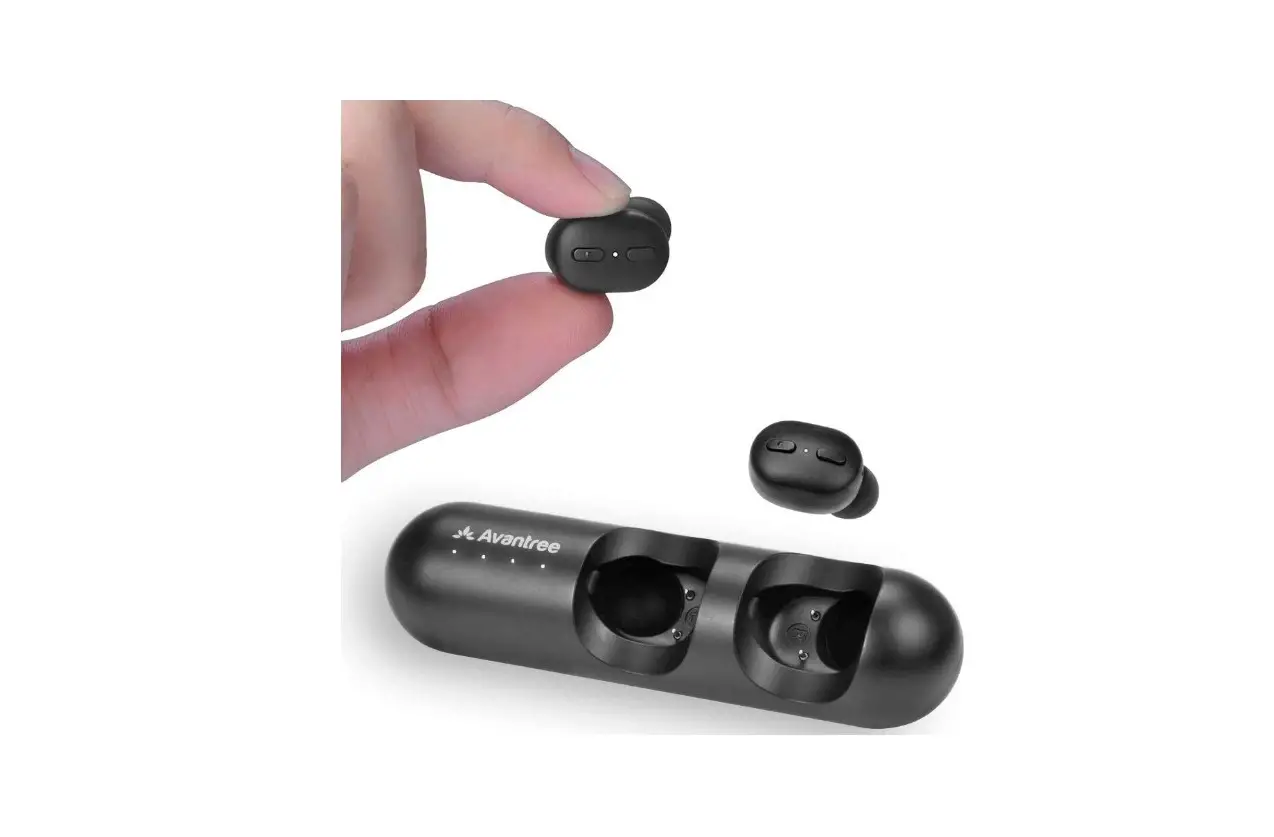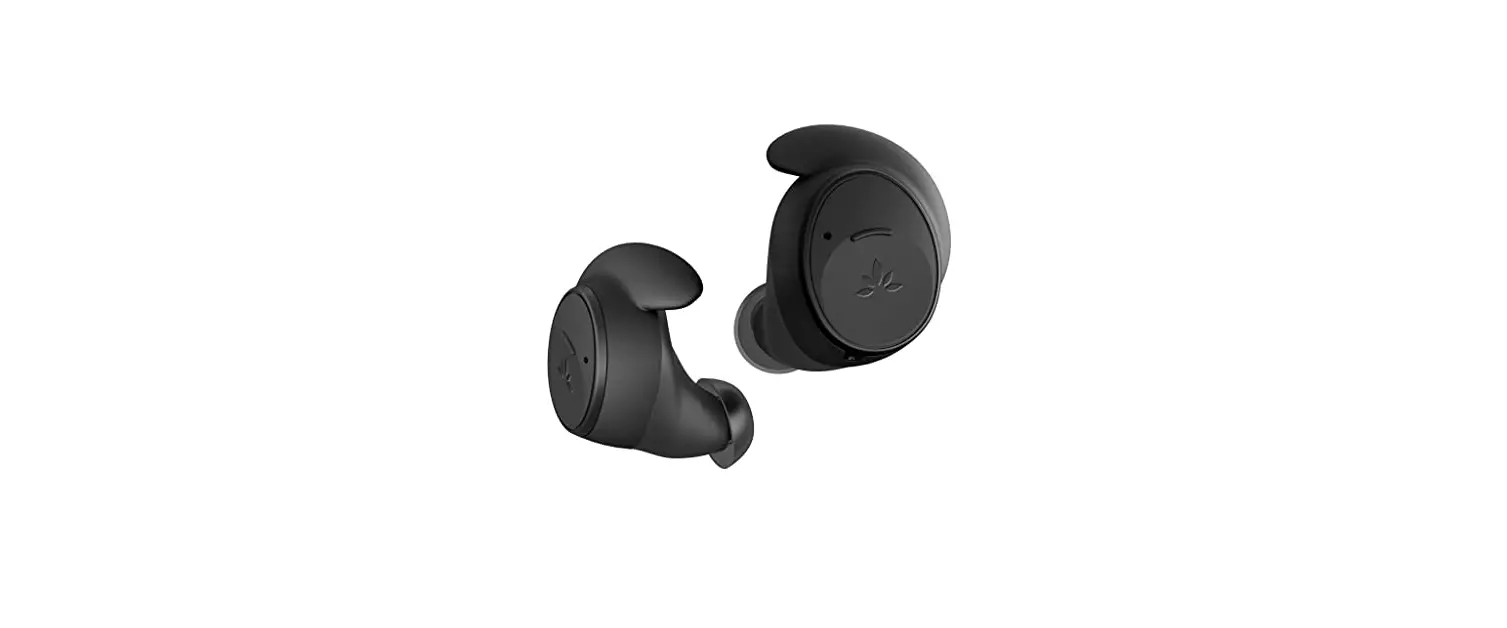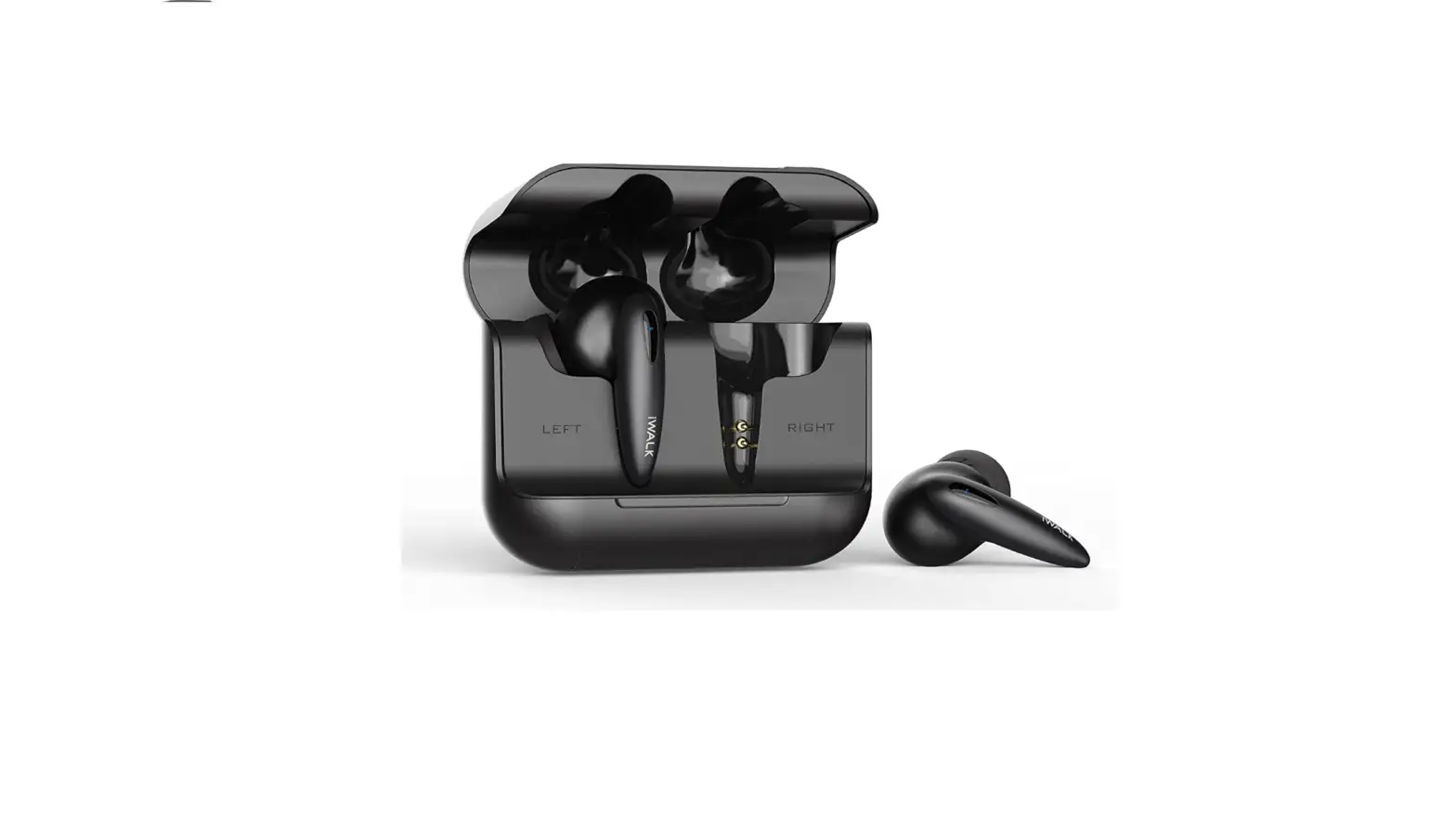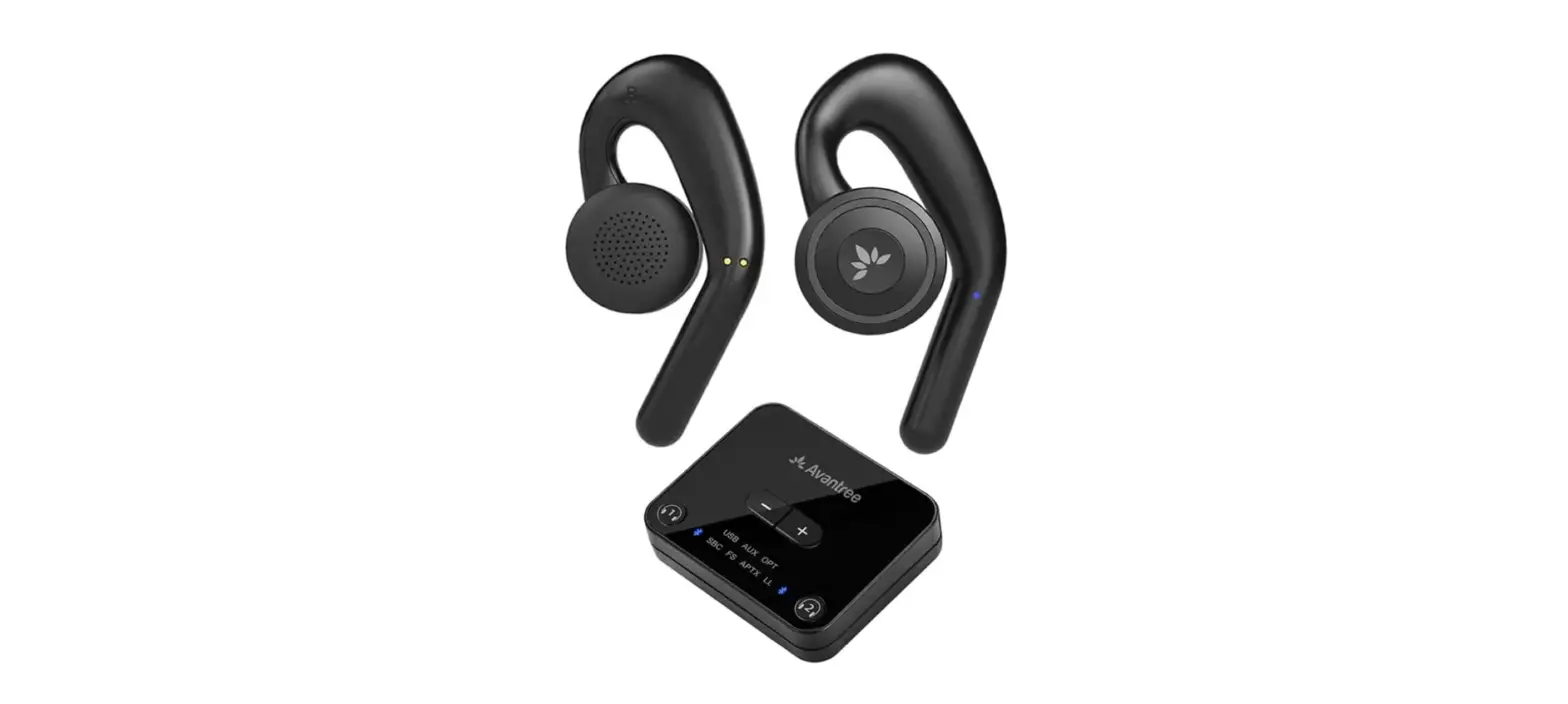
 Avantree BTHT-4116 Candid-Open-Ear Wireless Earbuds
 Avantree BTHT-4116 Candid-Open-Ear Wireless Earbuds
 Contents

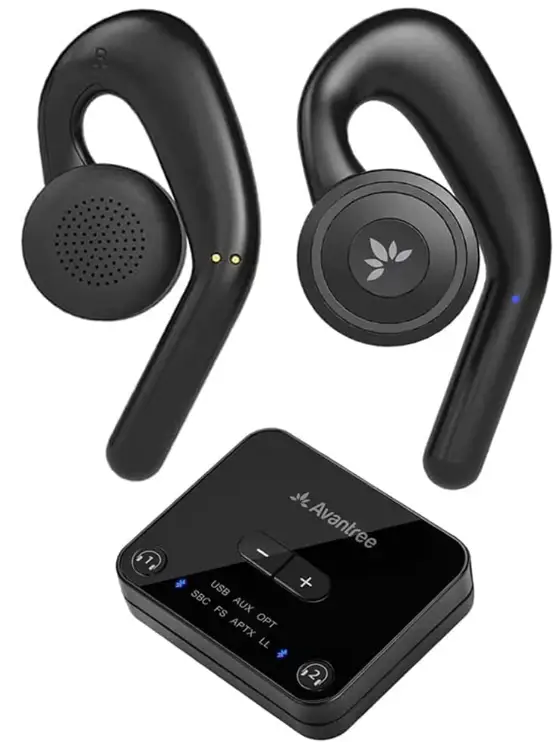 Contents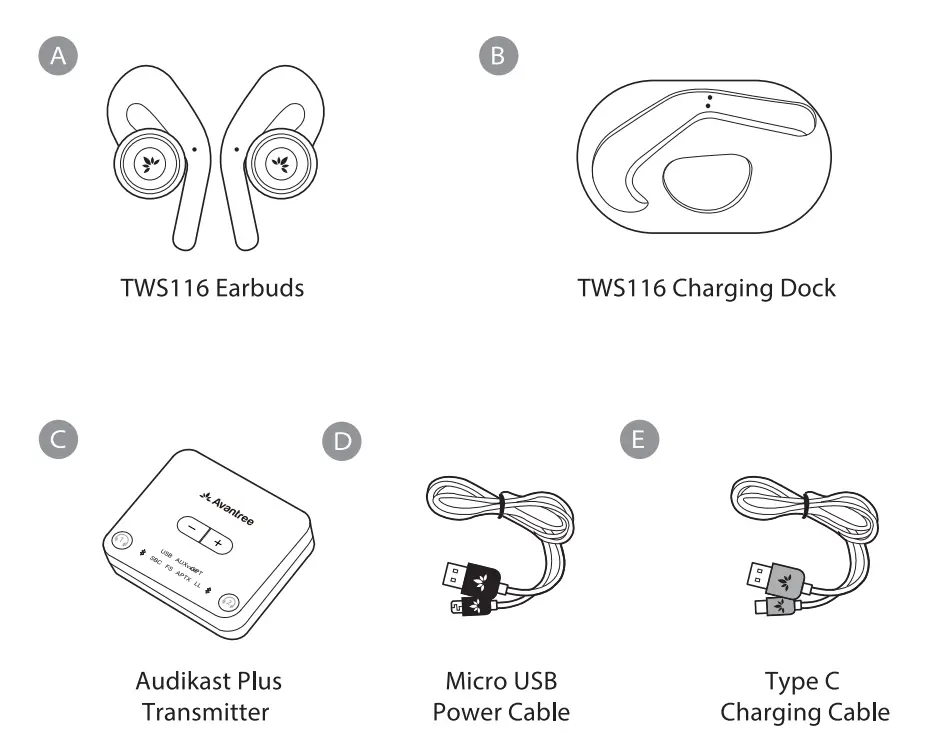
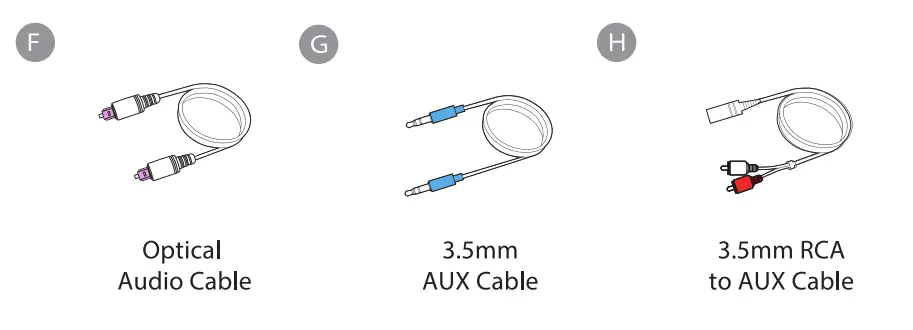
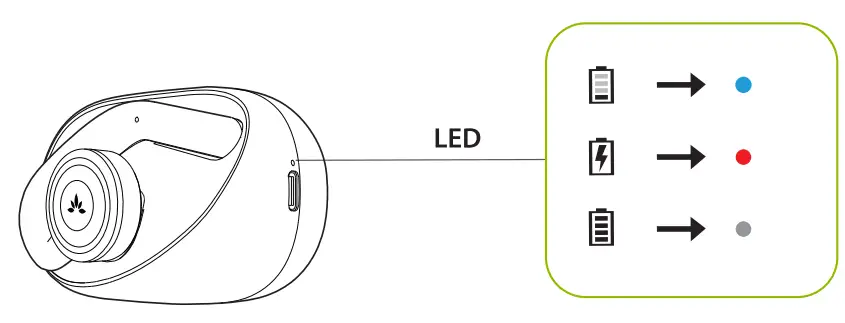
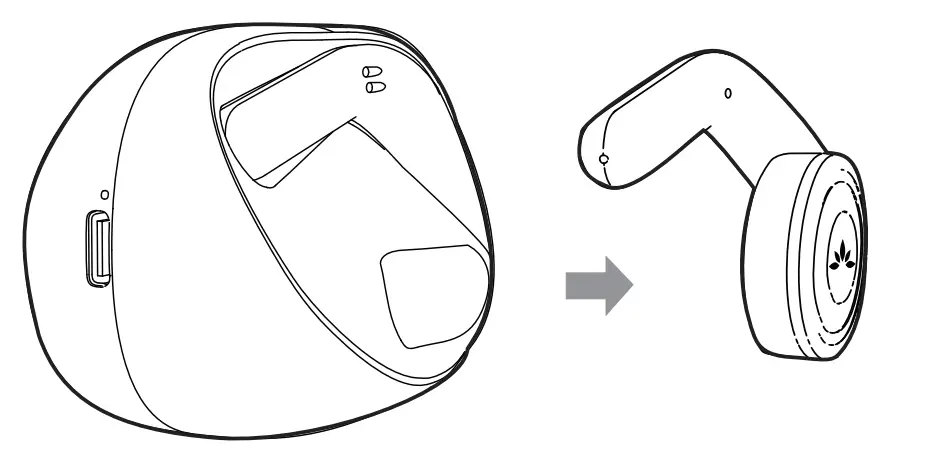
Charging

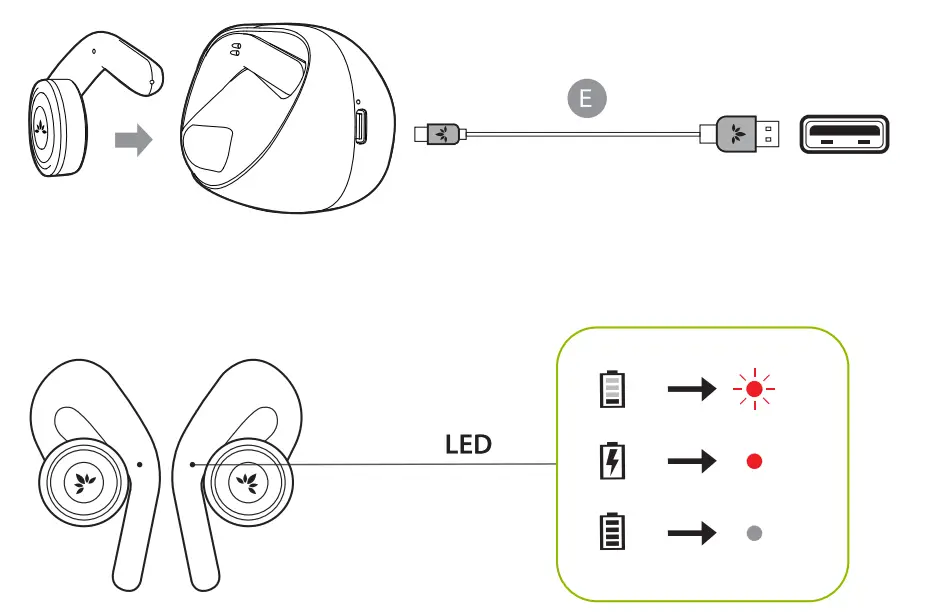
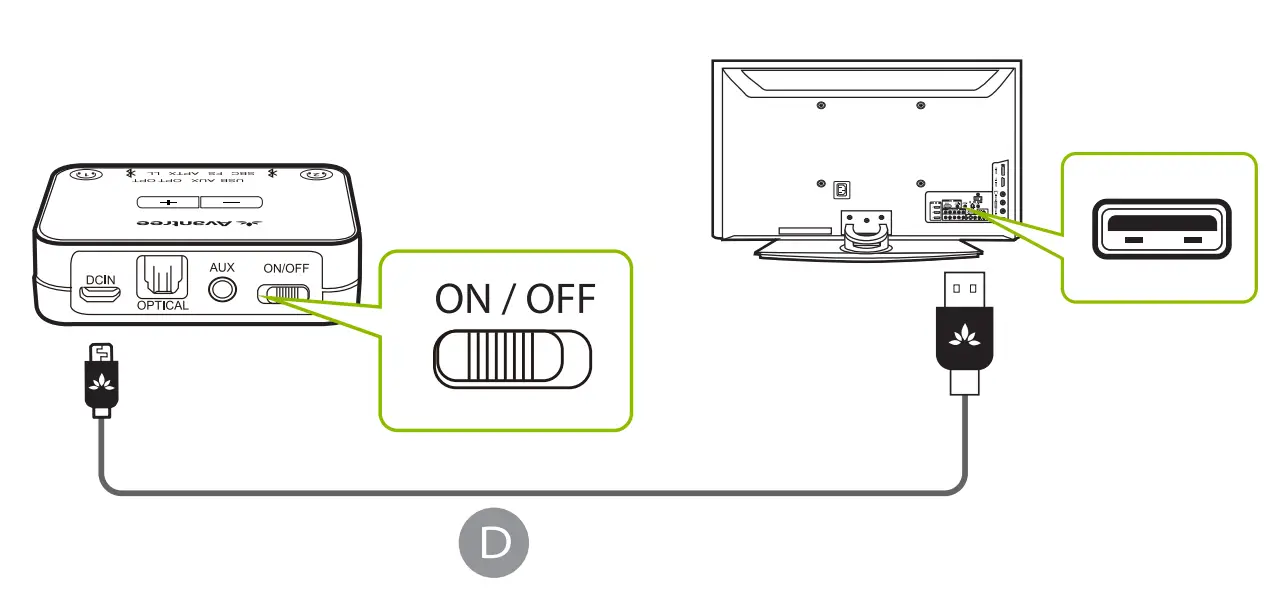
TV Connection
TV-Anschluss
OPTION A 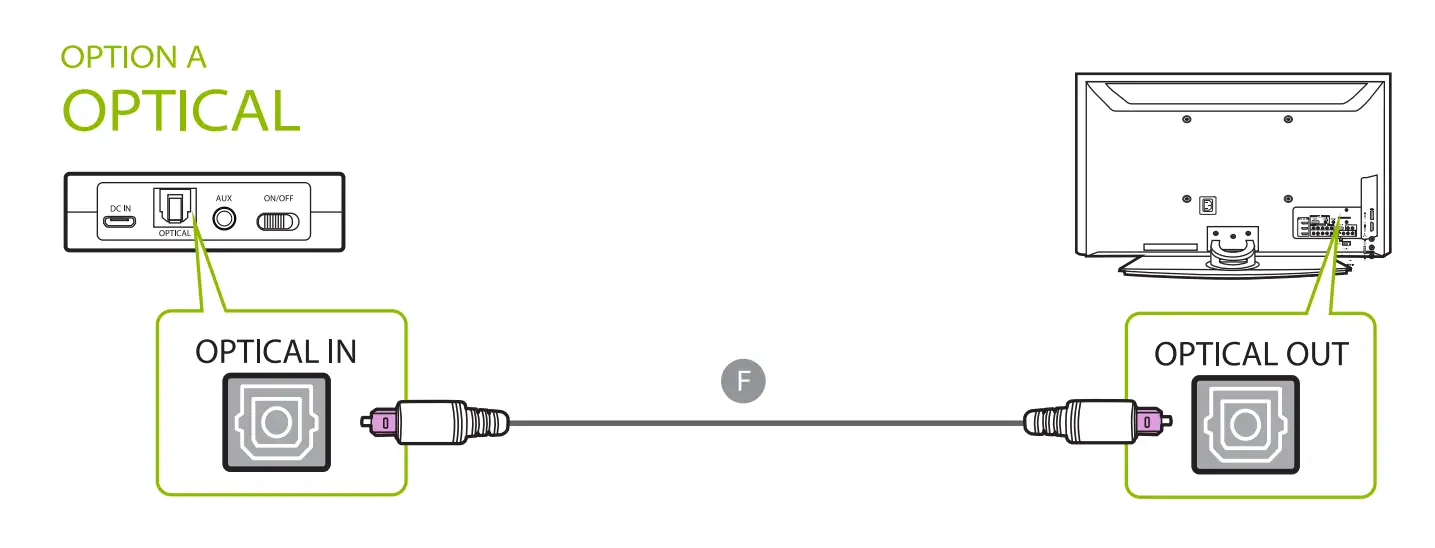
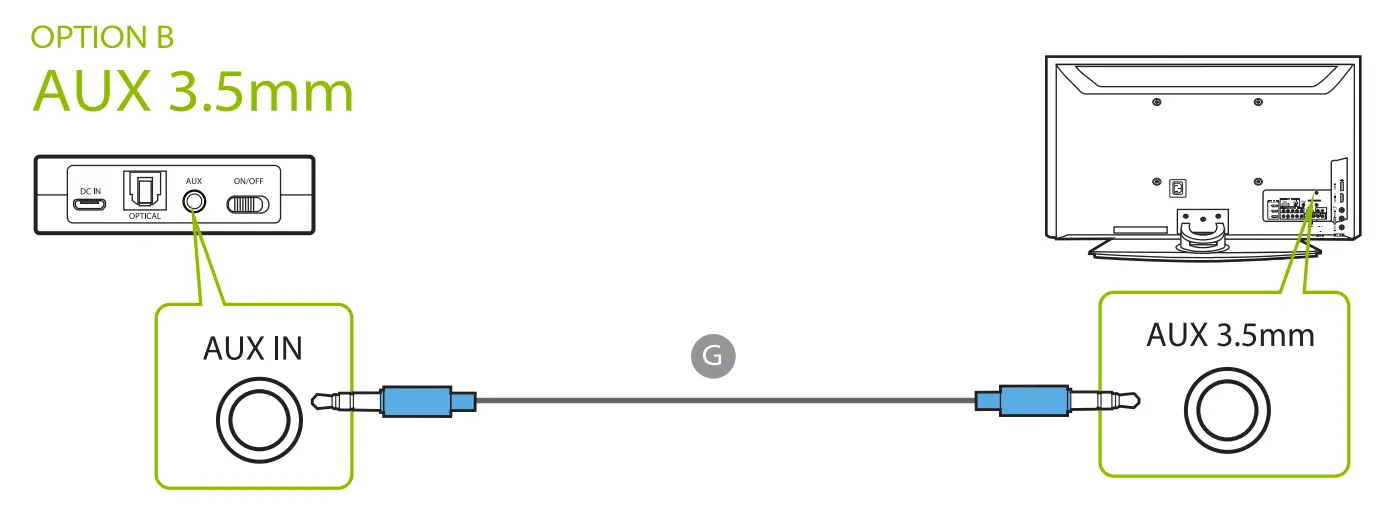
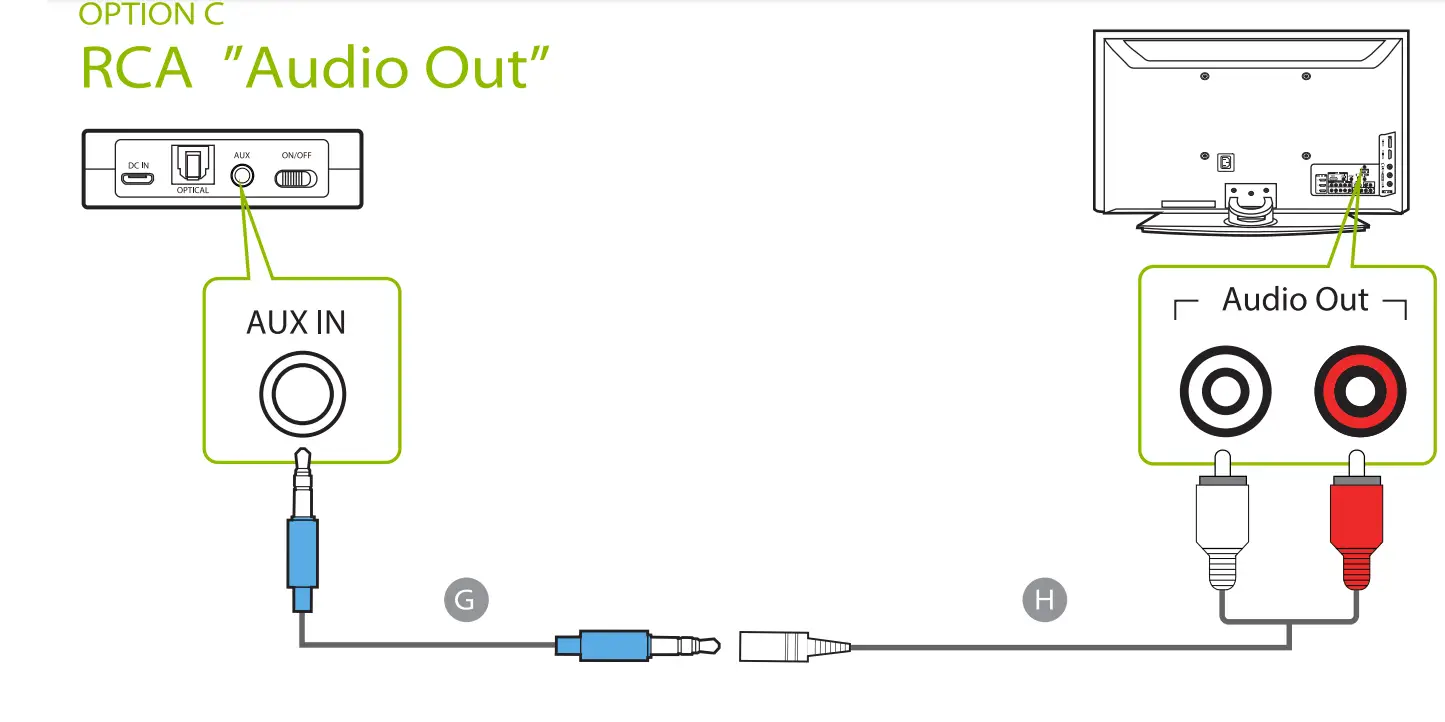
Visit avantree.com/support/candid/tv-connection for more details
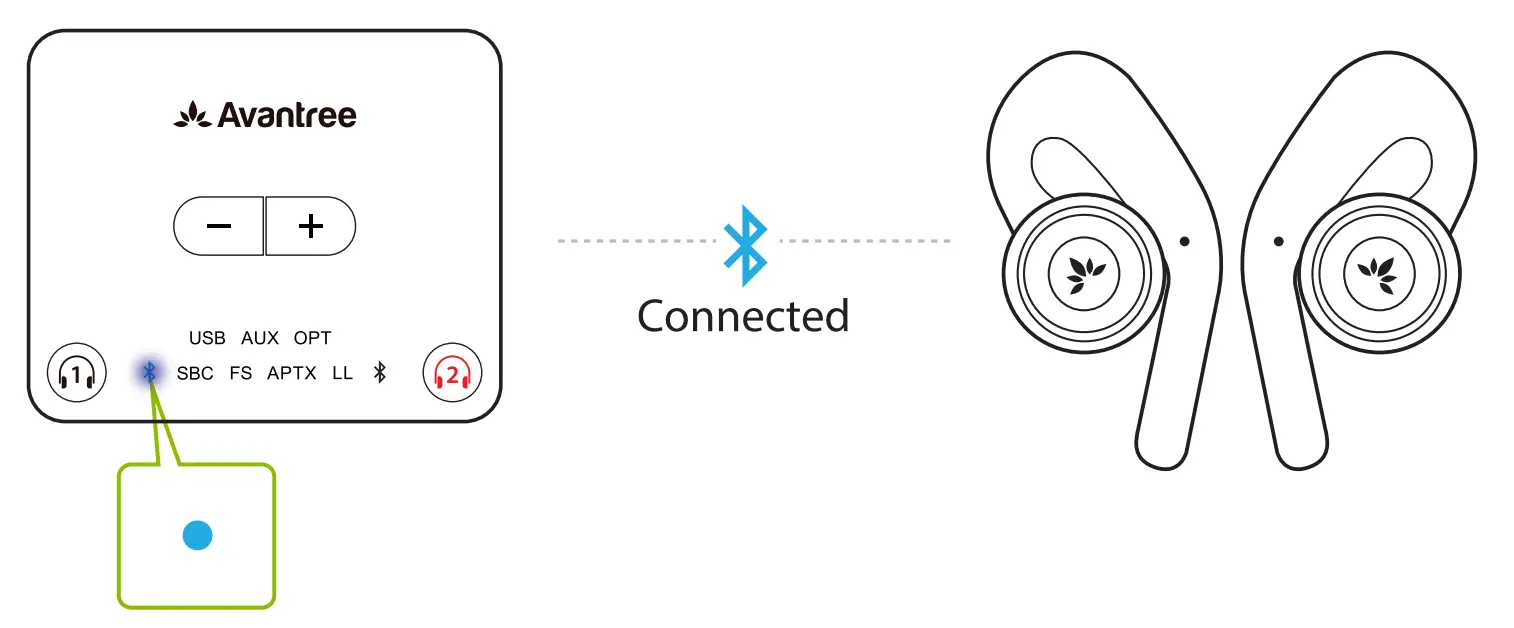
Headphones Connection
TV Set Up
- REMOTE CONTROL
Go to SETTINGS> AUDIO Select Optical Out/ External Speaker
- REMOTE CONTROL
Go to SETTINGS> AUOIO Put ON PCM/STEREO Put OFF Dolby
AUDIO SETTING GUIDE 
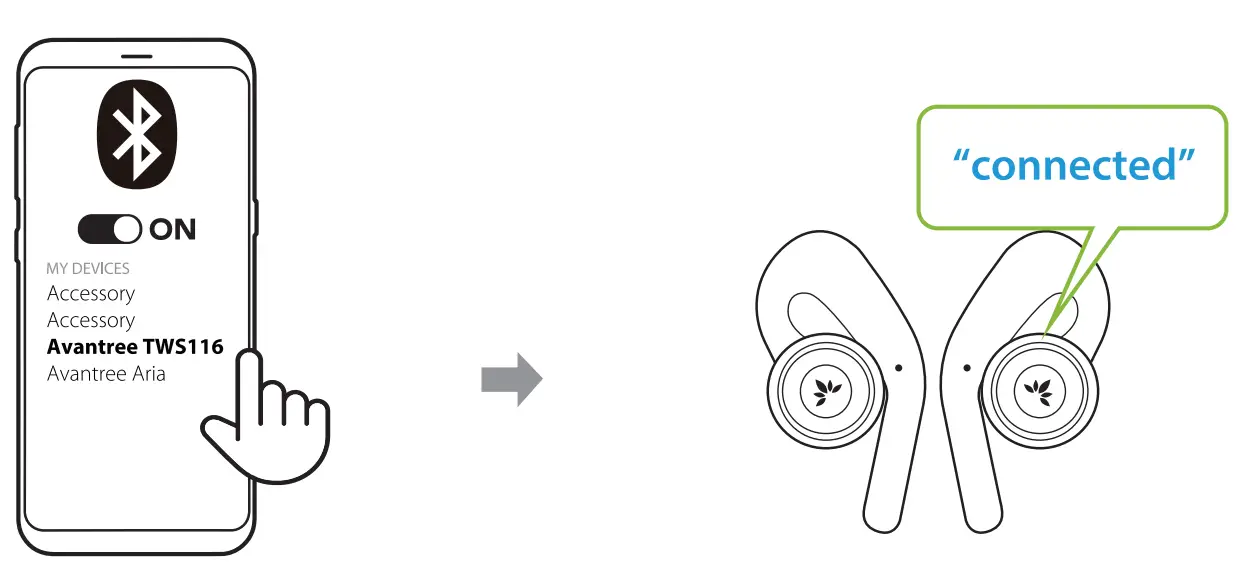
Use with Phone


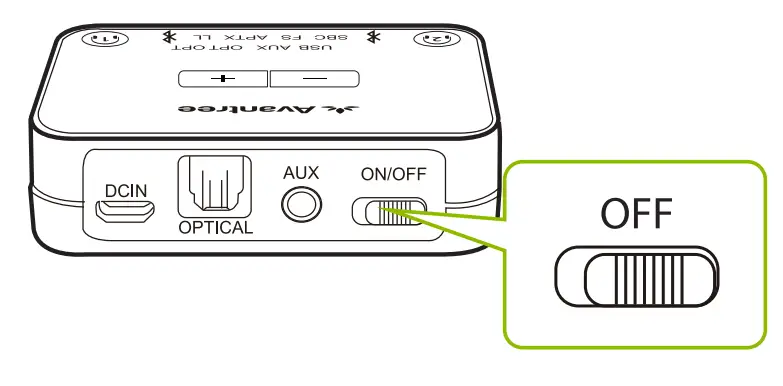
Overview
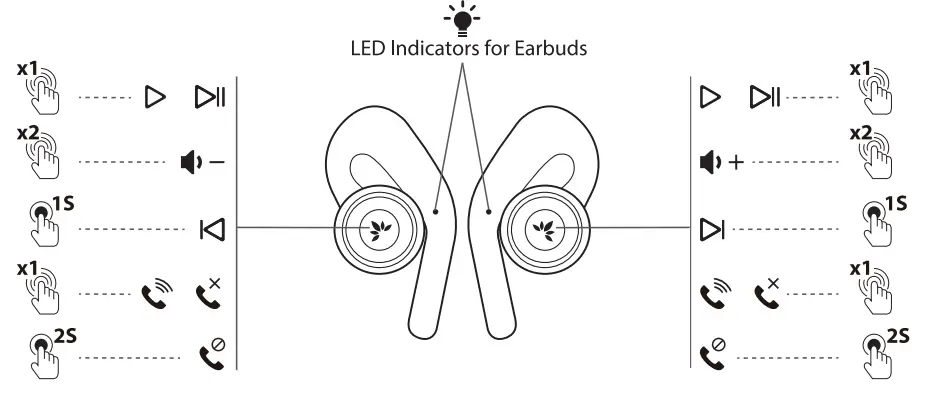
Double-click and hold to power off without charging dock 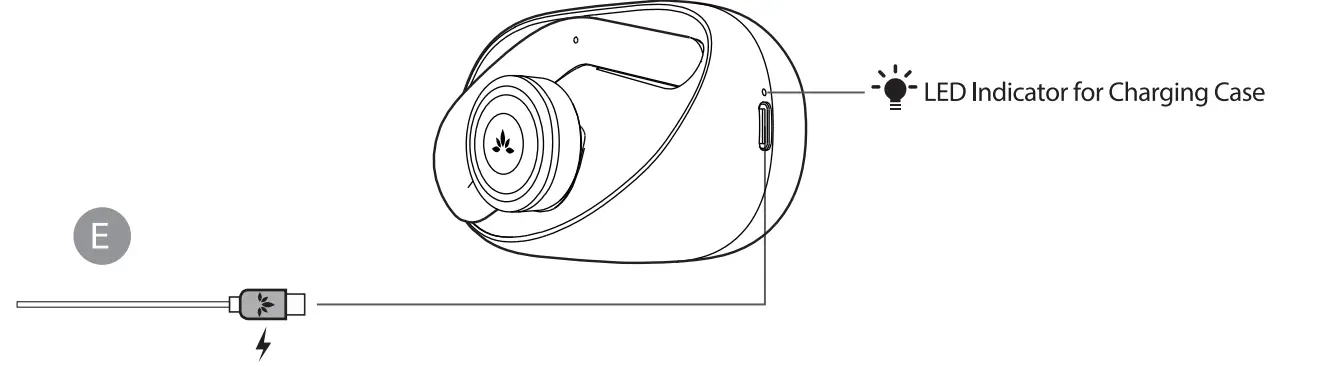
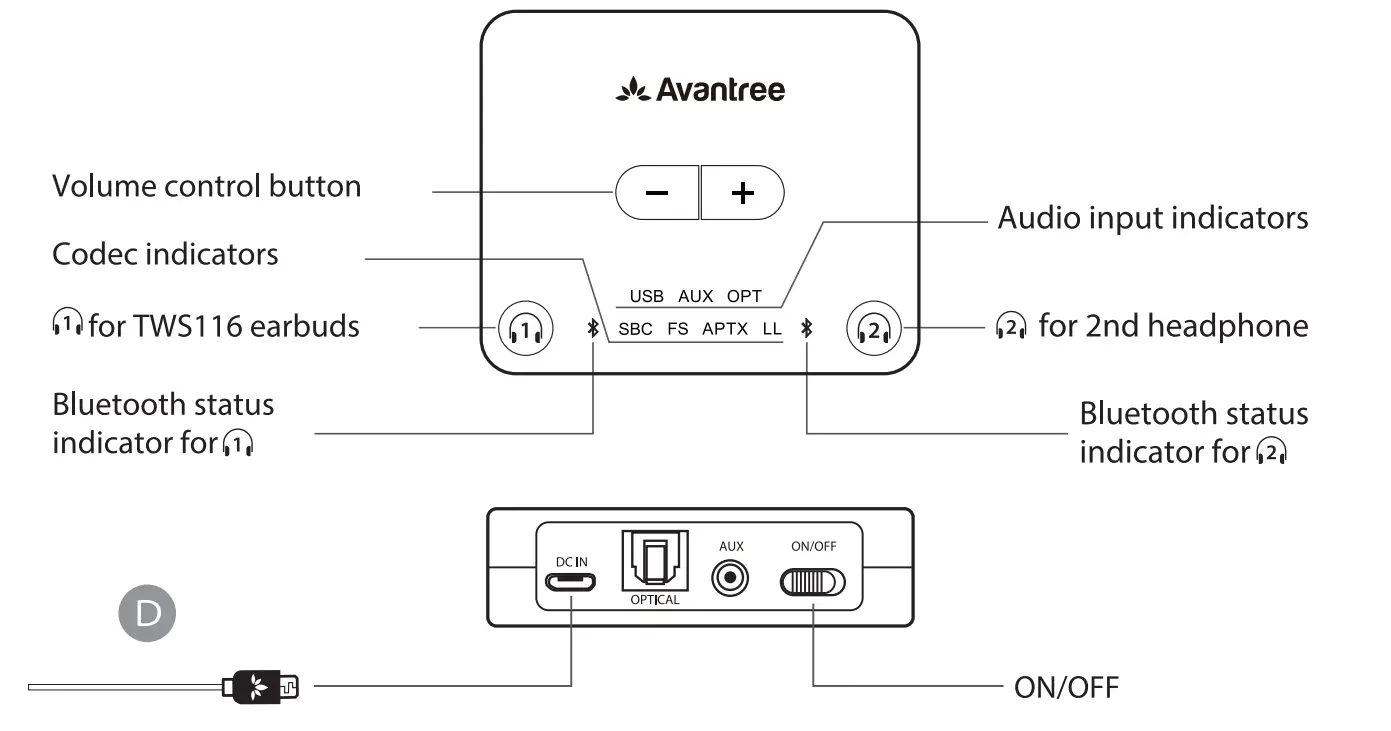
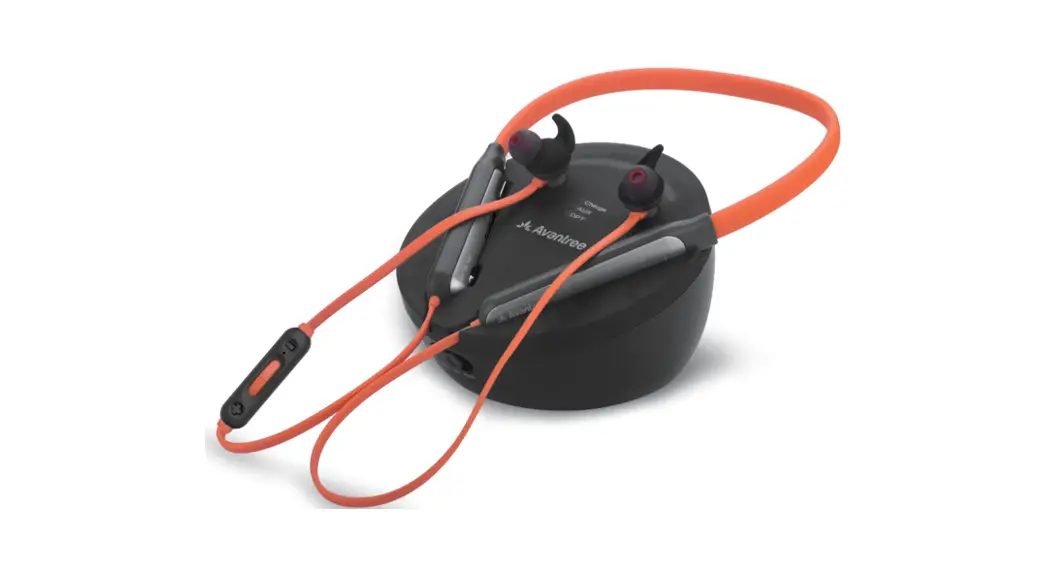
Accessories
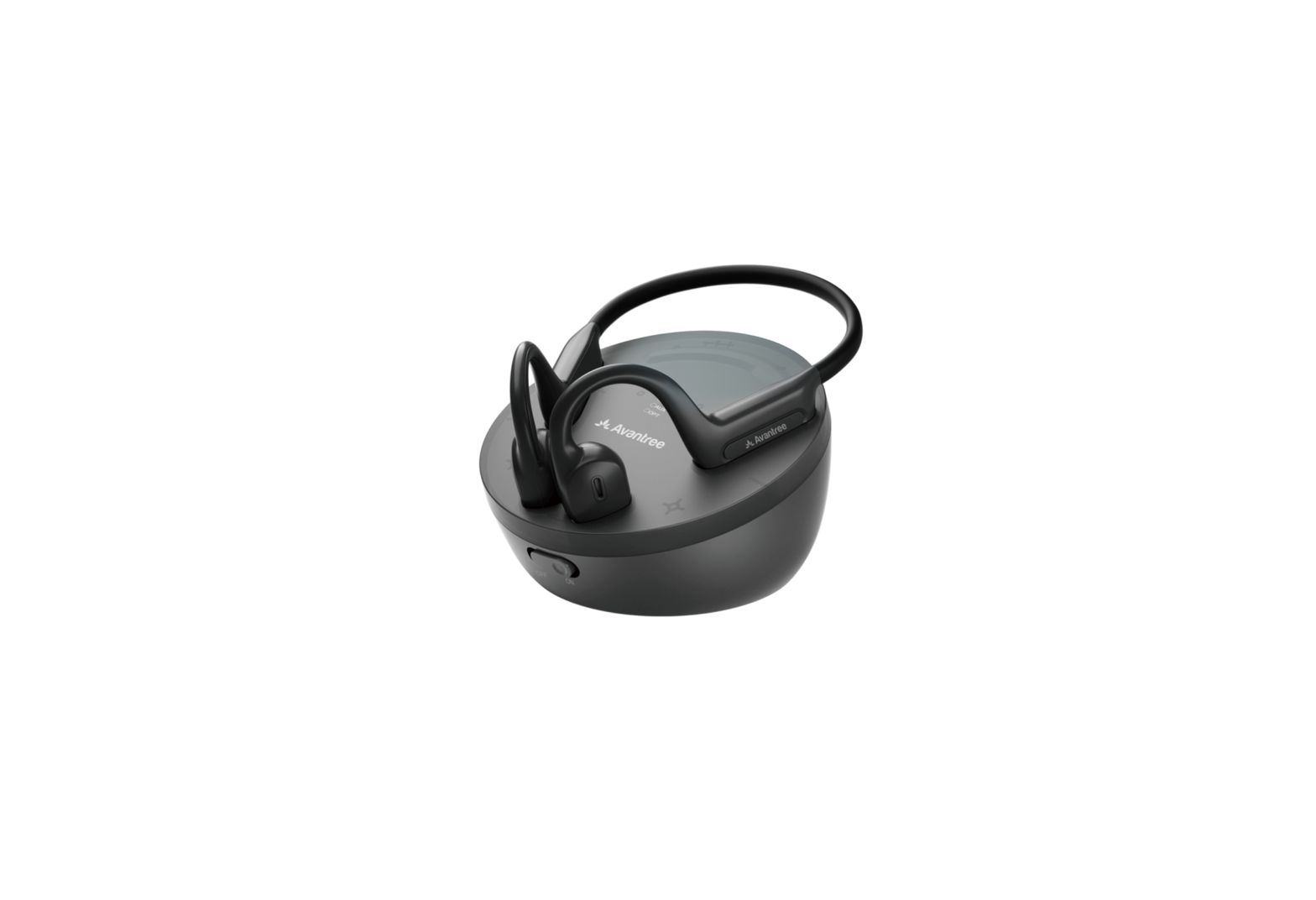
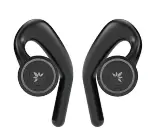
- TWS 116 Charging Dock

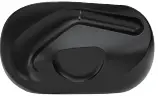
Earbuds charging dock - TWS 116 Right/Left Earbud

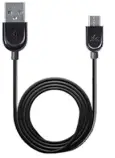
Separate right/left earbud - Micro USB Cable

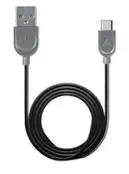
Micro USB power cable for transmitter - Type C Cable

Type C sync & charge cable
Online Support
Troubleshooting & FAQ
- No sound? Not working?
- How to use the earbuds with my cellphone?
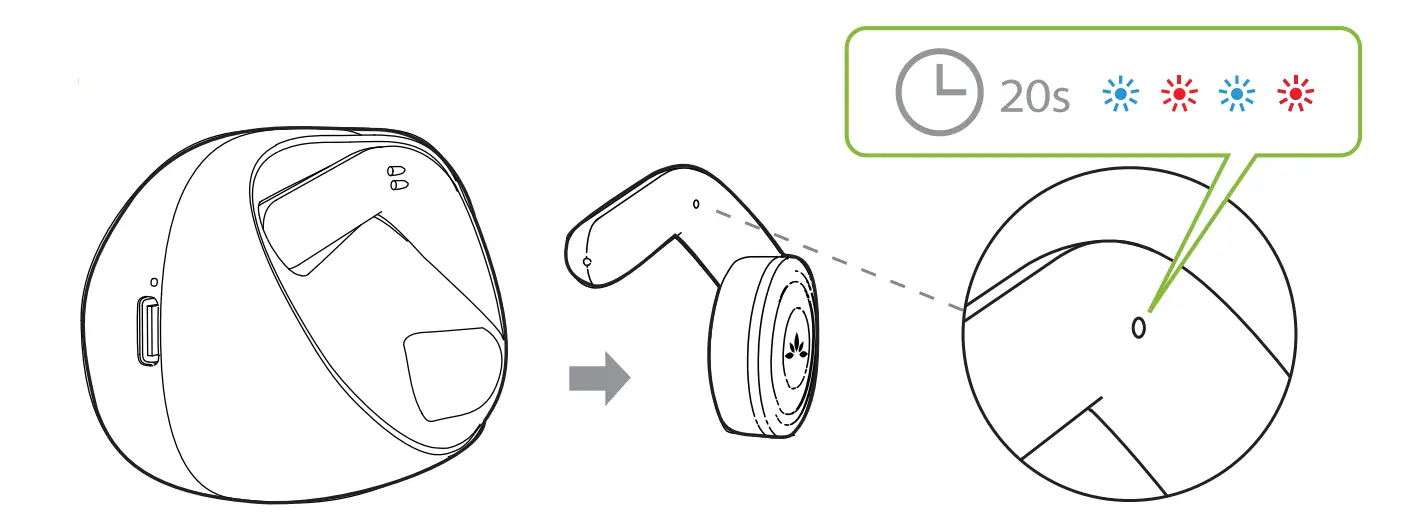
First, turn OFF the transmitter. Second, remove both earbuds from the charging dock and wait for about 20 seconds until you see the indicator flashing BLUE and RED indicating pairing mode. Select “Avantree TWS116” on your phone.
Need further assistance?
Visit avantree.com/support/candid
Contact Us
Support Tickets avantree.com/submit-a-ticket
Support Email [email protected]
USA/ CA + 1 800 232 2078 (9am-6pm PST, Mon-Fri J UK +44 20 8068 2023 (9am-6pm, GMT, Mon-Sat)
FAQ avantree.com/support/candid
Product Registration avantree.com/product-registration
FAQS
Does it work with iphones?
I was not able to gat it to work with my phone. It kept on asking for some sort of code so I only use it with my TV
Do the earphones have built-in volume controls?
Yes — to INCREASE volume, double click the button on the R earphone. To DECREASE volume, double click the button on the L earphone.
Are the earhooks flexible for adjustment?
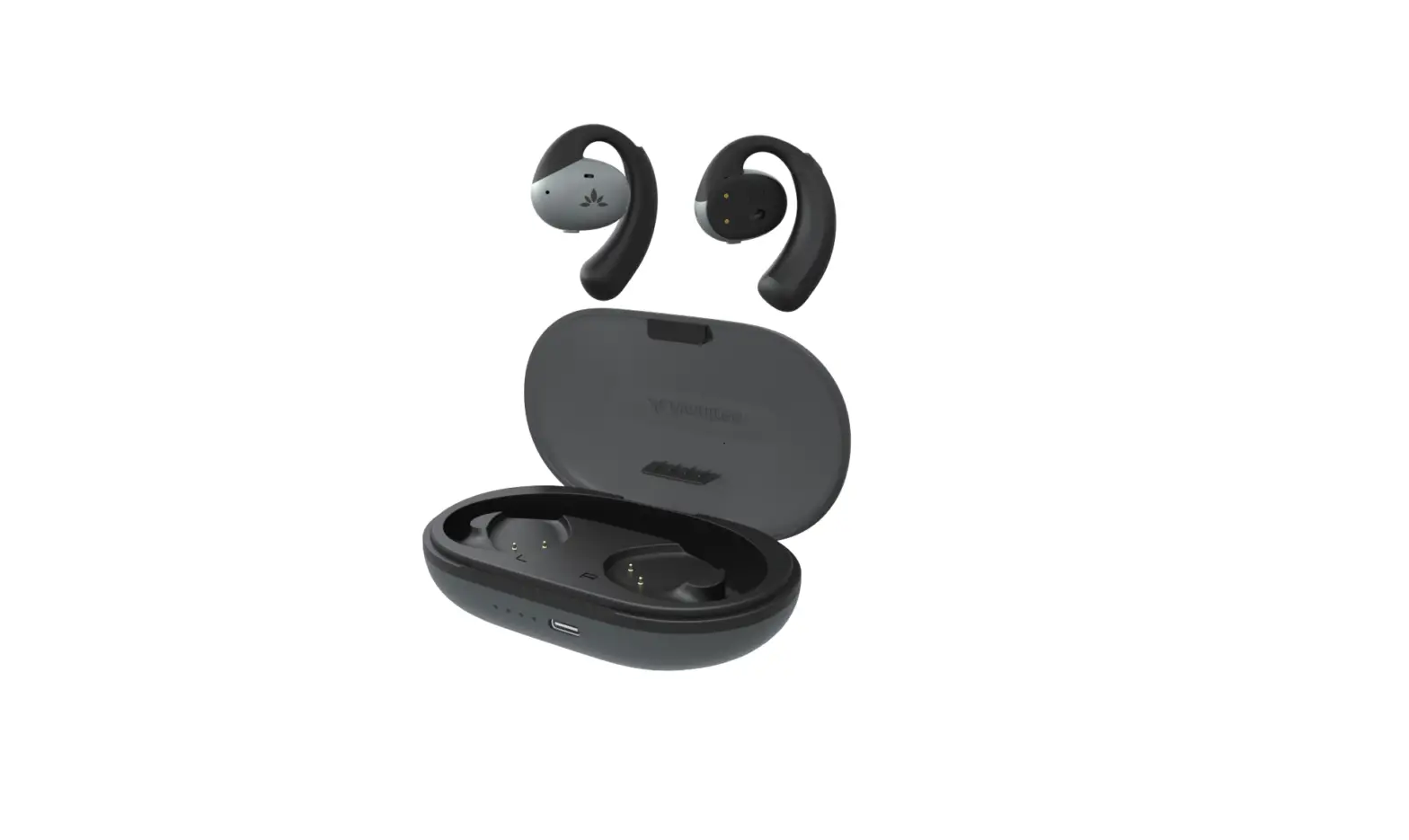
No, the earhook is rigid and cannot be adjusted, but the earphones are designed to fit snugly over your ears.
Can one of us watch tv without headphones while one uses the headphones at the same time?
It actually depends on your TV’s settings. For most TV models, the built-in speakers are muted once you plug anything into an audio output port (AUX, RCA, Optical, etc.). However, some TV models, such as LG and Sony, may give you the option to play audio from both the TV’s internal speakers and an external audio device simultaneously. You can check your TV’s audio settings to see if there is such an option. Please click this link for more details https://avantree.com/product-support/BTHT-5009-BLK#general-guide-hearing-audio-through-my-tv-speaker-and-my-headphones-at-the-same-time
How do you charge Avantree ht4189?
Insert the micro USB (smaller) end into the charging port on the headphones and the USB end into a power source. You can either use the included charging cord or any USB to micro USB cable to charge. The LED on the headphones will light up as SOLID RED when charging and automatically turn off when charging is complete.
Why is my Bluetooth transmitter not working?
Turn the power of the Bluetooth headphones off and on again, and then try again. Go to “General” > “Bluetooth Transmitter”, and set “Transmitter” to “On” within the Setup Menu. Make sure this unit is not already connected to another pair of Bluetooth headphones.
Where are Avantree headphones made?
Avantree has been developing, producing, and distributing wireless audio gadgets for more than 20 years. They are headquartered in San Jose, California, and have additional offices in Shenzhen (China), Hong Kong, London (UK), and Vancouver (Canada).
How do you put a Bluetooth transmitter in pairing mode?
Press and hold the (BLUETOOTH) button on the transmitter for about 5 seconds. The indicator on the transmitter starts double flashing in blue to indicate that the transmitter is in pairing mode. Put your headphones into pairing mode to establish a BLUETOOTH connection with the transmitter.
Are Avantree headphones Bluetooth?
Avantree Audition – Bluetooth Over-Ear Headphones & Mic for PC with 40hr Battery Life, Wireless & Wired Modes, and Long-Lasting Durable Build.
How many years do Bluetooth headphones last?
The life of a Bluetooth headset battery is generally around 500 complete cycles. If you charge it once every two days, you can use it for three years. If you charge it once a day, you can use it for two years. But Bluetooth headsets, like phones, are fast consumer electronics so it may be time to move on.
Do wireless headphones use battery when plugged in?
So yes, plugging them in will still drain the battery, just like when you plug something into the aux port on portable Bluetooth speakers–you’re still using the device’s own amp and circuitry.
Is it safe to wear Bluetooth headphones all day?
Are bluetooth headphones safe? Bluetooth devices emit low levels of nonionizing radiation. Exposure to low amounts of this type of radiation is not harmful to humans. According to the Food and Drug Administration (FDA) , routine exposure to nonionizing radiation is “generally perceived as harmless to humans.”
Can you overcharge Bluetooth headphones?
Even if it is over, there is a protective board built into the lithium battery. This means that the voltage to the cell will never exceed 4.2V. It will not be overcharged for a long time. There is a large Bluetooth headset that can be safely charged, so doing so will not damage the Bluetooth headset battery.
What is receiver mode?
The receiver is in receiver mode which enables it to receive and output audio from the remote device. Transmitter: The receiver is in transmitter mode which enables it to send audio to the remote device.