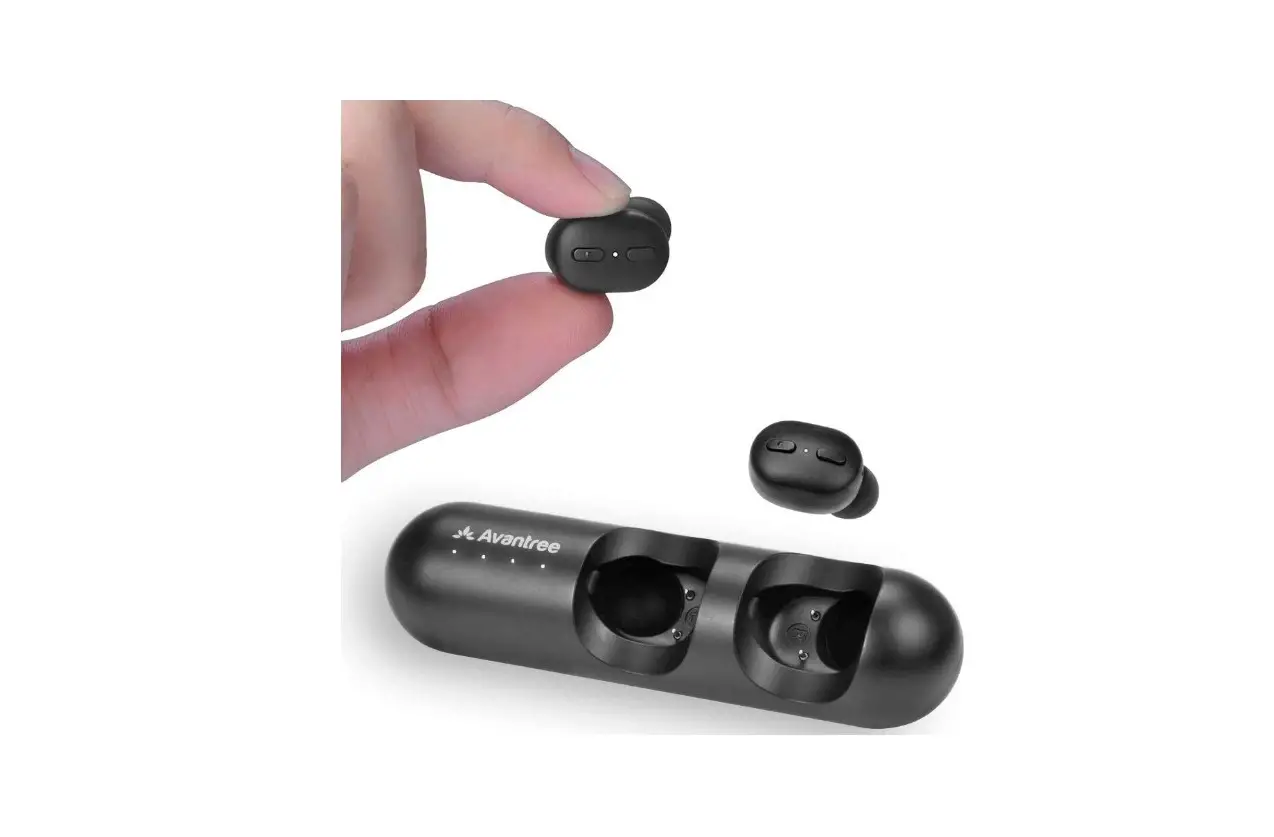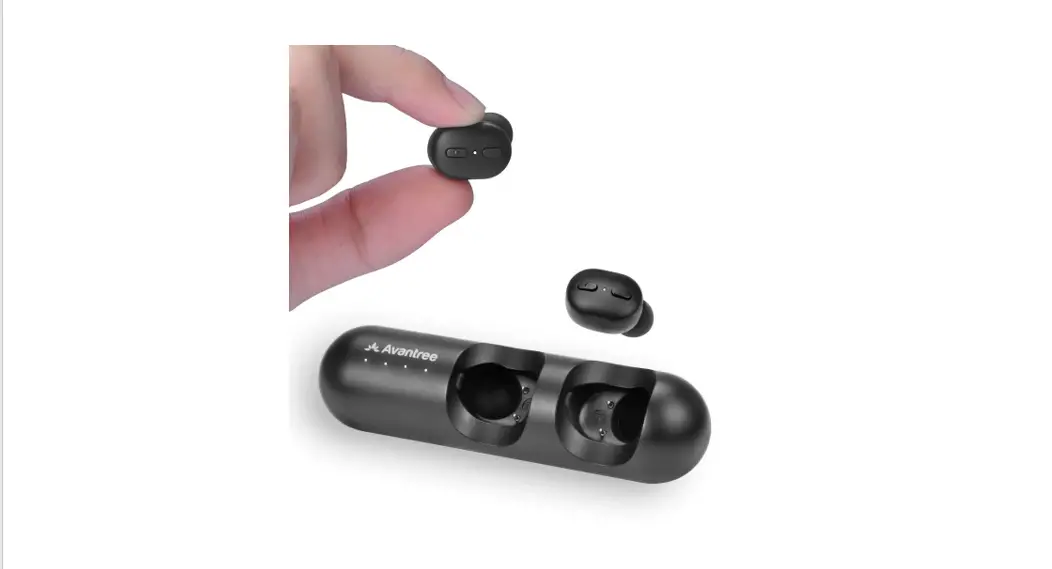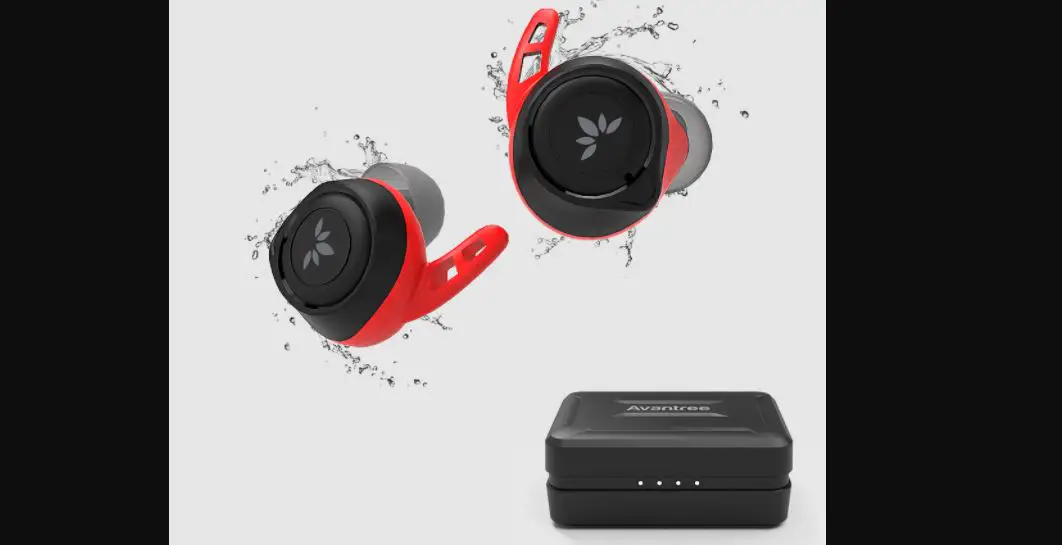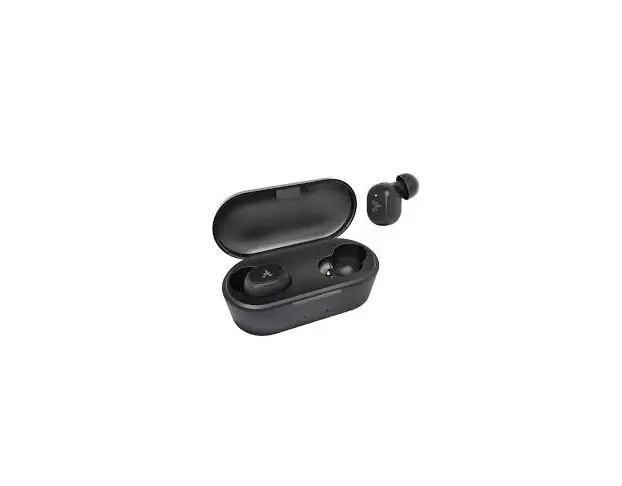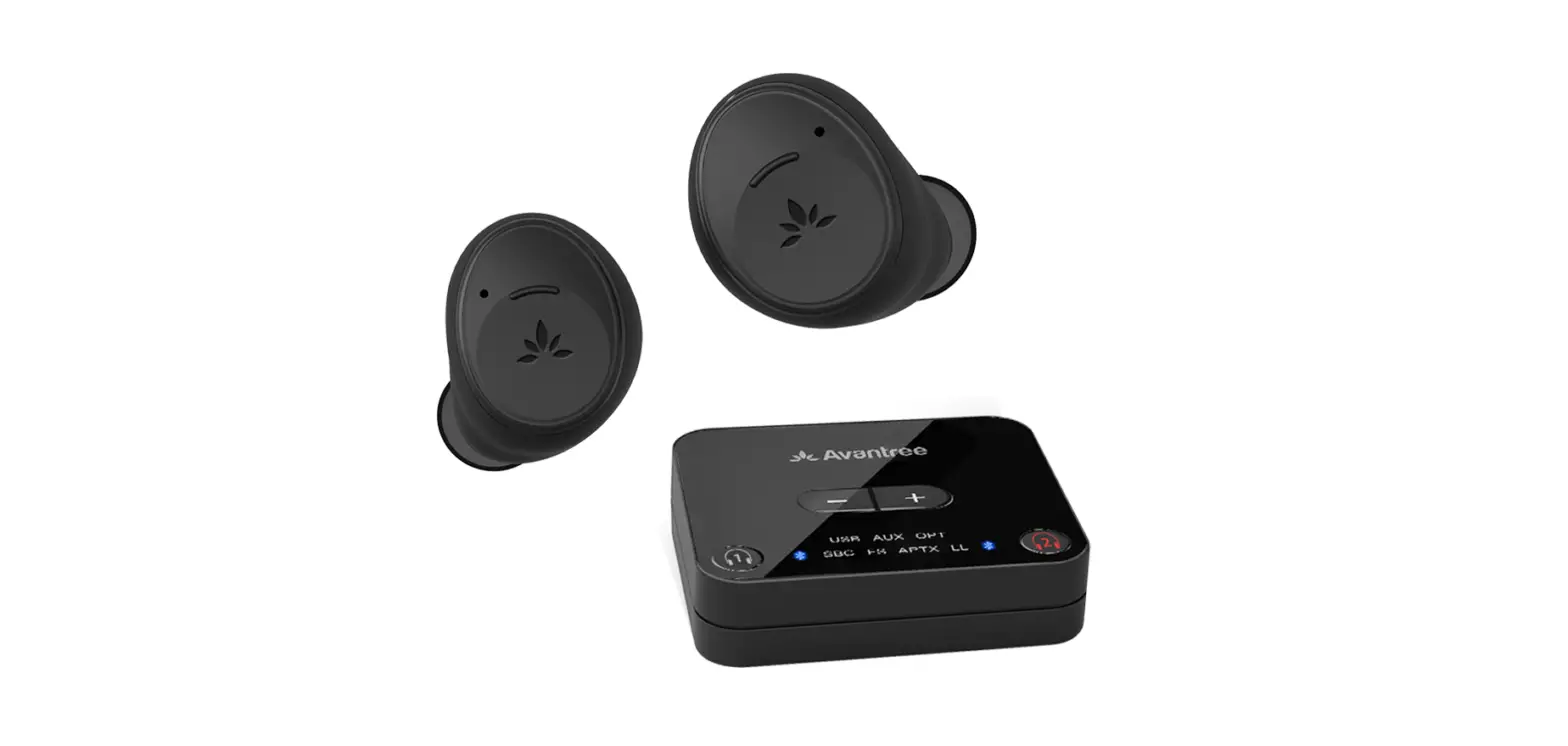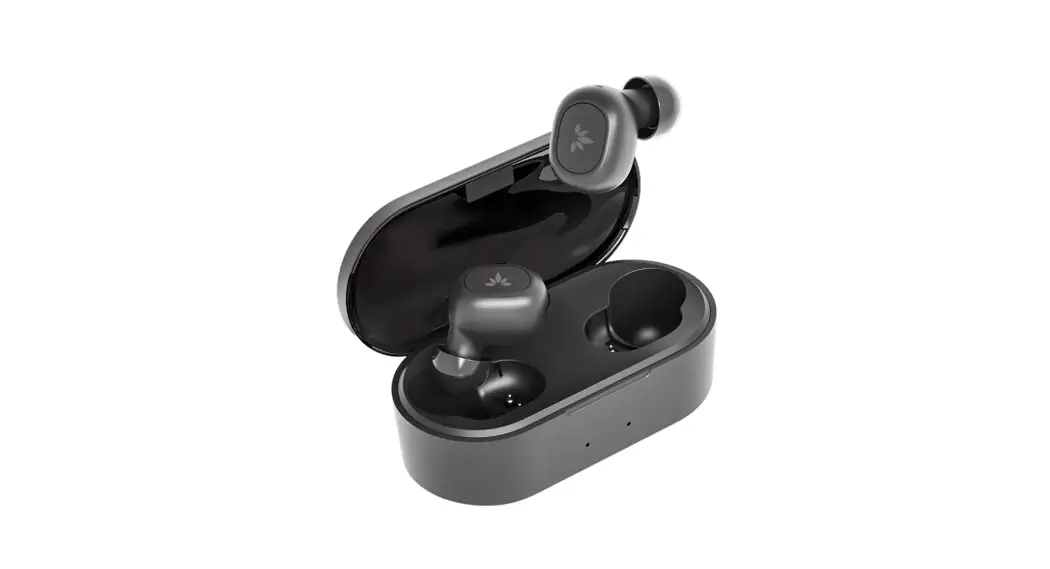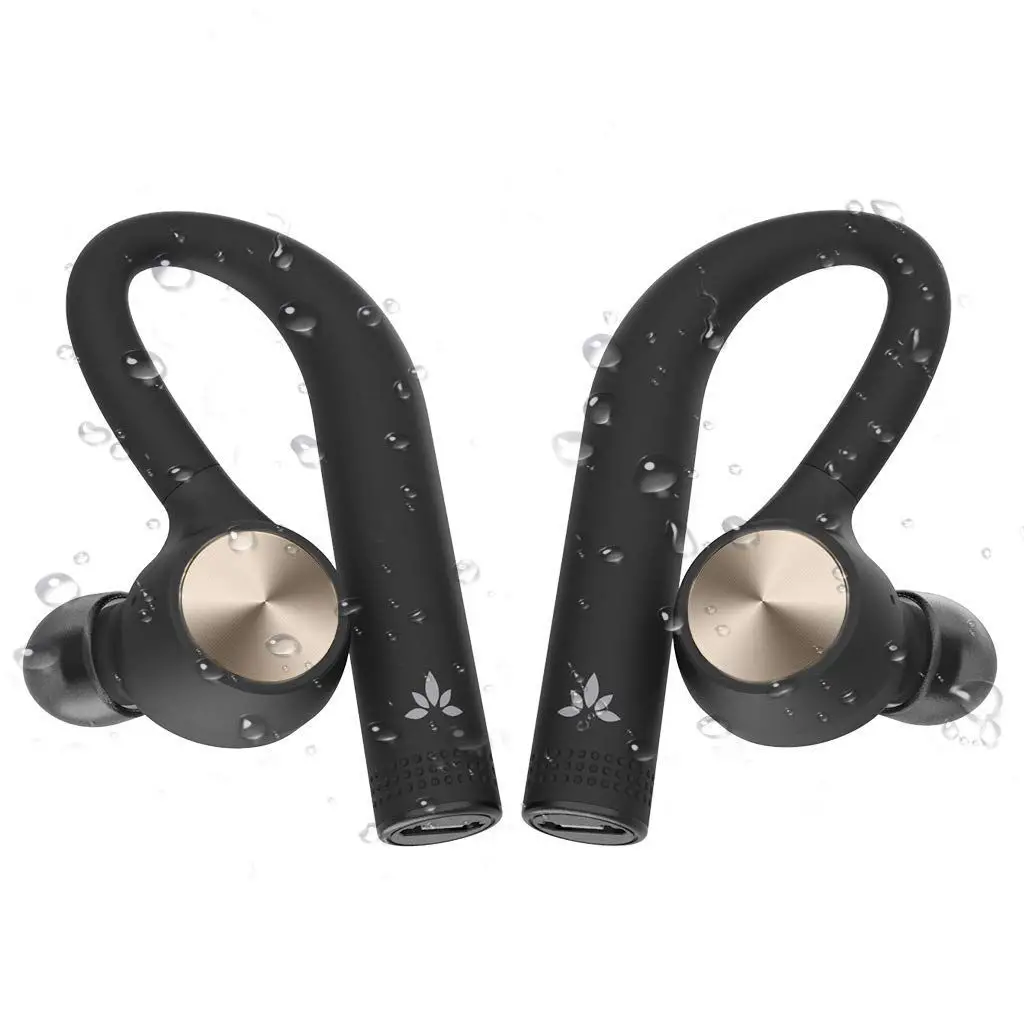

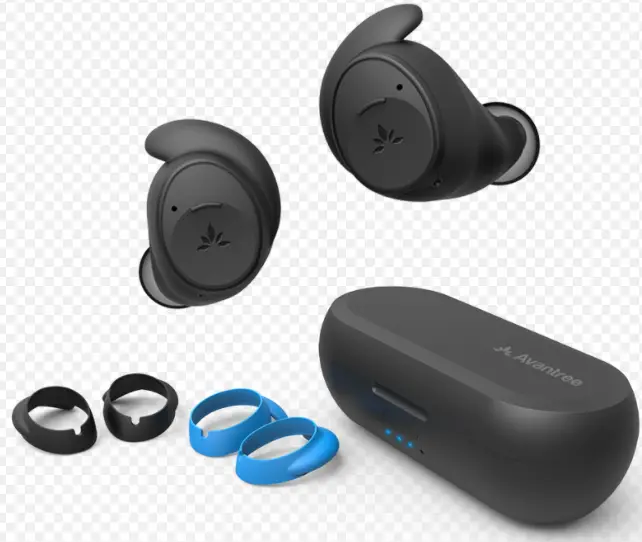
Avantree BTHS-TWS130 True Wireless Earbuds
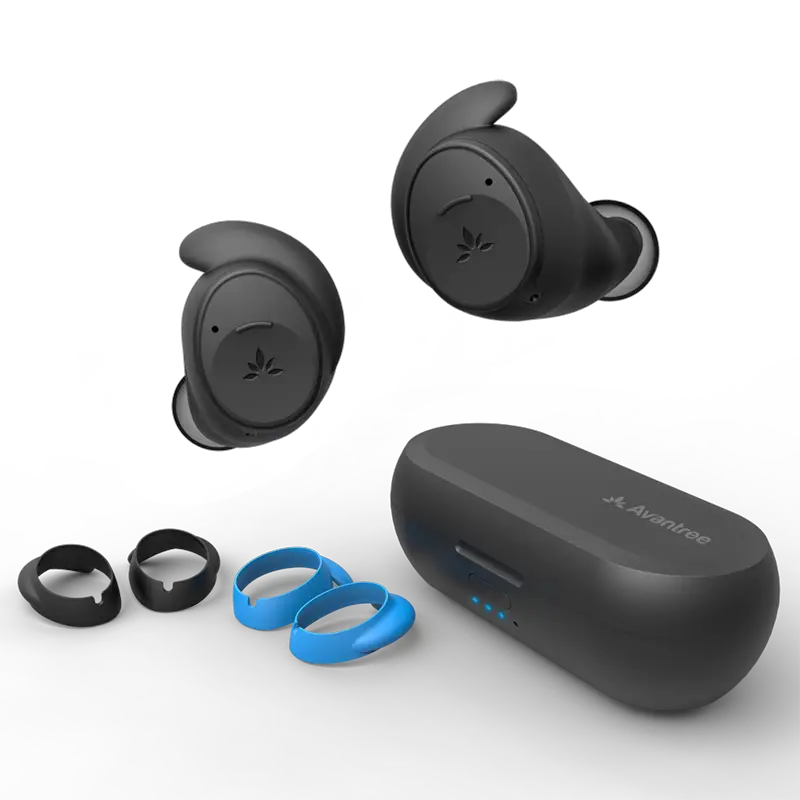
Box Contents
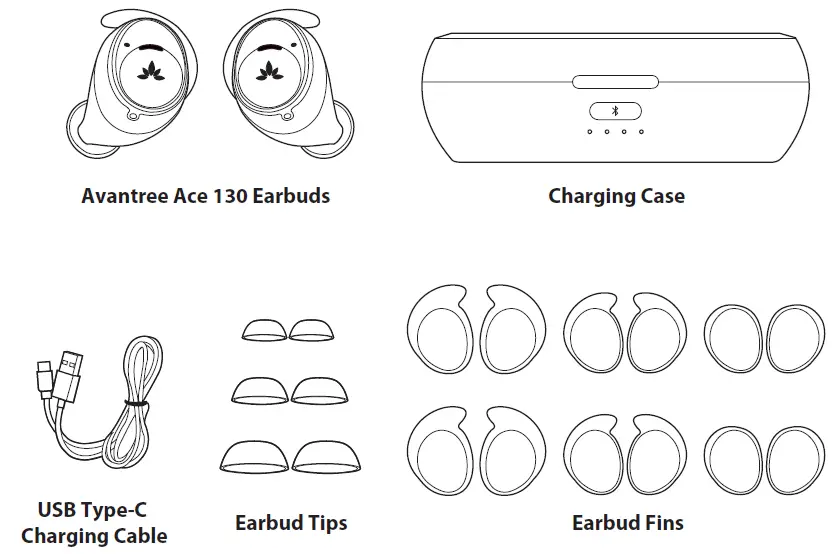
Please contact Avantree Customer Support if you are missing any items listed above
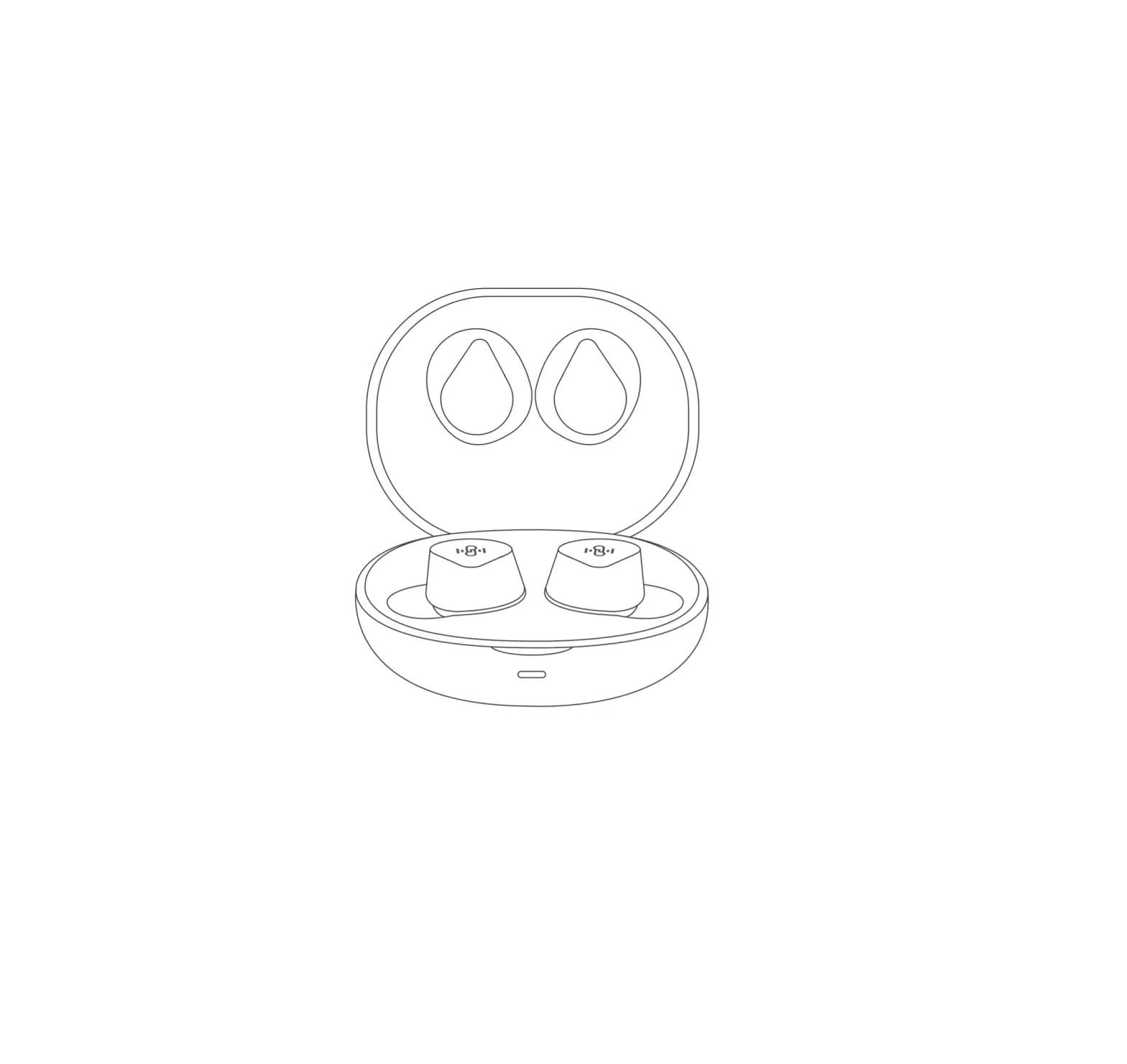
Product Overview
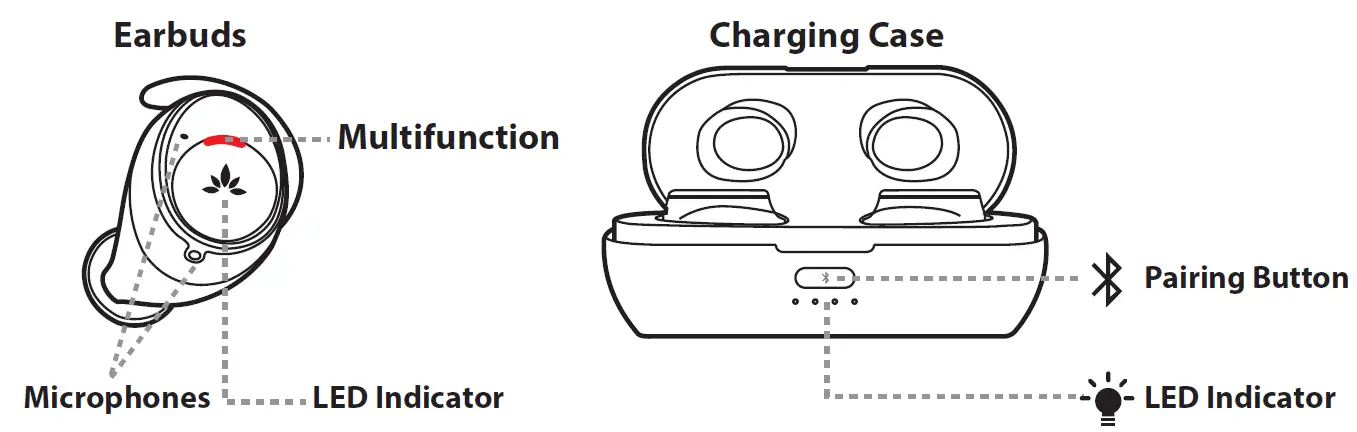
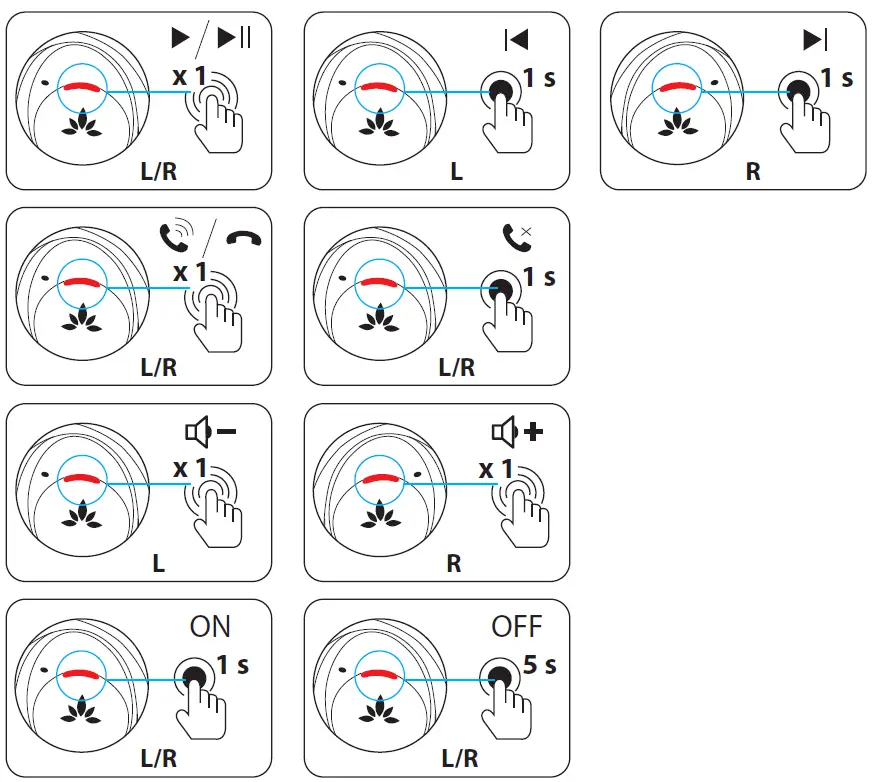
Controls
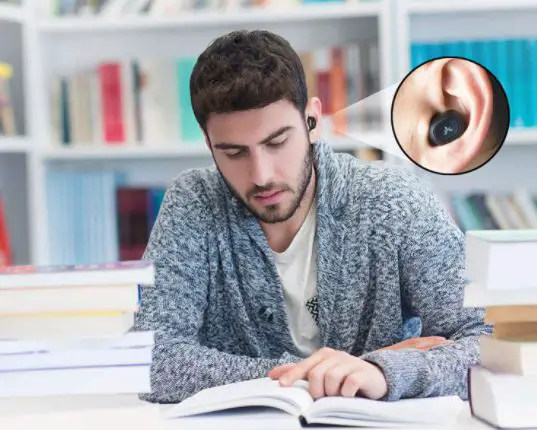
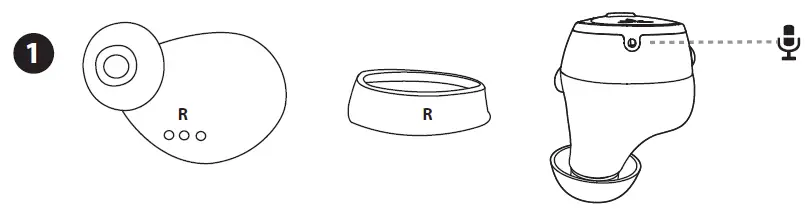
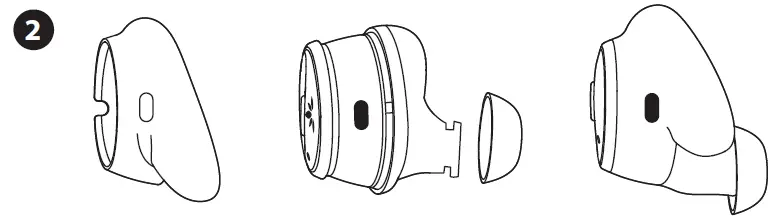
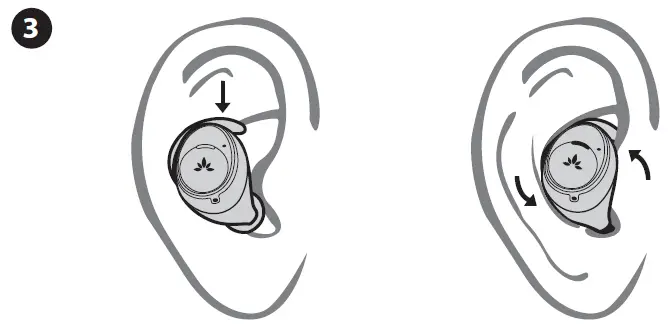
Wearing
- When replacing the earbud fin, make sure you align the holes so the microphone is not covered
- Three sizes of earbud tips to choose from, the M size is already on the earbuds
Charging
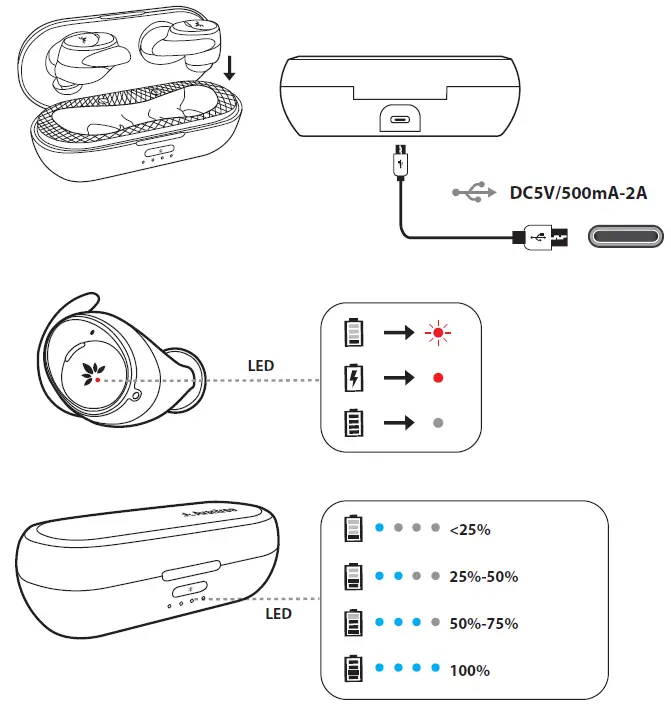
It takes about 1 hour to fully charge the earbuds and 1.5 hours for the case.
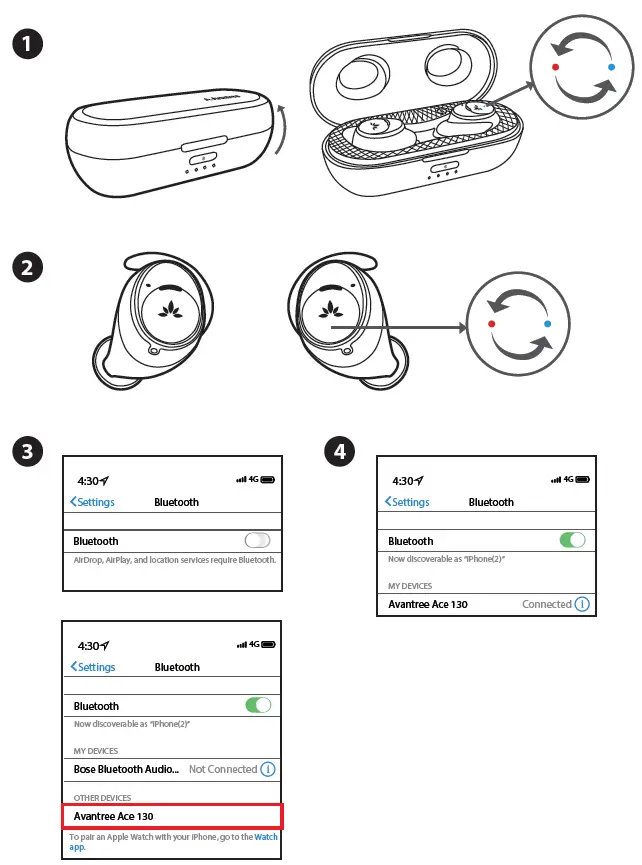
1st Time Pairing
Reconnecting
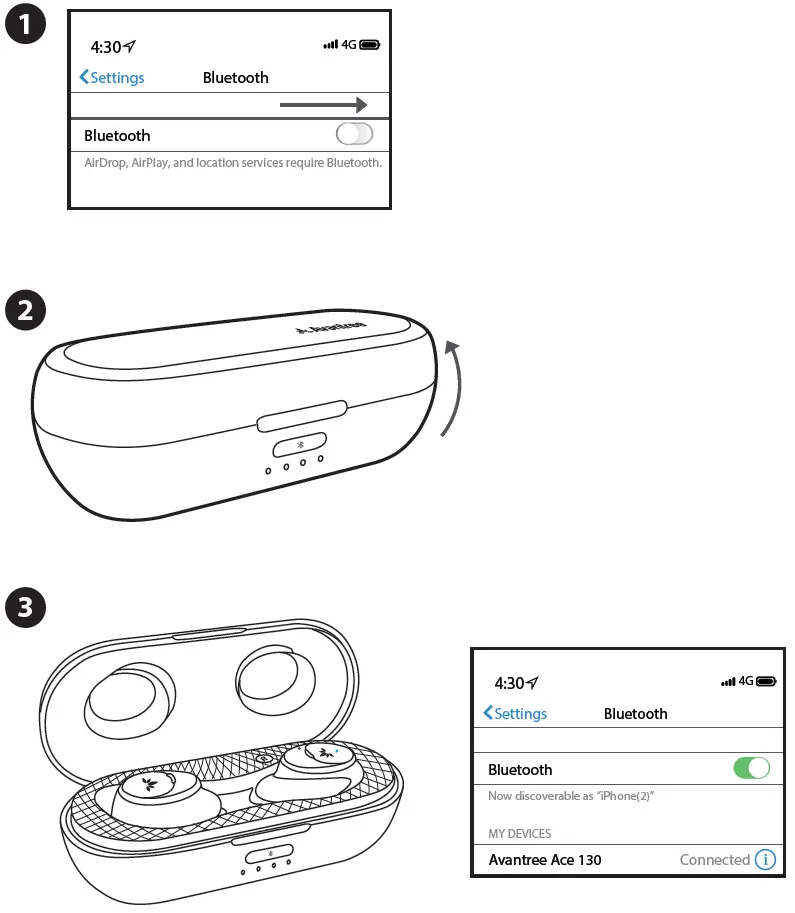
Note: The Ace 130 earbuds will always try to reconnect to the last connected device when you open the case.
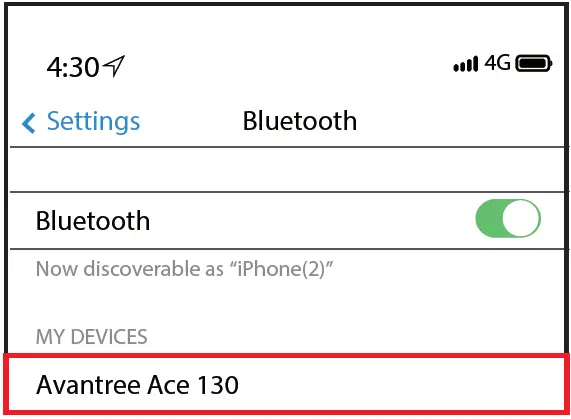
To reconnect manually go to your device’s Bluetooth settings and select the Avantree Ace 130.
Pairing to Another Device
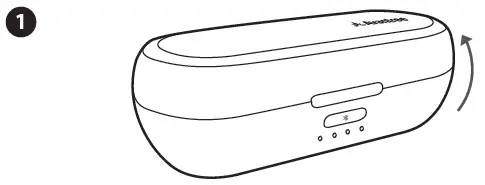
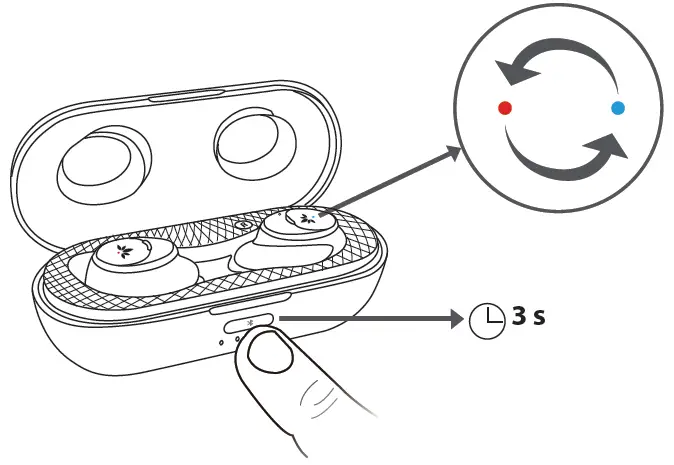
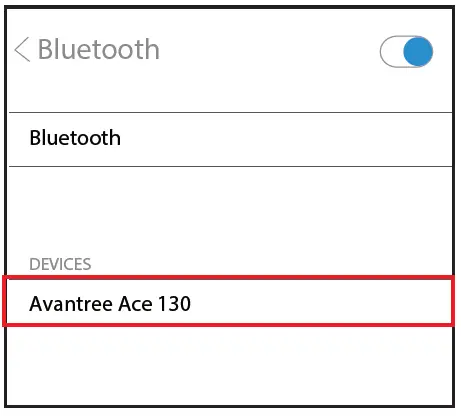
Open the charging case and keep earbuds inside. Press & hold the multifunction button for 3 seconds to enter Ace 130 into Pairing Mode.
Questions?
- Only hearing out of one earbud / one side sound
- Lip-Sync / Audio Lag when watching TV
For FAQs or troubleshooting tips go to the URL below.
www.support.avantree.com
www.avantree.com
Email support: [email protected]
(Response Time: 1 working day)
Live chat: www.avantree.com
Dispose of the packaging and this product in accordance with the latest provisions.