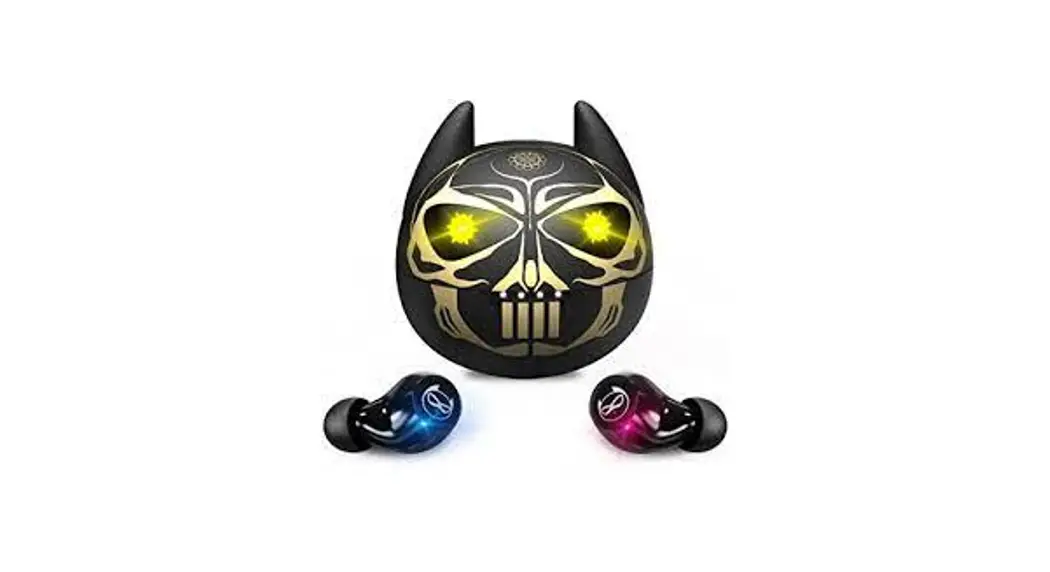
AMAFACE 
B09GXQ7GBX TWS True Wireless Earbuds in-Ear Bluetooth

User Guide
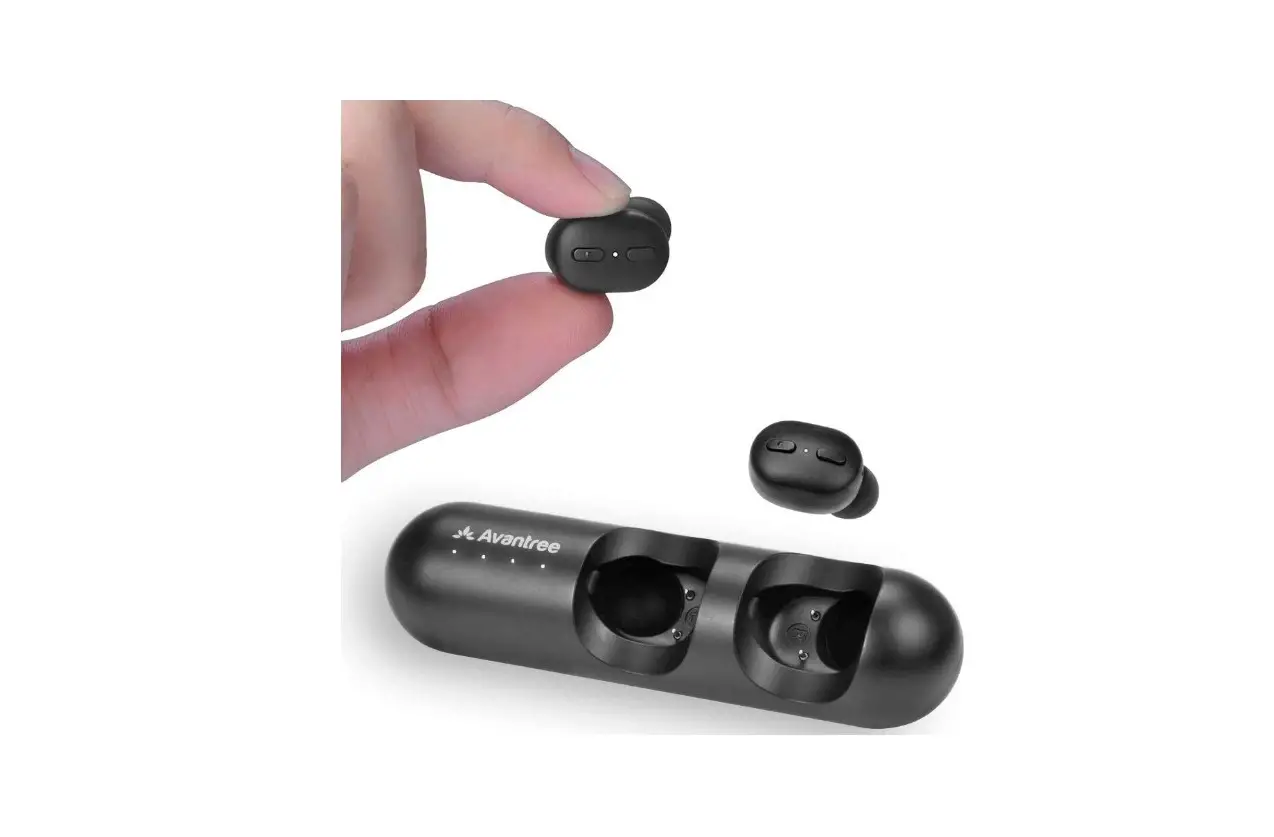
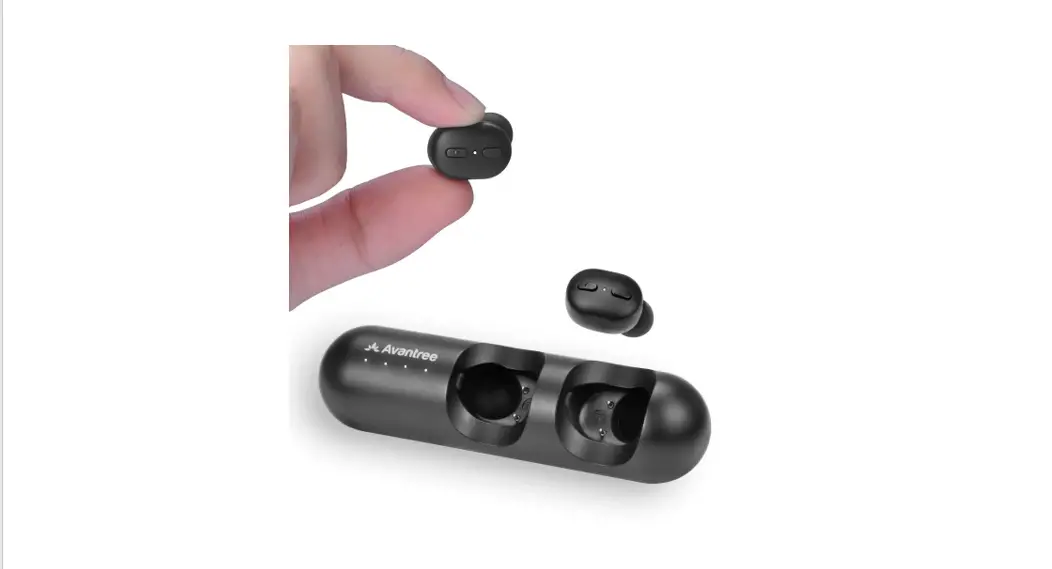
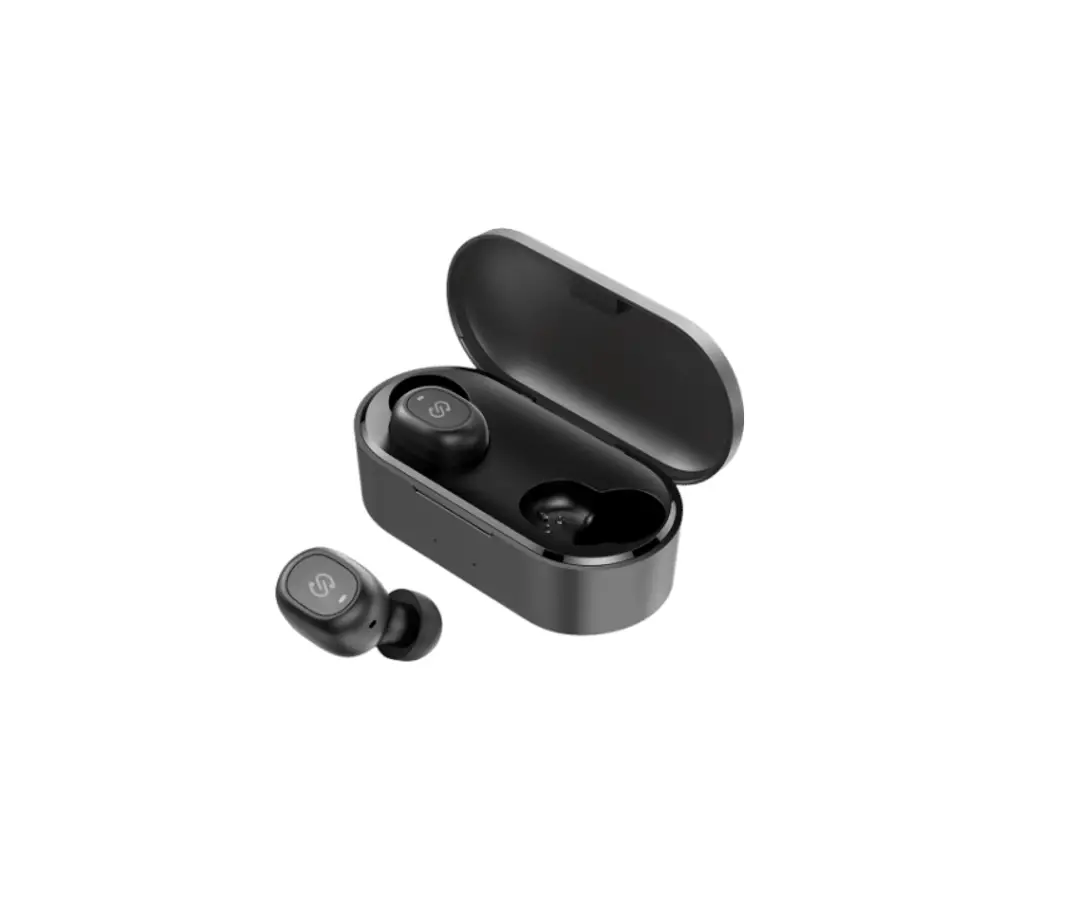
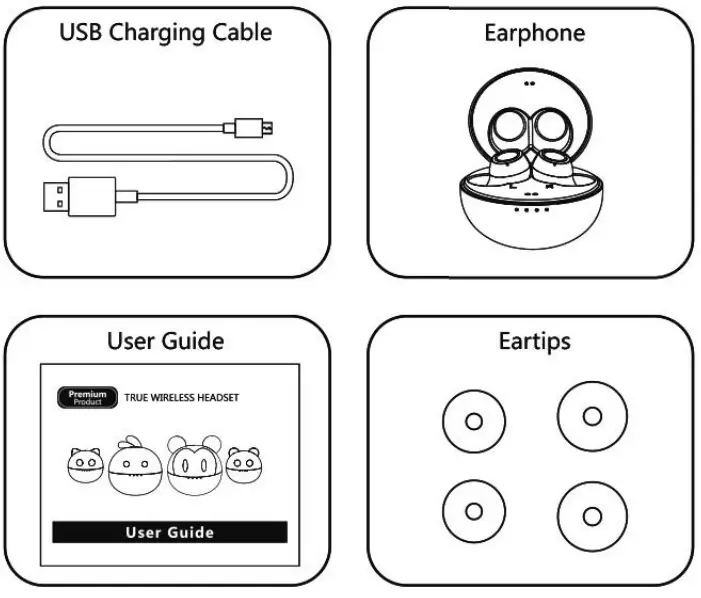
Package Contents
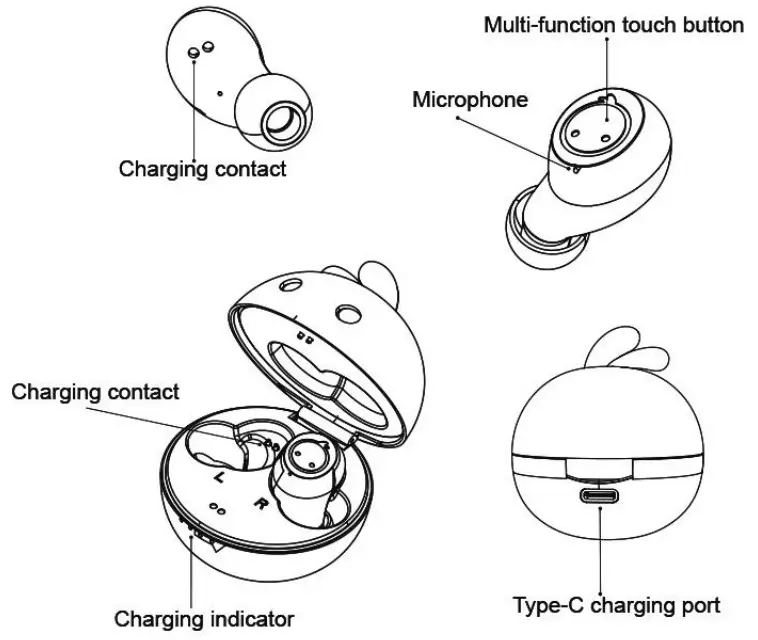
Product Overview
Operatgion Instruction
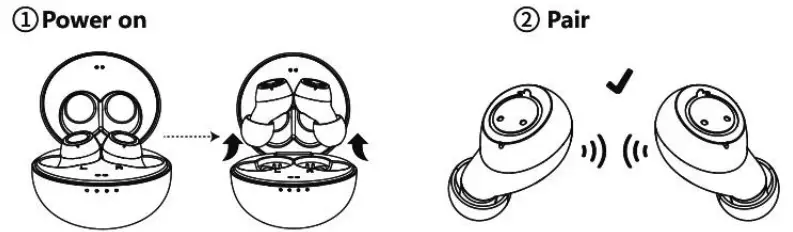 | |
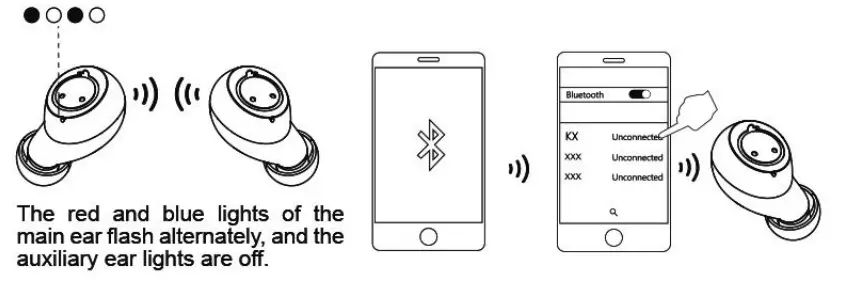
| When the charging compartment is powered,the headset will be automatically turned on when it is removed from the charging compartment. | The left and right |
| 3. Entering pairing mode | 4. Turn on your mobile phone’s Bluetooth function | 5 Click the product search code to connect the |
 | ||
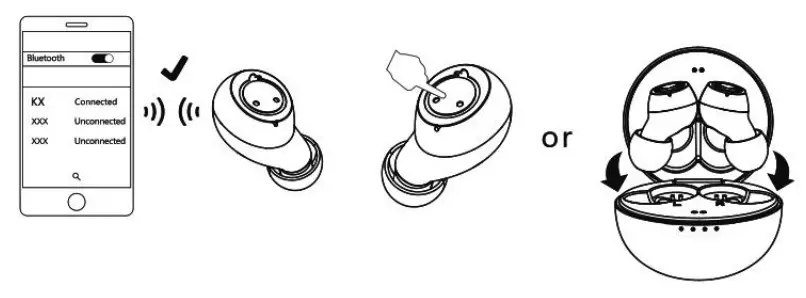
| 6. Bluetooth earphones connected successfully | 7. Power off Long press touch button | Put the headset into the charging compartment to |
 | ||
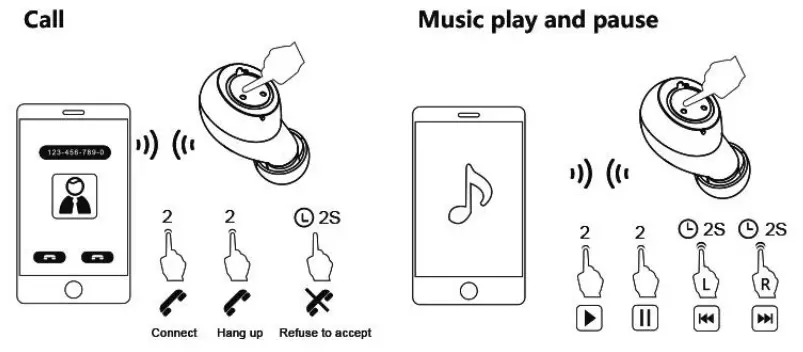
| Features | Headphone status | Operating |
| Answer the phone | Call status | Double tap the touch button |
| Hang up the phone | Call status | Double tap the touch button |
| play / Pause | play music | Double tap the touch button |
| Refuse to accept | Call status | Long press for 2 seconds |
| Siri assistant | Power on state | Three-click (“L”) touch button |
| Turn on game mode | Connection Status | Three-click (“R”) touch button |
| Previous piece | Play music status | Long press (L) touch button for 2 seconds |
| Next track | Play music status | Long press (R) touch button for 2 seconds |
| Volume up | Play music status | Click ( R ) touch button |
| Volume down | Play music status | Click ( L) touch button |
LED Status Indicator
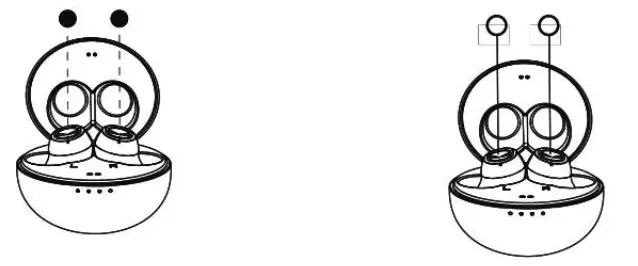
| The lights of the headsets are red when the headsets under charging. | When the headset is fully charged, the light is off. |
 | |
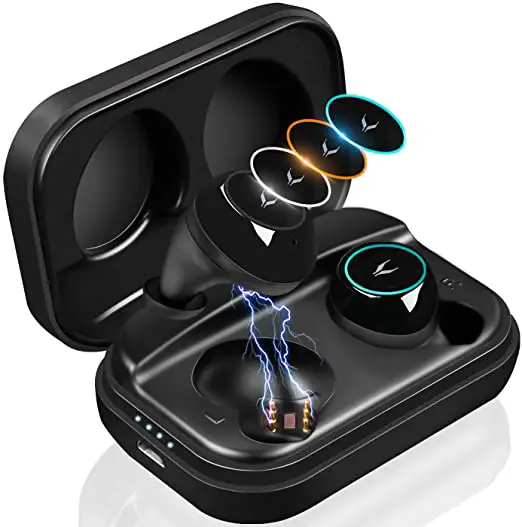
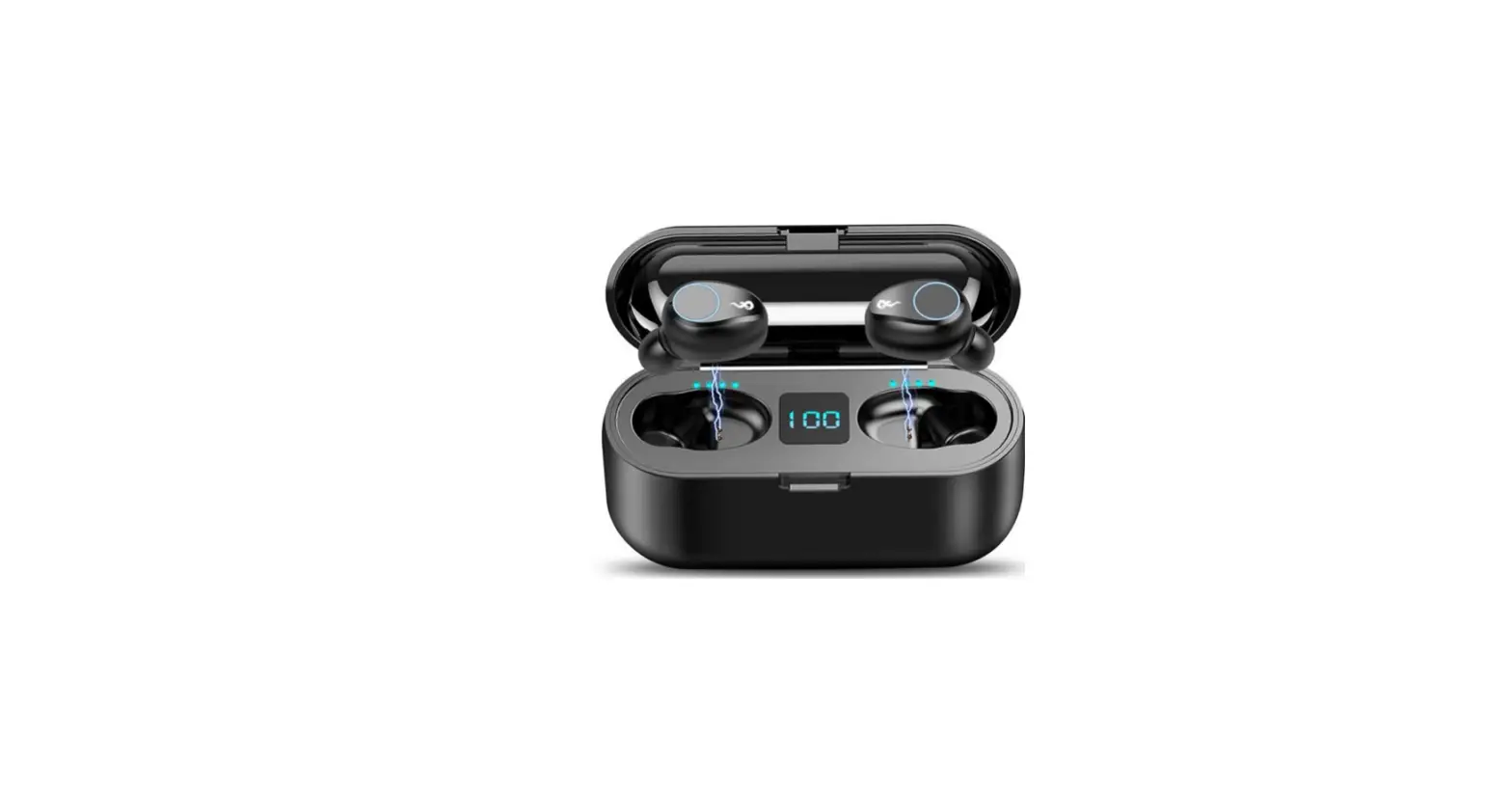
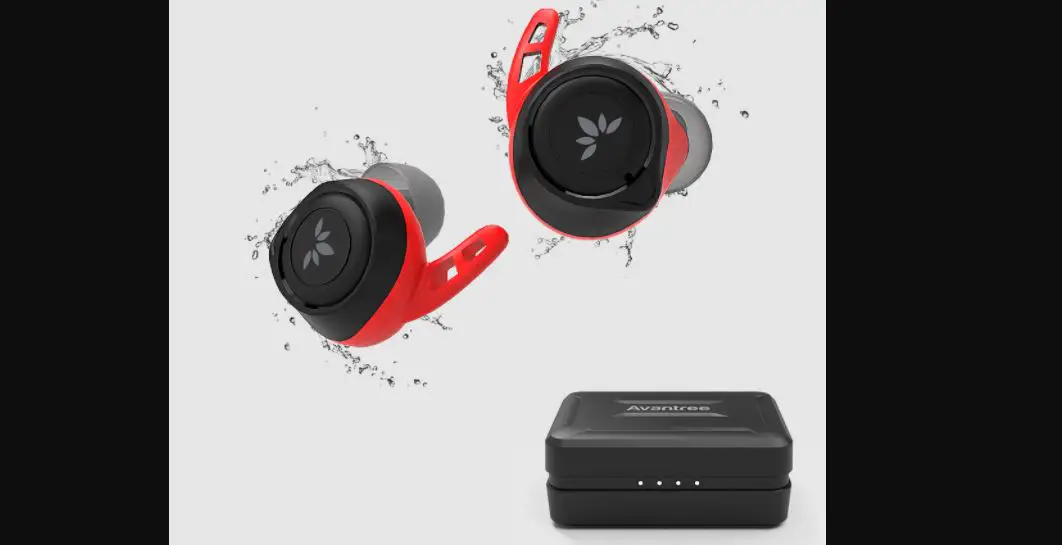
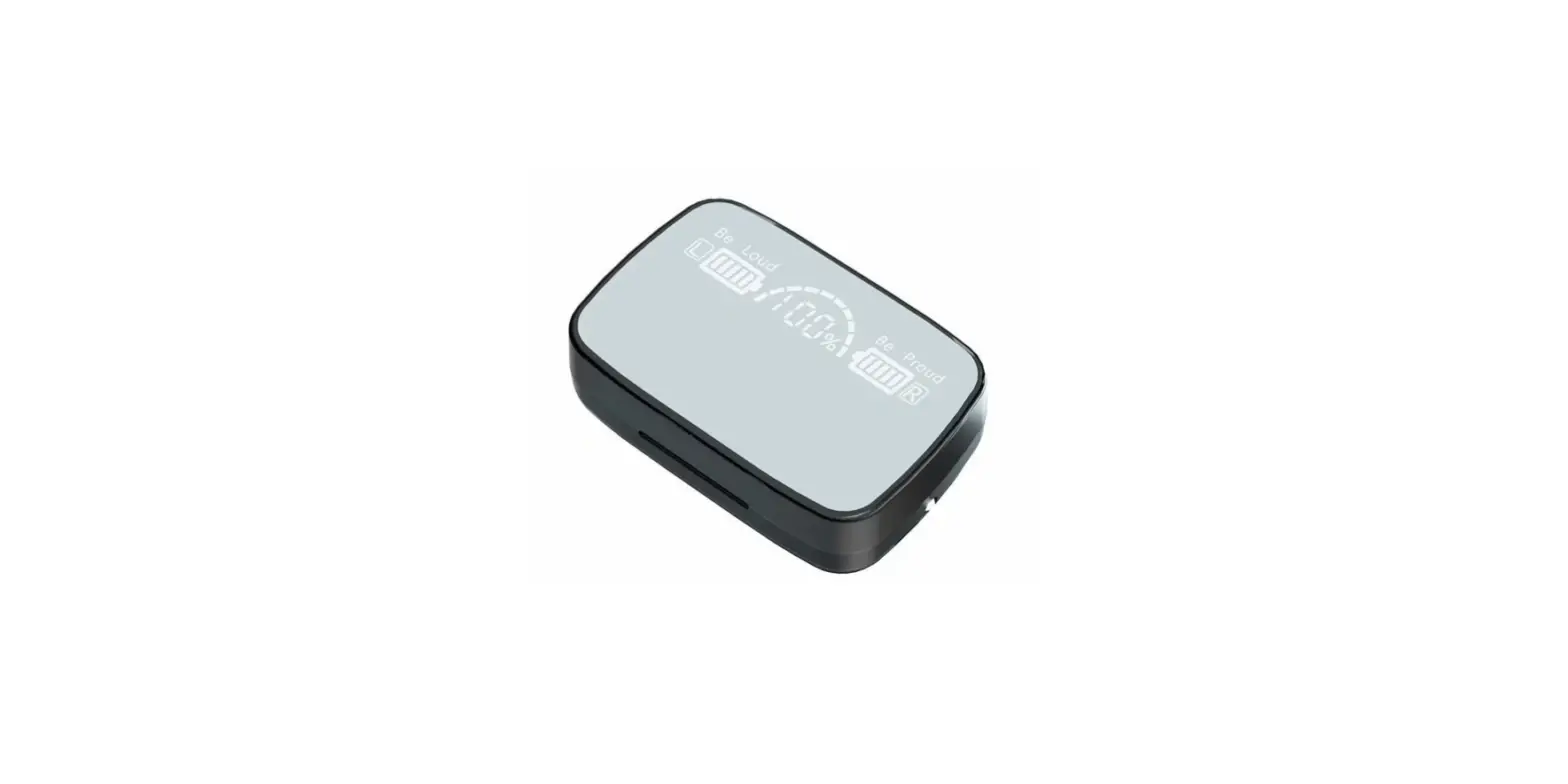
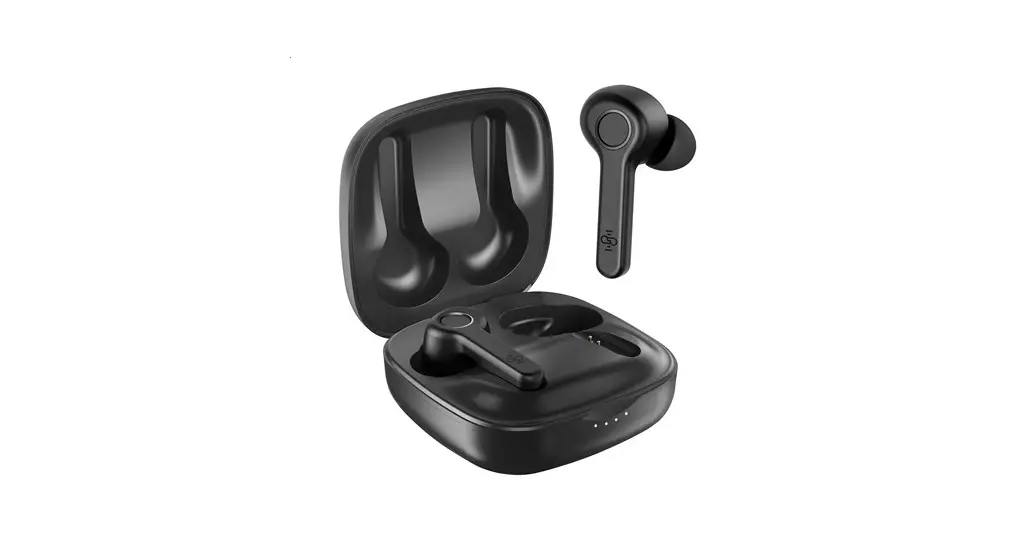
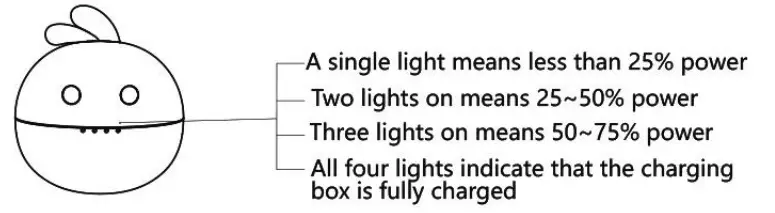 When the charging box is charged, the four lights of the charging box gradually turn on, that is, when the power supply is less than 25%, only one light turns on. When the power supply reaches 25-50%, there are two lights on. When the power supply reaches 50-75%, three lights turn on, and when the power supply is full, four lights turn on (indicating that the charging box is full at this time).