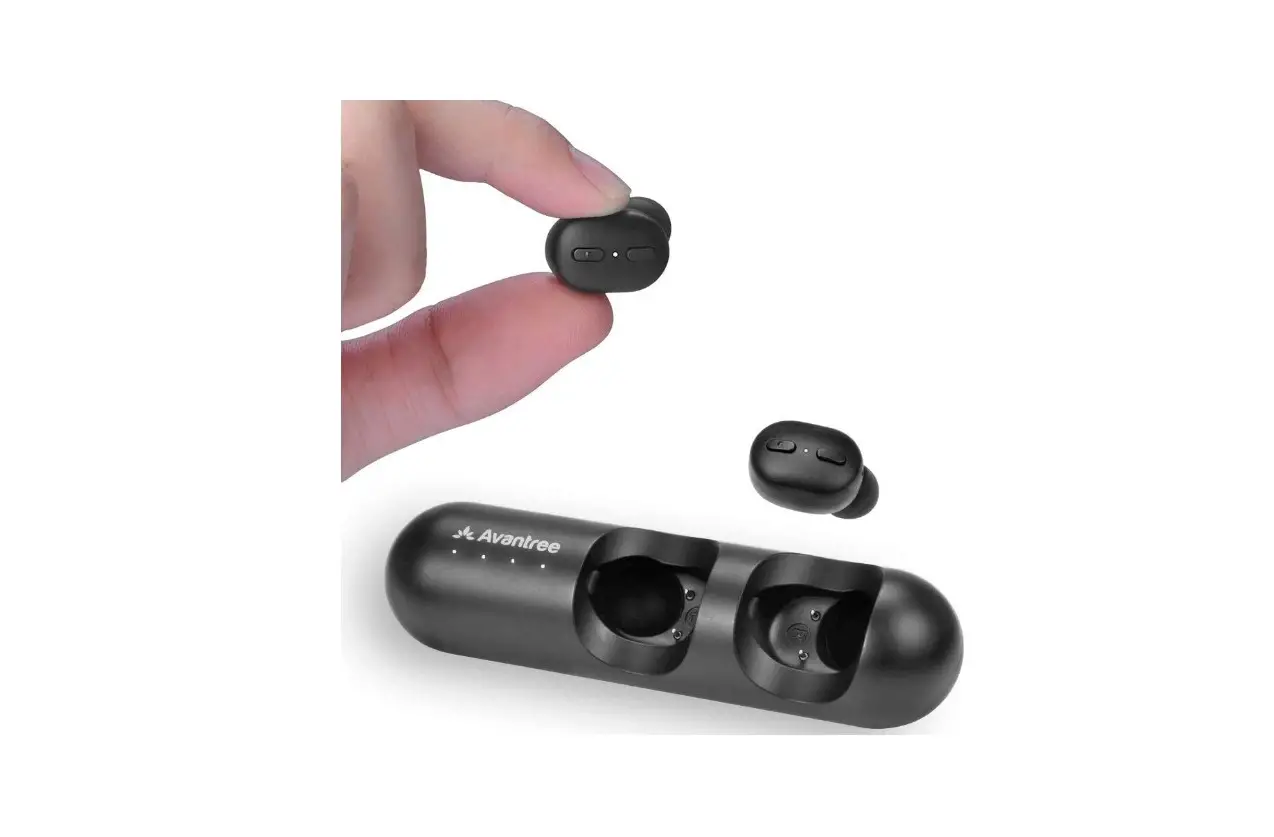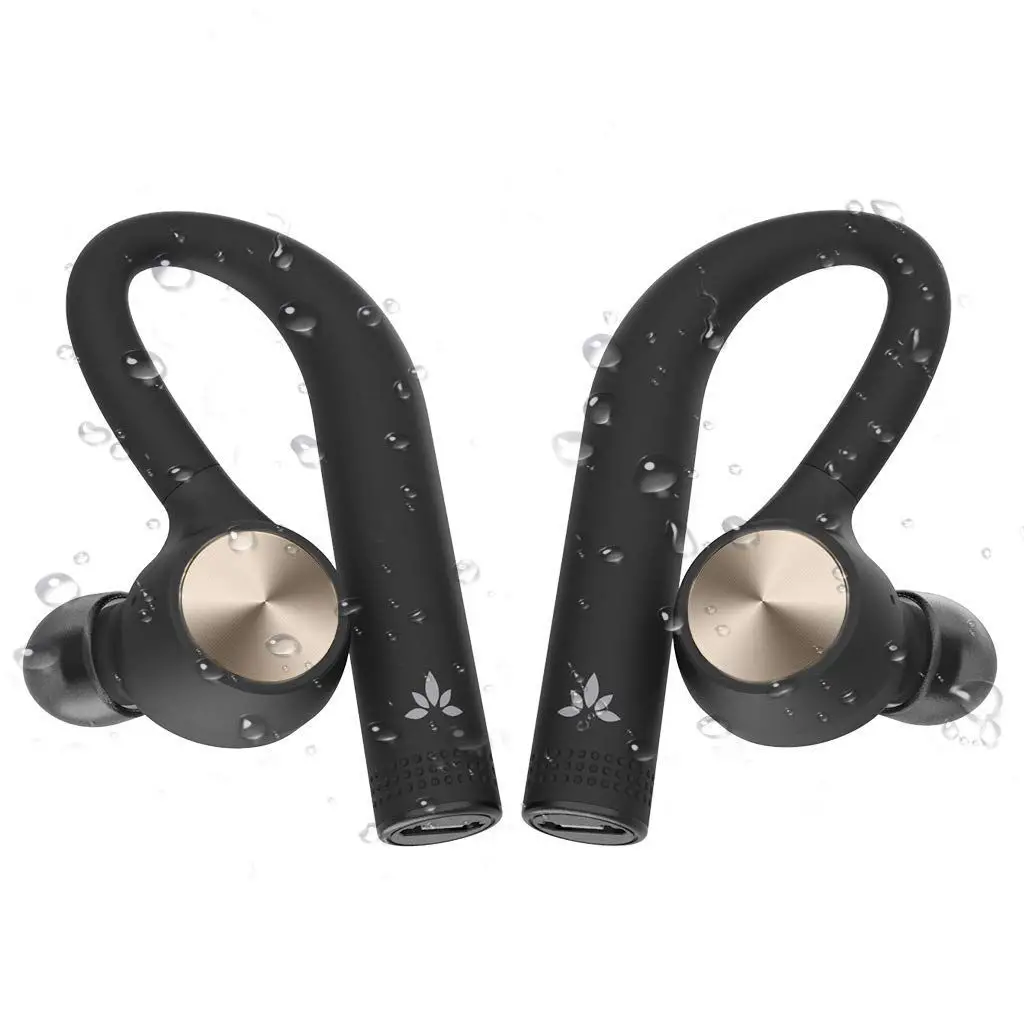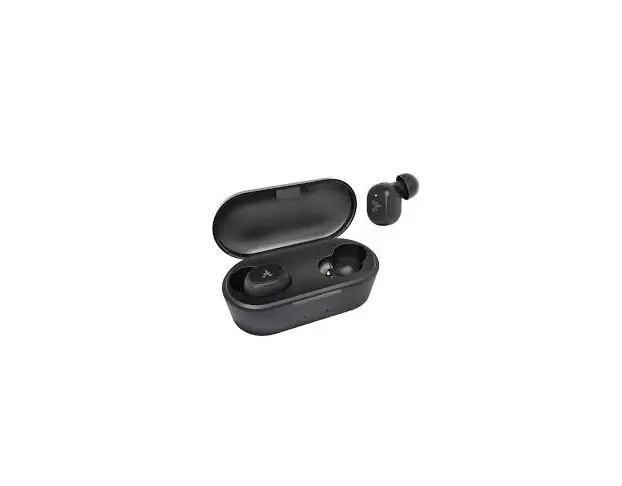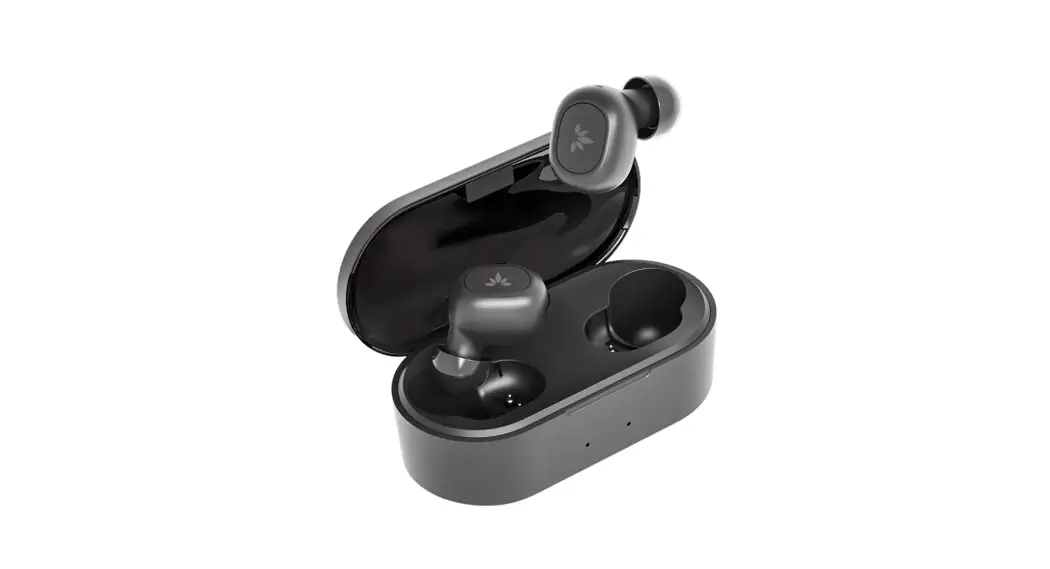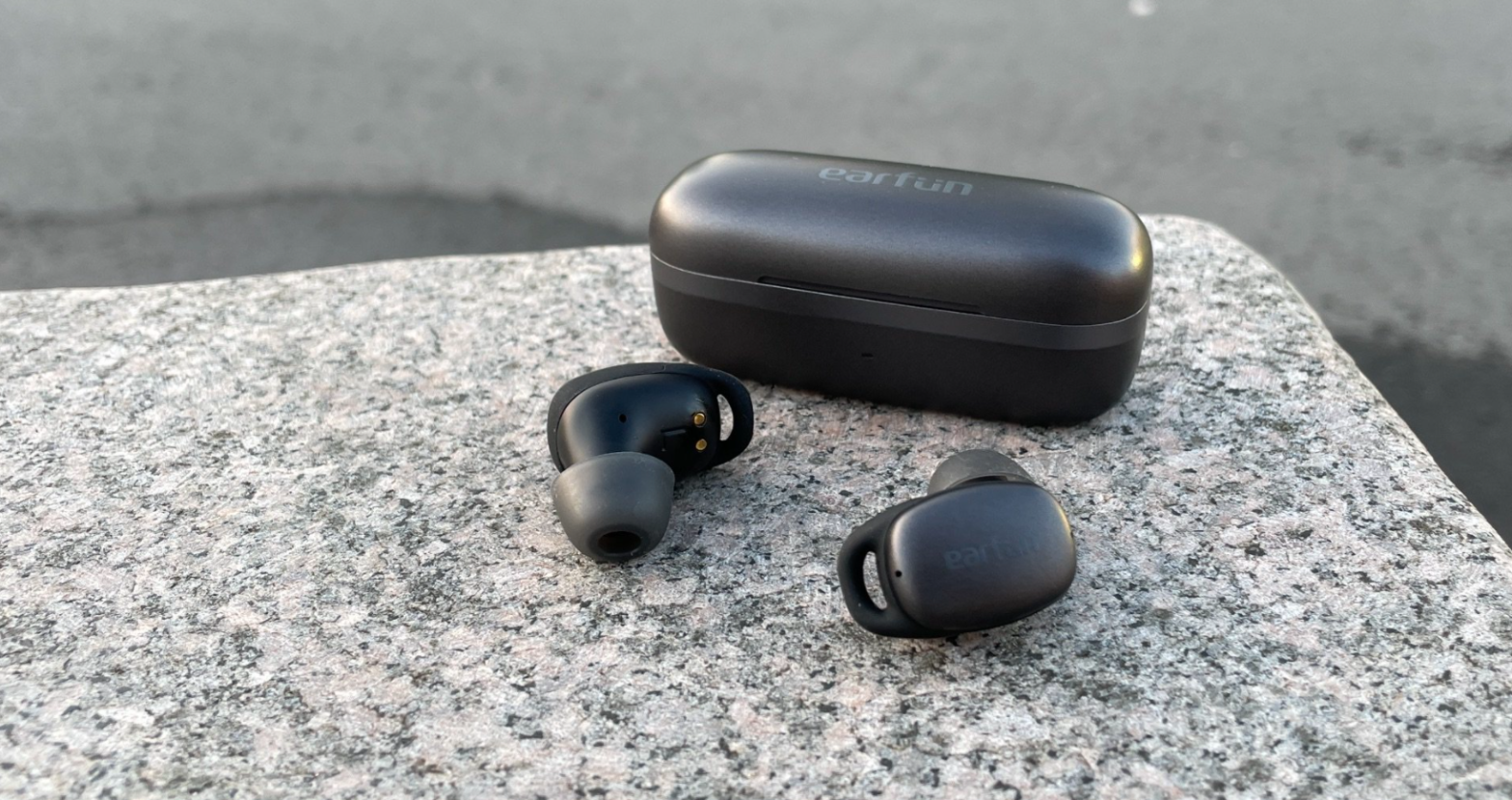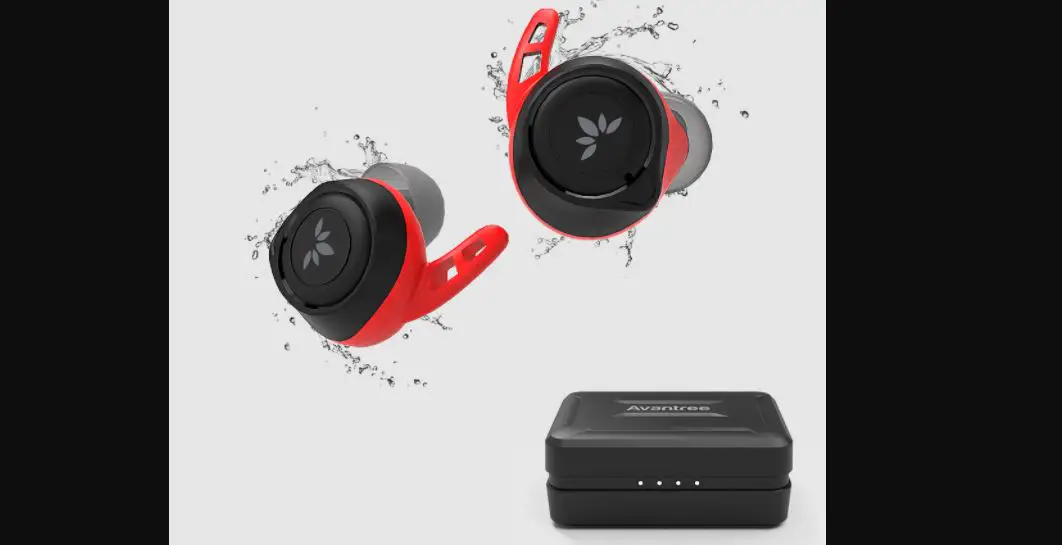

Avantree True Wireless Earbuds BTHS-TWS106
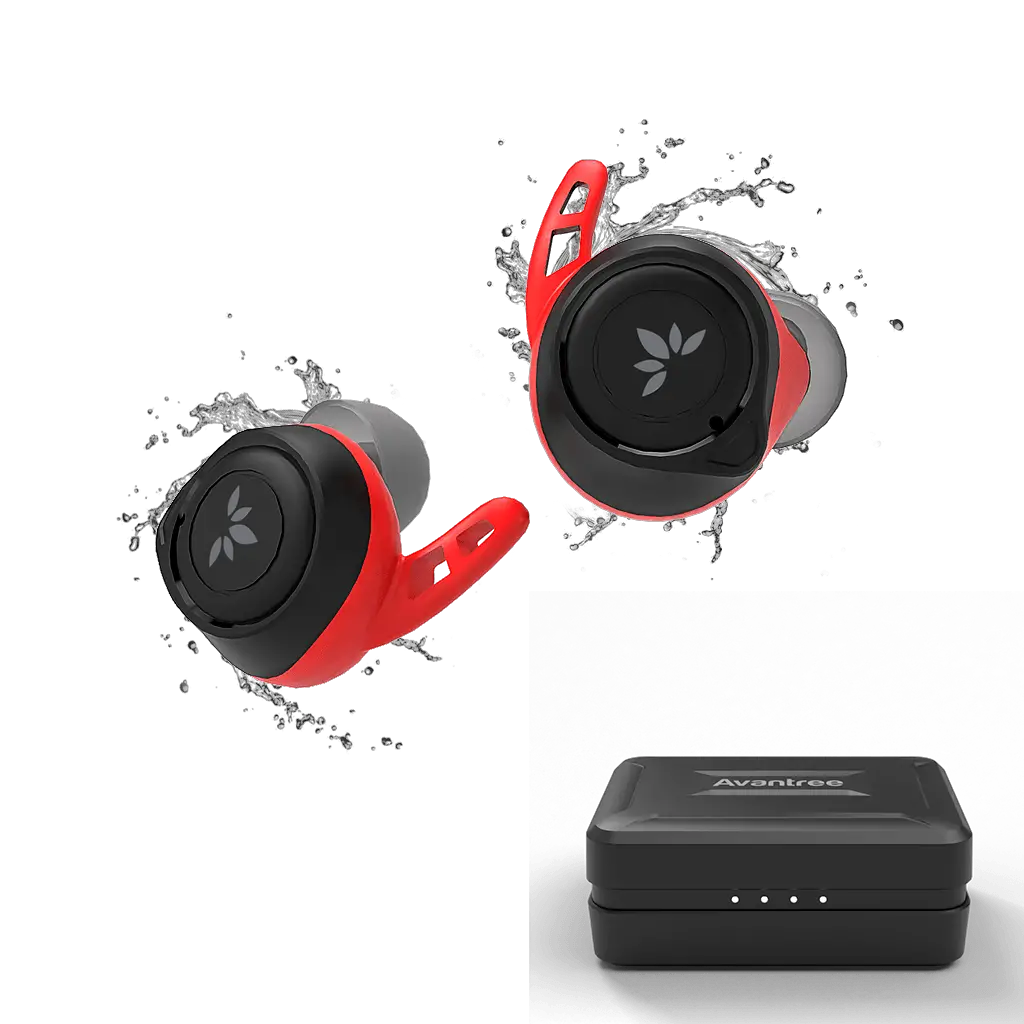
Product Overview
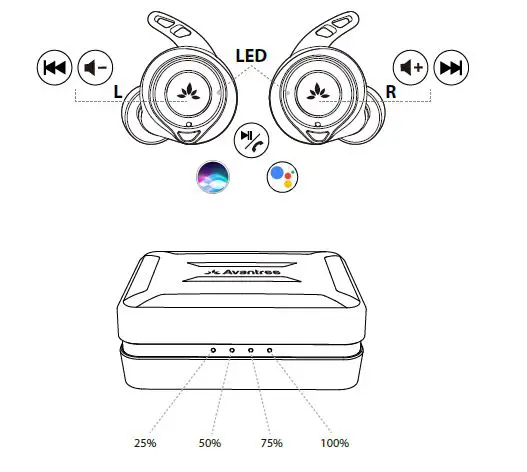
What’s in the Box?
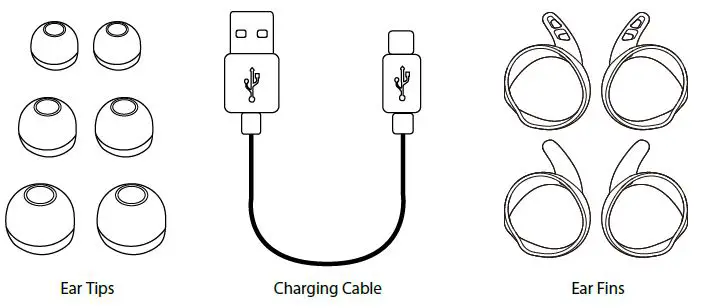
- Ear Tips
- Charging Cable
- Ear Fins
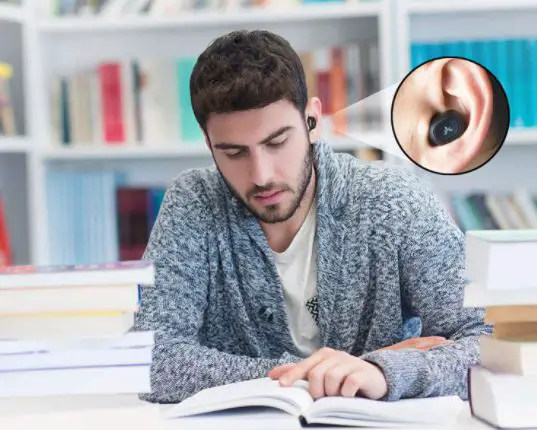
How to wear
Select & replace eartips
We recommend that you give each of the different sized eartips and earfins a try and find the pair that fits your ears the best.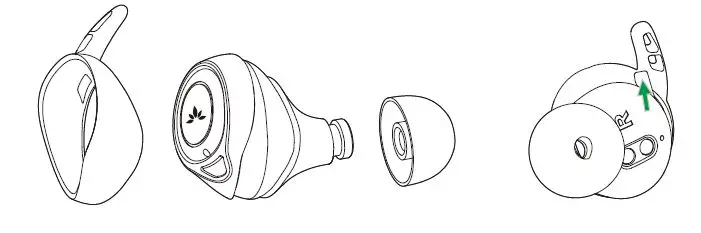
Fitting adjustment
Insert the earbud into your ear and adjust to a position that you’re comfortable with.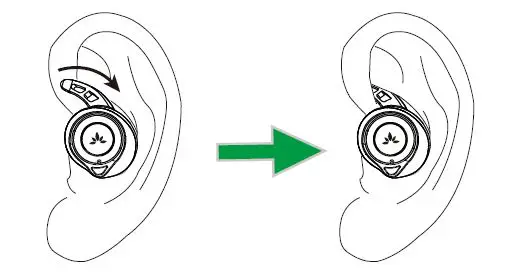
How to charge
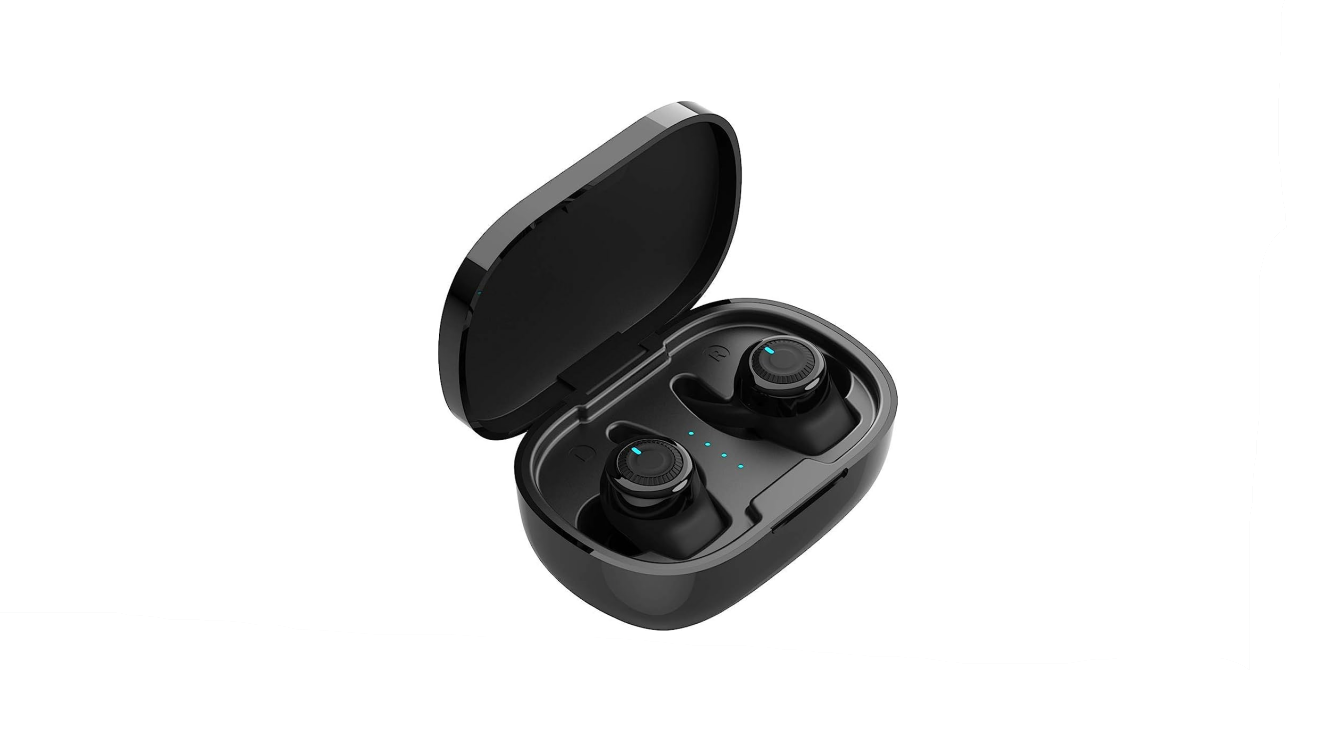
With up to 7 hours of battery in the earbuds, and 14-15 charges in the charging case, Avantree TWS106 offers up to 120 hours of playtime.
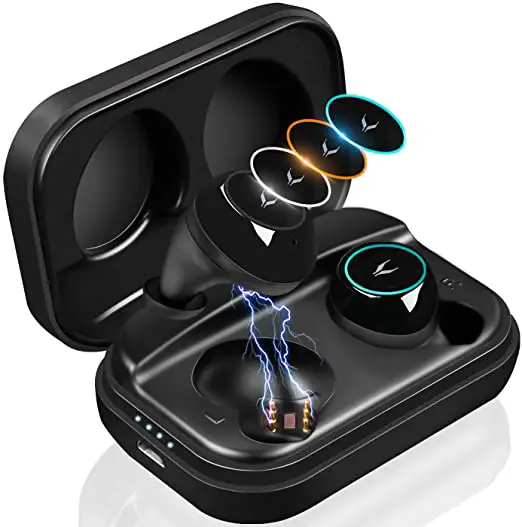
Charging the earbuds
When you start hearing the “Low battery, please charge” voice prompt, please charge the earbuds by putting them back into the charging case.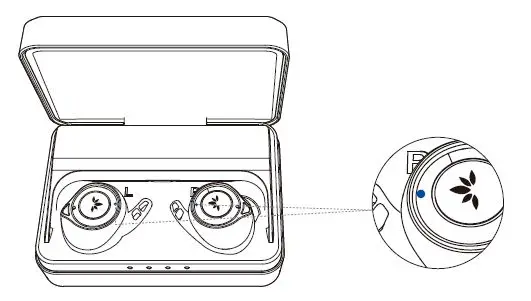 It takes about 1 hour to fully charge. The indicators on the earbuds will illuminate BLUE while charging and automatically turn off when the charging is complete.
Charging the case
The LEDs will flash according to the battery level charging. When fully charged, all LEDs will illuminate WHITE for about 5 minutes then turn off.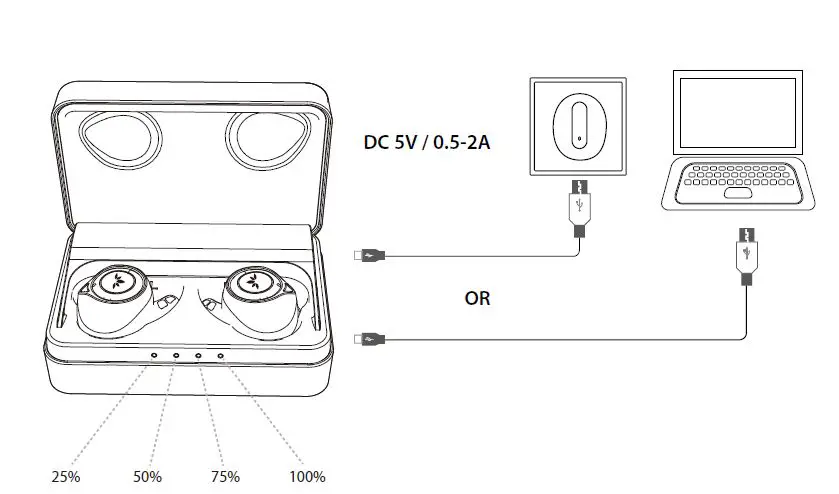
Basic operations
| Function | Operation |
| Power On | Take out from charging case. OR Press & hold until LED indicator on the earbuds illuminate BLUE. |
| Power Off | Put the earbuds back into the charging case OR Press & hold until LED indicators on the earbuds dims out. |
| Pairing | Once powered on, it will automatically enter pairing mode and its LED will flash BLUE rapidly. |
| Play / Pause | Click once on either earbud. |
| Volume Up | Double-click on the RIGHT earbud |
| Volume Down | Double-click on the LEFT earbud |
| Previous Track | Long press on LEFT earbud for about 2s |
| Next Track | Long press on RIGHT earbud for about 2s |
| Answer / End a Call | Click once on either earbud. |
| Active Voice Assistant -Siri / Google Assistant (Phone feature) | Make sure music is not playing, double-click on either earbud |
LED Indications
Earbuds
| Connected Successfully | Indicators on both earbuds dim out |
| Not Connected | Indicators on both earbuds flashing BLUE |
| Charging | SOLID BLUE (earbuds placed in the cradles) |
| Fully charged | LEDs on both earbuds dim out (inside the cradles) |
Charging Case
| Battery low | Leftmost LED indicator flashes WHITE |
| Charging | LED indicators flash according to the battery level |
| Fully charged | All LEDs illuminate WHITE for about 5 minutes then turn off |
How to pair
Connect to a Bluetooth devicev
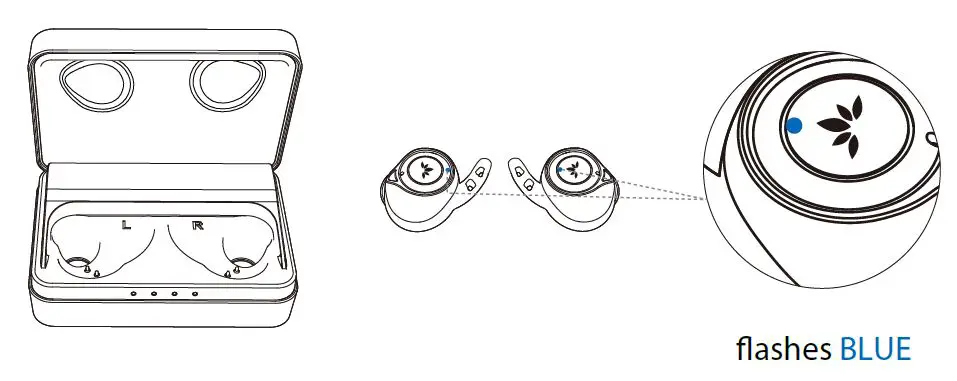
- Remove earbuds from the case. The earbuds will enter PAIRING MODE with the LED flashing BLUE.

- Search and select “Avantree TWS106R” or “Avantree TWS106L” on your device to connect.

- Accept the pop-up pairing request from your device. Now you can stream music.

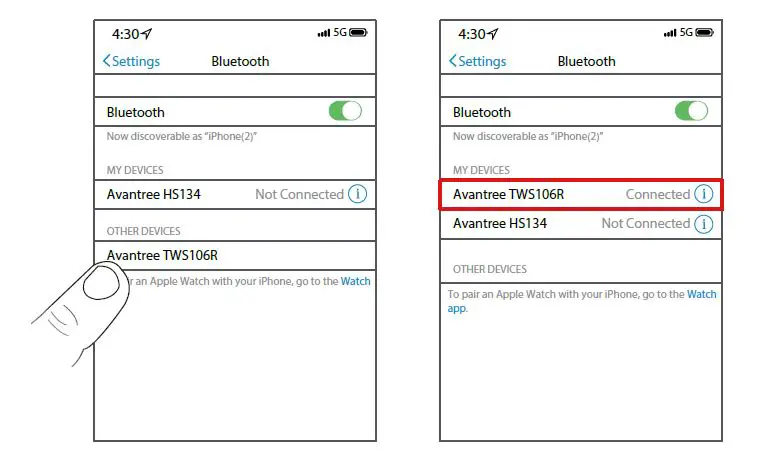
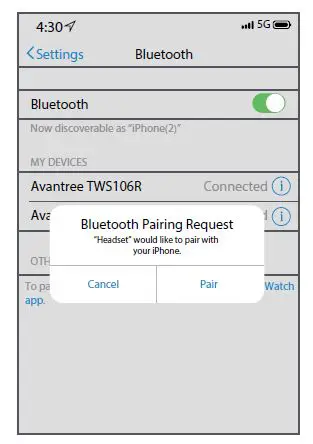
NOTE: To connect with ANOTHER device, please turn off Bluetooth on the previously connected device first.
Mono earbud use
Either side can be used separately as a mono earbud.
- Follow the section above and pair both earbuds to your device first.
- Put both earbuds back into the charging case.
- Take out the earbud you’d like to use, it will automatically reconnect with your device.
How to Factory Reset
- Place both earbuds back into the charging case, make sure they’re powered off.
- Left Earbud First: Press & hold until LED indicator on the earbud triple flashes BLUE then turns off.

- Repeat the same process on the Right earbud.
- Remove both earbuds from the case. Indicators on both earbuds will flash BLUE rapidly – indicating they are connecting with each other.
- Once flashing on the RIGHT earbud slows down, you can pair with your device again.
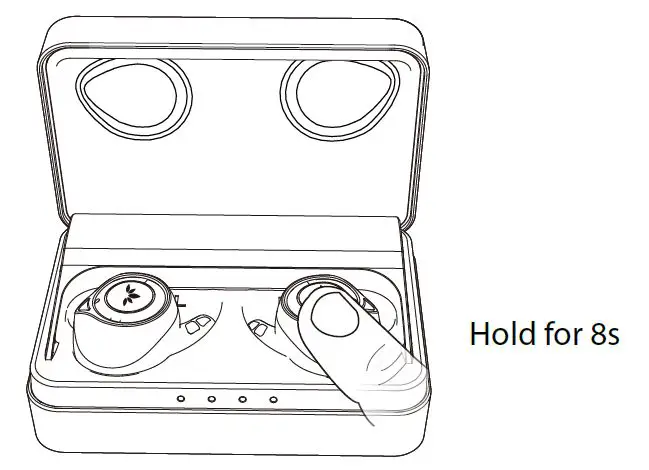
Note: before pairing again, please remember to delete Avantree TWS106R and Avantree TWS106L from your device
Support
FAQ
View the FAQs on https://avantree.com/product-support/BTHS-TWS106-BLK.
How to take care of your TWS106
- Always store the earbuds inside the charging case and make sure that they are safely protected.
- If you would like to clean your earbuds, we recommend that you follow these instructions.
- The TWS106 is designed to function optimally between the temperatures of 0°C and 40°C (32-100°F.) Although it can and will function beyond this temperature range, performance may be impaired.
- Avoid storing the earbuds for extended periods of time without recharging them (max. three months.)
- The charging case is designed to charge using standard USB voltage (5v ± 0,25v). It is not recommended to charge this product using power supplies/sources with higher voltage.