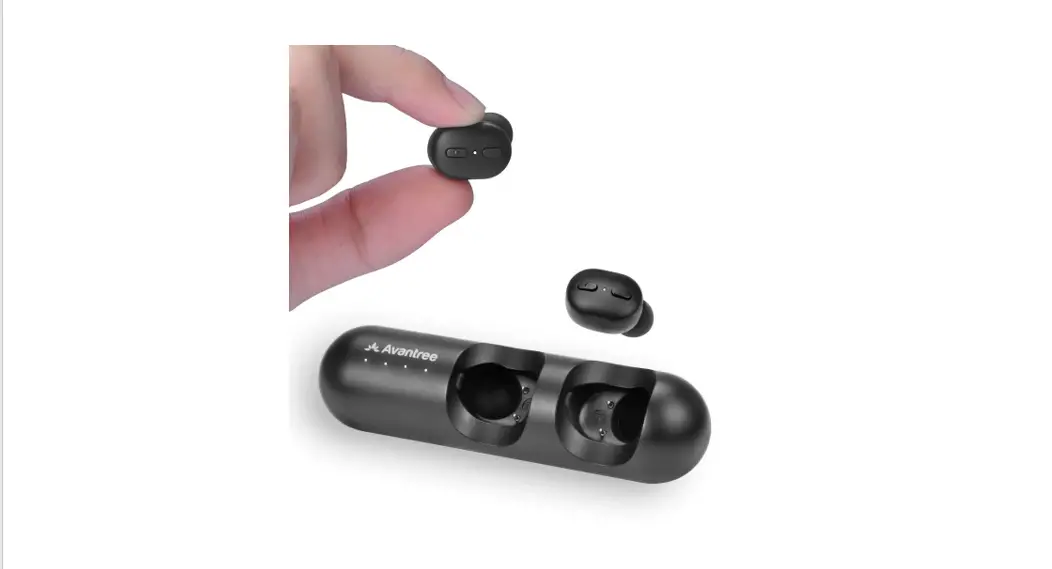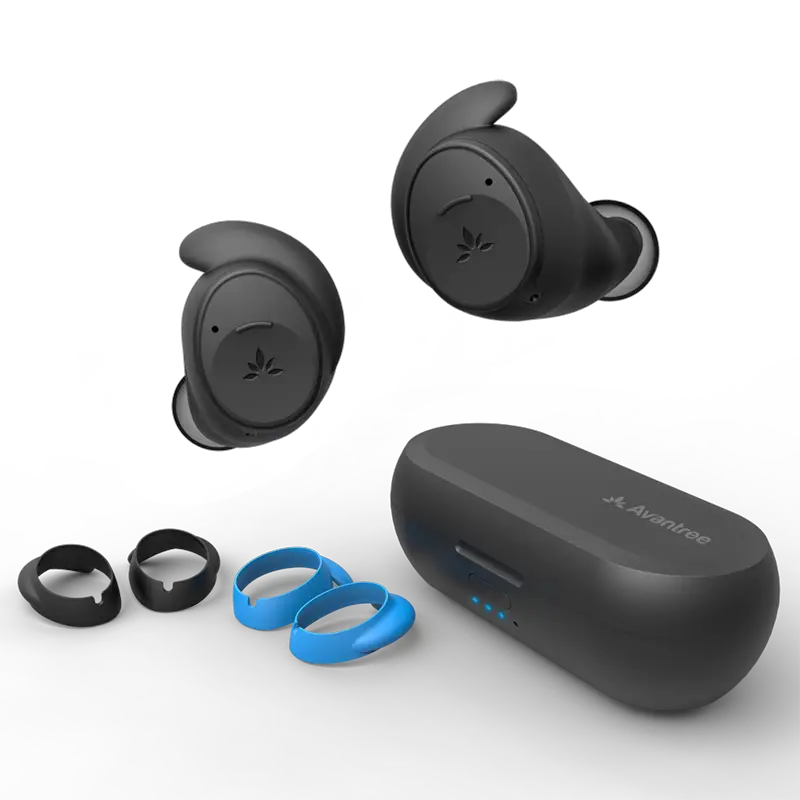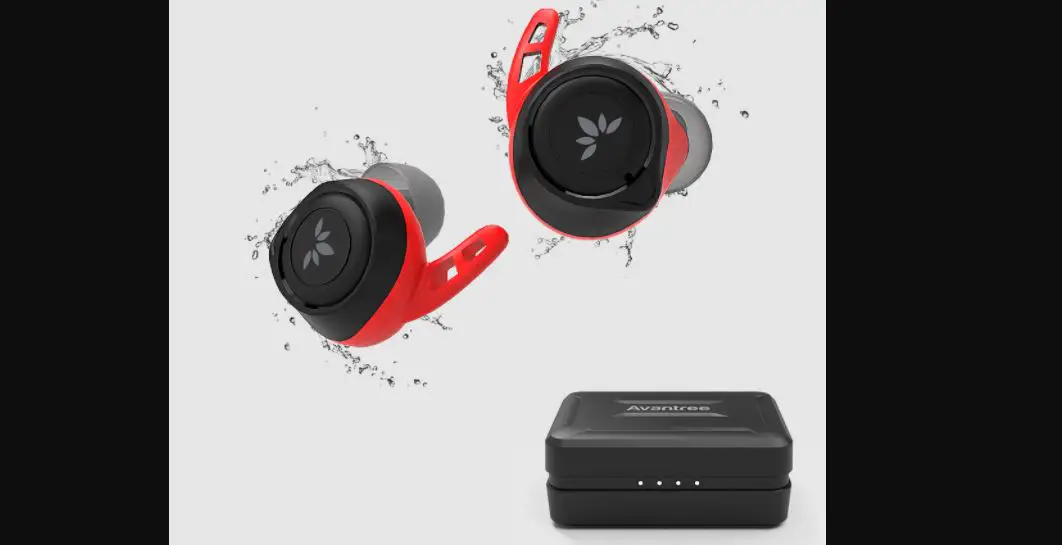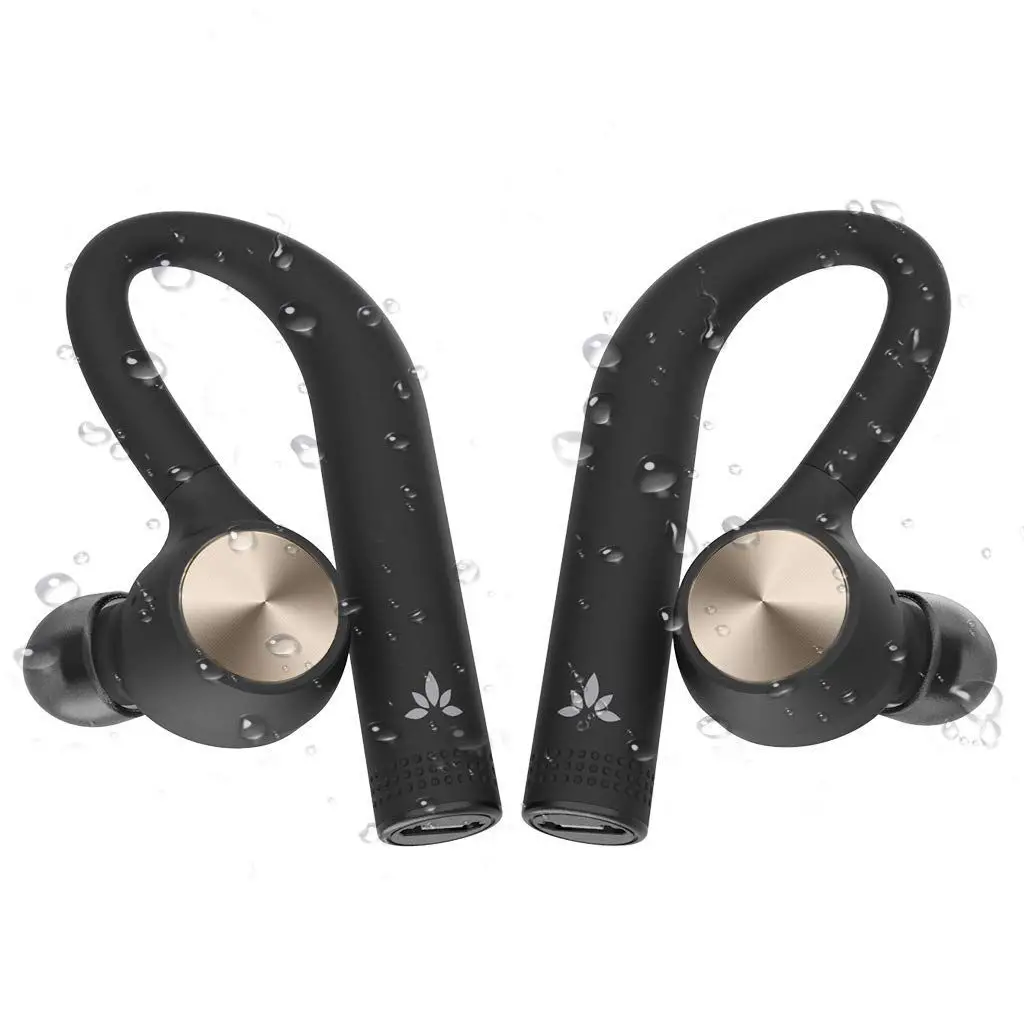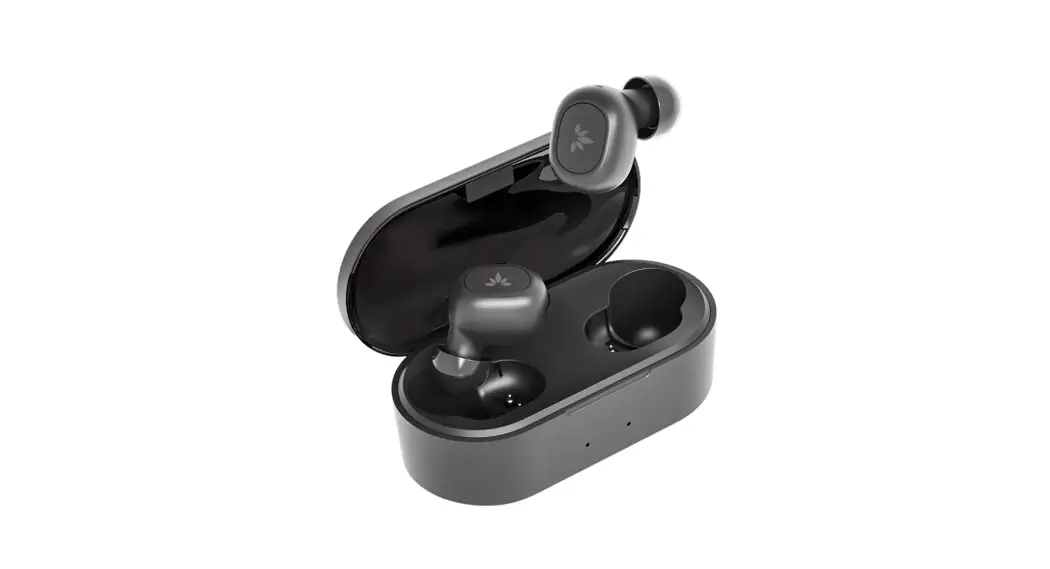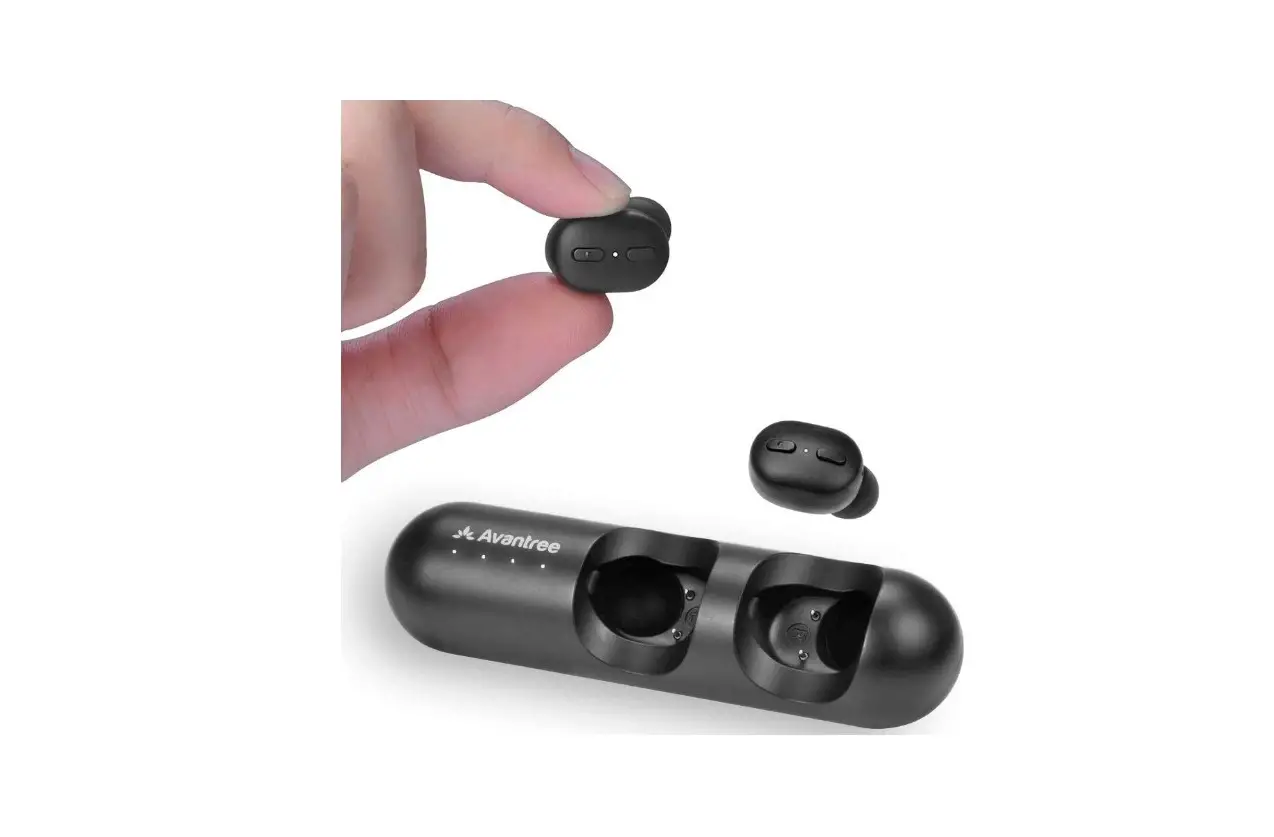

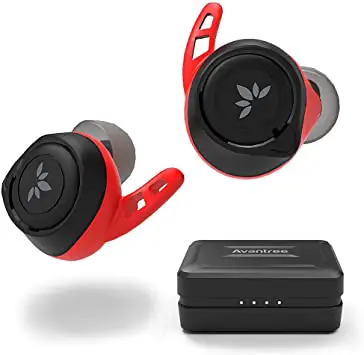
Avantree BTHS-TWS106 True Wireless Sports Earbuds
Introduction
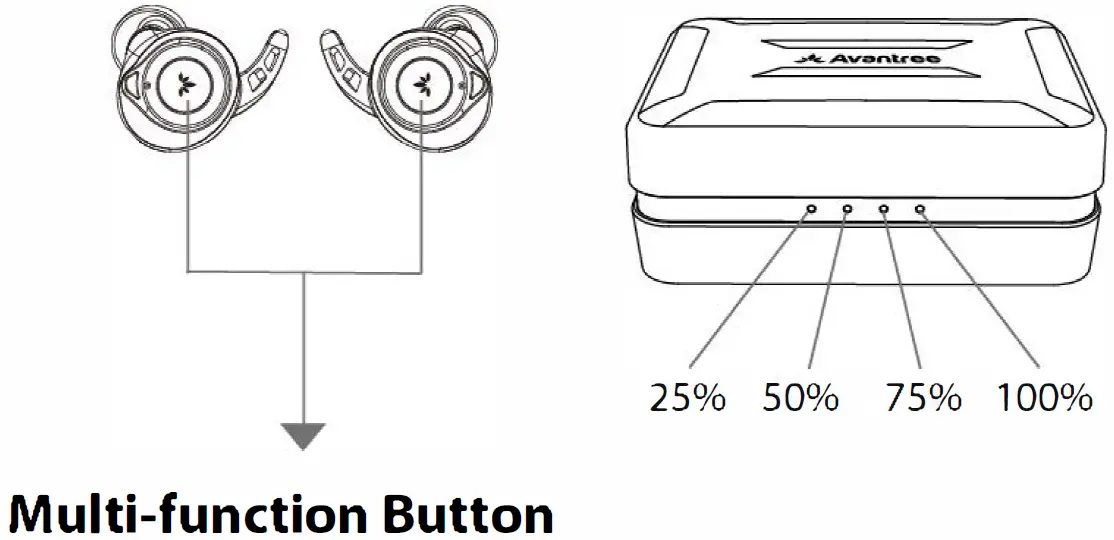
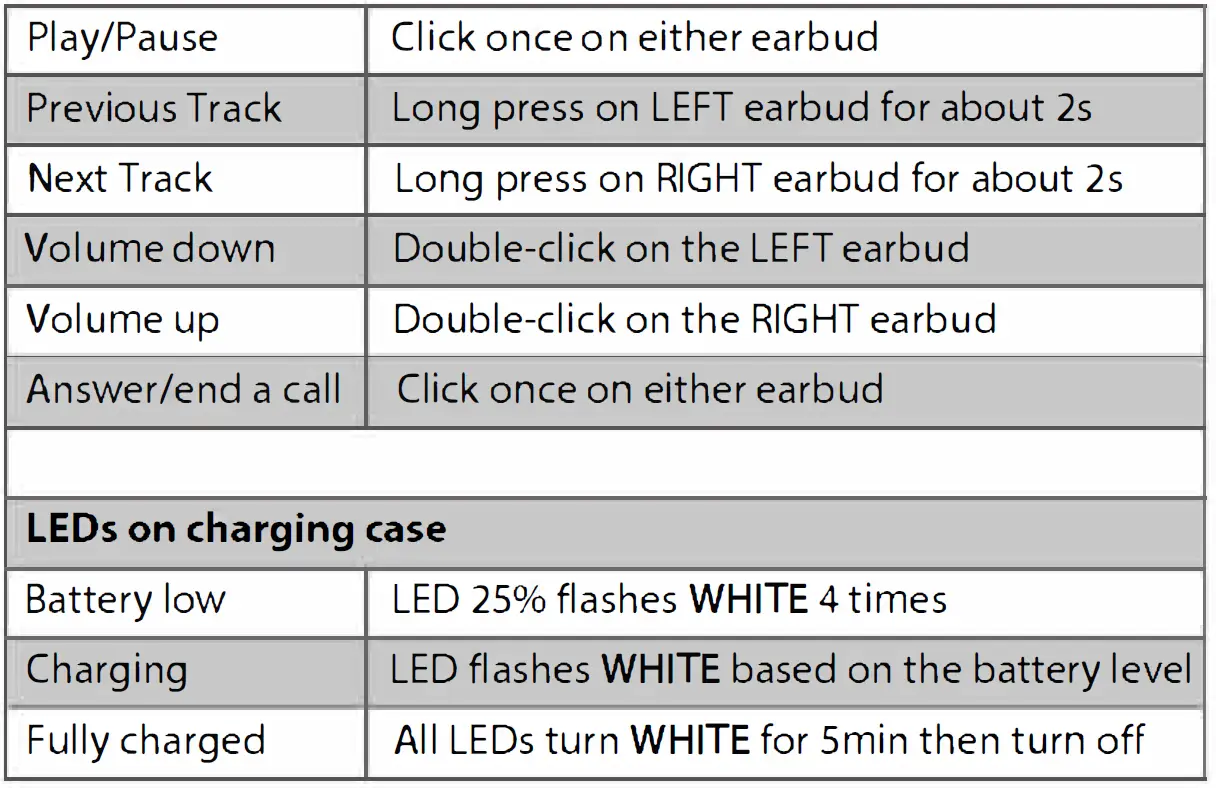
Note: If connected to PC please use PC user interface for above functions.
Connect to a Bluetooth device
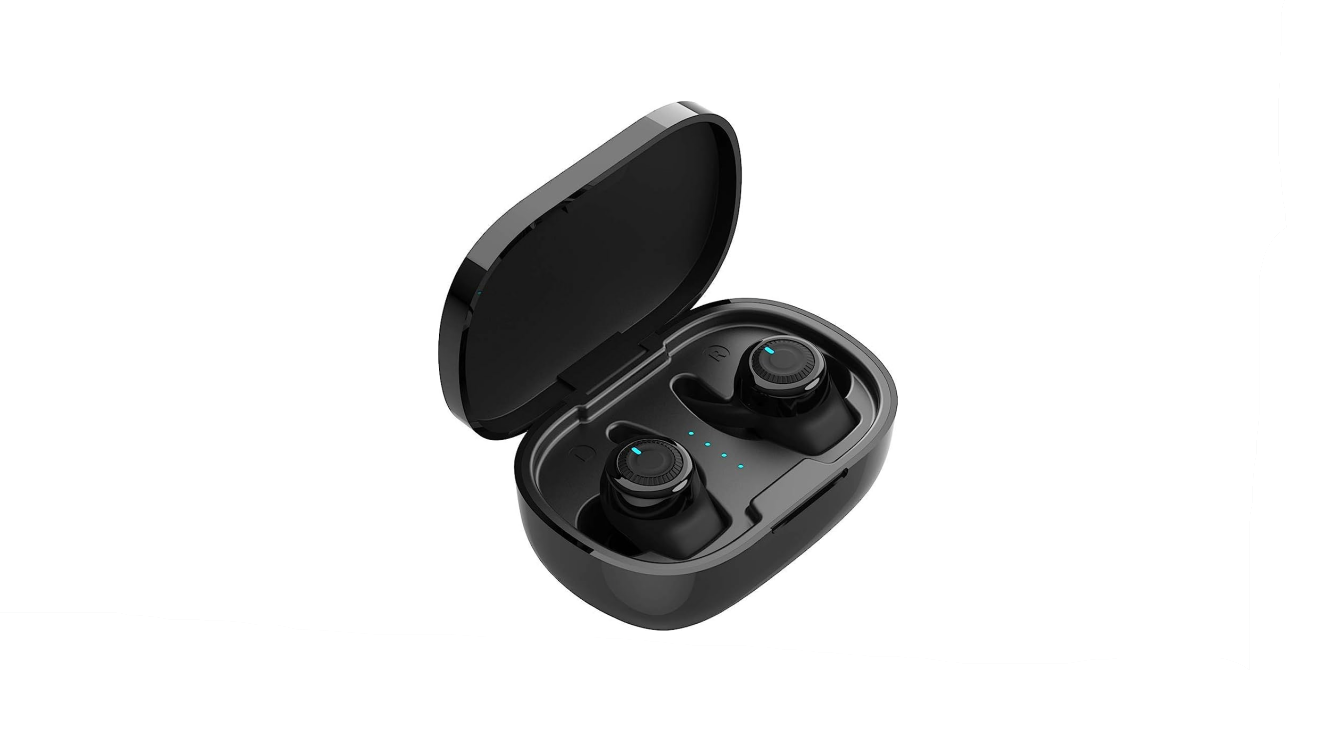
1. Remove earbuds from the case. One earbud will enter PAIRING MODE with the LED flashing BLUE rapidly.
2. Search and select “Avantree TWS106R” or “Avantree TWS106L” on your device to connect. After connecting, your device will display “Connected” and the LED will turn off.
3. Accept the pop-up pairing request from your device. Now you can stream music.
Note: to connect with another device, please turn off Bluetooth on the previously connected device.
Mono earbud use
Either side can be used separately as a mono earbud.
- Make sure you have previously connected the earbuds with your phone as a TWS pair first.
- Next – remove the earbud you want to use from the case and it will automatically reconnect with your phone.
Note that the button functions remain unchanged, so the R earbud controls volume up and next track.
How to wear
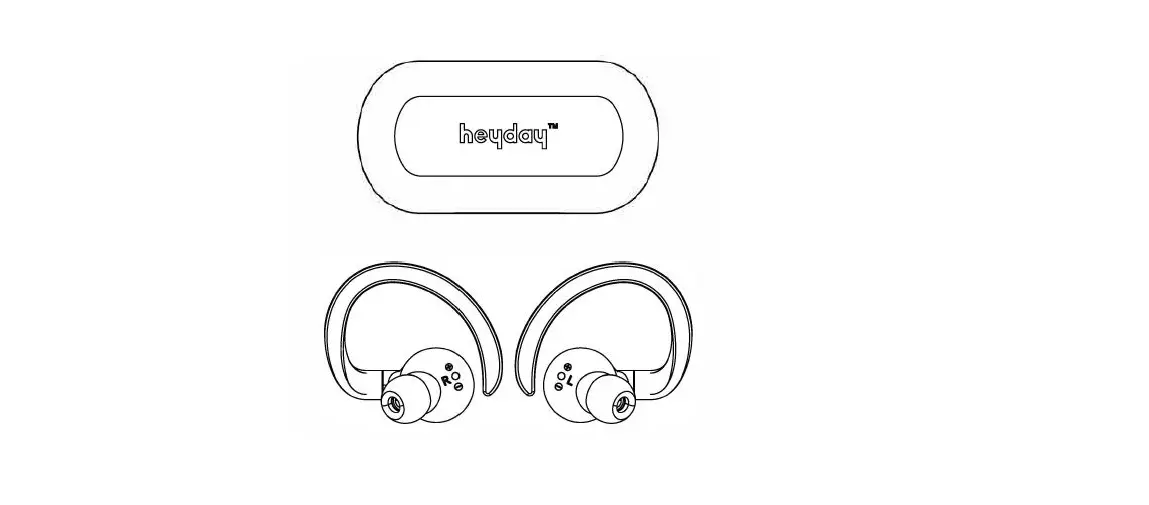
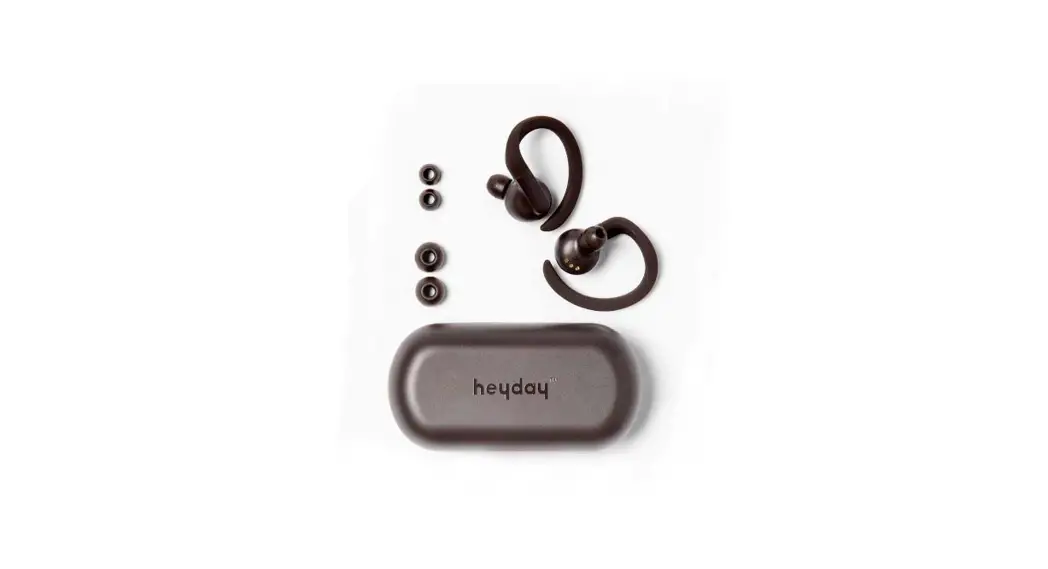
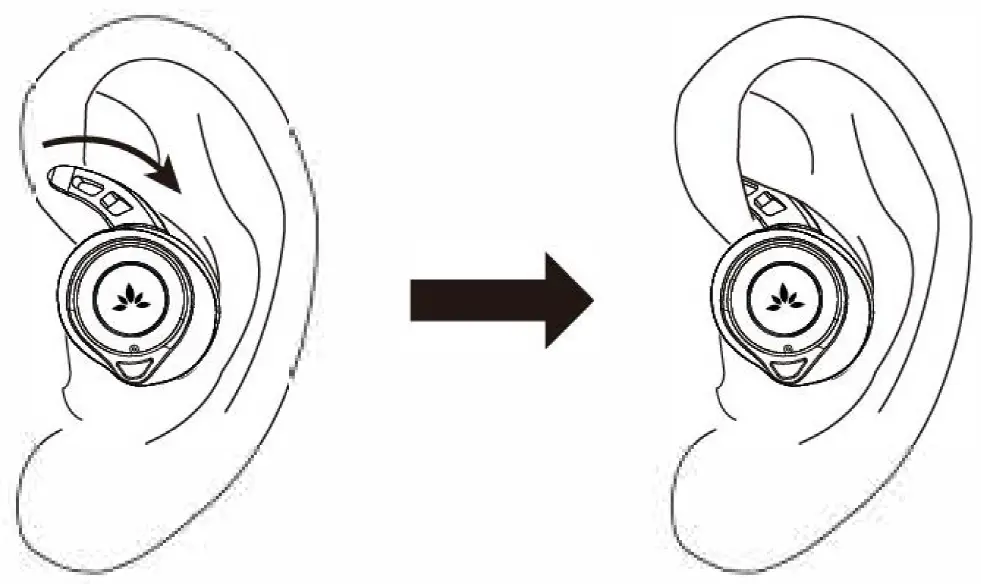
- Choose a snug-fitting pair of earbud tips – M works for most.
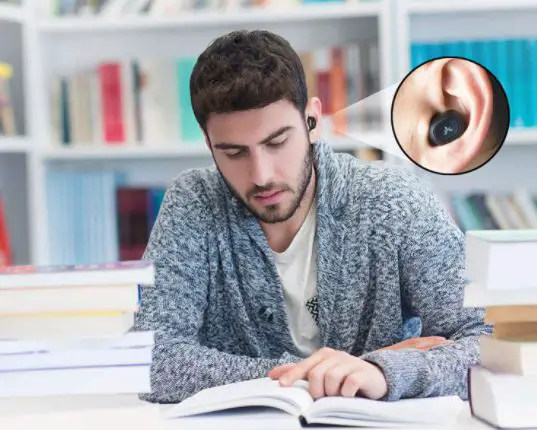
- Insert earbuds and adjust for secure fit.
support.avantree.com
Got questions?
Please visit: support.avantree.com
(User Manuals, FAQ, Video Tutorials and more)
Email support: [email protected]
(Response Time: 1 working day) Live chat: www.avantree.com
Dispose of the packaging and this product in accordance with the latest provisions.
 Support Center | Avantree
 Wireless TV Headphones, Devices, and Audio Solutions | Avantree