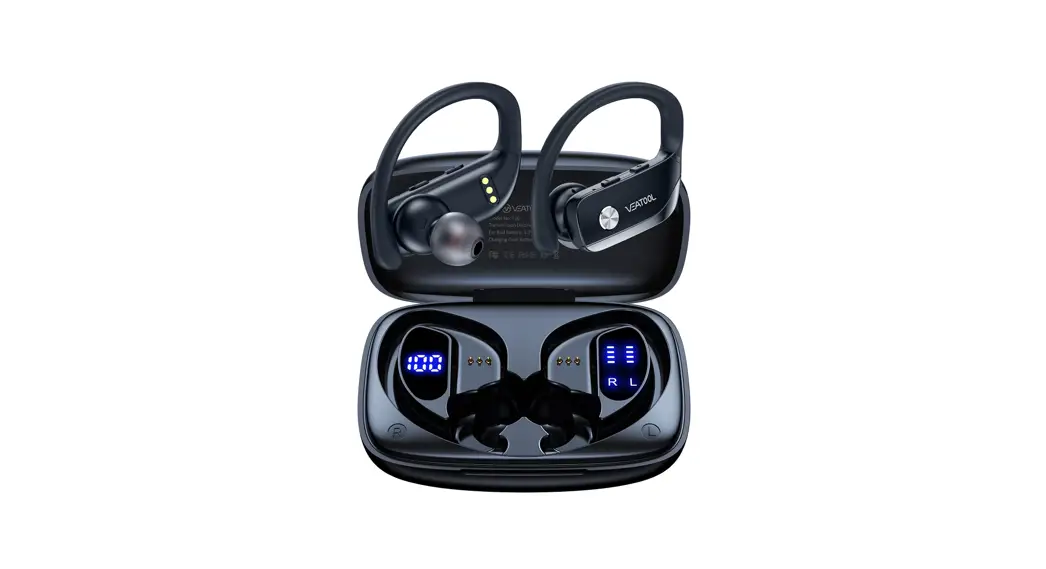
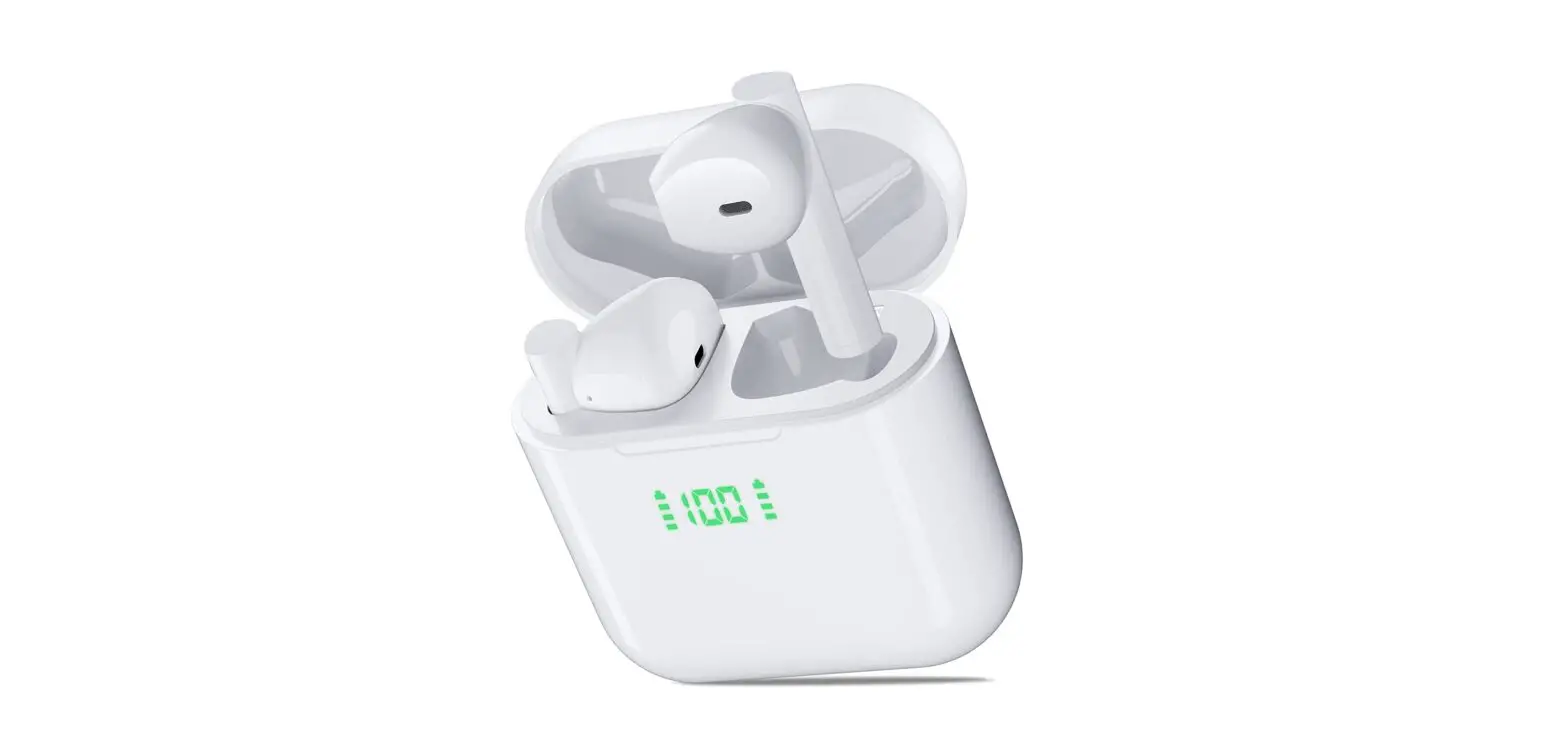
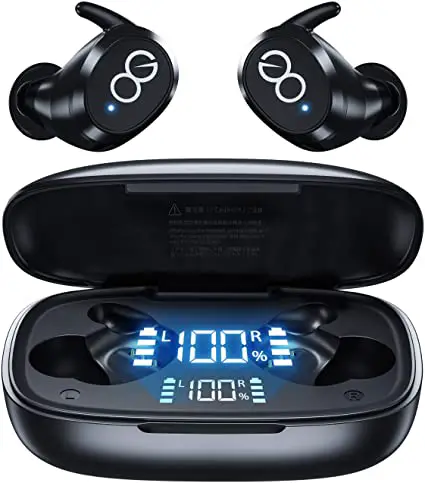
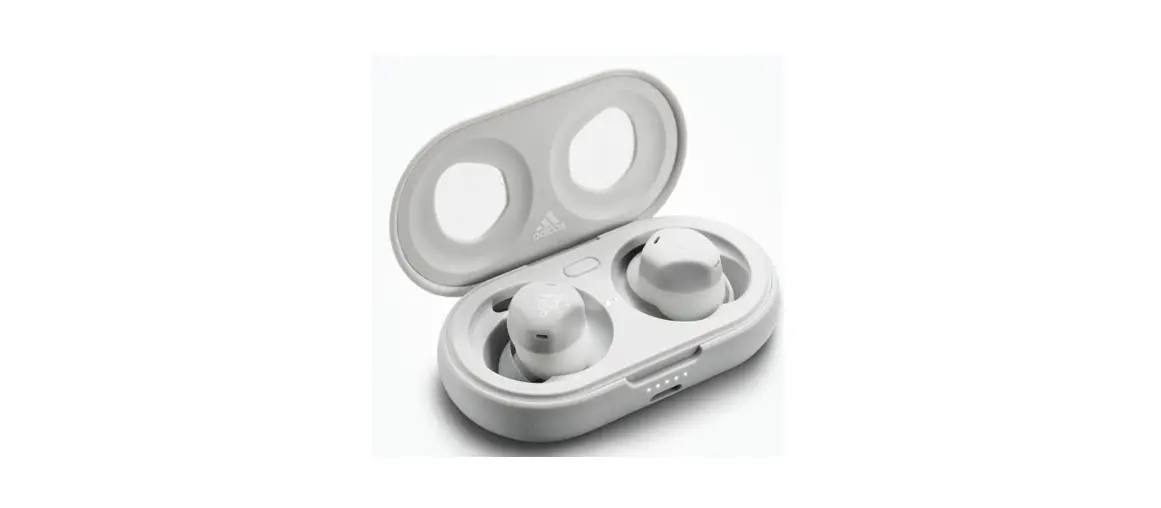
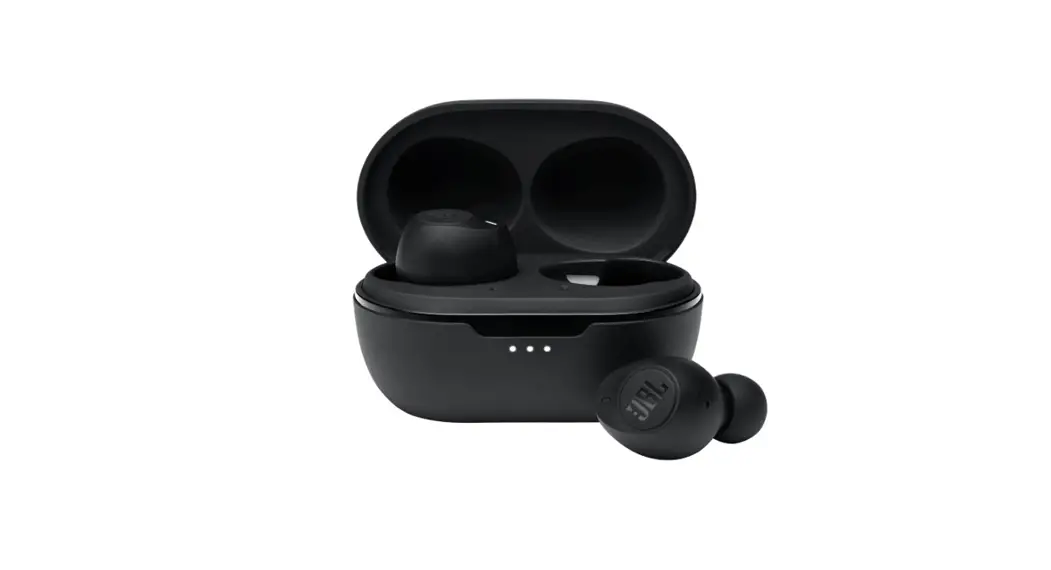
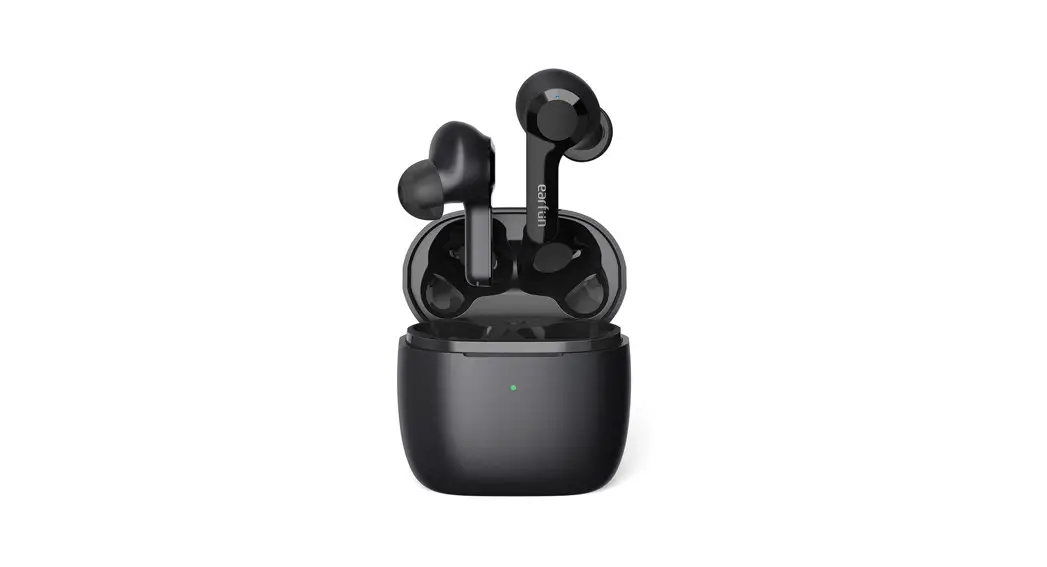
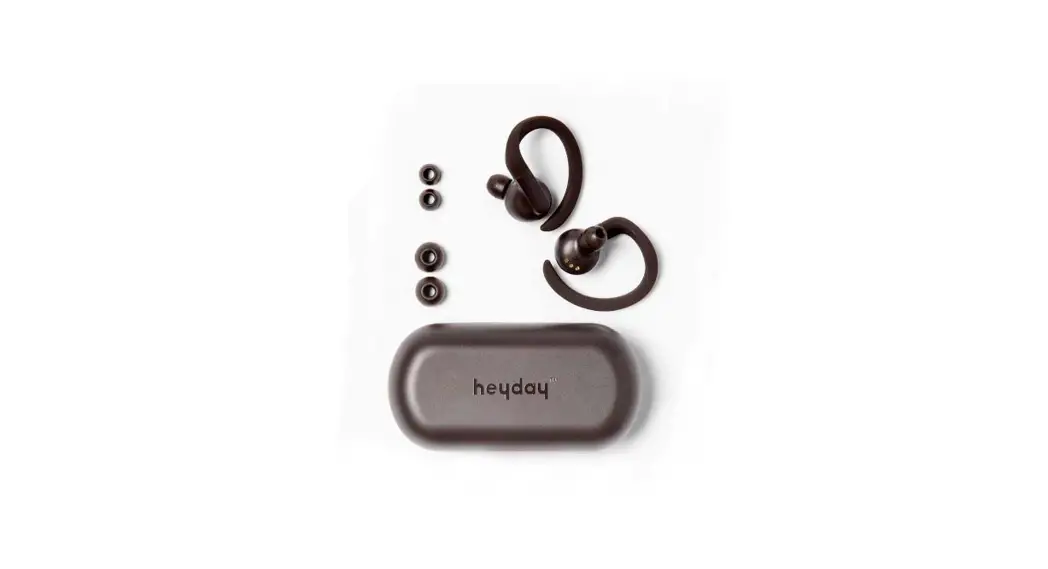
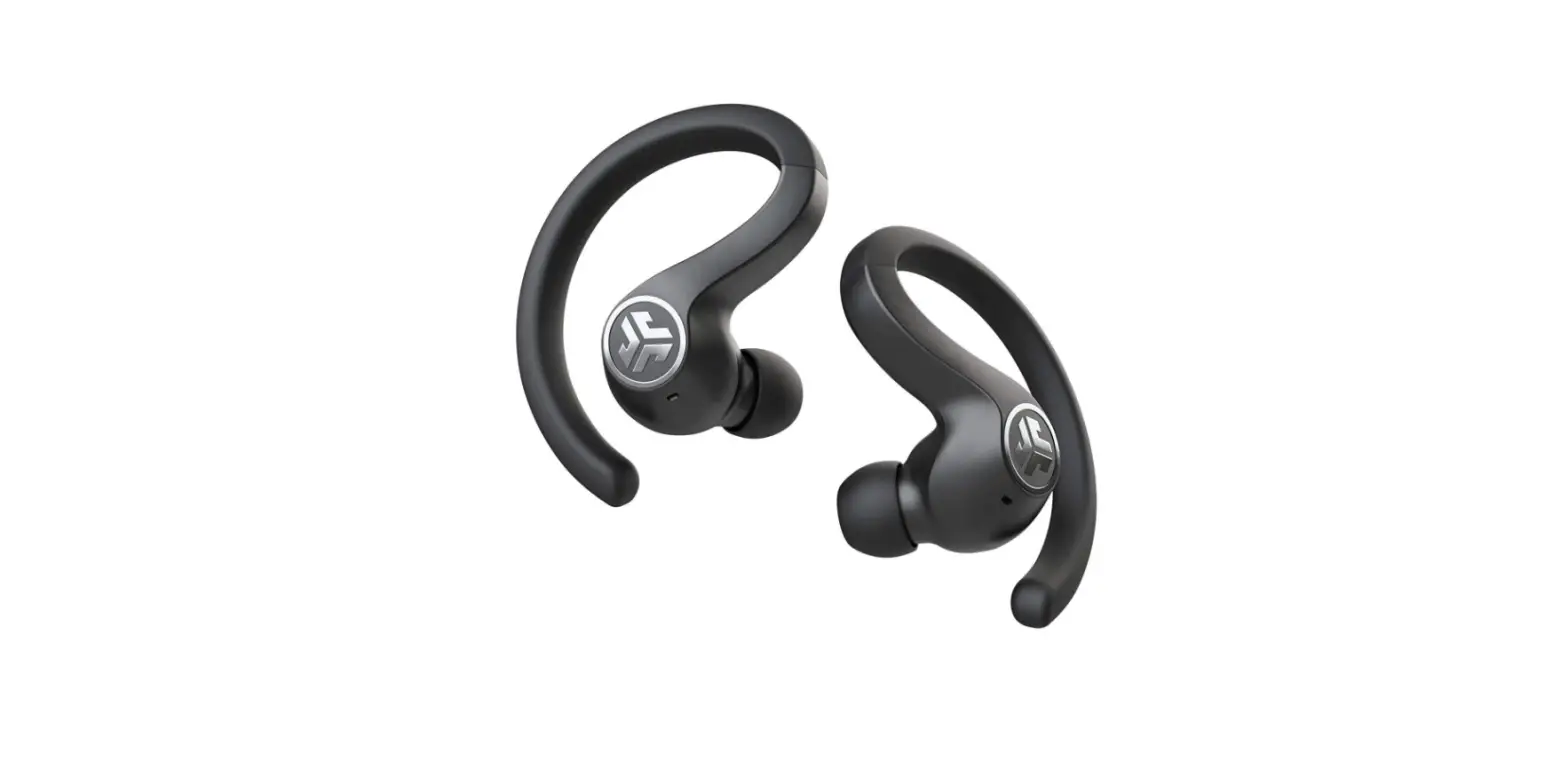
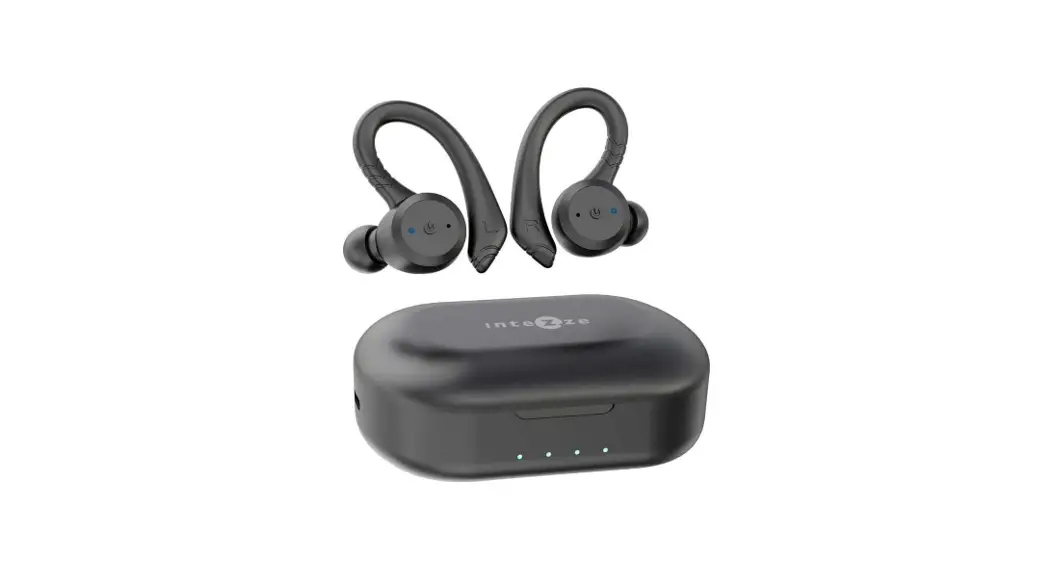
T9 True Wireless Sports Earbuds
Product Information:
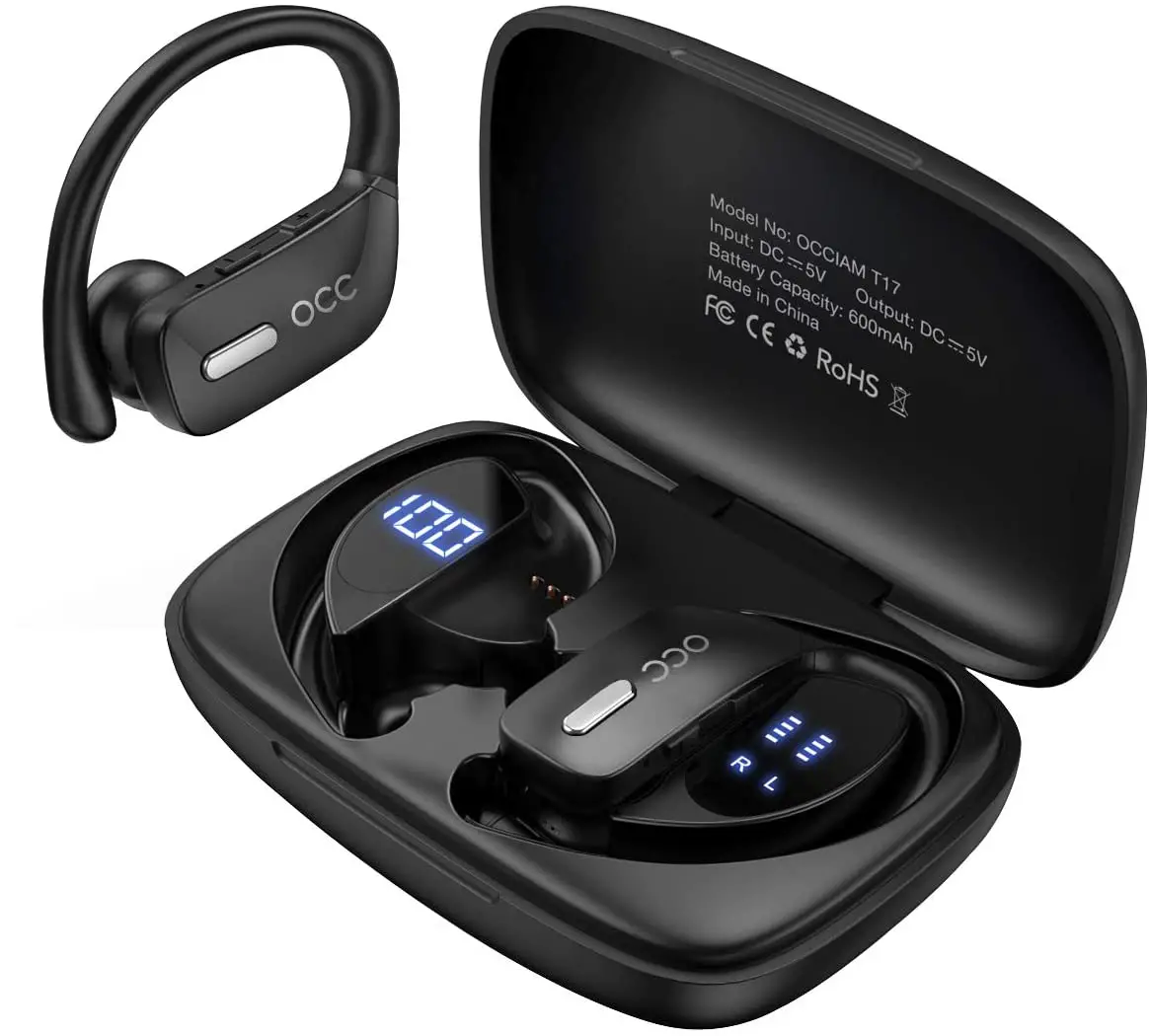
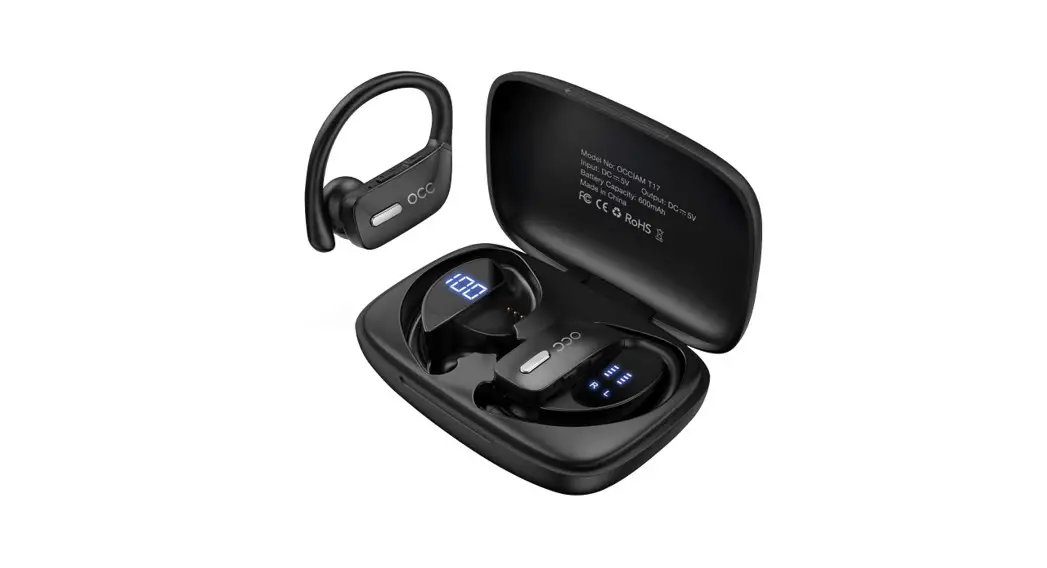
The T9 True Wireless Sports Earbuds are a pair of wireless
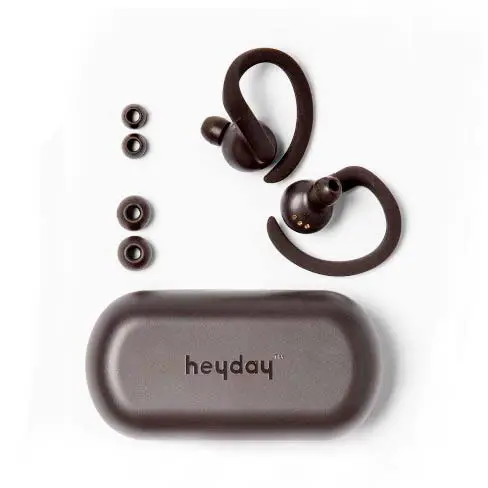
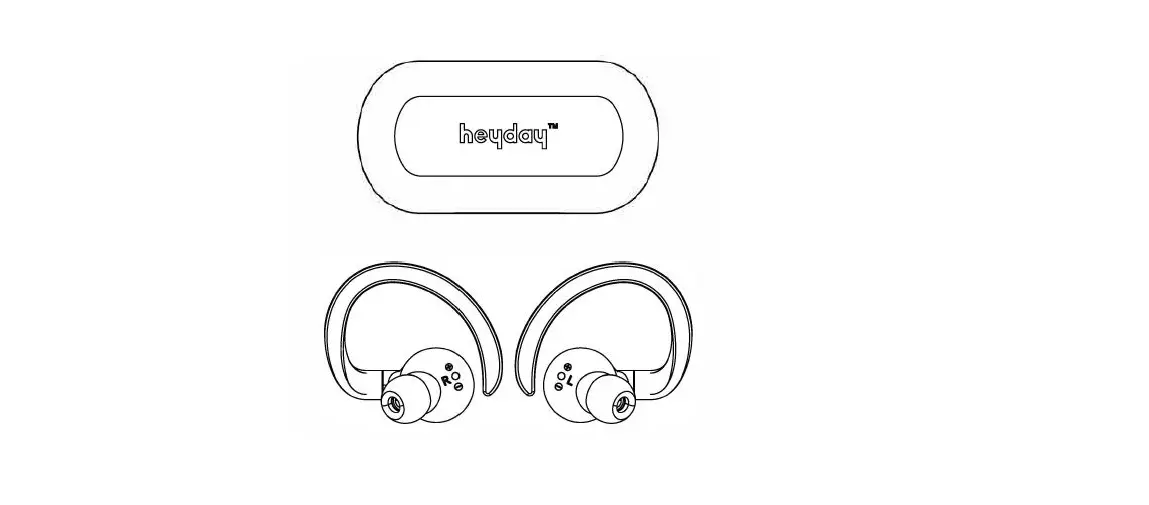
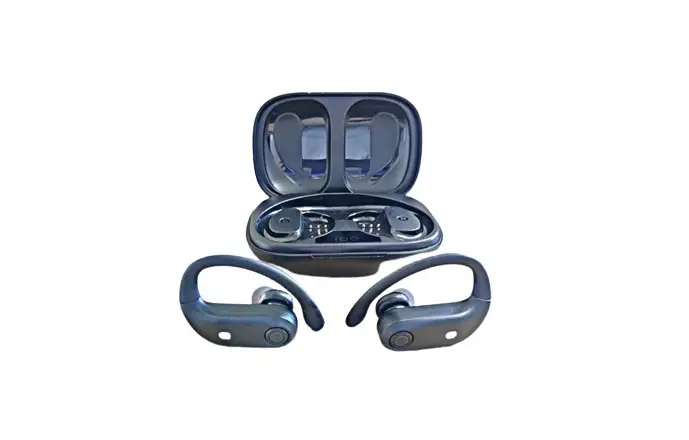
earbuds designed for sports and daily use. The package includes a
charging case, two wireless earbuds, ear tips, a Type-C cable, and
a user manual.
The charging case is used to store and charge the earbuds. It
features a Type-C charging port for easy charging. The case also
has an LED power display and charging contacts.
The wireless earbuds are equipped with an earbud LED indicator
light, which provides visual feedback on the status of the earbuds.
The package includes three sets of ear tips, with the default size
being M. The earbuds also have a built-in microphone for hands-free
calling and voice assistant support.
Product Usage Instructions:
1. Initial Setup:
- Remove the protective films from the LED power display and
charging contacts of the charging case. - Ensure that the charging case and both earbuds are not in a low
battery status.
2. Charging:
Earbuds Charging:
- When the battery level of the earbuds is low, you will hear a
voice prompt saying ‘Low battery, please charge’. - Place the earbuds inside the charging case. They will
automatically enter charging mode. - During charging, the earbuds’ LED indicator light will flash
red in a breathing pattern. - Once fully charged, the LED indicator light will turn red and
then go off after 10 seconds.
Charging Case Charging:
- Insert the Type-C charging cable into the USB Type-C charging
port on the case. - The case will automatically start charging.
3. How to Wear:
Follow these steps to wear the T9 True Wireless Sports
Earbuds:
- Select the appropriate size of ear tips from the three included
sets. - Place the ear tips on the earbuds.
- Insert the earbuds into your ears, ensuring a secure and
comfortable fit.
4. Resetting:
You may need to reset the T9 earbuds in the following
situations:
- When only one side plays music.
- When you can’t use both earbuds together.
- When both earbuds fail to pair with each other or encounter
connection-related issues.
To reset the T9 earbuds:
- Ensure that the charging case and both earbuds are not in a low
battery status. - Place both earbuds in the case and leave the case open.
- Press and hold the Factory Recovery Key on the case for 5
seconds or until the LED indicator lights on both earbuds flash
blue three times.
Note: For more detailed information and instructions, refer to
the T9 User Manual included in the package.
What’s in the box?
Overview
Charging Case x1
Wireless Earbuds x2
Earbud LED Indicator Light
Ear Tips
Type-C Cable x1
Ear Tips x3
Default M size on the earbuds
T9 User Manual
True Wireless Sports Earbuds
User Manual x1
Note: Please remove the protective films from the LED power display and charging contacts before using it.
Charging Contacts
How to Wear?
Microphone
Type-C Charging Port
Voice Assistant
Reset
When should I reset?
When only one side plays music. When you can’ t use both earbuds together. When both earbuds fail to pair with each other or occur connection related issues.
How to reset T9?
Before resetting, please ensure that the charging case and both earbuds are not in a low battery status. 1. Place both earbuds in the case and leave the case open. 2. Press and hold the Factory Recovery Key on the case for 5 seconds or until the LED indicator lights on both earbuds flash blue 3 times.
Charging
Earbuds Charging
The earbuds will alert you with a voice prompt saying ‘Low battery, please charge’ when the battery level is low. Please place the earbuds inside the charging case, and they will automatically enter charging mode.
– Flash red breathing light during charging. – Once fully charged, the light will become red light then go off 10s later.
Charging Case Charging
After inserting the charging cable into the USB Type-C charging port on the case, the case will automatically start charging.