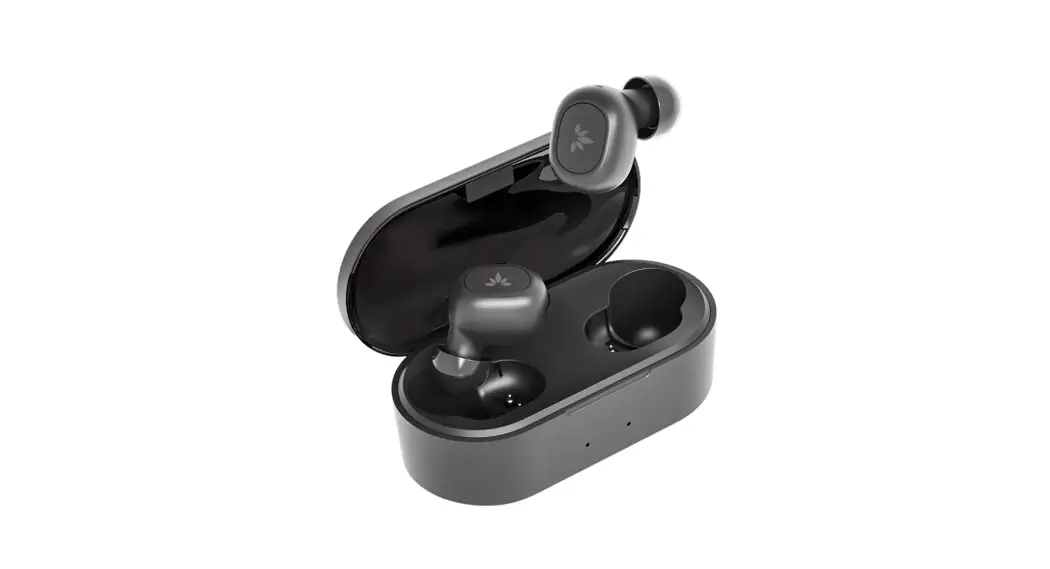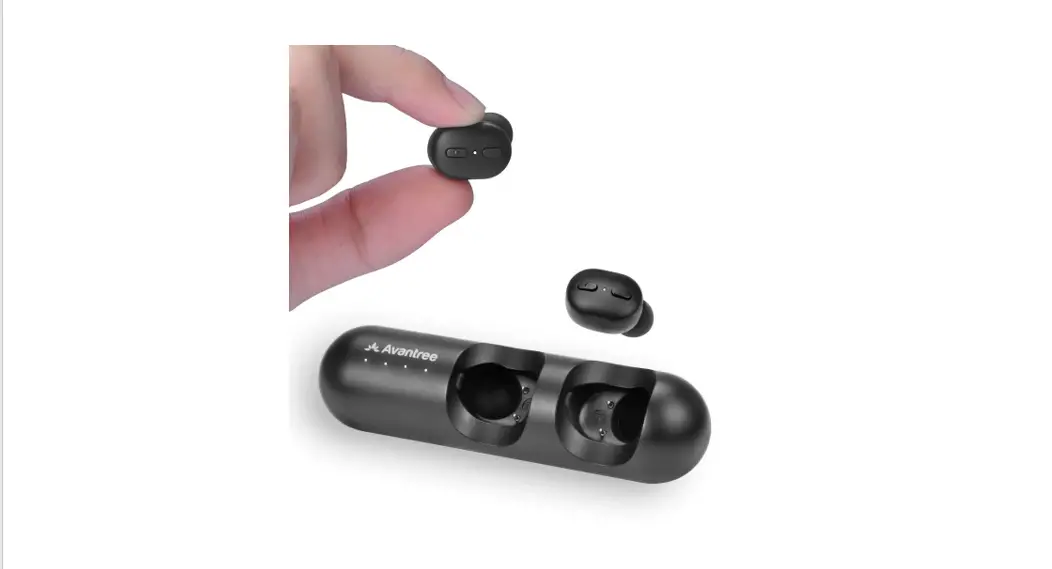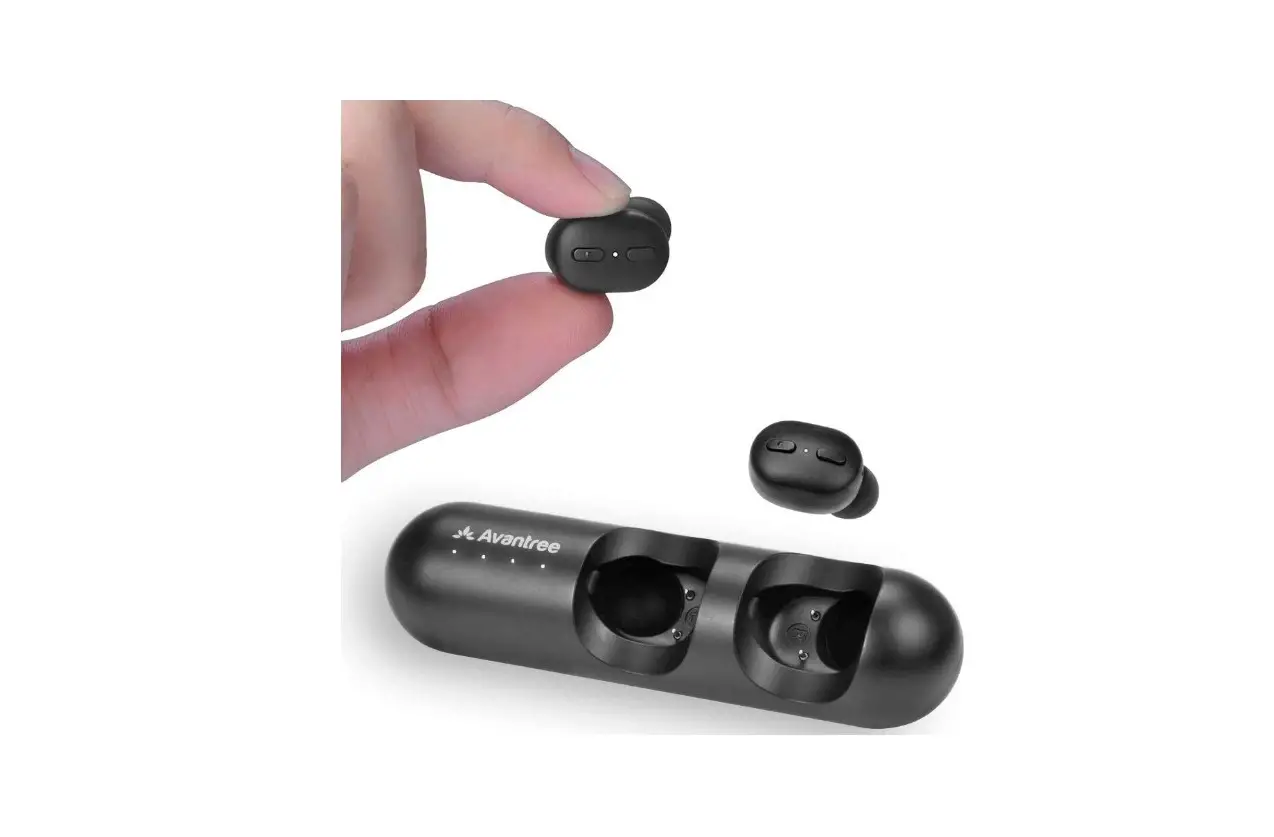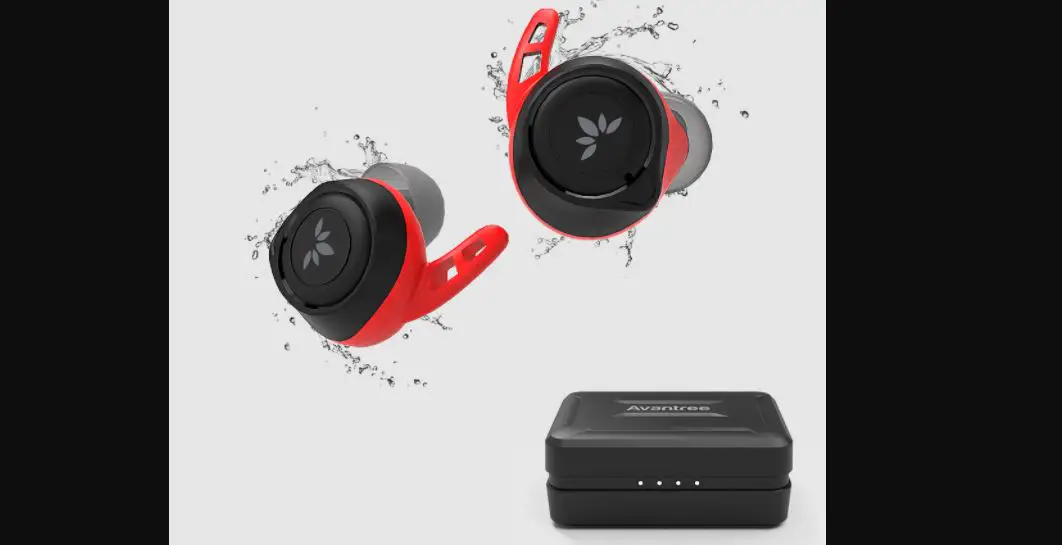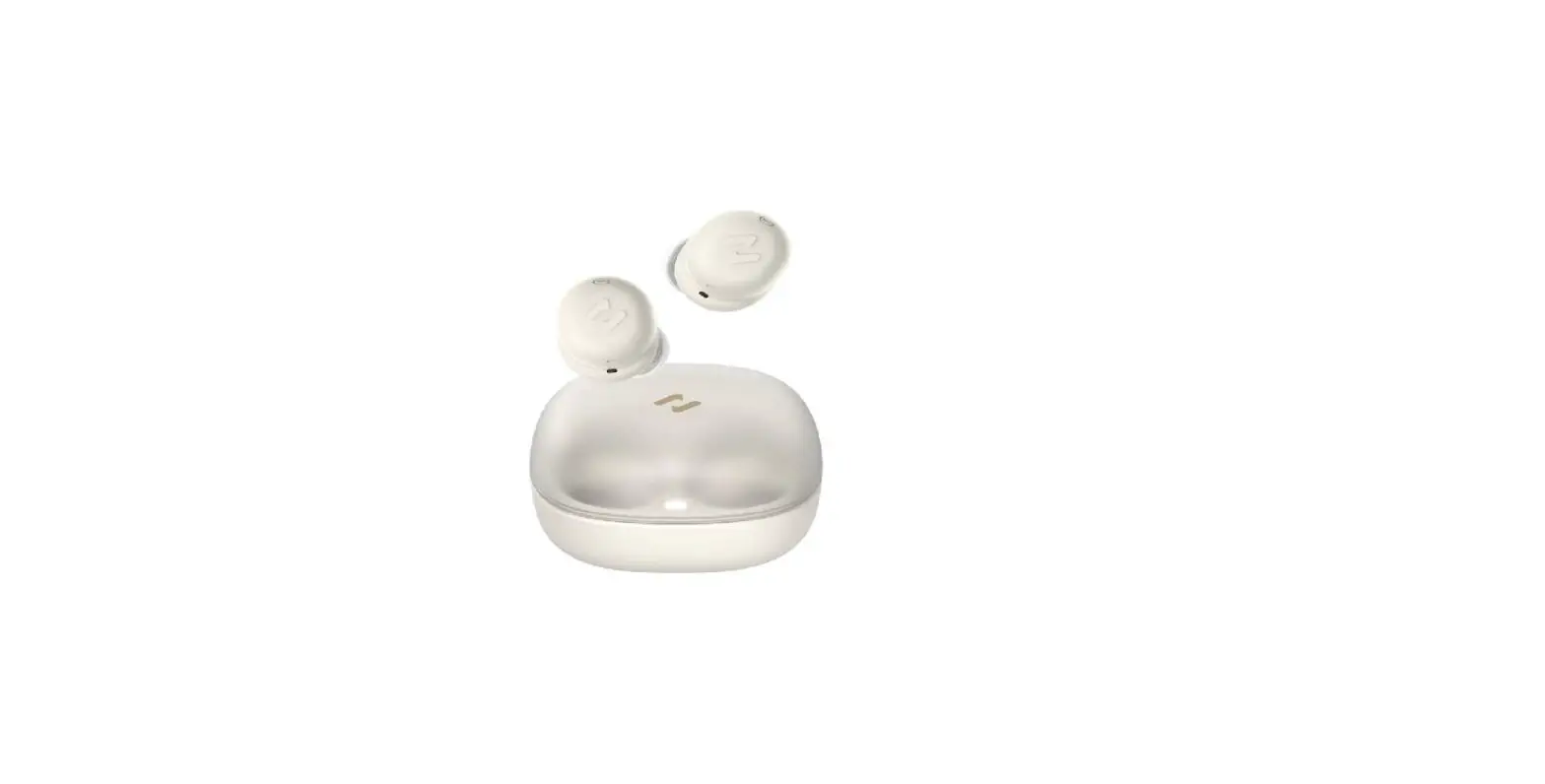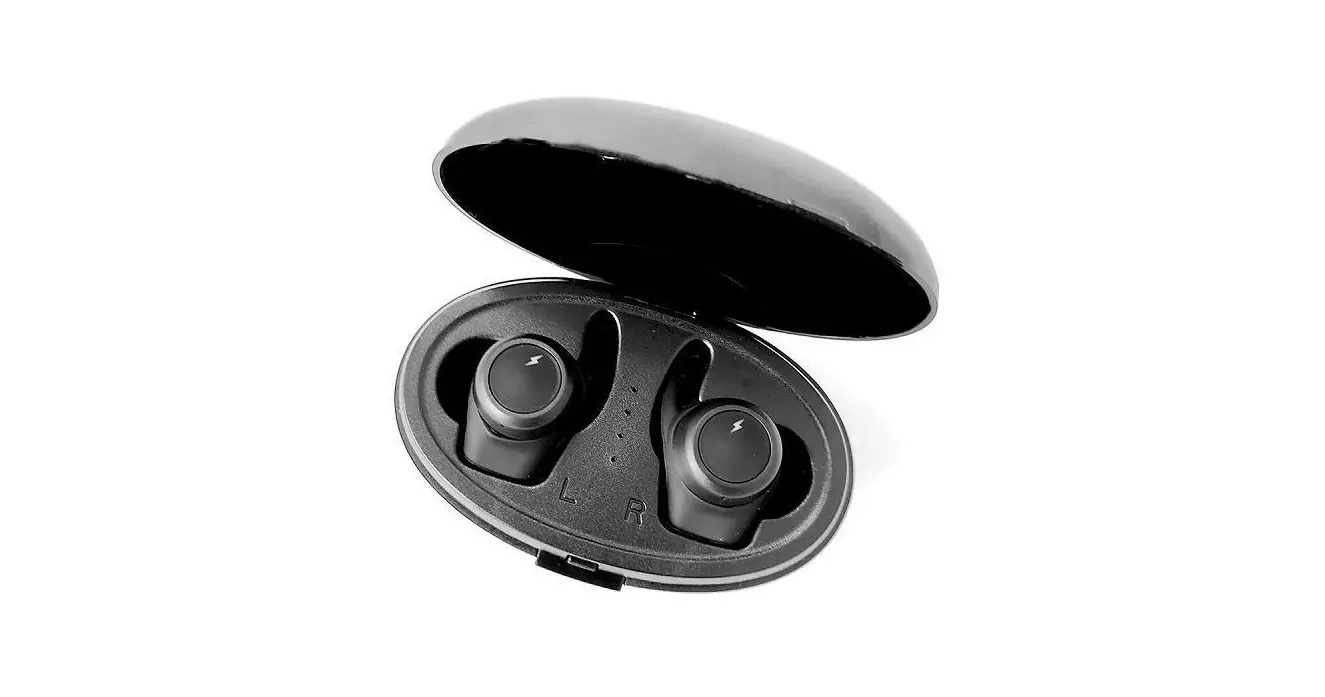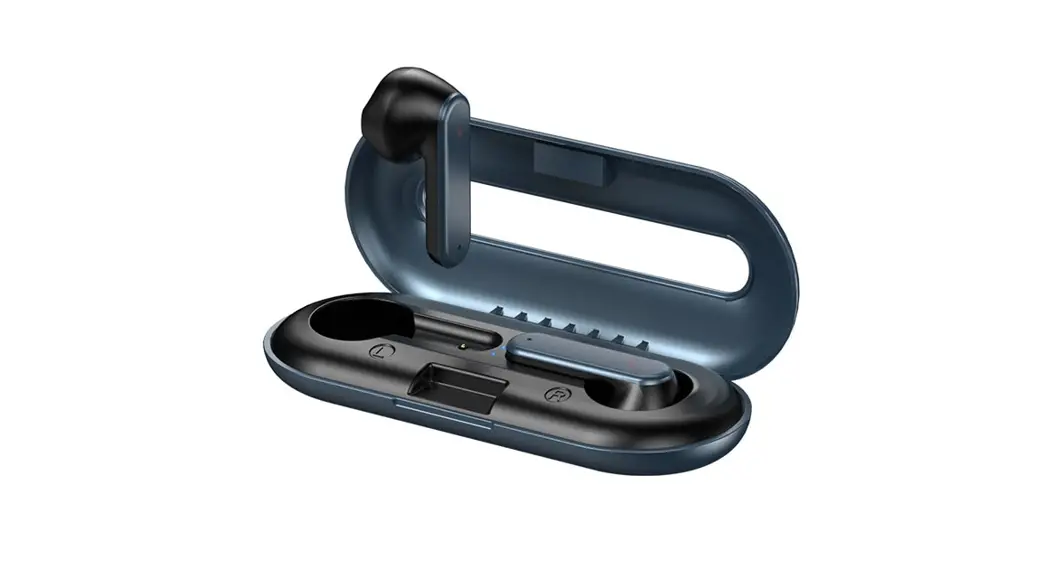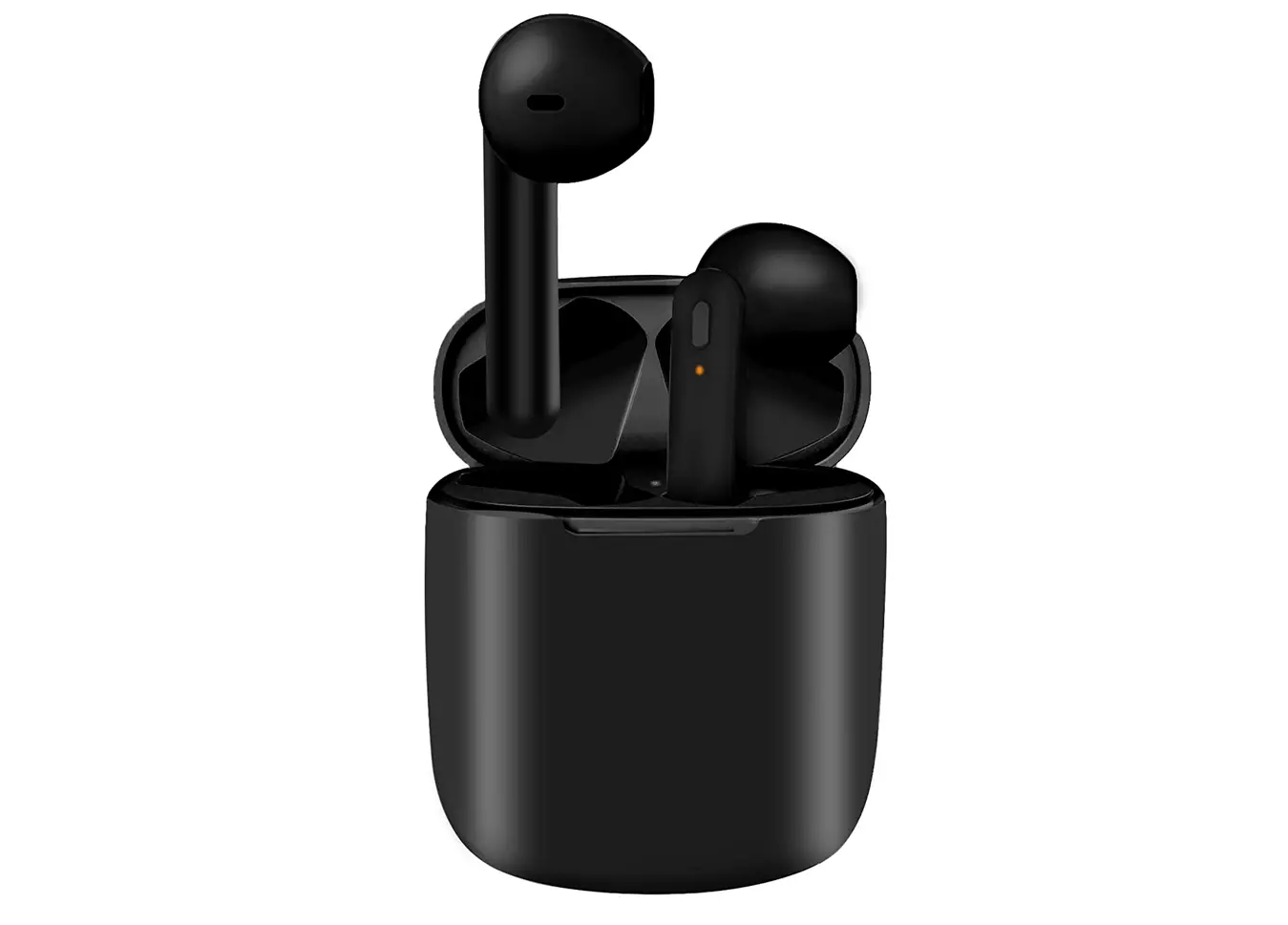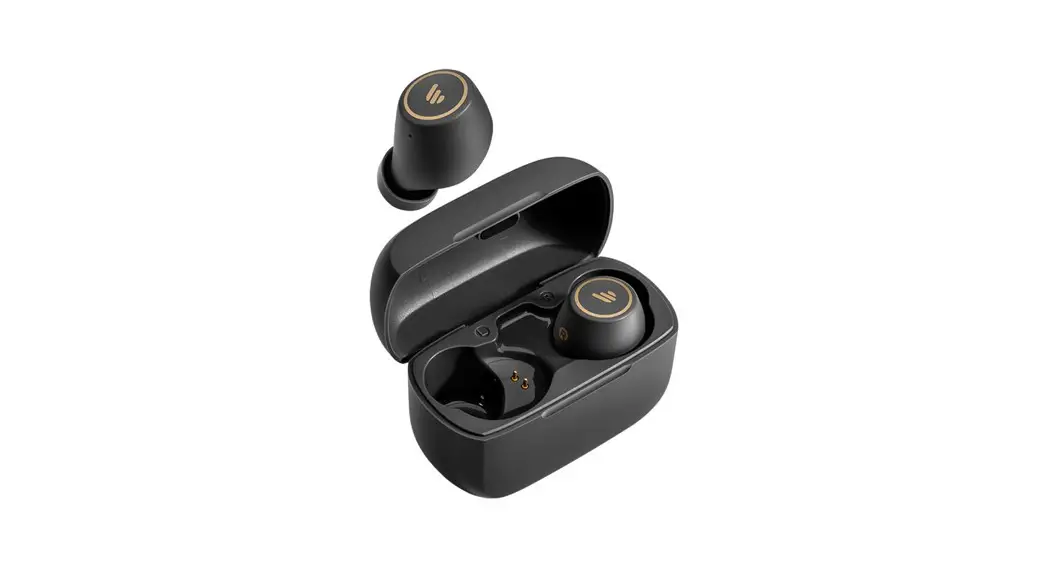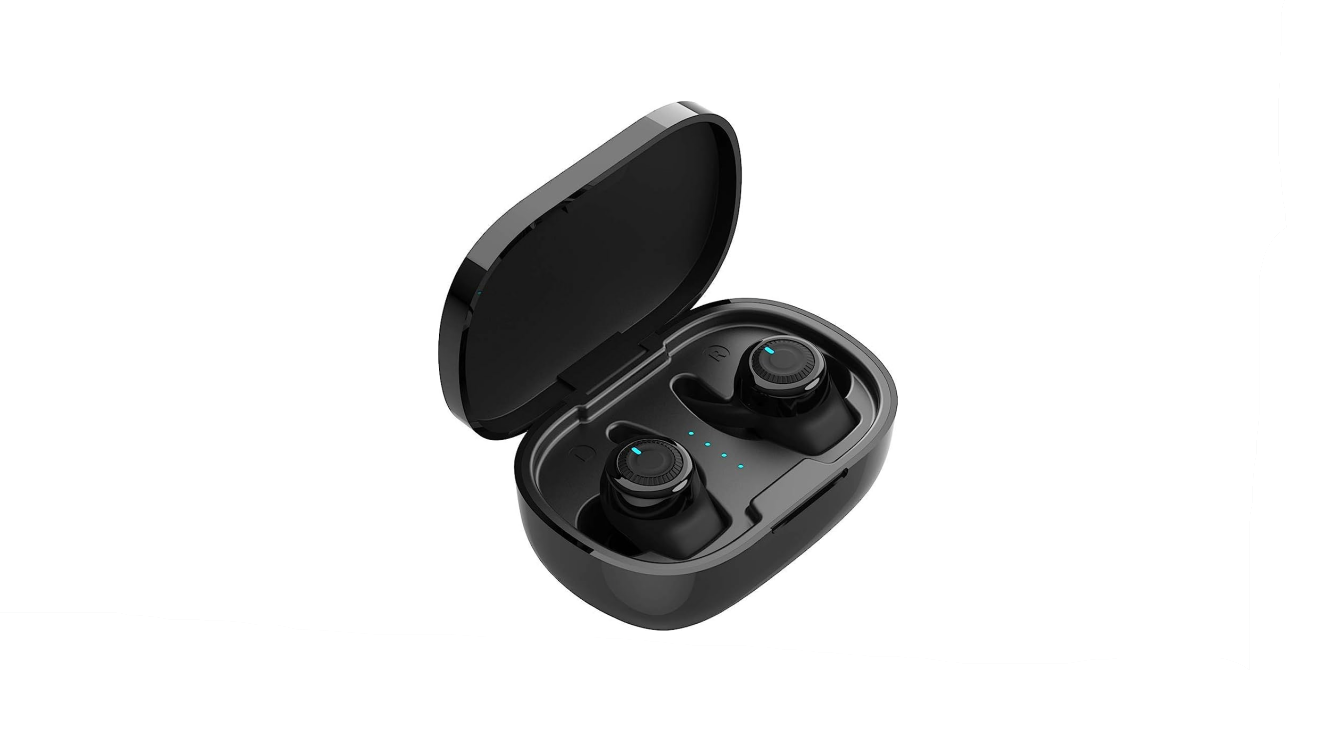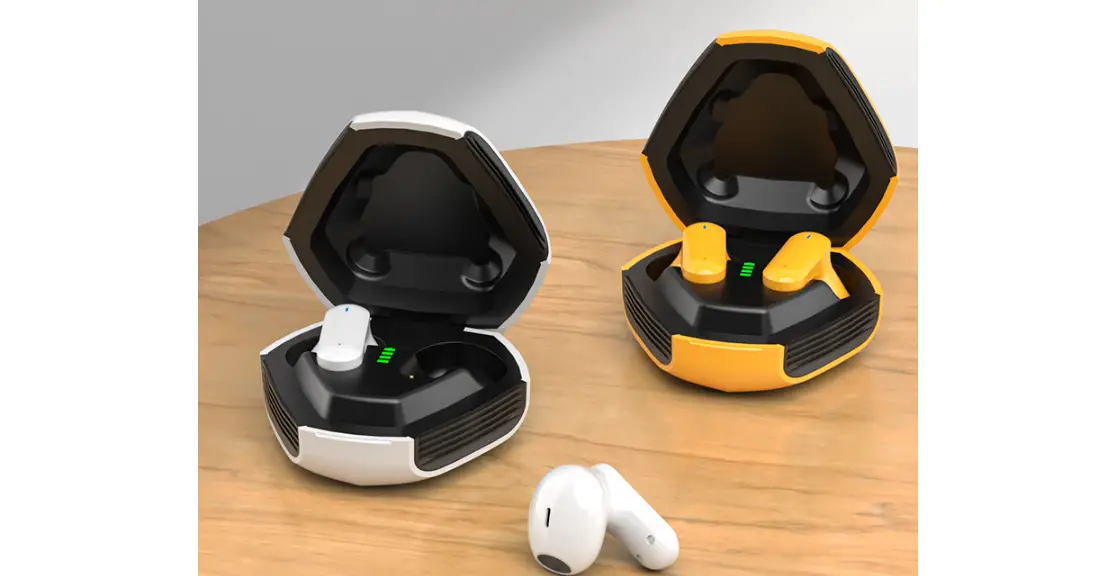

Avantree TWS115 True Wireless Stereo Earbuds

TWS115 Quick Starter Guide
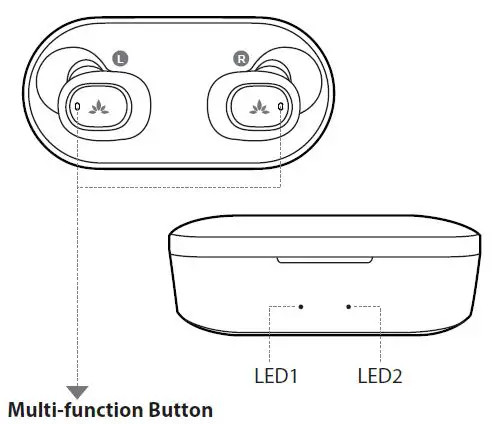
| Play/Pause | Click once on either earbud |
| Previous Track | Double click on LEFT earbud |
| Next Track | Double click on RIGHT earbud |
| Answer/End a call | Click once on either earbud |
| Reject a call | Long press on either earbud |
| LED on charging case | |
| Battery low | LED 1 ashes RED |
| Charging | LED 1 stays RED |
| Fully charged | LED 2 stays GREEN |
Important notice >
- Please fully charge the case before use.
- Make sure to remove BOTH earbuds from case for first time use with a new mobile device.
Connect to a Bluetooth device >
- Remove BOTH earbuds from the charging case. They will connect to each other, and within 10s one of the earbuds will enter pairing mode – its LED will flash WHITE and RED alternately.
- Search and select “Avantree TWS115” on your device to connect. Once connected, the “Avantree TWS115” will show “Connected” on your device and the LED on both earbud will flash WHITE twice every 5 seconds.
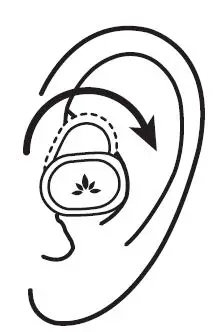
How to wear >
- Choose a snug-fitting pair of earbud tips – M works for most.
- Insert earbuds and adjust for secure fit.

Any questions? Please visit: support.avantree.com
(User Manuals, FAQ, Video Tutorials and more)
Email support: [email protected](Response Time: 1 working day)
Live chat: www.avantree.com