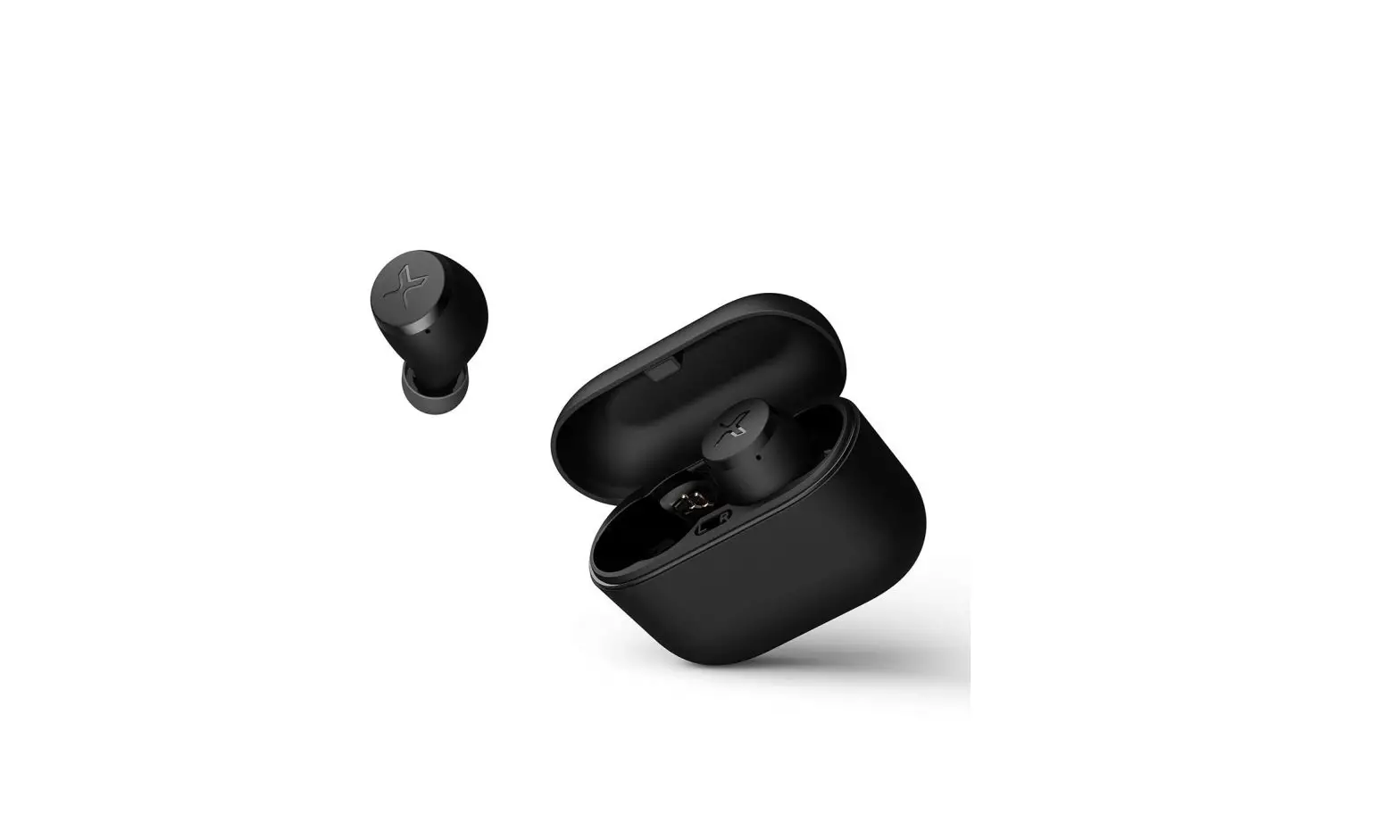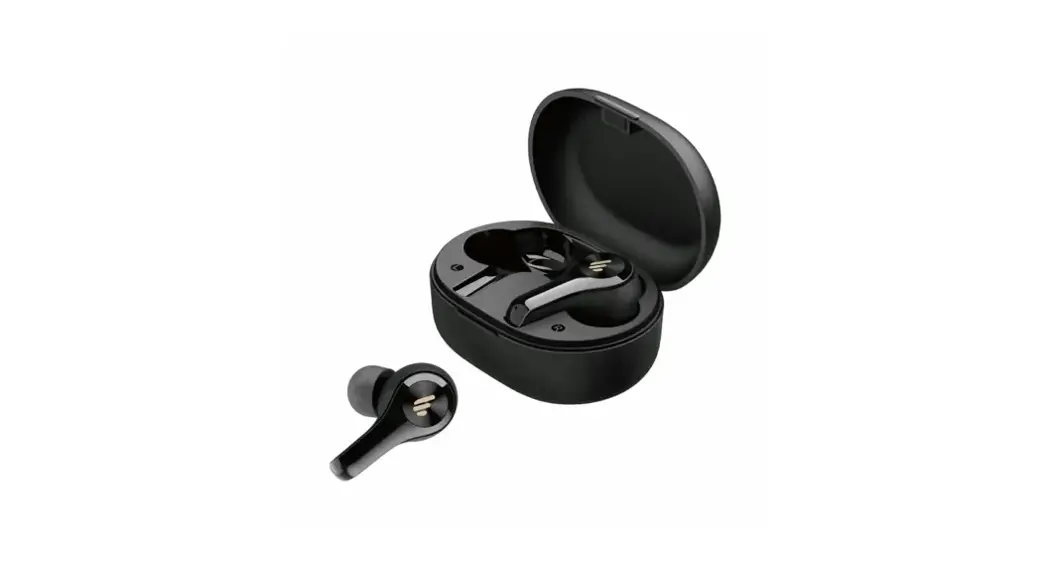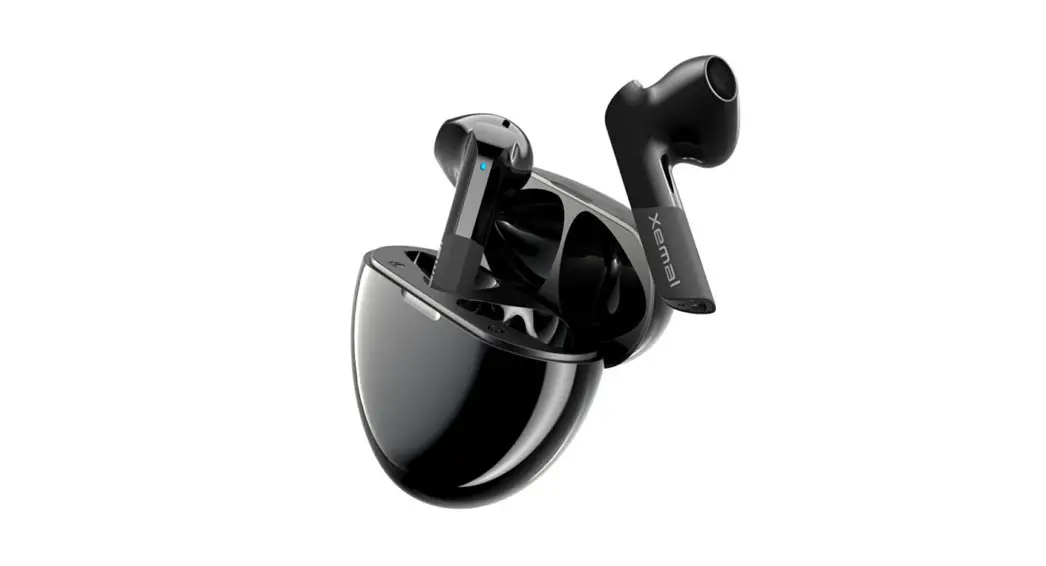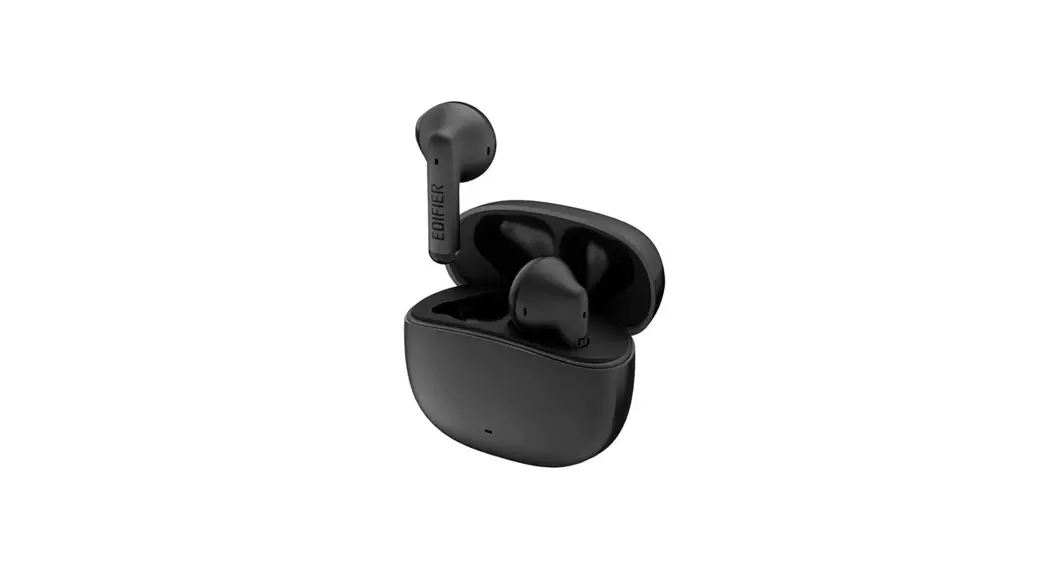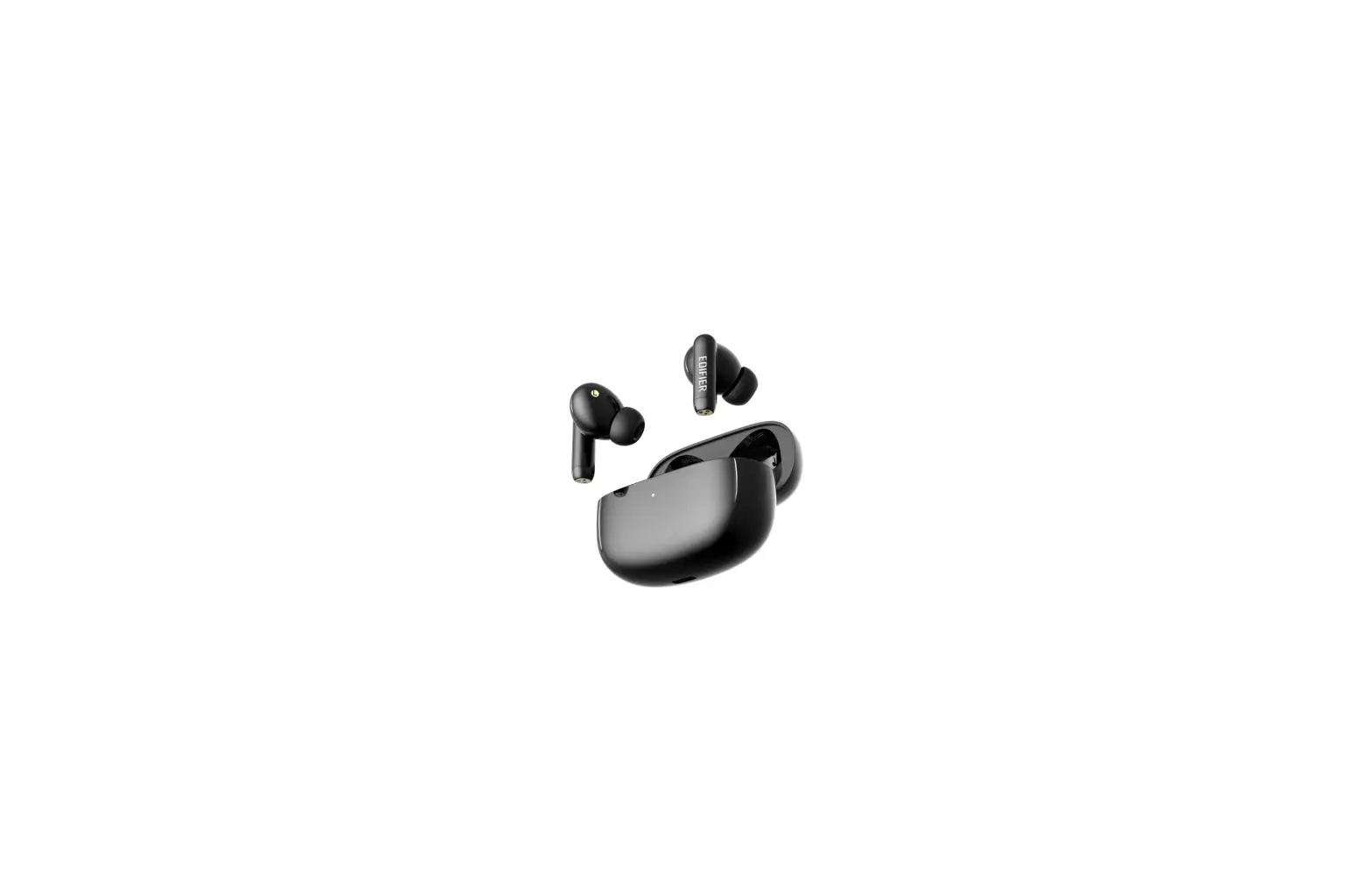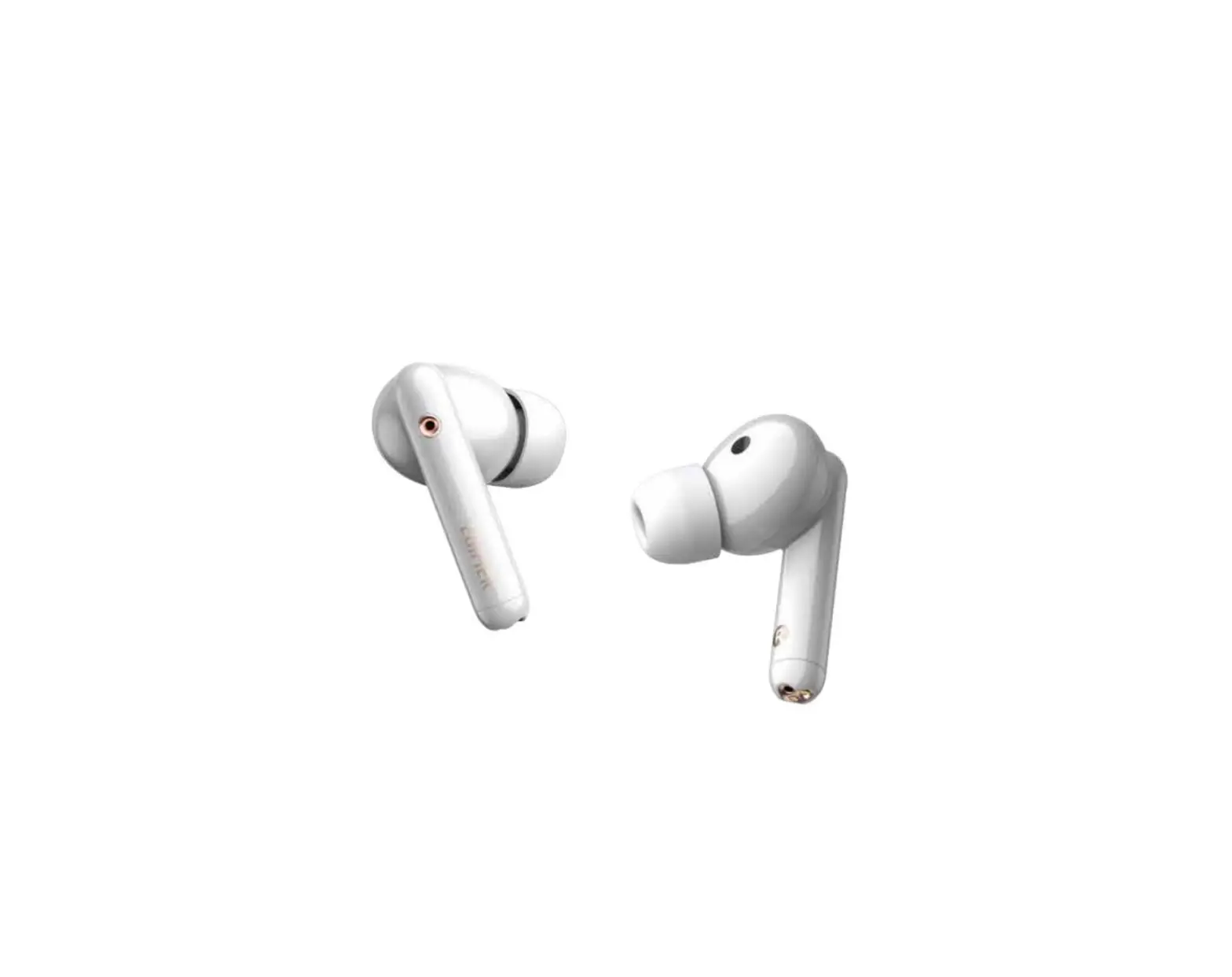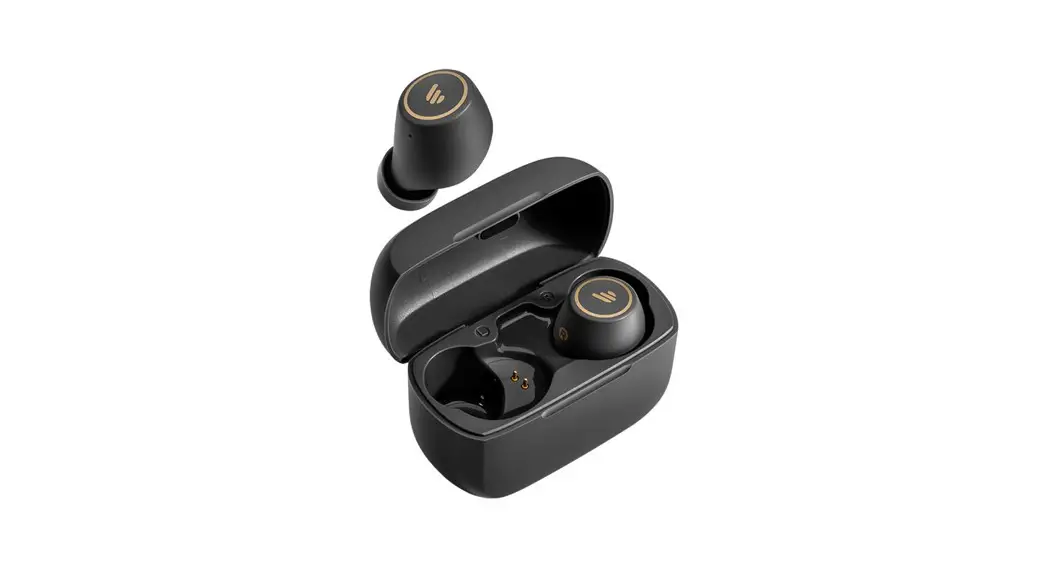

TWS1 Pro
True Wireless Stereo Earbuds
Please visit the EDIFIER website for the full version user manual: www.edifier.com
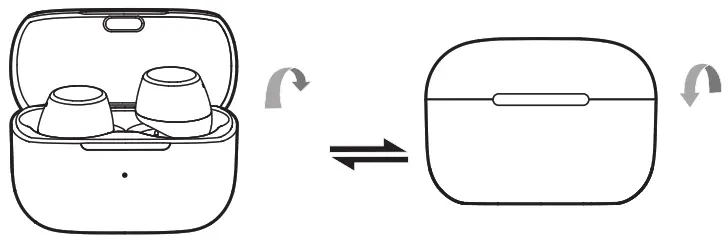
- Power on when taken out of the charging case.
- Power off when placed in the charging case.
- Bluetooth connection
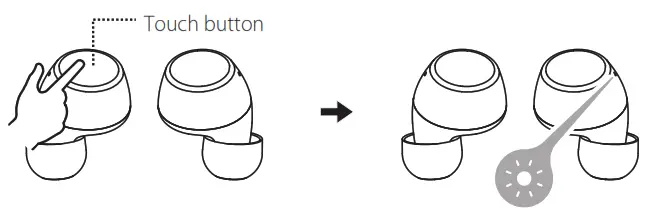
- For initial connection, the earbuds will auto-enter the pairing mode after being taken out;
- When connected to other mobile phones, take the earbuds out and press and hold the touch button of the left or right earbud for around 2-3 seconds to enter Bluetooth pairing.
- Bluetooth pairing: red and blue lights flash rapidly
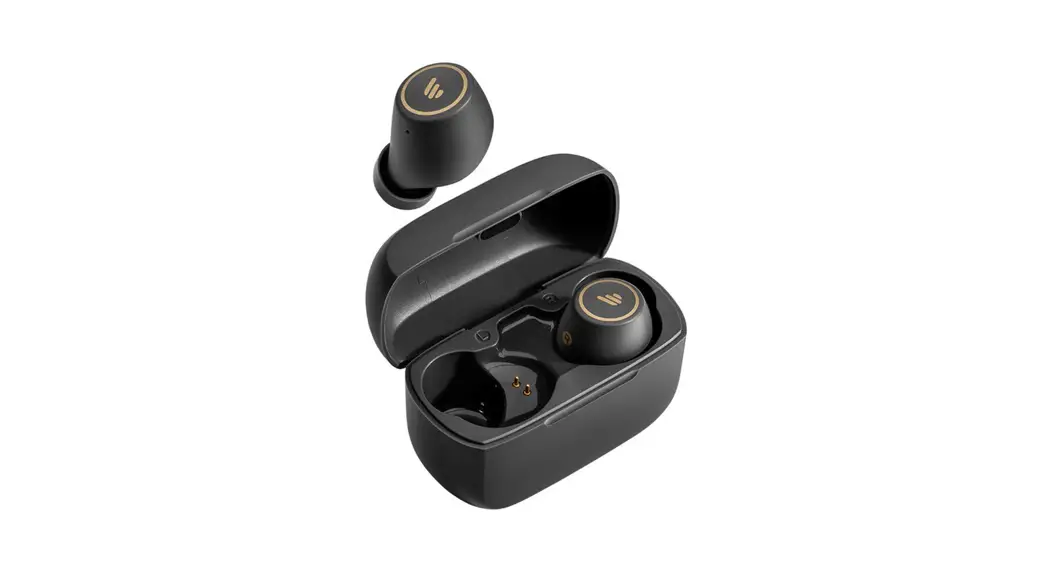
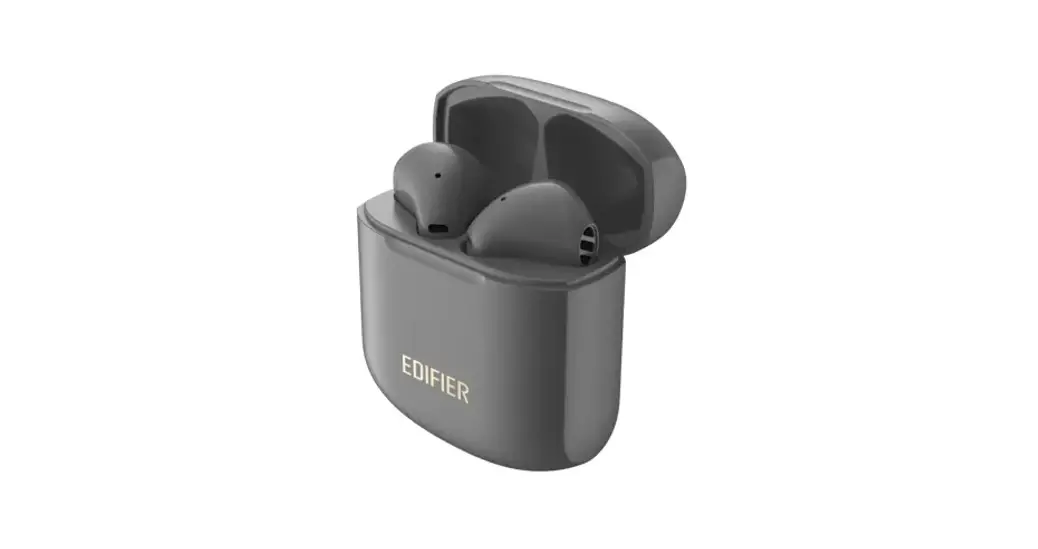
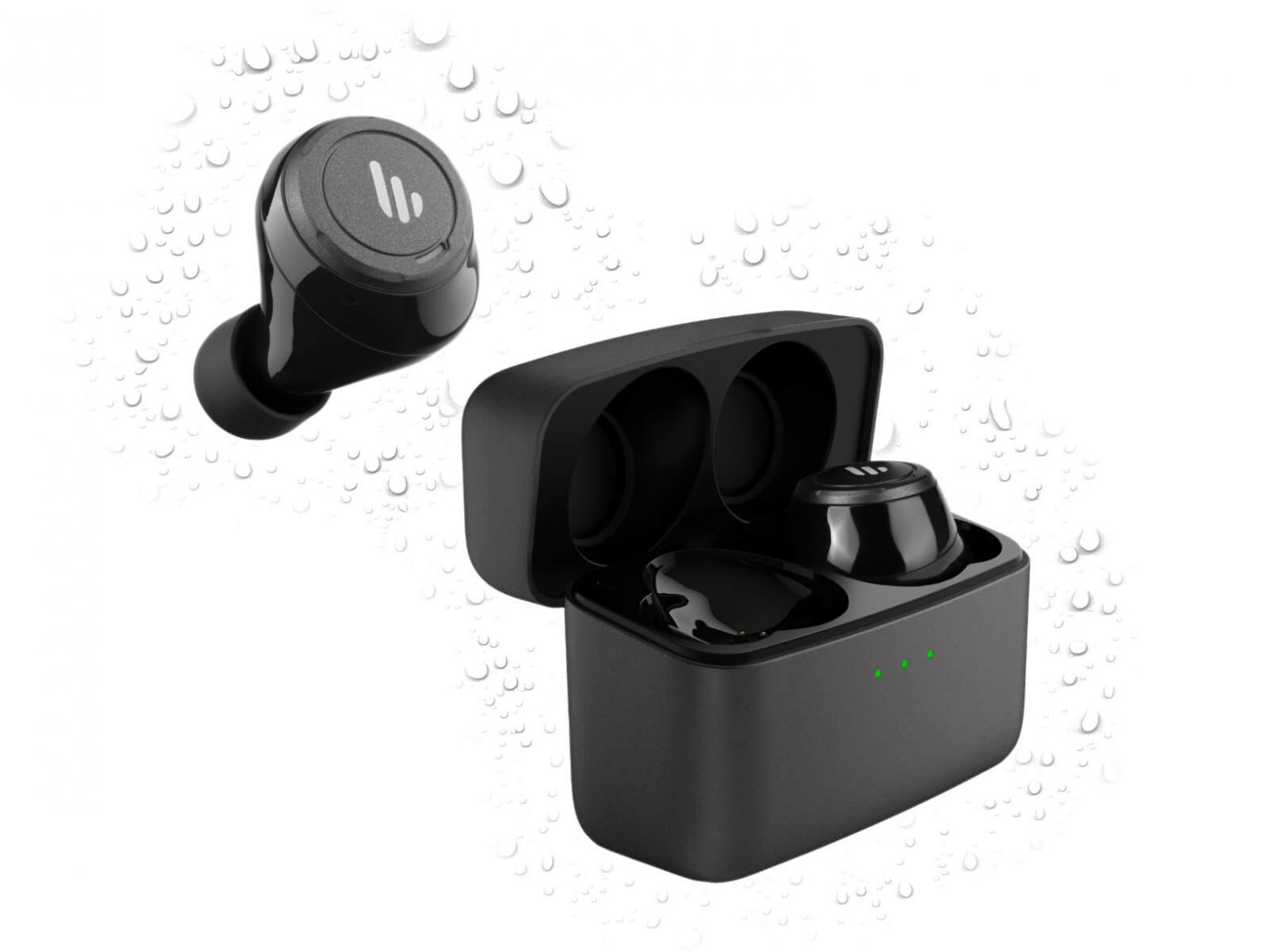
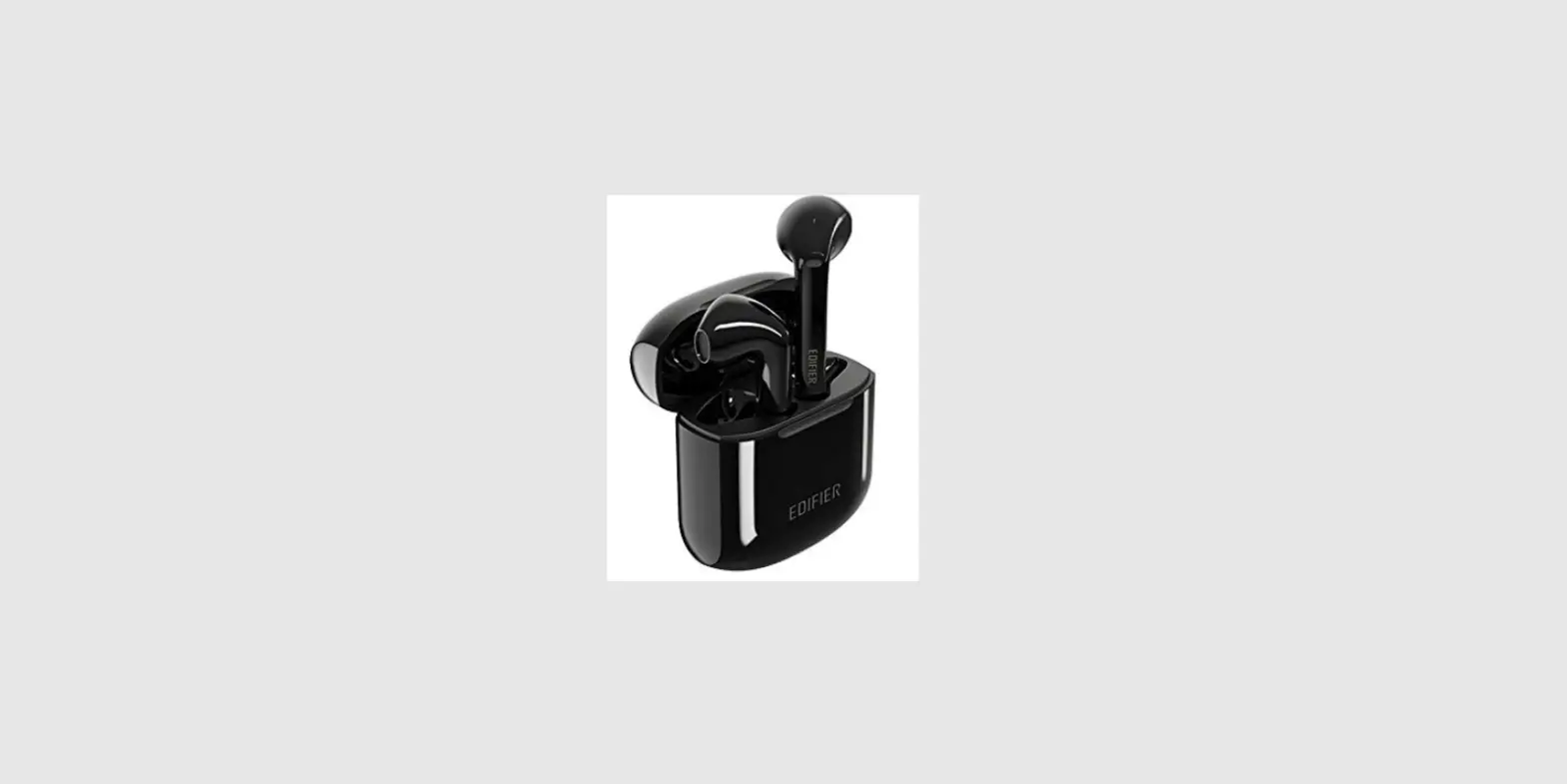
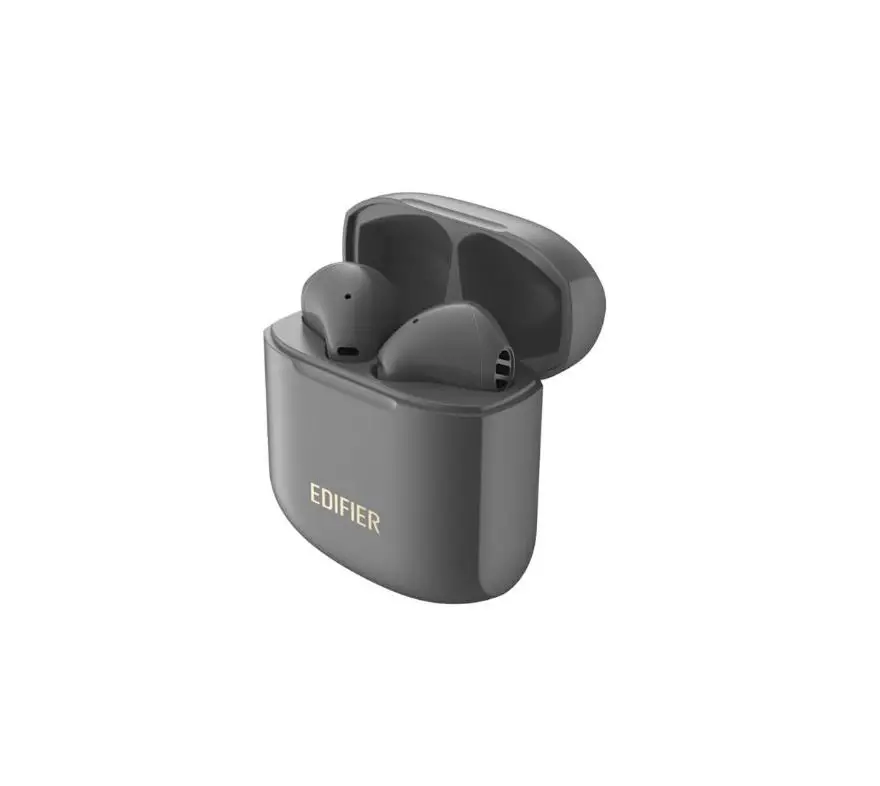
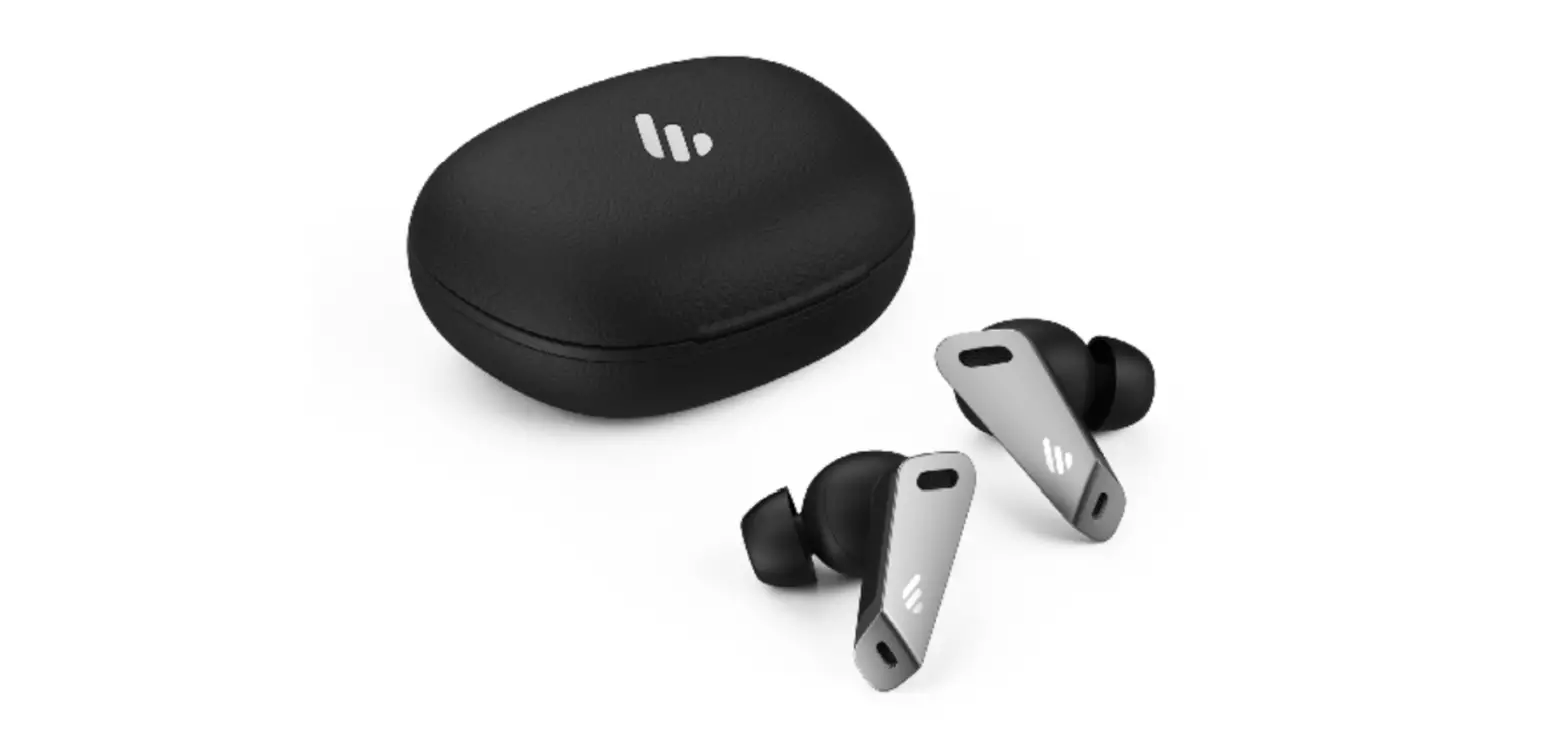
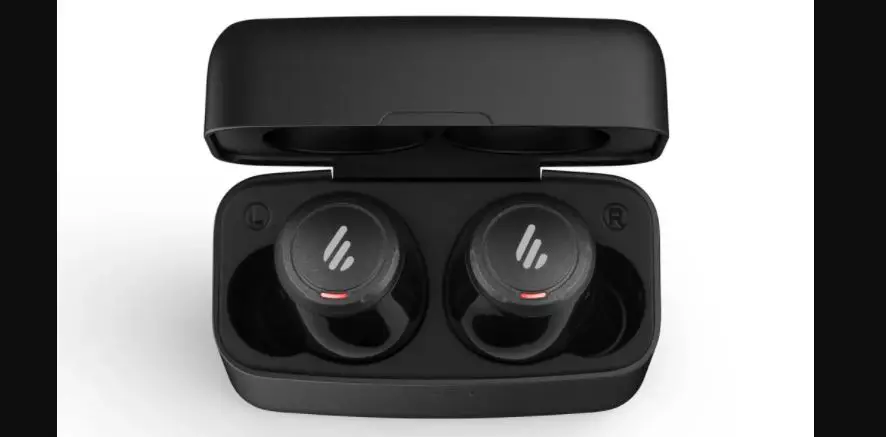
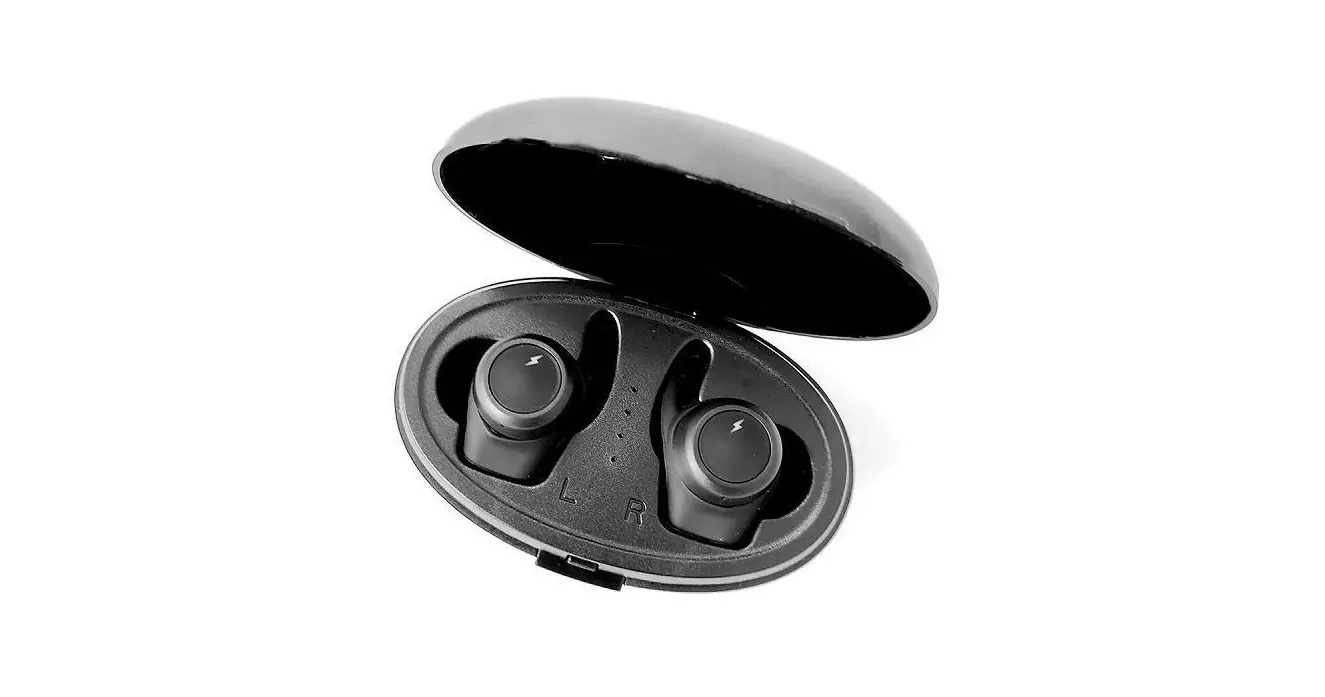
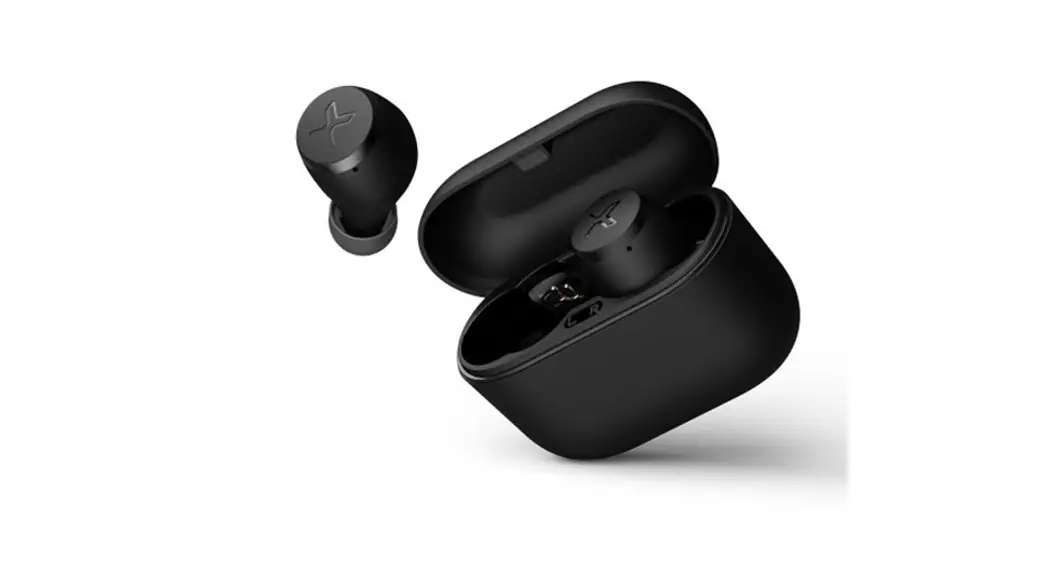
Note: Images are for illustrative purposes only and may differ from the actual product.
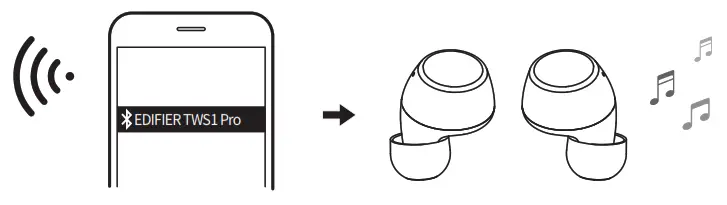
- Search for and connect to “EDIFIER TWS1 Pro”, after pairing is successful, the blue light will flash slowly.
- Clear pairing records
- When the earbuds are powered on and interconnected, and not connected with any Bluetooth device, press and hold the touch button of the left or right earbuds for 8 seconds to clear pairing records of both earbuds.
- Functional operation
 | Accept a call: single-click the left or right earbud |
 | Decline/end a call: press and hold the left or right earbud |
 | Pause/Play: single-click the left or right earbud |
 | Previous track: double click the left earbud |
 | Next track: double click the right earbud |
 | Volume up: press and hold the right earbud |
 | Volume down: Press and hold the left earbud |

The Bluetooth® word mark and logos are registered trademarks owned by Bluetooth SIG, Inc. and any use of such marks by EDIFIER is under license. Other trademarks and trade names are those of their respective owners.
Declaration for EU
Frequency Band: 2.402GHz ~ 2.480GHz
RF Power Output: ≤20 dBm (EIRP)
There is no restriction of use.
Rated input: 5V  60mA(earbuds) 5V1.5A(charging case)
 Qualcommt apt)CAdaptive
Qualcomm aptX is a product of Qualcomm Technologies, Inc. and/or its subsidiaries.
Qualcomm is a trademark of Qualcomm Incorporated, registered in the United States and other countries. aptX is a trademark of Qualcomm Technologies International, Ltd., registered in the United States and other countries.
Edif is International Limited
P.O. Box 6264
General Post Office
Hong Kong
www.edifier.com
© 2020 Edifier International Limited. All rights reserved.
Printed in China
NOTICE:
For the need of technical improvement and system upgrade, the information contained herein may be subject to change from time to time without prior notice.
Products of EDIFIER will be customized for different applications.
Pictures and illustrations shown in this manual may be slightly different from the actual product. If any difference is found, the actual
product prevails.
Model: EDF200017
IB-200-T0001P-00 V1.0

 IER | Solutions d'optimisation des flux des biens et des personnes
 Edifier | A Passion for Sound | Headphones, Earphones, Speakers