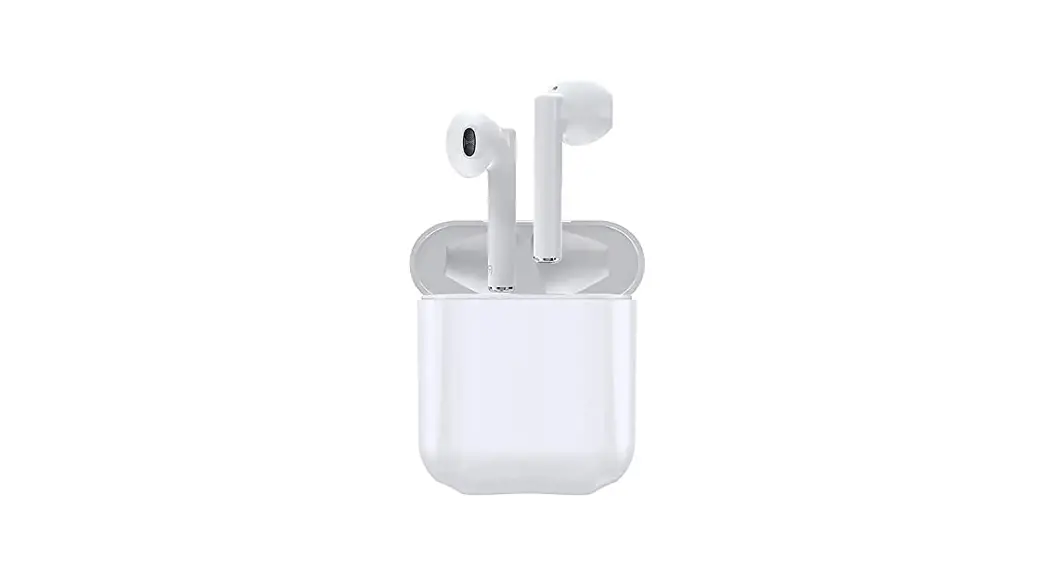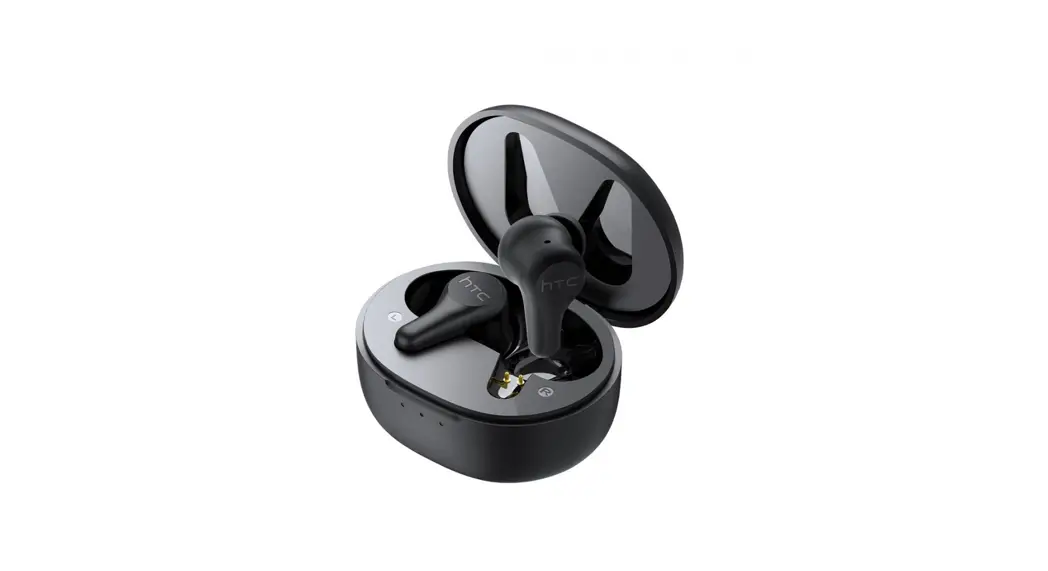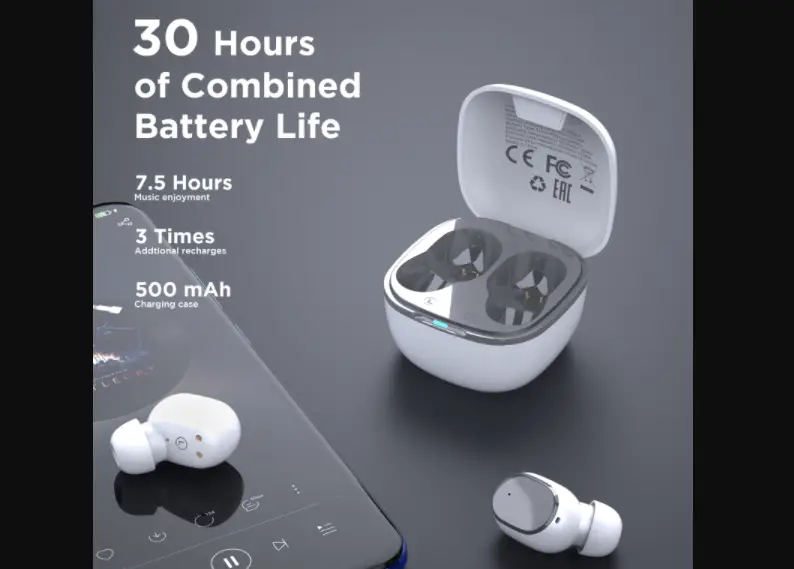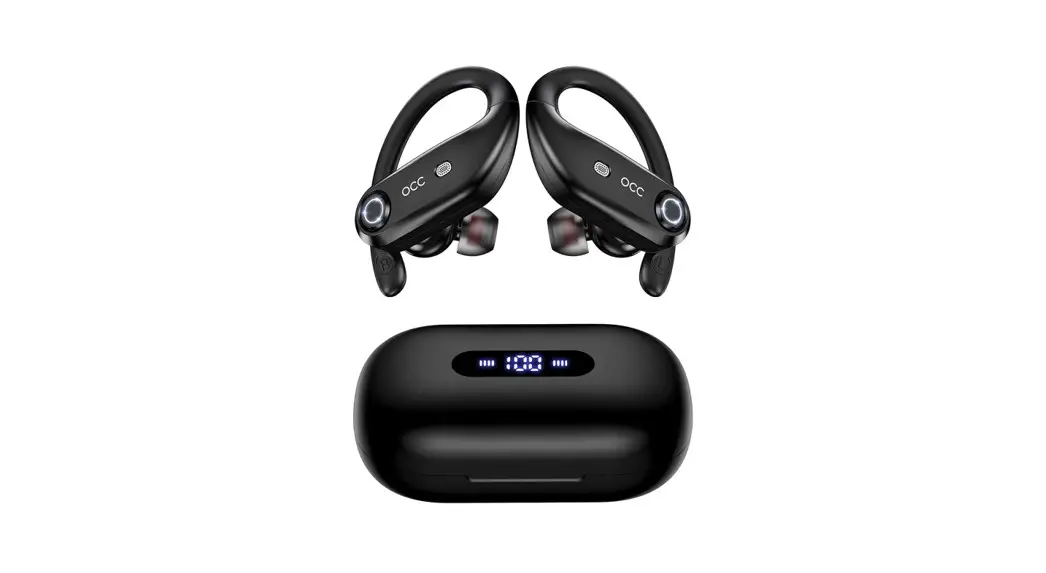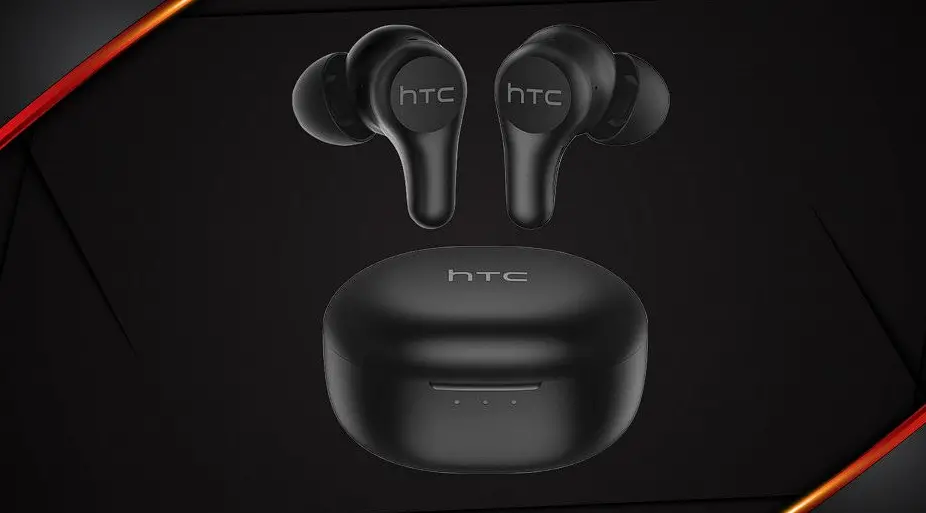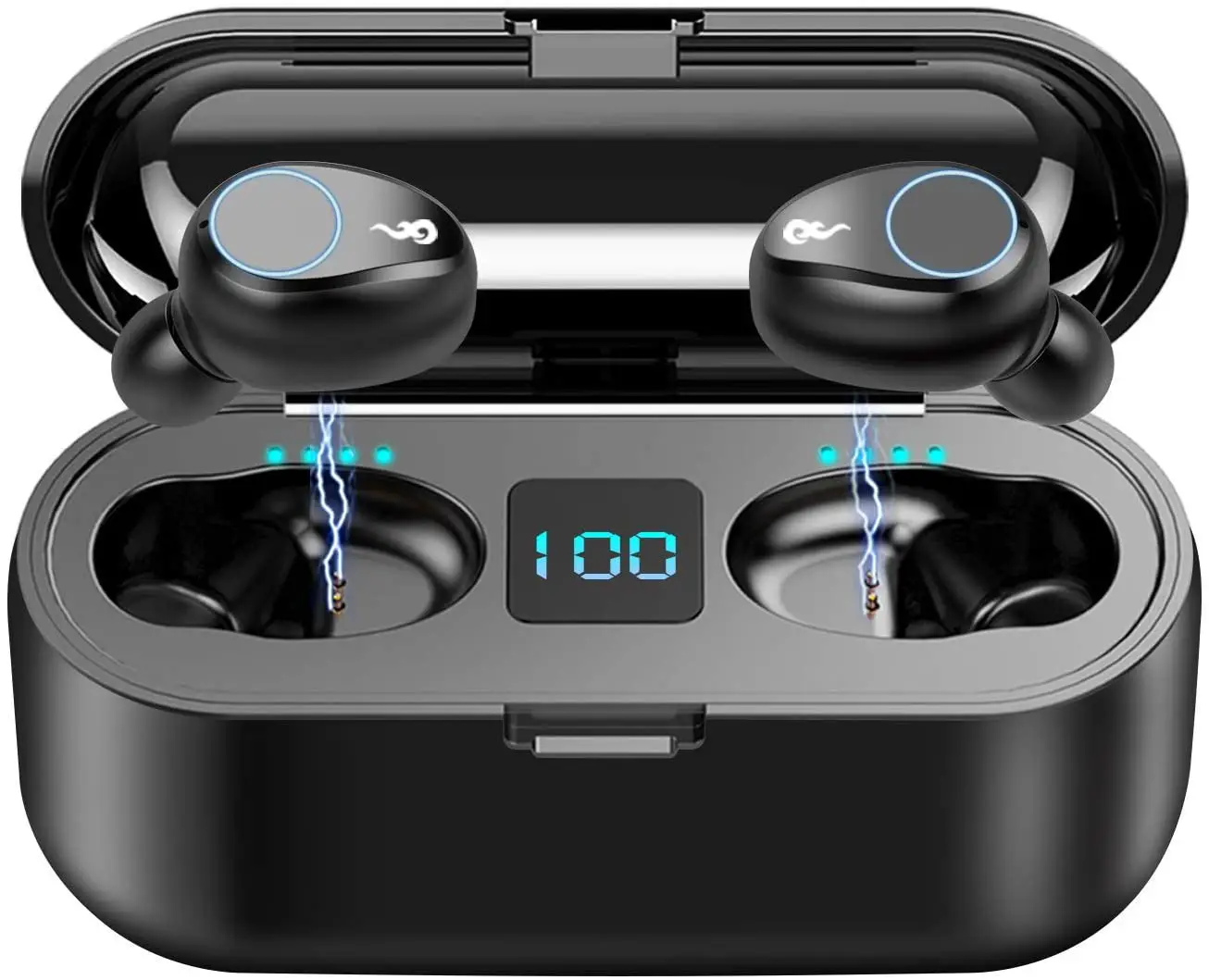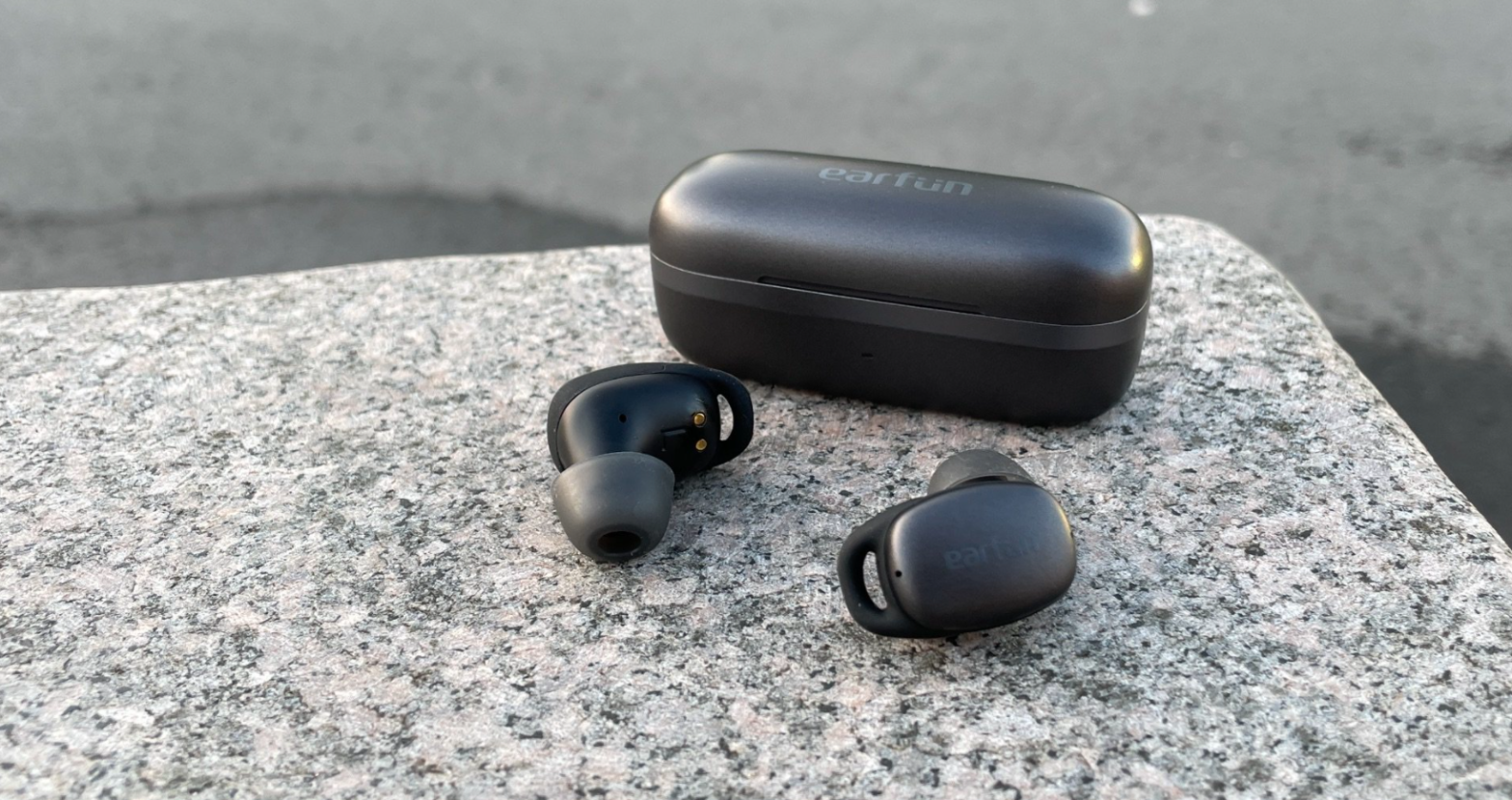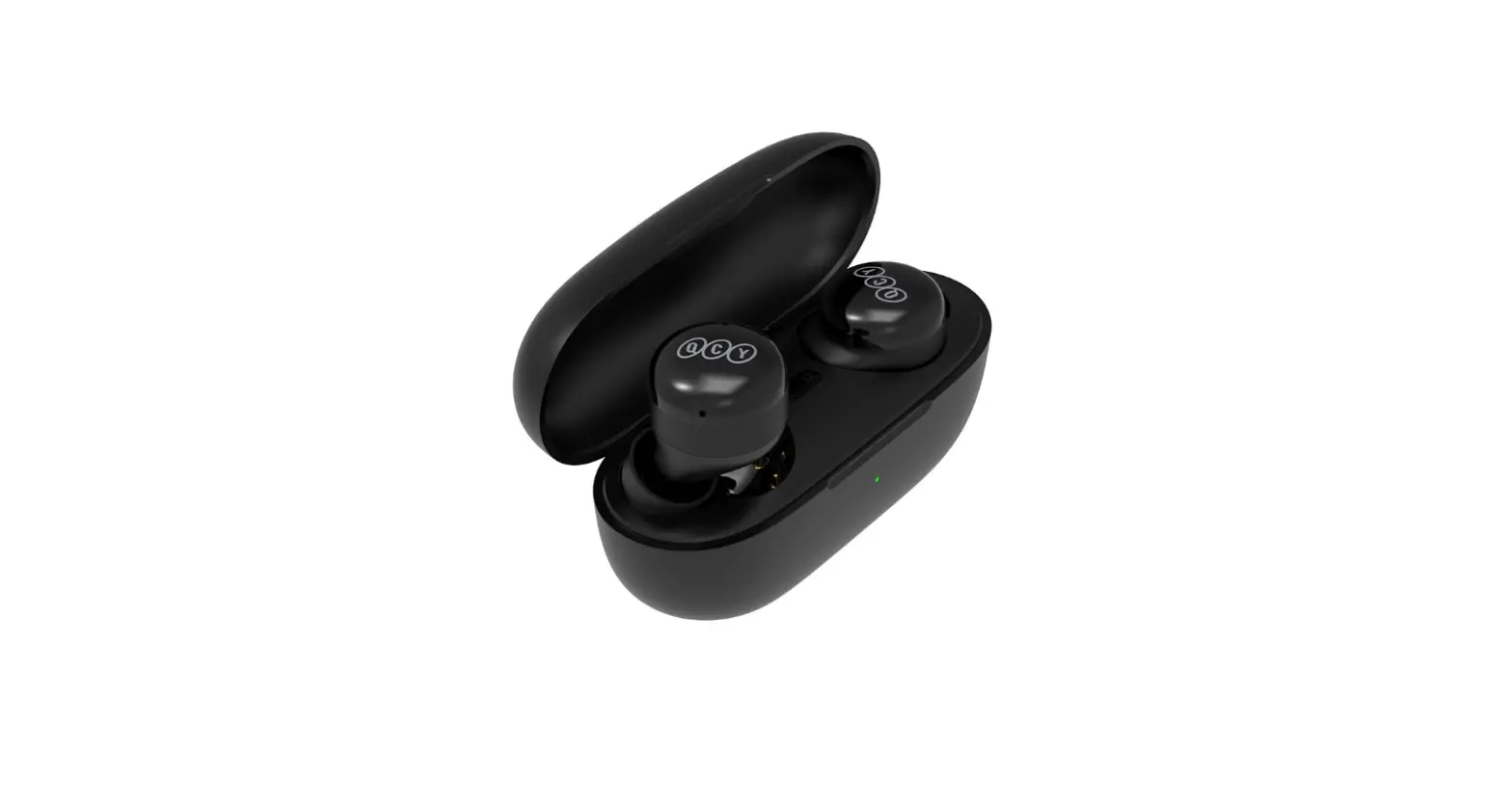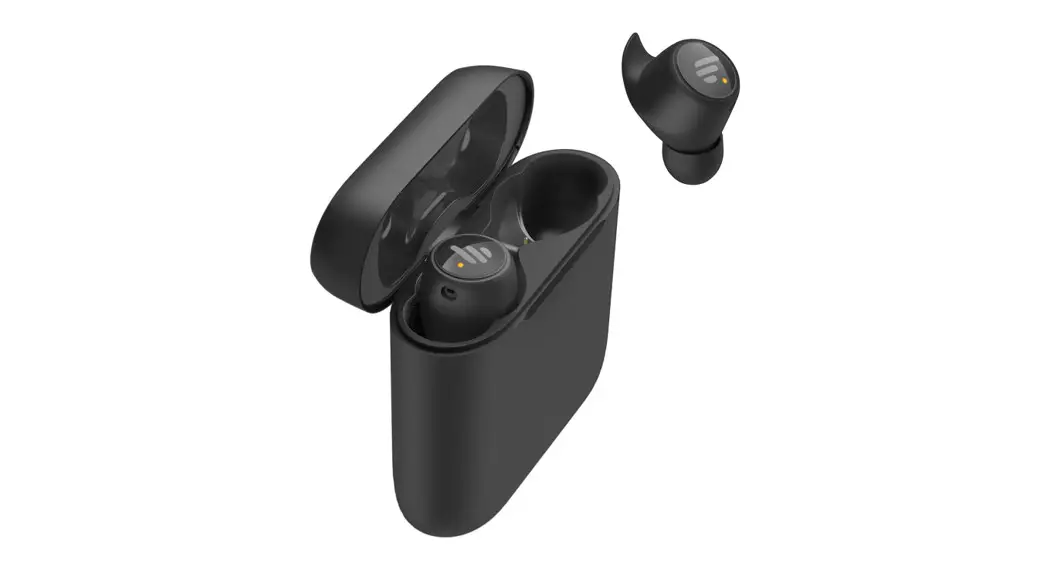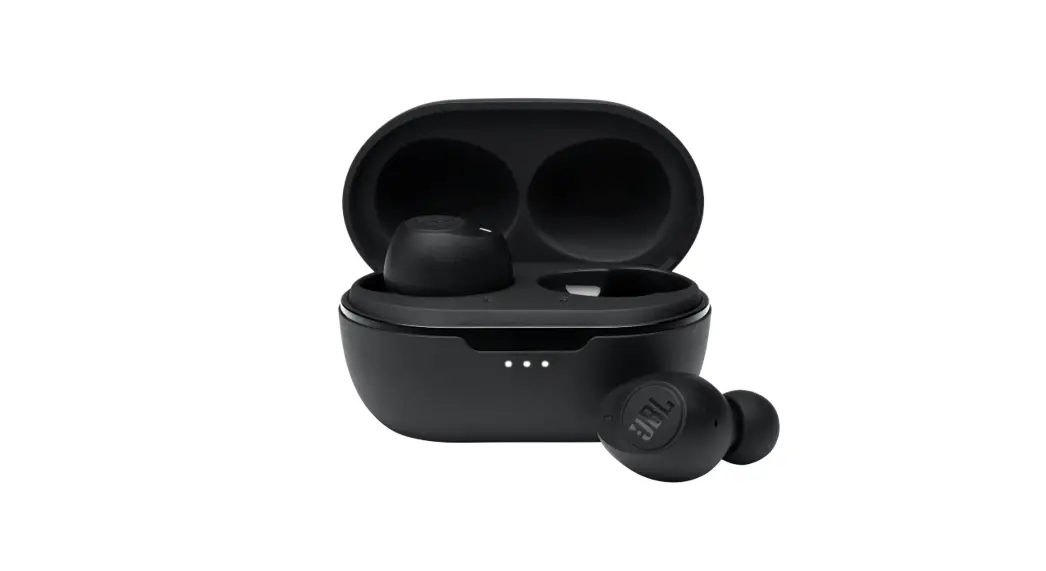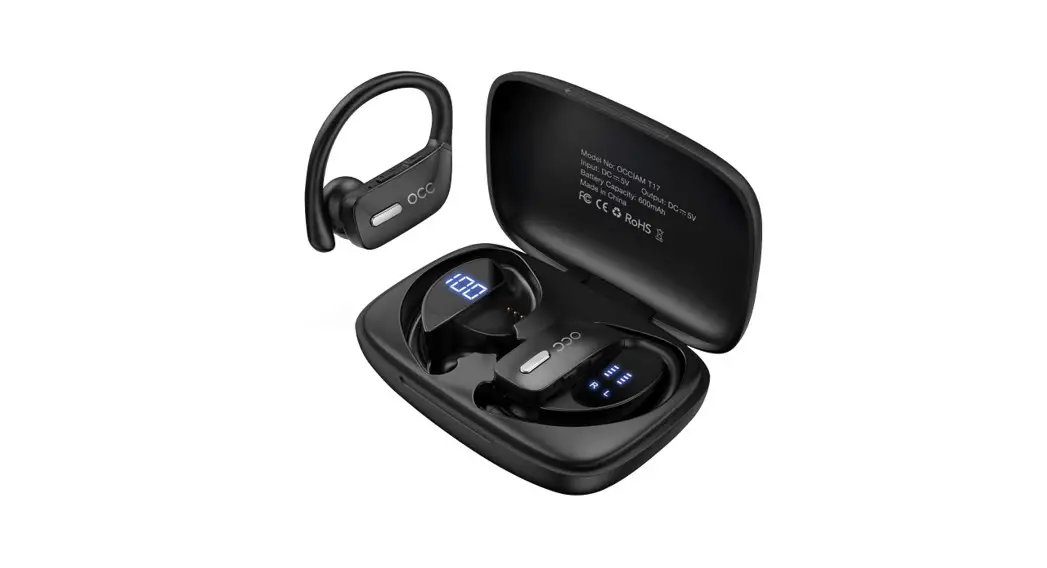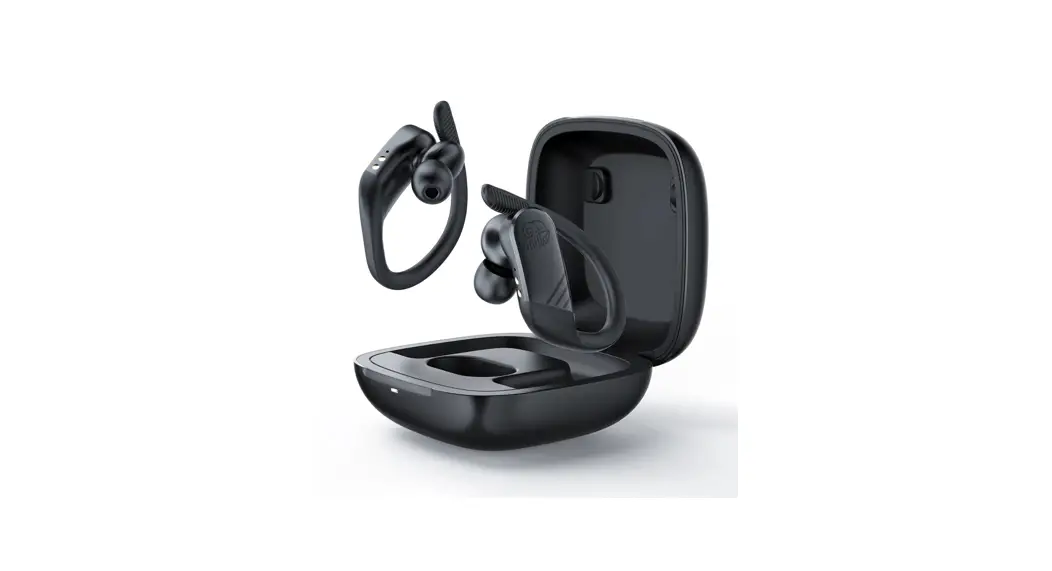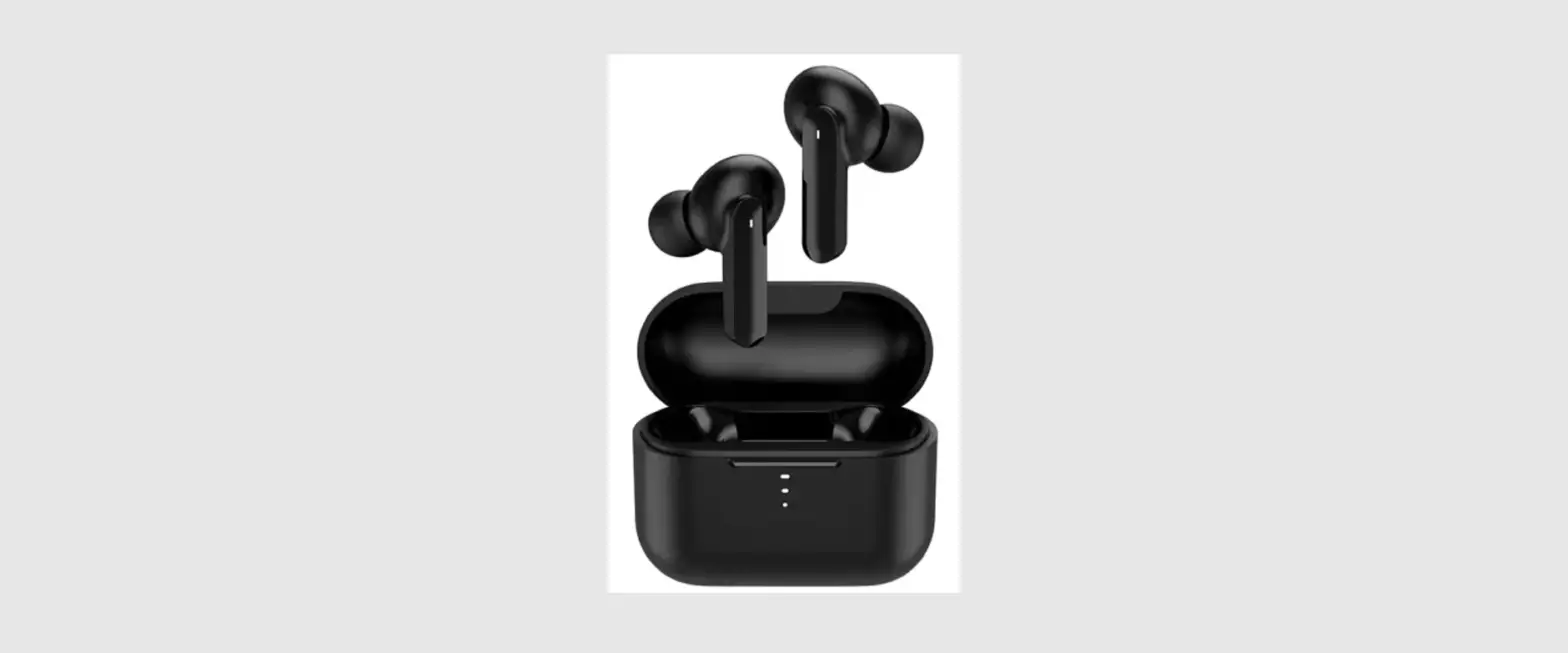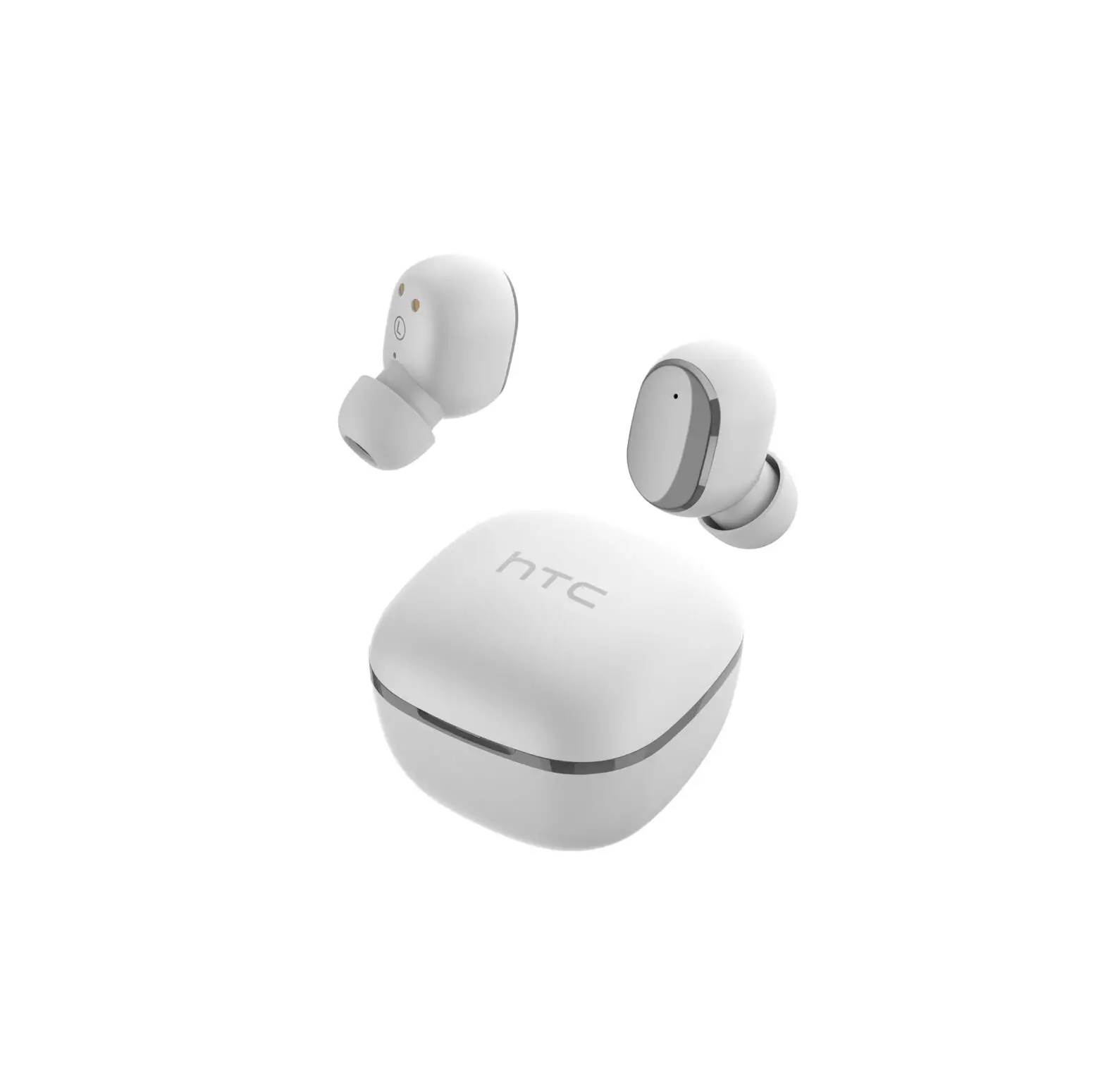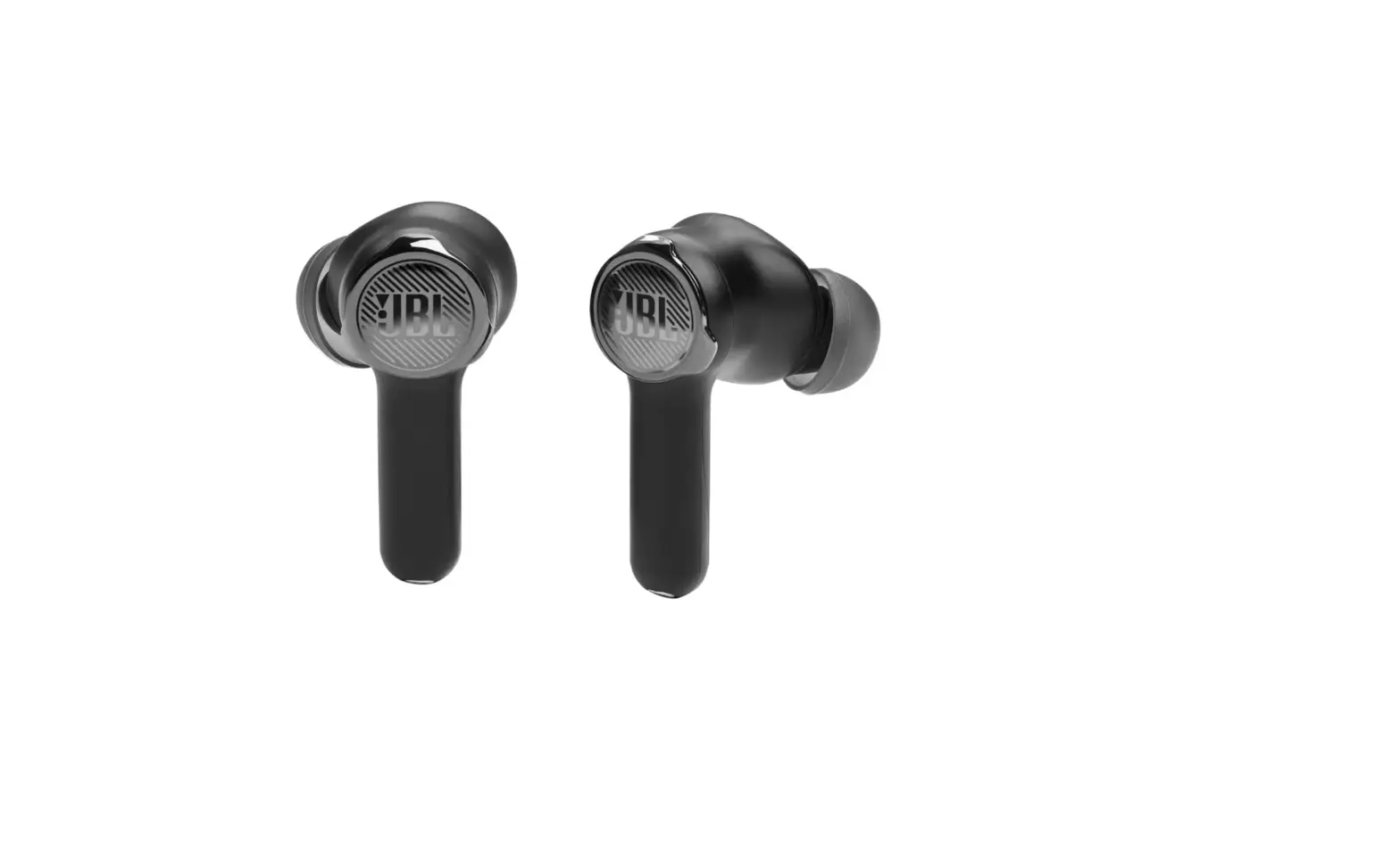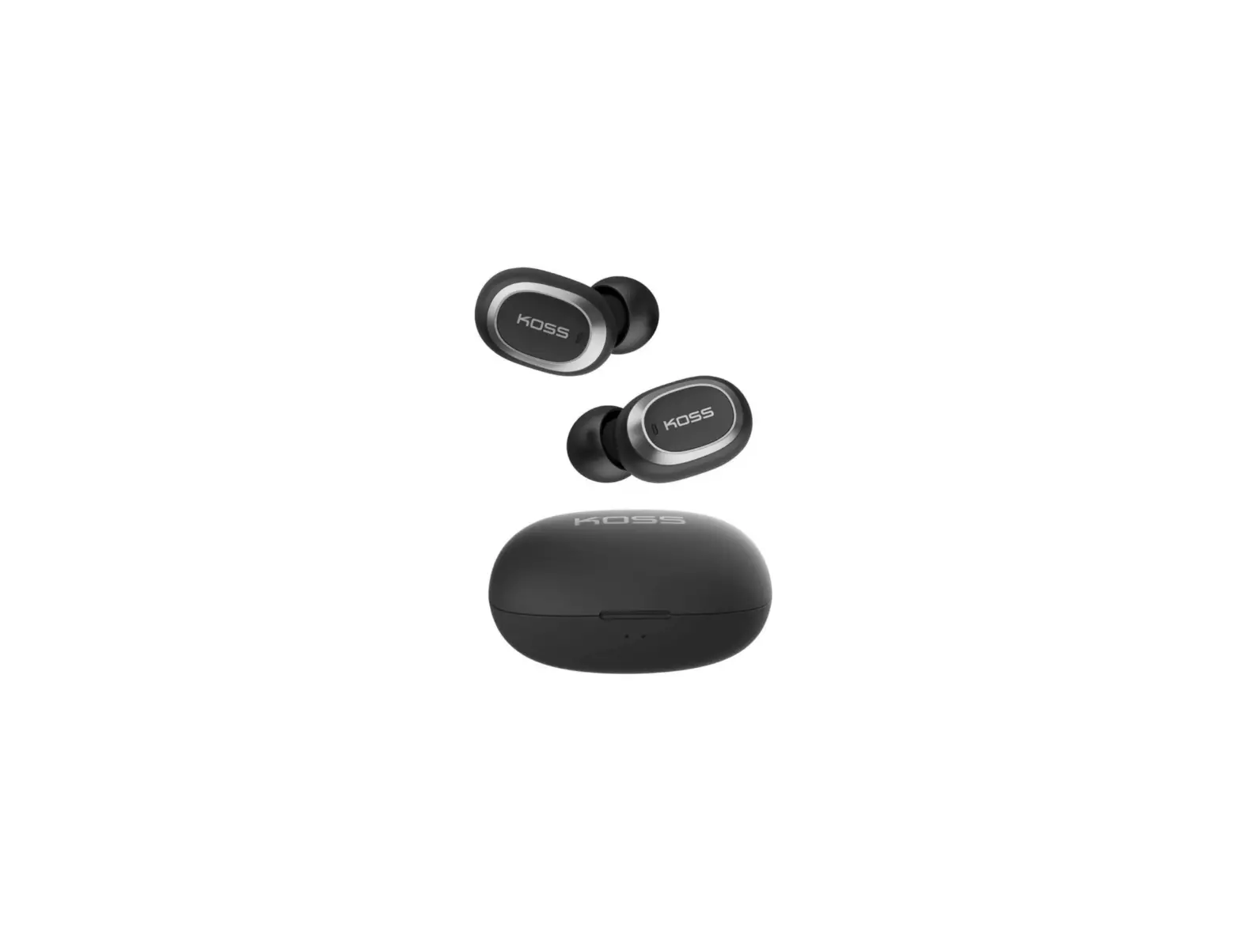
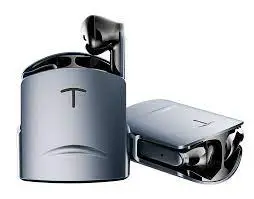
 HT17 TWS True Wireless Earbuds
User Guide
Important safety instructions
- Read this instruction manual completely before using the product.
- Do not use the product if it is defective.
- Only use the product in environments where wireless transmission is permitted.
- Protect your hearing from high volume levels. Permanent hearing damage may occur when headphones are used at high volume levels for long periods of time.
HT headphones sound exceptionally good at low and medium volume levels. - Do not insert the earphones too deeply into the ears.
Always remove the earphones slowly and carefully from your ears. - Always maintain a distance of at least 3.94″/10 cm between the product component containing the magnet (earbuds and charging case) and the cardiac pacemaker, implanted defibrillator, or another implant.
- Keep the product, accessories, and packaging parts out of reach of children and pets to prevent accidents. Swallowing and choking hazard.
- Always keep the product dry and do not expose it to extreme temperatures to avoid deformation. The normal operating temperature is from 0 °C to 40 °C/32 °F to 104 °F.
- Use only attachments/accessories/spare parts supplied or recommended by HT.
- Clean the product with a soft, dry cloth.
WARNING
If abused or misused, the batteries may leak.
In extreme cases, they may even present a risk.
Only use HT recommended chargers to charge at ambient temperatures between 10 °C to 40 °C/50 °F to 104 °F.
Do not heat the product above 70 °C/140 °F.
Avoid exposure to sunlight and do not throw the product into fire. When not using the product for extended periods of time, charge them regularly (about every three months).
Switch rechargeable battery-powered products off after use. Dispose of defective products with built-in rechargeable batteries at special collection points.
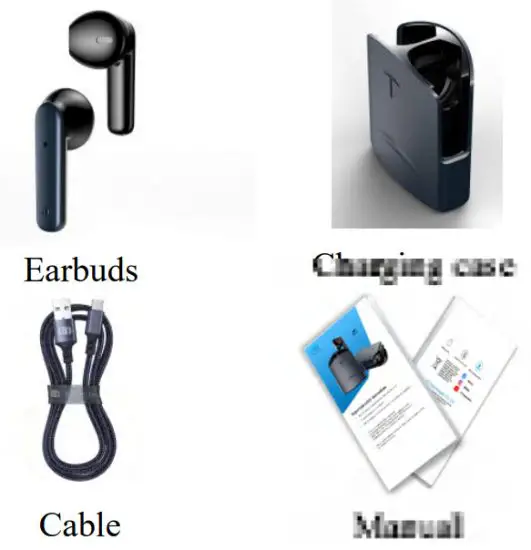
Inside box
Product Overview
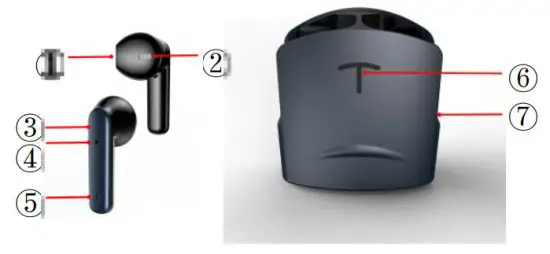
| ①:Speaker | ⑤:Mic |
| ②:Speaker | ⑥:Charging status |
| ③:Tap | ⑦:Aluninum case |
| ④:LED light |
Overview of the LED indications of earbuds
| Turn on | Flashing alternately red and blue lights |
| Bluetooth connecting | Earbuds double flashing blue light on both sides |
| Connected | Turn off |
| Earbuds on charging | Red light flash |
| Fully charged | Change to blue lights 3s then turn off |
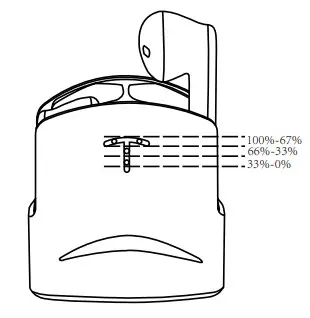
Overview of the LED indications of charging case
| Earbuds on charging | Blue lights are on for 4sec(each Level for 33% and the 2 lights on the top are 67%-100%) |
| Fully charged | Turn off |
| Take out/Put in Earbuds | Blue lights on for 4s |
| A charging case is charging | Each level for 33% |
| The charging case is fully charged | All lights on |
Overview of the LED indications of charging case
Getting started
- Waking up the earbuds and the charging case.
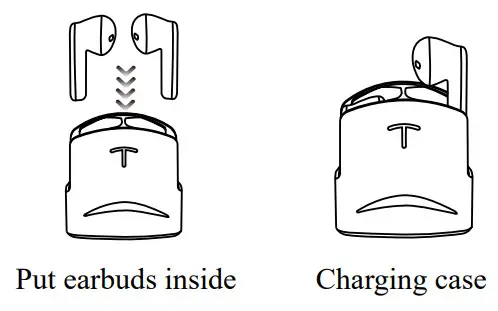
Getting started
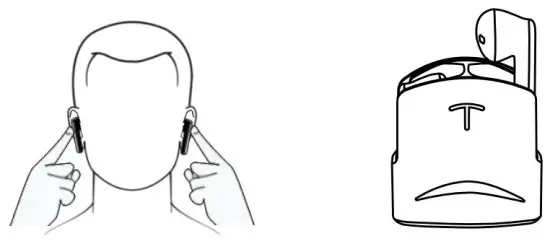
- Insert the earbuds into the charging case.
- Connect the USB-C cable to the charging case and to a USB power source (> 15).
- The earbuds and the charging case are woken up and the rechargeable batteries are being charged. The earbuds are now ready for use.
Connecting the earphones to a Bluetooth device
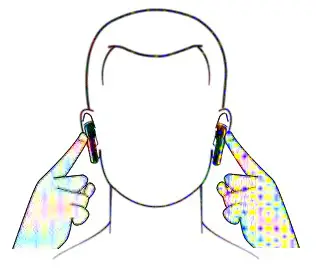
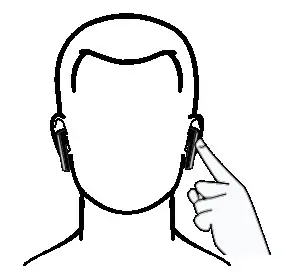
- Take out earbuds or press both earbuds taps for 3 seconds and open the Bluetooth option in your device, find HT17, and start to pair.
Call
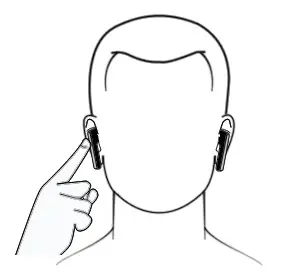
- Double-tap any side earbuds to attend the call.
Hold the tap of any earbud to reject the call.
Playing music
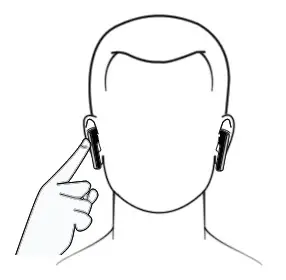
- Double-tap right for Play/Stop
Voice assistance and volume control
- Double-tap the left side for voice assistance.
Switching the earphones off
FCC Caution:
This device complies with part 15 of the FCC Rules. Operation is subject to the following two conditions: (1) This device may not cause harmful interference, and (2) this device must accept any interference received, including interference that may cause undesired operation.
Any changes or modifications not expressly approved by the party responsible for compliance could void the user’s authority to operate the equipment.
Note: This equipment has been tested and found to comply with the limits for a Class B digital device, pursuant to part 15 of the FCC Rules.
These limits are designed to provide reasonable protection against harmful interference in a residential installation. This equipment generates uses and can radiate radio frequency energy and, if not installed and used in accordance with the instructions may cause harmful interference to radio communications. However, there is no guarantee that interference will not occur in a particular installation. If this equipment does cause harmful interference to radio or television reception, which can be determined by turning the equipment off and on, the user is encouraged to try to correct the interference by one or more of the following measures:
- Reorient or relocate the receiving antenna.
- Increase the separation between the equipment and receiver.
- Connect the equipment into an outlet on a circuit different from that to which the receiver is connected.
- Consult the dealer or an experienced radio/TV technician for help.
The device has been evaluated to meet general RF exposure requirements. The device can be used in portable exposure conditions without restriction.
 This symbol indicates that this product shall not be treated as household waste.
Instead, it shall be handed over to the applicable collection point for the recycling of electrical and electronic equipment.
HT Technologies co., Ltd
Add No. 1, Xiangxing West Second Street, Huangsiwei,
Shijie Town, Dongguan City, Guangdong China.
Website: www.htaccs.com
Email: [email protected]
 [email protected]
  [email protected]
  [email protected]
 HT Technologies – Feel the Extravagance