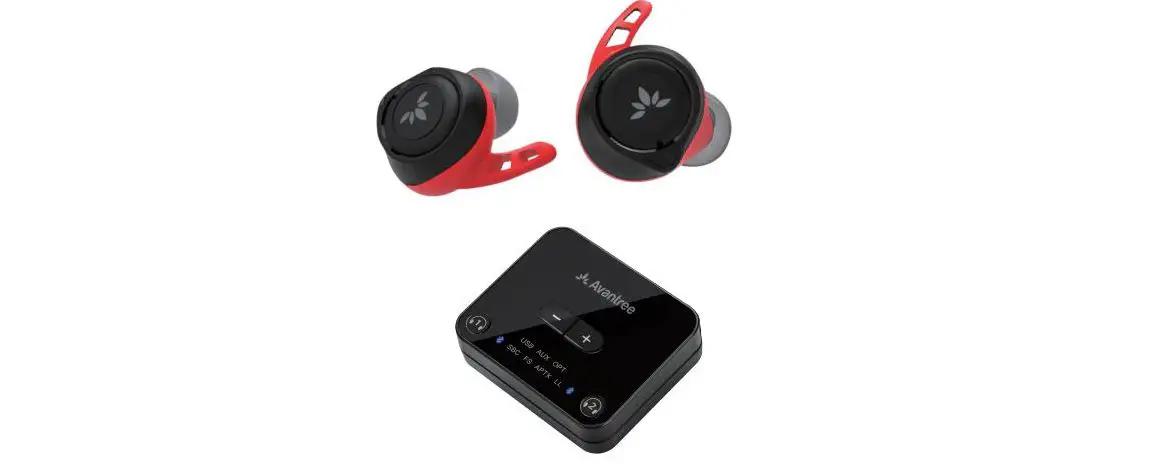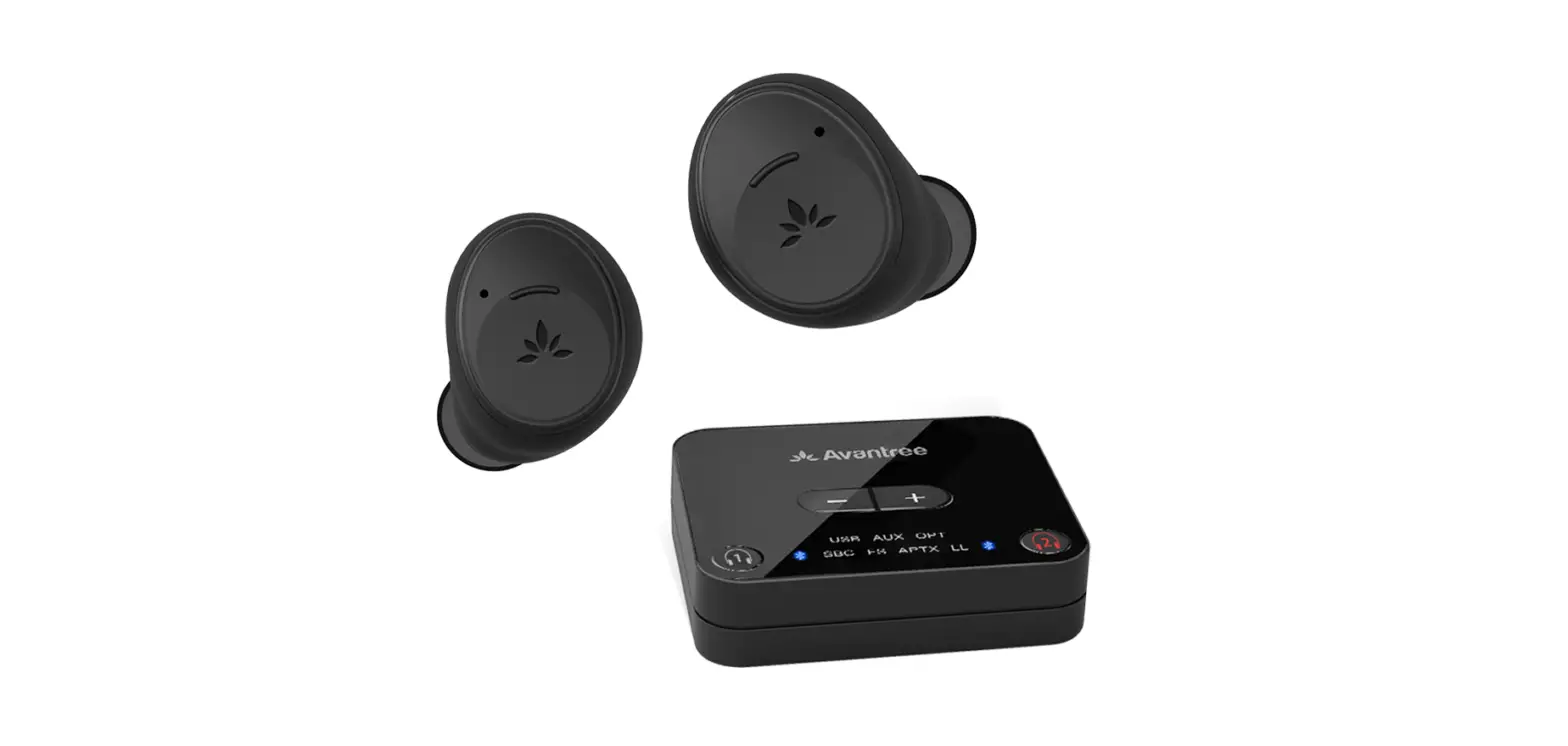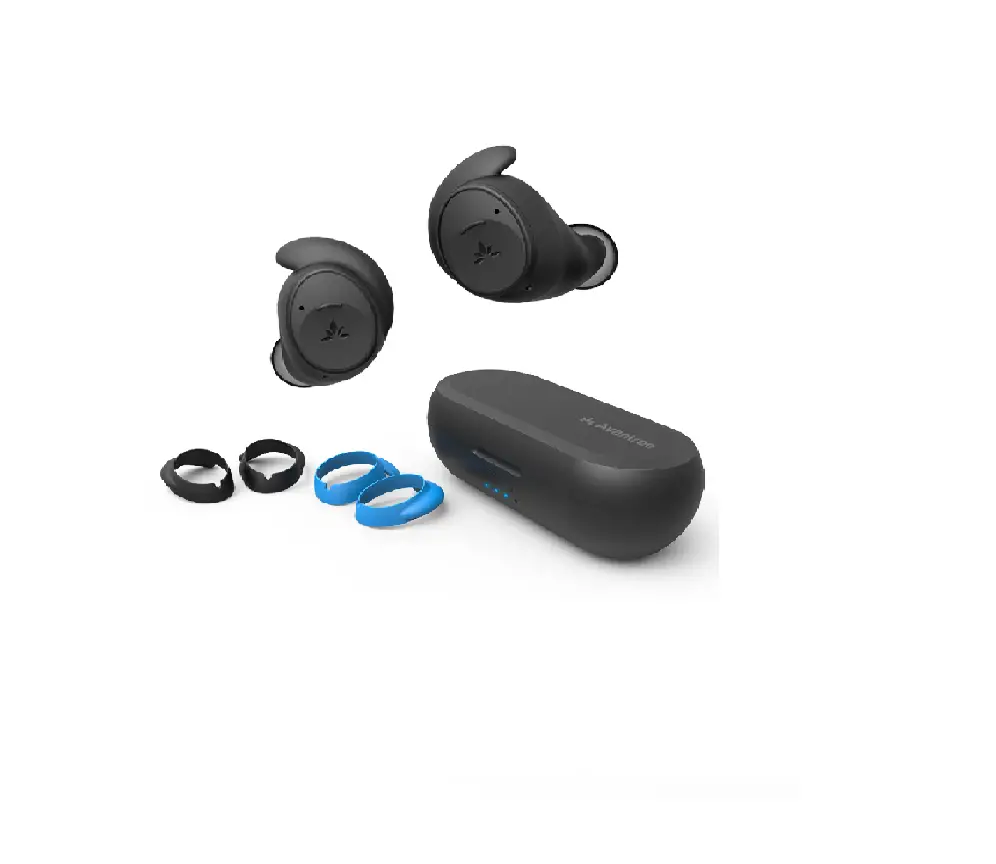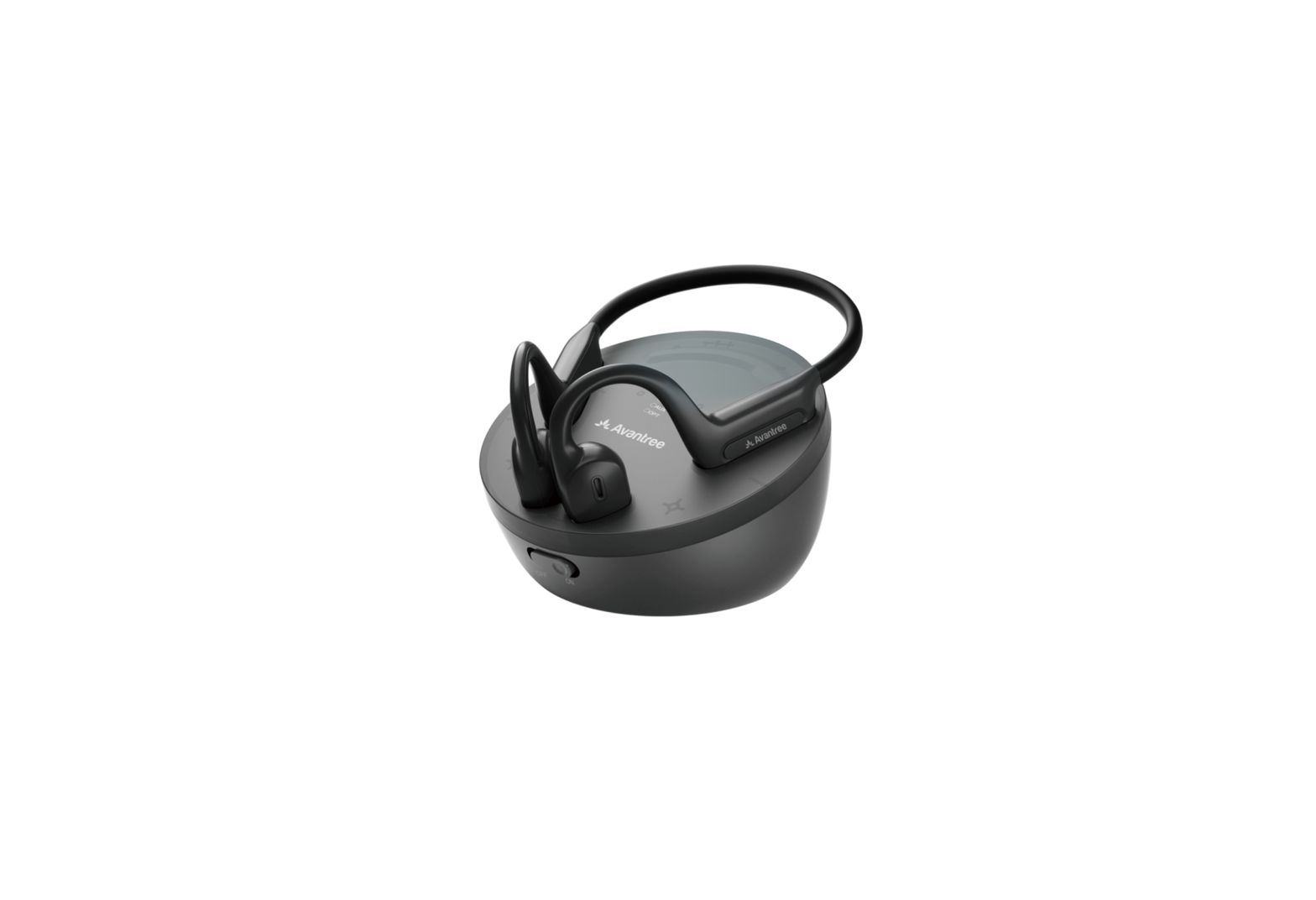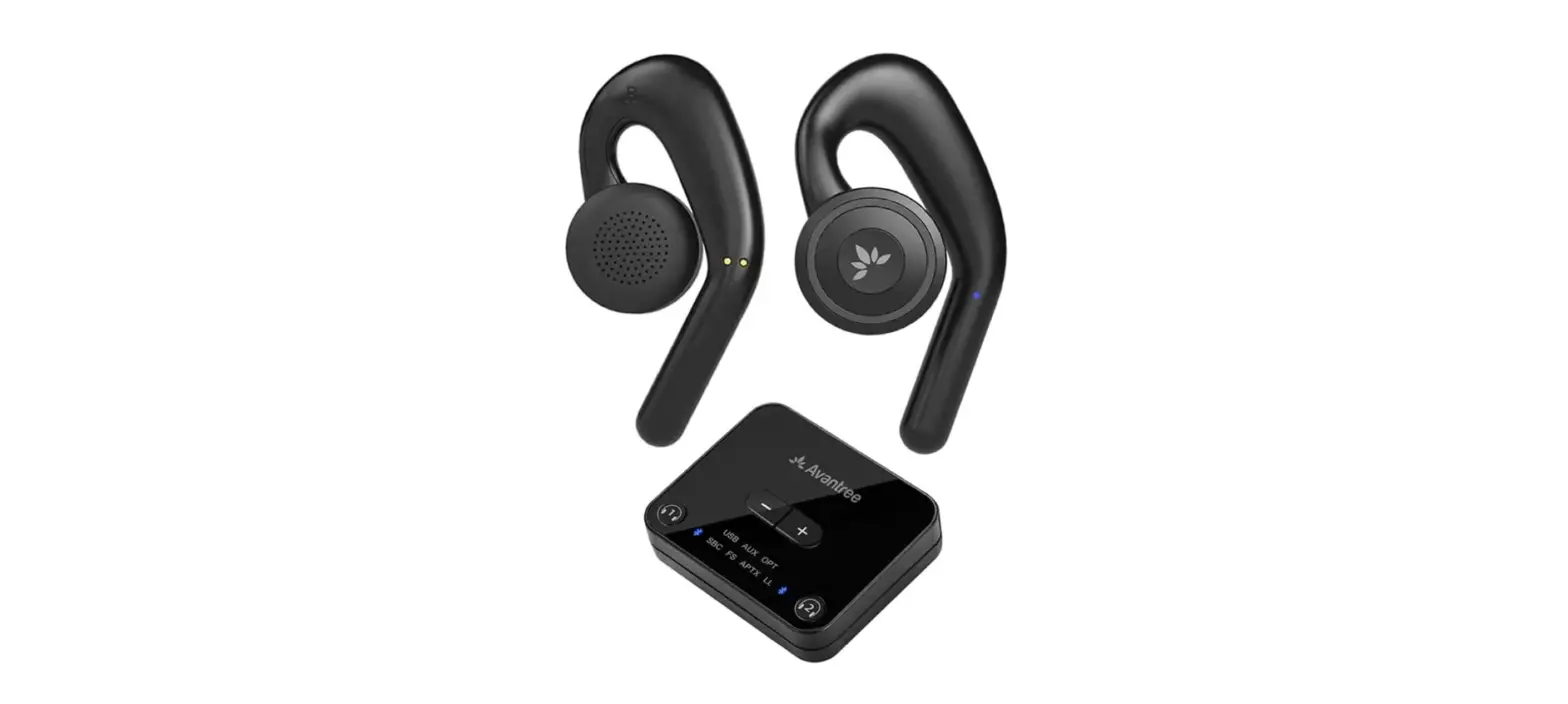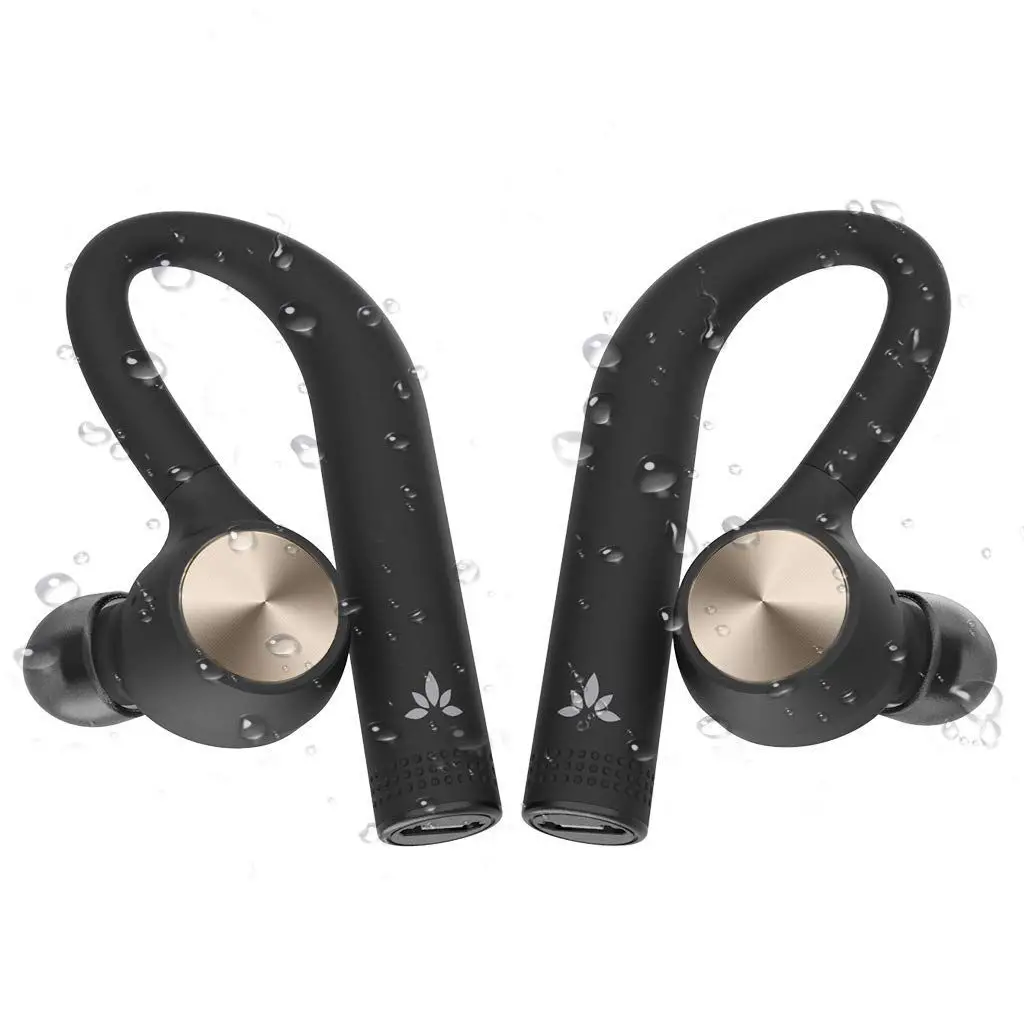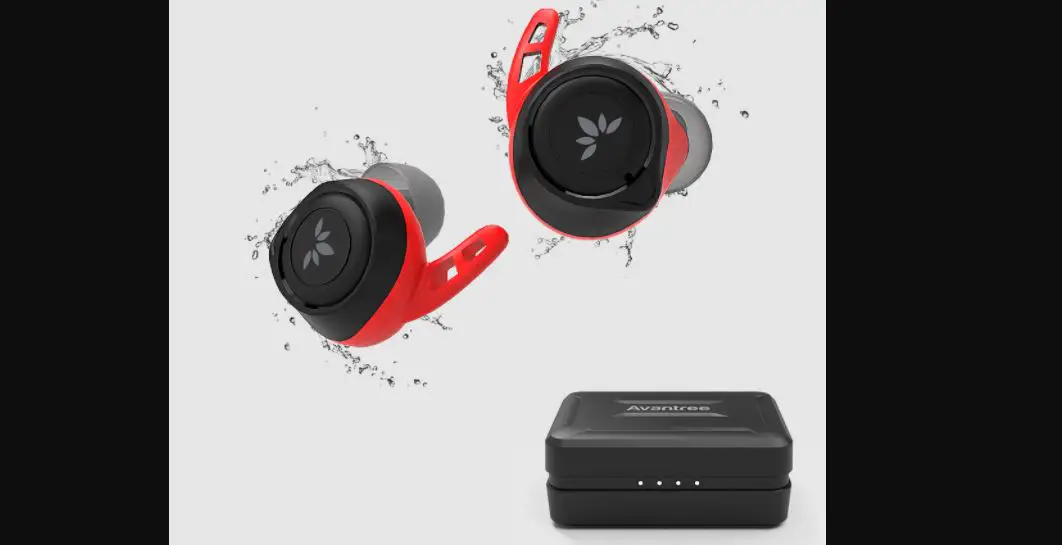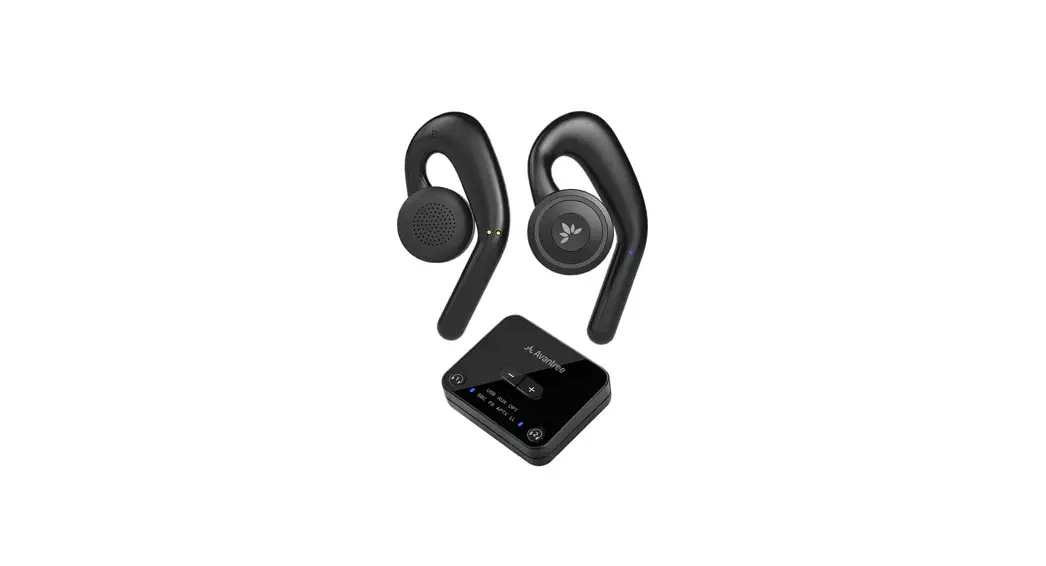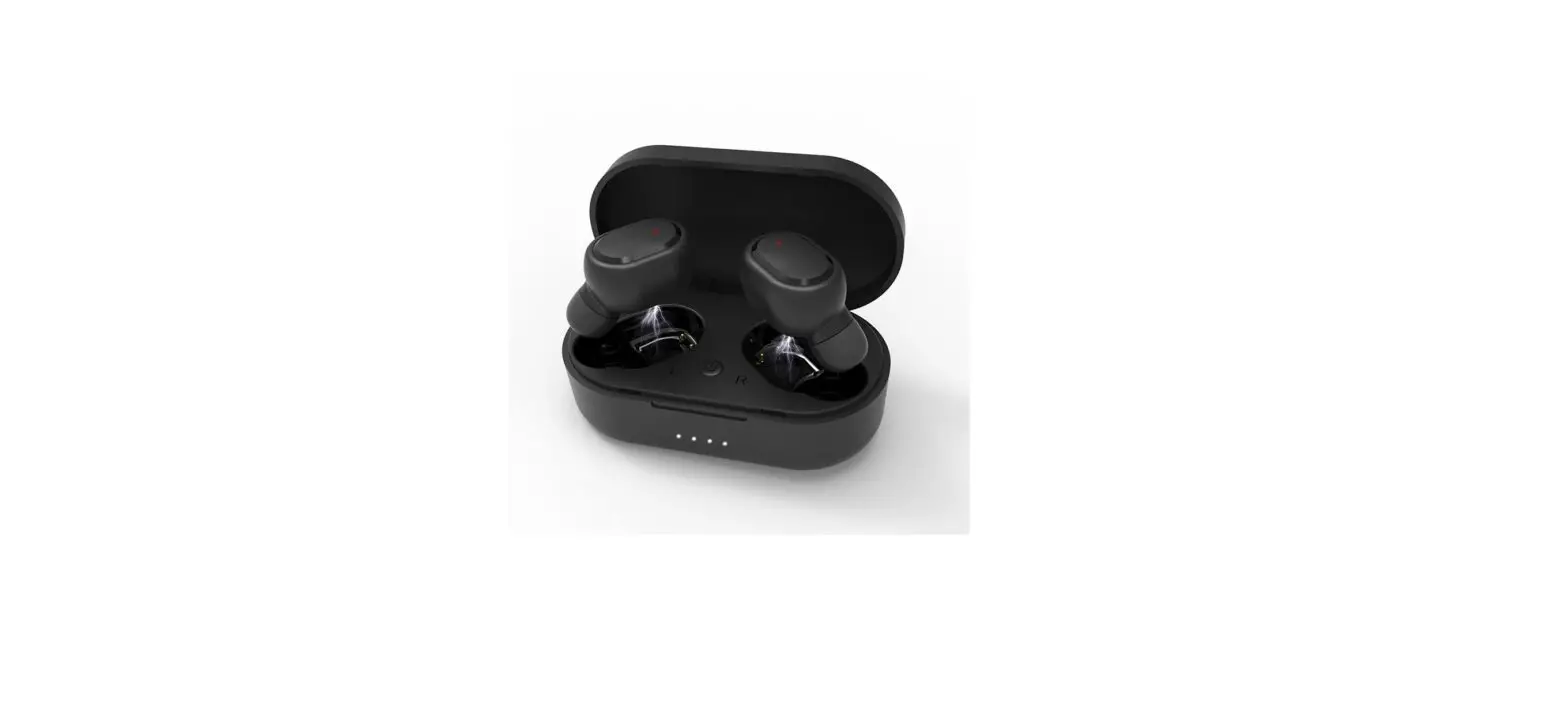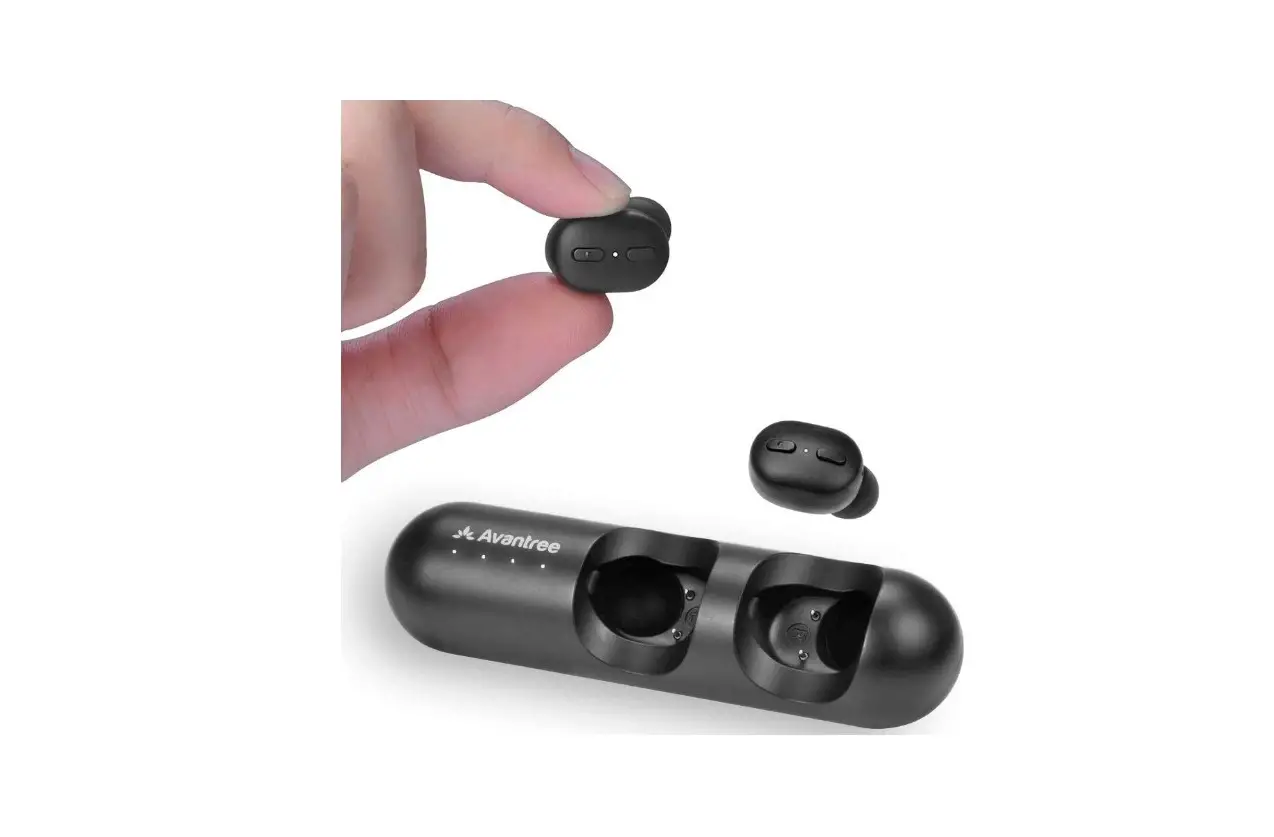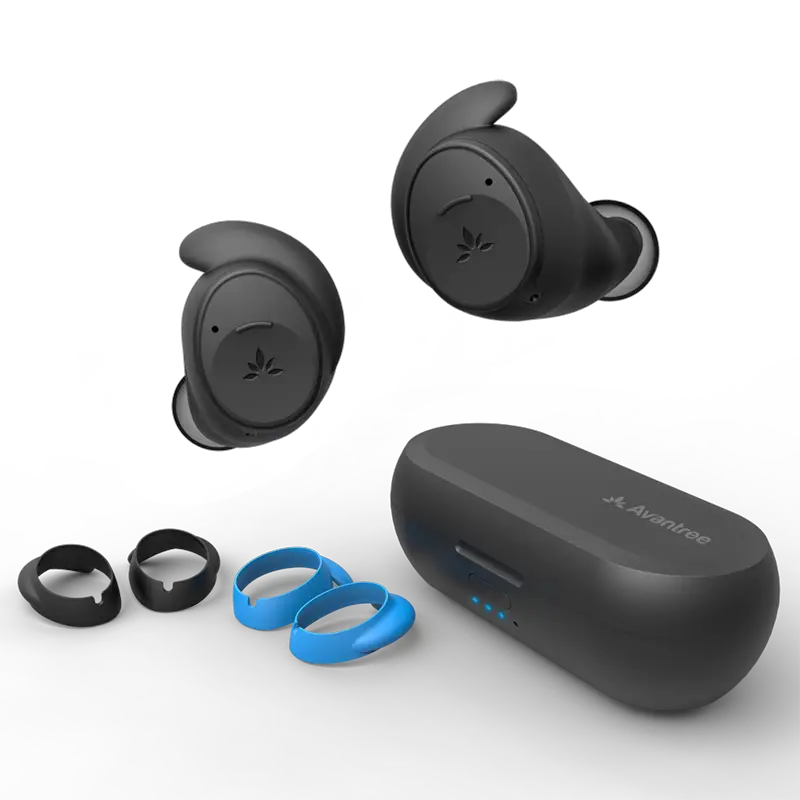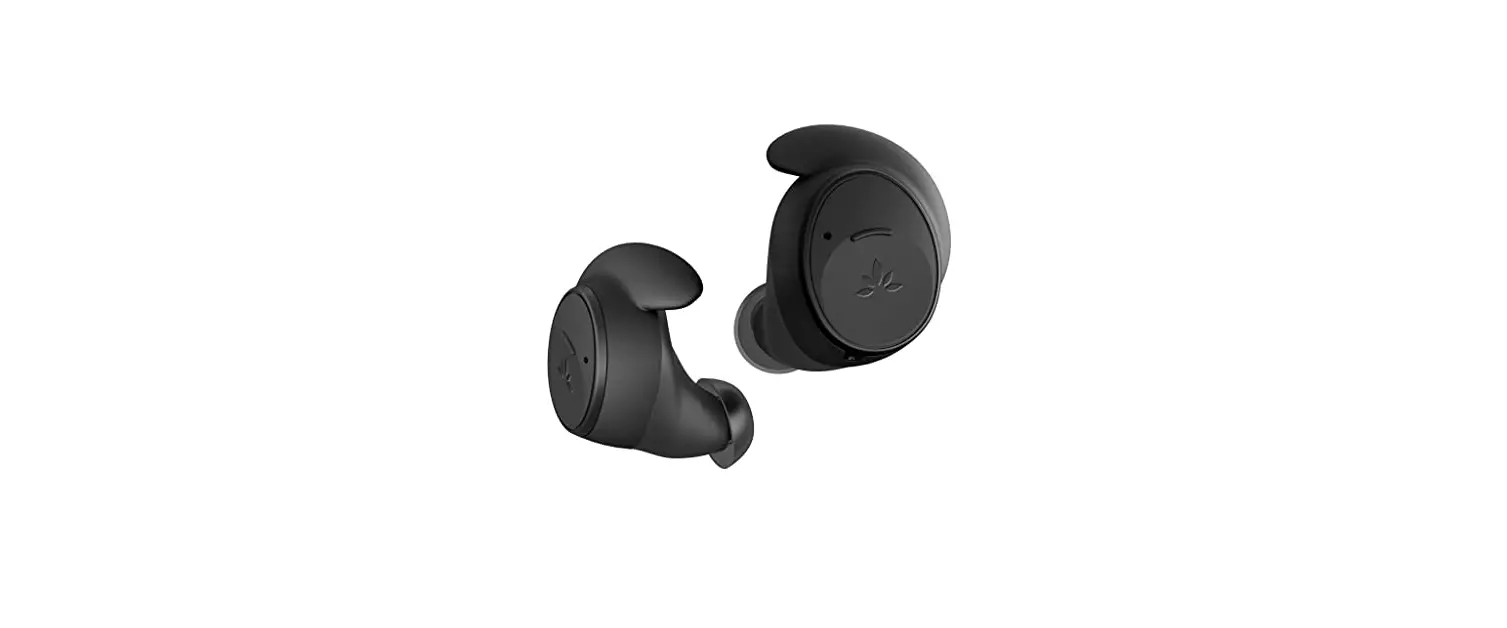

Avantree Ace M10 Wireless Earbuds
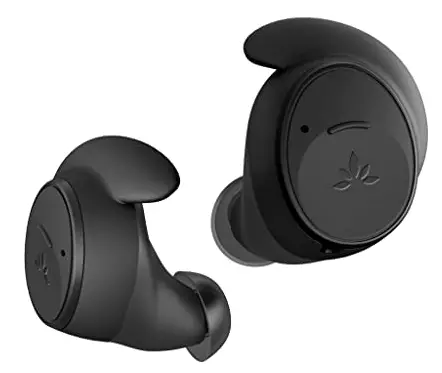
Box Contents
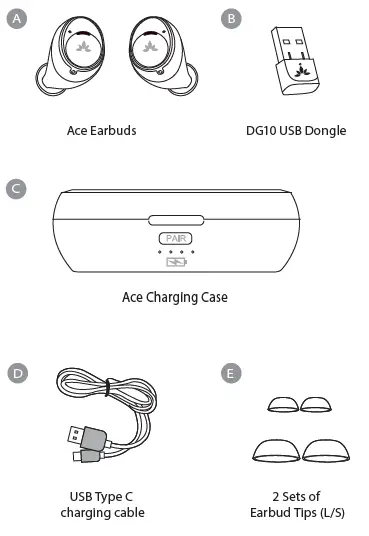
Charging
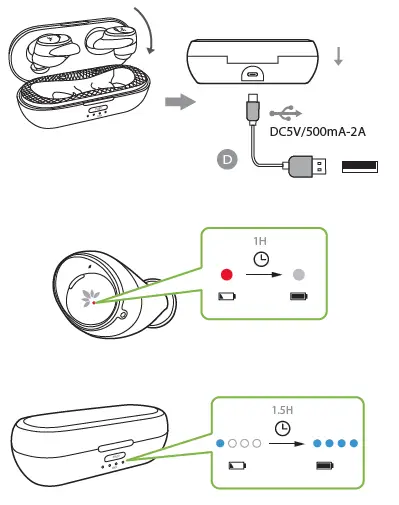
Overview
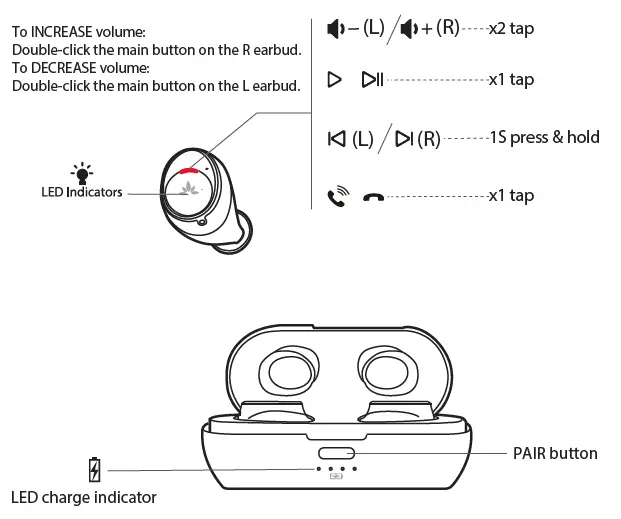
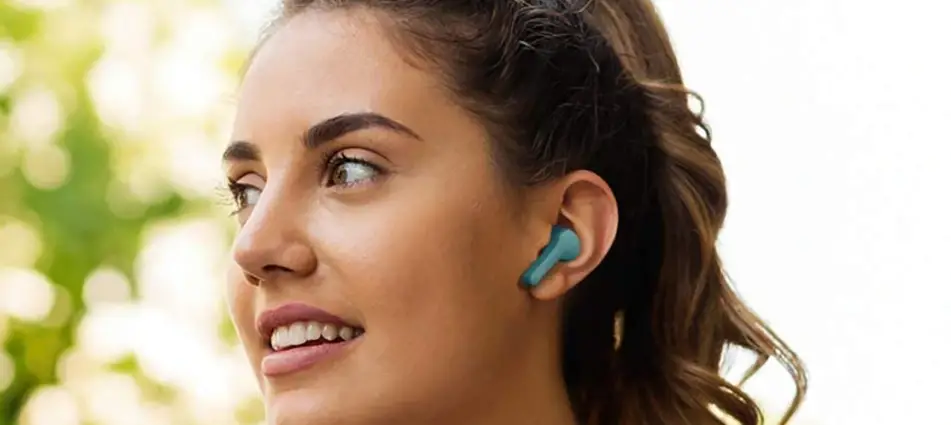
How to wear
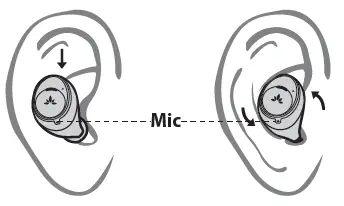
Orient the earbuds so that the Avantree logo is rightside up — this ensures both a secure fit and that the microphone is properly positioned
PC Connection
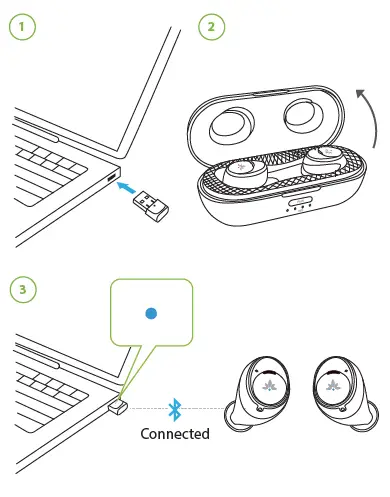
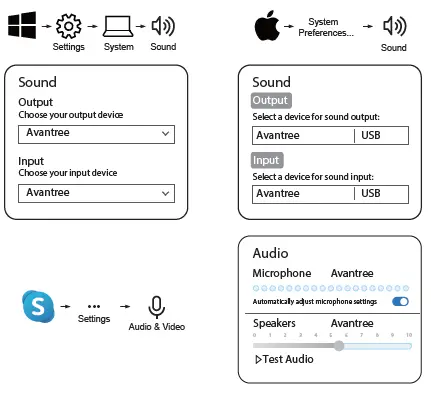
PC Setup
Phone Connection
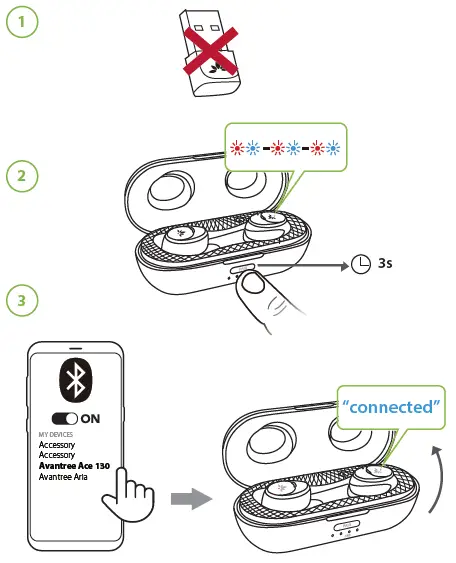
Visit avantree.com/support/ace-m10/phone-connection for more details
Optional Accessories
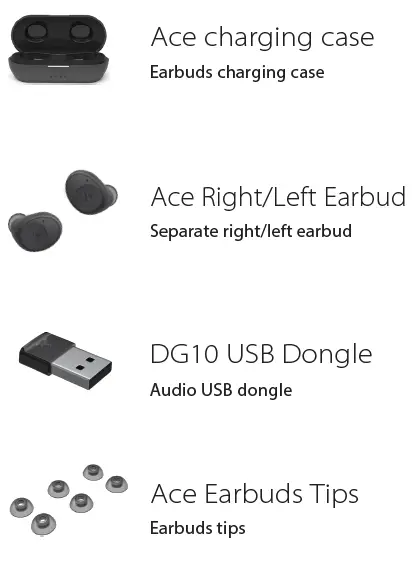
Visit avantree.com to check out additional accessories
Avantree Center App
Download the Avantree Center app to change your Ace multifunction button operations and set your EQ modes.
Online Support
Troubleshooting & Advanced Functions
- Microphone Not working for Zoom?
- How to use the earbuds with my cellphone?

Need further assistance? Visit a vantree.com/support
Contact Us
- Ticket Support – avantree.com/submit-a-ticket
- Support Email – [email protected]
- USA / Canada +1800 232 2078 (9am-6pm PST, Mon-Fri)
- UK +44 20 8068 2023 (9am-6pm, GMT, Mon-Sat)
- FAQs – avantree.com/support/ace-m10
- Product Registration – avantree.com/product-registration
References
 Wireless TV Headphones, Devices, and Audio Solutions | Avantree
-
Avantree - Product Registration
-
Submit a Ticket For Customer Service | Avantree
-
Support Center | Avantree
-
Ace M10 / Ace 130T Product Support
-
Ace M10 / Ace 130T Product Support
-
Ace M10 / Ace 130T Product Support
-
Ace M10 / Ace 130T Product Support
 Wireless TV Headphones, Devices, and Audio Solutions | Avantree