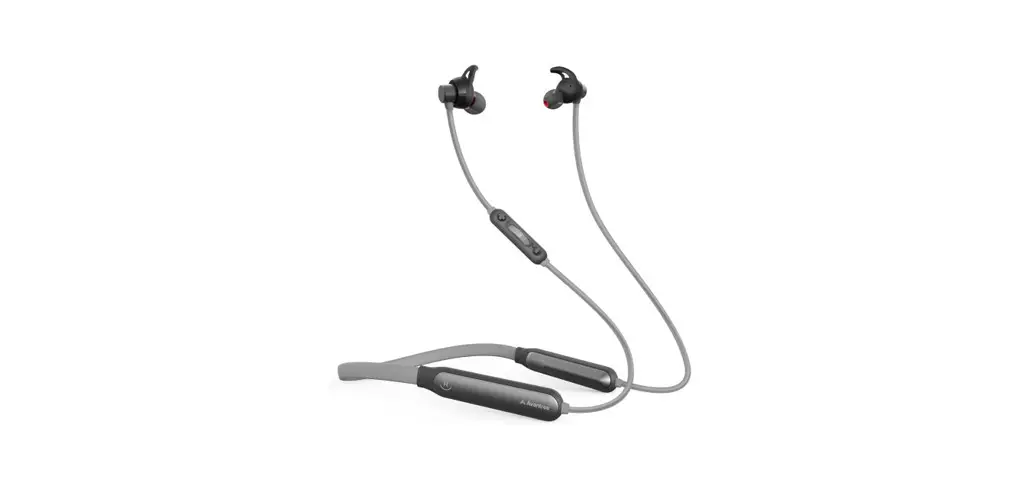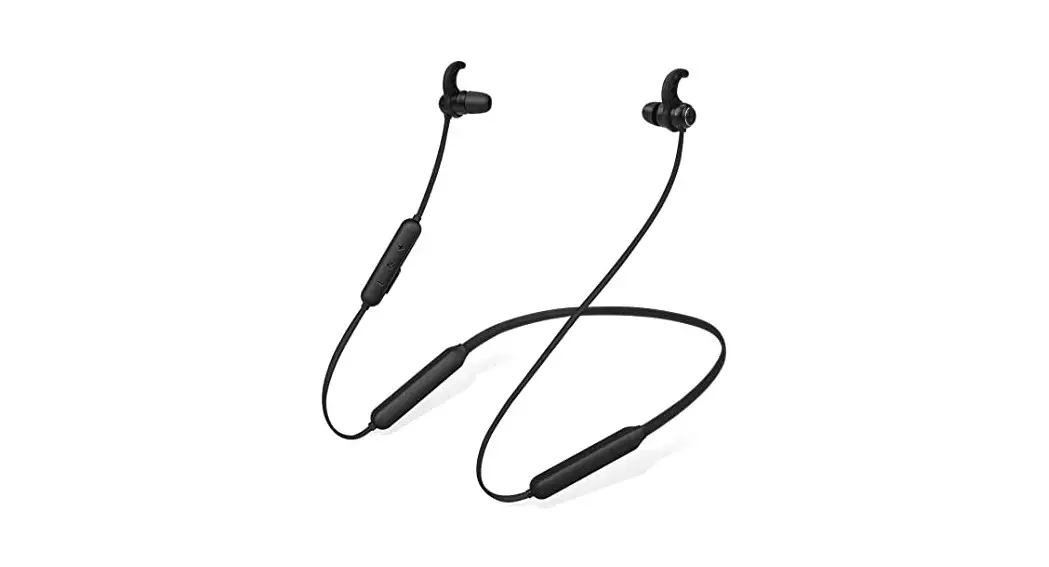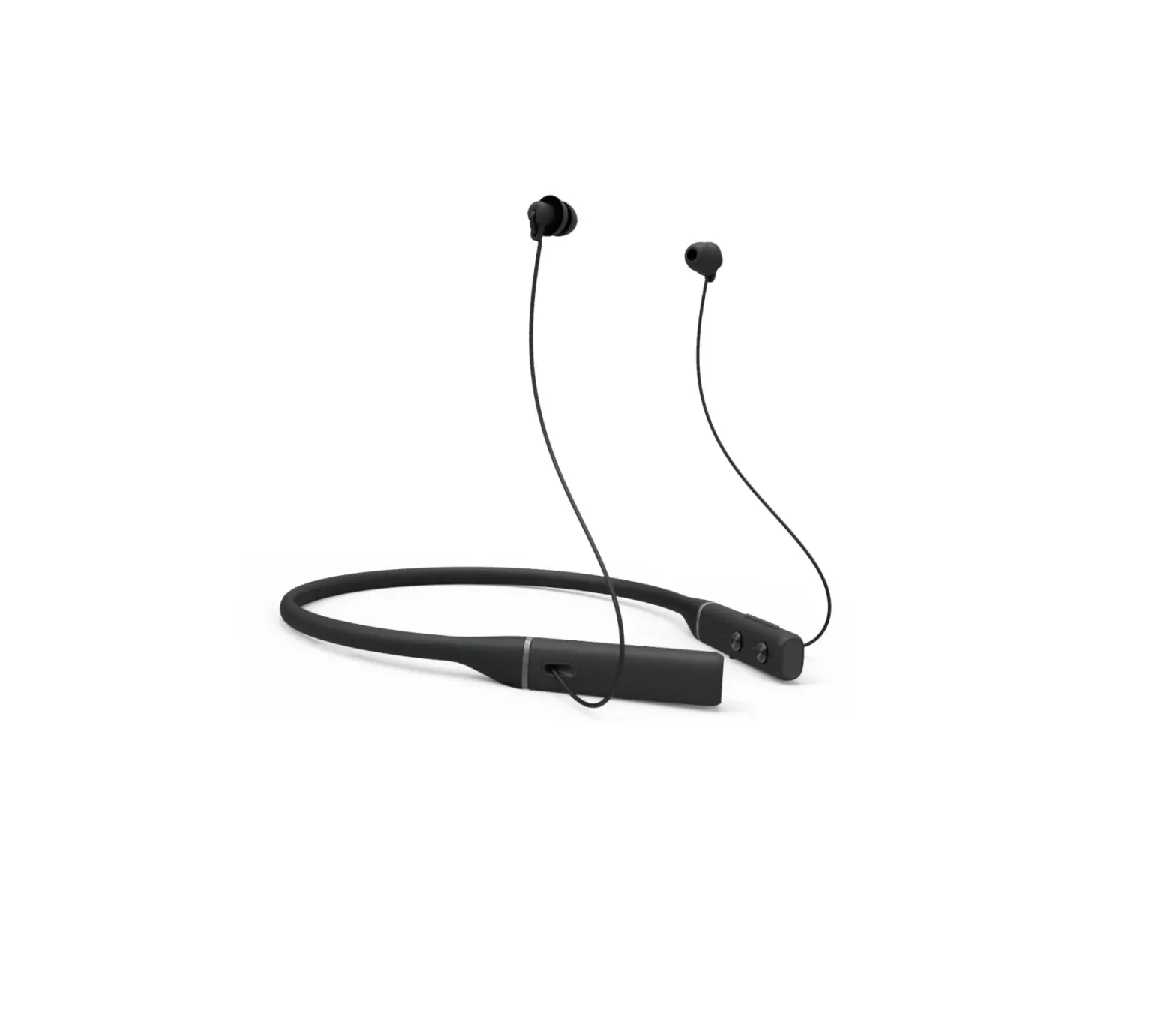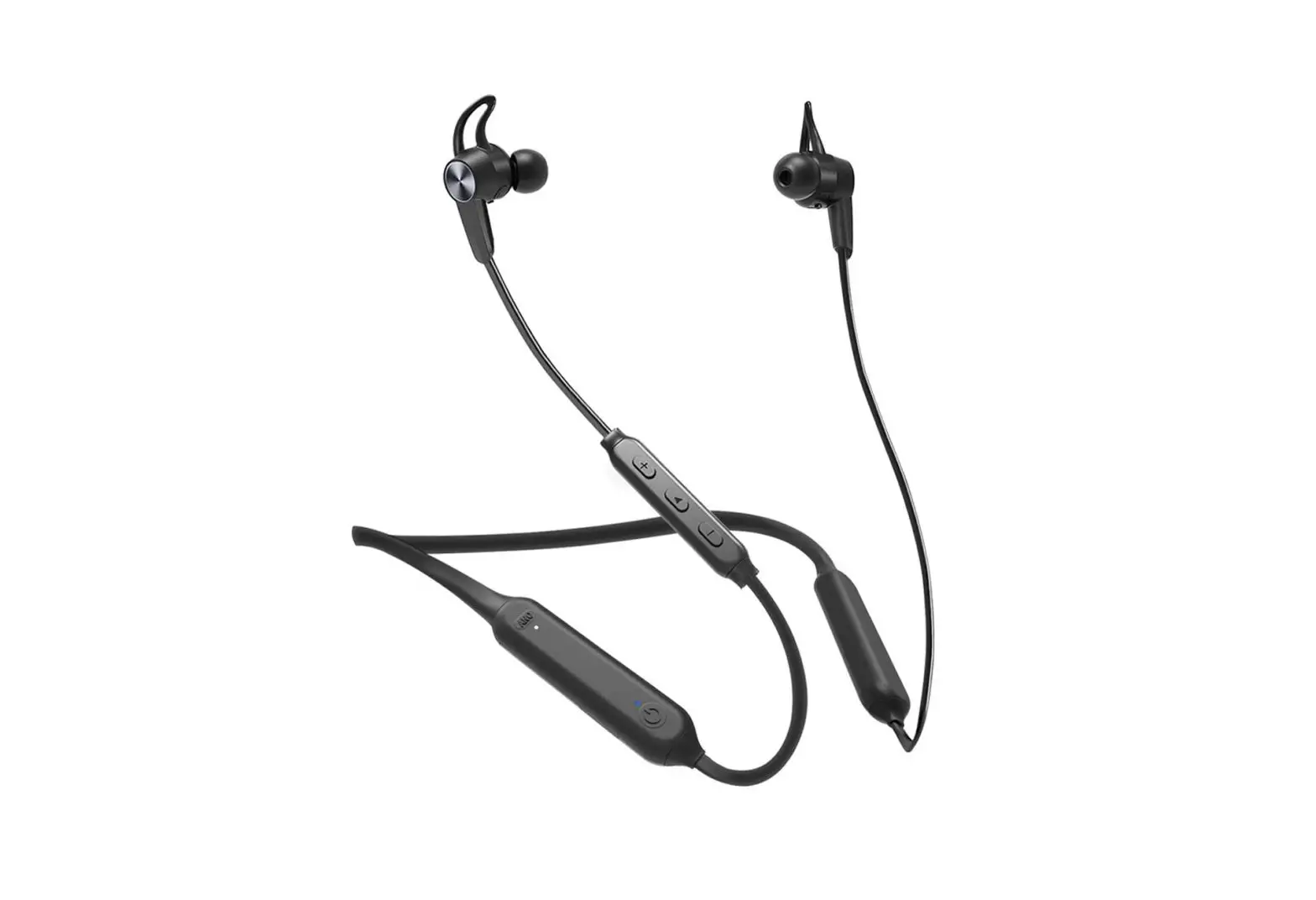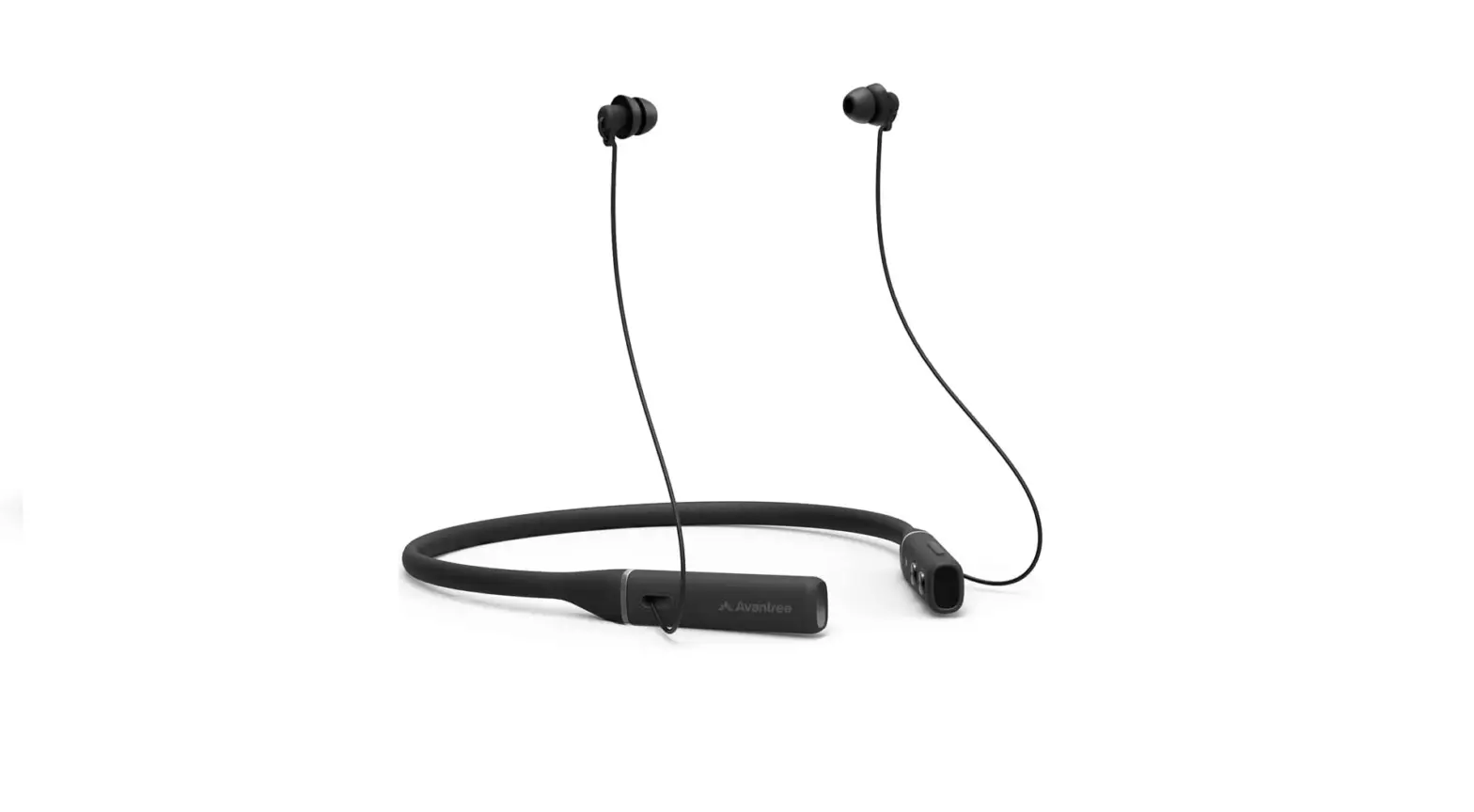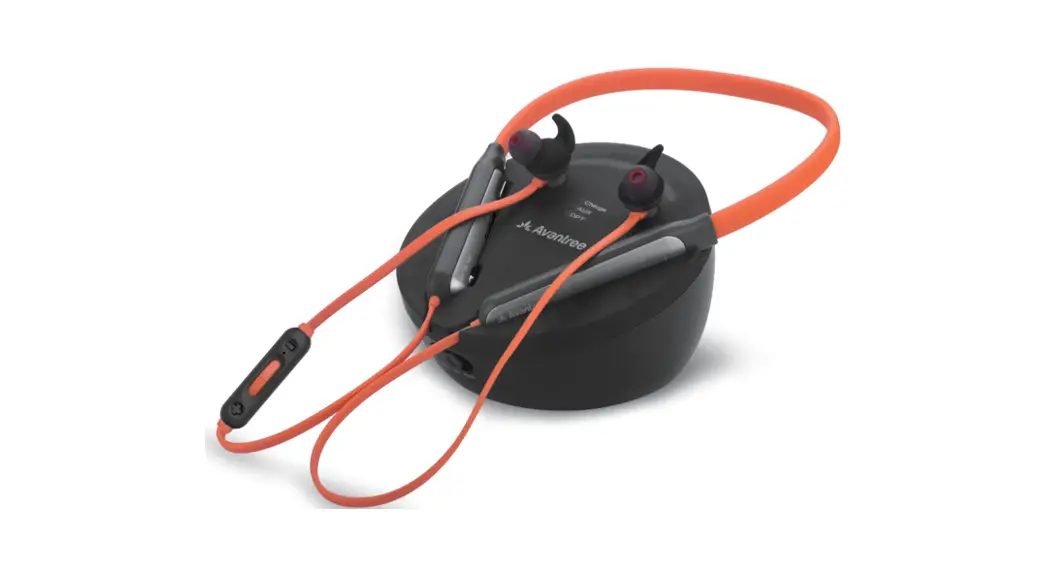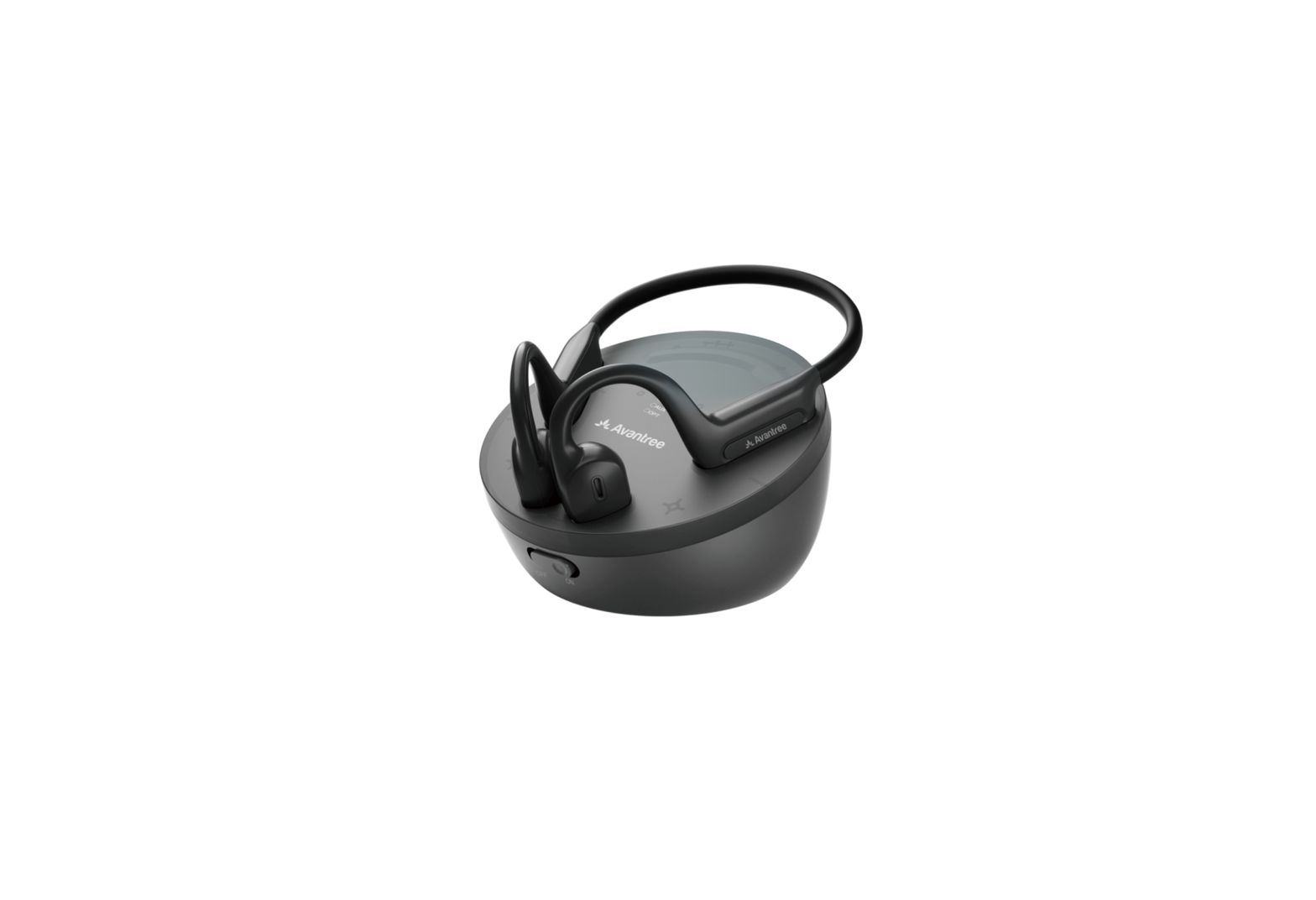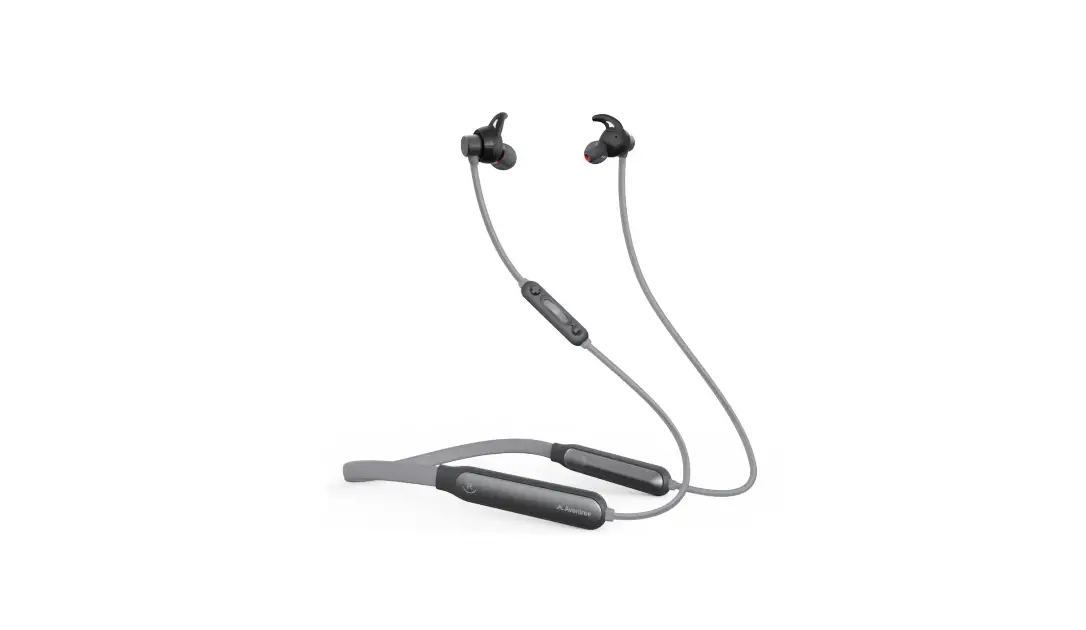
Avantree BTHS-NB18 Wireless Neckband Earphones User Guide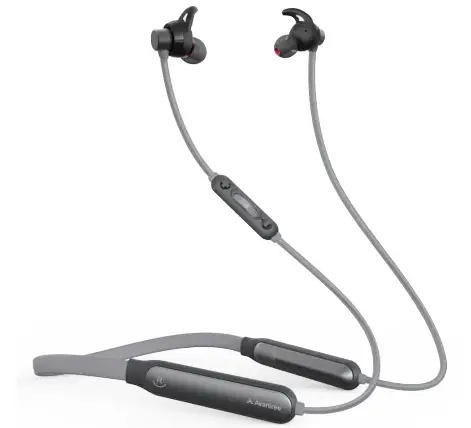
Box Content
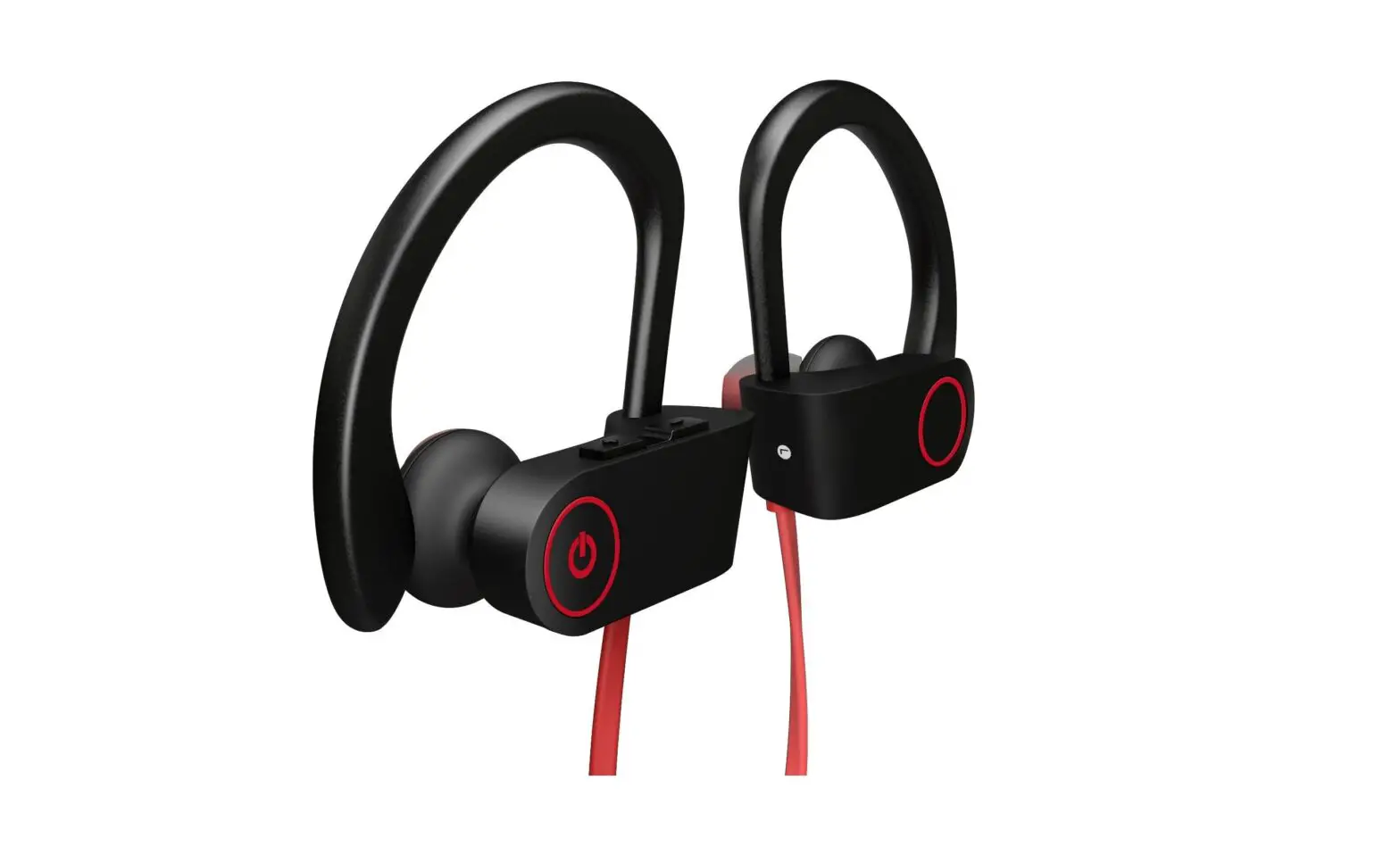
- NB18 EARPHONES

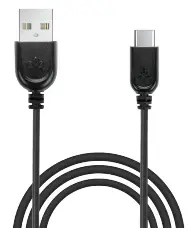
- TYPE C CHARGING CABLE

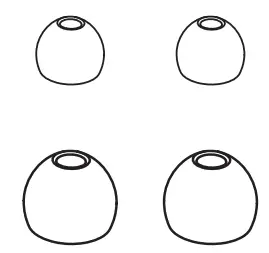
- REPLACEMENT EARBUDS & TIPS

- QUICK START GUIDE

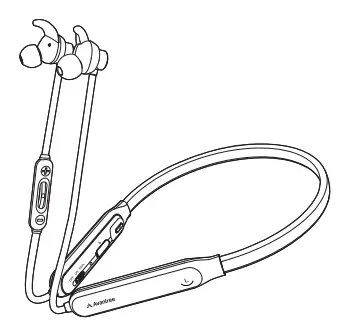
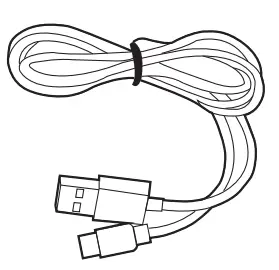
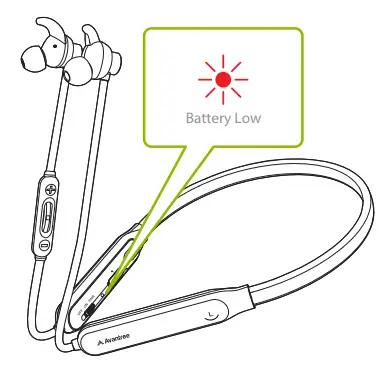
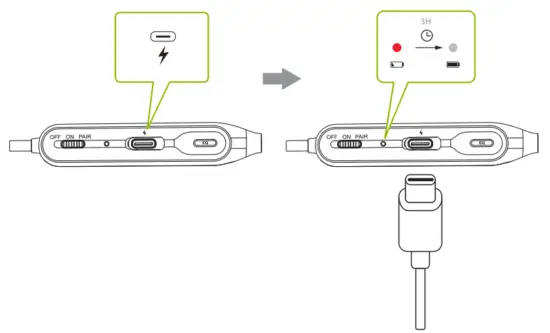
Charging
Input: DC 5V/0.5A~2A
Instruction
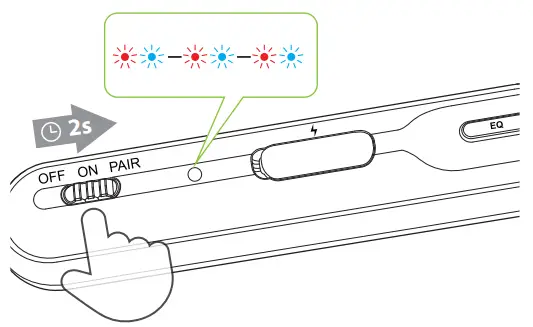
Slide power switch to “PAIR” position and hold it there until Status Indicator starts flashing BLUE & RED. You’ll hear “Pairing” in the earphones. (Note: For first time use, it will enter pairing mode automatically after power on.)
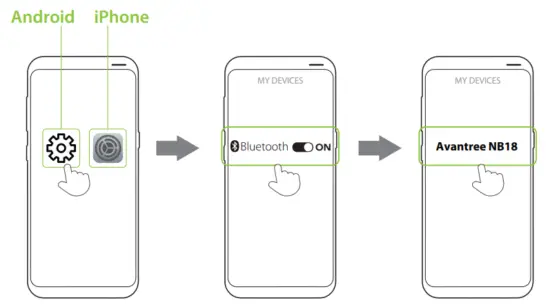
In your device’s Bluetooth menu, search & select “Avantree NB18” to connect.
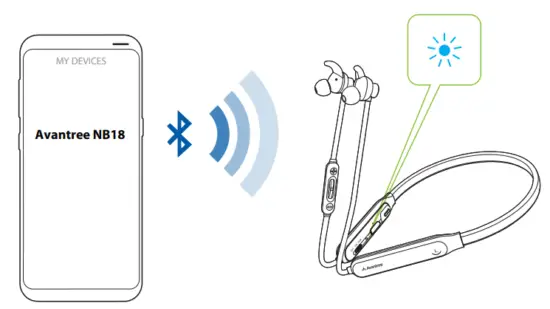
Once connected, earphone LED will be solid blue. You’ll hear “Connected” in the earphones.
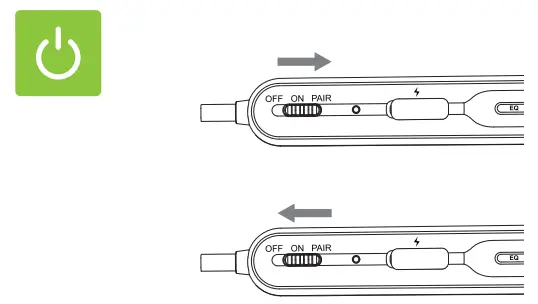
To power ON/OFF, slide the switch to “ON”/”OFF” position.
Products & Accessories
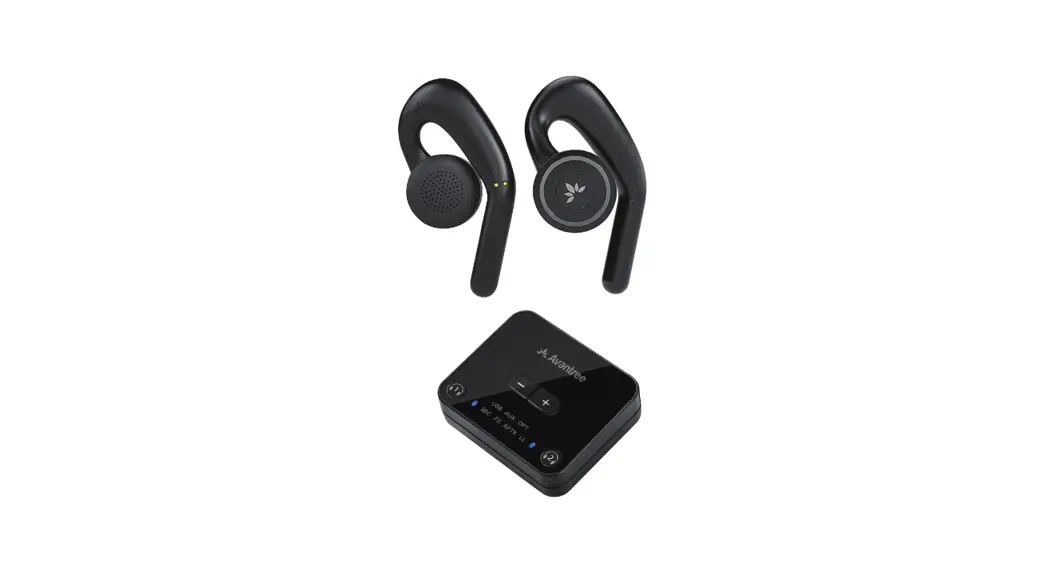
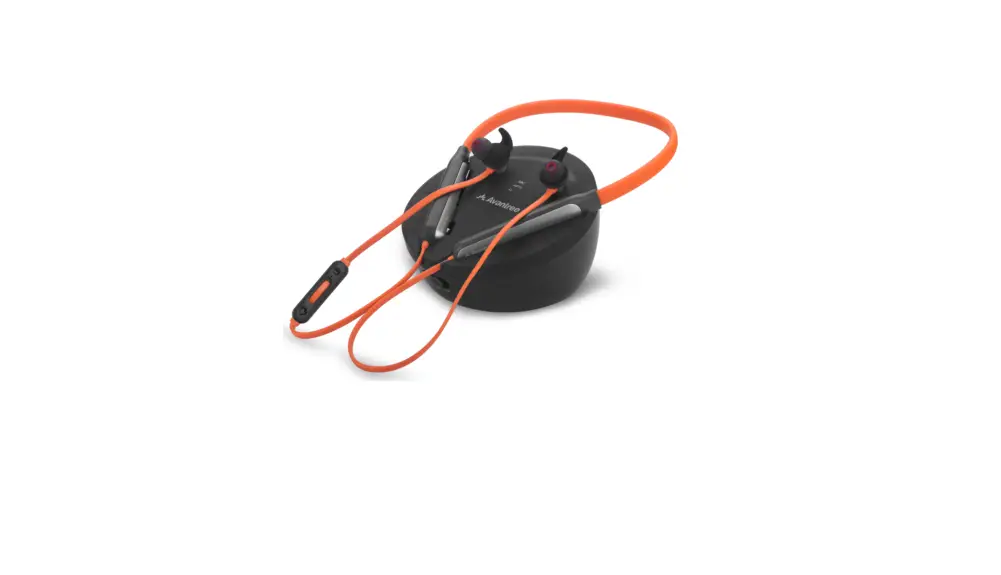
- Avantree Medley Clear 6018

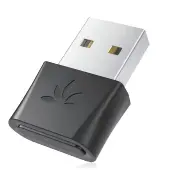
- Avantree DG80

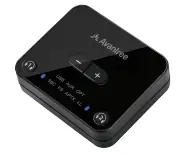
- Avantree Audikast Plus

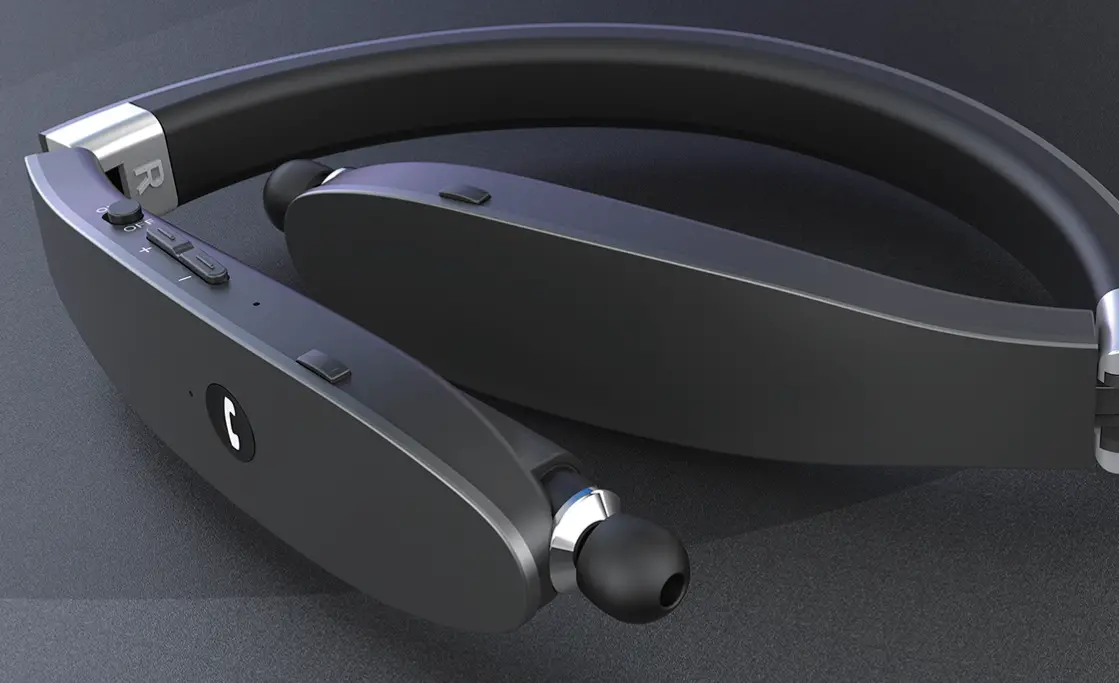
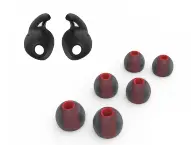
- Avantree NB 18 Earbuds/Earfins

- Avantree Extra Small (XS) Size Ear Tips

- Avantree Type C Charging Cable

Troubleshooting & FAQ
- How to connect to 2nd device?
- Lip-Sync / Audio Lag when watching TV
- How to factory reset / clear paring history of NB18?
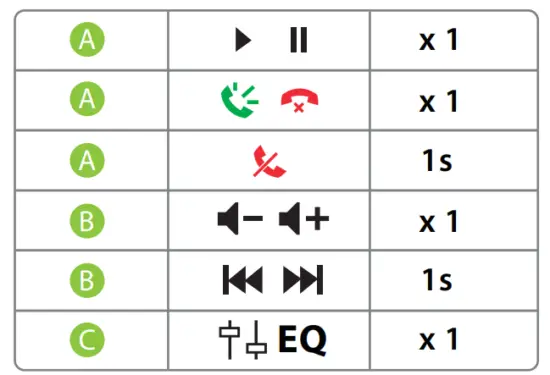
- NB18 Function Table & LED indicators More FAQ and User tips are available online.
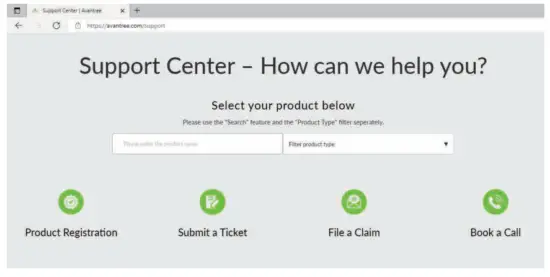
Online Support
FCC Requirement
Any changes or modifications not expressly approved by the party responsible for compliance could void the user’s authority to operate the equipment. This device complies with Part 15 of the FCC Rules. Operation is subject to the following two conditions:
(1) this device may not cause harmful interference, and
(2) this device must accept any interference received, including interference that may cause undesired operation.
Note: This equipment has been tested and found to comply with the limits for a Class B digital device,pursuant to Part 15 of the FCC Rules. These limits are designed to provide reasonable protection against harmful interference in a residential installation. This equipment generates, uses, and can radiate radio frequency energy, and if not installed and used in accordance with the instructions,may cause harmful interference to radio communications.
However, there is no guarantee that interference will not occur in a particular installation. If this equipment does cause harmful interference to radio or television reception, which can be determined by turning the equipment off and on, the user is encouraged to try to correct the interference by one or more of the following measures: – Reorient or relocate the receiving antenna. – Increase the separation between the equipment and receiver. – Connect the equipment into an outlet on a circuit different from that to which the receiver is connected. – Consult the dealer or an experienced radio/TV technician for help.
Contact Us


 USA / Canada: +1800 232 2078
(US Toll Free, 9am-6pm PST, Mon-Fri )
UK: +44 20 8068 2023
(9am-6pm, GMT, Mon-Sat)
Warranty
Register for your extended 24 Months warranty at:
avantree.com/product-registration
 Avantree - Product Registration