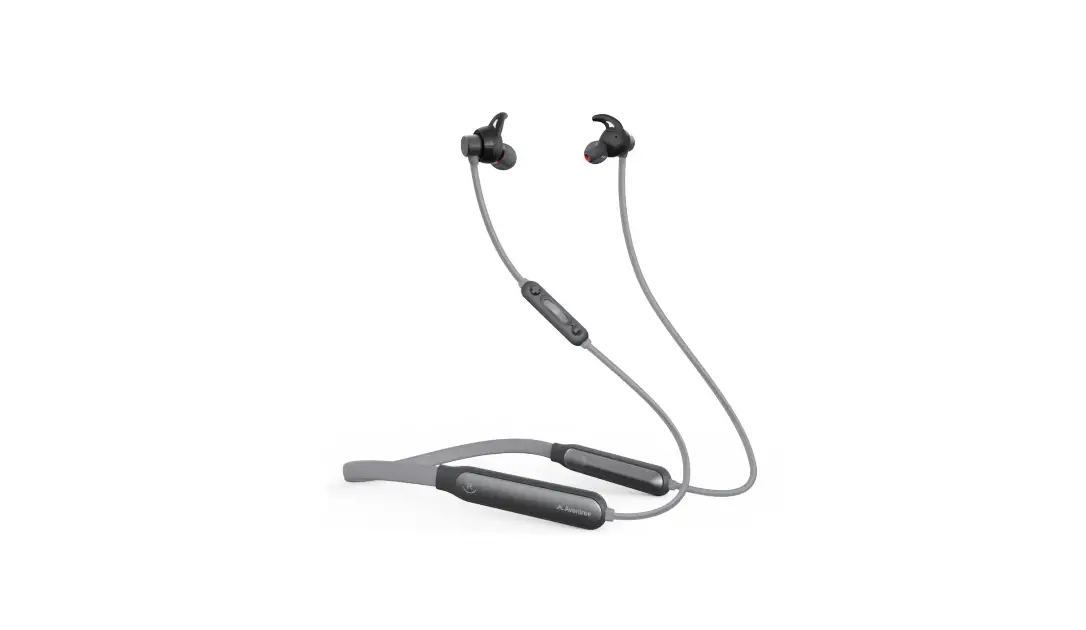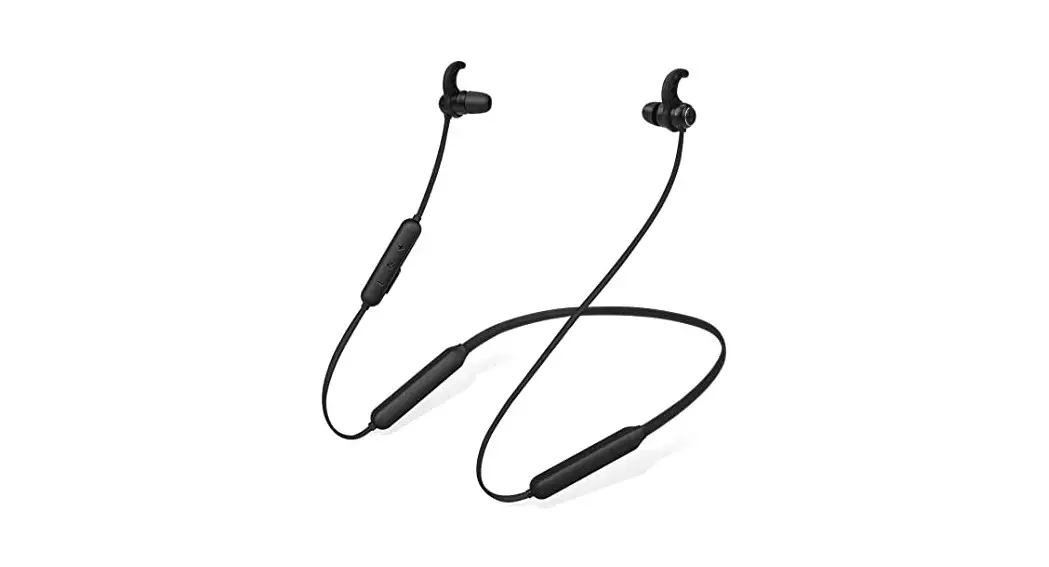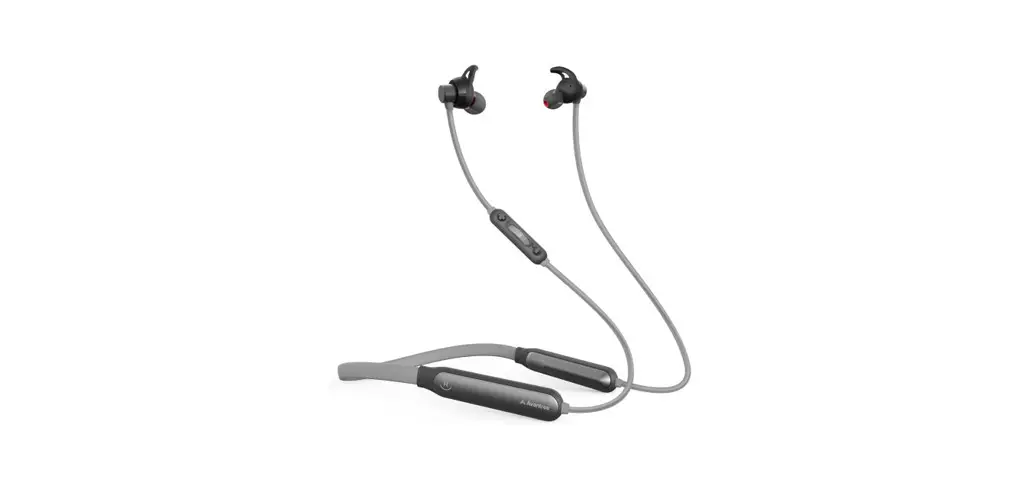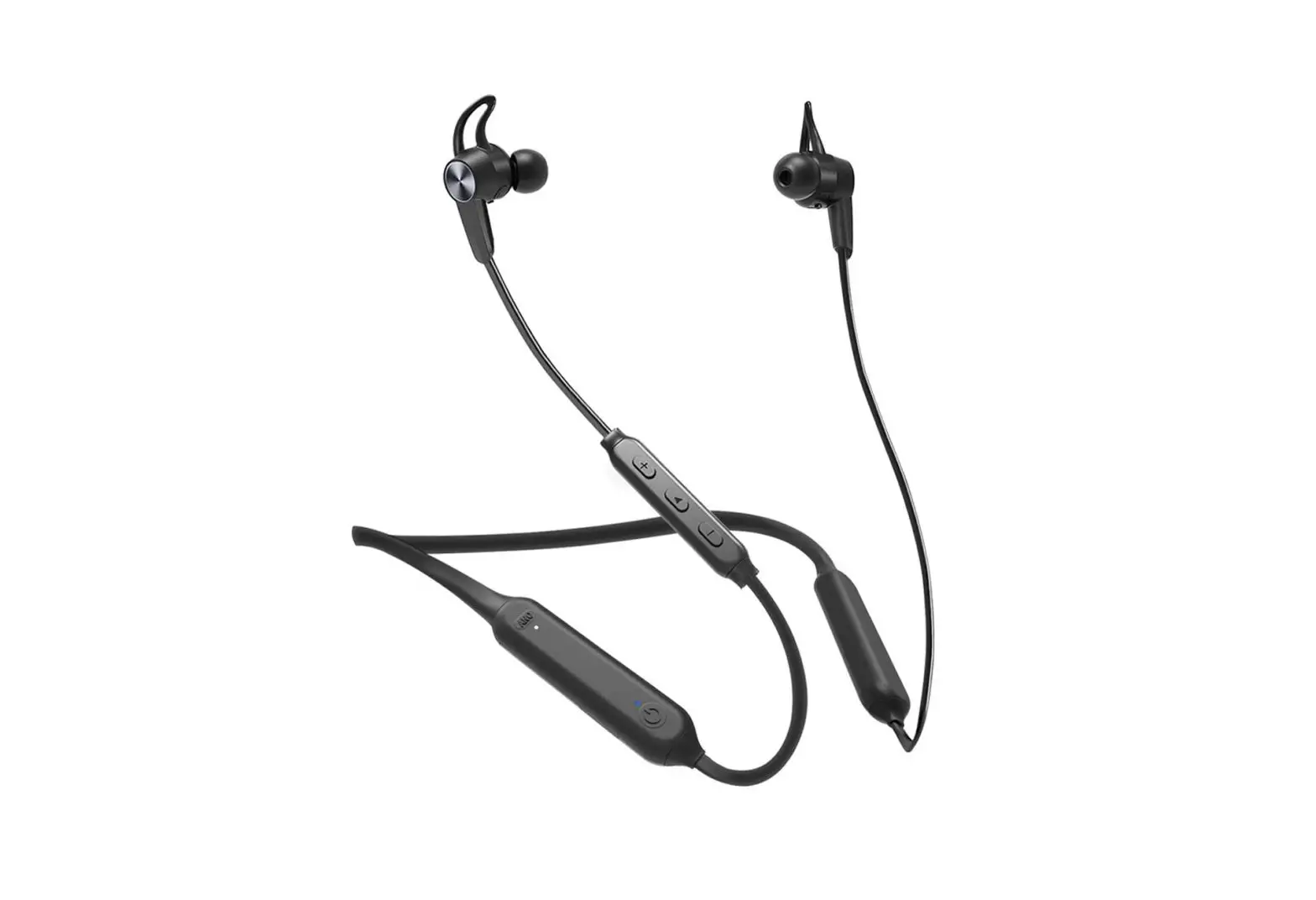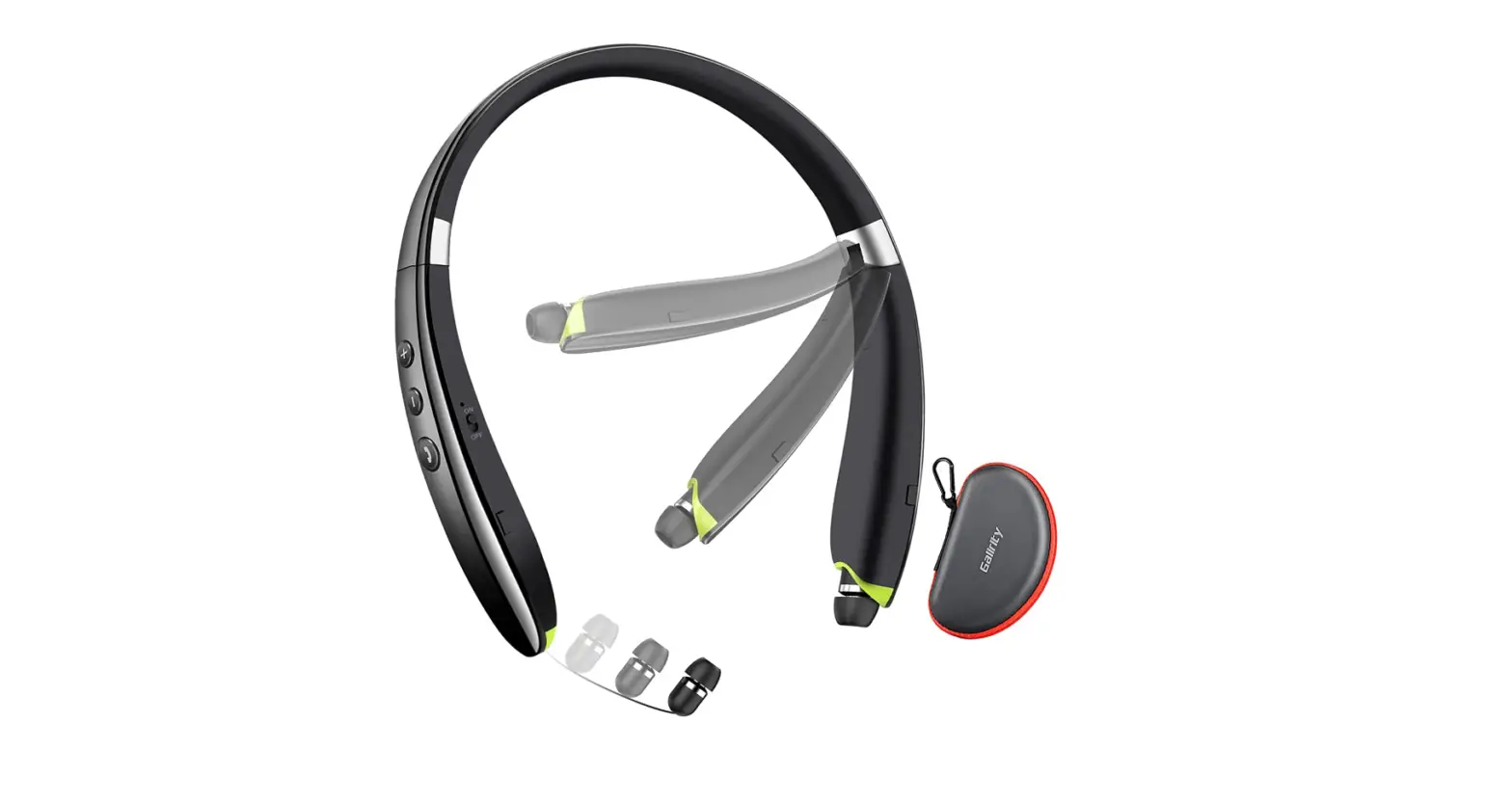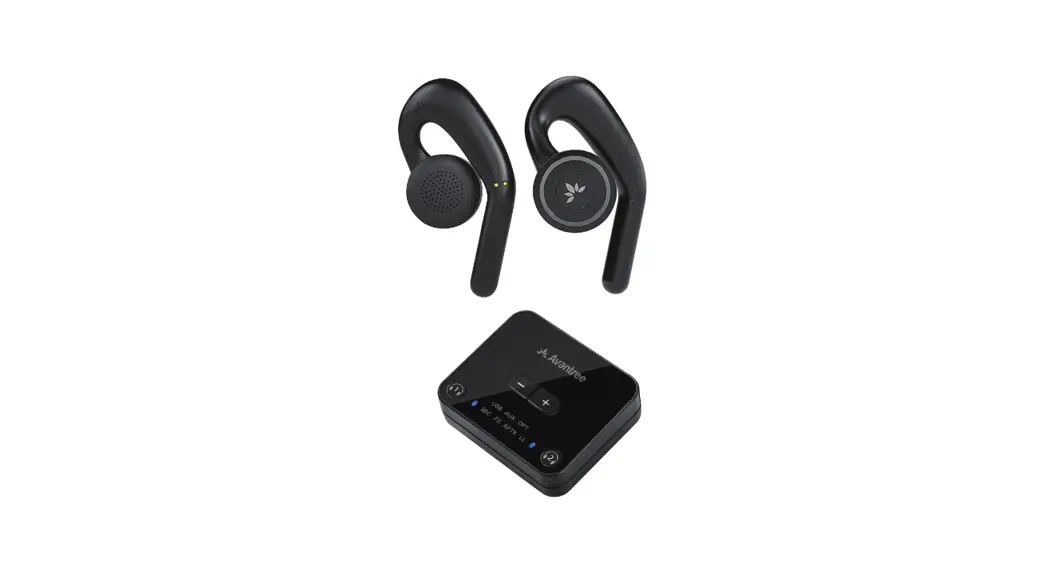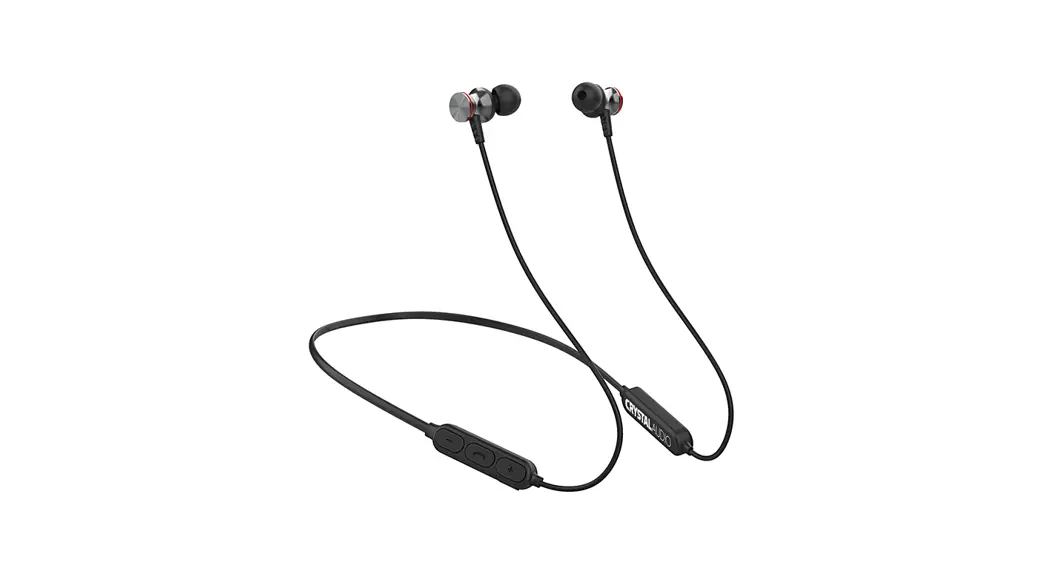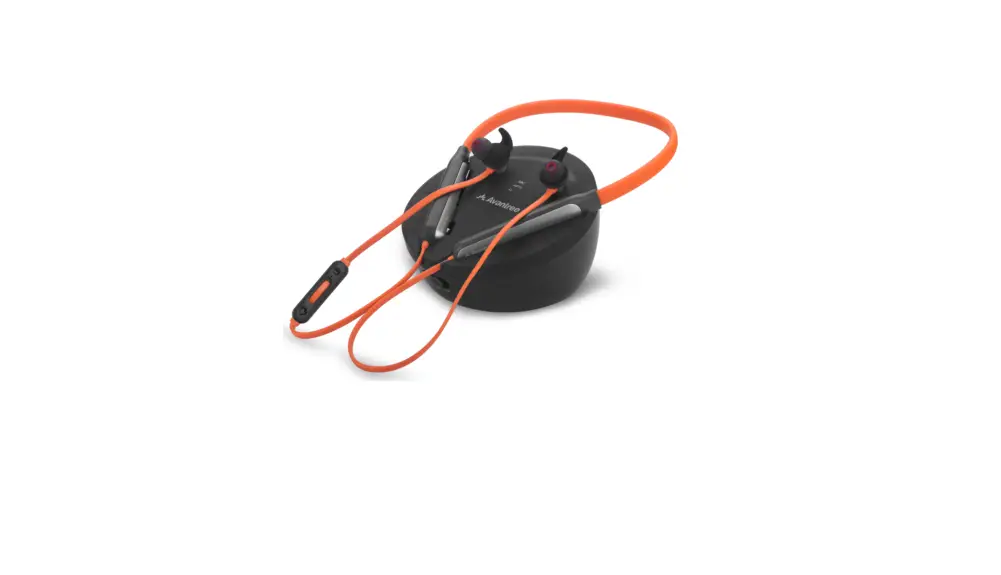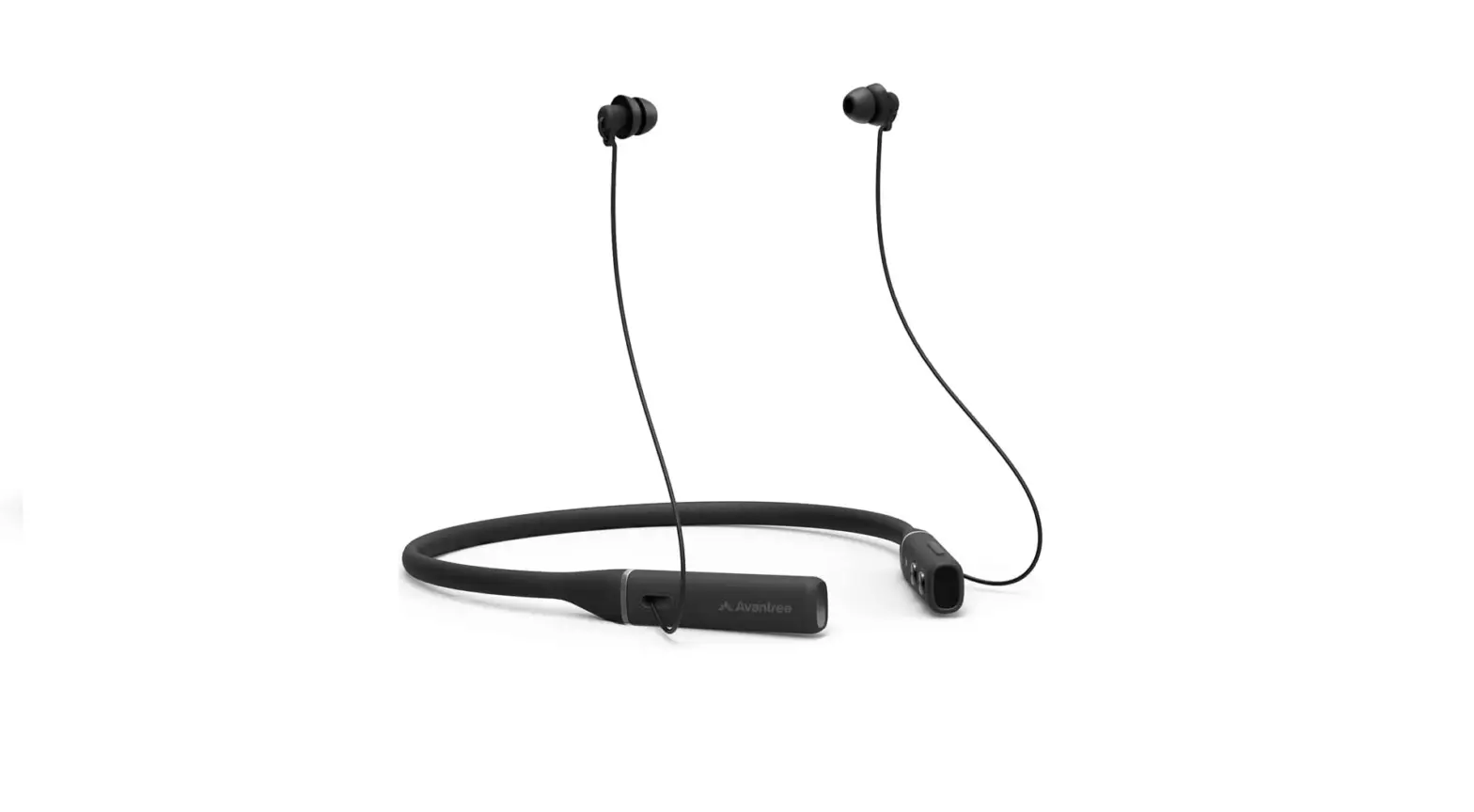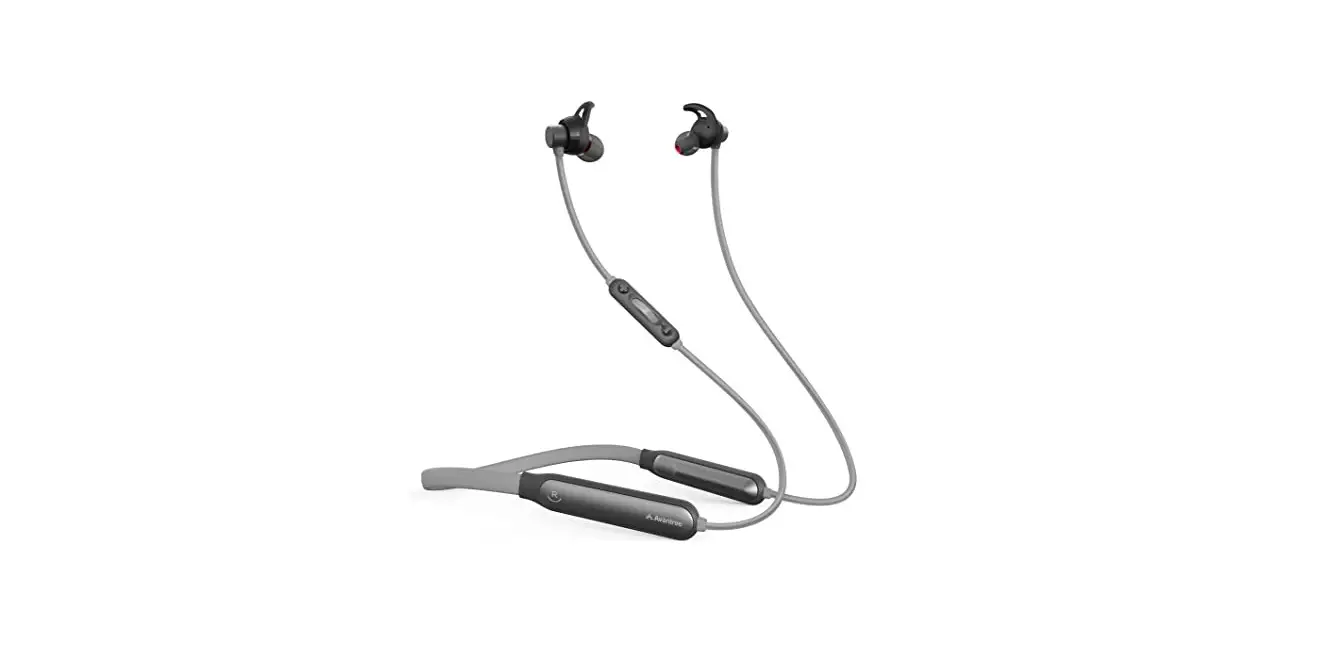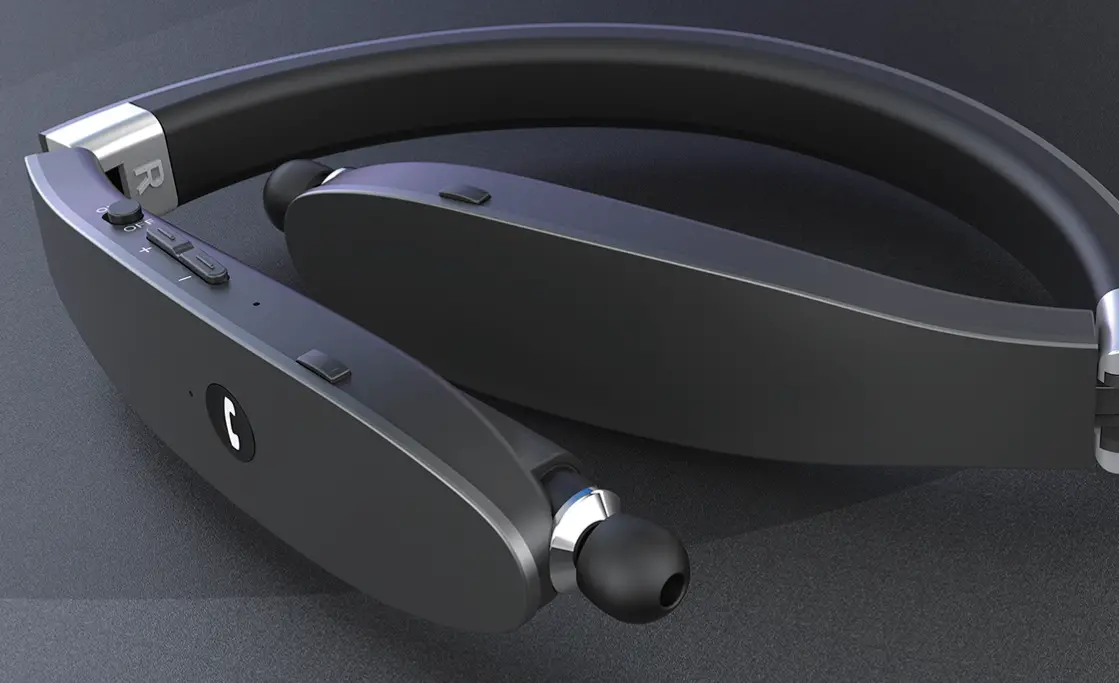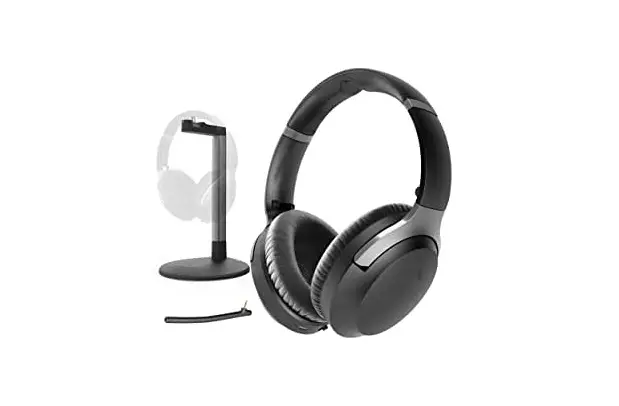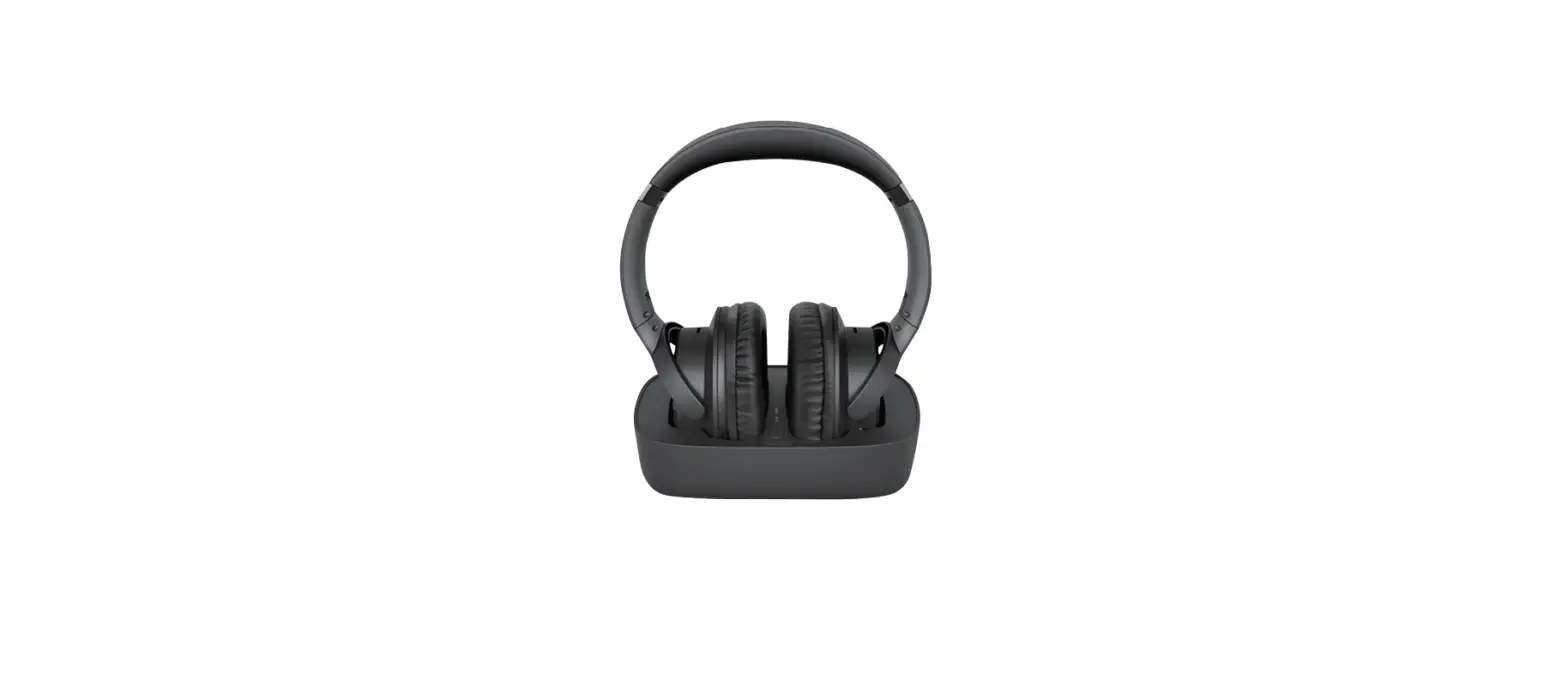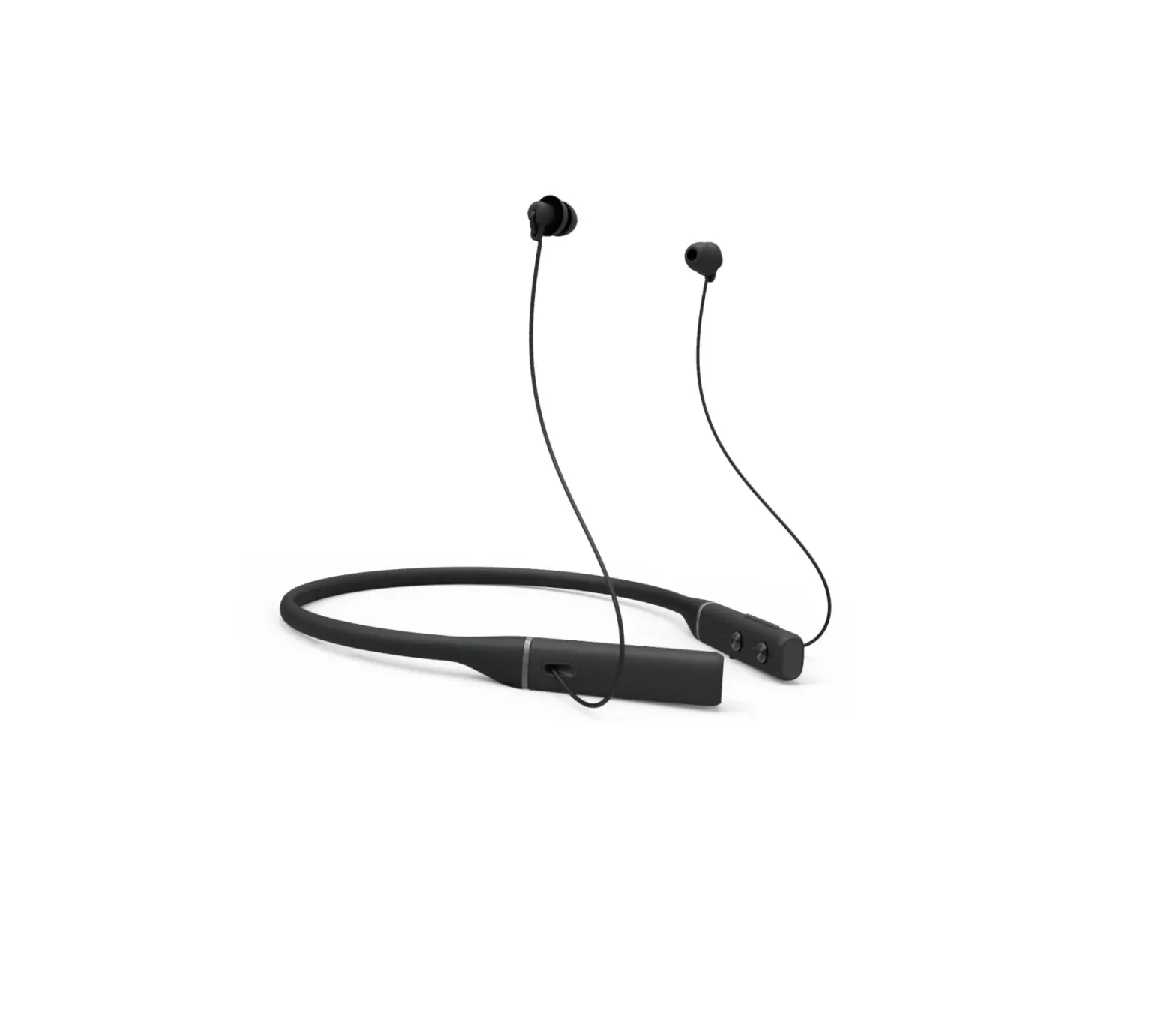
Avantree BTHS-NB20 Repose Bluetooth Neckband Headphones
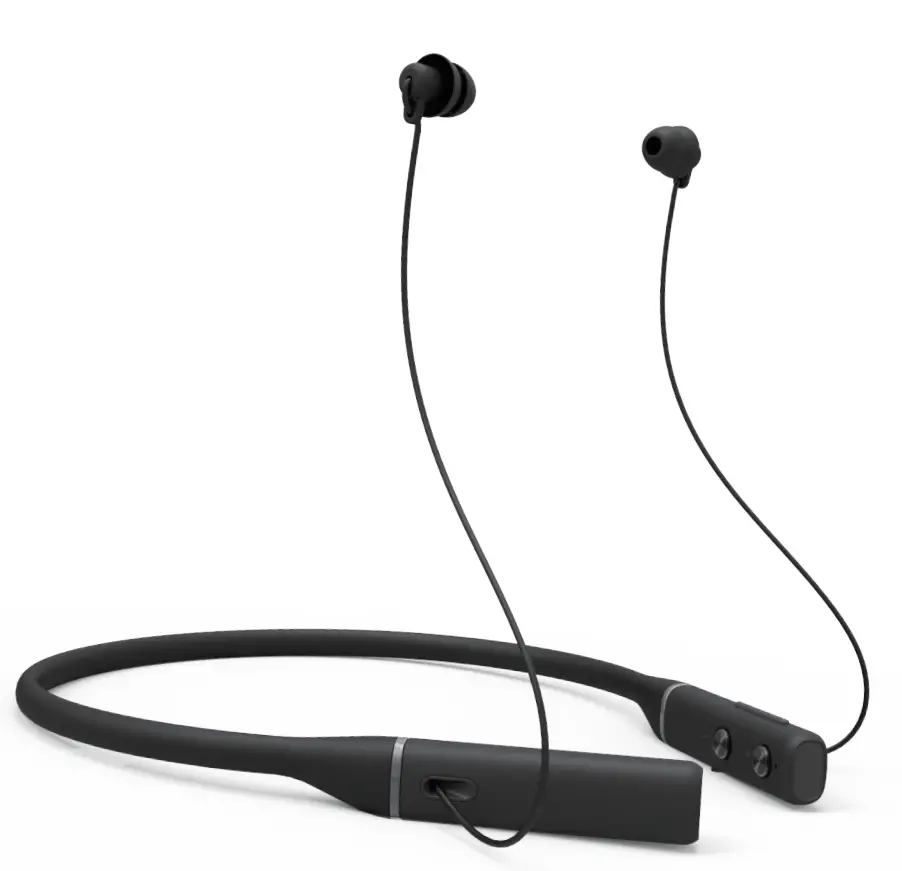
Overview
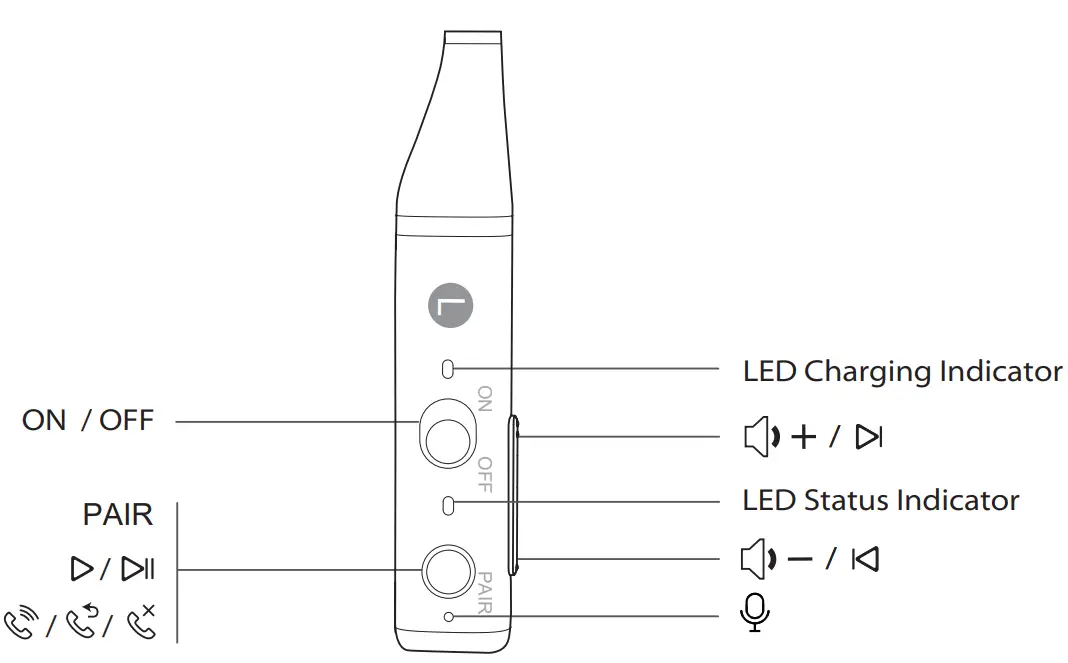
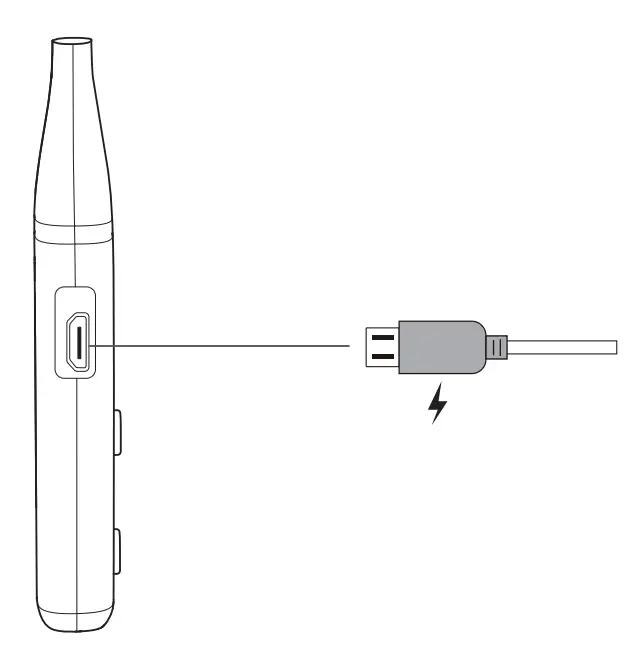
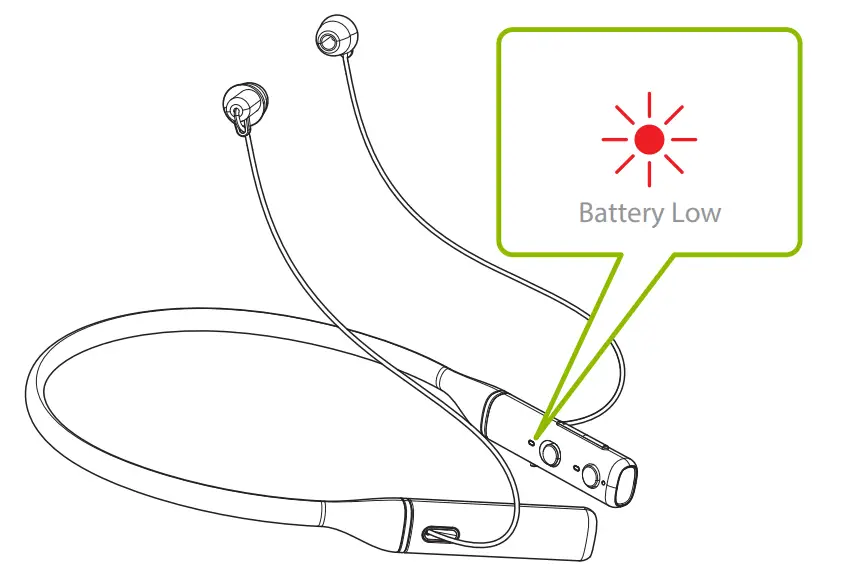
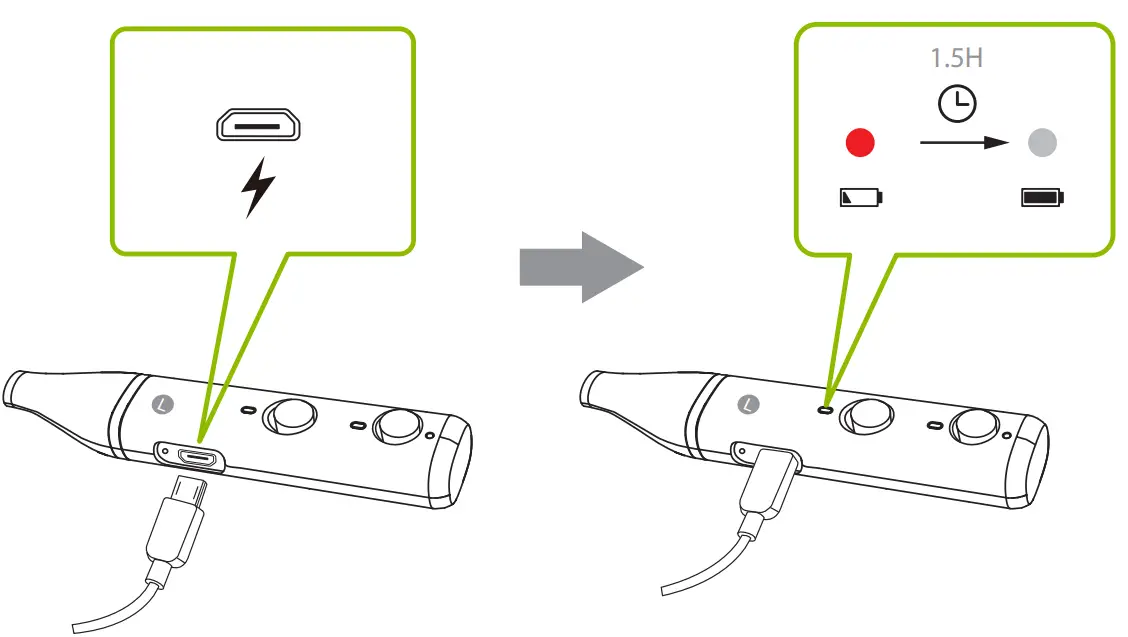
Charging
Input: DC 5V/ 0.5A ~2A
Use with Phone
Press and hold the “PAIR” button – release when the indicator flashes BLUE and RED. Select “Avantree Repose” on phone.
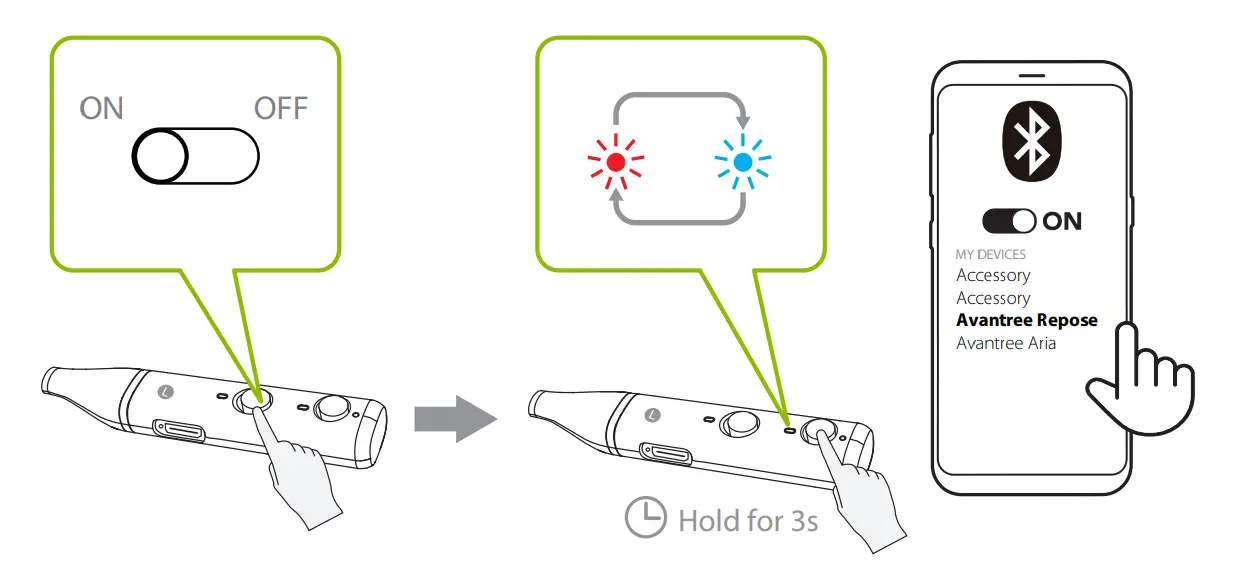
Use with Avantree Transmitter
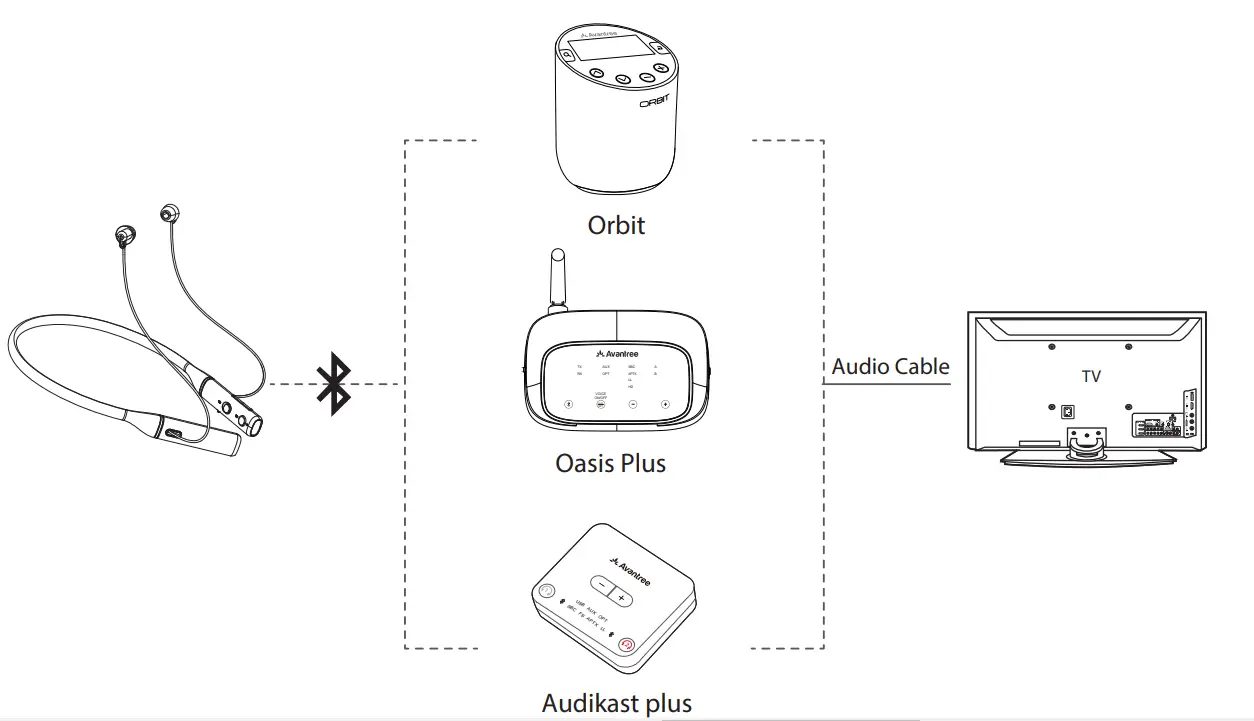
You can purchase an Avantree transmitter to work with the Repose headphones to watch TV without lip-sync delay. e.g. Avantree Orbit, Oasis Plus, Audikast Plus etc
Subsequent Use
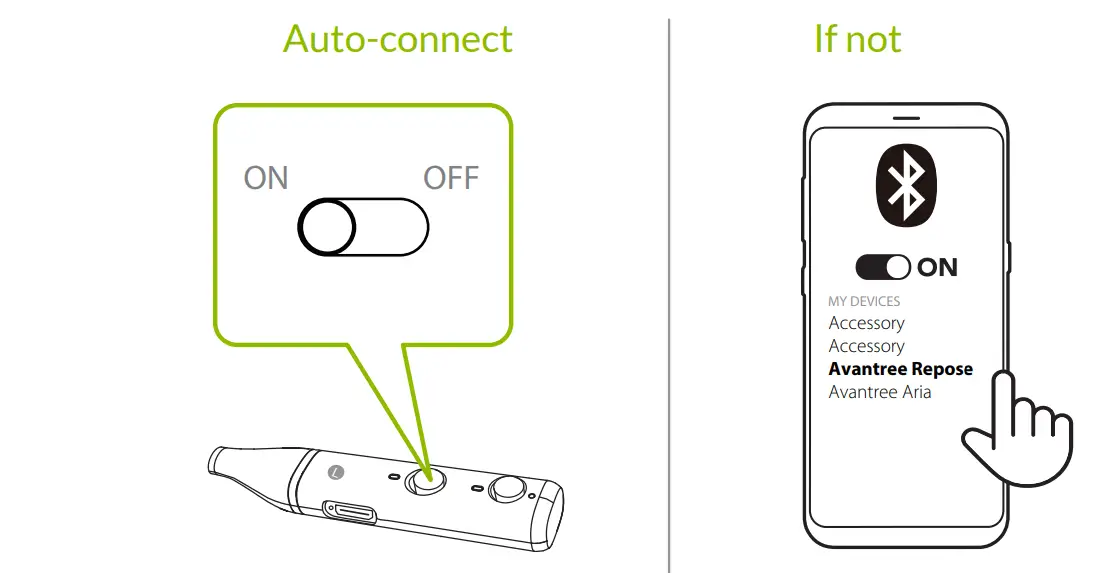
Devices should auto-connect when you turn them back on. If not, select “Avantree Repose” on your phone.
Contact Us
 | Ticket Support avantree.com/submit-a-ticket |
 | Support Email s[email protected] |
 | USA / Canada +1800 232 2078 (US Toll Free, 9am-6pm PST, Mon-Fri ) UK +44 20 8068 2023 (9am-6pm, GMT, Mon-Sat) DE +49 32221097297 (11am-9pm, CET, Mon-Sat ) FR + 33 176340312 (11am-9pm, CET, Mon-Sat ) IT +39 06 9480 3330 (9am-6pm, CET, Mon-Sat ) AU + 61 2 8310 9897 (11am-7pm, Sydney Time, Mon-Fri) |
 | Faqs avantree.com/support/repose |
 | Register product at avantree.com/product-registration |
Online Support
Troubleshooting & FAQ
- How to connect the Repose with my smartphone?
- Lip-Sync / Audio Lag when watching TV
Model No.: BTHS-NB20
Dispose of the packaging and this product
in accordance with the latest provisions.
Z-PKQG-NB20-V0
Visit avantree.com/support

 Avantree - Product Registration