
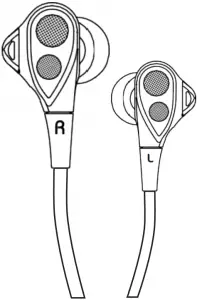
User Manual
Fly 9 Neckband Bluetooth Earphones
Write to [email protected]
Contact us for any questions:
- Fit isssue
- Pairing issue
- Cut-in/Cut-off issue
- Sound quality
- Call issue
- Battery/Charging issue
- Quality related issue
- Others
PRODUCT OVERVIEW
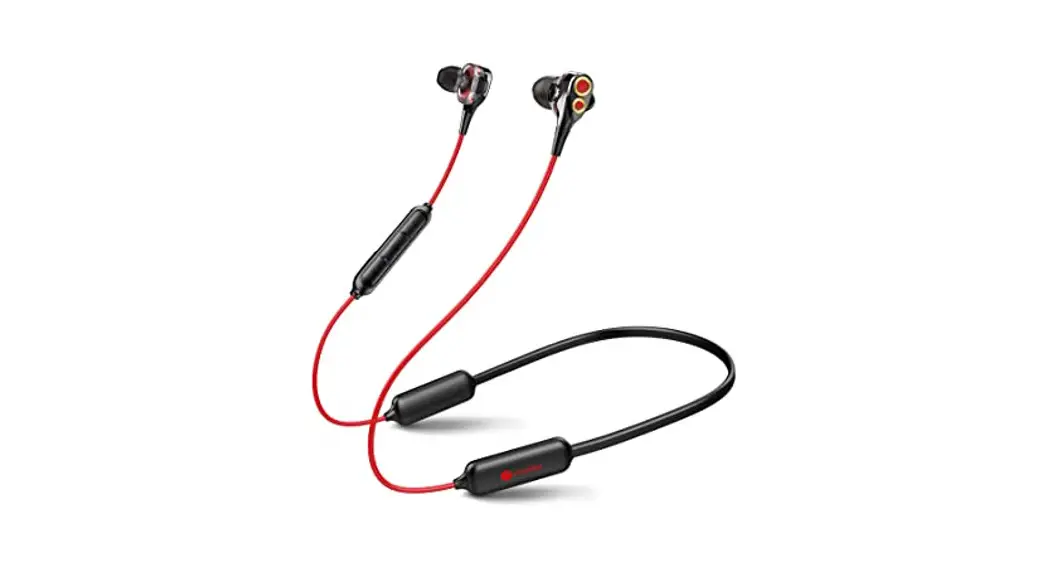
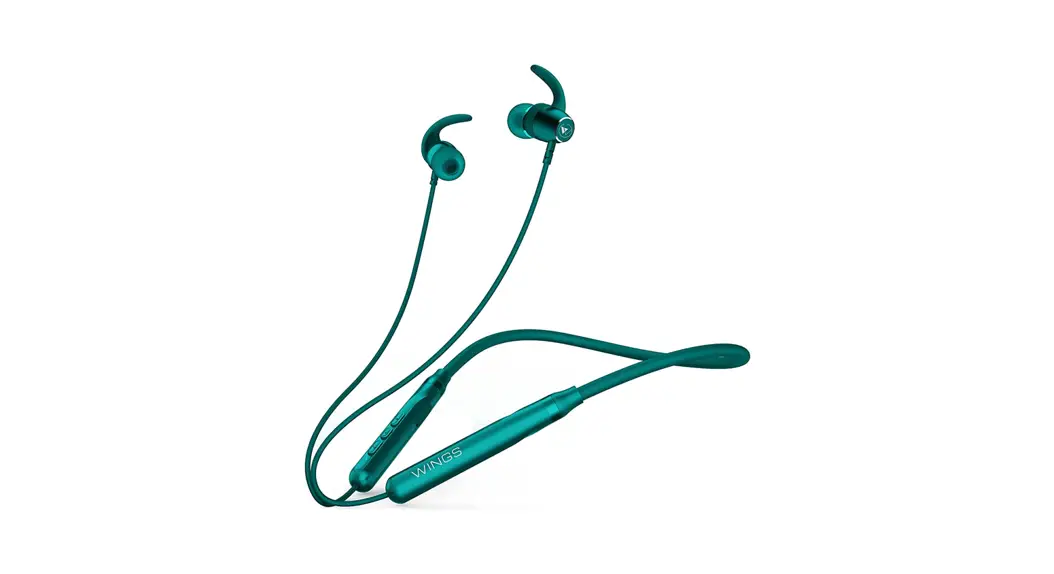
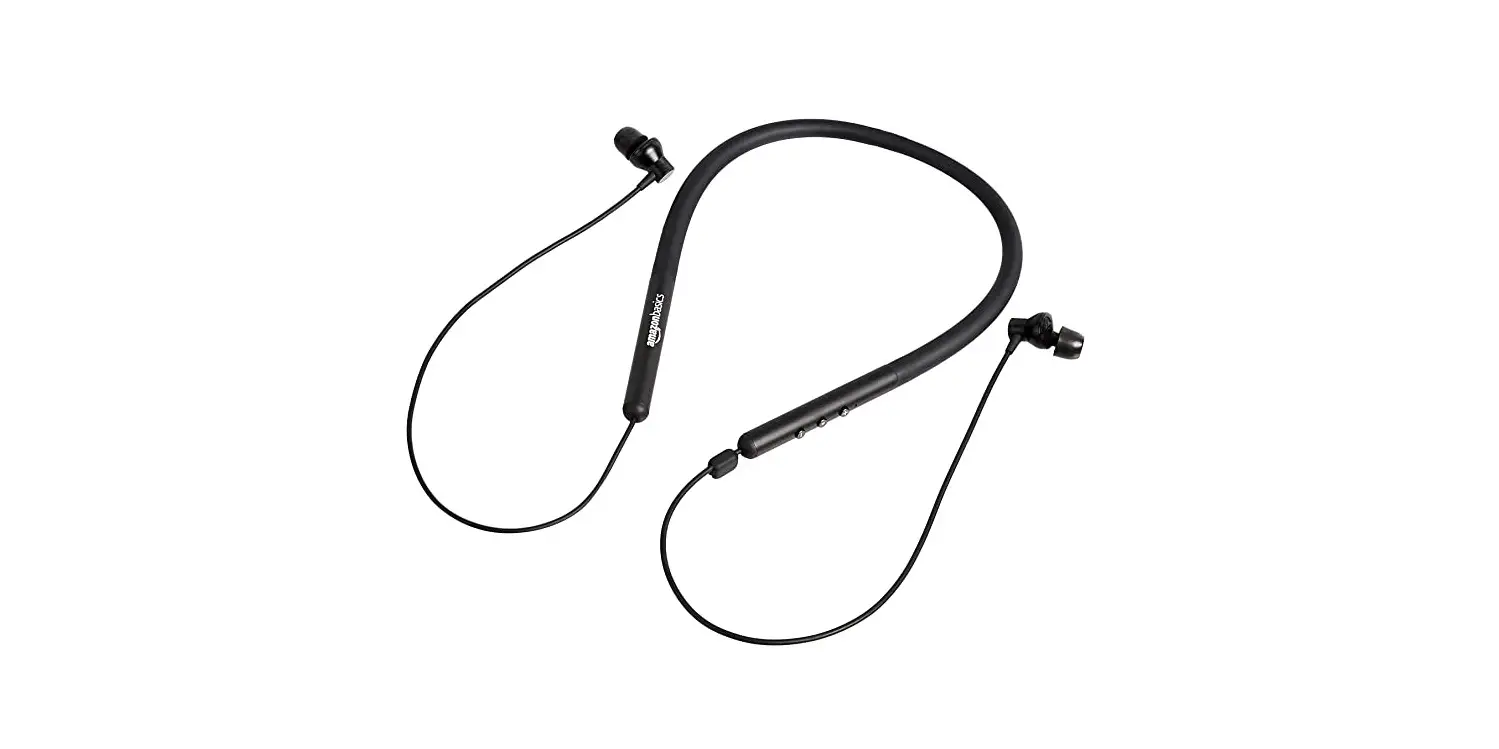
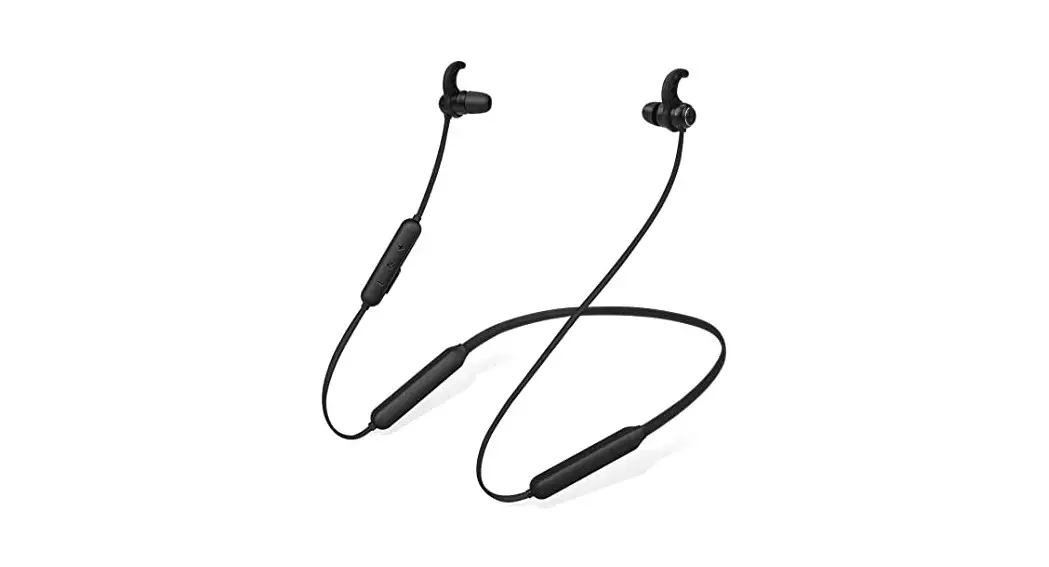
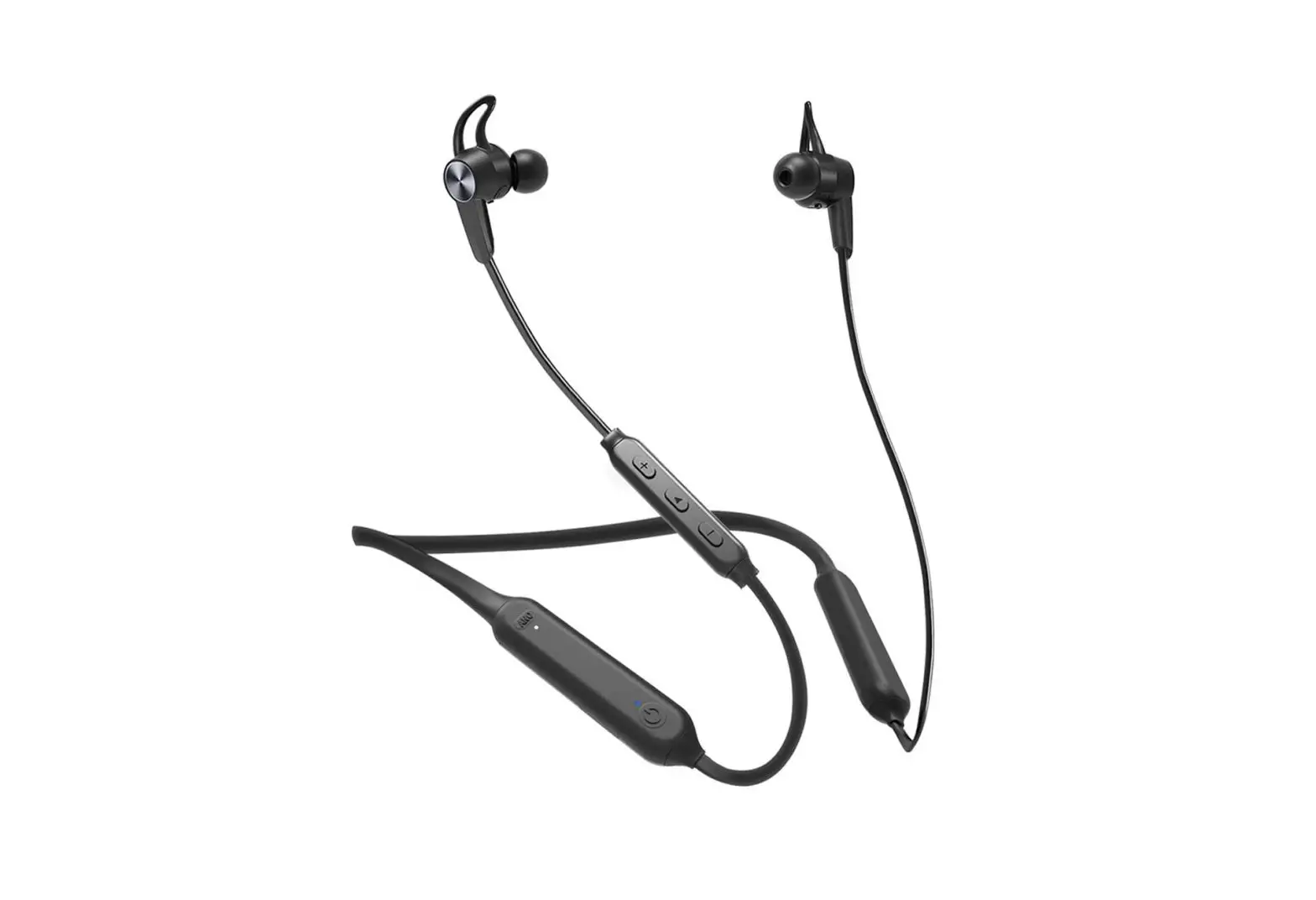
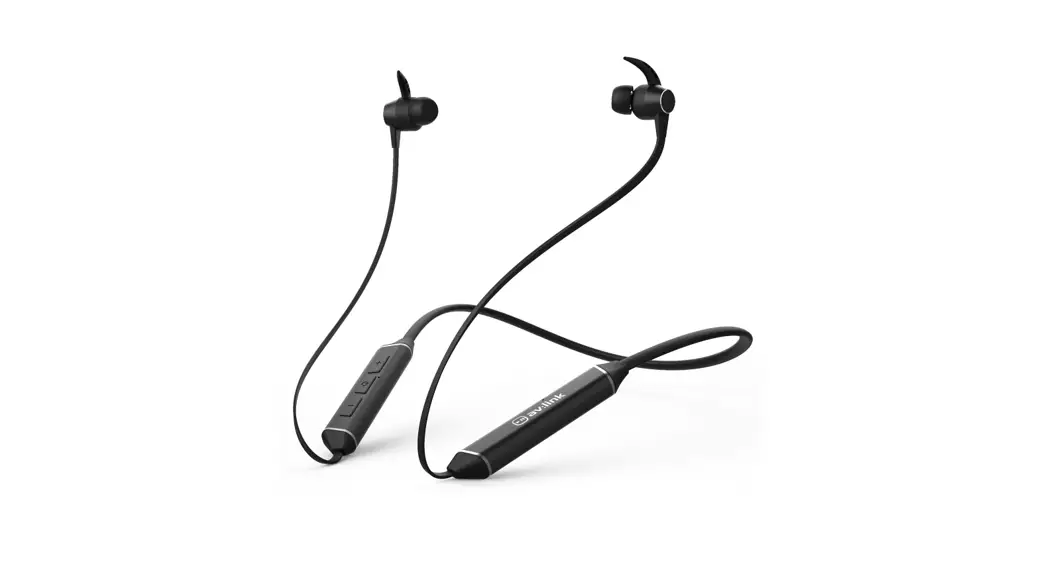
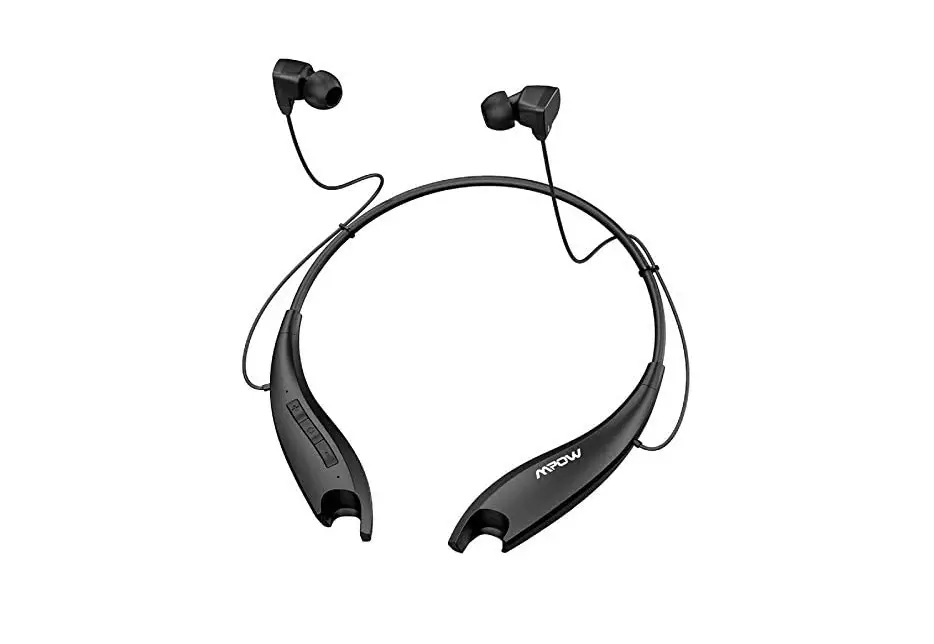
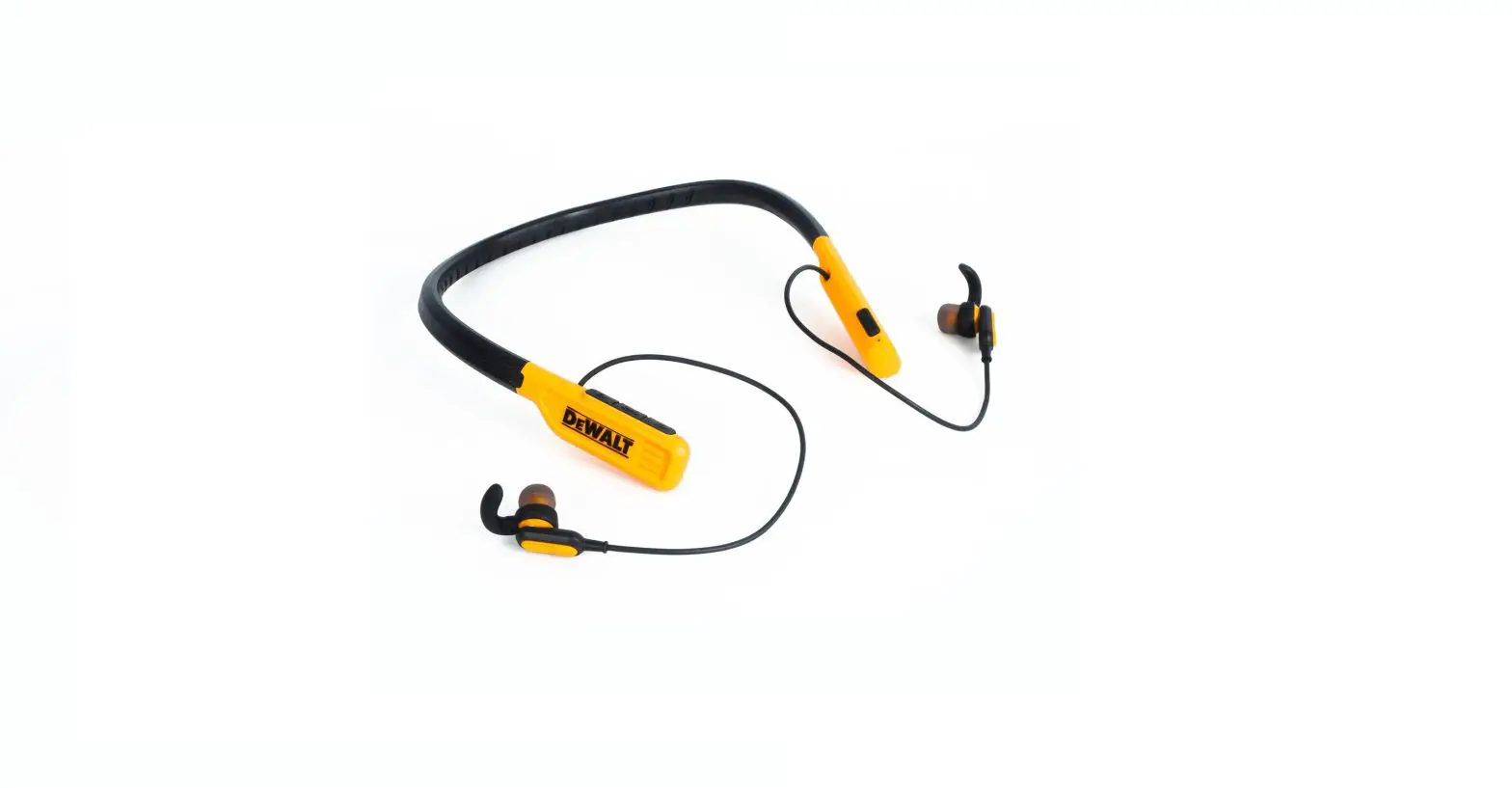
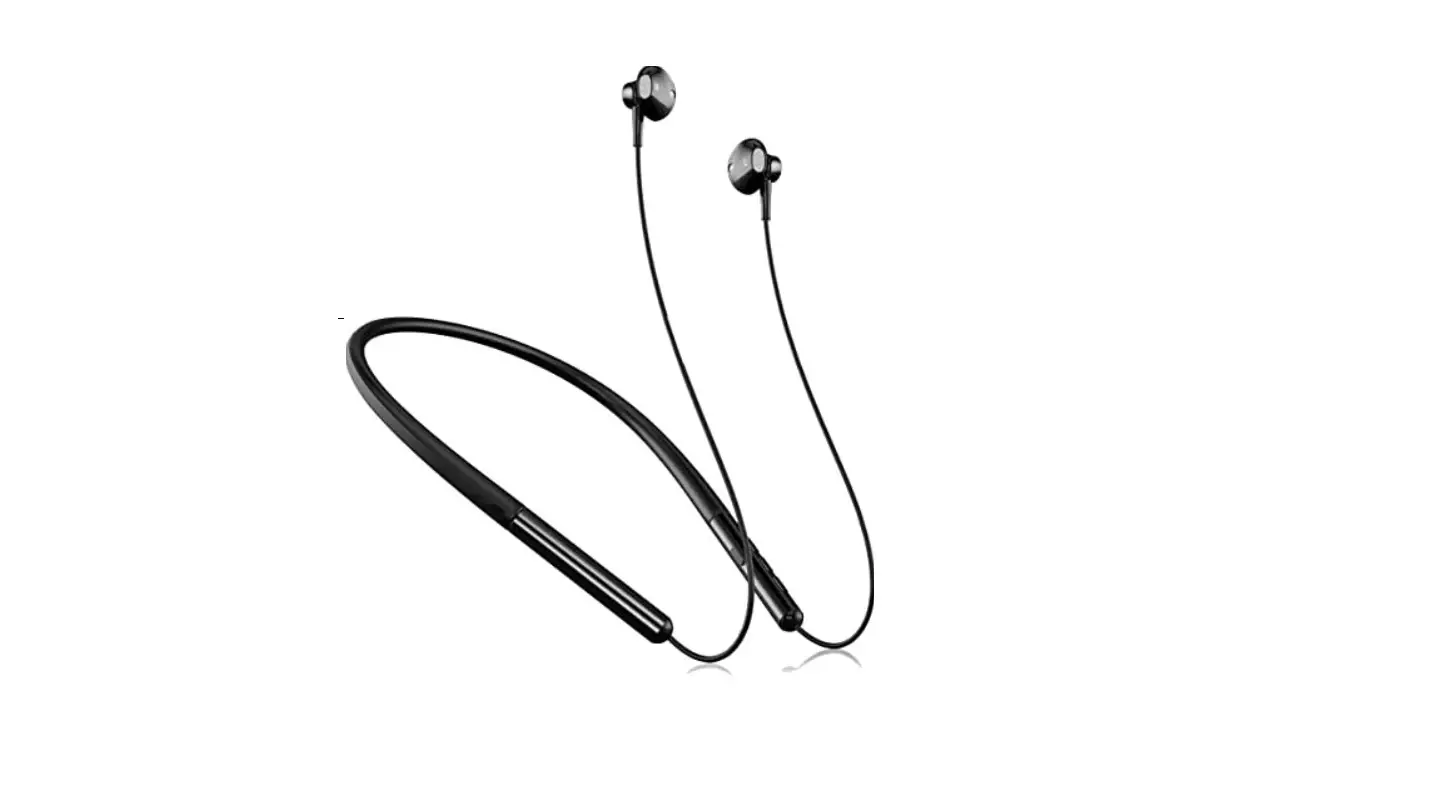
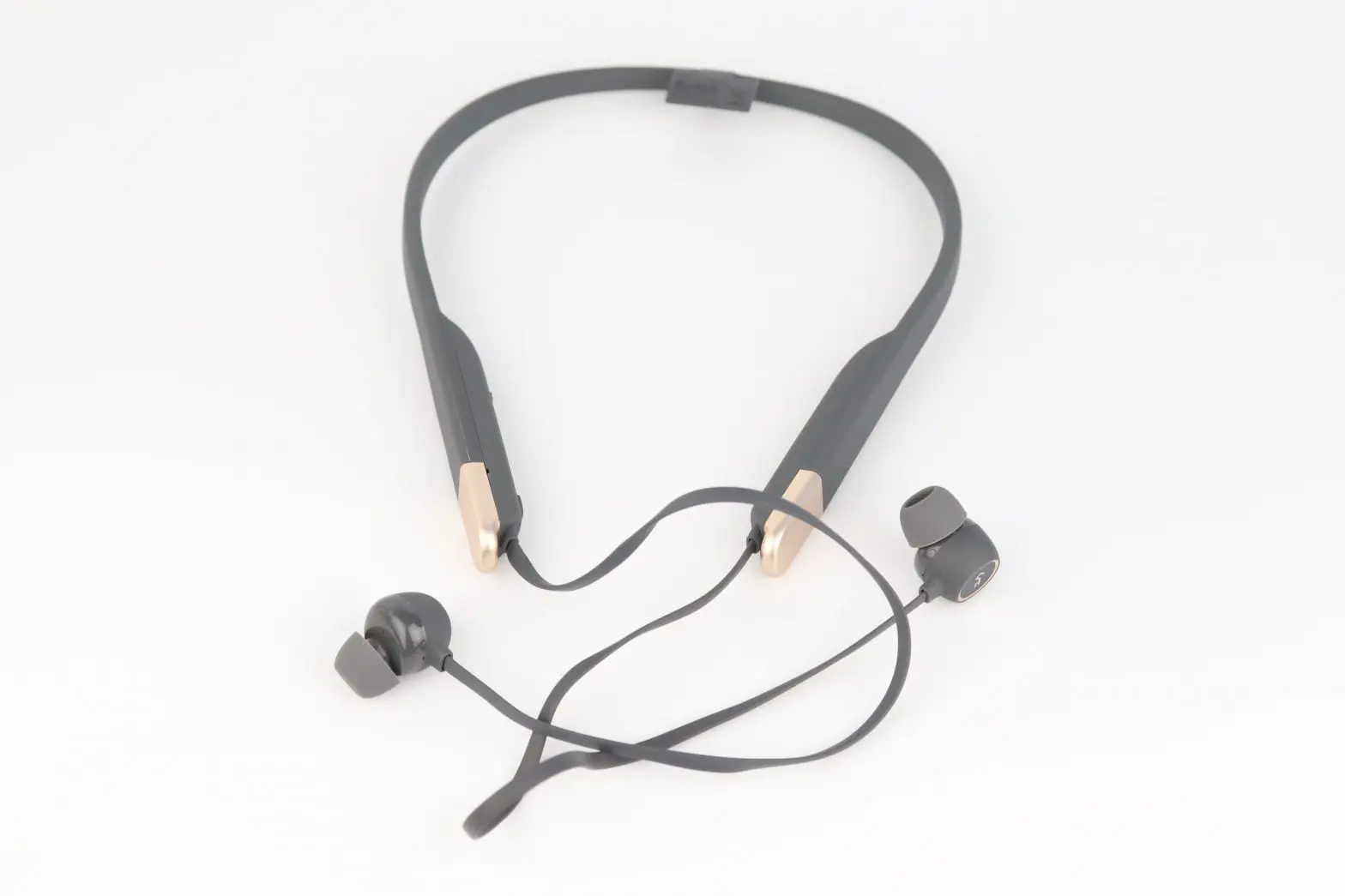
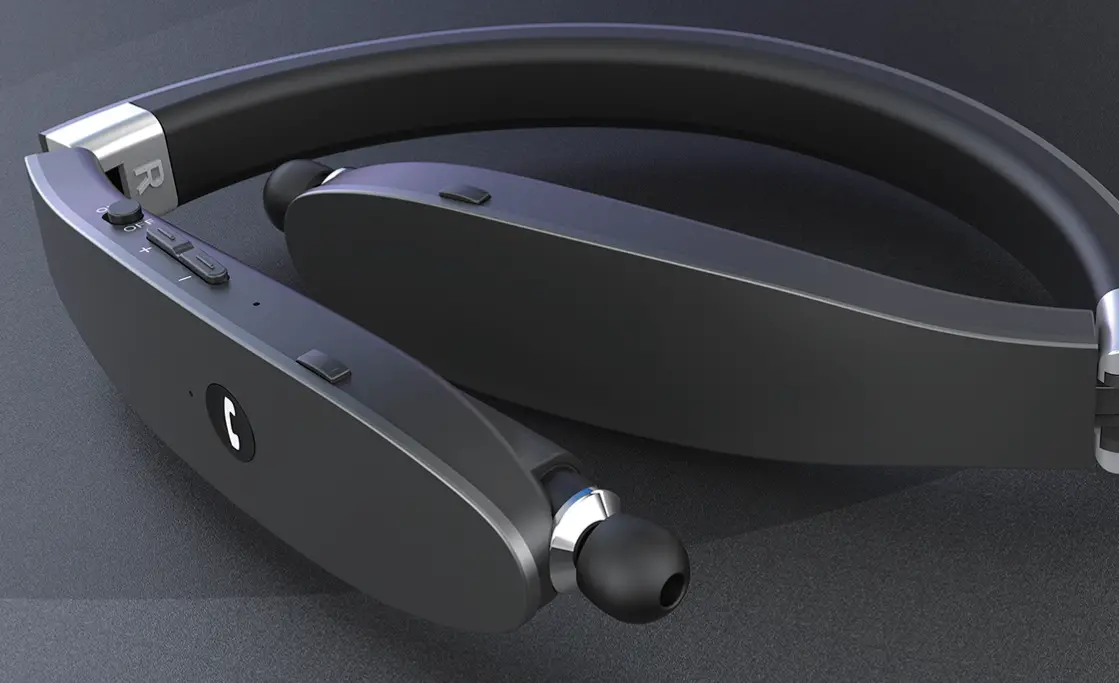
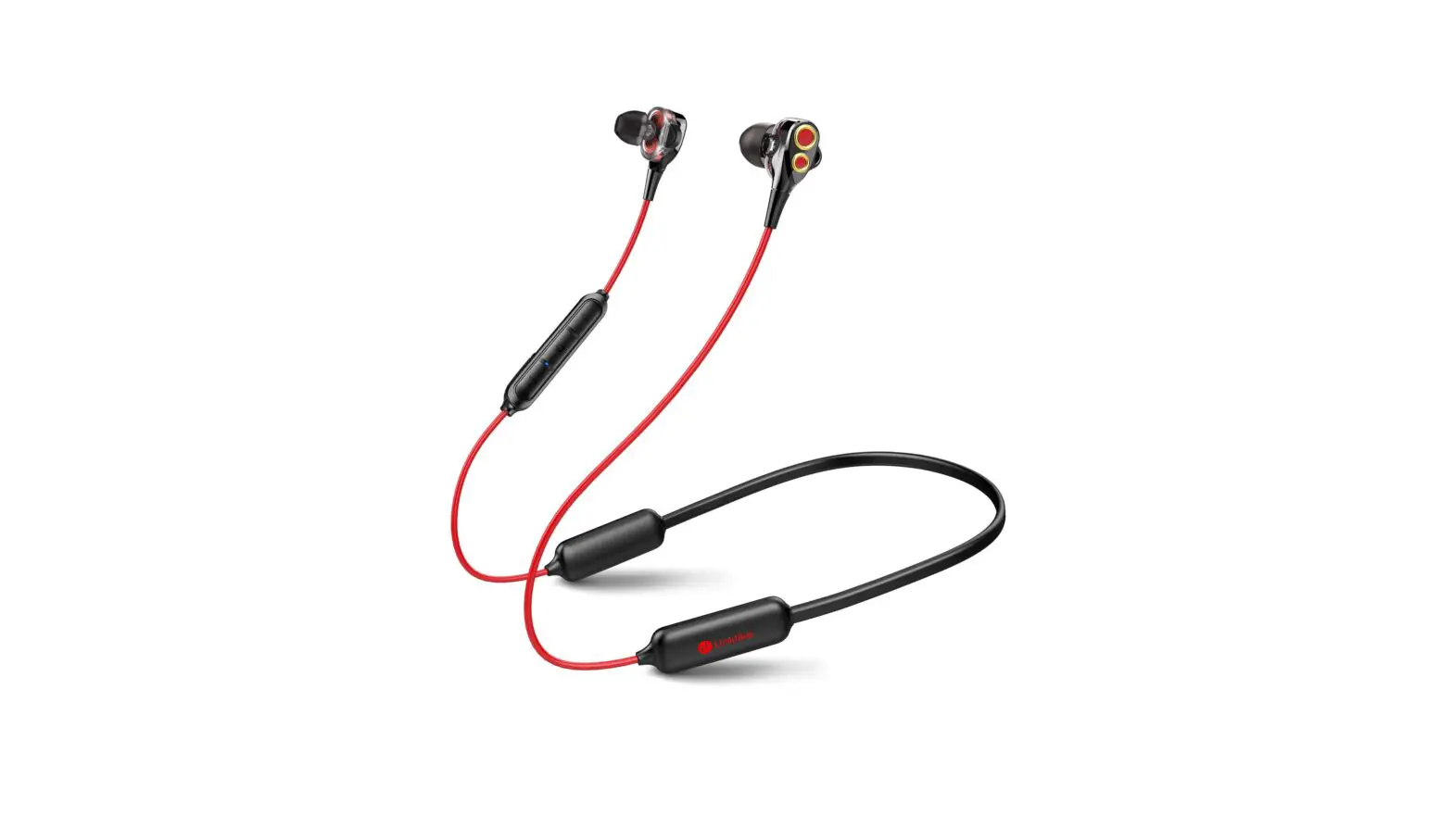
Fly 9 Neckband Bluetooth Earphones
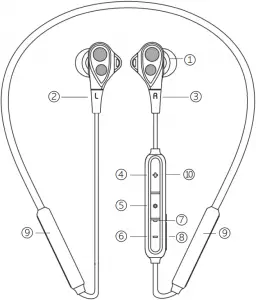
- Ear tips
- Left earbud
- Right earbud
- Volume-up button
- Multi-function button
- Volume-down button
- LED indicator
- Micro USB charging port
- Battery
- Microphone is behind the Volume-up button
Please fully charge the earphones before the first use.
POWER ON/OFF AND PAIRING
First-time pairing: long press the multi-function button for about 2 seconds until “power on” voice prompts, then the earphones enter into pairing mode. Go to the Bluetooth setting in your device, find and tap “Fly 9” to connect.
| Function | Current Status | Operation | LED Indicator | Voice Prompt |
| To power on | Power off mode | Long press the multi-function button for about 2 seconds | Purple light flashes | Power on |
| To power off | Power on mode | Long press the multi-function button for about 3 seconds | Purple light flashes | Power off |
| Connected | N/A | N/A | N/A | Connecting |
| Connection Failed | N/A | N/A | N/A | Connection Failed |
Notes: 1. After the first connection, these earphones will automatically reconnect to the previous device after powering on.
2. Earphones will automatically power off 5 minutes later without any operation after powering on.
If you want to connect the earphones to another device,
| Function | Current Status | Operation | LED Indicator | Voice Prompt |
| To enter pairing mode | Power off mode | Long press the multi-function button for about 5 seconds | Red and blue lights flash alternately | Pairing |
CHARGING
Please fully charge the earphones before the first use. Recharge the earphones when “Battery Low” voice prompts.
| Status | LED Indicator |
| Battery Low | Red light flashes |
| Charging | Solid red light |
| Fully Charged | Solid blue light |
Function | Operation | Voice Prompt |
Music | ||
| Play/Pause music | Press the multi-function button once | N/A |
| Volume up | Press the volume-up button once | Maximum volume: beep |
| Volume down | Press the volume-down button once | Minimum volume: beep |
| Next track | Long press the volume-up button for about 2 seconds | N/A |
| Previous track | Long press the volume-down button for about 2 seconds | N/A |
Calls | ||
| Answer/Hang up calls | Press the multi-function button once | Beep |
| Reject calls | Long press the multi-function button for about 2 seconds | Beep |
RESET
Step 1. Clear the pairing history of “Fly 9” in your device’s Bluetooth setting.
Step 2. When the earphones are on, long press the volume-down and volume-up buttons for about 5 seconds until the purple light flashes.
Step 3. Earphones enter into pairing mode when red and blue lights flash alternately.
Step 4. Go to the Bluetooth setting in your device, find and tap “Fly 9” to connect.
SPECIFICATIONS
| Product name | Fly 9 Neckband Bluetooth Earphones | Model | Fly 9 |
| Bluetooth version | 5.0 | Speaker size | 6mm |
| Transmission range | ≤ 33 ft | Frequency range | 20~20000Hz |
| Charging time | ≈ 3 hrs | Sensitivity | 105±3dB |
| Music play time/Talk time | ≈ 16 hrs | Impedance | 32Ω |
| Standby time | ≈ 480 hrs | Battery capacity | Li-Polymer Battery 3.7V/250mAh |
| Working Temperature | 0℃~45℃ | Lithium Battery Charging Limited Voltage | 4.2V |
* Based on the test results of Linklike Lab, for reference only.
IMPORTANT SAFETY INFORMATION
- Don’t remove or replace the battery, including sensitive electronic components, including a battery, and can be damaged or cause injury if dropped, burned, punctured, crushed, disassembled, or if exposed to excessive heat or liquid. Don’t use damaged batteries and electronic components.
- Disposal and recycling information
Don’t treat the product and battery as household waste or into a fire. When you decide to dispose of the product and its battery, please follow the local environmental laws to handle the battery to avoid an explosion. - Medical device interference
The product contains components and radios that emit electromagnetic fields and also contains magnets. These electromagnetic fields and magnets may interfere with pacemakers, defibrillators, or other medical devices. Maintain a safe distance of separation between your medical device and product. Consult your physician and medical device manufacturer for information specific to your medical device. Stop using the product if you suspect it is interfering with your pacemaker, defibrillator, or any other medical devices. - Listening Responsibility
To avoid hearing impairment, please make sure to turn down the volume of the music player before connecting the earphones. After putting the earphones into/onto the ears, turn up the volume gradually until to a comfortable listening level. Noise level is measured in de- cibels (db). Exposure to 85db or higher noise will lead to gradual hearing impairment. Please supervise your usage and the hearing impairment is a function of loudness against time. The louder the sound is, the shorter you can be exposed. The softer the sound is, the longer you can listen.
CAUTION
Use the Bluetooth earphones in the environment with the temperature between -0°C and 45°C.

The product shall only be connected to a USB interface of version USB 2.0 or higher and that the connection to a power USB is prohibited.

For battery: risk of explosion battery is replaced by an incorrect type, dispose of used batteries according to the instructions.
To prevent possible hearing damage, do not listen at high volume levels for long periods.
FCC WARNING
This equipment has been tested and found to comply with the limits for a Class B digital device, pursuant to part 15 of the FCC Rules. These limits are designed to provide reasonable protection against harmful interference in a residential installation. This equipment generates uses and can radiate radio frequency energy and, if not installed and used in accordance with the instructions, may cause harmful interference to radio communications. However, there is no guarantee that interference will not occur in a particular installation. If this equipment does cause harmful interference to radio or television reception, which can be determined by turning the equipment off and on, the user is encouraged to try to correct the interference by one or more of the following measures:
- Reorient or relocate the receiving antenna.
- Increase the separation between the equipment and receiver.
- Connect the equipment into an outlet on a circuit different from that to which the receiver is connected.
- Consult the dealer or an experienced radio/TV technician for help.
Changes or modifications not expressly approved by the party responsible for compliance could void the user’s authority to operate the equipment.
This device complies with Part 15 of the FCC Rules. Operation is subject to the following two conditions:
- This device may not cause harmful interference.
- This device must accept any interference received, including interference that may cause undesired operation.



Made in China
WARRANTY CARD
Buyer Name:____________ date of Purchase:__________
Phone Number:___________ Address: _______________
Order ID:____________ Warranty Period: 12 Months
Issue:___________________________________
Email us to enroll our VIP program and gain an extra half a year warranty.
 linklike-audio.com
 [email protected]
Linklike is a trademark registered in the USA and other countries. All rights reserved.
 audio.com - a better way to upload and share audio online
 Linklike