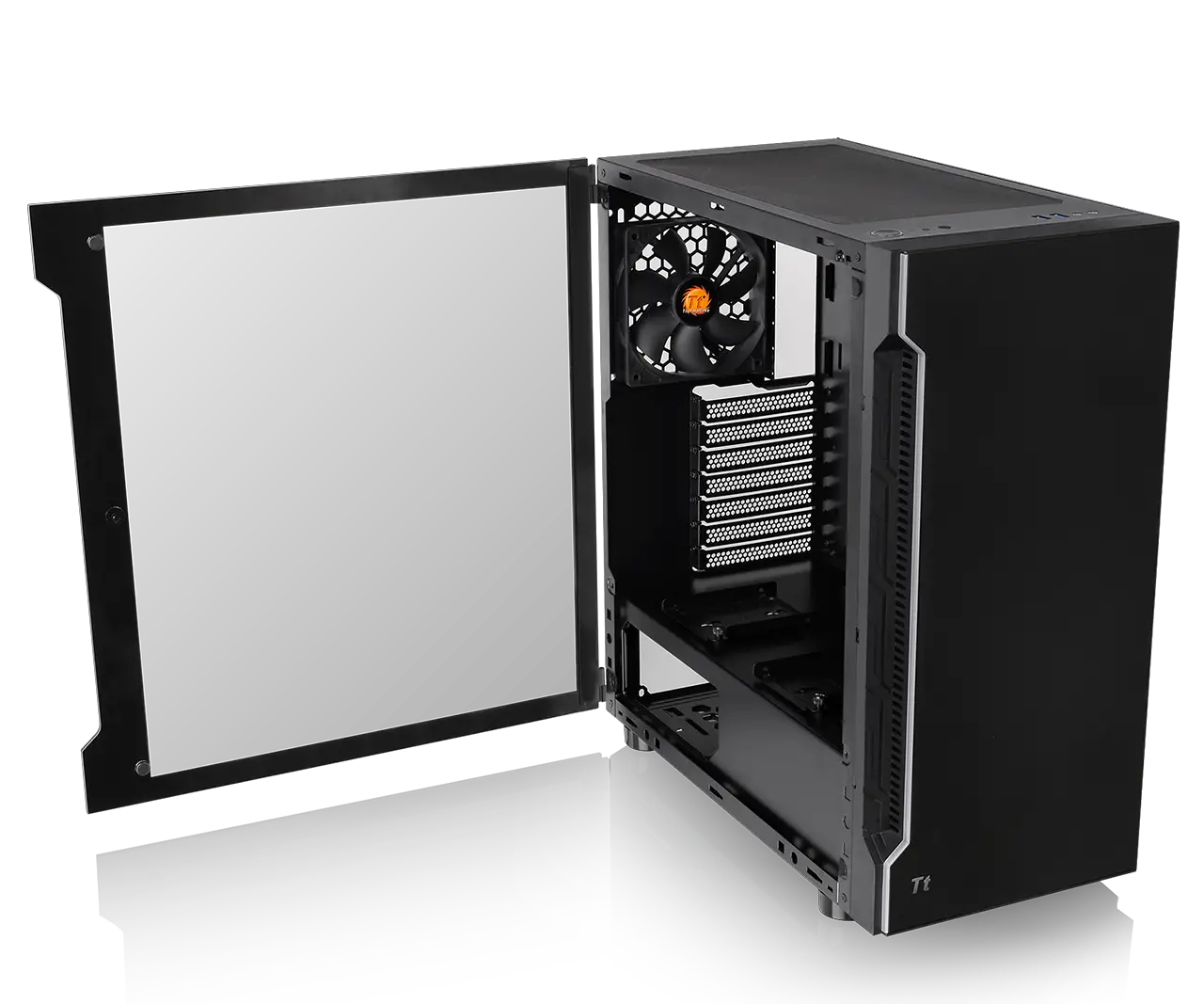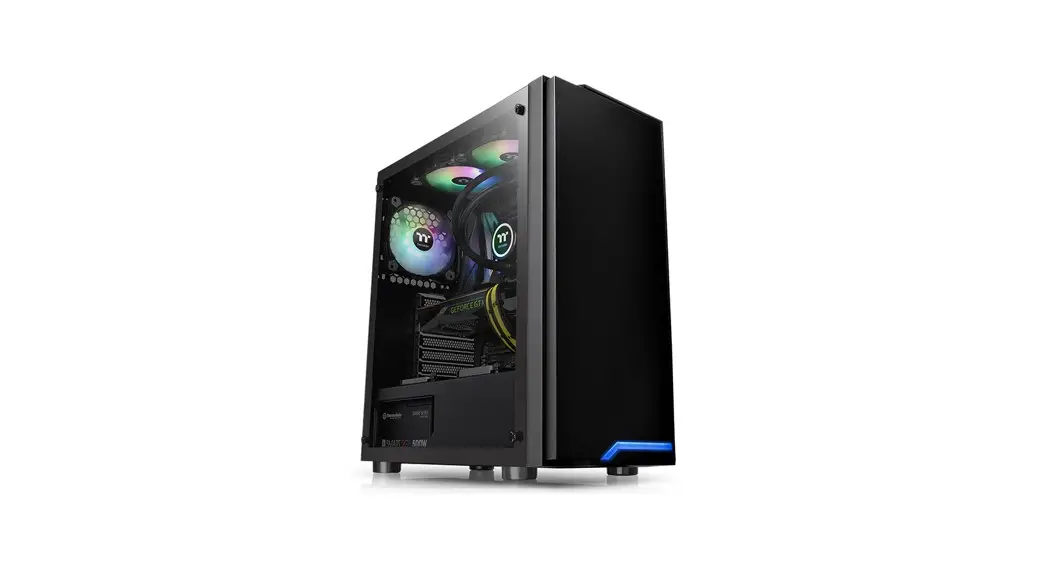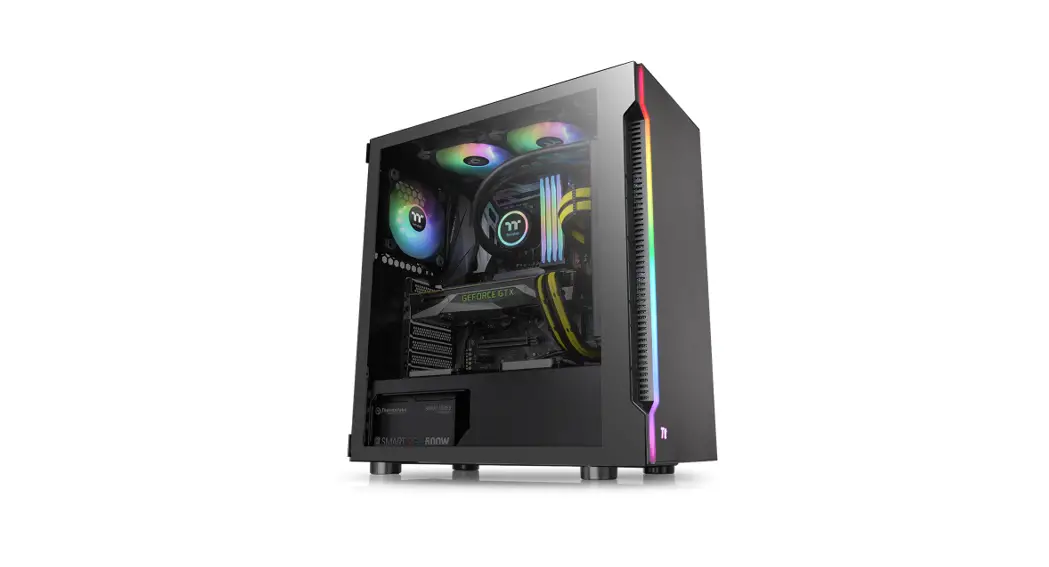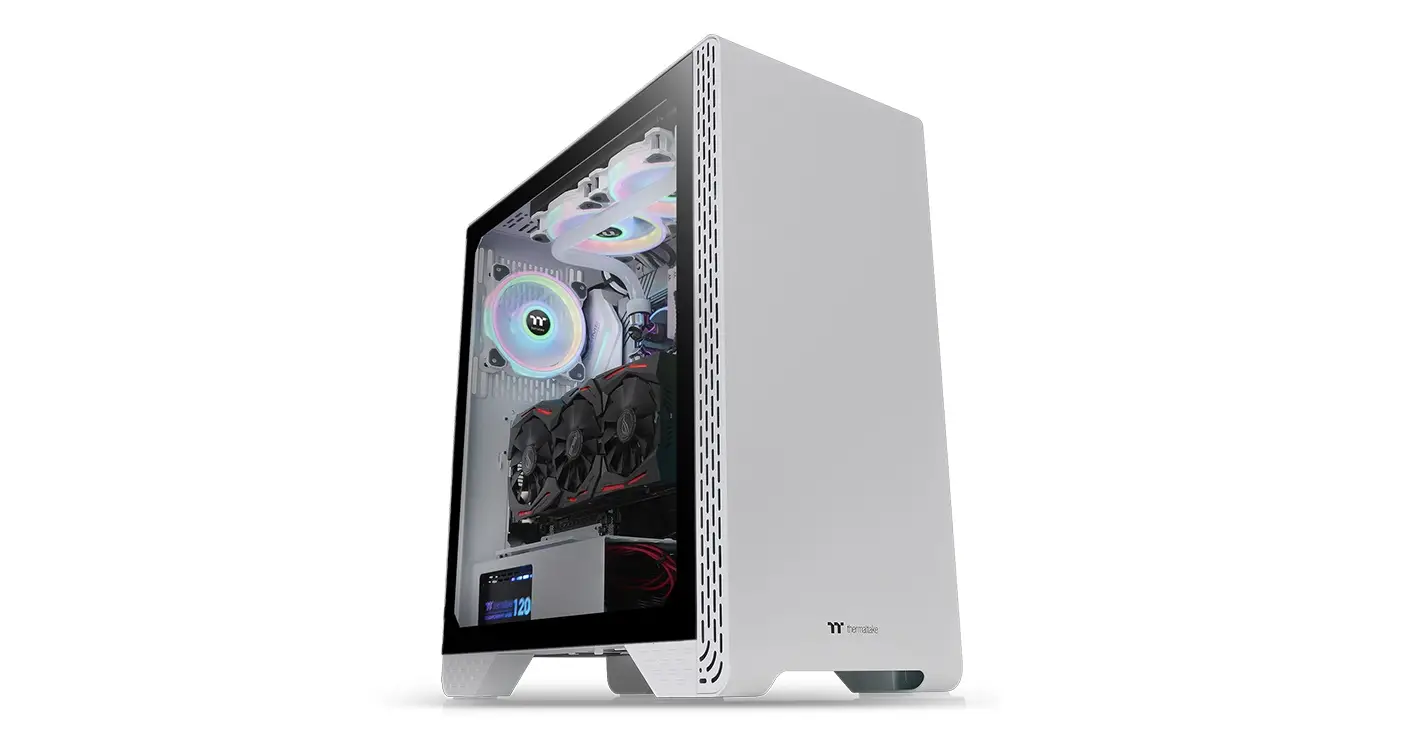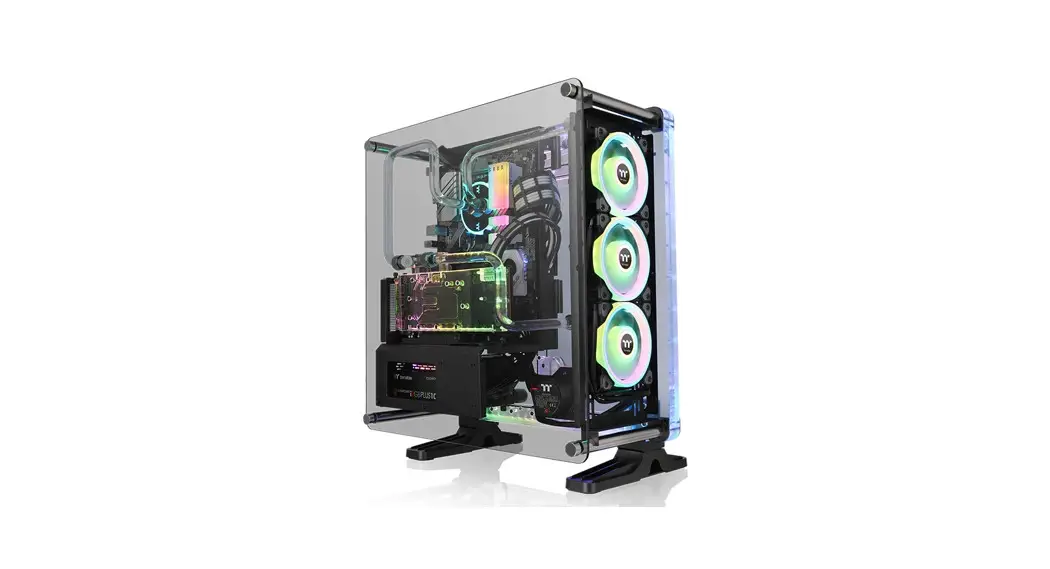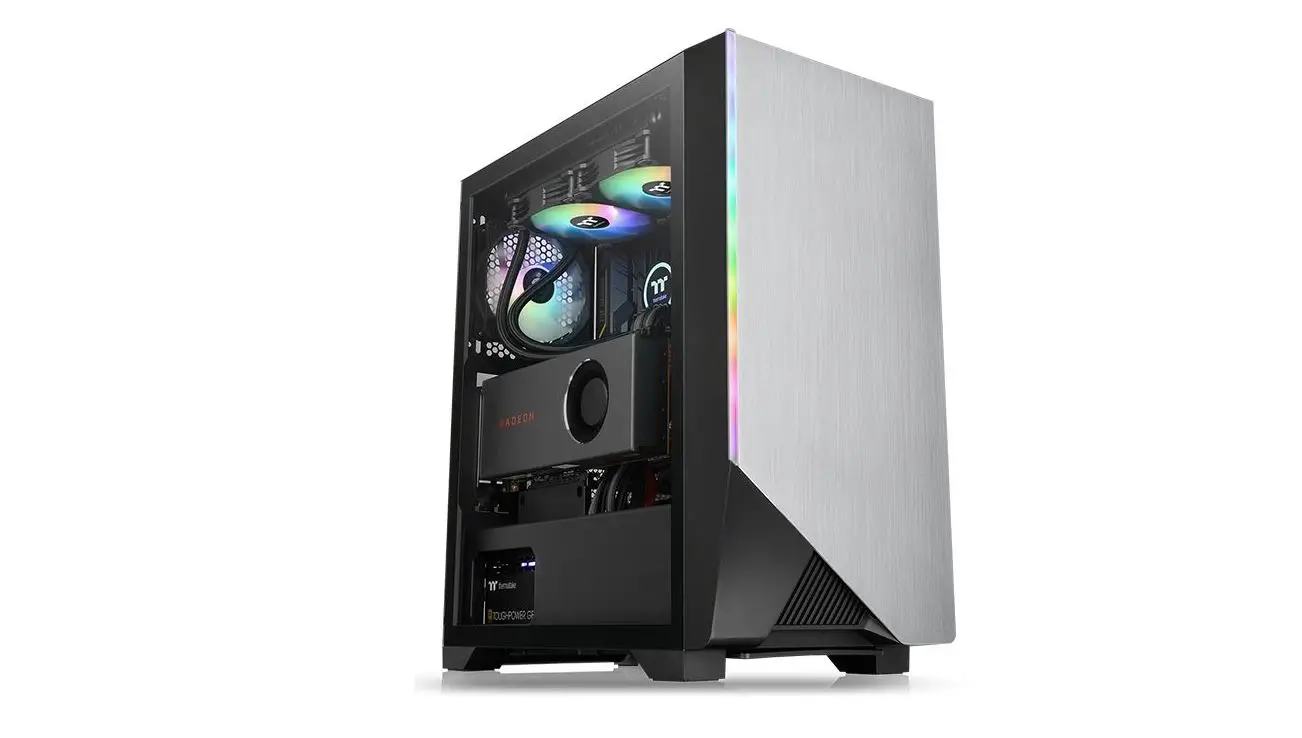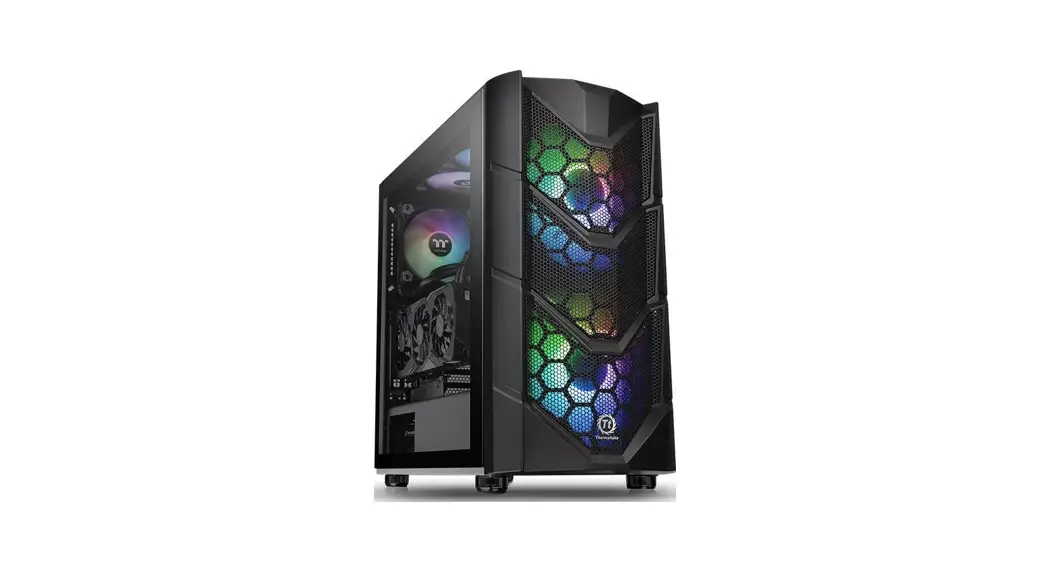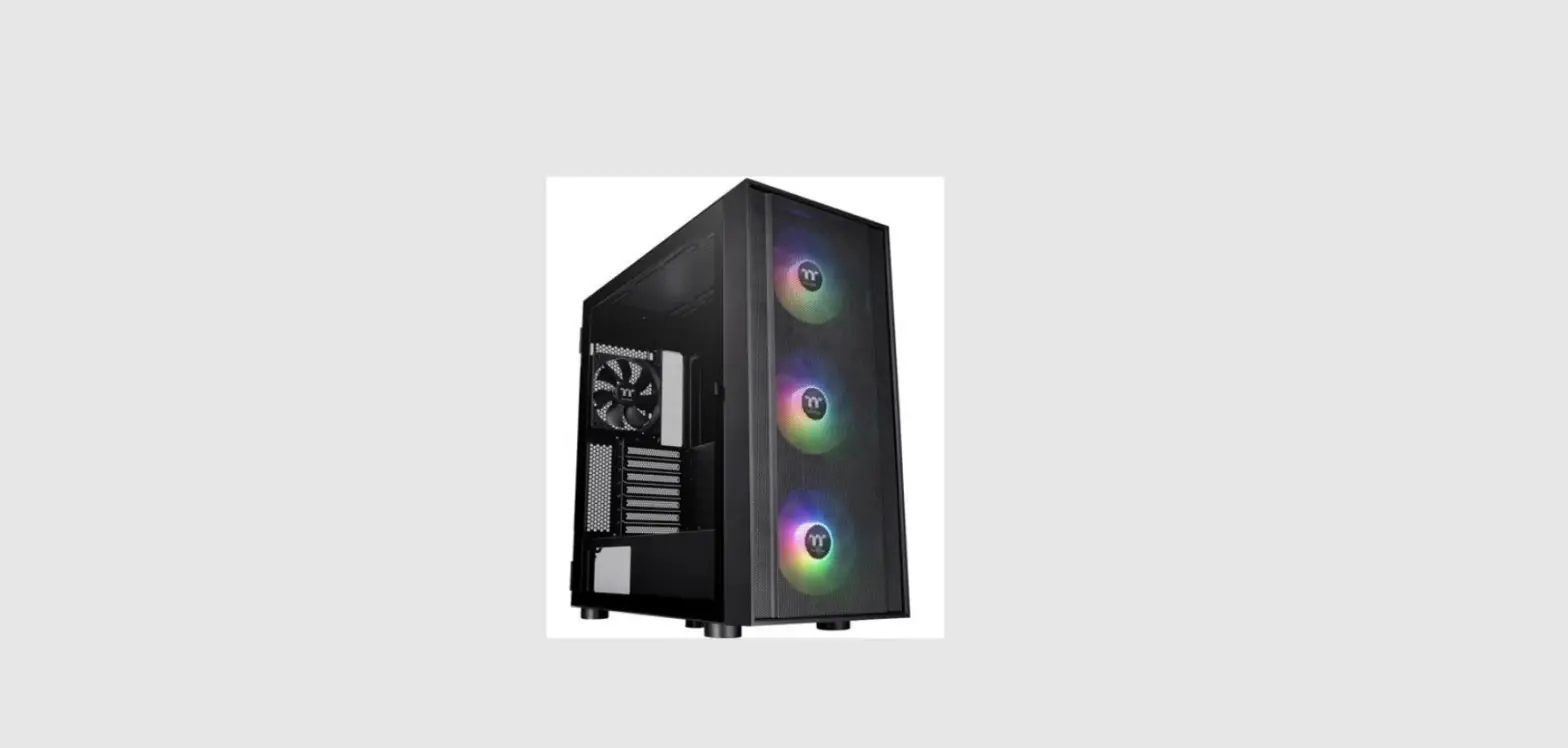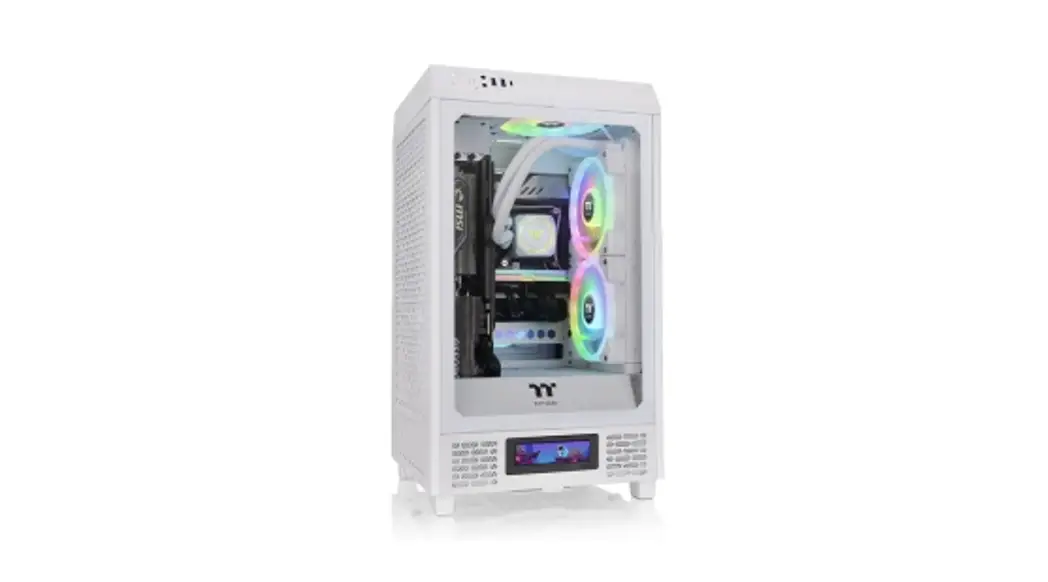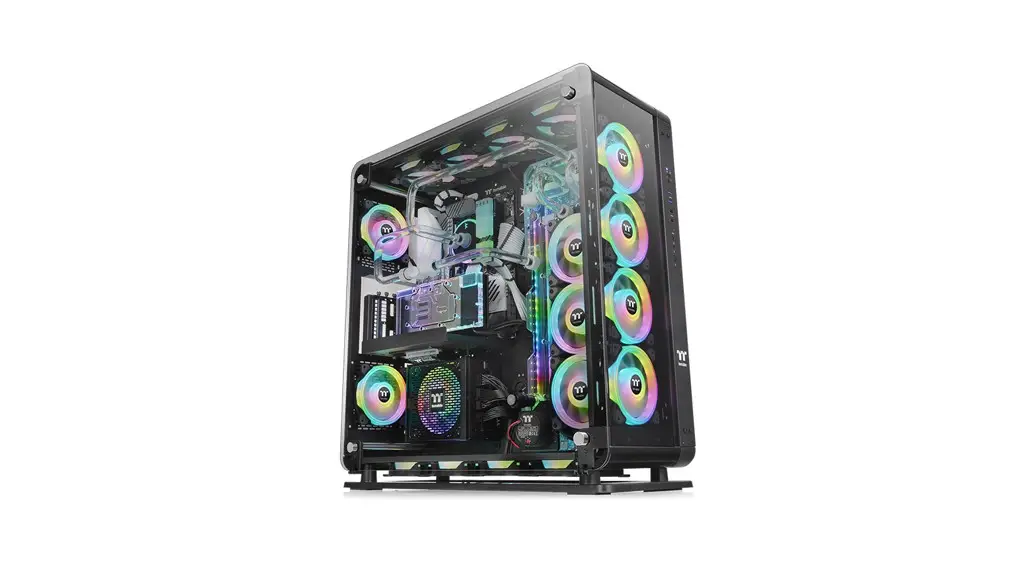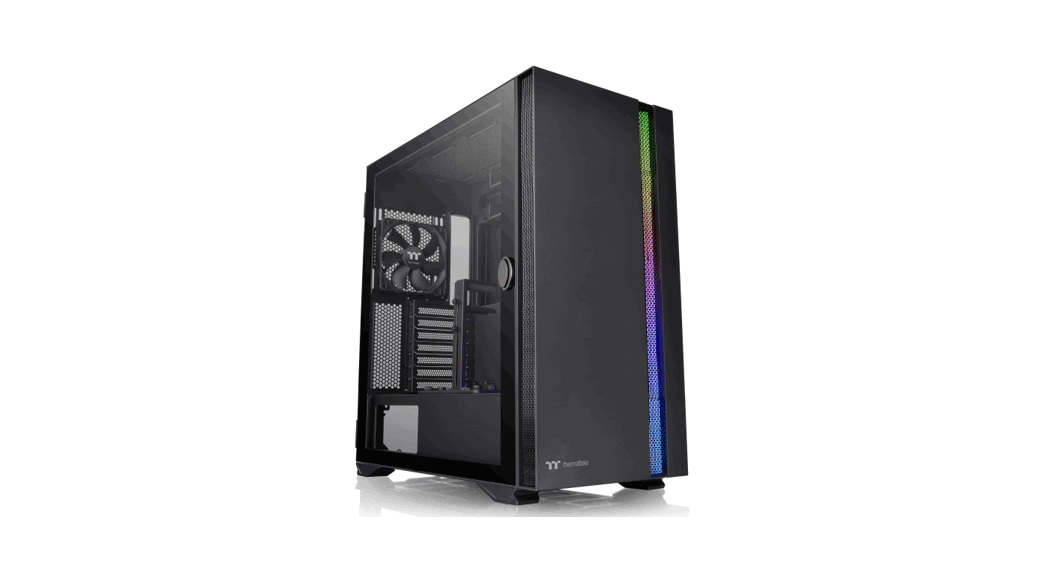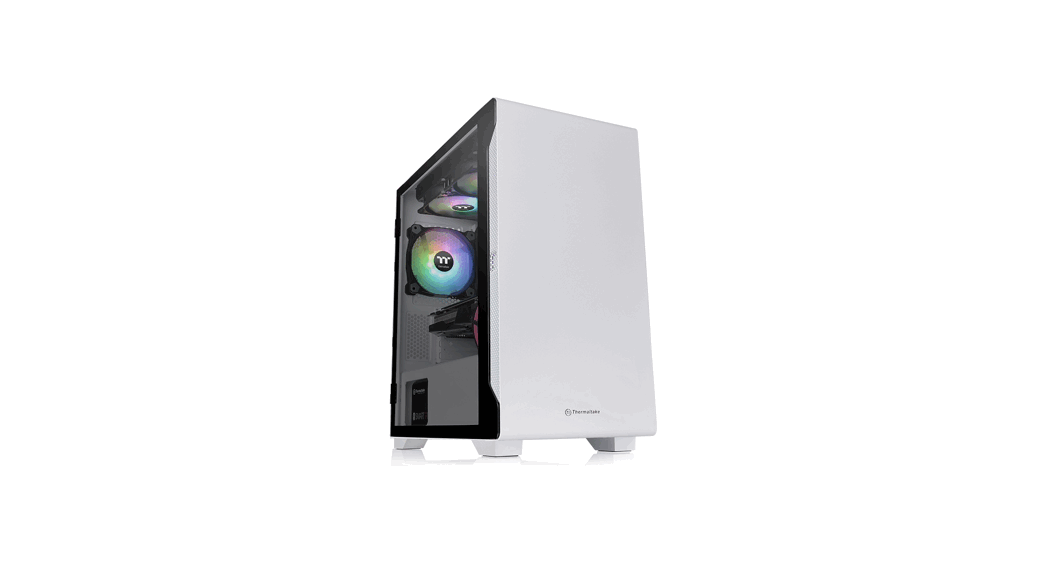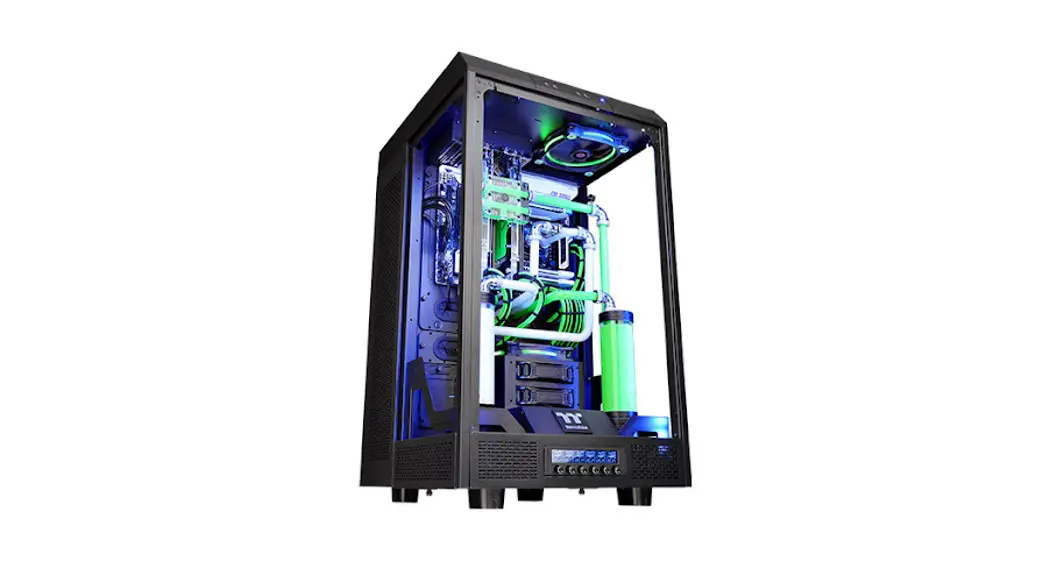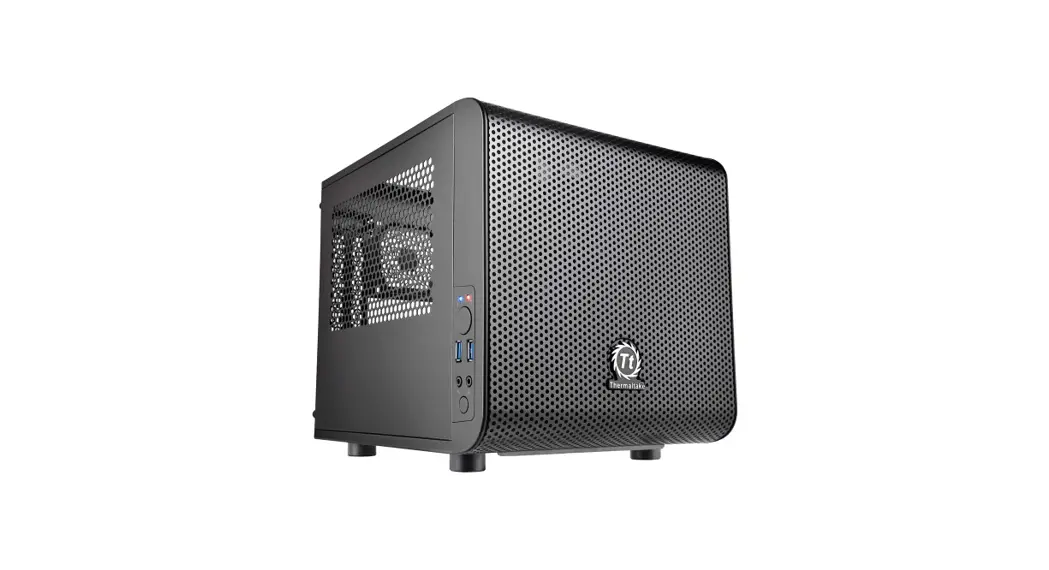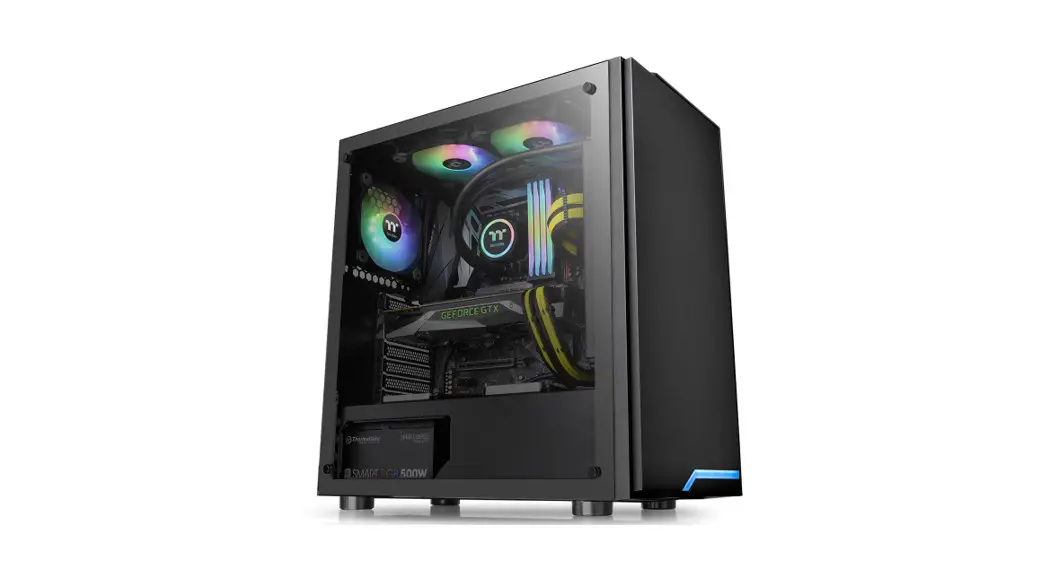
 Mid Tower
H100 TG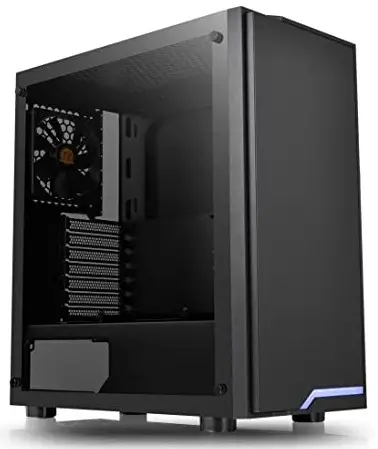 Tempered Glass x 1
User’s Manual
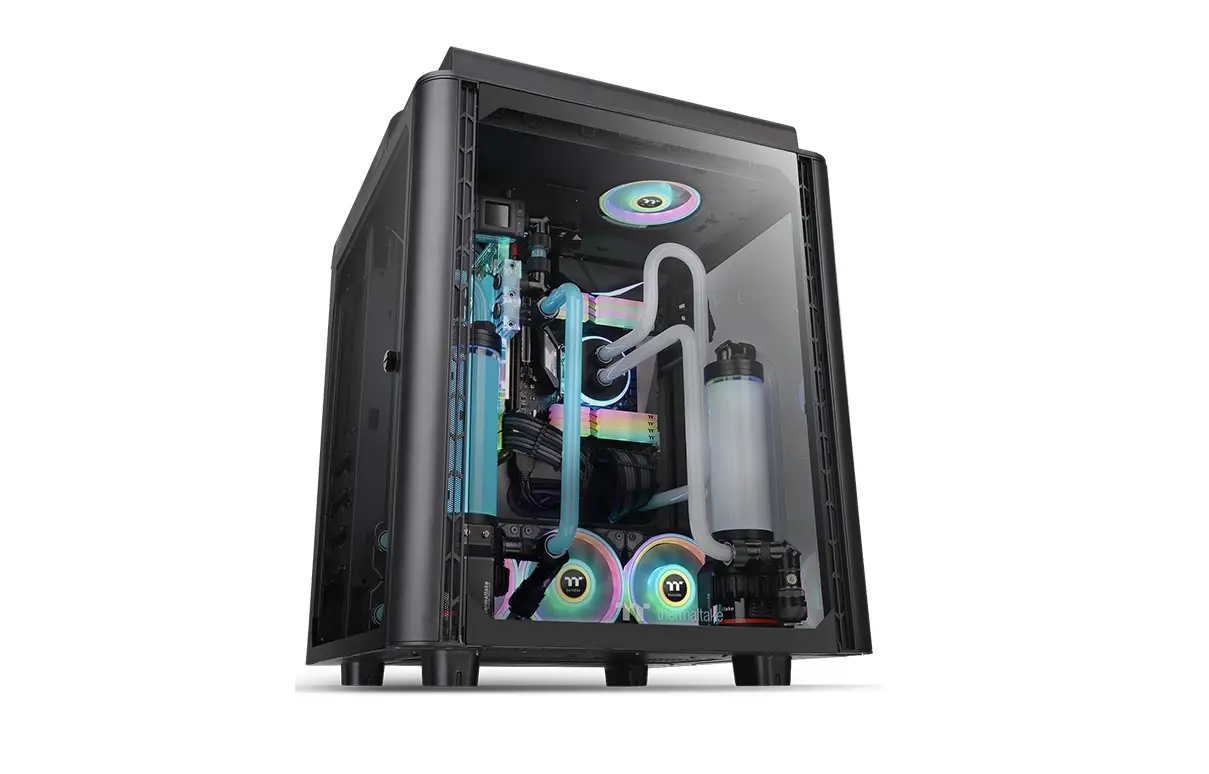
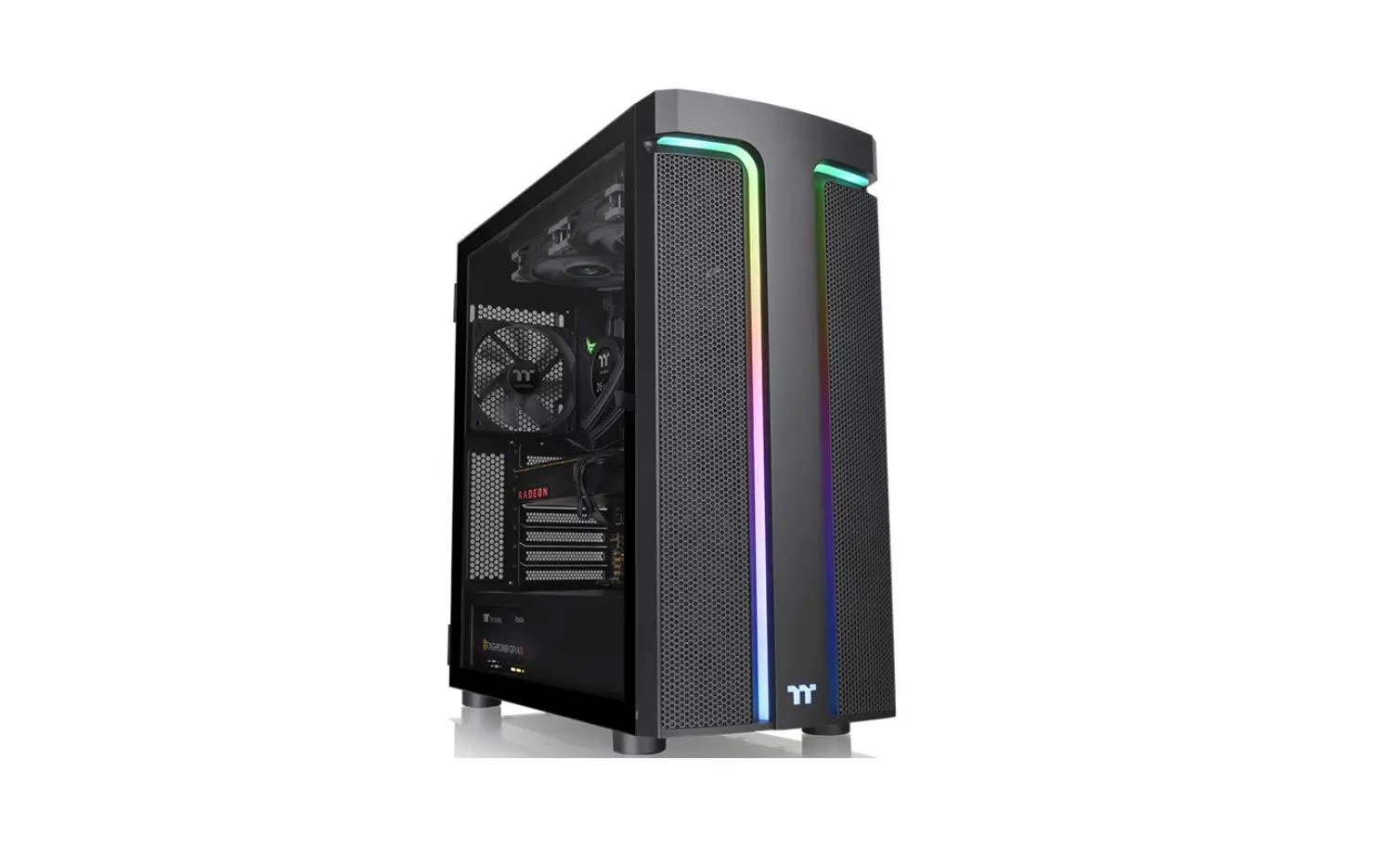
*Picture for reference only
*Information in the user manual is subject to change without notice
Specification
| Model | 11100 TO |
| Case Type | Middle tower |
| Chassis Dimension (H*V*D) | 416 x 210 x 454 ram (16.4 x 8.3x 17.9 inch) |
| Side Panel | 4mm Tempered Glass x I |
| Drive Bays -Accessible – Hidden | – 2 x 2.5’or 3x 3.5 |
| Expansion Slots | 7 |
| Motherboards | 6.rx 6.r (Mini ITX). 9.r x 9.• (MicroATX). IT x 9.6′ (AIX) |
| I/O Port | USB 3.0 x 2. HD Audio x 1 |
| Fan Support | Front: 3 x 120 mm. 2 x 140 mm Top: 2 x 120 mm . 2 x 140 mm Rear: 1 x 120 mm . 1 x 140 mm |
| Radiator Support | Front: 1 x 240 mm. 1 x 280 mm Top: 1 x 240 mm |
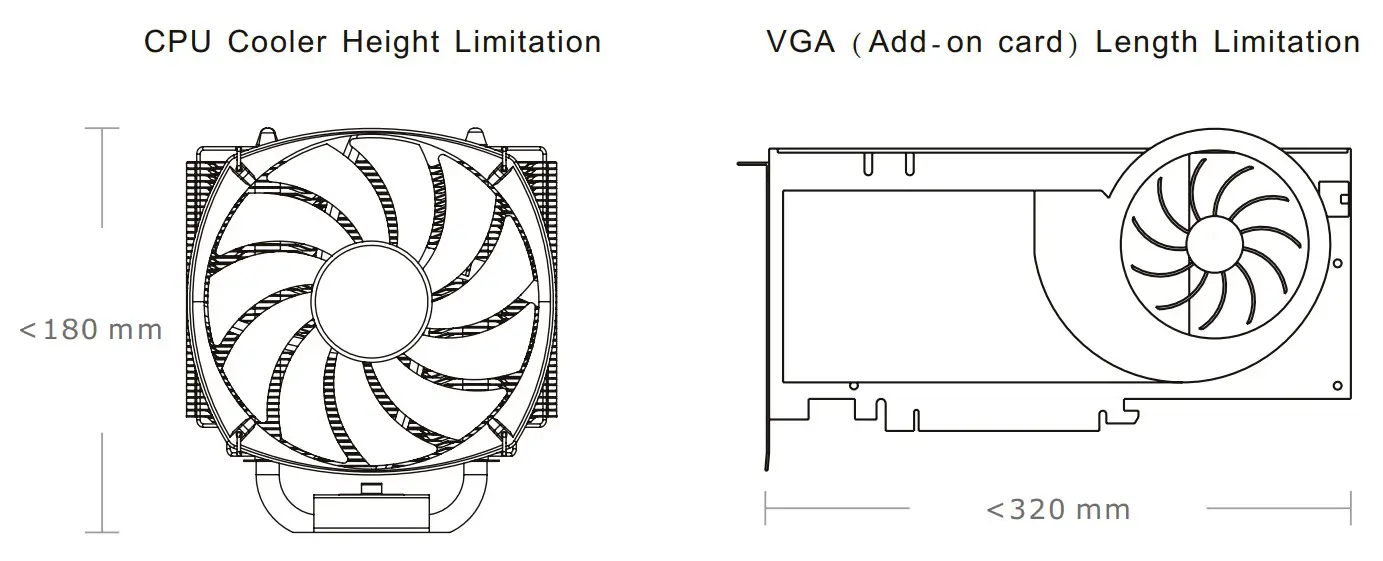
| Clearance | CPU cooler height limitation: 180 mm VGA length limitation: 320 mm |
Accessory
| Figure | Parts Name | Q’ty | Used for |
 | Screw M3 x 5mm | 9 | Motherboard |
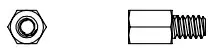 | Stand-off #6-32 x 6mm | 3 | Motherboard |
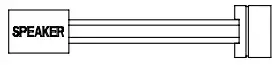 | Buzzer | 1 | Motherboard Alarm |
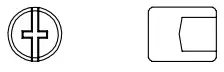 | Stand-off tool | 1 | Stand-off |
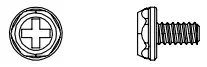 | Screw #6-32 x 6mm | 4 | Power Supply |
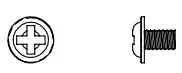 | Screw M3 x 5mm | 8 | 2.5″SSD |
 | Screw M3 x 5mm | 4 | 2.5″SSD |
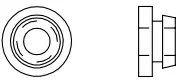 | HDD/SSD Rubber | 4 | 2.5″SSD/ 3.5″HDD |
| Screw #6-32 x 10mm | 8 | 3.5″HDD |
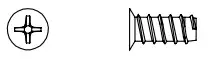 | Screw T5 x 12mm | 12 | Case Fan |
 | Movable Tie | 10 | Cable Management |
Warning and Notice
Warning!!
- Height limit for the CPU heatsink:
The height limit for the CPU heatsink is 180 mm (7.1 inches). - Length limit for the VGA (graphics card):
The length limit for the VGA (graphics card) is 320 mm (12.6 inches).
Side Panel Disassembly
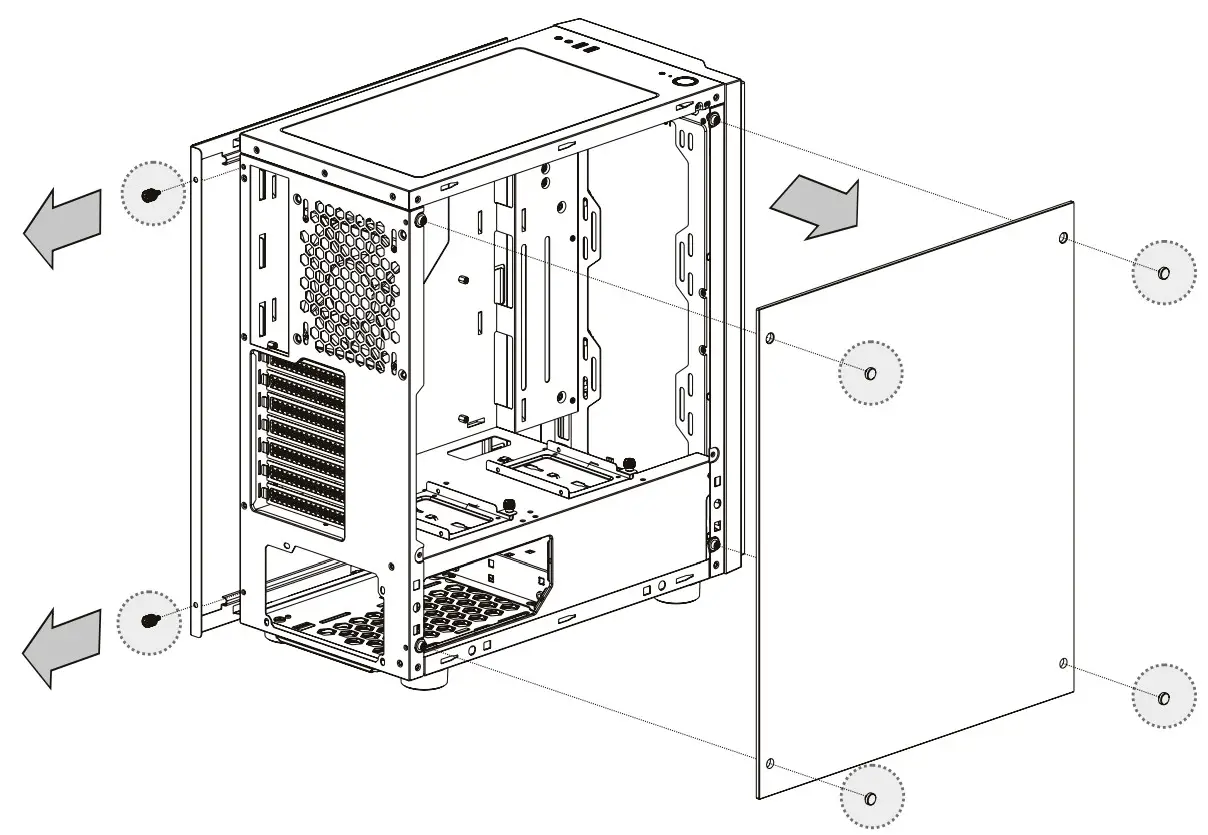
Remove the screws on the back of the chassis, and open the side panel.
PSU Installation
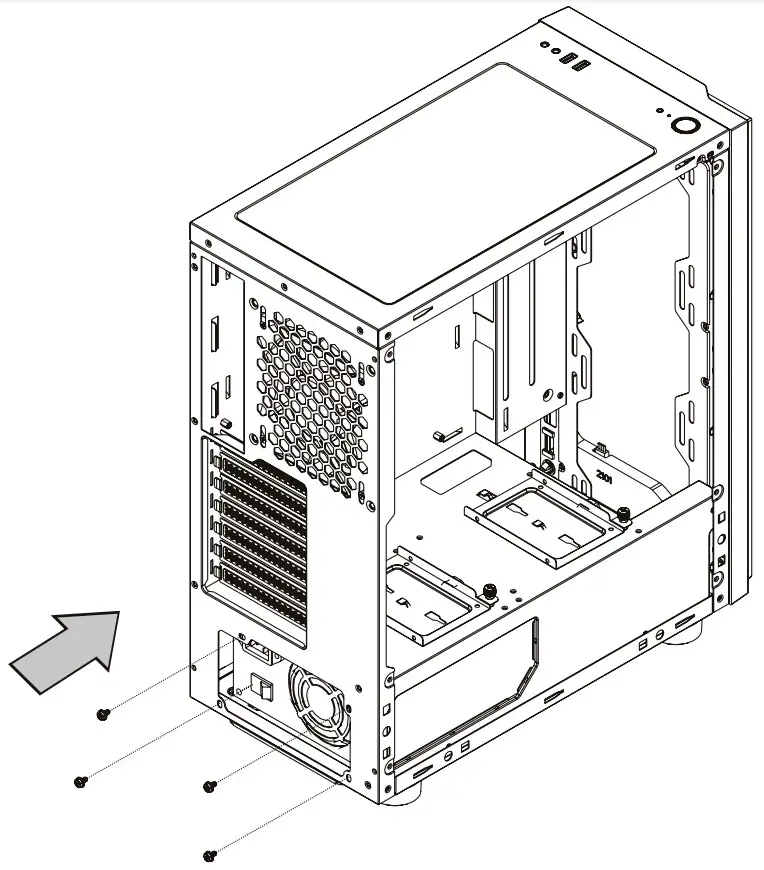
Place the power supply in the proper location and secure it with screws.
Motherboard Installation
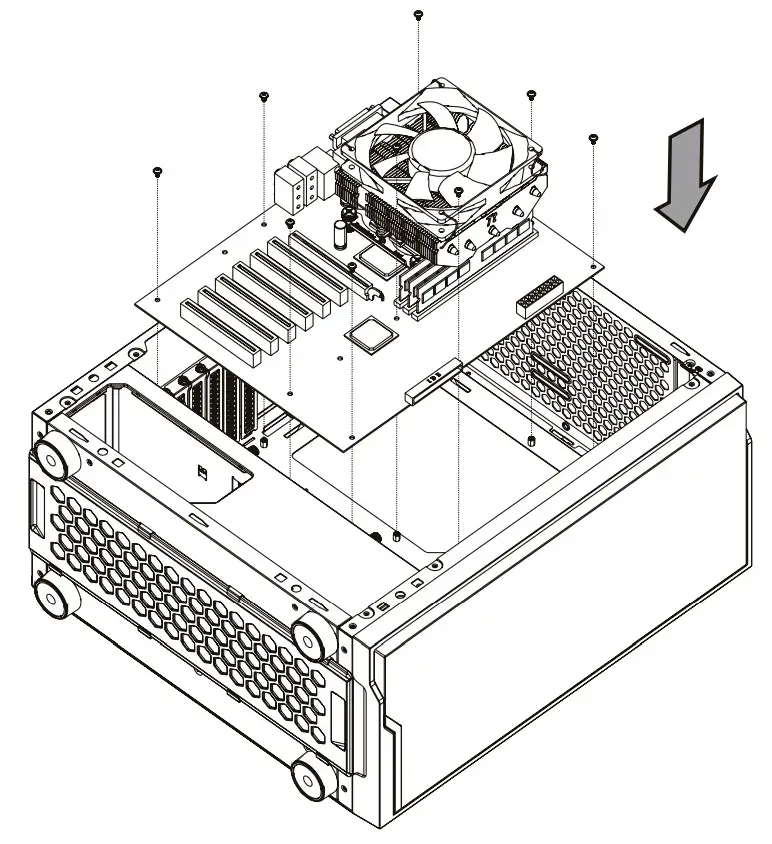
- Lay down the chassis.
- Install the motherboard in the proper location and secure it with screws.
3.5″ & 2.5″ HDD Installation
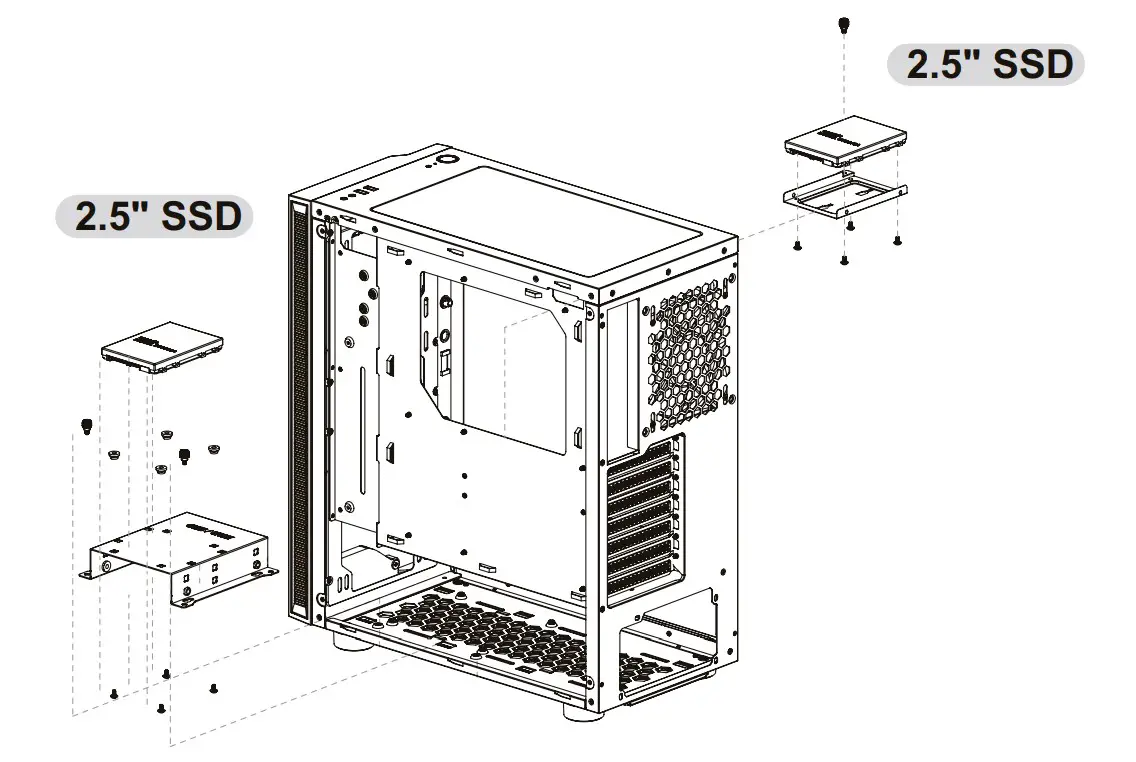 | 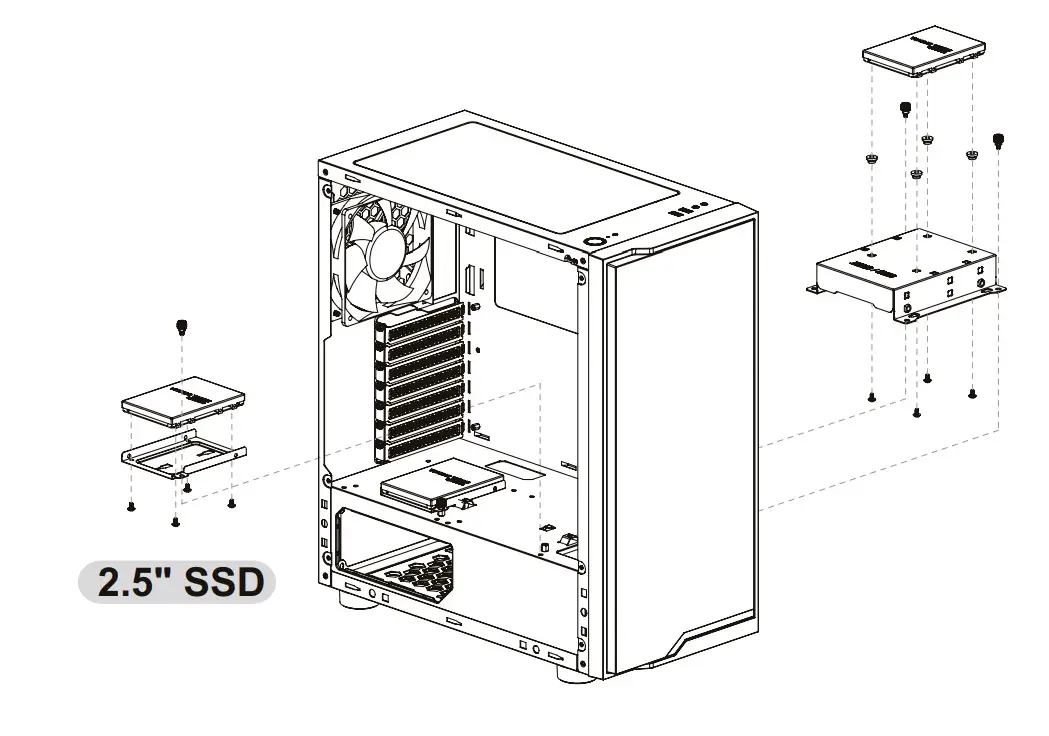 |
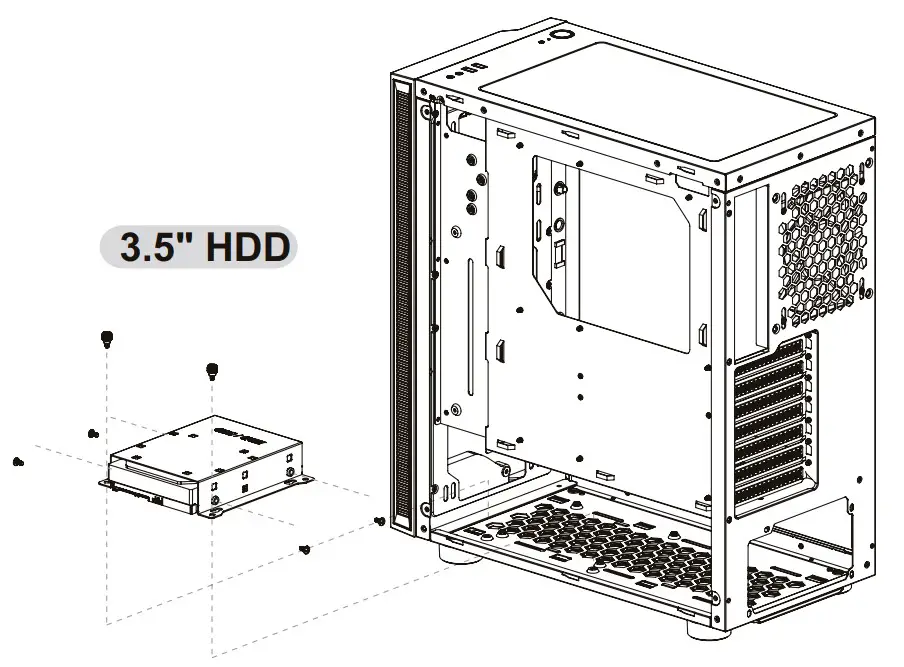 | 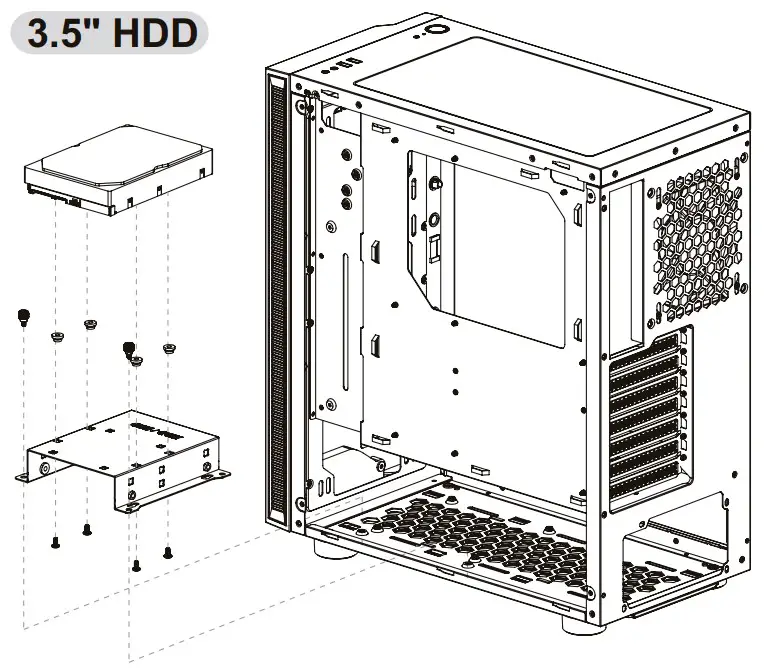 |
PCI Card Installation
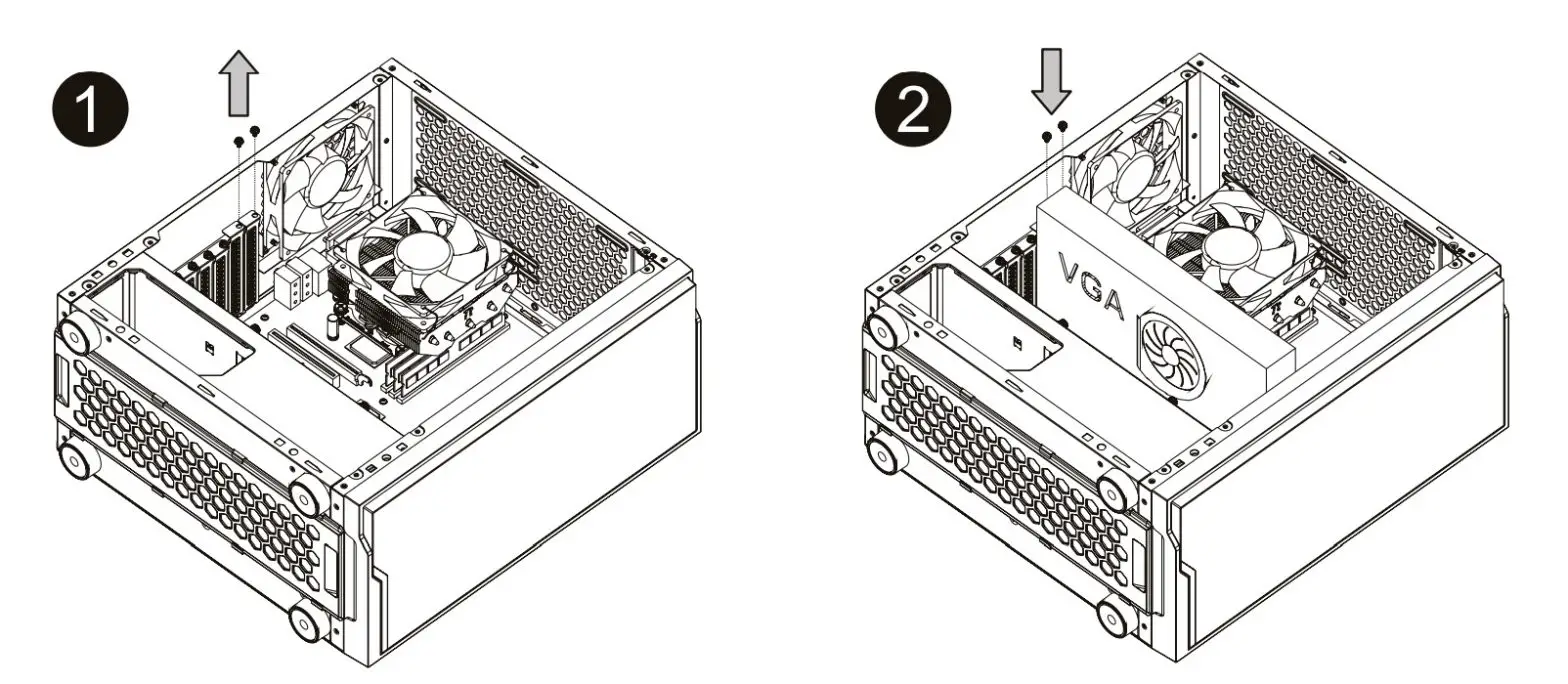
- Loosen the screws with a screwdriver.
- Install the PCI card in the proper location and secure it with screws.
Note:
Air Cooling Installation
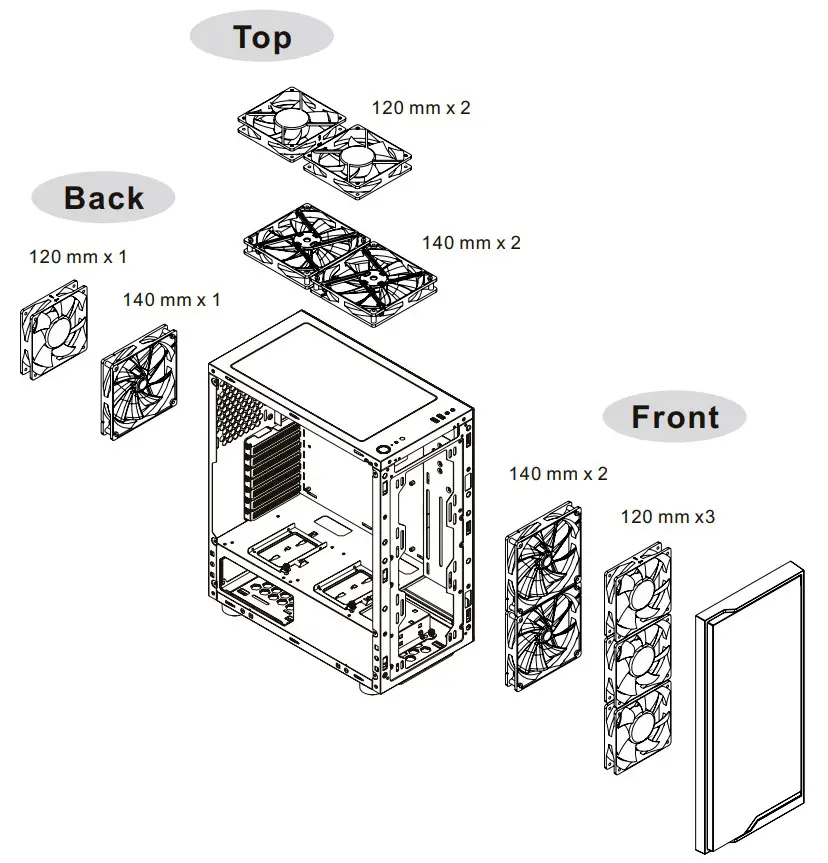
Radiator Installation
※The radiator is applicable up to 40 mm high
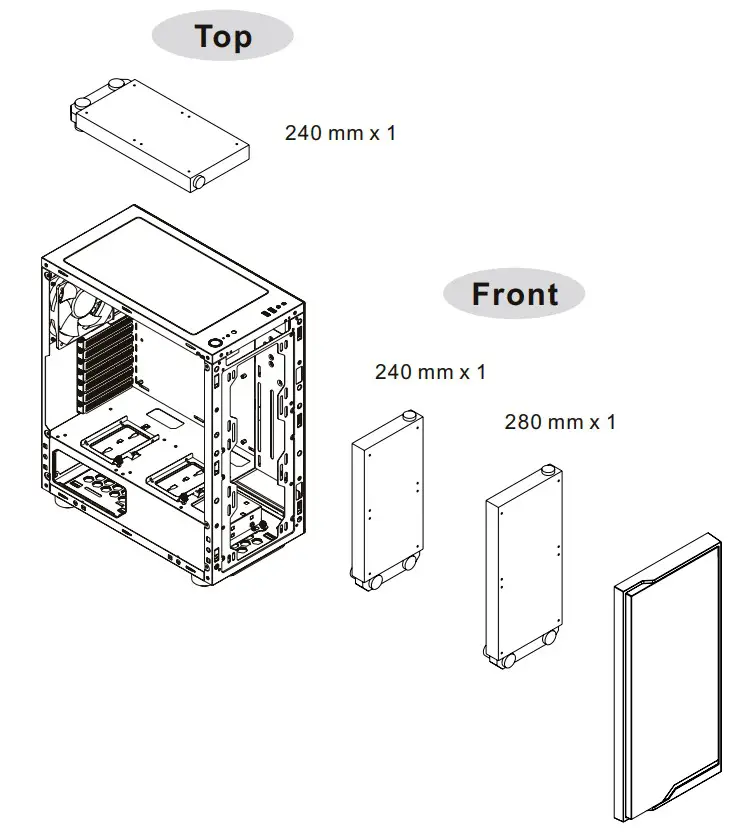
Leads Installation
Leads Installation Guide
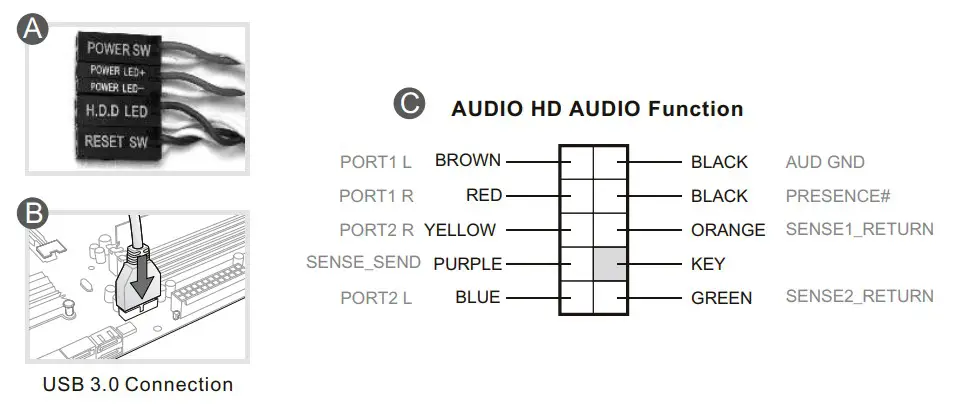
A. Case LED Connection / On the front of the case, you can find some LEDs and switch leads. Please consult your user manual of your motherboard manufacturer, then connect these leads to the panel header on the motherboard.
B. USB 3.0 connection /
1. Make sure your motherboard supports a USB 3.0 connection.
2. Connect the USB 3.0 cable to the available USB 3.0 port on your computer.
C. Audio Connection / Please refer to the following illustration of the Audio connector and your motherboard user manual. Please select the motherboard which used AC’97 or HD Audio(Azalia),(be aware of that your audio supports AC’97 or HD Audio (Azalia)) or it will damage your device(s).
Thermaltake Power Supply Series (Optional)

What Is Smart Power Management (SPM)?
Smart Power Management (SPM) is a cloud-based software that seamlessly integrates three intelligent platforms – DPS G PC APP 3.0. DPS G Smart Power Management Cloud 1.0 and DPS G MobIleAPP 1.0 – and compiles key statistics about your PC into detailed charts and breakdowns for your instant PC status view and management. With easy access to SPM through your PC or mobile devices. whether you are outside or indoors, enjoy taking full control of your build anytime. anywhere!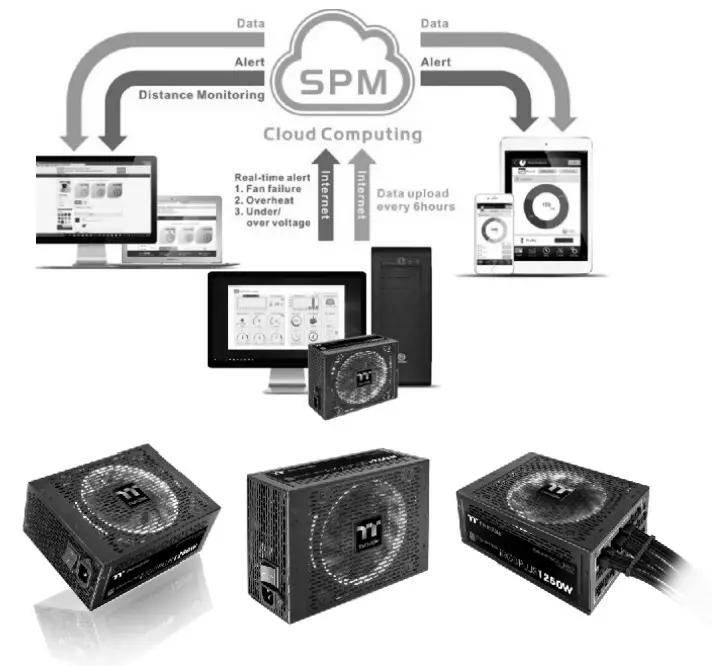 Thermaltake has several power supply product lines:
please refer to our official website and Facebook Fan Page for more detailed information!
Brand official website:
http://www.thermaltake.com/
Global Facebook:
http://www.facebook.com/Thermaltakeinc
Taiwan Facebook
http://www.facebook.com/ThermaltakeTW https://dps.thermaltake.com/en
Tt RGB Plus Ecosystem
 Tt RGB Plus Software
Thermaltake’s patented software to synchronize
TT RGB PLUS products with addressable LEDs.
 Tt Al Voice Control
Give you full control over the TT RGB
PLUS products with your voice.
SyncALL, Say “Hello TT”

|
|



©2020 Therms/take Technology Co., Ltd. All Rights Reserved 8-2020,10
All other registered trademarks belong to their respect’s< companies.
www.thermeltske.com Fcc Tested To Comply With FCC Standards
FOR HOME OR OFFICE USE
 Thermaltake