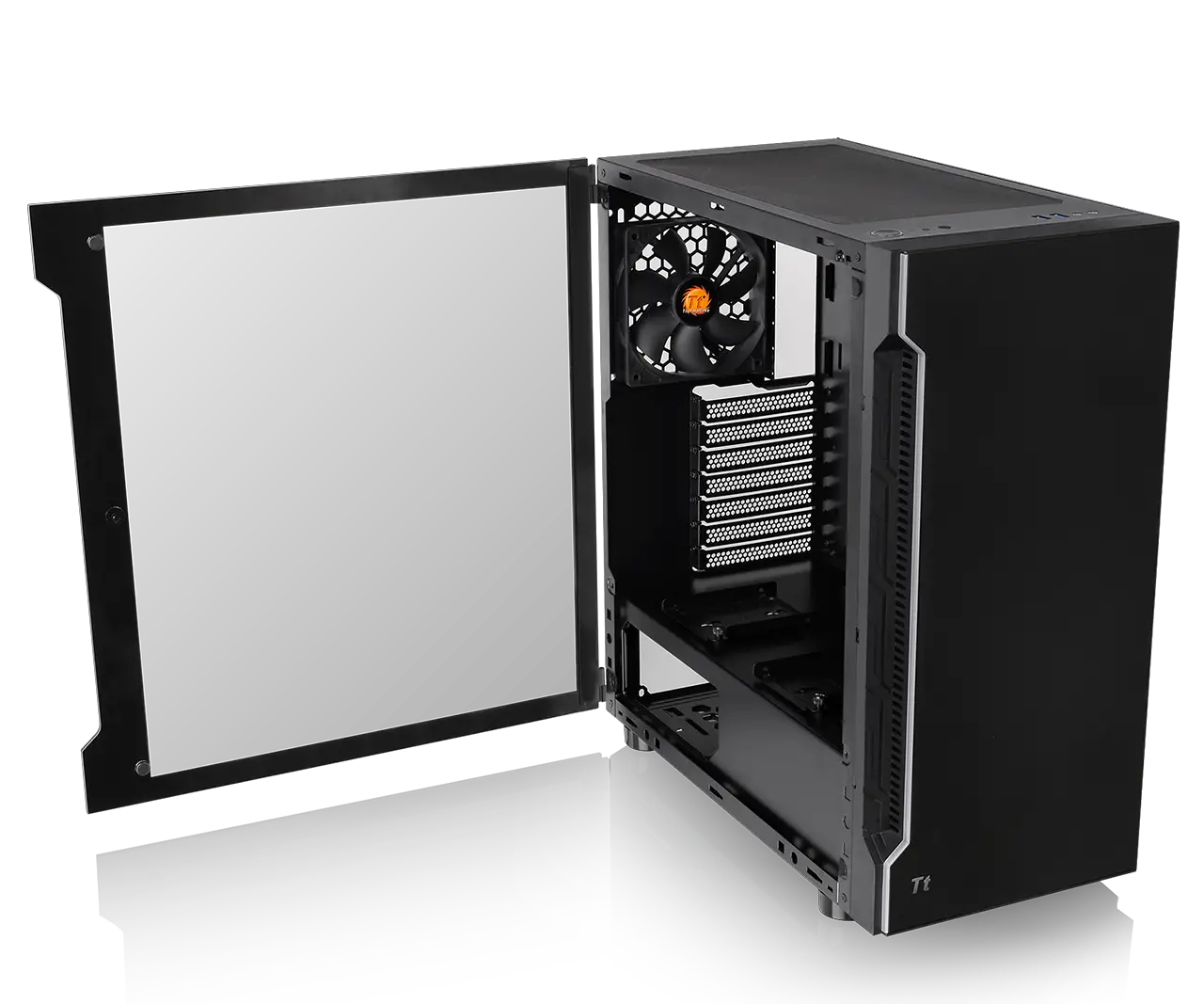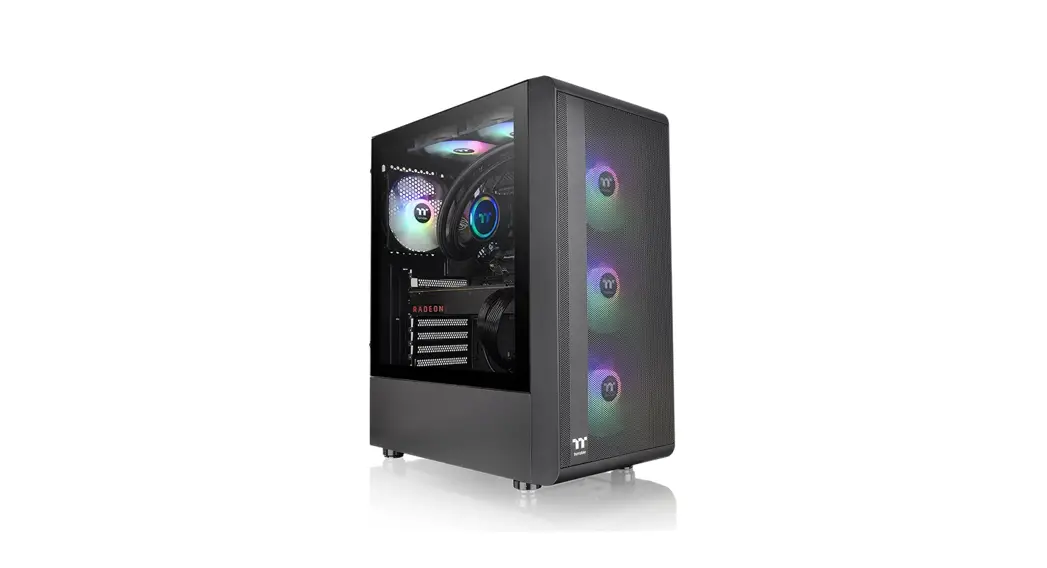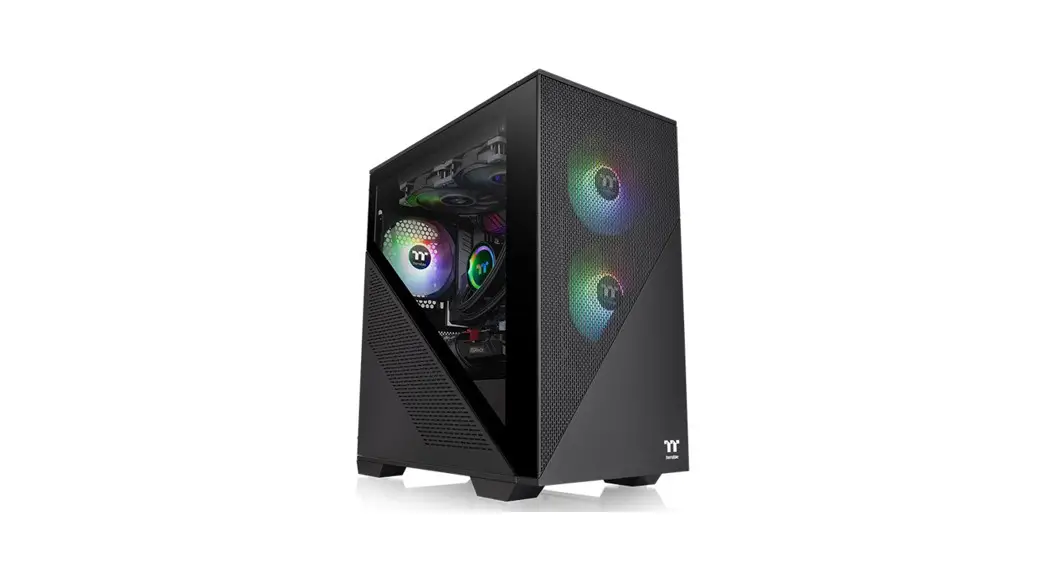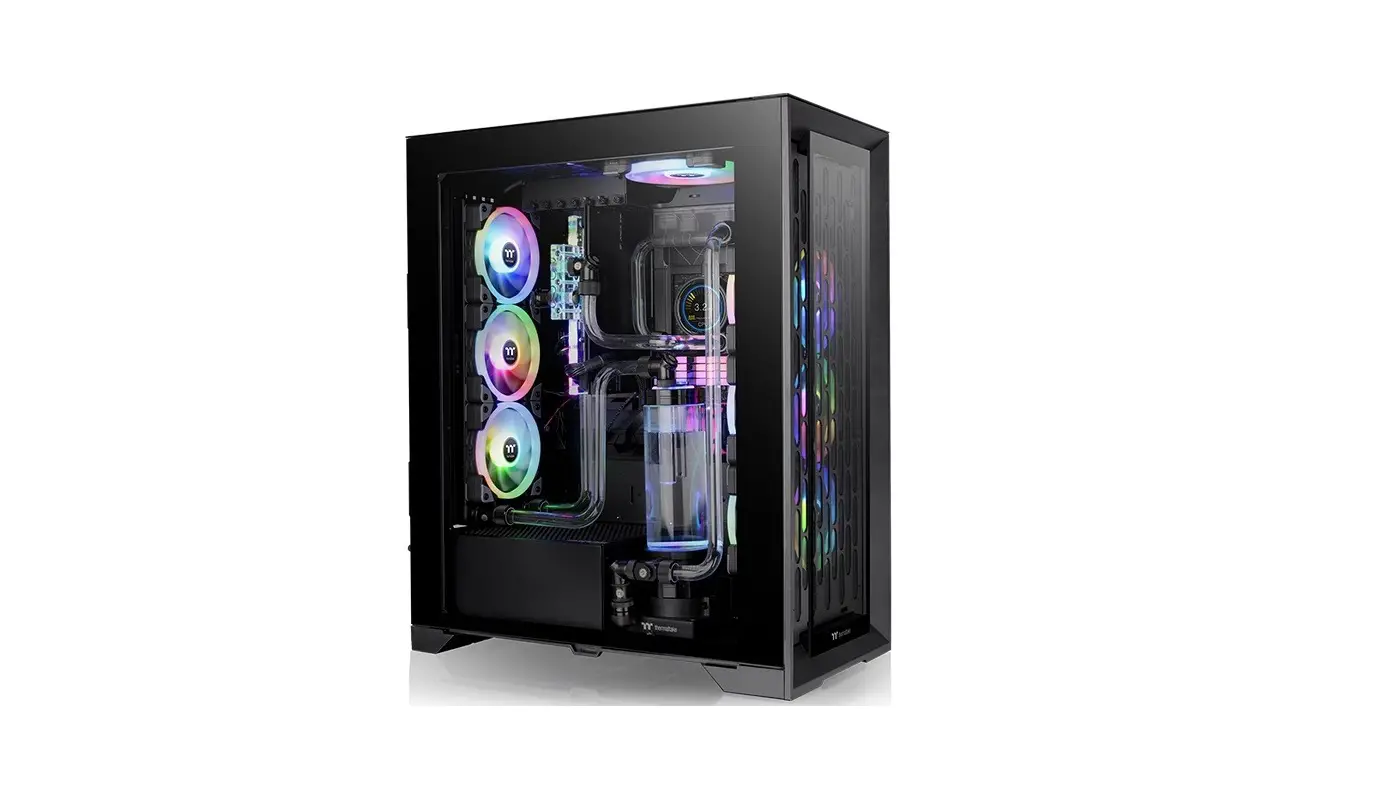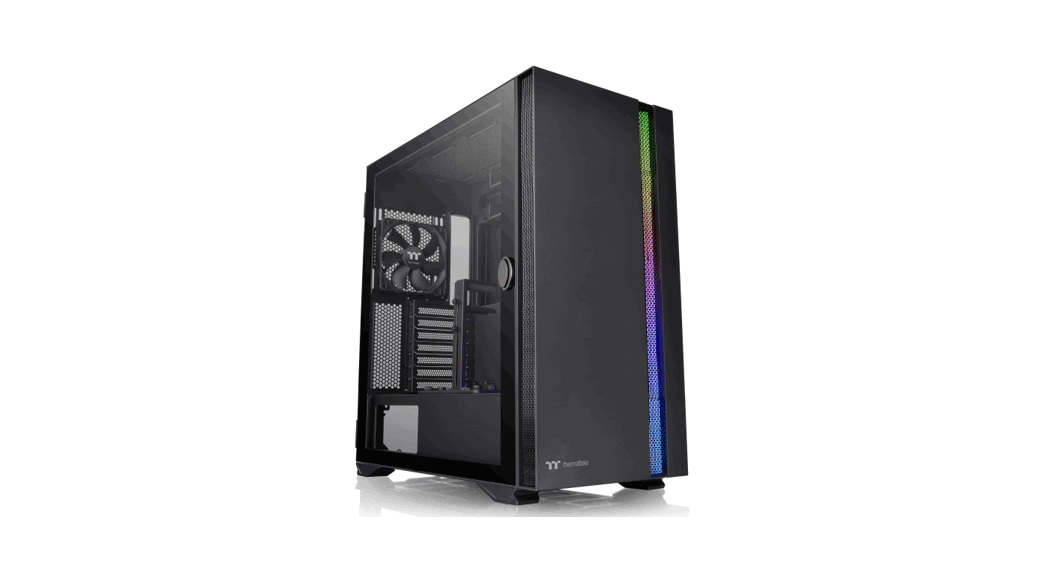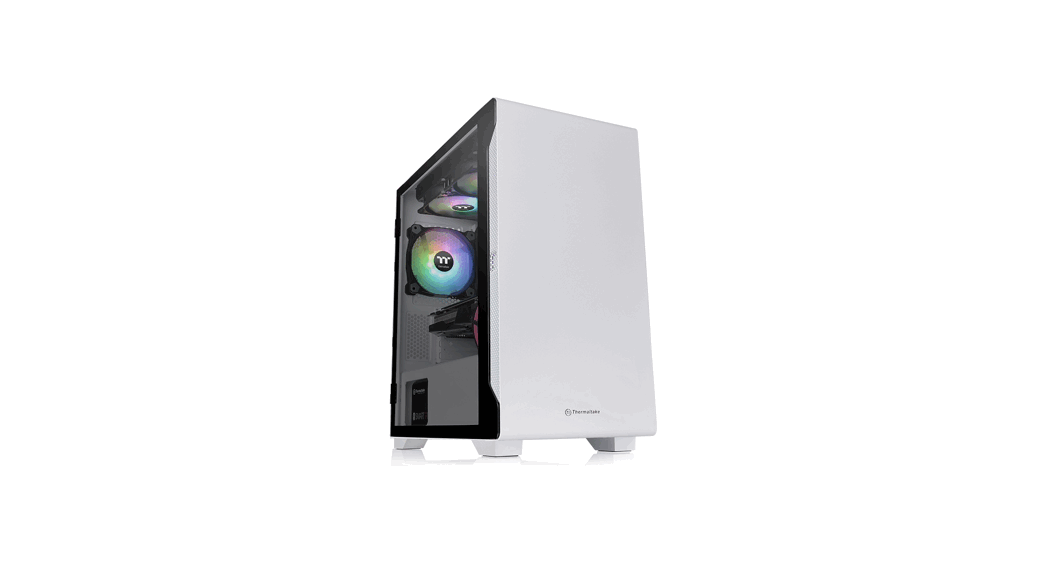

S100 TG Micro Case
User Manual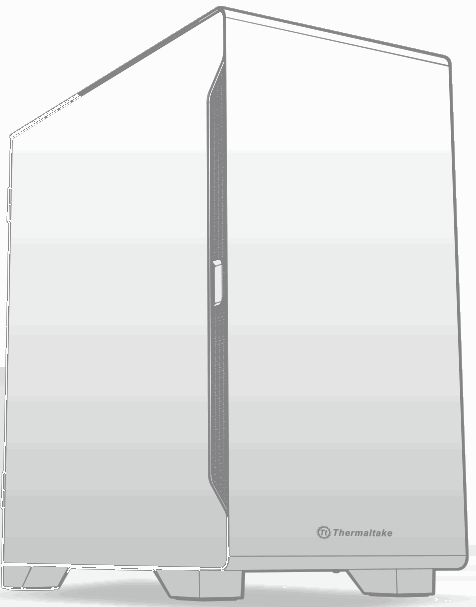
Micro Case
S100 TG
Specification
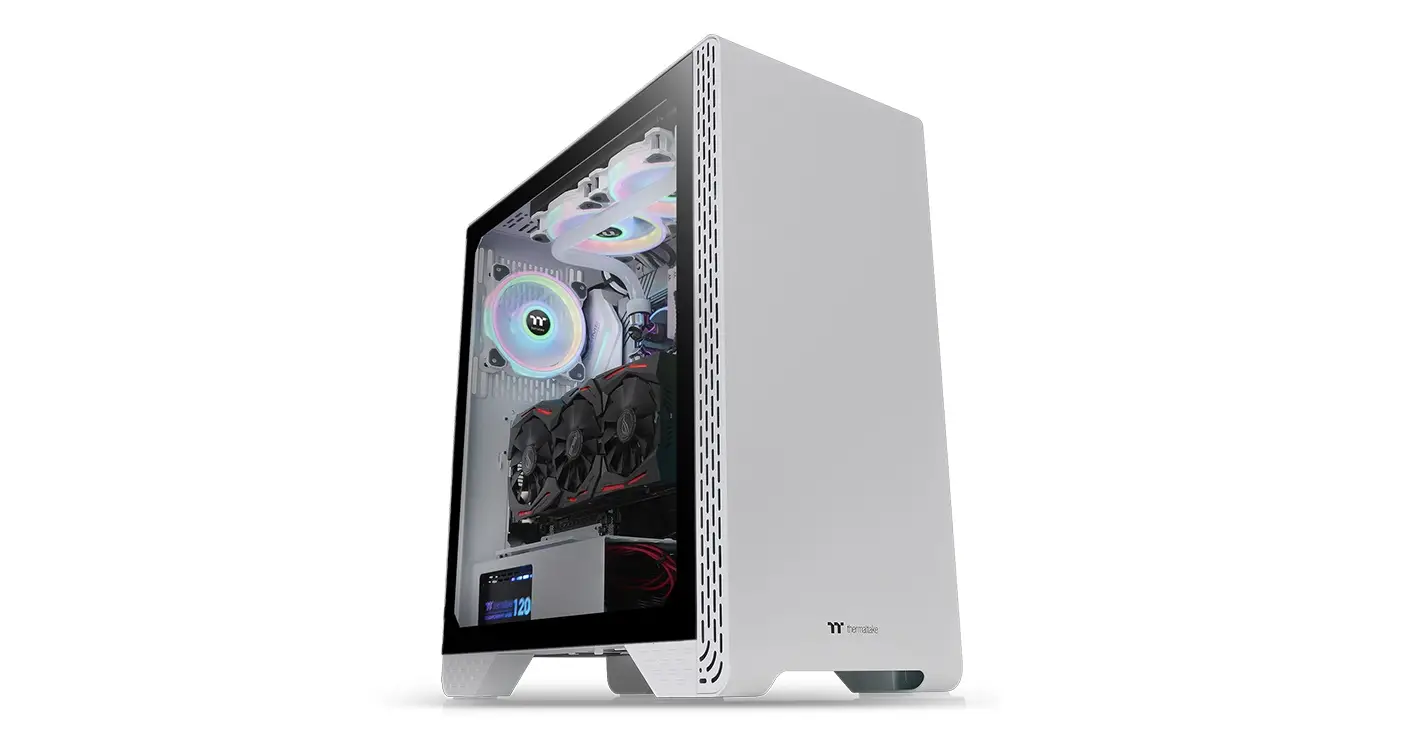
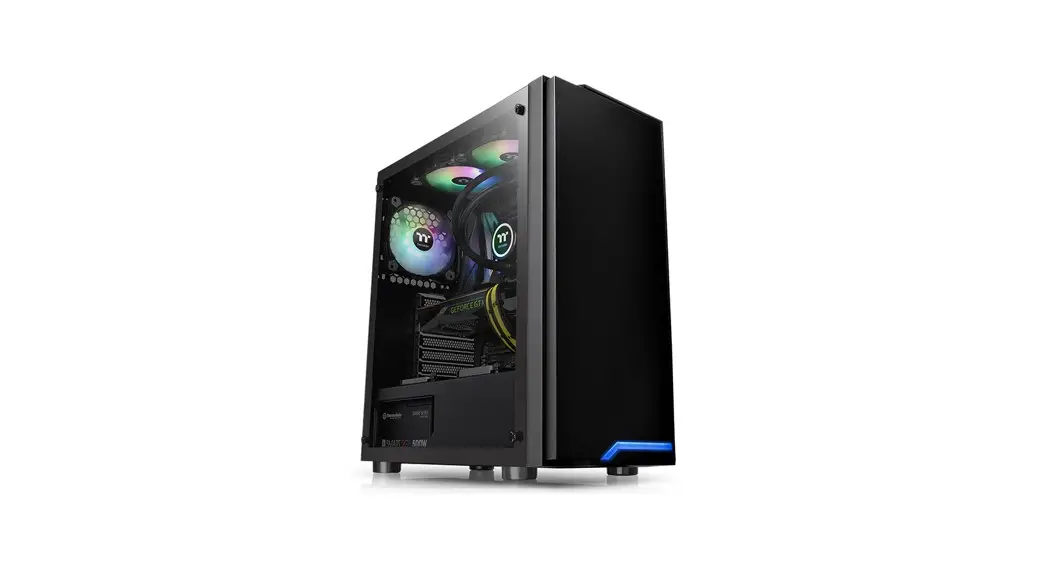
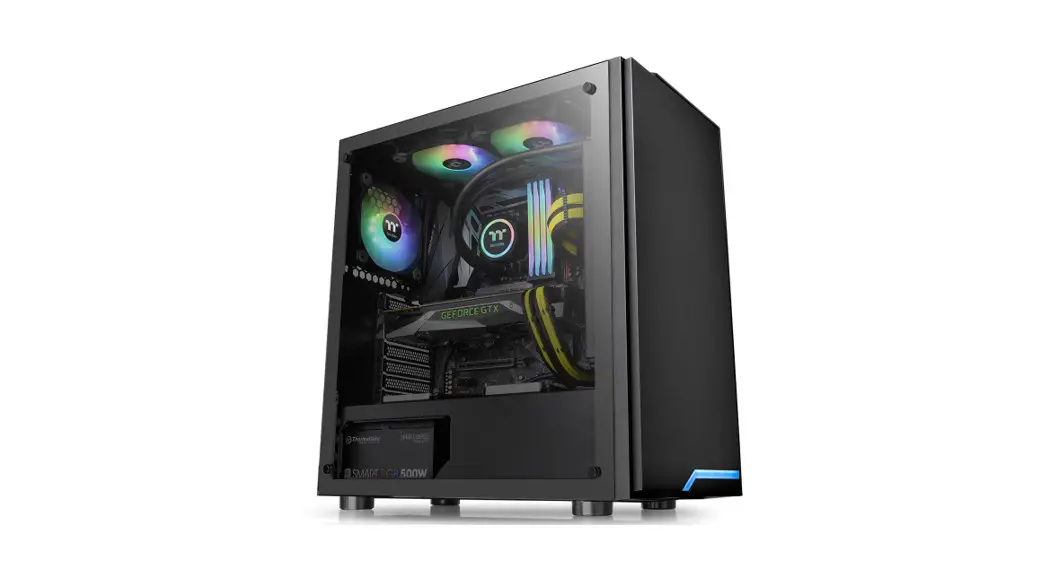
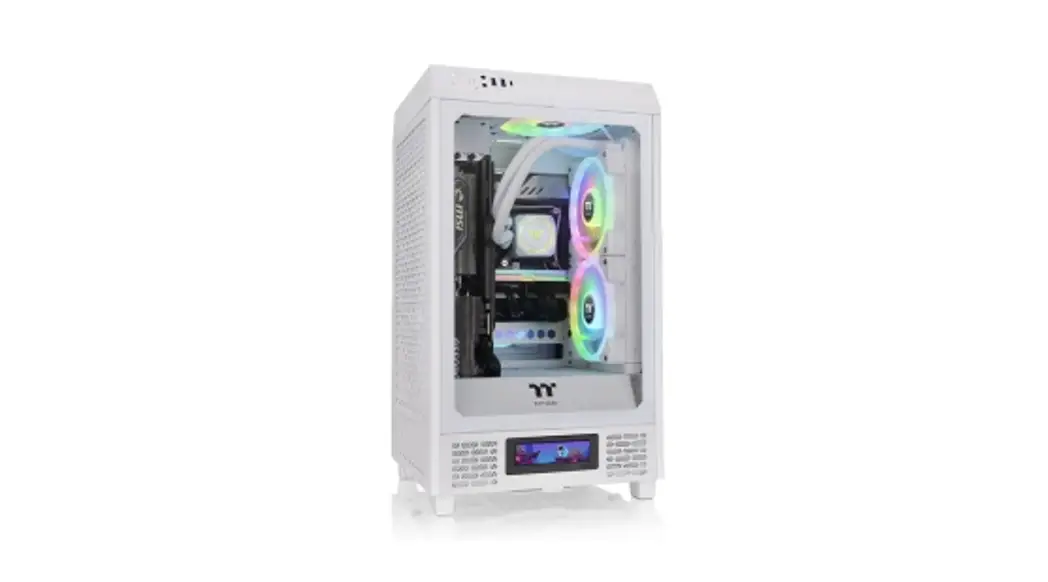
| Model | S100 TG 1 S100 TG Snow Edition |
| Case Type | Micro tower |
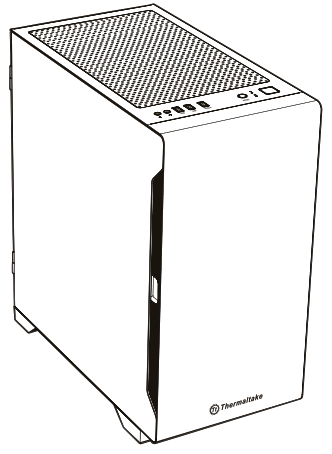
| Chassis Dimension (H*W*D) | 411 x 220 x 441 mm (16.18 x 8.66 x 17.36 inch) |
| Side Panel | 4mm Tempered Glass x 1 |
| Cooling System | Rear(exhaust): 120 x 120 x 25 mm fan (1000 rpm, 16 dBA) x 1 |
| Drive Bays -Accessible – Hidden | 2 x 3.5″ or 2 x 2.5″ (HDD Rack) 2 x 2.5″ (HDD Bracket) |
| Expansion Slots | 4 |
| Motherboards | 6.7″ x 6.7″ (Mini 1TX), 9.6″ x 9.6″ (Micro ATX) |
| I/O Port | 1 x USB 3.0, 2 x USB 2.0, 1 x HD Audio |
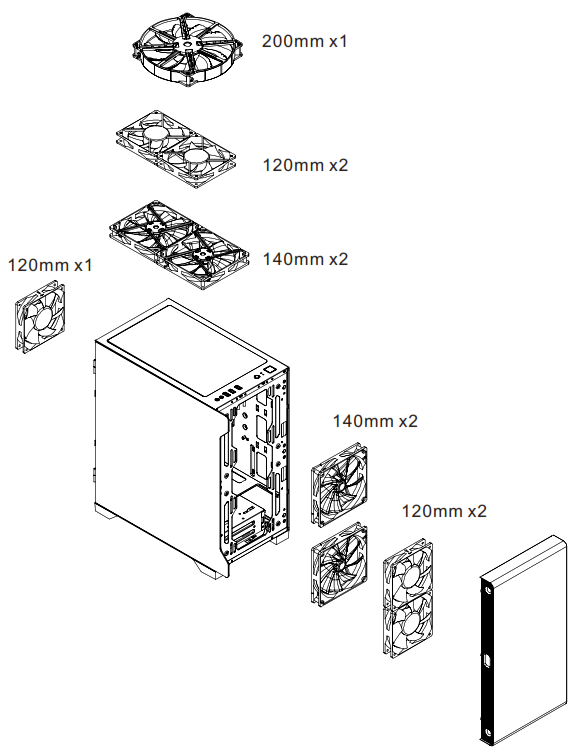
| Fan Support | Front: 2 x 120 mm, 2 x 140 mm Top: 2 x 120 mm, 2 x 140 mm, 1 x 200 mm Rear: 1 x 120 mm |
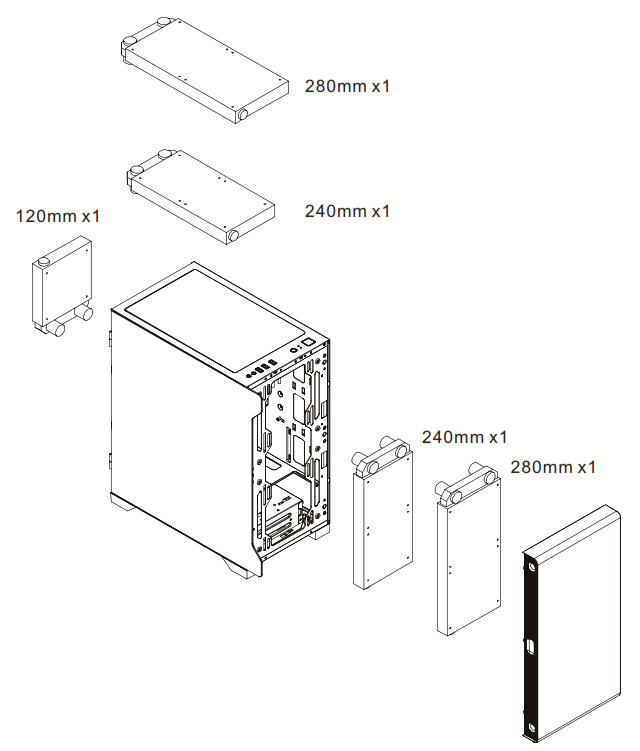
| Radiator Support | Front: 1 x 240 mm, 1 x 280 mm Top: 1 x 240 mm, 1 x 280 mm Rear: 1 x 120 mm |
| Clearance | CPU cooler height limitation: 165 mm VGA length limitation: 330 mm PSU length limitation: 160mm |
Accessory
| Figure | Parts Name | Q’ty | Used for |
 | Screw M3 x 5mm | 18 | Motherboard / 2.5” SSD |
 | Screw #6-32 x 5mm | 8 | 3.5” HDD |
 | Screw #6-32 x 6mm | 4 | Power / VGA |
 | Stand-off #6-32 x 6mm | 3 | Motherboard |
 | Screw T5 x 12mm | 8 | Case Fan |
 | Cable Tie | 10 | Cable Management |
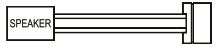 | Buzzer | 1 | Motherboard Alarm |
Warning and Notice
Warning!!
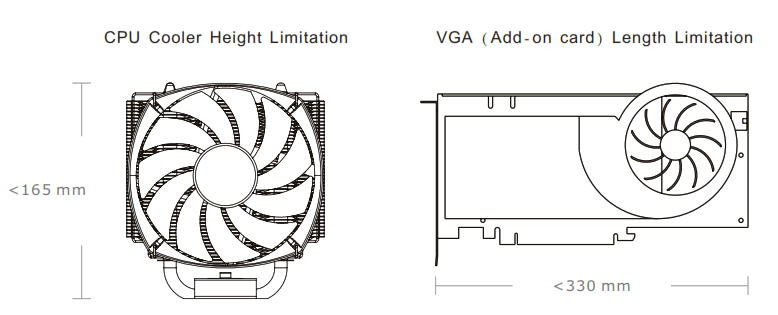
CPU Cooler Height Limitation:
Please ensure that your CPU cooler does NOT exceed 165 mm (6.5 inches) height.
VGA (Add-on card) Length Limitation:
Please ensure that your VGA (Add-on card) does NOT exceed 330 mm (13 inches) length.
Side Panel Disassembly
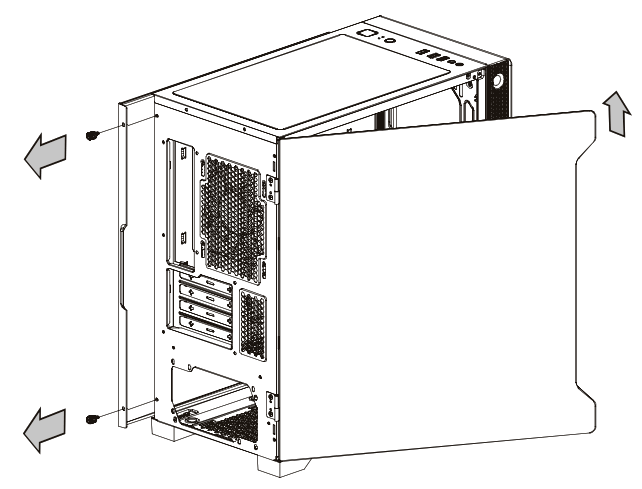
Remove the screws on the back of the chassis, and open the side panel.
PSU Installation
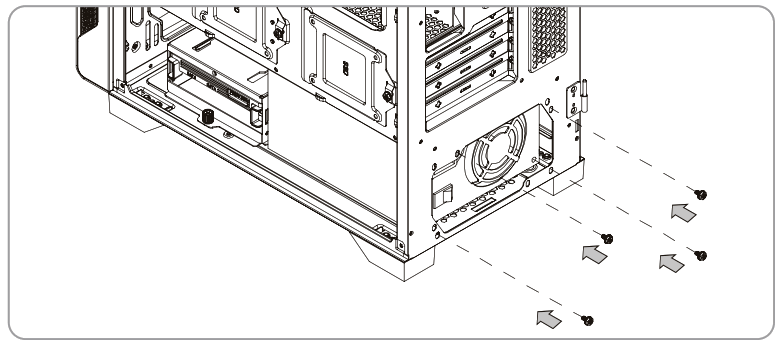
Place the power supply in proper location and secure it with screws.
Motherboard Installation
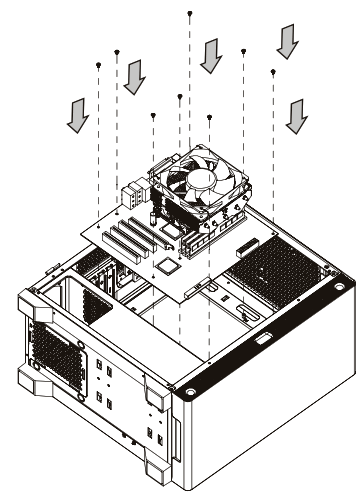
- Lay down the chassis.
- Install the motherboard in proper location and secure it with screws.
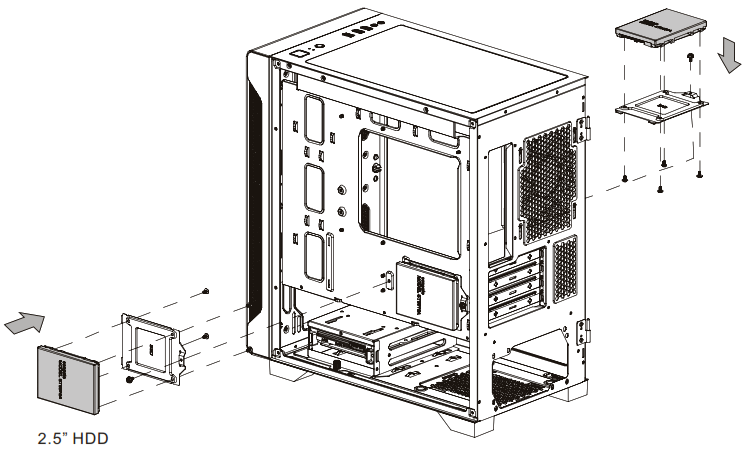
3.5″ &2.5″ HDD Installation
In front M/B Tray A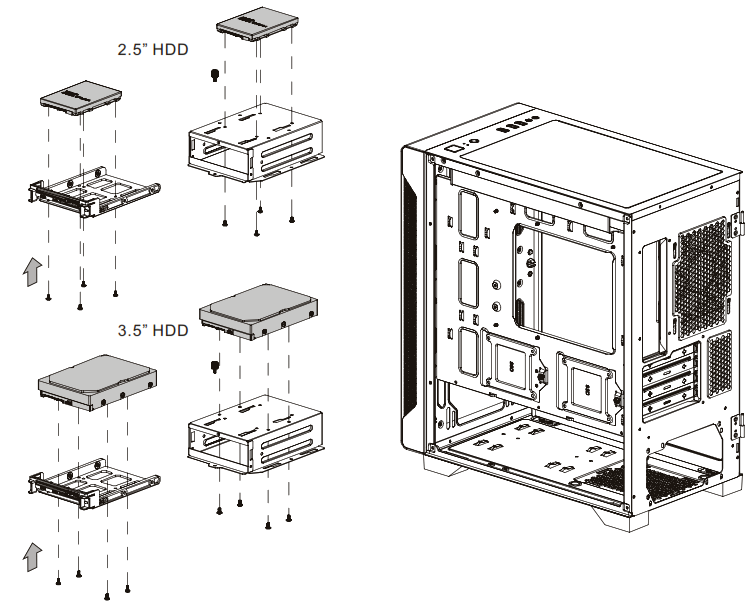
Behind M/B Tray B
PCI Slot Usage
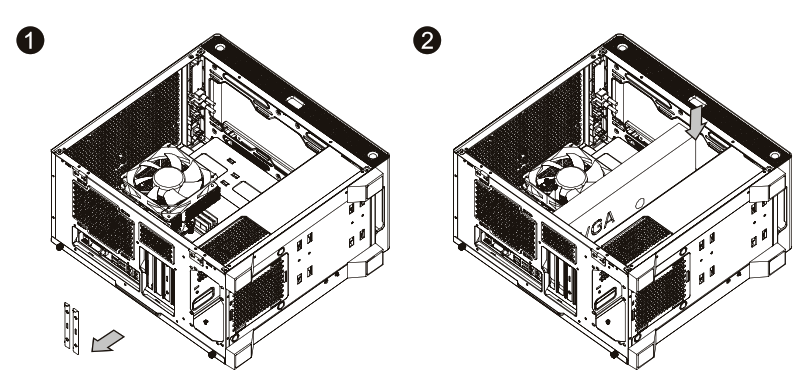
- Loosen the screws with a screwdriver.
- Install the PCI card in proper location and secure it with screws.
Air Cooling Insallation
Radiator Installation
Leads Installation
Leads Installation Guide
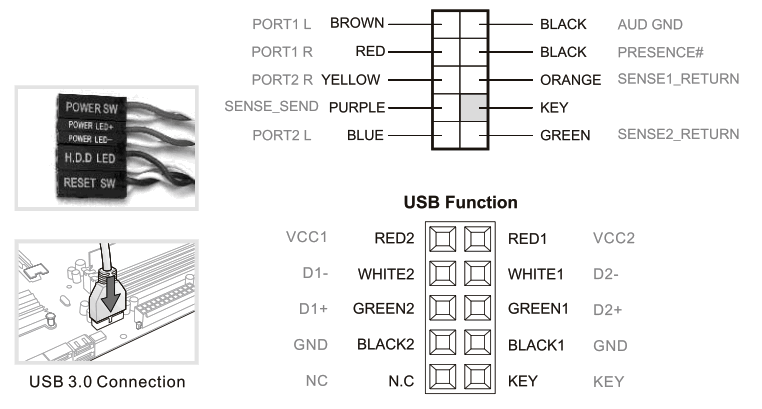
Case LED Connection / On the front of the case, you can find sorne LEDs and switch leads. Please consult your user manual of your motherboard manufacturer, then connect these leads to the panel header on the motherboard.
USB 2.0 Connection / Please consult your rnotherboard manual to find out the section of “USB connectior,
USB 3.0 connection /
- Make sure your motherboard supports USB 3.0 connection.
- Connect the USB 3.0 cable to the available USB 3.0 port on your computer.
Audio Connection / Please refer to the following illustration of Audio connector and your motherboard user rnanual. Please select the motherboard which used AC’97 or HD Audio(Azalia),(be aware of that your audio supports AC’97 or HD Audio (Azalia)) or it will damage your device(s).
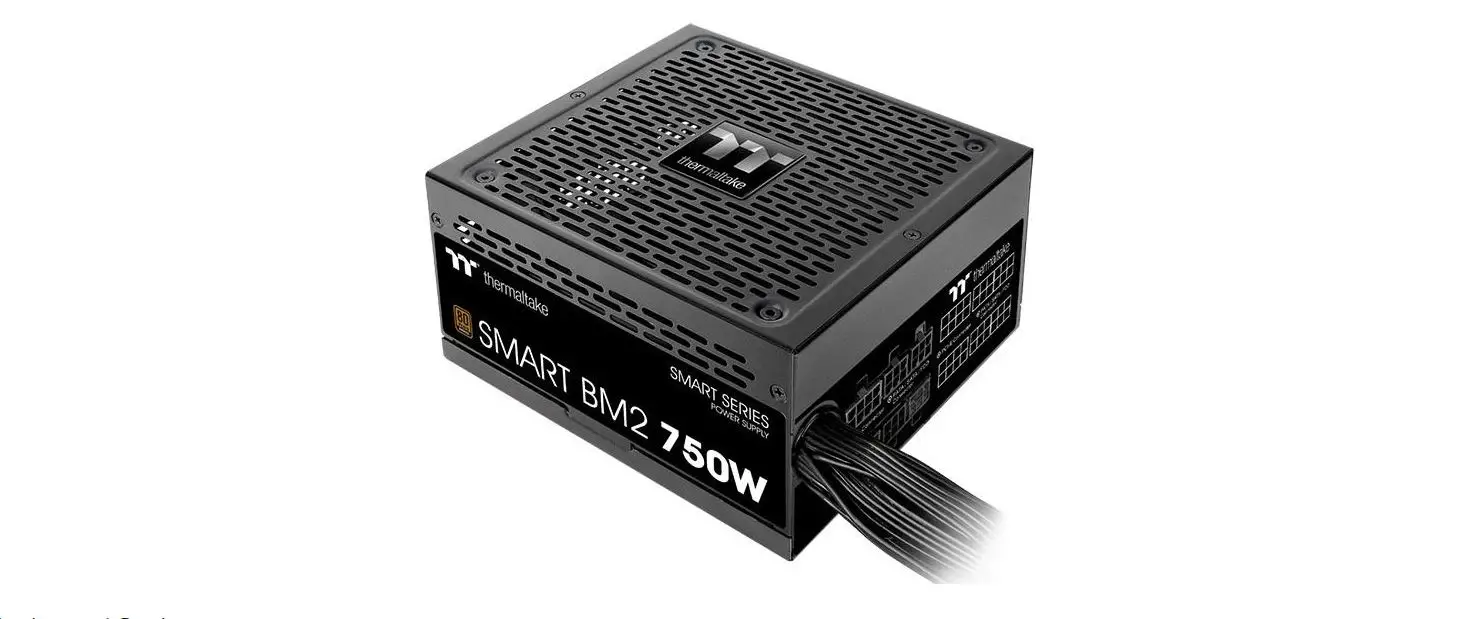
Thermaltake Power Supply Series(Optional)

What is Smart Power Management (SPM)?
Smart Power Management (SPM) is a cloud-based software that seamlessly integrates three intelligent platforms — DPS G PC APP 3.0, DPS G Smart Power Management Cloud 1.0 and DPS G Mobile APP 1.0 — and compiles key statistics about your PC into detailed charts and breakdowns for your instant PC status view and management. With easy access to SPM through your PC or mobile devices, whether you are outside or indoors, enjoy taking full control of your build anytime, anywhere!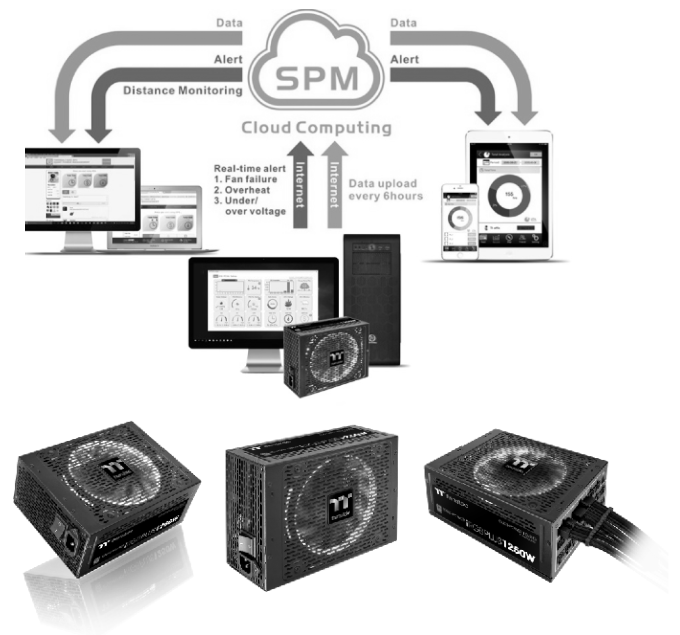
Thermaltake has several power supply product lines; please refer to our official website and Facebook Fan Page for more detail information!
Brand official website:
http://www.thermaltake.com/
Global Facebook :
https://www.facebook.com/
ThermaltakeInc Taiwan Facebook
https://www.facebook.com/ThermaltakeTW

https://dps.thermaltake.com/en
Tt RGB Plus Ecosystem
 |  |
| Tt RGB Plus Software Thermaltake’s patented software to synchronize TT RGB PLUS products with addressable LEDs. | Tt Al Voice Control Give you full control over the TT RGB PLUS products with your voice. |

 | ||
| https://itunes.apple.com/app/riing-plus-rgb/id1196653067? mt=8&ign-mpt=uo%3D4 | https://play.google.com/store/apps/details?id=riing.riingrgbplus | http://ttrgbplus.thermaltake.com/ |
@ 2020 Thermaltake Technology Co., Ltd.
All Rights Reserved. A-2020.03
All other registered trademarks belong to their respective companies.
www.thermaltake.com 
 ANDPRO.RU - интернет магазин компьютерной и офисной техники с выгодными ценами и доставкой