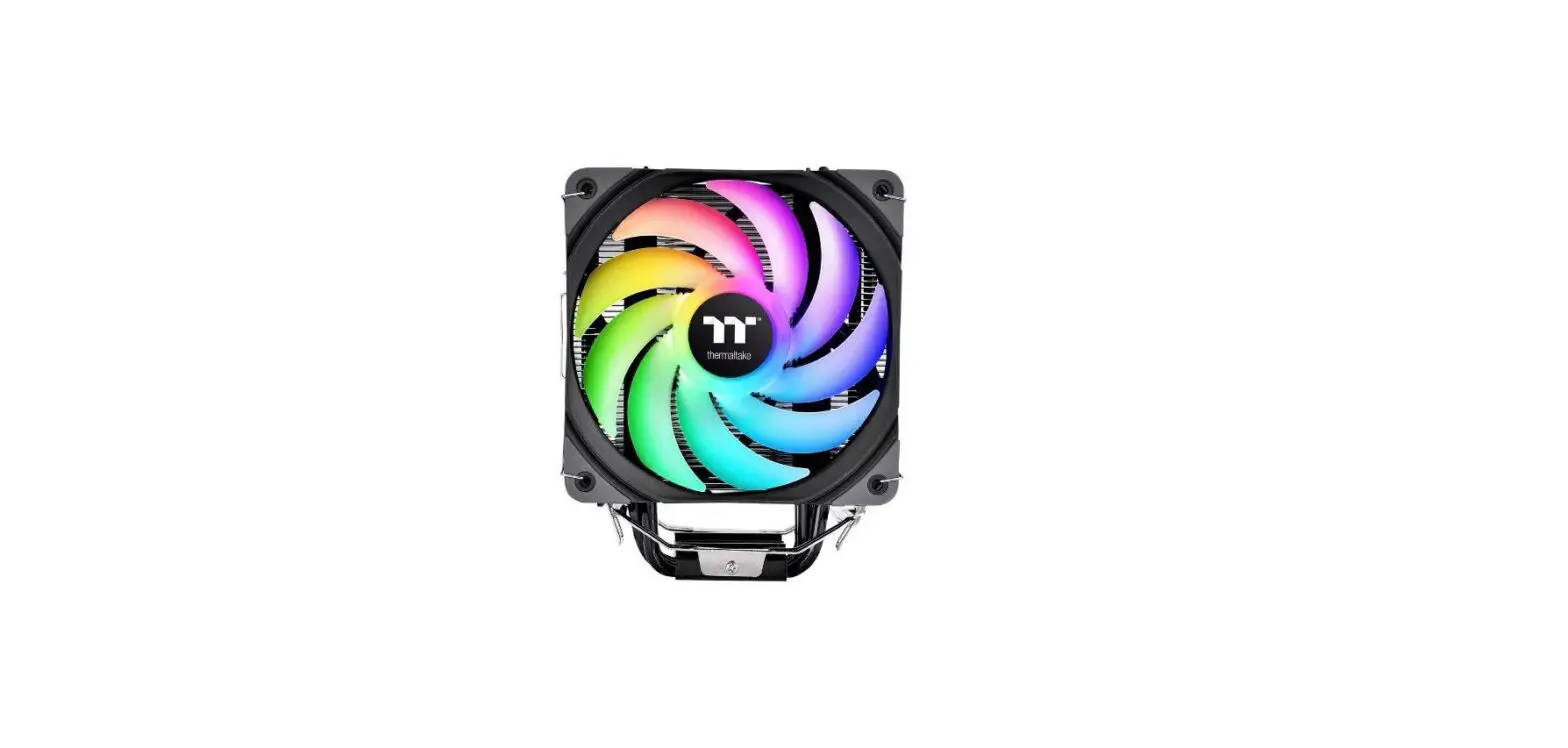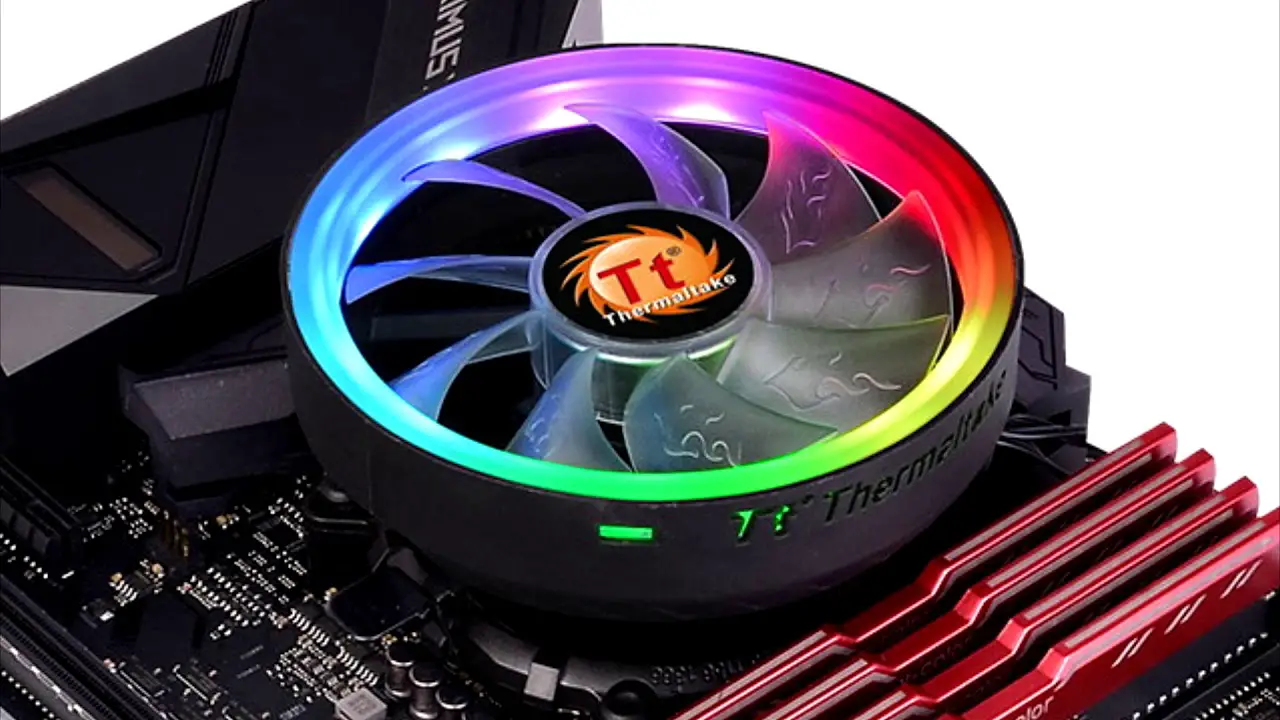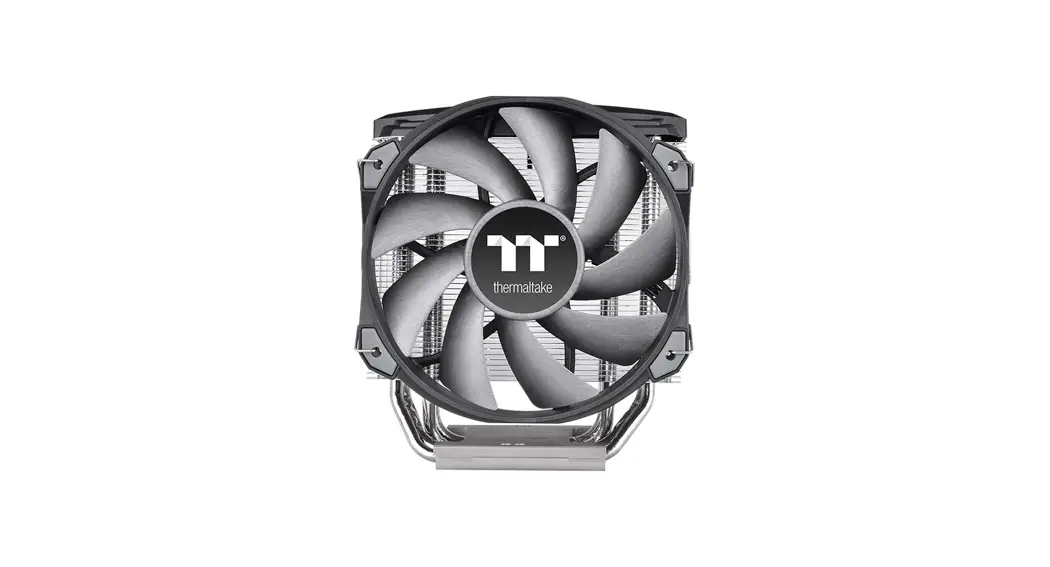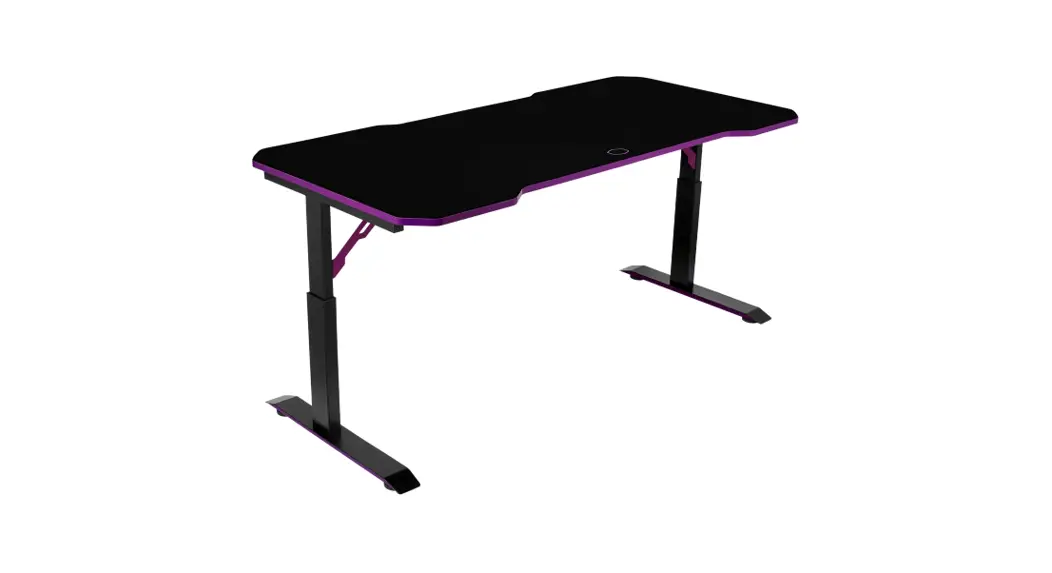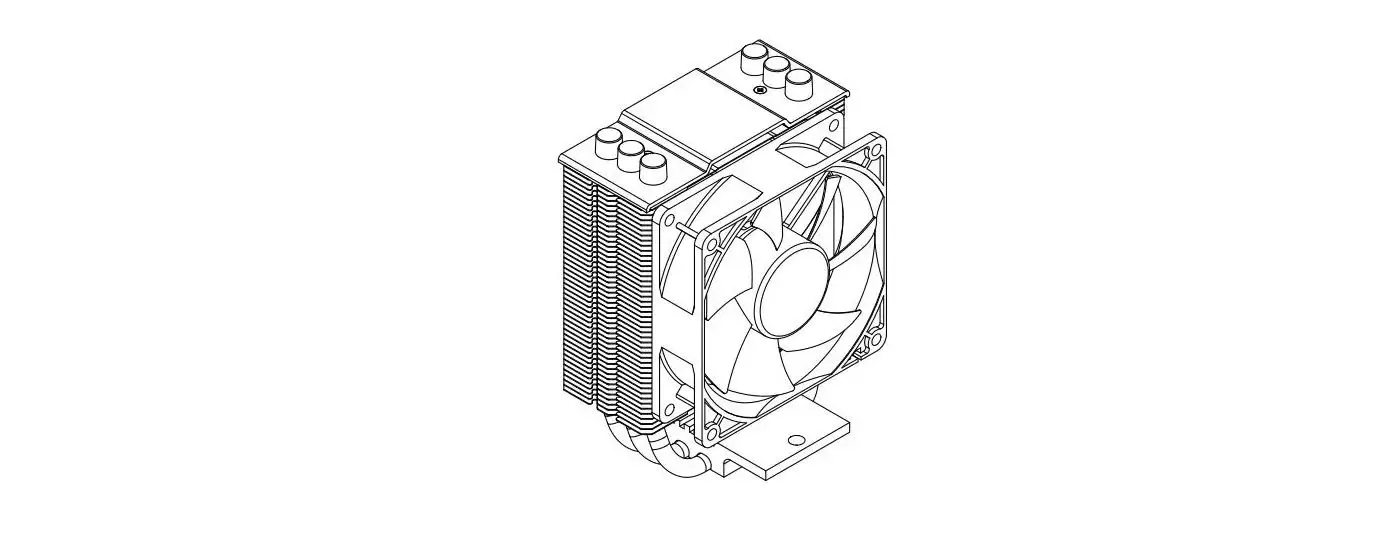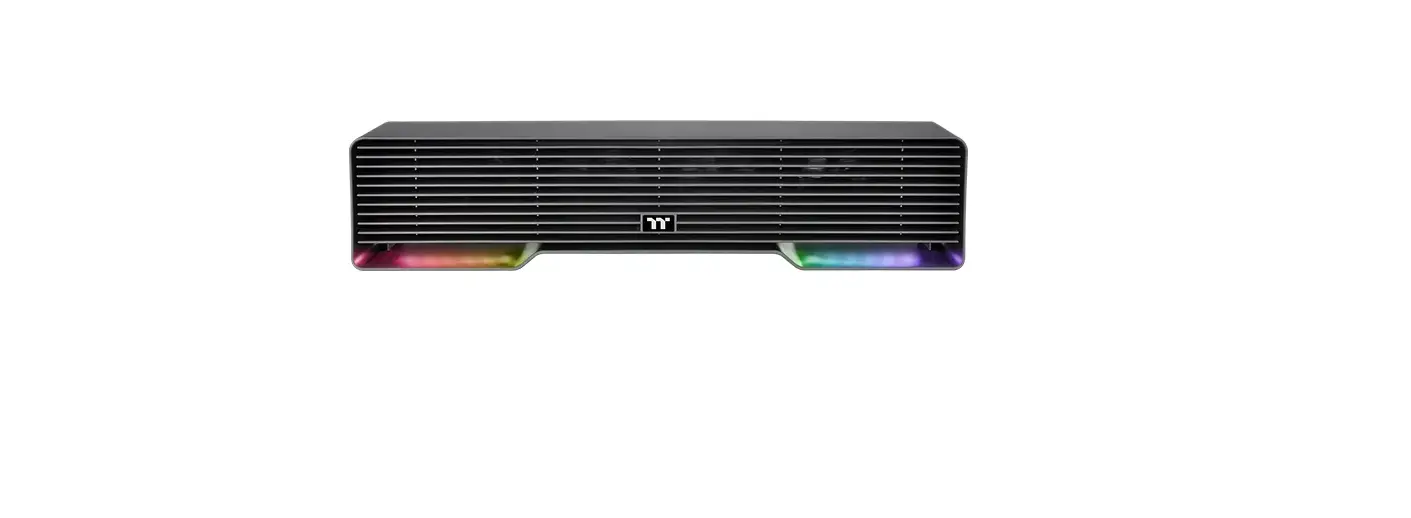

thermaltake DS100 Desk Cooler
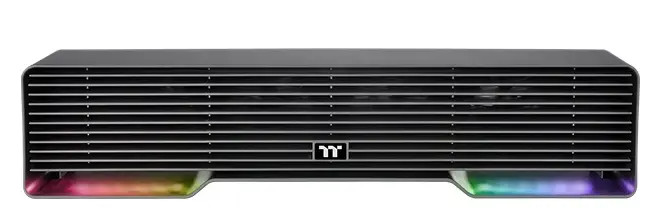
Parts List
 Installation Guide
 Installation Guide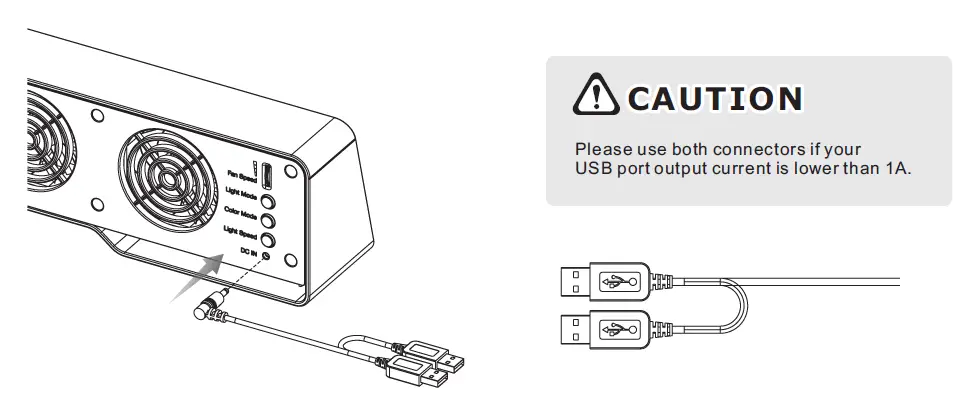
Please use both connectors if your USB port output current is lower than 1A.
Controller Function
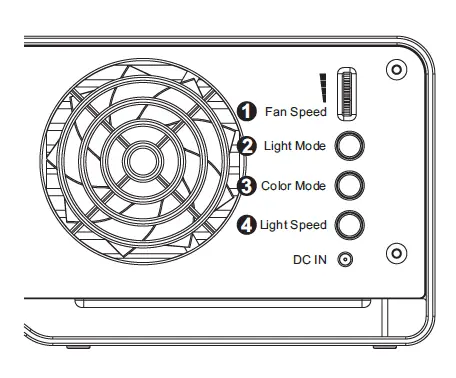
- Fan Speed:
Adjust the fan speed from 0 to 2500 RPM through the control knob. - Light Mode:
Switch over between 7 LED modes.
Wave → Full light → RGB Spectrum → Off → Flow → Radar → Pulse → Blink - Color Mode:
When light mode is in Full Light, Radar , Pulse, Blink :
Switch over 7 LED colors. Red → Yellow → Green → Teal → Blue → White → Purple
When light mode is in Wave, Flow , RGB Spectrum :
The LED color can not be adjusted. - Light Speed:
Switch over between 4 light modes. Slow → Normal → Fast → Extreme
© 2021 Thermaltake Technology Co., Ltd. All Rights Reserved. www.thermaltake.com
 Thermaltake