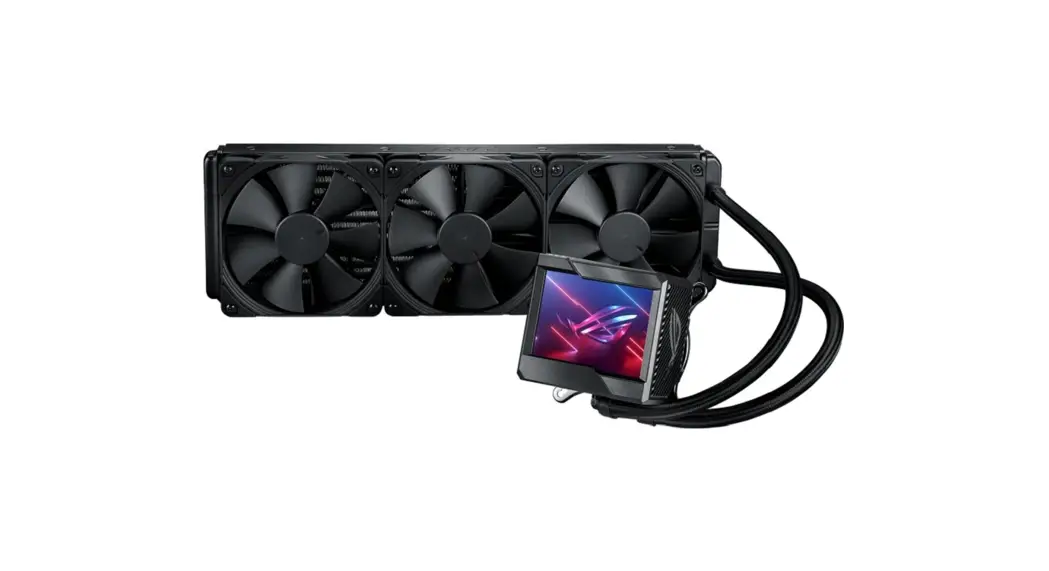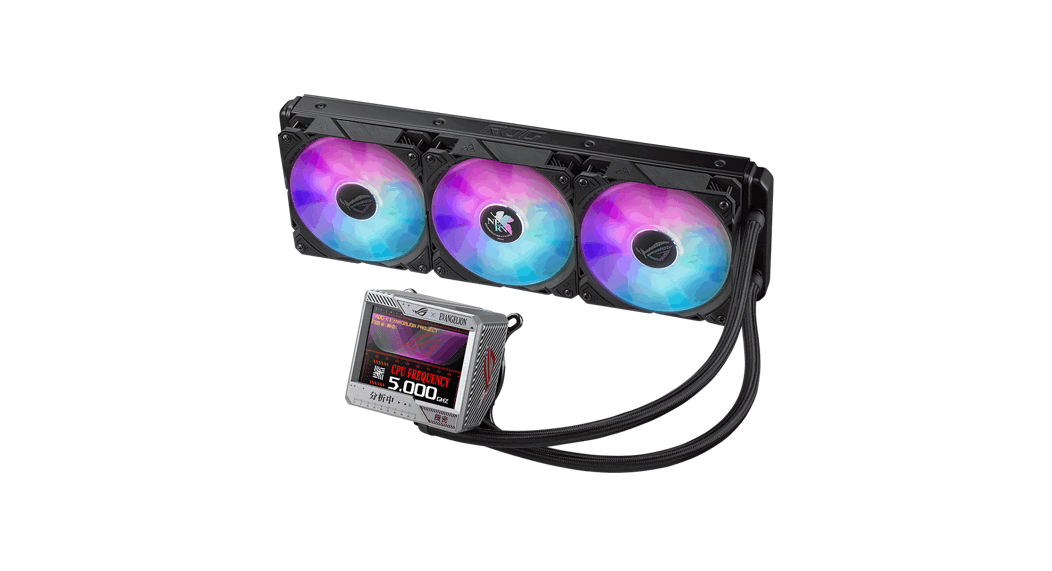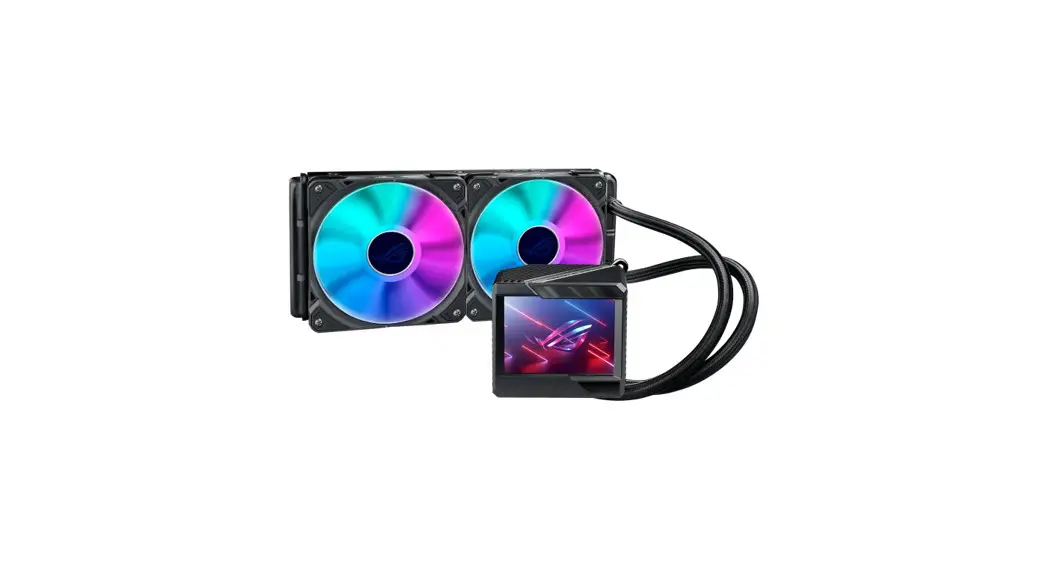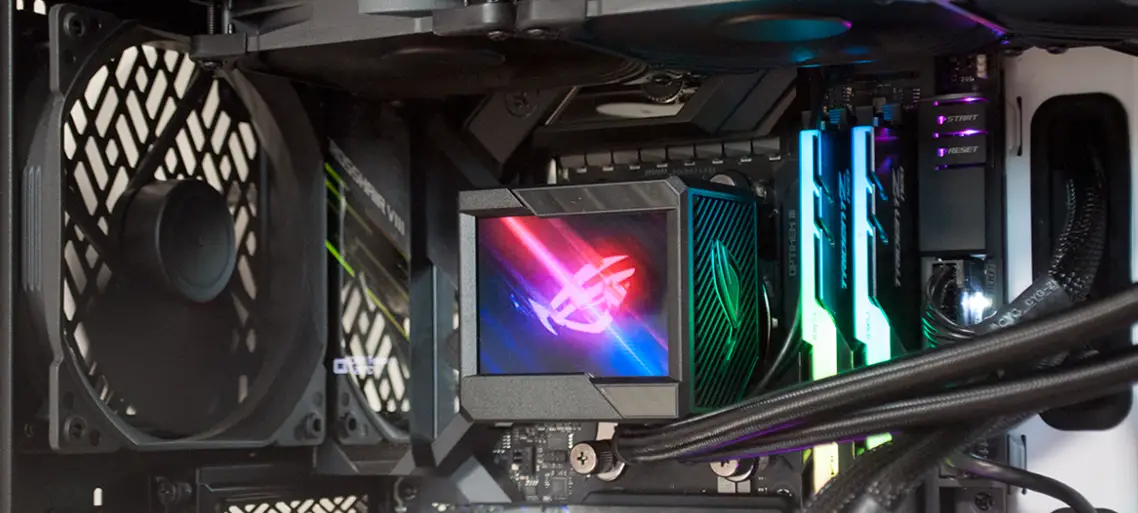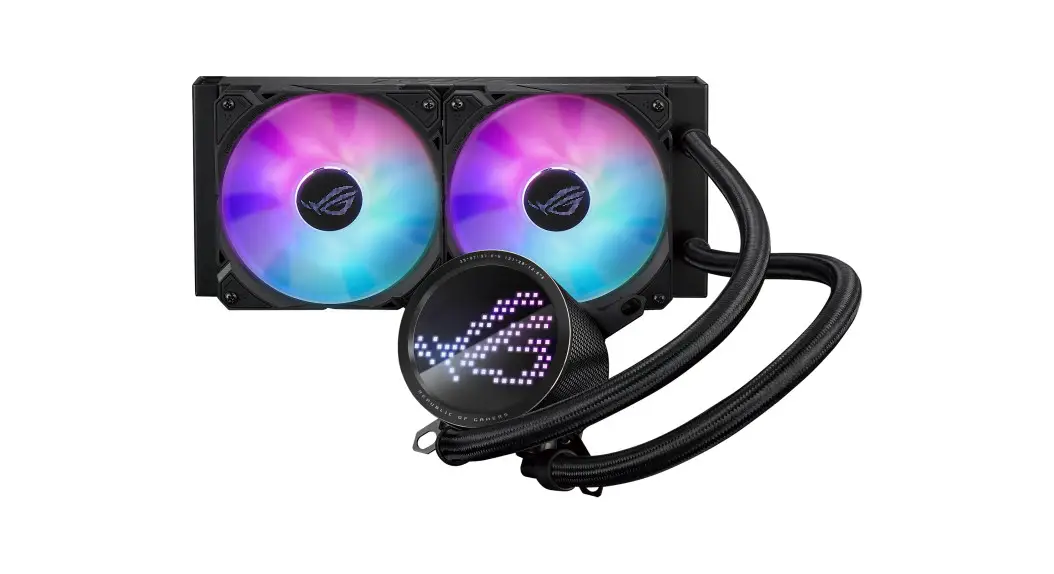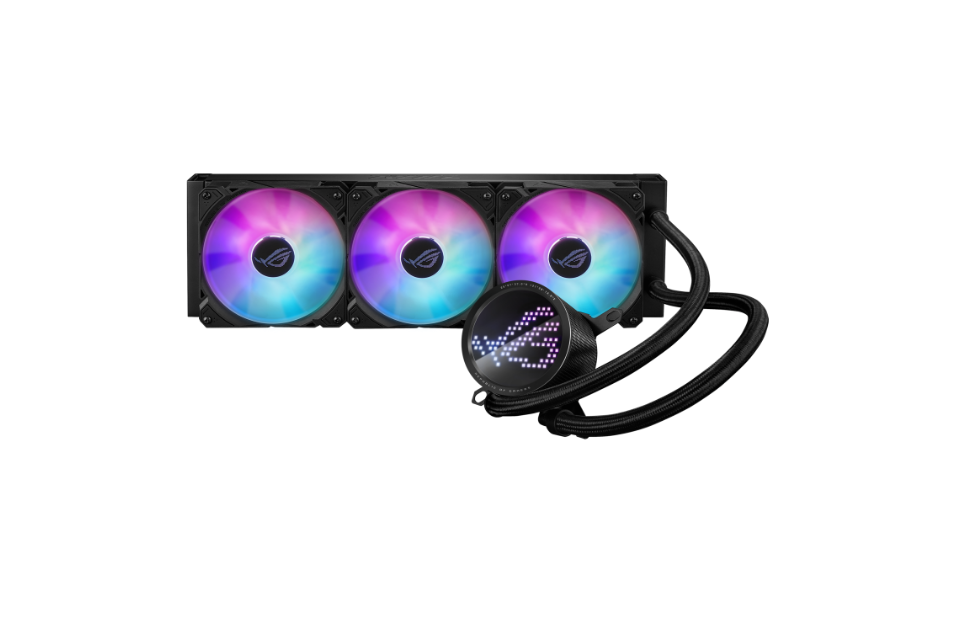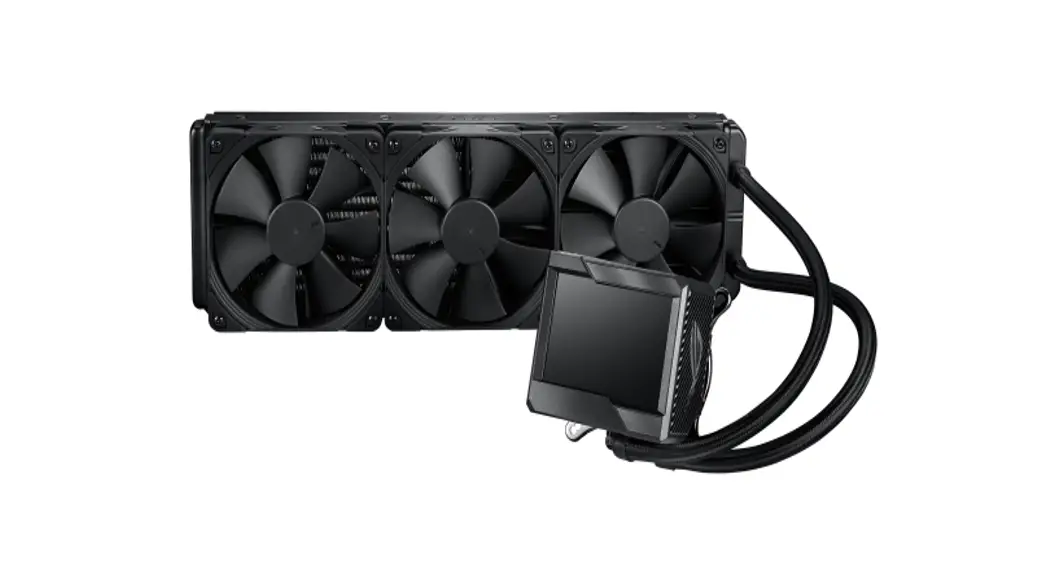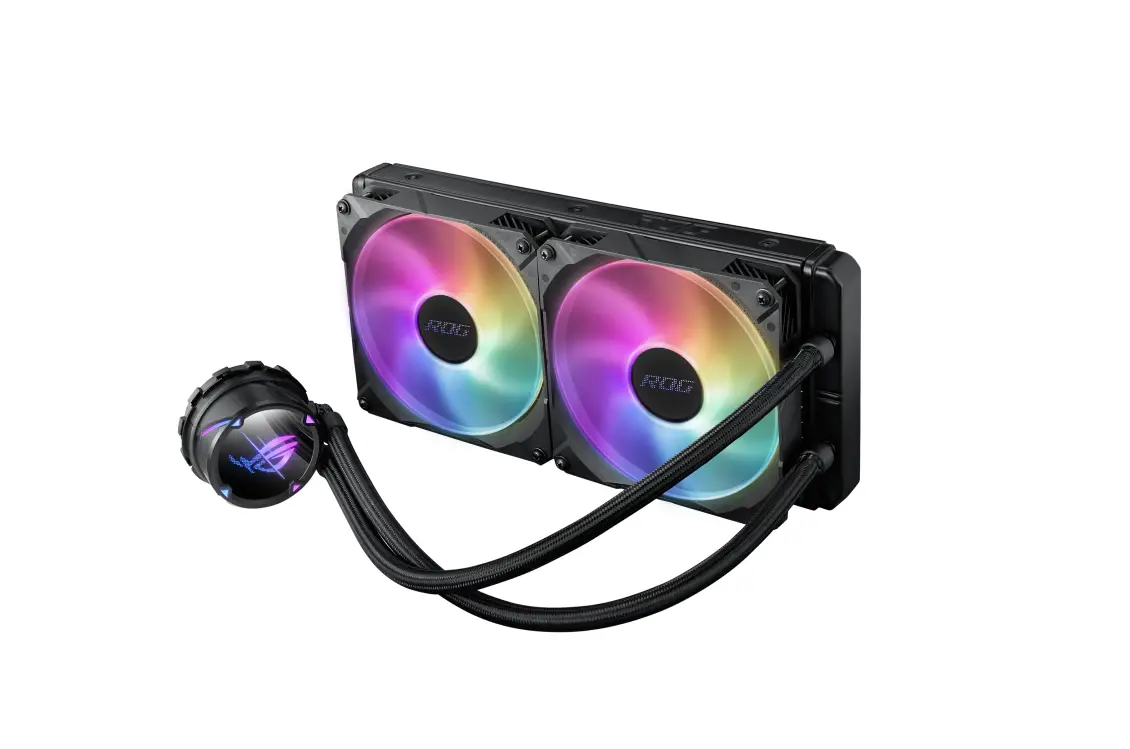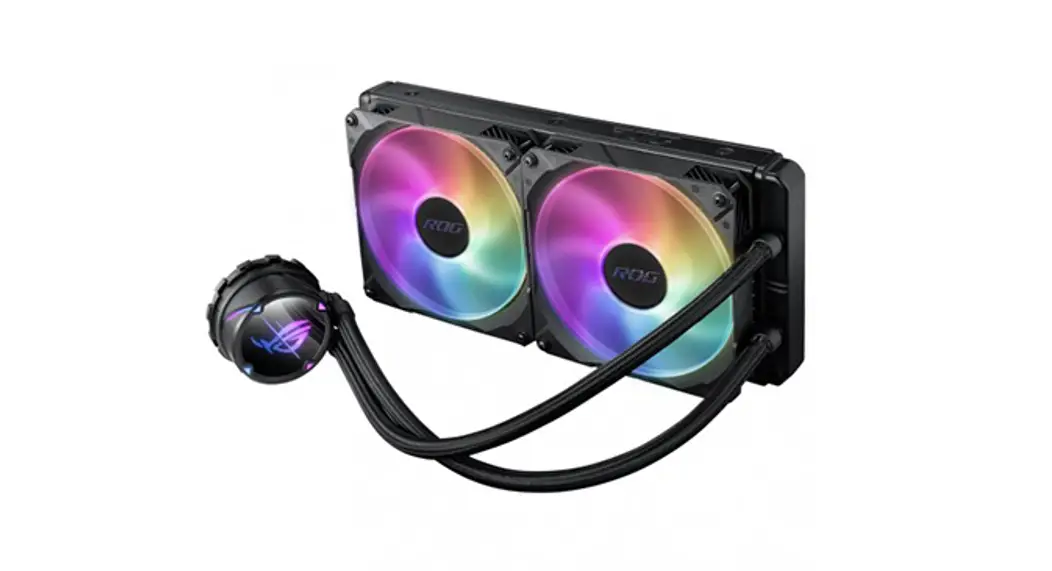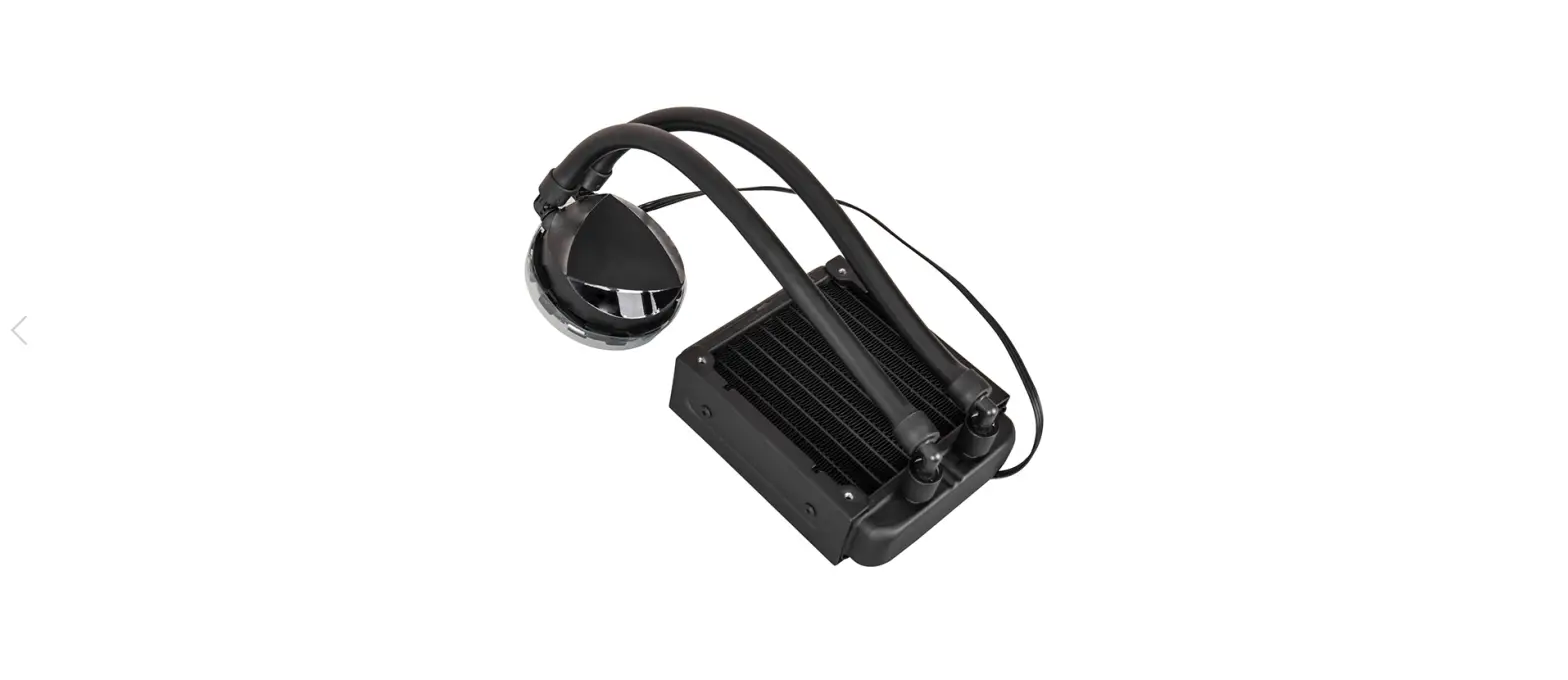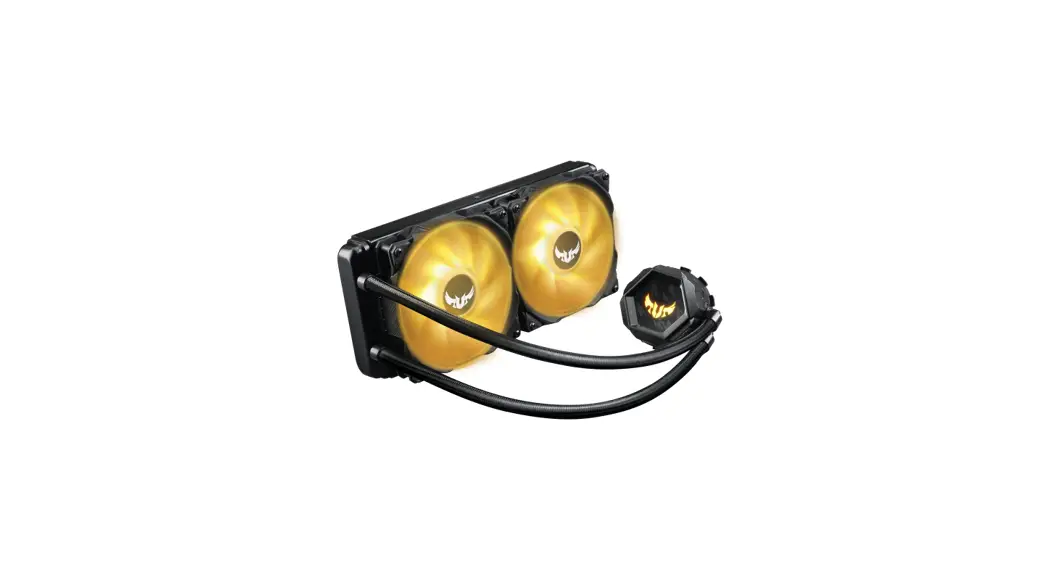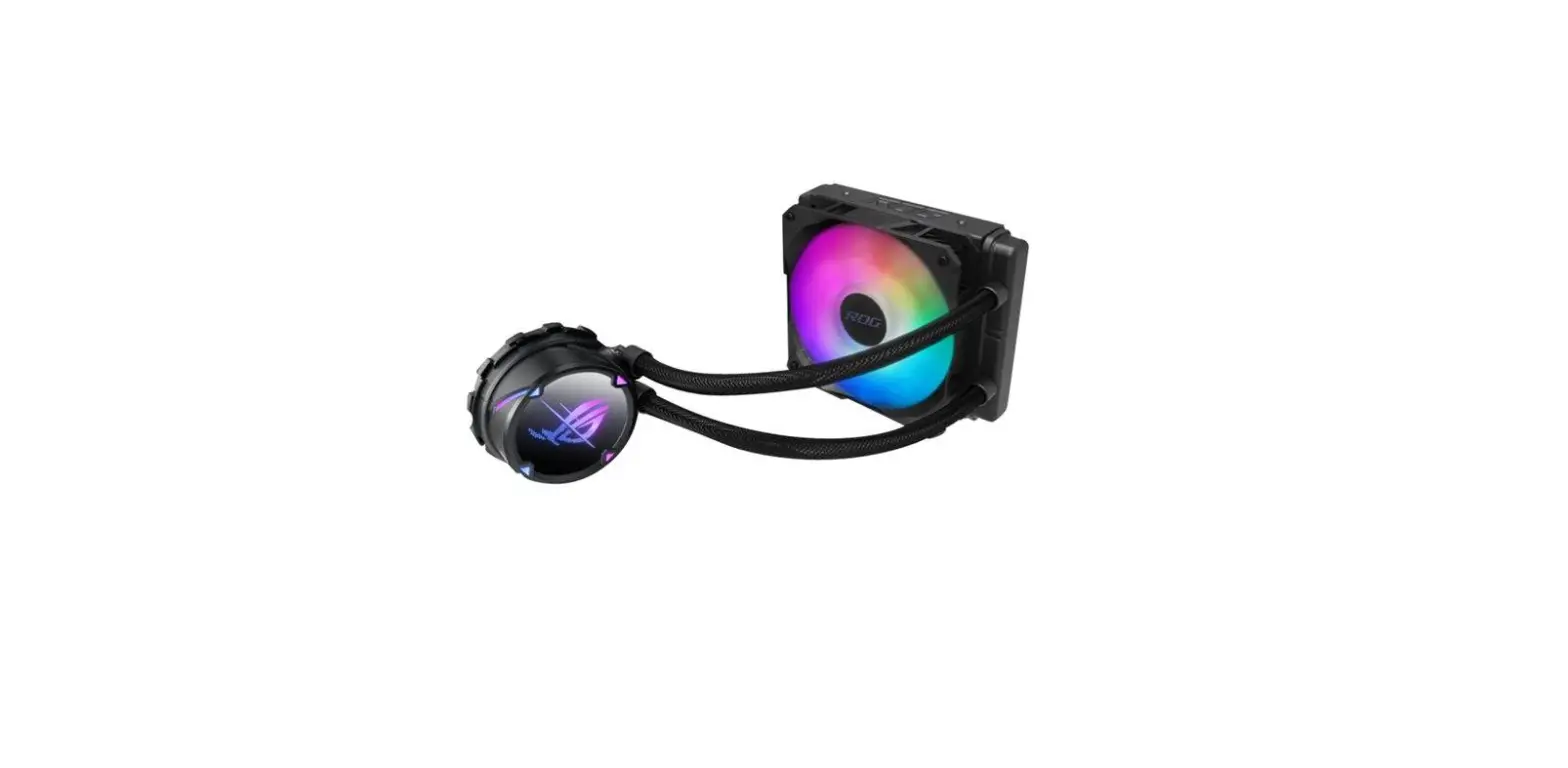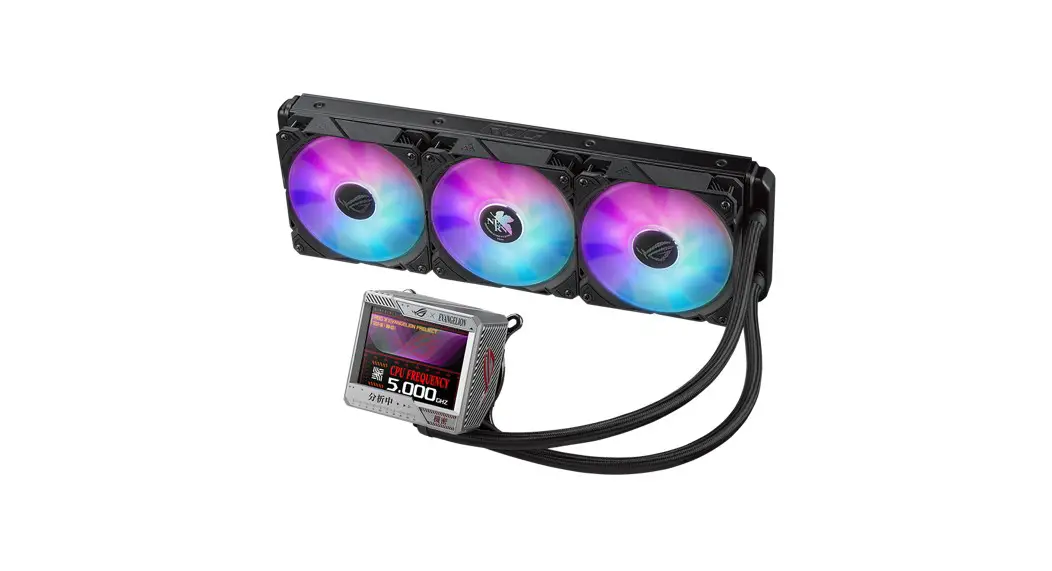

OG RYUJIN III Series CPU Liquid Cooler
User Guide
Package contents
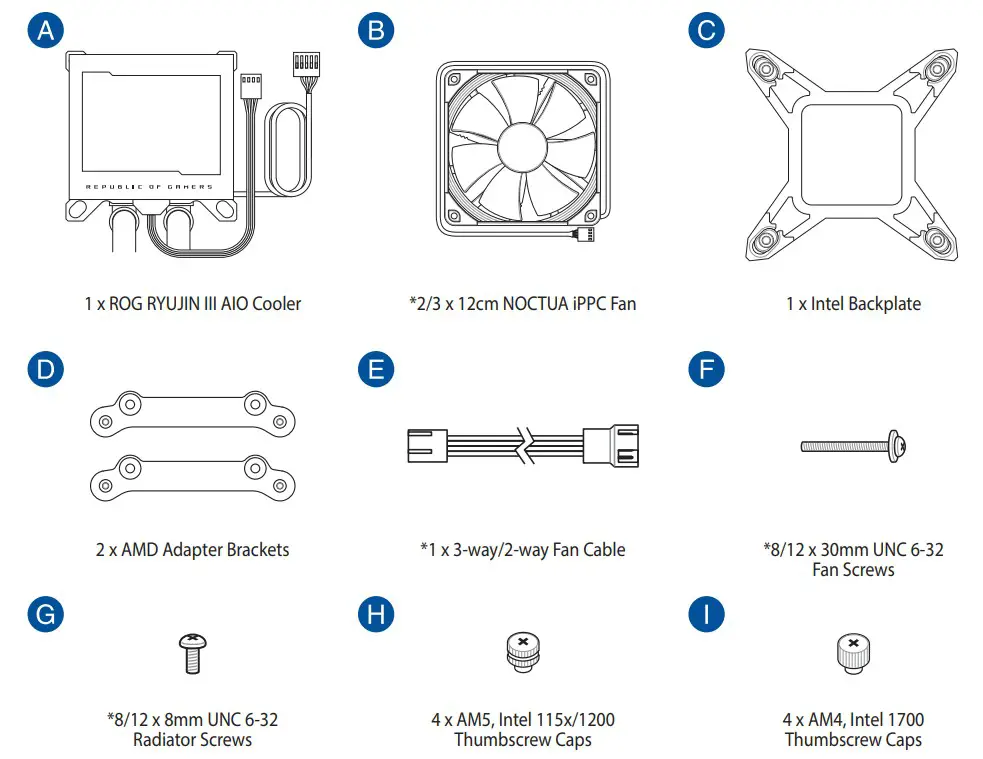
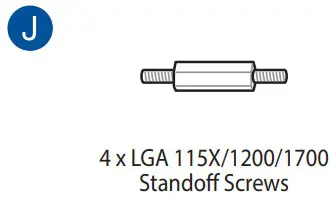
NOTE: The Intel Mounting bracket comes pre-installed on the AIO Cooler.
AIO cooler installation
NOTE: The illustrations in this section are for reference only, but the installation steps remain the same.
Install the Intel backplate
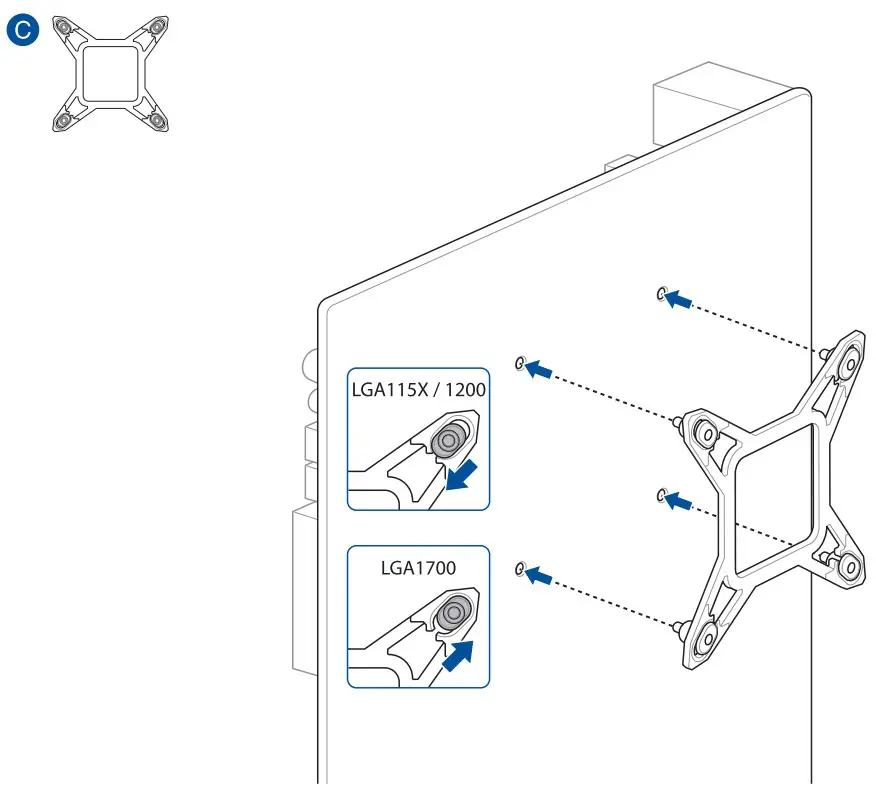
Install the Intel standoff screws
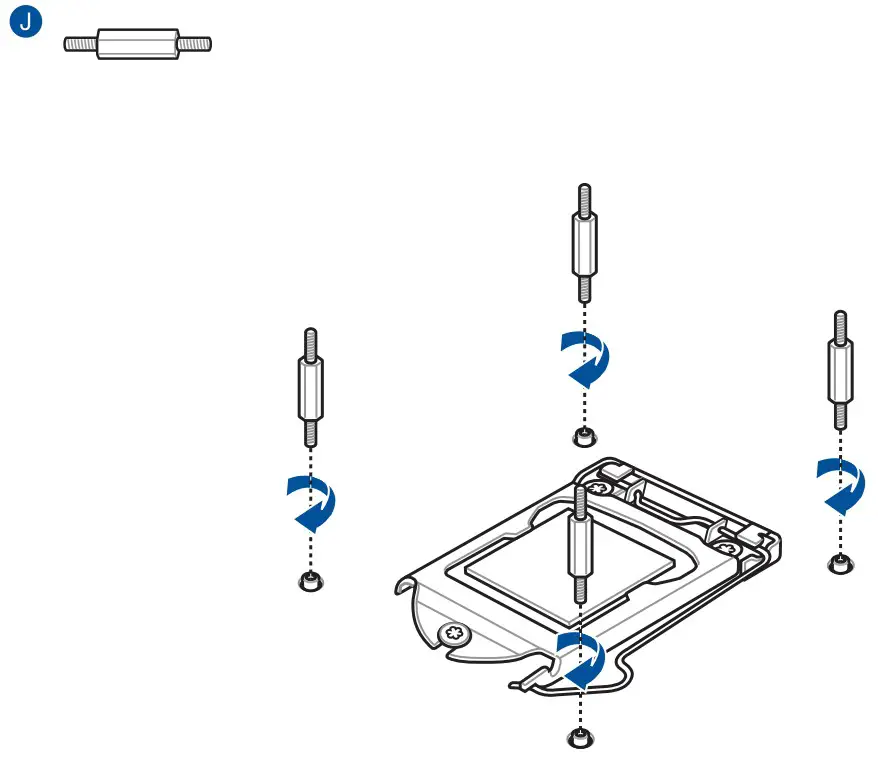
Install the pump
For Intel 1700
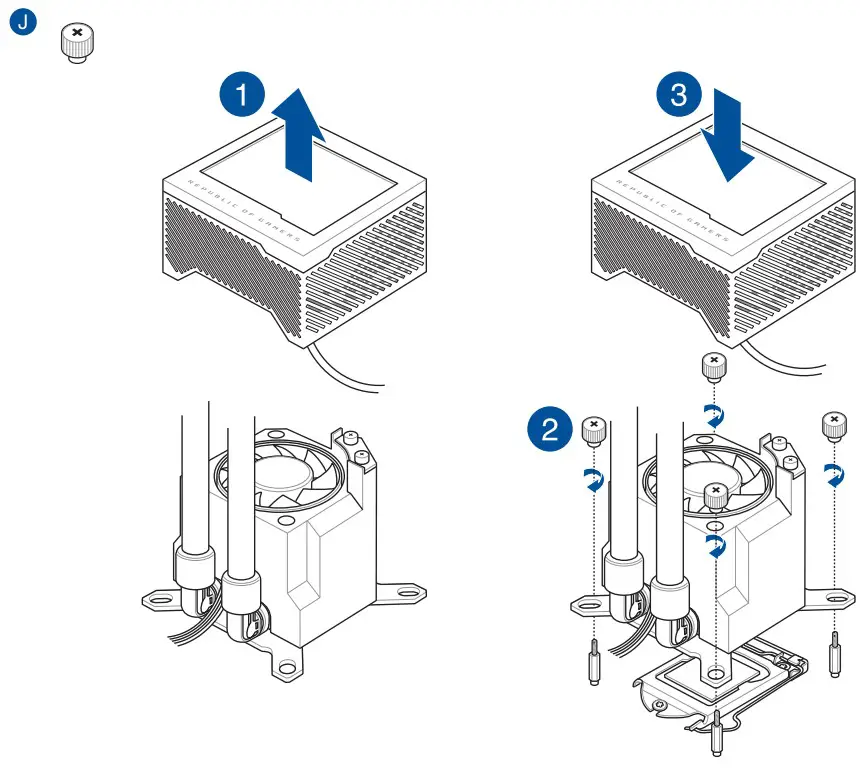
For Intel 115X/1200
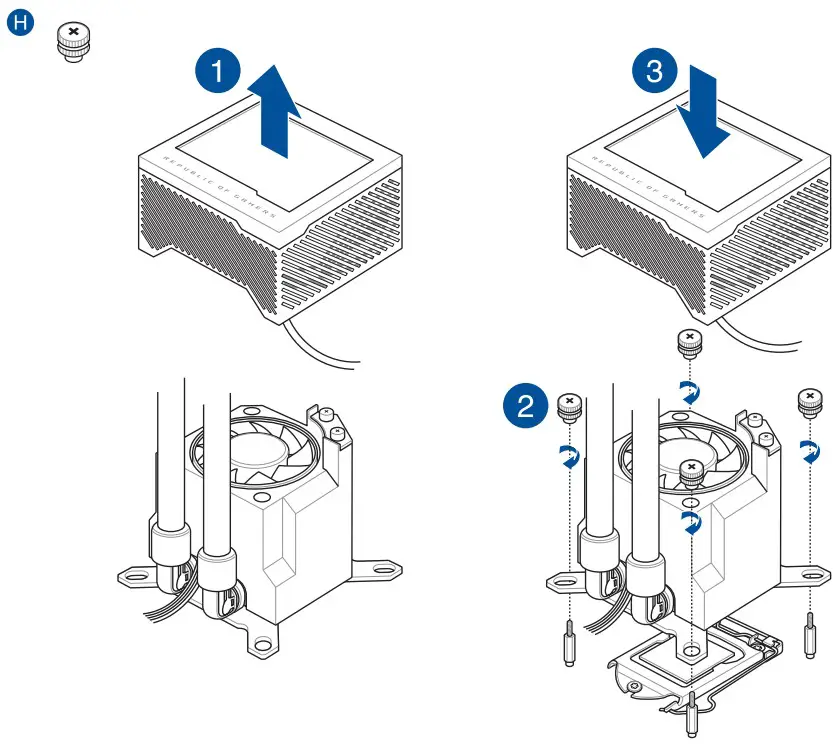
NOTE: We recommend installing the pump so that the water pipes of the pump face towards or away from you for optimal performance (motherboard positioned with rear IO ports on your left).
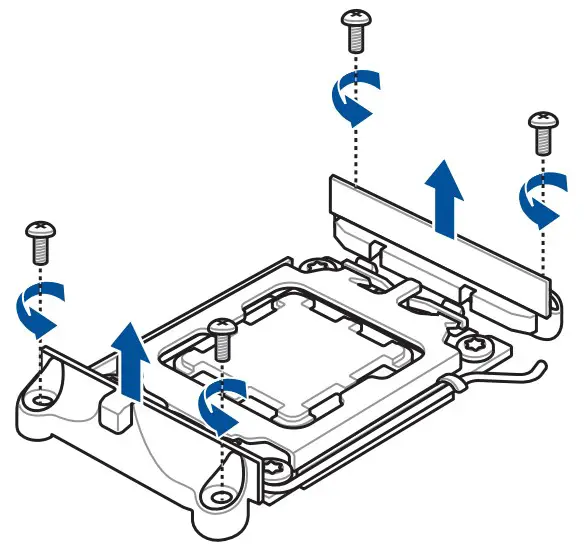
Remove the pre-installed heatsink mount
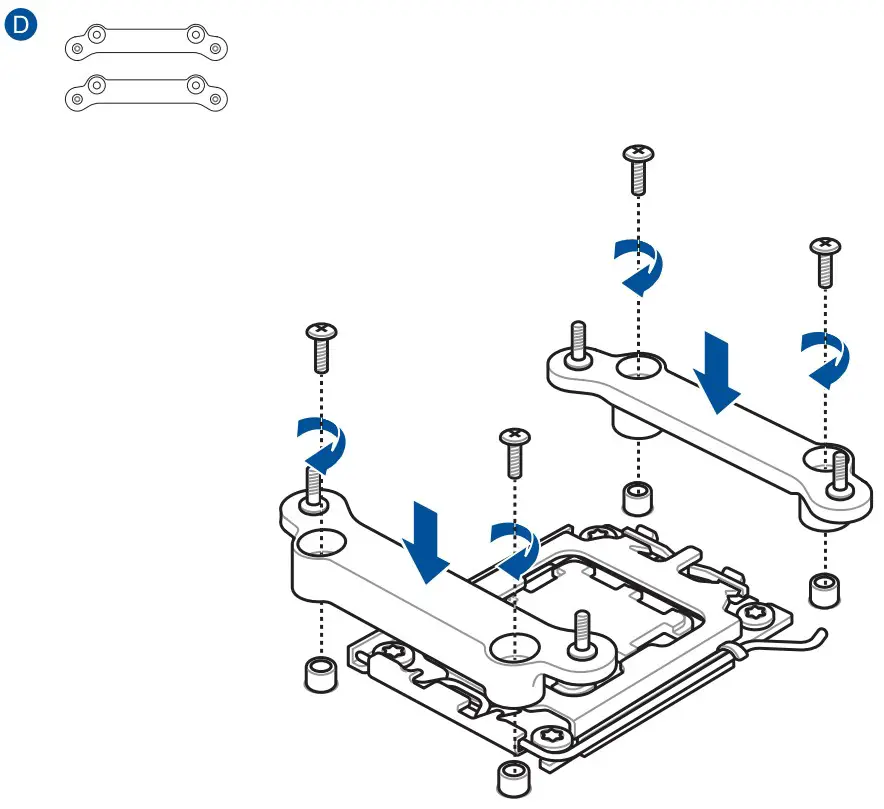
Install the AMD Mounting Bracket
Install the pump
For AMD AM4
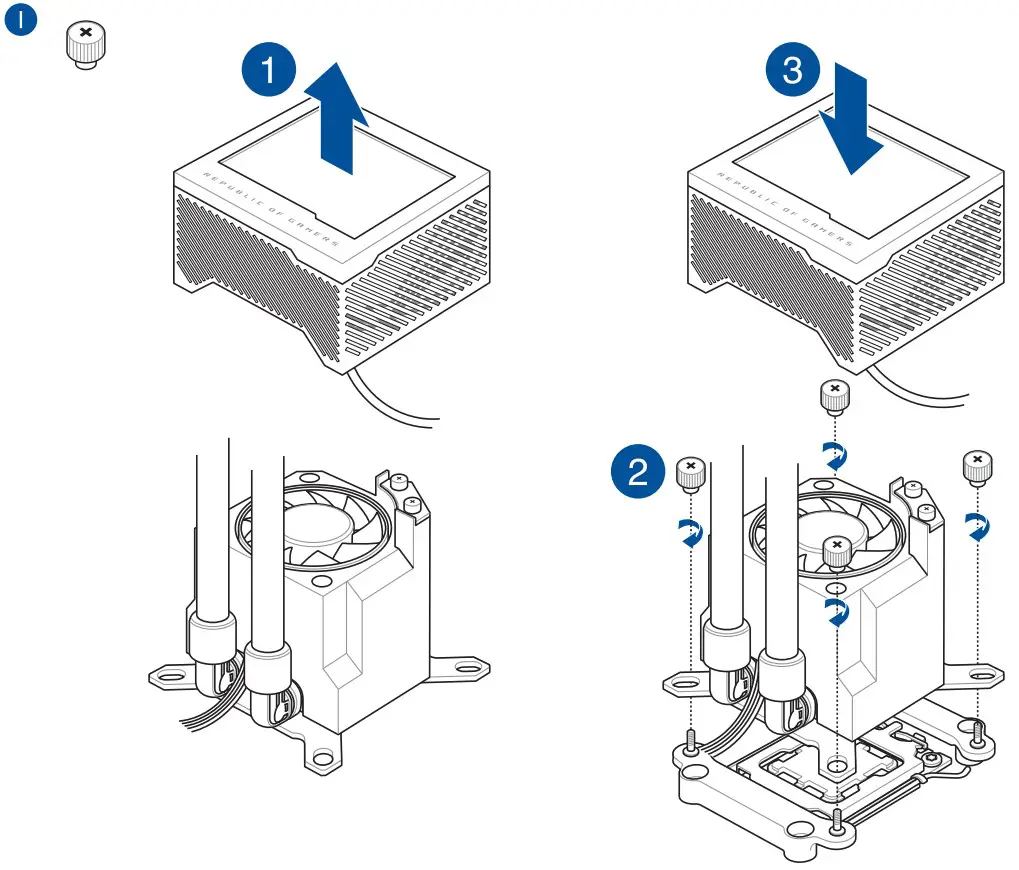
For AMD AM5
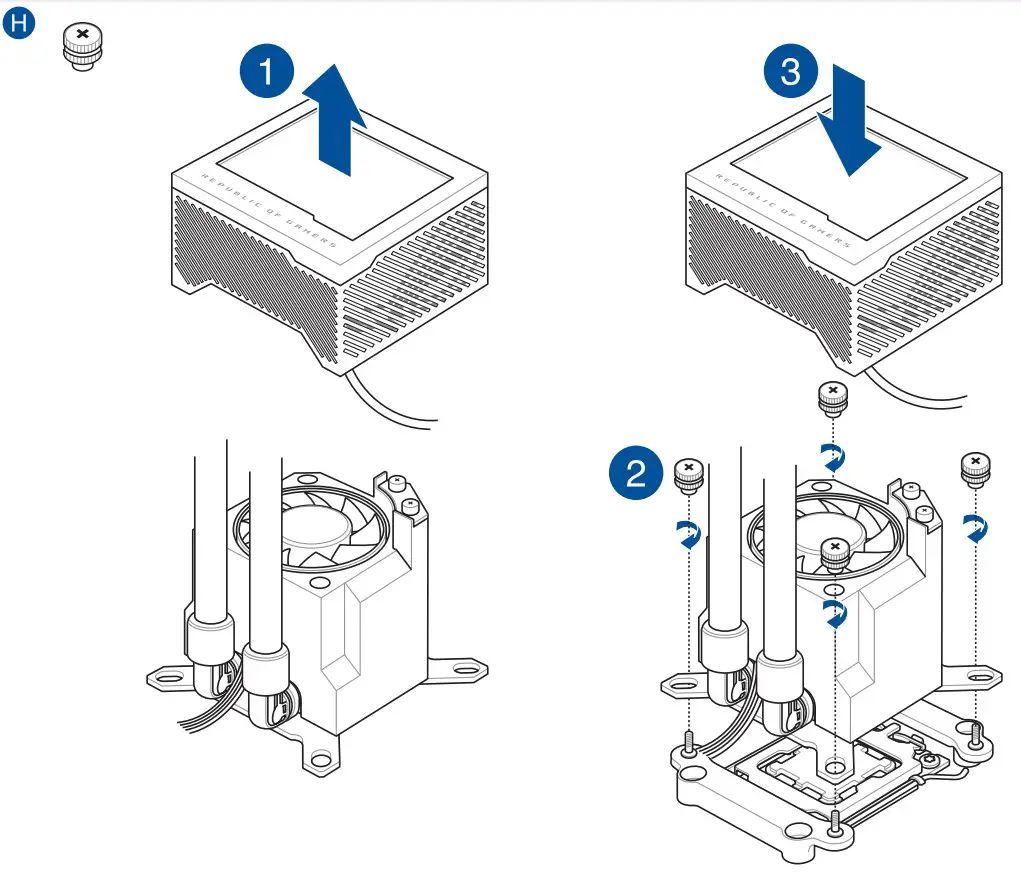
NOTE: We recommend installing the pump so that the water pipes of the pump face towards or away from you for optimal performance (motherboard positioned with rear IO ports on your left).
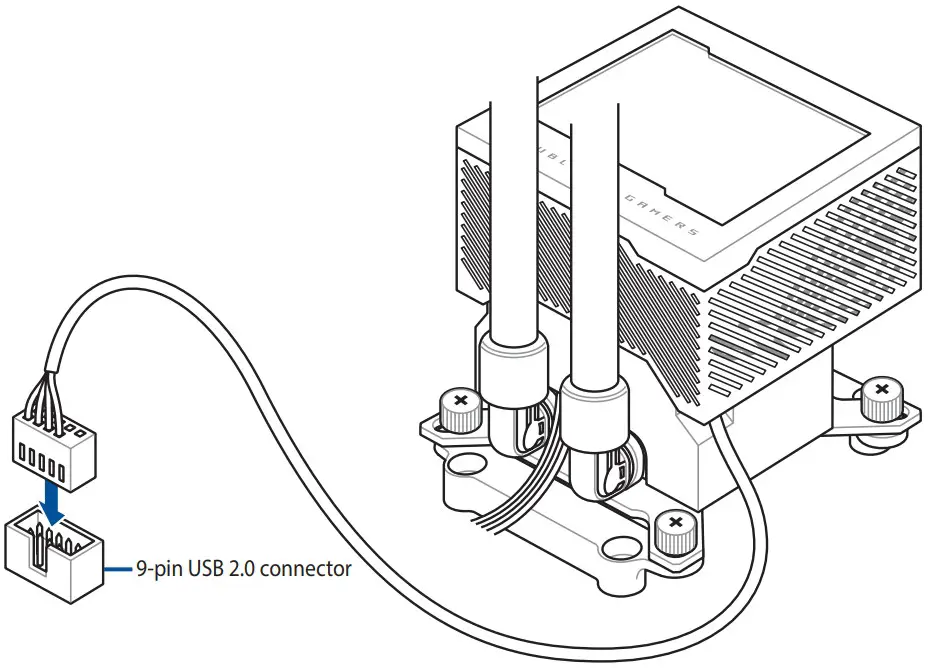
Connect the 9-pin USB 2.0 cable
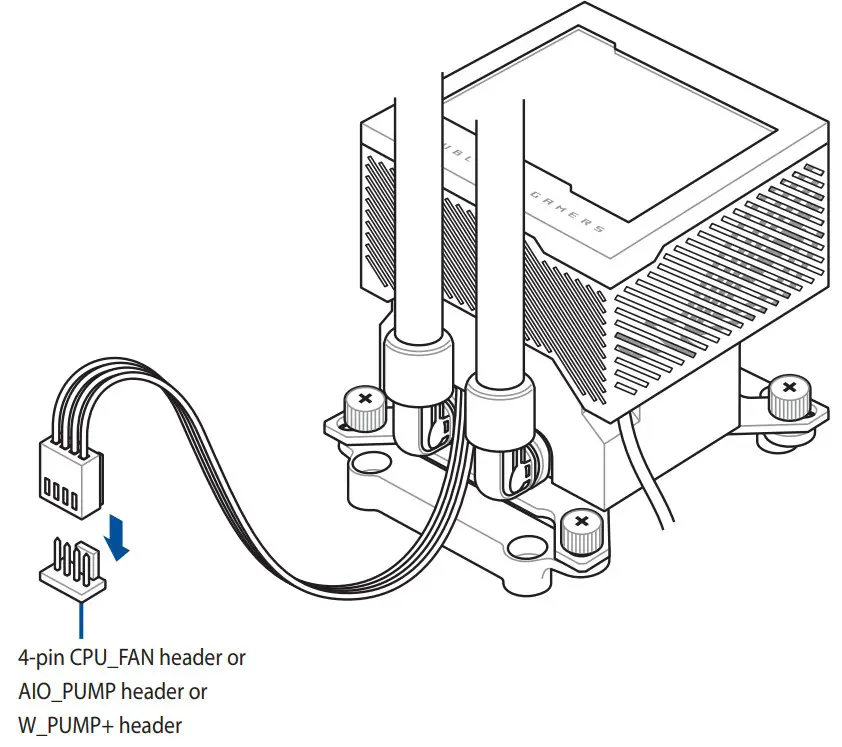
Connect the 4-pin fan cable
Remove HEX protection caps before installing the radiator
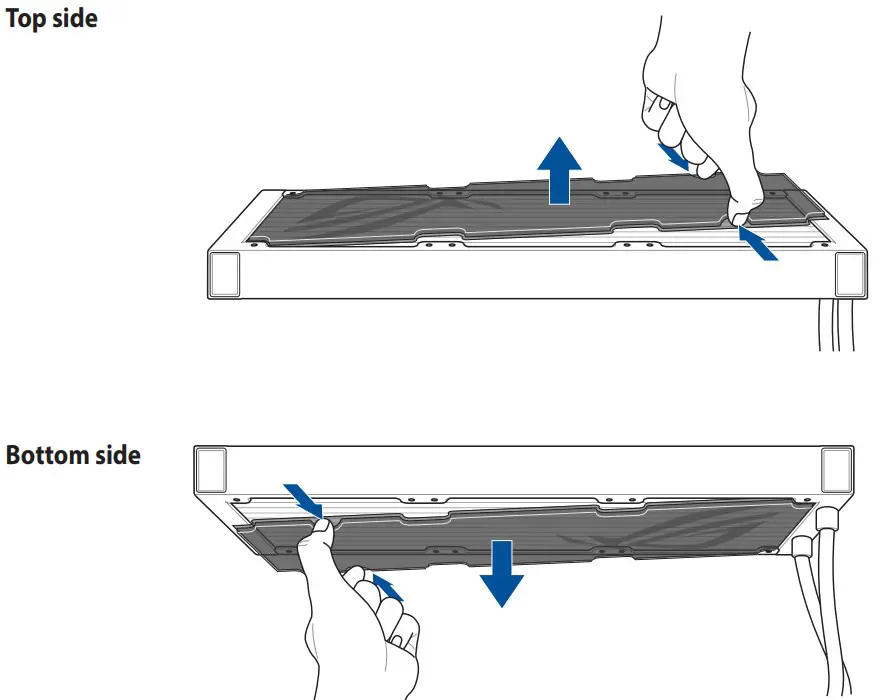
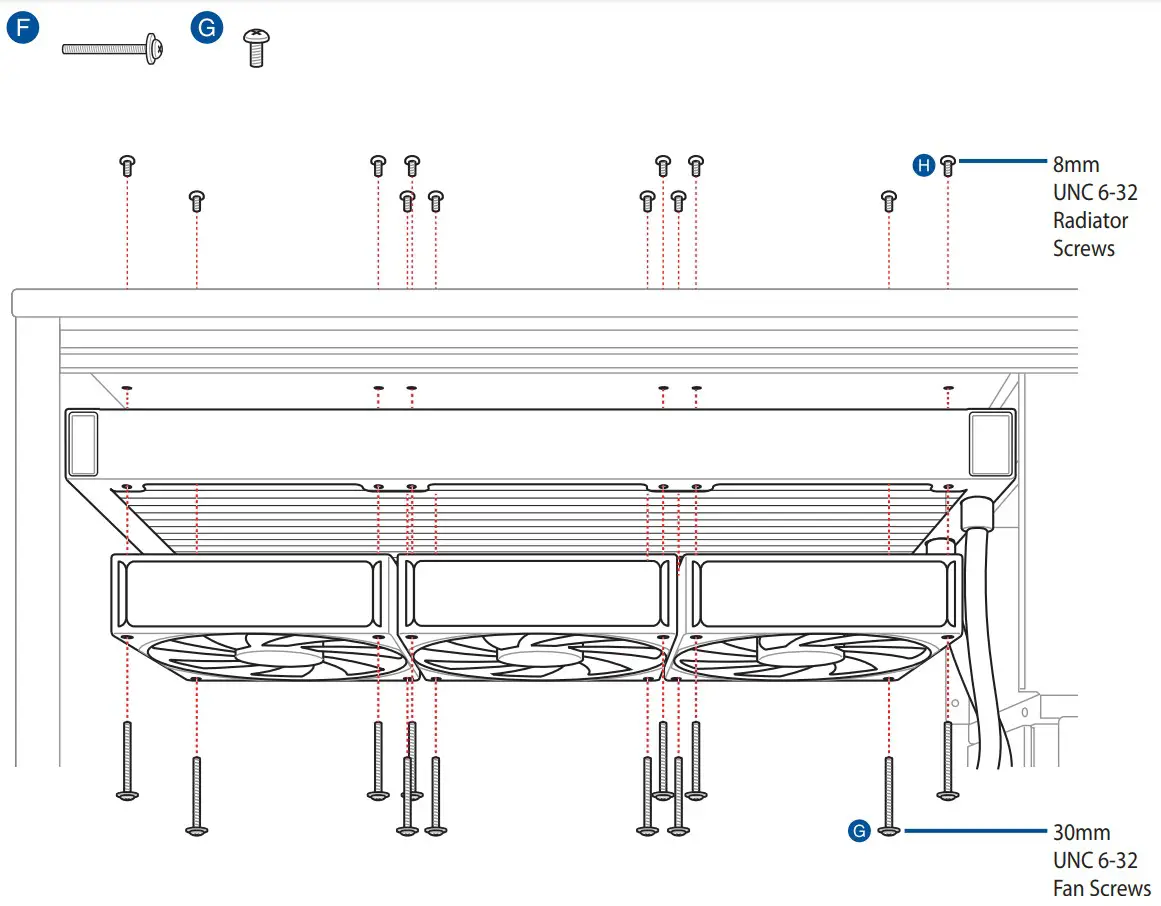
Install the radiator
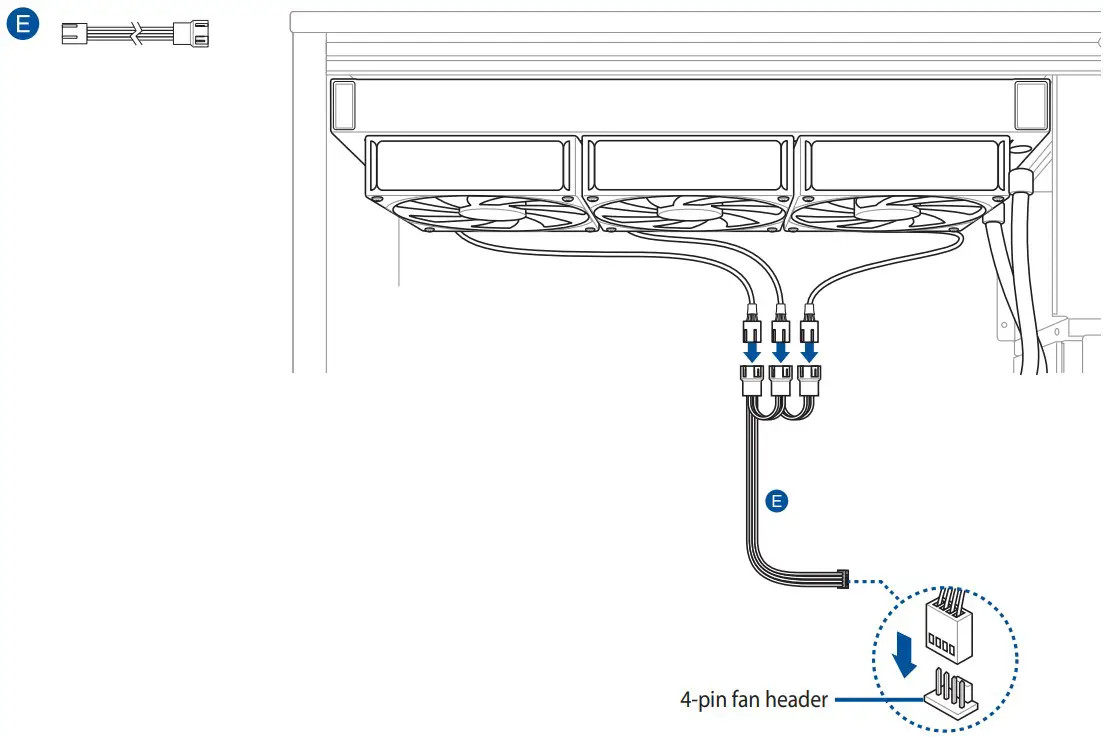
Connect the 3-way/2-way fan cable
Download control software
Please visit the product support page at https://rog.asus.com/ to download and install the control software.
Support and FAQ
– A: Enter BIOS, then go to Monitor and set CPU FAN Speed to [Ignore].

 ROG - Republic of Gamers|Global | For Those Who Dare