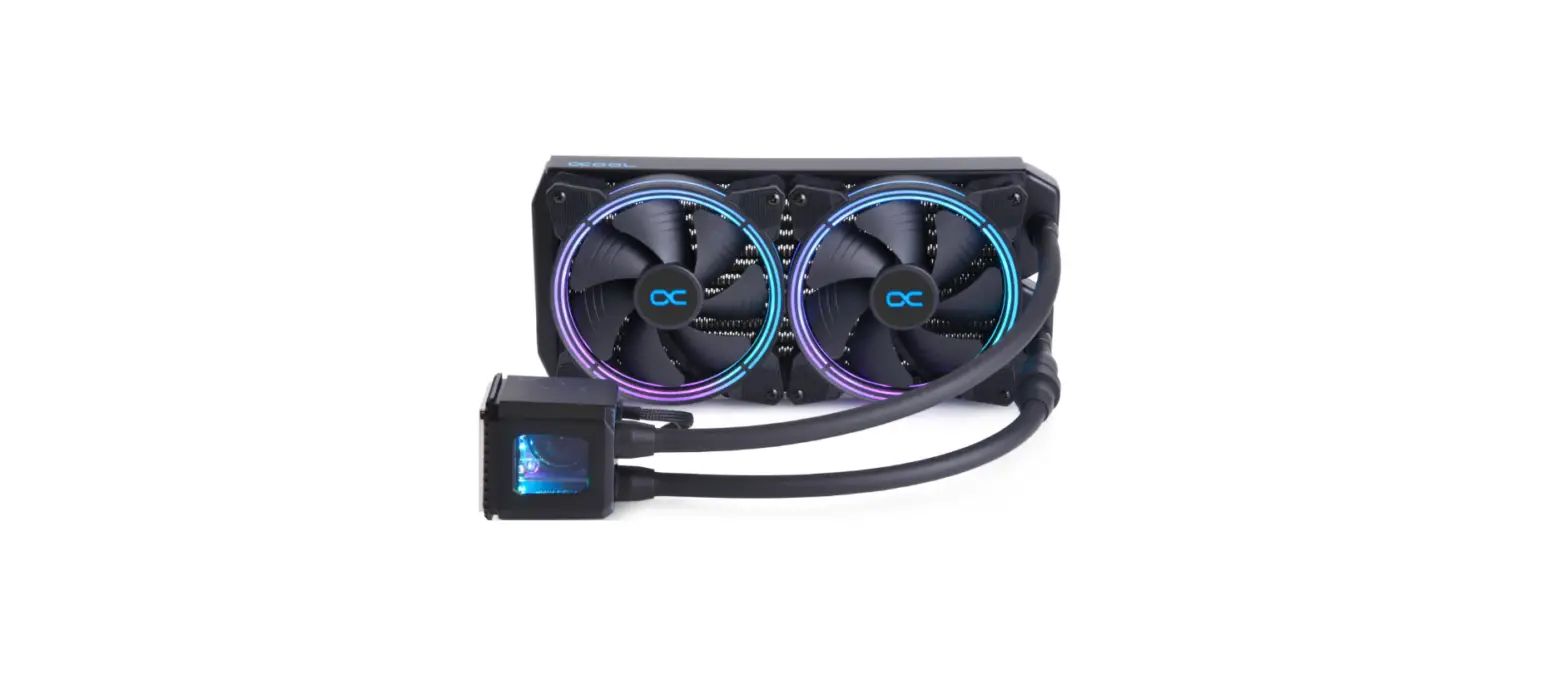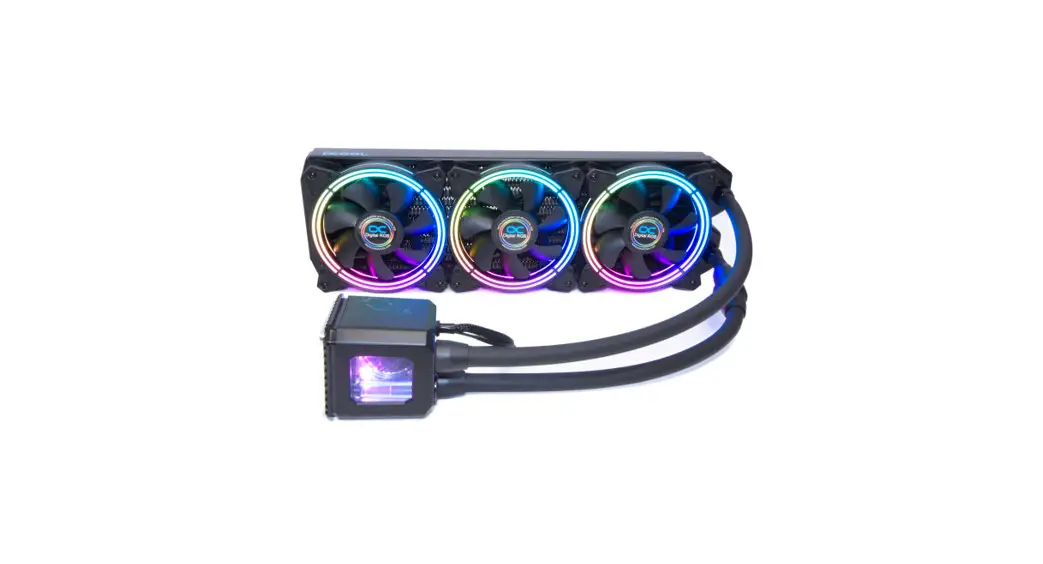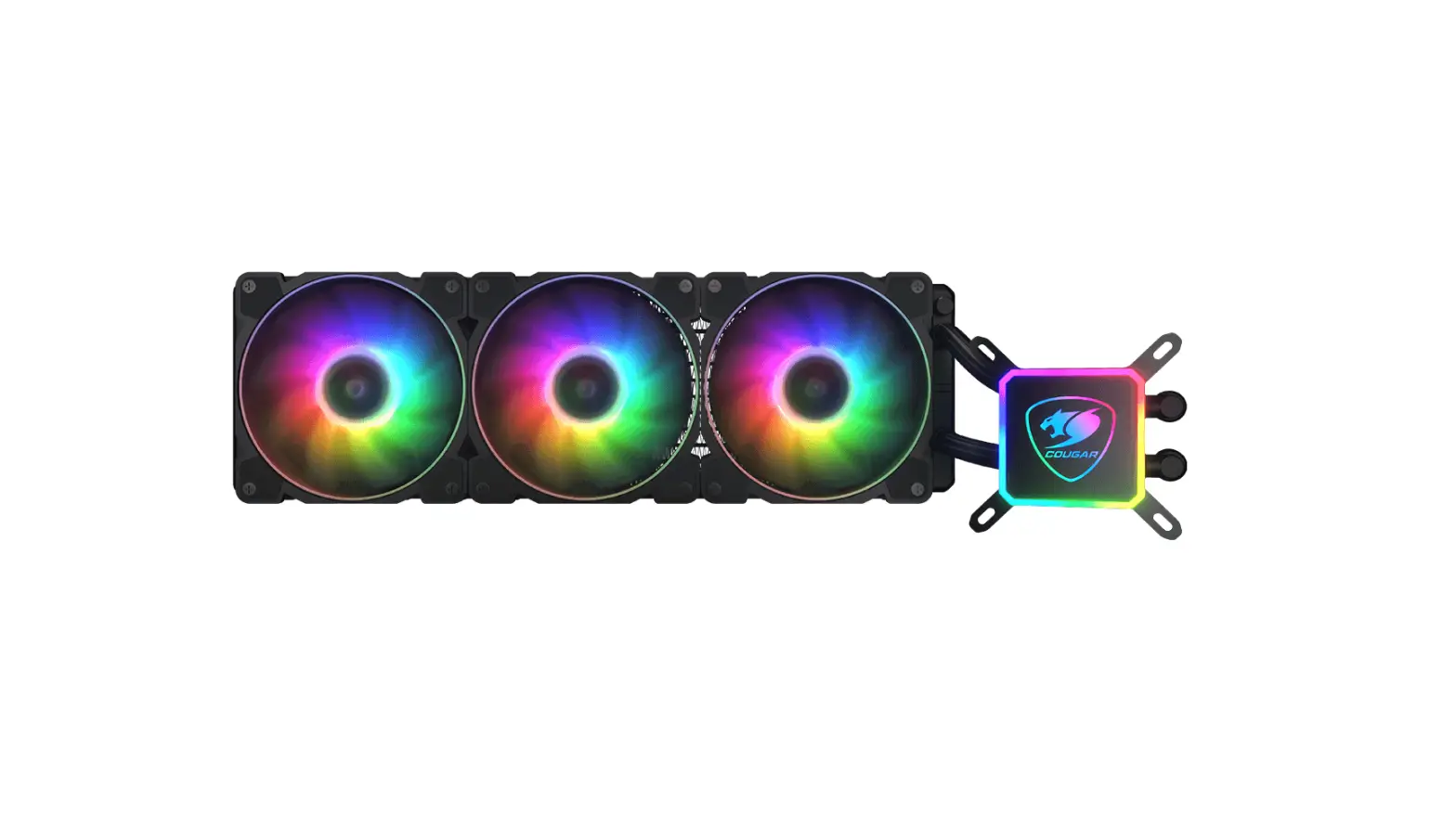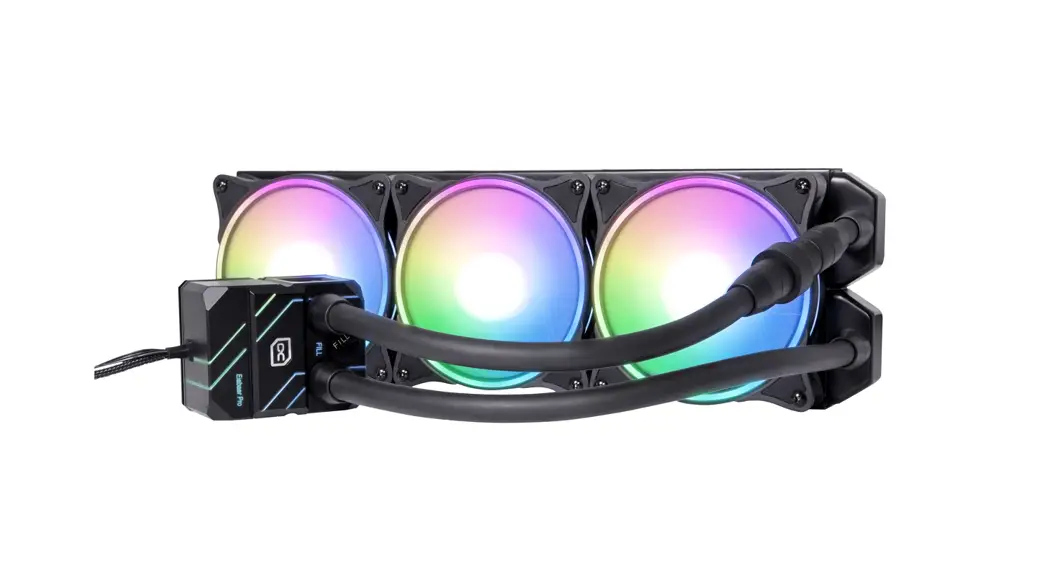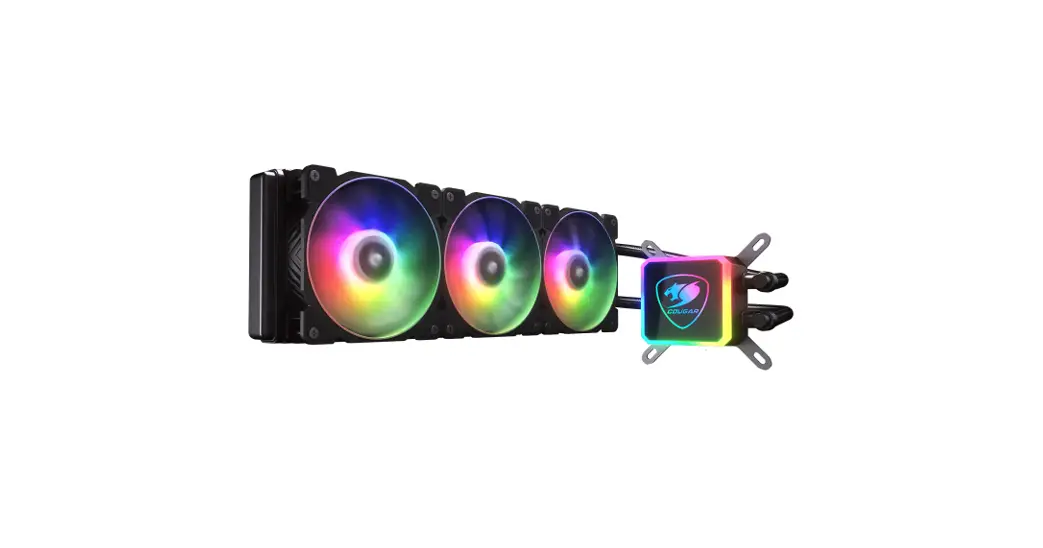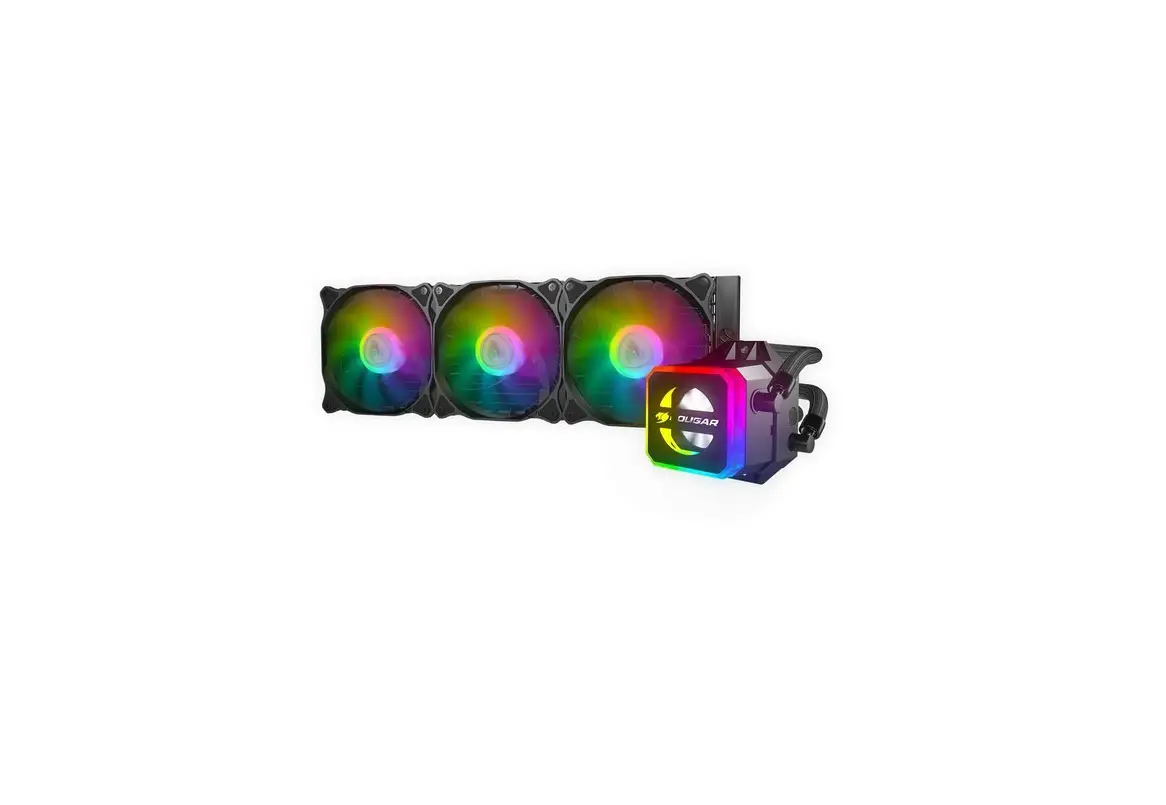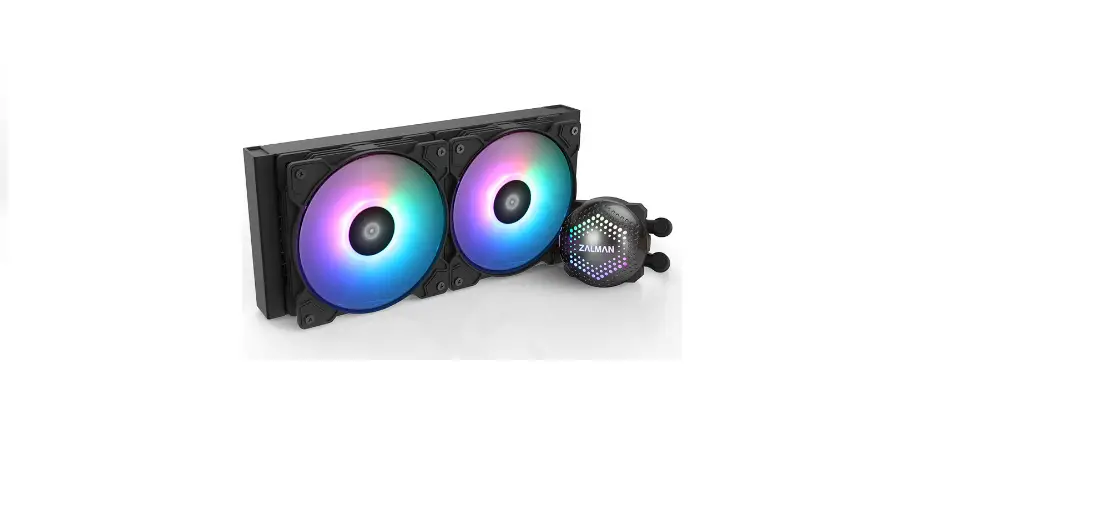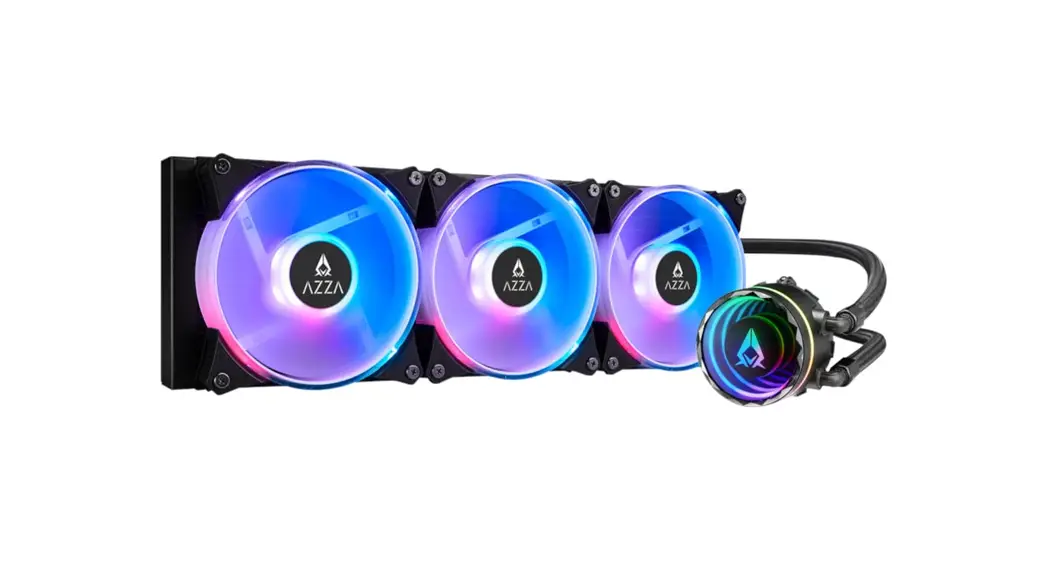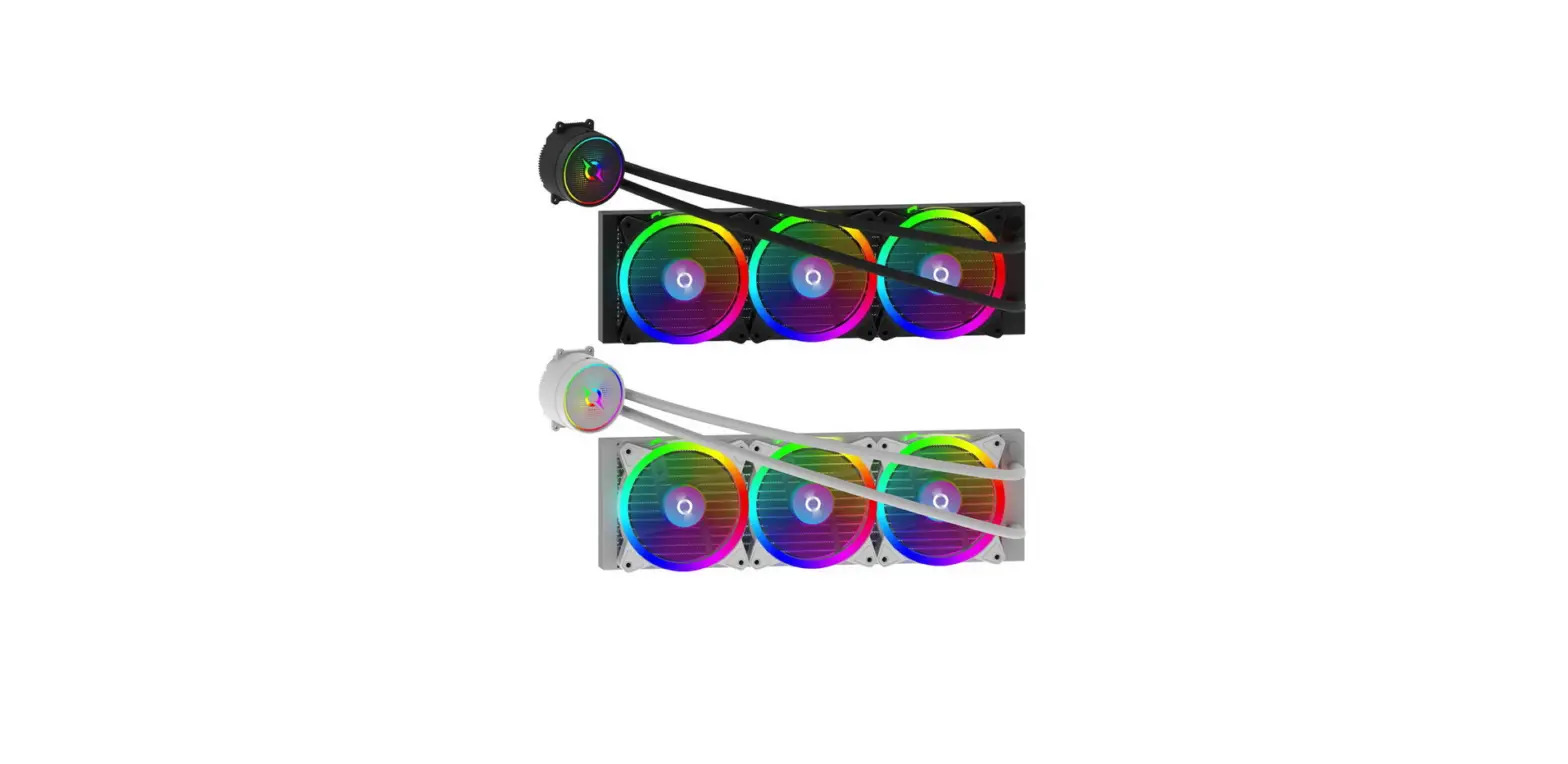

Aqirys Aquarius Series 360 Aio Cpu Liquid Cooler User Manual

Aqirys Aquarius Series 360 Aio Cpu Liquid Cooler User Manual

AQIRYS-LOGO

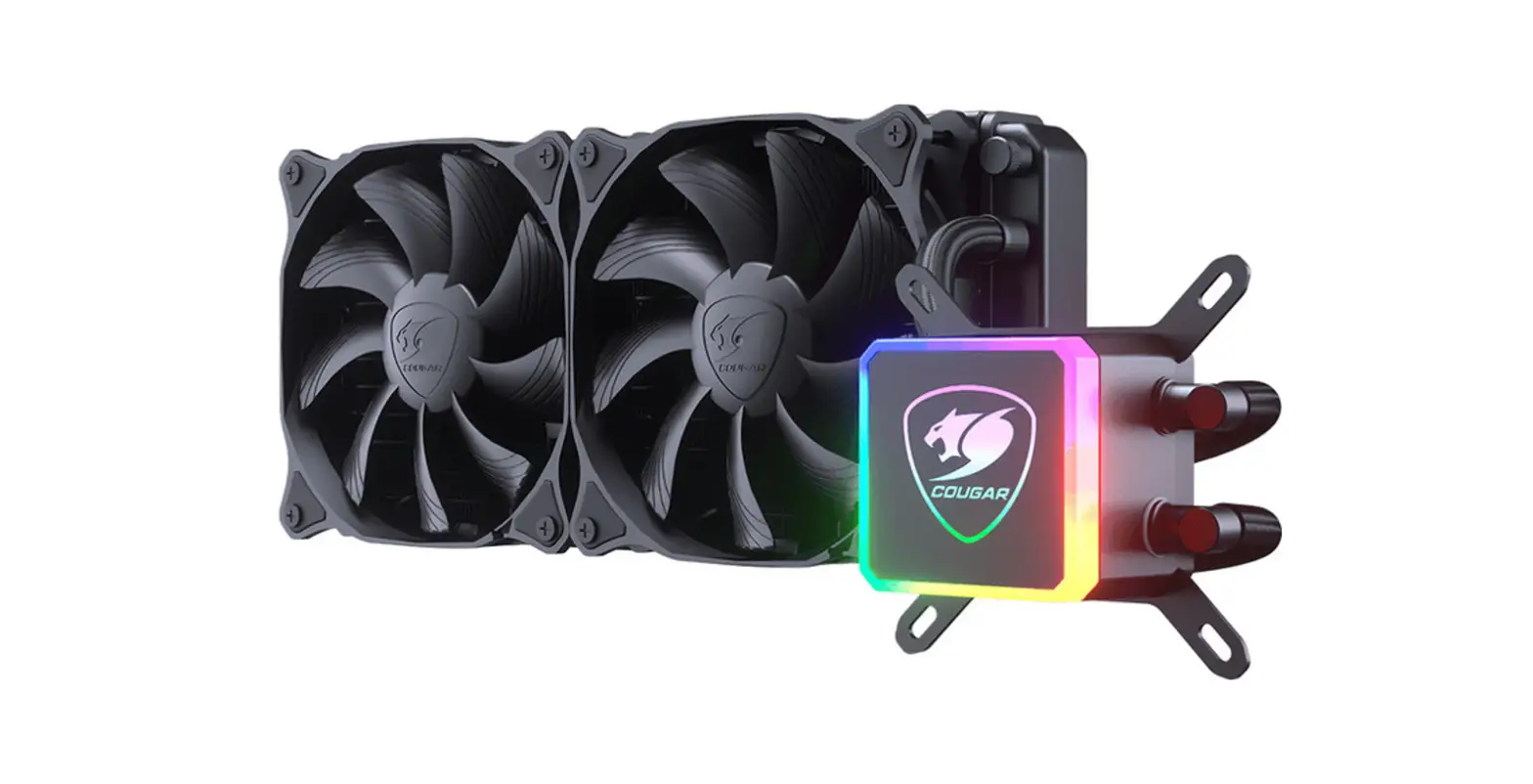
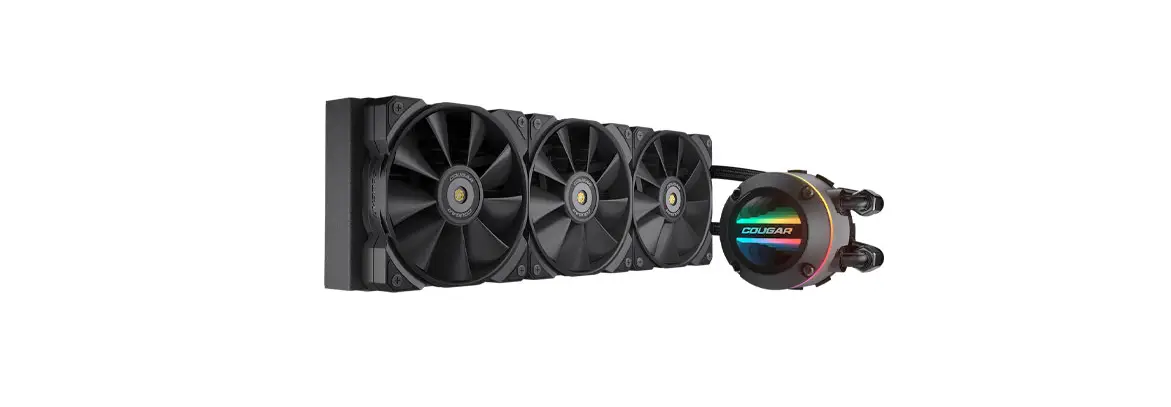
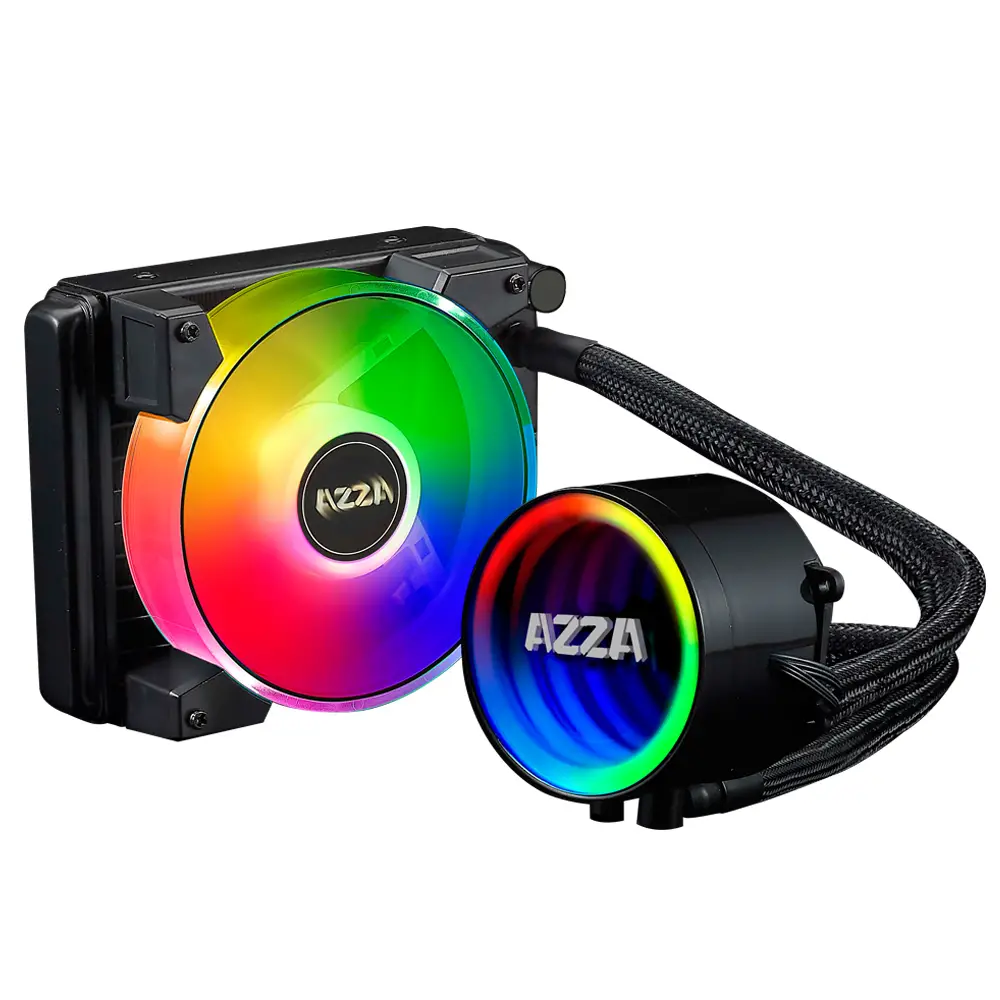
AQIRYS AQUARIUS Series 360 AIO CPU Liquid Cooler
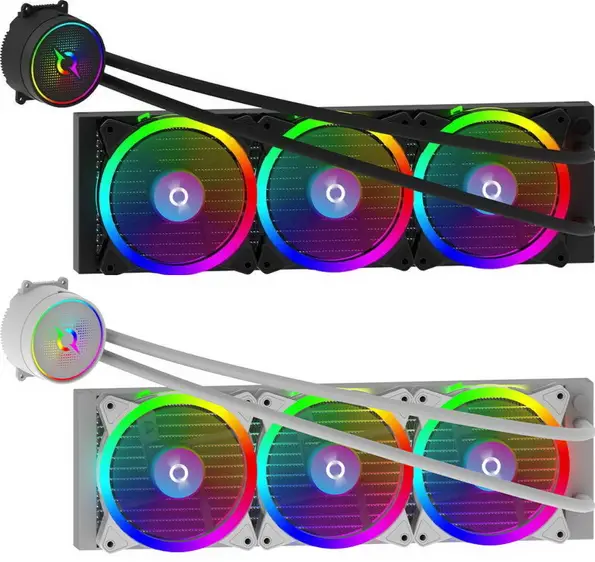
AQIRYS-AQUARIUS-Series-360-AIO-CPU-Liquid-Cooler-PRODUCT

INSTALLATION INSTRUCTIONAQIRYS-AQUARIUS-Series-360-AIO-CPU-Liquid-Cooler-FIG-1AQIRYS-AQUARIUS-Series-360-AIO-CPU-Liquid-Cooler-FIG-2

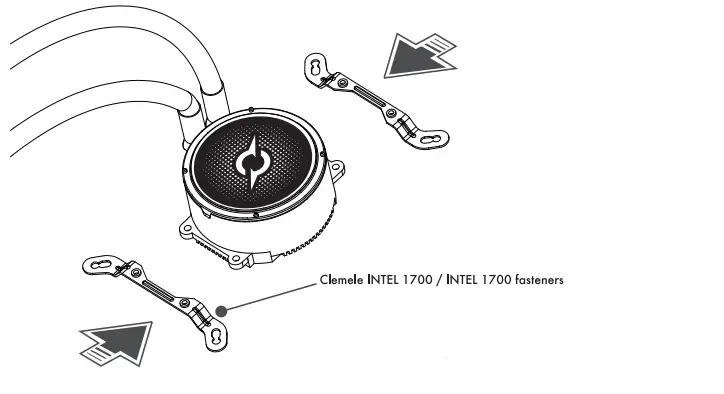
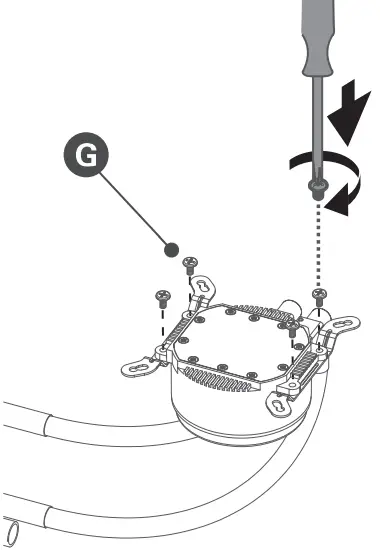
  • Attach the INTEL fasteners (for the 1700 socket) to the pump using the screws (G) and following the positioning in the image.AQIRYS-AQUARIUS-Series-360-AIO-CPU-Liquid-Cooler-FIG-3
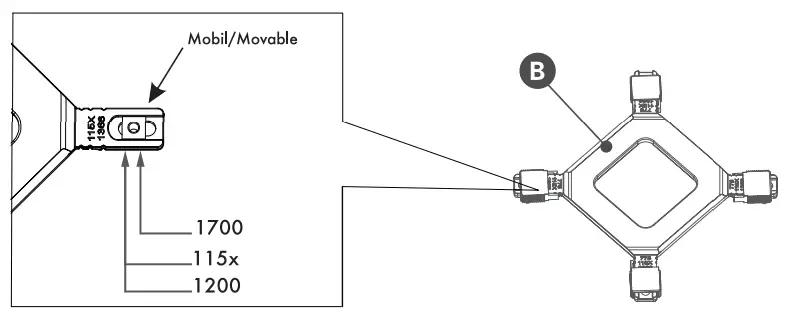
  • Configure the backplate (B) for the appropriate processor socket, positioning all four clips inward (for socketAQIRYS-AQUARIUS-Series-360-AIO-CPU-Liquid-Cooler-FIG-4
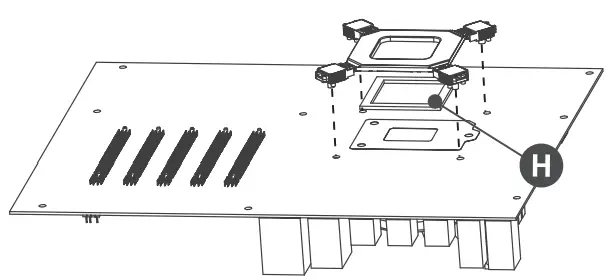
  • Install the backplate behind the motherboard by inserting the double-sided tape (H) and checking the positioning relative to the motherboard holes.AQIRYS-AQUARIUS-Series-360-AIO-CPU-Liquid-Cooler-FIG-4

Documents / Resouces

Download manual
Here you can download full pdf version of manual, it may contain additional safety instructions, warranty information, FCC rules, etc.


Related Manuals