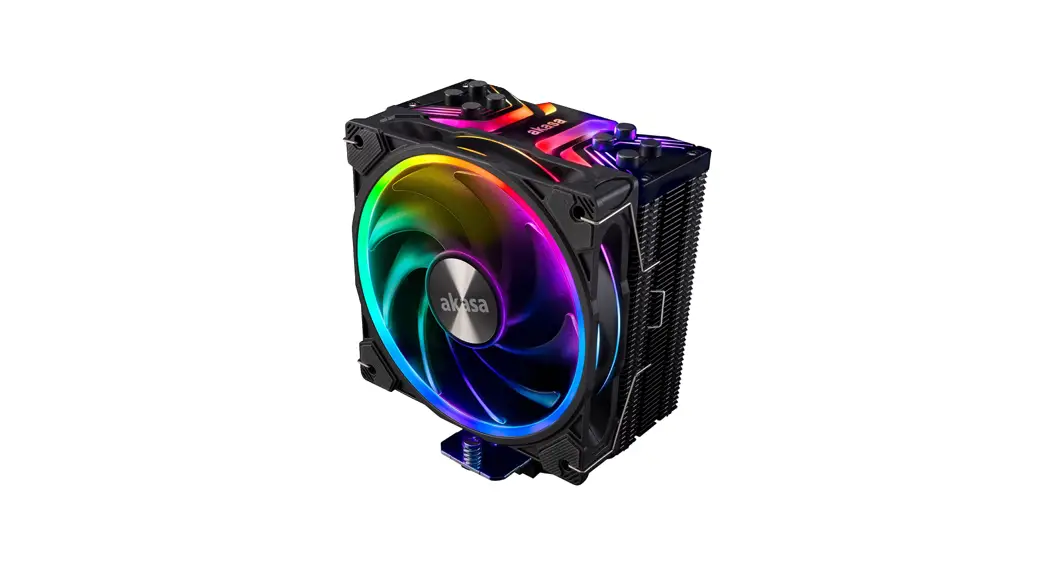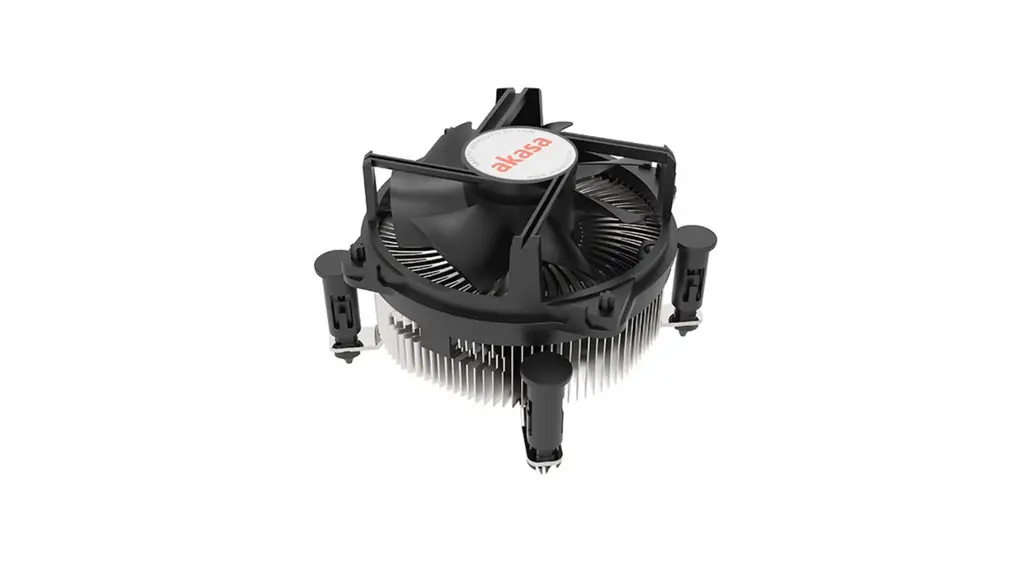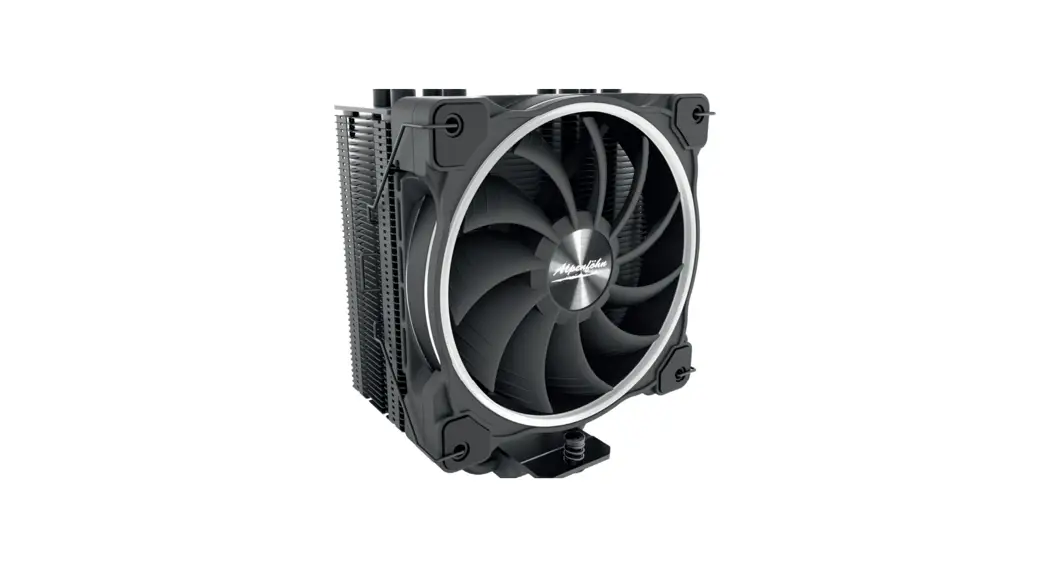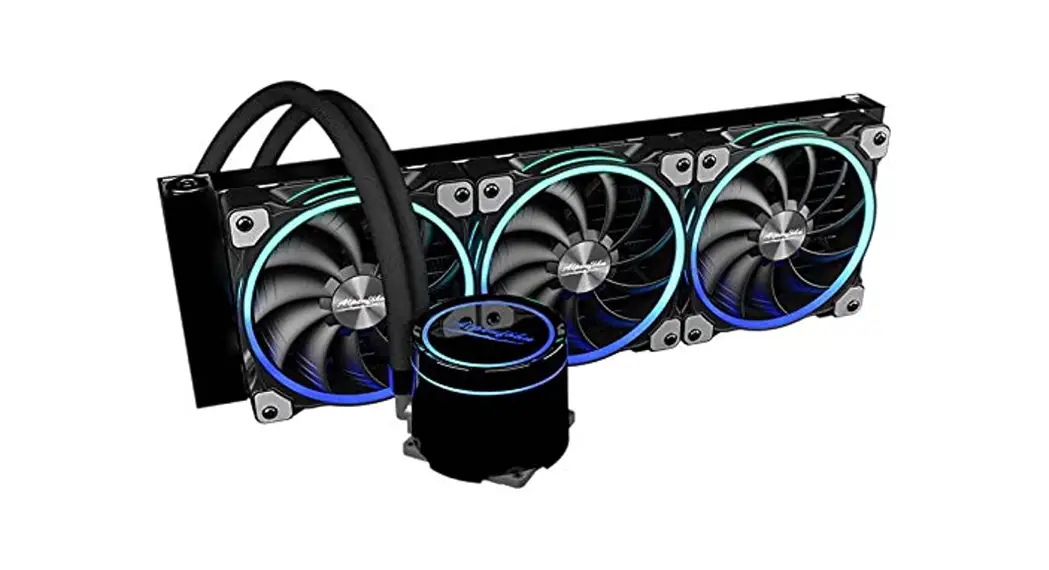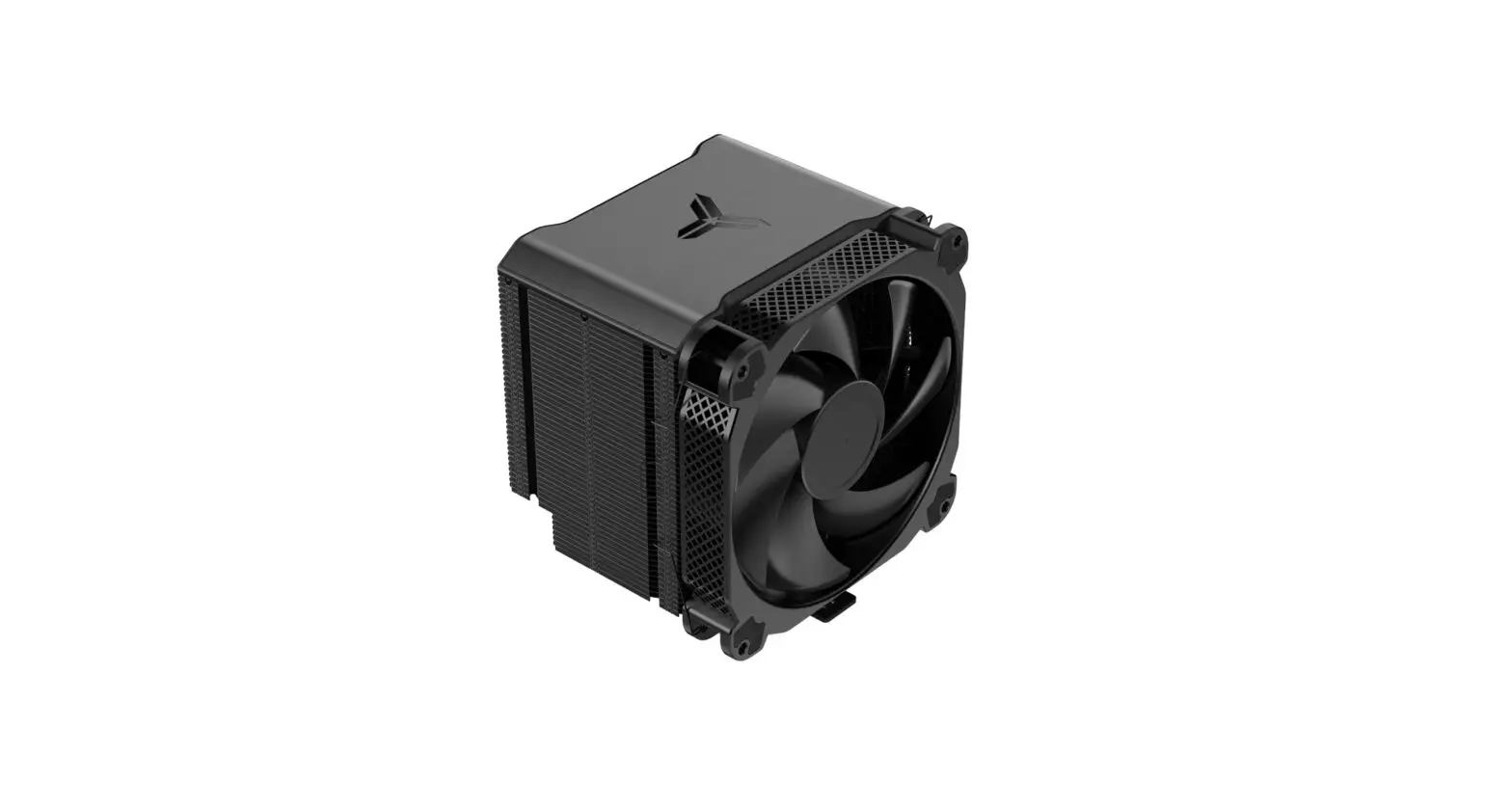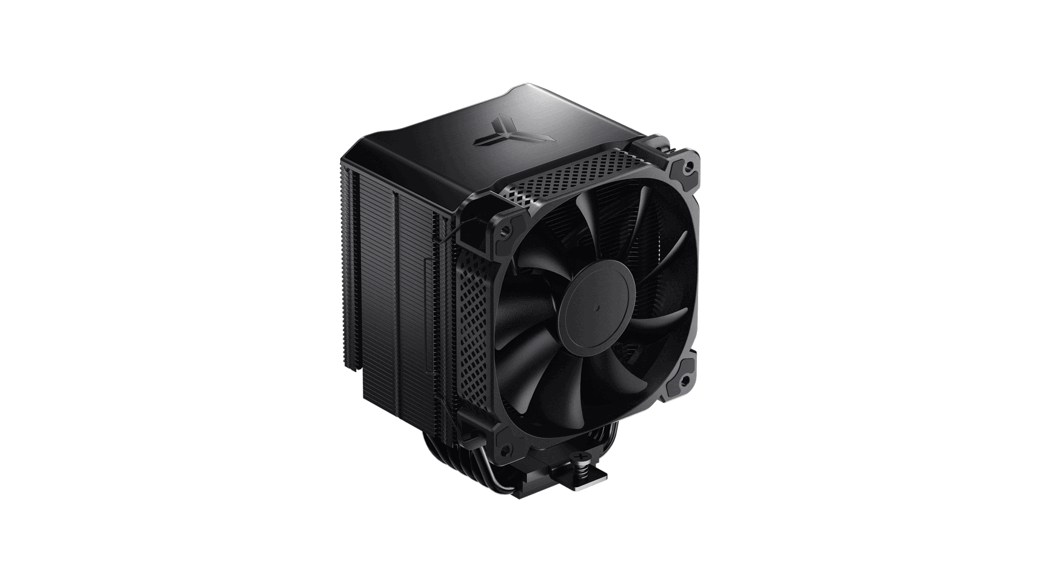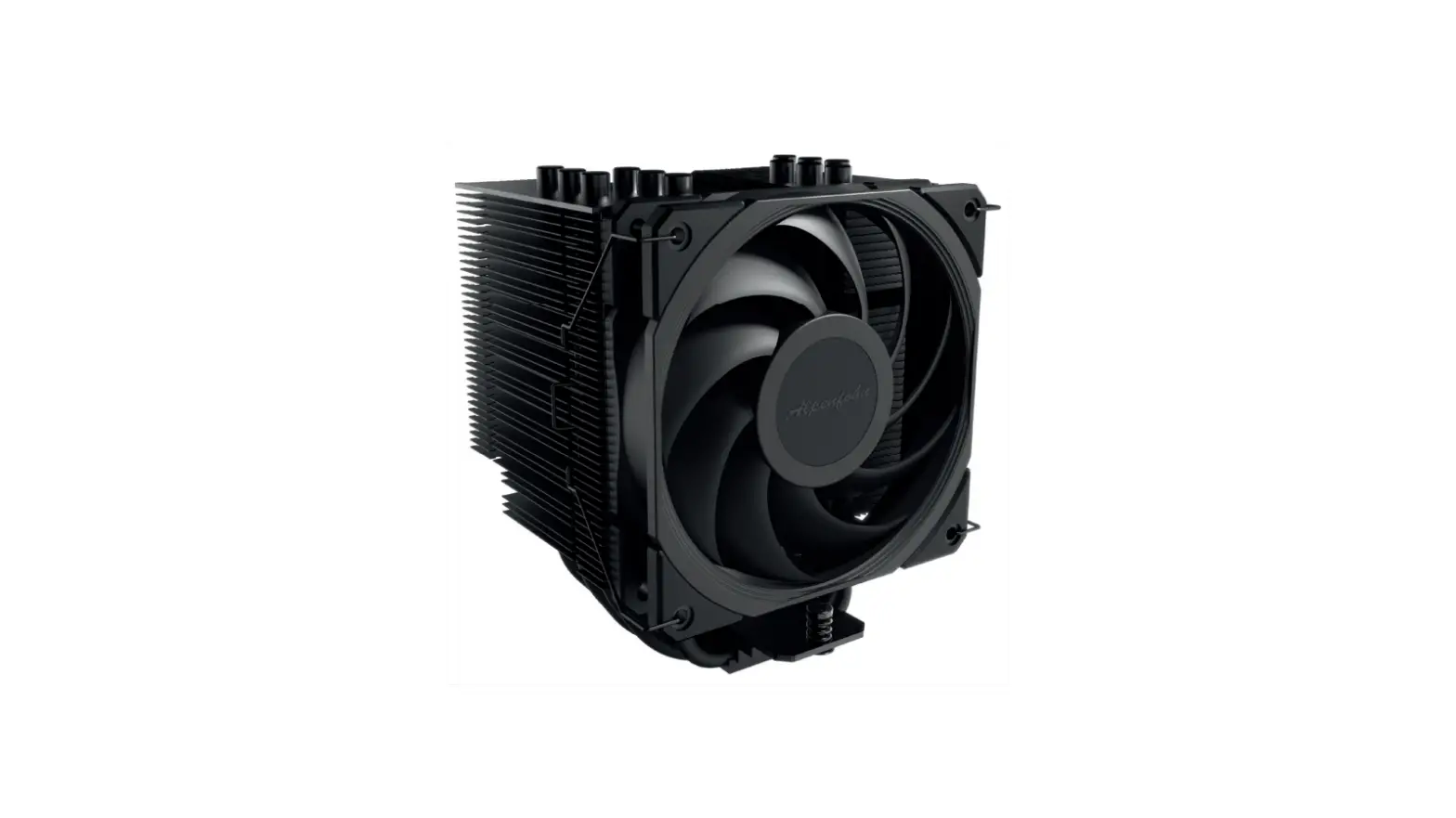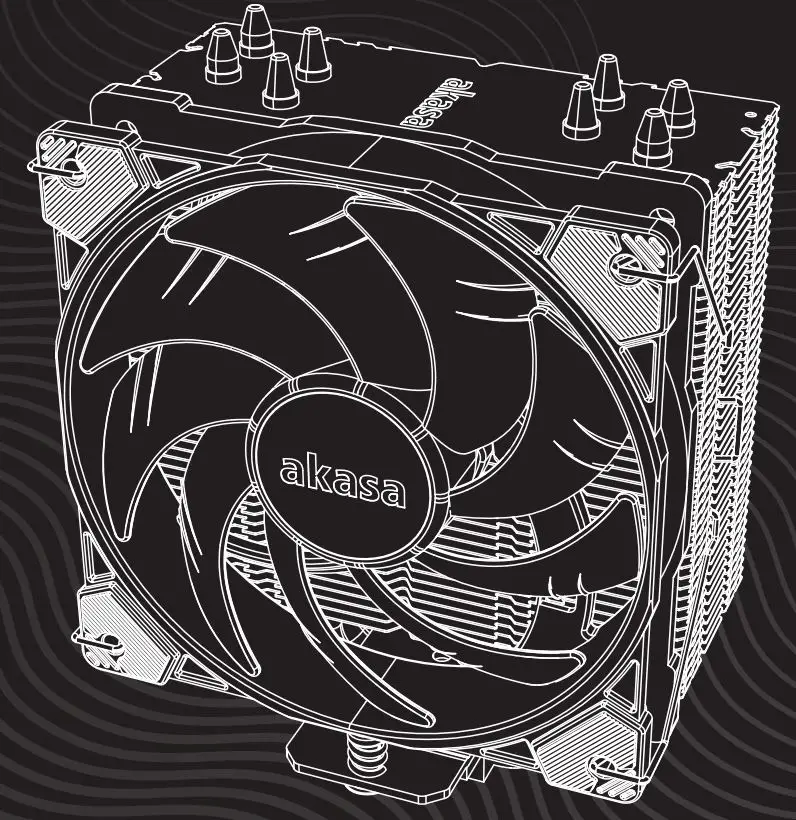

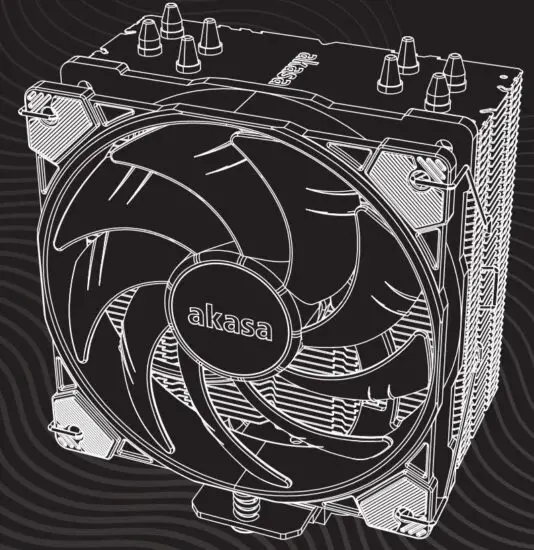
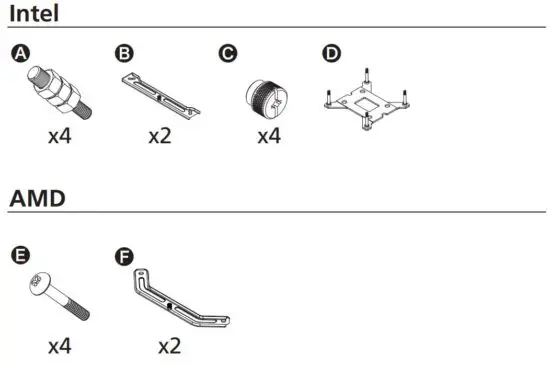
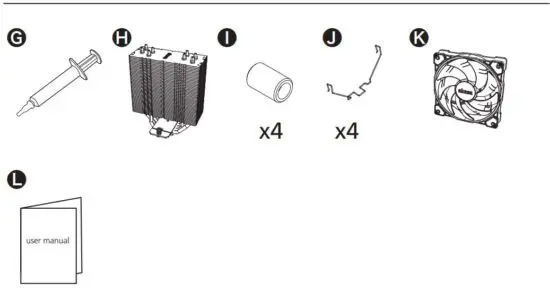
Akasa Alucia H4 Premium Cpu Cooler User Manual

Akasa Alucia H4 Premium Cpu Cooler User Manual

akasa

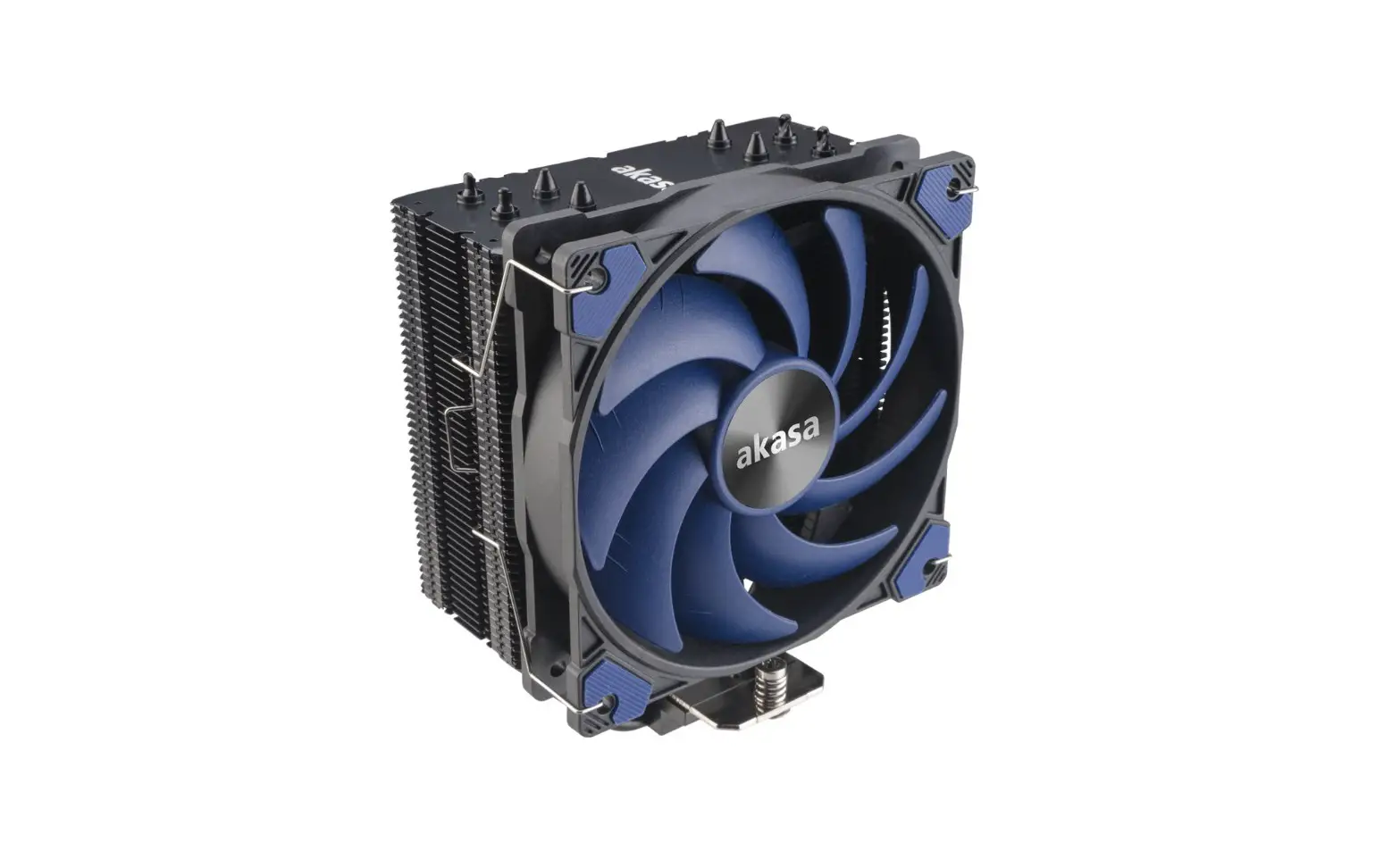
akasa ALUCIA H4 Premium CPU Cooler User Manual

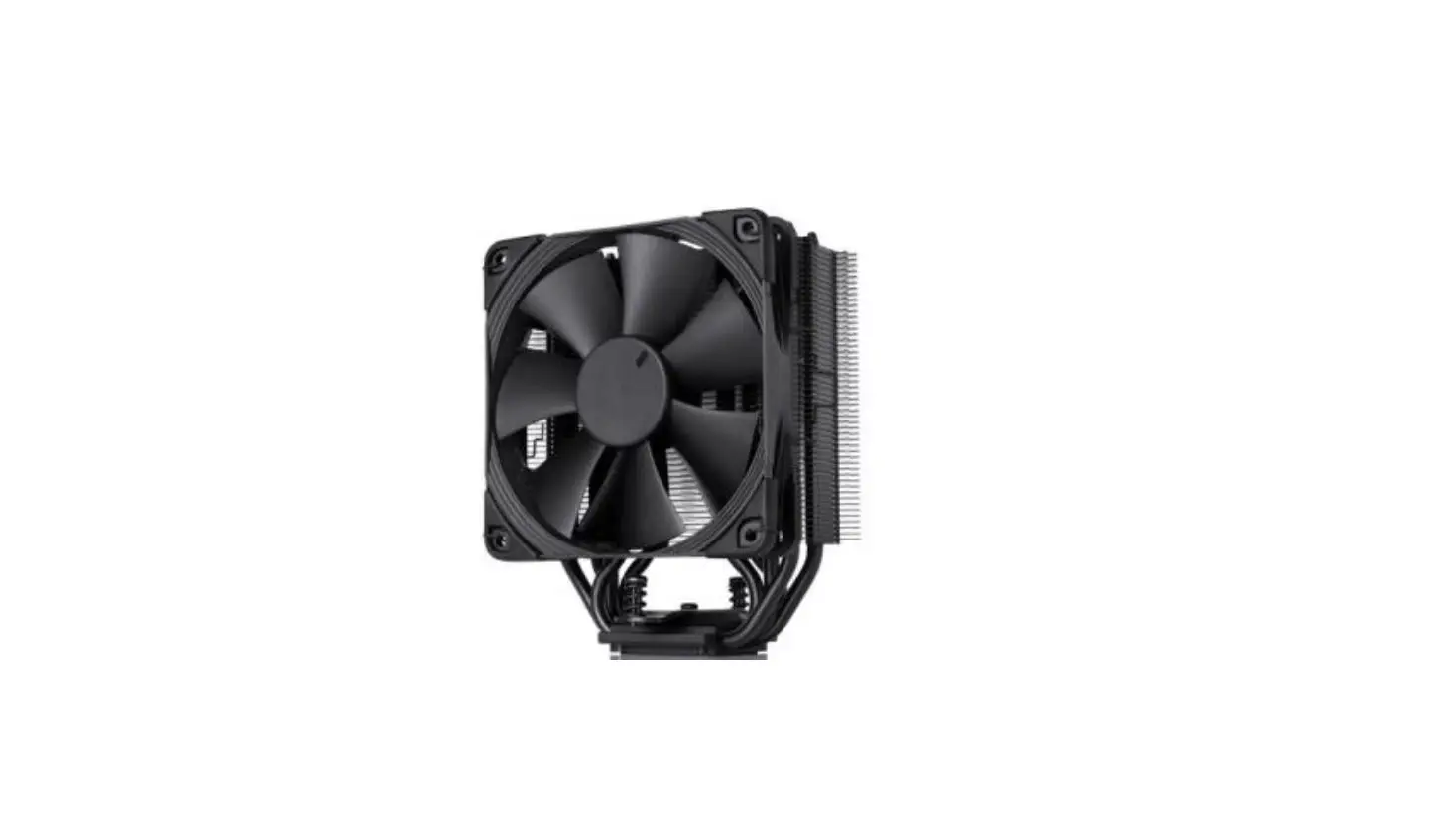
akasa ALUCIA H4 Premium CPU Cooler


Contents

FIG 1 ContentsFIG 2 Contents


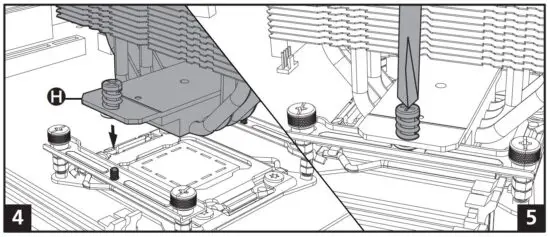
Intel LGA20XX
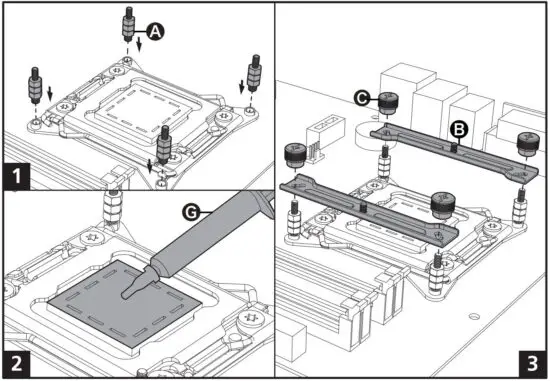
FIG 3 Intel LGA20XX

FIG 4 Intel LGA20XX


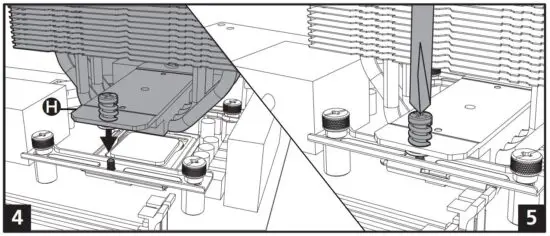
Intel LGA1200 / LGA115X
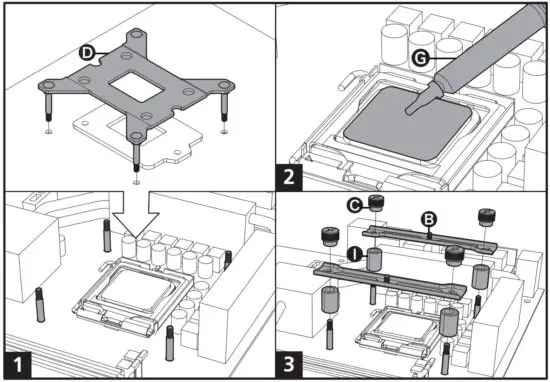
FIG 5 Intel LGA1200  LGA115X

FIG 6 Intel LGA1200  LGA115X


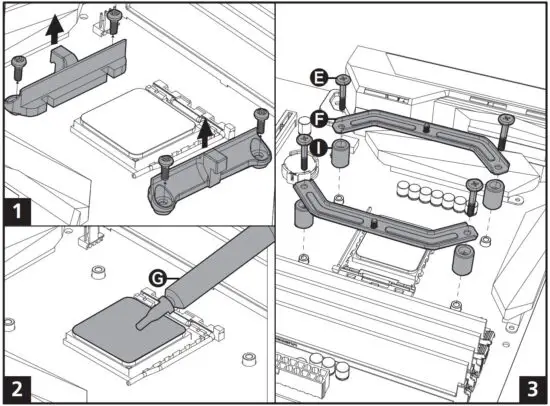
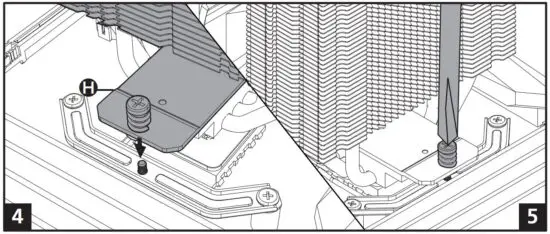
AMD
AM4

FIG 7 AMD

FIG 8 AMD


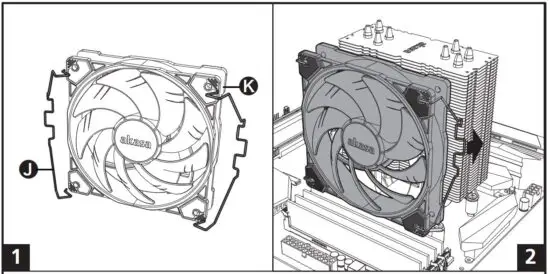
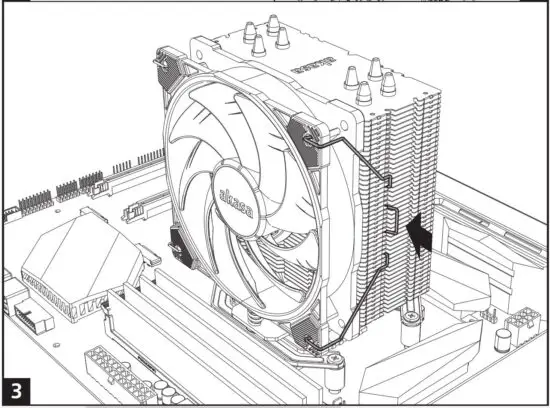
Fan mounting

FIG 9 Fan mounting

FIG 10 Fan mounting


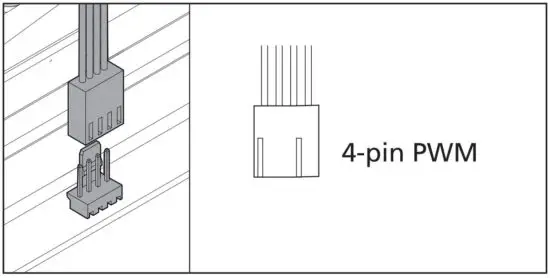
Connector types

FIG 11 Connector types

WARNING
Improper installation will result in damage to the processor. Never switch on the computer system until the fan is
connected to the motherboard power connector.

Caution
Electrostatic discharge (ESD) can damage system components. Use an ESD-controlled workstation. If such a
workstation is not available, wear an antistatic wrist strap or touch an earthed surface before handling any PC
components.


Read More About This Manual & Download PDF:
Documents / Resouces

Download manual
Here you can download full pdf version of manual, it may contain additional safety instructions, warranty information, FCC rules, etc.


Related Manuals