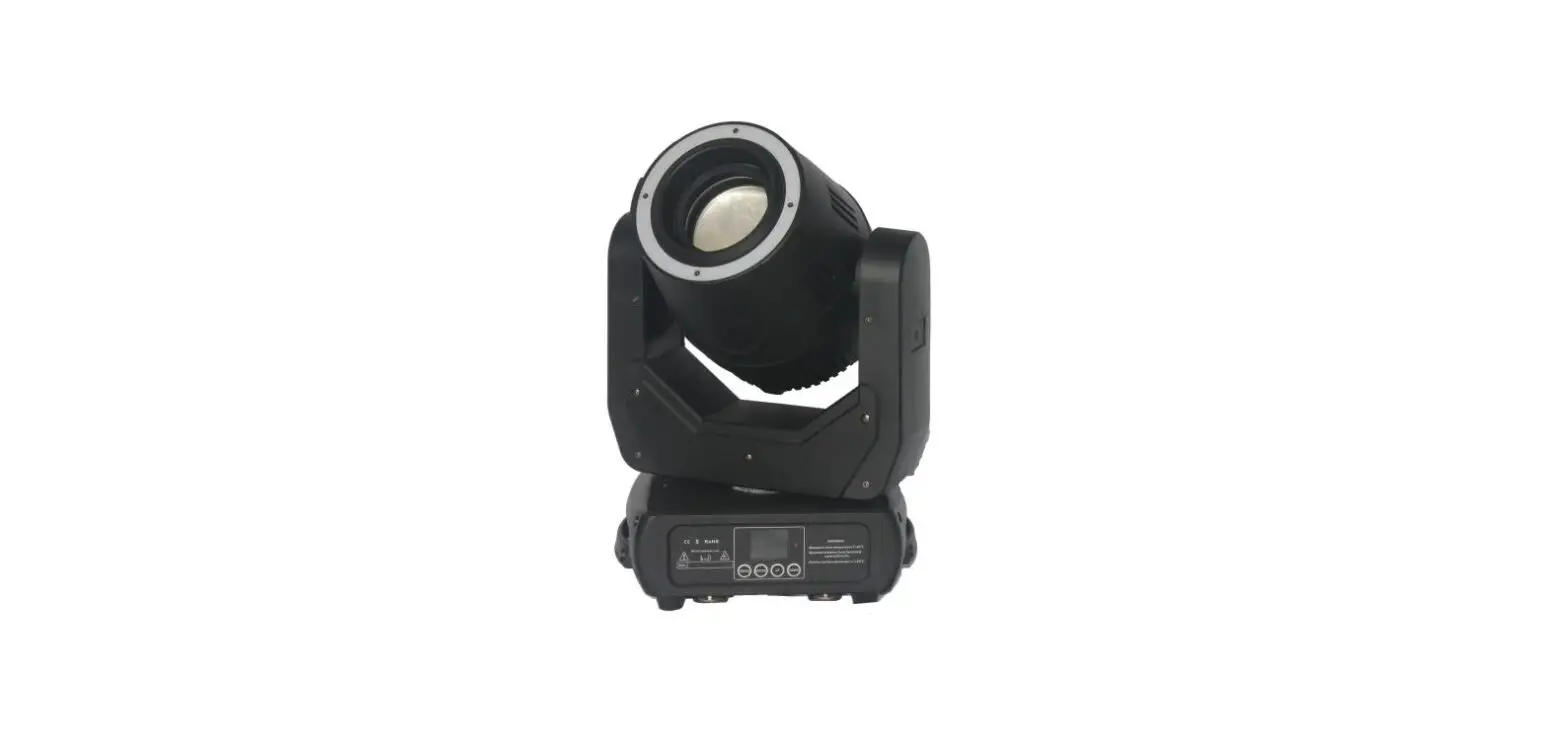
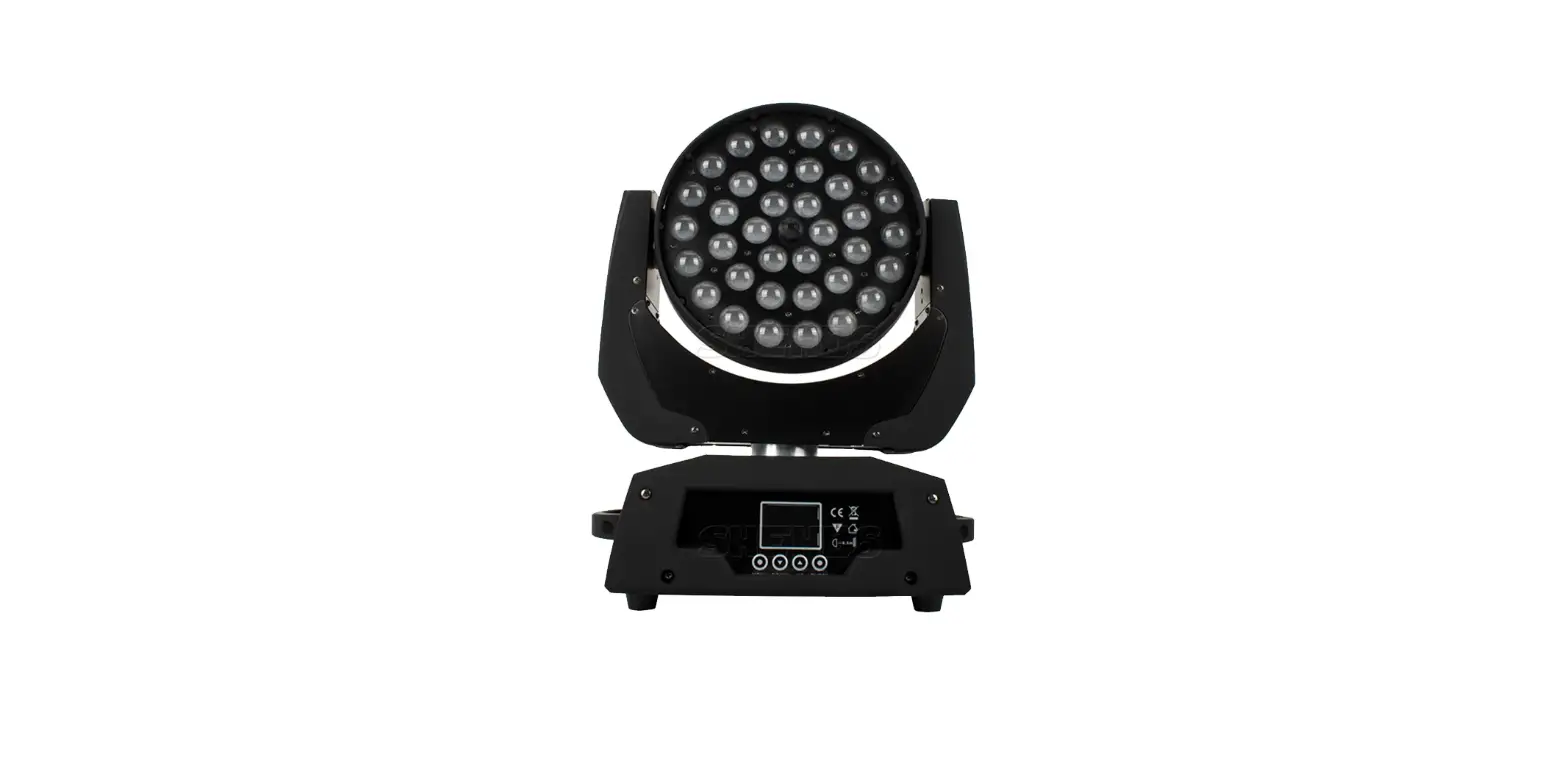
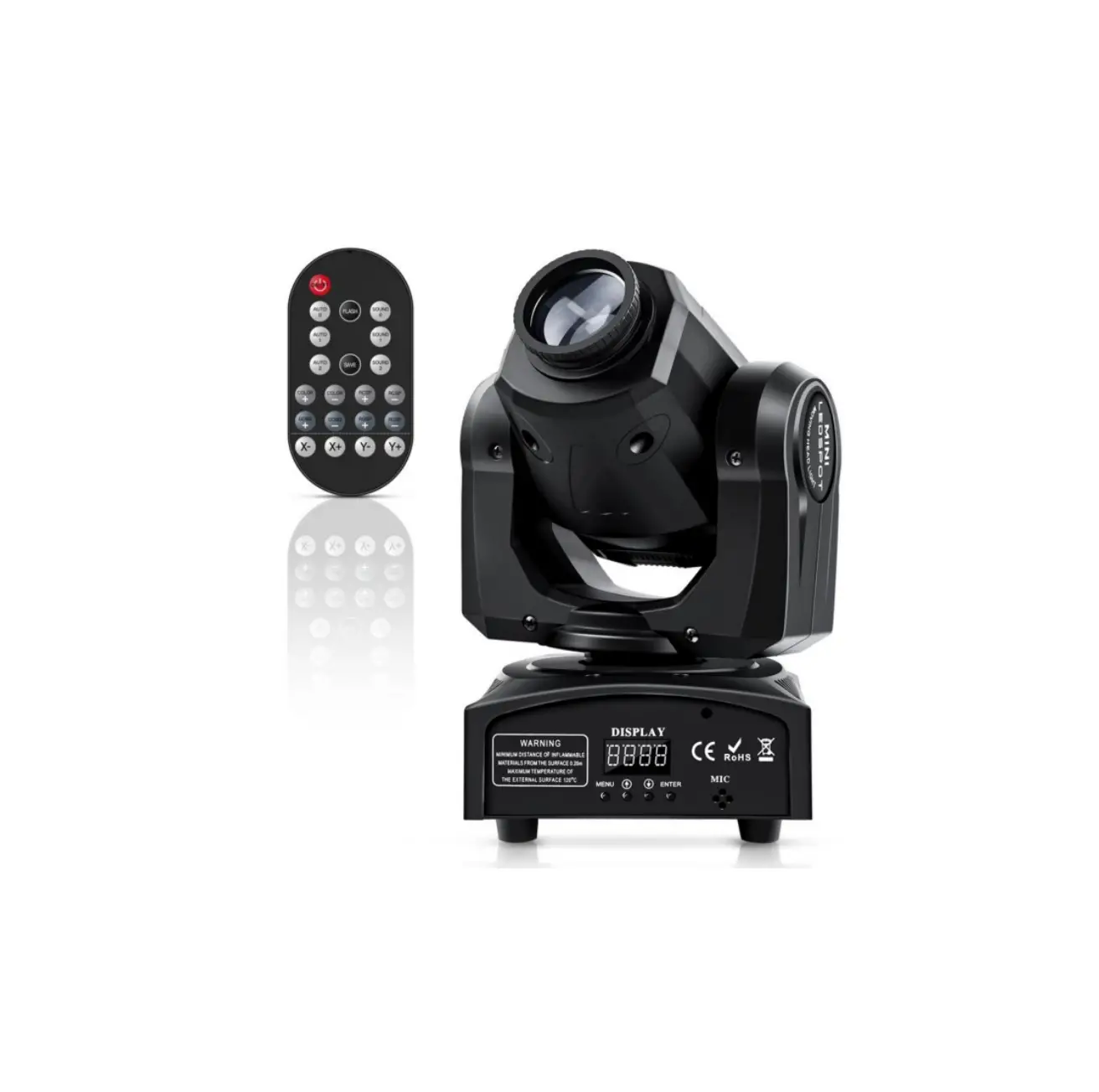
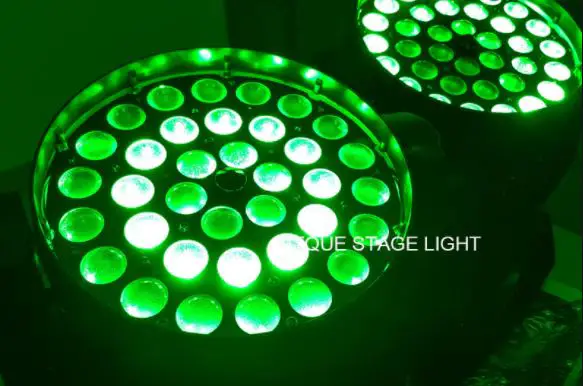
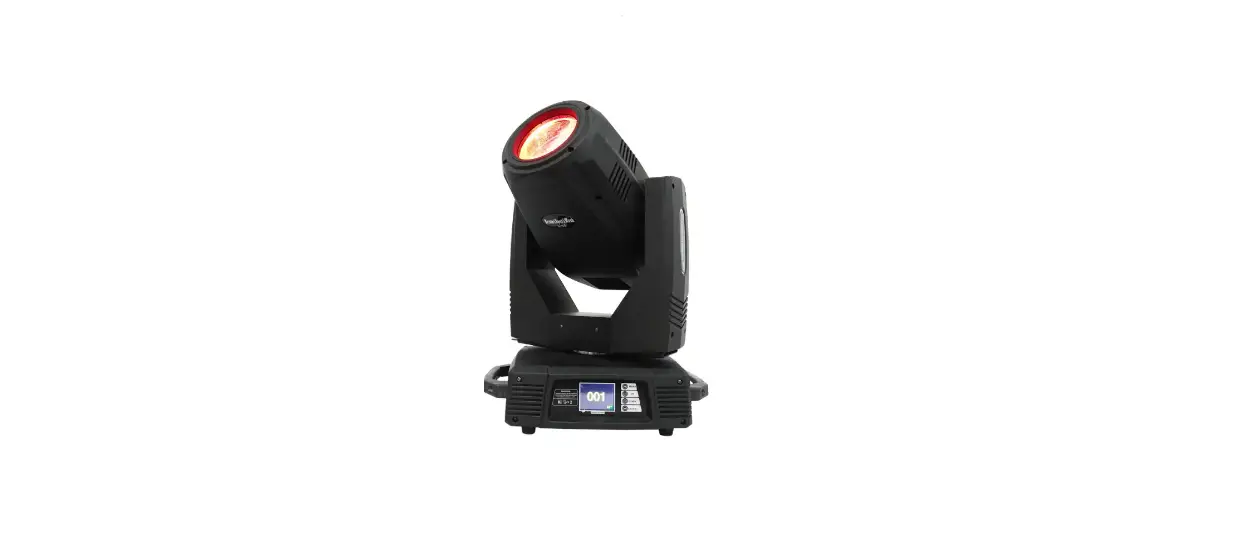
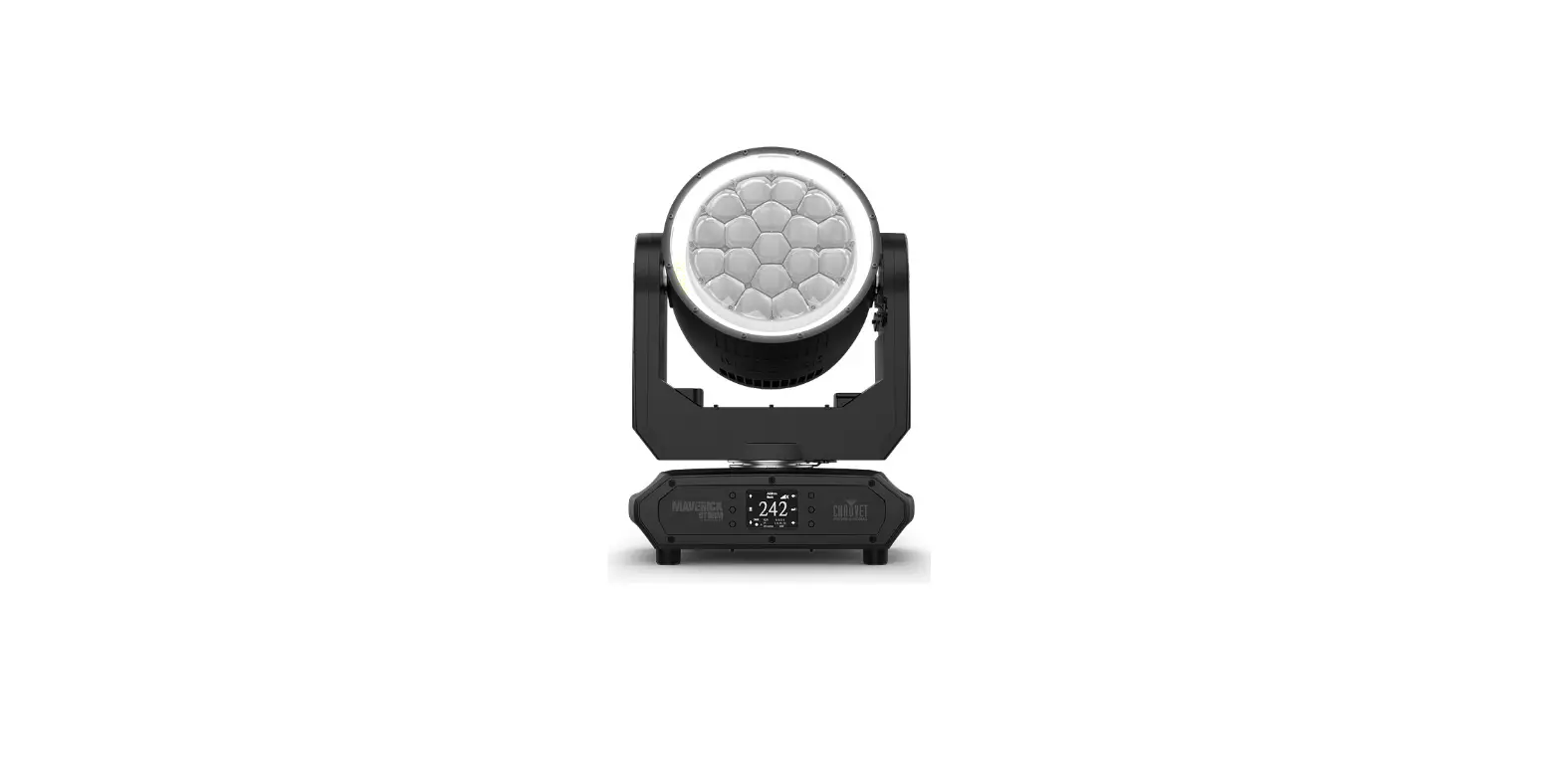
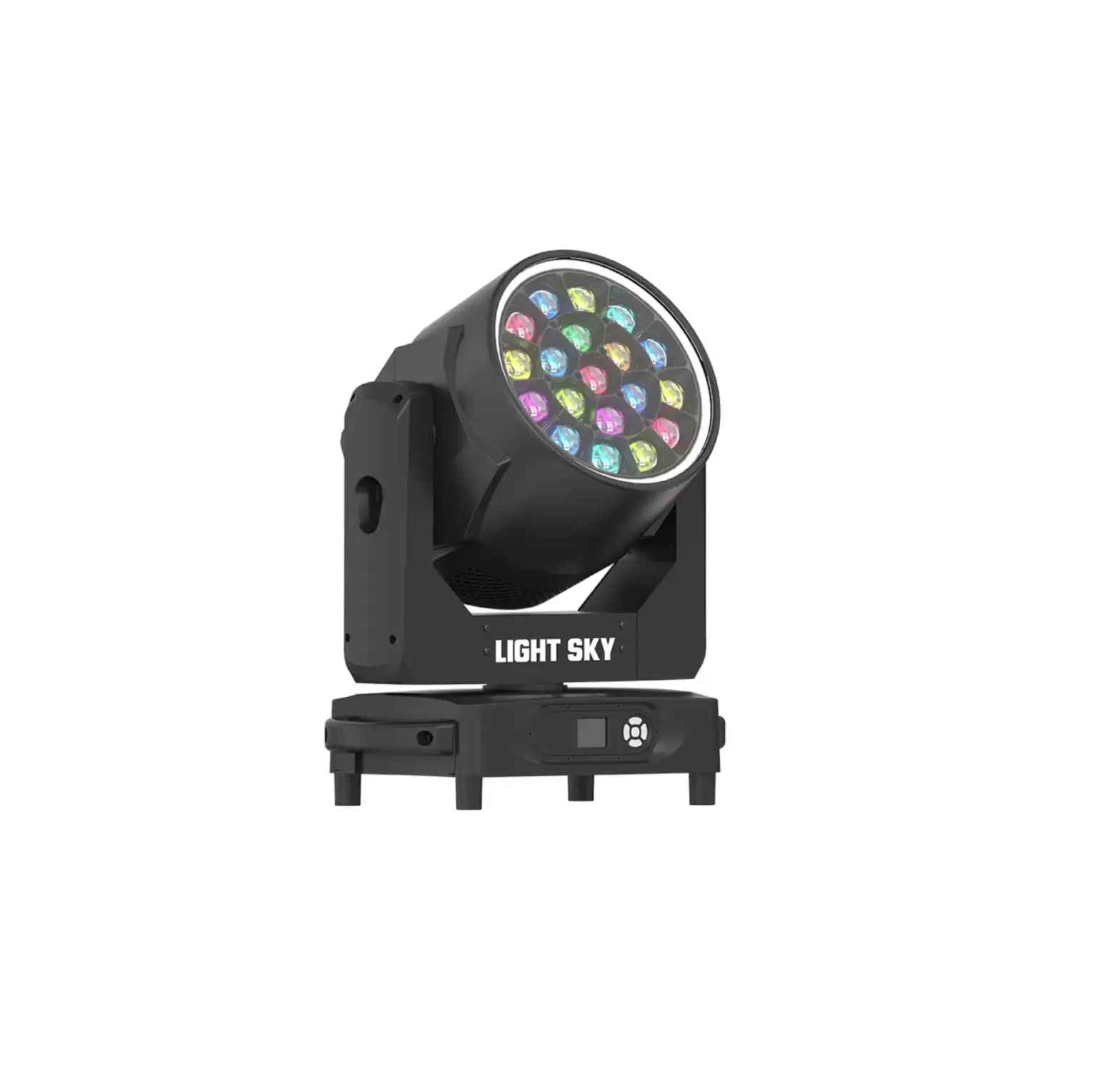
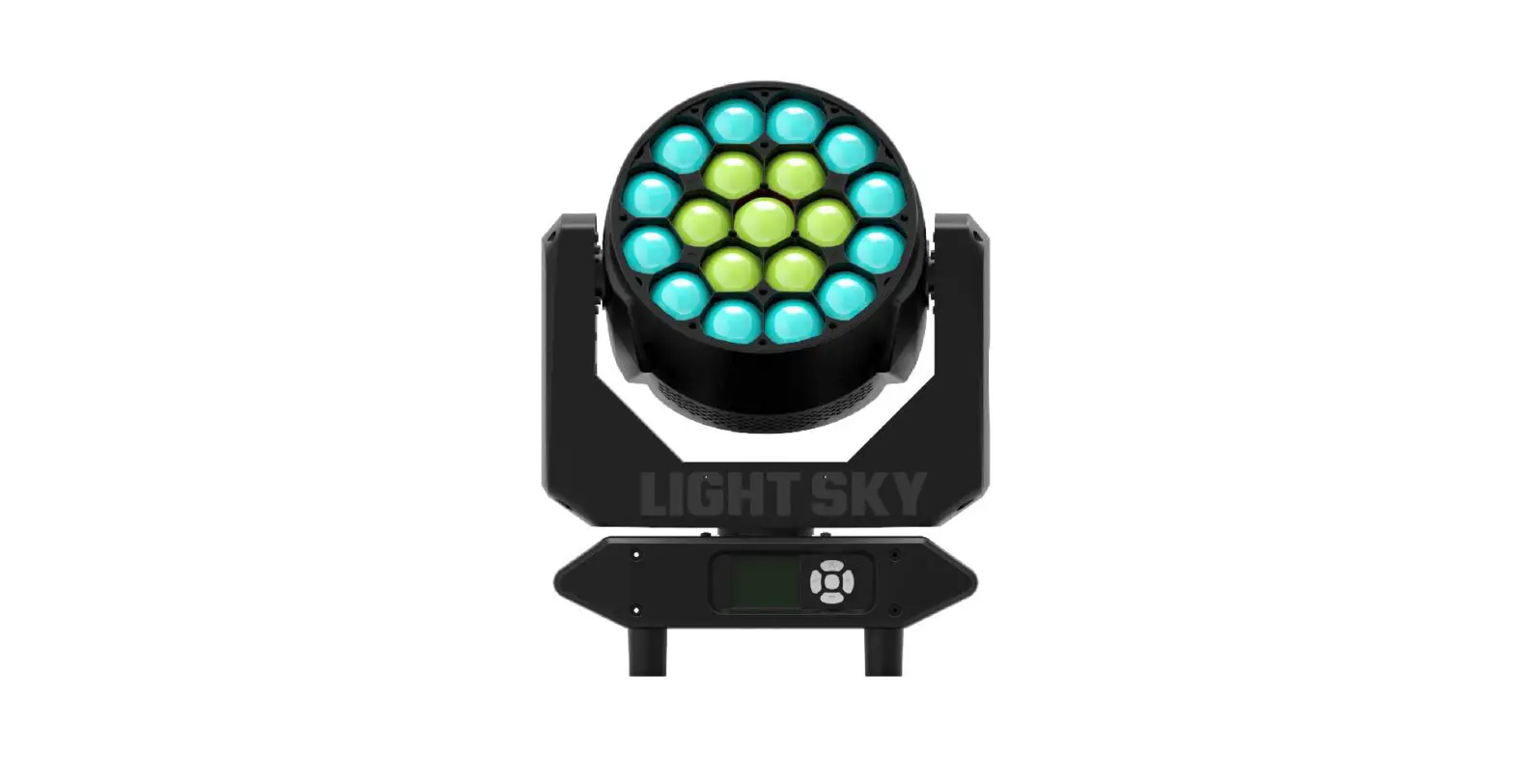
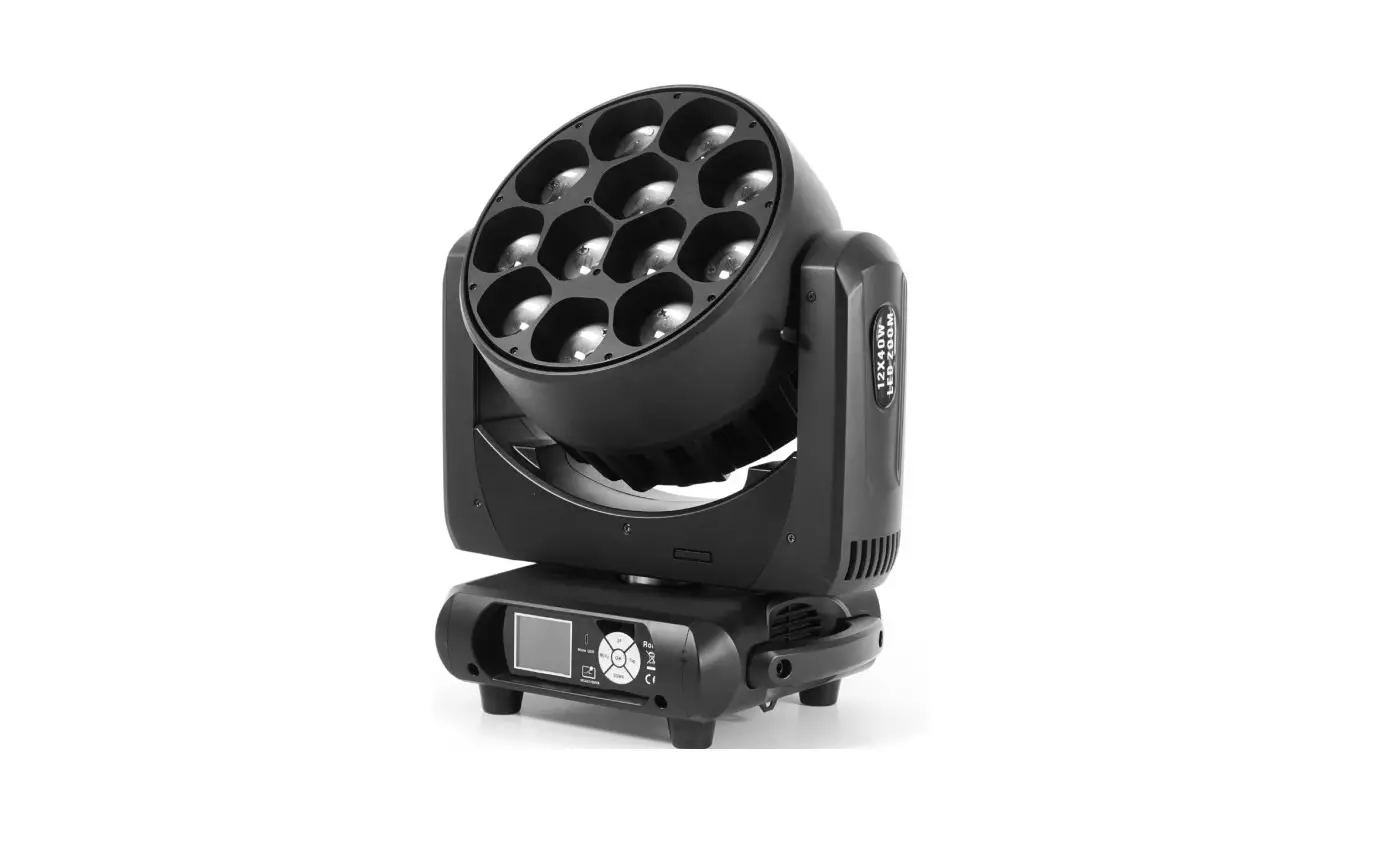
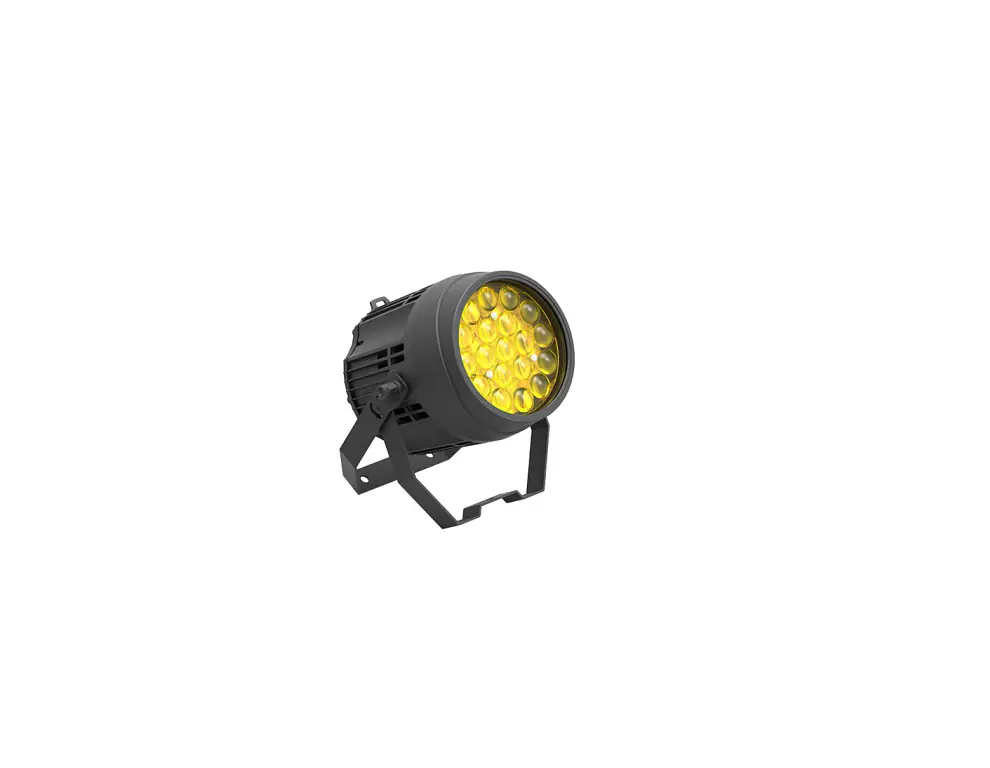
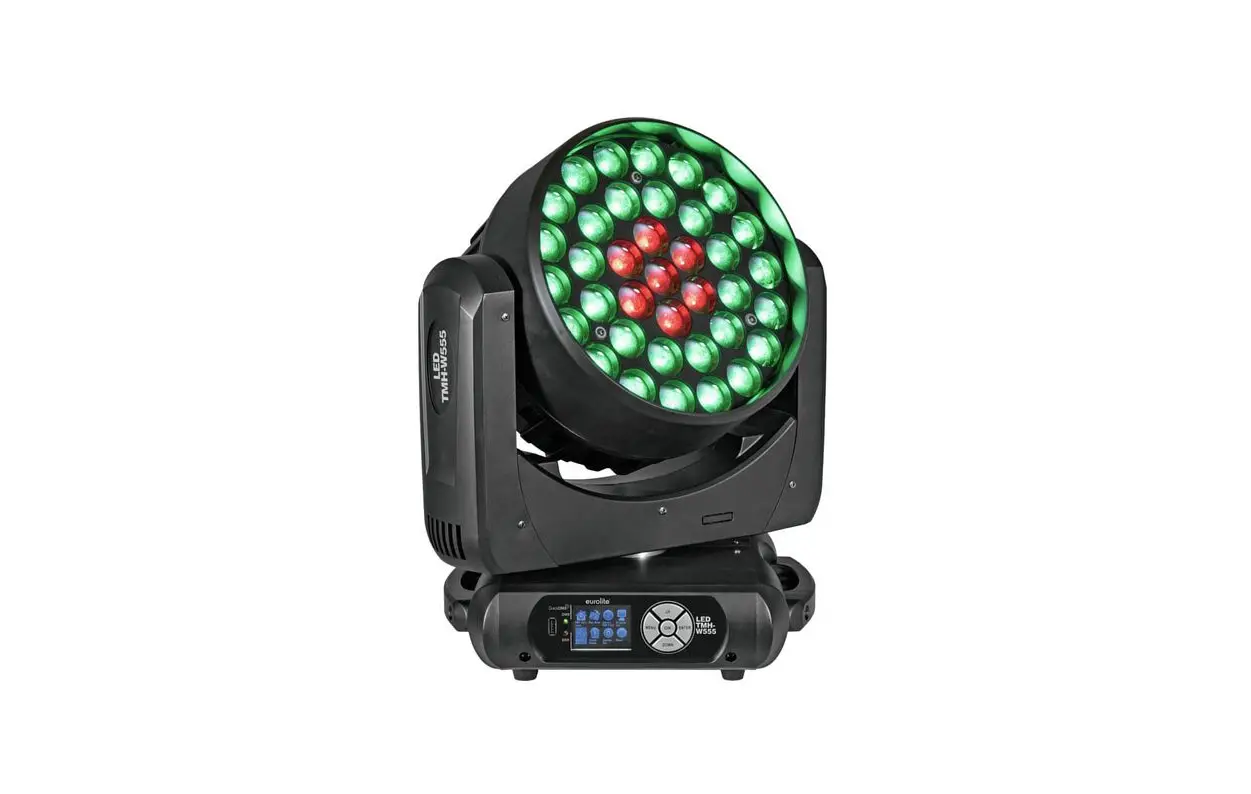
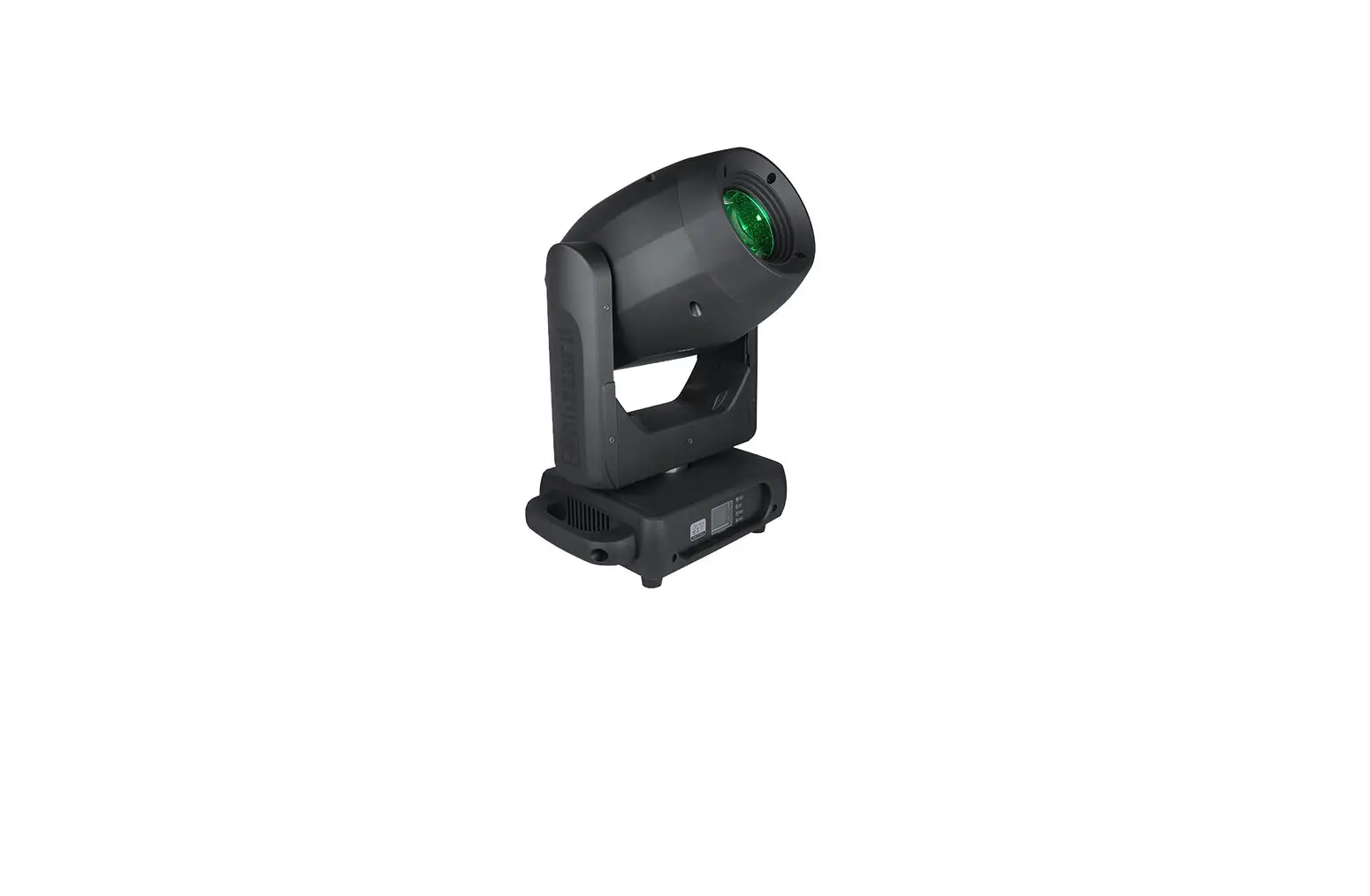
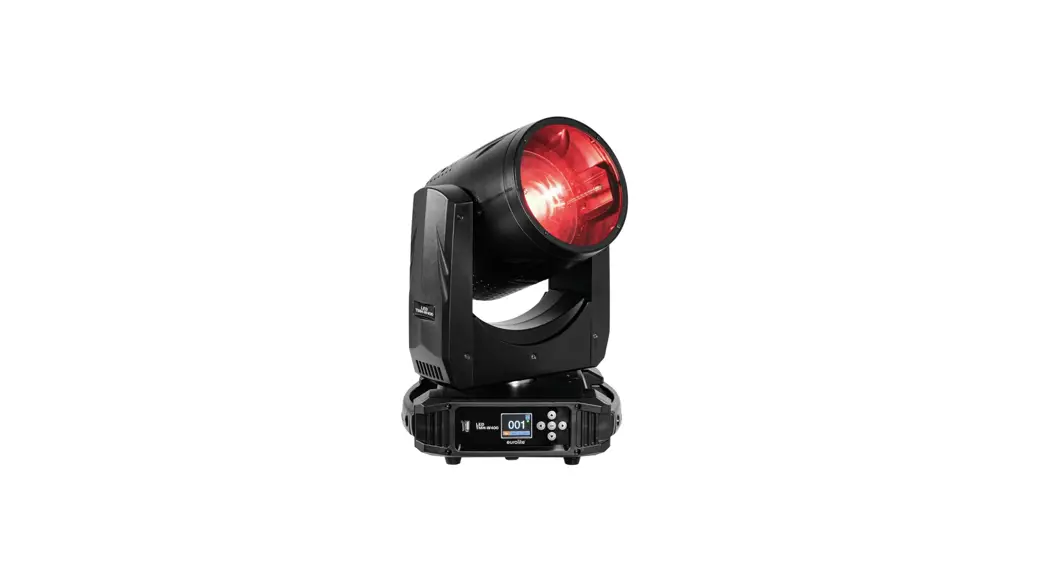
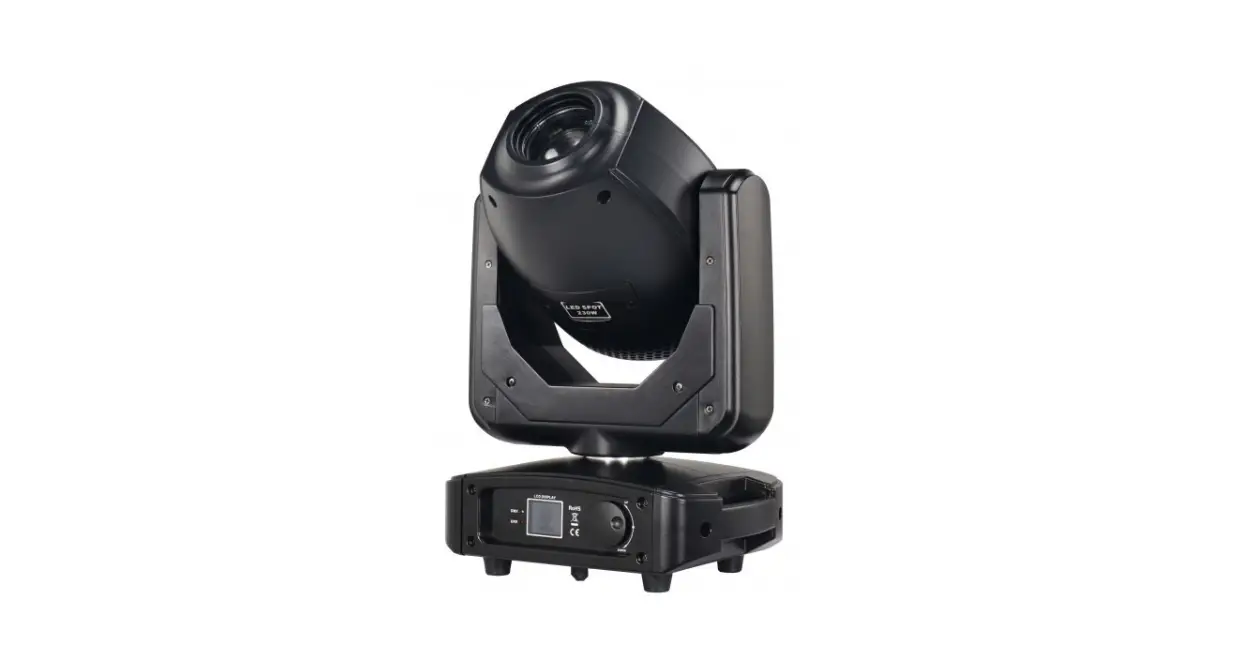
BEEZOOM1940 40W RGBW 4 In 1 LED Moving Head
Product Information
The BEEZOOM1940 is a 40W RGBW 4-in-1 LED Moving Head fixture. It
is designed and manufactured in compliance with CE standards and
the international standard DMX512 protocol. The fixture is made of
high temperature strength engineering plastics and cast aluminum
casing, providing a nice outlook and durability. It is suitable for
large-scale live performances, theaters, studios, nightclubs, and
discos. The fixture features 4-IN-1 LEDs (RGBW) that offer high
brightness and stability.
Product Usage Instructions
- Unpacking: Before installing the device, carefully read
the user manual for safety instructions. The manual covers
installation and application information. Make sure to install and
operate the fixture following the provided instructions. Keep the
manual for future reference. Unpack the fixture and check for any
transportation damage. Ensure the following items are included in
the box:- Moving Head – One
- Signal Cable – One
- Hanging Bracket – Two
- Power Cable – One
- Safety Cable – One
- User Manual – One
- Product Dimension: Refer to the user manual for detailed
product dimensions. - Safety Instructions: Follow the safety instructions and
warning notes in the user manual to ensure safe operation of the
device. - Operation Instructions:
- The fixture is designed for beam wash and effect use.
- Avoid turning on the fixture after it has experienced severe
temperature differences, as it may damage the light. Allow the
fixture to reach normal temperature before operation. - Avoid subjecting the light to strong shaking during
transportation or movement. - Do not pull up the light by only the head, as it may cause
damage to the mechanical parts. - During installation, avoid exposing the fixture to overheating,
moisture, or environments with excessive dust. Do not lay power
cables on the floor to prevent electrical shock. - Ensure the installation place is in good safety condition
before mounting the fixture. - Use the provided safety chain and check that the screws are
properly tightened during installation. - Inspect the lens for any damages or severe scratches. If found,
it is recommended to replace the units. - Operate the fixture only with qualified personnel who are
familiar with its operation. - Keep the original packaging in case of any second shipment
needs. - Do not attempt to change the fixtures without instructions from
the manufacturer or appointed repairing agencies. - Any malfunctions resulting from not following the user manual
or engaging in illegal operations, such as shock short circuit or
lamp breakage, are not covered under warranty.
- Mounting and Installation:
Cautions: Mount the fixtures in areas outside walking
paths, seating areas, or where unauthorized personnel may reach
them. Ensure that the installation area can support a minimum point
load of 10 times the device’s weight before mounting.
BEEZOOM1940
40 W RGBW 4- in- 1LED Moving Head
USER MANUAL
1. Unpacking
Thank you for choosing our fixture. For your own safety, please read this manual before installing the device. This manual covers the important information on installation and applications. Please install and operate the fixture with following instructions. Meanwhile, please keep this manual well for future needs.
This fixture is made of a new type of high temperature strength of engineering plastics and cast aluminum casing with nice outlook. The fixture is designed and manufactured strictly following CE standards, complying with international standard DMX512 protocol. It’s available independently controlled and linkable with each other for operation. And it is applicable for large-scale live performances, theater, studio, nightclubs and discos.
4-IN-1 LEDs(RGBW) which features high brightness and stability. Please carefully unpack it when you receive the fixture and check whether it is damaged during the transportation. And please check whether the following items are included inside the box:
Moving Head———One
Signal Cable—-One
Hanging Bracket—–Two
Power Cable—-One
Safety Cable———one
User Manual—-One
2 / 15
2. Product dimension
3 / 15
3. Safety Instructions
This device has left the factory in perfect condition. In order to maintain this condition and to ensure a safe operation, it is absolutely necessary for the user to follow the safety instructions and warning notes written in this user manual.
If the device has been exposed to temperature changes due to environmental changes, do not switch it on immediately. The arising condensation could damage the device. Leave the device switched off until it has reached room temperature. This device falls under protection-class I. Therefore it is essential that the device be earthed. The electric connection must carry out by qualified person. The device shall only be used with rate voltage and frequency. Make sure that the available voltage is not higher than stated at the end of this manual. Make sure the power cord is never crimped or damaged by sharp edges. If this would be the case, replacement of the cable must be done by an authorized dealer. Always disconnect from the mains, when the device is not in use or before cleaning it. Only handle the power cord by the plug. Never pull out the plug by tugging the power cord. During initial start-up some smoke or smell may arise. This is a normal process and does not necessarily mean that the device is defective, it should decrease gradually. Please don’t project the beam onto combustible substances. Fixtures cannot be installed on combustible substances, keep more than 50cm distance with wall for smooth air flow, so there should be no shelter for fans and ventilation for heat radiation. If the external flexible cable or cord of this luminaire is damaged, it shall be exclusively replaced by the manufacturer or his service agent or a similar qualified person in order to avoid a hazard.
4 / 15
4. Operation Instructions
-The fixture is for beam wash and effect use.
-Don’t turn on the fixture if it’s been through severe temperature difference like after transportation because it might damage the light due to the environment changes. So make sure to operate the fixture until it is in normal temperature.
-This light should be keep away from strong shaking during any transportation or movement.
-Don’t pull up the light by only the head, or it might cause damages to the mechanical parts.
-Don’t expose the fixture in overheat, moisture or environment with too much dust when installing it. And don’t lay any power cables on the floor. Or it might cause electronic shock to the people.
-Make sure the installation place is in good safety condition before installing the fixture.
-Make sure to put the safety chain and check whether the screws are screwed properly when installing the fixture.
-Make sure the lens are in good condition. It’s recommended to replace the units if there are any damages or severe scratch.
-Make sure the fixture is operated by qualified personnel who knows the fixture before using.
-Keep the original packages if any second shipment is needed.
-Don’t try to change the fixtures without any instruction by the manufacturer or the appointed repairing agencies.
-It is not in warranty range if there are any malfunctions from not following the user manual to operate or any illegal operation, like shock short circuit, electronic shock, lamp broke, etc.
5. Mounting and Installation
Cautions: For added protection mount the fixtures in areas outside walking paths, seating areas, or in areas were the fixture might be reached by unauthorized personnel. Before mounting the fixture to any surface, make sure that the installation area can hold a minimum point load of 10 times the device’s weight.
Fixture installation must always be secured with a secondary safety attachment, such as an appropriate safety cable.
5 / 15
Never stand directly below the device when mounting, removing, or servicing the fixture from a periodic safety inspection of all installation material and the fixture. If you lack these qualifications, do not attempt the installation yourself. Improper installation can result in bodily injury. Be sure to complete all rigging and installation procedures before connecting the main power cord to the appropriate wall outlet. Clamp Mounting: The product provides a unique mounting bracket assembly that integrates the bottom of the base, the included “Omega Bracket,” and the safety cable rigging point in one unit (see the illustration below). When mounting this fixture to truss be sure to secure an appropriately rated clamp to the included omega bracket using a M10 screw fitted through the center hole of the “omega bracket”. As an added safety measure be sure to attached at least one properly rated safety cable to the fixture using on of the safety cable rigging point integrated in the base assembly
Regardless of the rigging option you choose for our fixture, always be sure to secure your fixture with a safety cable. The fixture provides a built-in rigging point for a safety cable on the hanging bracket as illustrated above. Be sure to only use the designated rigging point for the safety cable and never secure a safety cable to a carrying handle.
6 / 15
6. DMX-512 control connections
Connect the provided XLR cable to the female 3-pin XLR output of your controller and the other side to the male 3-pin XLR input of the moving head. You can chain multiple Moving heads be connected together through serial linking. The cable needed should be two core, screened cable with XLR input and output connectors. Please refer to the diagram below. DMX-512 connection with DMX terminator
For installations where the DMX cable has to run a long distance or is in an electrically noisy environment, such as in a discotheque, it is recommended to use a DMX terminator. This helps in preventing corruption of the digital control signal by electrical noise. The DMX terminator is simply an XLR plug with a 120 resistor connected between pins 2 and 3,which is then plugged into the output XLR socket of the last fixture in the chain. Please see illustrations below.
120
2 3
1
7 / 15
PIN 3 PIN 2
7. DMX Channels 22 channels mode
CH
Function
1
Pan
DMX V0-a2l5u5e
Details Pan movement control
2
Pan fine
0-255
Pan fine control
3
Tilt
0-255
Tilt movement control
4
Tilt fine
0-255
Pan fine control
5 Pan/Tilt speed 0-255
Speed from fast to slow
6
ZOOM
0-255
Zoom
0-127 7 LENS rotation 128-191
0 to 60 degree Unlimited clockwise rotation from fast to slow
192-255
Unlimited anticlockwise rotation from fast to slow
8
Dimmer
0-255
0-100 linear dimmer from dark to bright
0-3
9
Strobe
4-200
No function, Light off Strobe with the same step from slow to fast
201-255
Random strobe from slow to fast
10
R
0-255
1-100% Red linear dimmer from dark to bright
11
G
0-255
1-100% Green linear dimmer from dark to bright
12
B
0-255
1-100% Blue linear dimmer from dark to bright
13
W
0-255
1-100% White linear dimmer from dark to bright
14
Color
0-255
temperature
15
Marco
0-255
Linear color temperature control Marco color change
0-9
16
Static effect
10-84
No function Each 5 DMX value is a kind of static effect(15 kinds)
85-255
16th kind of effect
0-9 17 Dynamic effect 10-199
No function Each 5 DMX value is a kind of dynamic effect(38 kinds)
200-255
39th kind of effect
18
Dynamic effect 0-127 Anti-clockwise rotate from fast to slow, operate against 17 CH
speed
128-255 Clockwise rotate from slow to fast, operate against 17 CH
0-3 19 LED ring strobe 4-250
No function, Light off LED ring strobe
251-255
No function, Light on
0-51 20 LED ring macro 52-255
Macro color
Dynamic effect, every 4 DMX channel is one kind of effect, totally 51 kinds
21 Macro speed 0-255
LED ring macro effect from slow to fast
22
Reset
0-239
240-255
No function Reset with 5 seconds
8 / 15
26 channels mode
CH
Function
1
Pan
DMX V0-a2l5u5e
Details Pan movement control
2
Pan fine
0-255
Pan fine control
3
Tilt
0-255
Tilt movement control
4
Tilt fine
0-255
Pan fine control
5 Pan/Tilt speed 0-255
Speed from fast to slow
6
ZOOM
0-255
Zoom
0-127 7 LENS rotation 128-191
0 to 60 degree Unlimited clockwise rotation from fast to slow
192-255
Unlimited anticlockwise rotation from fast to slow
8
Dimmer
0-255
0-100 linear dimmer from dark to bright
9
Strobe
0-3 4-200
No function, Light off Strobe with the same step from slow to fast
201-255
Random strobe from slow to fast
10
R
0-255
1-100% Red linear dimmer from dark to bright
11
G
0-255
1-100% Green linear dimmer from dark to bright
12
B
0-255
1-100% Blue linear dimmer from dark to bright
13
W
0-255
1-100% White linear dimmer from dark to bright
14
Color
temperature
15 Marco Color
0-255 0-255
Linear color temperature control Marco color change
16 Static effect
0-9 10-84
No function Each 5 DMX value is a kind of static effect(15 kinds)
85-255
16th kind of effect
17 Dynamic effect
0-9 10-199
No function Each 5 DMX value is a kind of dynamic effect(38 kinds)
200-255
39th kind of effect
18
Dynamic effect speed
0-127 Anti-clockwise rotate from fast to slow, operate against 17 CH 128-255 Clockwise rotate from slow to fast, operate against 17 CH
19 Background R 0-255
Background color Red dimmer
20 Background G 0-255
Background color Green dimmer
21 Background B 0-255
Background color Blue dimmer
22 Background W 0-255
Background color White dimmer
23 LED ring strobe
0-3 4-250
No function, Light off LED ring strobe
251-255
No function, Light on
24 LED ring macro
0-51 52-255
Macro color
Dynamic effect, every 4 DMX channel is one kind of effect, totally 51 kinds
25 Macro speed
0-255
LED ring macro effect from slow to fast
26
Reset
0-239
240-255
No function Reset with 5 seconds
9 / 15
36 Channels mode
CH
Function
DMX
1
Red
V0-a2l5u5e
2
Red Fine
0-255
3
Green
0-255
4
Green Fine
0-255
5
Blue
0-255
6
Blue Fine
0-255
7
White
0-255
8
White Fine
0-255
9
CTO
0-255
10
Macro color
0-255
0-3
4-103
104-107
11
strobe
108-207
208-212
213-251
252-255
12
Dimmer
0-255
13
Dimmer Fine
0-255
14
Pan
0-255
15
Pan Fine
0-255
16
Tilt
0-255
17
Tilt Fine
0-255
18
Function
0-255
19
Reset
0-250
251-255
20
Zoom
0-255
0-127
21
LENS Rotation
128-191
192-255
22
Shape Selection
0-255
23
Shape Speed
0-255
24
Shape Fade
0-255
25
Shape R
0-255
26
Shape G
0-255
27
Shape B
0-255
28
Shape W
0-255
29
Shape Dimmer
0-255
30 Background Dimmer 0-255
31
Shape Transition
0-255
32
Shape Offset
0-255
33 Foreground strobe 0-255
34 Background strobe 0-255
35 Background selection 0-255
36
Frequency
0-255
Details Red dimmer Red fine control Green dimmer Green fine control Blue dimmer Blue fine control White dimmer White fine control Color temperature linear control Marco color effect No function, Light off Strobe with the same step from slow to fast No function, light up Pulse strobe from slow to fast No function, light up Random strobe from slow to fast No function, light up 0-100 linear dimmer from dark to bright Dimmer fine control Pan movement control Pan fine control Tilt movement control Pan fine control
No function Reset with 5 seconds
ZOOM 0 to 60 degree Unlimited clockwise rotation from fast to slow Unlimited anticlockwise rotation from fast to slow Selecting shape(0-70 workable) Shape speed control
Shape fade Shape in Red color Shape in Green color Shape in Blue color Shape in White color Shape dimmer 0-100% Background dimmer 0-100%
Shape change Shape offset Foreground strobe control Background strobe control Background selection Shape and frequency selectable
s
10 / 15
11 / 15
78Channels mode
CH
Function
1
Red
2
Red Fine
3
Green
4
Green Fine
5
Blue
6
Blue Fine
7
White
8
White Fine
9
CTO
10
Macro Color
11
strobe
12
Dimmer
13
Dimmer Fine
14
Pan
15
Pan Fine
16
Tilt
17
Tilt Fine
18
Function
19
Reset
20
Zoom
21 Zoom Rotation
22 Red dimmer 1
23 Green dimmer 1
24 Blue dimmer 1
25 Red dimmer 2
26 Green dimmer 2
27 Blue dimmer 2
…
………
76 Red dimmer 19
77 Green dimmer 19
78 Blue dimmer 19
DMX V0-a2l5u5e 0-255 0-255 0-255 0-255 0-255 0-255 0-255 0-255 0-255
0-3 4-103 104-107 108-207 208-212 213-251 252-255 0-255 0-255 0-255 0-255 0-255 0-255 0-255 0-250 251-255 0-255 0-127 128-191 192-255 0-255 0-255 0-255 0-255 0-255 0-255 ……… 0-255 0-255 0-255
Details Red dimmer Red fine control Green dimmer Green fine control Blue dimmer Blue fine control White dimmer White fine control Color temperature linear control Marco color No function, Light off Strobe with the same step from slow to fast No function, light up Pulse strobe from slow to fast No function, light up Random strobe from slow to fast No function, light up 0-100 linear dimmer from dark to bright Dimmer fine control Pan movement control Pan fine control Tilt movement control Pan fine control Revered channel, no function at this moment No function Reset with 5 seconds
Zoom 0 to 60 degree Unlimited clockwise rotation from fast to slow Unlimited anticlockwise rotation from fast to slow LED 1 red dimmer LED 1 green dimmer LED 1 blue dimmer LED 2 red dimmer LED 2 green dimmer LED 2 blue dimmer
……… LED 19 red dimmer LED 19 green dimmer LED 19 blue dimmer
12 / 15
8. Display instruction
MENU
Addre System Setup
Manual Motor
Calibration
Note Reset
001-512 Run Mode
Channel mode
DMX Sound Auto 1 Auto 2
22CH 26CH 36CH 78CH
Invert Pan
Invert Tilt
Hall Croct
Encoder Crct
Signal keep
Screen Saver
Invert Screen Update Slave Language Load Default
ON OFF ON OFF
ON OFF
ON OFF ON OFF On Off
Auto ON OFF
ON Off
EN
Manual control each channel
PAN TILT Focus ROTATION Balance-Red
Balance-Green
Balance-Blue
Balance-White
Don’t change the data unless it’s necessary
Power MIC
Change passport
System information
Reset effect Reset Scan Reset All
13 / 15
9. Key Features
Voltage: AC100V240V 50-60HZ Rated Power: 760W LED Source: 19x40W high power RGBW 4 in 1 LEDs Zoom: 7°-50° Strobe: 0-25Hz Control Mode: DMX512,Sound-actived,Master/slave DMX Channels: 22/26/36/78 four channel mode Dimmer: 0-100% linear dimmer Pan: 540°+16 bit fine Tilt: 220°+16 bit fine Display: LCD colorful display IP: IP20 Fixture dimension: 405*234*440mm N.W:15.2 Kg G.W: 18.7 Kg Package dimension: 62*39*51 CM (1pc/ctn)
Special Points. 1. Each LED can be controlled individually. With unique honeycomb designed lens. 2. The front lens can rotate without limitation in forward and reverse
direction to create amazing effects. 3. Can be used as beam, wash or effect light use (Kaleido effects). 4. With a extra LED ring for eye-candy effect, LED ring with macro effect.
14 / 15
10. Maintenance and Cleaning The following points have to be considered during the inspection:
1. All screws for installing the devices or parts of the device have to be tightly
connected and must not be corroded.
2. There must not be any deformations on the housing, color lenses, fixations and installation spots (ceiling, suspension, trussing).
3. Mechanically moved parts must not show any traces of wearing and must not
rotate with unbalances.
4. The electric power supply cables must not show any damage, material fatigue or sediments.
Further instructions depending on the installation spot and usage have to be adhered by a skilled installer and any safety problems have to be removed.
In order to make the lights in good condition and extend the life time, we suggest a regular cleaning to the lights.
1) Clean the inside and outside lens each week to avoid the weakness of the lights
due to accumulation of dust.
2) Clean the fan each week.
3) A detailed electric check by approved electrical engineer each three month,
make sure that the circuit contacts are in good condition, prevent the poor contact
of circuit from overheating.
We recommend a frequent cleaning of the device. Please use a moist, lintfree cloth. Never use alcohol or solvents.There are no serviceable parts inside the device.
Please refer to the instructions under “Installation instructions”.Should you need any spare parts, please order genuine parts from your local dealer.
15 / 15