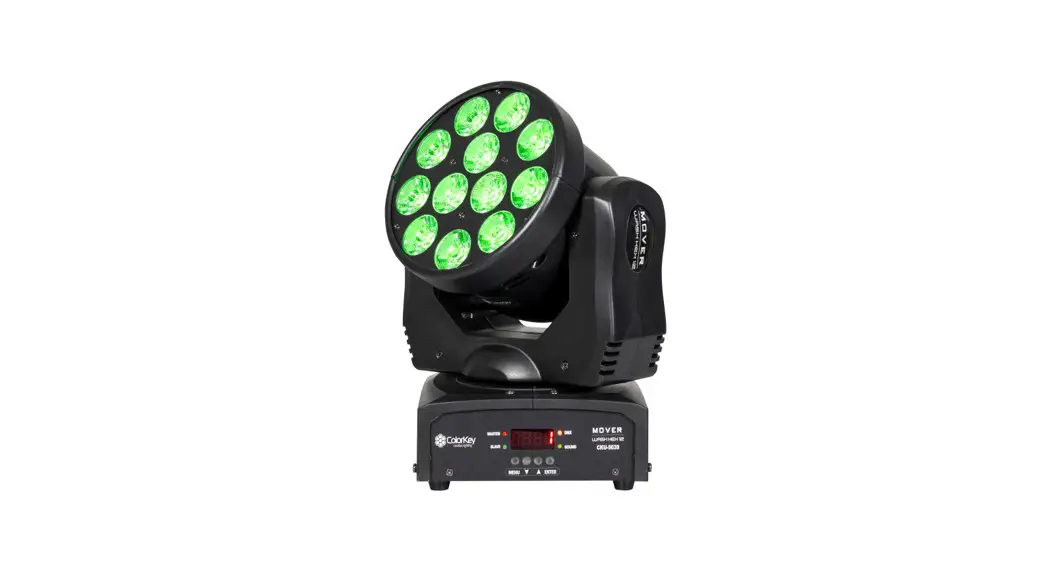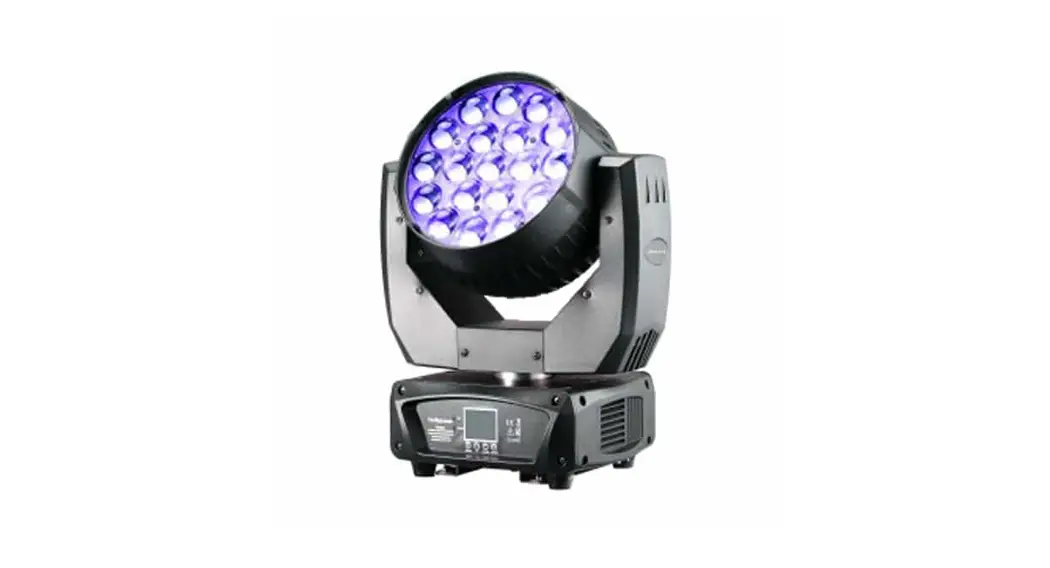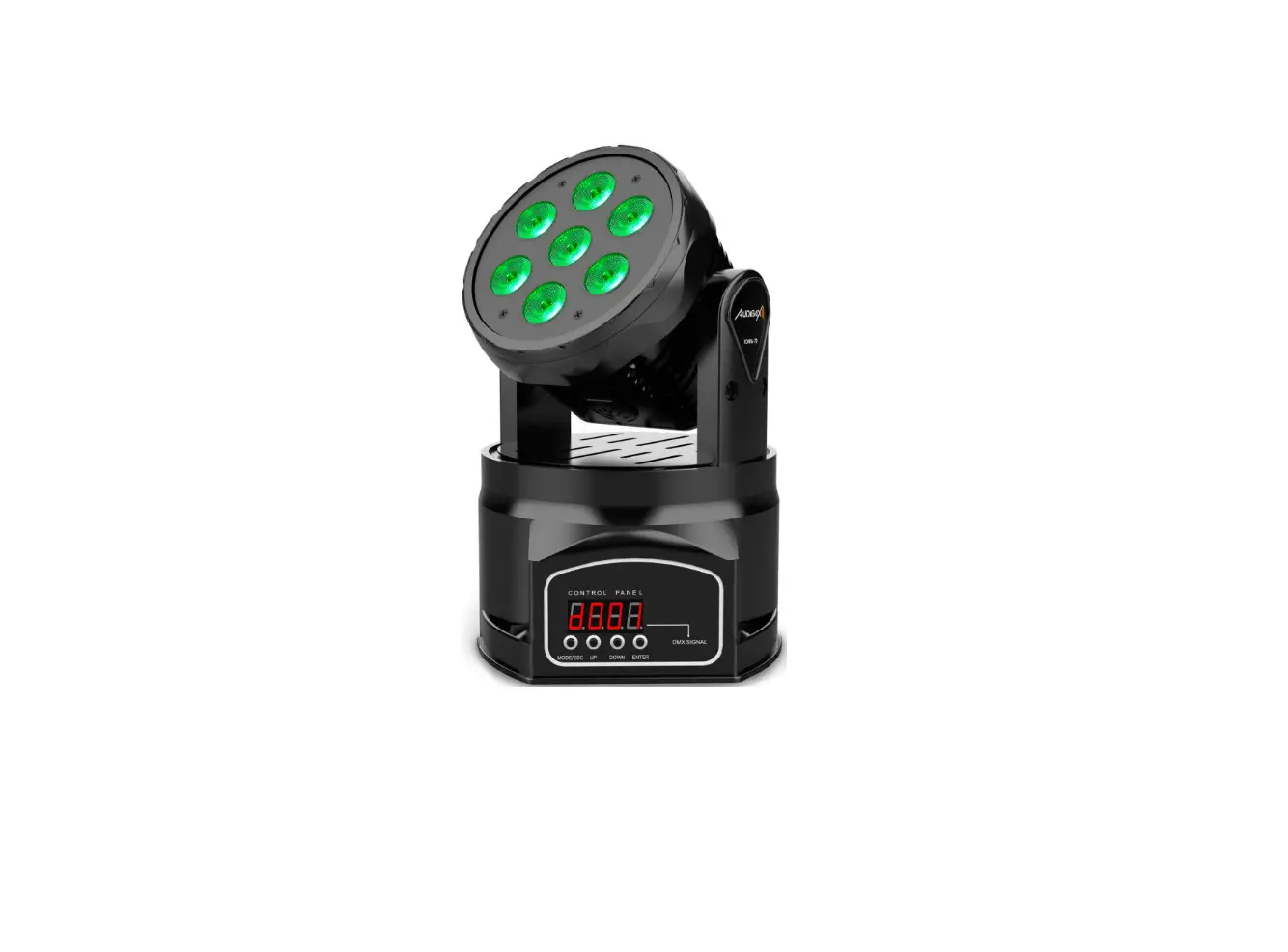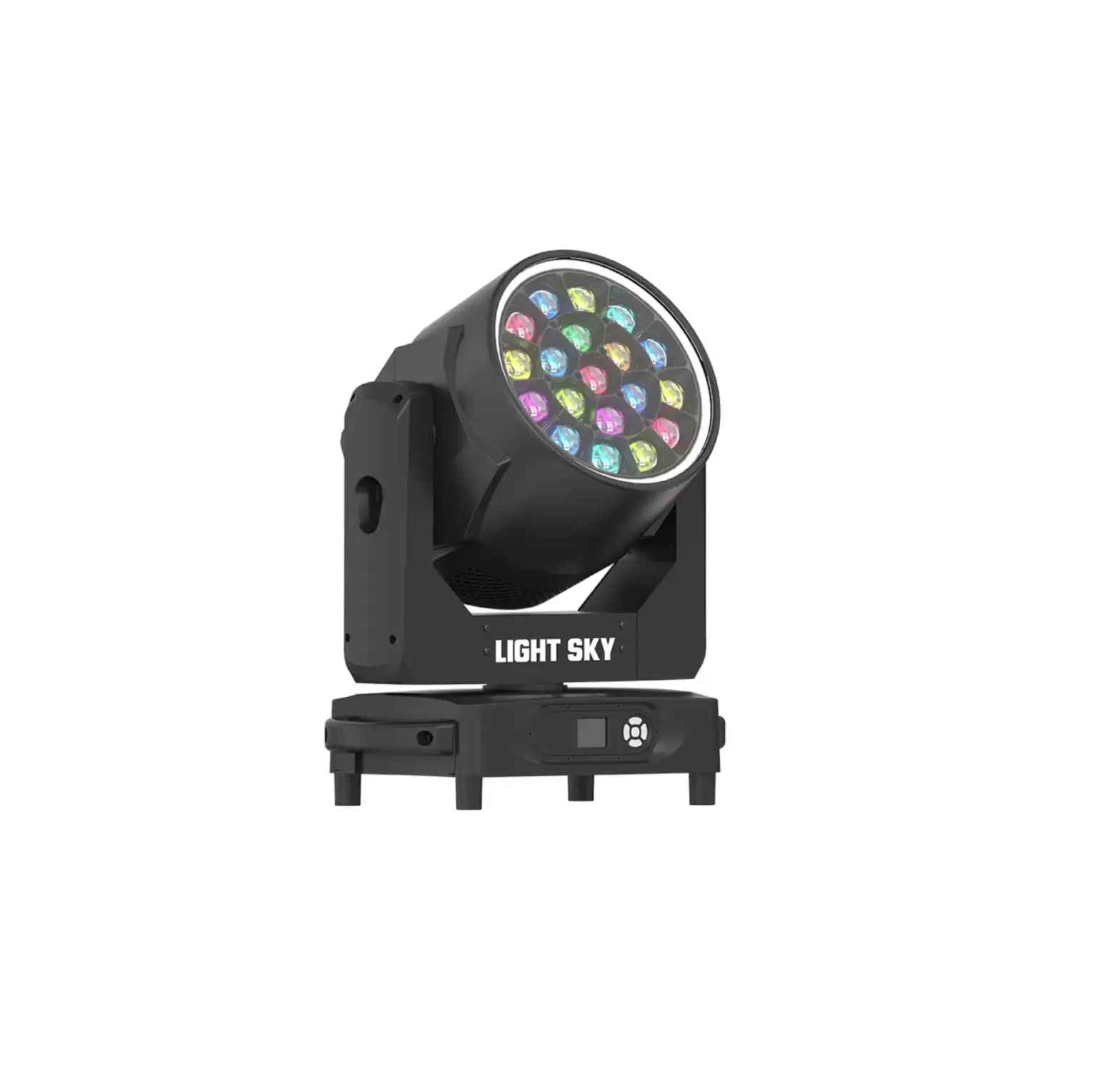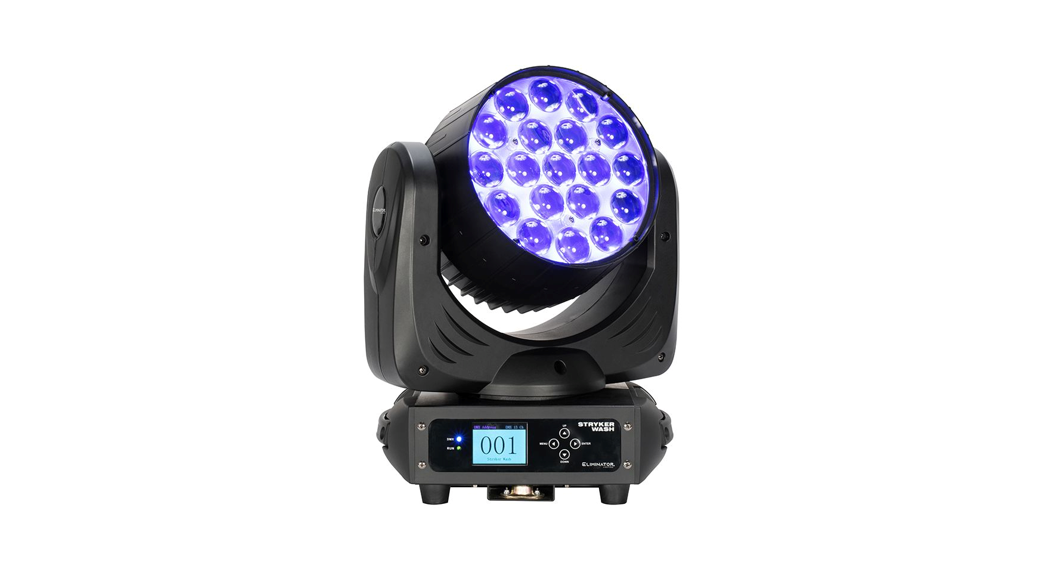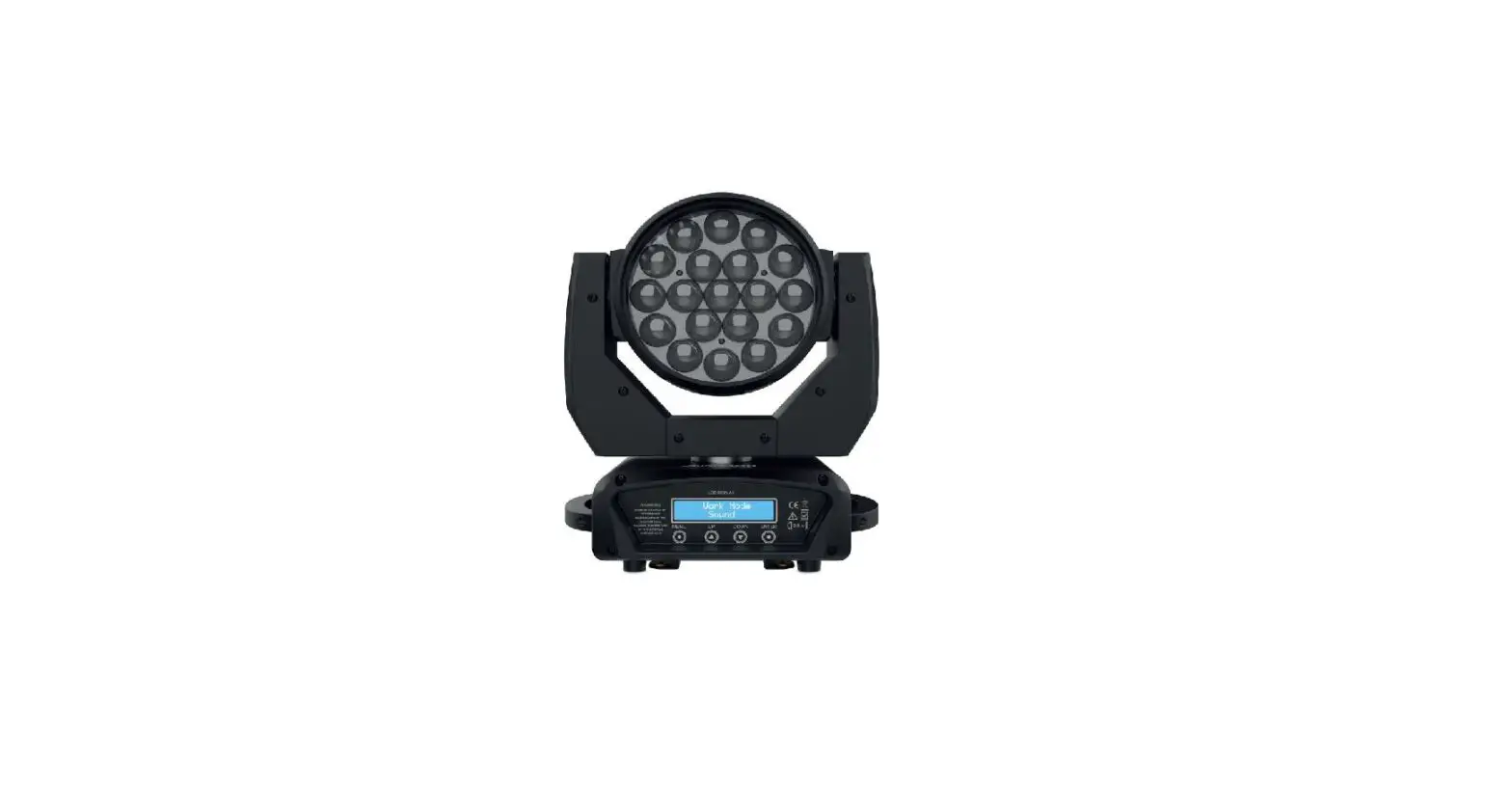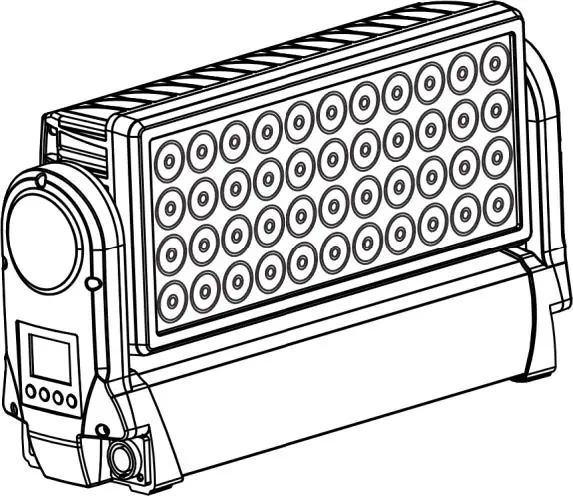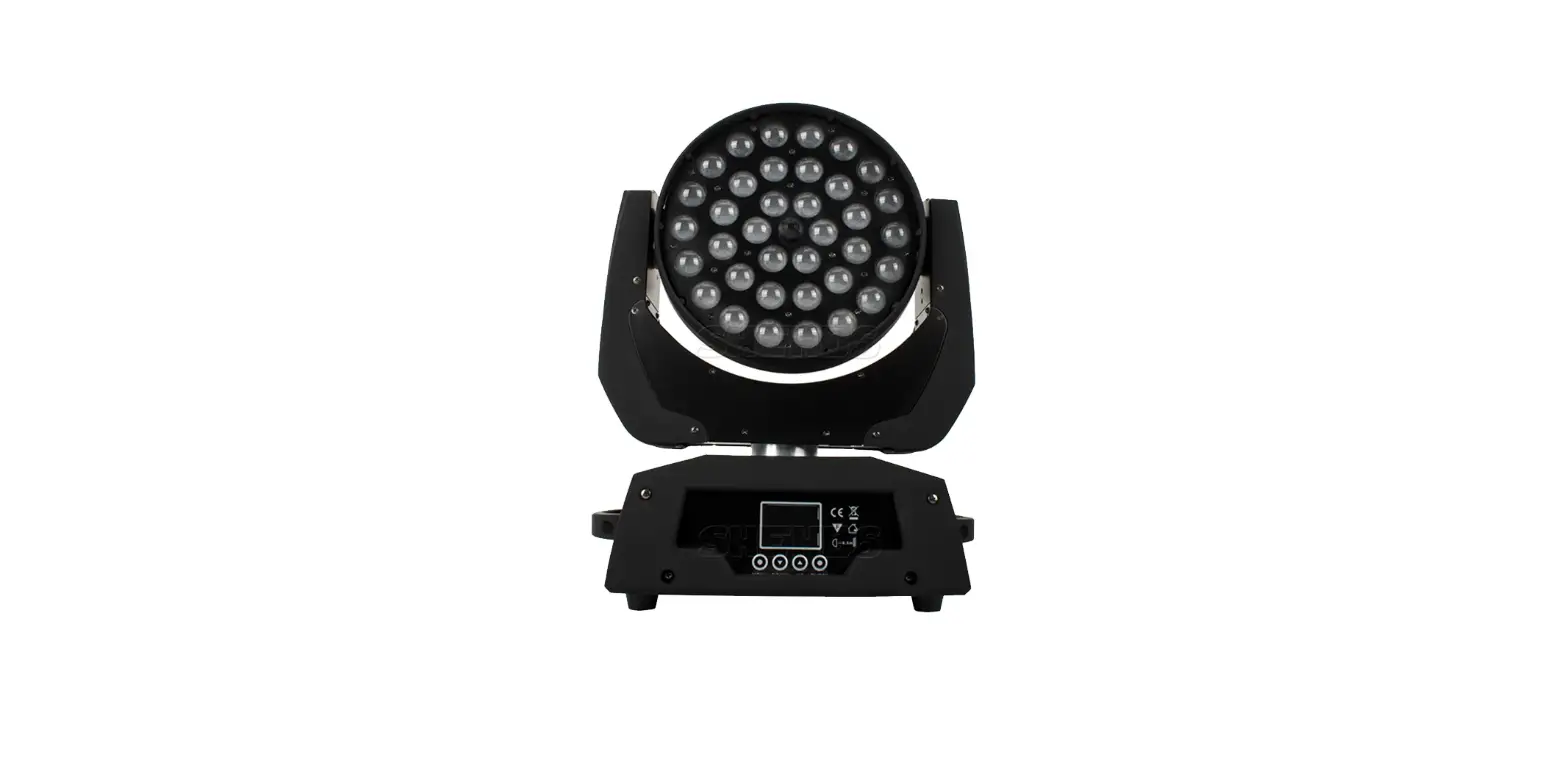

audio pro LED Wash Zoom 36x18W RGBWA+UV Moving Head
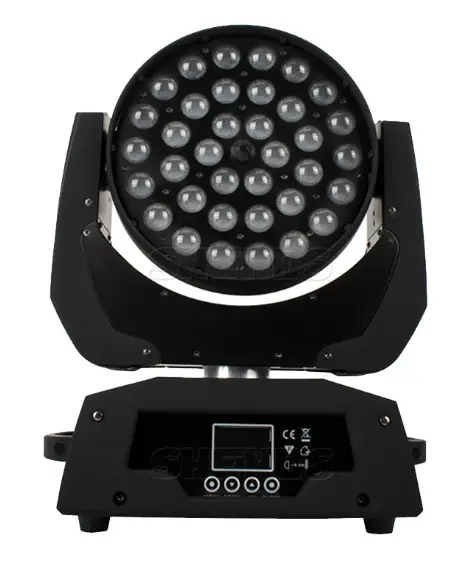
Display Control Instruction
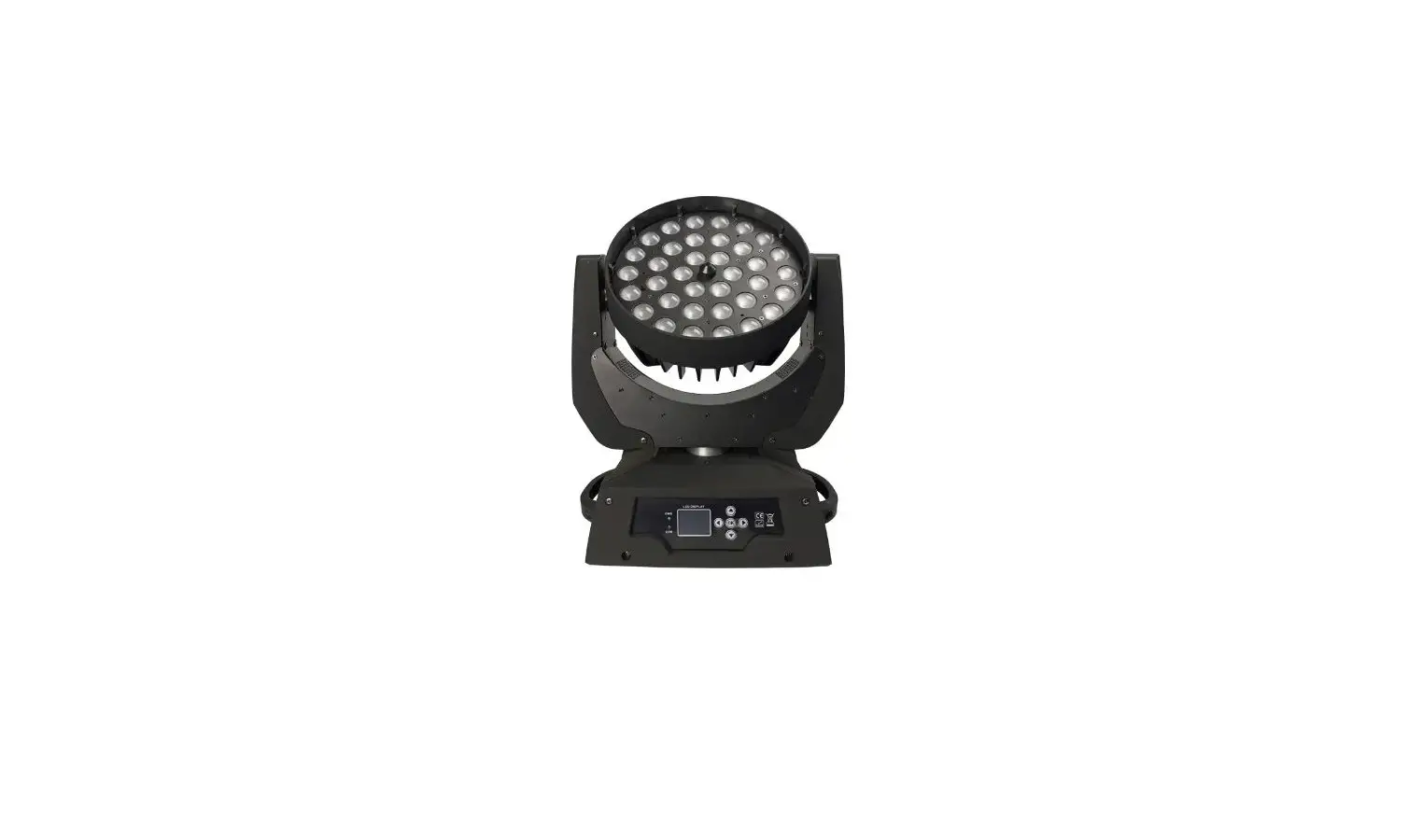
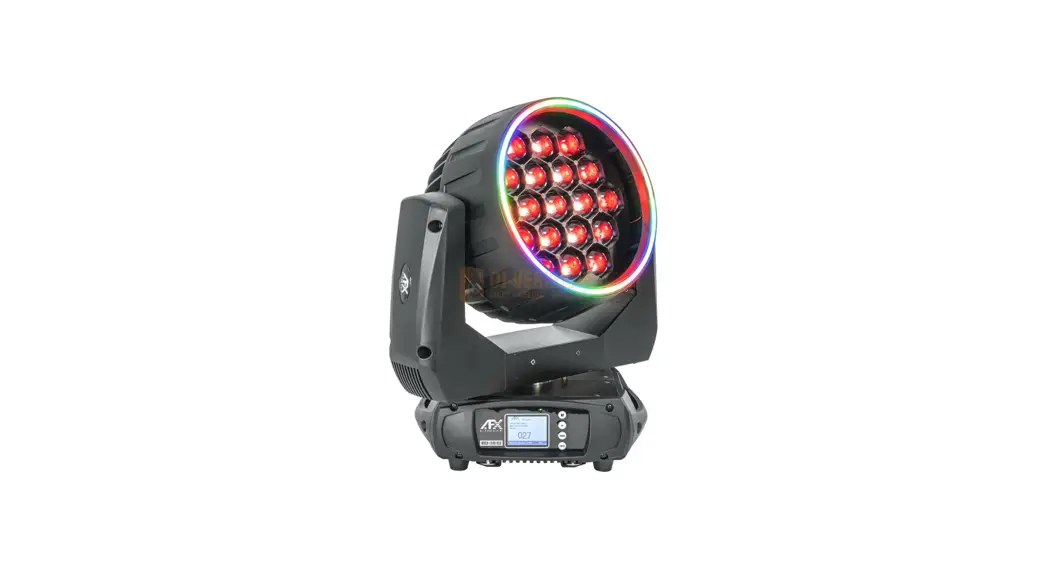
Welcome to use our LED Wash Zoom 36x18W RGBWA+UV Moving Head Lighting. The light uses energy-saving LED.long Product life, shockproof,dust-proof, OMX receiver and self-running feature, which can produce a variety of vivid lighting effects.easy to operate, suitable for all types of entertainment decoration architectural lighting industry.
- A: Function
- B: Up
- C: Down
- D: Enter
- E: LED Display
Instructions
Press the function key A and cycled out the 13/19 different function effects digital tube first two digits on behalf of which the current function(see menu).The last two digits represent the functions in which the address code or speed parameters.Press the B or C key to modify the parameter values.Press the D key to confirm.
Product Introduction
- Input voltage:AC90-240V,50-60HZ
- Power consumption:720W
- LED Source :36x18W RGBWA+UV 6in1
- OMX Control-Channels:13/19 Channels ,DMX512 3-Pin
- Dimmer:0-100% mechanic dimmer
- Operational modes: DMX512,AutoRun.Sound action, Strobe Stand Alone and
- Master/Slave.With Rich Advanced Built-in Programs.
- Payment: X-axis 540 degrees, Y axis 270 degree
Display: LED display - Material structure: high-temperature resistant plastic
- Long Lifespan LEDs(more than 60,000 hours)
- Product dimension:33.4×21.9×44.8CM
- Product Weight: 10KG
Maintenance
- Please keep the light in dryness and avoiding use in wet place.
- Using Intermittent can be extended the life.
- Attention to clean the fan and lens usually in order to get the ventilating effects and lighting effects better.
Please do not wipe the crust using organic solvent for avoid to damaged the product.
Statement
The product has well capability and intact packing when leave the factory. All of the user should comply with above warning item and manual,any misuse caused of the damages are not included in our guarantee.and also can’t be responsible for any malfunction & problem owing to ignore the manual.
Please forgive that we will not be noticed for technical change
Attention Item
- For guarantee the life of product please don’t put it on the wet place and not use it the place over 40 degree.
- Please don’t lay the product on an un-fixable or shakable place.
- Ask for the professional to maintain the product in order to avoid the danger of get an electric shock.
- Power supply should not be changed over +&-10% while the light is using.it will be decreased the life of lamp if the power is too high,but it will be influenced the luminosity if the power is too low.
- After power off.if it is need used again,please cool down over 20 minuter.
- Please look round the manual for ensure the product can be used normally.
OMX Channel Summary-13 Channels Mode(when the DMX
signal is received, the last decimal point of the digital tube will blink, otherwise it will not be received.)
| Channel | Function | |
| CH1 | Total Dimmer | |
| CH2 CH3 | Red Dimmer Green Dimmer | |
| CH4 | Blue Dimmer |
| CHS | White Dimmer |
| CH6 | Amber Dimmer |
| CH? | Ultraviolet Dimmer |
| CHB | X- axis Rotates |
| CH9 | Y- axis Rotates |
| CH10 | X/Y- axis.Speed Control |
| CH11 | Zoom |
| CH12 | Strobe |
| CH13 | Blank( spare ) |
DMX Channel Summary-19 Channels Mode(when the DMX signal is received, the last decimal point of the digital tube will blink, otherwise it will not be received
| Channel | Function |
| CH1 | Total Dimmer |
| CH2 | Red Dimmer |
| CH3 | Green Dimmer |
| CH4 | Blue Dimmer |
| CHS | White Dimmer |
| CH6 | Amber Dimmer |
| CH? | Ultraviolet Dimmer |
| CHB | Total Brightness Control |
| CH9 | X- axis Rotates |
| CH10 | Y- axis Rotates |
| CH11 | Pan Fine |
| CH12 | Tilt Fine |
| CH13 | X/Y-axis,Speed Control |
| CH14 | Zoom |
| CH1S | Strobe |
| CH16 | Auto Mode |
| CH17 | Speed Control-Auto Mode |
| CH18 | Reset |
| CH19 | Blank( spare ) |
| Channel | Function |
| CH1 | Total Dimmer |
| CH2 | Red Dimmer |
| CH3 | Green Dimmer |
| CH4 | Blue Dimmer |
| CHS | White Dimmer |
| CH6 | Amber Dimmer |
| CH? | Ultraviolet Dimmer |
| CHB | Total Brightness Control |
| CH9 | X- axis Rotates |
| CH10 | Y- axis Rotates |
| CH11 | Pan Fine |
| CH12 | Tilt Fine |
| CH13 | X/Y-axis,Speed Control |
| CH14 | Zoom |
| CH1S | Strobe |
| CH16 | Auto Mode |
| CH17 | Speed Control-Auto Mode |
| CH18 | Reset |
| CH19 | Blank( spare ) |
Display Control Instruction
| Display | Function | |
| Address | 0-512 | Adjustment of OMX Channel Address |
| Run Mode | OMX Auto Sound
Return | OMX Channel :13/19CHs Auto Mode, 1-8 Receive external sound or vibration, run built-in program effects Return |
| Test Mode | Pan Tilt Focus Red Green Blue White
Return | Adjustment of Pan-Motor Adjustment of nit-Motor· Adjustment of Zoom-Motor Red Dimmer Green Dimmer Blue Dimmer White Dimmer Amber Dimmer Ultraviolet Dimmer Return |
| Language | Chinese English Return | Chinese English Return |
| Setup | Id Code | Adjustment of ID Code |
| Pan Reverse | ON/OFF | |
| Tilt Reverse | ON/OFF | |
| Fader Delay | ON/OFF | |
| Signal Link | ON/OFF | |
| Code Wheel | ON/OFF | |
| Temp Switch Set | ON/OFF | |
| Temperature Set | 50-120 | |
| Screen Saver Display Reverse | Mode 1, Mode 2, OFF ON/OFF | |
| Factory Set | Factory Set | |
| RESET Touch Correct | RESET Touch Correct |
| Pan Offset | 0-255 | |
| Tilt Offset | 0-255 | |
| .R.eturn | Return |
Homepage
System Information Interface
| Option | Function |
| Software Version | current software version |
| Running Time | Cumulative usage time (accurate to minute) |
| Boot Time | The use of time since the start (accurate to minute) |
| Temperature | Lamp temperature display |
| Fan | Fan’s working status |
| Return | Return to the setup interface |
 using.it