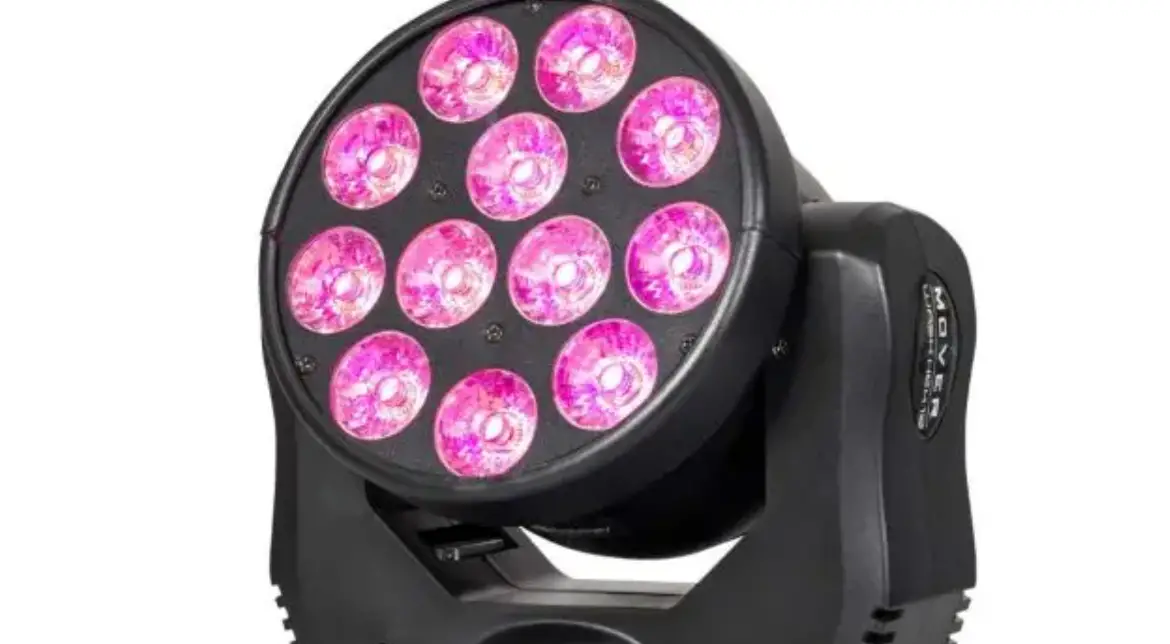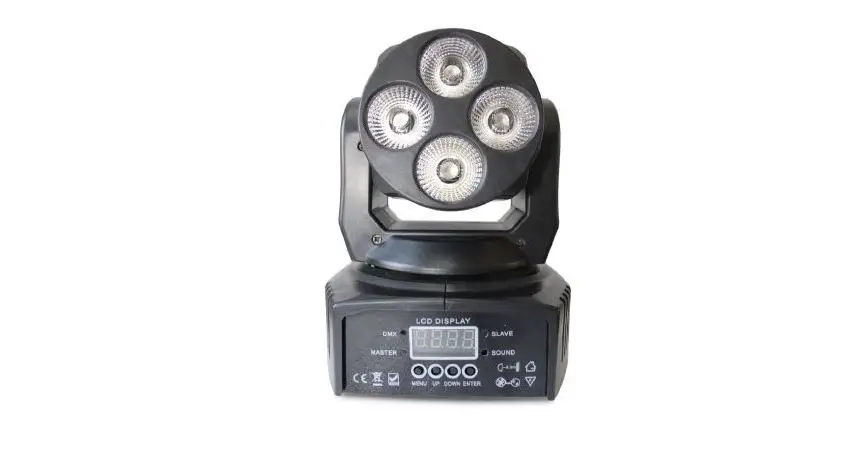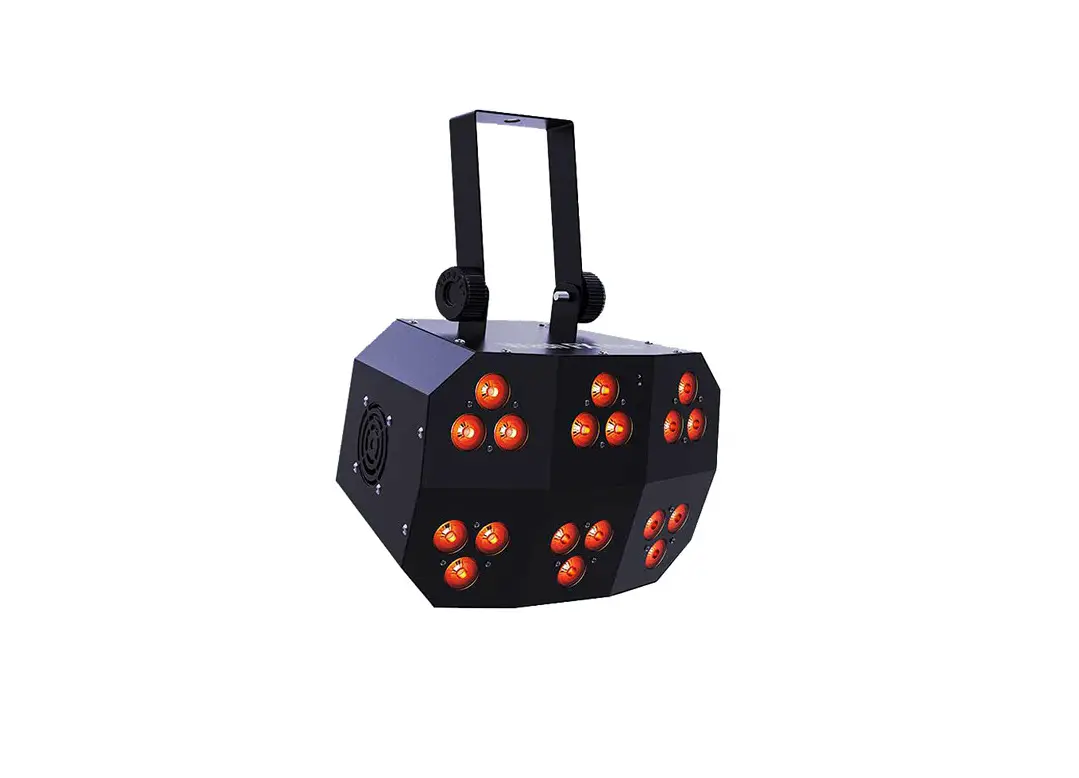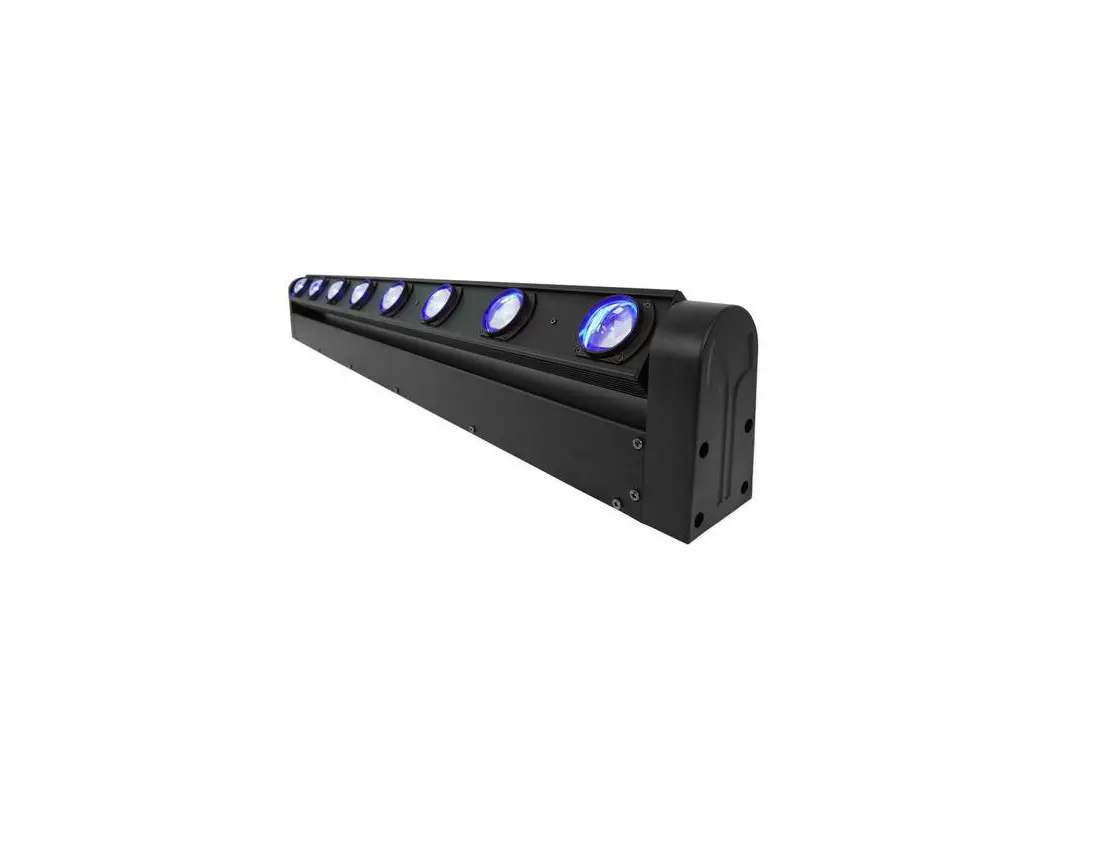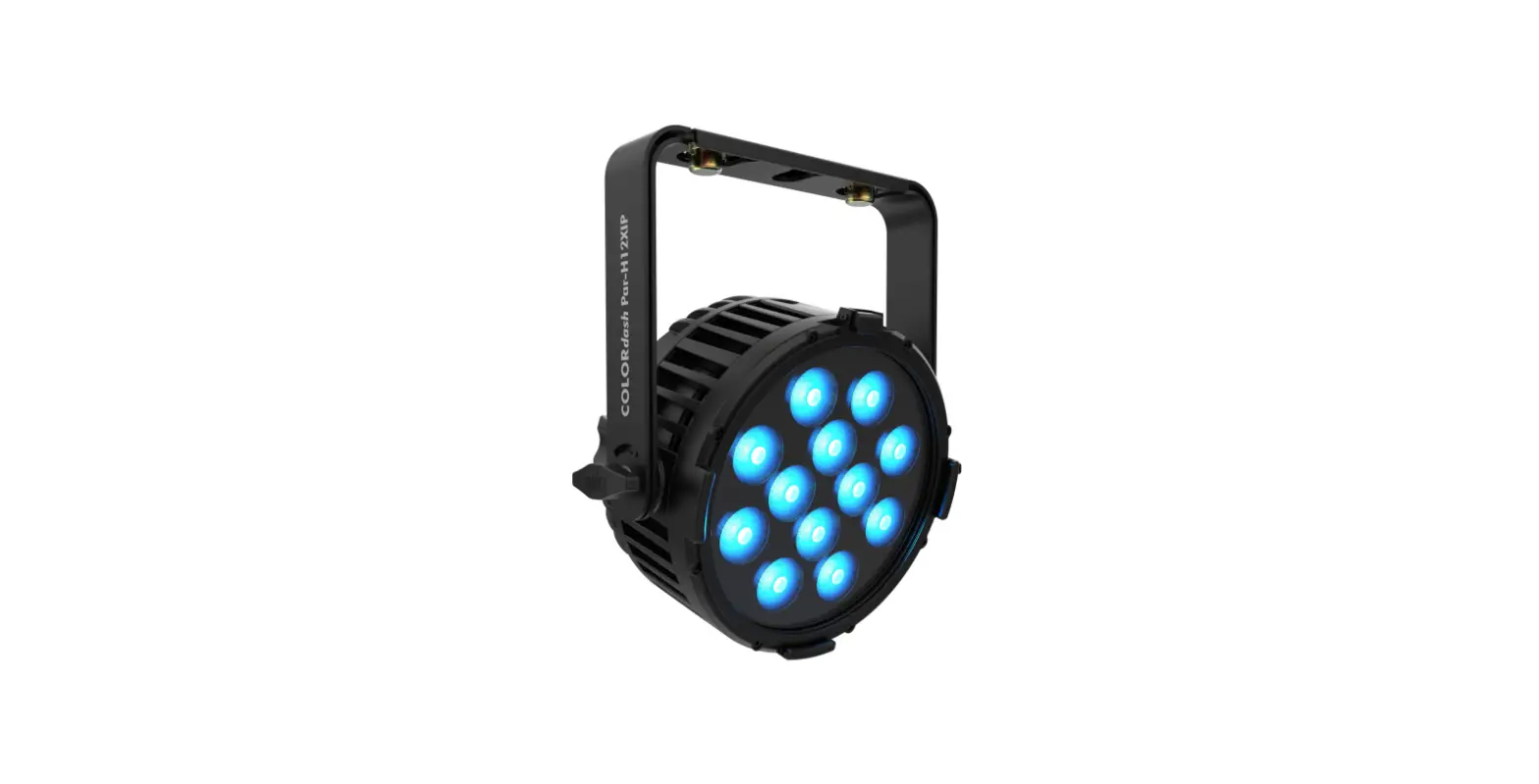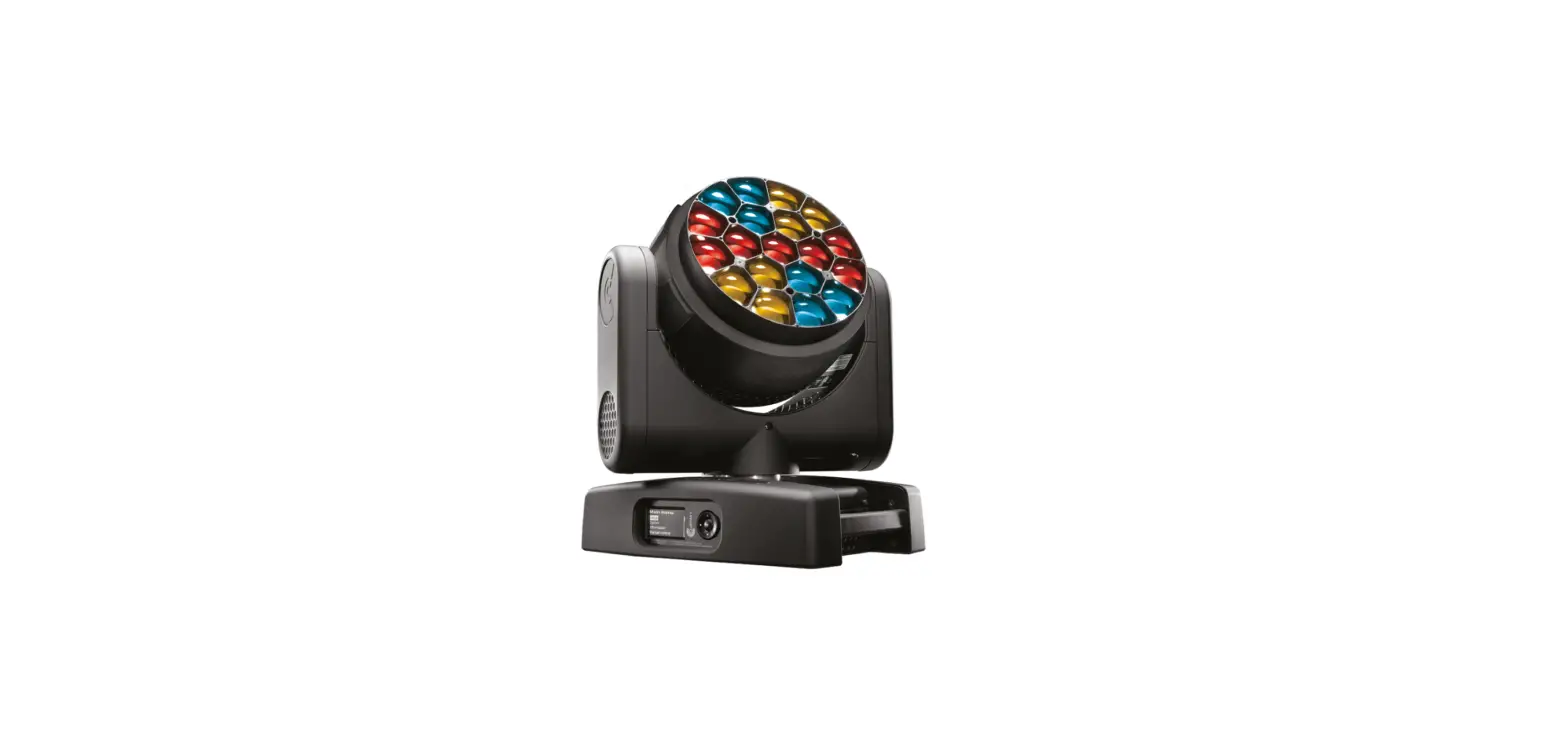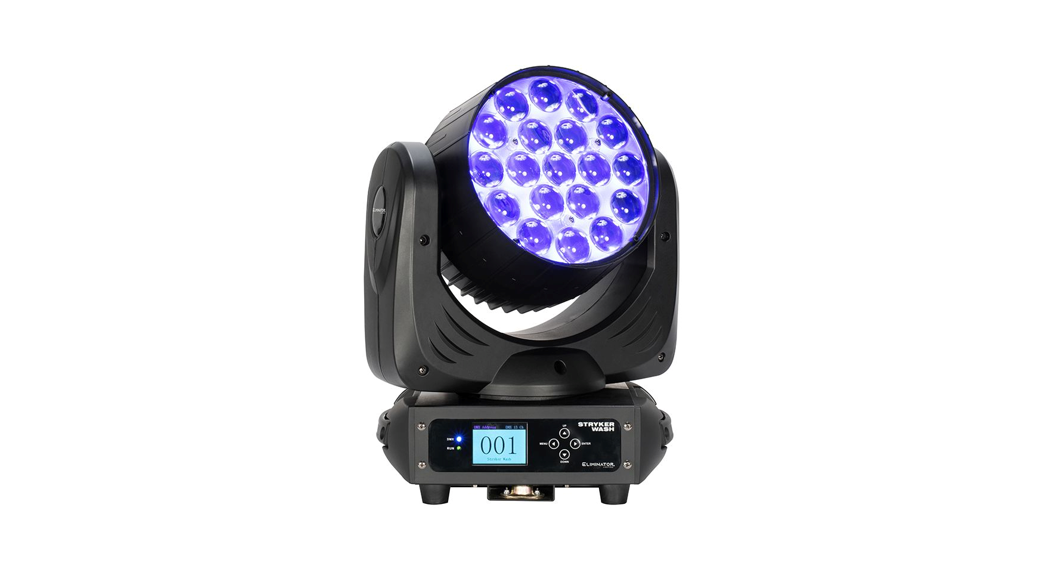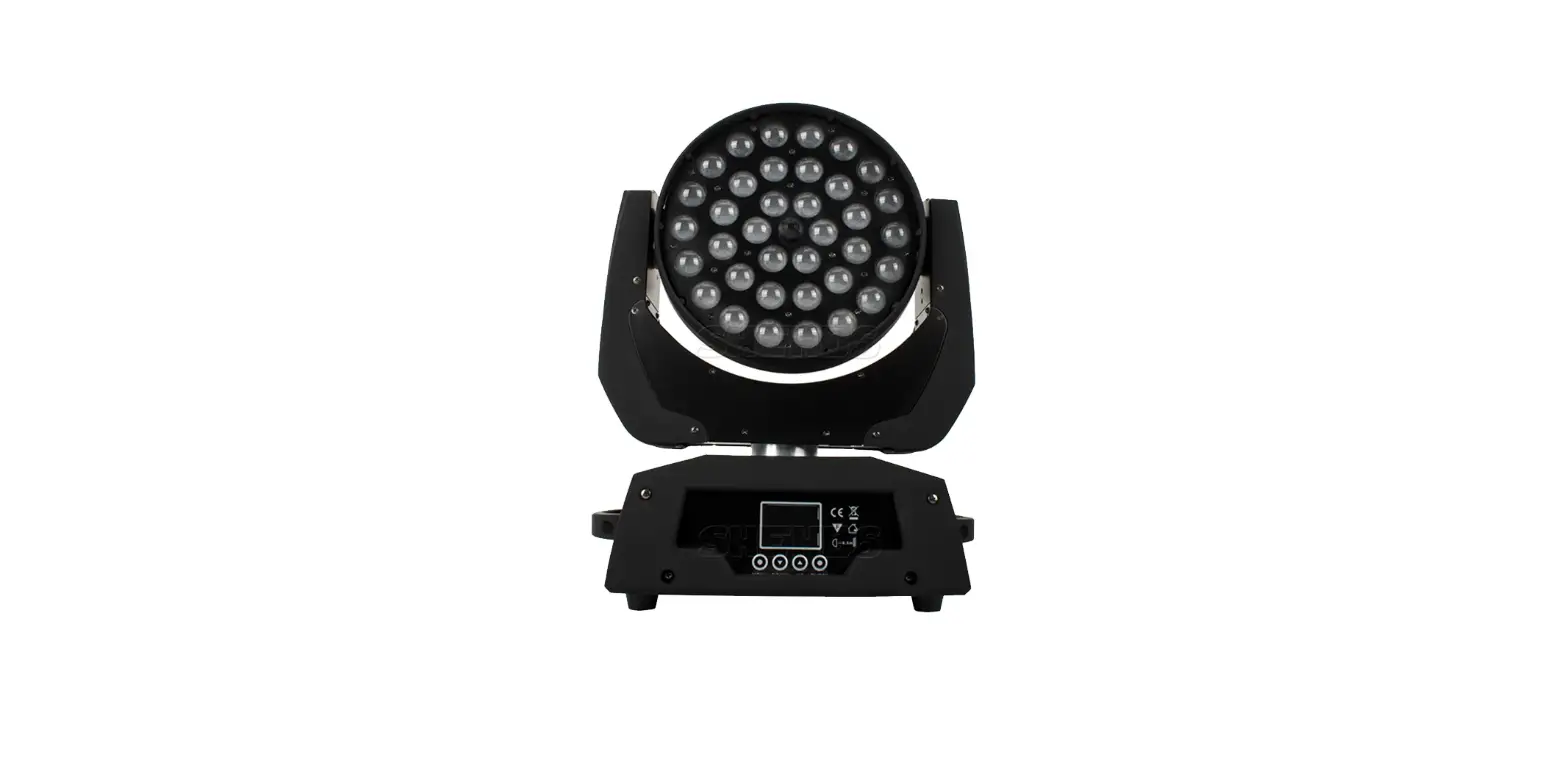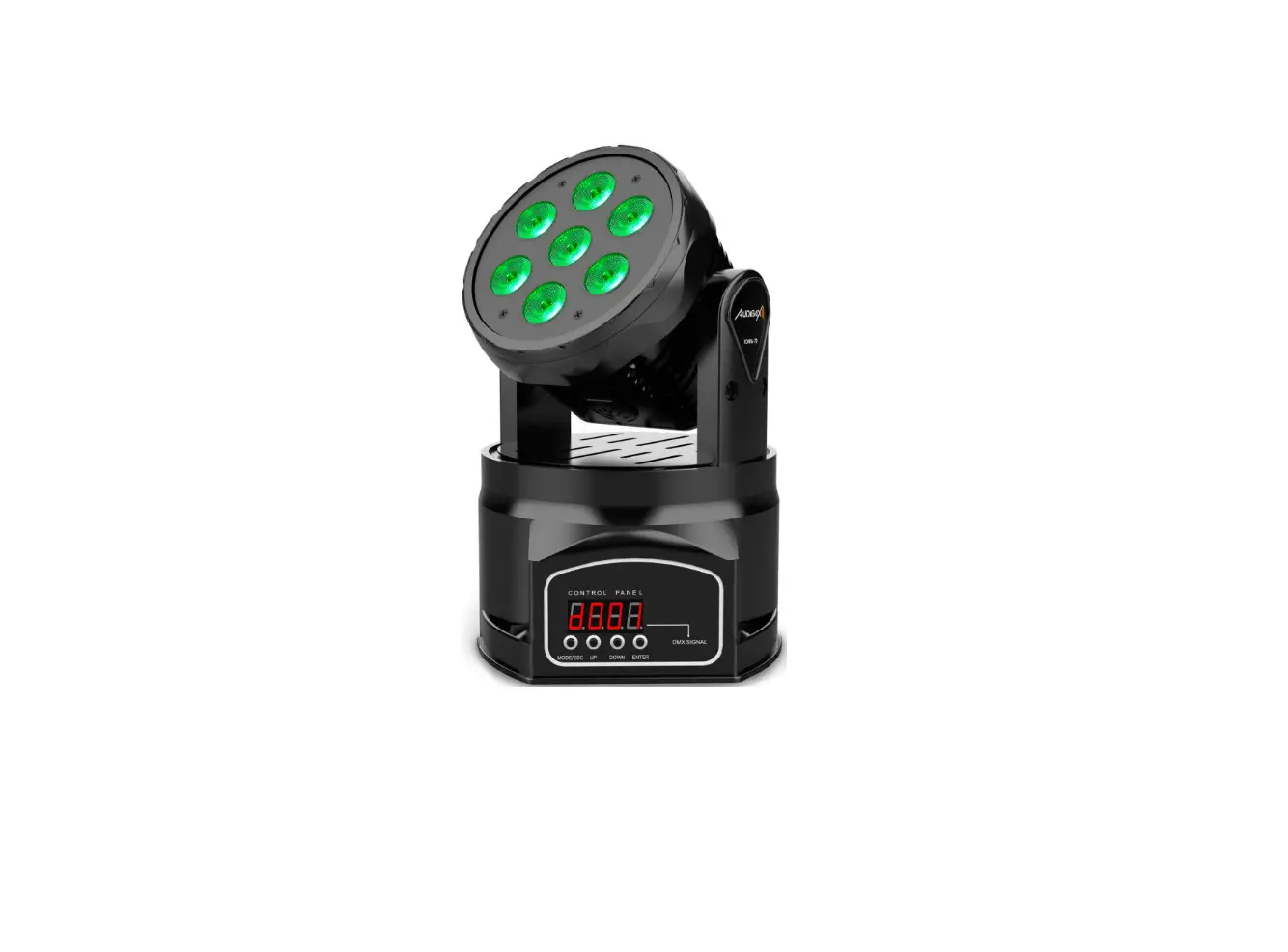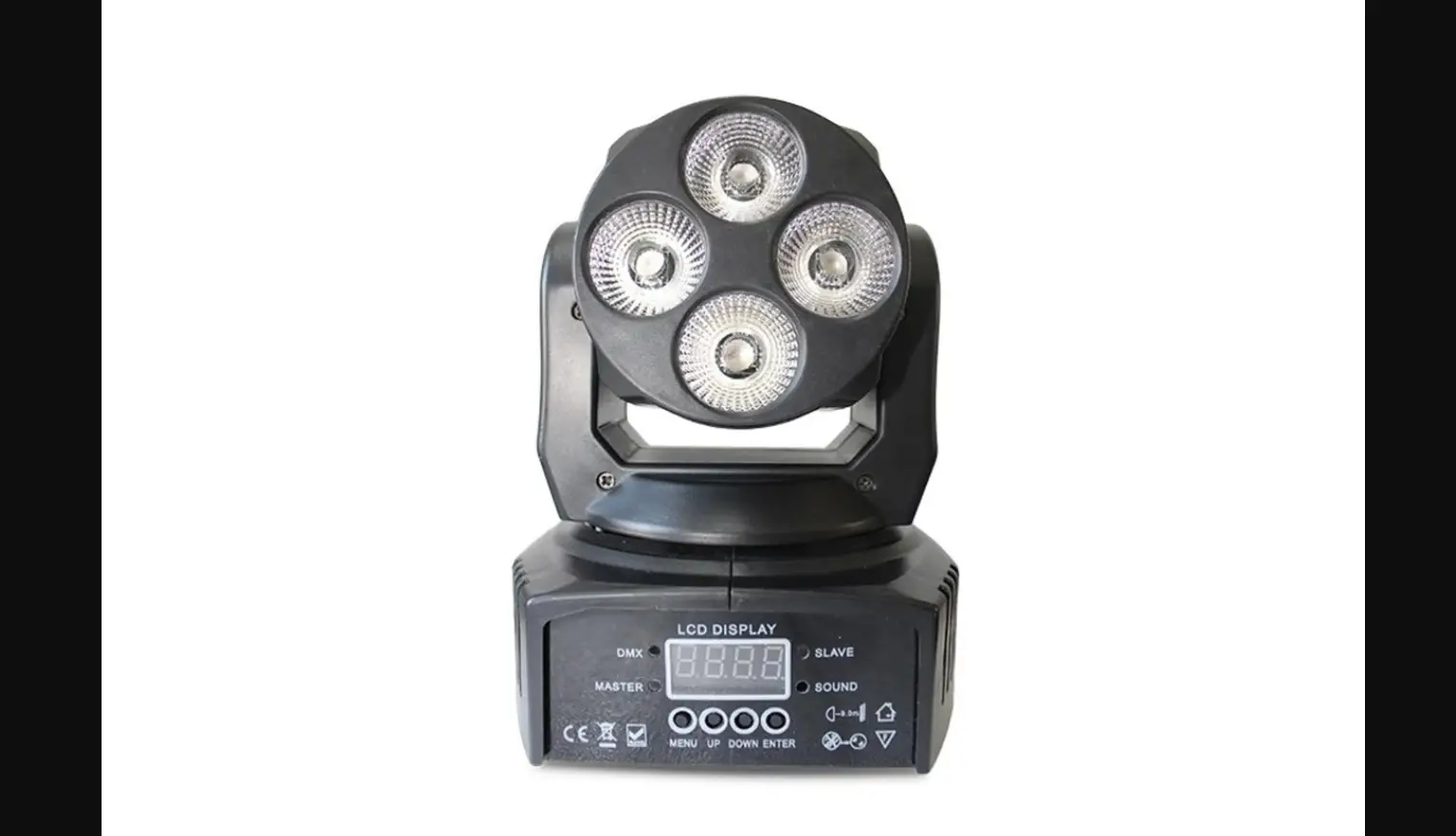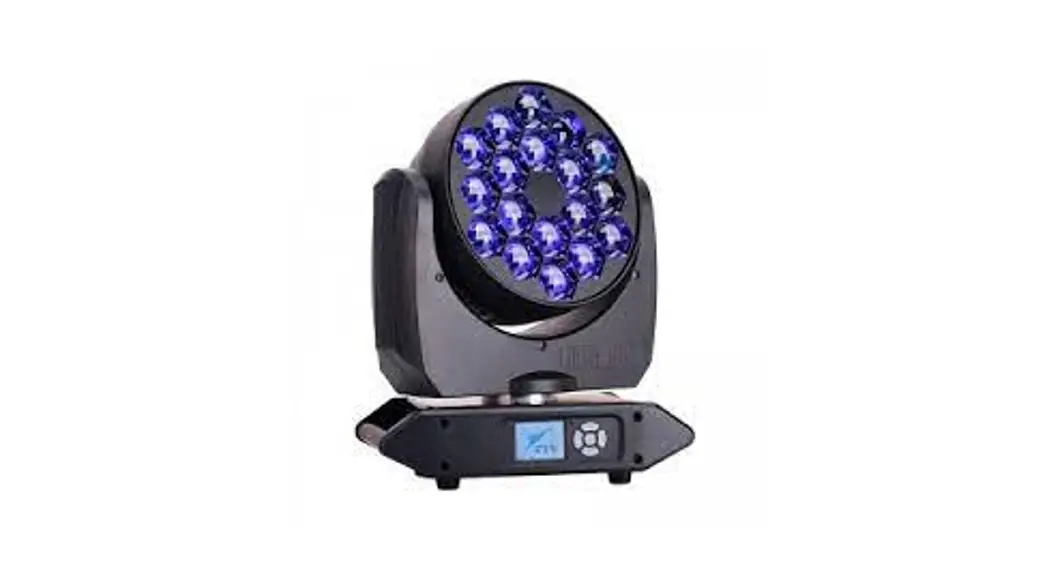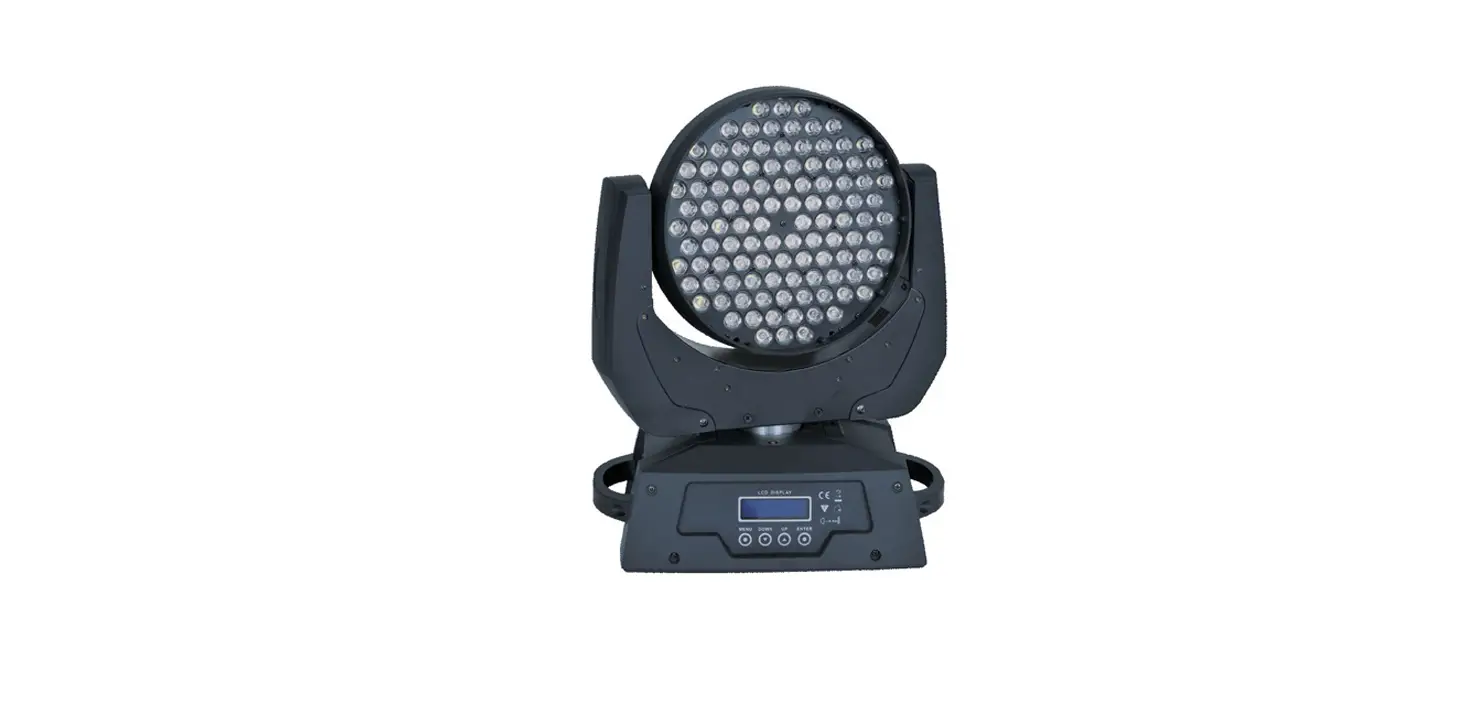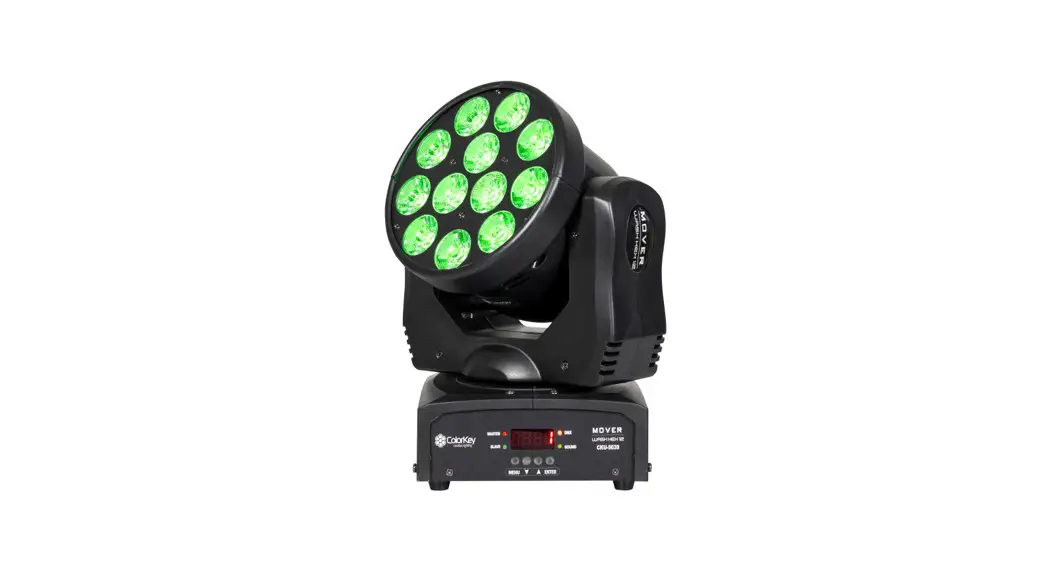
 Mover Wash HEX 12
RGBAW+UV Moving Head Wash Light
CKU-5039
USER MANUAL 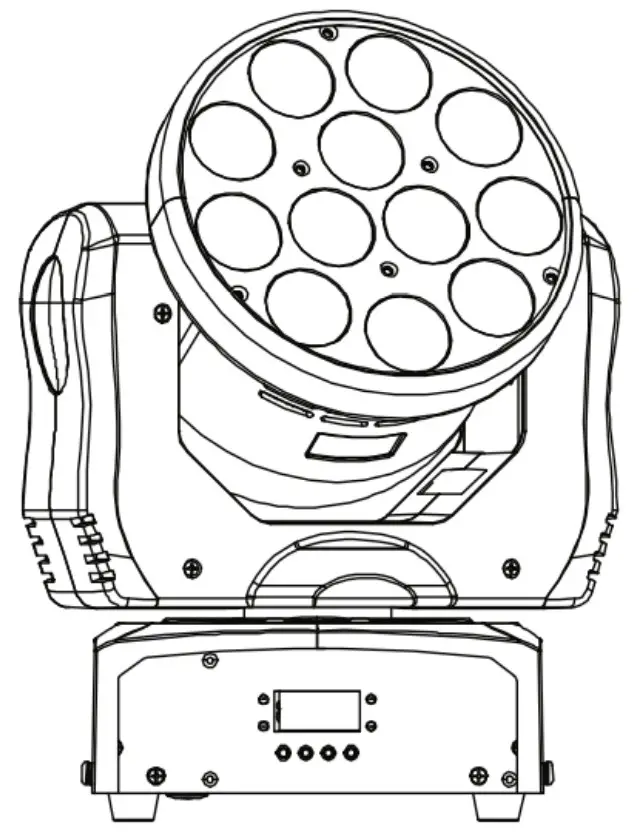
CKU-5039 Mover Wash HEX 12 RGBAW+UV Moving Head Wash Light
Please read these instructions carefully before use. Operating this fixture according to these instructions is important to avoid any possible damage or accidents caused by misuse.
Introduction
Package Contents
- Mover Wash HEX 12
- Power Cable
- Hanging Brackets
- User Manual
Caution! Opening this unit voids warranty. Contact ColorKey for any service requests.
Warning! To avoid electrical shock, be sure to disconnect power before any service or when moving or setting up the fixture.
Caution! Avoid direct eye exposure with the fixture when on.
- This fixture is for indoor use only.
- Do not install or operate this fixture near flammable materials.
- This device must be installed, operated, and maintained by a qualified professional.
- Please check if the voltage is in accordance with the rated power before installing.
- Do not operate this fixture if the power cord has been damaged. Turn off fixture and replace with a power cord of similar rating.
Service & Support
Your ColorKey product includes a 2-year warranty. For technical support or to register your product, please visit https://www.colorkeyled.com/support/
You can also reach us by phone Monday thru Friday, 8:30am – 5pm PST at (818) 578-4030.
Display Operation
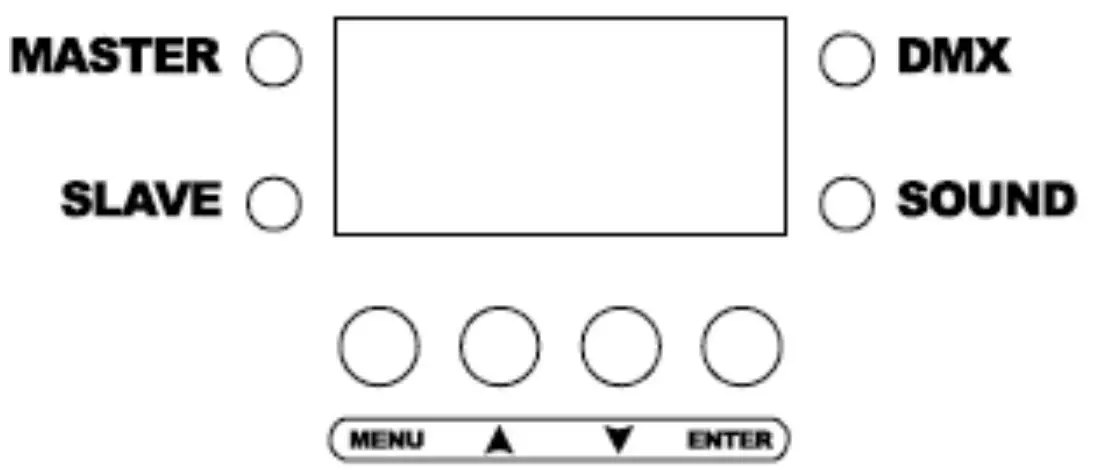
Menu: Access the menu/Scroll through menu options (*Hold Menu for two seconds to exit the menu and return to your chosen program)
Up: Scroll through menu selections or increase parameters
Down: Scroll through menu selections or parameter decrease
Enter: Open/Select the current menu option
Menu Item | Values | Function |
| Addr | A001-A512 | DMX Address setting |
| ChNd | 9ch / 15ch | Channel selection mode |
| ShNd | Show0-Show4 | Performance modes |
| SLNd | NASt / SLV1 / SLV2 | Master / Slave settings |
| Soun | No/Yes | Sound active mode |
| SEnS | 0-100 | Sound active sensitivity |
| Blnd | No/Yes | Boot pause mode |
| Pan | No/Yes | X motor forward / reverse |
| Tilt | No/Yes | Y motor forward / reverse |
| LED | No/Yes | Display on / off during use |
| Disp | Yes / No | Invert the LED display |
| Bala | R:125-255,B:125- 255,G:125-255 | White balance setting- Add or decrease red, green and blue to create White Balance temp. |
| Test | Self-performance test. The light will color cycle pan and tilt on its own | |
| Temp | -20-100C | Temperature of the light will be displayed |
| Fhrs5 | Displays number of hours used | |
| uEr | NA | |
| rESt | Reset light to out of box settings |
DMX Values
5 Channels Mode
Channel | Value | Function |
| 1 | 000-007 | Off |
| 008-255 | Dimmer (0 to 100) | |
| 2 | 000-007 | Open |
| 008-037 | Random Strobe | |
| 038-067 | Sound Active Strobe | |
| 068-255 | Strobe (Rate from slow to fast) | |
| 3 | 000-007 | No Function |
| 008-0037 | Red | |
| 038-067 | Green | |
| 068-097 | Blue | |
| 098-127 | White | |
| 128-157 | Orange | |
| 158-187 | UV | |
| 188-247 | Color fade (Slow to fast) | |
| 248-255 | Color chase | |
| 4 | 000-007 | No Function |
| 008-037 | Pan/Tilt movement 1 | |
| 038-067 | Pan/Tilt movement 2 | |
| 068-097 | Pan/Tilt movement 3 | |
| 098-127 | Pan/Tilt movement 4 | |
| 128-157 | Pan/Tilt movement 5 | |
| 158-187 | Pan/Tilt movement 6 | |
| 188-217 | Pan/Tilt movement 7 | |
| 218-247 | Pan/Tilt movement 8 | |
| 248-255 | Pan/Tilt movement 9 | |
| 5 | 000-007 | Hold |
| 008-247 | Manual speed (Slow to fast) | |
| 248-255 | Sound Active Response |
9 Channels Mode
| Channel | Value | Function |
| 1 | 0-255 | Pan motor adjustment |
| 2 | 0-255 | Tilt motor adjustment |
| 3 | 0-199 | Dimmer from dark to bright |
| 200-250 | Strobe from slow to fast | |
| 251-255 | All bright | |
| 4 | 0-255 | Red |
| 5 | 0-255 | Green |
| 6 | 0-255 | Blue |
| 7 | 0-255 | White |
| 8 | 0-255 | Amber |
| 9 | 0-255 | UV |
15 Channels Mode
| CH | Value | Function |
| 1 | 0-255 | Pan motor adjustment |
| 2 | 0-255 | Fine pan motor adjustment |
| 3 | 0-255 | Tilt motor adjustment |
| 4 | 0-255 | Fine tilt motor adjustment |
| 5 | 0-255 | Pan & Tilt speed |
| 6 | 0-255 | Dimmer from dark to bright (Ch 14 Must be Open) |
| 7 | 0-255 | Red |
| 8 | 0-255 | Green |
| 9 | 0-255 | Blue |
| 10 | 0-255 | White |
| 11 | 0-255 | Amber |
| 12 | 0-255 | UV |
| 13 | 008-255 | Auto color programs |
| 14 | 008-131 | Strobe from slow to fast |
| 132-139 | Open | |
| 140-181 | Strobe effect 1 | |
| 182-189 | Open | |
| 190-231 | Strobe effect 2 | |
| 232-239 | Open | |
| 240-247 | Random flashes | |
| 248-255 | Open | |
| 15 | 128-255 | Sound active (001-127 No function) |
Operation and Control
Fine tuning your Mover Wash Hex 12 start position
The Mover Wash HEX 12 offers the ability to adjust your starting position should your lights begin to vary after use due to bumps received during transit or use
- To enter adjustment program, press Menu and hold Enter key for 3 seconds
- Use Up and Down navigation arrows to select Pan or Tilt, pressing enter to make your selection.
- You may now enter fine adjustments from -127 to 127 for both Pan and Tilt to start your light in its desired position.
- Press Enter to confirm your selection and Menu to exit adjustments program.
- Your Mover Wash will now start at desired position going forward.
Controlling your Mover Wash HEX 12 using a DMX controller:
- Use a DMX cable to connect your Mover Wash HEX 12 to the DMX in/out sockets on the bottom of the light.
- Set desired DMX address for your light
Using Master/Slave Mode:
The Master/Slave mode allows a group of Mover Wash HEX 12 units (the slaves) to duplicate the output of another Mover Wash HEX 12 (the master) without a DMX controller.
- Set each of the slaves:
• Go to SLNd in the main menu and press enter.
• Select SL1. - Set the master:
• Go to SLNd in the main menu and press enter.
• Select NASt.
- The master (NASt) is the unit that runs your program whether in one of the static color modes or various Auto programs.
Using Slave modes (SL1, SL2) to create a light show
Using 4 or more lights for best effect, Mover Wash HEX can help create auto-light shows by engaging Auto Programs on the Master fixture and having slaves connected in varying sequences to display varied yet synchronized light shows.
- Set each of the desired slaves SL1, SL2:
• Go to SLNd in the main menu and press enter.
• Select SL1.
• Repeat steps for each slave fixture SL1 and SL2 - Set the master:
• Go to SLNd in the main menu and press enter.
• Select NASt.
- Accessing the (ShNd) programs on the Master light will now create varying displays of synchronized light on the master and slave fixtures through (Auto) and (SoUn) functions.
Troubleshooting
| Problems | Solutions |
| No DMX Control | Ensure your DMX controller is sending signal and you are using a proper and working DMX cable. |
| Head position is off centered at startup | See directions on pg. 7 “Fine tuning your Mover Wash Hex 12 start position” |
| Master / Slave | For a direct copy of the master (NASt), select SL1. For a synchronized yet varied Auto Show, select SL2. |
Technical Information
- 12x12W RGBAW+UV LED Wash Light
- DMX Channel Modes: 9 / 15 channels
- Control modes: DMX 512, Master /Slave, Sound active, Auto programs
- Pan: 540o
- Tilt: 270o
- Power consumption: 160W
- Power supply: AC90-230V; 50-60Hz
- Weight: 6.4lb
- Measurements: 10.25in. x 7.14in. x 6.25in.
Please note: As we continue to work towards improving our products and your experience as a user, we recommend that you check our website periodically for updates to user manuals and specifications at www.ColorKeyLED.com or you may contact us directly at [email protected].
 Home - ColorKey