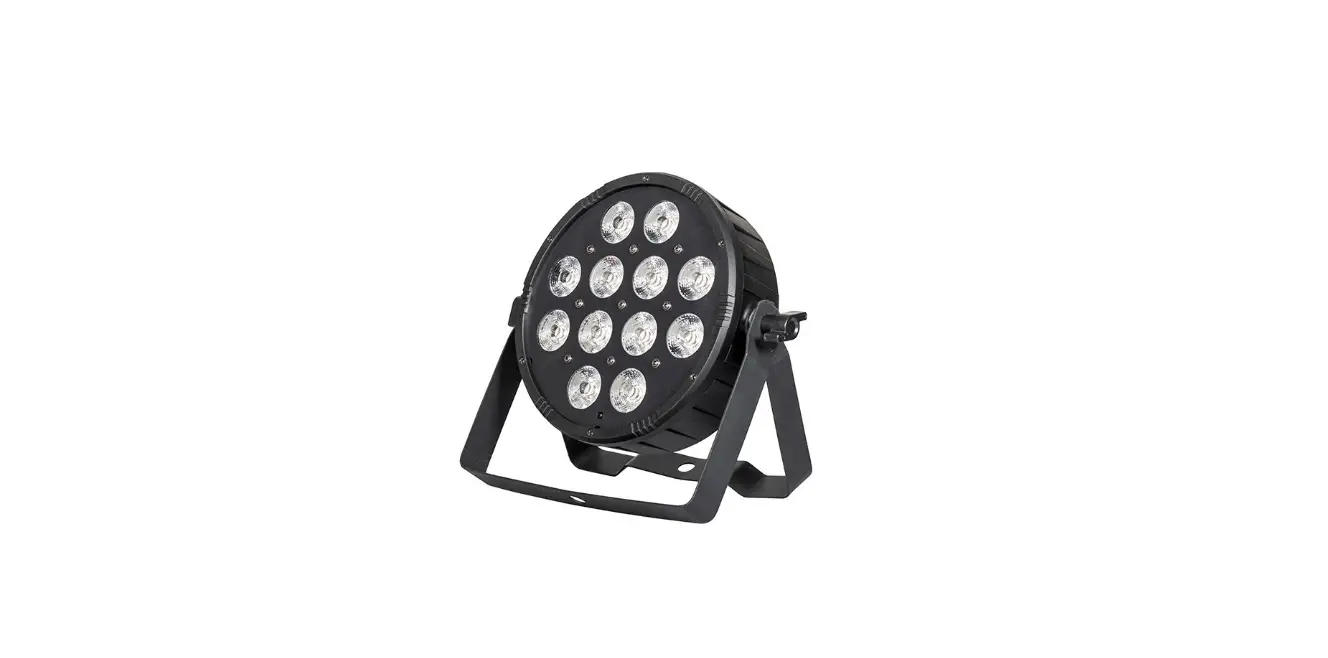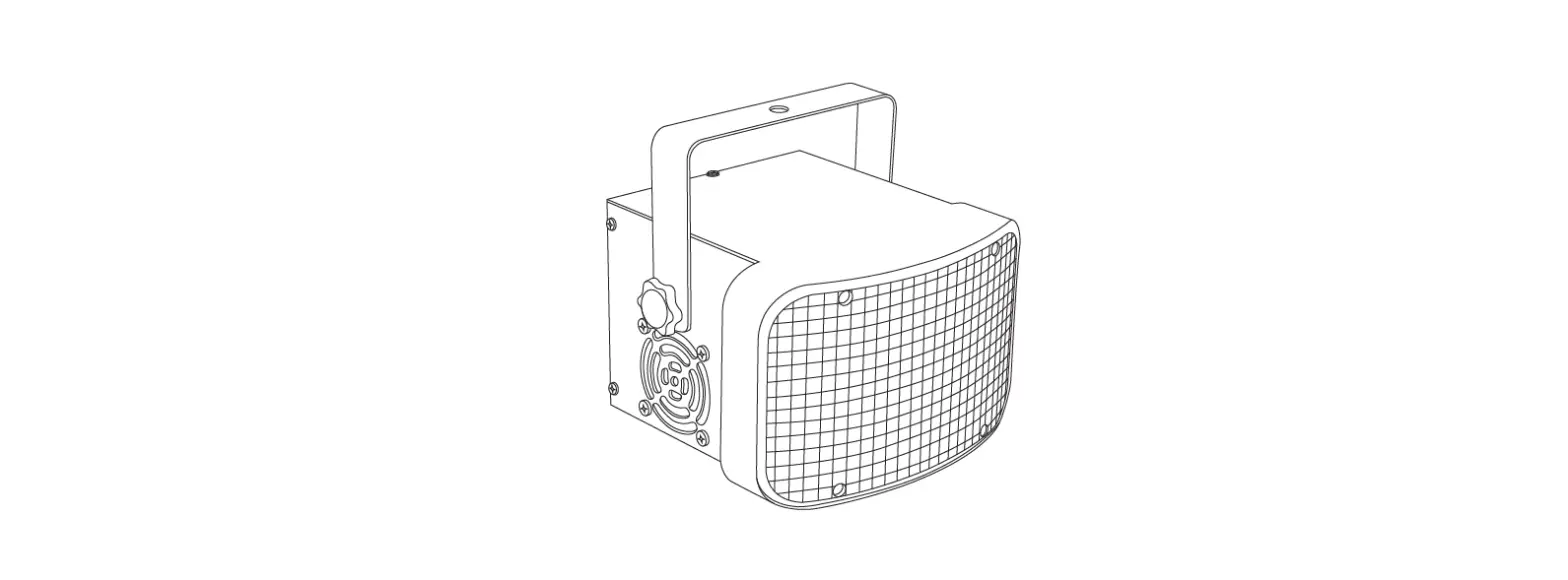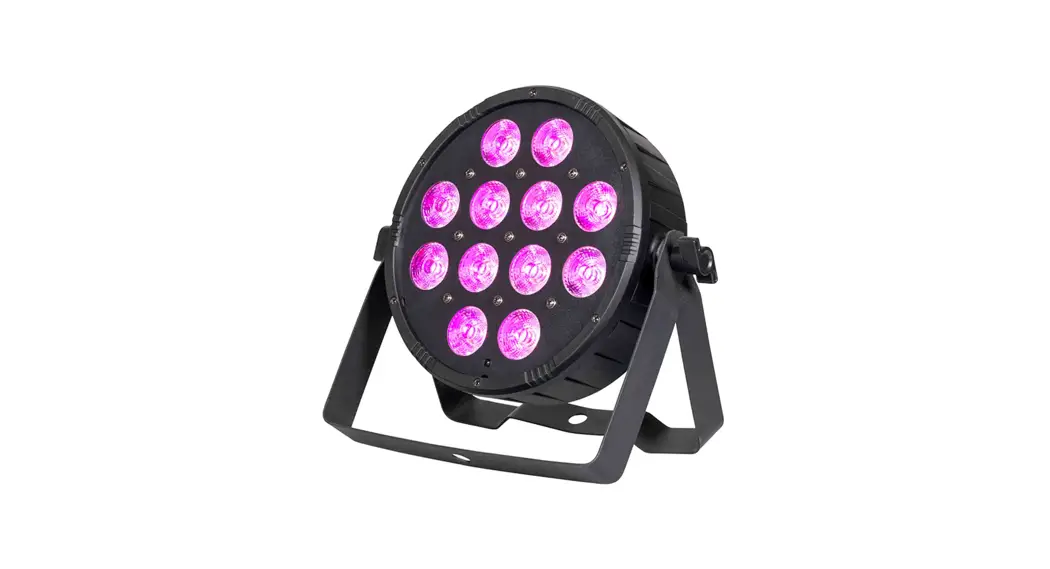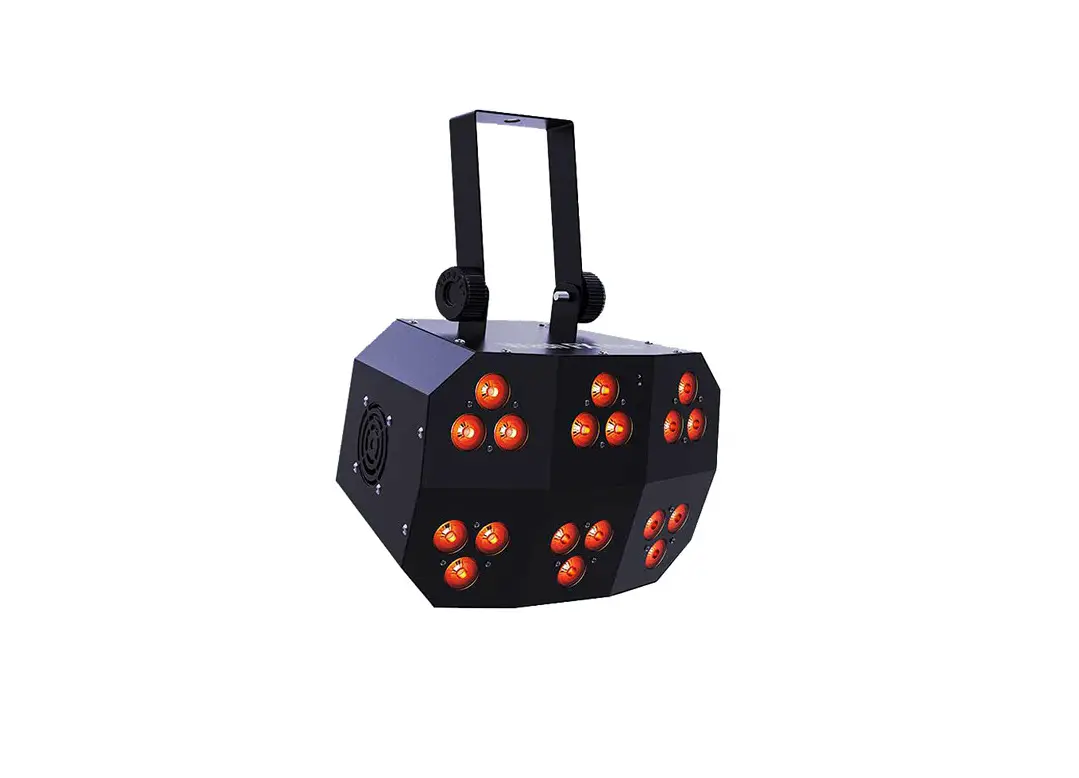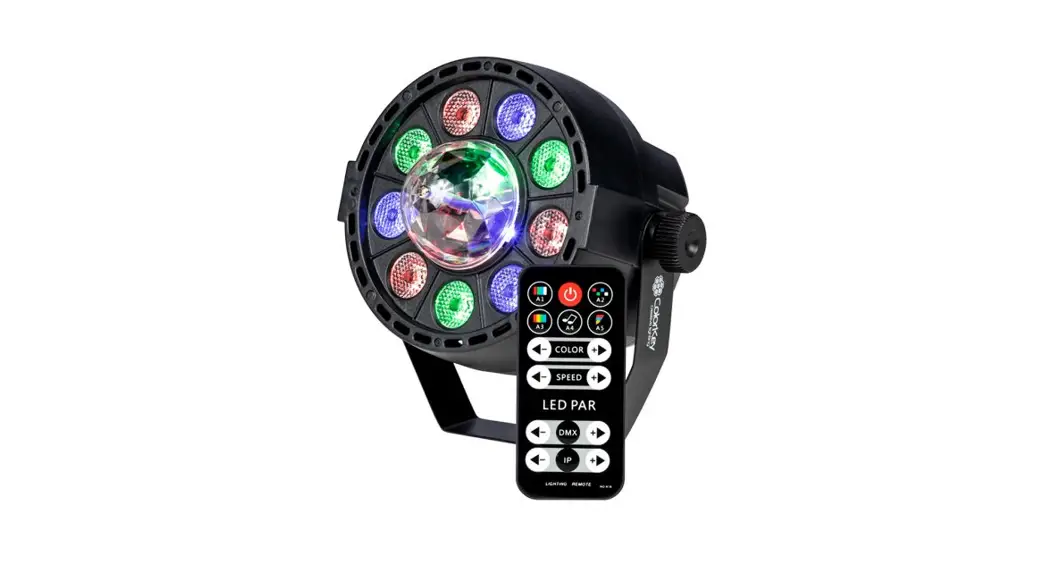
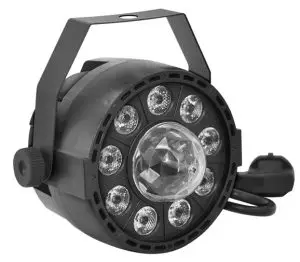
PartyLight FX
CKU-1080
USER MANUAL
Please read these instructions carefully before use. Operating this fixture according to these instructions is important to avoid any possible damage or accidents caused by misuse.
Introduction
Package Contents
- PartyLight FX
- IR Remote
- User Manual
Safety
Caution! Opening this unit voids the warranty. Contact ColorKey for any service requests.
Warning! To avoid electrical shock, be sure to disconnect power before any service or when moving or setting up the fixture.
Caution! Avoid direct eye exposure with the fixture when on.
- This fixture is for indoor use only.
- This fixture must be installed a minimum distance of 5 meters (16’4”) away from any lighted objects.
- Do not install or operate this fixture near flammable materials.
- This device must be installed, operated, and maintained by a qualified professional.
- Please check if the voltage is in accordance with the rated power before installing.
- Do not operate this fixture if the power cord has been damaged. Turn off the fixture and replace it with a power cord of a similar rating.
Service & Support
Your ColorKey product includes a 1-year warranty. For technical support or to register your product, please visit https://www.colorkeyled.com/support/
You can also reach us by phone Monday thru Friday, 8:30 am – 5 pm PST at (818) 578-4030.
Display Operation
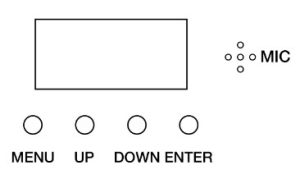
MENU: Access the menu/Scroll through menu options
UP: Scroll through menu selection or increase parameter
DOWN: Scroll through menu selection or parameters decrease
ENTER: Open/Select the current menu option
| Menu Item | Values | Function |
| d0001 | 1-512 | Set DMX Address (001 to 512) |
| IP.01 | 1-64 | Set IP Code (0 to 64) |
| A1.01 | A1.19 | Static Color Mode |
| A2.01 | 1-9 | Color Chase Mode |
| A3.01 | 1-9 | Color Pulse Mode |
| A4.01 | 1-9 | Sound Active Mode |
| A5.01 | 1-9 | Strobe Mode |
| R.000 | 000-255 | Adjust Red |
| G.000 | 000-255 | Adjust Green |
| B.000 | 000-255 | Adjust Blue (000-255) |
| U.000 | 1-9 | Sound, Slow to Fast |
| S2 | 1-9 | Sound, Slow to Fast |
Infrared Remote (IR) Control
To use the IR remote, simply point the remote at the IR receiver on the lighting fixture.
The IR receiver on the AirPar HEX 4 is located top panel with the LED lenses.
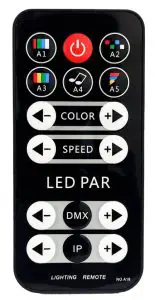
A1 – Static Mode
In Static mode, the light will hold a preprogrammed color.
To turn on Static mode, press the A1 button, then press (+) or (-) change colors or to increase or decrease the speed of the program.
Power – Blackout
Black Out mode instantly turns all LEDs off.
Press the Power button to engage or disengage Black Out mode.
A2 – Chase Mode
In Chase mode, the light loops through various preprogrammed colors.
To turn on Chase mode, press the Auto button, then press (+) or (-) change colors or increase or decrease the speed of the program.
A3 –Pulse Mode
In Pulse Mode, the light creates smooth, pulsing color transitions.
To turn on Pulse mode, press the A3 button, then press (+) or (-) change colors or to increase or decrease the speed of the program.
A4 – Sound Active Mode
Sound-Active mode enables the light to respond to ambient sounds in the room using the fixture’s built-in microphone.
Press the A4 button to activate Sound-Active mode. Press (+) or (-) to increase or decrease the program or speed.
A5 – Strobe
In Strobe Mode, the light will flash.
To turn on Strobe mode, press the Strobe button. Press (+) or (-) to increase or decrease the program or speed.
DMX
Pressing (+) of (-) after pressing DMX will allow you to set the DMX 512 address from 001-512
IP
Pressing (+) of (-) after pressing IP will allow you to set the IP code from 01-64
DMX Values
8 channels mode
Channel | Value | Description | |
| CH1 | 0-10 | No Function |
Macro Function |
| 11-50 | Macro A1 | ||
| 51-100 | Macro A2 | ||
| 101-150 | Macro A3 | ||
| 151-200 | Macro A4 | ||
| 201-255 | Macro A5 | ||
| CH2 | 0-39 | All Color | Color Selections |
| 40-49 | Red | ||
| 50-59 | Green | ||
| 60-69 | Blue | ||
| 70-79 | Yellow | ||
| 80-89 | Cyan | ||
| 90-99 | Purple | ||
| 100-109 | Motor Running | ||
| 110-119 | Red + Green | ||
| 120-129 | Red + Blue | ||
| 130-139 | Red + Motor Running | ||
| 140-149 | Green + Blue | ||
| 150-159 | Green + Motor Running | ||
| 160-169 | Blue + Motor Running | ||
| 170-179 | R + G + Motor | ||
| 180-189 | R + B + Motor | ||
| 190-199 | G + B + Motor | ||
| 200-209 | Red + Green + Blue | ||
| 210-255 | R + G + B + Motor | ||
| CH3 | 0-255 | Adjust Speed | |
| CH4 | 0-255 | Adjust Master Dimming | |
| CH4 | 0-255 | Adjust Red | |
| CH6 | 0-255 | Adjust Green | |
| CH7 | 0-255 | Adjust Blue | |
| CH8 | 0-255 | RGB + Motor Running |
Setup & Connections
① Wired DMX Cable Connections
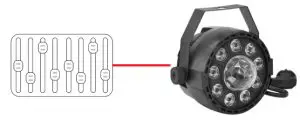
Use a DMX cable to connect to the in/out sockets on the bottom of the light for use with a cabled connection for DMX 512 control.
 Troubleshooting
 Troubleshooting
Problem | Solutions |
| No DMX control | · Confirm cable is connected securely to both fixture and controller · Confirm fixture is in DMX mode set to Menu setting |
| Fixture does not respond to sound | · Make sure the fixture is in Sound Active mode. |
Technical Information
- 9x1W RGB LEDs + 3pc RGB Ball
- DMX Channel Modes: 8 channels
- Control modes: DMX 512, IR Remote, Master /Slave, Sound Active, Stand Alone
- 0-100% Dimmer
- Lamp rated life: >50000 Hours
- Working temperature: up to 40˚C
- Power consumption: 30W
- Power supply: AC220-240V;50-60Hz
- Product size: 4.1 x 4.1 x 4.8 in
- Net Weight: 2.1lbs
Please note: As we continue to work towards improving our products and your experience as a user, we recommend that you check our website periodically for updates to user manuals and specifications at www.ColorKeyLED.com or you may contact us directly at [email protected].