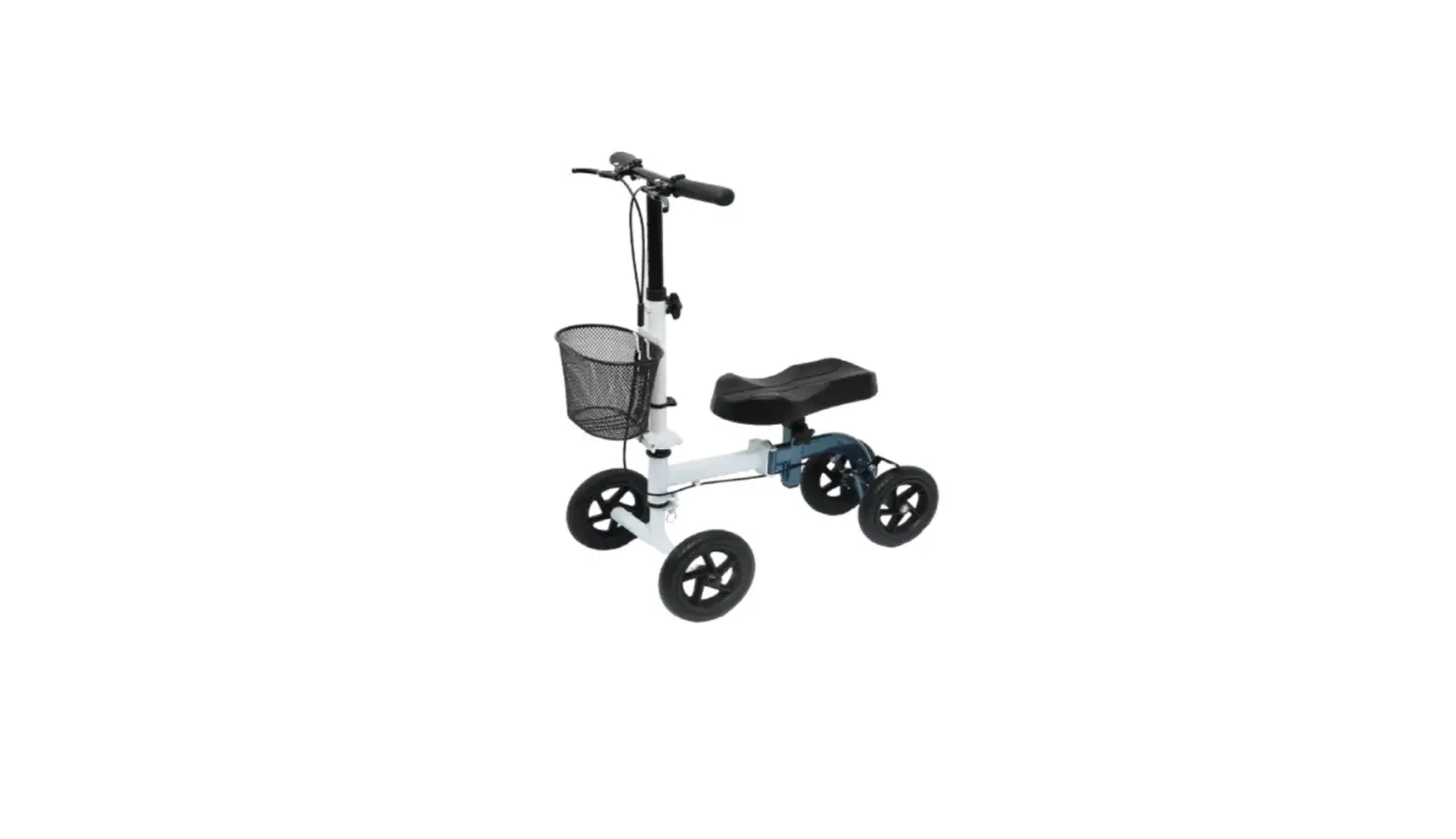
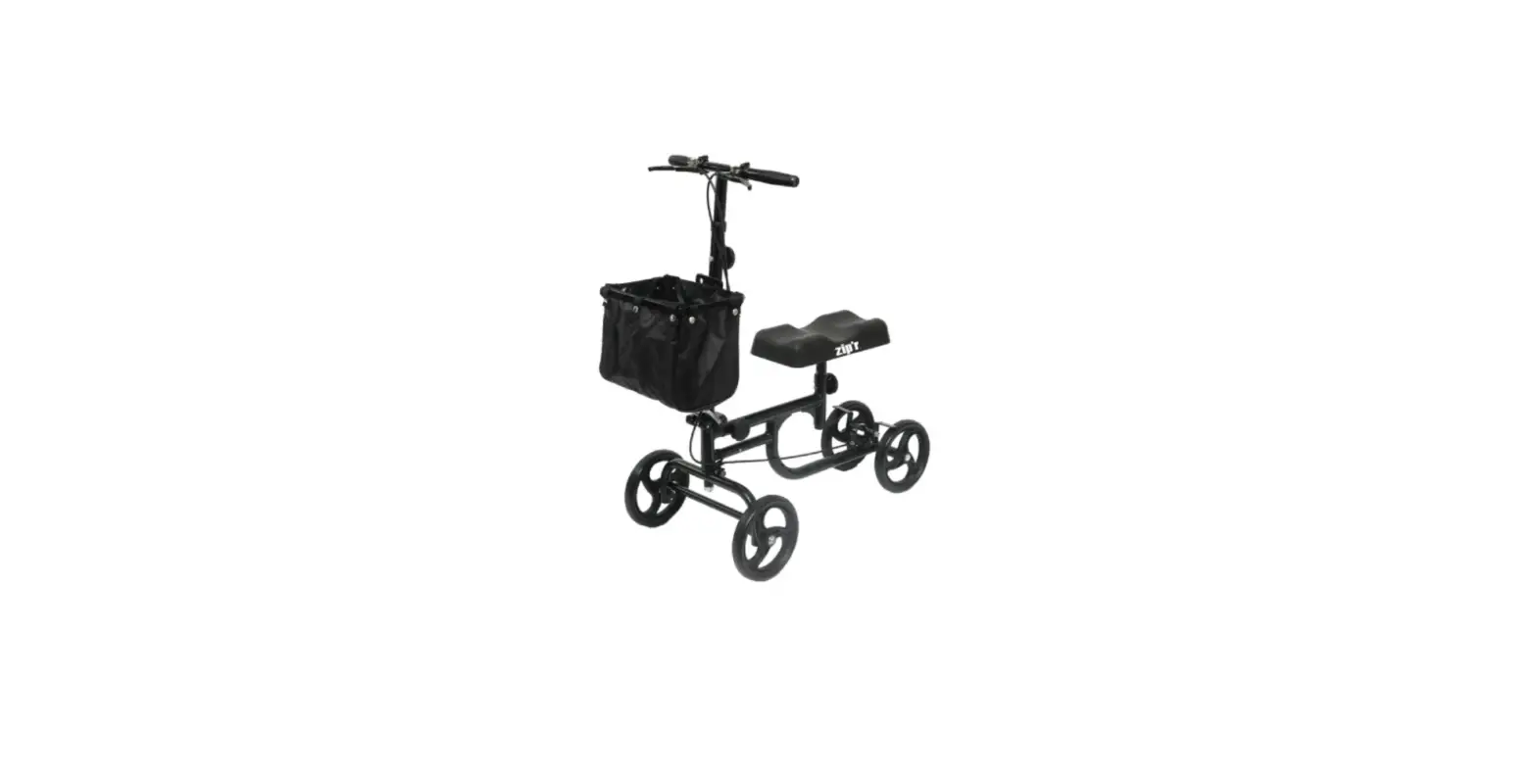
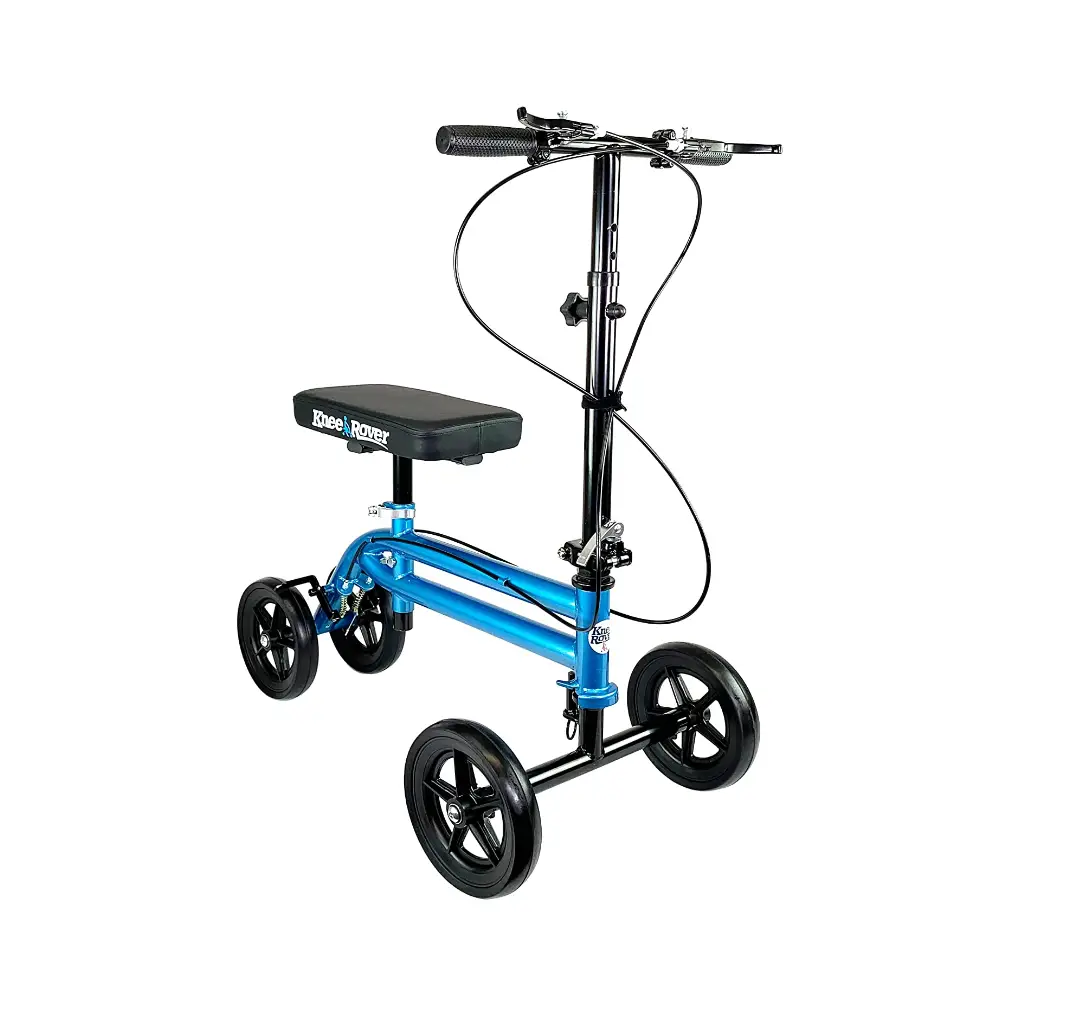
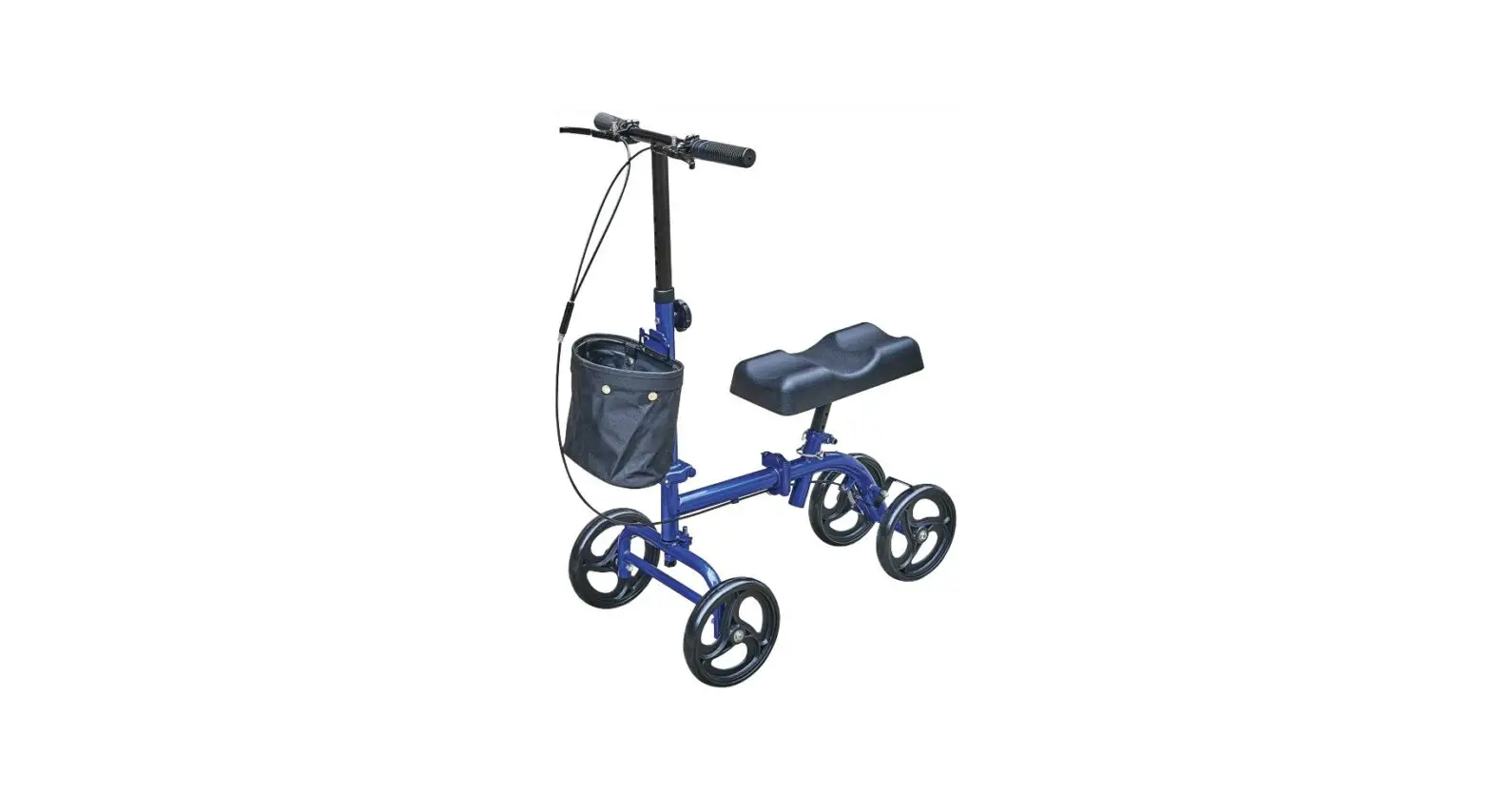
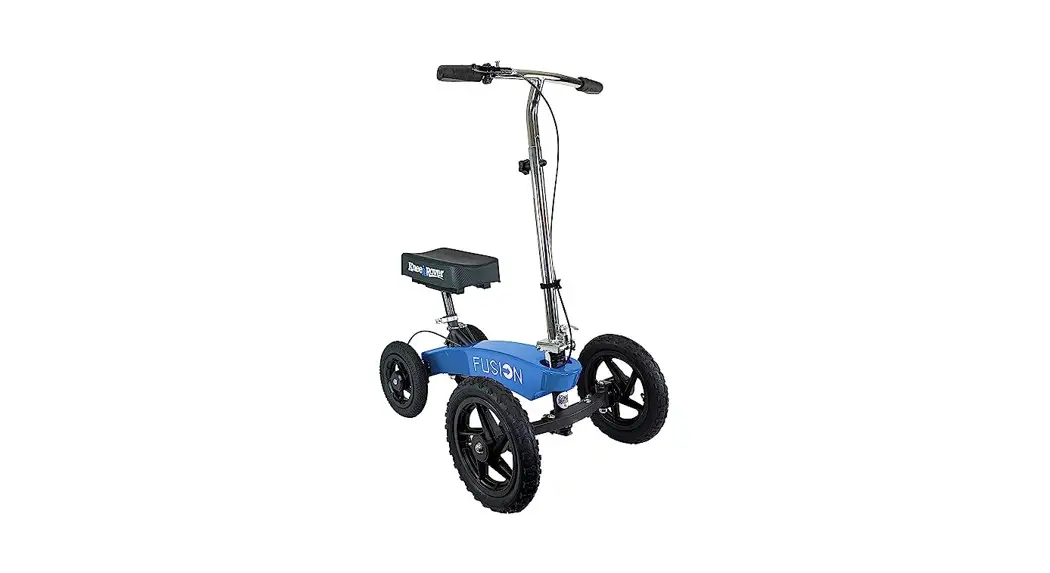
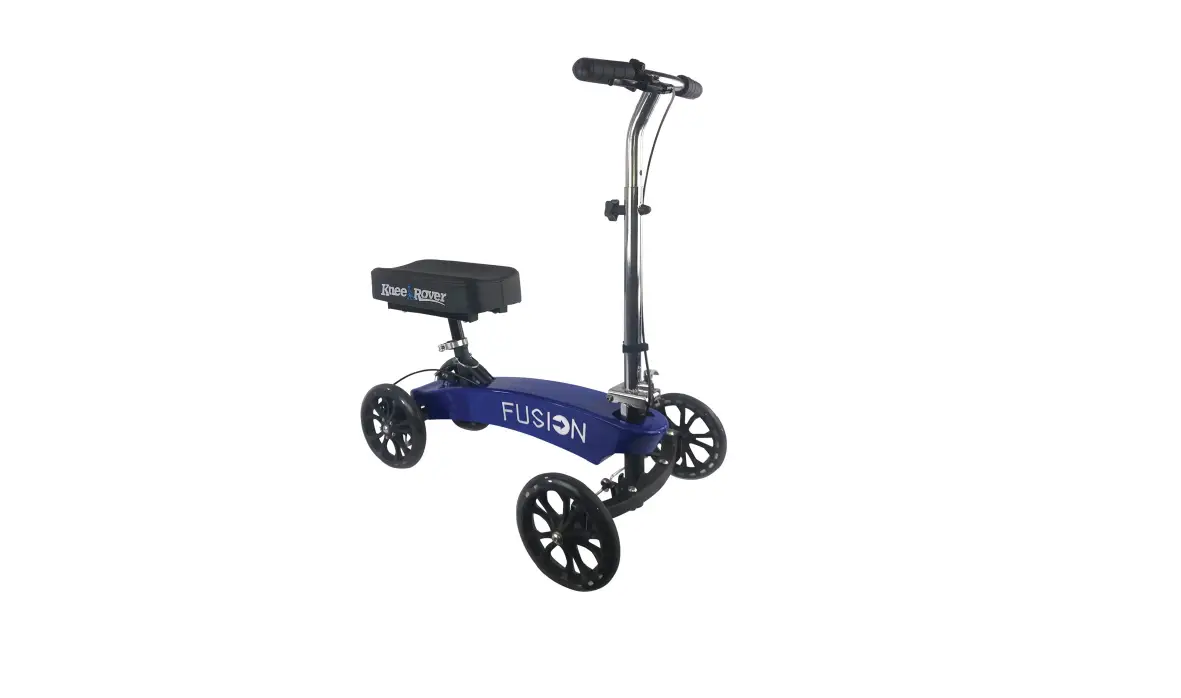
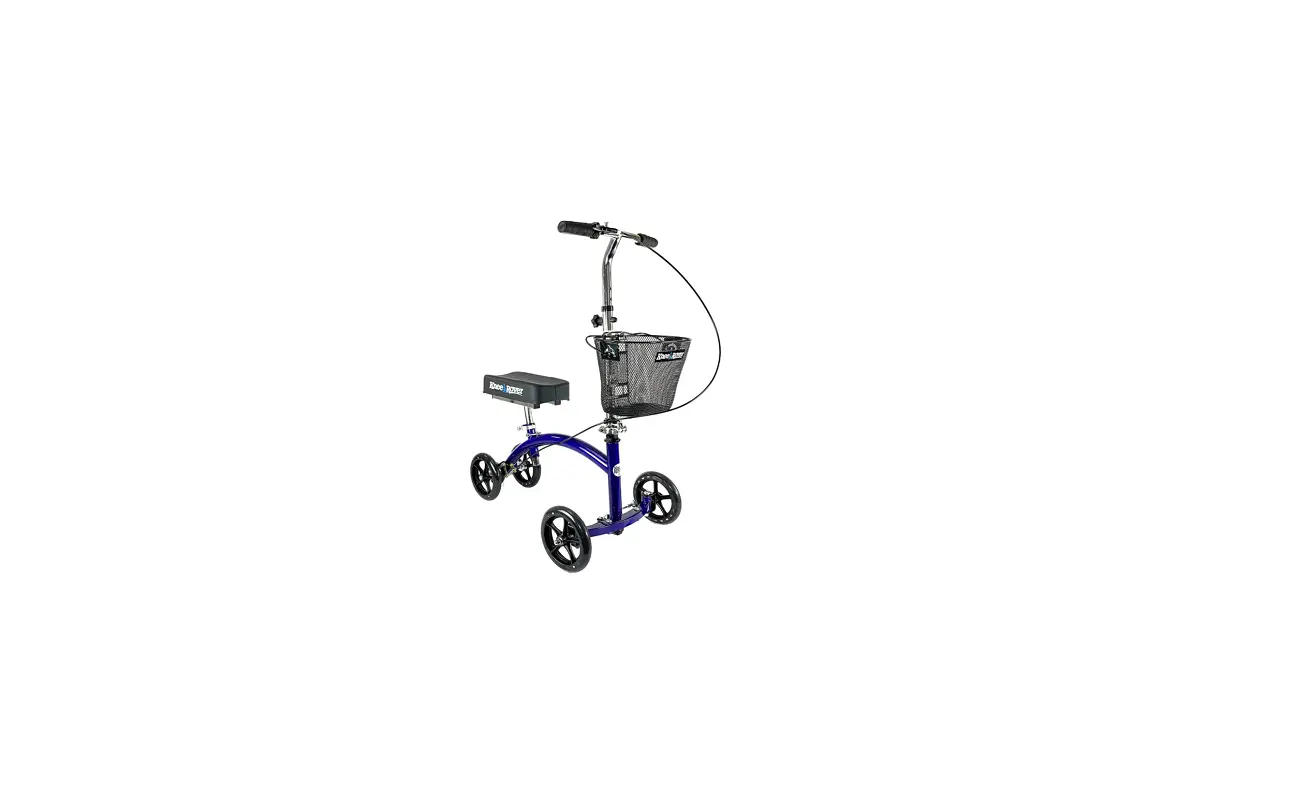
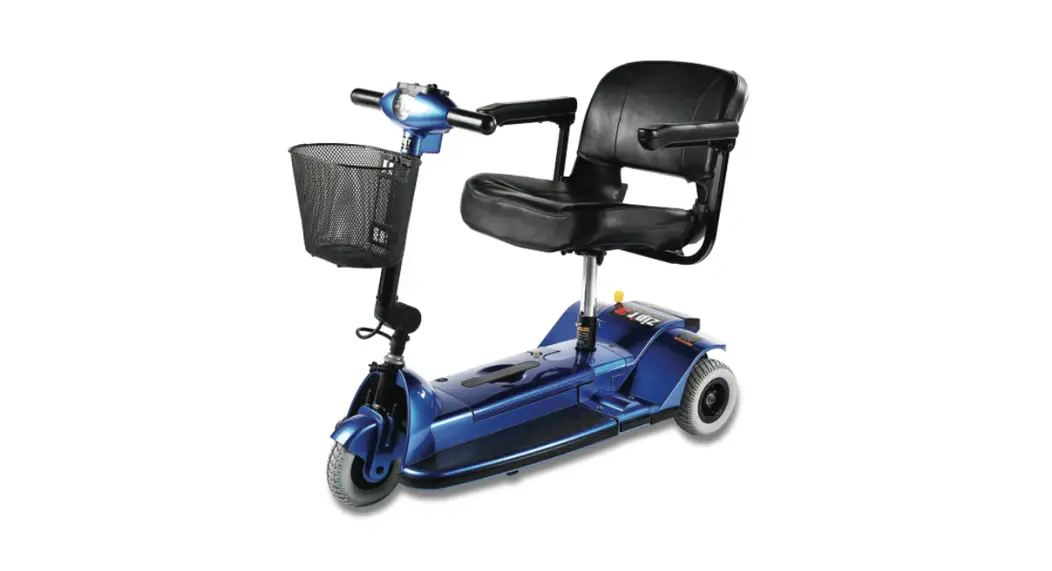
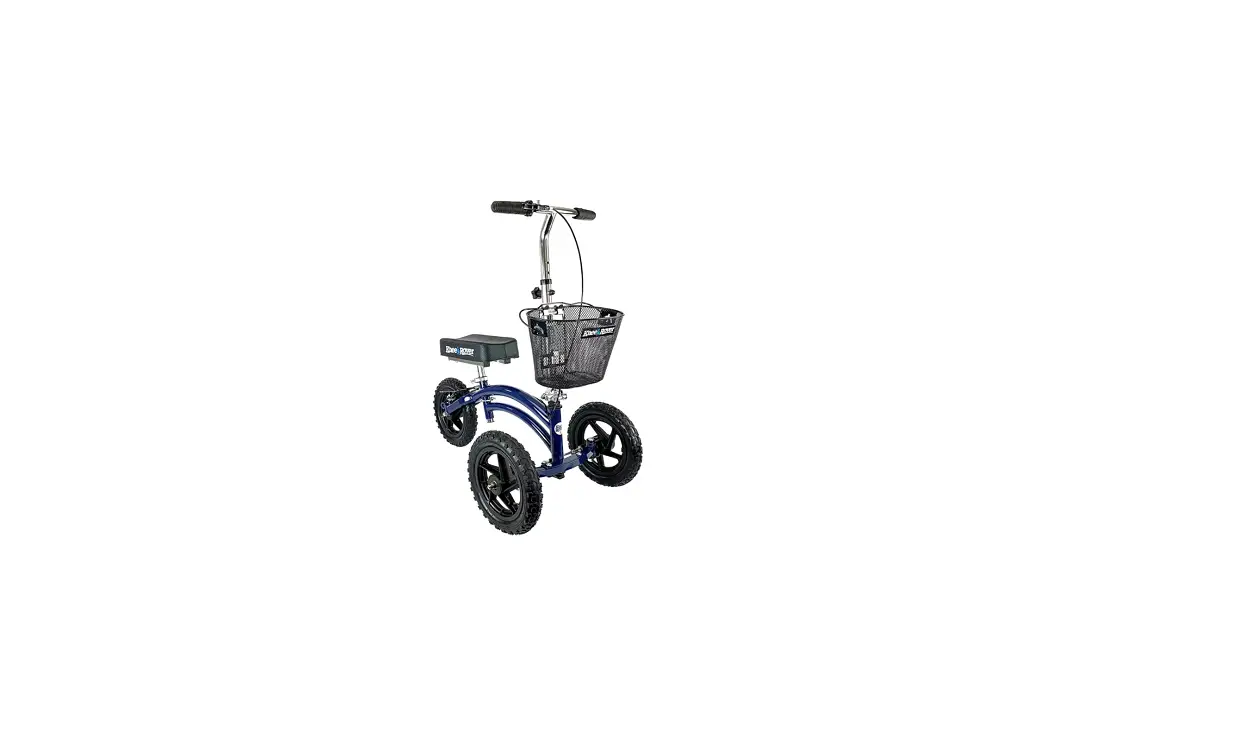
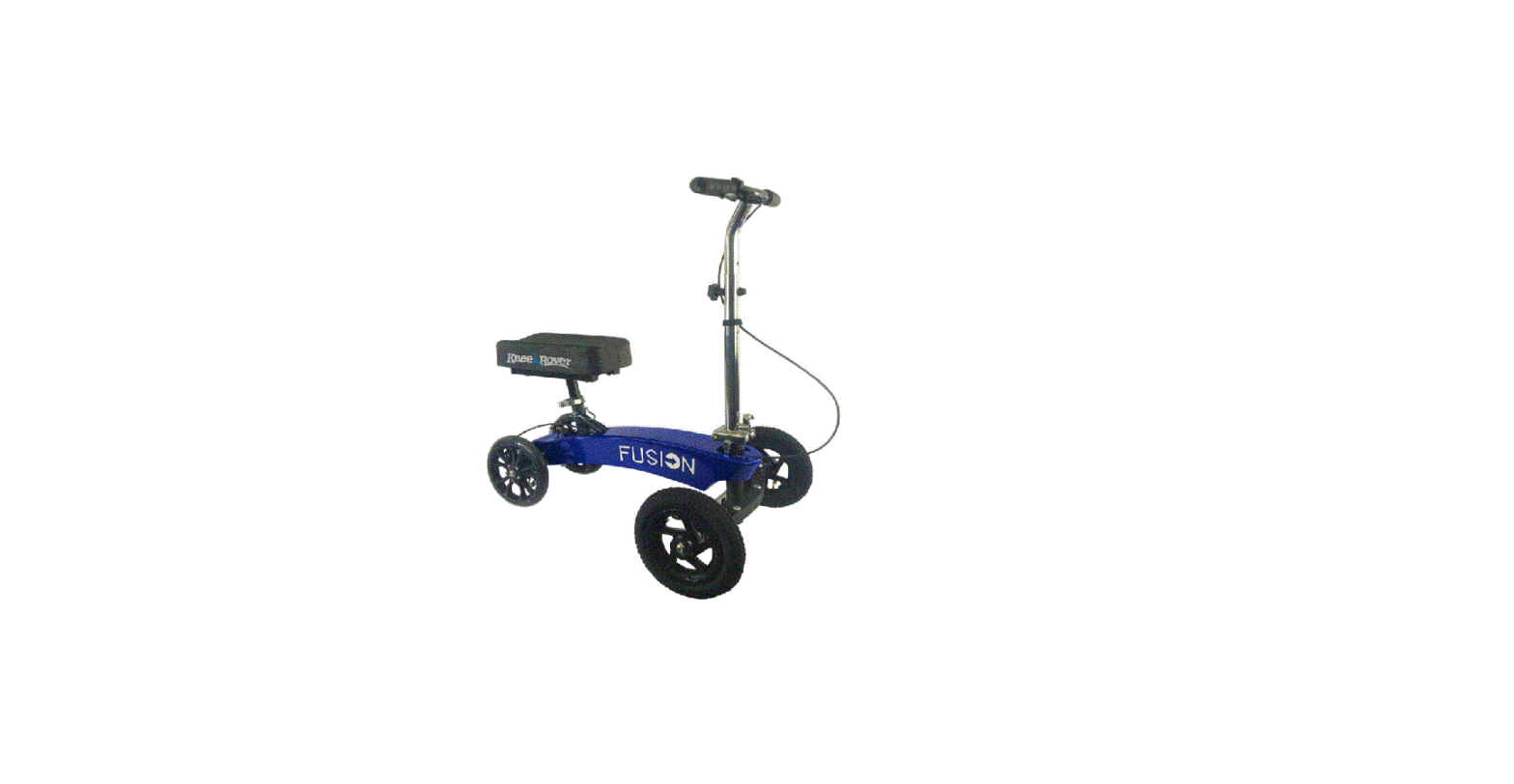
Glider Knee Scooter
Product Information
The Zipr Glider knee scooter is designed to aid users in
walking. It is suitable for both indoor and outdoor use on flat
surfaces. The knee scooter is intended for use by a single
individual with a maximum weight capacity of 300 lbs.
It is important to note that the user should possess the
necessary physical, visual, and cognitive skills to operate the
knee scooter safely. If there is any doubt about the user’s
ability, it is recommended to consult with your dealer or
prescriber.
Prior to operating the product, it is crucial for the user to
read and understand the safety advice provided in the manual. This
advice is aimed at preventing potential injury to the user or
bystanders and avoiding damage to the knee scooter or surrounding
property.
Product Usage Instructions
- Ensure that the knee scooter is on a flat surface before
attempting to use it. - Adjust the height of the handlebars to a comfortable position
for the user. The handlebars should be at a level that allows the
user’s arms to rest comfortably while gripping them. - Place the injured leg or foot on the knee pad, ensuring it is
securely positioned. - Use your non-injured leg to propel yourself forward by pushing
off the ground. The knee scooter is equipped with wheels that will
allow smooth movement. - Maintain balance and stability while using the knee scooter by
keeping your body centered and holding onto the handlebars for
support. - When approaching obstacles or turns, slow down and maneuver
carefully to avoid accidents or collisions. - Always be aware of your surroundings and watch out for
potential hazards. - If you experience any discomfort or pain while using the knee
scooter, stop using it immediately and consult a healthcare
professional. - Regularly inspect the knee scooter for any signs of damage or
wear. If any issues are found, contact the manufacturer or
authorized dealer for assistance. - When not in use, store the knee scooter in a safe and dry
location, away from extreme temperatures or moisture.
By following these usage instructions and exercising caution,
users can safely operate the Zipr Glider knee scooter and benefit
from its walking aid capabilities.
Warnings / Uses.
Intended Use: 7KHLQWHQGHGXVHRI=LS¶U0RELOLWSURGXFWVLVWRSURYLGHPRELOLWWRSHUVRQV limited under intended usage to users that have the capacity to operate such products.
The Zipr Glider knee scooter is designed to aid users in walking. It may be used both indoors and outdoors on flat surfaces. It is intended for use by a single individual with a maximum weight of 300 lbs.
The user should possess the necessary physical, visual and cognitive skills in order to operate the knee scooter safely. If there is any doubt, please consult your dealer/prescriber.
It is important that the user reads and understands the safety advice given within this manual before attempting to operate the product. This advice aims to avoid possible injury to the user or bystanders and avoid damage to the knee scooter or surrounding property.
127(7KLVRZQHU¶VPDQXDOLVFRPSLOHGIURPWKHODWHVWVSHFLfications and product information DYDLODEOHDWWKHWLPHRISXEOLFDWLRQ=LS¶U0RELOLWUHVHUYHVWKHULJKWWRPDNHFKDQJHVDQG alterations as they become necessary. Any changes to our products may cause slight variations between the illustrations and explanations in this manual and the product you have purchased. The latest/current version of this manual is available on zipr.com.
=,3¶502%,/,7<&217$&7,1)250$7,21
For customer support please fill out the contact us form on www.zipr.com
MY AUTHORIZED DEALER:
_______________________________
DEALER TELEPHONE #:
_______________________________
=LS¶UGlider Serial #:
_______________________________
(Located on the left base of the knee scooter)
1
Table of Contents
Safety Guidelines…………………………………………………………………………………………………….2
General …………………………………………………………………………………………………………………2
Your Knee Scooter …………………………………………………………………………………………………..3
Assembly ………………………………………………………………………………………………………………. 4
Care And Maintenance …………………………………………………………………………………………….5
Warranty………………………………………………………………………………………………………………. 6
Product Safety Symbols The symbols shown below are used on the knee scooter to identify warnings, mandatory actions, and prohibited actions. It is very important for you to read and understand them completely.
Safety Guidelines
WARNING! Indicates a potentially hazardous condition/situation. Failure to follow designated procedures can cause either personal injury, component damage, or malfunction.
MANDATORY! These actions should be performed as specified. Failure to perform mandatory actions can cause personal injury and/or equipment damage.
PROHIBITED! These actions are prohibited. Prohibited actions should not be performed at any time or in any circumstances. Performing a prohibited action can cause personal injury and/or equipment damage.
General
MANDATORY! Do not operate your new knee scooter for the first time without FRPSOHWHOUHDGLQJDQGXQGHUVWDQGLQJWKLVRZQHU¶VPDQXDO
Your knee scooter is designed for use as a walking aid meant to assist users while walking. If a large amount of force is placed on the knee scooter even when the brakes are locked in position, the knee scooter may move. Always exercise caution when using=LS¶U0RELOLW provides an extensive array of products to best fit the individual needs of users. Please be aware that the final selection and purchasing decision regarding the type of knee scooter to be used is the responsibility of the knee scooter user who is capable of making such a decision and his/her healthcare professional (i.e., medical doctor, physical therapist, etc.)
The contents of this manual are based on the expectation that a mobility device expert has properly fitted the knee scooter to the user and has assisted the prescribing healthcare professional and/or the authorized provider in the instruction process for the use of the product. There may be certain situations, including some medical conditions, where the knee scooter user will need to practice operating the knee scooter in the presence of a trained attendant. A trained attendant can be defined as a family member or care professional specially trained in assisting a knee scooter user in various daily living activities.
2
As you begin using your knee scooter during daily activities, you will probably encounter situations which you will need some practice. Simply take your time and you will soon be in confident control as you maneuver through doorways, on and off elevators, up and down ramps. Operating techniques used in this mDQXDOVKRXOGRQOEHXVHGDVD³EDVLF´JXLGHDVHDFK Glider XVHULVVROHOUHVSRQVLEOHIRULQGLYLGXDOVDIHWDQGWKHVDIHWRIRWKHUVZKHQXVLQJD=LS¶U Glider scooter. Provided below are some precautions, tips, and other safety considerations that will help you become accustomed to operating the knee scooter safely.
WARNING! Do not use a strong corrosive cleaner on the products surface! WARNING! Do not leave your knee scooter outside in rainy conditions! MANDATORY! Prior to sitting down on the seat, lock both brakes to prevent the knee scooter from sliding! MANDATORY! Do not hang any weighted items on any part of the frame as it may cause the knee scooter to become unstable! PRE-RIDE SAFETY CHECK: Get to know the feel of your knee scooter and its capabilities. We recommend that you perform a safety check before each use to make sure your knee scooter operates smoothly and safely. Perform the following inspections prior to using your knee scooter: x Check to ensure that the knee scooter is fully unfolded with the frame securely locked
into position. x Check to ensure that the castor wheels are secured. x Check the brakes to ensure they operate properly. x Check the condition of the tires. Make sure they are not damaged or excessively worn.
Your Knee Scooter
7KH=LS¶UGlider Knee Scooter consists of the following major components listed in the diagram below.
3
Assembly
Figure 1. &DUHIXOOUHPRYHRXU=LS¶UGlider knee scooter from its packaging. Insert the mainframe into the rear frame of the knee scooter. Ensure that the lower mainframe clicks into place. Tighten the knob on the upper mainframe securely.
Figure 2. Install the brake cable clip to the lower mainframe.
Figure 3. Insert the knee pad into the knee pad post. Adjust the height of the knee pad post by raising or lowering the knee pad post. Secure the height inserting the seat post pin with knob. Tighten the seat post pin with knob securely.
Figure 4. From its folded position raise the steering column. Lock the steering column into place by tightening the lever located at the base of the column. Fold the steering column pushing downwards.
4
Figure 5. Insert the handlebar into the steering column. Adjust the handlebar to a comfortable height, then secure it into place by attaching and tightening the locking knob ensuring that it goes all the way through the pinhole.
Brake Operation & Adjustment x Squeeze the brake handle to slow the knee scooter. x Pushing down on each brake handle will engage the brake.
WARNING! If brake adjustment tension is low this may cause the knee scooter to move even when locked.
Care And Maintenance
<RXU=LS¶UGlider knee scooter requires a minimal amount of maintenance. The following are the maintenance items that should be followed to ensure that your knee scooter is both safe and operational.
Daily x x
Always store your knee scooter in a warm and dry climate-controlled environment. Always lock in the brakes when getting on and off the scooter. It will ensure extra stability and keep it from rolling away.
Cleaning x The knee scooter is made from durable metals along with ABS plastic. The knee scooter can be cleaned using a damp towel. x A damp cloth can be used to clean the seat and backrest, ensuring that the backrest and seat are dry prior to sitting on your knee scooter.
PROHIBITED! Do not apply rubber conditioner on the tire tread; this may cause the tires to become dangerously slippery.
PROHIBITED! Do not use a rubber or vinyl conditioner on the wheelchairs seat or backrest, doing so may cause the surfaces to become dangerously slippery resulting in personal injury and/or damage to your knee scooter.
Maintenance x Keep the knee scooter stored indoors to avoid moisture and rust. x Regularly check the tires for wear and replace if worn. x Do not use a water hose or power sprayer to clean the knee scooter. x Make sure all nuts and bolts are tight. x 5HJXODUOFKHFNEUDNHFDEOHVLIZRUQFRQWDFW=LS¶ULIZRUQ
5
Warranty
If you purchased a warranty from an authorized dealer, contact your dealer directly for GHWDLOVDQGZDUUDQWVHUYLFH,IRXSXUFKDVHGGLUHFWOWKURXJK=LS¶URXUPDQXIDFWXUHU¶V warranty below applies to your knee scooter.
Warranty Registry =LS¶UUHTXLUHVthat customers register their product on Zipr.com within 30 days of purchase for the warranty to be valid.
Customers that fail to register their product within 30 days of purchase will have a YRLGHGZDUUDQWDQG=LS¶U0RELOLWZLOOQRWEHUHVSRQVLEOHIRUany claims and damages of DQSXUFKDVHG=LS¶USURGXFWV
How Do I Register My Warranty? On zipr.com click on the Product Registry tab. Fill out the corresponding information attached & click submit.
One-Year Limited Warranty: One year warranty on structural frame components; including platform, fork, and frame. =LS¶UZLOOUHSODFHWKHGHIHFWLYHknee scooter or mail replacement parts.
Customers will need to contact their own Repair/Service Technicians for any mechanical work to be done due to warranty issueV=LS¶UZLOOSURYLGHZDUUDQWLWHPV GLUHFWOWRFXVWRPHUVRUFXVWRPHUV¶5HSDLU6HUYLFH7HFKQLFLDQV If you would like a list of Repair/Service Technicians, which have been provided to Zip’r by several customers, please email us at [email protected].
5HWXUQVWRSURYLGHUVRU=LS¶U0RELOLWZLWKRXWSULRUDXWKRUL]DWLRQIRUDQUHDVRQZLOOQRW be accepted.
Warranty Exclusions: The following are wearable components and not warranted
x Brake Pads x Brake Cables x Tires & Wheels x Brake Levers x Seats x Storage Bags x Backrests
Other Items Not Warranted: Repairs and/or modifications made to any part of the wheelchair without specific and SULRUFRQVHQWIURP=LS¶U0RELOLWFLUFXPVWDQFHVEHRQGFRQWURORI=LS¶U0RELOLWODERU service calls, and shipping costs and other charges incurred for repair of the product.
6
There is no other express warranty. Implied warranties, including those of merchantability and fitness for a particular purpose, are limited to one (1) year from the date of original purchase and to the extent permitted by law. Any and all implied warranties are excluded. This is the exclusive remedy. Liabilities for consequential damages under any and all warranties are excluded. Some states do not allow limitations on how long an implied warranty lasts or exclusion of limitation of incidental or consequential damages. All warranty claims must be accompanied by proof of purchase, order number and product serial number (if applicable). Please keep a copy of your original purchase receipt and serial number (located under battery box) for warranty claims and/or product reference. Warranty is only valid for products purchased, registered within 30 days of purchase, and shipped within the continental USA. Zip’r Mobility contact information: Web site: www.zipr.com For customer support please fill out the contact us.
7