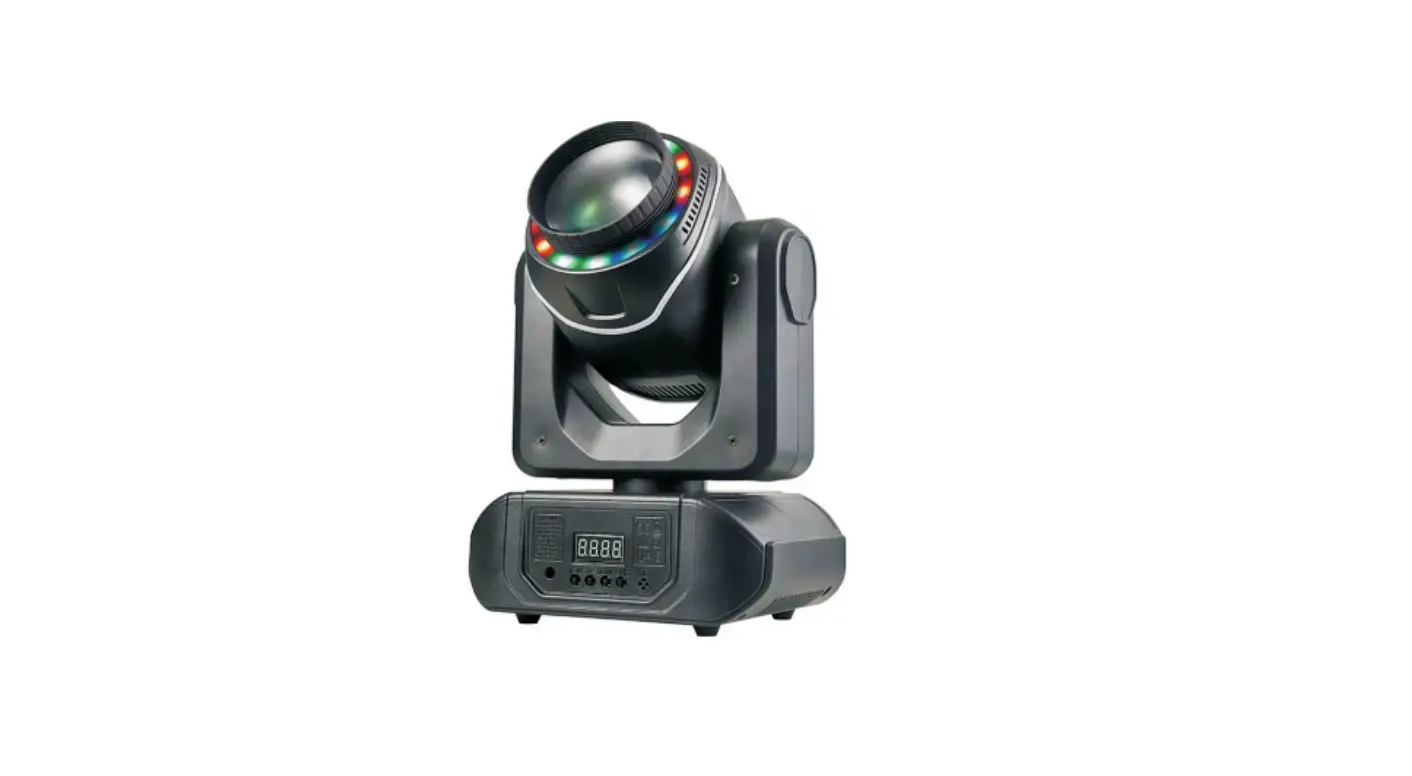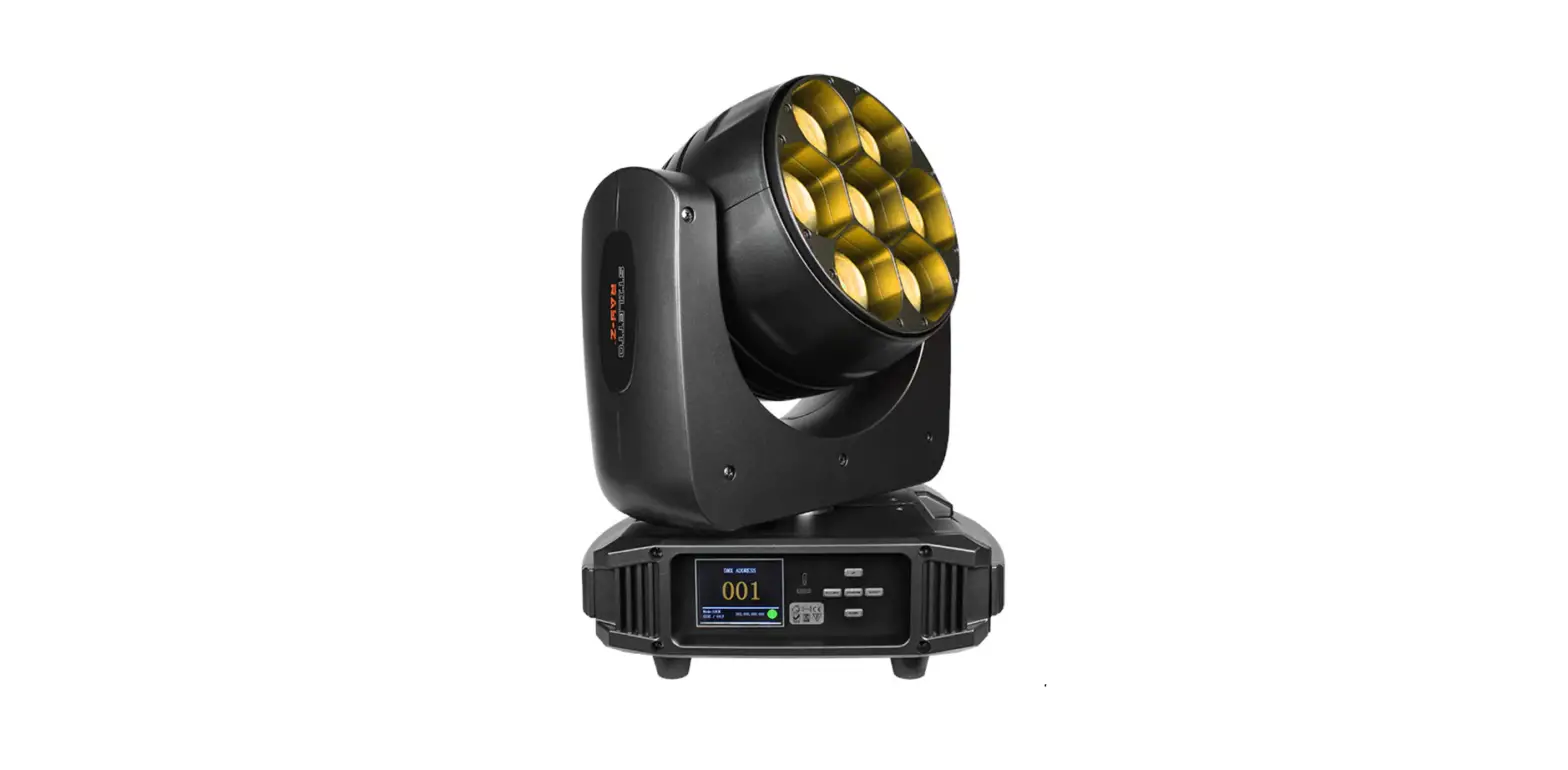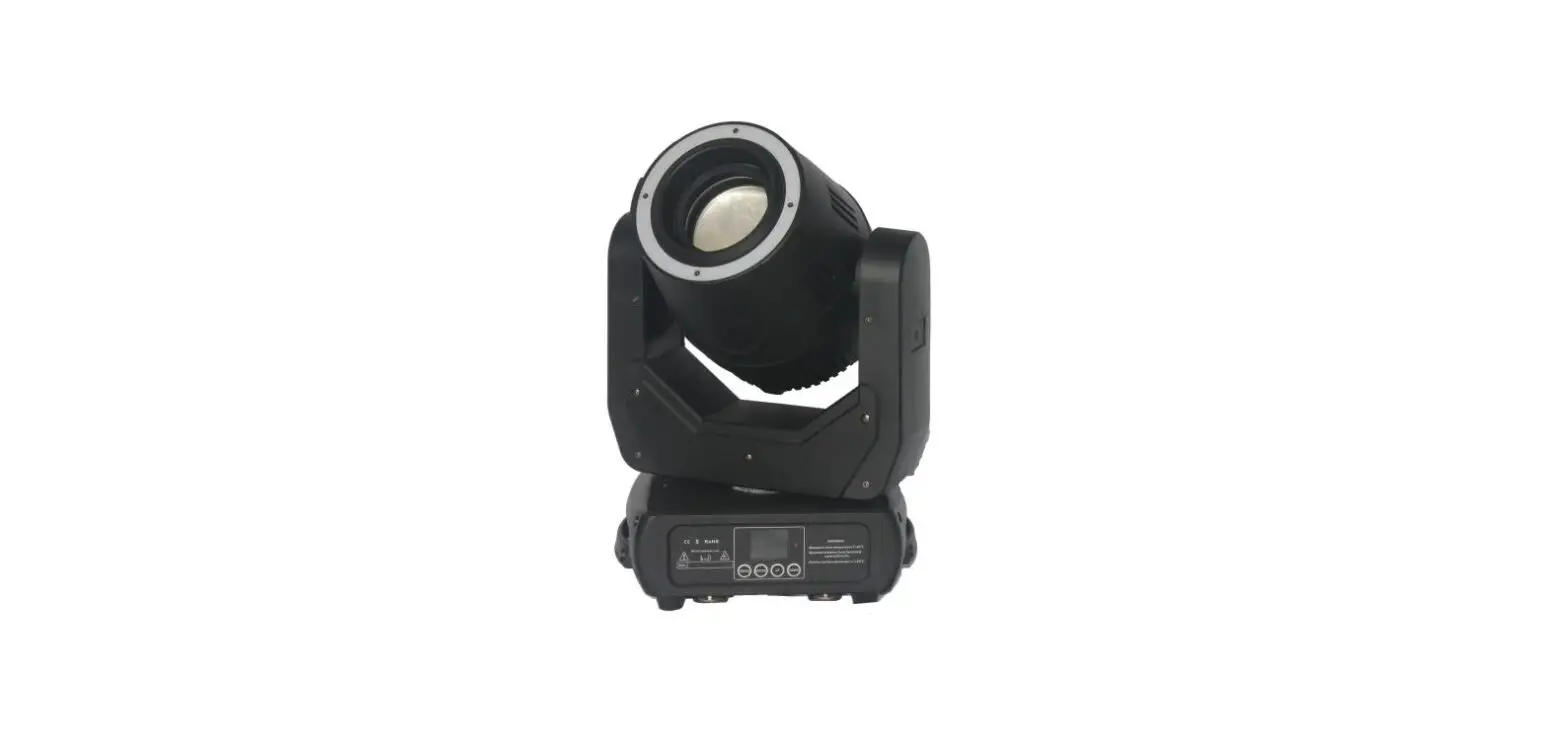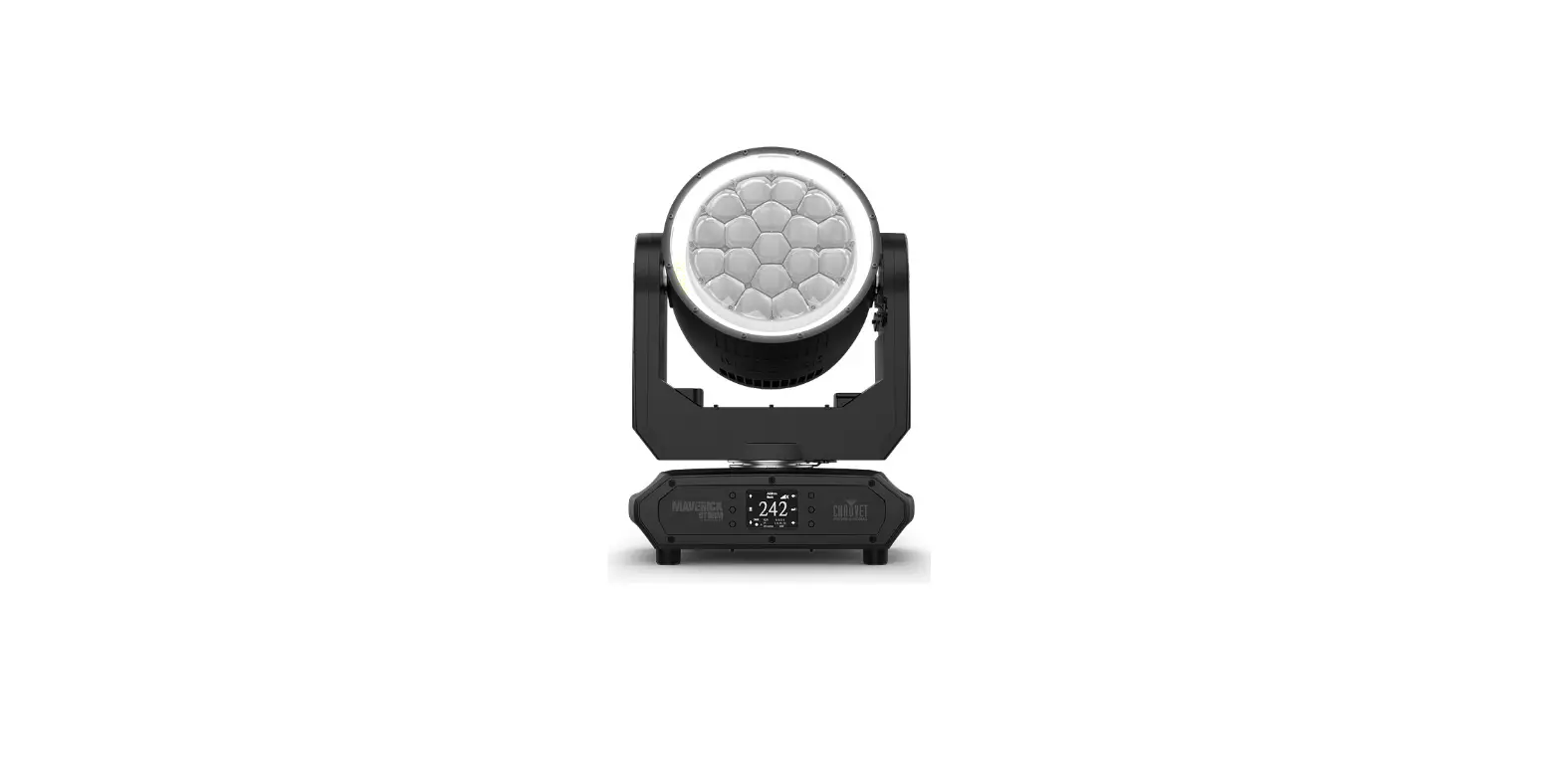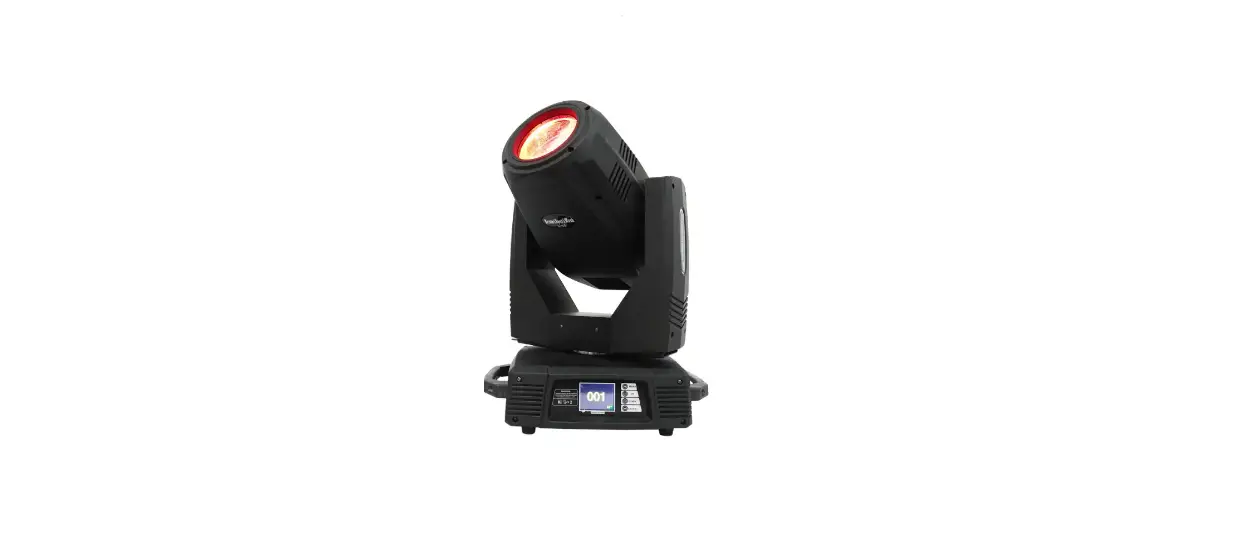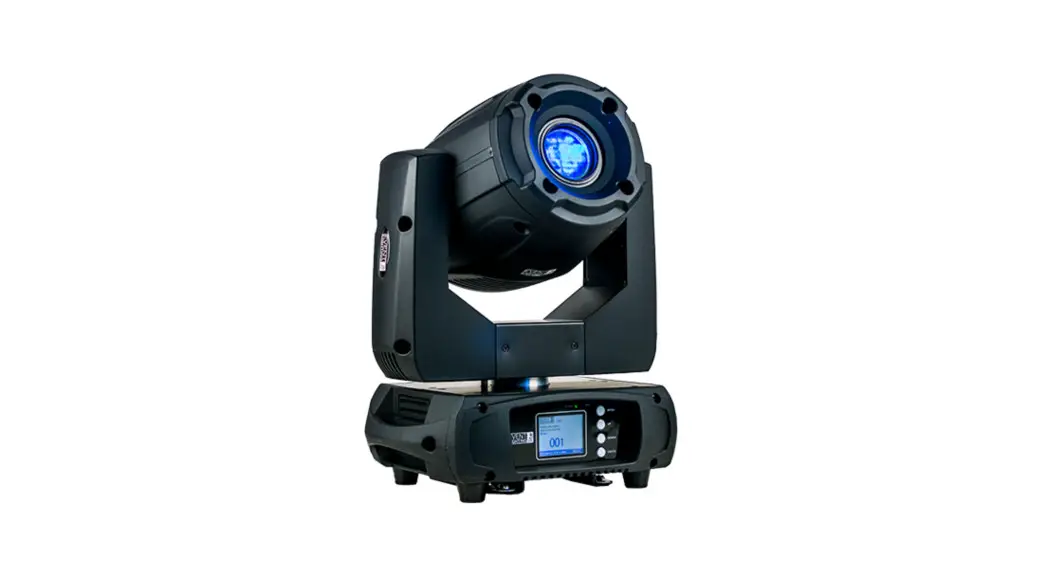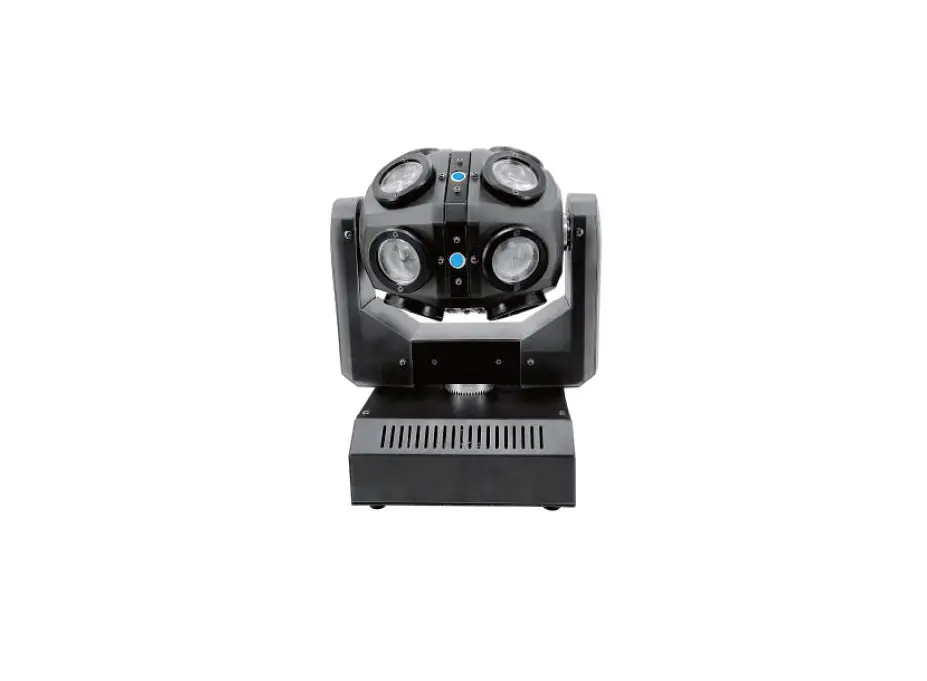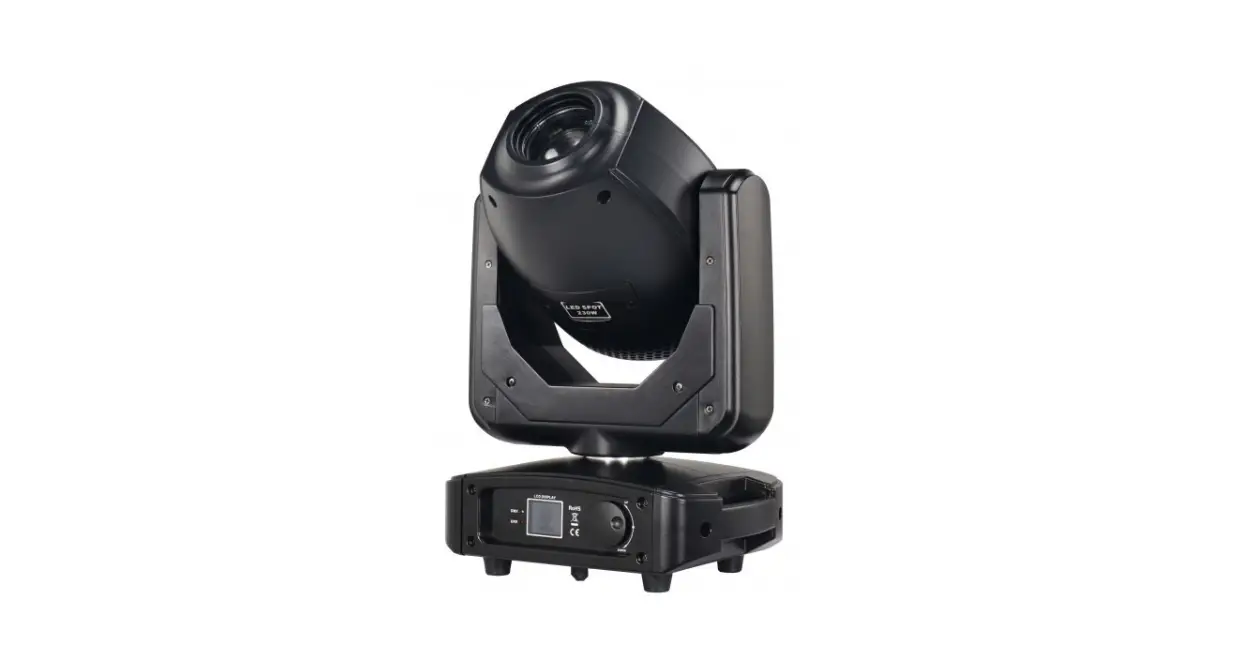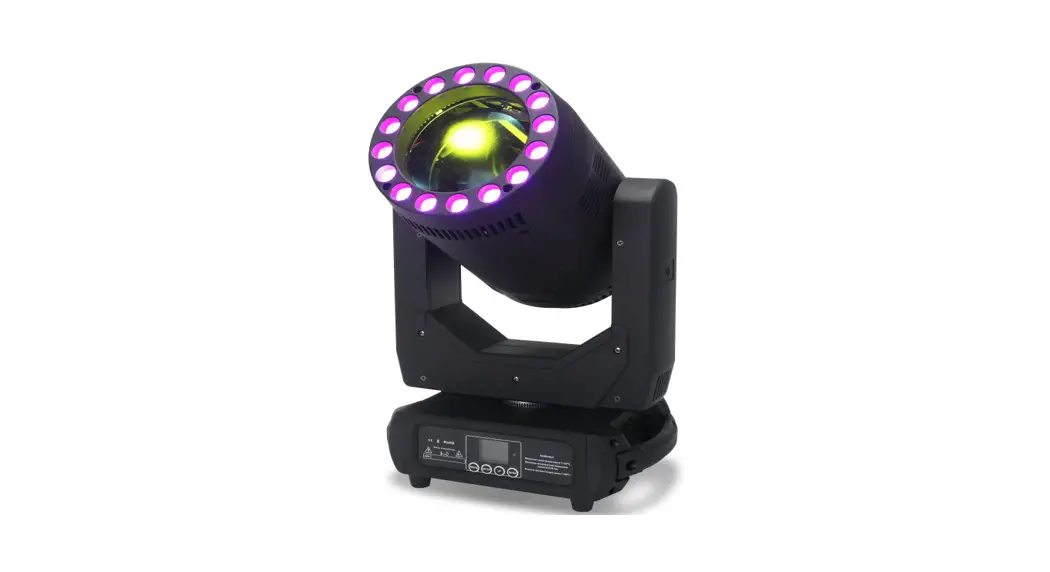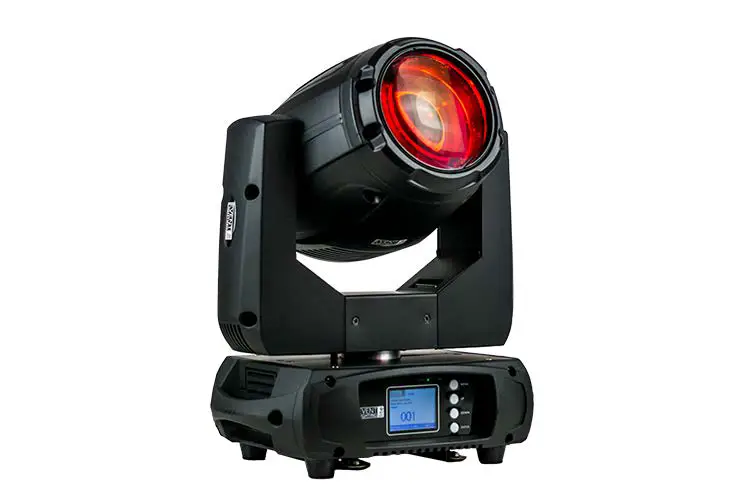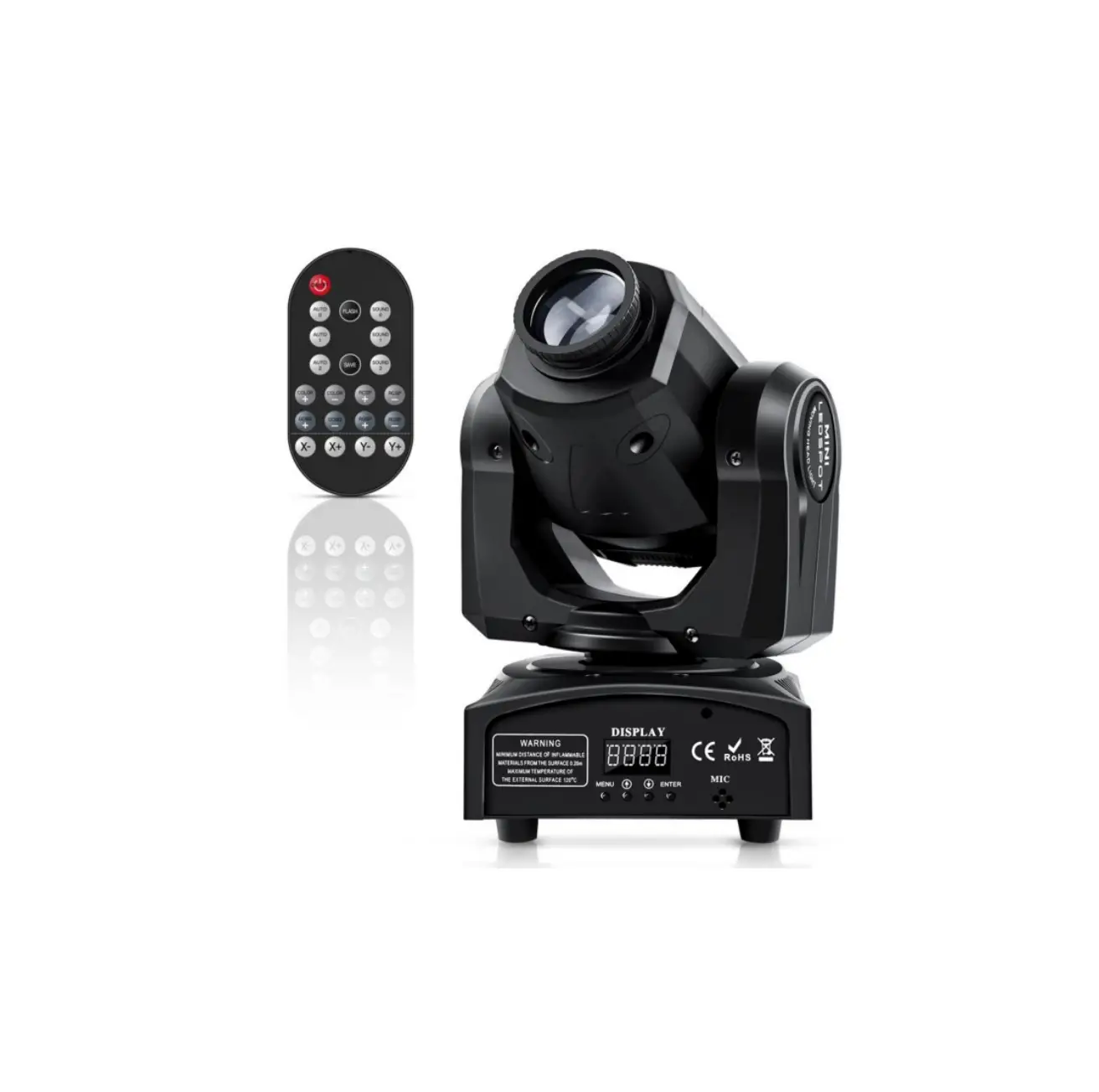
U King ZQ02100US 50W LED Moving Head Light
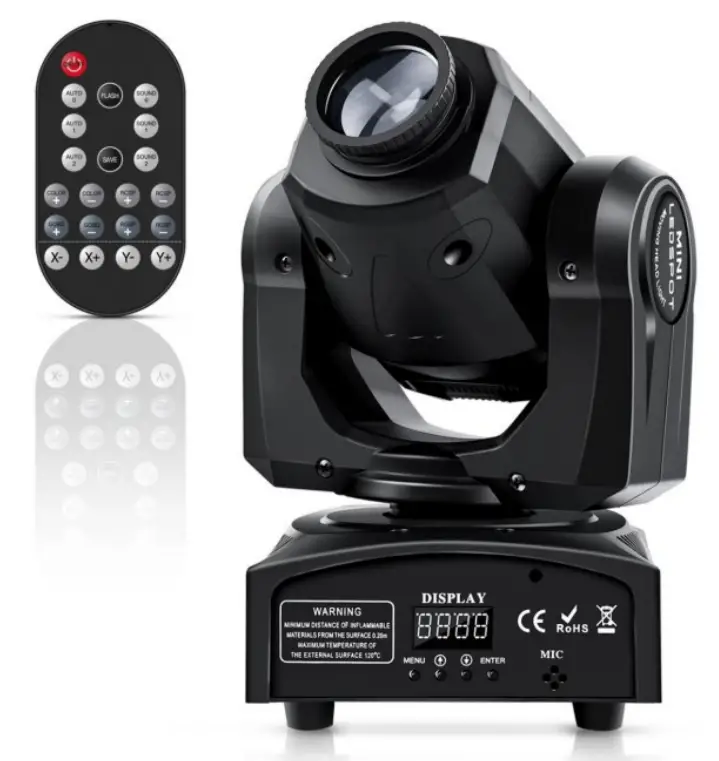
Mini Moving Head Light
Note
- Thank you for purchasing our moving head light, please read the instructions carefully before use. Installation according to manual requirements.
- All information, specifications, diagrams, images and descriptions in the instruction manual are subject to change without notice.
- This manual contains important information, please keep this manual safe for future use.
TECHNICAL PARAMETERS
- Fuse: 3A
- Dimmer: 0-100%0%
- DMX channel: 9/11 CH
- Lightsource: 1 pcs white LEDED
- Scanning angle: X-540°/Y-270°
- Working voltage: AC 100-240V, 50-60Hz 50/60Hz
- Housing material: ABS + Aluminum alloy
- Control mode: Sound activated/Auto/Remote/DMX 512/Master-slave
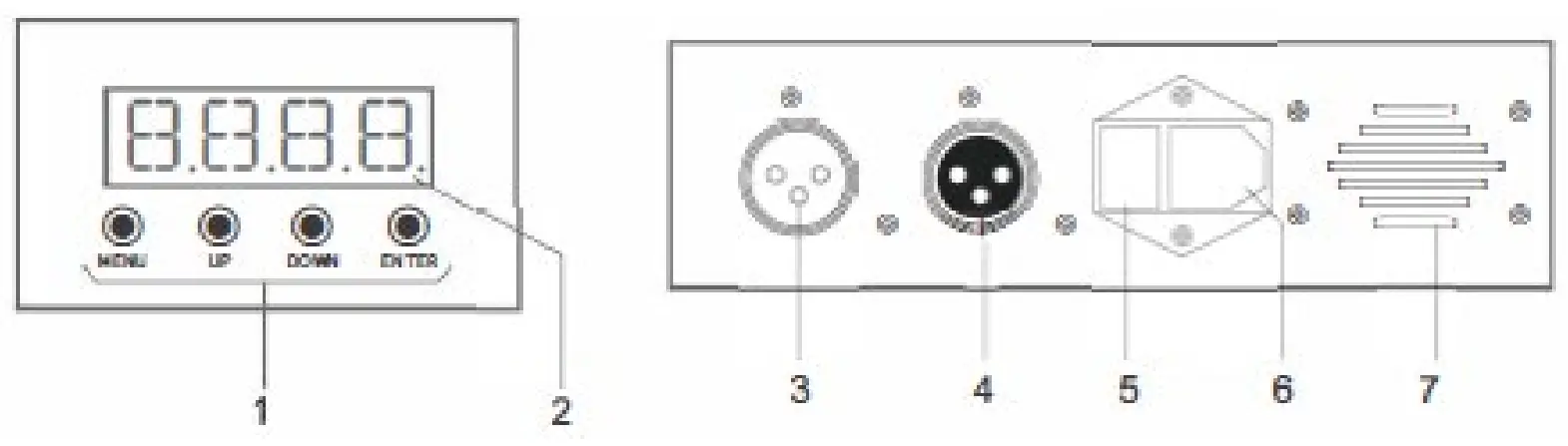
LED DISPLAY
- Menu
- Display
- DMX IN
- DMX OUT
- Fuse
- Power
- Cooling fan

SAFETY AND OPERATING INSTRUCTIONS
After the power is plugged in and the switch is turned on, “rSt” is displayed. The moving head lights are being reset, please do not operate.
- Plugged into a grounded power outlet for indoor use only.
- Don’t expose the device to rain or moisture, avoid the risk of fire or electric shock. Make sure that no flammable objects near the device.
- Install the equipment in a well-ventilated place at least 50cm from any surface, and ensure that the ventilation slots are not blocked.
- Disconnect the equipment from the power supply before any operation.
- The ambient temperature should not exceed 40° C, and the maximum ambient temperature is 45° C. Don’t operate the device at higher temperature.
- The equipment should be stopped immediately, if a fault occurs, and do not repair the equipment by yourself. Improper maintenance can result in damage and malfunction. Contact technical support for repair approval. Only the same accessories can be used with the original parts, and make sure the power cord is not blocked or damaged.
- Do not expose your eyes to light sources, which can be a sign of a seizure in sensitive people.
- The moving head lights are only used for decoration and not suitable for ordinary household lighting.
- Replacing the fuse: Unplug the device from the power supply, remove the fuse holder from its original position with a screwdriver, take out the burnt fuse, replace the fuse with the same characteristics, then re-rotate the screw, and connect the device to the power supply superior.
- WARNING: Stop using it if the fuse is still blowing after being replaced. Please contact customer support for further instructions, continued use may cause serious damage.

CAUTION
DO NOT OPENTHE HOUSING SHOCK HAZARD - Fix the equipment with the screw holes on the bracket to ensure that the equipment is firmly fixed to prevent vibration and movement during operation, and always check whether the structure of the equipment is strong enough to withstand equipment that is at least ten times.
- The equipment must be fixed by professionals in places that elders and children cannot reach, and no one can pass under or over the pedestrian crossing.
- End-of-life of the product: This sign indicates that this product should not be thrown into household waste in European Community countries and that waste should be recycled to support the sustainable recycling environment of and resources human in order health to Utilize. If the you need to recycle electrical used appliance electrical collection appliances, center or please contact go to the dealer ecological where recycling you of purchased the the product to ensure the ecological recycling of the product.
- Remote Control: If you want to control the light by remote, please unplug the DMX cable and set Remote Control to ON. If you want to control the device via the menu, set the remote to off.

PACKING LIST
Unpacking Instruction: when you receive the item, please unpack and inspect the items for completeness and integrity. If there is damage, please notify the carrier immediately and retain all packaging materials for safe transportation of the item.
- Moving head * 1
- Power cord * 1
- Remote control *1
- Mounting screw * 2
- Mounting bracket * 1
- User Manual * 1
INSTALLATION INSTRUCTIONS
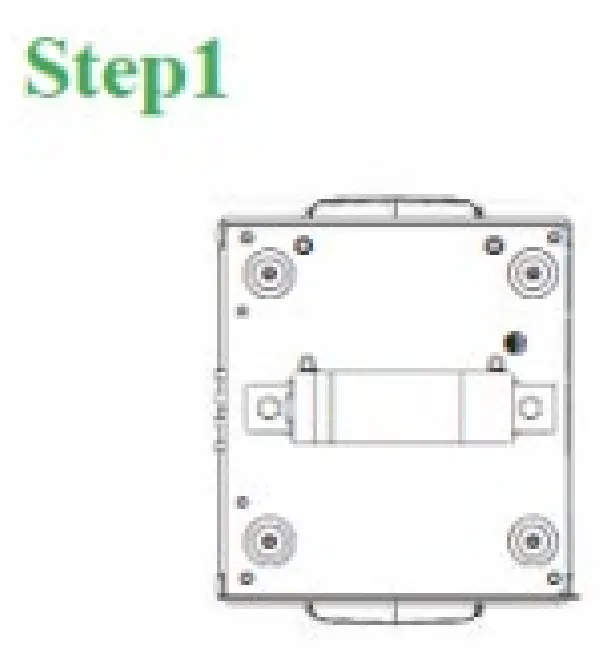
- Install the bow bracket and fix it with screws

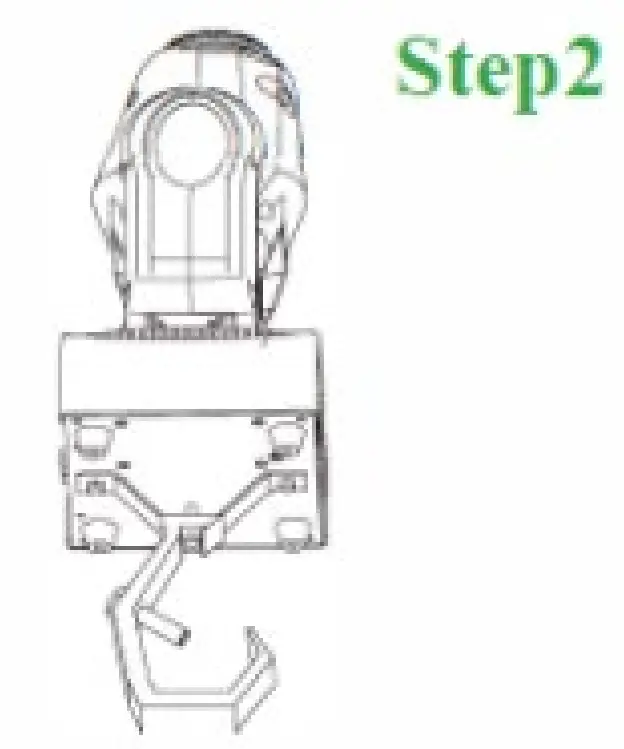
- Install the bow bracket with the bow bracket

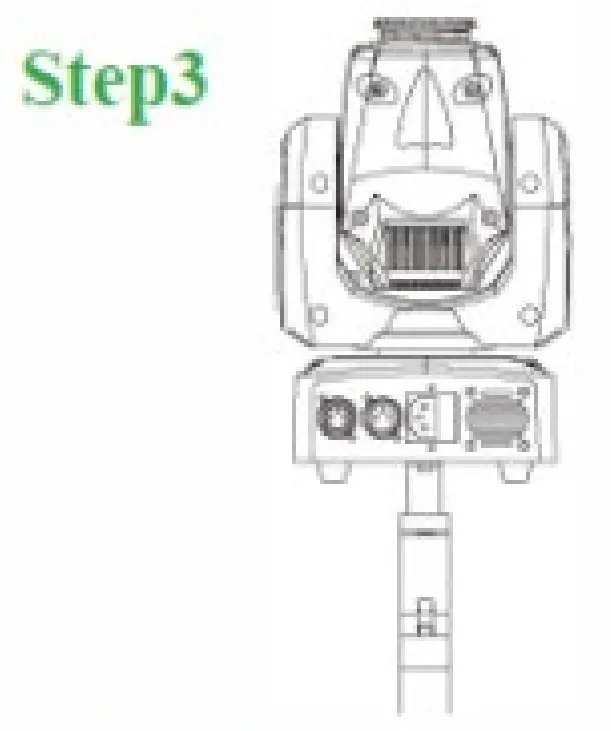
- Confirm that the bracket position is installed correctly

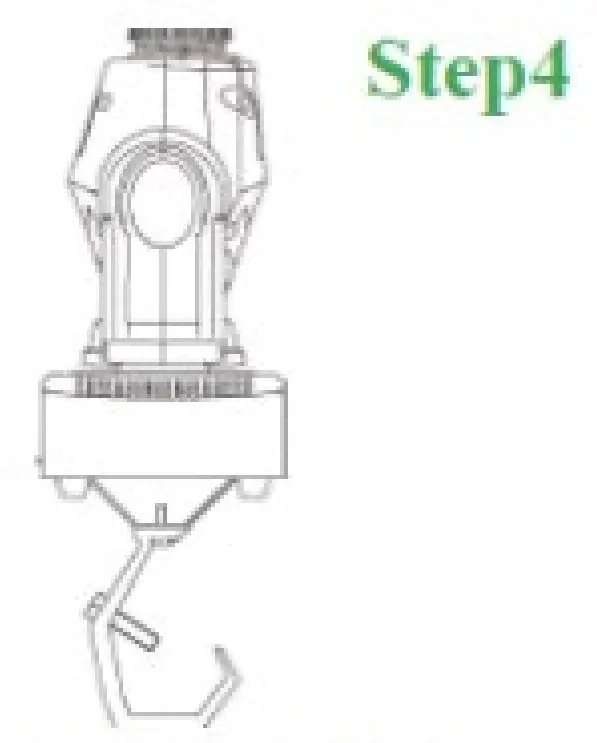
- Position is installed successfully Confirm whether the bracket

Hook brackets are not included in the package
STARTUP STEPS FOR VARIOUS MODES
Automatic mode:
- Press ”MENU” to find “Auto” and press the button “ENTER”
- Press “UP”/”DOWN” button to select “au00” , “au01” or “au02”
- Press “ENTER” button to save
Press the “ENTER” button twice to automatically adjust the playback speed, and the “UP” or “DOWN” button to activate the automatic playback speed (the higher values, the faster it is, and the lower values, the slower it is)
Sound Activated mode:
- Press ”MENU” to find “Snon” and press the button “ENTER”
- Press “UP”/”DOWN” button to select “Son0” , “Son1” or “Son2”
- Press “ENTER” button to save
Press the “ENTER” button twice to start the sound sensitivity adjustment, and the “UP” or “DOWN” button to start the sensitivity speed (the higher values, the faster it is, and the lower values, the slower it is)
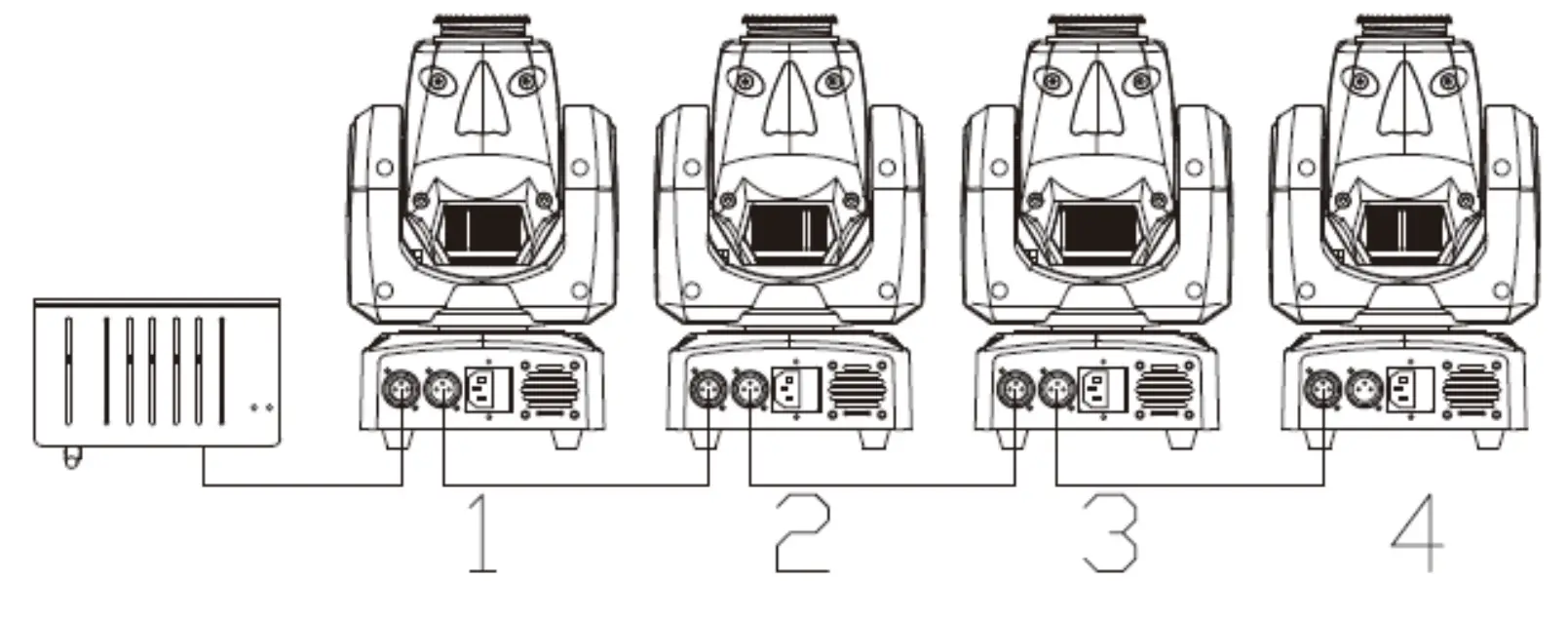
Console & Master-slave mode:
- DMX out to NO.1 moving head DMX in; NO.1 moving head DMX out to NO.2 moving head DMX in; (And so on, you can daisy chained more than 10 moving head lights)
- Press “MENU” to find “ADDR” and pressthe button “ENTER”
- Display show “a001” and press “UP”/”DOWN” button to select the console value
Mater-salve Setting:
- NO.1 moving head is setto Automatic or Sound activated mode according to the startup mode
- NO.2 moving head, NO.3 moving head…… are set to DMX512 mode (DMX address code is 001)

REMOTE CONTROL
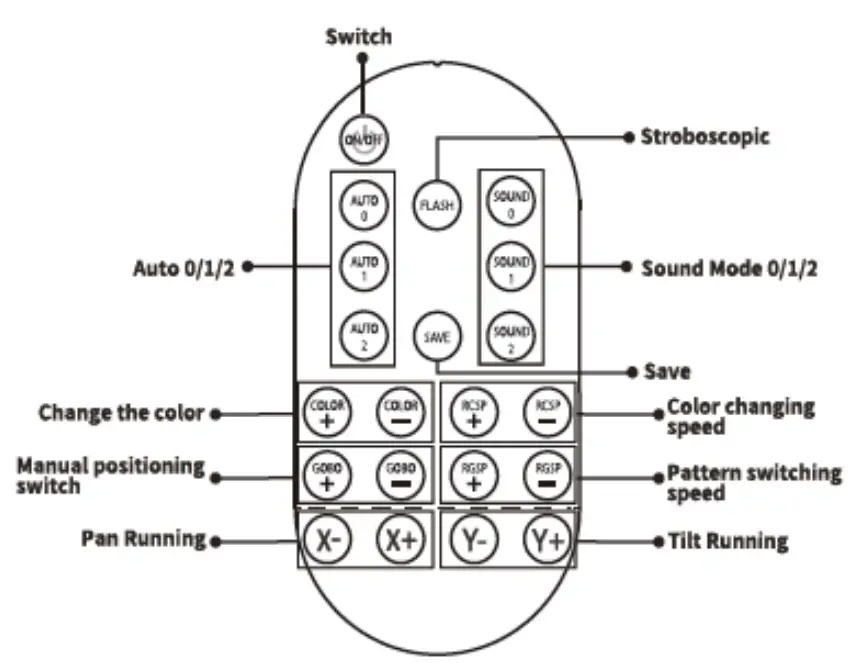
- ON/OFF: light on /block out
- FLASH: flash lighting effect
- SAVE: save the value
- AUTO 0/AUTO 1/AUTO 2: automatic lighting effect
- RCSP+:the speed increase when color changing
- RCSP-: the speed decrease when color changing
- SOUND 0/SOUND 1/SOUND 2: sound activated lighting effect
- RCSP+:the speed increase when gobo switching
- RCSP-: the speed decrease when gobo switching
- X+: X-axis position plus
- X-: X-axis position minus
- Y+: Y-axis position plus
- Y-: Y-axis position minus
- COLOR+: select color in forward direction
- COLOR-:select color in reverse direction
- GOBO+: select color in forward direction
- GOBO-: select color in reverse direction
Addr | A001-A512 | 512 address setting | |
| Auto | Aut0 | Effect 0 (recommend) | |
| Aut1 | Effect 1 | ||
| Aut2 | Effect 2 | ||
| Soun | Son0 | Effect 0 | |
| Son1 | Effect 1 | ||
| Son2 | Effect 2 | ||
| SET | CHnd | 9 CH | 9 channel setting |
| 11 CH | 11 channel setting | ||
| RPAN | NO | X dynamo forward rotation | |
| YES | X dynamo reverse rotation | ||
| RTIL | NO | Y dynamo forward rotation | |
| YES | Y dynamo reverse rotation | ||
| DISP | YES | Display forward | |
| NO | Display reverse | ||
| LED | OFF | Close screen after 5s | |
| ON | Screen stays lit | ||
| LoAd | NO/YES | Restore factory settings | |
9 CHANNEL
| CHANNEL | FUNCTION | VALUE |
| 1 | Pan Running | 0-255 |
| 2 | Tilt Running | 0-255 |
| 3 | Color | / |
| Color Selecting | 10-139 | |
| Color Changing Automatically | 144-255 (speed from slow to fast) | |
| 4 | Gobo | / |
| Half Gobo Effect | 8-63 | |
| Gobo Shaking | 72-127 (speed from slow to fast) | |
| Gobo Changing Automatically | 128-255 (speed from slow to fast) | |
| 5 | Strobe | 0-255 (speed from slow to fast) |
| 6 | Dimming | 0-255 (from dark to bright) |
| 7 | Pan/Tilt Running Speed | 0-255 (speed from slow to fast) |
| 8 | Pan Running | 10-100 |
| Tilt Running | 101-158 | |
| Auto Mode | 60-159 | |
| Sound Activated Mode | 160-255 | |
| 9 | X Reset | 0-100 |
| Y Reset | 101-200 | |
| X、Y Reset | 201-249 | |
| Reset | 250-255 |
11 CHANNEL
| CHANNEL | FUNCTION | VALUE |
| 1 | Pan Running | 0-255 |
| 2 | Pan Fine Tuning | 0-255 |
| 3 | Tilt Running | 0-255 |
| 4 | Tilt Fine Tuning | 0-255 |
| 5 | Color | / |
| Color Selecting | 10-139 | |
| Color Changing Automatically | 144-255 (speed from slow to fast) | |
| 6 | Gobo | / |
| Half Gobo Effect | 8-63 | |
| Gobo Shaking | 72-127 (speed from slow to fast) | |
| Gobo Changing Automatically | 128-255 (speed from slow to fast) | |
| 7 | Strobe | 0-255 (speed from slow to fast) |
| 8 | Dimming | 0-255 (from dark to bright) |
| 9 | Pan/Tilt Running Speed | 0-255 (speed from slow to fast) |
| 10 | Auto Mode | 60-159 |
| Sound Activated Mode | 160-255 | |
| 11 | Pan Running | 10-100 |
| Tilt Running | 101-158 | |
| X、Y Reset | 201-249 | |
| Reset | 250-255 |